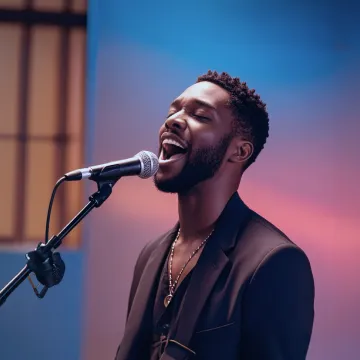





AI Music Video Generator

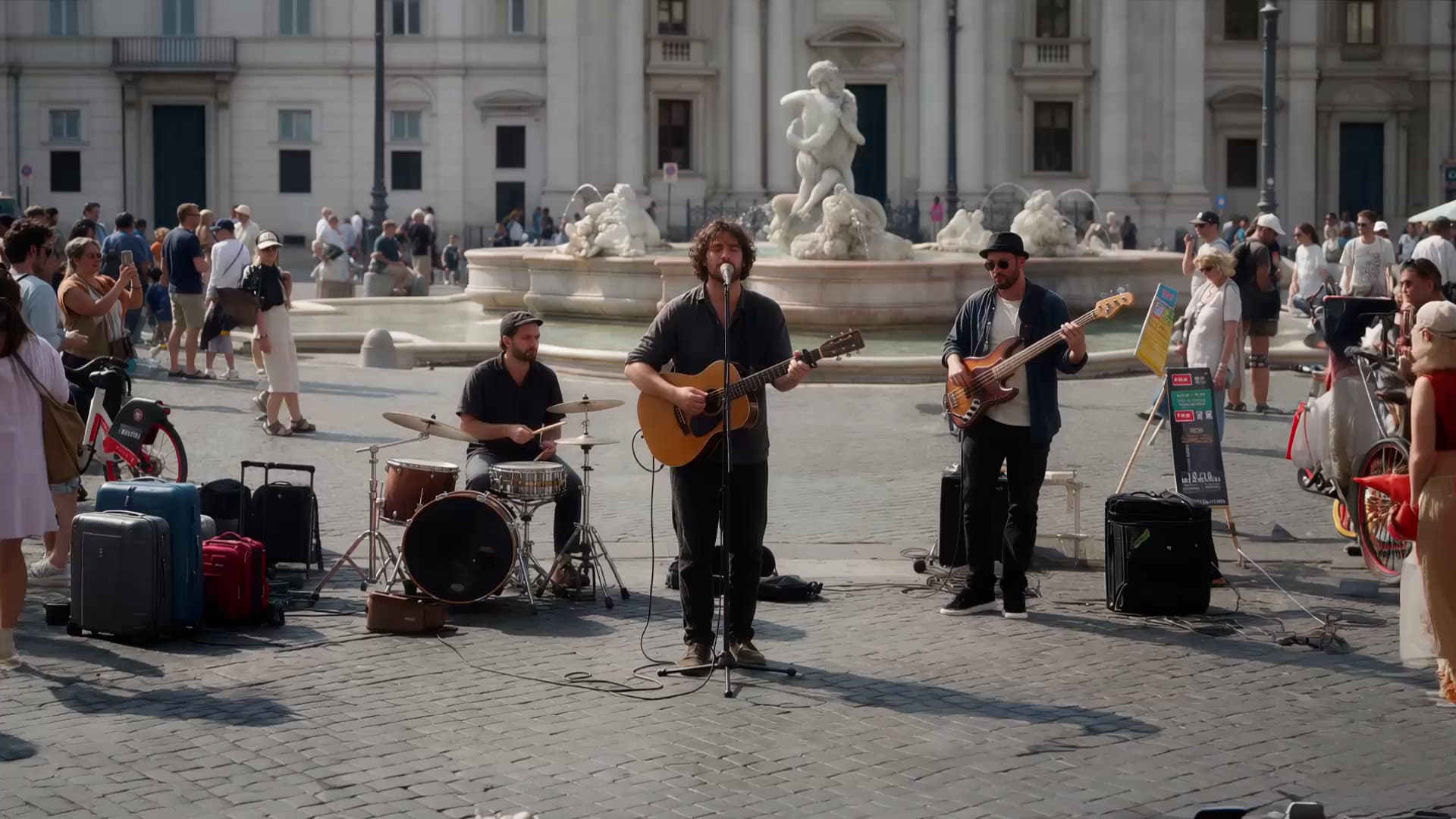
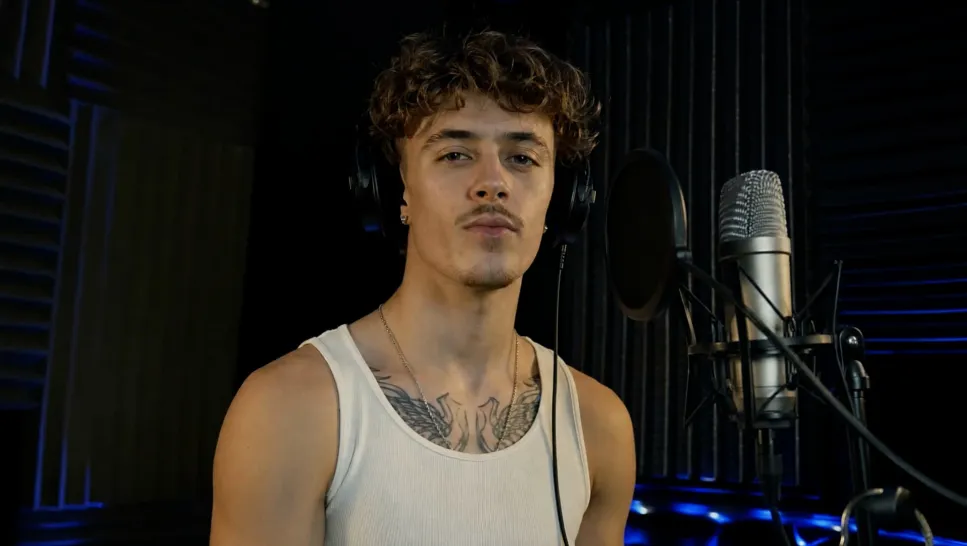
Your next music video could open with a quiet close-up, take the chorus somewhere unexpected, or put your artist on a stage that doesn't exist. With Kling 4.0, create performances and original scenes from text, photos, and video references.

AI Music Video Generator

How to Make an AI Music Video

Step 1: Upload Your Creative References

Step 1: Upload Your Creative References

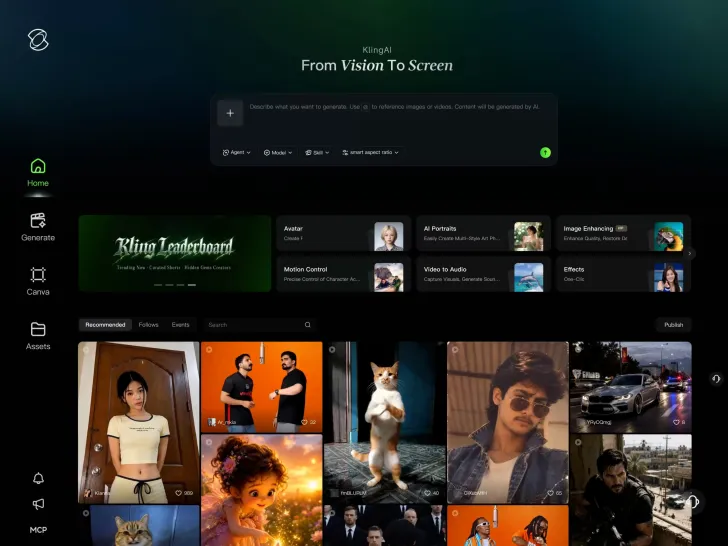
Upload artist photos, album artwork, storyboards, or performance footage. These references help establish the artist's appearance, settings, and overall style. You can also start without them.

Step 2: Describe Your Music Video Scenes

Step 2: Describe Your Music Video Scenes

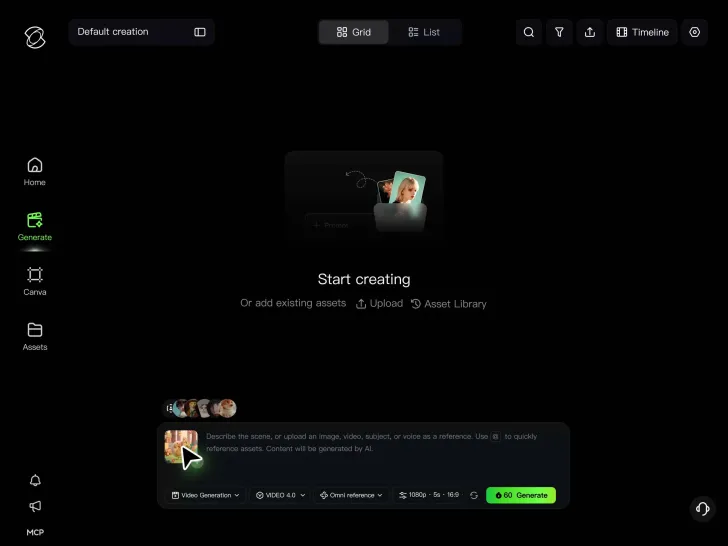
Enter a prompt for the performance, setting, camera movement, and mood. Plan different scenes for the verse and chorus, and add keyframes to guide important moments.

Step 3: Generate and Build Your Music Video

Step 3: Generate and Build Your Music Video

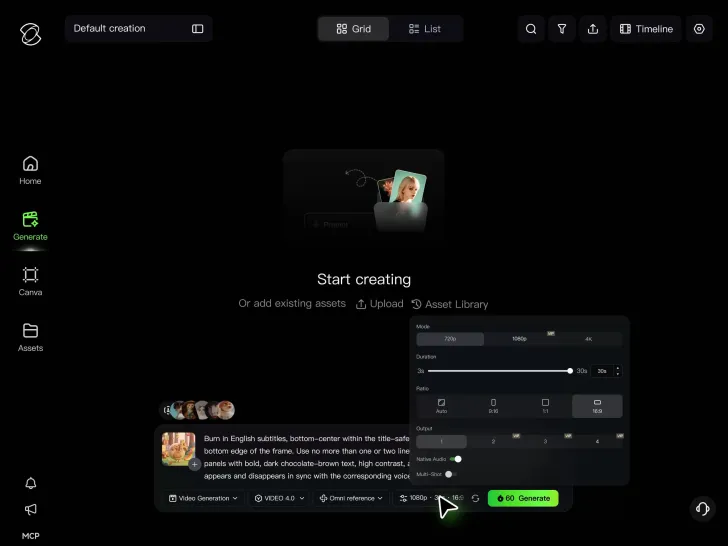
Generate your clips and arrange them on a continuous timeline. Review the sequence, refine individual shots, and finish synchronizing the video with your song before release.

From the First Verse to the Final Frame

Build More Than a 30-Second Music Video

Build More Than a 30-Second Music Video

A complete music video often needs more than one performance or setting. You might want an opening that introduces the artist, additional footage to support the story, and a closing shot that brings everything together.

Kling 4.0 generates clips up to 30 seconds at a time. With Continuous Timeline Creation, you can arrange those clips in sequence, insert new footage, and make changes as the video develops. Build a longer MV from multiple scenes without having to start a new project every time you need another shot.

Give Each Part of Your Song a Different Look

Give Each Part of Your Song a Different Look

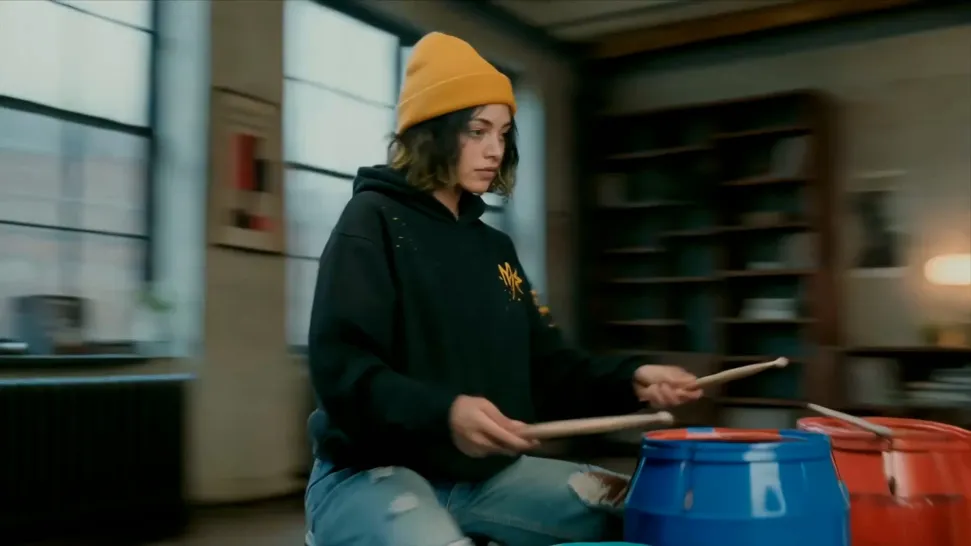
The visuals don't have to stay the same throughout a song. A slower verse may work best with an intimate close-up, while a more energetic chorus could call for wider shots, stronger lighting, or more movement.

Plan the key moments of each scene with Kling 4.0's multiple keyframes. Use up to 10 reference frames to guide character poses, camera views, and changes in composition within a clip. Create footage with a clear visual progression, then arrange the shots to match the structure and rhythm of your track.

Same Artist, Different Settings

Same Artist, Different Settings

One music video, several locations, one recognizable performer. Take your artist from an empty rehearsal room to a crowded stage, then into a scene that could only exist on screen. Work with the portraits, styling, colors, and other details that define their look.

Kling 4.0's Omni Reference accepts up to 15 combined reference assets, subject to individual input limits. Artist photos, performance clips, and visual references can guide new shots, helping familiar features stay recognizable as the lighting, wardrobe, and surroundings change.

Apps

60M+
60M+
Users
600M+
600M+
AI Videos Generated
4.7 ★
4.7 ★
App Store
Industry-Leading
Industry-Leading
Cinematic 4K

Reviews

Déborah

Déborah

I use Kling AI every day. It's amazing to see the almost daily progress it makes. I used AI for fun at first, and I now find that Kling AI's animations allow me to gain professional visibility, with three times more views on my animated posts than on my static posts.

KakuDrop

KakuDrop

I have successfully collaborated with world-renowned artists and well-known companies that are recognized globally

Jyo John Mulloor

Jyo John Mulloor

Kling AI has been instrumental in transforming my creative workflow, unlocking new dimensions of artistic expression that were once unimaginable. I use Kling AI extensively to develop high-concept visuals, animate surreal dreamscapes, and create AI-assisted films that blur the line between reality and fantasy. Kling AI's deep learning capabilities have not only enhanced my creative efficiency but also inspired me to explore storytelling in ways I never thought possible.

FAQ

Q1What is an AI music video generator?
Q2How do I generate a music video with AI?
Q3What is the best AI music video generator?
Q4Can I generate a music video directly from an audio file?
Q5Can I create a full-length music video with Kling AI?
Q6Can I create singing or dance music videos with AI?
Q7Can I keep the same artist across different music video scenes?
Q8Can I add lyrics or song titles to an AI music video?
Q9What music video styles can I create with AI?
Q10Can I use AI-generated music videos commercially?

Put a Video Behind Your Next Release

A new single, an EP, or a track you've been sitting on for months. Start with the music, work out the visuals, and make the video you've been imagining with Kling 4.0.

Continuous Timeline | Omni Reference | Up to 10 Keyframes | 4K Output