AI Portrait Generator: Create Portraits Your Way
Bring any portrait idea to life from a photo or simple description. Keep people recognizable, explore new styles, and create portraits for profiles, families, characters, and more.
Bring any portrait idea to life from a photo or simple description. Keep people recognizable, explore new styles, and create portraits for profiles, families, characters, and more.
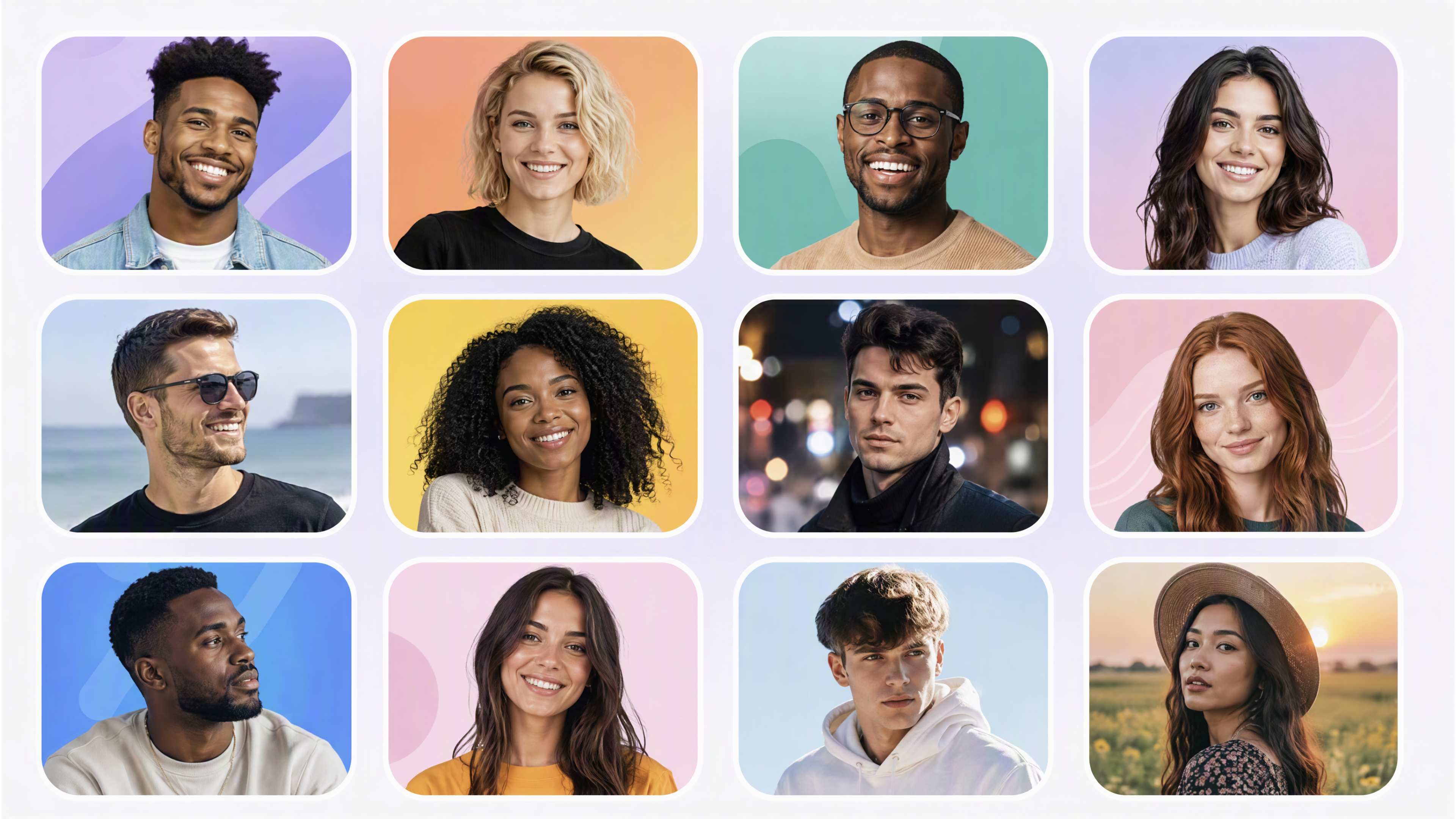
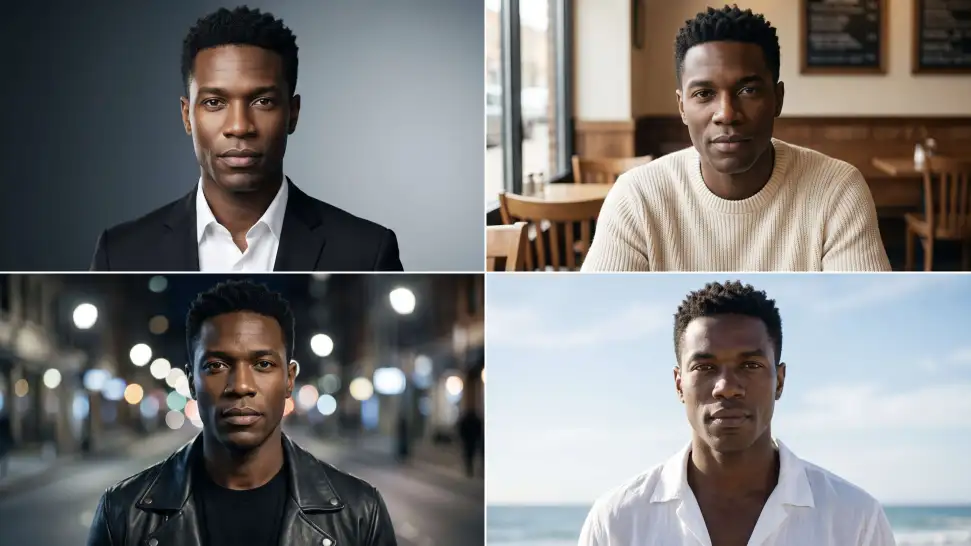
Start with a reference portrait and keep recognizable facial features more consistent while exploring different hairstyles, outfits, poses, backgrounds, and moods, giving you more freedom to reimagine the portrait while maintaining the person’s overall appearance.
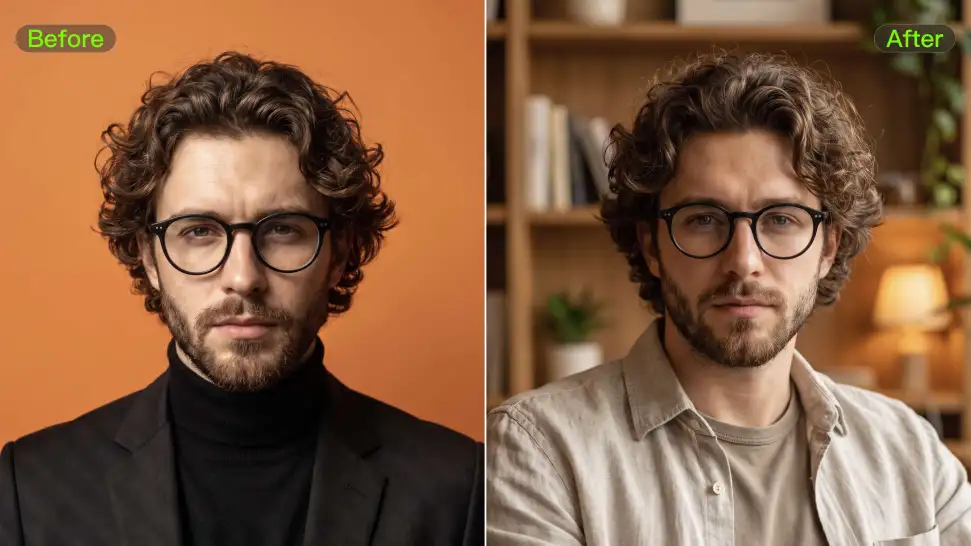
A portrait can change without stopping at a new style. Make the subject smile, laugh, look serious, turn to the side, change the hairstyle, switch the outfit, move from a close-up to a wider shot, or place the person under different lighting. Use your prompt to guide several parts of the portrait at once.
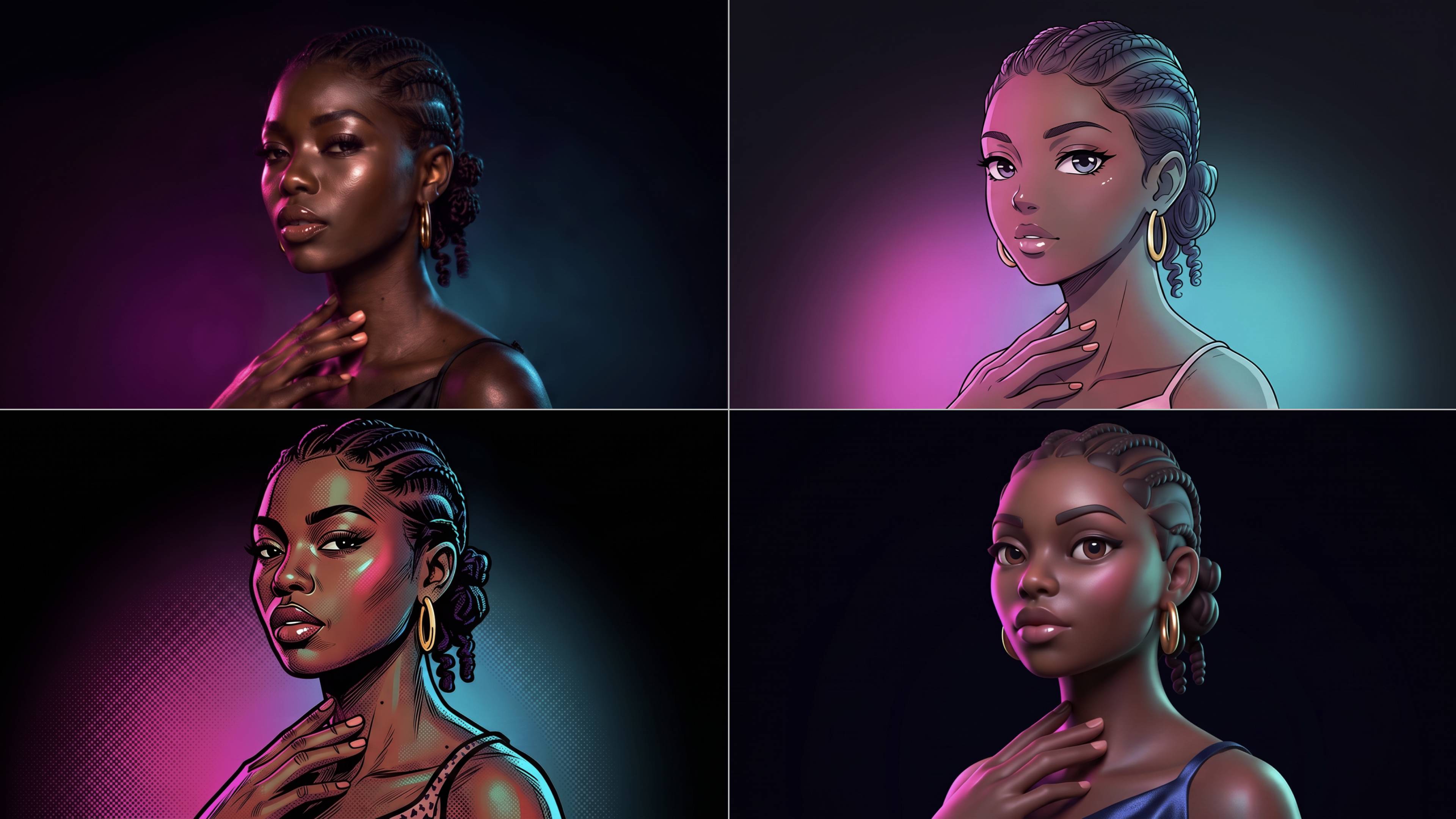
Turn the same person into a professional headshot, cinematic portrait, editorial photo, 3D image, illustration, or other creative style. You can explore portrait styles with different lighting, styling, expressions, and settings without rebuilding the portrait from scratch.

















Kling AI has made it easy for us to generate world class visuals for Fortune 500 companies, TV shows and music for big artists. We love the easy of use of the platform and the quality of the generations. My first time using Kling AI, I got 22 million views on just one video. It's that good.

Kling AI seamlessly integrates into my creative workflow, playing a key role in transforming my images. After generating and upscaling an image, Kling becomes a crucial element, bringing my creations to life with movement and depth.

I use Kling AI daily to push the limits of AI filmmaking. It allows me to create highly cinematic content, blending AI and VFX to develop innovative projects. It has significantly impacted my creative process, enabling me to achieve complex animations that would otherwise require high production budgets.
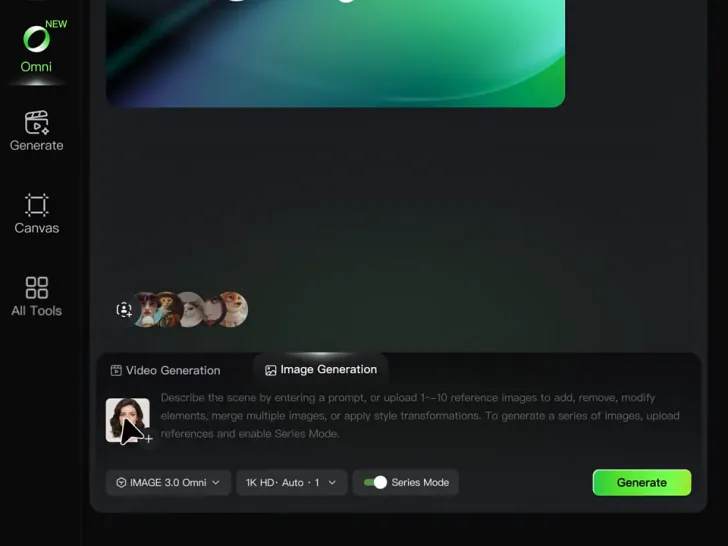
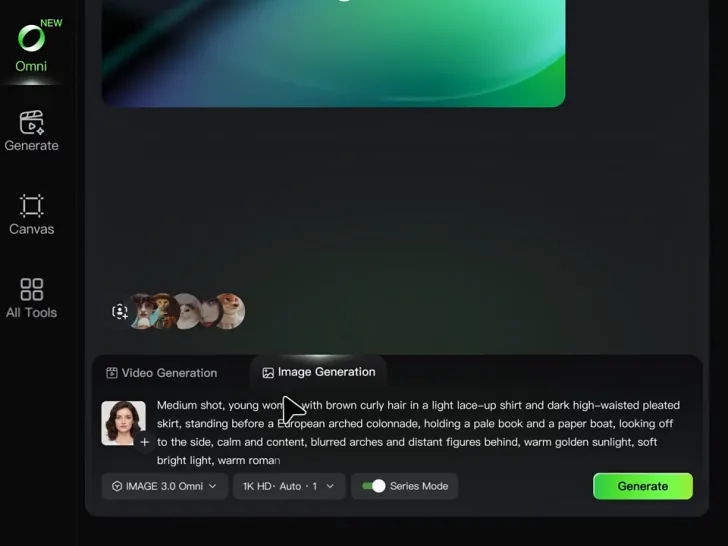
Start with a photo or a text prompt. Keep familiar features, change the pose, styling, lighting, or setting, and continue refining the portrait until you have the version you want.