Creative Studio
API
Resources
Features
About Us
Download

AI Voice Generator: Give Every Character a Voice

Turn written dialogue into expressive character voices with Kling VIDEO 3.0 Omni Native Audio. Guide the language, accent, tone, and delivery while generating voice, facial performance, visuals, and scene sound together as part of your AI video.
AI Voice Generator: Give Every Character a Voice

How to Generate AI Voices from Text with Kling AI

Step 1: Set Up Your Characters

Step 1: Set Up Your Characters

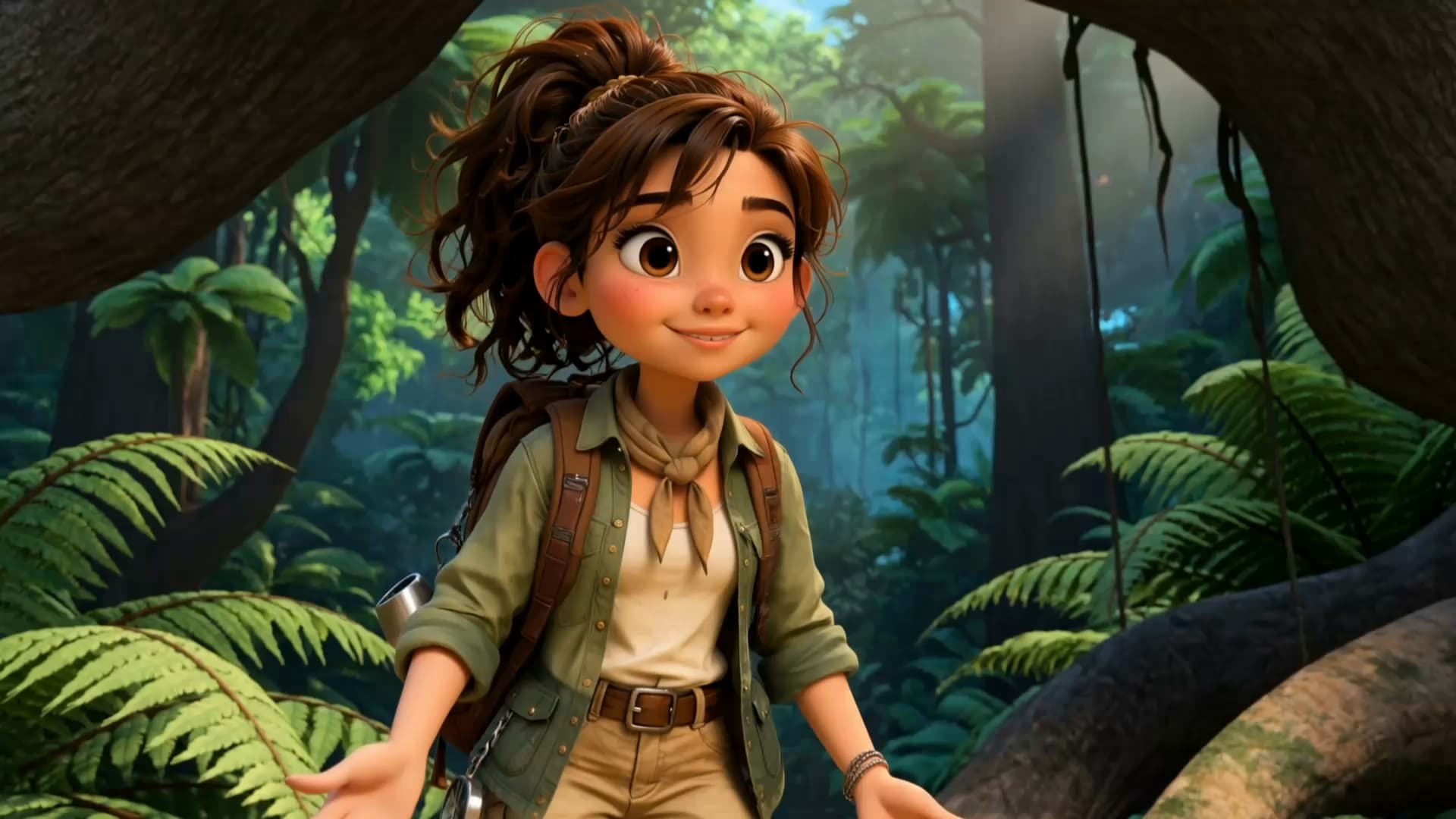
Start with a character in your prompt, or add a supported image, Character Element, or video reference when you already have a specific character in mind.

Step 2: Add Dialogue and Voice Direction

Step 2: Add Dialogue and Voice Direction

Write each character's dialogue and make the speaker clear in your prompt. Add directions for the language, accent, tone, emotion, or delivery when they matter to the scene. For scenes with multiple speakers, keep each character's name, line, and voice direction clearly connected.

Step 3: Generate Videos with Native Audio

Step 3: Generate Videos with Native Audio

Generate with Native Audio to create the dialogue as part of the video itself. Kling VIDEO 3.0 Omni produces voice, facial performance, lip movement, visuals, ambience, and supporting sound within the same generation.

Create Voices That Match Your Characters

Generate Character Voices Directly with the Video

Generate Character Voices Directly with the Video

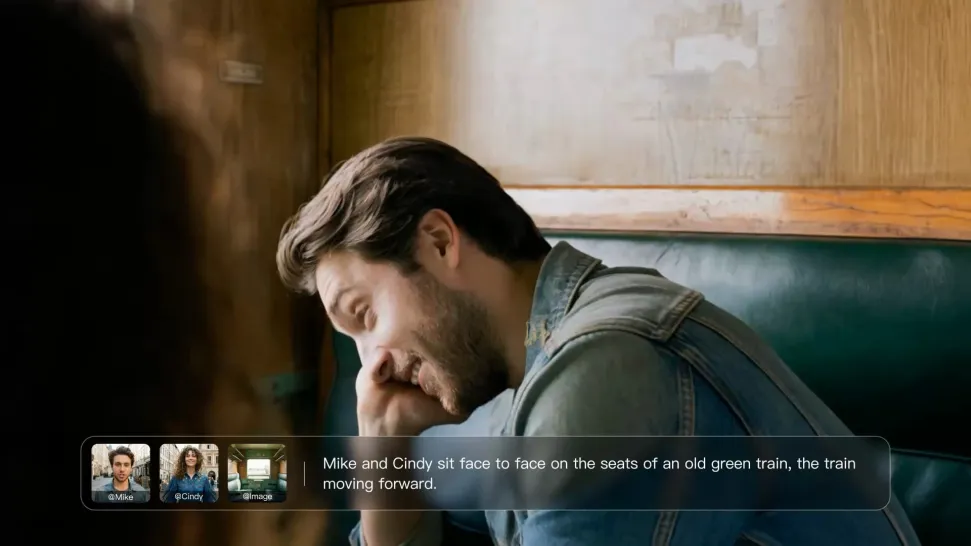
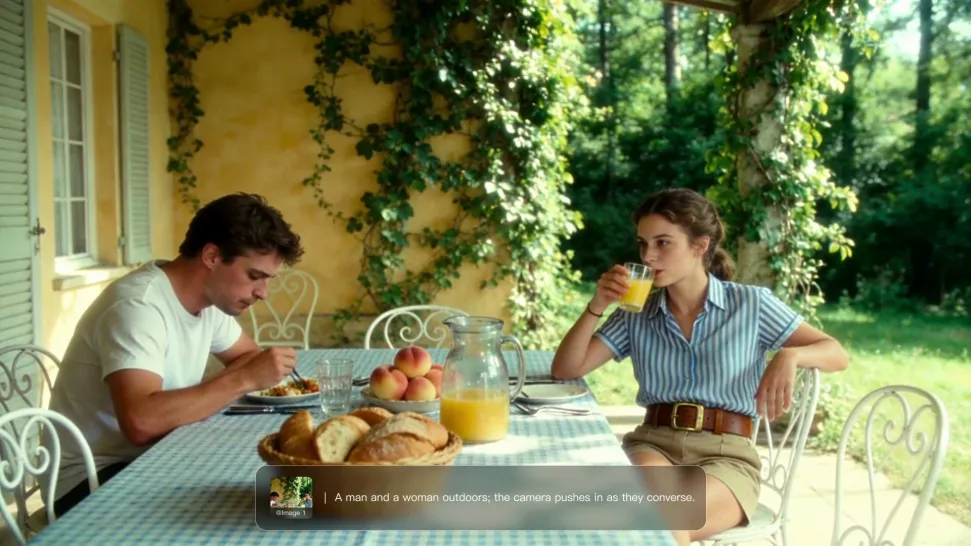
Write the dialogue into your video prompt and let Kling generate the spoken performance together with the scene. Because voice, facial performance, mouth movement, visuals, ambience, and supporting sound are created in the same workflow, the dialogue feels connected to what the character is doing on screen rather than added as a separate layer afterward.

Create Dialogue Across Languages and Accents

Create Dialogue Across Languages and Accents

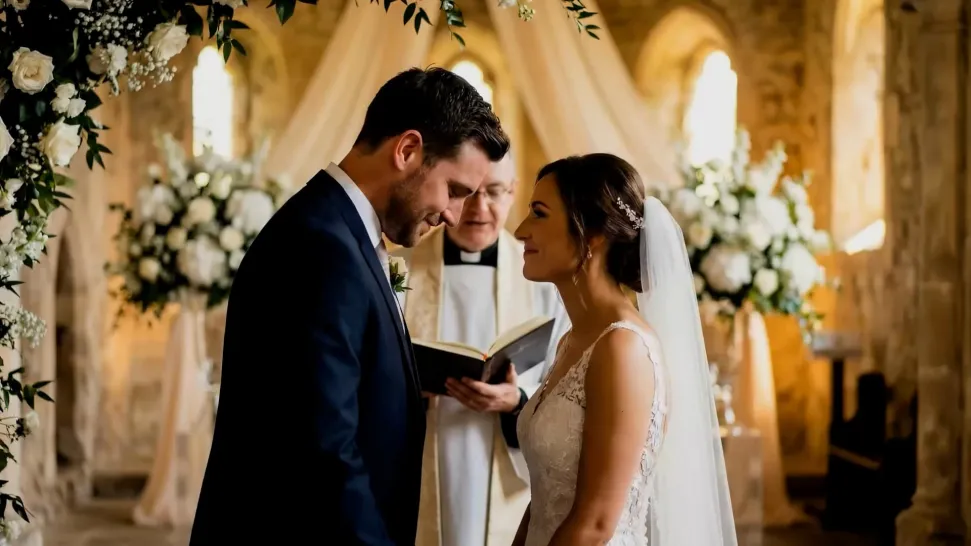
Create character voices in multiple languages, including English, Chinese, Japanese, Korean, and Spanish. You can also customize accents, dialects, and speaking styles to make characters sound more authentic for different regions, cultures, and story settings.

Keep a Character's Voice Consistent Across Scenes

Keep a Character's Voice Consistent Across Scenes

For recurring characters, Kling VIDEO 3.0 Omni lets you add voice to reusable Character Elements. A character can carry both recognizable visual traits and a connected voice into supported future generations. This makes it easier to build recurring presenters, fictional characters, or story leads that not only look familiar across scenes, but also keep a more consistent vocal identity.

Apps

Image to Video
Image to Video

Image to Video

Text to Video
Text to Video

Text to Video

Omni
Omni

Omni

Digital Human
Digital Human

Digital Human

Restyle
Restyle

Restyle

Text to Image
Text to Image

Text to Image

60M+
60M+
Users
600M+
600M+
AI Videos Generated
4.7 ★
4.7 ★
App Store
Industry-Leading
Industry-Leading
Cinematic 4K

Reviews

KakuDrop

KakuDrop

★★★★★

I have successfully collaborated with world-renowned artists and well-known companies that are recognized globally

Jyo John Mulloor

Jyo John Mulloor

★★★★★

Kling AI has been instrumental in transforming my creative workflow, unlocking new dimensions of artistic expression that were once unimaginable. I use Kling AI extensively to develop high-concept visuals, animate surreal dreamscapes, and create AI-assisted films that blur the line between reality and fantasy. Kling AI’s deep learning capabilities have not only enhanced my creative efficiency but also inspired me to explore storytelling in ways I never thought possible.

Huang Lu (Elson)

Huang Lu (Elson)

★★★★★

I’ve been using Kling AI since its initial release, and it’s remained one of the leading AI media generators ever since. With Kling AI, I’ve created hundreds of videos, collectively amassing millions of views.

FAQ

Q1What is an AI voice generator?
Q2How does an AI voice generator work?
Q3Can AI generate voices for characters?
Q4Does Kling AI support multiple languages?
Q5Can I keep the same character voice across different videos?
Q6Can AI voices match lip movements?
Q7Can I create voices for multiple characters?
Q8What can I use an AI voice generator for?
Q9Can Kling AI generate a standalone voice file without a video?

Bring Your Characters to Life with AI Voices

Create natural voices from text with Kling AI. Turn character dialogue into expressive speech to create realistic character videos.

Native Audio | Multilingual Dialogue | Character Voice Control