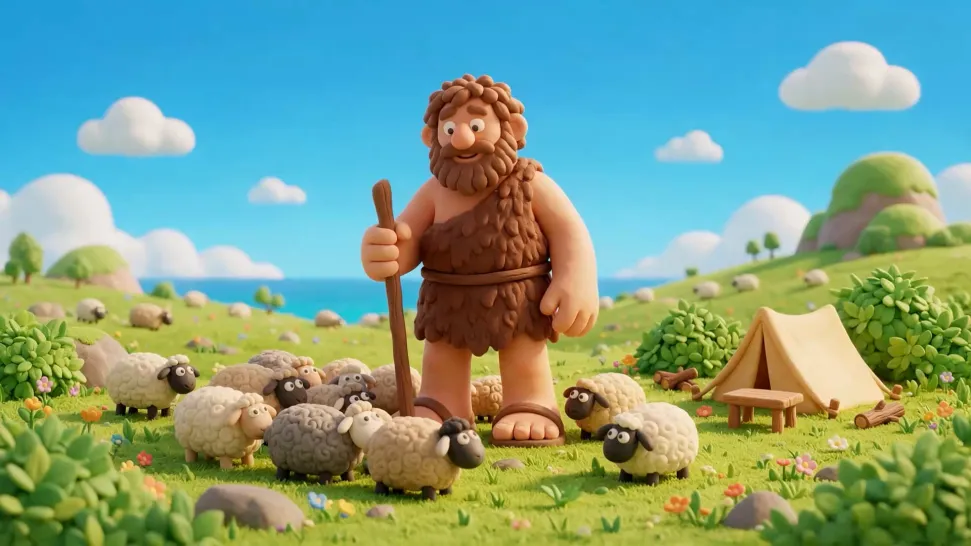
Make Animated Videos Worth Watching

Start with a sketch, photo, or a few words. With Kling 4.0, bring characters to life with expressive movement, create animated stories with consistent visuals, and add dialogue and sound. No frame-by-frame animation needed.

Make Animated Videos Worth Watching

How to Make Animated Videos

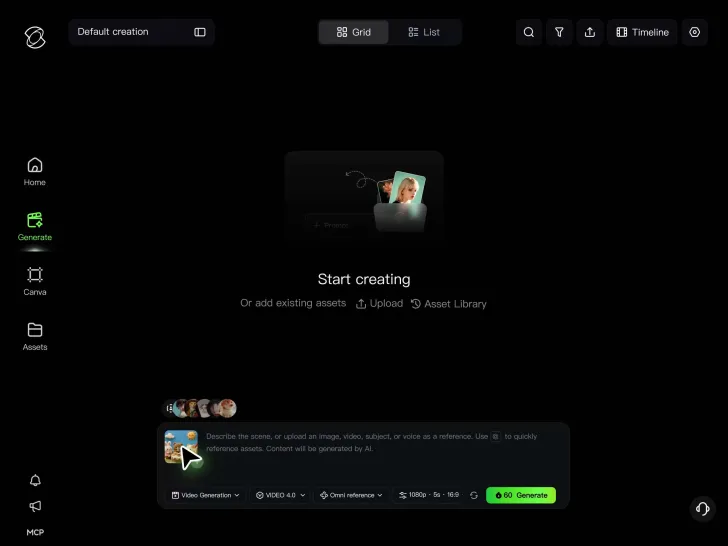
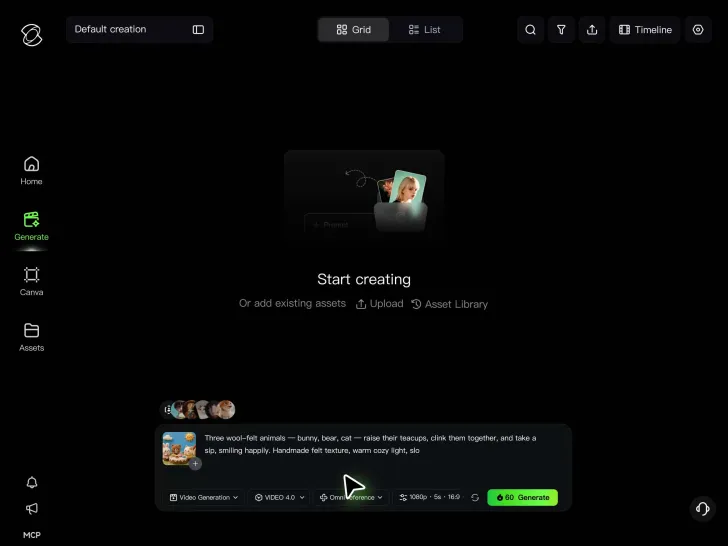
Start with an Idea or Image

Start with an Idea or Image

Have a story in mind? Describe it in a prompt, or upload a photo, sketch, or character illustration. Use Kling 4.0's Omni Reference to guide character appearance and visual style when you have a specific look in mind.

Tell Kling What Happens Next

Tell Kling What Happens Next

Describe how your characters move, react, and interact with the scene. Add dialogue, sound, or camera directions to shape the action. For longer stories, use multi-keyframes to guide important moments along the timeline.

Generate, Refine, and Share

Generate, Refine, and Share

Generate your animation up to 30 seconds. Preview the animation, adjust your prompts or references, and refine the result until it fits your vision. Download your video to share your creation.

Create Animations That Feel Alive

Bring Your Photos and Drawings to Life

Bring Your Photos and Drawings to Life

That character you sketched? Give it a scene of its own. Turn drawings, photos, and illustrations into animated clips for social posts, creative projects, or short stories. Make a cartoon character smile, bring a fantasy landscape to life, or turn a still image into a scene filled with movement. Kling 4.0 can use your source image as a visual starting point and combine it with references to guide character appearance, composition, and style. With Omni Reference, you can work with up to 15 combined reference assets in one task, including images, videos, subjects, and voice references. That gives you more ways to bring a still idea into motion while keeping the look and mood of your animation on track.
Give Your Characters Moves Worth Watching

Give Your Characters Moves Worth Watching

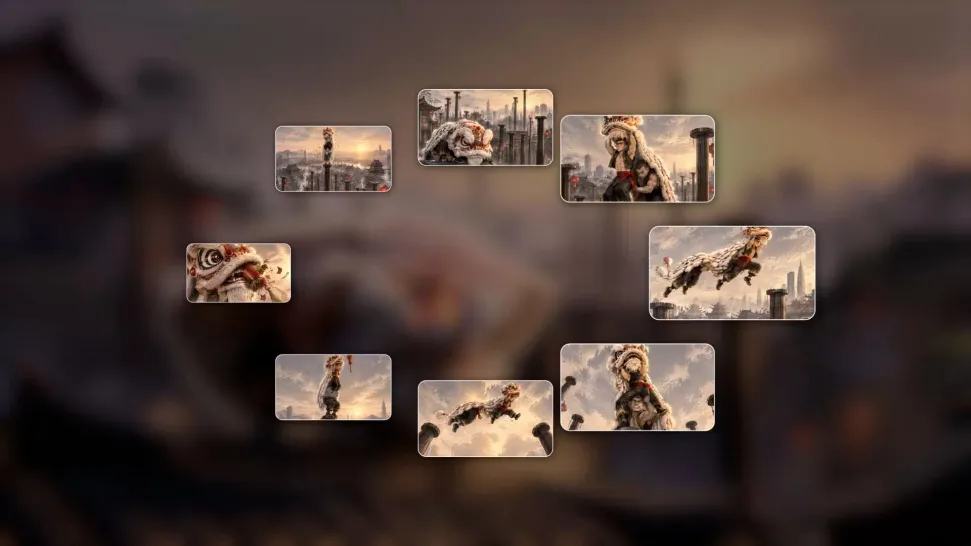
Make your characters do more than stand and smile. Send them running through an adventure, dancing across the screen, leaping into action, or reacting to unexpected moments. From playful cartoon scenes to fast-paced action sequences, bring more energy to every frame. Kling 4.0’s dynamic motions improves stability through large-scale character movement and more complex camera work, helping animated actions feel smoother and more expressive. Whether you want a quick reaction shot or a more dramatic action beat, Kling 4.0 gives your animation more motion range and stronger visual continuity across the scene.

One Character, More Stories to Tell

One Character, More Stories to Tell

Create a character people recognize, then give them new adventures. Build a cartoon series around your original cast, bring a brand mascot into different stories, or create recurring characters for entertaining social videos. Kling 4.0’s Omni Reference helps maintain recognizable characters, outfits, objects, and visual styles across changing settings and scenes. In a single generation, you can combine up to 15 reference assets, including up to 10 images and up to 5 video references with a total duration of up to 30 seconds, giving you more flexibility to keep characters consistent while exploring new story ideas.

Apps

Video Generation
Video Generation

Video Generation

Image Generation
Image Generation

Image Generation

Motion Control
Motion Control

Motion Control

Avatar
Avatar

Avatar

AI Portraits
AI Portraits

AI Portraits

Lip Sync
Lip Sync

Lip Sync

60M+
60M+
Users
600M+
600M+
AI Videos Generated
4.7 ★
4.7 ★
App Store
Industry-Leading
Industry-Leading
Cinematic 4K

Reviews

Samuele Poggi (@visualsk2)

Samuele Poggi (@visualsk2)

★★★★★

I use Kling AI daily to push the limits of AI filmmaking. It allows me to create highly cinematic content, blending AI and VFX to develop innovative projects. It has significantly impacted my creative process, enabling me to achieve complex animations that would otherwise require high production budgets.

Ozan Sihay

Ozan Sihay

★★★★★

Kling AI allows me to rapidly prototype ideas, refine storytelling elements, and produce visually compelling content efficiently. It has not only accelerated my creative processes, but also deepened my understanding of how AI can enrich visual storytelling.

Halim Alrasihi

Halim Alrasihi

★★★★★

I use AI daily and Kling AI is a crucial part of my workflow, whether for client work or personal projects. What I love most about using Kling AI is that it provides all the tools I need in one place, from keyframes to character references, elements and special effects.

FAQ

Q1What is an AI animation maker?
Q2Can I animate a still image with AI?
Q3Can I create animations from text?
Q4Can I animate a photo with AI?
Q5Can I turn a drawing into a cartoon animation?
Q6Can I keep the same animated character across different videos?
Q7Can I add dialogue, voices, and sound effects to my animation?
Q8How long can I make an animated video with Kling 4.0?

Ready to Animate a Photo with AI?

Your next animation could start with a sketch, a photo, or a single sentence. Turn it into expressive characters, exciting scenes, and stories full of life with Kling 4.0. No complicated animation workflow needed.

Dynamic Motions | Omni Reference | 30-Second Generation | Multiple Keyframes