AI Commercial Video Production

Your next campaign shouldn't have to wait for the perfect location or another day on set. Kling 4.0 gives brands and creative teams a way to produce commercial footage from product photos, scripts, and visual references. Develop product shots, direct camera movement, and refine the details without filming every scene.
AI Commercial Video Production

How to Make a Commercial Video With AI

Step 1: Add Your Product and Creative References

Step 1: Add Your Product and Creative References

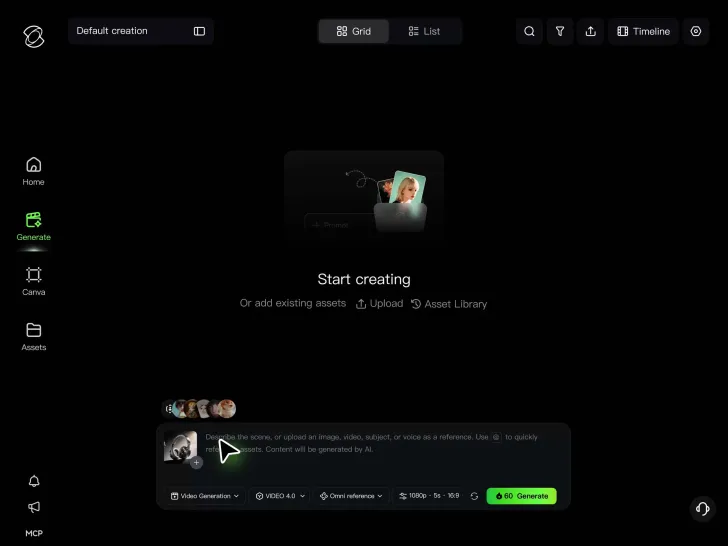
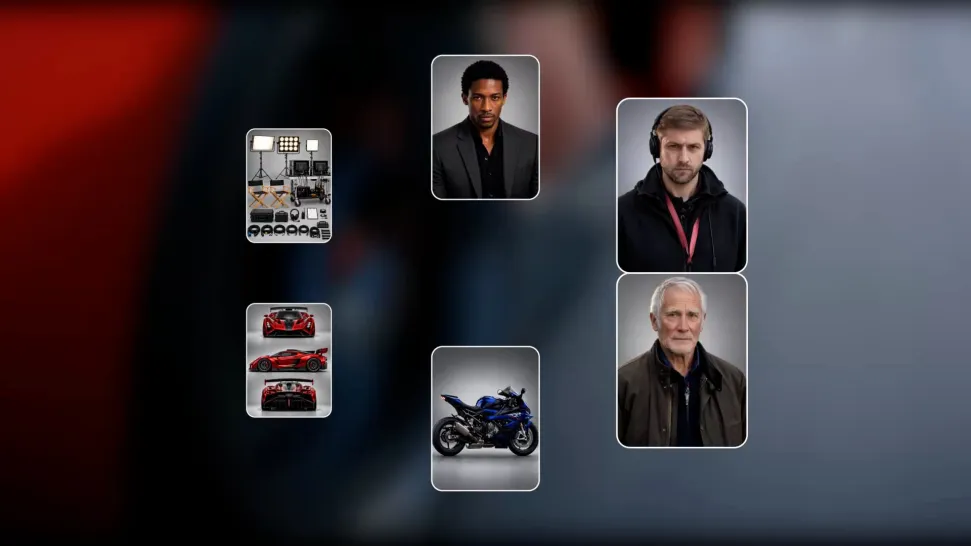
Upload product photos, campaign images, storyboards, or reference videos to Kling 4.0. A written brief is enough to get started if you don't have any assets ready.

Step 2: Describe Your Commercial

Step 2: Describe Your Commercial

Describe your product's key benefit and how the commercial unfolds, from an opening hook to a final product reveal. Guide the action, camera movement, dialogue, and sound to make your advertising message clear.

Step 3: Generate and Refine Your Footage

Step 3: Generate and Refine Your Footage

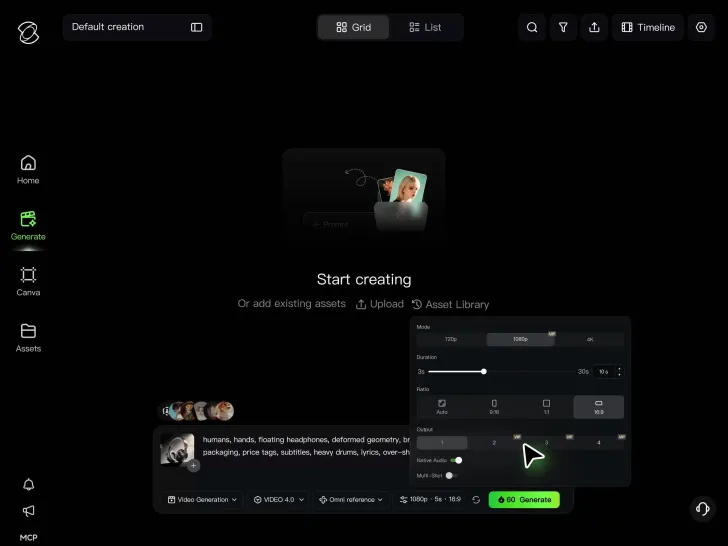
Choose your duration, aspect ratio, and available resolution. Generate your commercial, check the product details and overall pacing, then edit or replace any shots that need work.

Produce the Shots Your Campaign Needs

Keep Your Brand Recognizable Across Every Scene

Keep Your Brand Recognizable Across Every Scene

Build a consistent visual identity across your commercial, from recurring characters and locations to colors, lighting, and overall art direction. Keep your campaign recognizable as the scenes and camera angles change. Kling 4.0's Omni Reference supports up to 15 combined reference assets, subject to individual input limits. Use brand imagery, character references, and campaign visuals to guide new shots and maintain a cohesive look throughout your video.

Tell Your Brand Story with More Control

Tell Your Brand Story with More Control

Shape your commercial around a clear message, emotional moments, and memorable visuals. Build anticipation, reveal a new perspective, or create a cinematic sequence that reflects your brand's personality. Kling 4.0 generates up to 30 seconds per clip, with up to 10 flexible keyframes to guide important scenes, character actions, and transitions. Control the pacing and visual progression to develop a more complete brand narrative.

Create Bigger Shots Without a Bigger Shoot

Create Bigger Shots Without a Bigger Shoot

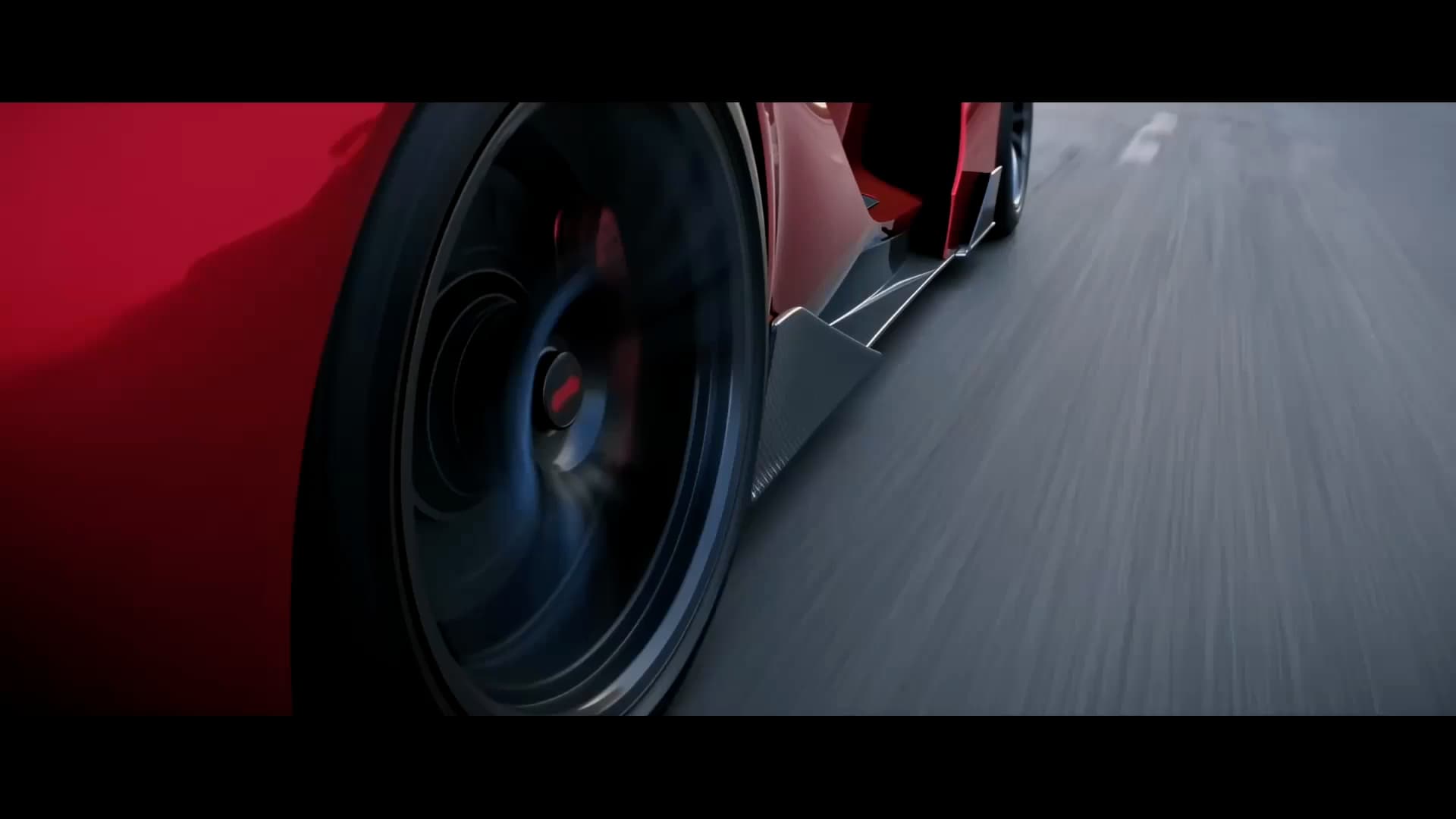
Bring ambitious commercial concepts to screen, from high-speed action and complex camera movements to large-scale cinematic scenes, without organizing an extensive physical shoot. Kling 4.0 improves stability during fast action and complex physical interactions, while stronger camera control supports tracking shots, orbits, and dynamic perspectives. Explore demanding visual concepts with fewer location, equipment, and production constraints.

Apps

Video Generation
Video Generation

Video Generation

Image Generation
Image Generation

Image Generation

Motion Control
Motion Control

Motion Control

Avatar
Avatar

Avatar

AI Portraits
AI Portraits

AI Portraits

Lip Sync
Lip Sync

Lip Sync

60M+
60M+
Users
600M+
600M+
AI Videos Generated
4.7 ★
4.7 ★
App Store
Industry-Leading
Industry-Leading
Cinematic 4K

Reviews

Jyo John Mulloor

Jyo John Mulloor

★★★★★

Kling AI has been instrumental in transforming my creative workflow, unlocking new dimensions of artistic expression that were once unimaginable. I use Kling AI extensively to develop high-concept visuals, animate surreal dreamscapes, and create AI-assisted films that blur the line between reality and fantasy. Kling AI’s deep learning capabilities have not only enhanced my creative efficiency but also inspired me to explore storytelling in ways I never thought possible.

James Phillips

James Phillips

★★★★★

Kling AI has transformed my workflow by collapsing timelines and democratizing production. It’s shifted my mindset from resource-dependent filmmaking to a boundless creative sandbox, where experimentation yields unexpected beauty.

Maria Rubtsova

Maria Rubtsova

★★★★★

I’m Maria Rubtsova, an AIGC digital artist passionate about creating stunning visuals in the worlds of fashion, aesthetics, and fantasy. I use KlingAi to bring imagination to life through video. My work is all about exploring beauty, emotion, and the limitless possibilities of digital art.

FAQ

Q1What is commercial video production?
Q2How do I make a commercial video with AI?
Q3Can I create a commercial without a production crew?
Q4How much does commercial video production cost with AI?
Q5How long does it take to produce a commercial video?
Q6Can I keep my product and brand consistent across commercial scenes?
Q7Can I make commercials for YouTube, Instagram, and other platforms?
Q8Can I edit a commercial after generating it?
Q9Can I use Kling AI-generated videos for commercial advertising?
Q10How is AI commercial video production different from traditional production?

Your Next Commercial Starts With an Idea

A new launch, a different product angle, or another idea from the creative team. There's room to try it in Kling 4.0. Develop commercial footage, review the shots, and keep improving the work as your campaign takes shape.

Omni Reference | Multiple Keyframes | Dynamic Motions