AI Emoji Generator: Create Your Own Custom Emojis
Create an emoji that is not already on your keyboard. Turn an idea, expression, object, pet, photo, or original design into a custom emoji-style image with Kling AI.
Create an emoji that is not already on your keyboard. Turn an idea, expression, object, pet, photo, or original design into a custom emoji-style image with Kling AI.
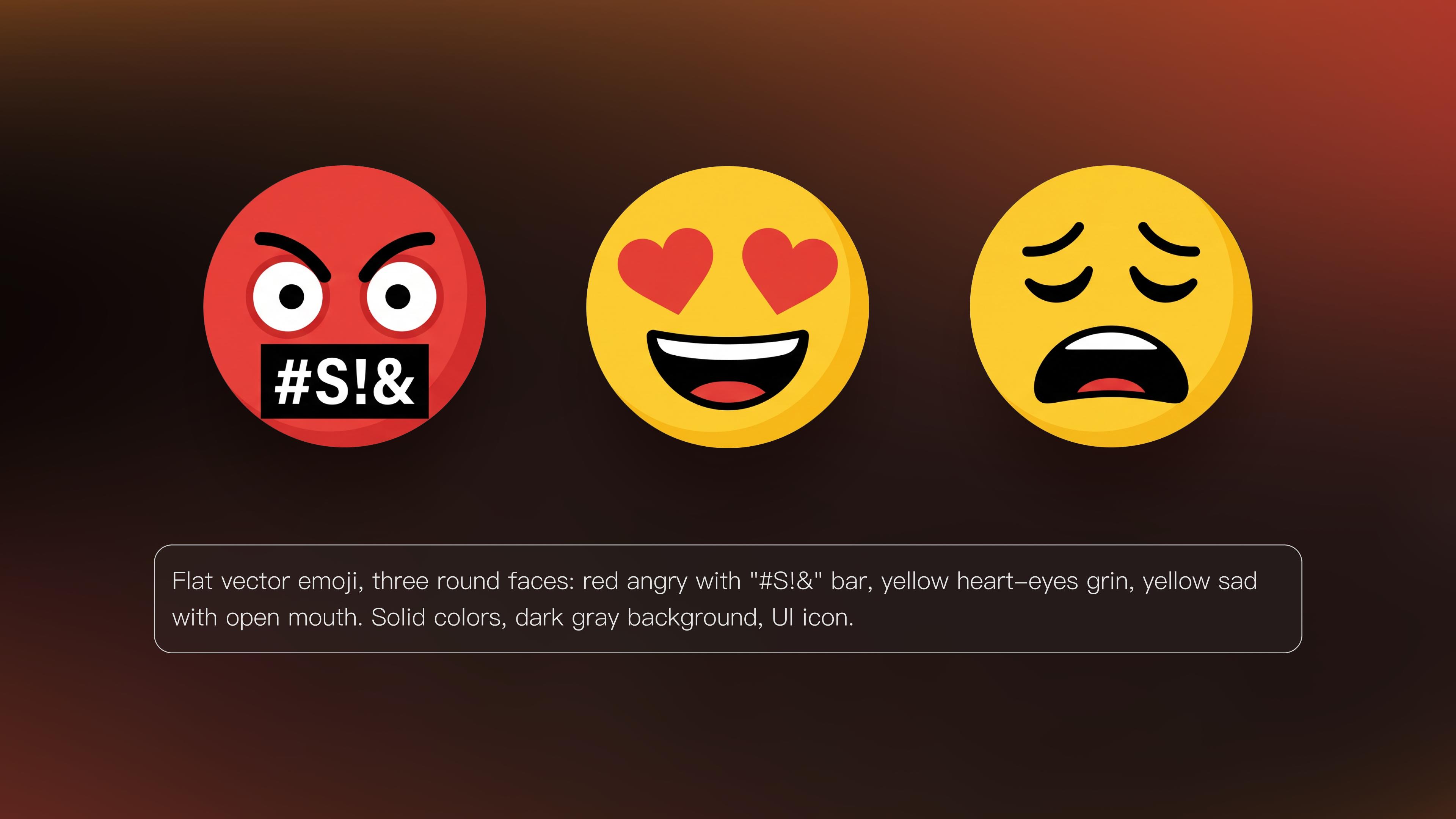
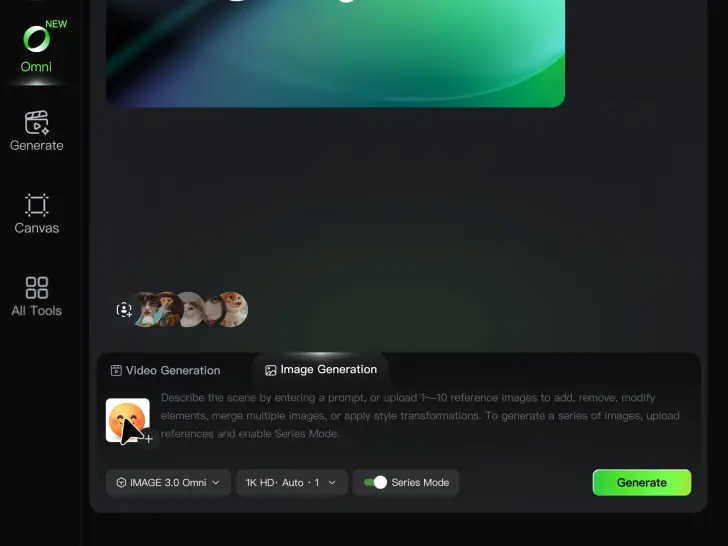
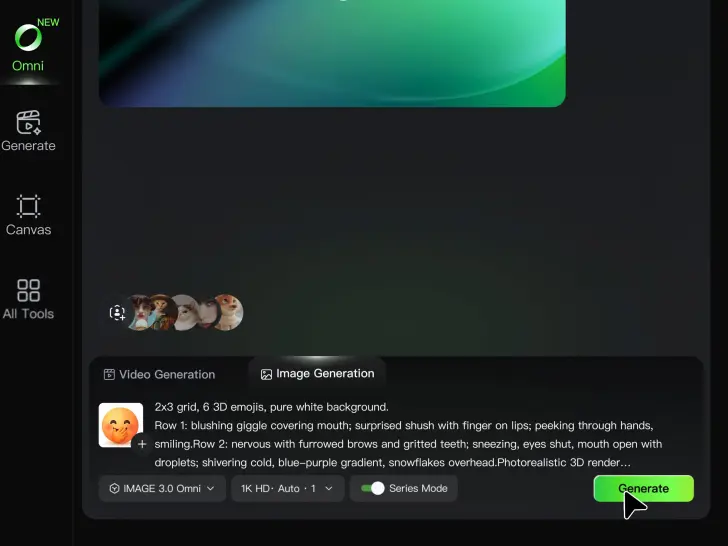
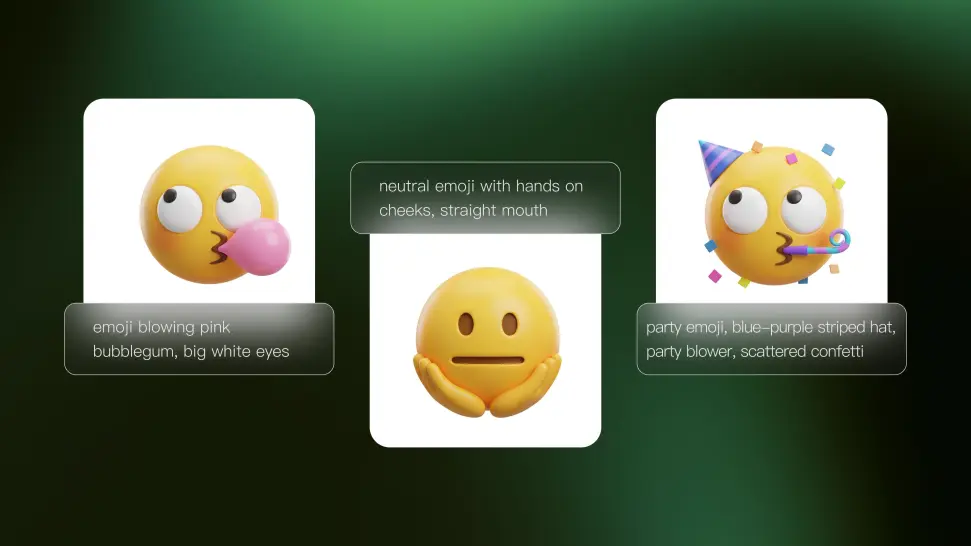
Want a sleepy avocado, a sarcastic cat, or a smiley with a very specific expression? Write it into your prompt and create an emoji around it. You control what appears in the image, how it looks, and what kind of mood it conveys.
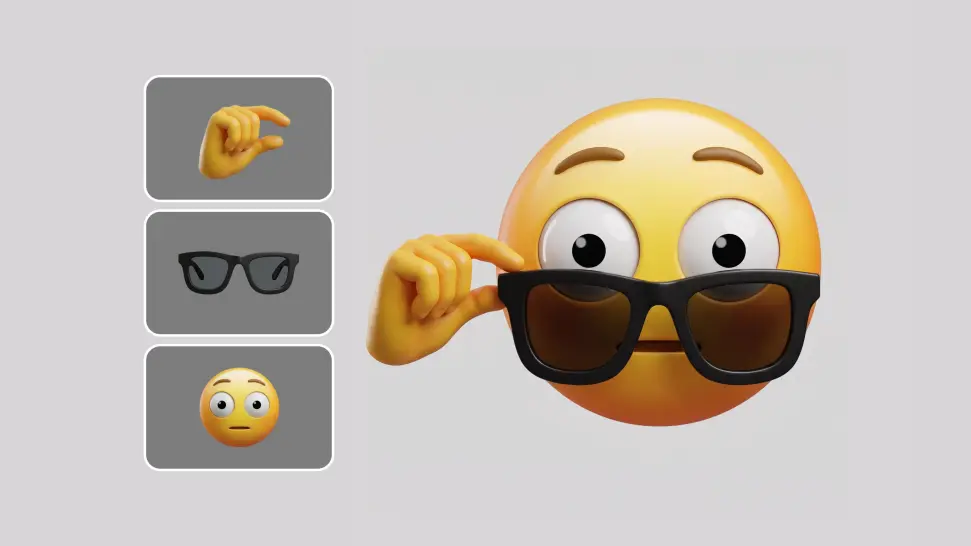
Use a image when you already know what you want your emoji to be based on. Upload a person, pet, mascot, object, or character, then change the expression, colors, or style while using the original image as a reference.
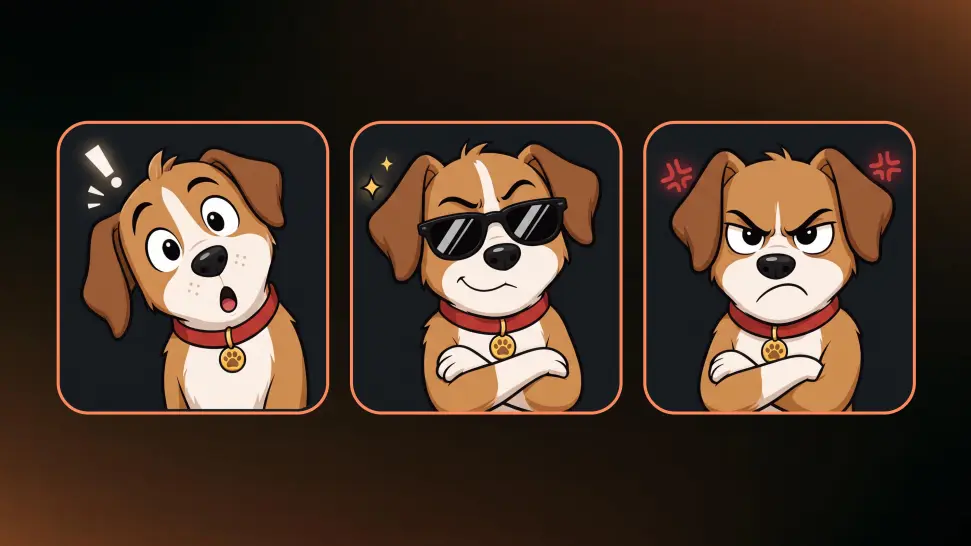
Found an emoji with a look you want to keep? Upload it as a reference and take the idea further with new expressions, poses, colors, and details. Keep the subject familiar while turning one favorite design into more emojis for different moods and moments.

















I use Kling AI daily to push the limits of AI filmmaking. It allows me to create highly cinematic content, blending AI and VFX to develop innovative projects. It has significantly impacted my creative process, enabling me to achieve complex animations that would otherwise require high production budgets.

I’ve been using Kling AI since its initial release, and it’s remained one of the leading AI media generators ever since. With Kling AI, I’ve created hundreds of videos, collectively amassing millions of views.

Kling AI allows me to rapidly prototype ideas, refine storytelling elements, and produce visually compelling content efficiently. It has not only accelerated my creative processes, but also deepened my understanding of how AI can enrich visual storytelling.
From a funny idea to a familiar face, turn what you have in mind into a custom emoji-style image with Kling AI.