AI Explainer Video Maker

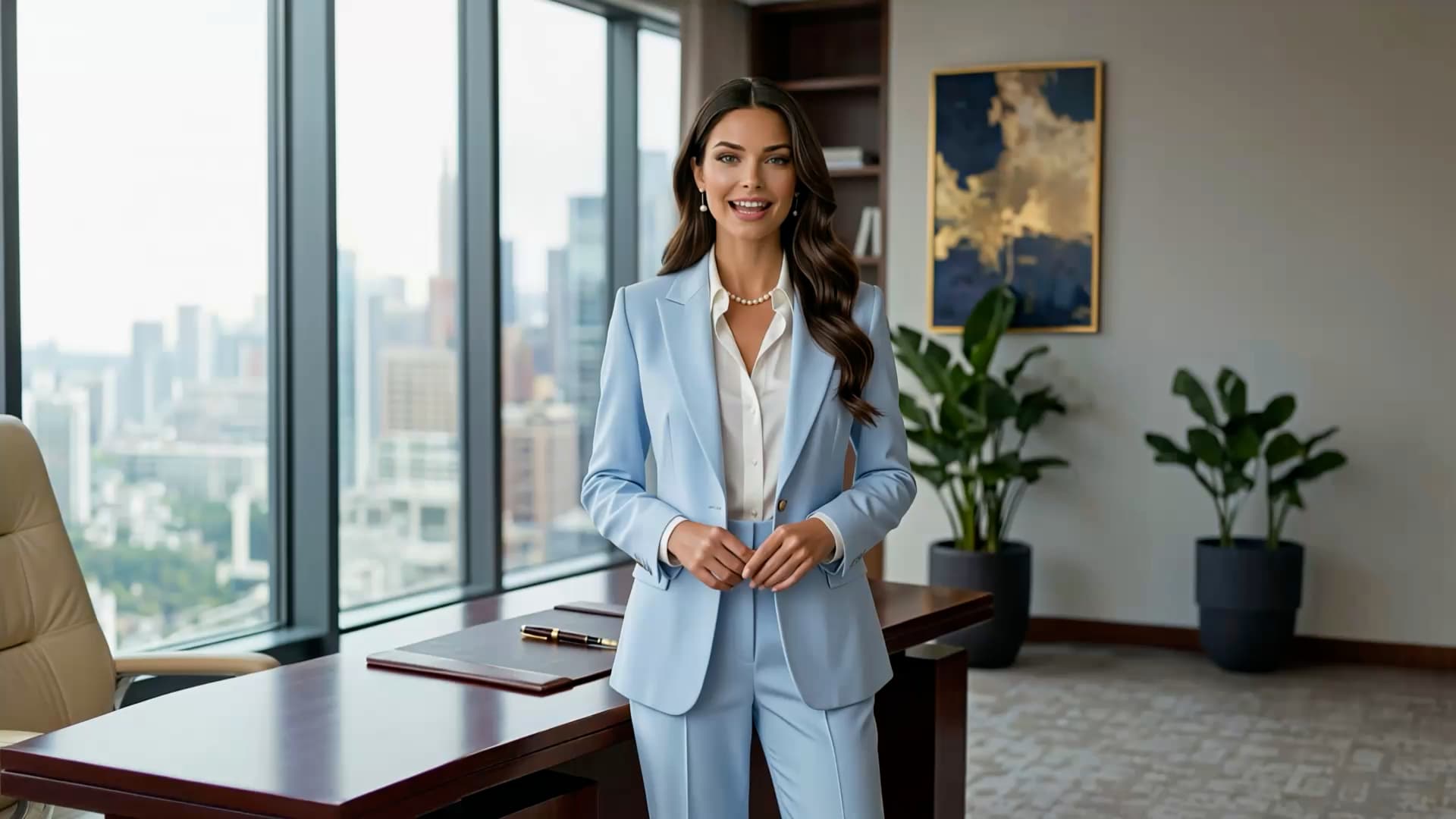
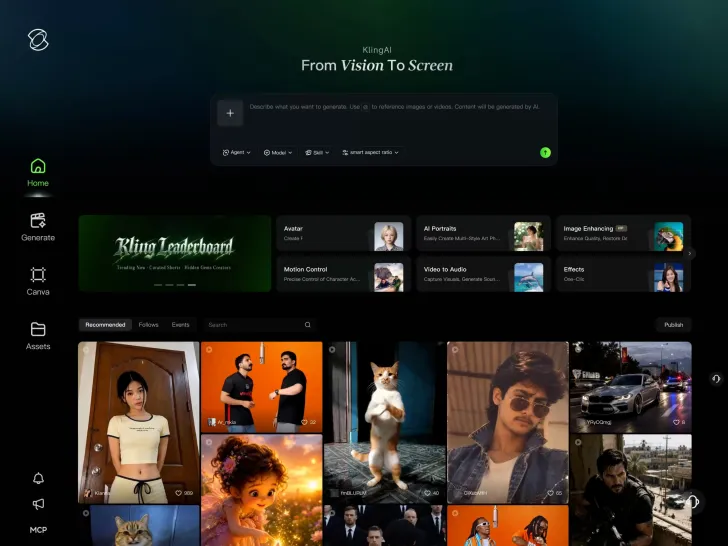
Some things are easier to show than explain. Help customers understand what your product does, how your service works, or why an unfamiliar idea matters. Kling 4.0 lets you create original scenes, work with product and character references, and add spoken explanations without filming every shot.
AI Explainer Video Maker

How to Create an Explainer Video with AI

Step 1: Add Your Idea and References

Step 1: Add Your Idea and References

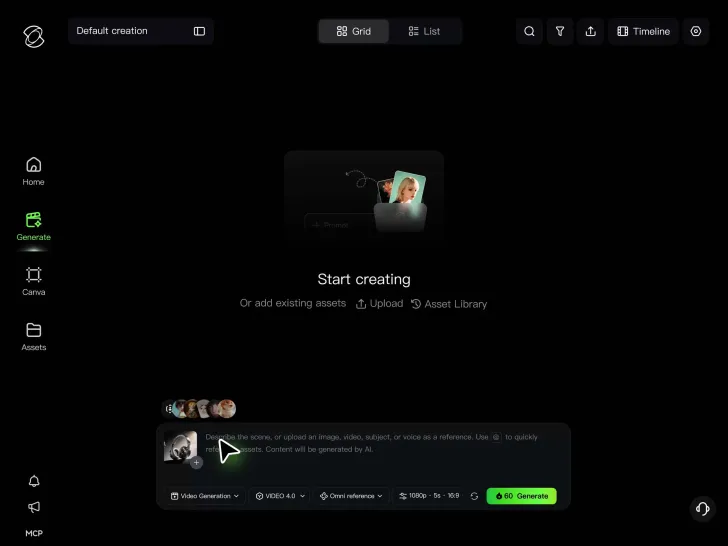
Start with the product, service, or concept you want to explain. Upload product photos, character images, or visual references if you have them.

Step 2: Plan What Each Scene Explains

Step 2: Plan What Each Scene Explains

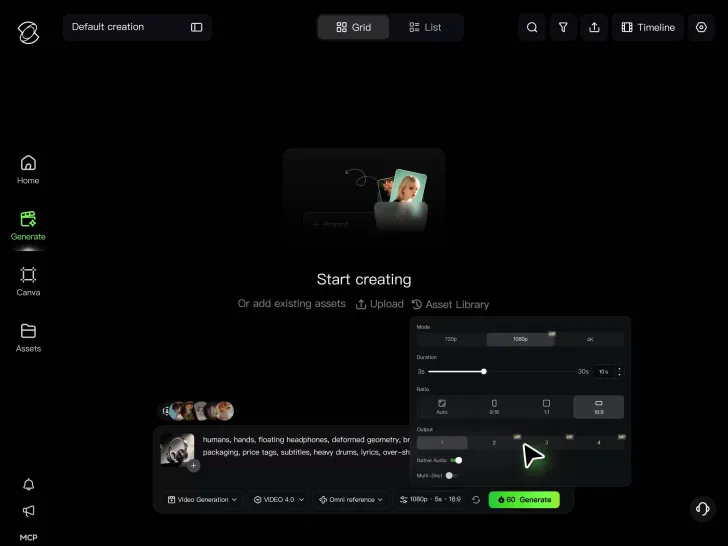
Describe the key message, what viewers should see, and any spoken lines. Add keyframes to guide important changes within a scene.

Step 3: Generate and Assemble Your Explainer Video

Step 3: Generate and Assemble Your Explainer Video

Generate an explainer video up to 30 seconds long in a single generation. Then arrange them on Kling's continuous timeline. Add supporting shots, revise sections that need work, and download your finished explainer

Help People Understand Why It Matters

Make Complex Ideas Easier to Picture

Make Complex Ideas Easier to Picture

Not every idea has something obvious to film. Software, digital services, and technical concepts often need more than a product shot to explain what's happening. An animated scene or visual example can make the relationship between different parts easier to understand. Kling 4.0 lets you develop animated explainer videos and other visual treatments from prompts and references. Show a process unfolding, illustrate an abstract concept, or give an unfamiliar service a more concrete setting. You can focus on the explanation without having to design or shoot every scene yourself.

Get to the Point Without Losing the Story

Get to the Point Without Losing the Story

An explainer doesn't need to cover every product feature. People want to know what problem it solves, how it helps, and what makes it relevant to them. The right sequence can answer those questions without overwhelming viewers. With Kling 4.0, you can guide up to 10 important keyframes within a single generation. Establish the problem, introduce the solution, and show the outcome as the scene develops. Each clip can run up to 30 seconds, giving a short explanation room to unfold naturally.

Keep Your Product and Presenter Recognizable

Keep Your Product and Presenter Recognizable

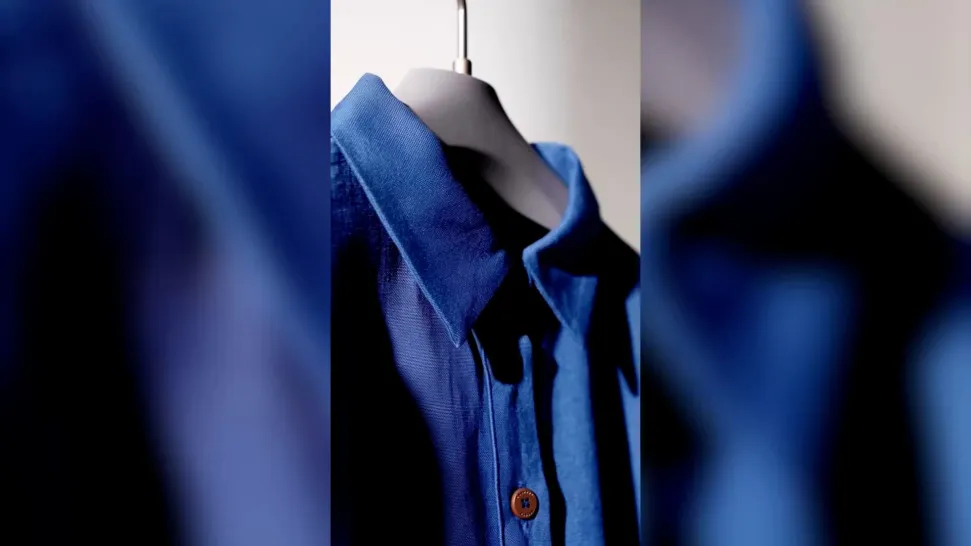
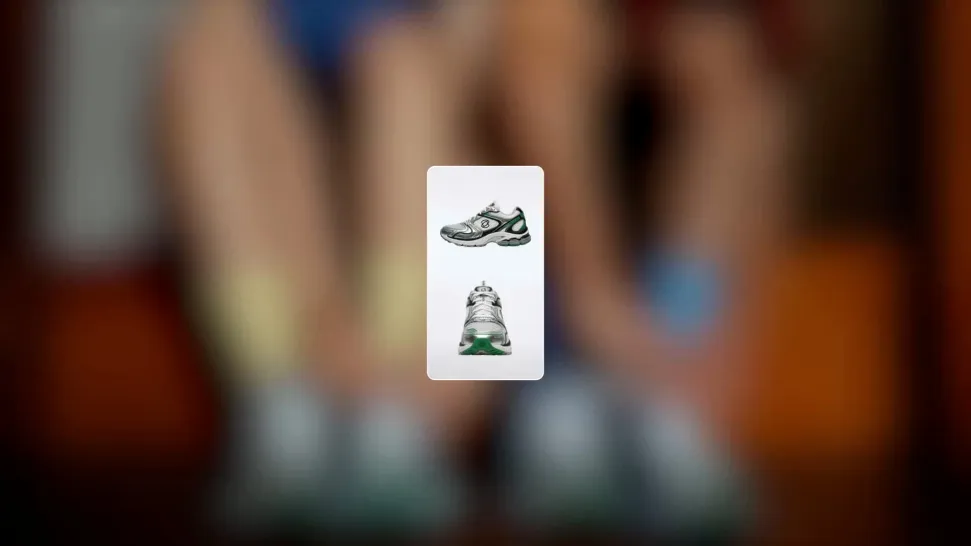
When a product appears in several scenes, viewers should still recognize it. Consistent colors, shapes, and familiar characters help connect the explanation, whether you're introducing a product, discussing its benefits, or showing it in different situations. Omni Reference in Kling 4.0 accepts up to 15 combined reference assets, subject to individual input limits. Product photos, presenter images, and style references can guide new scenes and help preserve familiar details. That makes it easier to explore different settings without changing the subjects at the center of your explanation.

Apps

Video Generation
Video Generation

Video Generation

Image Generation
Image Generation

Image Generation

Motion Control
Motion Control

Motion Control

Avatar
Avatar

Avatar

AI Portraits
AI Portraits

AI Portraits

Lip Sync
Lip Sync

Lip Sync

60M+
60M+
Users
600M+
600M+
AI Videos Generated
4.7 ★
4.7 ★
App Store
Industry-Leading
Industry-Leading
Cinematic 4K

Reviews

KakuDrop

KakuDrop

★★★★★

I have successfully collaborated with world-renowned artists and well-known companies that are recognized globally

Ozan Sihay

Ozan Sihay

★★★★★

Kling AI allows me to rapidly prototype ideas, refine storytelling elements, and produce visually compelling content efficiently. It has not only accelerated my creative processes, but also deepened my understanding of how AI can enrich visual storytelling.

James Phillips

James Phillips

★★★★★

Kling AI has transformed my workflow by collapsing timelines and democratizing production. It’s shifted my mindset from resource-dependent filmmaking to a boundless creative sandbox, where experimentation yields unexpected beauty.

FAQ

Q1What is an explainer video?
Q2What is the purpose of an explainer video?
Q3What are the different types of explainer videos?
Q4Can I make an animated explainer video with AI?
Q5How much does an explainer video cost?
Q6How to make an explainer video for free?
Q7Can I add voiceovers or make explainer videos in different languages?
Q8Which explainer video maker is the best?

An Easier Way to Explain Your Next Big Idea

Whether you're introducing a new product, explaining a service, or pitching an idea, give people something they can see and understand. Develop the scenes, work out the message, and finish your explainer in Kling 4.0.

Omni Reference | Multiple Keyframes | Continuous Timeline | Native Audio