Creative Studio
API
Resources
Features
About Us
Download

Remove Background from Image Instantly

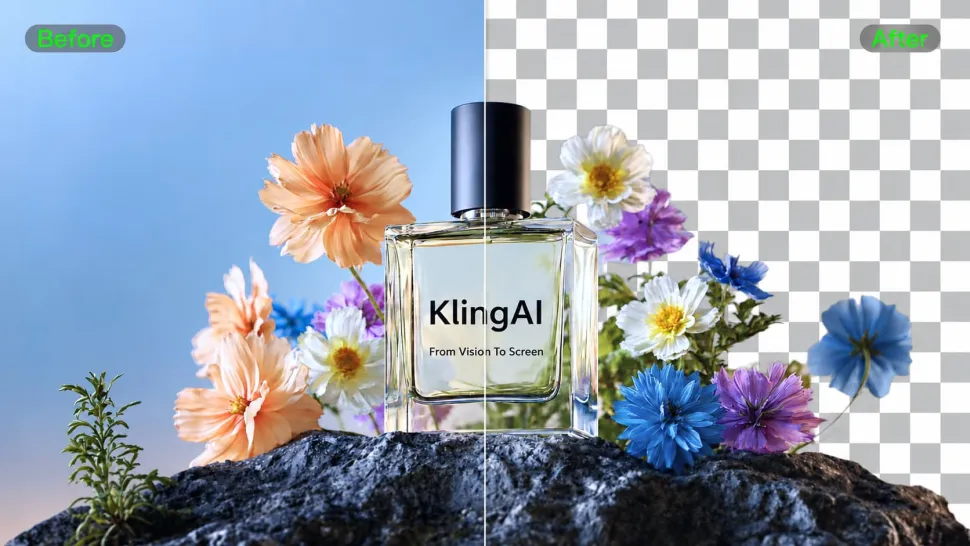
Remove unwanted photo backgrounds, create transparent cutouts, or place your subject in a new setting with Kling AI. Keep important subject details and generate higher-resolution results in 2K or 4K when needed.
Remove Background from Image Instantly

How to Remove Background from Image

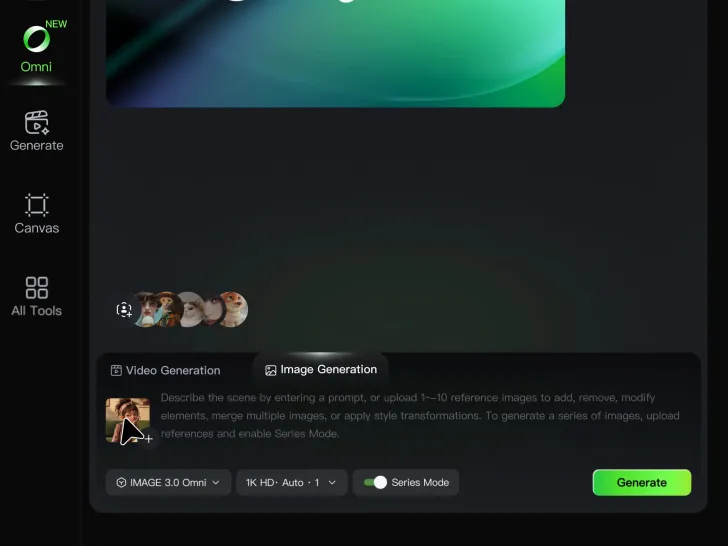
Step 1: Upload Your Image

Step 1: Upload Your Image

Upload the image you want to edit and choose the subject you want to keep. A clear source image makes it easier to separate the subject from the surrounding background.

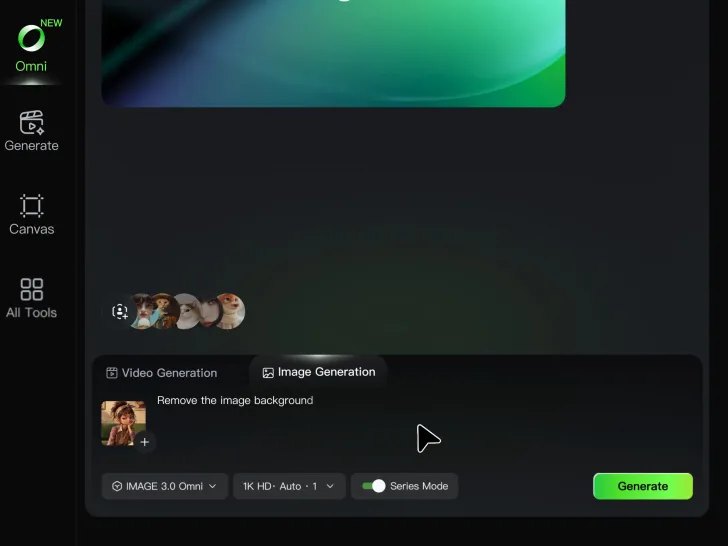
Step 2: Remove or Replace the Background

Step 2: Remove or Replace the Background

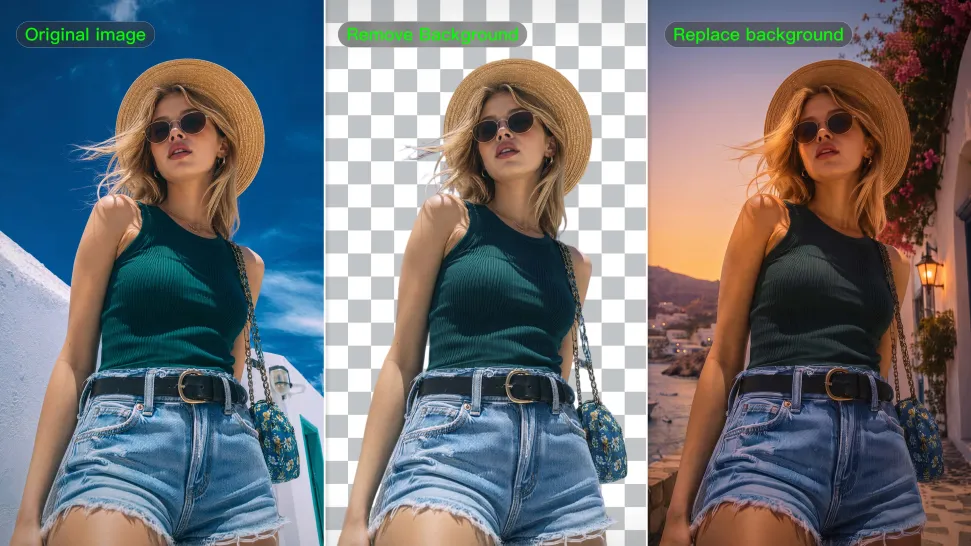
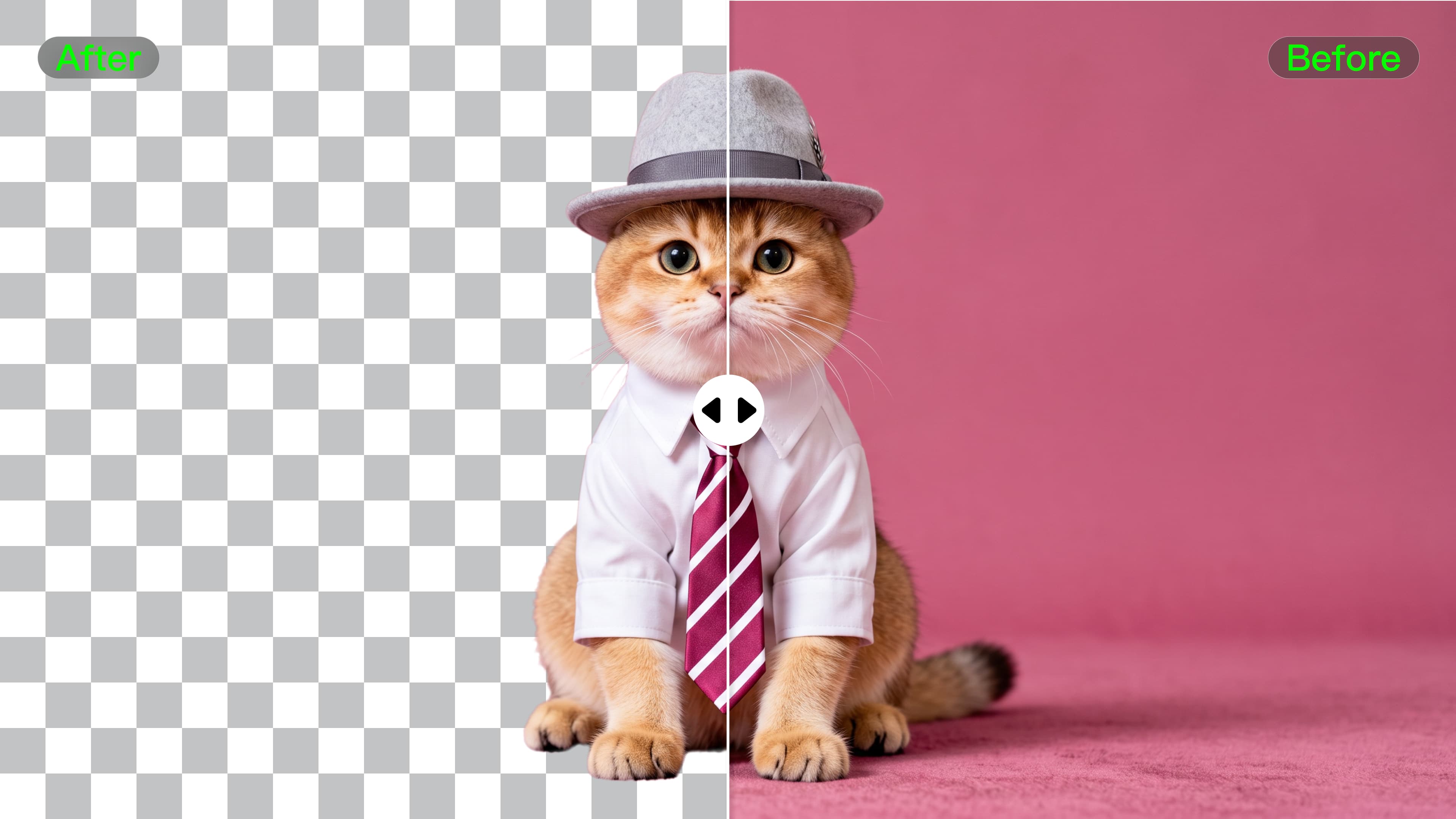
Use a simple prompt to remove the existing background while keeping the main subject intact. Keep the result transparent when you need a clean cutout, or describe a new setting if you want to replace the original background directly.

Step 3: Generate and Download

Step 3: Generate and Download

Generate your edited image and review the result. Download the background-free image, or continue refining the new setting, subject details, and overall look with Kling AI.

Effortless Background Removal, Refined Details, New Visual Possibilities

Remove Image Backgrounds with Simple Prompts

Remove Image Backgrounds with Simple Prompts

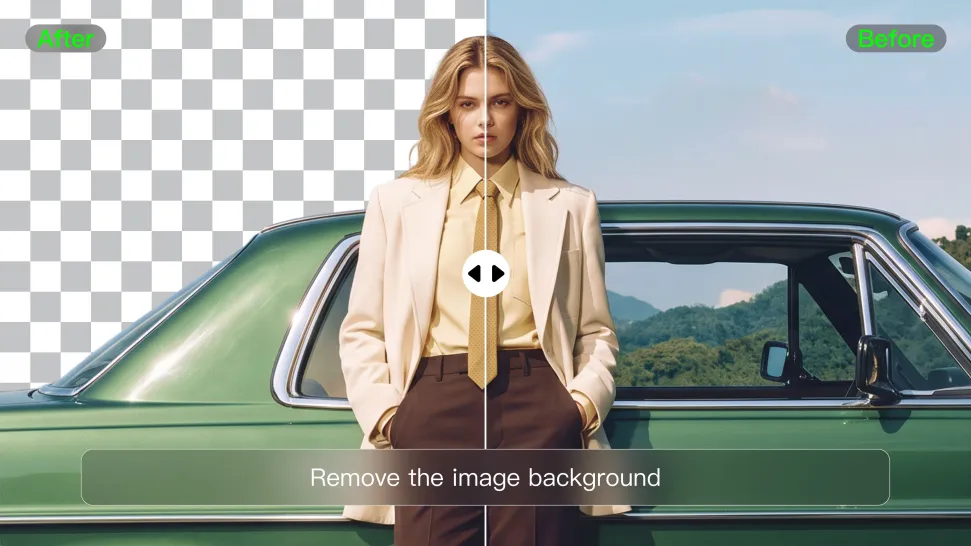
When you want to isolate a person, product, or other subject, Kling AI keeps background removal simple. A short prompt like “Remove the background” or “Keep the person and remove everything behind them” can clear away the surroundings without tracing edges by hand.

Keep Important Subject Details

Keep Important Subject Details

Removing the background does not mean you want the subject itself to change. Kling IMAGE 3.0 supports targeted image editing while helping preserve important visual characteristics such as the subject's appearance, shape, style, lighting, and texture. You can also specify what should stay unchanged when the image includes details that matter to the final result.

Create Background-Free Images in 2K or 4K

Create Background-Free Images in 2K or 4K

When you need more detail or higher resolution, Kling IMAGE 3.0 Omni lets you create images with background removals and output them in 2K or 4K. They’re ideal for product displays, posters, marketing assets, presentations, and designs that need to work across different sizes.

Apps

Image to Video
Image to Video

Image to Video

Text to Video
Text to Video

Text to Video

Omni
Omni

Omni

Digital Human
Digital Human

Digital Human

Restyle
Restyle

Restyle

Text to Image
Text to Image

Text to Image

60M+
60M+
Users
600M+
600M+
AI Videos Generated
4.7 ★
4.7 ★
App Store
Industry-Leading
Industry-Leading
Cinematic 4K

Reviews

Halim Alrasihi

Halim Alrasihi

★★★★★

I use AI daily and Kling AI is a crucial part of my workflow, whether for client work or personal projects. What I love most about using Kling AI is that it provides all the tools I need in one place, from keyframes to character references, elements and special effects.

PJ Ace

PJ Ace

★★★★★

Kling AI has made it easy for us to generate world class visuals for Fortune 500 companies, TV shows and music for big artists. We love the easy of use of the platform and the quality of the generations. My first time using Kling AI, I got 22 million views on just one video. It's that good.

Maria Rubtsova

Maria Rubtsova

★★★★★

I’m Maria Rubtsova, an AIGC digital artist passionate about creating stunning visuals in the worlds of fashion, aesthetics, and fantasy. I use KlingAi to bring imagination to life through video. My work is all about exploring beauty, emotion, and the limitless possibilities of digital art.

FAQ

Q1What is an AI image background remover?
Q2How does AI remove a background from an image?
Q3What types of images can Kling AI remove backgrounds from?
Q4Can AI remove backgrounds while preserving hair and fine details?
Q5Does removing the background reduce image quality?
Q6Can I replace the background after removing it?
Q7Can I use a reference image for a new background?

Create More with Every Background Change

Turn every background change into a new creative direction with Kling AI. Explore new scenes, reshape your visuals, and create images that keep the details and style that make them unique.

AI Background Removal | Scene Transformation | 2K/4K Image Creation