Kling AI Motion Control: Precision Character Animation From Reference Video
Bring any static image to life. Upload a reference video, and Kling will replicate the movement, facial expressions, and details with zero character distortion.

Bring any static image to life. Upload a reference video, and Kling will replicate the movement, facial expressions, and details with zero character distortion.
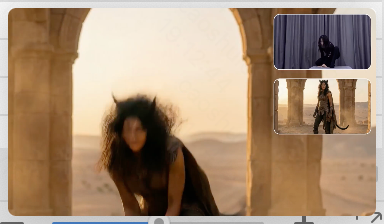
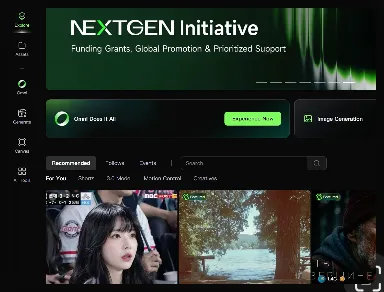
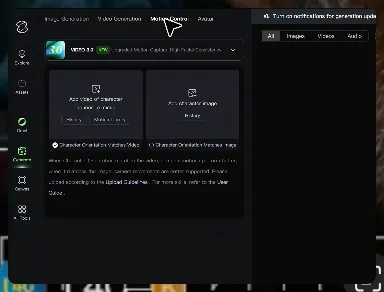
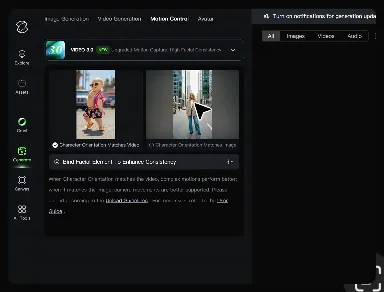
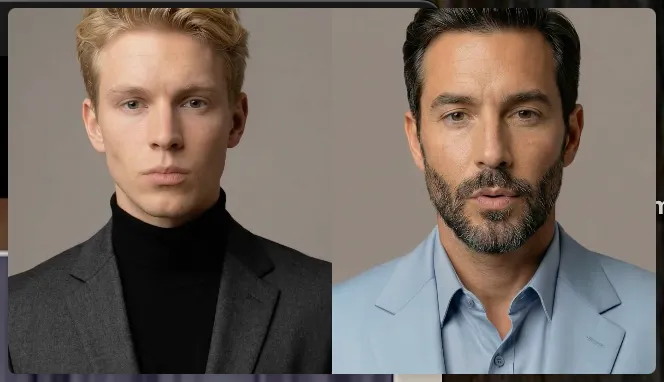
Unlike standard AI video generators that distort features during head turns, Kling locks your character’s identity for stable, recognizable results from any perspective.
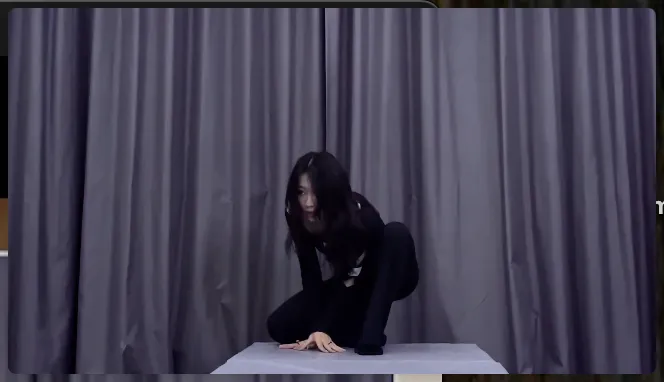
Replicate micro-expressions and dramatic emotional transitions with elite motion transfer technology. Kling captures every subtle muscle movement from your reference.
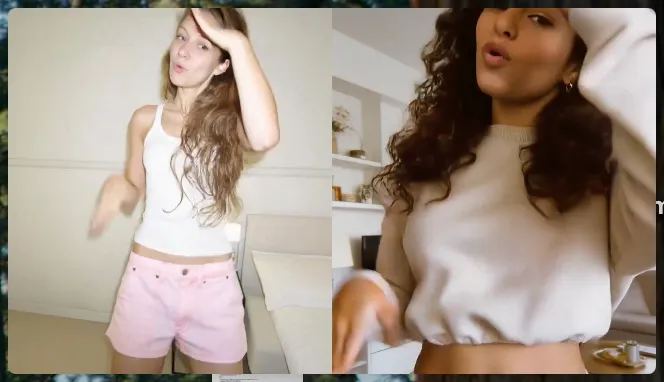
Maintain character consistency even when the subject is partially blocked or moves between close-up and long shots
















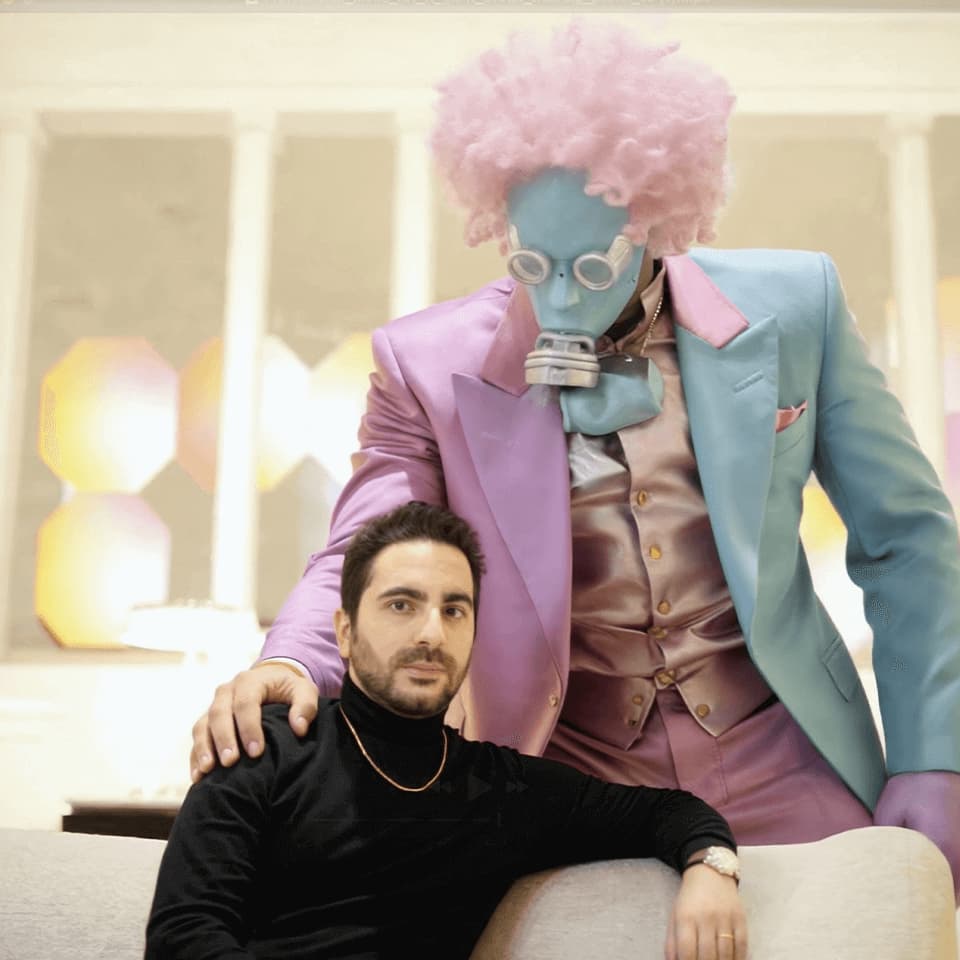
Kling AI seamlessly integrates into my creative workflow, playing a key role in transforming my images. After generating and upscaling an image, Kling becomes a crucial element, bringing my creations to life with movement and depth.
I use Kling AI daily to push the limits of AI filmmaking. It allows me to create highly cinematic content, blending AI and VFX to develop innovative projects. It has significantly impacted my creative process, enabling me to achieve complex animations that would otherwise require high production budgets.

I use AI daily and Kling AI is a crucial part of my workflow, whether for client work or personal projects. What I love most about using Kling AI is that it provides all the tools I need in one place, from keyframes to character references, elements and special effects.
Stop accepting distorted AI movements. Upload your reference and let Kling replicate it precisely.
Works on humans, anime & 3D | High-precision motion | Zero distortion