Lyric Video Maker

Let your lyrics glow on a city street or unfold across an animated album cover. With Kling 4.0, create expressive text and cinematic scenes, then bring your clips together into a lyric video that carries your song from the first verse to the final chorus.

Lyric Video Maker

How to Make a Lyric Video

Step 1: Choose Your Artwork and Song Concept

Step 1: Choose Your Artwork and Song Concept

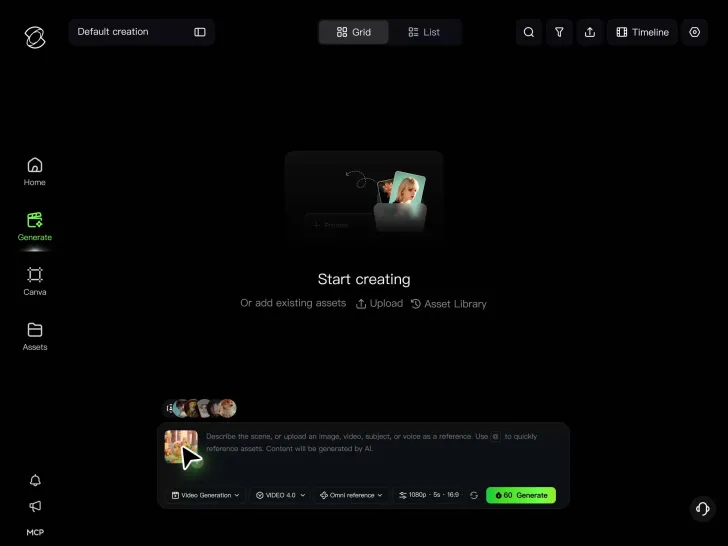
Upload your album cover, artist photos, or images that suit the song. No artwork ready? A written description is enough to start creating the visuals.

Step 2: Describe the Visuals

Step 2: Describe the Visuals

Write a prompt for the setting, movement, and mood. You can request short lyric phrases within a scene or use keyframes to guide how the imagery changes.

Step 3: Generate and Build Your Sequence

Step 3: Generate and Build Your Sequence

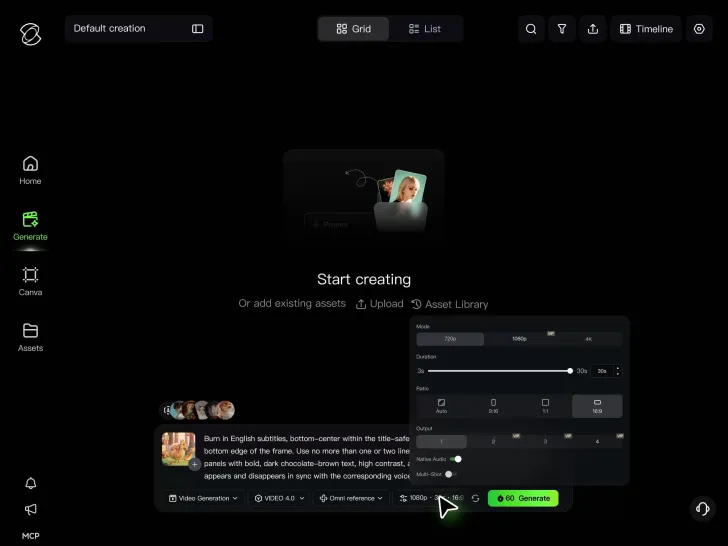
Choose your aspect ratio and generate a 3–30-second clip. Check the imagery and any generated text, then refine and organize your clips on Kling’s timeline. Review the finished sequence against your song’s structure.

Make Every Lyric a Visual Moment

Let the Imagery Evolve With Your Lyrics

Let the Imagery Evolve With Your Lyrics

The mood of a song can change from one verse to the next. A reflective opening might call for slower movement and softer lighting, while an uplifting chorus could shift to brighter colors or a wider setting. Let those changes reflect what the lyrics are saying.

Kling 4.0 can generate clips up to 30 seconds long, giving each scene time to develop. Describe the emotion, action, and camera movement you want, then create different visual treatments for the song's sections. The imagery can change with the music without losing the look established earlier.

Direct the Moments That Matter

Direct the Moments That Matter

A lyric video can tell a story through small changes. An image might slowly come into focus, a character's expression could shift, or a familiar object could take on a different meaning. Planning these moments helps the visuals support the lyrics rather than simply fill the screen.

Kling 4.0 supports prompts and up to 10 keyframe images. Describe the scene in detail, then use keyframes to guide important compositions, character states, and transitions within the clip. This gives you more control over how each lyric-inspired sequence develops.

Direct Every Detail of Your Lyric Scenes

Direct Every Detail of Your Lyric Scenes

Decide where a verse begins, how the scene changes as the chorus arrives, and which image stays with listeners after the final line. Guide the details that matter—from a recurring symbol to a character’s expression—so each visual moment reflects the meaning you want to convey.

Kling 4.0 combines prompts of up to 8,000 tokens with up to 10 keyframe images for more precise creative direction. Use your prompt to explain the lyrics’ meaning, visual details, and the role of each reference, then use keyframes to define important compositions, character states, and scene changes. Together, they help guide how your lyric-inspired sequence unfolds.
Apps

60M+
60M+
Users
600M+
600M+
AI Videos Generated
4.7 ★
4.7 ★
App Store
Industry-Leading
Industry-Leading
Cinematic 4K

Reviews

Déborah

Déborah

I use Kling AI every day. It's amazing to see the almost daily progress it makes. I used AI for fun at first, and I now find that Kling AI's animations allow me to gain professional visibility, with three times more views on my animated posts than on my static posts.

KakuDrop

KakuDrop

I have successfully collaborated with world-renowned artists and well-known companies that are recognized globally

Jyo John Mulloor

Jyo John Mulloor

Kling AI has been instrumental in transforming my creative workflow, unlocking new dimensions of artistic expression that were once unimaginable. I use Kling AI extensively to develop high-concept visuals, animate surreal dreamscapes, and create AI-assisted films that blur the line between reality and fantasy. Kling AI's deep learning capabilities have not only enhanced my creative efficiency but also inspired me to explore storytelling in ways I never thought possible.

FAQ

Q1What is an AI lyric video maker?
Q2How do I make a lyric video for YouTube?
Q3Can Kling AI automatically sync lyrics to my song?
Q4Can I make animated lyrics with AI?
Q5Can I animate my album cover for a lyric video?
Q6Can I make a full-length lyric video with Kling AI?
Q7Can I make vertical lyric videos for TikTok and Instagram Reels?
Q8Is Kling AI's lyric video maker free to use?
Q9Can I use copyrighted songs in a lyric video?

Let Your Song Tell Its Story

Your album art, a favorite lyric, or the chorus you can't wait to share - there's plenty to work with before planning a full music video shoot. Create the visuals in Kling 4.0 and give your song another way to reach listeners.

Animated Artwork | Omni Reference | Multiple Keyframes | Continuous Timeline