Movie Maker: Generate Cinematic Scenes

From a script idea to a trailer-worthy reveal, bring your stories to the screen with Kling 4.0. Create cinematic movie scenes with expressive characters, dynamic action, and immersive sound—all without a film set or camera crew.
Movie Maker: Generate Cinematic Scenes

How to Make Movie Scenes or Trailers

Start with a Script or Visual References

Start with a Script or Visual References

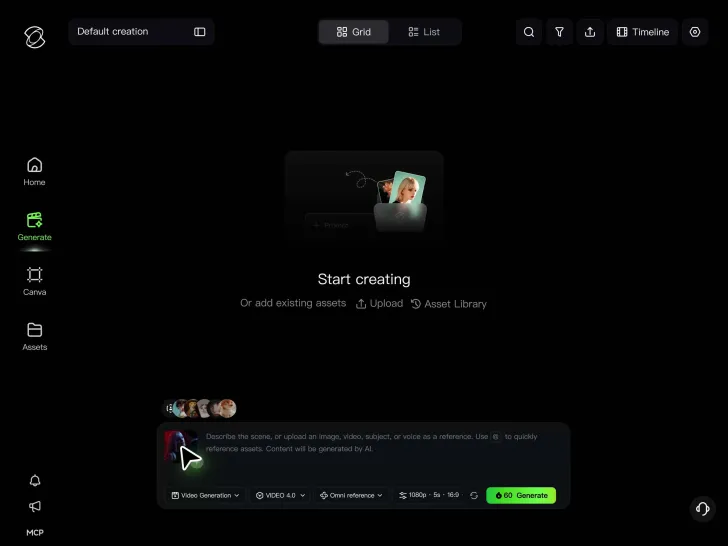
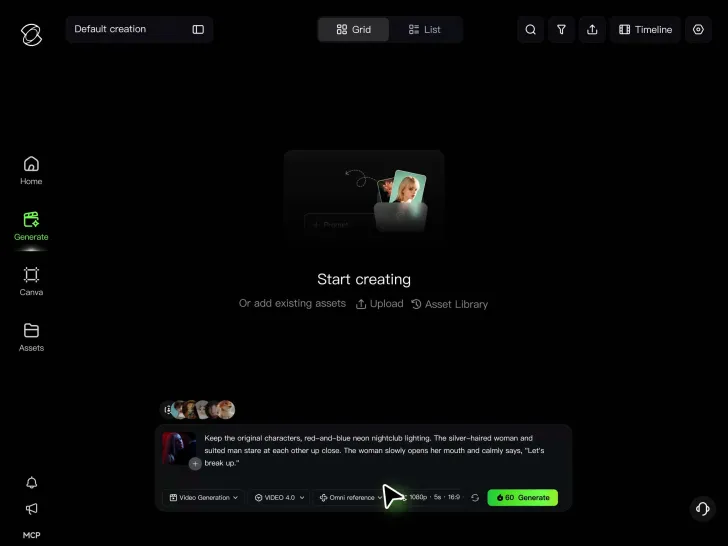
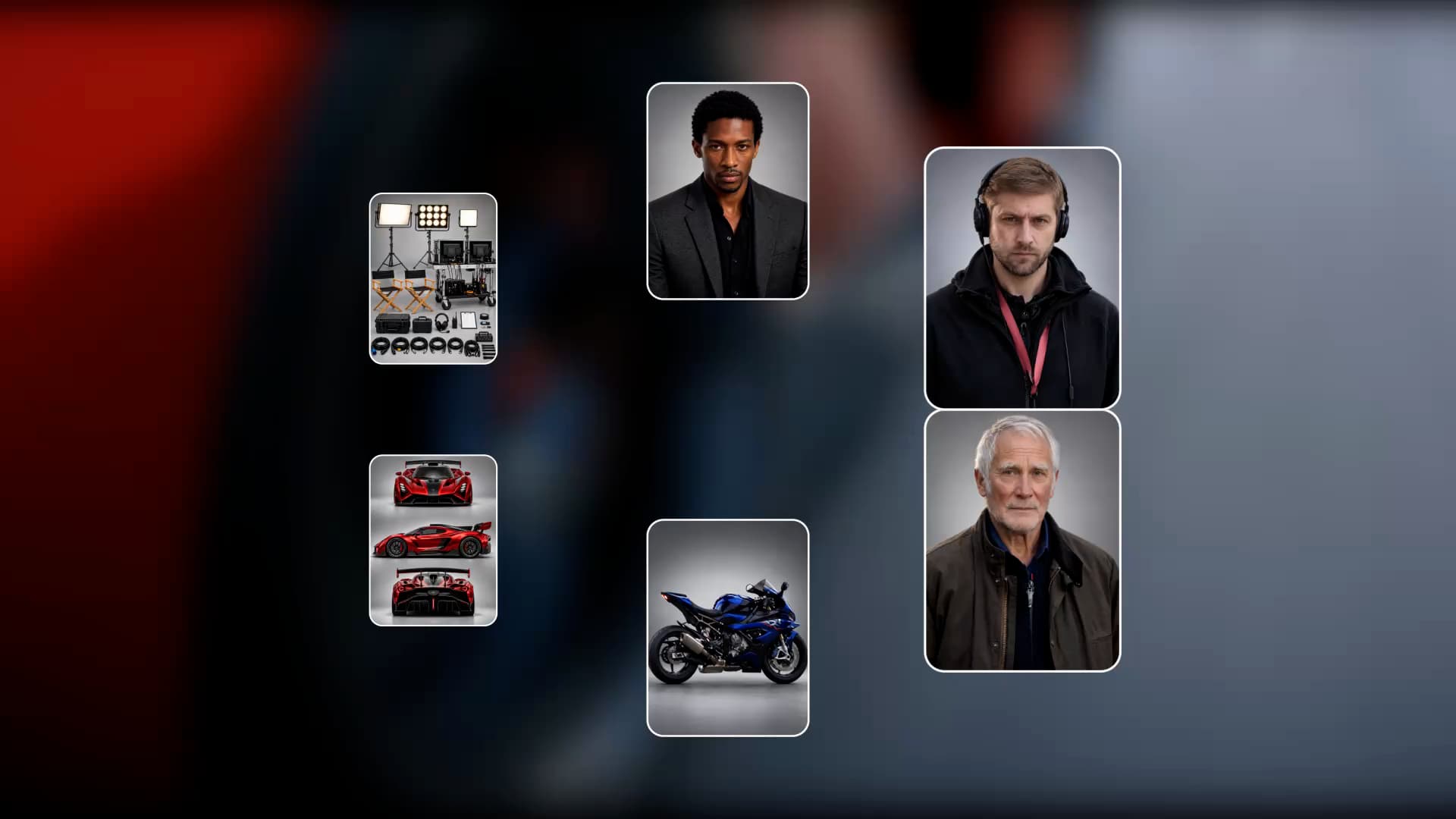
Start with a movie scene, trailer concept, or script excerpt. Describe your idea in a text prompt, or upload character images, storyboards, and video references with Kling 4.0's Omni Reference to guide the cast, setting, and cinematic style.

Describe the Scene and Story Beats

Describe the Scene and Story Beats

Set the action in motion. Describe character performances, dialogue, camera movement, and scene transitions. For more control, use up to 10 multiple keyframes to define important moments, from the opening shot to a dramatic reveal.

Generate Your Movie Scenes or Trailer Clips

Generate Your Movie Scenes or Trailer Clips

Generate cinematic clips up to 30 seconds long, choose a widescreen format such as 21:9, and review the action, dialogue, and visual details. Refine your shots, or create additional clips to assemble into a longer movie sequence or trailer.

Build More Complete Movie Scenes With Kling AI

Tell a Bigger Story in One 30-Second Scene

Tell a Bigger Story in One 30-Second Scene

Great movie moments need time to build. Set the atmosphere, introduce your characters, let the tension rise, and finish with a reveal that leaves viewers wanting more. Kling 4.0 supports up to 30 seconds of native video generation, giving dialogue, action, and emotional moments more room to develop within a single clip. Create a dramatic confrontation, a suspenseful discovery, or a memorable opening scene without breaking every moment into separate short generations.

Keep Your Cast and Movie World Consistent

Keep Your Cast and Movie World Consistent

A familiar face makes a story easier to follow. Bring recurring characters into new locations, keep signature costumes recognizable, and build a movie world that feels connected from scene to scene. Kling 4.0's Omni Reference supports up to 15 combined reference assets in a single task, including up to 10 images and 5 reference videos totaling up to 30 seconds. Use character, prop, setting, and motion references to guide your movie's visual identity, then reuse them as you develop new scenes.

Make Every Action Scene Feel Bigger

Make Every Action Scene Feel Bigger

Bring the action off the page and onto the screen. Create high-speed chases, intense fight scenes, daring escapes, or dramatic camera moves that pull viewers into the moment. Kling 4.0's Dynamic Motions delivers greater stability during large-scale movement and complex camera work. From tracking a running character to following an action sequence through a changing environment, create more fluid motion and stronger visual continuity for scenes that demand energy and impact.

Apps

Video Generation
Video Generation

Video Generation

Image Generation
Image Generation

Image Generation

Motion Control
Motion Control

Motion Control

Avatar
Avatar

Avatar

AI Portraits
AI Portraits

AI Portraits

Lip Sync
Lip Sync

Lip Sync

60M+
60M+
Users
600M+
600M+
AI Videos Generated
4.7 ★
4.7 ★
App Store
Industry-Leading
Industry-Leading
Cinematic 4K

Reviews

Maria Rubtsova

Maria Rubtsova

★★★★★

I’m Maria Rubtsova, an AIGC digital artist passionate about creating stunning visuals in the worlds of fashion, aesthetics, and fantasy. I use KlingAi to bring imagination to life through video. My work is all about exploring beauty, emotion, and the limitless possibilities of digital art.

Vincent Smadja

Vincent Smadja

★★★★★

Kling AI seamlessly integrates into my creative workflow, playing a key role in transforming my images. After generating and upscaling an image, Kling becomes a crucial element, bringing my creations to life with movement and depth.

Huang Lu (Elson)

Huang Lu (Elson)

★★★★★

I’ve been using Kling AI since its initial release, and it’s remained one of the leading AI media generators ever since. With Kling AI, I’ve created hundreds of videos, collectively amassing millions of views.

FAQ

Q1What is an AI movie maker?
Q2Can I create a movie from a script with Kling AI?
Q3Can Kling AI make a full-length movie?
Q4Can I create movie trailers with AI?
Q5How can I keep the same characters across different movie scenes?
Q6Can I add dialogue, character voices, and sound effects to my movie?
Q7Can I create cinematic movies with AI?
Q8Can I edit an AI-generated movie scene?
Q9Do I need filmmaking experience to use Kling AI filmmaking tool?

Your Story Deserves the Screen

Every great movie starts with an idea. Turn yours into dramatic performances, breathtaking action, and cinematic moments with Kling 4.0.

Dynamic Motions | Omni Reference | 30s Generation | 4K & 21:9 Widescreen