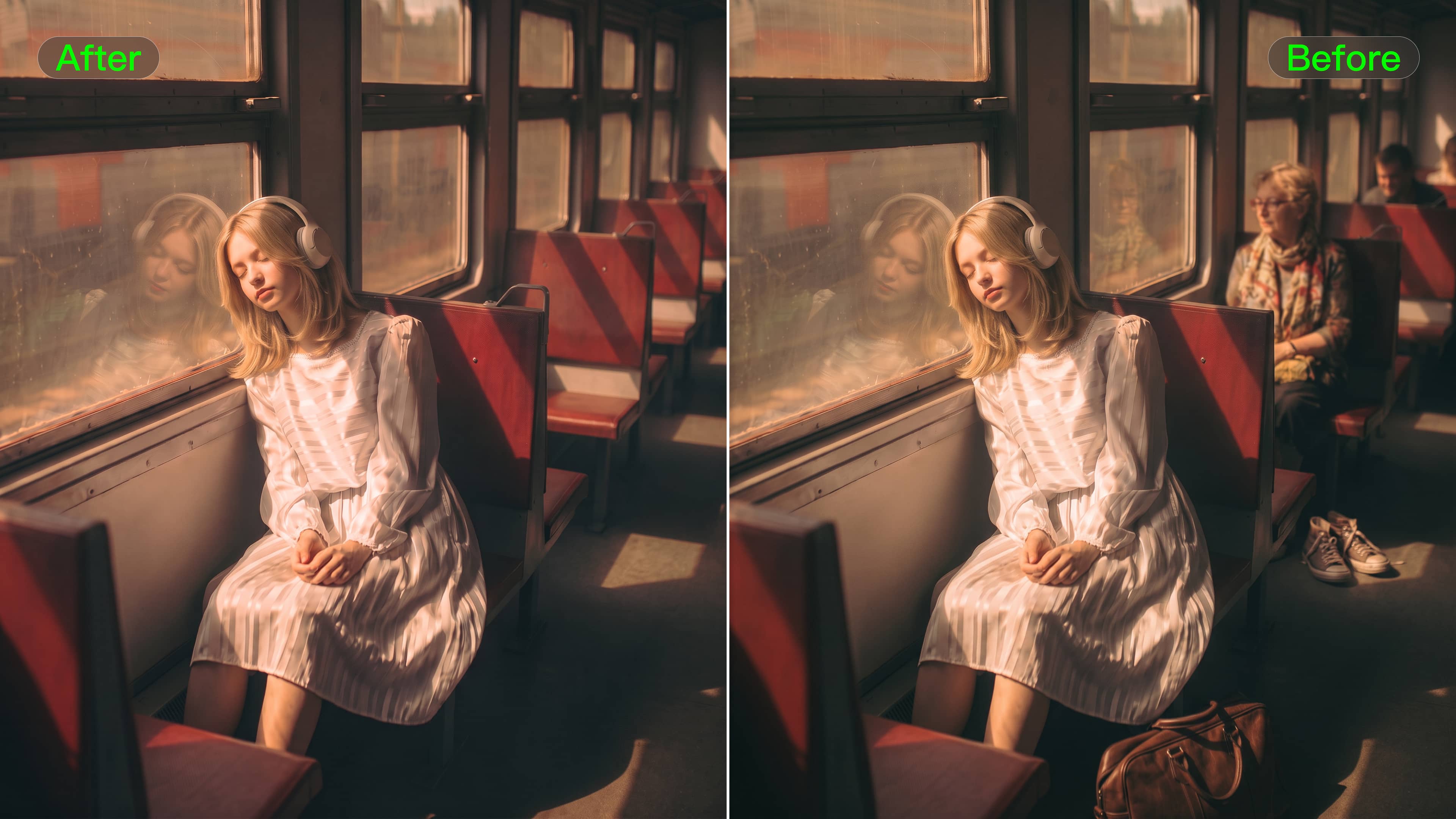
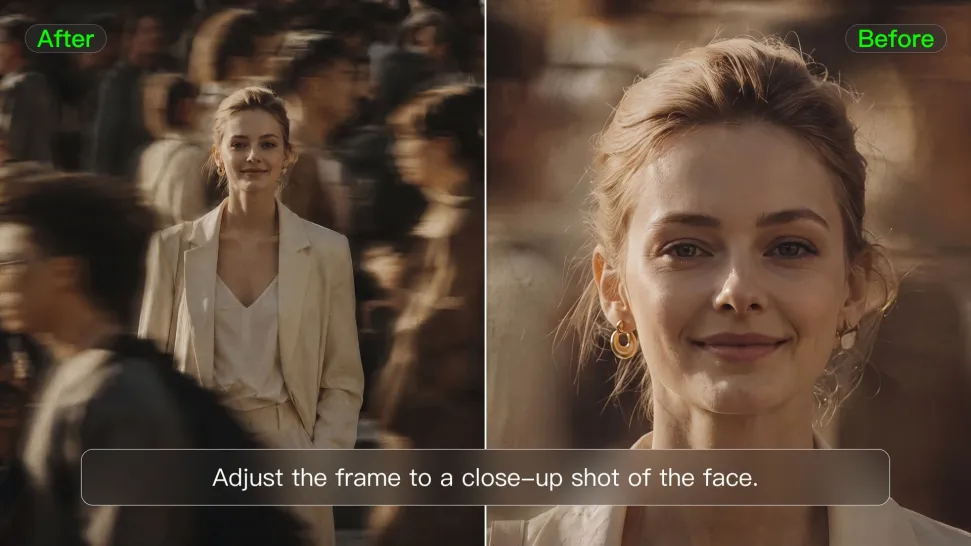





AI Photo Restoration

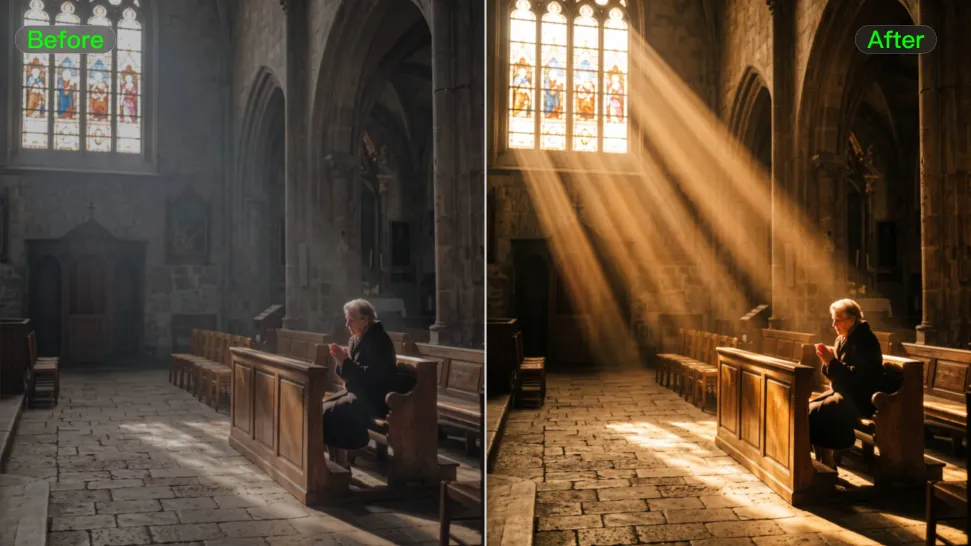
Restore scratches, faded areas, and damaged details while keeping important faces and subjects recognizable. Use prompts and references to guide the restoration, with 2K or 4K output available when you need higher resolution.

AI Photo Restoration

How to Restore Old Photos with Kling AI

Upload Your Old Photo

Upload Your Old Photo

Upload a scanned photo, faded print, damaged portrait, or black-and-white image. Your original photo gives Kling the visual reference for the people, objects, composition, and details you want to keep.

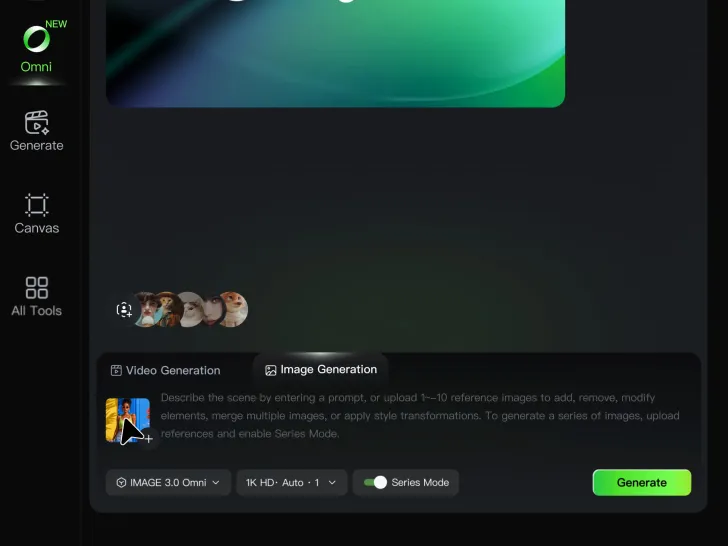
Describe the Restoration You Want

Describe the Restoration You Want

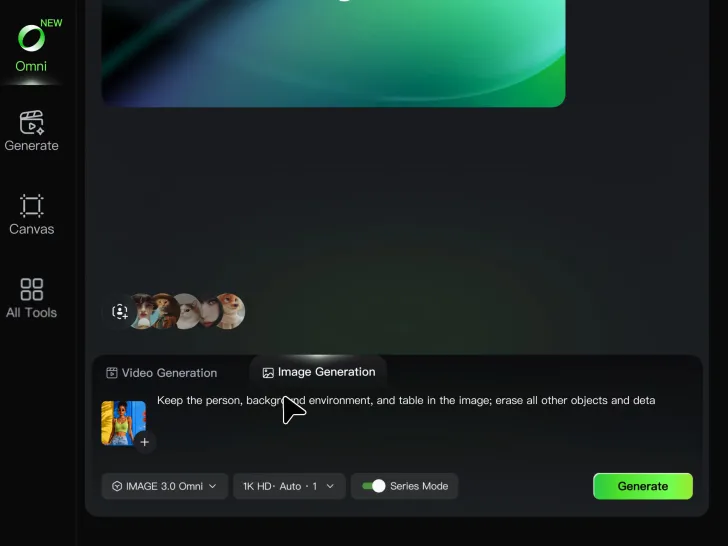
Use a prompt to describe the improvements you want, such as removing scratches, reducing stains, restoring faded colors, enhancing facial details, or repairing damaged areas. You can also mention what should stay consistent, like expressions, clothing, or the overall look of the original photo.

Generate Your Restored Photo

Generate Your Restored Photo

Generate your restored version and compare it with the original. If an important detail changes, update your prompt or add another reference and try again.

Repair, Refine, and Restore Old Photos

Restore Multiple Types of Photo Damage with AI

Restore Multiple Types of Photo Damage with AI

Kling AI helps restore old photos affected by scratches, dust, stains, creases, faded areas, and other visible signs of aging. Describe the restoration you want with natural language prompts and improve multiple types of damage in one workflow while keeping the original image structure consistent.

Preserve Faces and Original Visual Identity

Preserve Faces and Original Visual Identity

When restoring old portrait photos, keeping people recognizable is essential. Kling AI uses your uploaded photo as a visual reference to help preserve facial features, expressions, clothing details, and original composition, keeping the restored result closely connected to the original image.

Generate a Higher-Resolution Restored Version

Generate a Higher-Resolution Restored Version

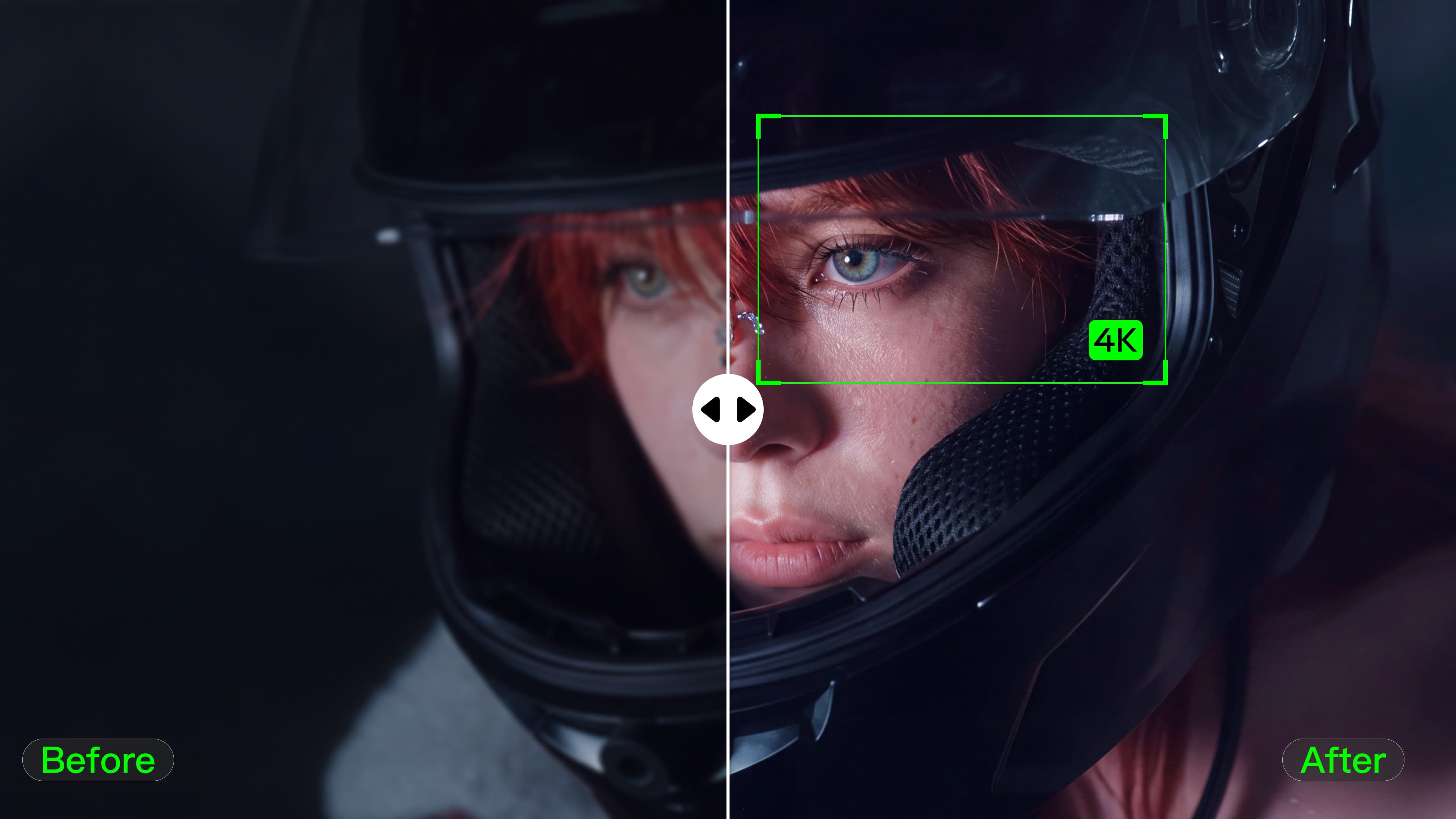
Use IMAGE 3.0 Omni to generate restored photos with 2K or 4K high-resolution output. Higher-resolution images provide clearer details, smoother total transitions, and richer textures for family archives, photo books, digital collections, large displays, and high-quality printing.

Apps

60M+
60M+
Users
600M+
600M+
AI Videos Generated
4.7 ★
4.7 ★
App Store
Industry-Leading
Industry-Leading
Cinematic 4K

Reviews

Déborah

Déborah

I use Kling AI every day. It's amazing to see the almost daily progress it makes. I used AI for fun at first, and I now find that Kling AI's animations allow me to gain professional visibility, with three times more views on my animated posts than on my static posts.

KakuDrop

KakuDrop

I have successfully collaborated with world-renowned artists and well-known companies that are recognized globally

Jyo John Mulloor

Jyo John Mulloor

Kling AI has been instrumental in transforming my creative workflow, unlocking new dimensions of artistic expression that were once unimaginable. I use Kling AI extensively to develop high-concept visuals, animate surreal dreamscapes, and create AI-assisted films that blur the line between reality and fantasy. Kling AI's deep learning capabilities have not only enhanced my creative efficiency but also inspired me to explore storytelling in ways I never thought possible.

FAQ

Q1What is AI photo restoration?
Q2How does AI photo restoration work?
Q3Can AI restore old photos with scratches and damage?
Q4Can AI restore faded colors in old photos?
Q5Can AI colorize black-and-white photos?
Q6Will AI restoration change faces in old photos?
Q7Do I need a high-resolution scan for photo restoration?
Q8Can restored photos be printed?
Q9Are restored photos exactly the same as the original?

Bring Your Old Photos Back to Life

Use the photo you already have as the starting point. Repair visible damage, improve faded areas, guide familiar faces with references, and create a higher-resolution version when you need it.