Pixel Art Generator for Retro Characters, and More

Turn a rough idea, favorite photo, or original character into pixel art with Kling AI. Go bright and arcade-inspired, dark and nostalgic, or build a style of your own with prompts and visual references.
Pixel Art Generator for Retro Characters, and More

How to Create Pixel Art with Kling AI

Start with Text or Images

Start with Text or Images

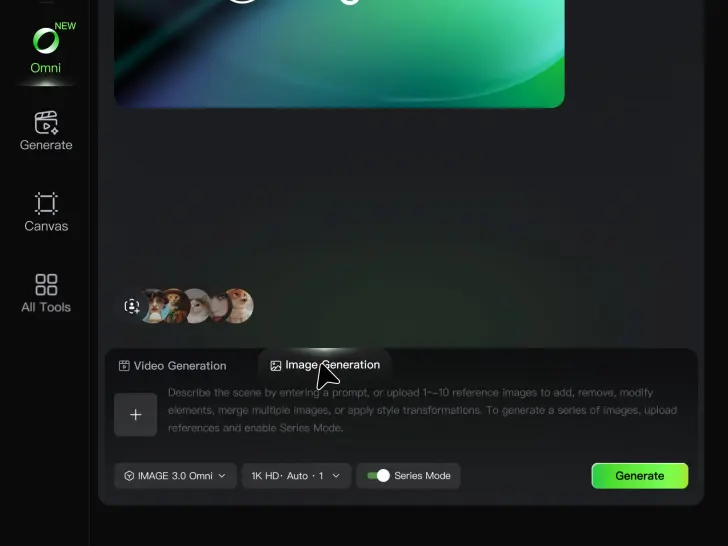
If you're starting from scratch, enter a text prompt for the character, object, environment, composition, or mood you want. To generate pixel art from an existing image, upload it as a reference. Kling IMAGE 3.0 supports up to 10 reference images to combine characters, props, outfits, and scenes into one cohesive result.

Describe Your Pixel Art Style

Describe Your Pixel Art Style

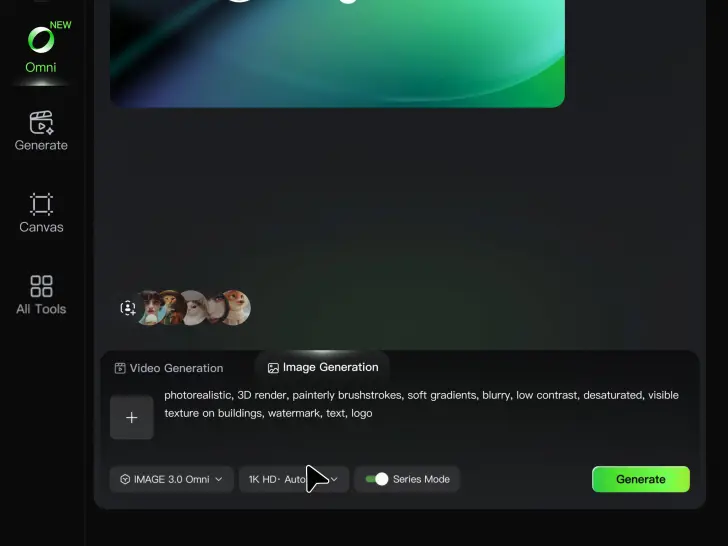
Describe the pixel art style you want, including the character, scene, color palette, composition, lighting, and mood. Try a bright 16-bit-inspired fantasy town, a dark retro RPG portrait, a neon cyberpunk street, or an isometric pixel environment.

Choose Your Settings and Generate

Choose Your Settings and Generate

Select an aspect ratio such as 1:1, 3:4, 4:3, 16:9, or 9:16, choose how many images to generate, and select an available output quality such as 2K HD. Generate your pixel art, preview the results, and download your preferred version.

Create Pixel Art Across Different Looks

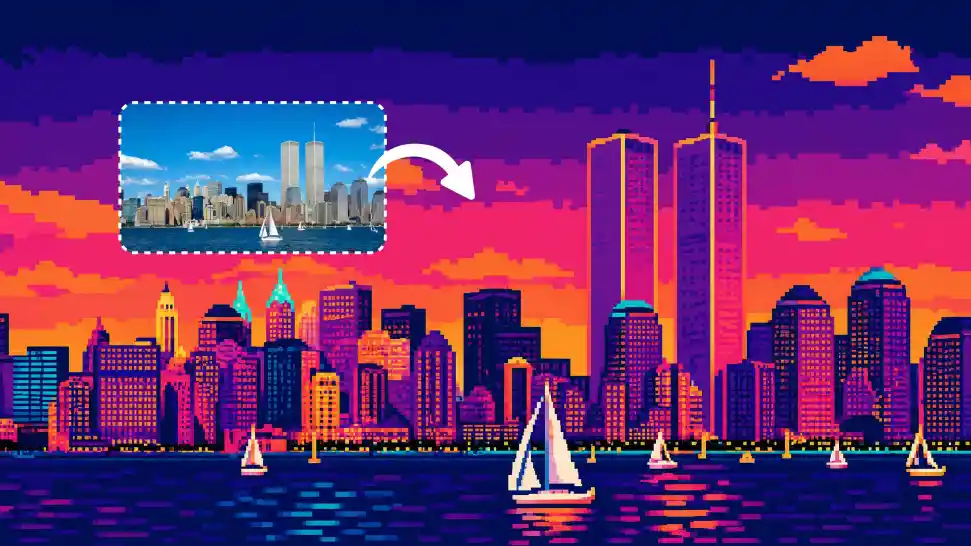
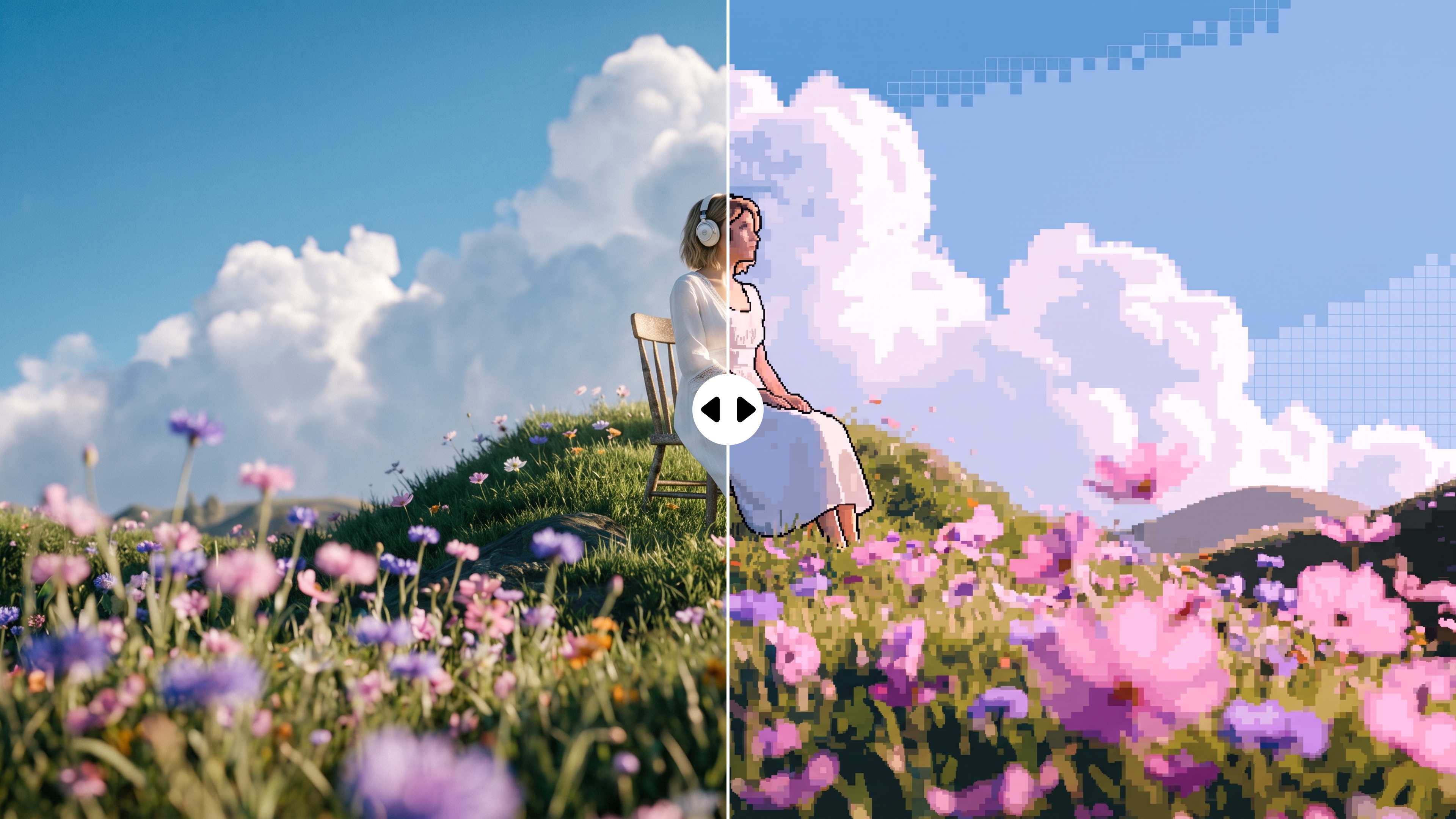
Turn Photos into a Pixel-Style Makeover

Turn Photos into a Pixel-Style Makeover

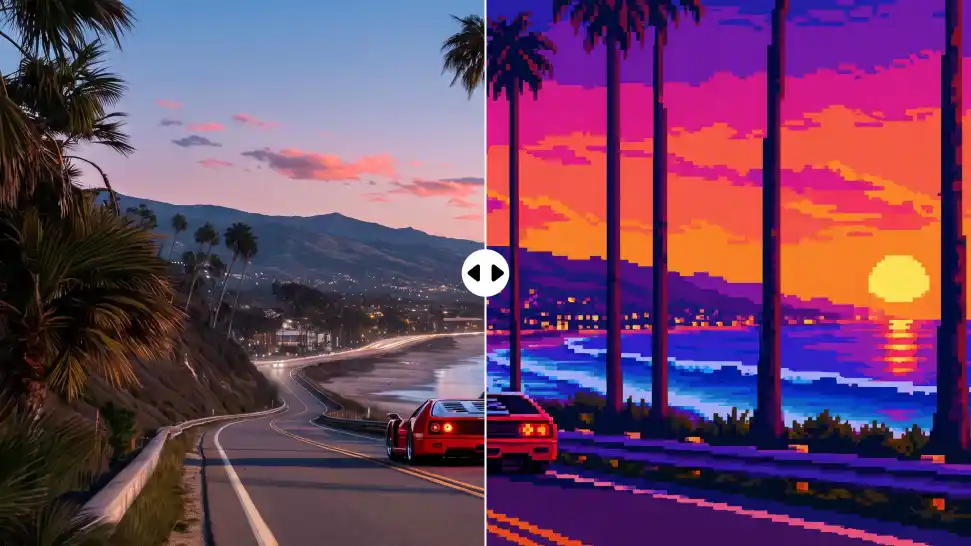
Give a portrait, pet, landscape, illustration, or everyday object a completely different personality. Keep the source image as your visual reference, then describe the pixel-art treatment you want. Try a retro game portrait, a tiny pixel pet, a synthwave cityscape, or a more stylized take on a photo you already love.

Bring Several Ideas into the Same Scene

Bring Several Ideas into the Same Scene

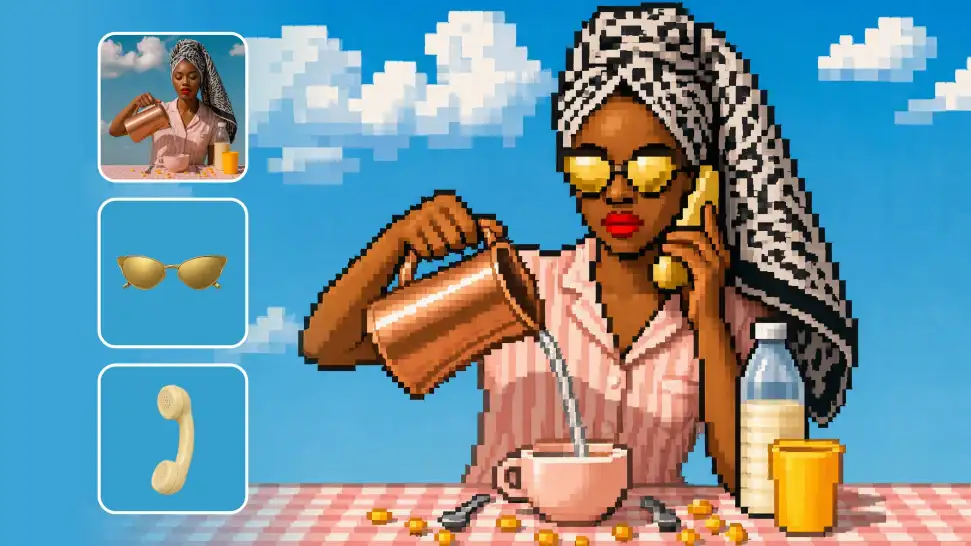
A bigger pixel world often starts with more than one reference. Bring in a character from one image, an outfit from another, then add props, scenery, or a broader visual direction from the rest. With up to 10 reference images, you can show Kling the pieces you have in mind instead of trying to describe every detail from scratch.

Shape a Cohesive Pixel Art Color Palette

Shape a Cohesive Pixel Art Color Palette

A palette can change the entire mood of your scene. Push the colors toward bright arcade tones, keep them muted and nostalgic, work with neon against deep shadows, or give a cozy game world a warmer feel. Describe the colors, contrast, saturation, and atmosphere you want, then keep adjusting until the image feels right.

Apps

Image to Video
Image to Video

Image to Video

Text to Video
Text to Video

Text to Video

Omni
Omni

Omni

Digital Human
Digital Human

Digital Human

Restyle
Restyle

Restyle

Text to Image
Text to Image

Text to Image

60M+
60M+
Users
600M+
600M+
AI Videos Generated
4.7 ★
4.7 ★
App Store
Industry-Leading
Industry-Leading
Cinematic 4K

Reviews

James Phillips

James Phillips

★★★★★

Kling AI has transformed my workflow by collapsing timelines and democratizing production. It’s shifted my mindset from resource-dependent filmmaking to a boundless creative sandbox, where experimentation yields unexpected beauty.

Maria Rubtsova

Maria Rubtsova

★★★★★

I’m Maria Rubtsova, an AIGC digital artist passionate about creating stunning visuals in the worlds of fashion, aesthetics, and fantasy. I use KlingAi to bring imagination to life through video. My work is all about exploring beauty, emotion, and the limitless possibilities of digital art.

Déborah

Déborah

★★★★★

I use Kling AI every day. It's amazing to see the almost daily progress it makes. I used AI for fun at first, and I now find that Kling AI's animations allow me to gain professional visibility, with three times more views on my animated posts than on my static posts.

FAQ

Q1What is an AI pixel art generator?
Q2How does an AI pixel art generator work?
Q3Can I generate pixel art from an image?
Q4Can I make pixel art from a text prompt?
Q5Can I create 8-bit, 16-bit, or isometric pixel art?
Q6Can I control the color palette of generated pixel art?
Q7Can Kling generate exact pixel sizes such as 16×16 or 32×32?
Q8Can I use AI pixel art for game assets?

Create Pixel Art Your Way with Kling AI

Turn a photo into a retro-style character, sketch out a game world, or build something entirely from your imagination.