AI Video Promo Maker

Have a product to launch, an offer to share, or an event to promote? Turn your ideas, photos, and brand assets into promo videos with Kling 4.0. Show what matters, guide the key moments, and add motion and sound that give people a reason to watch.

AI Video Promo Maker

How to Make a Promo Video With AI

Step 1: Upload Your Reference Assets

Step 1: Upload Your Reference Assets

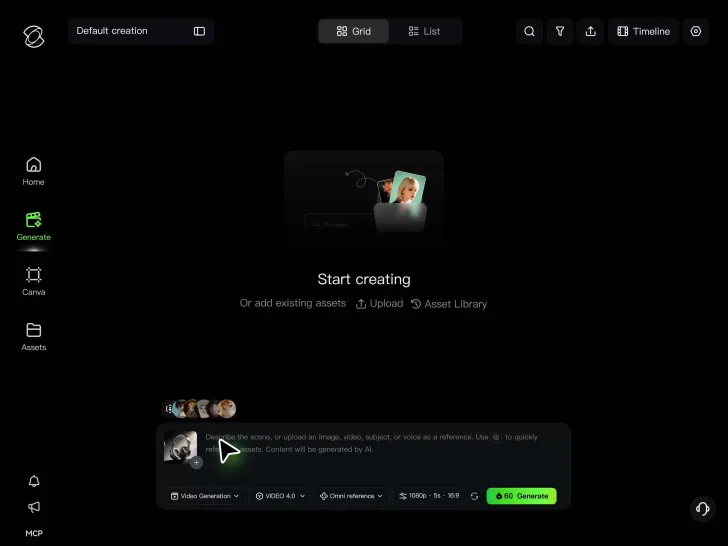
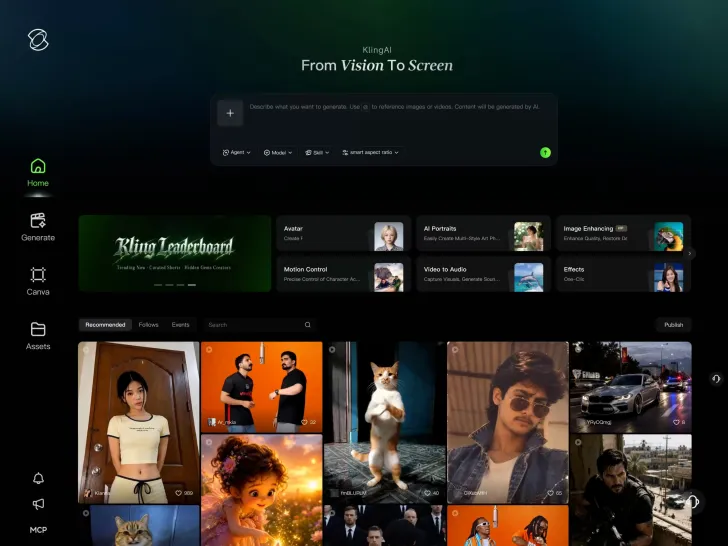
Upload product photos, brand visuals, subject references, or video clips to Kling 4.0. You can combine up to 15 supported reference assets to guide your promo's appearance, style, and movement.

Step 2: Describe Your Promo Video

Step 2: Describe Your Promo Video

Enter a prompt describing your product, key message, and how the video should unfold. Add camera movements, dialogue, sound effects, or keyframes to guide important moments.

Step 3: Generate and Use Video to Promo

Step 3: Generate and Use Video to Promo

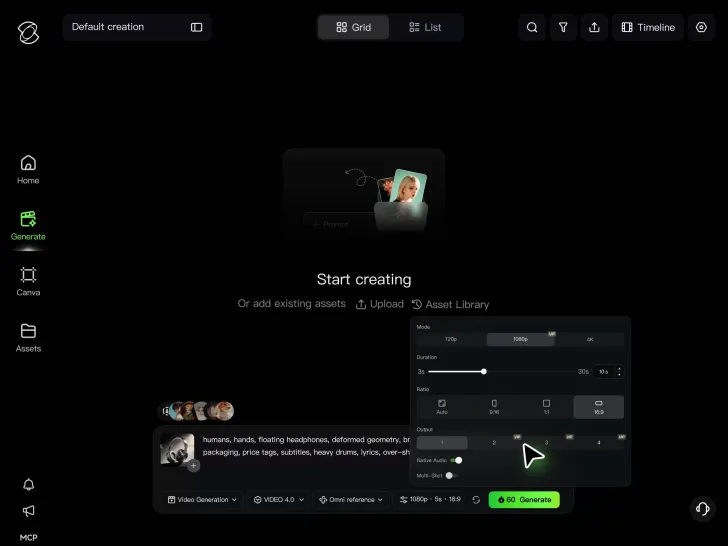
Choose a duration from 3 to 30 seconds and your preferred aspect ratio, then generate your video. Review the result, make any needed adjustments, and download it for product launches, promotions, events, or social media.

Give People a Reason to Watch Your Video Promo—and Act

Turn a Quick Glance Into Interest

Turn a Quick Glance Into Interest

Open with the product in action, a problem your audience recognizes, or a glimpse of an upcoming launch. Then build toward the benefit, offer, or reveal you want viewers to remember. Give each shot a clear job, whether you’re promoting a new release or a limited-time deal. Kling 4.0 generates up to 30 seconds of video in one pass, giving your promo room to tell a complete story. With Kling 4.0's multiple keyframes, you can use up to 10 keyframe images to guide the opening, product entrance, scene changes, and closing shot. Make every reveal happen when it matters.

Make Your Brand Recognizable in Every Shot

Make Your Brand Recognizable in Every Shot

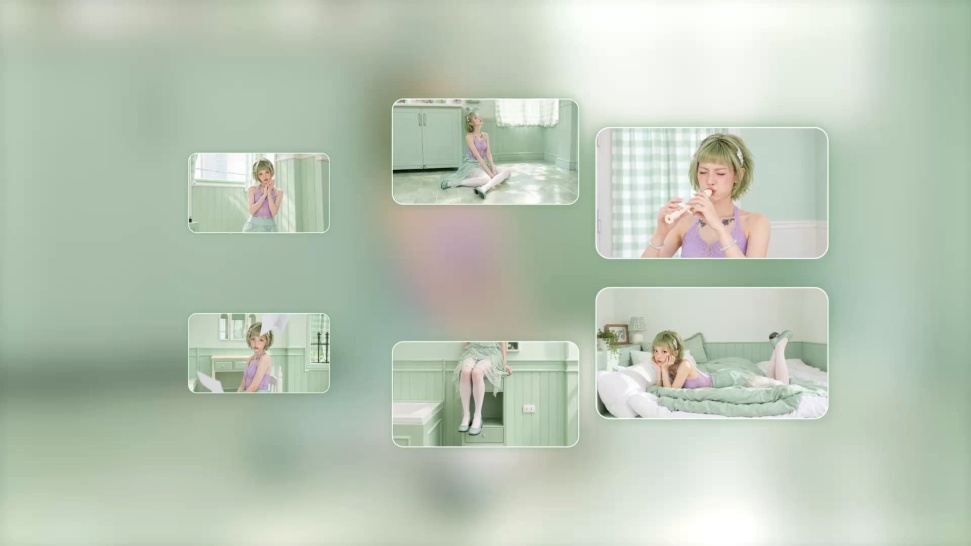
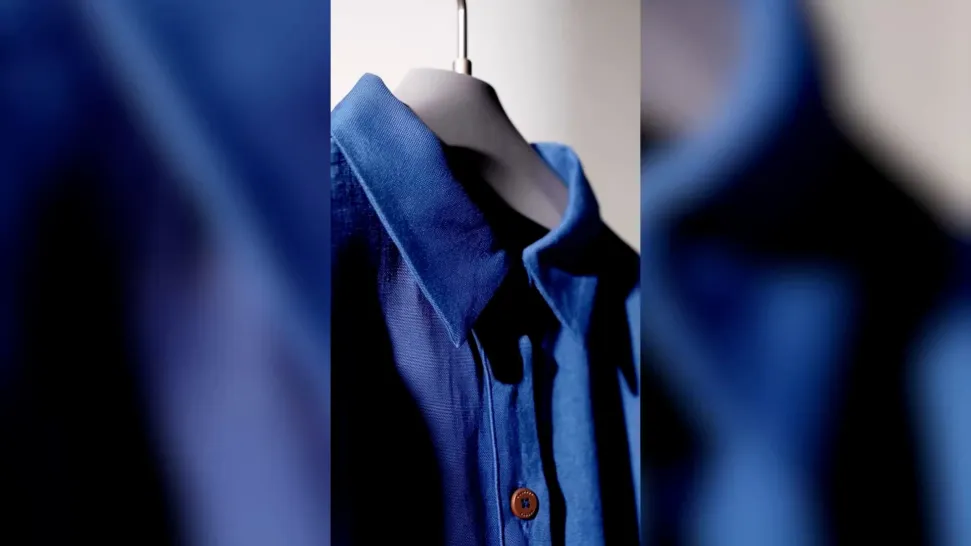
Your product should still look like your product, even when the setting changes. Whether you're creating a skincare launch, fashion campaign, or online store promotion, familiar colors, packaging, and visual details help viewers recognize your brand. Kling 4.0's Omni Reference supports up to 15 combined reference assets, including images, videos, and subjects. Use product photos to guide appearance, campaign artwork to establish the mood, and video references to shape movement. Bring your brand's look into new scenes without rebuilding the creative direction from scratch.
Turn a Reference Video Into a Fresh Promo Idea

Turn a Reference Video Into a Fresh Promo Idea

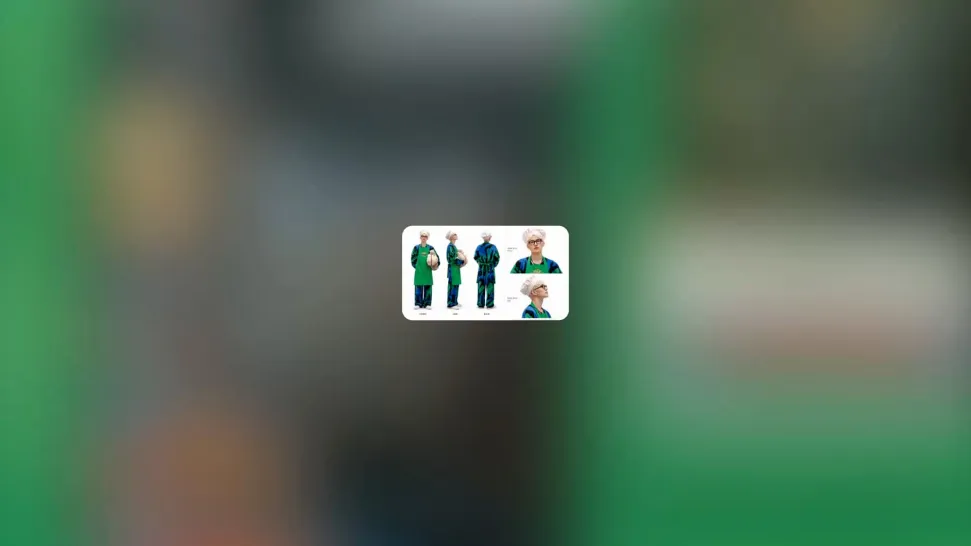
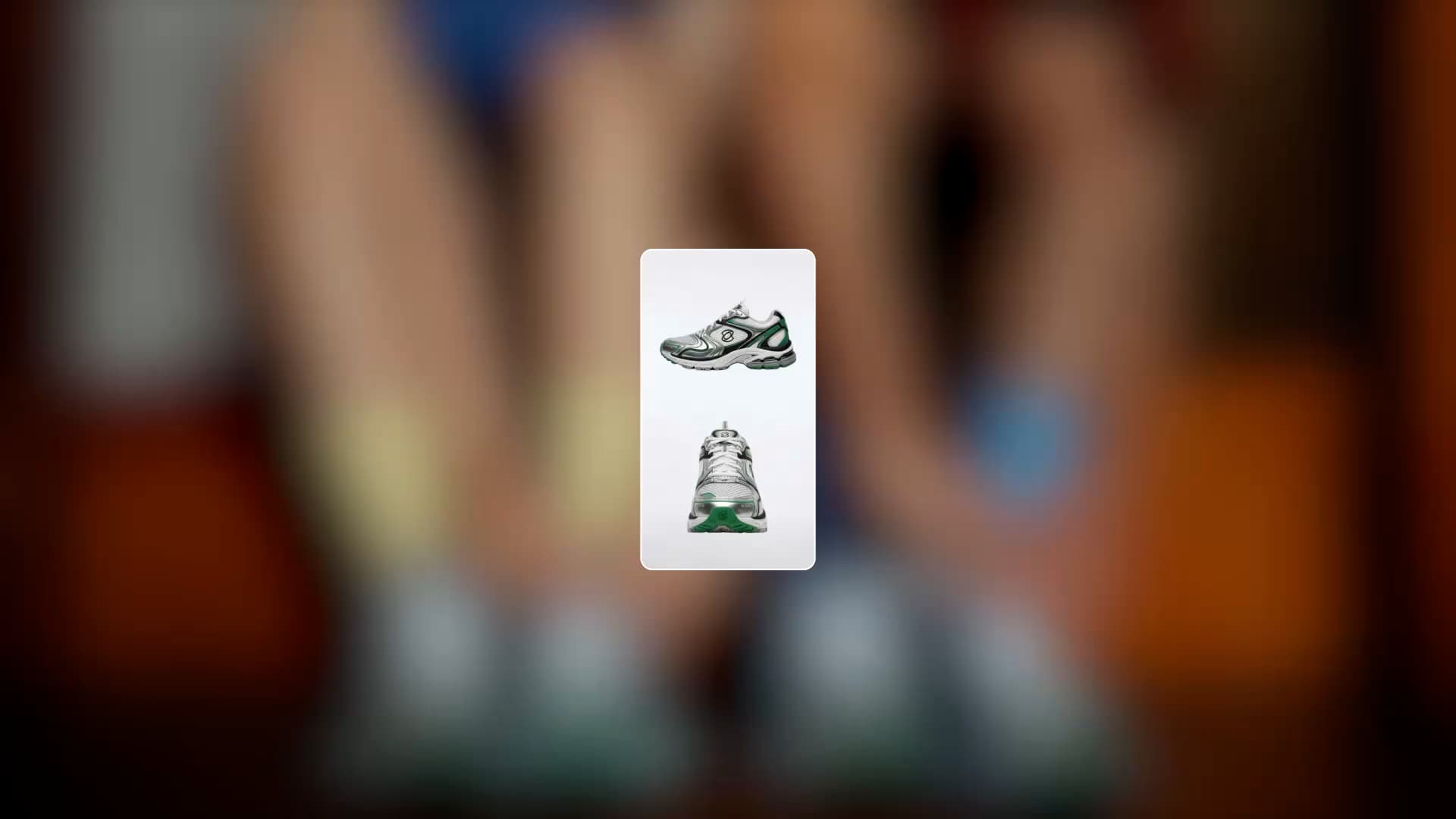
Found a product reveal with the right energy or a fashion teaser with a rhythm you love? Use it as a creative reference for your next promo. Explore how its pacing, camera movement, and shot structure could work with your own product, campaign, or event. Kling 4.0's Creative Recreation lets you use reference videos to guide pacing, shot composition, camera movement, and visual presentation. Combine these creative directions with your own products, characters, and brand assets to develop a distinctive promo for your next campaign.

Apps

Video Generation
Video Generation

Video Generation

Image Generation
Image Generation

Image Generation

Motion Control
Motion Control

Motion Control

Avatar
Avatar

Avatar

AI Portraits
AI Portraits

AI Portraits

Lip Sync
Lip Sync

Lip Sync

60M+
60M+
Users
600M+
600M+
AI Videos Generated
4.7 ★
4.7 ★
App Store
Industry-Leading
Industry-Leading
Cinematic 4K

Reviews

KakuDrop

KakuDrop

★★★★★

I have successfully collaborated with world-renowned artists and well-known companies that are recognized globally

Jyo John Mulloor

Jyo John Mulloor

★★★★★

Kling AI has been instrumental in transforming my creative workflow, unlocking new dimensions of artistic expression that were once unimaginable. I use Kling AI extensively to develop high-concept visuals, animate surreal dreamscapes, and create AI-assisted films that blur the line between reality and fantasy. Kling AI’s deep learning capabilities have not only enhanced my creative efficiency but also inspired me to explore storytelling in ways I never thought possible.

PJ Ace

PJ Ace

★★★★★

Kling AI has made it easy for us to generate world class visuals for Fortune 500 companies, TV shows and music for big artists. We love the easy of use of the platform and the quality of the generations. My first time using Kling AI, I got 22 million views on just one video. It's that good.

FAQ

Q1What is an AI promo video creator?
Q2How do I make a promo video with AI?
Q3Can I create a promotional video without filming?
Q4Can I use my own product photos or video clips?
Q5Can I add promotional text or a call to action to my video?
Q6Can I make promo videos in different aspect ratios?
Q7Can my promo video include dialogue and sound?
Q8Can I ecport a promo video in 4K?

Give Your Next Launch Something Worth Watching

Introducing a product, promoting a special offer, or announcing an event? Create a promo that shows what matters, sounds right for your audience, and fits the screen where people will see it.

Omni Reference | Up to 10 Keyframes | 30s Generation | 9-Language Support