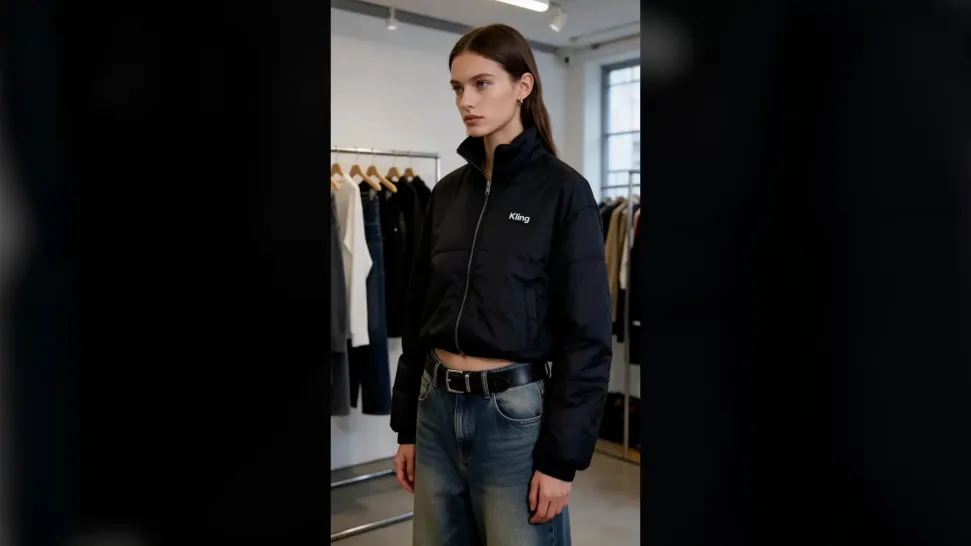
Short Video Maker: Create Shorts & Reels with AI

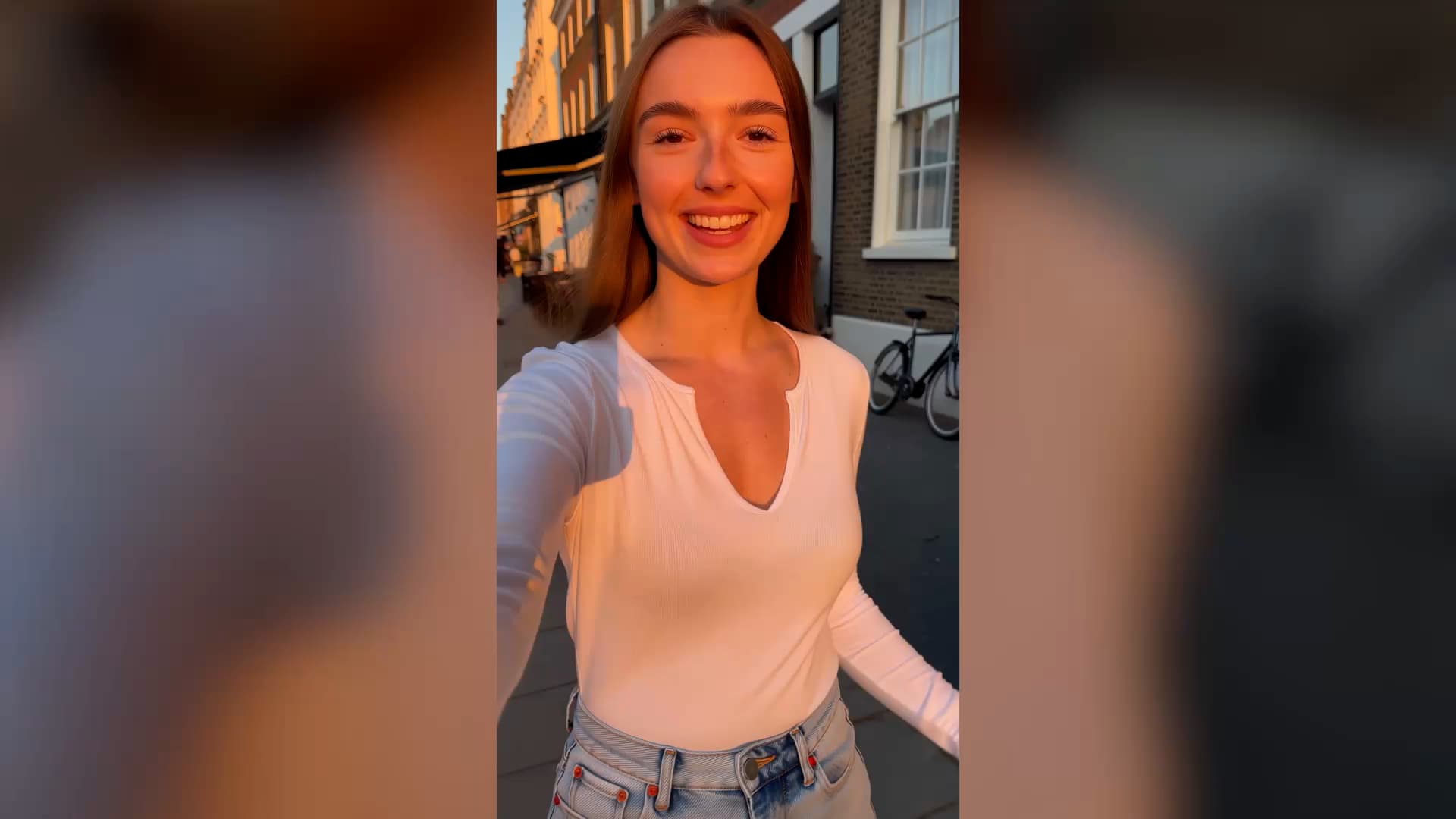
Give viewers a reason to stop scrolling. Show a product in action, make a popular trend your own, or start a series around a character people recognize. Kling 4.0 helps you create short videos for YouTube Shorts, Instagram Reels, and TikTok without filming every post.
Short Video Maker: Create Shorts & Reels with AI

How to Create a Short Video

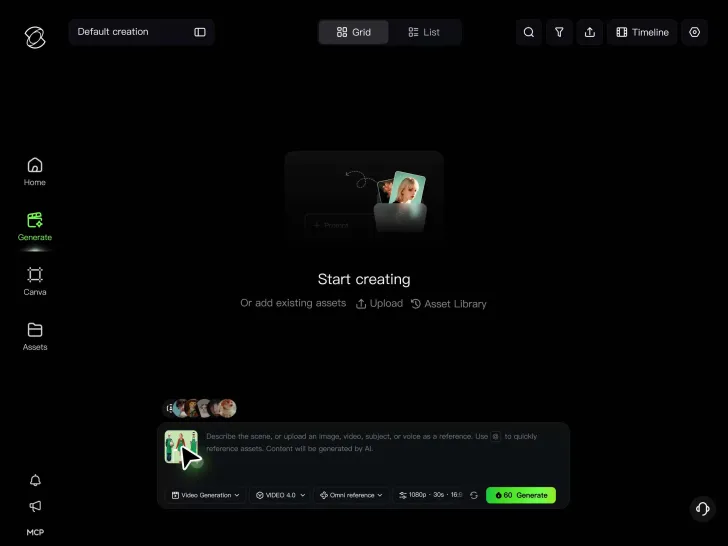
Step 1: Add Your Photos or References

Step 1: Add Your Photos or References

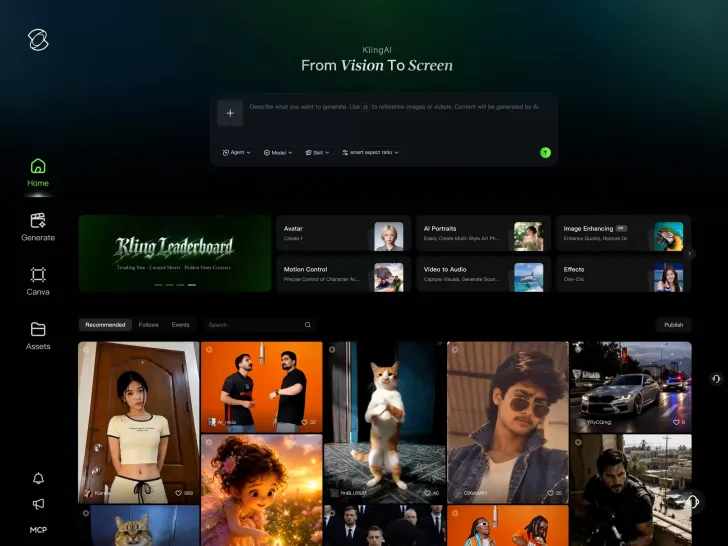
Upload a photo, product image, character reference, or video clip to work from. If you're creating something from scratch, you can skip the upload.

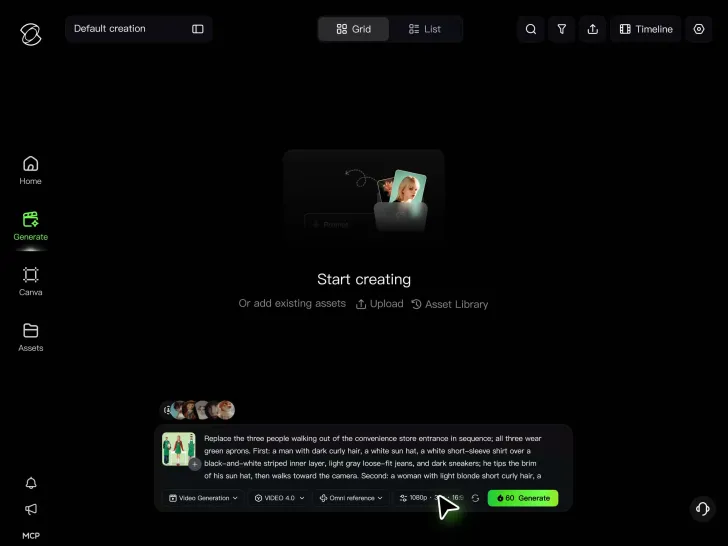
Step 2: Describe Your Short Video

Step 2: Describe Your Short Video

Write a prompt for what happens in the video, including the action, camera movement, and sound. Add keyframes if you want to guide specific moments or transitions.

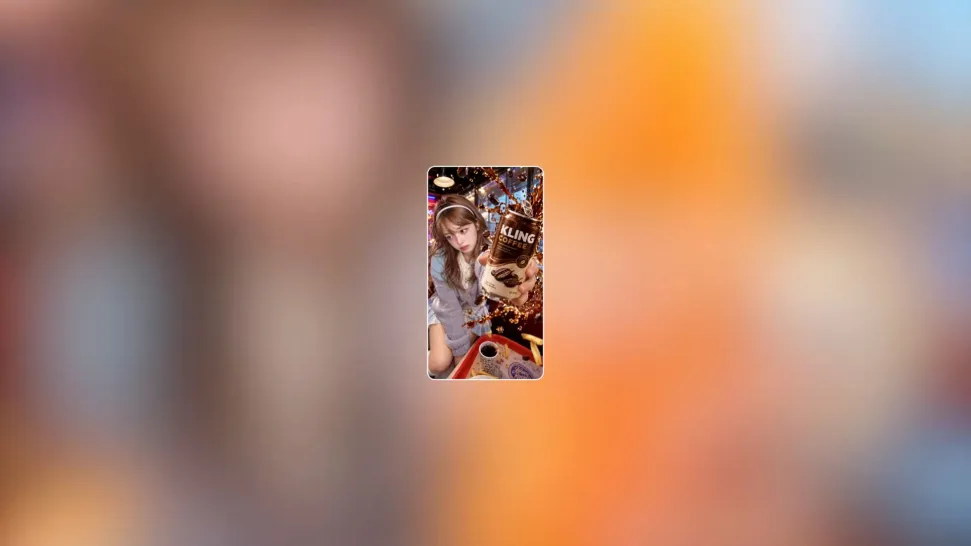
Step 3: Generate and Download Your Video

Step 3: Generate and Download Your Video

Choose a duration and aspect ratio, such as 9:16 for vertical shorts. Generate your clip, make any needed changes, and download it for sharing.

Create a Short Video Worth Watching to the End

Give Viewers a Reason to Stop Scrolling

Give Viewers a Reason to Stop Scrolling

On a busy feed, the first few seconds matter. A surprising change, a striking camera move, or a product reveal can catch someone's eye before they scroll past. Plan those moments with Kling 4.0's Multiple Keyframes. Up to 10 keyframe images can guide the opening, important changes, and final shot within a clip. Set up a reveal, build toward a funny reaction, or show a transformation in a way viewers can follow. A clear visual payoff gives your short more than just an attention-grabbing first frame.

Give Trending Videos Your Own Twist

Give Trending Videos Your Own Twist

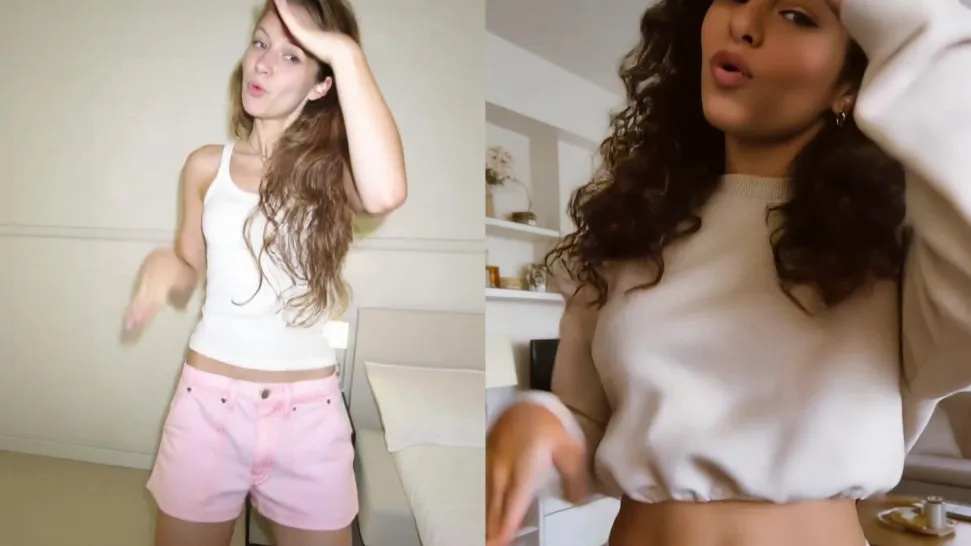
A dance challenge, clever transition, or funny video format can spread quickly across social feeds. Joining the conversation doesn't mean posting an identical copy. Kling 4.0 lets a reference video guide movement, timing, and camera angles. Change the performer, introduce your own product, or try the idea in a different setting. It's a way to experiment with popular formats while they're relevant, without arranging an entire shoot to recreate the original.

Post More Often Without Filming More

Post More Often Without Filming More

Keeping a social account active takes a steady flow of ideas. Finding time to film every one of them is another matter. A product photo can become a moving showcase. A written concept can become a new scene. Existing footage can provide the starting point for another variation. Kling 4.0 gives you these options without requiring a new recording session for every post.

Apps

Video Generation
Video Generation

Video Generation

Image Generation
Image Generation

Image Generation

Motion Control
Motion Control

Motion Control

Avatar
Avatar

Avatar

AI Portraits
AI Portraits

AI Portraits

Lip Sync
Lip Sync

Lip Sync

60M+
60M+
Users
600M+
600M+
AI Videos Generated
4.7 ★
4.7 ★
App Store
Industry-Leading
Industry-Leading
Cinematic 4K

Reviews

KakuDrop

KakuDrop

★★★★★

I have successfully collaborated with world-renowned artists and well-known companies that are recognized globally

Déborah

Déborah

★★★★★

I use Kling AI every day. It's amazing to see the almost daily progress it makes. I used AI for fun at first, and I now find that Kling AI's animations allow me to gain professional visibility, with three times more views on my animated posts than on my static posts.

Halim Alrasihi

Halim Alrasihi

★★★★★

I use AI daily and Kling AI is a crucial part of my workflow, whether for client work or personal projects. What I love most about using Kling AI is that it provides all the tools I need in one place, from keyframes to character references, elements and special effects.

FAQ

Q1What is an AI short video maker?
Q2How do I create a short video online?
Q3Can I create short videos without filming?
Q4Can I make YouTube Shorts, Instagram Reels, and TikTok videos?
Q5Can I recreate a trending short video?
Q6Can I add voices and sound effects to short videos?
Q7Can I edit a short video after generating it?
Q8Is Kling AI’s short video maker free to use?
Q9Is a Reel a short video?

Your Next Short Video Starts Here

A photo, a character, or an idea for a new clip is enough to get started. Work on the movement, camera, and sound, then download the version you're happy to share.

Text & Image to Video | Up to 10 Keyframes | Creative Recreation | Native Audio