Text-to-Image AI: Turn Ideas into Visuals
Generate images from text prompts with Kling AI. Create realistic photos, character designs, product visuals, and creative artwork with reference images and better control over visual consistency.
Generate images from text prompts with Kling AI. Create realistic photos, character designs, product visuals, and creative artwork with reference images and better control over visual consistency.
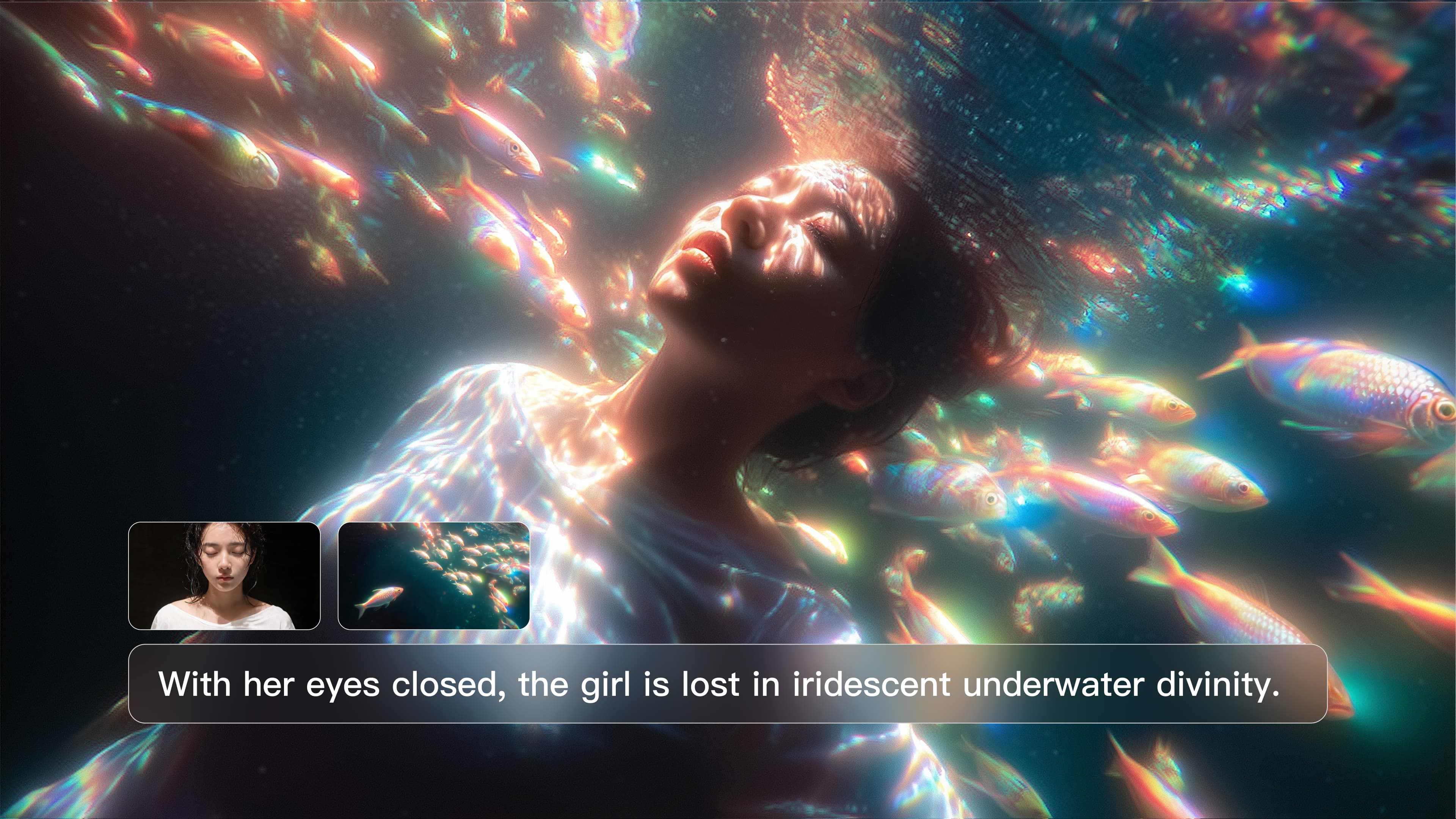
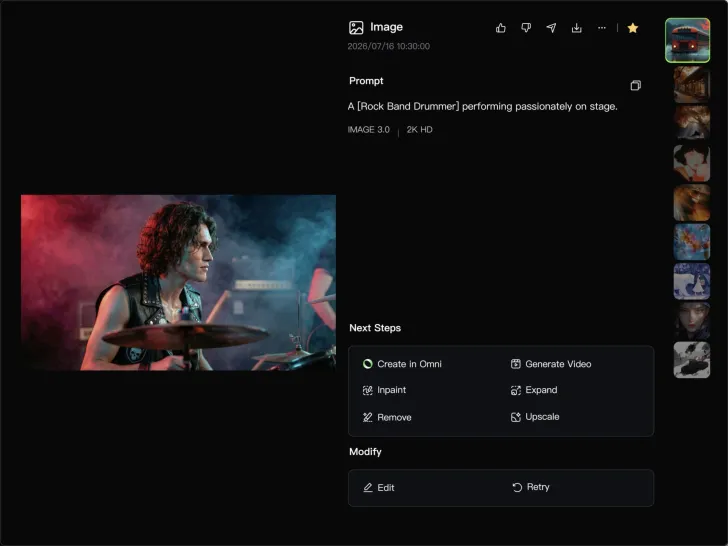

Turn your text descriptions into detailed images with Kling AI. Describe the subject, scene, style, and composition you want, and the model transforms your prompt into visuals that match your creative direction. Create realistic portraits, cinematic scenes, product visuals, and artistic images directly from text.

Create characters and visual concepts that remain consistent across different images. Kling IMAGE 3.0 uses reference images to preserve important details, including appearance, clothing, objects, and overall style. This makes it easier to create character designs, brand visuals, and image series with a consistent look.

Explore different visual directions with prompts and reference images. Adjust composition, perspective, lighting, and style to create new variations while keeping the main concept consistent. This helps you test different ideas and develop visuals for artwork, marketing materials, and creative projects.

















I’m Maria Rubtsova, an AIGC digital artist passionate about creating stunning visuals in the worlds of fashion, aesthetics, and fantasy. I use KlingAi to bring imagination to life through video. My work is all about exploring beauty, emotion, and the limitless possibilities of digital art.

I have successfully collaborated with world-renowned artists and well-known companies that are recognized globally

Kling AI has made it easy for us to generate world class visuals for Fortune 500 companies, TV shows and music for big artists. We love the easy of use of the platform and the quality of the generations. My first time using Kling AI, I got 22 million views on just one video. It's that good.
Create realistic images, character concepts, and creative artwork with Kling AI.
Free tier available | Reference images supported | High-quality output | Fast generation