











Creative Studio
API
Resources
Features
About Us
Download

AI Video Upscaler for Clearer Video

Upload a low-resolution or blurry clip to Kling VIDEO 3.0 Omni and generate a clearer 4K version with more visible detail. Use a simple prompt to reconstruct finer visual detail, refine lighting and color, and keep the footage natural and visually consistent from frame to frame.

AI Video Upscaler for Clearer Video

How to Upscale Video to 4K with Kling AI

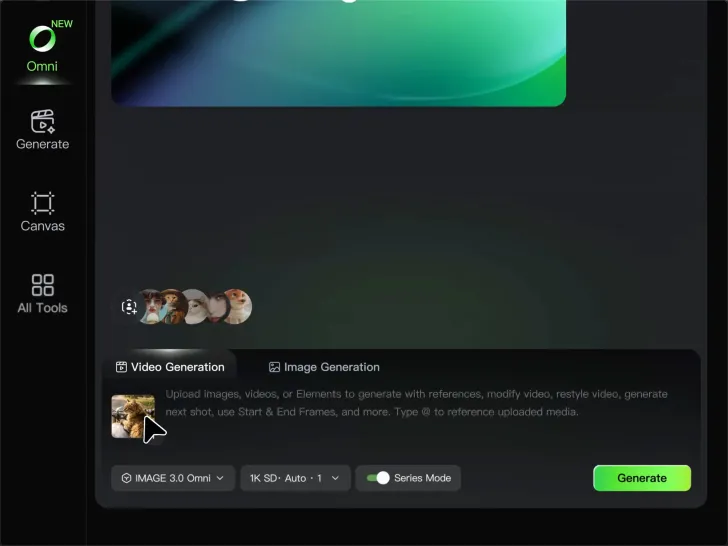
Upload Your Video

Upload Your Video

Upload the video you want to improve to Kling VIDEO 3.0 Omni. You can work with clips between 3 and 10 seconds, including lower-resolution, blurry, compressed, or AI-generated footage.

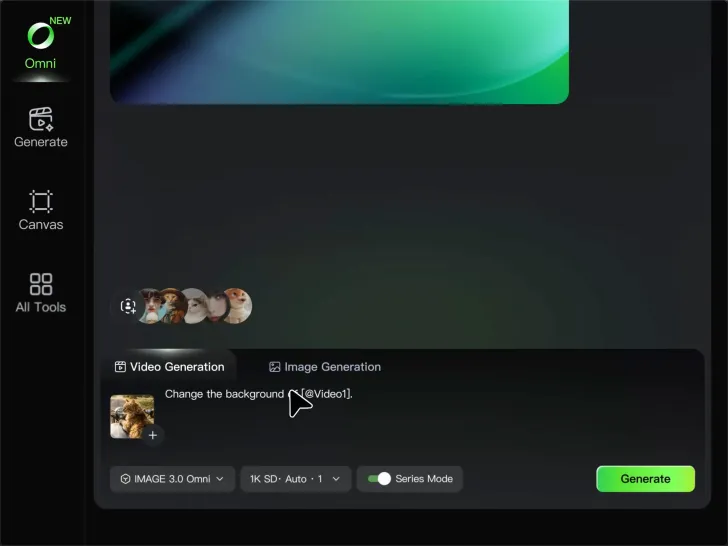
Describe the Result You Want

Describe the Result You Want

Enter a prompt for any changes you want alongside the upscale. You can ask for clearer detail or adjust lighting, color, atmosphere, background, and other visual elements while keeping the original footage as your starting point.

Generate Your 4K Video

Generate Your 4K Video

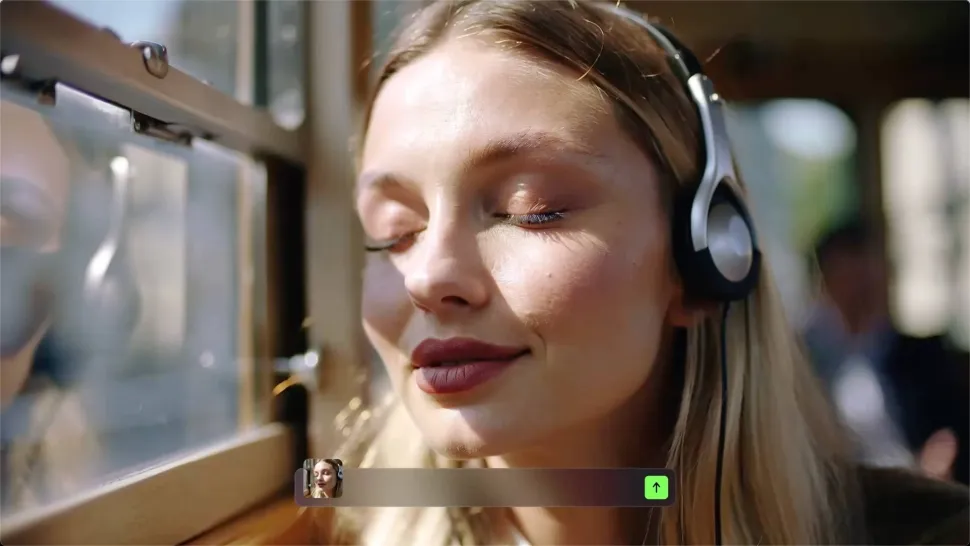
Select 4K as the output resolution and generate your new video. Review the result for clarity, detail, and subject appearance, then refine your prompt or references if you want another version.

Improve Video Resolution, Clarity, and Detail

Upscale Low-Resolution Video to 4K

Upscale Low-Resolution Video to 4K

Give footage with limited resolution more room to hold up on larger screens. Upload your clip, choose 4K output, and generate a higher-resolution version with clearer edges and more visible detail for viewing, editing, or final delivery.

Make Blurry or Soft Video Look Clearer

Make Blurry or Soft Video Look Clearer

Soft footage can lose definition in faces, objects, edges, and backgrounds. Use Kling AI to generate a clearer version with stronger visual definition, whether you are working with an older clip, compressed footage, or a shot that simply looks too soft.

Bring Out More Texture and Fine Detail

Bring Out More Texture and Fine Detail

See more definition in skin, fabric, product surfaces, landscapes, water, smoke, and other detailed parts of a scene. Instead of simply enlarging the existing pixels, VIDEO 3.0 Omni generates new visual detail as it creates the higher-resolution result.

Apps

Image to Video
Image to Video

Image to Video

Text to Video
Text to Video

Text to Video

Omni
Omni

Omni

Digital Human
Digital Human

Digital Human

Restyle
Restyle

Restyle

Text to Image
Text to Image

Text to Image

60M+
60M+
Users
600M+
600M+
AI Videos Generated
4.7 ★
4.7 ★
App Store
Industry-Leading
Industry-Leading
Cinematic 4K

Reviews

PJ Ace

PJ Ace

★★★★★

Kling AI has made it easy for us to generate world class visuals for Fortune 500 companies, TV shows and music for big artists. We love the easy of use of the platform and the quality of the generations. My first time using Kling AI, I got 22 million views on just one video. It's that good.

James Phillips

James Phillips

★★★★★

Kling AI has transformed my workflow by collapsing timelines and democratizing production. It’s shifted my mindset from resource-dependent filmmaking to a boundless creative sandbox, where experimentation yields unexpected beauty.

Halim Alrasihi

Halim Alrasihi

★★★★★

I use AI daily and Kling AI is a crucial part of my workflow, whether for client work or personal projects. What I love most about using Kling AI is that it provides all the tools I need in one place, from keyframes to character references, elements and special effects.

FAQ

Q1What is an AI video upscaler?
Q2How is AI video upscaling different from regular video resizing?
Q3Can I upscale video to 4K with Kling AI?
Q4Can an AI video upscaler unblur video?
Q5Will upscaling change faces or products in my video?
Q6Can I upscale old, compressed, or AI-generated videos?
Q7What types of videos work best for AI upscaling?

Get More From Your Video in 4K

Keep the footage you already have and give it a higher-resolution finish. Upscale short videos to 4K, bring out more visible detail, and use prompts or references when you want more control over the final result.