YouTube Video Editor
Start with a script, an image, or a simple idea. Generate scenes with Kling 4.0, bring them together on a continuous timeline, and create YouTube videos or Shorts without filming every shot.
Start with a script, an image, or a simple idea. Generate scenes with Kling 4.0, bring them together on a continuous timeline, and create YouTube videos or Shorts without filming every shot.
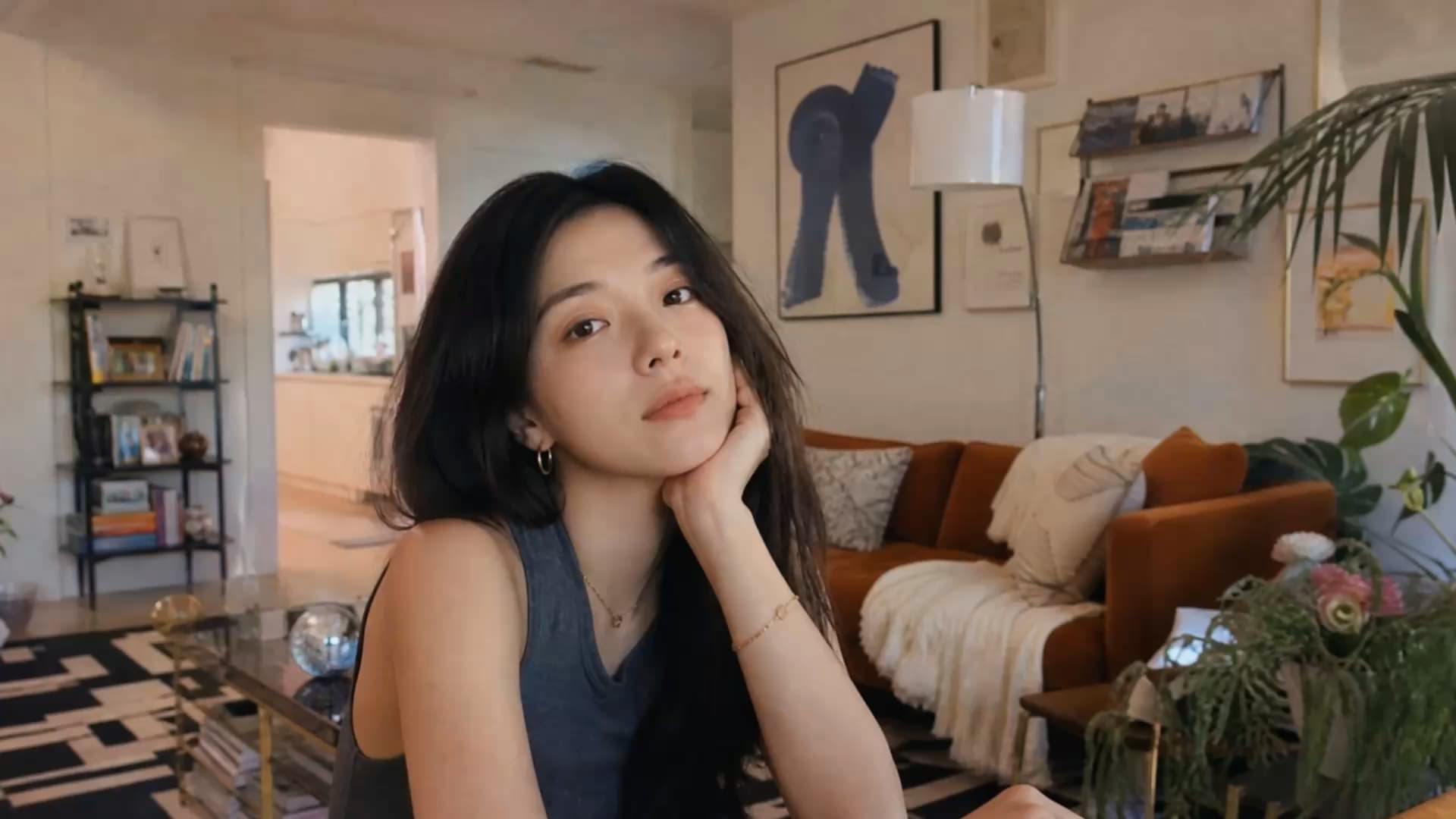
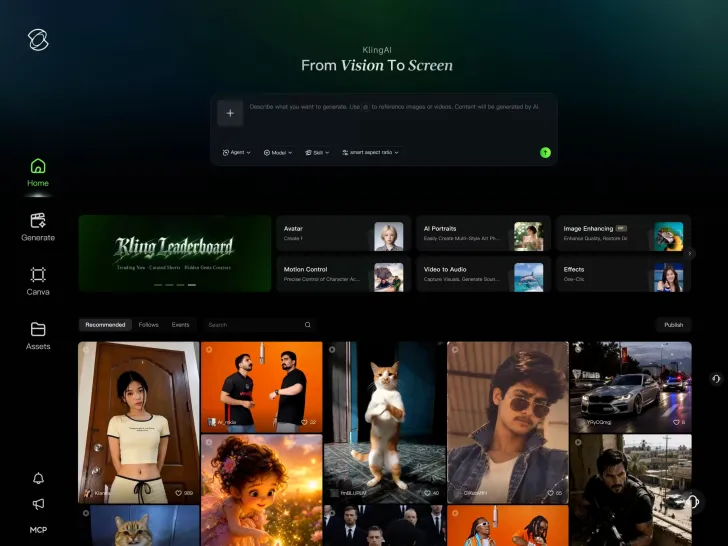
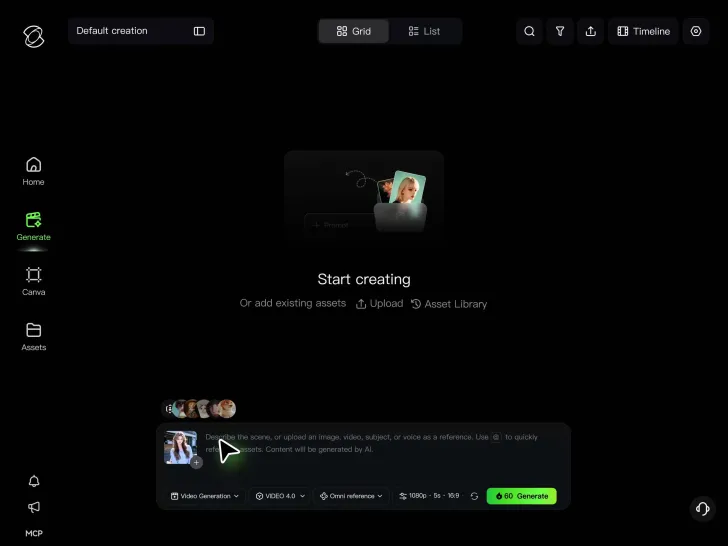
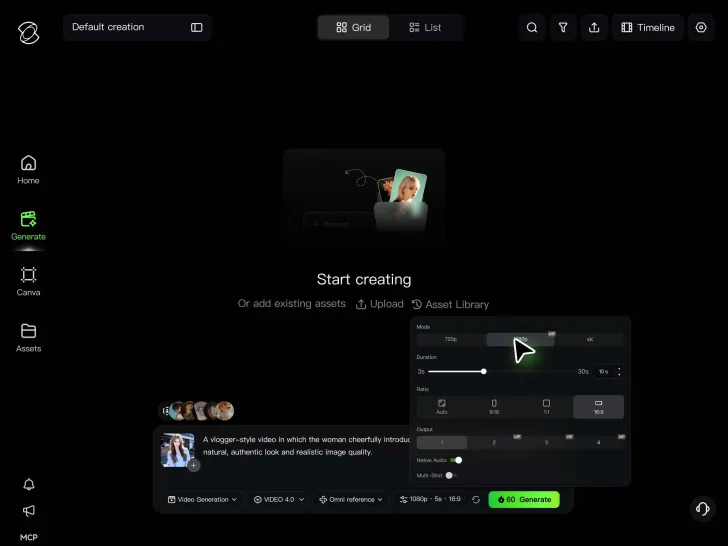
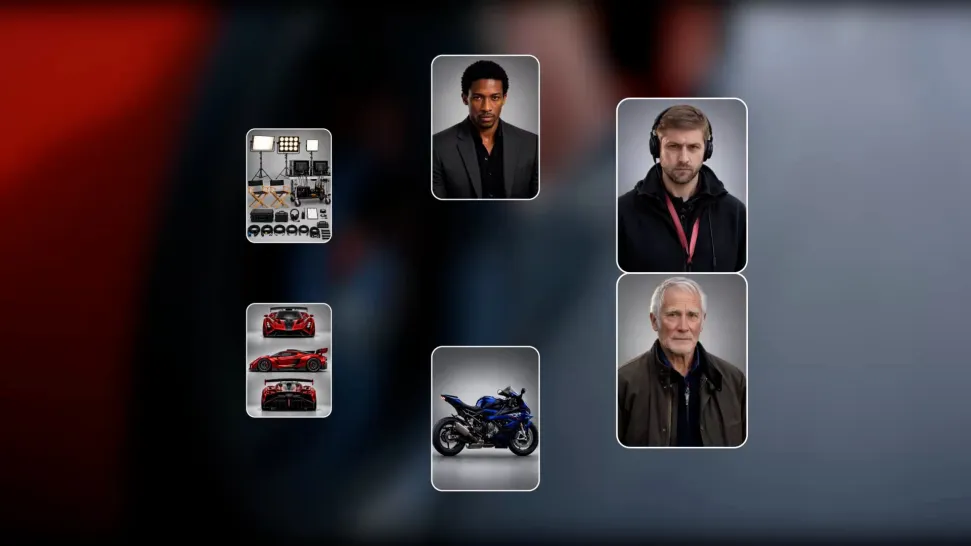
Make a video from a written idea, a few images, or references you already have. Generate product demonstrations, illustrated explainers, cinematic sequences, or supporting scenes for your next upload. With Kling 4.0, you can describe the action, setting, camera movement, and sound you want. Turn a product photo into a moving shot or build a scene from text, giving you more ways to create content even when you don't have footage to start with.
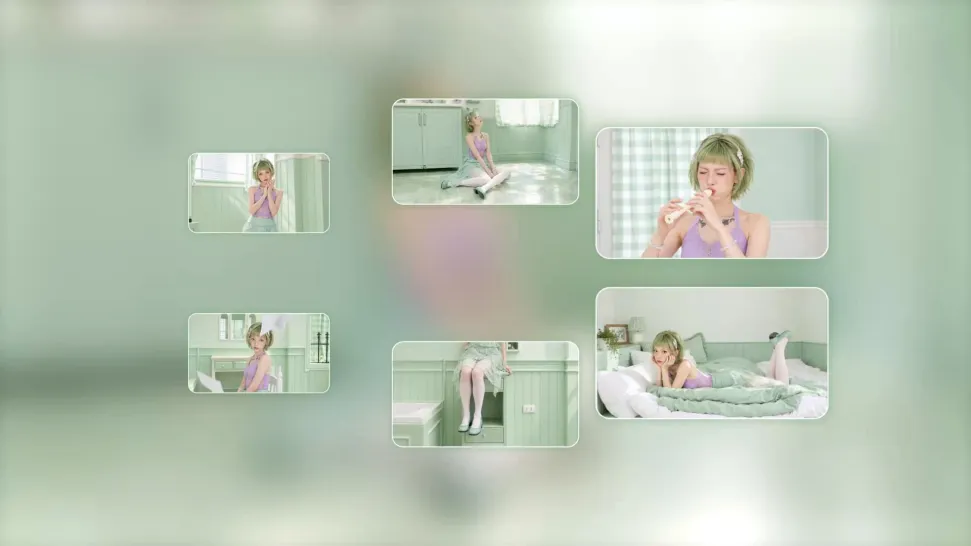
Keep viewers engaged with shots that support your story. Add a product close-up to a review, a scenic sequence to a travel vlog, or a visual example to a tutorial. Keep familiar characters, products, and visual details recognizable as you move between scenes. Kling 4.0 supports up to 10 keyframes to guide actions, camera movements, and scene progression. Use Omni Reference to help maintain character and product consistency across new shots, while Native Audio brings dialogue and sound into the story.
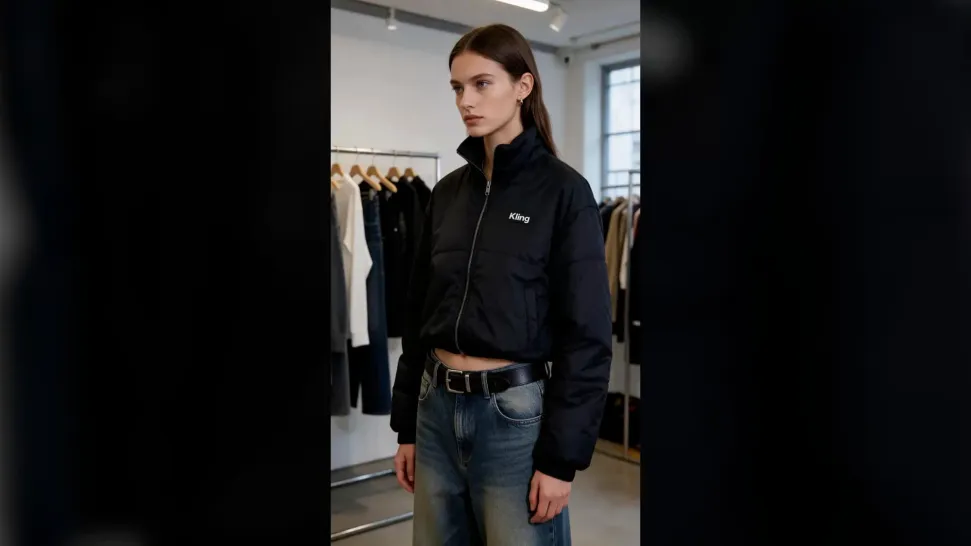
Make short videos around a quick idea, a product reveal, a character moment, or a story that gets straight to the point. Use vertical framing, focused action, and a clear ending to create videos for YouTube Shorts. Kling 4.0 supports 9:16 vertical video for Shorts and 16:9 for standard YouTube videos. Describe the opening, movement, and key moments you want, then generate and refine the scenes for your chosen format.

















I’ve been using Kling AI since its initial release, and it’s remained one of the leading AI media generators ever since. With Kling AI, I’ve created hundreds of videos, collectively amassing millions of views.

Kling AI allows me to rapidly prototype ideas, refine storytelling elements, and produce visually compelling content efficiently. It has not only accelerated my creative processes, but also deepened my understanding of how AI can enrich visual storytelling.

Kling AI seamlessly integrates into my creative workflow, playing a key role in transforming my images. After generating and upscaling an image, Kling becomes a crucial element, bringing my creations to life with movement and depth.
Start with an idea, create your scenes, and keep building on one timeline. Make longer YouTube videos, create Shorts, and refine the moments that matter with Kling 4.0.
Continuous Timeline Creation | Omni Reference | 30s Per Generation | Creative Recreation