AI ビデオエディター
AI を 1 か所でビデオの作成、編集、仕上げを行うことができます。新しいクリップを生成するか、Kling AI を使用して既存のフッテージを変更します。高度な編集スキルは必要ありません。
AI を 1 か所でビデオの作成、編集、仕上げを行うことができます。新しいクリップを生成するか、Kling AI を使用して既存のフッテージを変更します。高度な編集スキルは必要ありません。




機能するものは維持し、機能しないものは変更します。キャラクターや製品を交換したり、衣装を更新したり、気を散らすものを取り除いたり、アクションを別の設定に移動したりできます。 天気、照明、時間帯、または全体的な外観を変更することもできます。 Kling VIDEO 3.0 Omni を使用すると、プロンプトから開始して、顔、製品、またはブランドの詳細がより厳密に一致する必要がある場合に参照画像を追加できます。

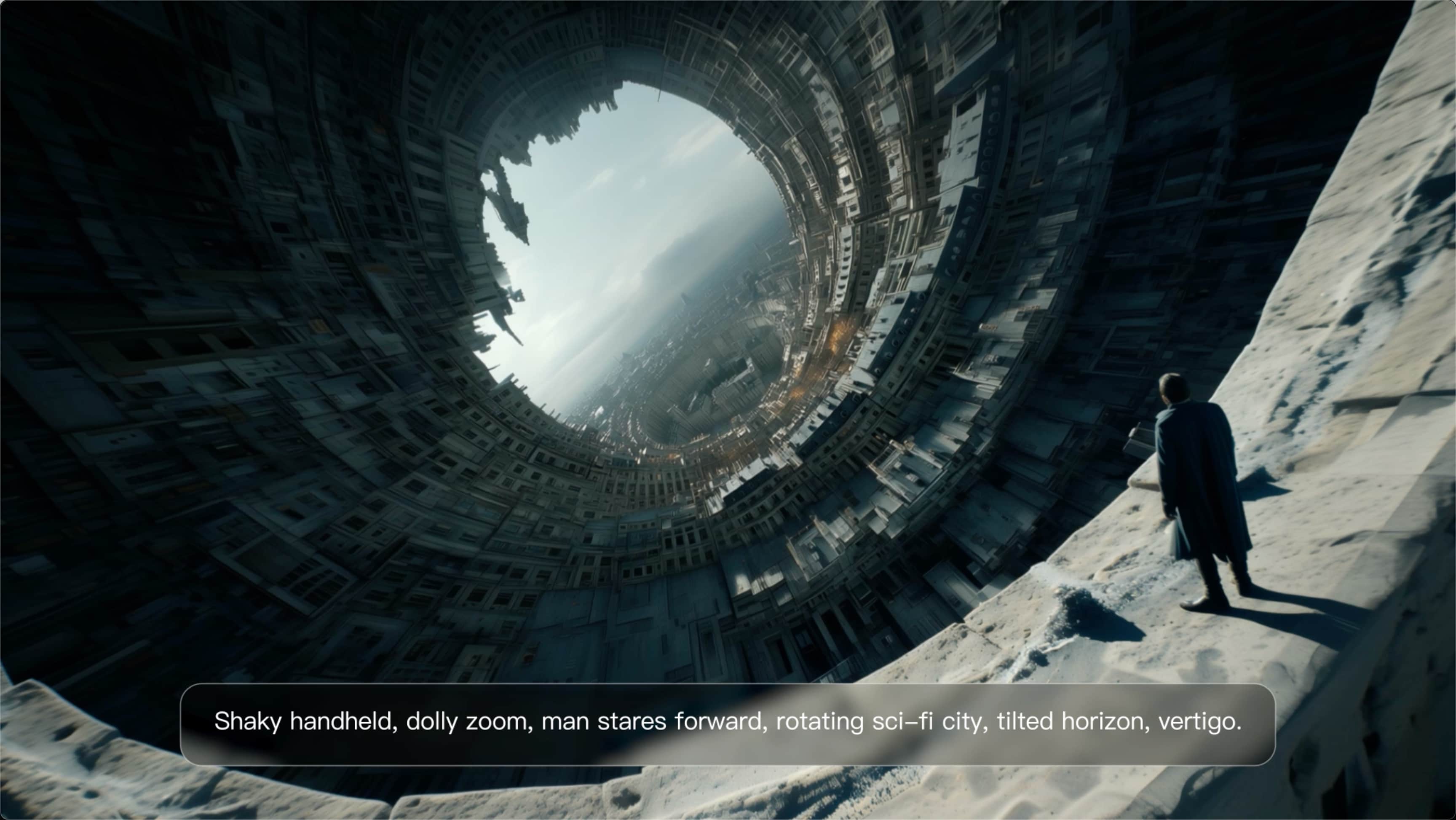
元のアクションを維持し、瞬間のフレームワークを変更します。クローズアップするために移動したり、より広い視野を開いたり、角度を変更したり、被写体の周りの構図のバランスを再調整したりできます。 プロンプトが新しいフレーミングを設定している間、ソース フッテージはモーションとシーンのコンテキストを所定の位置に保持します。

次のシーンを最初から構築せずに、現在の終了を超えてクリップを続行します。 Kling は、主題、モーション、設定を新しい映像に組み込みます。次に起こることを制御したい場合は、プロンプトを追加します。 クリップが早く終了する場合、アクションにさらに時間がかかる場合、または次のビートがまだ欠けている場合は、Video Extension を使用します。

















Kling AI seamlessly integrates into my creative workflow, playing a key role in transforming my images. After generating and upscaling an image, Kling becomes a crucial element, bringing my creations to life with movement and depth.

I use Kling AI daily to push the limits of AI filmmaking. It allows me to create highly cinematic content, blending AI and VFX to develop innovative projects. It has significantly impacted my creative process, enabling me to achieve complex animations that would otherwise require high production budgets.

Kling AI allows me to rapidly prototype ideas, refine storytelling elements, and produce visually compelling content efficiently. It has not only accelerated my creative processes, but also deepened my understanding of how AI can enrich visual storytelling.
映像をアップロードし、結果を説明し、Kling にあなたの指示に従ってシーンを再構築させます。
無料利用枠あり | シンプルなプロンプト編集 | 最大 4K 出力 | 高速生成