AI 背景除去ツール
写真の背景を削除したり、透明なカットアウトを作成したり、被写体を新しい設定に配置したりできます。ビデオの背景をすべて Kling AI で再加工することもできます。
写真の背景を削除したり、透明なカットアウトを作成したり、被写体を新しい設定に配置したりできます。ビデオの背景をすべて Kling AI で再加工することもできます。
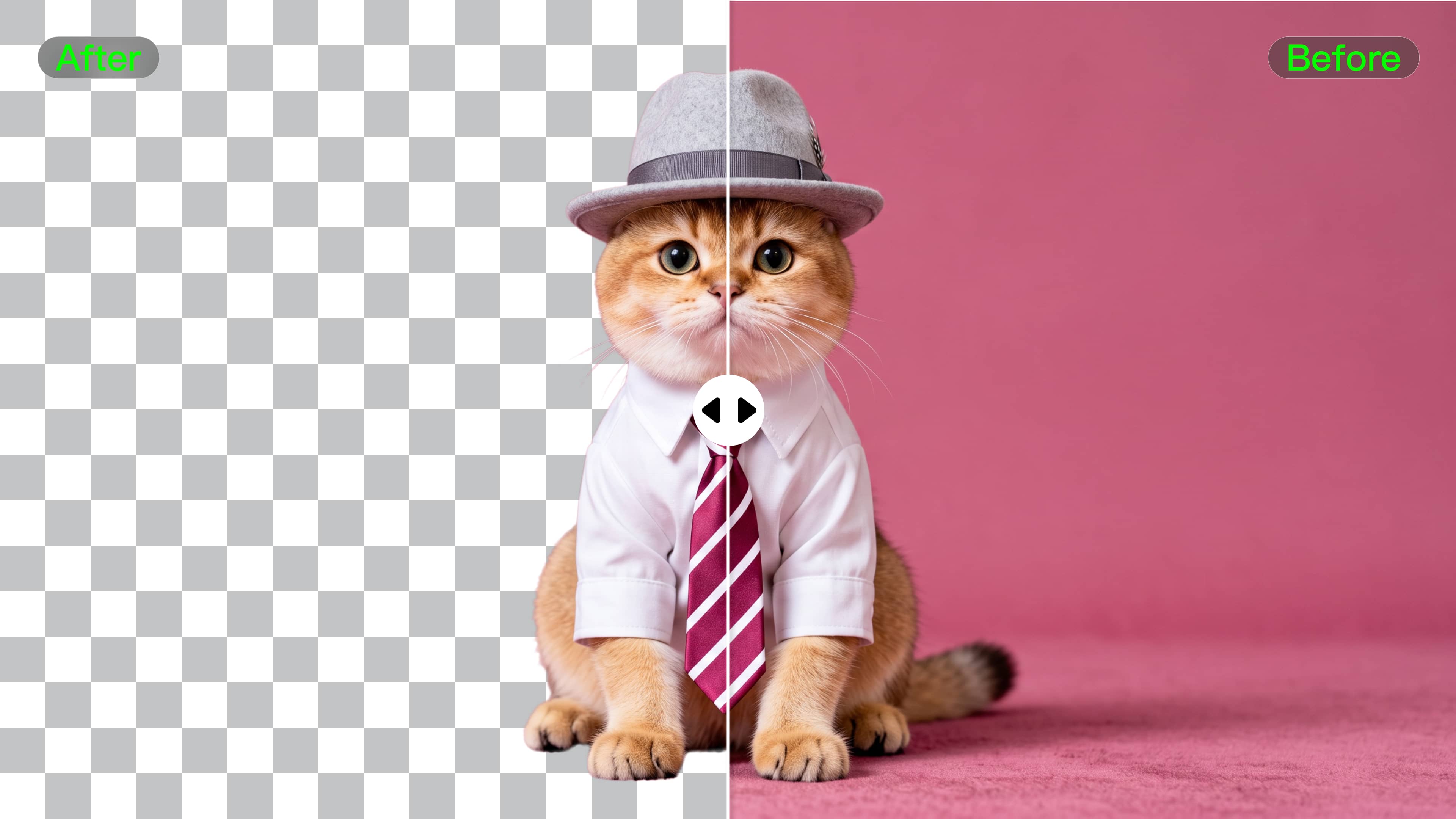




被写体の周囲を手でなぞらずに、邪魔な背景を取り除きます。リスト、プロフィール画像、プレゼンテーション、デザイン作業用に、透明な製品ショット、ポートレート、ロゴ、グラフィックを作成します。高解像度のデプライミング エフェクトが必要な場合、IMAGE 3.0 Omni は 2K および 4K 出力もサポートします。

主題の背後にあるものはすでにわかっていますか?余分な編集をスキップして、最終的な外観に直接進みます。製品ショット、ポートレート、ソーシャル グラフィック、キャンペーン ビジュアルを更新する場合でも、新しい設定を説明するか、ガイドとなる参照画像を追加します。

既存のクリップを保持し、その周りの設定を変更します。 VIDEO 3.0 Omni を使用すると、プロンプトまたは参照画像を使用して、別の撮影やグリーン スクリーンを使用せずに、広告、製品ビデオ、プレゼンター クリップ、ソーシャル コンテンツの背景を更新できます。

















I have successfully collaborated with world-renowned artists and well-known companies that are recognized globally

Kling AI allows me to rapidly prototype ideas, refine storytelling elements, and produce visually compelling content efficiently. It has not only accelerated my creative processes, but also deepened my understanding of how AI can enrich visual storytelling.

I use Kling AI daily to push the limits of AI filmmaking. It allows me to create highly cinematic content, blending AI and VFX to develop innovative projects. It has significantly impacted my creative process, enabling me to achieve complex animations that would otherwise require high production budgets.
背景を削除し、シーンを置き換えて、Kling AI を使用してビジュアルを新しい場所に移動します。
無料利用枠あり | 画像とビデオのワークフロー | 高解像度オプション