AI 自然な画像を実現するウォーターマーク除去ツール
AI を利用した編集機能を使用して、画像から不要な透かし、ロゴ、テキストを削除します。重要なディテールと画質を維持しながら、よりクリーンなビジュアルを作成します。
AI を利用した編集機能を使用して、画像から不要な透かし、ロゴ、テキストを削除します。重要なディテールと画質を維持しながら、よりクリーンなビジュアルを作成します。
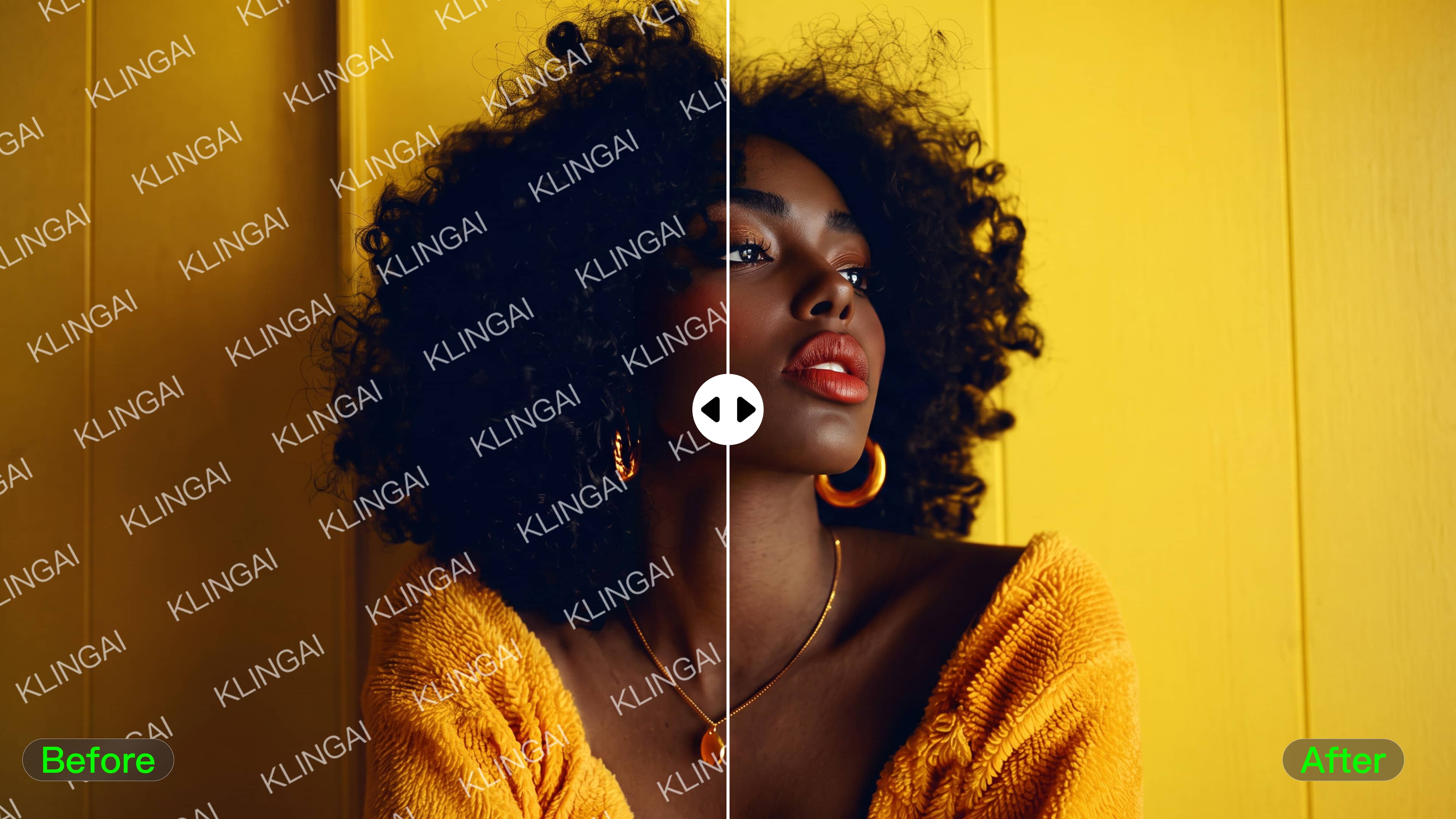
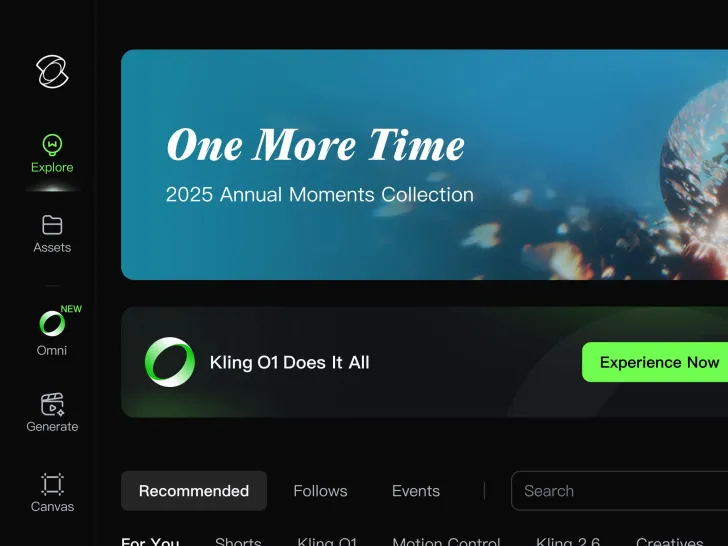
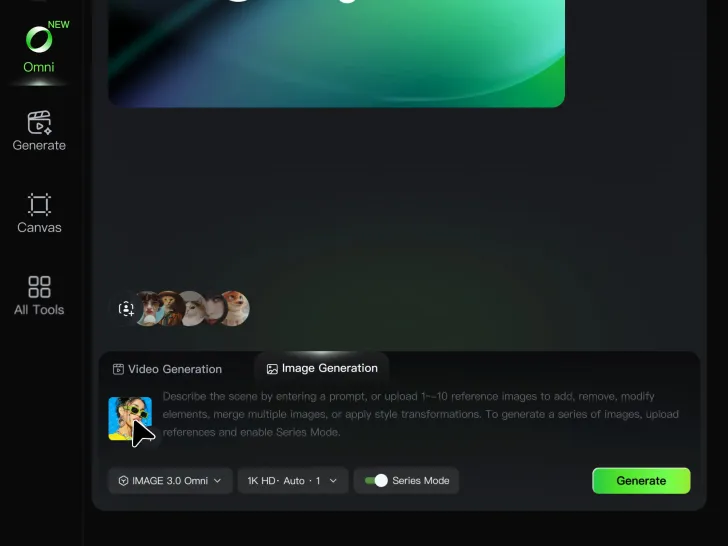
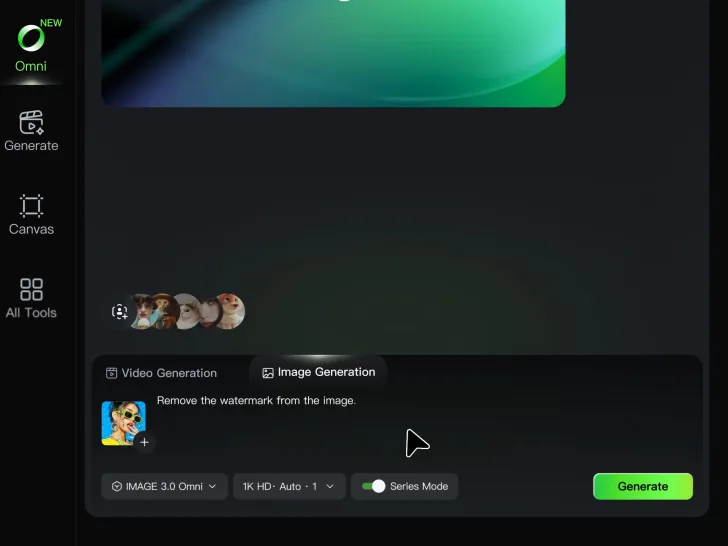

Kling AI では、直感的なテキストベースの編集により透かしを簡単に削除できます。透かし、ロゴ、不要なテキストなど、削除したいものを説明するだけで、Kling IMAGE 3.0 が指示を分析してよりクリーンな画像を作成します。複雑な編集スキルは必要ないため、誰でもプロ品質の画像クリーンアップを行うことができます。

小規模なクリーンアップでは、イメージ全体を変更する必要はありません。 Kling IMAGE 3.0 は、周囲のスタイル、照明、テクスチャ、構成を保持しながら、ローカライズされた編集をサポートします。 これにより、画像の残りの部分をソースの近くに保ちながら、邪魔なマークを簡単に削除できます。

不要なマークが視覚的に簡単に識別できる場合は、Kling AI の別の Removel ツールを使用してその領域を直接マークします。 これは、プロンプトで編集を説明するよりも自分でターゲットを選択する方が簡単だと感じるときに、クリーンアップを開始する別の方法を提供します。

















Kling AI seamlessly integrates into my creative workflow, playing a key role in transforming my images. After generating and upscaling an image, Kling becomes a crucial element, bringing my creations to life with movement and depth.

I use AI daily and Kling AI is a crucial part of my workflow, whether for client work or personal projects. What I love most about using Kling AI is that it provides all the tools I need in one place, from keyframes to character references, elements and special effects.

I’m Maria Rubtsova, an AIGC digital artist passionate about creating stunning visuals in the worlds of fashion, aesthetics, and fantasy. I use KlingAi to bring imagination to life through video. My work is all about exploring beauty, emotion, and the limitless possibilities of digital art.
Kling AI を使用して、不要な透かし、ロゴ、邪魔なものを削除します。画像をユニークにする重要な要素、スタイル、キャラクターを維持しながら、よりクリーンなビジュアルを作成します。
ウォーターマークの除去 |ロゴとテキストの削除 | 2K/4K 出力