





เครื่องมือ
API
ทรัพยากร
คุณสมบัติ
เกี่ยวกับเรา
ดาวน์โหลด

AI Background Generator

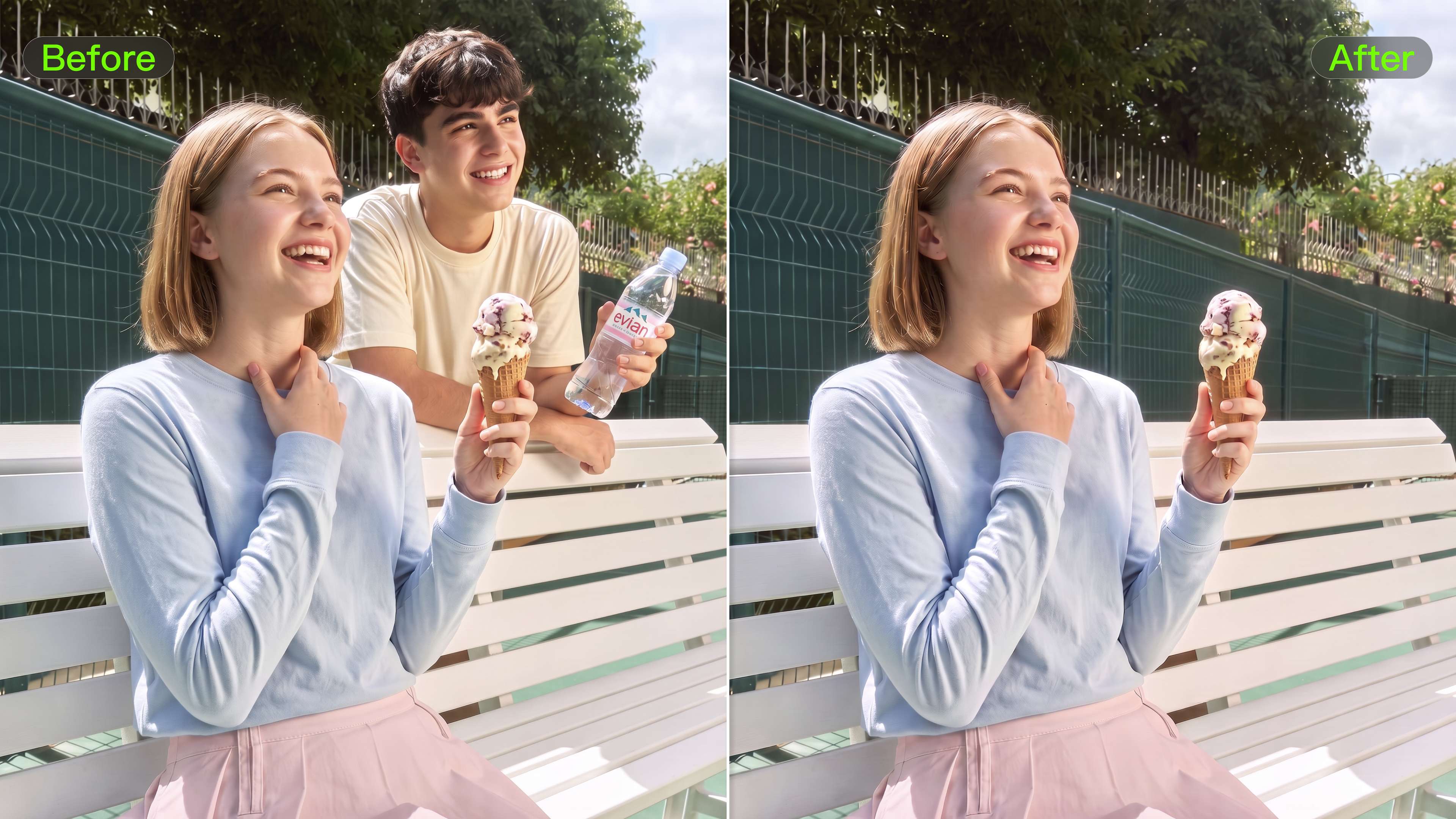
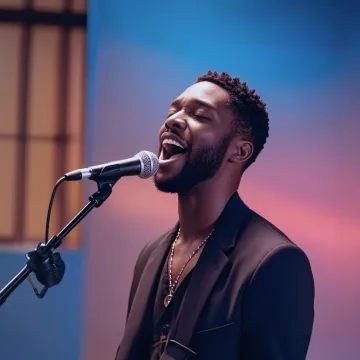
Put a portrait, product, or existing photo in a setting that fits the image. Describe the scene you want, add references when words are not enough, and guide the lighting, color, composition, and style while keeping the subject at the center of the shot.

AI Background Generator

How to Create AI Backgrounds in High-Quality

Start with Your Photo

Start with Your Photo

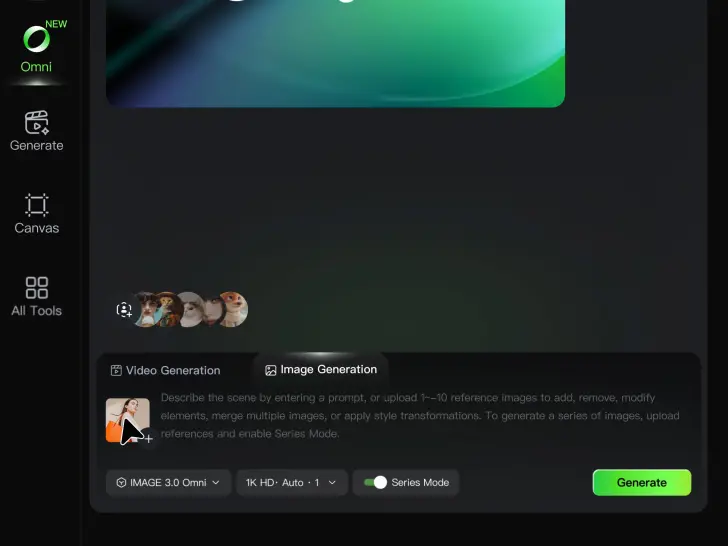
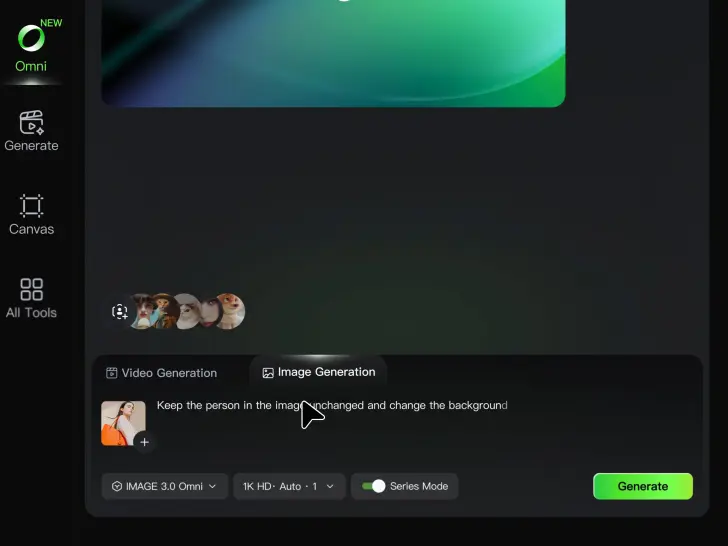
Upload the person, product, or image you want to work with. If you already have a location, mood, composition, or visual style in mind, add reference images to give Kling AI a clearer direction.

Describe the New Scene

Describe the New Scene

Describe what you want behind the subject and what should stay familiar. You might ask for a clean studio, a sunlit kitchen, a city rooftop, or something more imaginative. If you are using references, explain which parts of them you want to follow.

Generate a High-Quality Background

Generate a High-Quality Background

Choose your preferred aspect ratio and output resolution, then generate the image. Kling IMAGE 3.0 supports output up to 2K. For higher-resolution native 4K output, use Kling IMAGE 3.0 Omni.

Create Better Backgrounds with AI

Keep the Subject When Changing Backgrounds

Keep the Subject When Changing Backgrounds

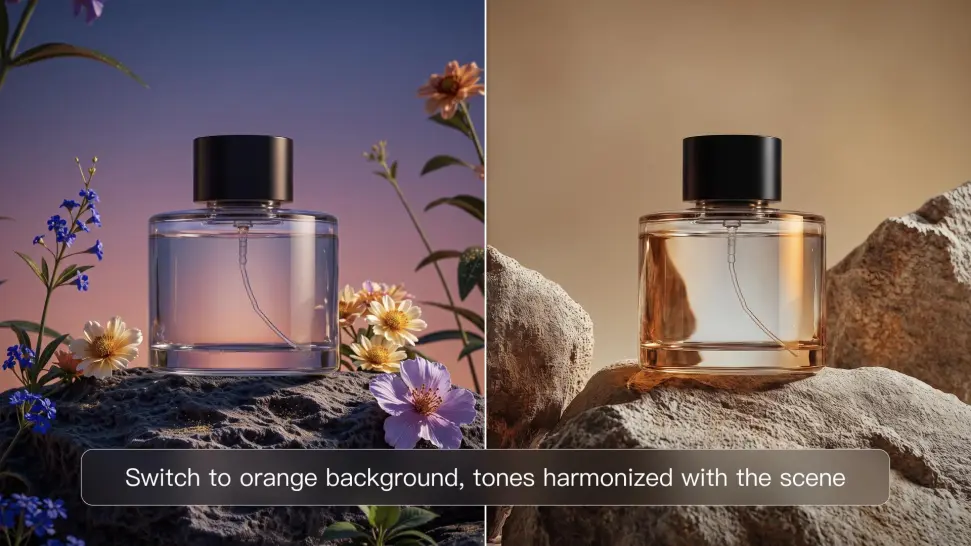
Put a person or product somewhere new without intentionally redesigning what is already working. Tell Kling IMAGE 3.0 which facial details, clothing, product shapes, materials, colors, or other features should stay familiar, then focus your prompt on the world around them.

Bring Your Art Direction into the Background

Bring Your Art Direction into the Background

When you already have a look in mind, show Kling instead of trying to describe every detail from scratch. IMAGE 3.0 supports up to 10 reference images, so you can bring in visuals for the setting, composition, color palette, props, or overall style and explain how you want each reference to influence the result.

Change the Whole Scene or Just One Detail

Change the Whole Scene or Just One Detail

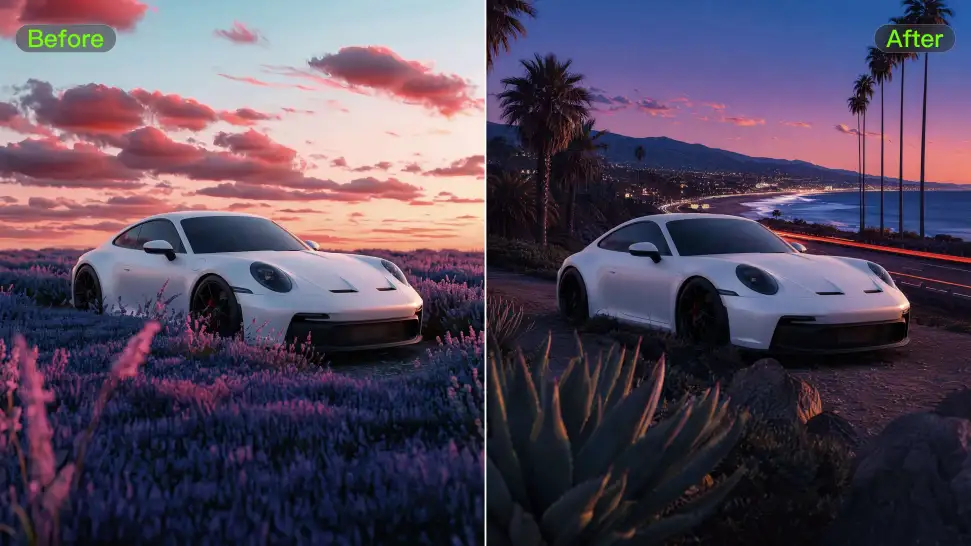
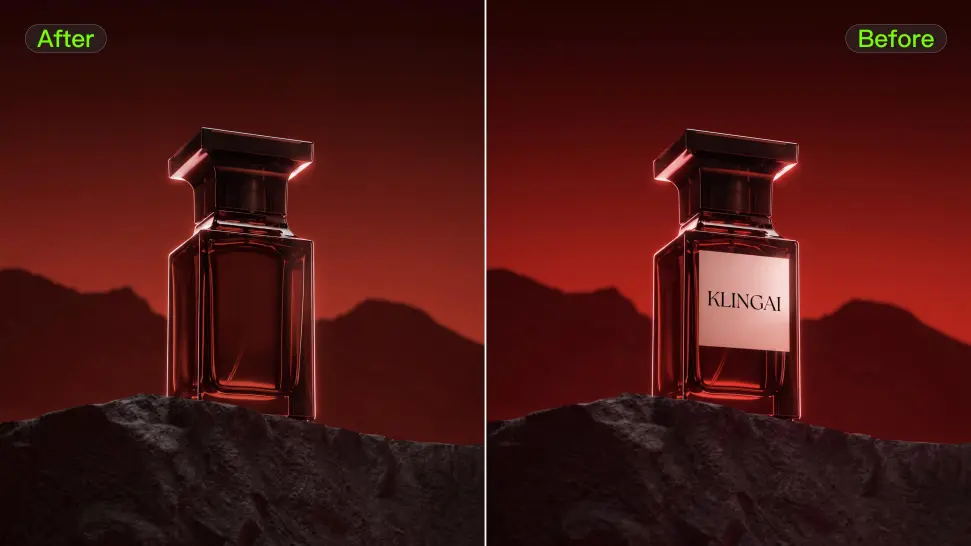
A new background does not always mean starting over with the entire setting. Replace the full scene, or make a smaller change such as adding an object, removing a distraction, changing a surface, or reworking one part of the environment while leaving the rest closer to the original image.

Apps

แปลงภาพเป็นวิดีโอ
แปลงภาพเป็นวิดีโอ

แปลงภาพเป็นวิดีโอ

แปลงข้อความเป็นวิดีโอ

แปลงข้อความเป็นวิดีโอ

ออมนิ
ออมนิ

ออมนิ

มนุษย์ดิจิทัล
มนุษย์ดิจิทัล

มนุษย์ดิจิทัล

รีสไตล์
รีสไตล์

รีสไตล์

แปลงข้อความเป็นภาพ
แปลงข้อความเป็นภาพ

แปลงข้อความเป็นภาพ

60M+
60M+
Users
600M+
600M+
AI Videos Generated
4.7 ★
4.7 ★
App Store
Industry-Leading
Industry-Leading
Cinematic 4K

รีวิว

Maria Rubtsova

Maria Rubtsova

★★★★★

I’m Maria Rubtsova, an AIGC digital artist passionate about creating stunning visuals in the worlds of fashion, aesthetics, and fantasy. I use KlingAi to bring imagination to life through video. My work is all about exploring beauty, emotion, and the limitless possibilities of digital art.

Ozan Sihay

Ozan Sihay

★★★★★

Kling AI allows me to rapidly prototype ideas, refine storytelling elements, and produce visually compelling content efficiently. It has not only accelerated my creative processes, but also deepened my understanding of how AI can enrich visual storytelling.

Huang Lu (Elson)

Huang Lu (Elson)

★★★★★

I’ve been using Kling AI since its initial release, and it’s remained one of the leading AI media generators ever since. With Kling AI, I’ve created hundreds of videos, collectively amassing millions of views.

คำถามที่พบบ่อย

Q1What is an AI background generator?
Q2Can I use AI to generate backgrounds?
Q3How do I ask AI to change the background of a photo?
Q4Can Kling AI change a background without changing the person or product?
Q5Can I use multiple reference images to create a background?
Q6Can I use Kling AI as an AI product background generator?
Q7What should I look for in the best AI background generator?
Q8Can I create several backgrounds with the same visual direction?
Q9Can I generate AI backgrounds in 2K or 4K?

Give the Subject a Better Setting

Create a new setting while keeping your subject recognizable. Use prompts and visual references to shape backgrounds for portraits, product visuals, and campaign creative.