Công cụ
API
Tài nguyên
Tính năng
Về chúng tôi
Tải xuống

Profile Picture Maker: Professional AI PFPs

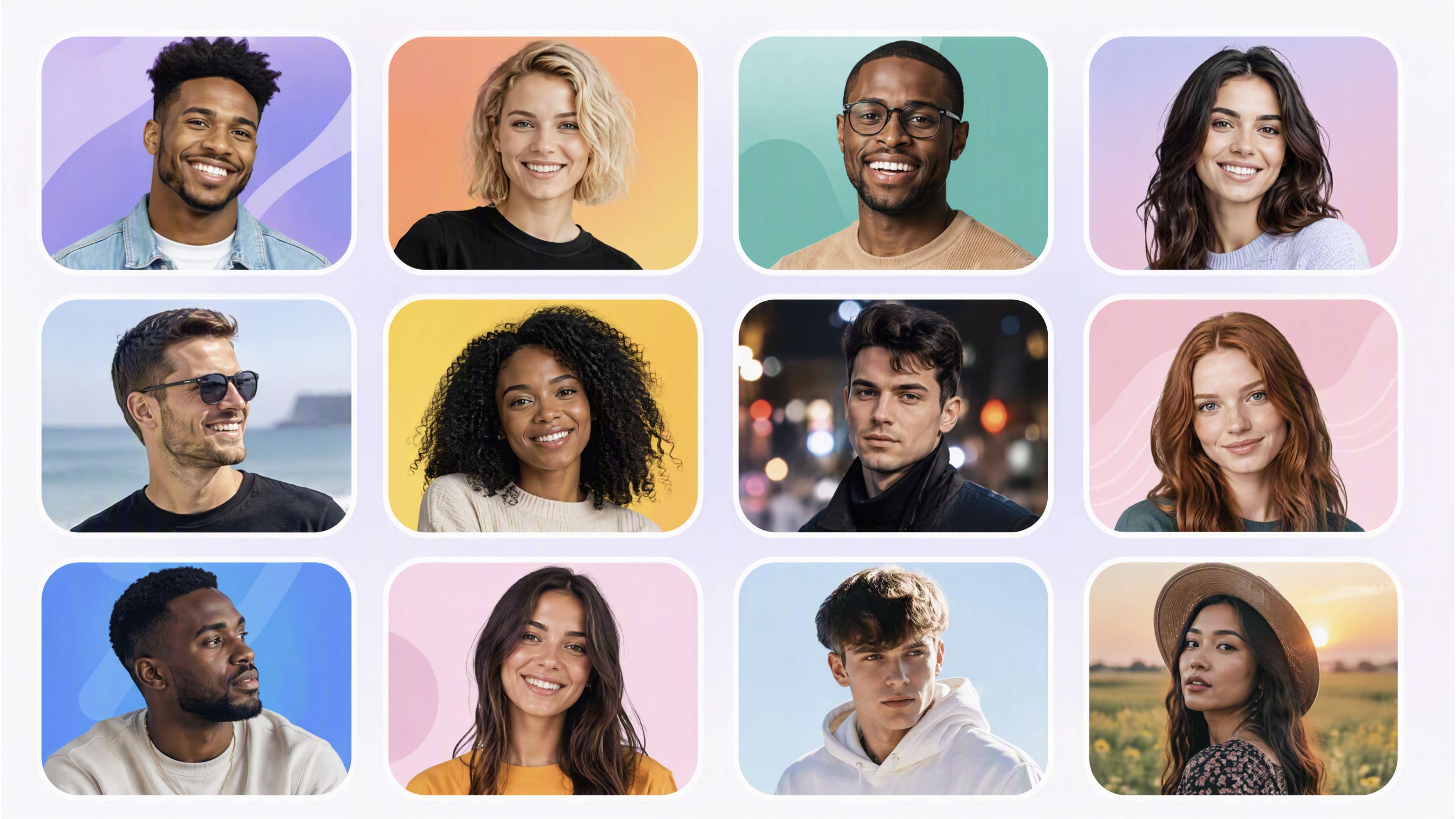
Start with a selfie or portrait and shape it for the way you want to show up with Kling AI. Whether it’s for work, social media, YouTube, gaming, or somewhere else you want to make a strong first impression.
Profile Picture Maker: Professional AI PFPs

How to Make a Profile Picture with Kling AI

Start with a Photo You Like

Start with a Photo You Like

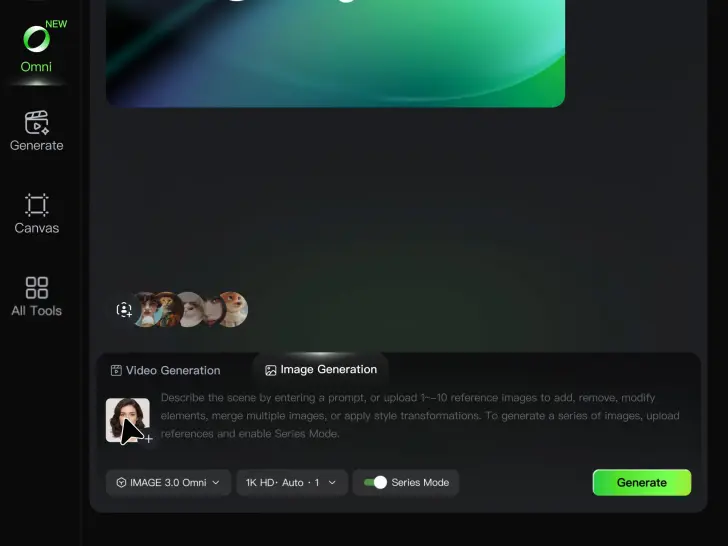
Upload a selfie or portrait where your face and the details you care about are easy to see. It does not need to look like a studio headshot—the photo is simply your starting point.

Describe Your Ideas

Describe Your Ideas

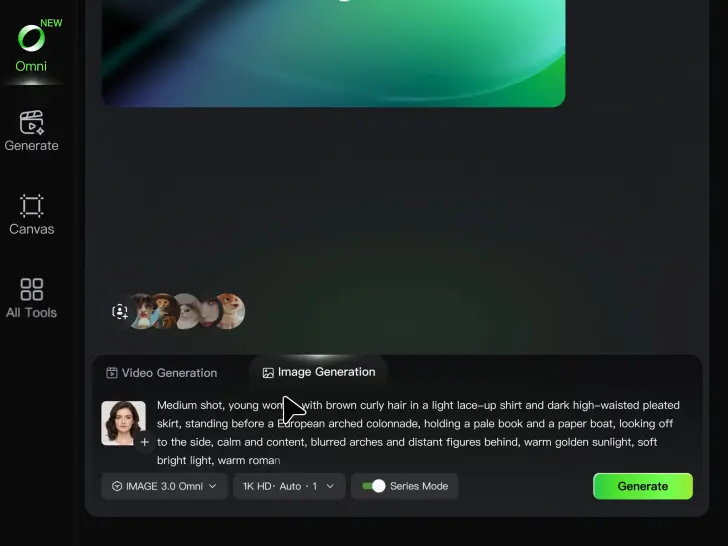
Going for a cleaner work profile? A brighter social photo? Something more creative for YouTube or gaming? Describe the background, expression, lighting, framing, or overall style you want, and mention anything you would rather leave unchanged.

Pick Your Favorite PFPs

Pick Your Favorite PFPs

Choose your preferred aspect ratio and output settings, then generate your profile picture. Review the results and select the version that best fits your professional profile, social account, YouTube channel, or gaming community.

Make a Stronger First Impression Wherever You Show Up

Give a Casual Photo a More Put-Together Look

Give a Casual Photo a More Put-Together Look

You do not need a new photoshoot every time your profile picture feels dated. Start with a photo you already like, then improve the lighting, composition, styling, or overall presentation to give it a cleaner, more intentional look for a résumé profile, business page, creator account, or personal site.

Keep the Face People Already Know

Keep the Face People Already Know

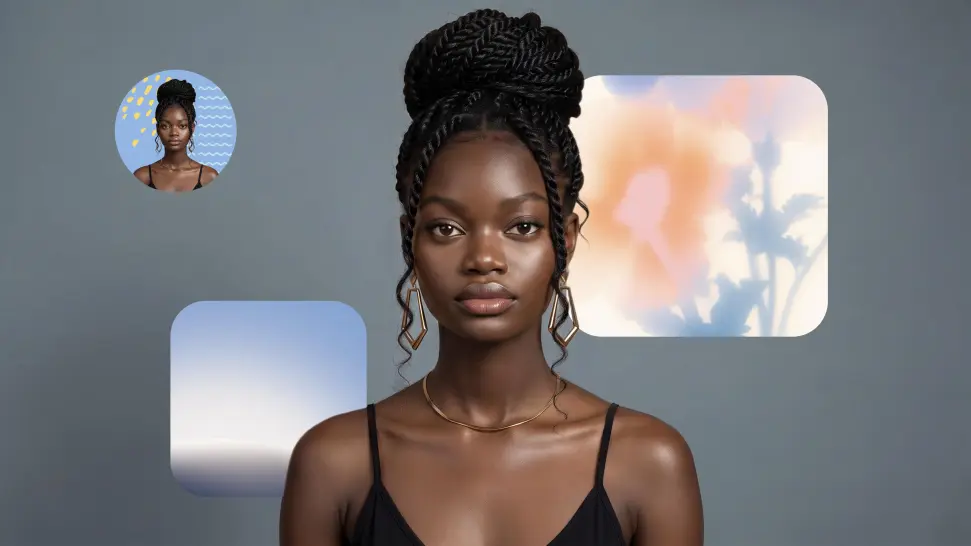
A new profile picture should still feel familiar. Use your portrait as the visual reference while you change the mood, styling, background, or setting, so recognizable facial details and your overall appearance can stay closer to the photo you started with.

Change the Look to Fit the Platform

Change the Look to Fit the Platform

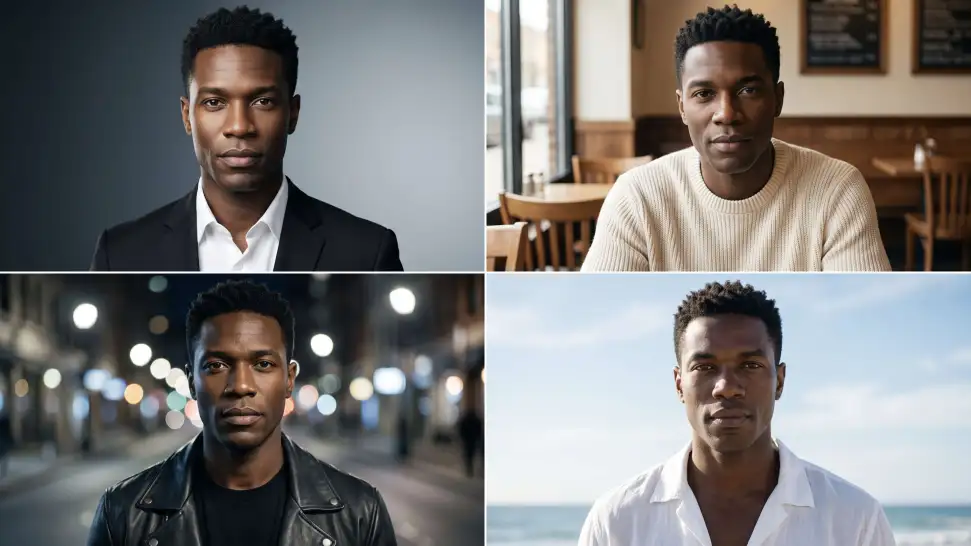
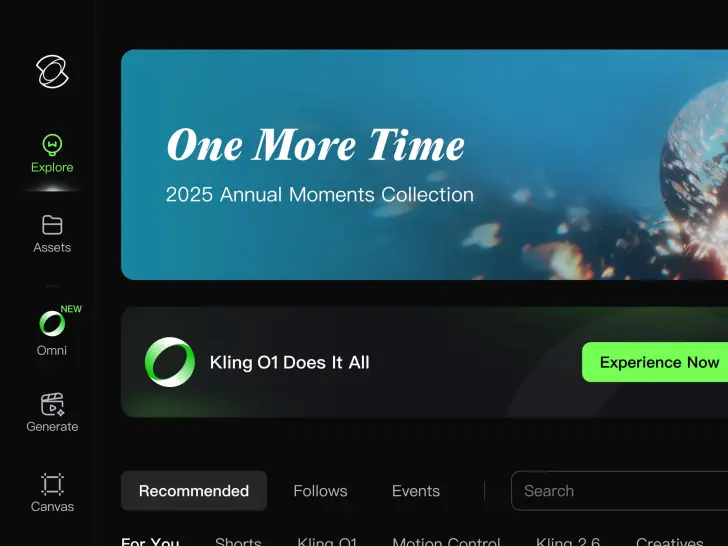
The photo that works on LinkedIn may not be the one you want on YouTube, Instagram, Discord, or a gaming profile. Give the same portrait a different mood, crop, background, or visual treatment depending on where you plan to use it. Go understated for work, more expressive for social, or give your creator profile a look that feels more like your brand.

Apps

Ảnh sang Video
Ảnh sang Video

Ảnh sang Video

Văn bản sang Video
Văn bản sang Video

Văn bản sang Video

Omni
Omni

Omni

Nhân vật số
Nhân vật số

Nhân vật số

Phong cách lại
Phong cách lại

Phong cách lại

Văn bản sang Ảnh
Văn bản sang Ảnh

Văn bản sang Ảnh

60M+
60M+
Users
600M+
600M+
AI Videos Generated
4.7 ★
4.7 ★
App Store
Industry-Leading
Industry-Leading
Cinematic 4K

Đánh giá

Déborah

Déborah

★★★★★

I use Kling AI every day. It's amazing to see the almost daily progress it makes. I used AI for fun at first, and I now find that Kling AI's animations allow me to gain professional visibility, with three times more views on my animated posts than on my static posts.

PJ Ace

PJ Ace

★★★★★

Kling AI has made it easy for us to generate world class visuals for Fortune 500 companies, TV shows and music for big artists. We love the easy of use of the platform and the quality of the generations. My first time using Kling AI, I got 22 million views on just one video. It's that good.

Samuele Poggi (@visualsk2)

Samuele Poggi (@visualsk2)

★★★★★

I use Kling AI daily to push the limits of AI filmmaking. It allows me to create highly cinematic content, blending AI and VFX to develop innovative projects. It has significantly impacted my creative process, enabling me to achieve complex animations that would otherwise require high production budgets.

Câu hỏi thường gặp

Q1What is a profile picture maker?
Q2What does PFP mean?
Q3How does an AI profile picture generator work?
Q4What kind of selfie should I use to make a profile picture?
Q5What styles can I create with an AI profile picture maker?
Q6Can I change the background, expression, or framing of my profile picture?
Q7Can I make a profile picture for YouTube with AI?

Make Your Profile Picture Stand Out

Start with the photo you already have and turn it into something you feel better putting your name next to. Keep it professional, make it more personal, or give it a completely different mood—the final look is yours to shape.