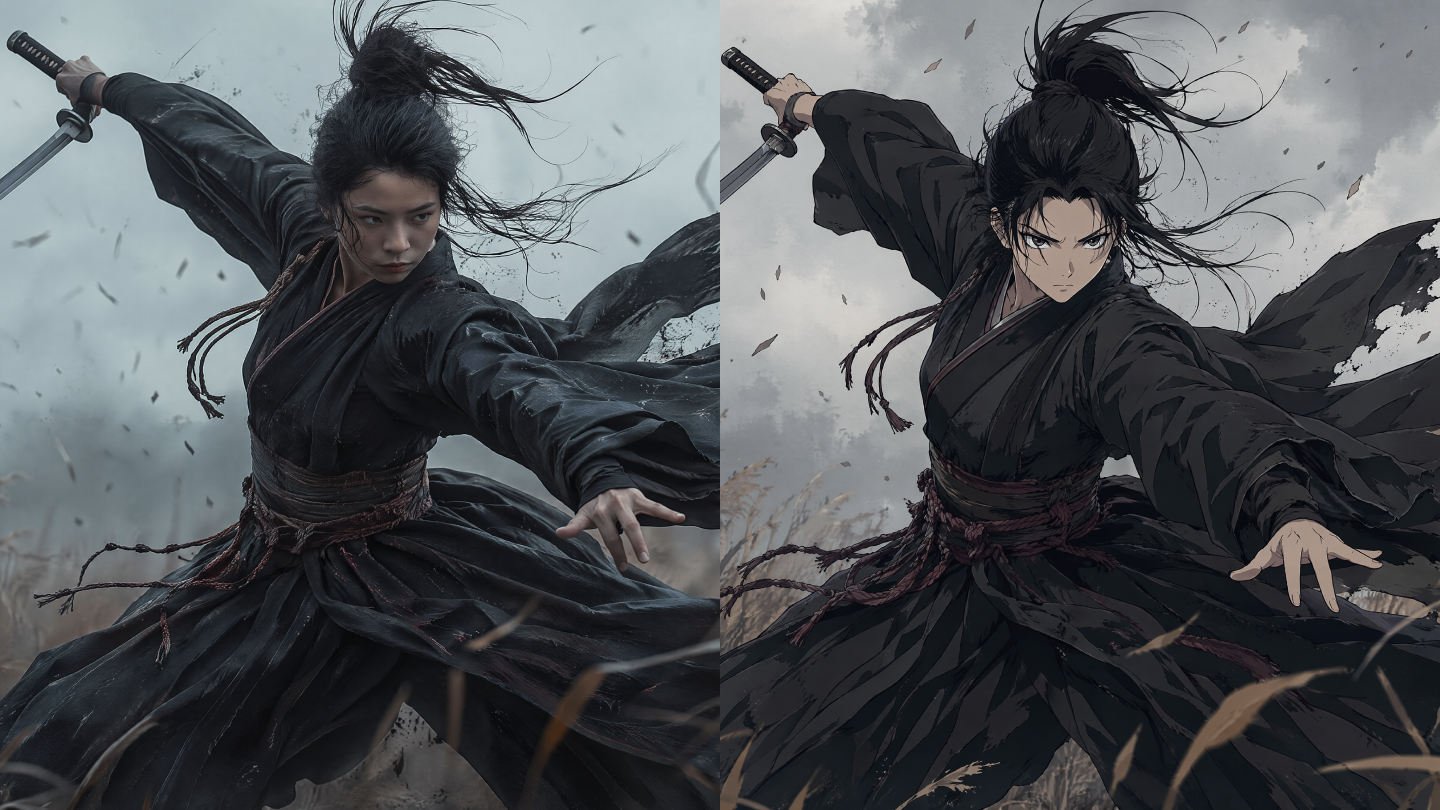
AI-generated videos have made a huge impact on creativity, but they’re not without their quirks. In such videos, you may have noticed how a character’s eyes might suddenly change color or a background might start to wobble. That’s what we call "drift", a hiccup in the AI’s attempt to maintain consistency throughout a video. It’s a challenge many creators face, but the good news is that there are ways to fix it.
What Is Drift in AI-generated Video
Visual instability in artificial intelligence doesn't just happen; it stems from the way models interpret the world. Most generative tools view a video as a sequence of independent creative tasks rather than a continuous reality. When a character's eyes shift from blue to green or a jacket suddenly changes style, the system experiences what professionals call identity drift. It represents a fundamental loss of consistency where the AI forgets the subject's traits between frames. Why does a protagonist's face morph into a stranger halfway through a clip? Usually, the model lacks a persistent "mental model" of the scene, relying on probabilistic guesses that eventually wander away from the original design.
Beyond character changes, structural problems often plague these generations, turning solid objects into liquid-like distortions. Temporal inconsistency manifests as jitter or flickering, where backgrounds warp and textures pulse unnaturally. A bookshelf might start "flowing" like water, or a solid wall could suddenly sprout an extra window. Such glitches signal a breakdown in the navigation of the latent space, the complex map where the system finds its imagery. Longer sequences amplify these issues because minor errors at the start grow into total chaos later. Since these systems often lack 3D awareness, they struggle to distinguish between a camera moving and the actual world changing shape, leading to the surreal melting effects we often see.
Causes of Drift in AI-generated Video
The roots of video drift lie in the architectural choices of current diffusion models and the sheer complexity of modeling time. It's not a single bug but rather a collection of inherent limitations that researchers are still working to overcome.
- Stateless Operation: Most video generators operate without a persistent "mental model" of the scene. The architecture treats each frame as a semi-independent creative task. Because it doesn't "know" it's the same person from fifty frames ago, it relies on the previous frame as a guide. If that guide is even slightly off, the error propagates.
- Error Accumulation: That is the "copy of a copy" problem. When the model generates the second frame based on the first, any tiny mistake, like a misplaced button or a slightly different hair shade, gets baked into the foundation for the third. At the point the sequence reaches the end of a ten-second clip, those tiny errors have amplified into a completely different character.
- Lack of 3D Awareness: Models trained on flat 2D video clips don't inherently understand 3D space, depth, or physics. They can't distinguish between a camera moving around a stationary car and the car itself changing shape. Without a "world model," spatial inconsistencies and hallucinations become inevitable.
- Latent Space Fluctuations: Diffusion models denoise images in a compressed latent space. If that space lacks the capacity to capture all the fine-grained details of motion, the model "fills in the gaps" with probable but incorrect data. That often manifests as prompt-related artifacting, such as the AI adding extra chairs to a room because its training data suggests rooms usually have multiple chairs.
- Temporal Overfitting: Models often learn "spurious temporal correlations," such as assuming one specific frame must follow another in a set way, regardless of the motion. That leads to a lack of diversity in motion, where everything moves at the same robotic pace.
- Mathematical Diffusion Denoising: The reverse diffusion process reconstructs a clear image from random noise through a sequence of steps. If the path taken during that denoising process has large "curvature" in perceptual space, it results in frame-to-frame jitter.
The underlying mechanics involve the forward and reverse diffusion processes. In the forward phase, noise is added to the data until it becomes pure noise. The model then attempts to predict that noise to recover the original frame. Drift occurs when the prediction for a specific frame lacks enough cross-attention with the frames before or after it, leading to a divergence in the recovered values across the sequence.
Furthermore, the bottleneck in the autoencoder network plays a massive role. The network compresses video clips into the latent space. If the capacity constraints of those latents are too high, the generative model might fail to capture all the information, while too low a capacity results in "muddy" or "drifty" details. Scaling and standardization of those latents are critical for maintaining the high-order statistics that represent texture and consistent lighting.
Effective Ways to Mitigate Drift in AI-generated Video
Combatting drift requires a mix of clever engineering at the model level and disciplined workflows at the user level. It's about providing the AI with enough "anchors," so it doesn't wander off into the weeds.
Using Reference Images and State Injection
The most immediate fix for identity drift involves "reminding" the model of the subject's appearance at every step. Techniques like reference adapters encode a source image and inject its features directly into the diffusion model's layers. That provides a strong, persistent signal that acts as a visual anchor.
- Master Image Strategy: One should generate a high-quality "master" portrait of the character first. Feeding that exact same image into the reference slot for every generation keeps the face stable.
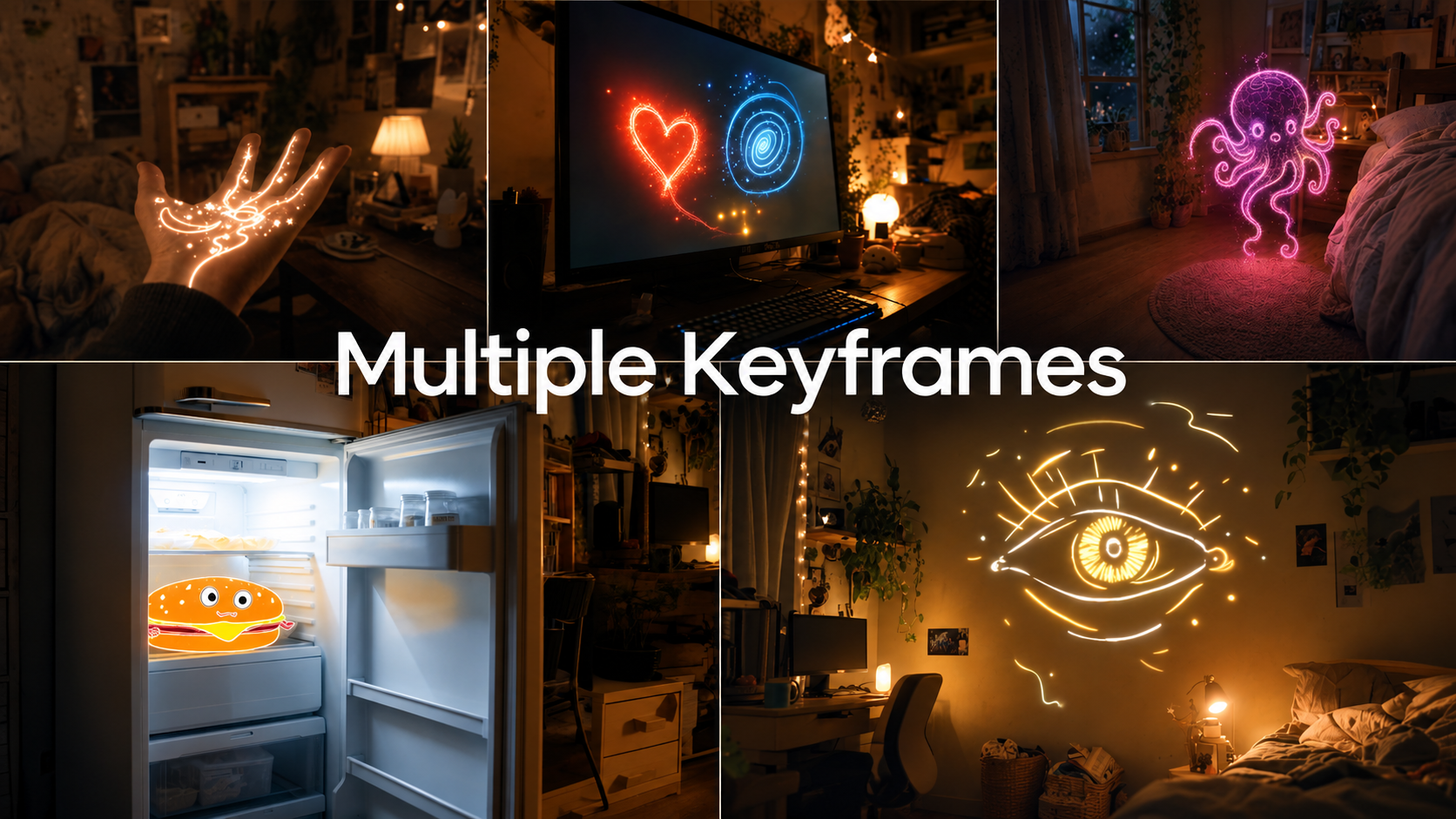
- Keyframing: Modern platforms support "Start and End Frame" inputs. With the aid of that feature, the creator defines the beginning and the final pose of a clip, forcing the AI to interpolate a smooth path between them. That prevents the scene from drifting into an unintended composition.
- Persistent Memory: Advanced models now feature persistent visual memory, which stores character traits across multiple generation sessions, effectively solving the "statelessness" problem.
Advanced Prompt Engineering
Writing better prompts is often the fastest way to stabilize a generation. Vague instructions are the biggest cause of hallucinations because they give the model too much room to guess.
- Specific Action Keywords: Use verbs that imply clear motion, such as "walking purposefully," "typing deliberately," or "rotating 360 degrees."
- Negative Prompting: Explicitly list what the model should avoid. Words like "blur," "distort," "extra limbs," and "shaky camera" act as guardrails against drift.
- Scene Context: Tell the camera what to focus on. Instead of "zoom in," try "camera zooms in on the woman's eyes." That gives the AI a clear target and prevents it from wandering into a generic zoom that loses the subject.
How Can Kling VIDEO 2.6 Motion Control Help With the Drift
Kling VIDEO 2.6 introduces a specialized Motion Control feature that acts as a digital puppeteer, providing some of the most robust defenses against drift in the current market. That toolset allows creators to dictate exactly how a subject moves by transferring choreography from a reference video onto a static image.
Precision Motion Transfer and Synchronization
The core strength of Kling VIDEO 2.6 Motion Control lies in its ability to extract skeletal movements and gestures from a reference clip. Since the motion is grounded in real human performance, the model doesn't have to "guess" the mechanics of a walk or a dance, which is where drift usually begins.
- Perfectly Synchronized Full-Body Motions: It maintains tight posture and rhythm synchronization, even during large or dynamic movements like martial arts or skating.
- Masterful Performance of Complex Motions: Coordinated actions involving multiple body parts are reproduced with a consistent structure. That prevents limbs from detaching or morphing during elaborate routines.
- Precision in Hand Performances: Hands are notoriously difficult for AI, often drifting into blobs of extra fingers. Kling VIDEO 2.6 Motion Control specifically improves finger articulation by mimicking real footage, which secures the structural integrity of hands during complex gestures.
- 30-Second One-Shot Action: The model supports up to thirty seconds of continuous one-shot action. It keeps the motion coherent from start to finish, avoiding the breakdown that usually occurs in long clips.
Motion Reference | Image Reference | Output |
|---|---|---|
_WH_300x410px.jpg?x-oss-process=image/resize,w_1872) | _WH_300x410px.jpg?x-oss-process=image/resize,w_1872) | _WH_300x410px.jpg?x-oss-process=image/resize,w_1872) |
Orientation Modes for Identity Stability
Kling VIDEO 2.6 Motion Control offers two distinct orientation modes that help manage the trade-off between complex motion and character consistency.
- Character Orientation Matches Video: In that mode, the subject's orientation, expressions, and the camera movements follow the reference video exactly. It's the best choice for complex choreography and supports longer generations of up to thirty seconds.
- Character Orientation Matches Image: The subject stays aligned with the original pose of the reference image. That mode is ideal when the goal is to follow specific camera movements (like a dolly shot) while keeping the character's face perfectly stable for up to ten seconds.
Detailed Prompt Integration
While the motion reference handles the "how," the text prompt manages the "where." Kling VIDEO 2.6 Motion Control allows for scene details at your command, where the creator can independently control backgrounds, clothing, and environmental elements through language while the character mimics the reference video. That prevents the environment from drifting alongside the subject, as the system treats the background and character as distinct but synchronized layers.
Best Practices for Kling VIDEO 2.6 Motion Control
To get the most out of those features and minimize drift, you can take a few critical steps.
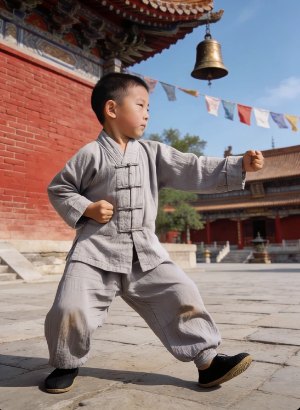
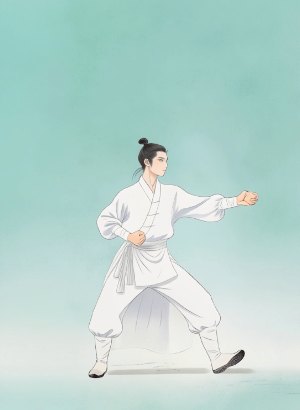
- Match Framing: You should use a portrait reference for a portrait image and a full-body reference for a full-body image. Mixing those scales causes the AI to struggle with mapping the coordinates, which leads to "shaking" or warped faces.
- Simple Backgrounds: A reference video with a cluttered background can confuse the AI's motion extraction. Using a clear silhouette in the reference video results in much cleaner motion transfer.
- Steady Speed: Fast spins or rapid movements in the reference video often create limb glitches. Moderate, steady movements yield the most stable results.
- Camera Rig Prompts: Using camera rig prompts, keywords like "fixed lens," "tripod," or "35mm" in the text prompt help ground the scene's physics and prevent the camera from drifting alongside the character.
Motion Reference | Image Reference | Output |
|---|---|---|
 |  |  |
Summary
Video drift is the final frontier for generative AI realism. While architectural statelessness invites pixels to wander, modern tools like Kling VIDEO 2.6 Motion Control provide the necessary anchors to stabilize the output. Through reference-based choreography and physics-aware guidance, creators can finally produce content that looks intentional rather than accidental. Those who master these constraints will find that the ghost in the machine is quite easy to tame with the right directorial control.
FAQs
1. What is the technical distinction between identity drift and temporal inconsistency?
Identity drift involves the erosion of a subject's unique traits, such as facial geometry or clothing, across consecutive frames. That phenomenon occurs when the model loses the "state" of the character, treating each frame as a semi-independent creative task. Temporal inconsistency, however, refers to flickering textures and lighting where the pixel values across the sequence do not align smoothly, a failure often labeled as jitter or structural drift.
2. Why do backgrounds often warp or melt during complex camera movements?
Structural drift occurs because many generative architectures lack a true 3D world model. Since those systems learn from flat 2D video clips, the artificial intelligence cannot always distinguish between a camera panning and the environment itself changing shape. Without a fundamental understanding of depth and object permanence, the model interprets spatial shifts as fluid transformations of the background.
3. How does error propagation contribute to the degradation of long clips?
Generative video models often utilize an autoregressive approach where each new frame depends on the data of the preceding one. Because small inaccuracies in early frames become part of the foundation for later ones, those errors compound into significant visual distortions as the duration increases. That "exposure bias" is the primary reason long-form sequences eventually descend into total incoherence.
4. What is the technical cause of "hallucinated" objects in complex scenes?
Hallucinations often emerge from latent space fluctuations where the diffusion model attempts to denoise images in a compressed representation. When that space lacks the capacity to capture all fine-grained details, the neural network fills in the gaps with statistically probable but contextually incorrect data. That tendency results in "unwanted extras," such as extra limbs or phantom furniture, appearing in the frame.
5. How can physical grounding reduce "floaty" motion artifacts?
Integrating physical constraints like gravity and momentum helps ground the generative process in realistic dynamics. Using multimodal reasoning to evaluate whether frame transitions obey physical laws provides a mechanism to penalize unnatural motion and improve the realism of object interactions. Through that guidance, models can avoid the dream-like "floatiness" typically associated with unconstrained diffusion processes.