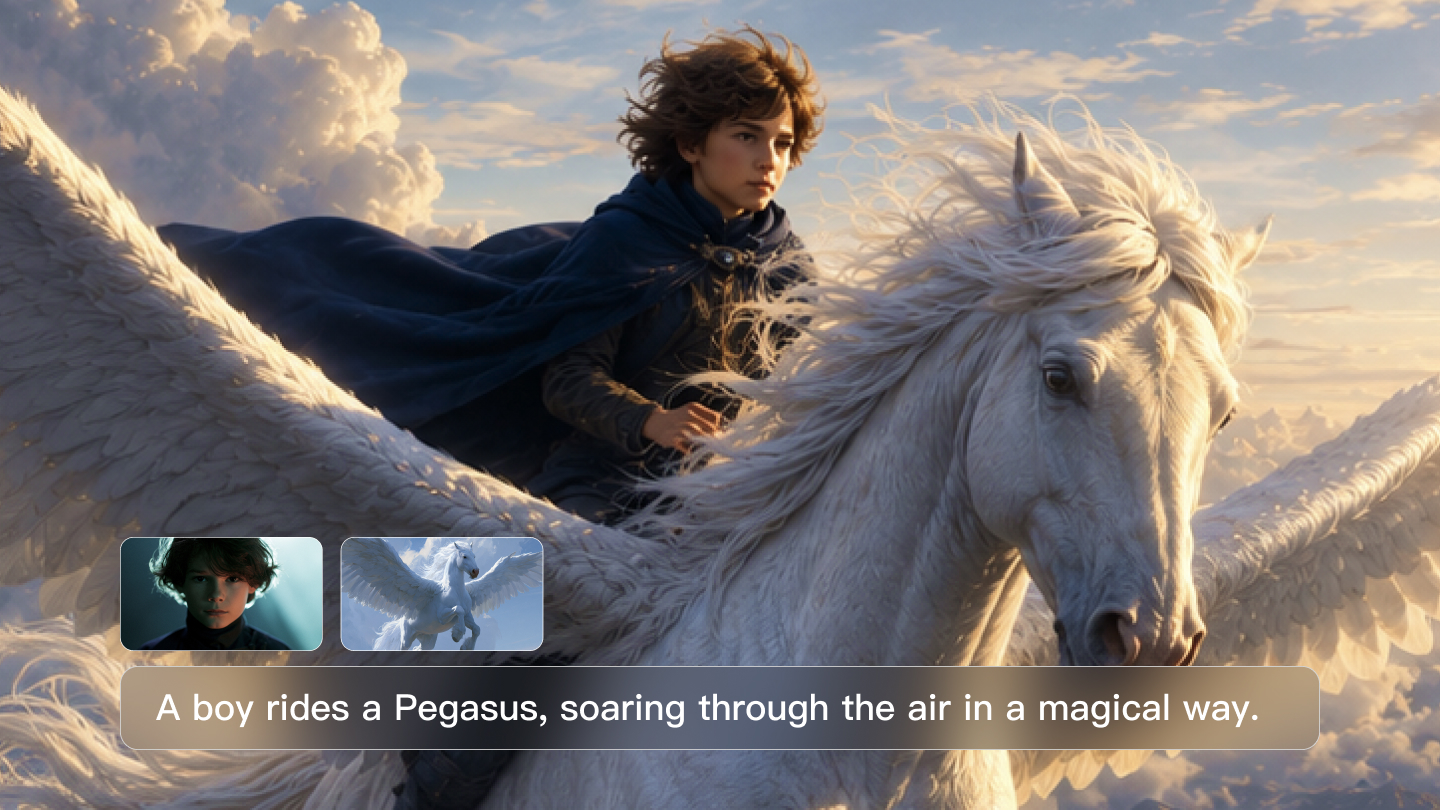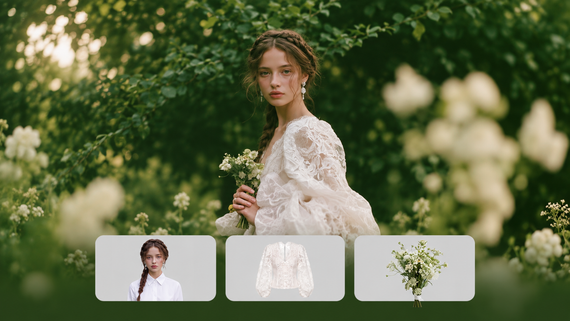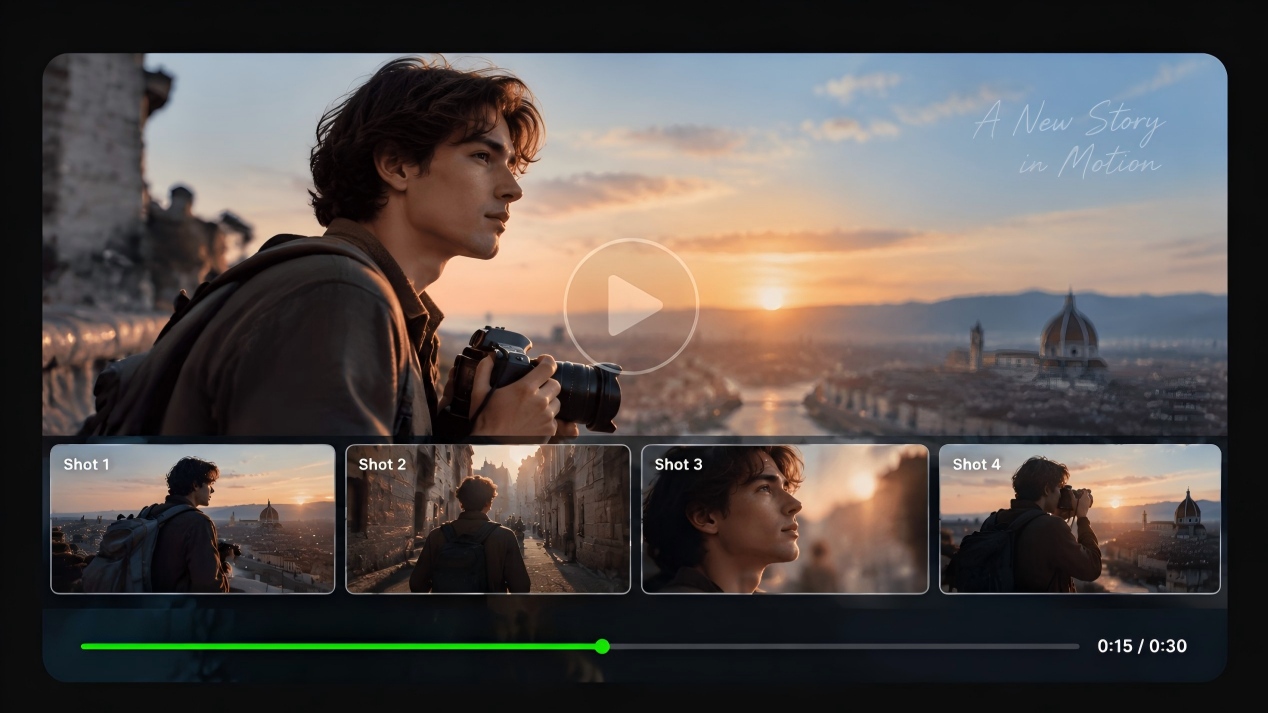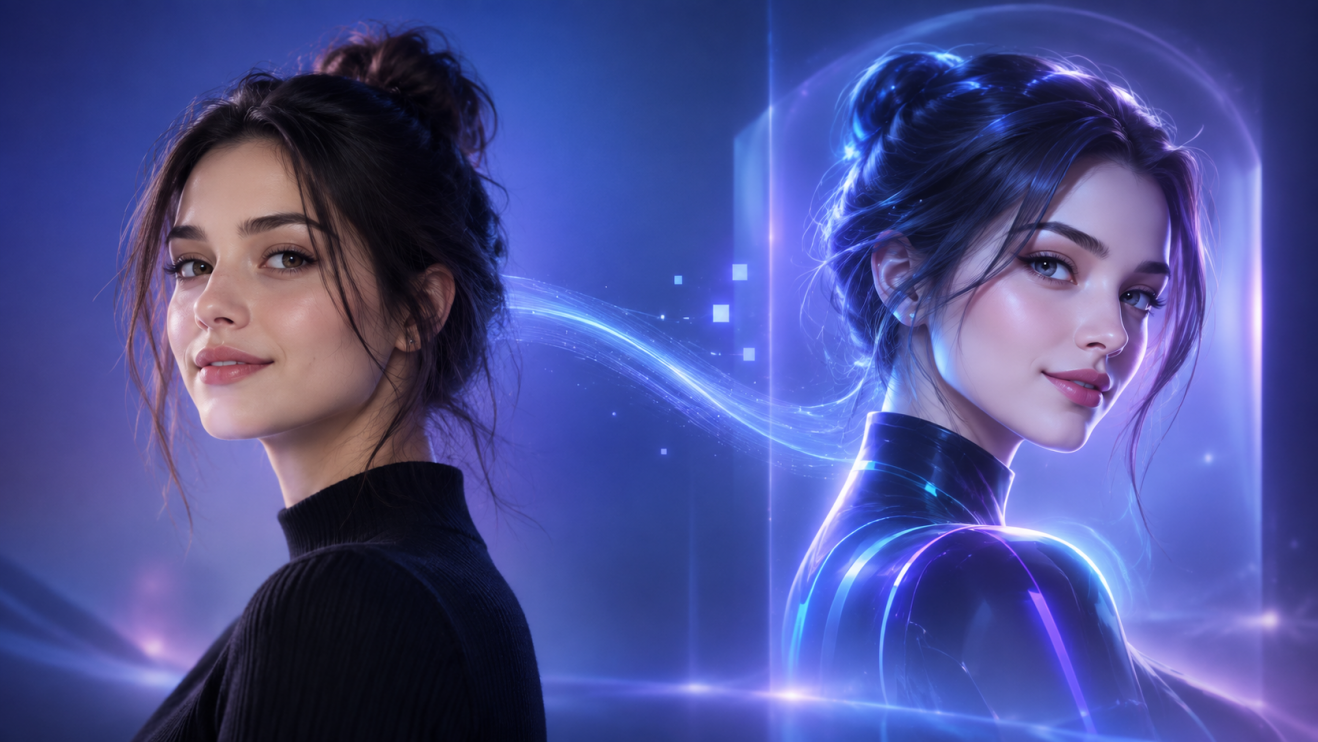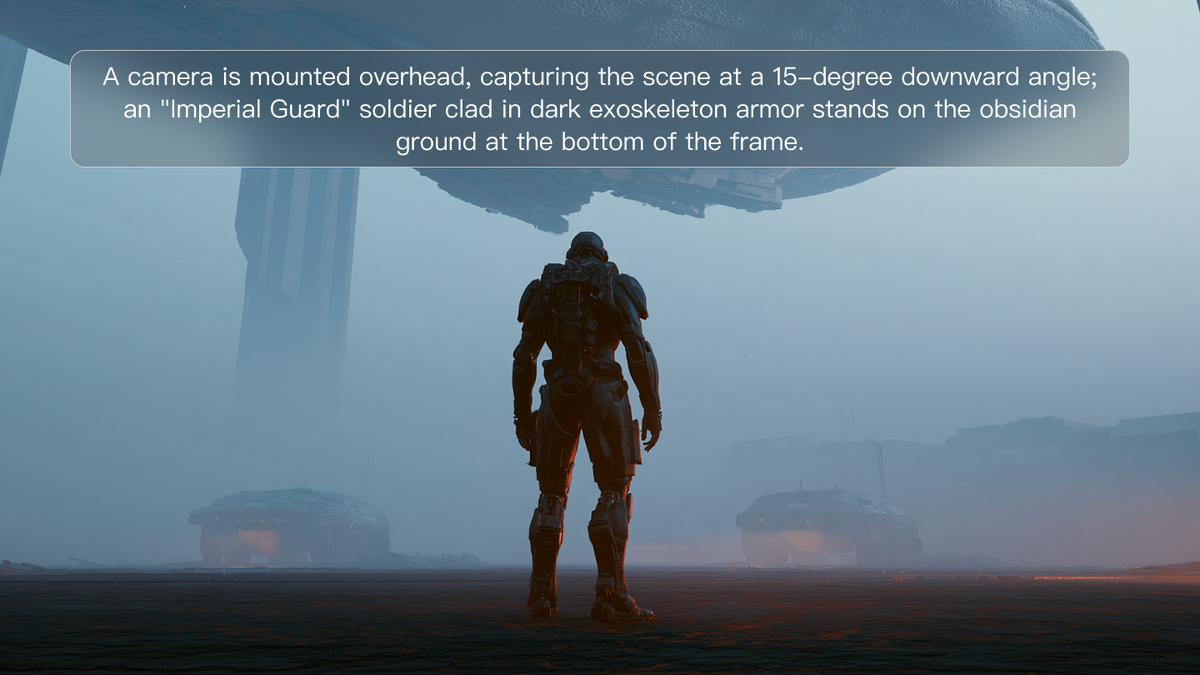
The digital creative world has changed. Artists, filmmakers, and creators can now turn a few words into breathtaking images that compete with Hollywood productions. This is achieved through AI prompt engineering – the art that connects human imagination and artificial intelligence potential.
Why Is Prompt Engineering Your Most Useful Creative Skill?
Prompt engineering is the practice of communicating with AI in a manner that is understandable to it. It is like learning a new language – a language that allows you to convey your creative vision to the robust AI tools. The more proficient you are in this language, the more your outputs resemble what you have envisioned in your mind.
All good AI-generated art begins with good prompts. Bad prompts yield disappointing art. Good, clear prompts produce miracles. This ability is more important than high-end hardware or pricey software. Someone who is good at AI prompt engineering can beat someone who has upscale tools but poor communication skills.
The beauty is accessibility. You don't require years of art school or film school. You need to learn how AI thinks and which words elicit the top responses.
How Do You Create Every Powerful AI Prompt?
All good prompts have three essential elements that combine like ingredients in a recipe. Omit one, and your outcome is impaired.
Subject Definition
Begin with who or what your scene is about. Be descriptive. Rather than "a woman," say "a young woman in her twenties with curly red hair." The AI requires good direction regarding your primary character or object.
Medium Selection
Inform the AI about the kind of artwork you desire. Are you creating a photograph, an oil painting, or a digital drawing? There is a visual vocabulary for each medium. A prompt for a "photograph" generates realistic texture and lighting. A prompt for a "watercolor painting" introduces soft, flowing edges and see-through color.
Style Direction
Establish the general appearance and atmosphere. Terms such as "realistic," "cartoon," or "abstract" entirely alter AI's understanding of your additional guidelines. This element establishes the visual basis for all else.
How to Add Rich Details for Truly Vivid Scenes
Simple prompts yield simple outcomes. Vibrant details yield remarkable scenes that captivate and narrate.
Environmental Storytelling
Paint the world surrounding your subject. Rather than "forest," paint a misty pine forest with golden sunlight streaming through towering trees." Include weather, time of day, and season. These details establish mood and context.
Texture and Material Emphasis
Define surfaces and textures. "Rough stone walls," "smooth silk fabric," or "weathered wooden planks" provide AI with specific guidance on how things must appear and feel. These details create realism and depth.
Emotional Atmosphere
Use emotive words. "Peaceful," "mysterious," "energetic," or "melancholic" are all helpful to get AI to interpret the mood you're aiming for. This will inform the color palette, lighting, and composition automatically.
How Do You Think Like a Director to Create Cinematic AI Shots?
Cinematographers who are professionals have full command of their camera. You can also do this with AI prompt engineering through the utilization of specific camera language.
Camera Angle Control
State your opinion using words such as "low-angle shot" to make the subject appear powerful, or "high-angle shot" to induce vulnerability. "Eye-level" is natural and conversational. "Bird's-eye view" yields dramatic overhead views.
Lens and Distance Choice
Control how much is seen in the frame. "Wide-angle shot" takes in whole scenes and builds epic scale. "Close-up" isolates details and emotions. "Macro" shows minuscule details no one ever sees.
Movement and Composition
Insert dynamic energy with "dynamic pose," "action shot," or "motion blur." Employ composition guidelines such as "rule of thirds" or "centered composition" to direct where AI positions significant elements.
How to Master Light and Color for Professional Looking Results
Lighting distinguishes between amateur footage and professional cinema shots. Proper lighting keywords convert common prompts into remarkable images.
Time-Based Lighting
"Golden hour" produces warm, magical light ideal for romantic or heroic moments. "Blue hour" provides mystery and sophistication. "Harsh midday sun" makes drama with intense shadows and bright highlights.
Artificial Lighting Effects
"Soft studio lighting" eliminates harsh shadows for beauty shots. "Dramatic backlighting" creates silhouettes and rim lighting. "Neon lighting" adds cyberpunk aesthetics and vibrant colors.
Mood Through Light Quality
"Soft diffused light" is gentle and serene. "Hard directional light" is tense and dramatic. "Volumetric lighting" creates atmosphere with visible light beams and particle effects.
How Do You Unlock Any Artistic Style with These Prompting Secrets?
Style keywords are the key to any visual style you can imagine. Knowing them turns you from a prompt writer to a digital art director.
Historical Art Movement Integration
Directly reference well-known movements. "Impressionist style" yields soft, painterly effects. "Art Deco" provides geometric luxury and sophistication. "Surrealism" allows for impossible, dream-like situations.
Modern Aesthetic Adoption
Contemporary styles resonate with modern audiences. "Cyberpunk" blends neon hues with high-tech futuristic elements. "Minimalist" removes distractions for bold, clean imagery. "Vintage film" incorporates nostalgic grain and coloring.
Artist-Specific Techniques
Use reference masters for certain appearances. "In the style of Ansel Adams" produces beautiful black-and-white landscapes. "Monet-inspired" incorporates soft, flowing brushstrokes and color harmony.
How Do You Use Negative Prompts to Eliminate What You Do Not Want?
Negative prompts provide exact control by informing AI what not to do. This sophisticated method corrects typical issues and polishes outcomes.
Common Problem Prevention
Add general AI error-removal phrases such as "no extra limbs," "no distorted faces," or "no blurry details." These eliminate the most typical generation problems that mar otherwise ideal images.
Unwanted Element Removal
Rule out certain things that wouldn't work with your vision. "No modern buildings" allows historical scenes to remain authentic. "No bright colors" preserves moody, muted palettes.
Quality Control Improvement
Apply negative prompts for technical enhancement. "No pixelation," "no artifacts," and "no low resolution" nudge AI towards higher-quality results.
How Do You Ensure Consistency for Coherent Storytelling?
Making movie-like scenes usually involves several images that function collectively. Consistency is what differentiates between arbitrary photos and good visual stories.
Character Consistency Methods
Create elaborate character profiles you recycle between prompts. Be specific about physical attributes, attire, and accessories. The more elaborate your character sheet, the more coherent your outcomes.
Environmental Continuity
Keep setting details consistent over several generations. Preserve lighting, weather, and architectural features to make story progression credible.
Technical Consistency Tools
Employ seed numbers to preserve comparable generation patterns. Record successful prompt formulas and only alter particular elements for variations, but leave the overall structure alone.
What Is the Future for AI Prompt Engineering and Your Creative Journey?
AI prompt engineering continues evolving rapidly. New tools emerge monthly, offering more control and better results. The fundamentals remain constant: clear communication, creative vision, and systematic practice.
This talent unlocks careers in digital marketing, content creation, and entertainment. Businesses require individuals who can connect human creativity with AI potential. Whether it is simple text or cinematic scenery, your skill to direct AI tools becomes more worthwhile.
Practice makes perfect. Begin with something simple, try new things often, and learn from what works. Every prompt teaches you something about the way AI understands language and generates images.
Frequently Asked Questions
Q1. How Long Should I Make My Prompts for Optimal Results?
Ideal prompt length differs per tool, but 50-150 words is the optimal range for most AI tools. Brief prompts don't provide enough detail, and very long prompts might confuse the AI. Prioritize key elements: subject, style, lighting, and composition. Incorporate additional details incrementally until you obtain the desired results. Quality is more important than quantity – accurate, relevant keywords work better than verbose descriptions with irrelevant words.
Q2. Can I Utilize Other People’s Prompts, or Must I Generate Everything on My Own?
Working with pre-existing prompts as a starting point is absolutely acceptable and recommended for learning. Analyze successful prompts to comprehend viable patterns and keyword combinations. Yet, always alter them to fit your personal vision and requirements. Duplicate the structure and methods, but personalize the content. Doing so enhances your learning process while building your personal prompt style and creative voice.
Q3. What Is the Most Typical Error That Newbies Do With AI Prompt Engineering?
Newbies have a tendency to make prompts either too simple or too complex. Simple prompts such as "nice picture" provide AI with too little guidance, generating random outputs. Complex prompts with contradictory commands puzzle the system. Begin with easy, clear prompts on a single primary topic and then add specific details. Master the skill of balancing detail and simplicity – be detailed enough to direct the AI but easy enough not to confuse it.
Q4. How Do I Determine the Best AI Tool for Various Types of Prompts?
Various AI platforms are better at different things. Some excel at photorealistic images, while others are better at stylized art. Try the same prompt on several platforms and compare outcomes. Think about your particular requirements: speed, variety of styles, resolution of images, or commercial use rights. Most creators utilize more than one tool, selecting the best tool for each project instead of remaining on one platform.
Ready to Transform Your Creative Vision?
Don't settle for the ordinary imagery when the extraordinary text-to-video shots are a prompt away. Learn AI prompt engineering today and unlock your potential to generate breathtaking cinematic material that grabs attention and weaves powerful stories. Begin with basic prompts, practice every day, and see your creative horizon grow beyond bounds.