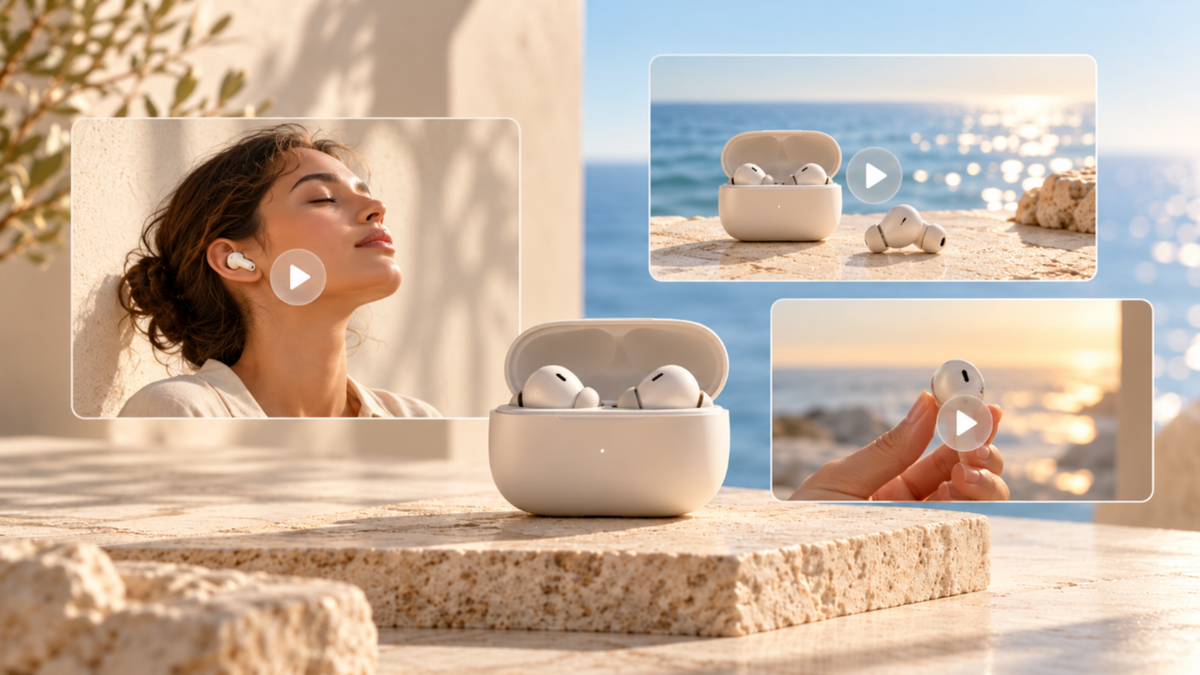
Video marketing helps you plan content for different goals, from social clips to product demos. With Kling AI's video generator you can create marketing footage from text prompts and visual references.
What Is Video Marketing?
Video marketing is the use of video content to promote a product, service or brand and to encourage viewers to take action. It can help people discover a business, learn about a product, compare options, or feel more confident in buying something.
Popular formats include short social clips, product demos, explainers, tutorials, customer stories and promotional videos. They are shared by companies on social media, websites, email and paid campaigns.
What sets video marketing apart from making videos is the reason behind each piece. A product demo can help someone decide to buy; a tutorial can help an existing customer get more out of their purchase. The content, channel, and call to action should reflect that difference.
Why Video Marketing for Business Matters
Video gives you a way to show your product in action rather than just describe it. A short demonstration can explain how a feature works, while tutorials and customer stories can help answer questions people have before making a purchase.
Research suggests that viewers find these formats useful. In a 2025 Google/Kantar study of U.S. weekly video viewers ages 18–64, 70% preferred watching a video over reading or listening when learning how to build something. Another 81% agreed that YouTube creator content helps them research and discover products while shopping.
For your business, the question is what your audience needs to see. You might use a product demo to explain a feature, a customer story to build trust, or a short social clip to introduce something new. Each calls for a different approach.
How Kling AI Makes Video Marketing More Efficient
For marketers who need more control over how a product or campaign appears on screen, Kling AI is an AI creation platform that helps turn ideas and existing assets into videos. Its newly launched Kling 4.0 model supports both video generation and targeted video editing, giving teams greater creative flexibility.
With Omni Reference, you can combine up to 15 reference assets, including images, videos, elements, and voice references, to guide product details, maintain character consistency, and control actions and camera movement. By uploading reference videos, marketers can also draw on the narrative pacing, shot composition, and visual expression of trending content while replacing products, characters, and scenes with their own assets. This makes it easier to adapt proven creative concepts without planning every shot from scratch or spending excessive time on trial and error.
Kling 4.0 also delivers more stable large-scale motion and complex camera movements, while video generation up to 30 seconds and support for up to 10 keyframes help creators build more complete marketing stories. Together with targeted video editing, these capabilities can accelerate creative testing, reduce repeated shoots and revisions, and help teams produce social media videos, product ads, fashion and beauty campaigns, and consumer electronics content more efficiently while managing production time and costs.


Types of Video Marketing: Formats, Ideas, and Examples
The right video for marketing depends on what the viewer needs to know or do next. Someone discovering your brand may respond to a short lifestyle clip. A shopper comparing products may want a closer look at how one works.
These video marketing examples show how common formats can support different business goals.
Video Type | Marketing Goal | Video Marketing Idea |
Brand video | Build awareness | Show a product becoming part of someone's daily routine |
Short social clip | Attract attention | Open with a striking product reveal or an unexpected scene |
Explainer video | Help viewers understand an offer | Show how a service solves a familiar problem |
Product demo | Support purchase decisions | Demonstrate a useful feature in a realistic setting |
Customer testimonial | Build trust | Share a genuine customer's experience |
Tutorial | Support existing customers | Walk through a common product task |
Promotional video | Encourage action | Introduce a seasonal offer with a clear next step |
Consider a reusable water bottle brand preparing a summer campaign. A lifestyle video could follow a hiker along a trail, while a product demonstration focuses on the bottle's features. A short social clip might show the bottle against a dramatic outdoor backdrop.
Each idea serves a different purpose, even though all three feature the same product. Use these video marketing ideas as starting points. The format should support the message, not dictate it.
For original footage, AI video creation also gives marketers another option. Tools like Kling AI can help you develop product scenes and explore different visual concepts using text prompts and reference materials before settling on a creative direction.
What Marketing Videos Can You Create With Kling AI?
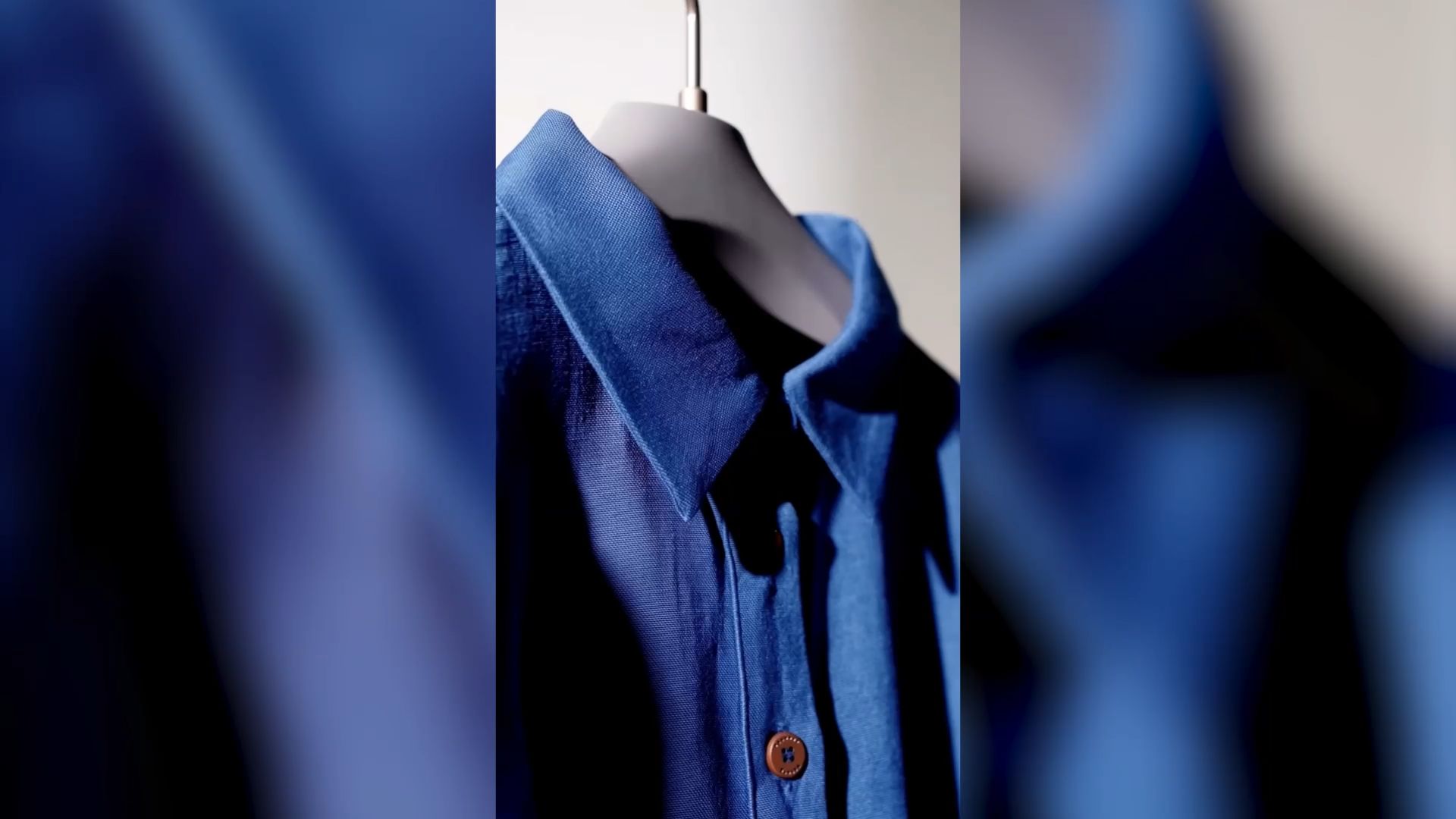
Kling AI supports a wide range of video marketing needs, from product launches to everyday social content. Brands can use our AI ad generator to create product showcases, lifestyle ads, and UGC-style videos that highlight key selling points. For new releases, seasonal offers, or upcoming events, our promo video maker helps turn product photos and campaign ideas into engaging promotional footage. Marketing teams can also explore commercial video production for cinematic brand stories, dynamic product scenes, and more ambitious advertising concepts. By combining prompts with existing visual references, Kling AI helps teams develop different creative directions, adapt content for different audiences, and reduce the need to film every scene from scratch.
How to Build a Video Marketing Strategy
A video marketing strategy connects your content to a business objective. Decide who you want to reach, what you want your videos to say and what you want your viewers to do next. Think of a couple of formats that work well and a publishing schedule you can stick to.
Know Your Goal and Your Audience
What is the purpose of your video? Awareness is necessary for a product launch and there can be a demonstration for shoppers to assess a product. Existing customers may benefit more from tutorials. Have a single objective for each video. Think about what your audience might be asking, interested in, or know about your brand and shape your message to communicate with them.
Select the Right Formats and Channels
Make your content fit where your audience watches videos. Short vertical clips are perfect for places like TikTok, Instagram Reels, and YouTube Shorts, and longer demos might be a fit for YouTube or product pages.
A social video has to grab attention quickly. Visitors to product pages often want more detail. Adjust your content for each placement, rather than using the same version in all places.
Create Your Message and Content Calendar
Each video should focus on a single main topic, such as a product benefit, frequently asked question or customer experience. Too many messages can make a short clip hard to follow. Develop a content calendar for your topics, including target audience, format, channel, publication date, and call to action. You can plan a teaser first, followed by a product demo, then a tutorial for a launch.
Plan Your Video Production
Review the assets you already have, including product photos, recorded demonstrations, and campaign visuals. Use real footage when accurate product behavior or genuine customer experiences matter. For creative concepts or additional scenes, an AI video generator such as Kling AI can work from prompts and visual references. Plan time to review product details and refine the footage before publishing.
Set Your Budget and Success Metrics
Account for scripting, production, editing, licensing, AI generation, and promotion. Choose an approach that fits your resources and content needs. Set measurable goals early. Views and reach can help assess awareness, while clicks and conversions are more relevant when you want viewers to take action.
How to Create a Marketing Video With Kling AI
Let's say you're launching a new pair of sneakers and need a short video for your campaign. You want to show the shoe's design, capture how it looks in motion, and give viewers a closer look at its details.
With Kling 4.0, you can create footage from text prompts and visual references, with generation lengths ranging from 3 to 30 seconds. Here's how to turn your concept into a marketing video.
Step 1: Add Your Product and Creative References
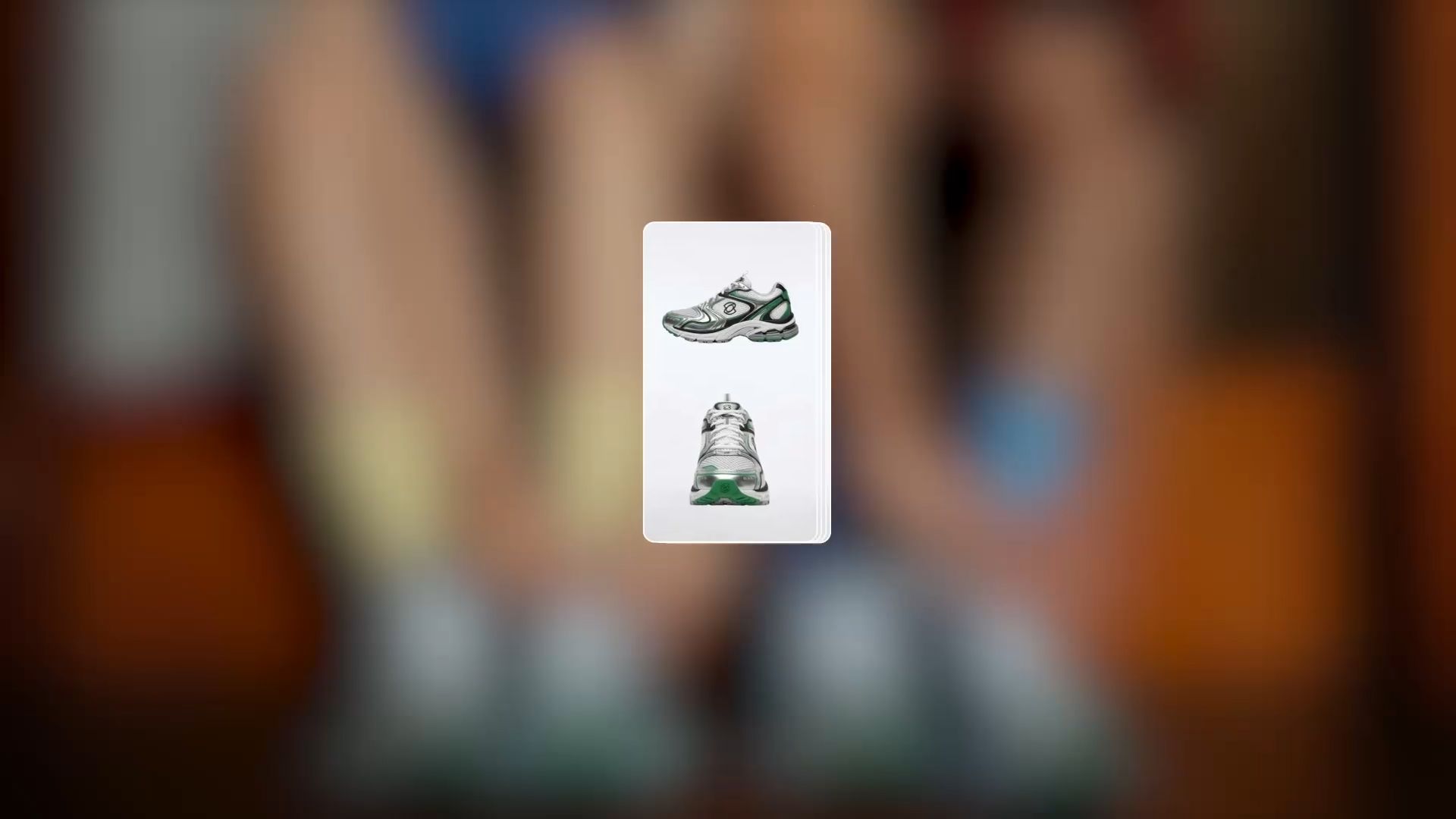
Open Kling AI's Video Generation workspace and select Kling 4.0. Upload your sneaker photos, including different angles that show the shape, materials, colors, and sole. You can also add model images, campaign visuals, or reference videos for the movement and style you have in mind. Use Omni Reference to guide how these elements appear in the generated footage. If you don't have any assets ready, you can start with a written prompt.
Step 2: Describe Your Marketing Video
Think about what you want viewers to notice first. For a sneaker launch, that might be the shoe's design, how it looks when worn, or the details that make it recognizable. Describe the setting, product shots, model's actions, camera movement, and sound. Keep your instructions aligned with the references you've uploaded.
Prompt: Create a cinematic sneaker launch video using @Image1 as the product reference and @Image2 as the model reference. Keep the sneakers' silver mesh texture, green and black overlays, white laces, and sole design recognizable. Open with a close-up of the model tying the shoelaces, capturing the stitching and material details. Follow the model as they stand and walk, using low-angle tracking shots to show the sneakers in motion. Finish with a smooth camera move around the shoes, highlighting their shape and design. Include natural sounds of shoelaces tightening and footsteps, without dialogue. |
Step 3: Generate, Review, and Refine
Choose your video duration, aspect ratio, and available generation settings, then generate the footage. Watch the result with your campaign goal in mind. Does the opening draw attention to the sneakers? Are the materials and colors accurate? Can viewers clearly see the product during the movement shots?
If a shot needs work, refine your prompt or references and regenerate it. You can also use Kling 4.0's Continuous Timeline Creation to organize or trim clips, or an AI video editor for further adjustments.
Before publishing, check the pacing, sound, and framing, then add your campaign copy and call to action.
How to Launch a Video Marketing Campaign
A finished video still needs a place to reach its audience. Distribution connects your content with the goals you established earlier.
Prepare Your Videos for Each Channel
Review the current format and technical specifications of the platform before publishing. A vertical video might be good for a short social feed, but a widescreen version could work better for YouTube or a website. Look at the actual framing and don't expect a different crop to work. Keep the main subject and any important captions in view. For social campaigns, a short video maker can help you develop concise clips suited to short-form platforms. Check the framing and keep important product details visible before publishing.
Schedule and Promote Your Content
Use your content calendar to plan when each video goes live. A product launch may begin with a teaser, followed by a demonstration and later a tutorial. There's no need to publish everything at once if the videos serve different purposes. Choose between organic distribution, paid promotion, email, and website placements based on the audience you want to reach and the resources available.
Give Viewers a Clear Next Step
Every video should lead somewhere useful. A product introduction might invite viewers to visit a product page. A tutorial could point to further instructions, while a promotional video may link to a current offer. Keep the call to action consistent with the content. Someone who clicks expecting a specific product or benefit should find it on the destination page.
How to Measure Video Marketing Performance
A video can earn thousands of views without bringing many people to your website. Another might reach fewer viewers but help more of them make a purchase. Choose metrics based on what each video was designed to achieve.
Marketing Goal | Metrics to Track |
Awareness | Views, reach, impressions, measured brand lift |
Engagement | Watch time, completion rate, shares, comments, saves |
Consideration | Click-through rate, product-page visits, relevant engagement |
Conversion | Conversions, cost per acquisition, attributable revenue |
Retention | Tutorial completion, repeat engagement, customer support outcomes |
Look at how people respond, not only how many people watch. If viewers leave in the opening seconds, the introduction may need work. If a product demonstration attracts clicks but few purchases, check the offer and destination page before making another version. Compare videos serving similar goals and audiences. Small changes to the opening, pacing, or call to action can give you useful information for the next campaign.
The End
A useful video marketing plan starts with knowing your audience and choosing content that serves a clear goal. The format, production approach, and publishing channel should support that decision. Kling AI gives marketers another way to develop video footage, try different visual concepts, and work with existing campaign assets. Start with a manageable idea, review what you create, and use the results to shape your next video.
FAQs
What is the best video marketing strategy?
The best video marketing strategy is one you can test and improve based on your audience's response. Start with a focused campaign, compare different openings or creative approaches, and identify which videos encourage the action you want. For example, you could test a product demonstration against a lifestyle clip. Kling AI can help create alternative visual concepts, but your results should guide which direction you pursue.
What is the 3-3-3 rule for social media?
The 3-3-3 rule is an informal content-planning approach, often interpreted as balancing promotional, educational, and engagement-focused posts. There isn't one universally accepted definition. For video marketing, you could mix product showcases, helpful tutorials, and content that encourages audience interaction. Kling AI can help develop visuals for different formats, but you should adjust the balance based on your audience and campaign goals.
What tools do you need for video marketing?
The right tools depend on your goals. Analytics platforms help measure campaign results, while scheduling tools manage publishing. For video production, the best video editing software depends on whether you need detailed post-production controls, simple clip assembly, or AI-assisted scene creation. Kling AI supports text-to-video, image-to-video, and reference-guided generation through Kling 4.0, while campaign distribution and performance tracking may require separate tools.
How can AI reduce video marketing production costs?
AI can help reduce production costs by turning existing product images, creative ideas, and reference materials into new video content without filming every scene. With Kling AI, marketers can use Kling 4.0 to explore different campaign concepts, refine existing footage, and create variations for different audiences. This can reduce repeated shoots, shorten creative testing cycles, and make video marketing production more efficient, although actual savings depend on the project.
Can I recreate a trending video for my marketing campaign?
Yes. Kling 4.0's Omni Reference lets you use existing videos as creative references for shot composition, camera movement, and narrative pacing. You can combine these references with your own product images, characters, and other assets to develop a new marketing video inspired by a popular format. This helps you adapt proven creative ideas more efficiently without planning every shot from scratch. Make sure you have the necessary rights to use your reference materials.