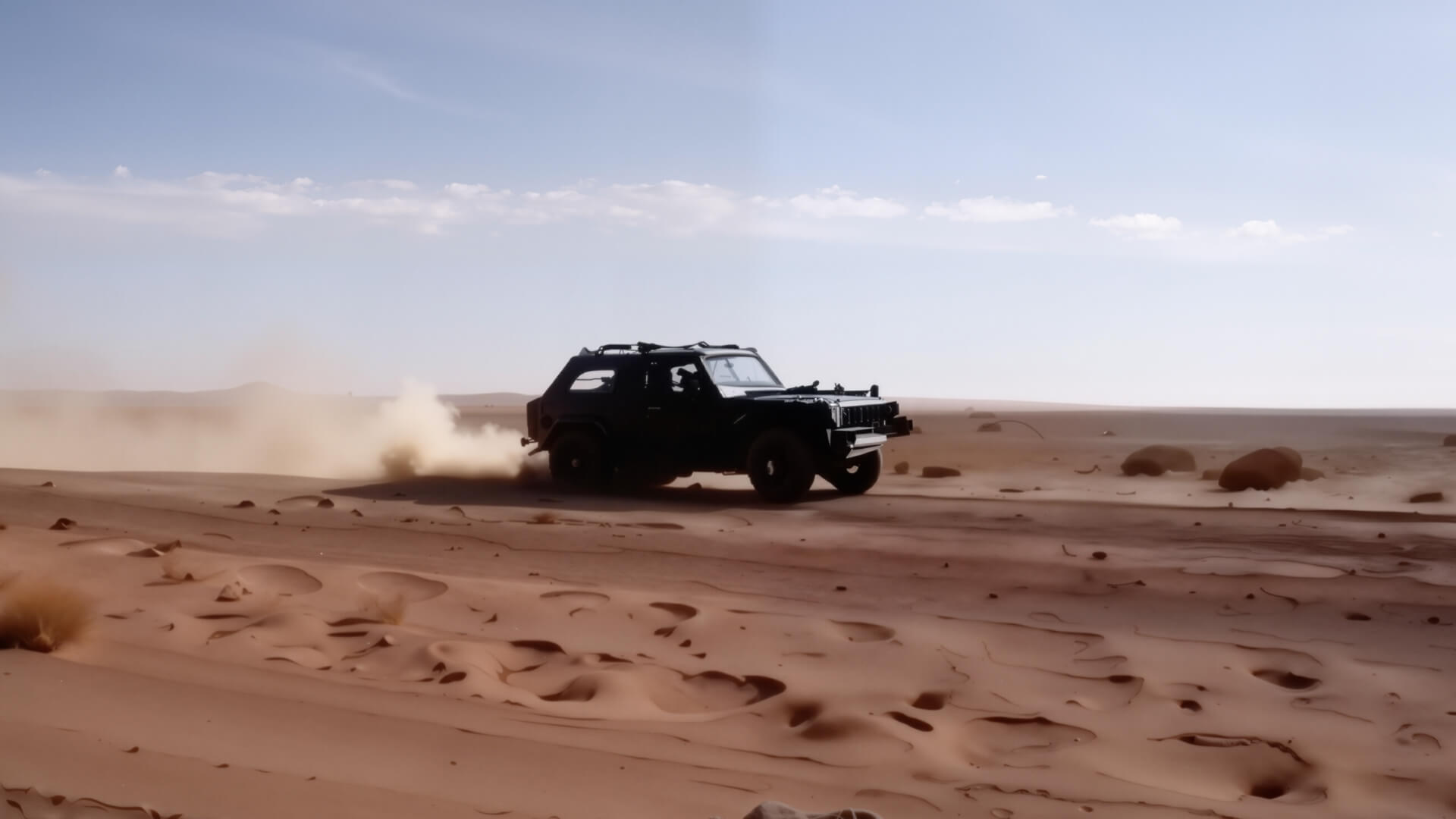
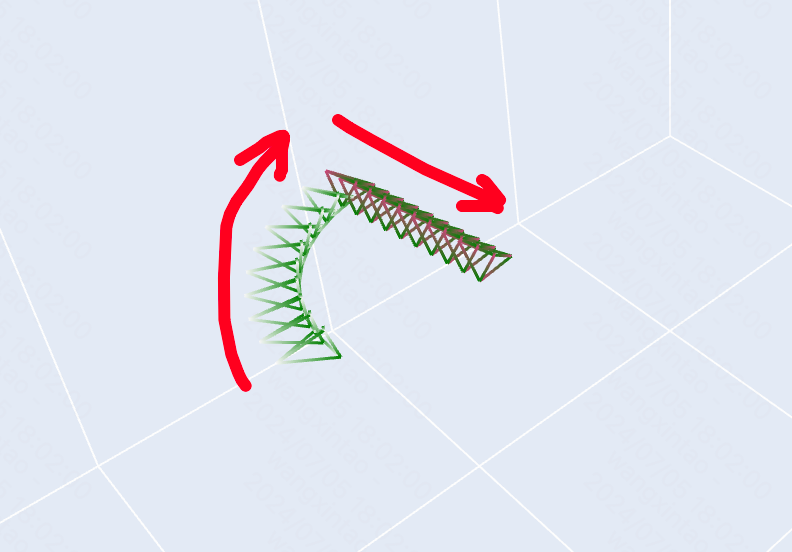
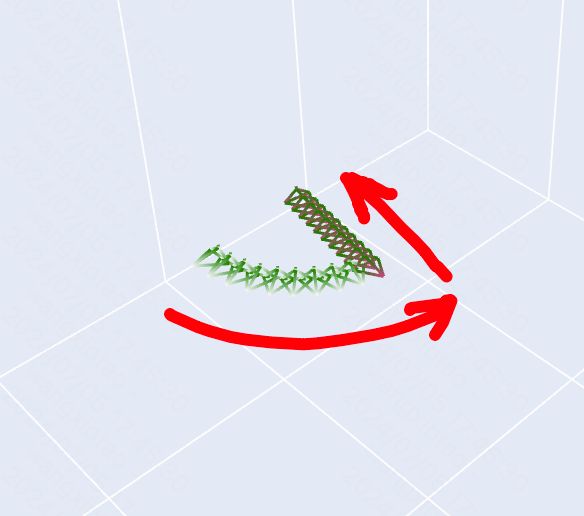
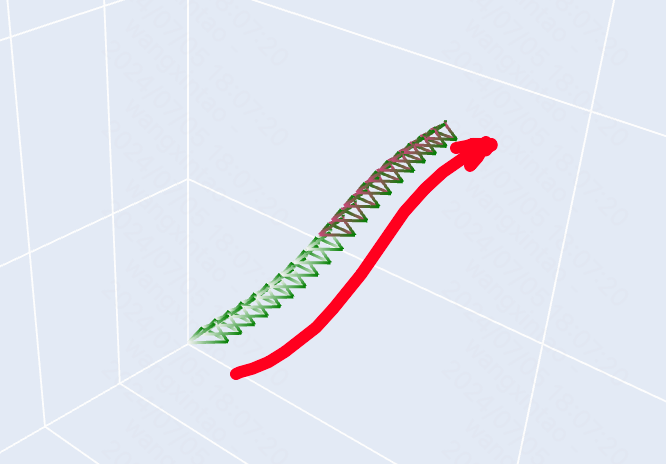
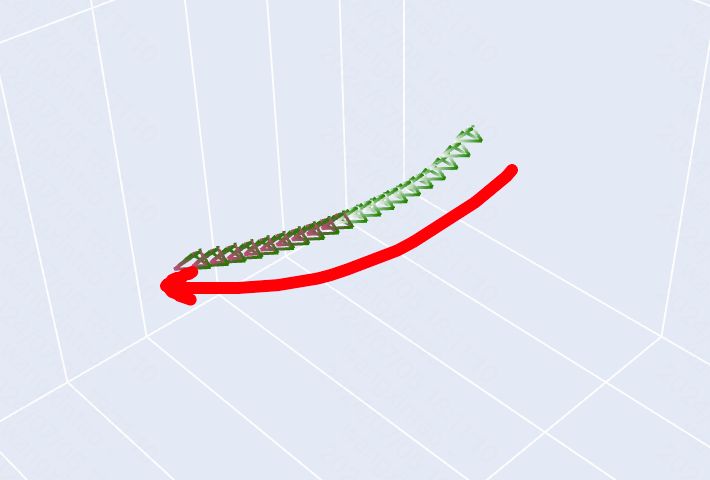
The camera movement control now supports six basic camera movements, including 'horizontal, vertical, zoom, pan, tilt, roll', as well as four Master Shots: 'move left and zoom in, move right and zoom in, move forward and zoom up, move down and zoom out'.
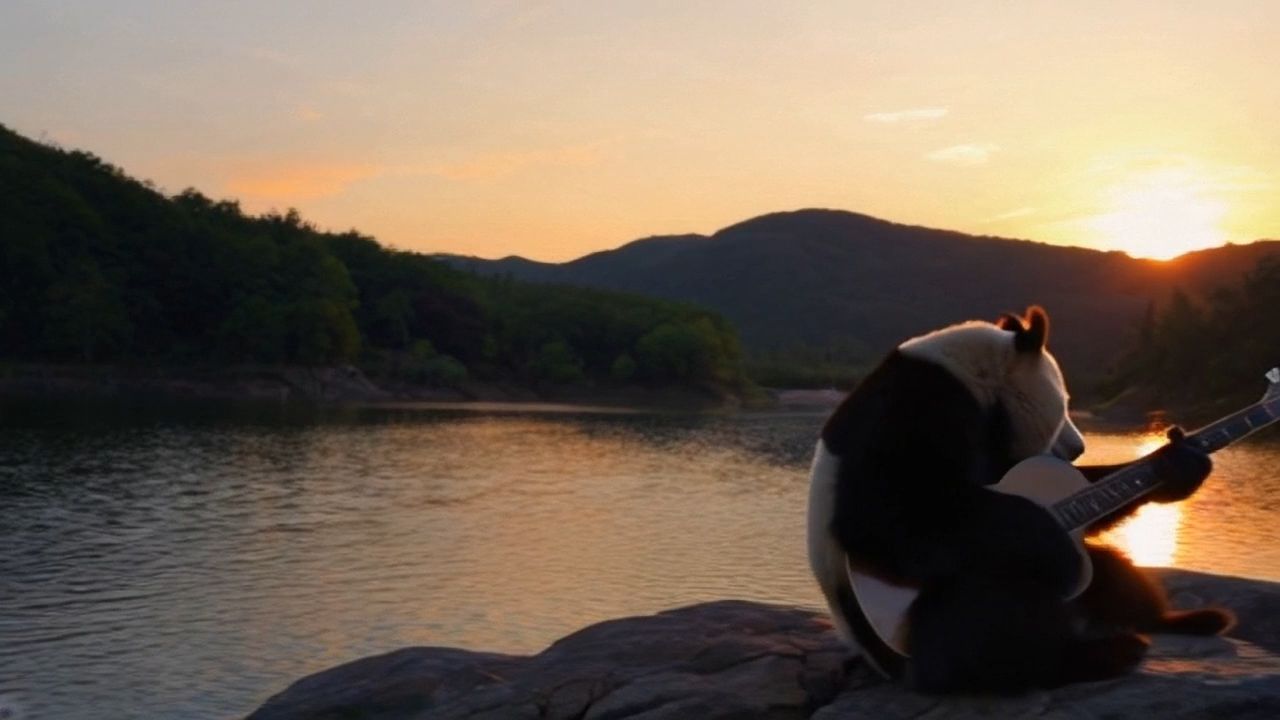
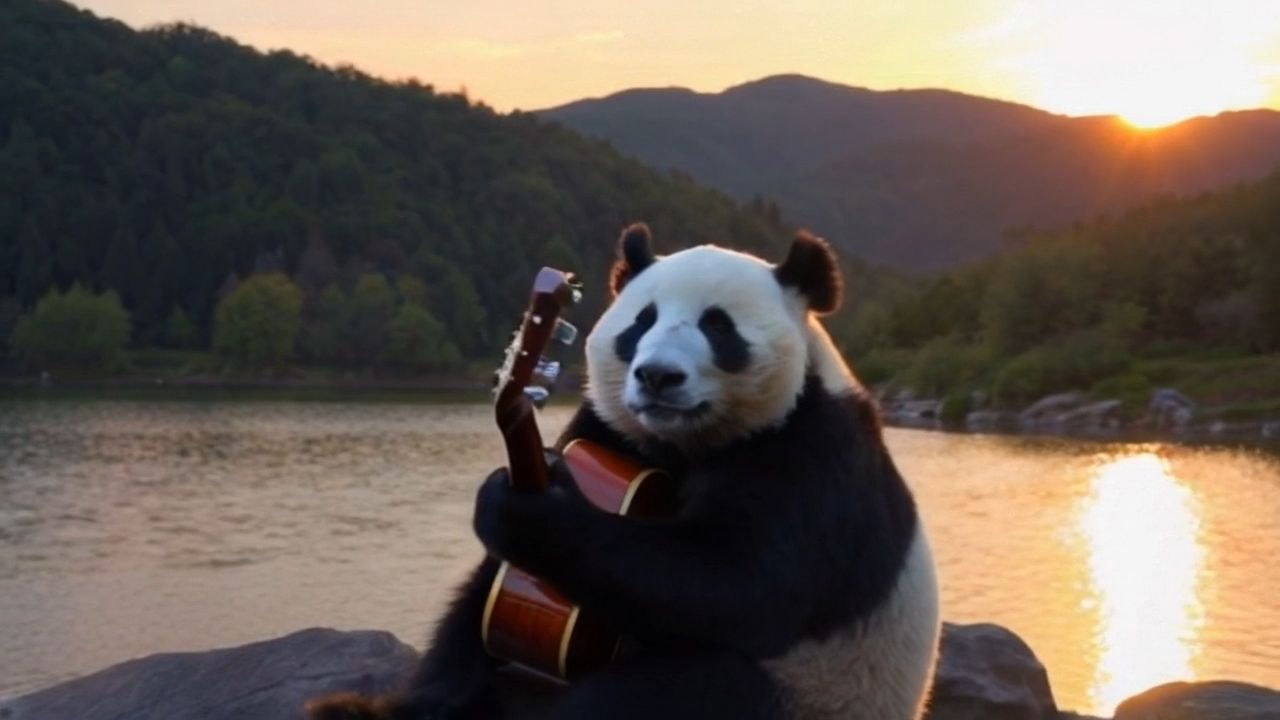
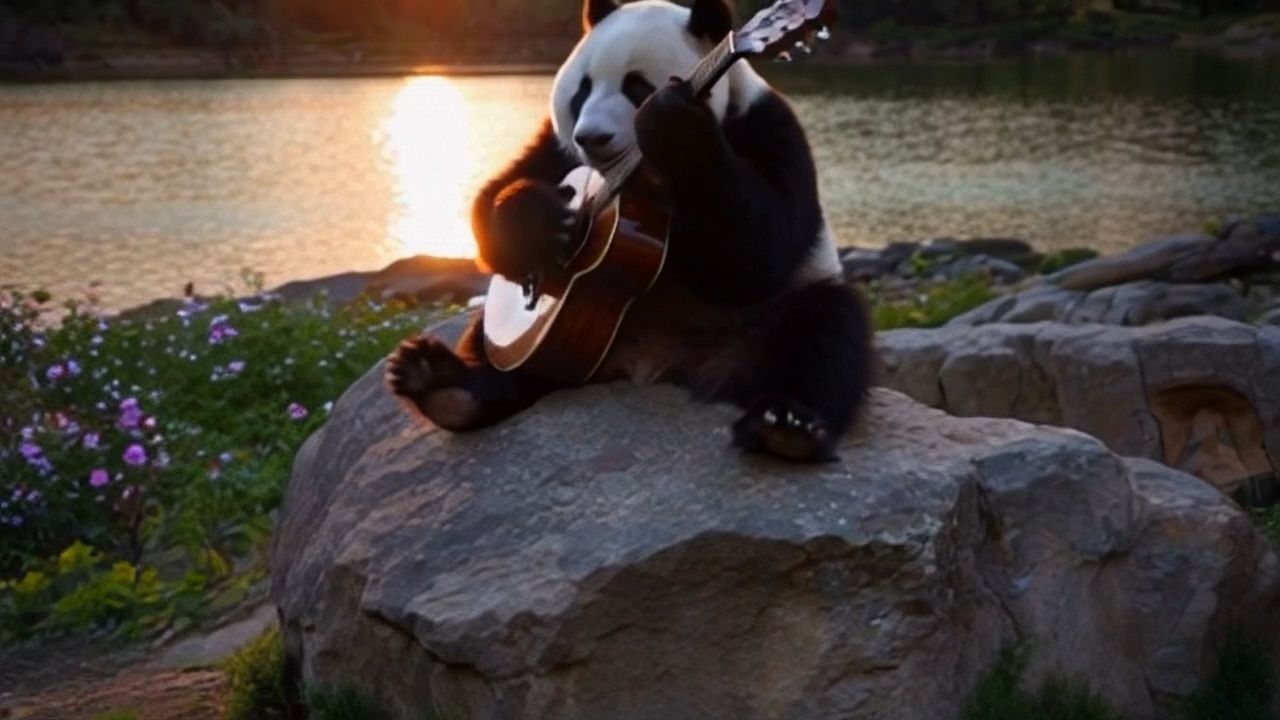
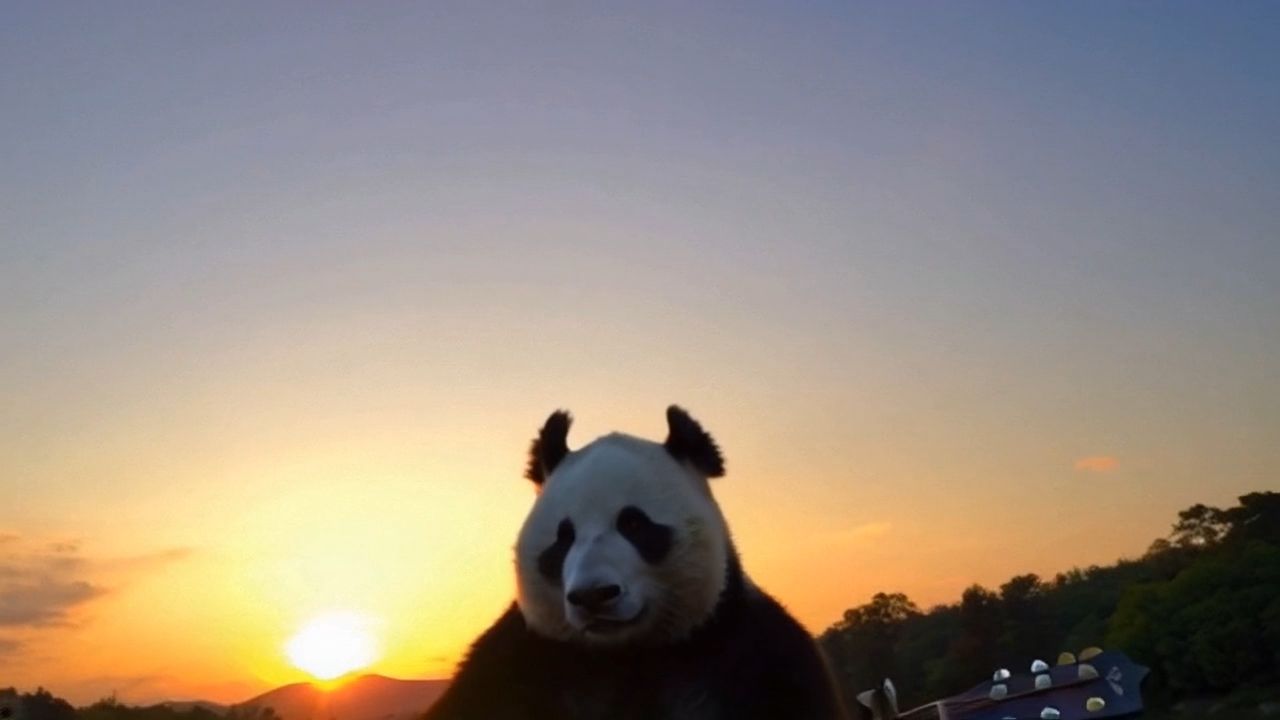
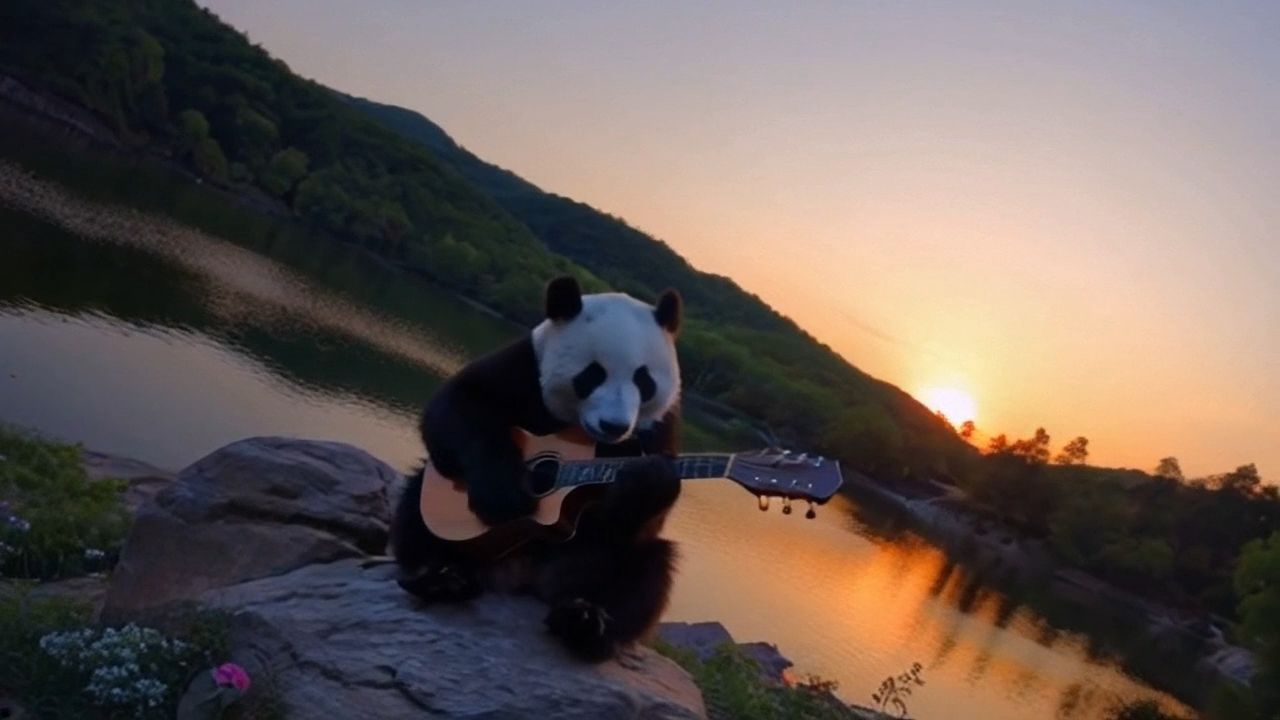
Camera movement is a form of cinematic language. To meet the diversity of video creation and to allow the model to better respond to the users' control over the camera, the platform has added Camera Movement function. The function allow us to control the camera movement in the video frame with absolute commands, and select the extent of the camera movement by adjusting the displacement parameters. Here are different camera movement examples for "A giant panda is playing the piano by the lake":
Horizontal | Vertical | ||
  | 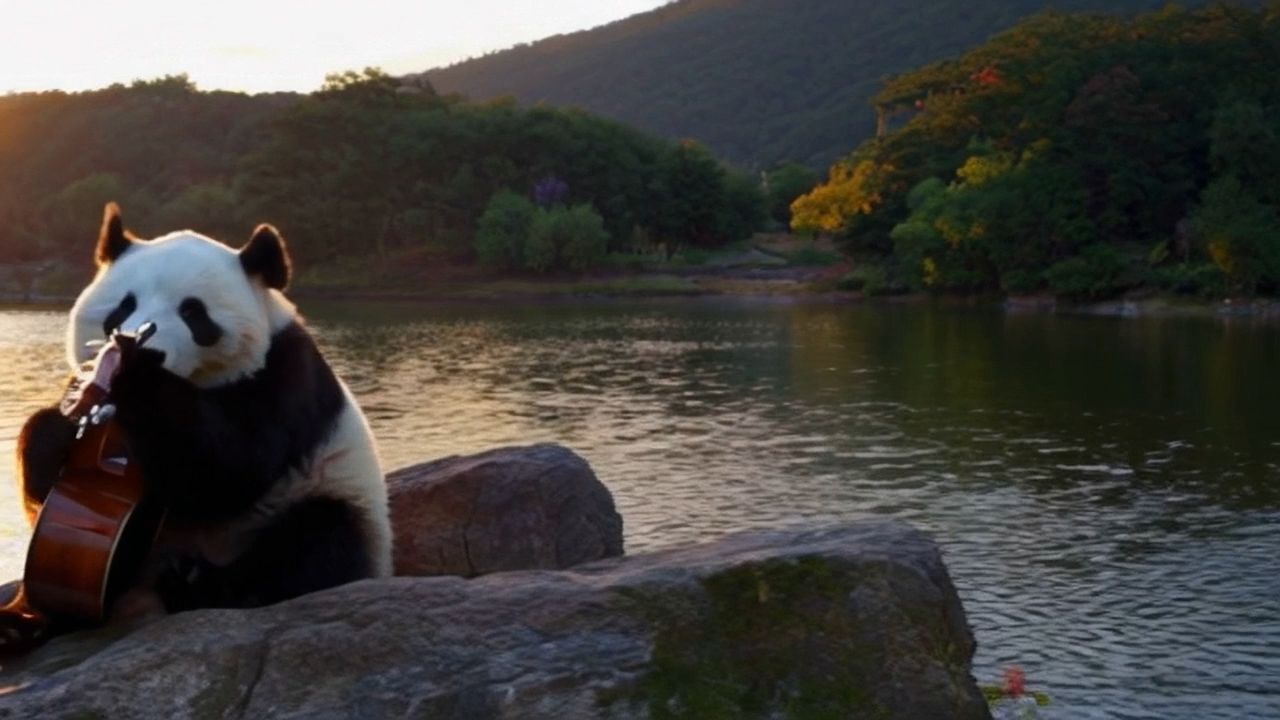 | 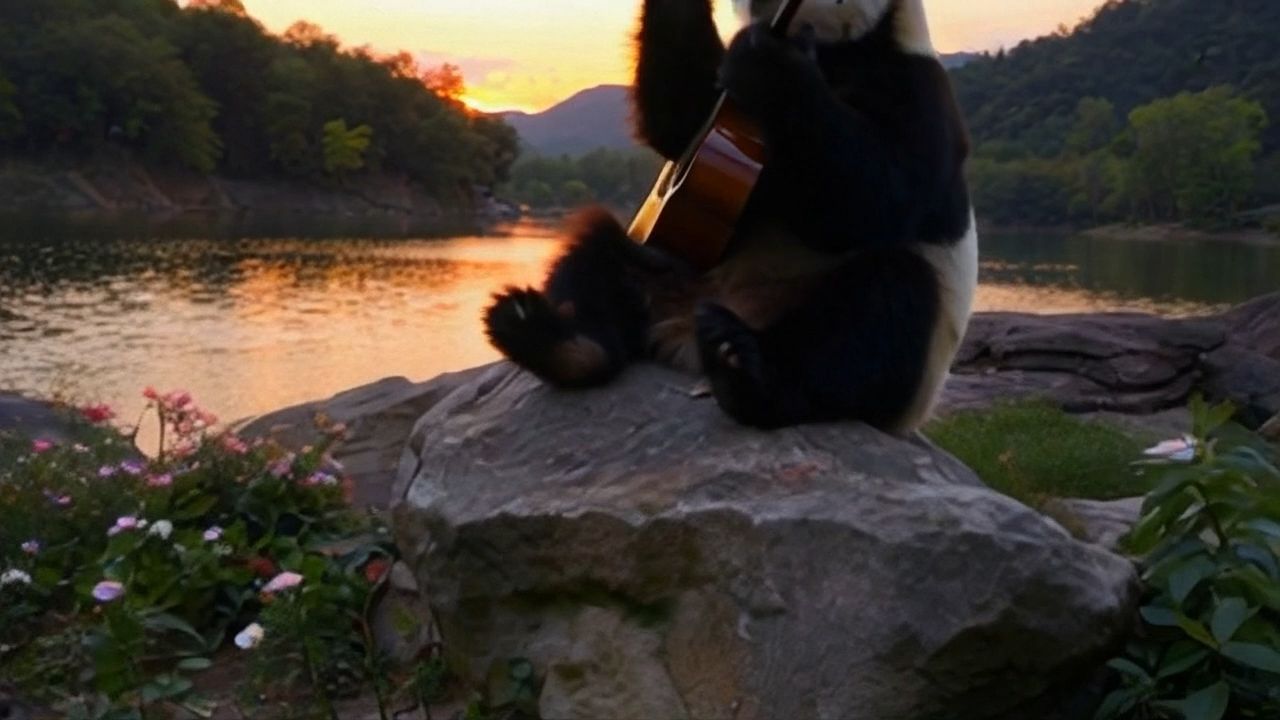 | 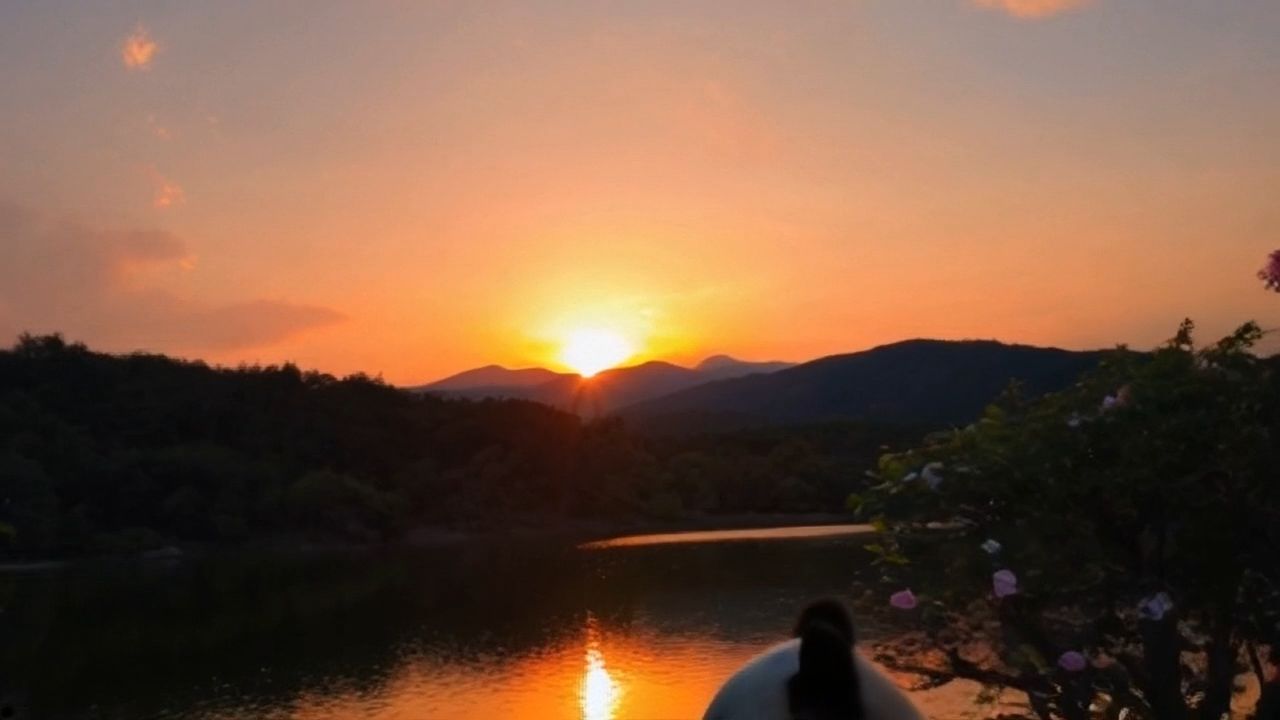 |
Zoom | Pan | ||
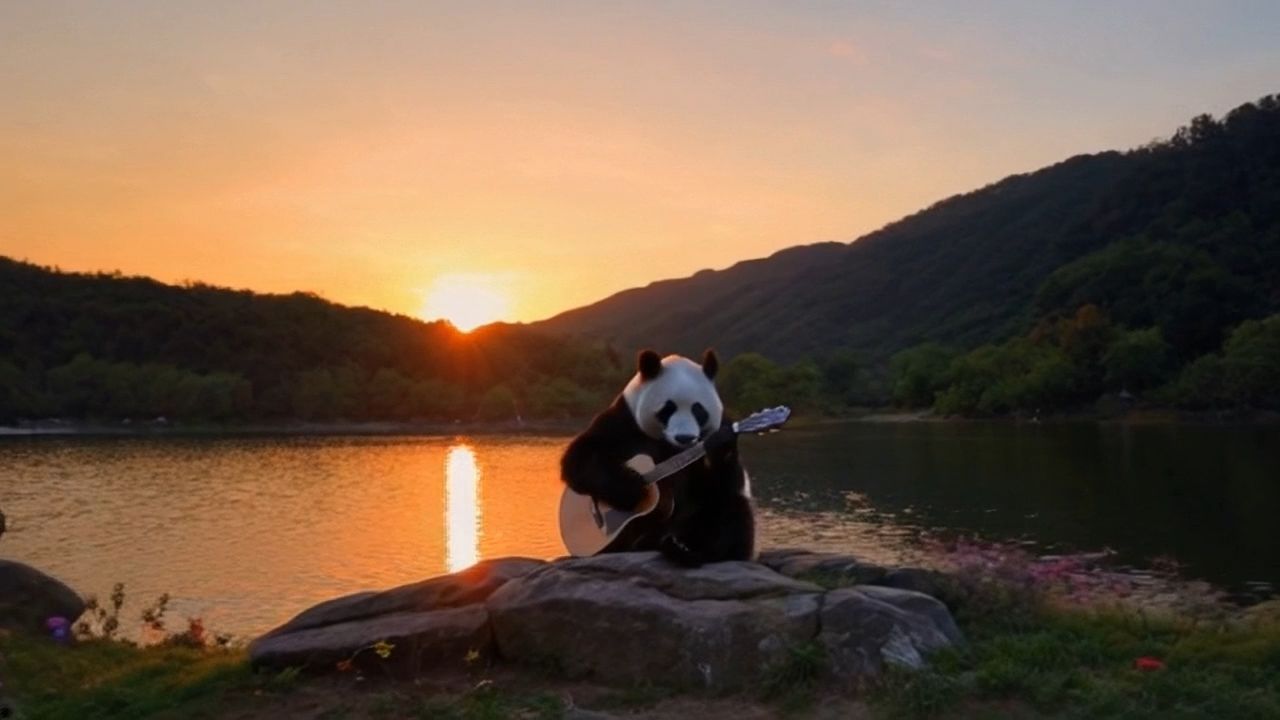 |  |  |  |
Roll | Tilt | ||
 | 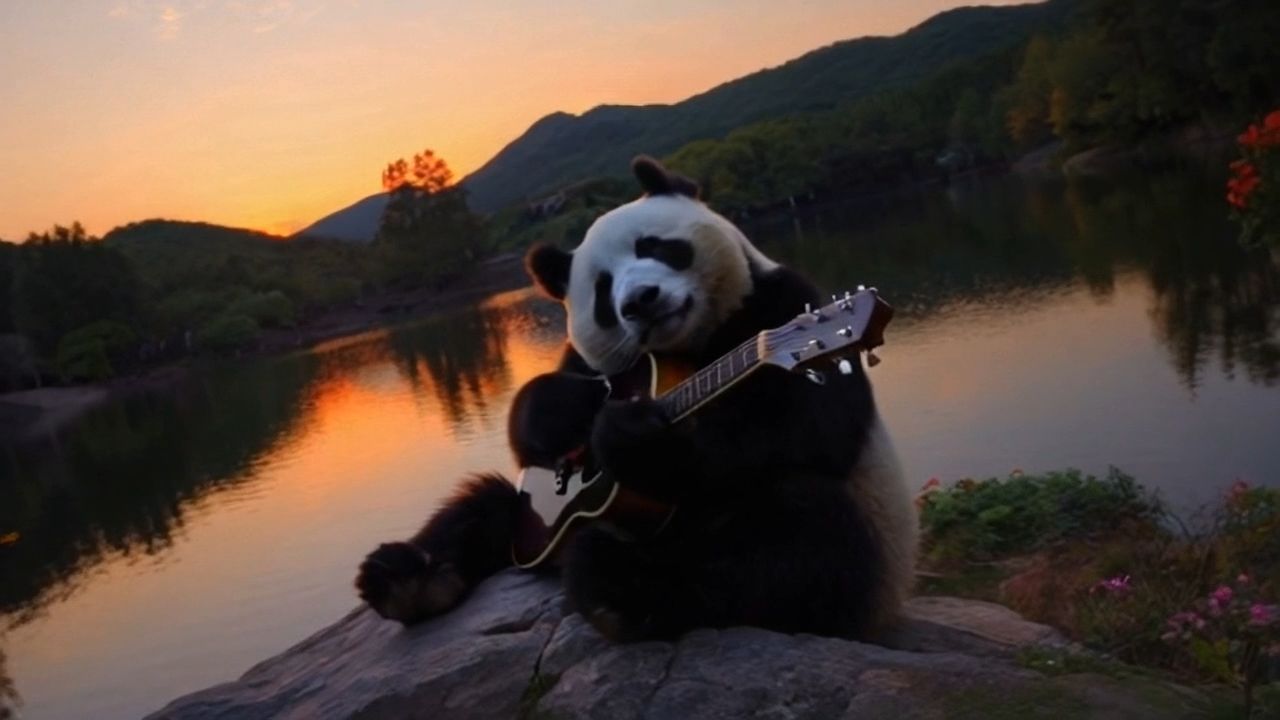 | 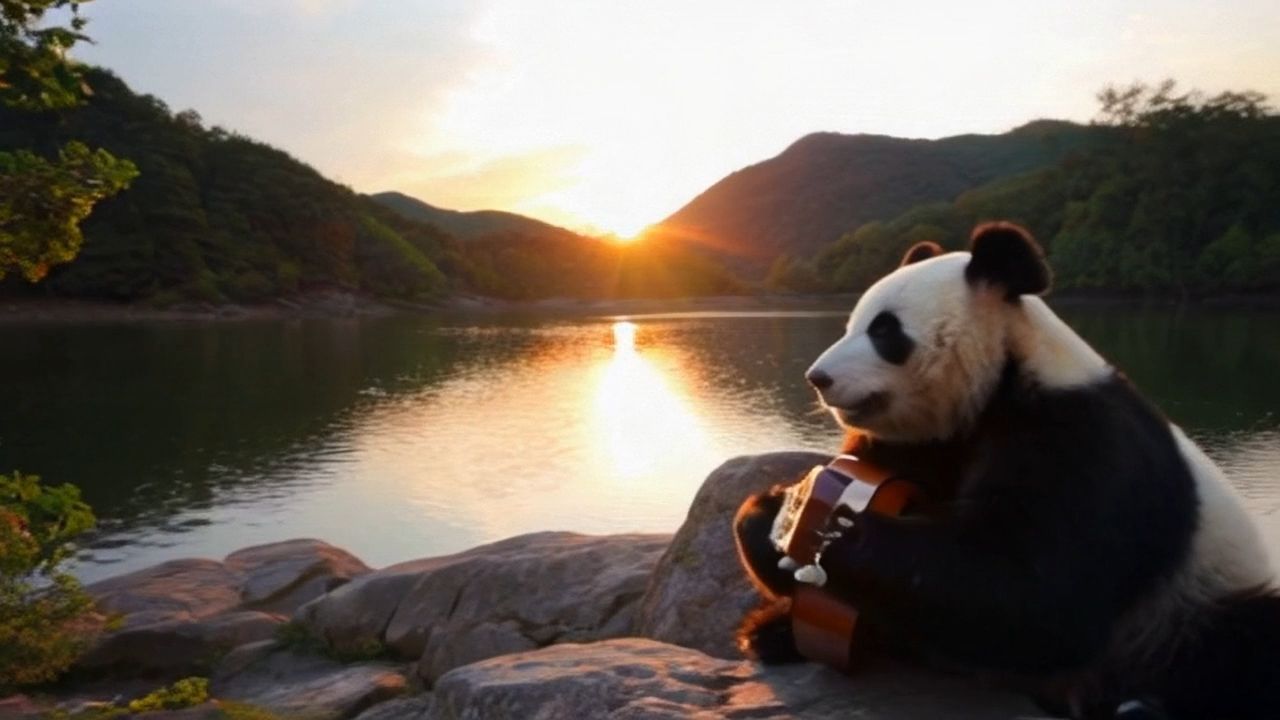 | 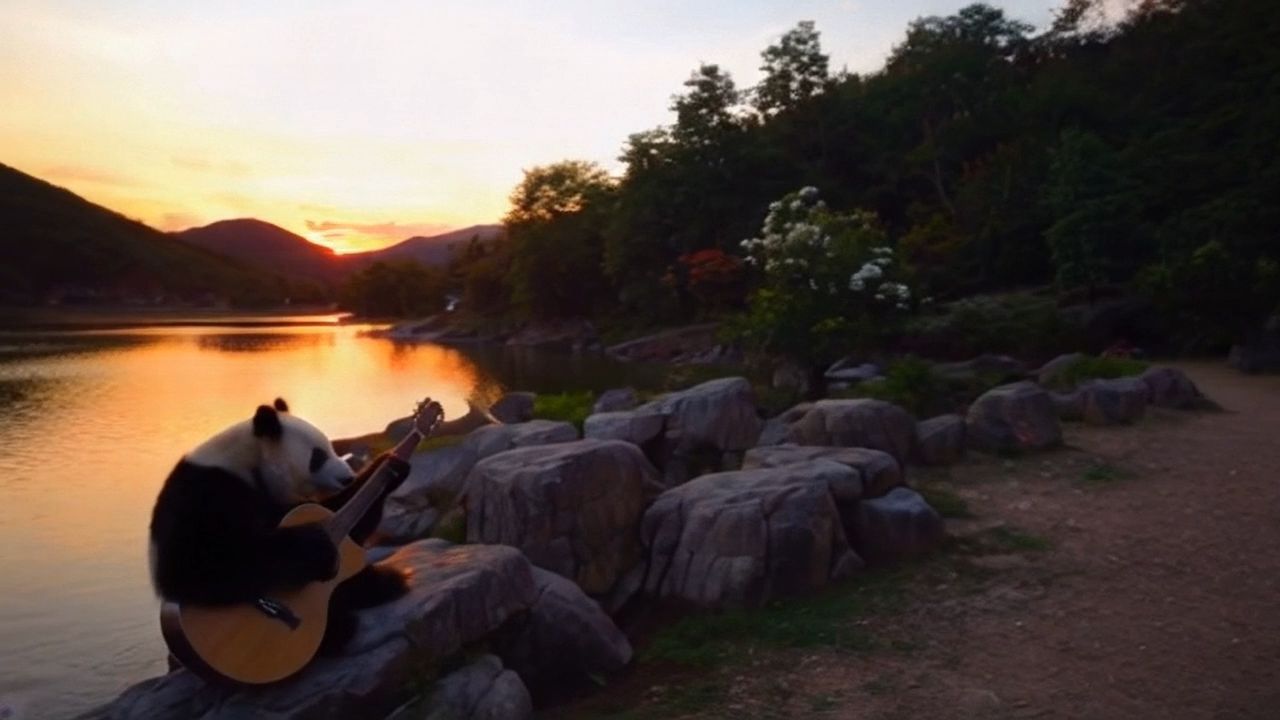 |
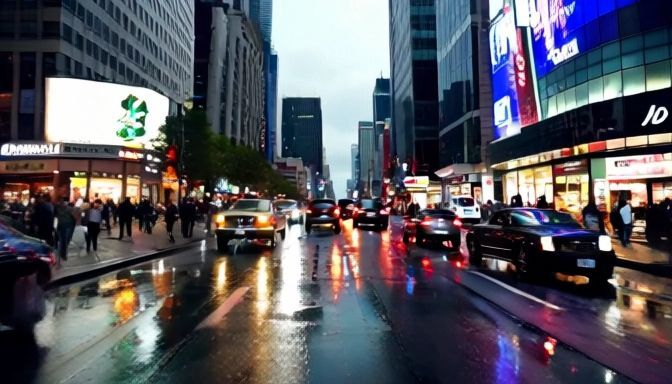
Master Shot: Move Left and Zoom In | Master Shot: Move Right and Zoom In | Master Shot: Move Forward and Zoom Up | Master Shot: Move Down and Zoom Out |
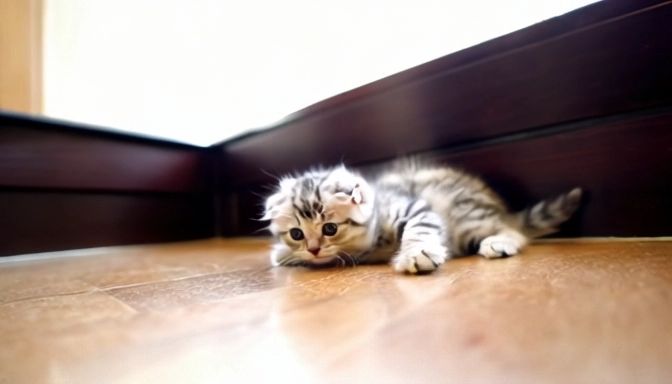  |   |   |   |