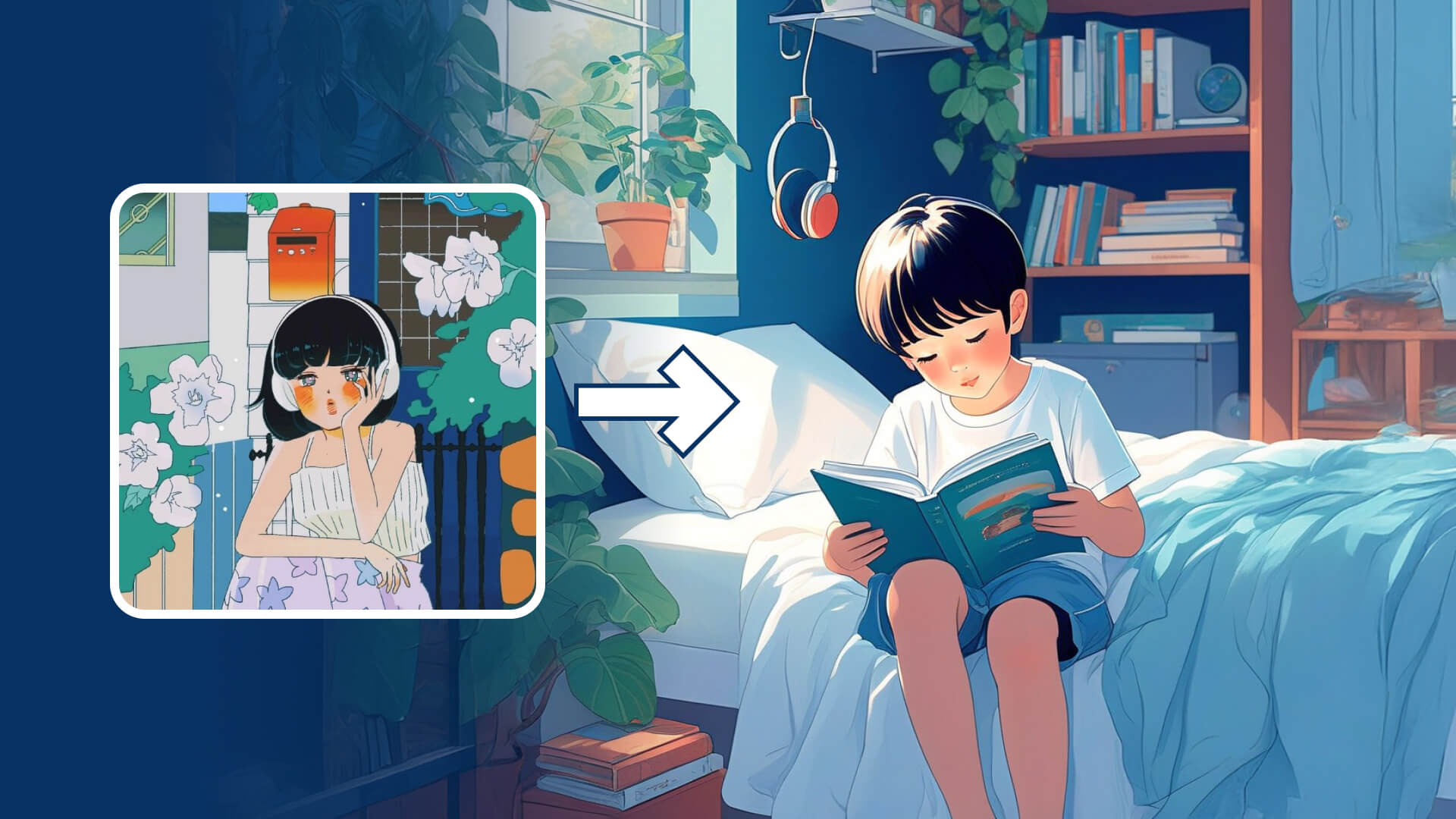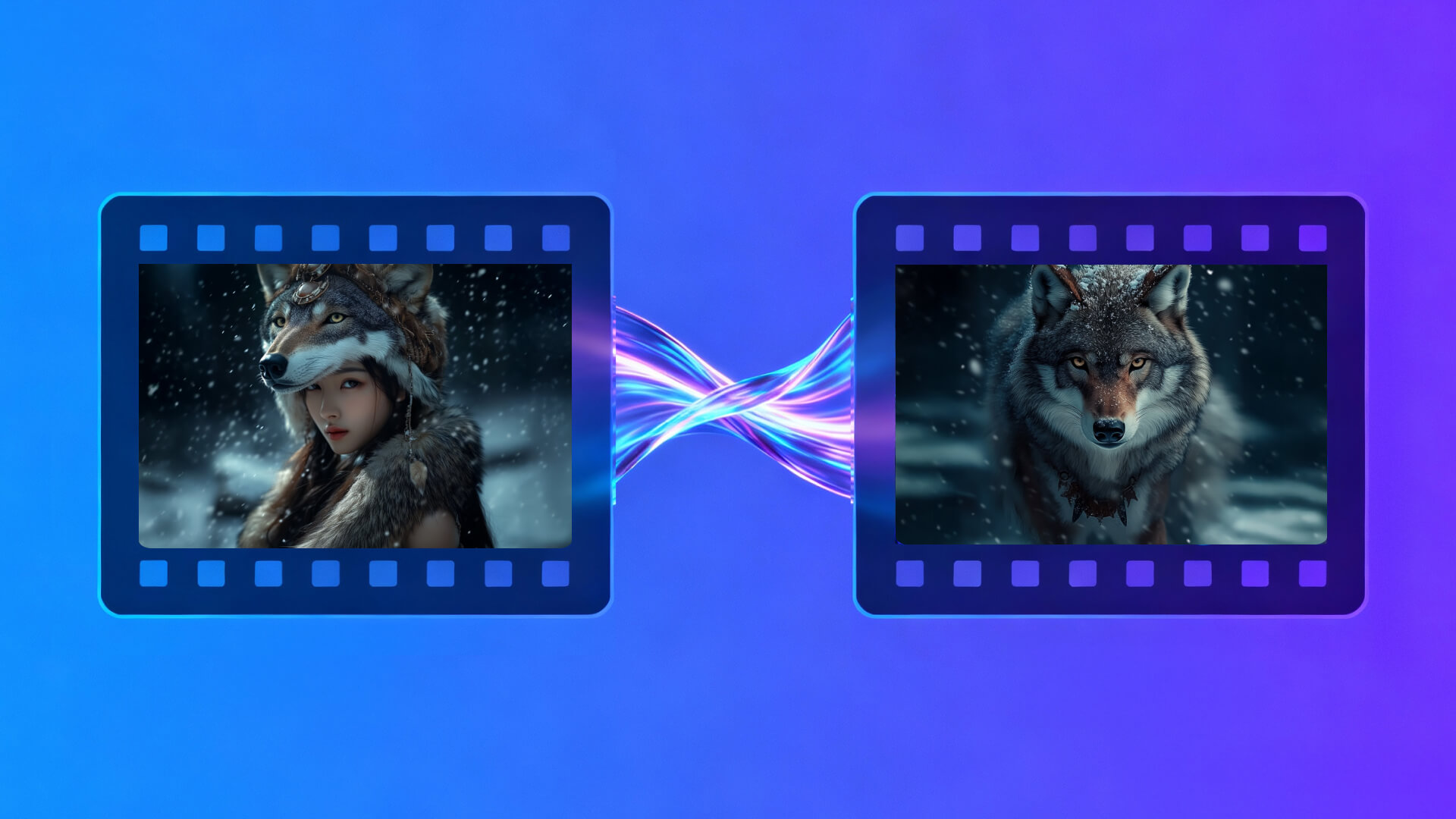
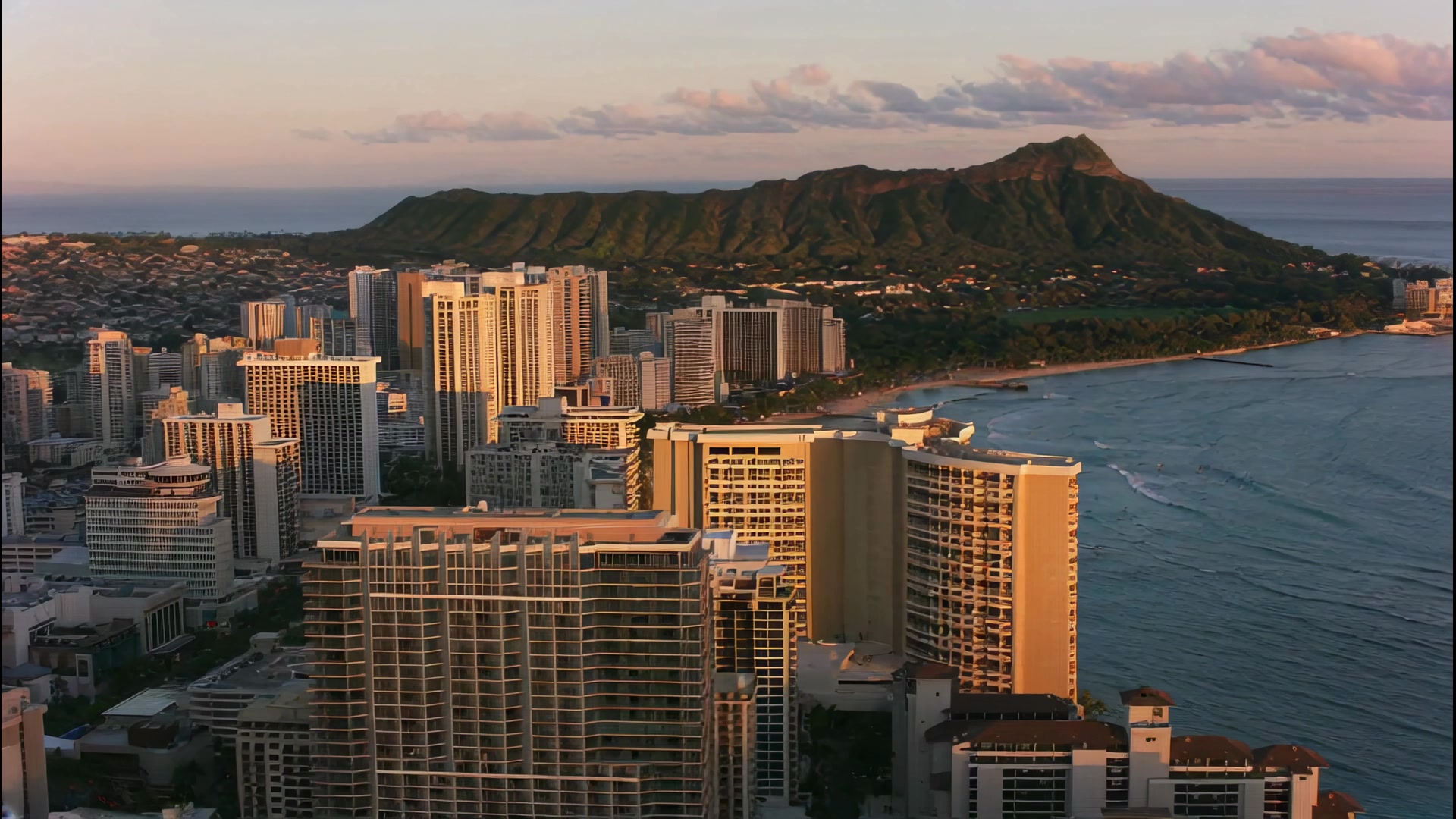
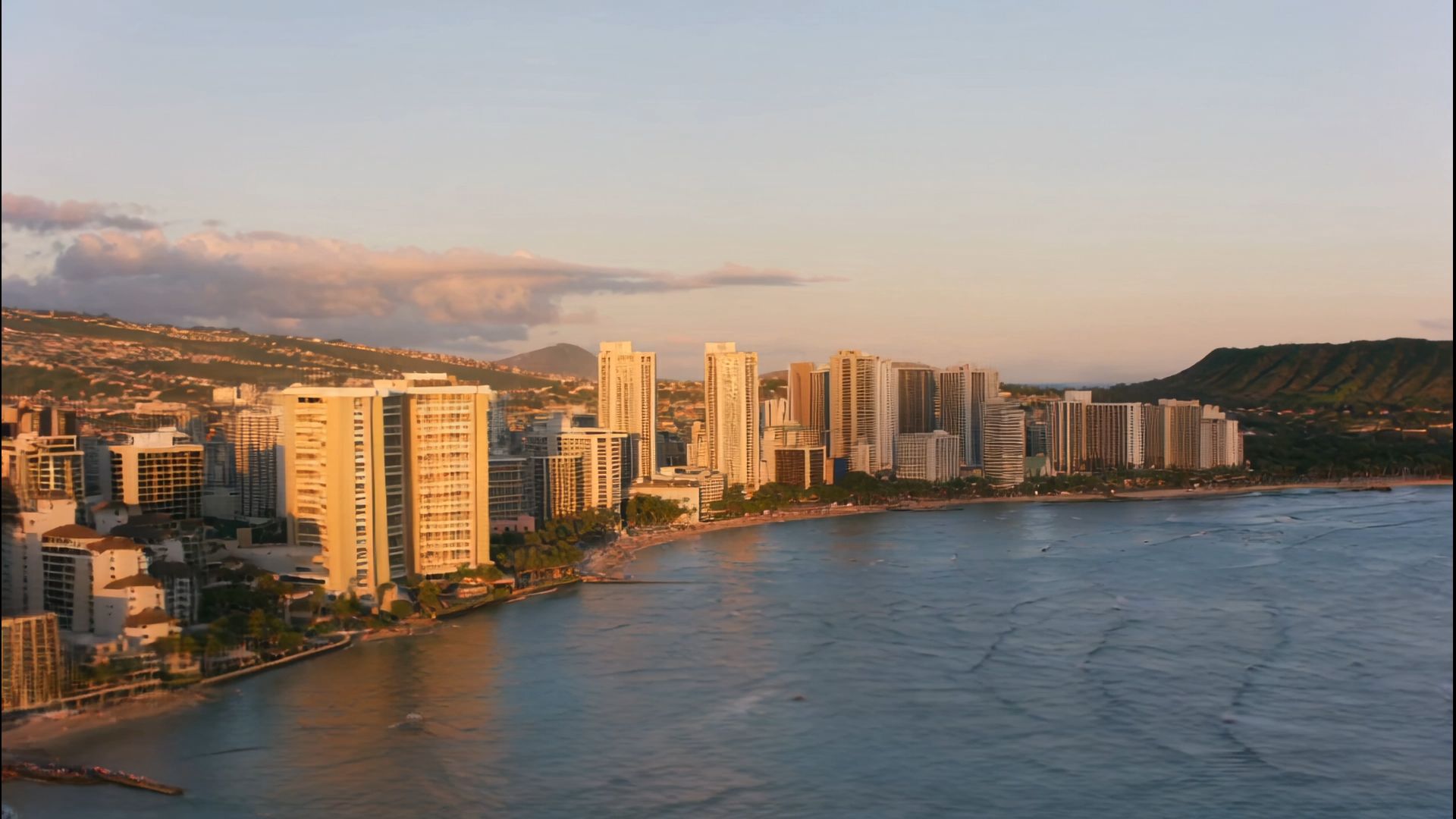
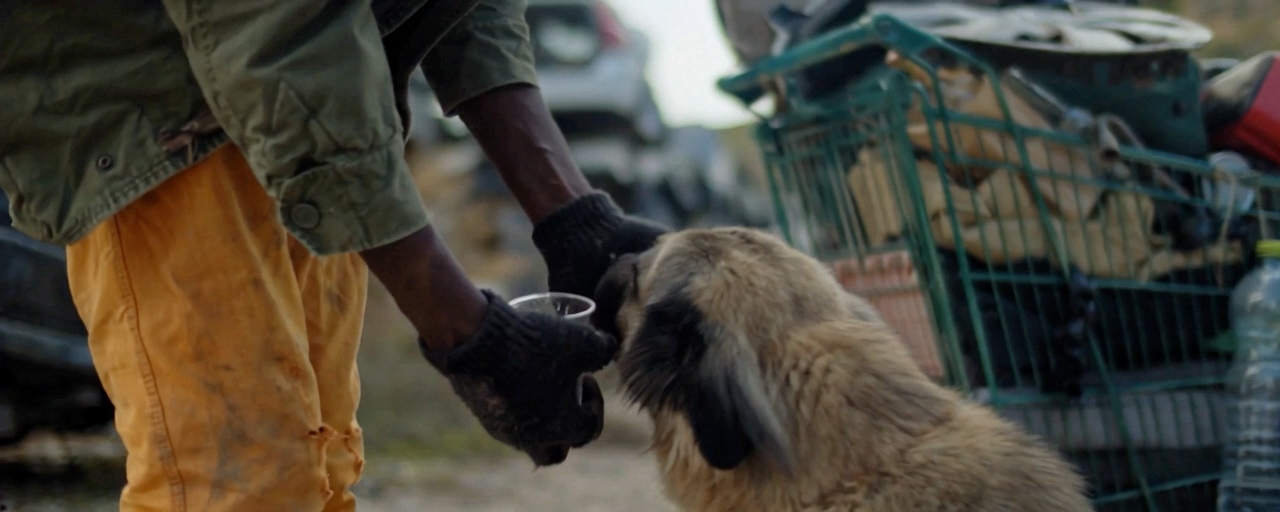
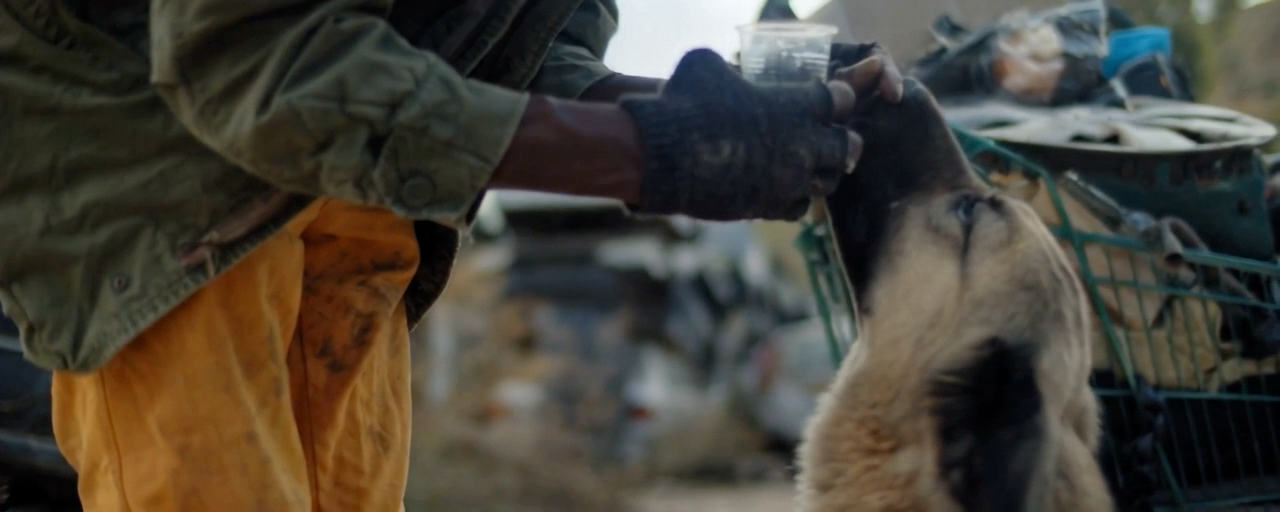
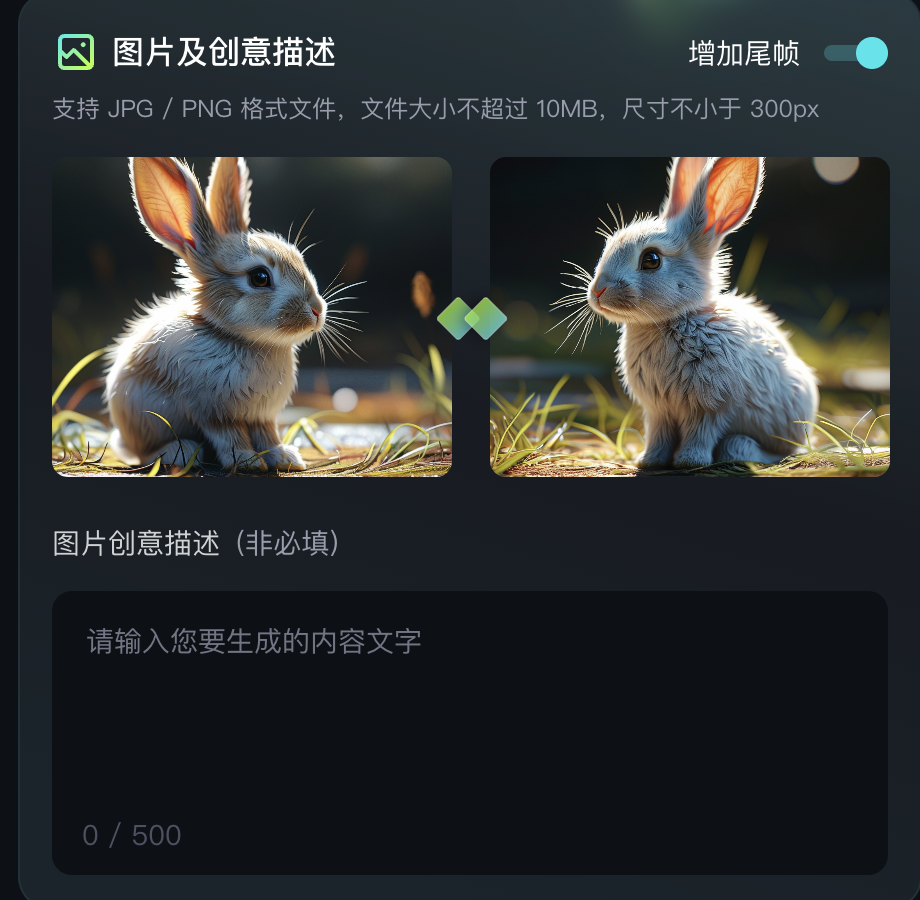
Start and End Frames function allows you to upload two images, and the model will use these two images as the starting and ending frames to generate a transition video. Experience it by clicking on the 'Add End Frame' option located at the top right corner of the 'Image to Video' function.
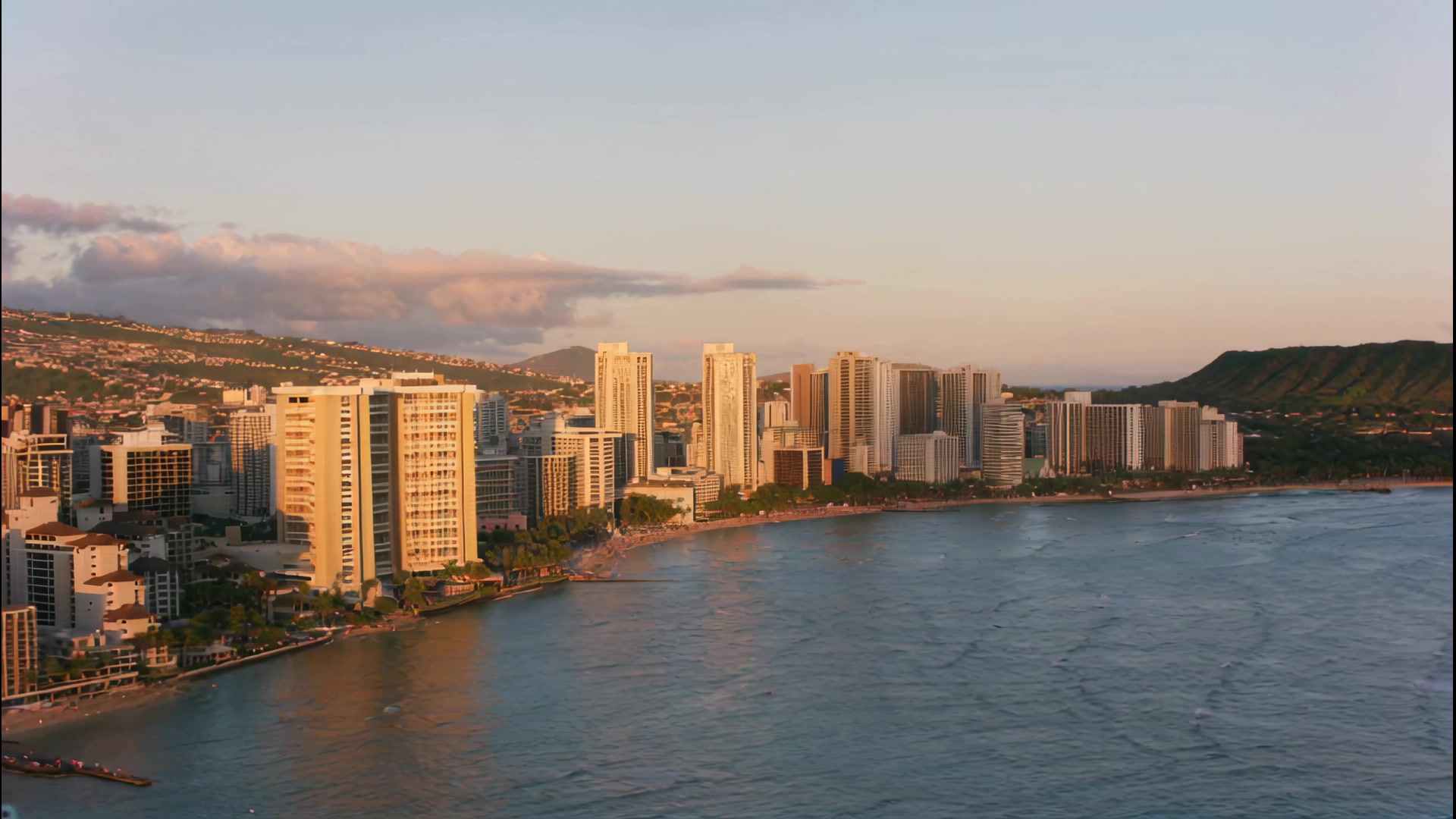
The first and last frame functions can achieve finer control over videos. At this stage, they are mainly used in video creation for generating videos with control requirements for the first and last frames, which can better achieve the desired dynamic transition of the generated video. However, it should be noted that the content of the first and last frame videos should be as similar as possible, as significant differences may cause a lens switch.
 |  | 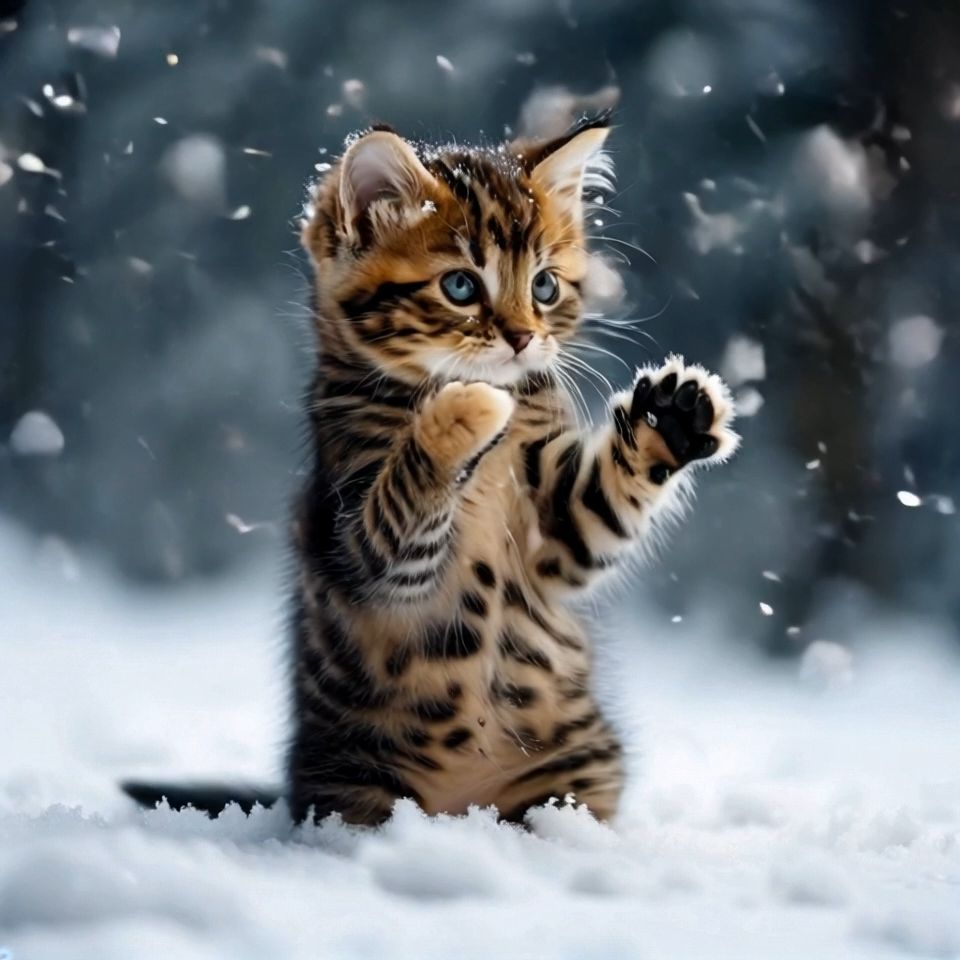  |
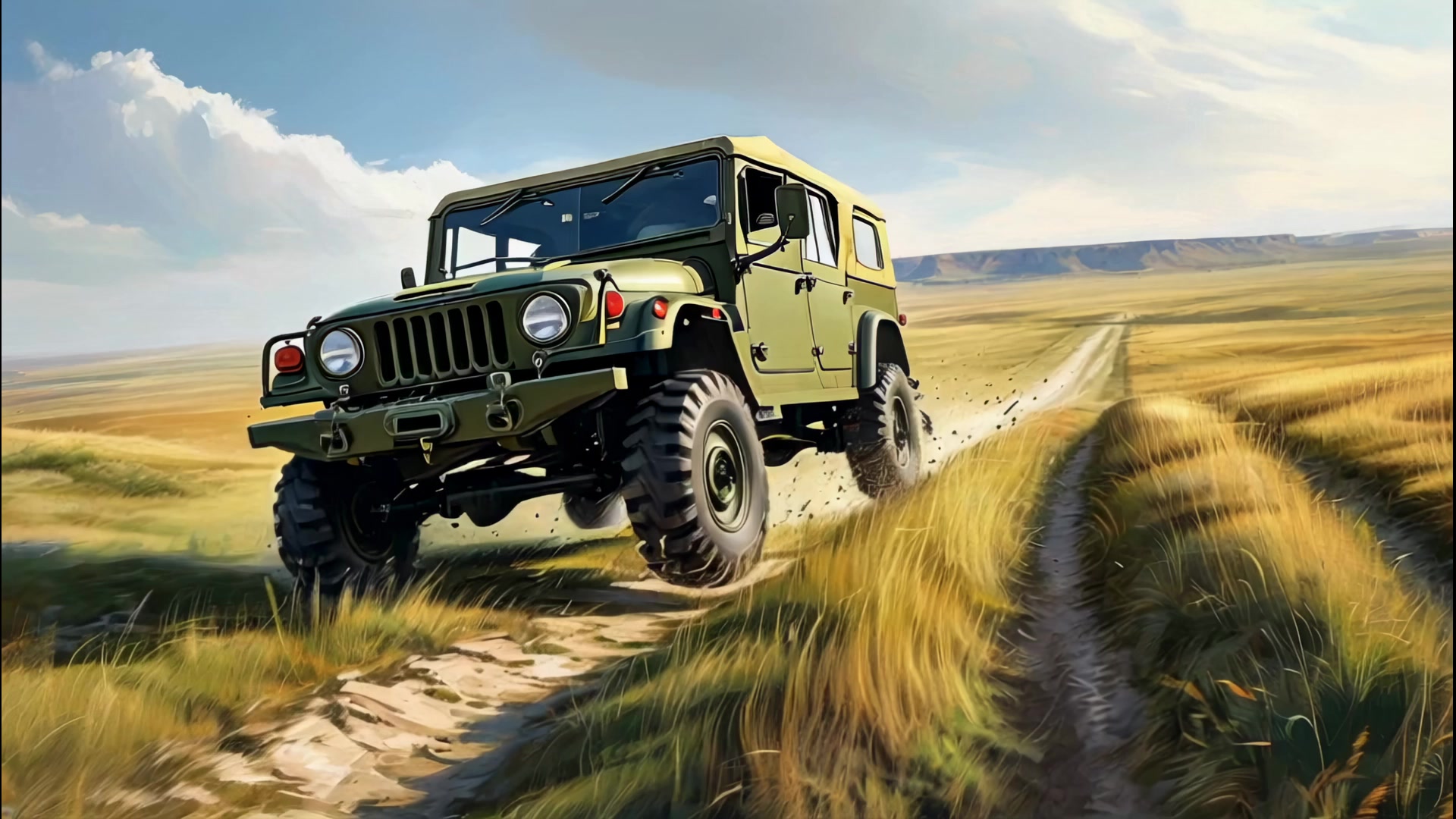 | 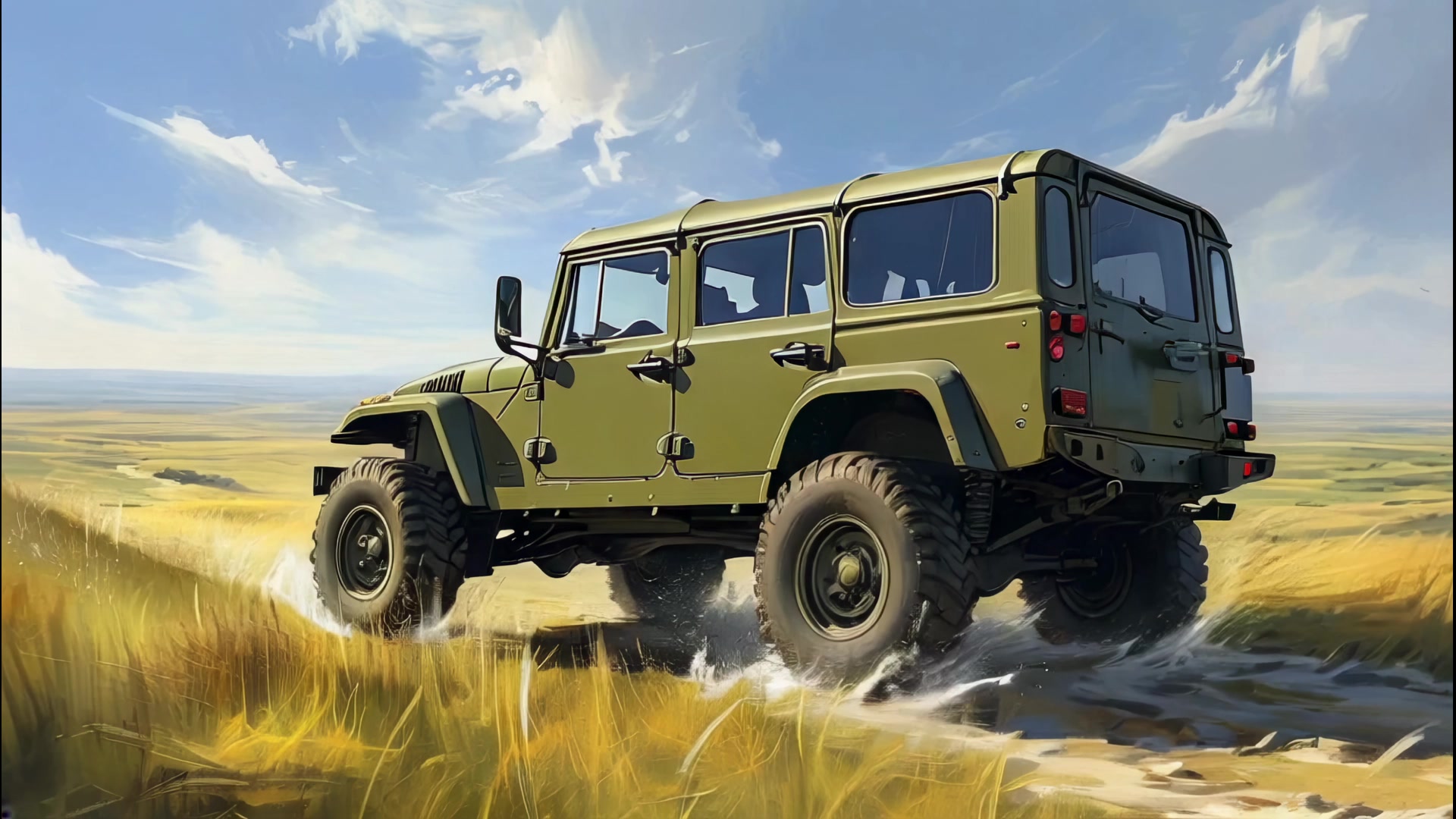 | 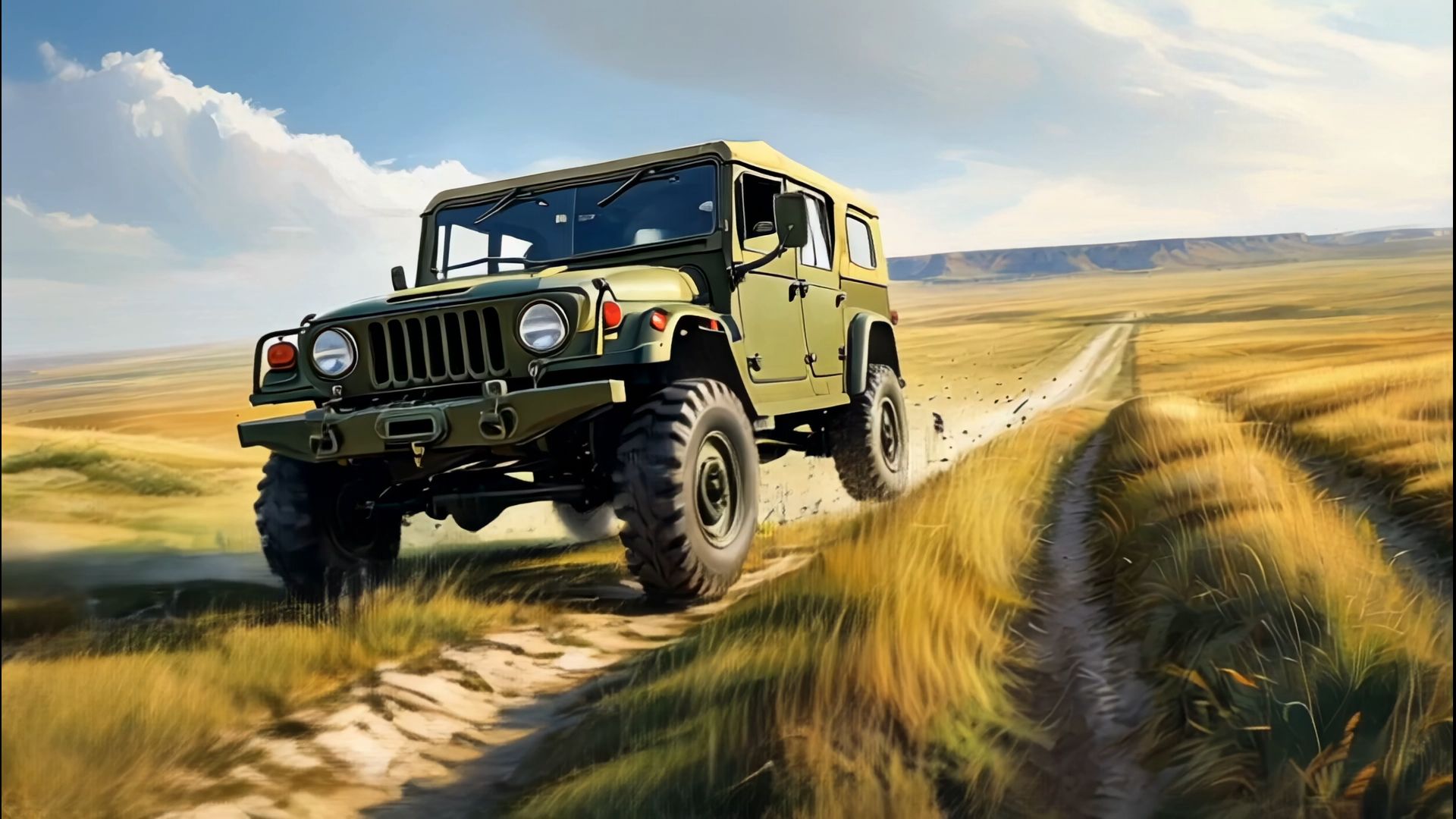 |
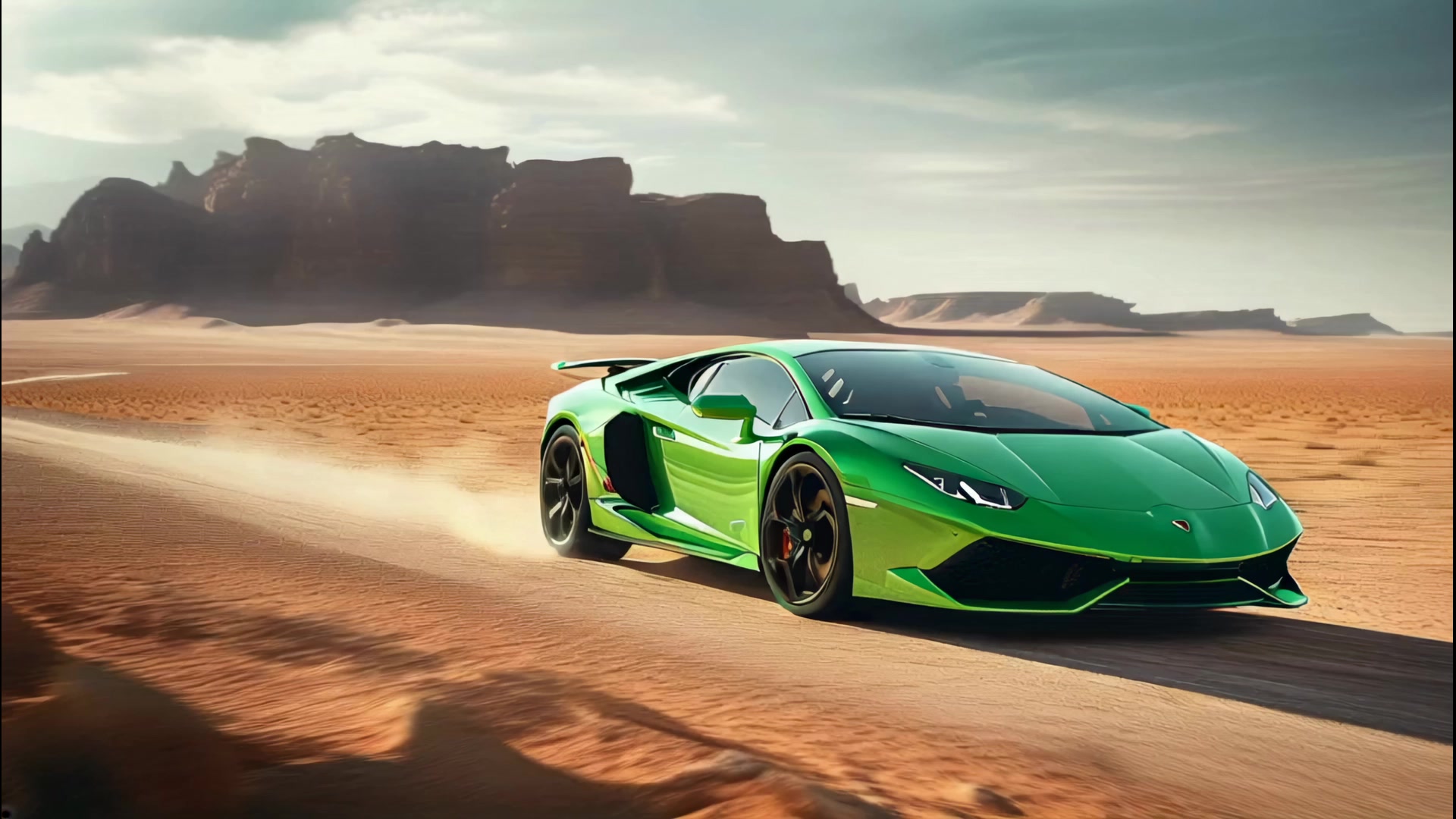 | 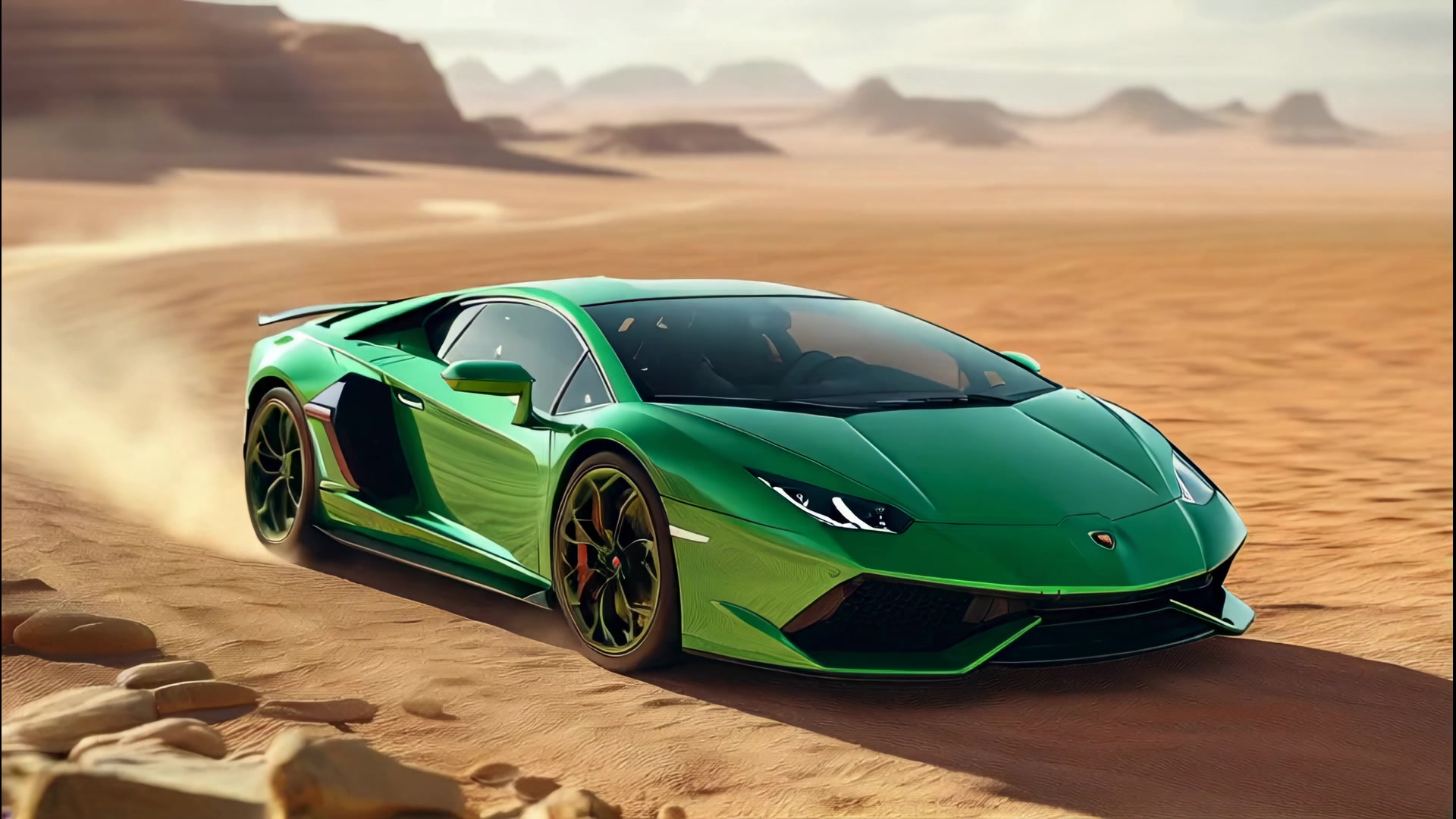 | 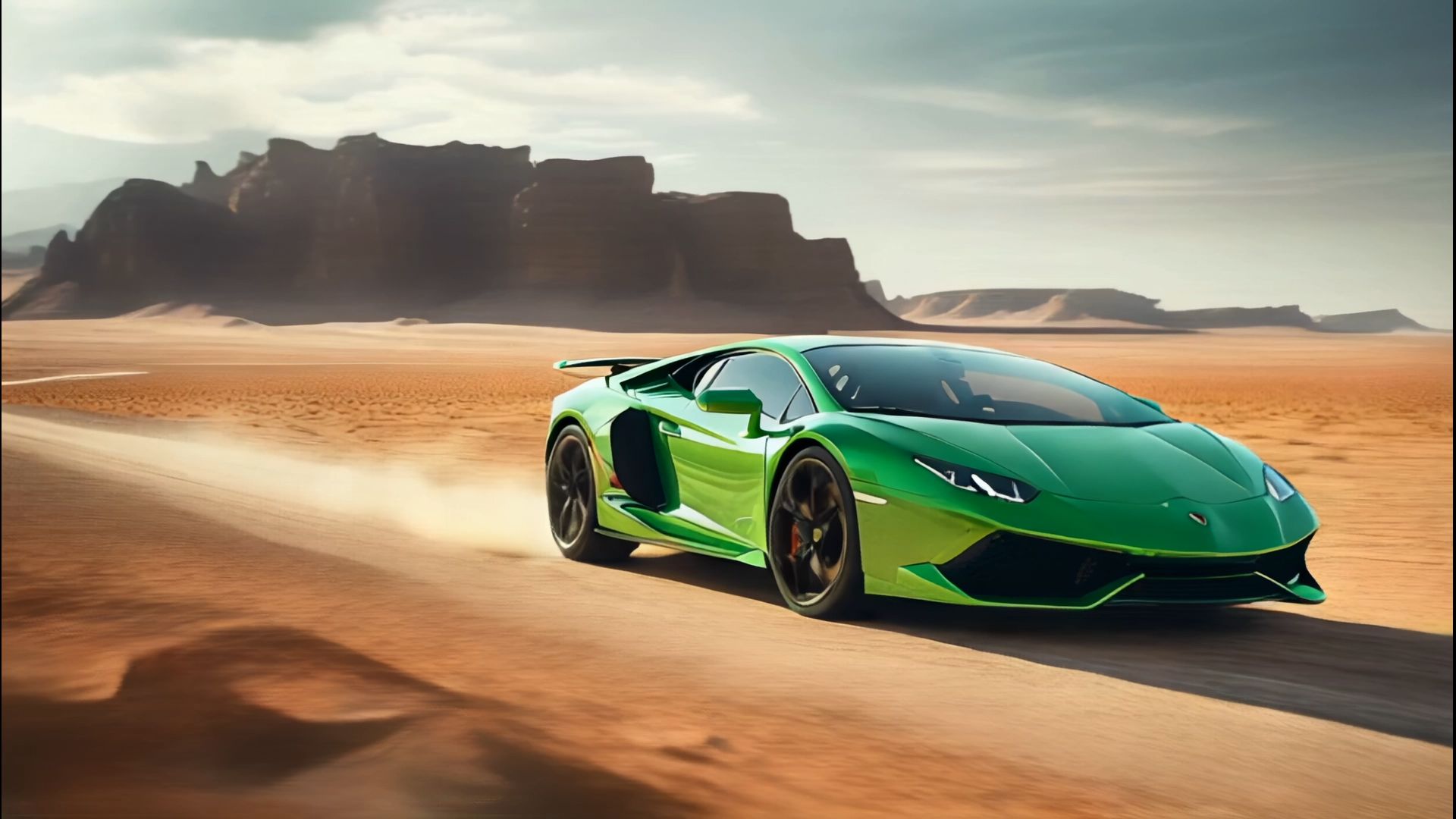 |
 |  |  |
 |  |  |
- Some tips
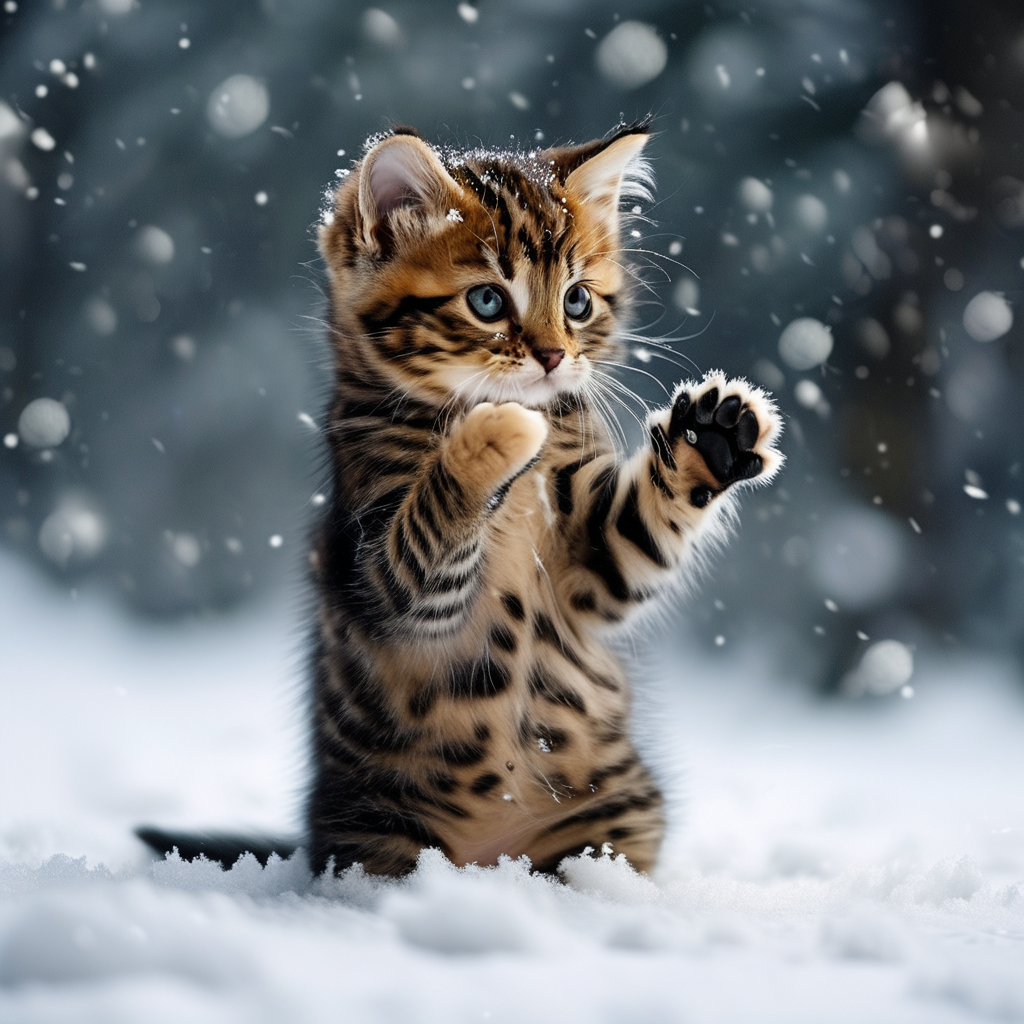
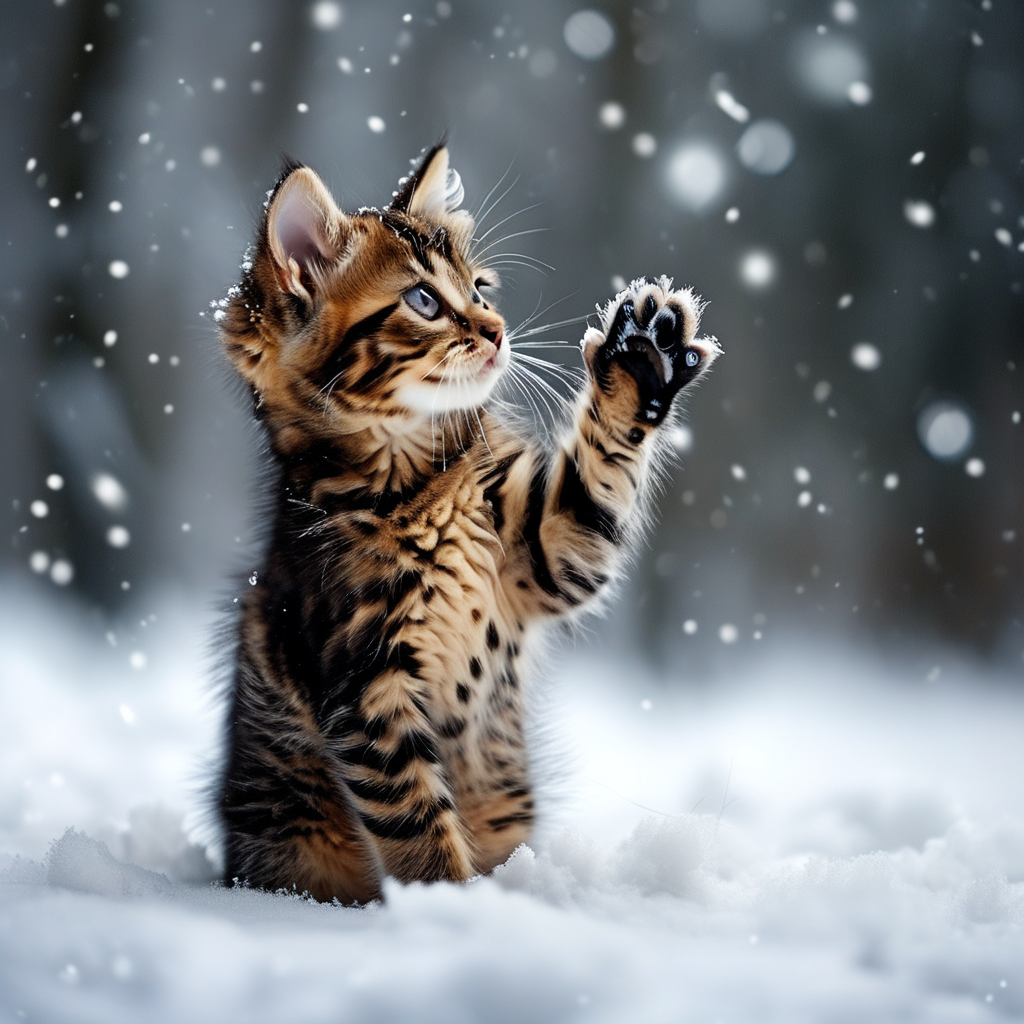
- Choose two similar images with the same theme for smoother transitions within 5 seconds. Large differences may trigger a shot switch;
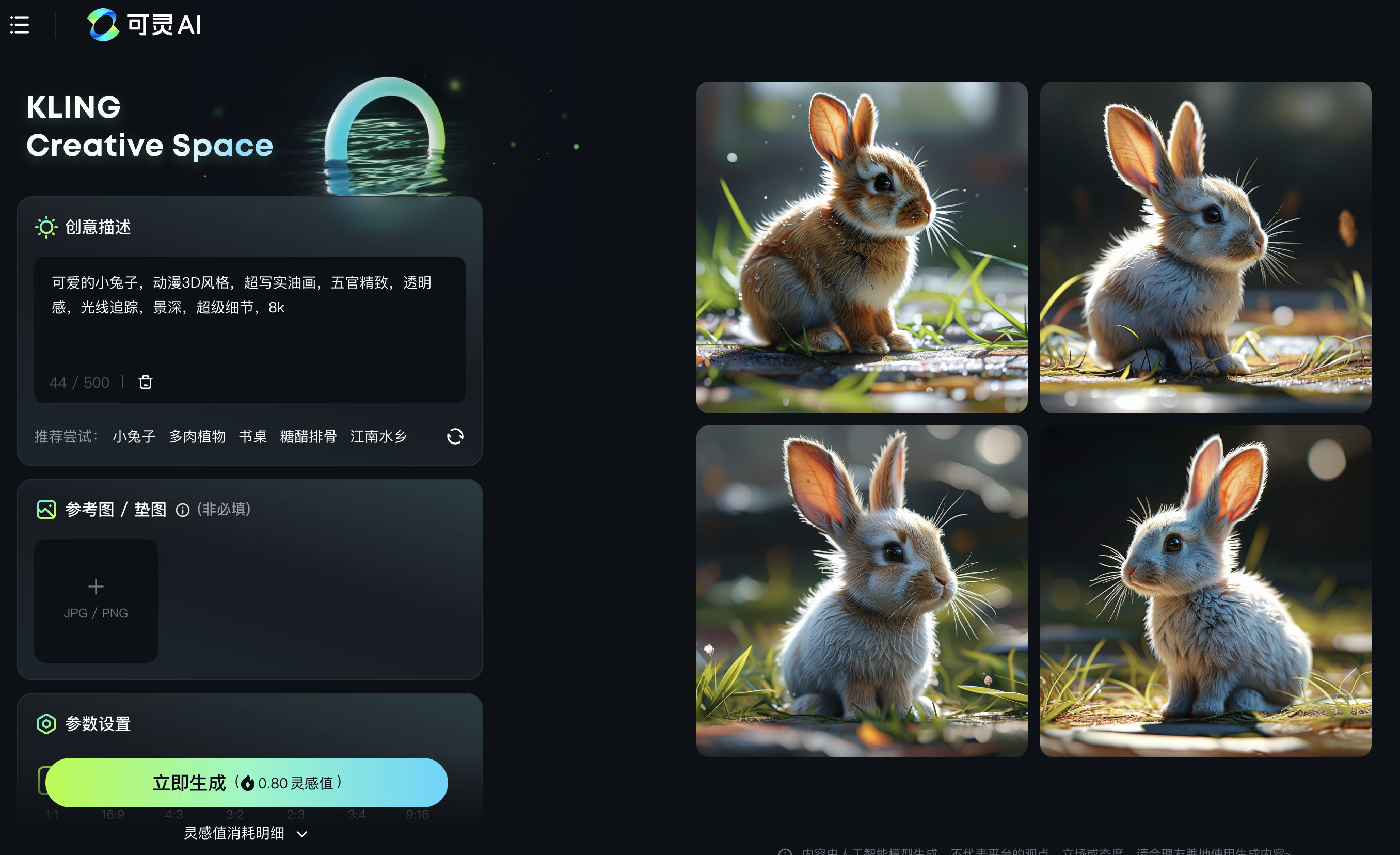
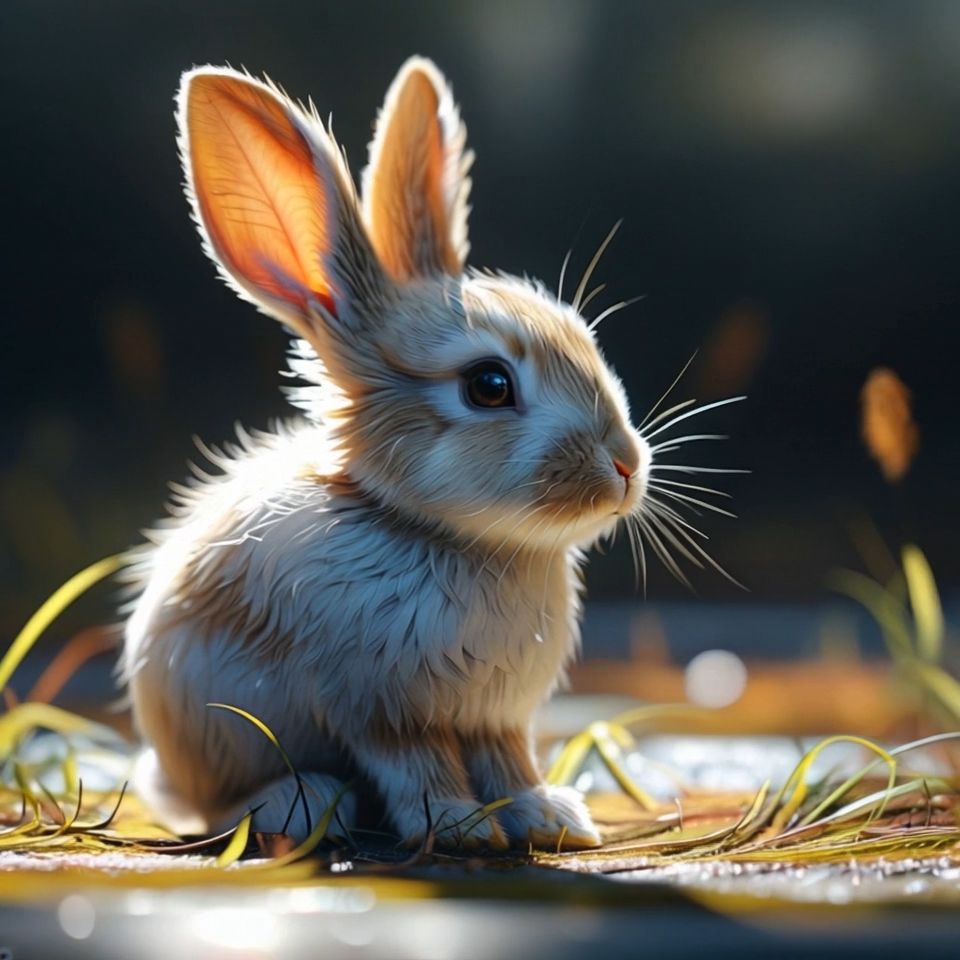
- Many users select similar images through image generation and then use the first and last frame function to generate videos. For example:
| Kling AI generates images | Select two images | Click to generate |
 |  |  |