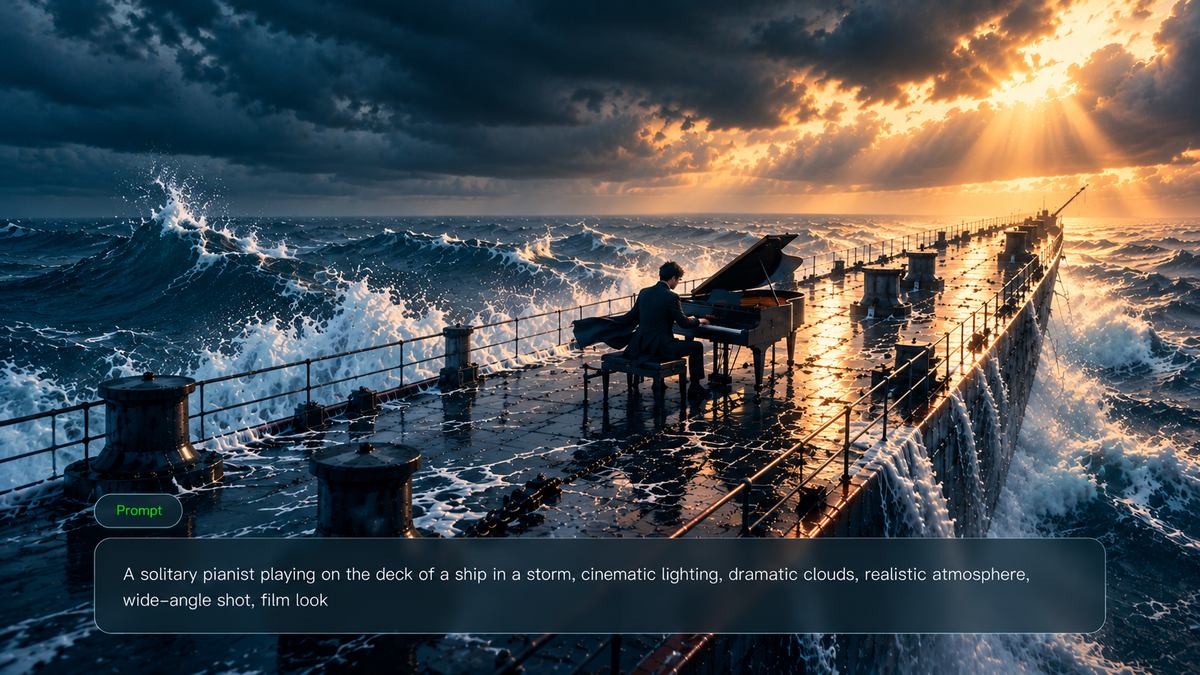
You may know the scene you want to create, but describing it clearly to an AI video generator can be challenging. A well-written AI video prompt defines the subject, movement, camera direction, and sound. This guide explores prompt structure, motion descriptions, and practical examples, showing how Kling 4.0 combines text prompts, visual references, and multi-shot storytelling to create more consistent, cinematic video scenes.
How to Write an AI Video Prompt
A good AI video prompt works like a short shot plan. It defines how the scene develops, how elements move, and how the camera captures the moment, helping the model understand the scene, action, and overall atmosphere.
If you are not sure where to start, ask yourself these seven simple questions:
- Who or what is in the scene?
- What is happening?
- Where does it take place?
- How should the camera capture the moment?
- What should the lighting look like?
- What style and pacing should the video have?
- What details need to stay consistent?
These questions help you build a clearer video prompt framework. Once you have the core idea, organize your prompt with this structure:
[Subject] + [Action & Motion] + [Environment] + [Camera Movement] + [Lighting] + [Style & Pacing] + [Constraints]
Prompt Element | What to Describe |
Subject | The main person, object, animal, or scene that defines the focus of the shot |
Action & Motion | What the subject is doing and the smaller movements that happen over time |
Environment | The location, time, weather, and background atmosphere |
Camera Movement | How the camera frames, follows, and presents the scene, including angles and movement |
Lighting | The direction, softness, color, and contrast of the light |
Style & Pacing | The overall visual style and the speed or rhythm of the action |
Constraints | Details that should remain consistent or elements that should be avoided |
Here is a video prompt created using the formula above:
| Prompt: A glass perfume bottle slowly rotates on a wet black stone surface. Soft mist moves in the background while a macro camera slowly pushes closer. Narrow edge lighting highlights the bottle with a premium beauty advertisement style. Keep the label clear and unchanged, and avoid extra objects. |
This prompt works because it defines the key elements of the shot:
- Subject: Glass perfume bottle
- Action: Slow rotation
- Environment: Wet black stone surface with a misty background
- Camera: Macro push-in
- Lighting: Narrow edge lighting
- Style: Premium commercial look
- Constraint: Keep the label clear
It does more than describe what appears in the frame. It also explains how the scene moves and which details should remain unchanged.
The same prompt framework works across different video creation workflows.
- For text-to-video AI, describe the complete scene from the beginning, including the subject, action, environment, and camera movement.
- For image-to-video AI with prompt workflows, the image provides the visual foundation, while the prompt describes movement, camera direction, and changes that happen over time.
Whether you use a video generation tool or an AI prompt generator to expand your ideas, understanding how to structure prompts gives you more control than relying entirely on automatically generated descriptions.
Put Your AI Video Prompts to Work with Kling 4.0
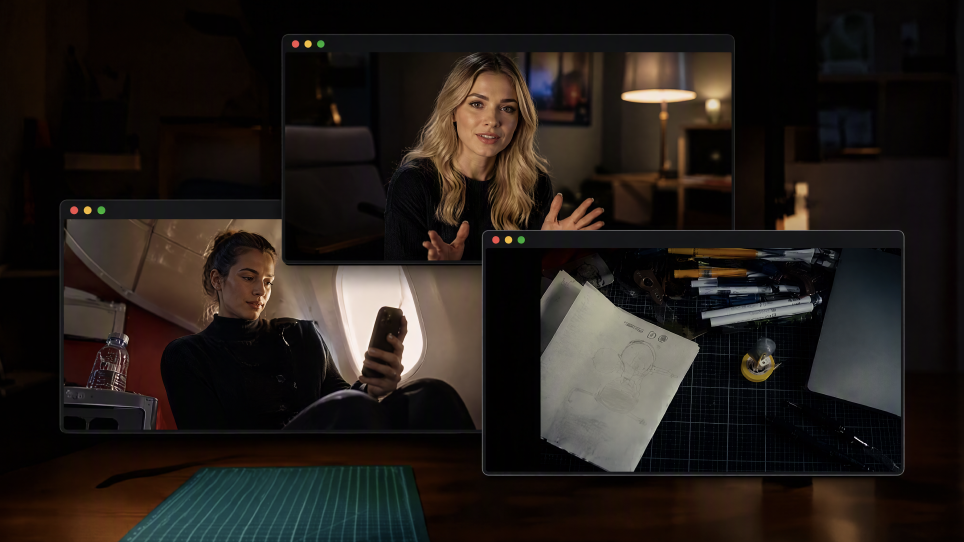
A well-structured AI video prompt is the starting point, but visual references can give you even more control over the final result. Kling 4.0 combines text prompts with reference images, videos, and reusable elements. Use your prompt to guide actions, camera movement, lighting, and visual style, while reference materials help preserve character appearances, product details, and other important elements across shots.
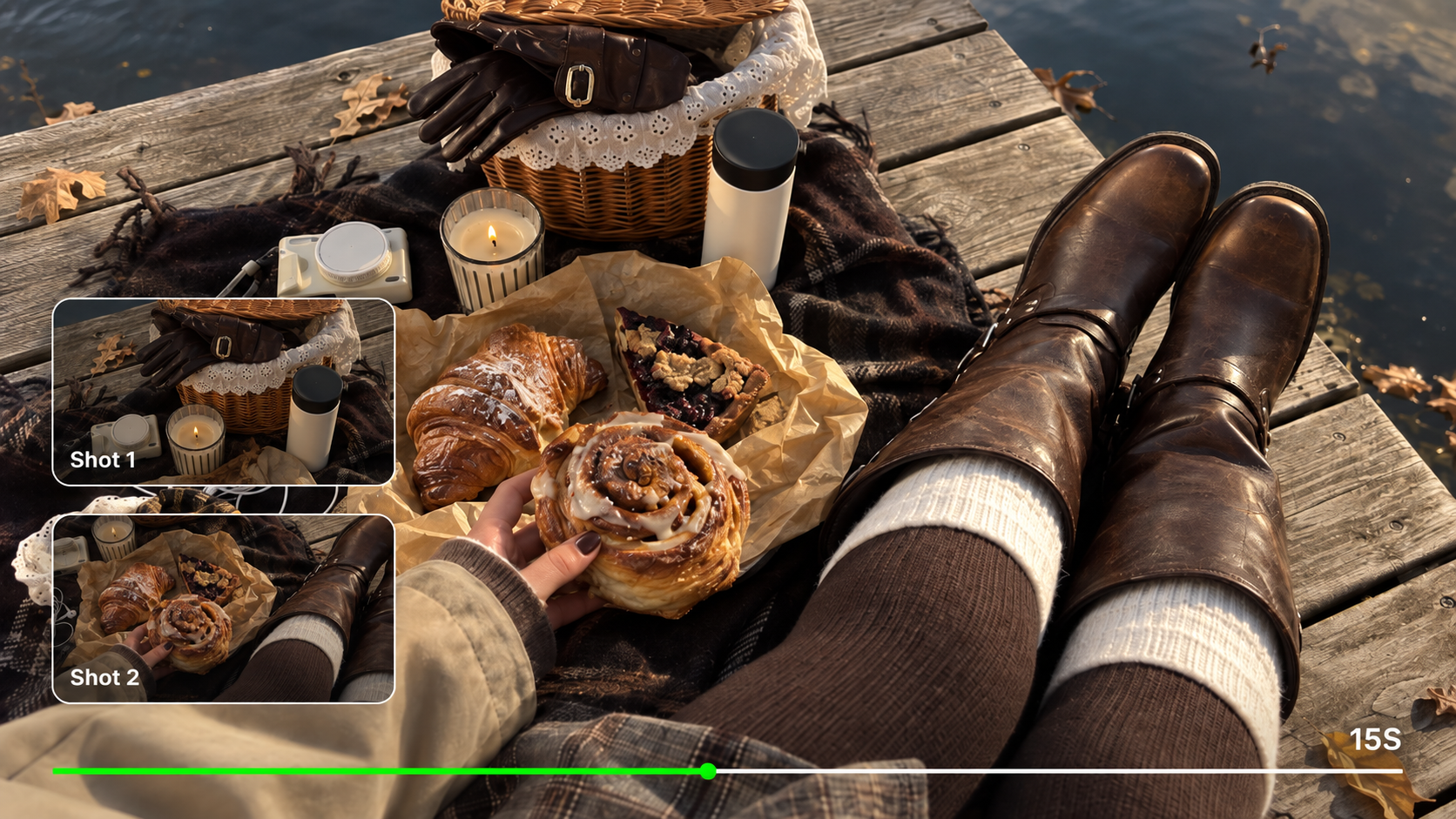
For a longer or more complex story, Kling 4.0 supports 3–30 seconds of native video generation and up to 10 multiple keyframes. Use keyframe images to define important visual moments along the timeline, such as a character entrance, product reveal, scene change, or final composition. Your prompt then helps describe the action and camera movement between those moments.
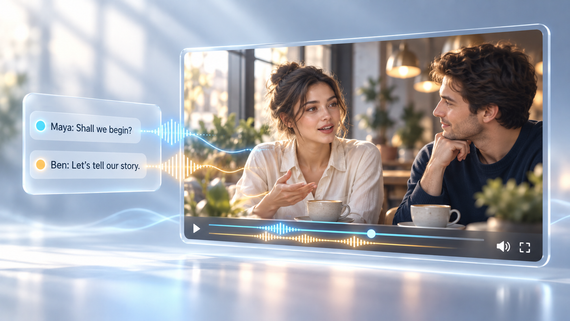
Kling 4.0's improved dynamic motions support more stable large-scale character movement and complex camera work. For dialogue-driven scenes, improved lip sync, supported voice references, and two-channel stereo audio give you additional ways to guide the audiovisual experience.
AI Video Prompt Examples for Different Video Creation Needs
Different types of videos require different prompt approaches. The examples below show how to adjust the subject, motion, camera movement, and visual style based on different creative goals.
Cinematic AI Video Prompt
A cinematic video prompt should do more than describe what appears on screen. It should also explain how the scene unfolds, how the camera moves, and how the lighting and atmosphere change over time.
| Prompt: The camera zooms into a beacon tower on the Great Wall, first-person perspective, high-speed flight, symmetrical composition, motion blur, and atmospheric lighting. 16:9 aspect ratio, 5 seconds. |
Why it works:
- Clearly defines the main subject, environment, and visual mood.
- Uses camera direction to shape how the scene is viewed.
Combines lighting and environmental movement to create a stronger cinematic feeling.
Element/Reference Image | ||
Multi-Character Reference
| Prompt
| Video
|
 | 【Overall Style】 15 seconds, realistic live-action cinematic quality. A coastal city street at dusk connects to a staged banquet scene. Natural handheld cinematography with noticeable vertical movement from footsteps, subtle irregular shake, and framing corrections. Whip pans follow vehicle and character movements, producing brief motion blur before settling back on the target. Movement is intense during the car chase and running sequences, then gradually slows during the banquet sequence. Characters have slight perspiration, loose strands of hair, and natural clothing wrinkles. Road surfaces, clothing, and equipment show realistic signs of use. Natural colors create visual contrast between the red sports car, flames, and the warm tones of the banquet. 【Characters and Vehicles】 Male Actor: Around 30 years old, with short dark hair, light stubble, and a lean, athletic build. While driving and rolling on the ground, he wears a complete spy-action outfit: A fitted dark charcoal-gray tactical top with a closed neckline; Matching tactical trousers; Black leather ankle boots. The outer costume has tear-away seams designed for quick changes on set. The top opens along the center front and both sides, while the trousers open along the outer seams of both legs. A white shirt, black bow tie, and dark navy dress trousers are already worn underneath the outer costume. When the outer costume remains intact, he clearly appears in the dark tactical outfit. Two additional crew members help him put on the suit jacket later. The hems of the navy dress trousers cover the shafts of the black ankle boots. The actor's face, hairstyle, and physique must remain consistent throughout. Sports Car: An original red concept sports car with a low, rounded wedge-shaped body, a short front end, a curved cockpit, and wide rear wheel arches. The front features a continuous horizontal white light bar. The rear has three small circular taillights on each side. The center of the hood is uninterrupted, smooth red paint. The dark gray wheels have plain metal center caps. The center of the steering wheel has a solid black leather surface. The driver's side window is open. The car's overall shape and lighting design must remain consistent across all shots. Motorcycle Camera Operator: Wearing dark workwear and a protective helmet, he stands alone on both stunt footpegs of a dark blue sport motorcycle, with his hips higher than the seat. He holds a camera on his shoulder with both hands, leaving the handlebars unoccupied. He controls the motorcycle using his legs and center of gravity, compensating for bumps with his upper body. The camera is aimed at the sports car's driver. During the reveal, his full standing posture, both feet, the motorcycle, and the camera must all be clearly visible. Director: In his forties, with some gray hair and naturally textured facial features. He wears a worn-in, short dark brown jacket over a beige crew-neck T-shirt, paired with dark straight-leg trousers. He holds a digital stopwatch, actively turning his body and gaze to follow the filming action. A script supervisor, camera assistants, and lighting crew stand nearby. People and equipment in the foreground, beside him, and in the distance create layered depth. Wardrobe Crew: Six crew members in ordinary on-set workwear. The first four, two on the left and two on the right, pull open and remove the outer tactical costume. The remaining two unfold and help him put on the dark navy suit jacket. Each person performs a clearly defined action. After removing a garment, the corresponding crew member holds it in their hands. Female Companion: Wearing a champagne-gold evening gown and holding her own champagne flute. She stands a few steps inside the banquet entrance. Waiter: Standing to one side of the entrance, holding a tray of champagne flutes for the male actor to pick one up as he passes. 【Shots and Actions】 00:00–00:03 | Five Rapid Cuts During the Car Chase Tire close-up: The rear tire grips the road as the red sports car accelerates. Foot close-up: The actor's black leather boot presses down on the accelerator. Eye close-up: The actor quickly assesses the traffic ahead, his face vibrating with the movement of the car. Hand close-up: Both hands turn the steering wheel decisively. Slightly wider side shot: The sports car squeezes past an adjacent vehicle, rapidly closing the gap before pulling away again. The first four shots are brief and punchy. Let the final shot run slightly longer to clearly establish the car weaving through traffic. 00:03–00:09 | Pull Out of the Car, Reveal the Camera Operator, Whip Pan to the Director Film the driver from near the passenger seat. The camera moves through the open driver's side window, fully exits the car, and continues pulling outward. Establish a wide exterior side view: The red sports car and dark blue motorcycle travel side by side. The camera operator is fully visible from head to toe, standing alone with the camera on his shoulder, aimed directly at the driver. The sports car steers around a vehicle ahead. The motorcycle leans into the turn in sync, then returns to parallel alignment. The camera naturally bobs with the speed and road bumps. As the vehicles pass the director's working area, the camera whips toward the roadside. A camera assistant's shoulder briefly sweeps through the foreground before the camera settles into an oblique medium close-up of the director. The director leans forward, his gaze tracking the sports car. A script supervisor takes notes beside him, while lighting crew and equipment in the distance create a deep, layered production-set background. He gestures forward and shouts: “Stay with it! Keep going!” The entire line must be delivered while the director is on screen. 00:09–00:12 | Sports Car Explosion Cut to a wider tracking shot alongside the sports car. A missile with a visible flaming trail enters from the rear left and clearly strikes the rear of the car. A flash erupts at the point of impact, followed immediately by an explosion at the rear of the vehicle. Flames, black smoke, and debris expand outward. The car body is thrown upward while continuing its momentum toward the right. The handheld camera jolts briefly from the impact. 00:12–00:14 | The Actor Rolls into Frame from the Left Cut to the ground near the adjacent film set. Wearing the complete dark tactical outfit, the actor rolls close to the ground into frame from the left, moving toward the center. Burning flames and rising smoke remain visible in the rear left. Orange light sweeps across his left shoulder, the side of his face, and the ground. He finishes in a heroic kneeling pose, with one knee on the ground and one hand braced against the ground. His entire body remains visible, and his clothes are covered in dust. The camera briefly dips with his landing, then readjusts to find the actor. 00:14–00:15 | Facial Close-Up Leading into the Run Cut to the actor's face. He exhales, with sweat and dust visible on his face and flickering firelight on his left side. He raises his eyes and locks his gaze on something ahead. His shoulders lift, and his body begins to launch into a run. The handheld camera makes small natural movements and quickly rises with him as he gets up, transitioning into the running sequence. | 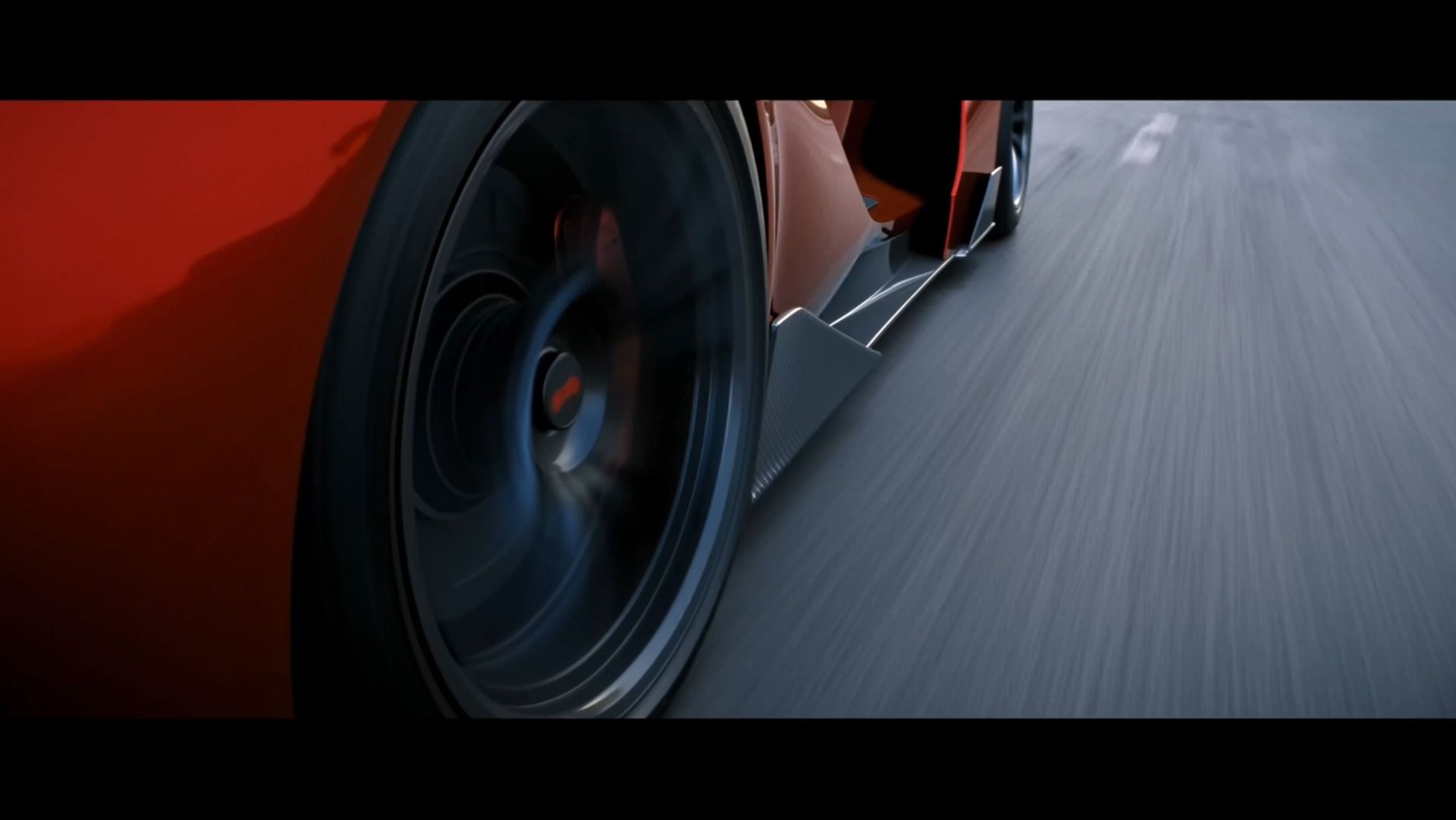  |
Product Video Prompt
Product videos need tighter control over material, color, branding, and camera presentation. For beauty products in particular, the prompt should describe not only the product itself, but also how texture, motion, and atmosphere work together on screen.
Why it works:
- Keeps the product and its color story at the center of the scene.
- Uses motion, texture, and lighting to make the product feel more vivid and visually rich.
- Adds clear constraints so the lipstick design and shade stay consistent throughout the shot.
- When the same product appears across multiple scenes, Kling 4.0's Omni Reference can use product images and other supported references to guide its appearance, packaging, materials, and visual style. Clear prompts should also specify important details to preserve, especially brand colors, labels, and product shape.
Prompt | Reference Video | Output Video |
1. SCENE CONTEXT EXACT 1 HUMAN CHARACTER — NO DUPLICATES. A woman enthusiastically presents the black Kling cropped puffer jacket she is wearing inside a minimalist fashion showroom. She maintains warm, confident eye contact with the camera while demonstrating the collar, chest logo, quilted construction, cropped silhouette, and pockets. One continuous 15-second vertical fashion shot.2. ACTIVE REFERENCES@image1 controls the woman’s exact identity, straight brown hair, blue eyes, small earrings, black Kling cropped puffer jacket, high collar, silver zipper, white chest logo, quilted panels, elastic cuffs, side pockets, loose blue jeans, black belt, showroom racks, window, and vertical composition. Preserve every detail exactly.
| .png?x-oss-process=image/resize,w_1872) | 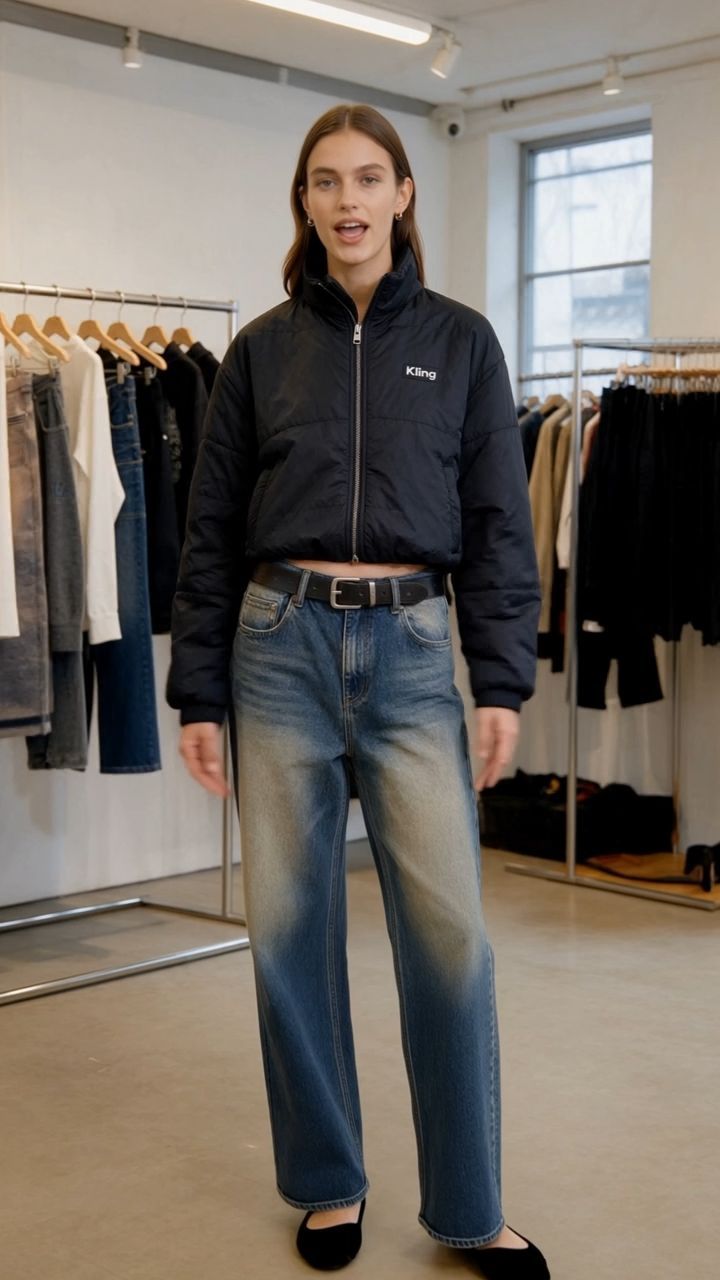
|
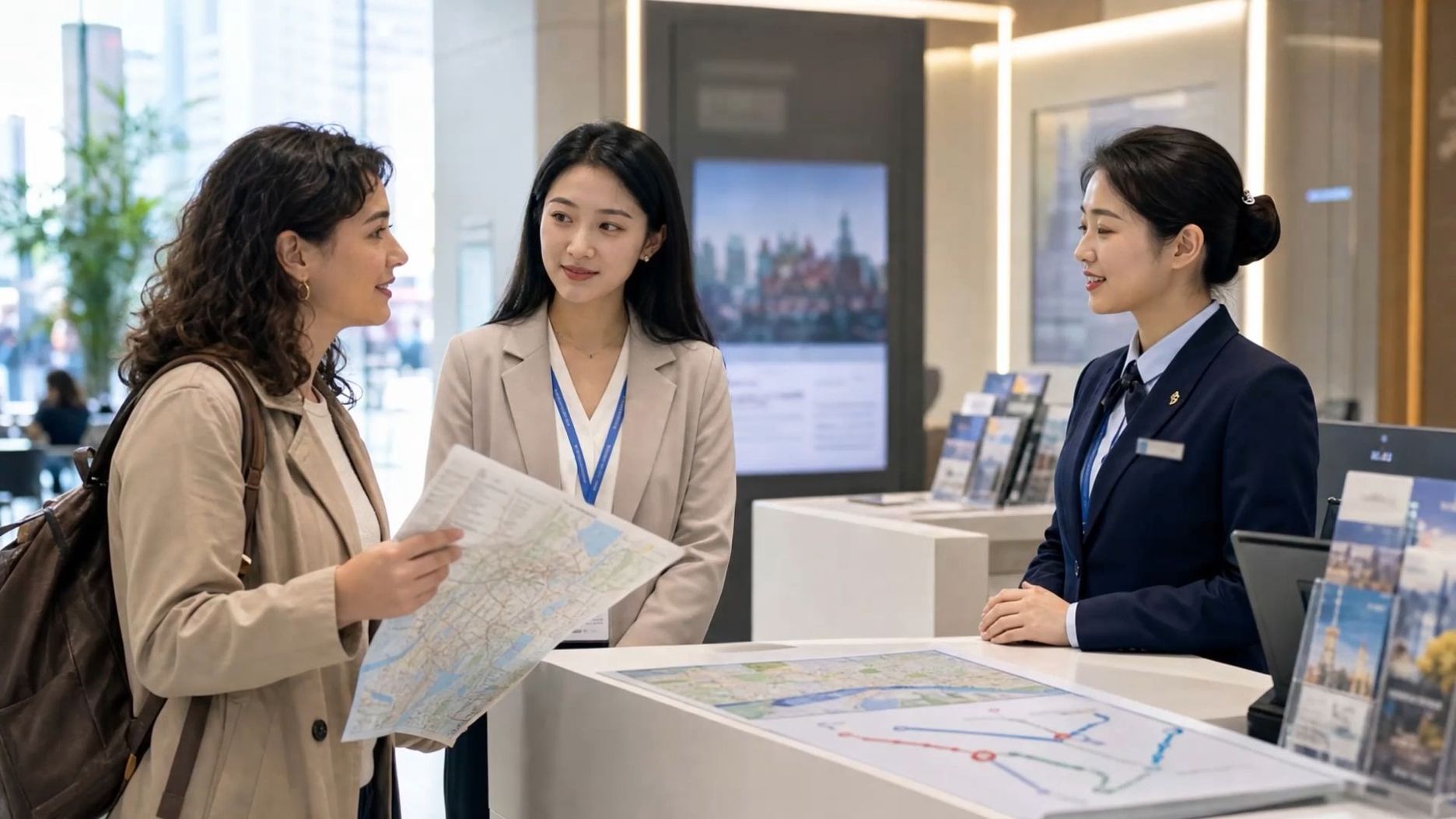
Travel Video Prompt
Travel videos often focus on location, movement, and the feeling of being there. Instead of only describing the destination, explain how the camera explores the surroundings.
| Prompt: A drone camera flies over a tropical island coastline at sunrise. Waves roll onto the shore as palm trees sway in the wind. A slow aerial shot reveals the landscape with warm natural light and a peaceful travel documentary style. |
Why it works:
- Clearly defines the location and time of day.
- Adds movement through environmental changes.
- Uses camera direction to create a sense of exploration.
Social Media Video Prompt
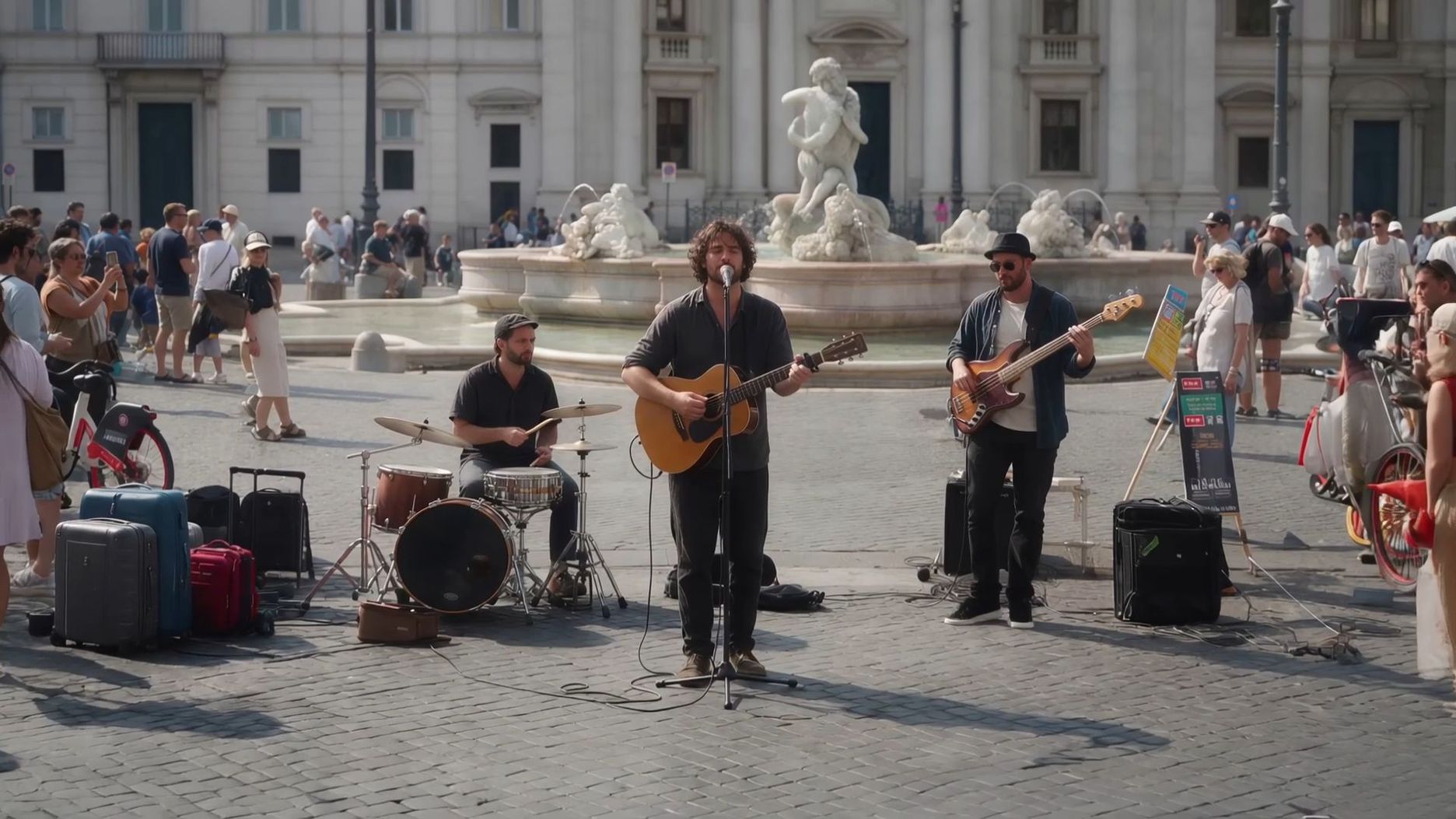
Short-form videos need a clear visual hook, simple action, and a scene that viewers can understand quickly. Focus on what happens in the first few seconds and how the camera captures the moment.
| Prompt: A pair of sneakers appears on a colorful city street. The camera quickly moves around the shoes as reflections shift across the surface. Dynamic lighting, energetic movement, and a modern fashion advertisement style. |
Why it works:
- Creates a strong opening moment.
- Keeps the action simple and easy to follow.
- Uses movement and style that fit short-form content.
Advertisement Video Prompt
Advertisement videos often combine products, people, and storytelling. A strong prompt should describe not only what appears in each shot, but also how one moment leads into the next and how the product fits into the story.
| Prompt: A coffee brand commercial opens with a close-up of fresh coffee beans on a kitchen counter. The camera follows the process as a person grinds the beans and pours coffee into a ceramic cup. The next shot shows the person enjoying a quiet morning by the window, with warm sunlight filling the room. Premium lifestyle advertisement style, natural movements, soft cinematic pacing. |
Why it works:
- Builds a clear sequence from one shot to the next.
- Uses different camera views to highlight both the product and the experience.
- Connects product details with the mood and message of the brand.
For more complex ads, Kling 4.0's 30-second native generation gives a product story more room to develop. You can describe a sequence of shots in your prompt and use Multiple Keyframes to guide visual milestones, from the opening hook to the final product shot.
The five-shot plan below is a creative example, not a required Kling 4.0 interface format or a guarantee that every cut will occur at an exact second. If specific moments matter, use supported keyframe controls and review the generated timing.
Shot | Camera & Duration | Scene Description |
Shot 1 | Close-up shot, 2 seconds | Fresh coffee beans sit on a wooden kitchen counter in the morning light. The camera slowly moves closer, capturing the texture of the beans and the quiet start of the day. |
Shot 2 | Medium close-up shot, 3 seconds | A person pours the coffee beans into a grinder and prepares a fresh cup of coffee. Natural hand movements, calm pacing, warm kitchen atmosphere. |
Shot 3 | Close-up shot, 3 seconds | Fresh coffee flows into a ceramic cup. Steam rises gently as sunlight falls across the surface of the table. |
Shot 4 | Medium shot, 3 seconds | The person sits by the window and takes a sip of coffee. Soft morning light fills the room, showing a relaxed everyday moment. |
Shot 5 | Wide shot, 2 seconds | The coffee cup and product packaging appear together on the table. The scene ends with a clean composition that highlights the brand and the product. |
Character Story Video Prompt
Character-driven videos need more than a consistent appearance across different scenes. They should also describe the character’s movements, expressions, and defining features, while making clear which details should remain stable throughout the story.
With Kling 4.0, use Omni Reference to guide recognizable facial features, outfits, and other character details across scenes. For dialogue, identify who is speaking, what they say, and how they should express each line. Supported voice references can guide a character's vocal identity, while improved lip sync and two-channel stereo audio help bring speech and scene sound together.
When a story includes several important actions or reactions, Multiple Keyframes can guide the visual progression without requiring every moment to be described through text alone.
Why it works:
- Clearly establishes the character’s appearance and role.
- Adds consistency details that carry across different shots.
Describes movement, performance, and how the scene develops over time.
Common AI Video Prompt Mistakes and How to Fix Them
A well-planned prompt can still produce unexpected results when important details are missing or unclear. Knowing where prompts go wrong can help you make small adjustments before creating the next shot.
Common Mistake | How to Fix It |
Writing prompts that are too vague | Add details about the subject, action, environment, and camera |
Describing only what appears on screen without motion | Explain how people, objects, and surroundings change over time |
Including too many events in a short video | Focus on one key moment or split the idea into multiple shots |
Not defining which details should stay consistent | Specify the character, product, or visual elements that should remain unchanged |
Using conflicting camera instructions | Make sure camera movement, framing, and actions work together |
Trying to fit too much story into a short clip | Adjust the amount of action and story detail based on the video length |
1. Writing Prompts That Are Too Vague
A simple idea can be a starting point, but a short description may leave too many details open.
Example: A beautiful city scene.
This does not explain:
- Who or what appears in the scene.
- What happens during the shot.
- How the camera should capture the moment.
Fix:
| Prompt: A woman walks through a rainy city street at night. Neon lights reflect on the wet pavement as a slow tracking shot follows behind her. |
This version gives the scene a clearer subject, action, environment, and camera direction.
2. Describing Scenes Without Enough Movement Details
A video prompt should describe more than a single image. It should also show what changes as the shot continues.
Example: A man standing on a beach.
This describes a still frame rather than a moving scene.
Fix:
| Prompt: A man walks along the beach while waves move behind him. The camera follows from a low angle as wind moves through his clothing. |
Adding movement details helps define the action, timing, and camera behavior.
3. Trying to Fit Too Much Into One Short Clip
A short video has limited time to show a subject, an action, and a complete moment. Adding too many events can make the main idea difficult to follow.
For example, a 5-second clip that includes:
- A person entering a building.
- A car driving through a city.
- A conversation inside a room.
- A sunset landscape.
Focus on one key moment, or split the idea into multiple shots when the story needs more room to unfold.
4. Not Defining Which Details Should Stay Consistent
When the same character, product, or visual element appears across multiple shots, missing consistency instructions can lead to unwanted changes in the generated video.
Specify which details should remain unchanged in the prompt, such as:
- Character appearance;
- Product design;
- Key visual elements.
5. Using Conflicting Instructions
Different parts of a prompt should work toward the same visual direction. Conflicting instructions can make the final shot turn out differently from what you intended.
For example: A static camera with fast camera movement.
Or A close-up shot showing the entire landscape.
When refining a prompt, make sure:
- Camera movement.
- Shot size.
- Subject action.
These elements should work together to support the same visual direction.
6. Ignoring Video Length
The amount of action in a prompt should match the length of the video.
A short clip usually works better with:
- One main action.
- A clear subject.
- A simple progression.
For longer sequences:
- Divide the story into multiple shots.
- Describe how each moment connects.
The End
A good AI video prompt should clearly describe the subject, action, camera movement, and key details that shape the shot. Use the AI Video Prompt formula as a starting point, then adjust your prompt based on your creative goals. For more complex scenes, Kling 4.0 combines text prompts with Omni reference, dynamic motions, and up to 10 multiple keyframes. Describe what happens, use references to guide important visual details, and plan key moments when your story needs more structure. Together, these tools help you create longer, more connected video sequences with greater creative control.
FAQs
What Is an AI Video Prompt?
An AI video prompt is a written or multi-modal instruction that tells an AI video generator what kind of video to create. It describes key elements such as the subject, action, environment, camera movement, visual style, and other details that shape how the video develops over time. Unlike a simple text description, an AI video prompt works like a shot brief, defining not only what appears in the frame, but also how elements move, how the camera captures the scene, and how the scene feels as it unfolds.
How to Write Prompts for AI Video Generation?
To write prompts for AI video generation, start by describing the main subject and action, then add the environment, camera movement, lighting, visual style, and other details that shape the scene. Focus on what changes over time, avoid conflicting instructions, and include consistency details when characters, products, or important elements appear across shots.
Can I Use an AI Video Prompt With an Image?
Yes. In an image-to-video AI with prompt workflow, the image provides the visual foundation, while the prompt describes how the scene should move and change over time. You can use prompts to define camera movement, character actions, environmental changes, and other details that guide the video direction.
Can AI Video Prompt Generators Help Write Better Prompts?
Yes. An AI video prompt generator can help expand a simple idea into a more detailed description, but understanding prompt structure is still important. A well-written prompt should clearly define the subject, action, environment, camera movement, and other details that shape the video. Using a generator as a starting point can help you explore ideas, then refine the details based on the scene you want to create.