Text-to-Video AI: From Concept to Video
Turn any scene into a high-quality video with Kling AI, a text-to-video tool built for native 4K output, multilingual audio, and consistent characters across frames.
Turn any scene into a high-quality video with Kling AI, a text-to-video tool built for native 4K output, multilingual audio, and consistent characters across frames.
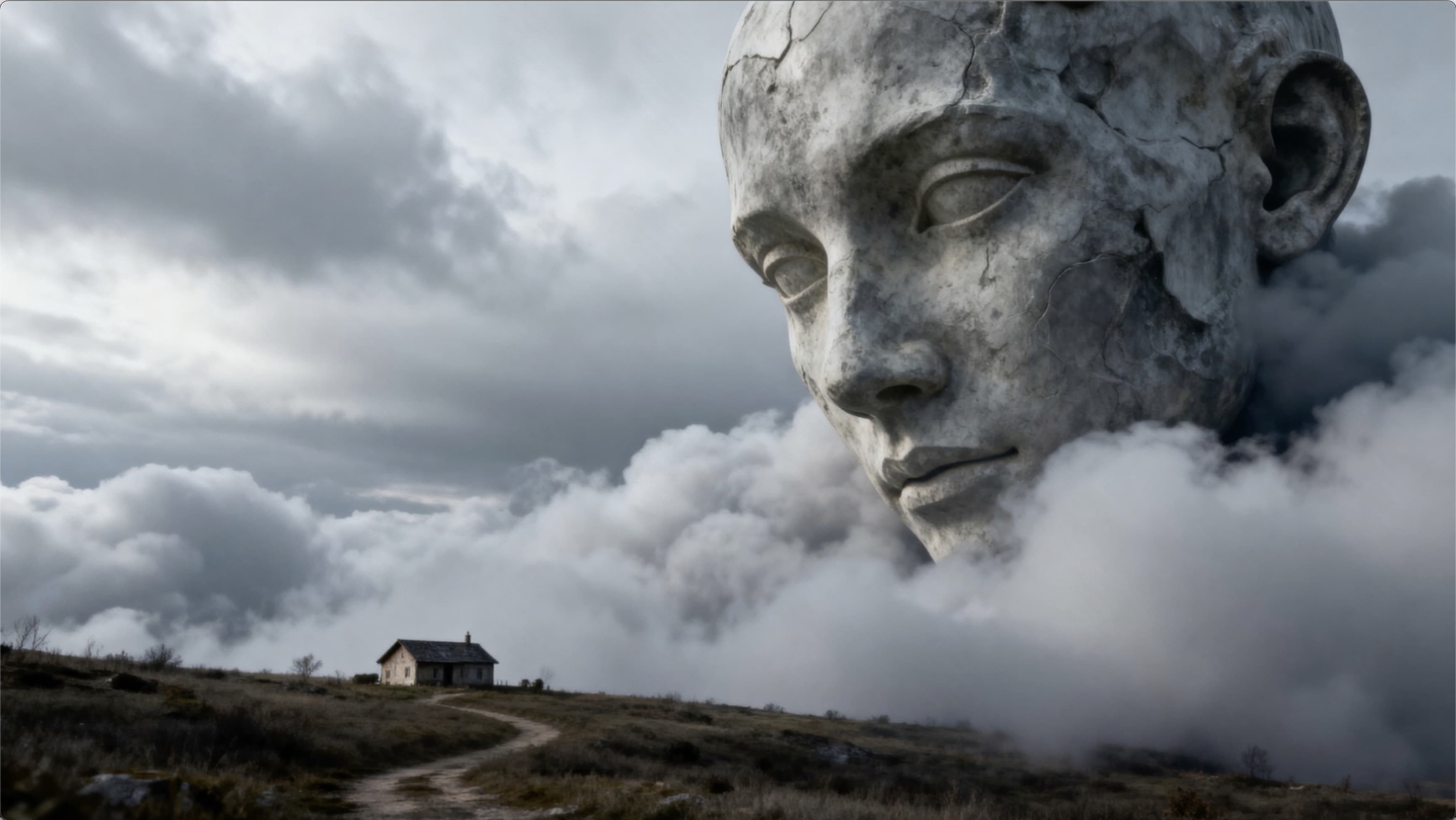



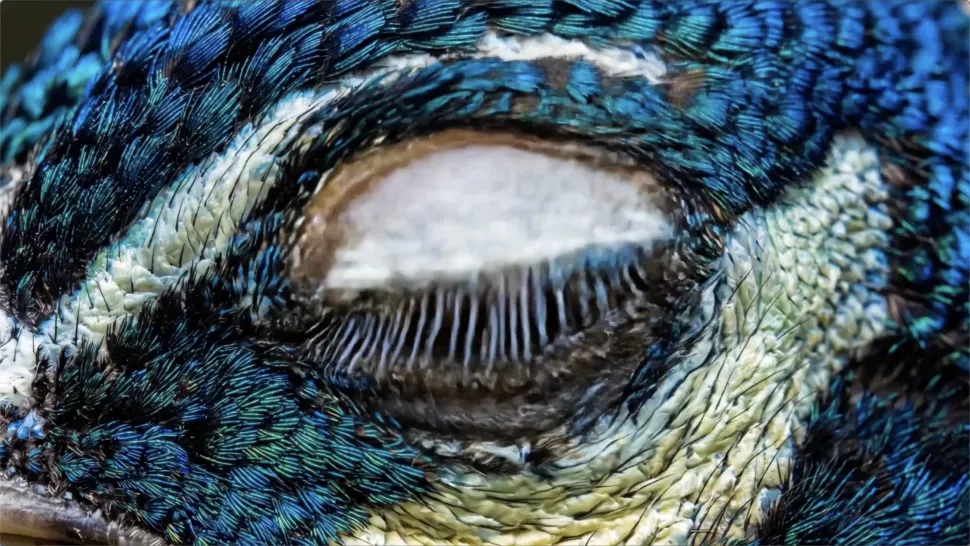
Turn your ideas into videos that closely match your prompt. Kling AI understands detailed descriptions and keeps recurring characters consistent across scenes, preserving their appearance, expressions, and movement throughout the video. Videos support up to 4K resolution, 15 seconds in length, and 60fps playback, depending on your plan.
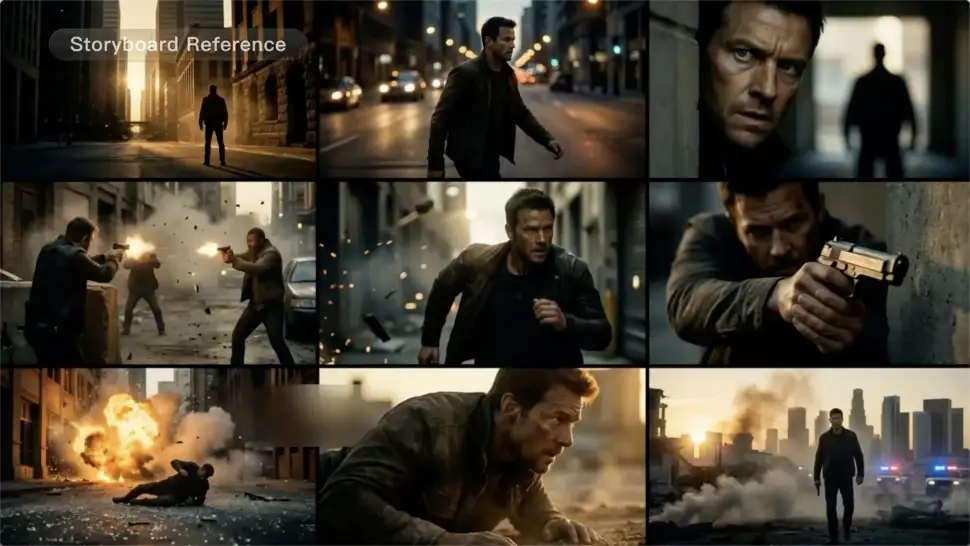
Create more complete stories from a single prompt. When your prompt includes multiple scenes, Kling 3.0 can organize them into up to five connected shots with smooth scene transitions, reducing the need for manual editing.
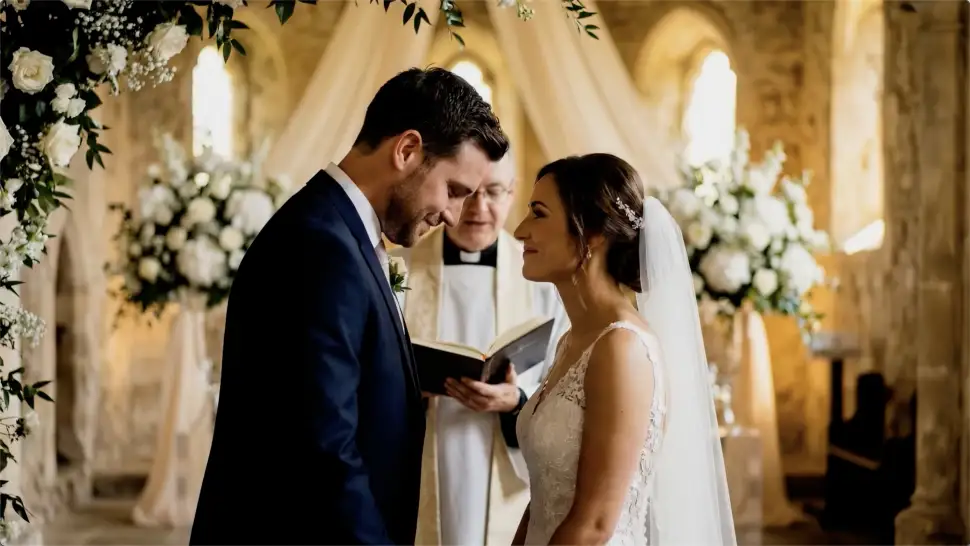
Create videos with built-in dialogue, sound effects, and ambient audio in five languages: English, Chinese, Japanese, Korean, and Spanish. Regional accent variations are also available, including American, British, and Indian English, to make voices sound more natural.

















Kling AI has transformed my workflow by collapsing timelines and democratizing production. It’s shifted my mindset from resource-dependent filmmaking to a boundless creative sandbox, where experimentation yields unexpected beauty.

Kling AI seamlessly integrates into my creative workflow, playing a key role in transforming my images. After generating and upscaling an image, Kling becomes a crucial element, bringing my creations to life with movement and depth.

Kling AI has made it easy for us to generate world class visuals for Fortune 500 companies, TV shows and music for big artists. We love the easy of use of the platform and the quality of the generations. My first time using Kling AI, I got 22 million views on just one video. It's that good.
Create 4K videos with native audio and consistent characters from a single prompt.
Free tier available | Watermark-free membership | HD to 4K export | Fast generation