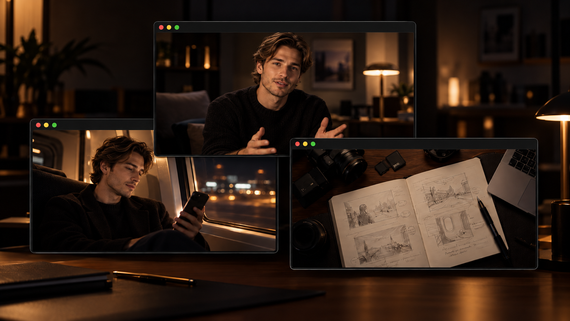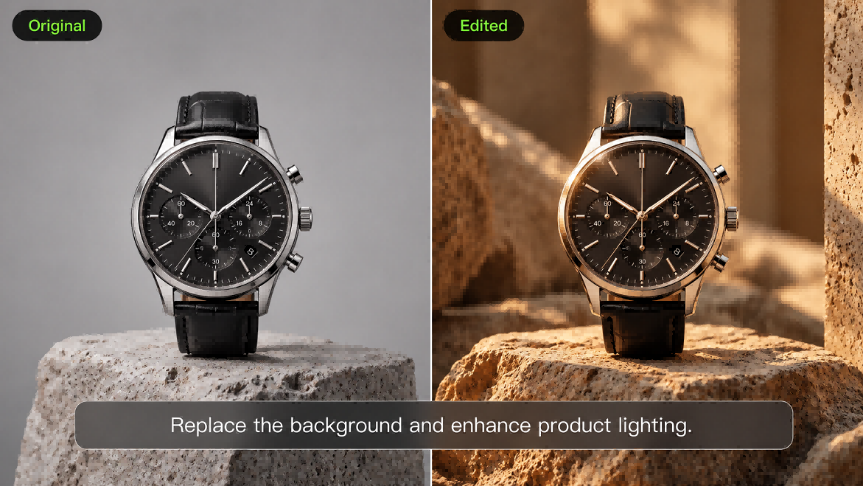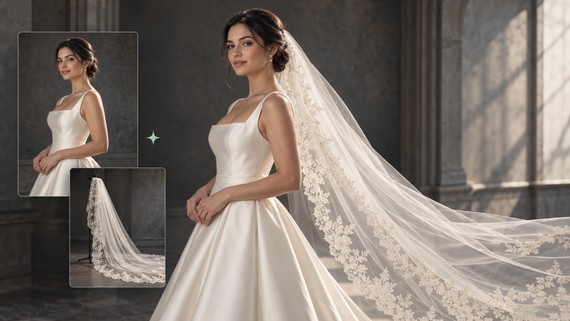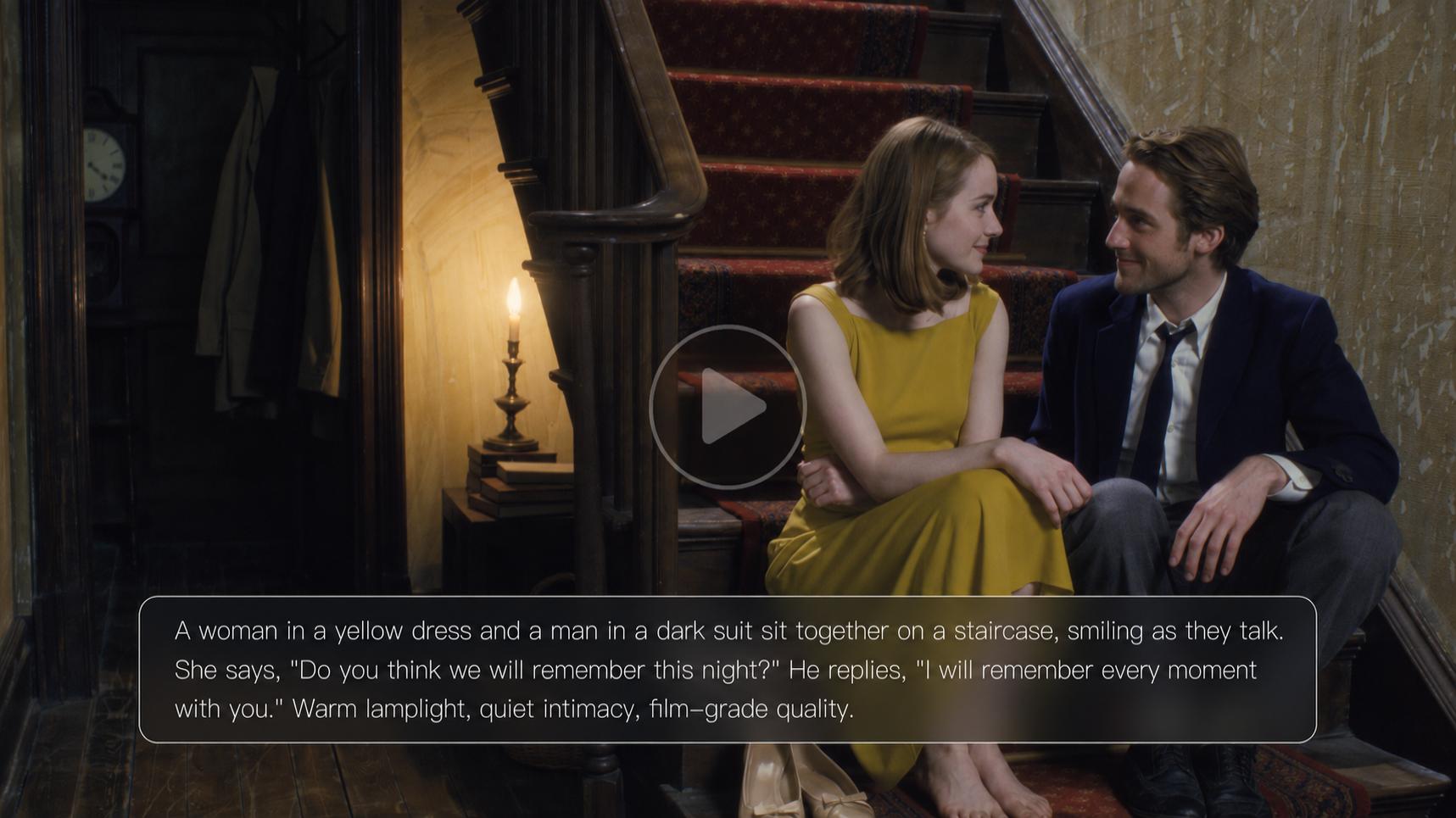
What is lip sync? It means matching a person's or character's mouth movements with speech or singing, making on-screen performances feel more natural. Widely used in films, animation, dubbing, and social media, lip synchronization is also important in AI video creation. With Kling AI, you can add speech or singing to a supported character video using Lip Sync or generate a new talking scene with synchronized dialogue through VIDEO 4.0.
What Is Lip Sync? Meaning and Common Uses
Lip sync is short for lip synchronization: matching visible mouth movements to the words or sounds an audience hears. In AI video, Kling 4.0 can generate spoken dialogue alongside the visuals, creating character performances with more naturally synchronized lip movements.
The lip sync meaning in video production is straightforward: the visible mouth movements should match the dialogue you hear. In live-action footage, that can mean aligning a new recording with an existing performance. In animation and AI videos, mouth movements can be created along with the character's speech.
In film and TV, actors may record dialogue to replace noisy on-set audio. In a localized video, the new dialogue needs to fit the speaker's timing. Animated explainers, social videos, and AI-generated scenes share the same principle: the voice and face should feel like a single performance.
How Lip Synchronization Works
Speech contains phonemes, the sounds that distinguish words. A viseme is a visible mouth shape associated with one or more speech sounds. The relationship is not one-to-one: several sounds can look similar, and surrounding sounds change how the mouth moves.
Sounds | Example words | Visible cue |
p, b, m | pop, baby, mom | The lips come together; the release varies by sound. |
f, v | fish, voice | The lower lip approaches or touches the upper teeth. |
oo | food, moon | The lips become more rounded. |
Timing matters as much as shape. If a voice starts before the mouth moves, or the lips keep moving during a pause, the performance feels disconnected. Natural expressions and appropriate head movement help the speech feel part of the scene.
Traditional and AI Approaches
Traditional video production often starts with recorded dialogue or an existing performance. Animators manually shape and time the mouth poses, while dialogue editors align a replacement recording with the filmed speech. AI tools now offer more flexible ways to create lip-synced videos. With Kling AI's dedicated Lip Sync tool, you can add speech or singing to an existing supported character video and synchronize its mouth movements with the audio.
For new scenes, Kling 4.0 creates dialogue, visual performance, and matching lip movements together. You can describe the speaker and dialogue in a prompt, and use supported visual and voice references when a particular character appearance or vocal identity matters.
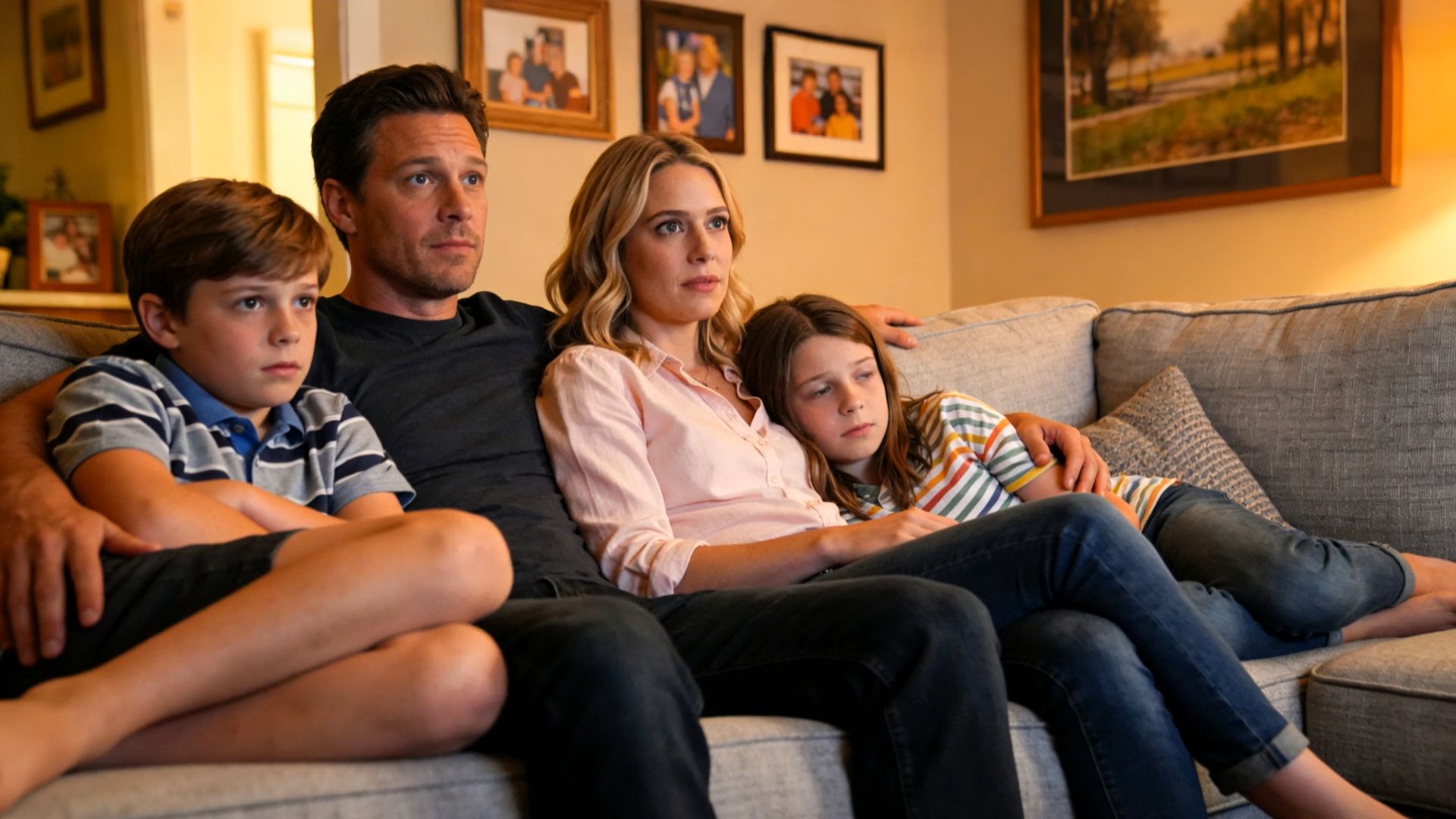

How Kling VIDEO 4.0 Creates Lip-Synced Dialogue
For a new talking-character scene, start with the performance you want: who speaks, what they say, and how they deliver it.
Kling 4.0 brings dialogue, facial performance, and sound together in a native audiovisual generation workflow. Compared with the previous generation, the model offers improved lip synchronization, more flexible voice references, expanded multilingual support, and two-channel stereo audio.
Generate Dialogue with Native Audio
Kling 4.0 generates dialogue and sound together with the video, with audio-visual synchronization enabled by default. Describe the setting, identify the speaker, and include the spoken lines in your prompt. You can also guide the speaker's tone, pace, and emotion to match the scene. Improved lip synchronization and two-channel stereo audio help create more natural conversations with expressive voices and immersive sound.
Keep Characters Consistent with Elements
For recurring characters, Kling 4.0 supports reusable Elements that help maintain a recognizable appearance across videos. A Character Element can also have a voice bound during creation, allowing you to reuse that voice in later scenes. This is different from adding a standalone Voice reference, which does not automatically bind a voice to a character.
Create Dialogue in Multiple Languages
Kling 4.0 supports dialogue generation in Chinese, English, Japanese, Korean, Spanish, Portuguese, German, French, Hindi, and additional languages and regional accents. Specify the speaker, language, and dialogue in your prompt, and Kling 4.0 generates speech with synchronized lip movements as part of the new video. For multilingual conversations, assign each line clearly and leave enough time for natural exchanges.
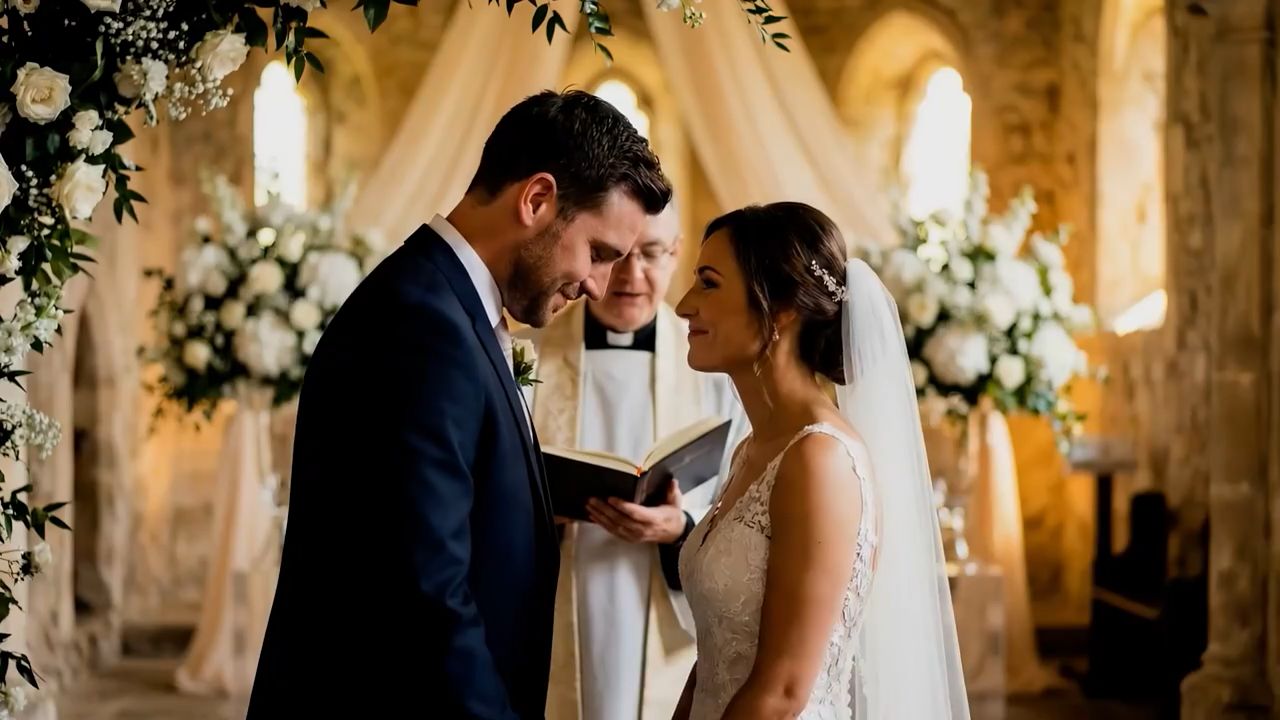
How to Make a Lip Sync Video with Kling
Kling AI offers two ways to create a lip sync video. Use the dedicated Lip Sync tool to synchronize speech or singing with an existing supported character video. Or generate an entirely new scene with synchronized dialogue through Kling 4.0.
The best workflow depends on whether you already have the character footage or want to create the entire speaking performance from scratch.
Method 1: Add Lip Sync to an Existing Character Video
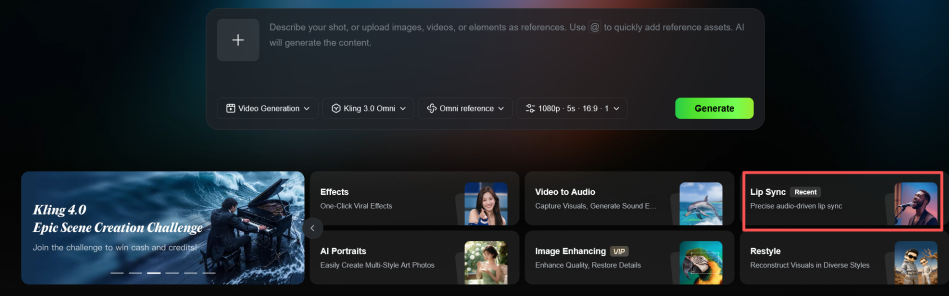
Step 1: Open Lip Sync and Add a Character Video
Open the Kling AI workspace and select Lip Sync from the available tools. Add a supported character video with a clearly visible face to prepare it for lip synchronization.
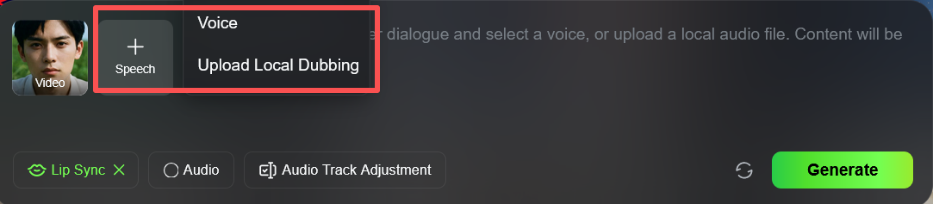
Step 2: Add Audio or Enter a Script
Click + Speech to access Voice and Upload Local Dubbing. You can upload your own voiceover or singing audio, or enter your dialogue and choose an AI voice. For AI-generated speech, you can also adjust the speech rate and emotion to better match your character's performance.
Step 3: Generate and Review Your Lip Sync Video
Click Generate to create your lip sync video. Preview the result to check the mouth movements and audio timing. Make adjustments if needed, then save your finished video.
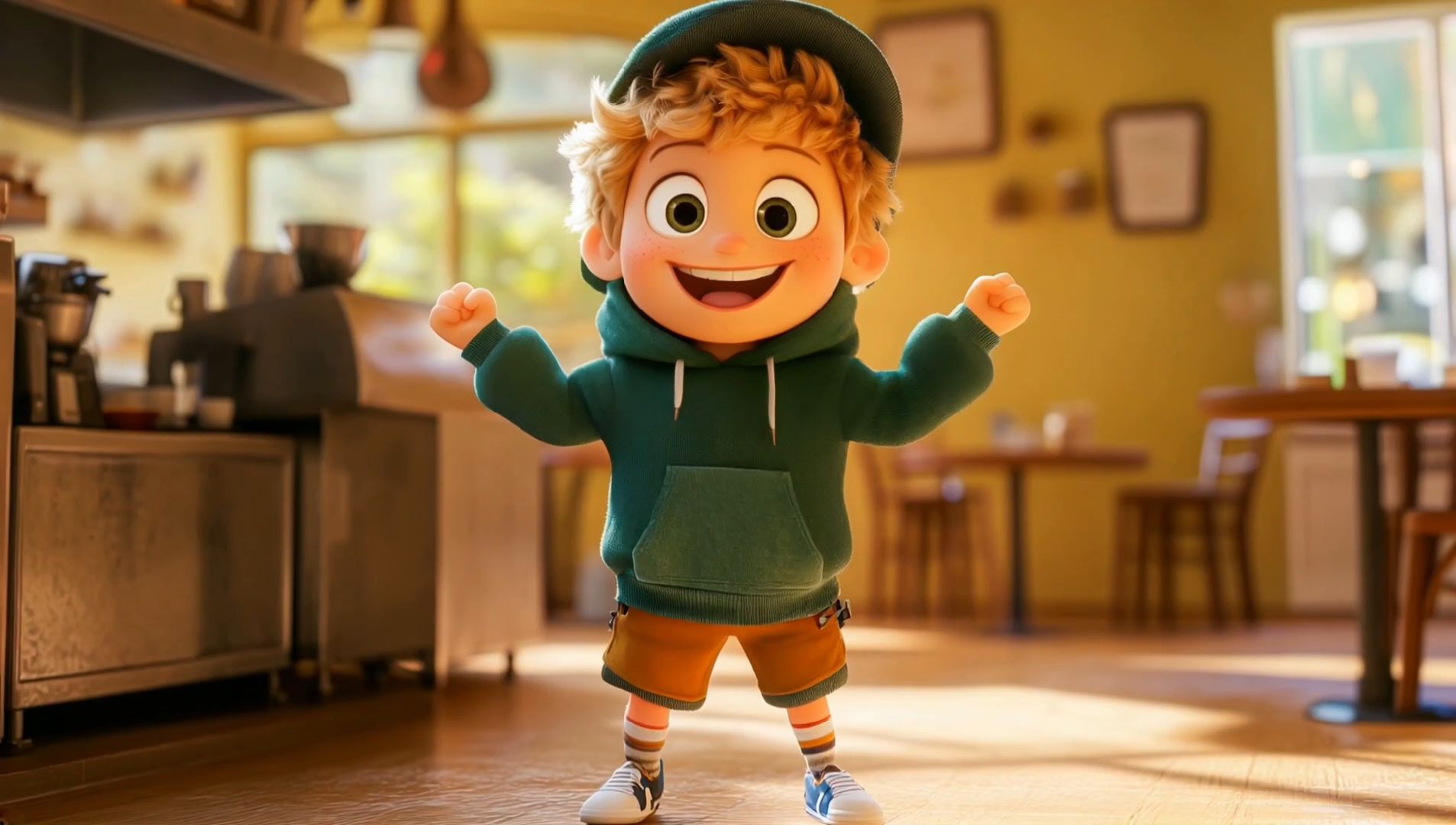
Method 2: Generate Lip-Synced Dialogue with Kling 4.0
For a new talking scene, select Kling 4.0 in the Video Generation workspace and describe your character, setting, and exact dialogue. Add a character image or supported Element if you need a visual reference. Kling 4.0 creates the dialogue, synchronized lip movements, and visuals together with Native Audio, without requiring a separate lip-syncing step.
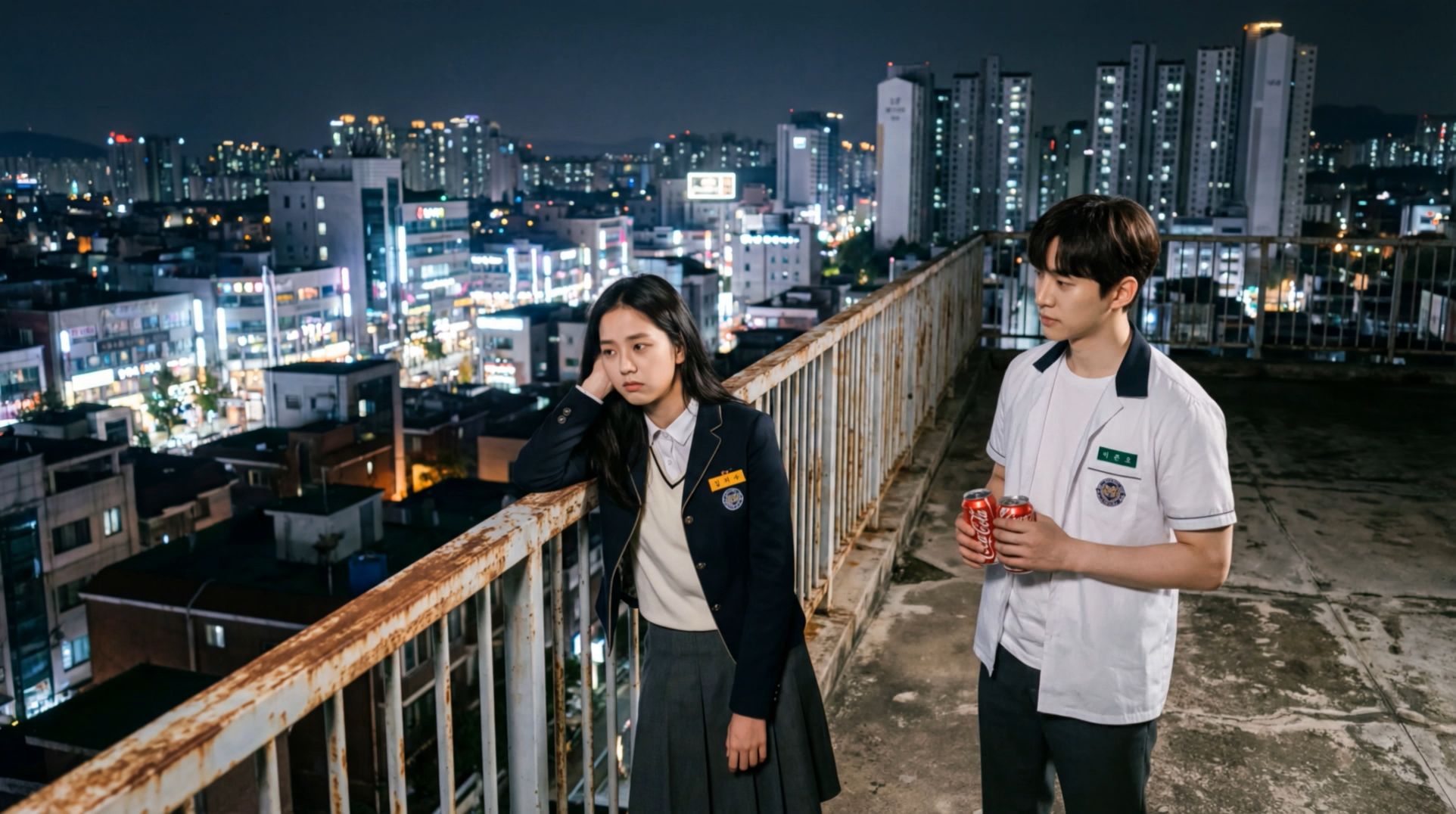
Where Lip Sync Video Is Useful
Presenters for Product Videos and Lessons
AI avatars can introduce a new product, explain a feature, or guide viewers through a short lesson. A founder-style welcome might use a relaxed close-up; a training clip might need slower delivery and clear pauses. Reuse a voice-bound character Element when the presenter returns in the next episode, while changing the script and setting for each topic.
Multilingual Campaigns and Regional Messages
A product team can generate separate language versions of a brief announcement using the same character references. Keep the main message consistent but adapt the wording so it sounds natural in each language. Review pronunciation, mouth timing, and delivery in every version. With Kling 4.0, each language version can be generated as a new scene, allowing dialogue, facial expressions, and lip movements to develop together.
Character Dialogue in Short Stories
A short scene can turn on a whispered question, a hesitant answer, or a cheerful reunion. In a lip sync AI scene, specify who speaks and how the other character reacts. Start with one line per speaker and enough time between turns. Voice-bound Elements help recurring characters keep a recognizable vocal identity as the story moves between shots.
Tips for More Natural Lip Sync
Keep the mouth visible. Begin with a front-facing or gently angled face. Hands, masks, and a microphone across the lips make the result harder to judge.
Give each speaker a clear turn. Name the character before their dialogue and avoid overlapping lines in your first tests.
Match emotion to delivery. A quiet reassurance calls for different expressions and pacing from an excited announcement. Describe both the voice and visible performance.
Use Clean Audio and Voice References. For Lip Sync, upload clear speech or singing audio with minimal background noise. When binding a voice to a Character Element in VIDEO 3.0 Omni, choose a clean single-speaker recording to help maintain vocal consistency.
Write for the available time. Use short, conversational sentences and deliberate pauses. If speech sounds rushed, reduce the wording before adding more visual instructions.
Conclusion
Lip sync brings a character's voice and mouth movements together, making dialogue feel more natural and engaging. With Kling AI, you can add speech or singing to existing character videos through Lip Sync or create entirely new talking scenes with Kling 4.0. Improved lip synchronization, stereo audio, and multilingual dialogue support give creators more ways to bring their characters to life.
Whether you're producing animated stories, product presentations, or multilingual content, the right lip synchronization workflow can make dialogue feel more convincing.
FAQs
What Does Lip Sync Mean?
Lip sync means matching a character's visible mouth movements to the speech heard in a video. It helps filmed dialogue, animated scenes, and AI-generated performances feel believable. The full term is lip synchronization. When the voice starts, stops, or changes sound, the mouth movements should follow closely enough that viewers perceive one performance.
What Is the Difference Between Lip Sync and Dubbing?
Lip sync concerns how mouth movements match sound. Dubbing concerns recording or replacing dialogue, often in another language. A dubbed scene may need lip sync adjustments, but the terms are not interchangeable. In AI video generation, dialogue and visuals can also be created together rather than added to a finished recording.
How Does AI Lip Sync Work?
AI lip sync uses information about speech and visual performance to produce mouth movements that fit the audio. Some workflows animate an existing face from a supplied recording. Generative video models can instead create the scene and spoken dialogue together. In either case, check timing, mouth shapes, and facial expressions in the result.
Can Kling Generate Lip-Synced Dialogue in Different Languages?
Yes. Kling 4.0 supports dialogue generation in Chinese, English, Japanese, Korean, Spanish, Portuguese, German, French, Hindi, and additional supported languages and accents. Specify the speaker, language, and exact line in your prompt, then review pronunciation and timing. For existing videos, available language and voice options depend on the dedicated Lip Sync workflow.
How Does Kling 4.0 Keep a Character's Voice Consistent?
Kling 4.0 supports Character Elements with bound voices. When a consistent voice is needed across multiple scenes, you can create or reuse an Element that includes the character's appearance and assigned voice. Adding a standalone Voice reference does not automatically associate that voice with a specific character. Review the generated result for voice and appearance consistency.