Creative Studio
API Platform
Resources
About Us

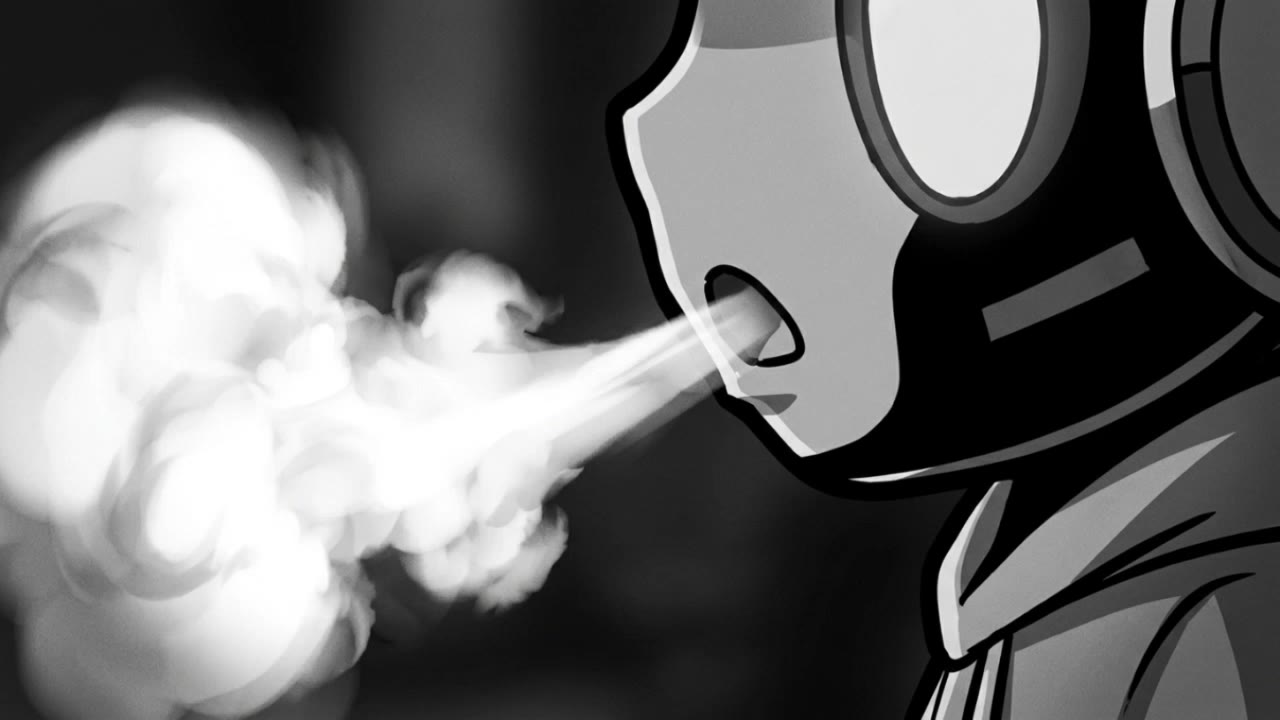
act 2 scene 3 - combat movement & fantastical elements

Intense combat sequences and fantastical energy effects highlight act 2 scene 3. Start exploring act 2 scene 3 ideas and generate your own content with AI.

act 2 scene 3 - combat movement & fantastical elements

Recommended

work cover
video-play
DUGAAG STUDIO
work cover
video-play
themustangpilot
work cover
video-play
jQLXZJkv
work cover
video-play
shsdFenZ
work cover
video-play
7A7PI
work cover
video-play
viJrTGxu
work cover
video-play
BBQJNjhn
work cover
video-play
YOcayodg
work cover
video-play
Tsaxos
work cover
video-play
ynki
work cover
fNzhgUKW
work cover
video-play
GfNhXOqW
work cover
video-play
themustangpilot
work cover
iLYJExou
work cover
video-play
VfUlThpV
work cover
iLYJExou
work cover
video-play
Zaros
work cover
video-play
sweetemma
work cover
video-play
hqSRfvhx

How to Master AI Motion Control in 3 Steps

Upload Your Assets

Upload Your Assets

Provide a static character image and a motion reference video showing the exact expressions you want to replicate.

Bind Face Subject

Bind Face Subject

Enable this feature to lock facial consistency. Upload multi-angle photos to create a precise facial reference map.

Generate & Export

Generate & Export

Process your motion-controlled video and download the final render in high resolution.

Why Kling Motion Control Stands Out

Flawless Facial Consistency in Any Angle

Flawless Facial Consistency in Any Angle

Unlike standard AI video generators that distort features during head turns, Kling locks your character’s identity for stable, recognizable results from any perspective.
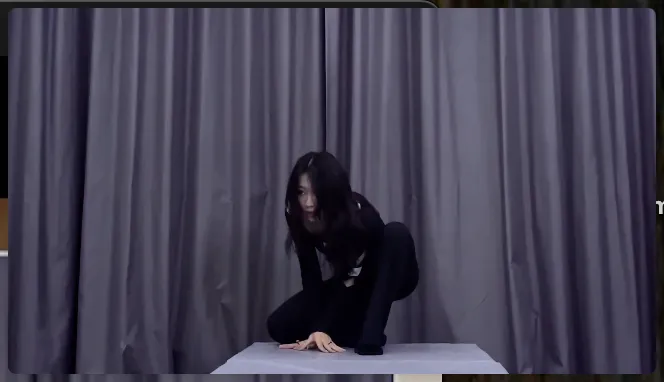
Extreme Precision for Complex Emotions

Extreme Precision for Complex Emotions

Replicate micro-expressions and dramatic emotional transitions with elite motion transfer technology. Kling captures every subtle muscle movement from your reference.
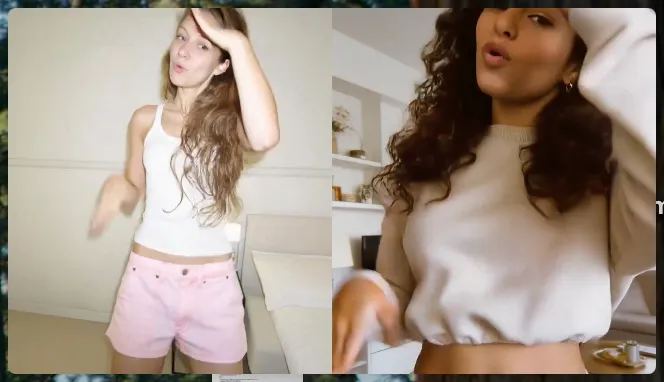
Stable Across Angles, Occlusion, and Distance

Stable Across Angles, Occlusion, and Distance

Maintain character consistency even when the subject is partially blocked or moves between close-up and long shots

Apps

Image to Video
Image to Video

Image to Video

Text to Video
Text to Video

Text to Video

Omni
Omni

Omni

Digital Human
Digital Human

Digital Human

Restyle
Restyle

Restyle

Text to Image
Text to Image

Text to Image

60M+
60M+
Users
600M+
600M+
AI Videos Generated
4.7 ★
4.7 ★
App Store
Industry-Leading
Industry-Leading
Cinematic 4K

Reviews

Huang Lu (Elson)

Huang Lu (Elson)

★★★★★

I’ve been using Kling AI since its initial release, and it’s remained one of the leading AI media generators ever since. With Kling AI, I’ve created hundreds of videos, collectively amassing millions of views.

Vincent Smadja

Vincent Smadja

★★★★★

Kling AI seamlessly integrates into my creative workflow, playing a key role in transforming my images. After generating and upscaling an image, Kling becomes a crucial element, bringing my creations to life with movement and depth.

Jyo John Mulloor

Jyo John Mulloor

★★★★★

Kling AI has been instrumental in transforming my creative workflow, unlocking new dimensions of artistic expression that were once unimaginable. I use Kling AI extensively to develop high-concept visuals, animate surreal dreamscapes, and create AI-assisted films that blur the line between reality and fantasy. Kling AI’s deep learning capabilities have not only enhanced my creative efficiency but also inspired me to explore storytelling in ways I never thought possible.

FAQ

Q1What is the best AI video generator?
Q2Can I generate AI videos from text prompts?
Q3How long can AI-generated videos be?

Experience Video 3.0 on Kling

Create cinematic, multi-shot videos with native audio and precise control—all in one generation.

Native audio | Multi-shot control | Up to 15s continuous output