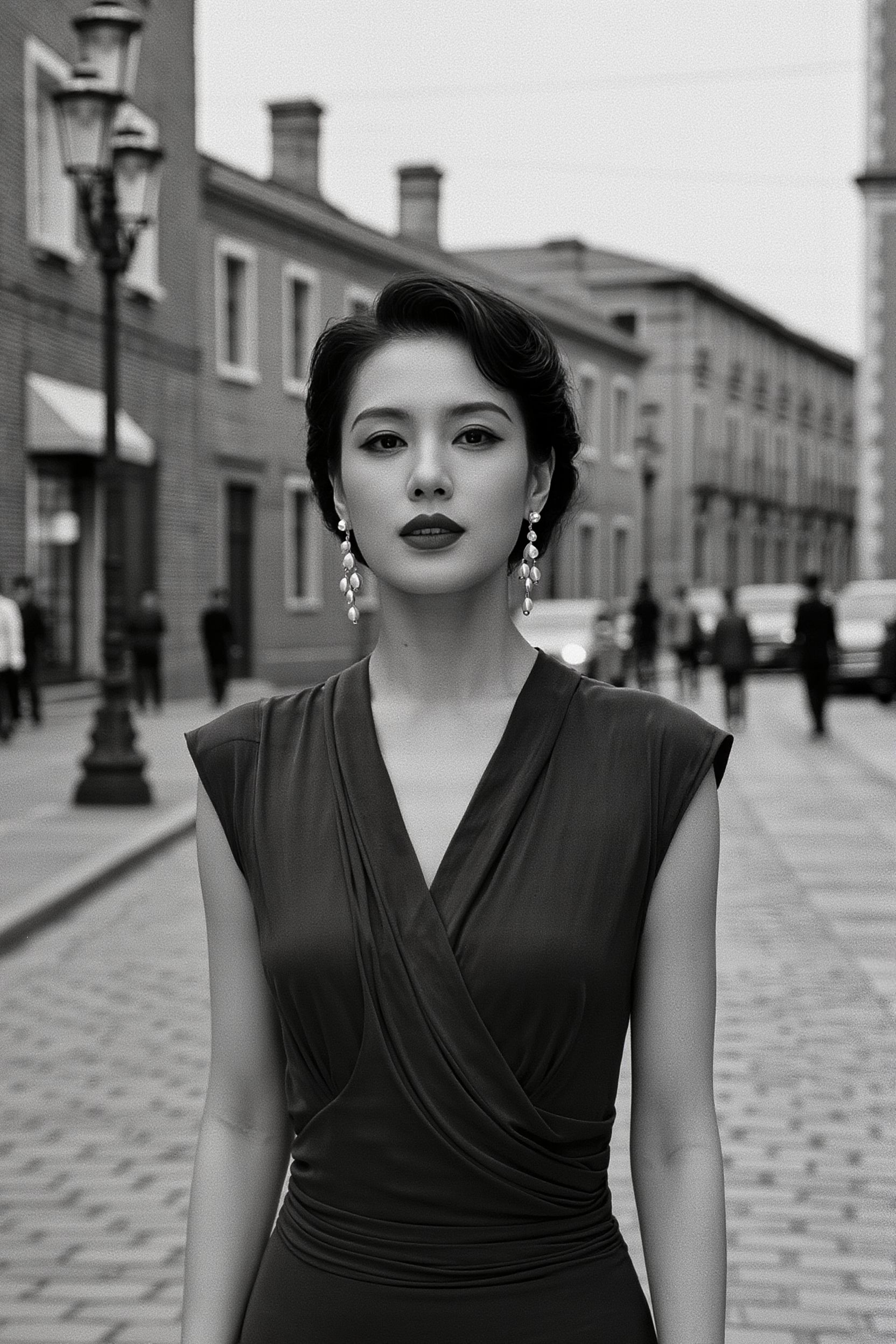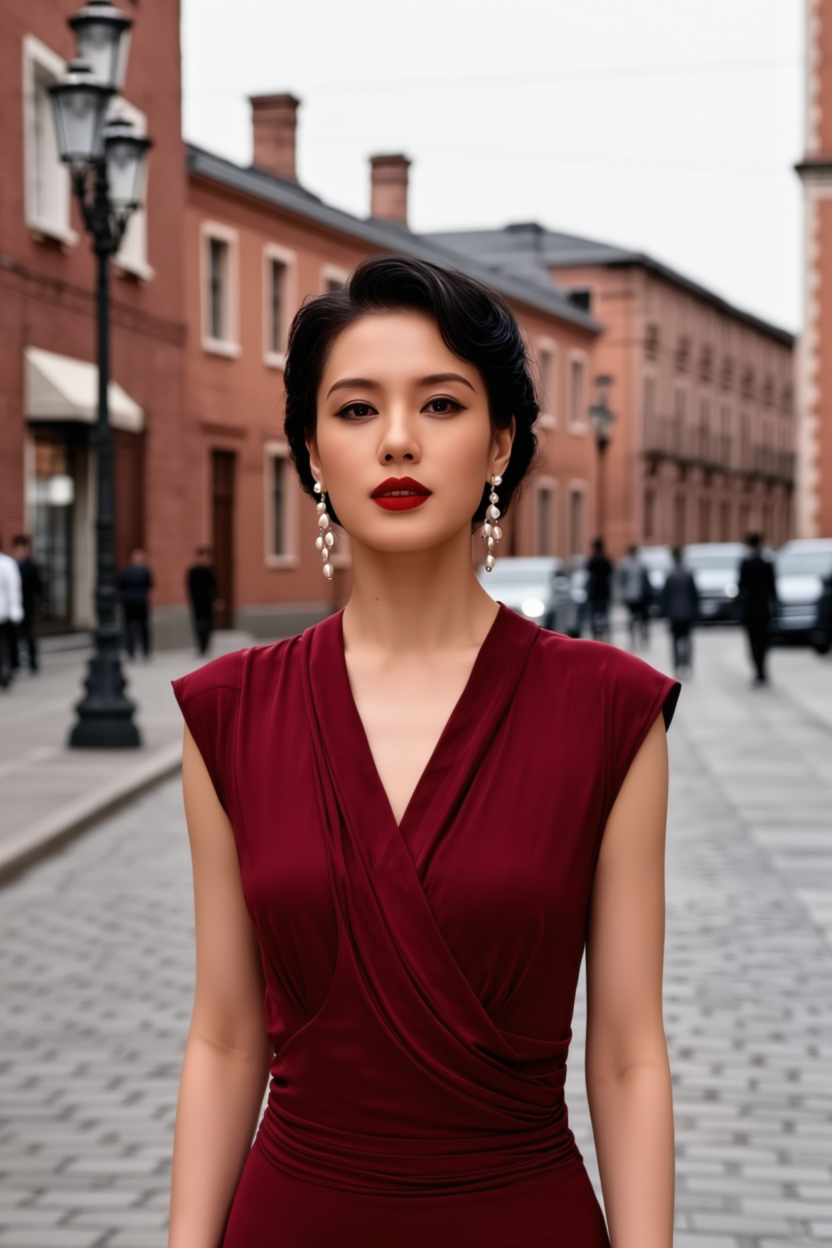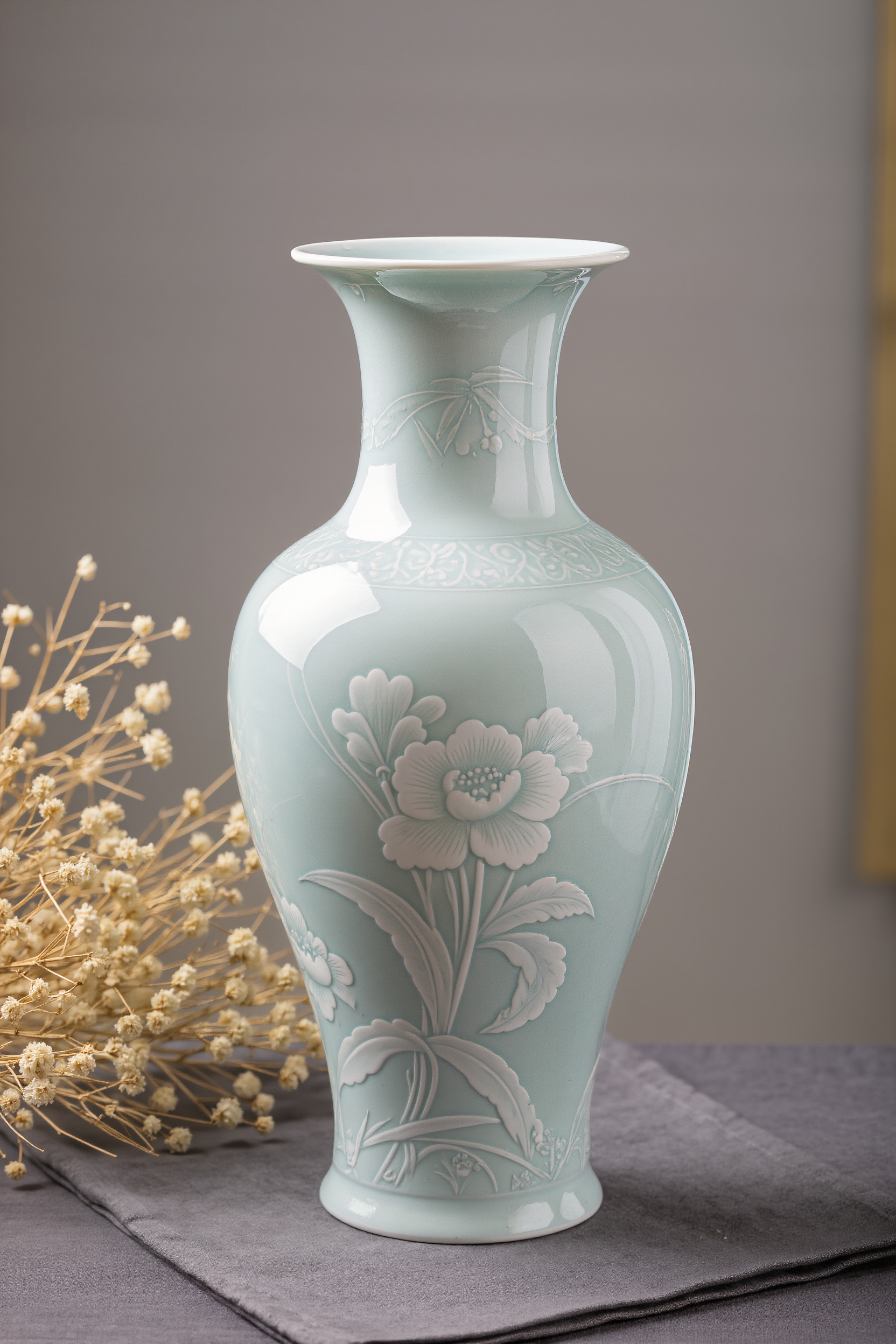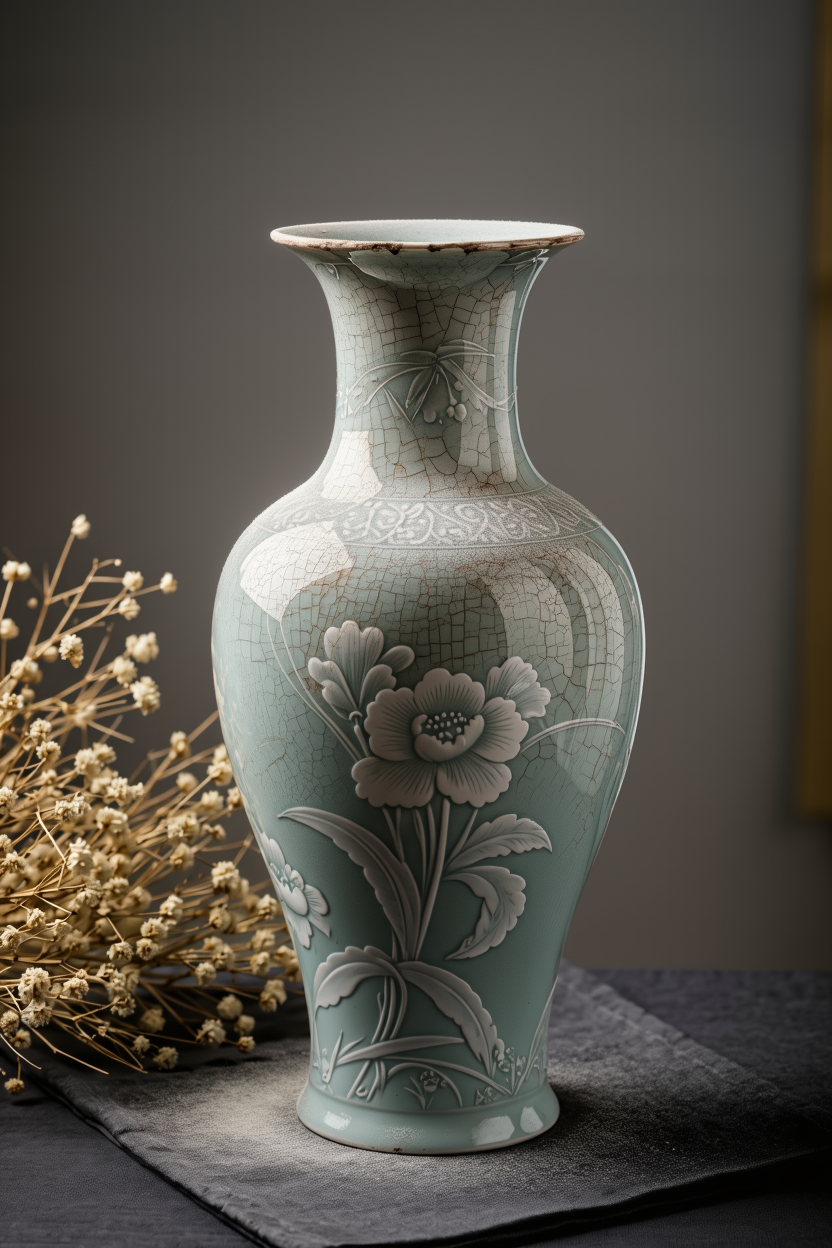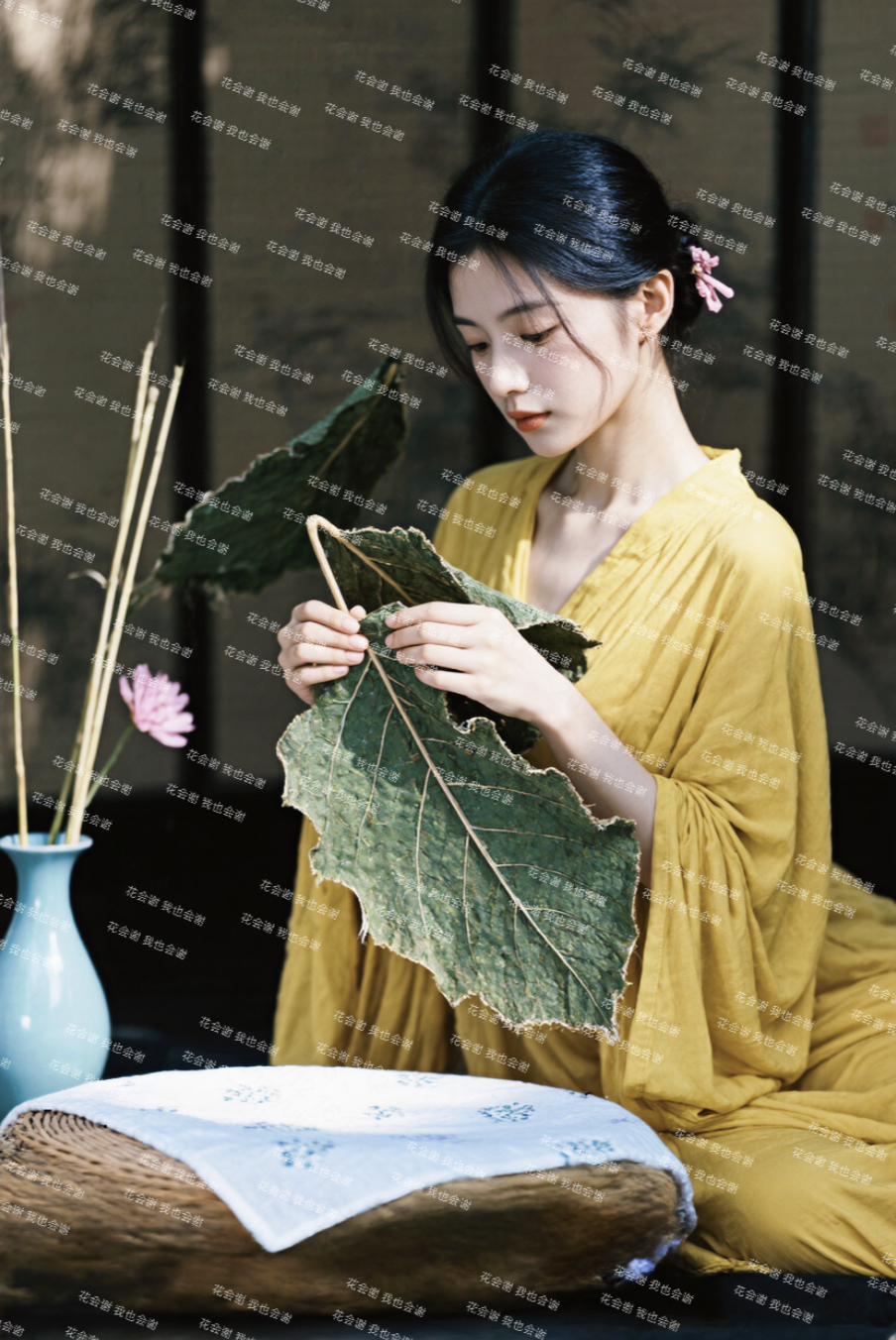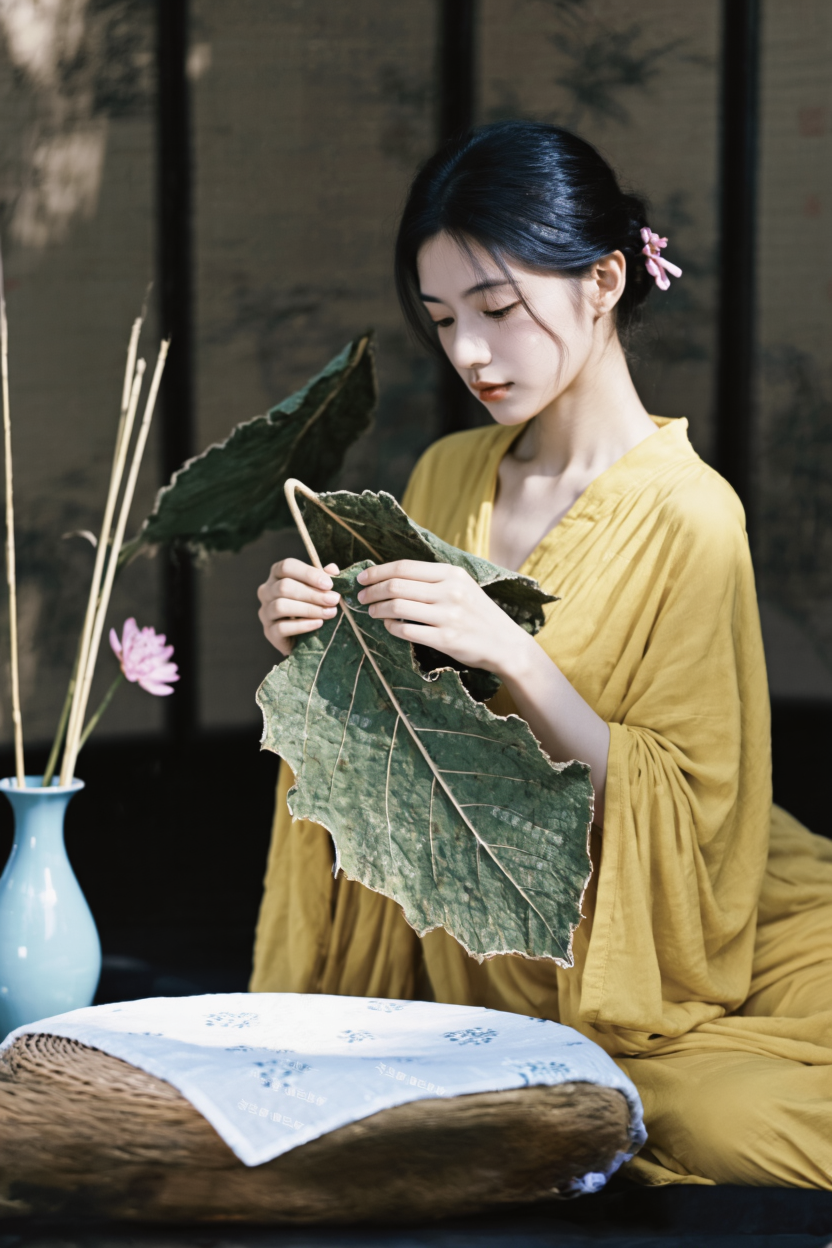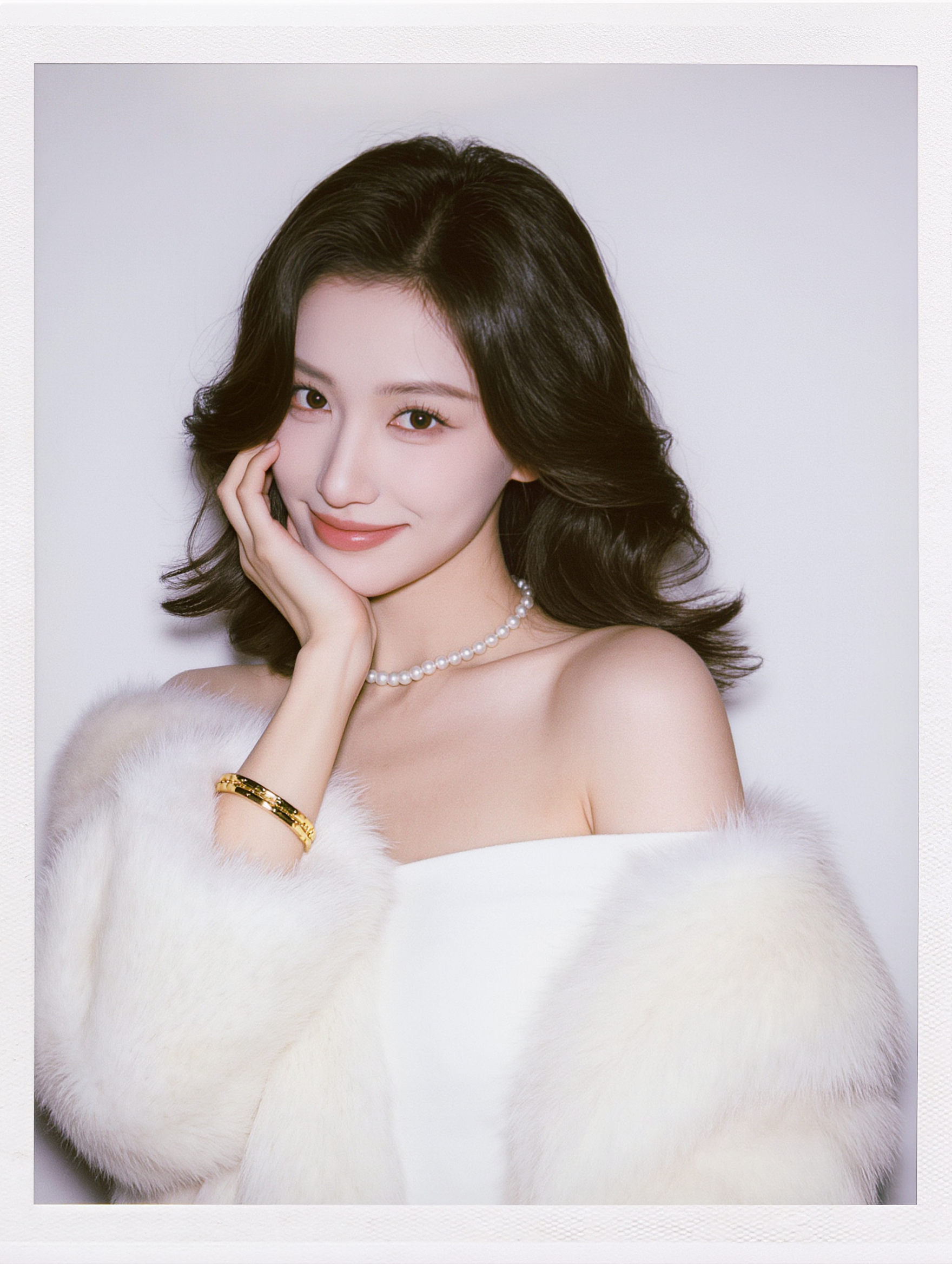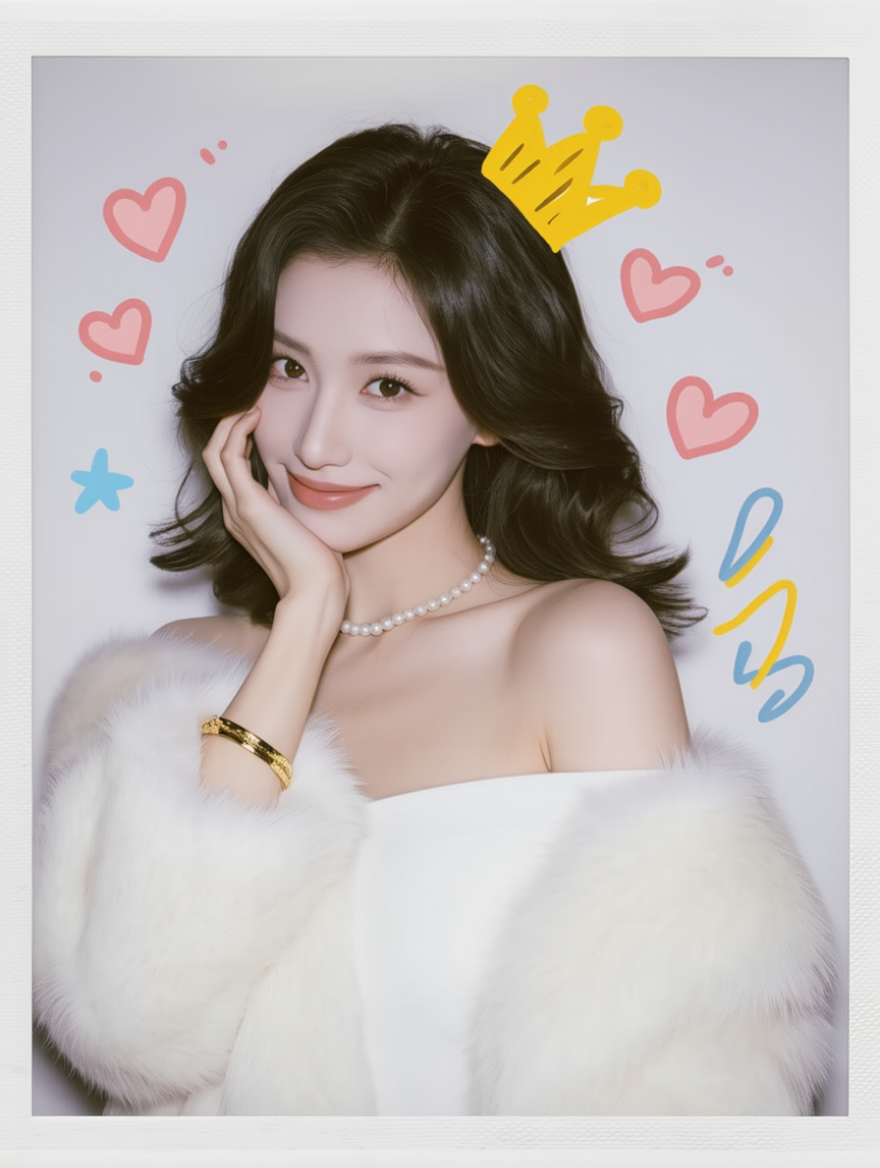
🎉 Kling launches a new versatile image generation model - Image 3.0🌟
Welcome to the new AI-powered image visual creation experience!
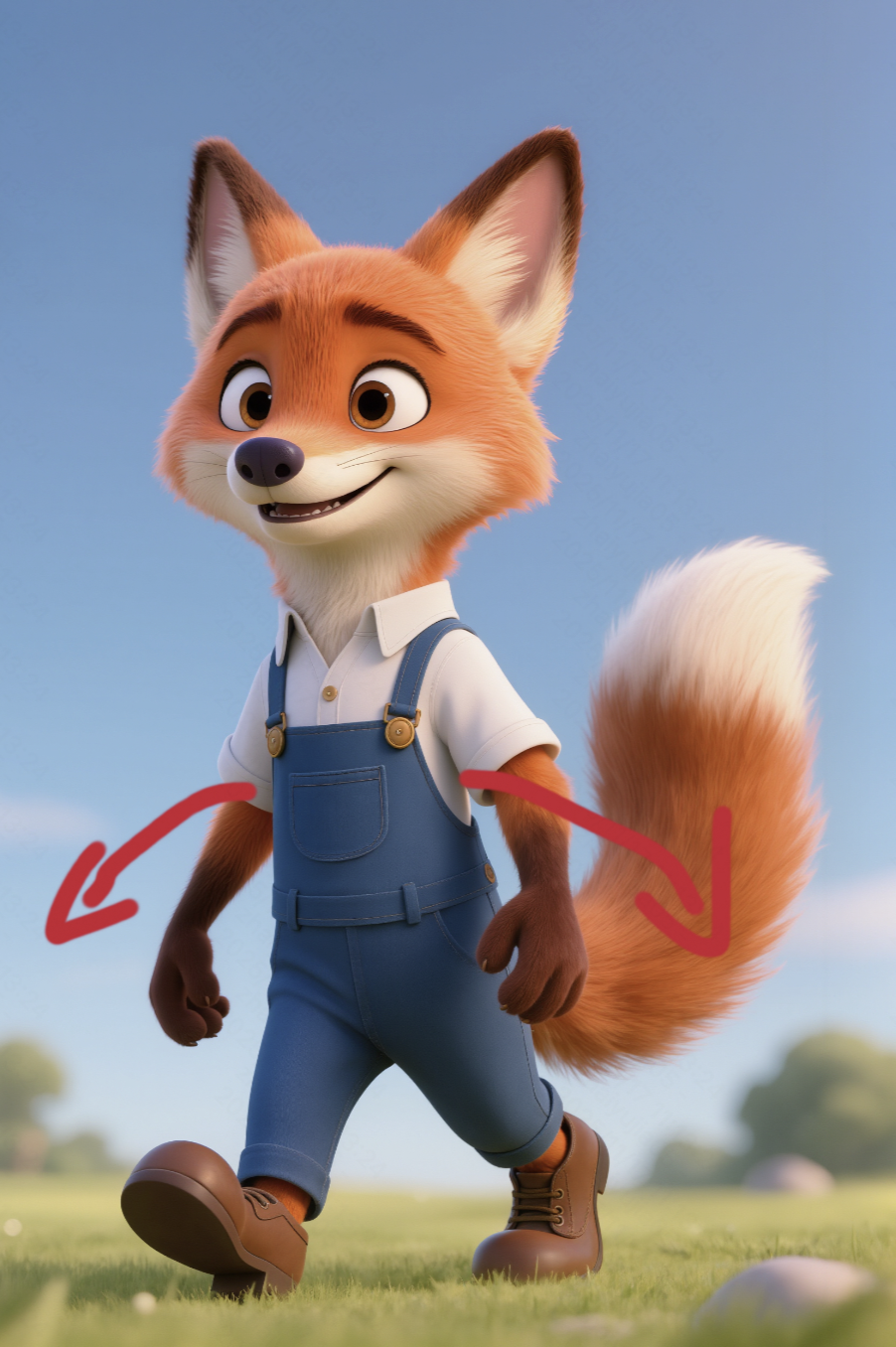
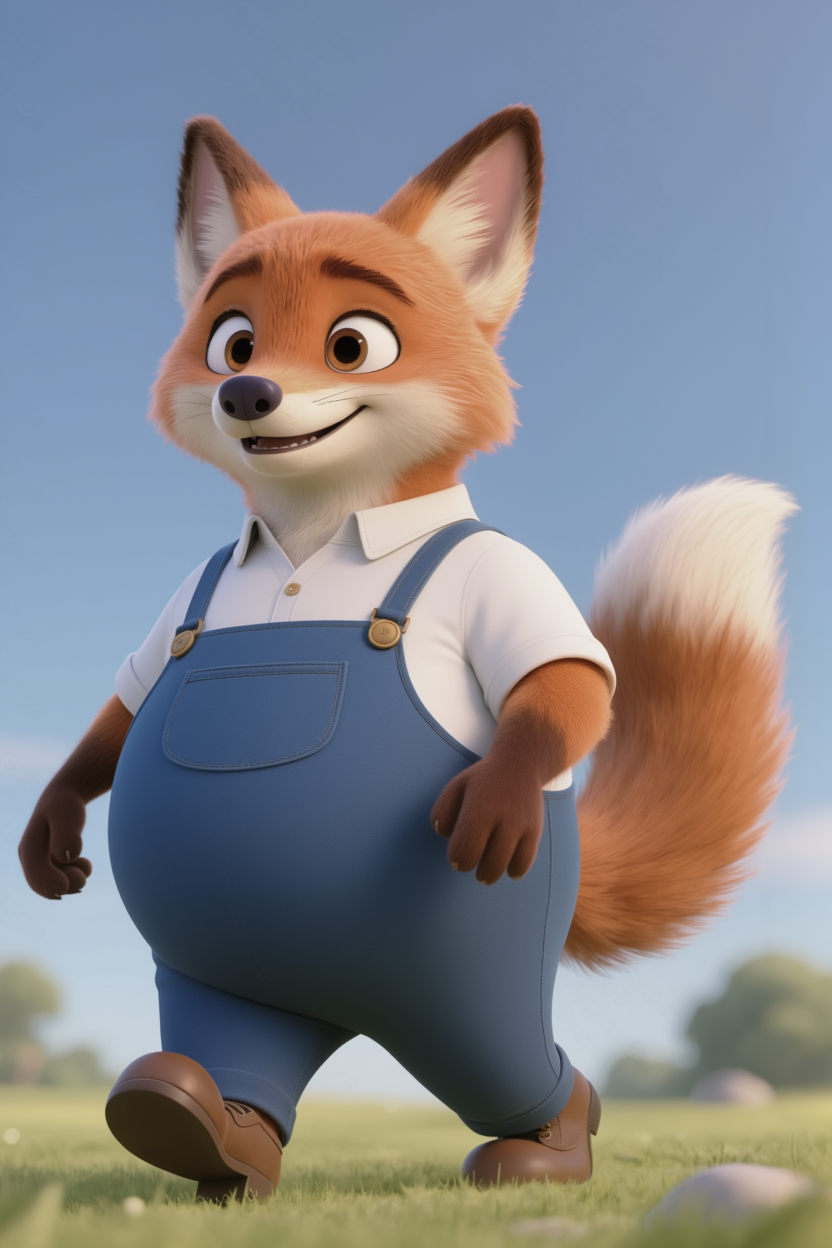
This update introduces groundbreaking optimizations for a seamless creative experience — no more switching between multiple tools or features. You can now effortlessly move from basic image generation to advanced detail editing, dramatically enhancing the efficiency of turning ideas into reality. Here, you simply describe your ideas in natural language and easily activate full-scene creative capabilities: you can perfectly depict an image from pure text or upload reference images to achieve precise editing and modifications on a single image. Up to 10 reference images' features can be integrated for re-creation, fully satisfying all your image creation needs in one go. The model offers four core advantages:
- Feature Retention: Ensures that main elements stay stable without deviation.
- Precise Detail Modification: Every adjustment is executed as expected.
- Accurate Style Control: Ensures a unified atmosphere throughout the image.
- Rich Imagination: Brings your creative visions to life with added tension.
This model operates based on the Multi-modal Visual Language (MVL) concept, using a combination of natural language + images as the core interaction interface. With a robust knowledge base and visual reasoning ability, the model can accurately interpret your comprehensive intentions, ensuring both feature consistency and the stunning display of creativity, all while offering an intuitive and efficient experience.🤩👏🏻
Key Features of IMAGE 3.0
1. High Feature Retention
IMAGE 3.0 supports extracting features from up to 10 reference images, precisely locking in the subject contours, core elements, and tonal qualities of each image. Even when generating across images or in series, it maintains consistency—ideal for IP character design, comic scene creation, and brand consistency in visual design, boosting the efficiency of content production.
|
|
|
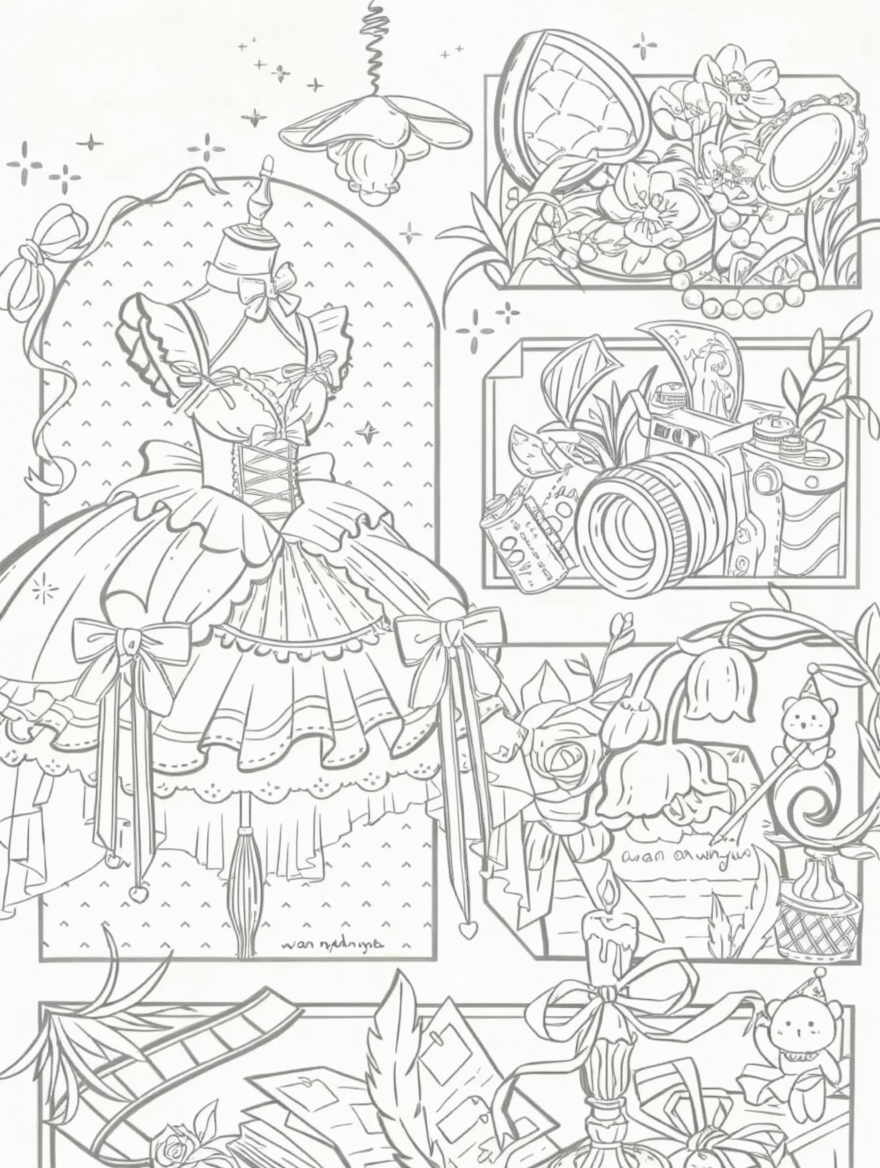
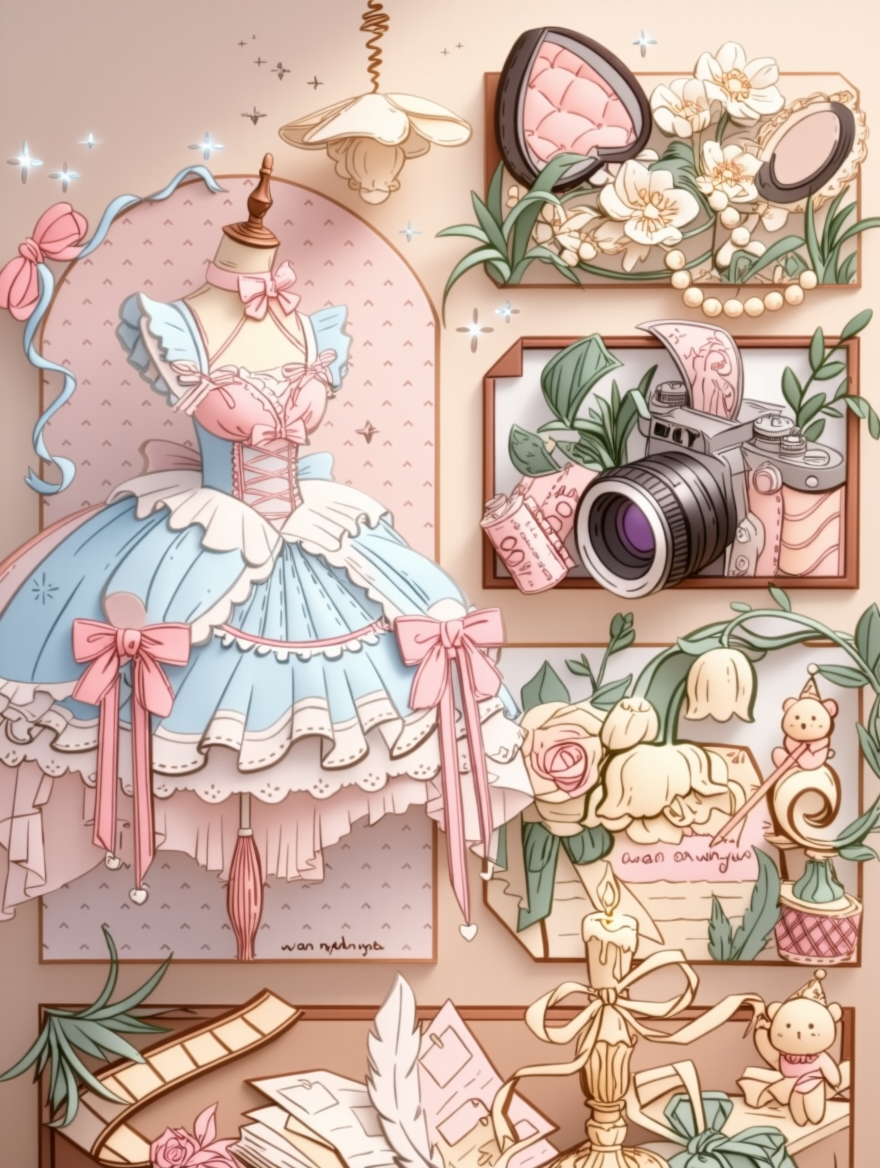
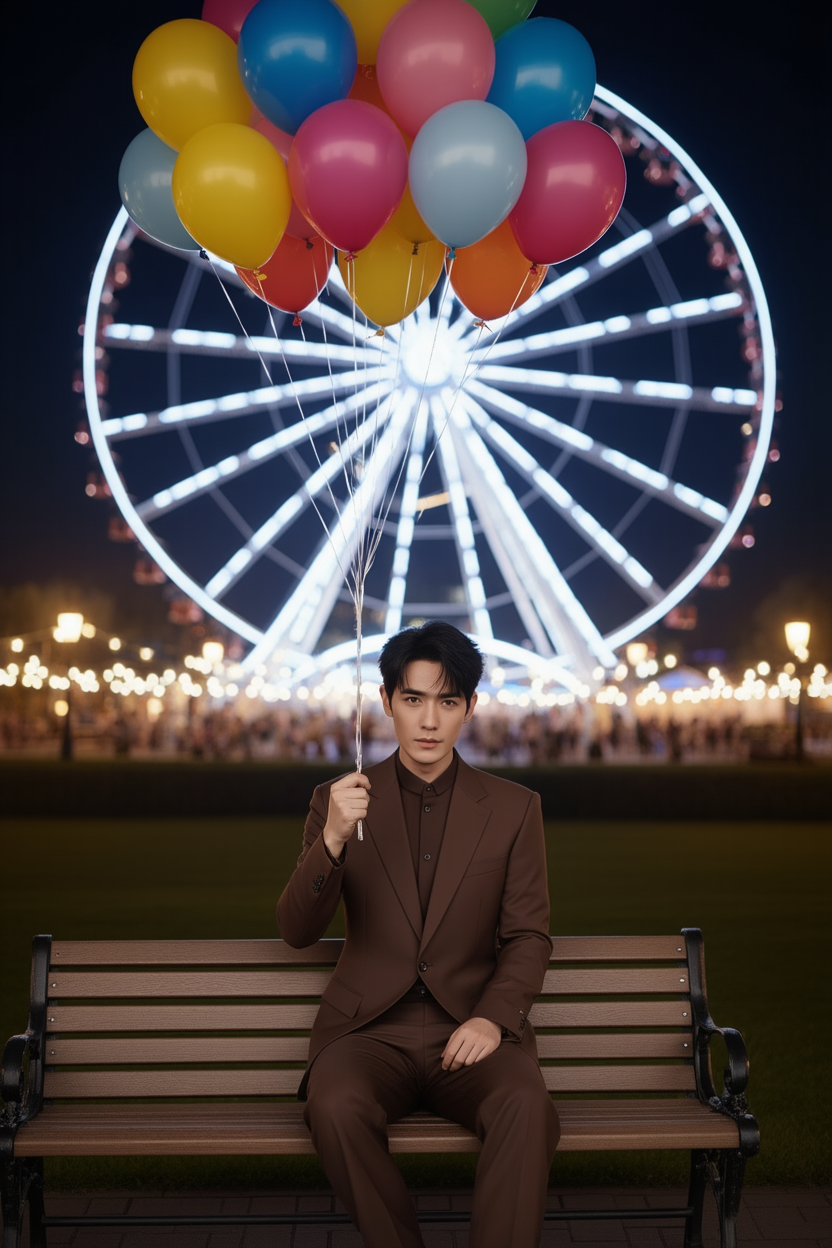
Coloring the line art. | Keep the logo unchanged and generate a mug and packaging box with the logo, primarily in black and white. | Change the background to a Ferris wheel, and transform a man sitting on a bench with an umbrella into a bouquet of balloons. |
|
|
|
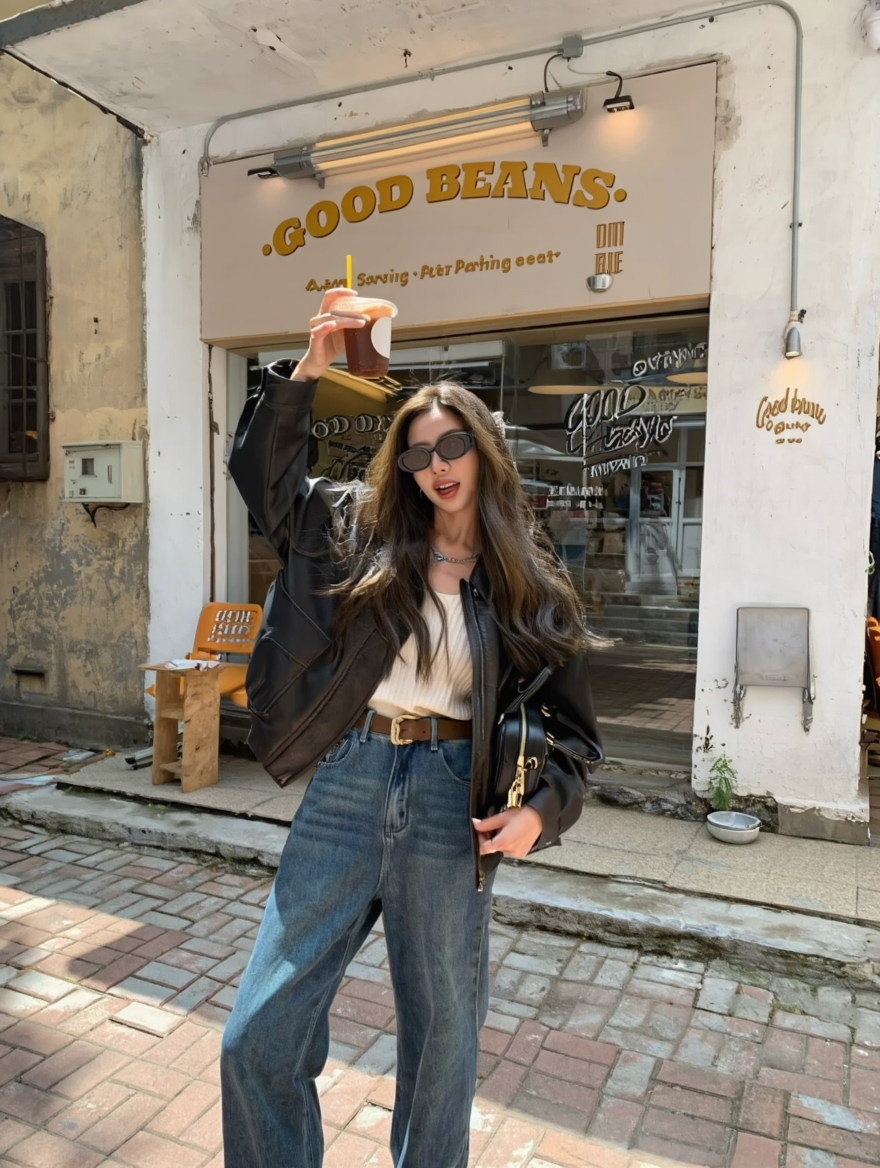
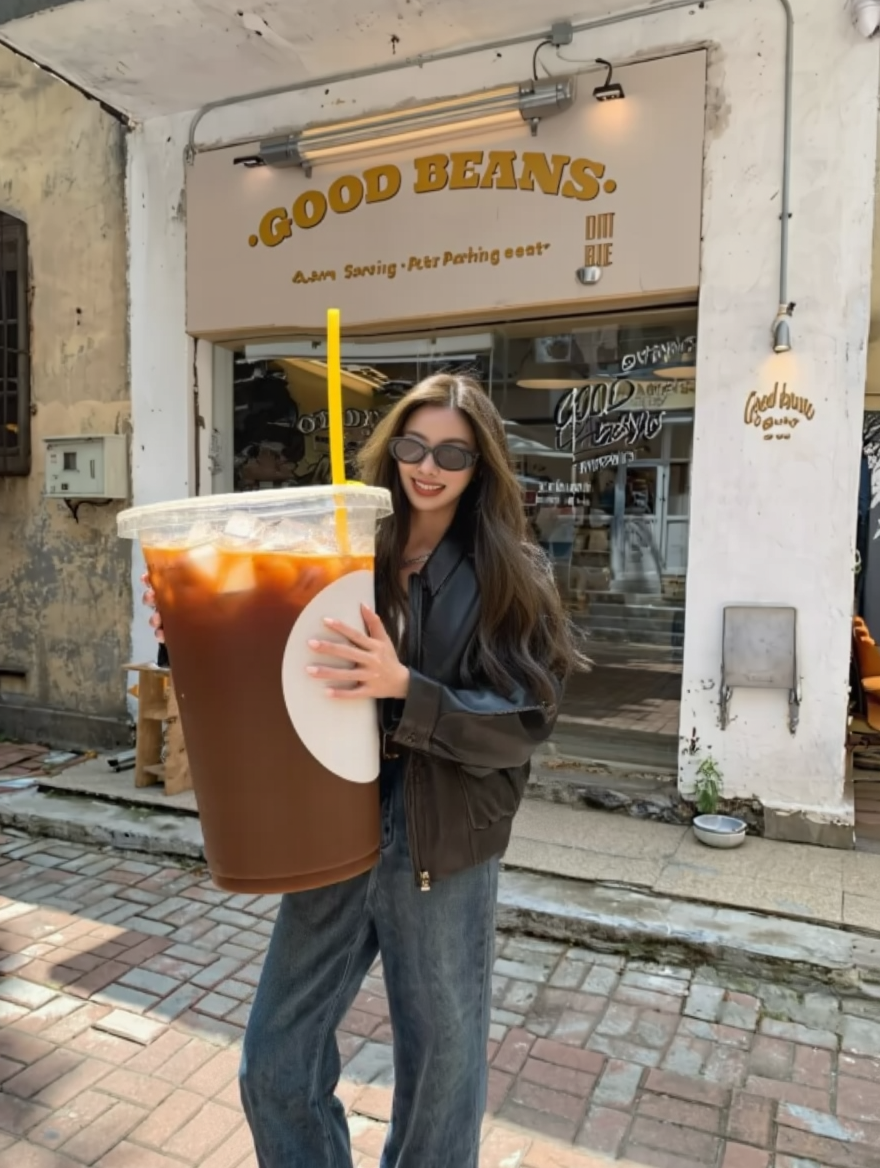
Enlarge the cup in a girl’s hand, making it enormous, with her holding it with both hands. | The female model is wearing brand sunglasses, sitting on a white chair, with the background being image 4. | Fisheye lens shot, with the subjects from image 1 and image 2 taking a selfie together, with the background featuring a New Year's-themed cityscape, and the girl from image 2 crouching. |


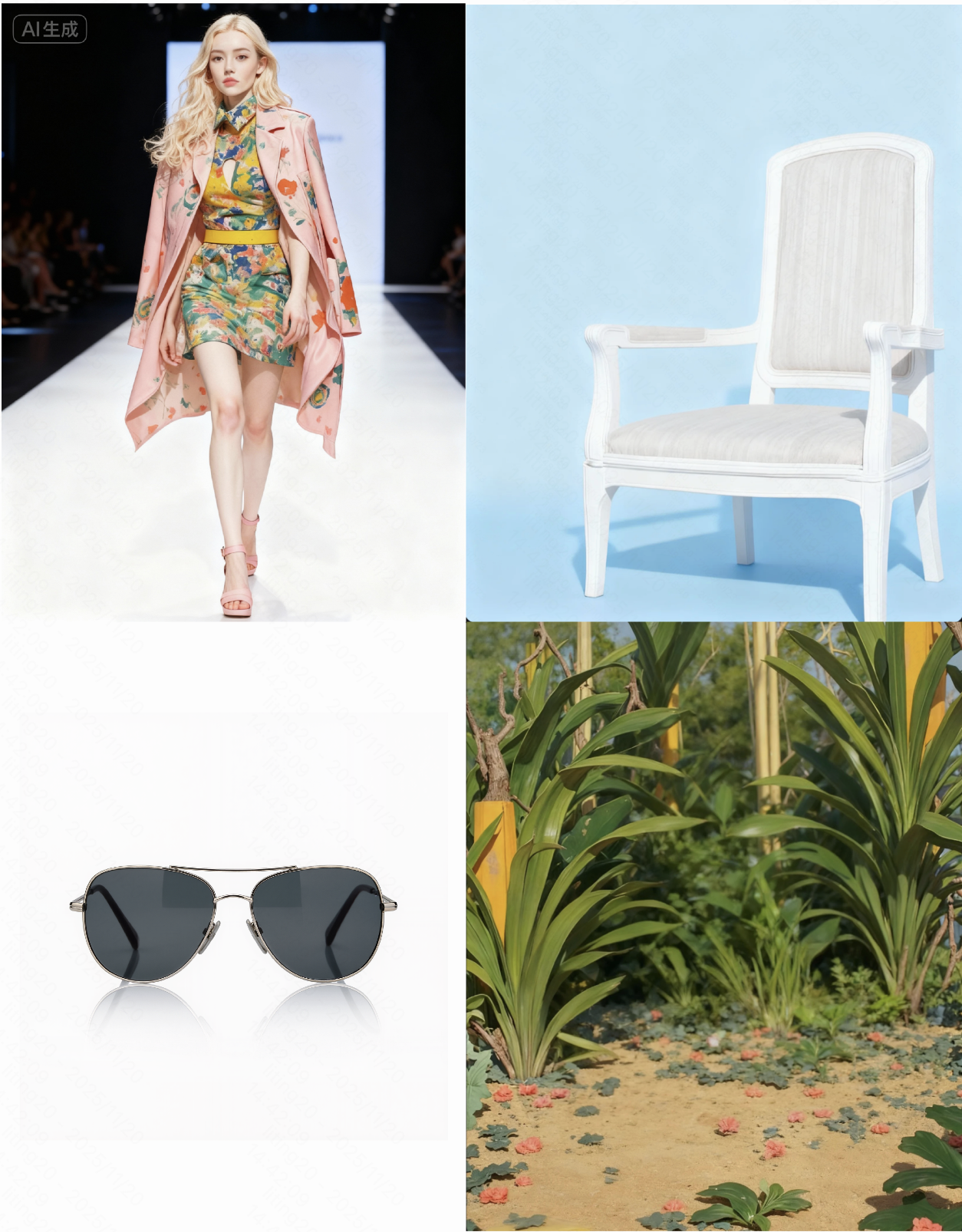
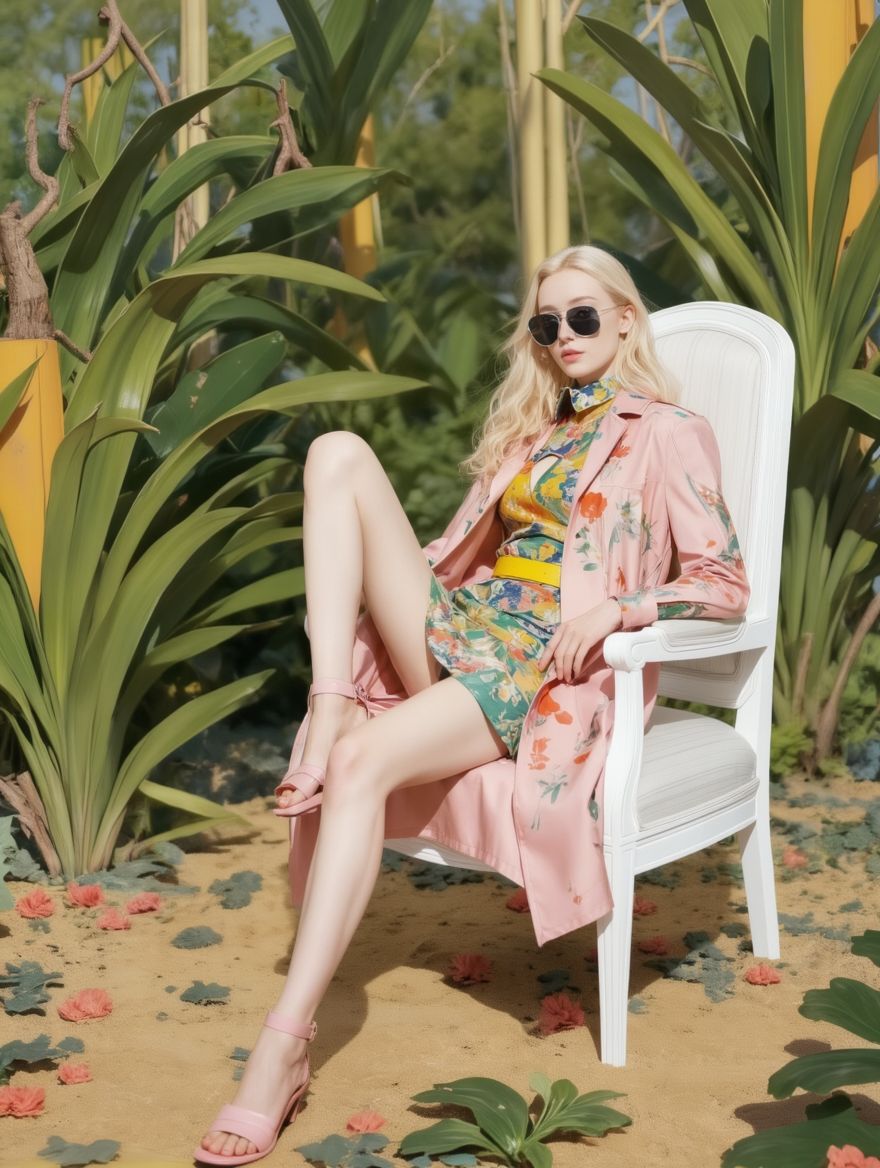
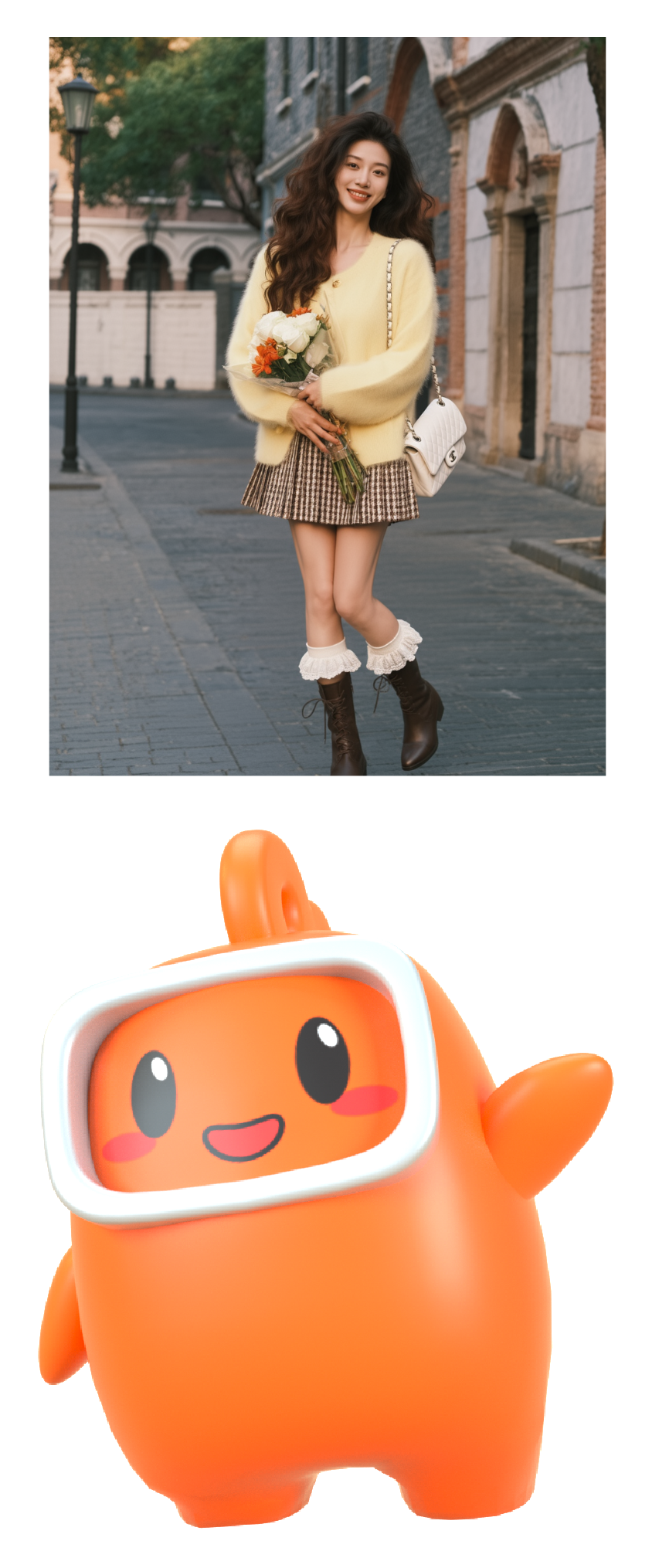
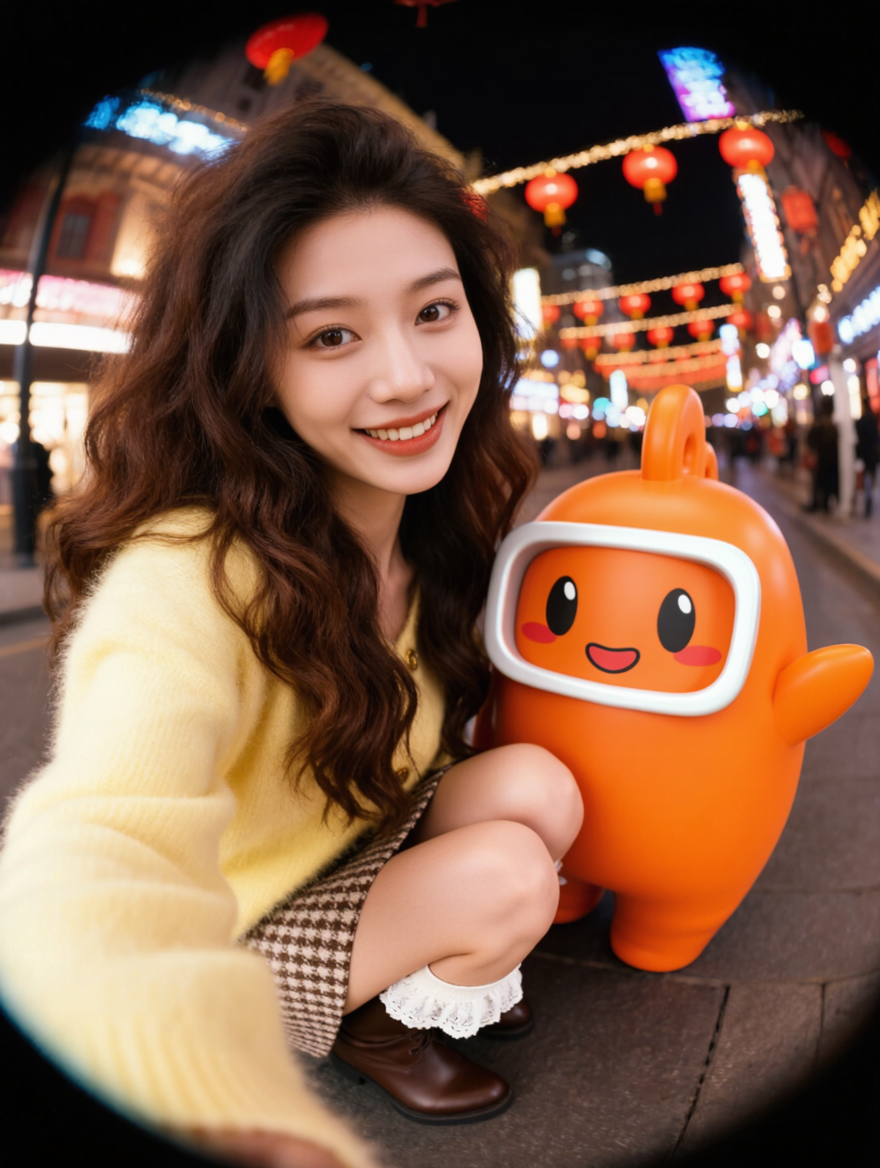
2. Precise Detail Modification
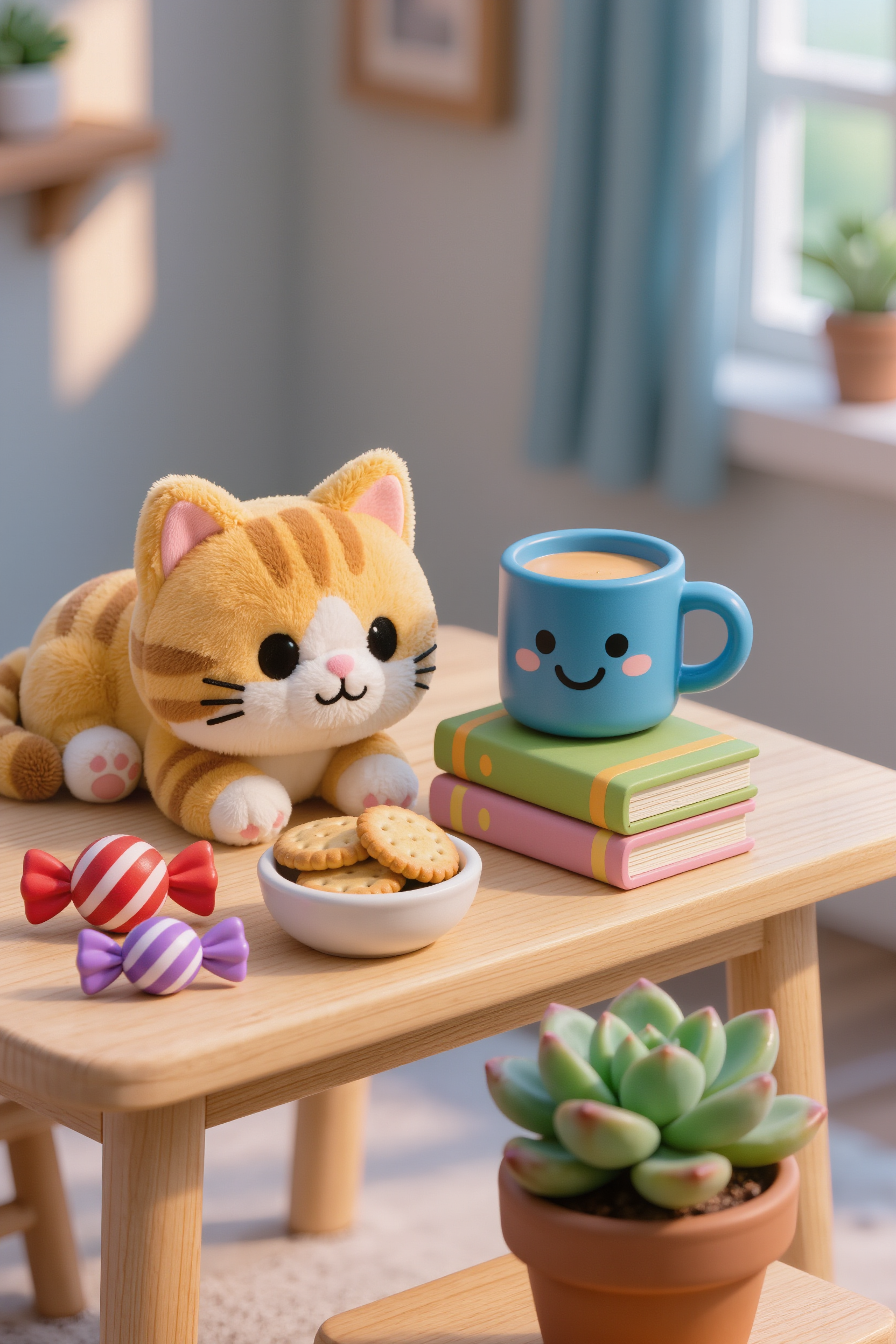
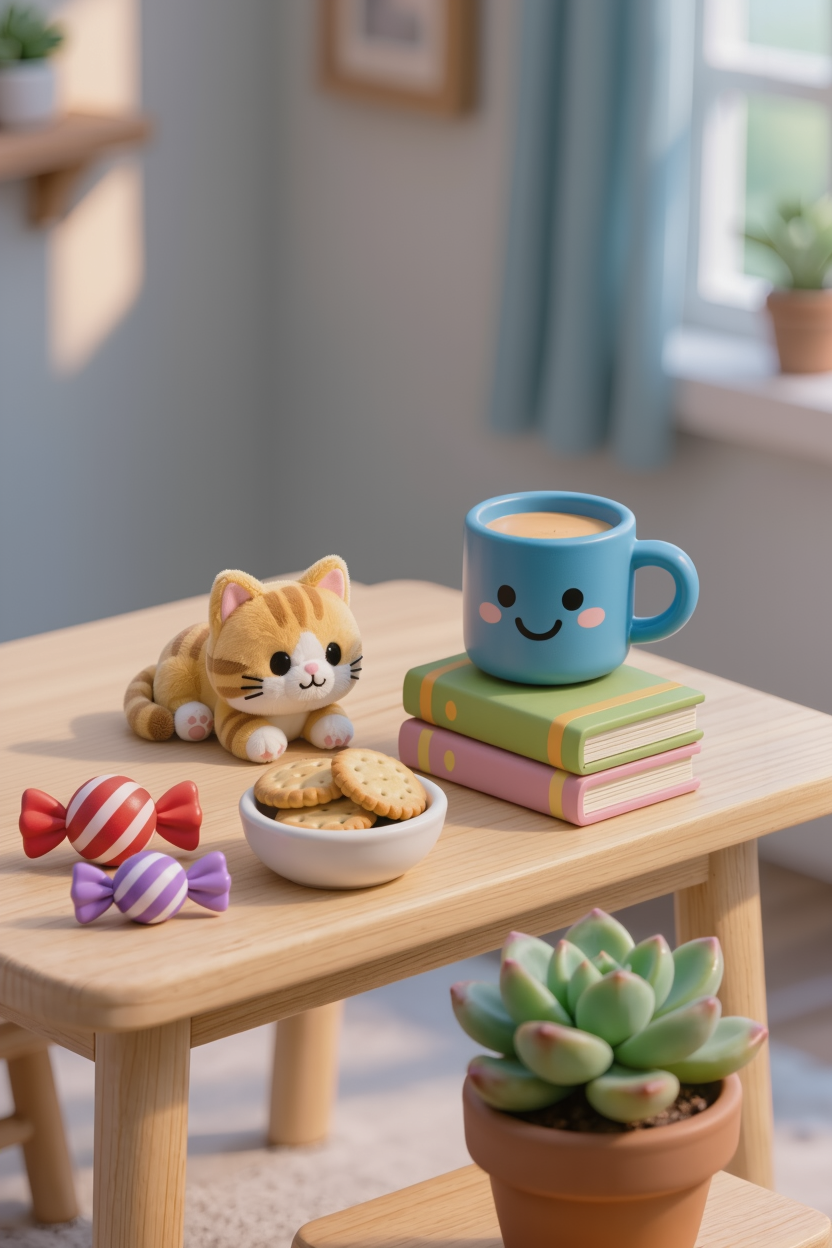
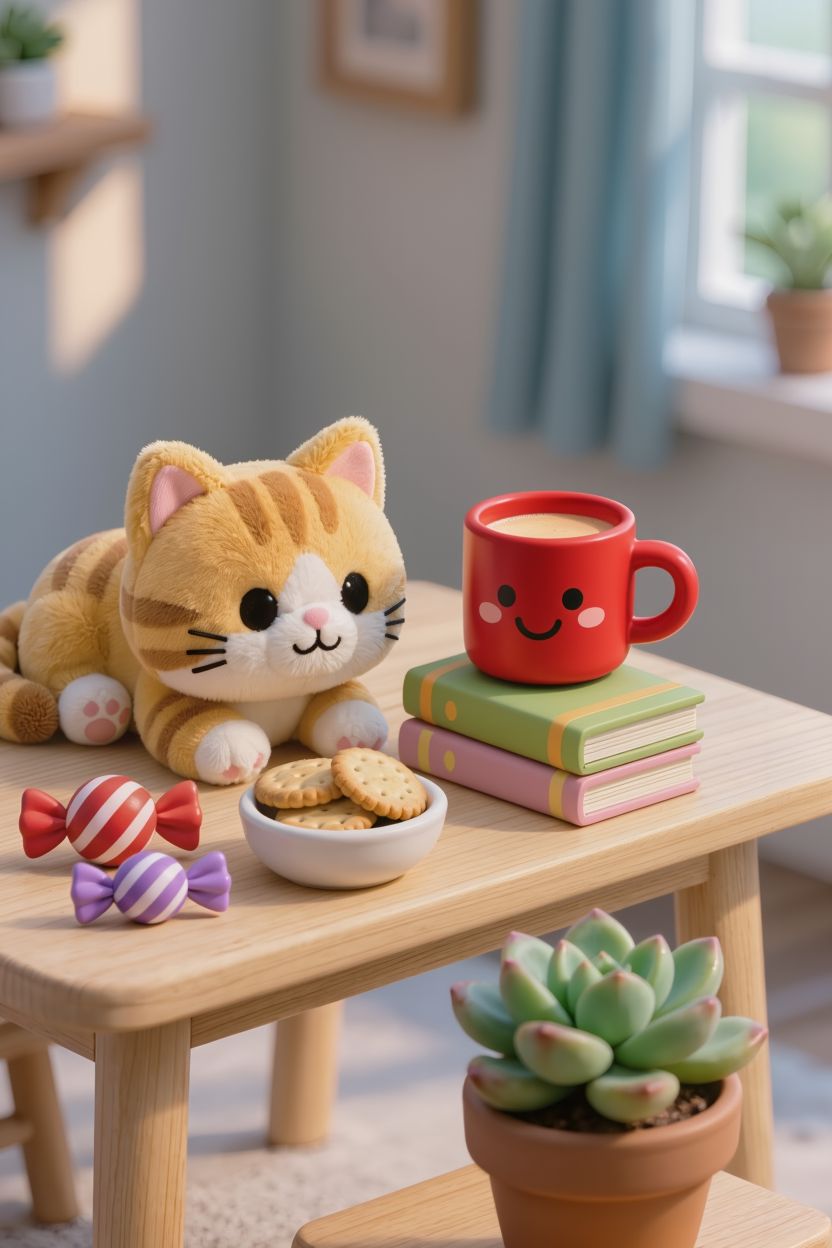
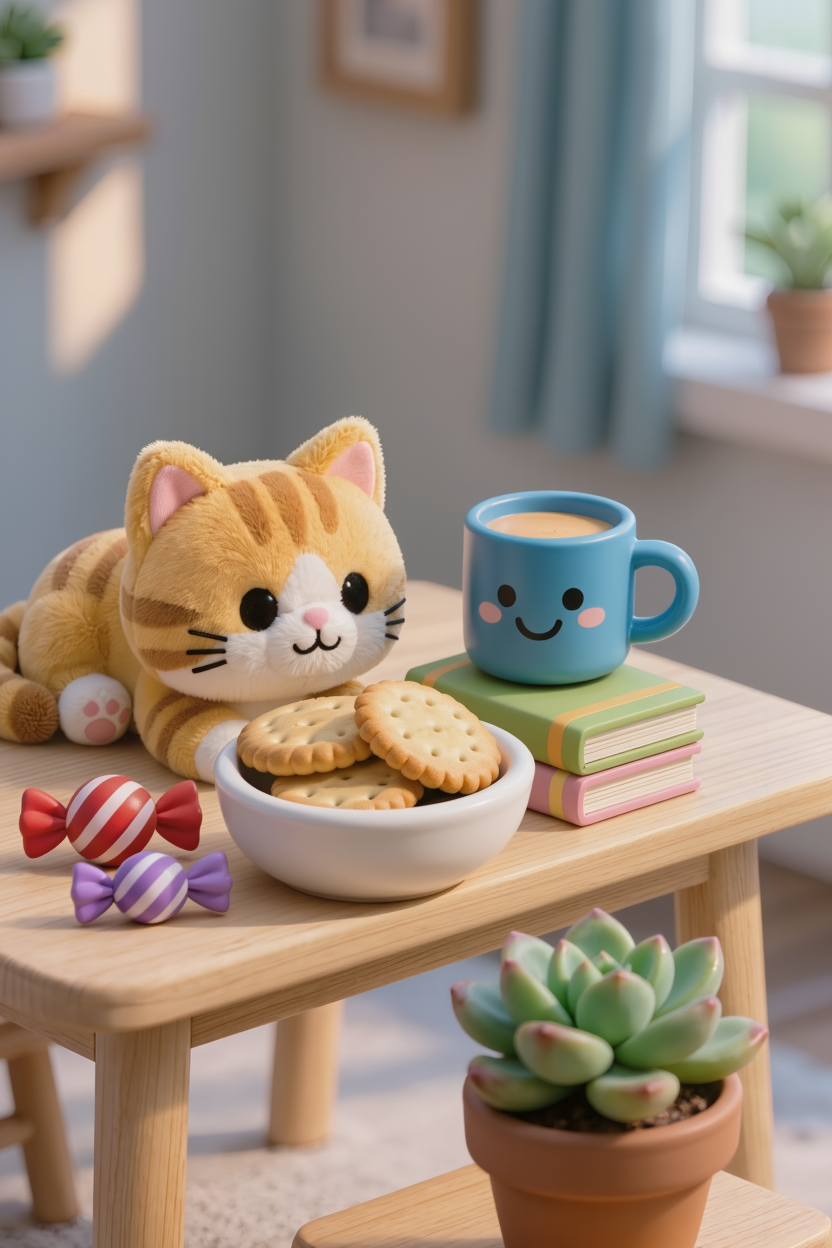
With IMAGE 3.0, no professional editing skills are required. Simply provide text instructions to add, remove, or modify objects and characters in the image. The model precisely responds to edits while preserving the original style, lighting, and texture, making the result natural and cohesive. This significantly reduces the number of steps compared to traditional editing tools, boosting creativity efficiency.
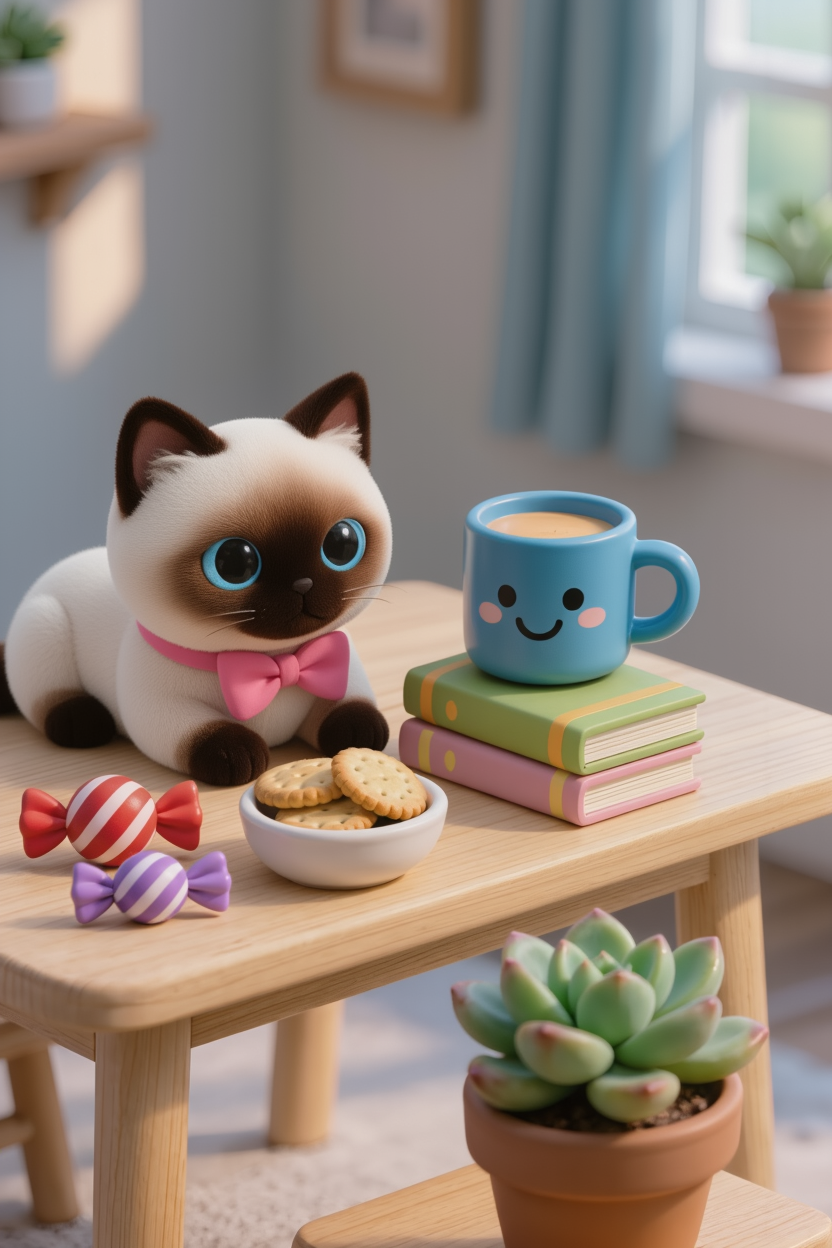
Reference Image
|
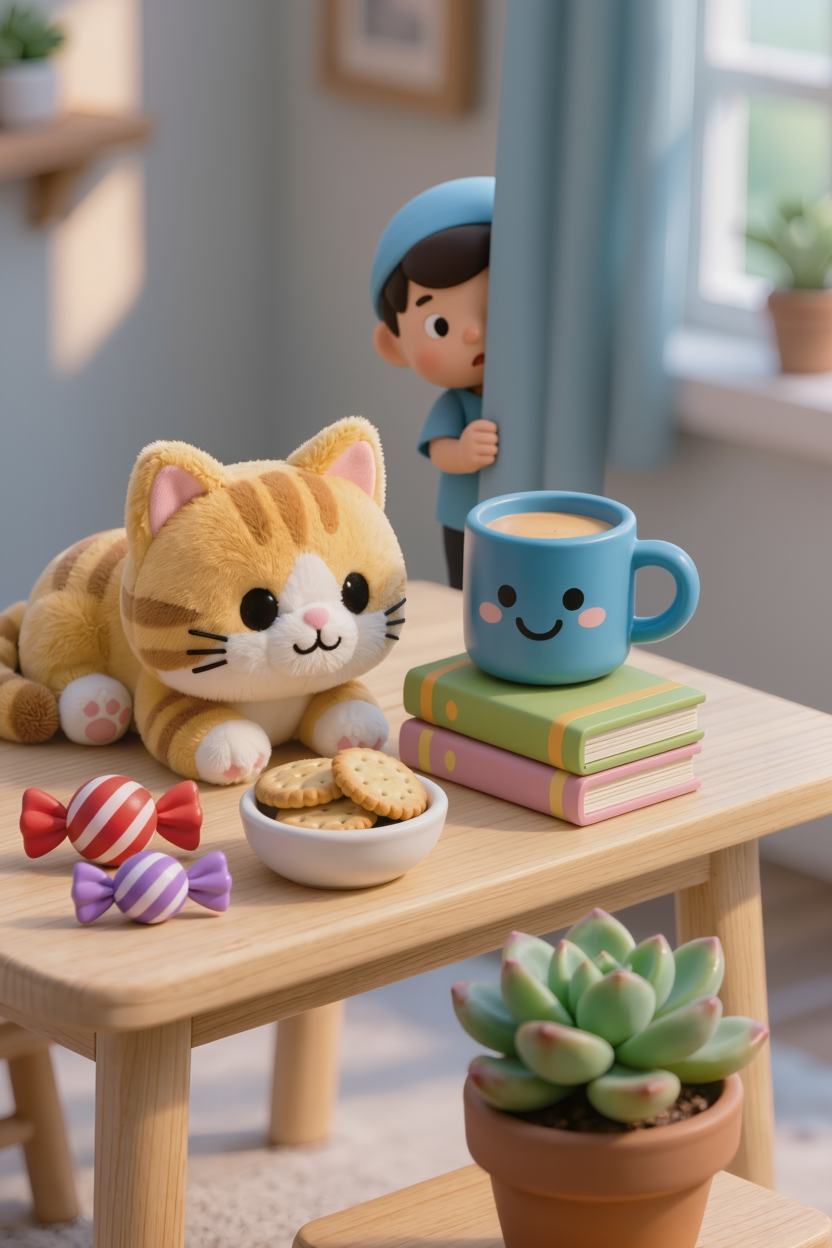
Make the cat smaller. |
Change the blue cup to a red one. |
Change the cookie bowl to a bigger size. |
Change the table material to stone. |
Change the expression on the cup to an angry face. |
The flowerpot in the foreground blooms. |
The curtains turn into a white sheer fabric. |
The curtains turn into a white sheer fabric. |
The curtains turn into a white sheer fabric. |
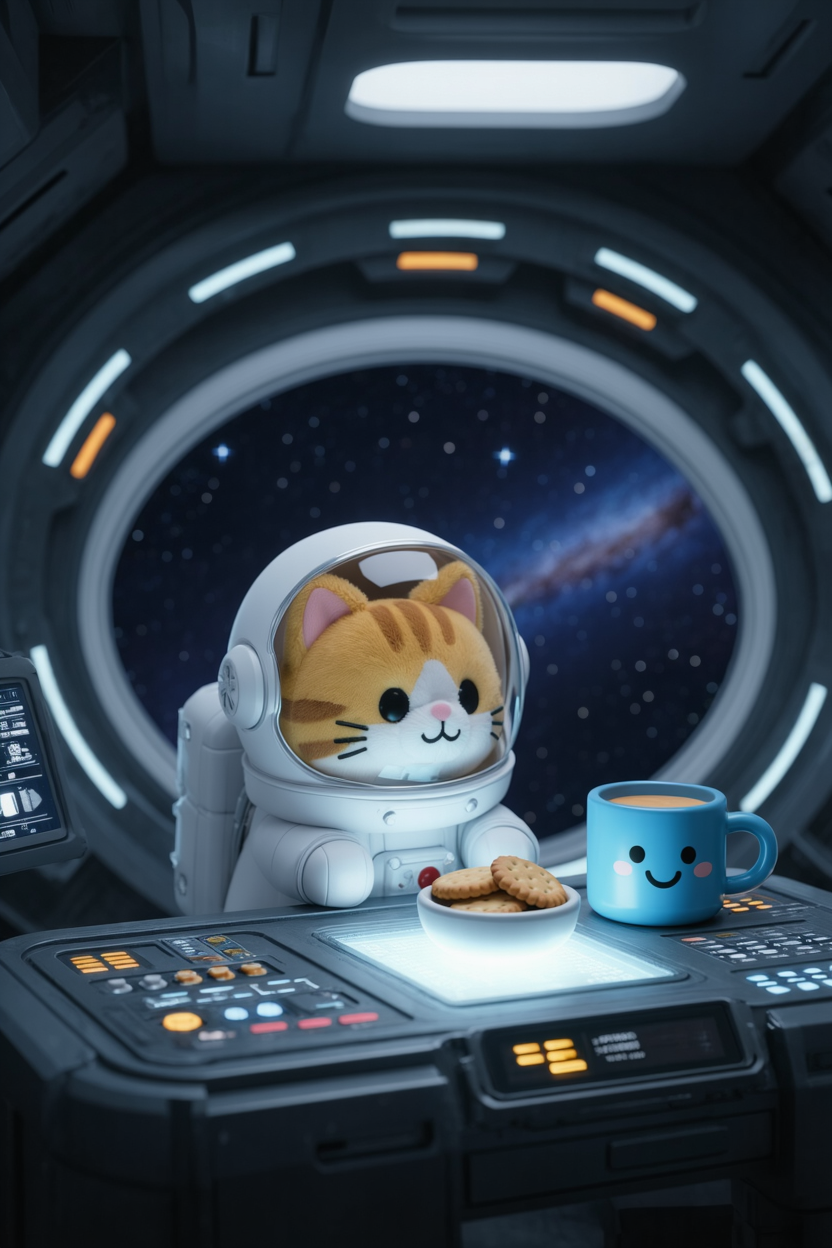
Change the background to the inside of a spaceship, with the table turning into a control desk. The kitten is wearing a spacesuit, and remove the flowerpot and books, leaving only the cup and small biscuit bowl. |
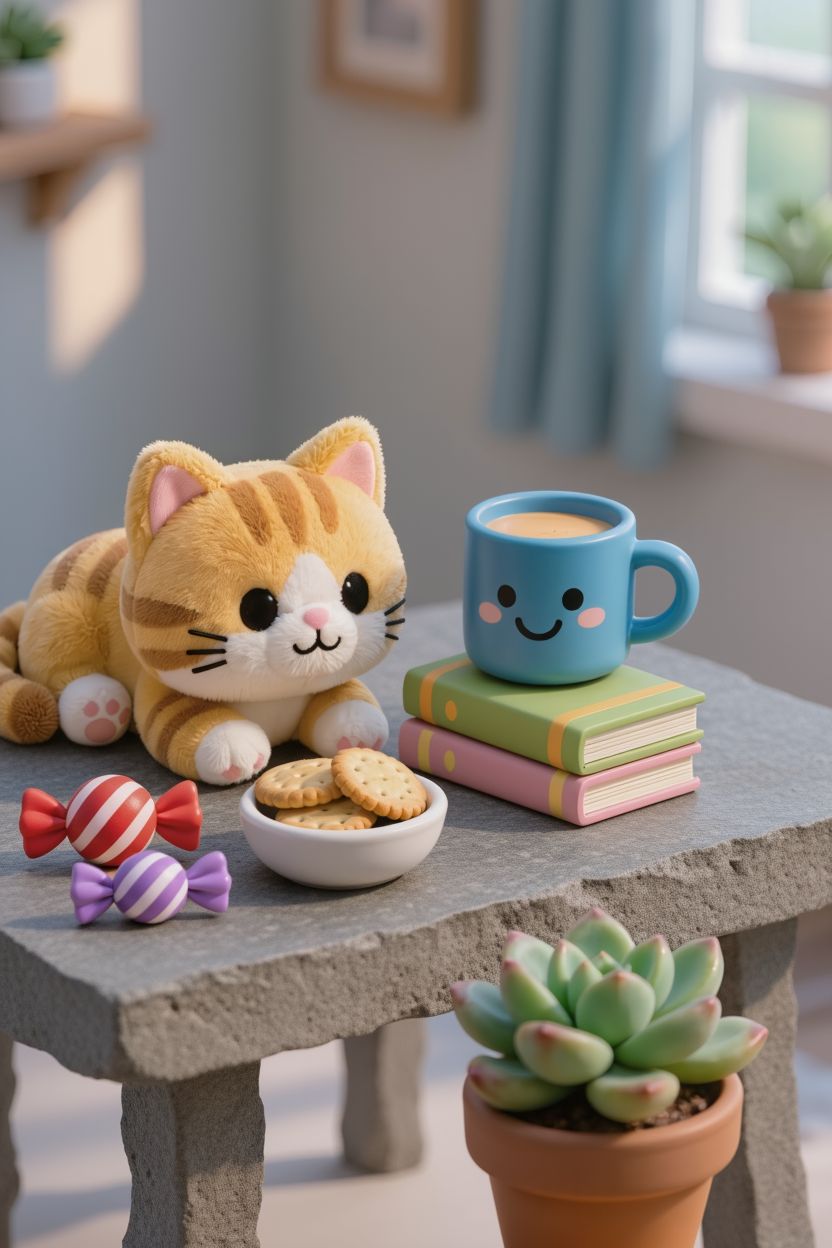
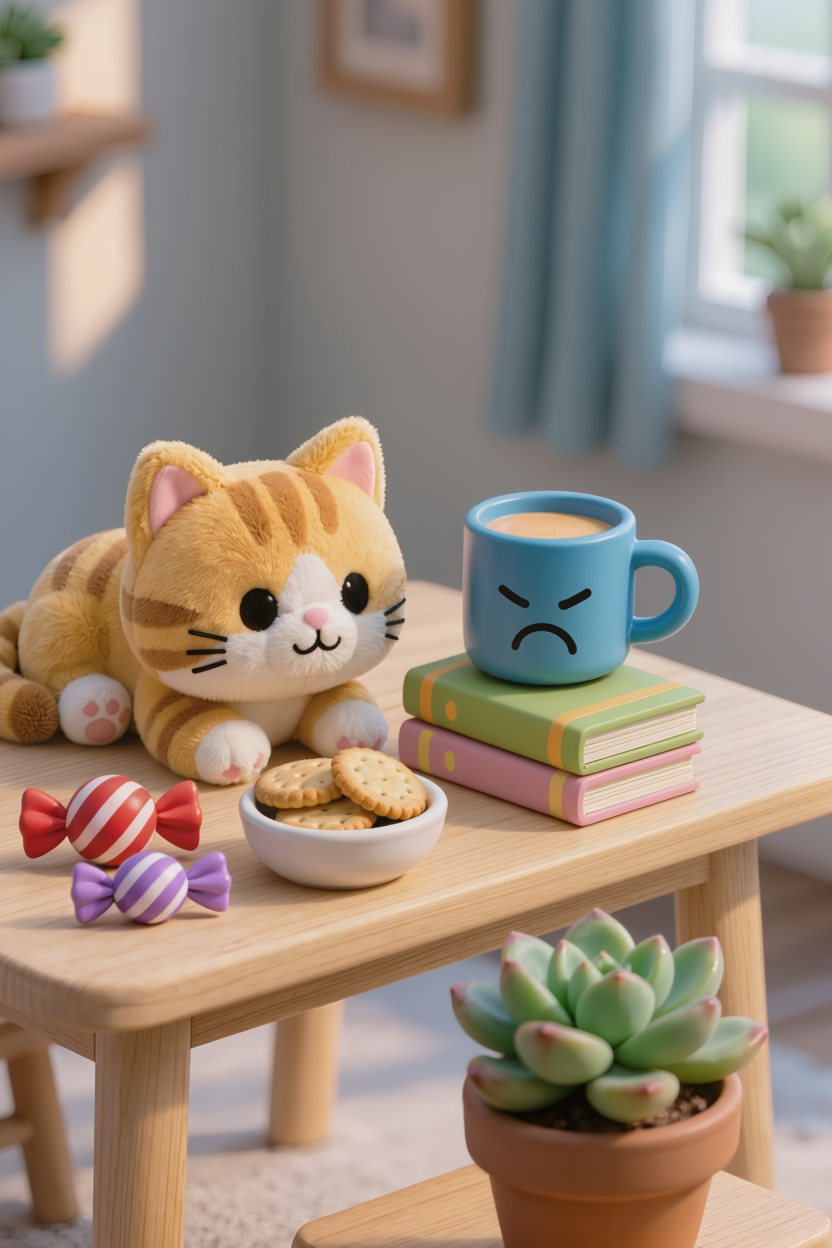
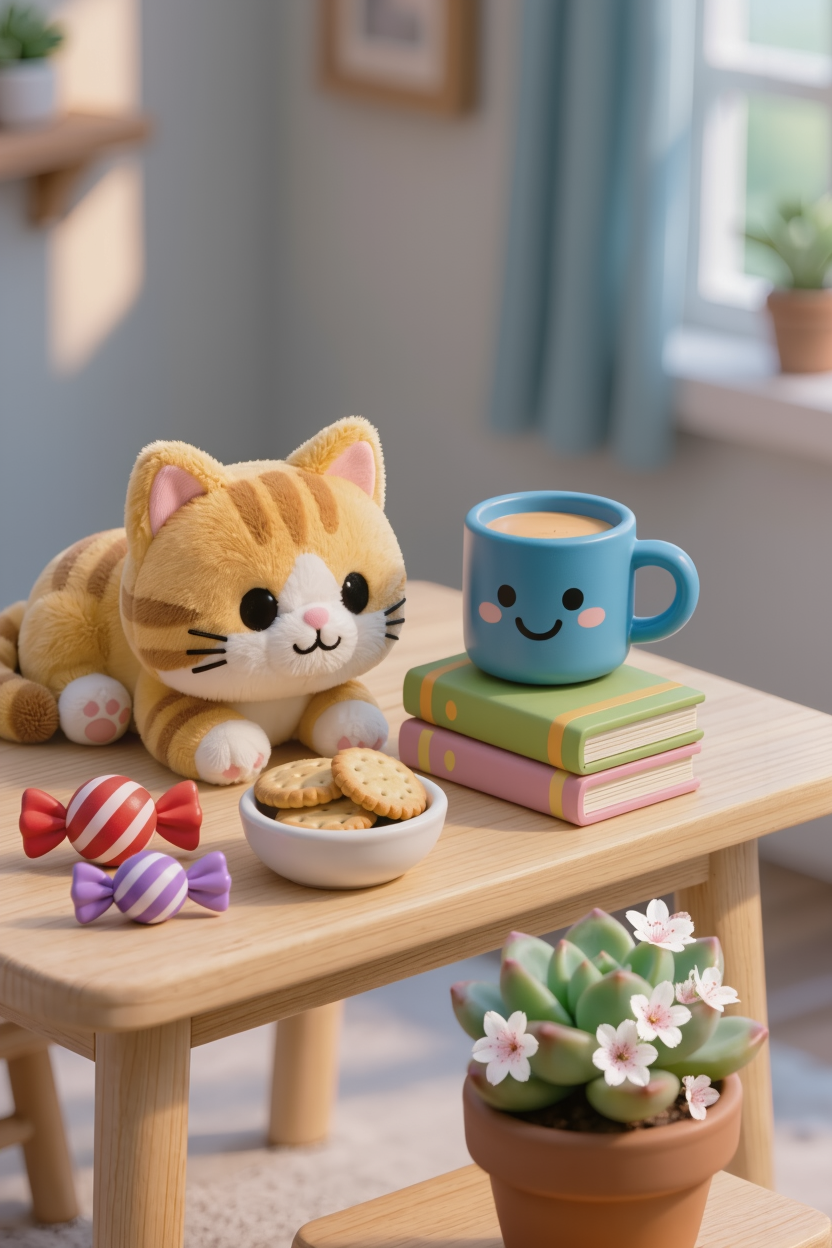
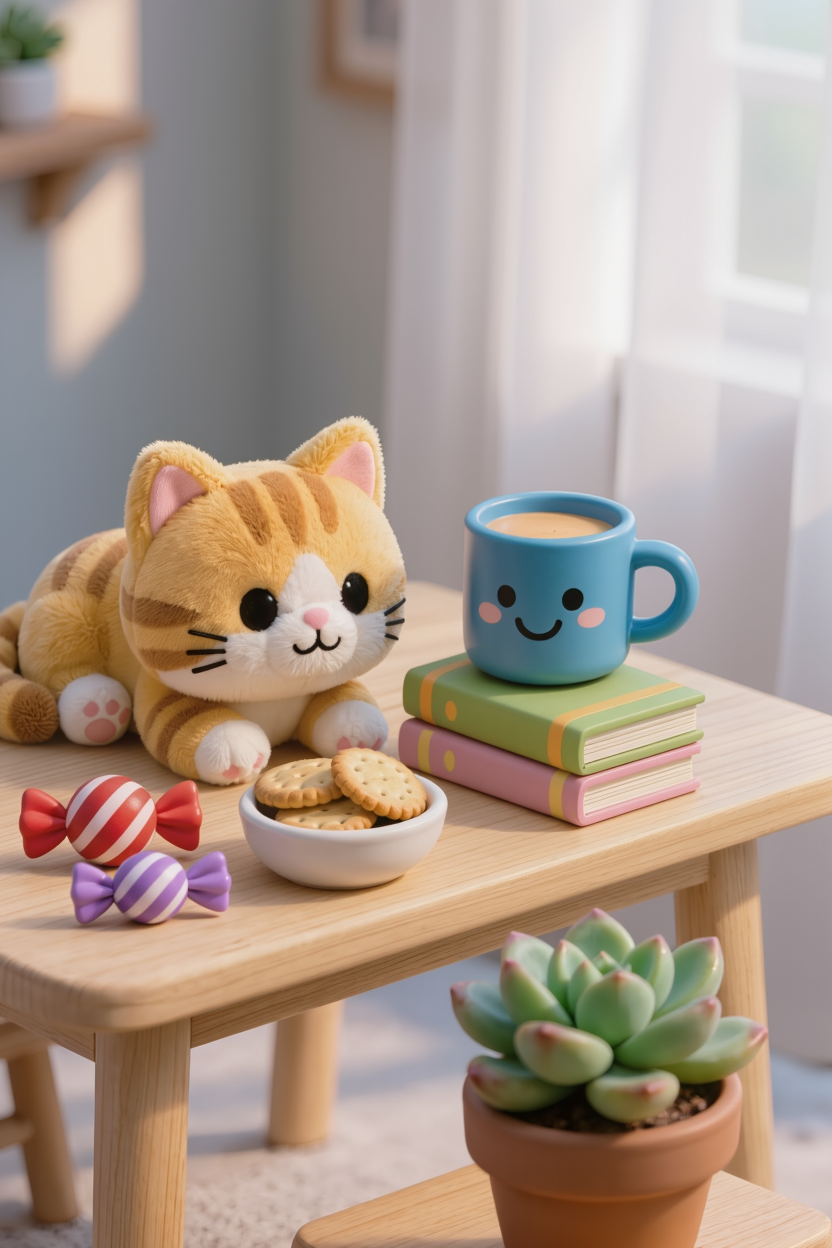
3. Accurate Control of Style and Tone
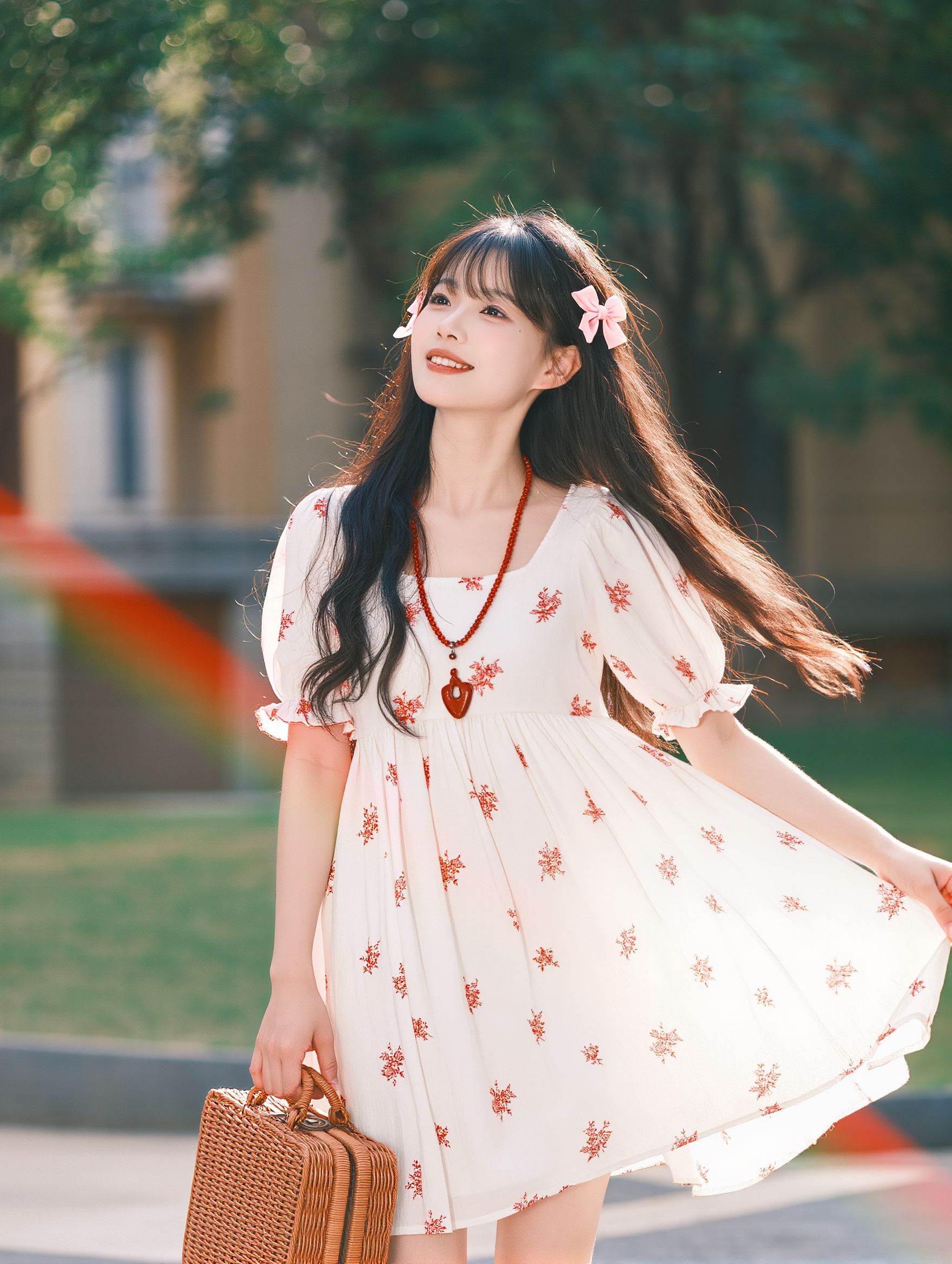
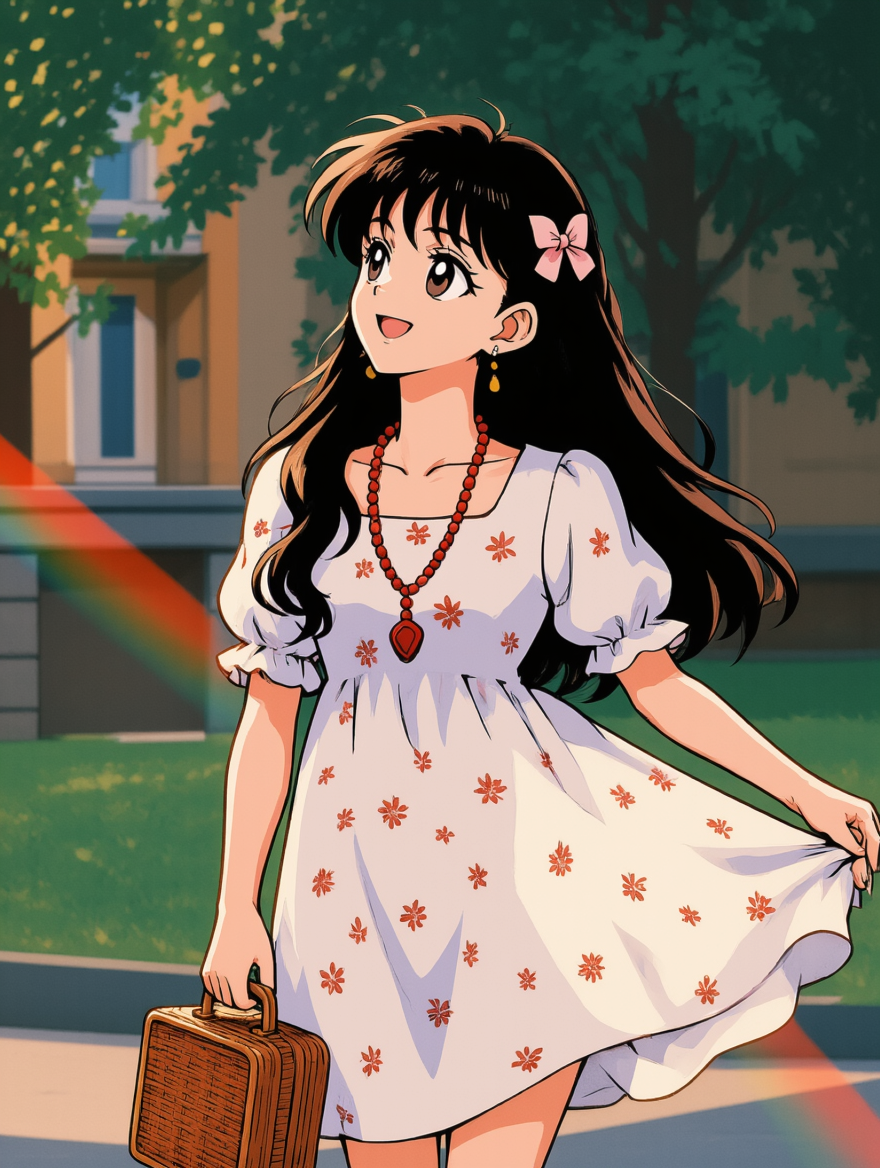
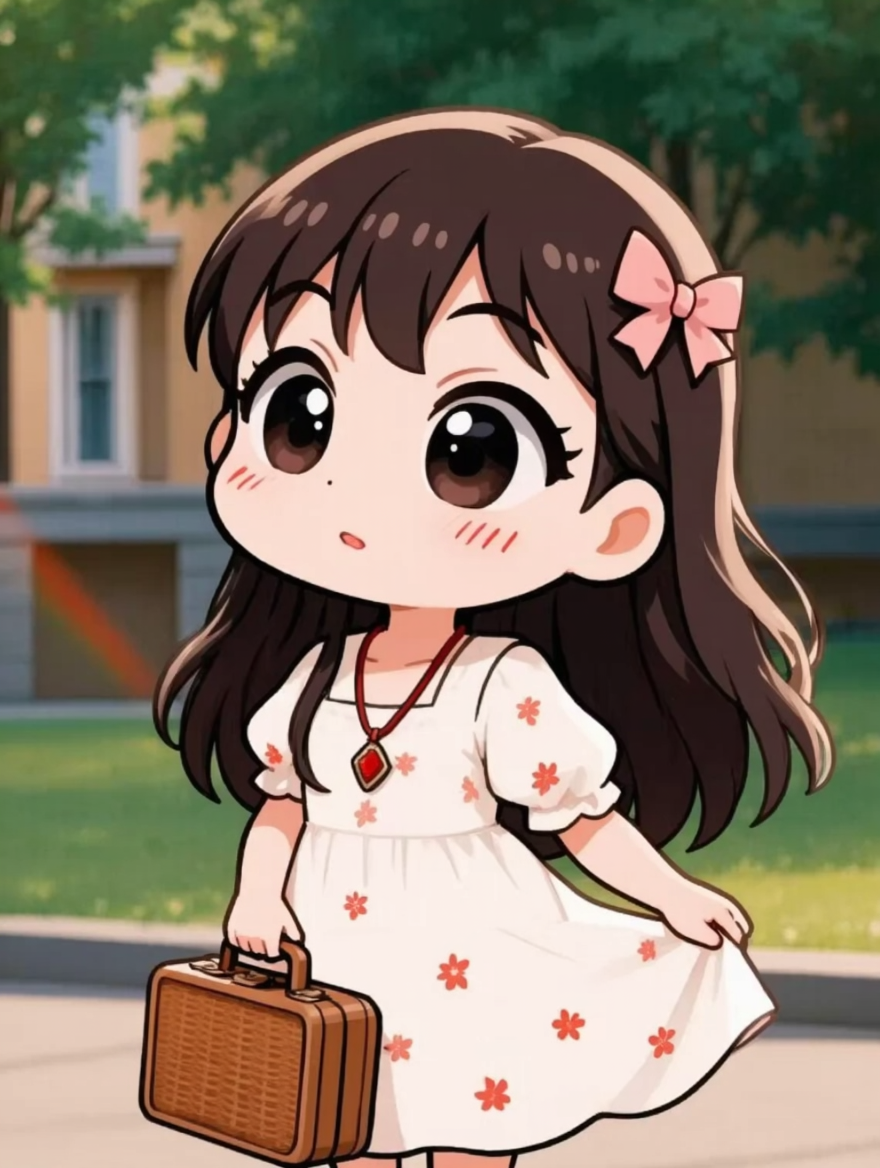
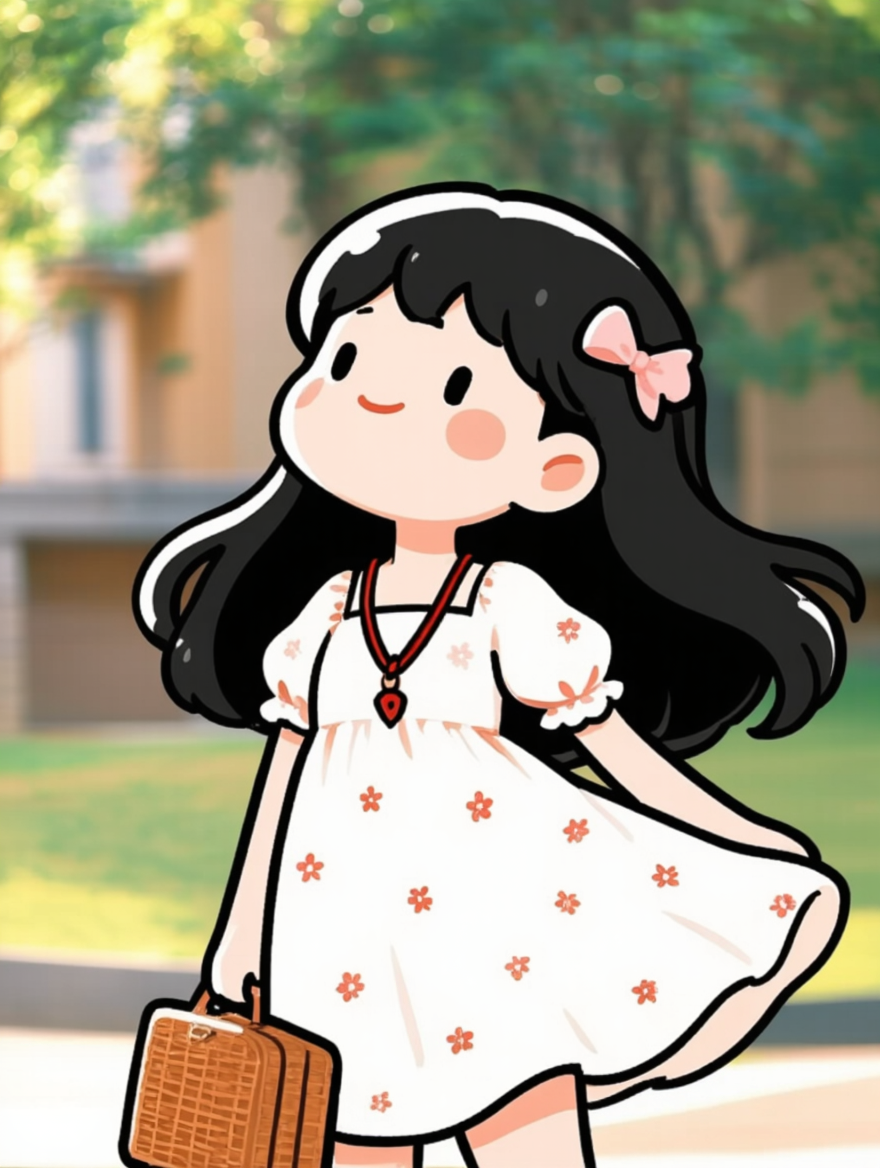
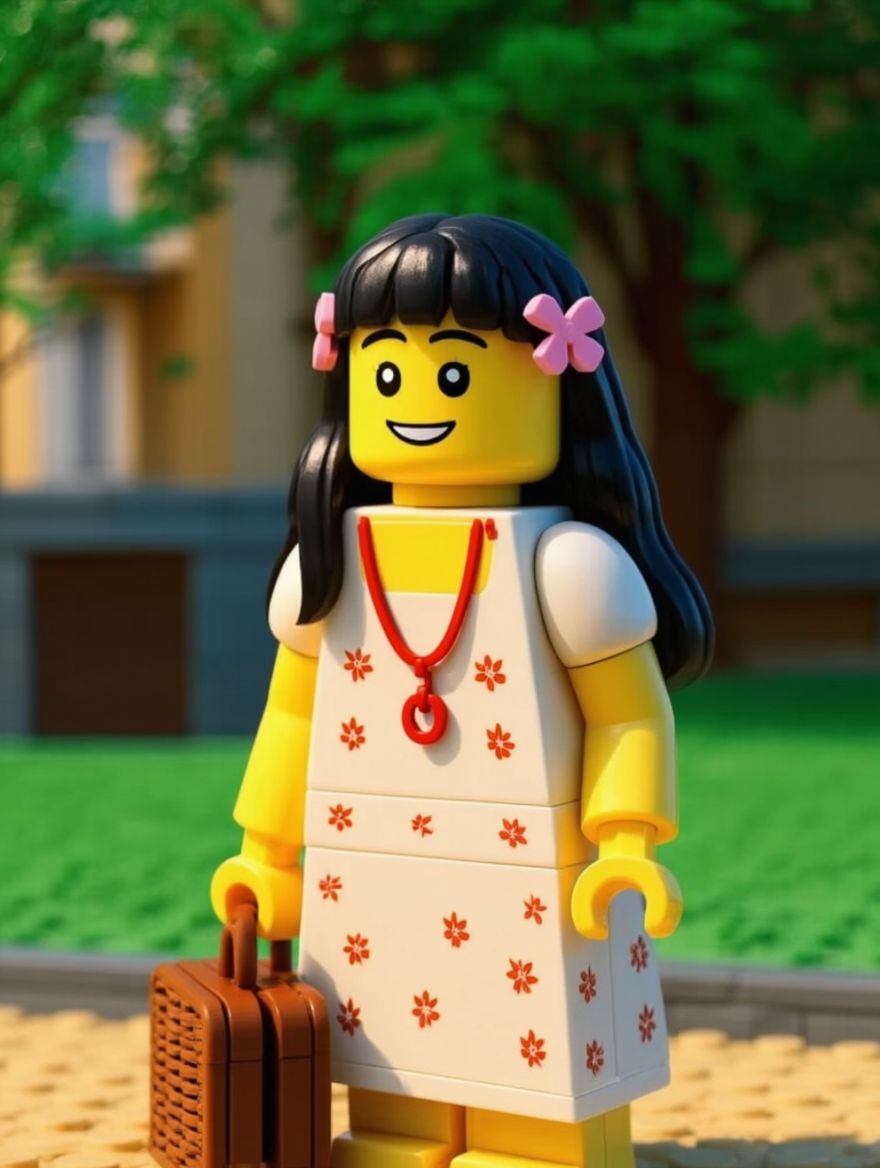
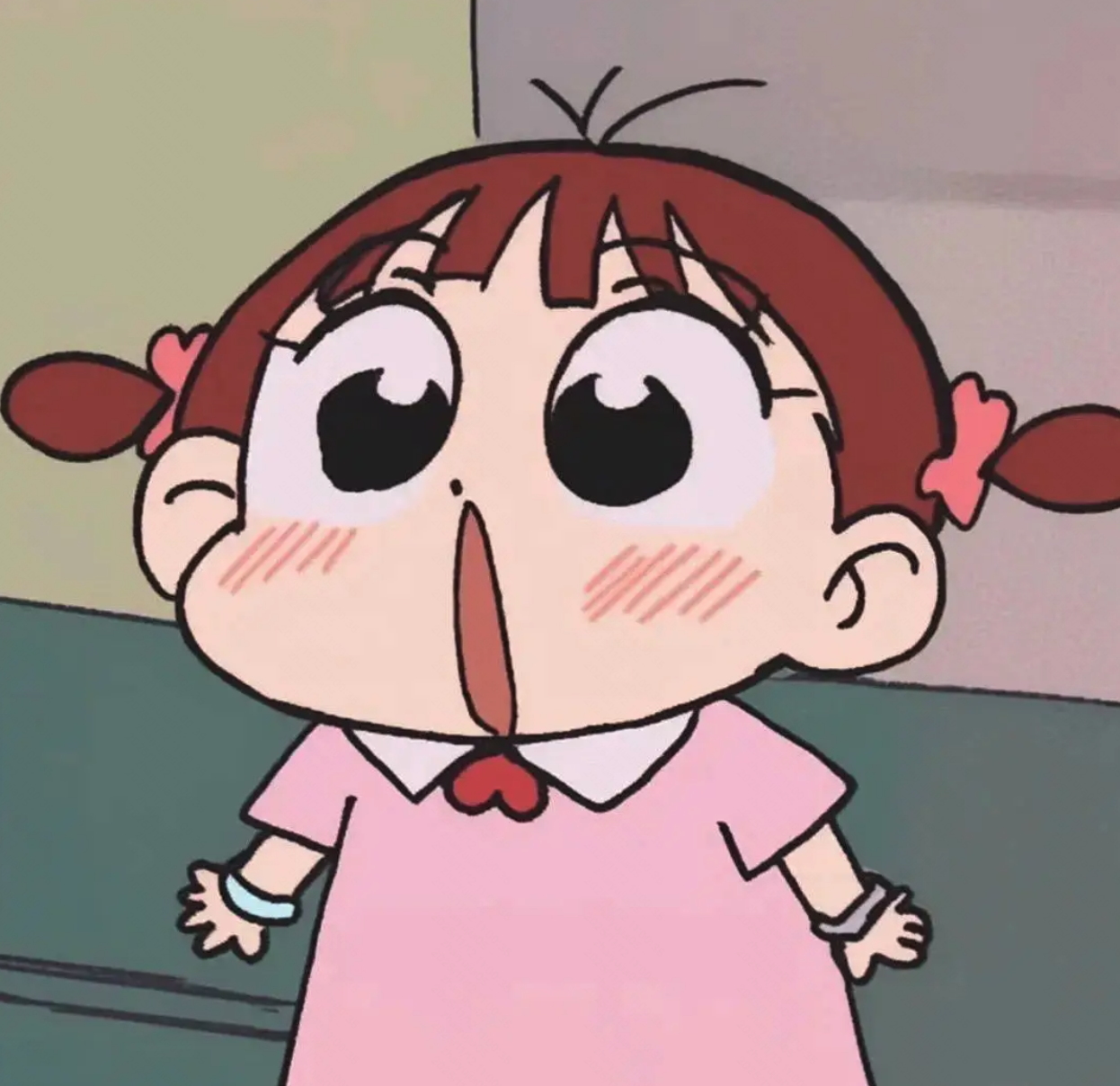
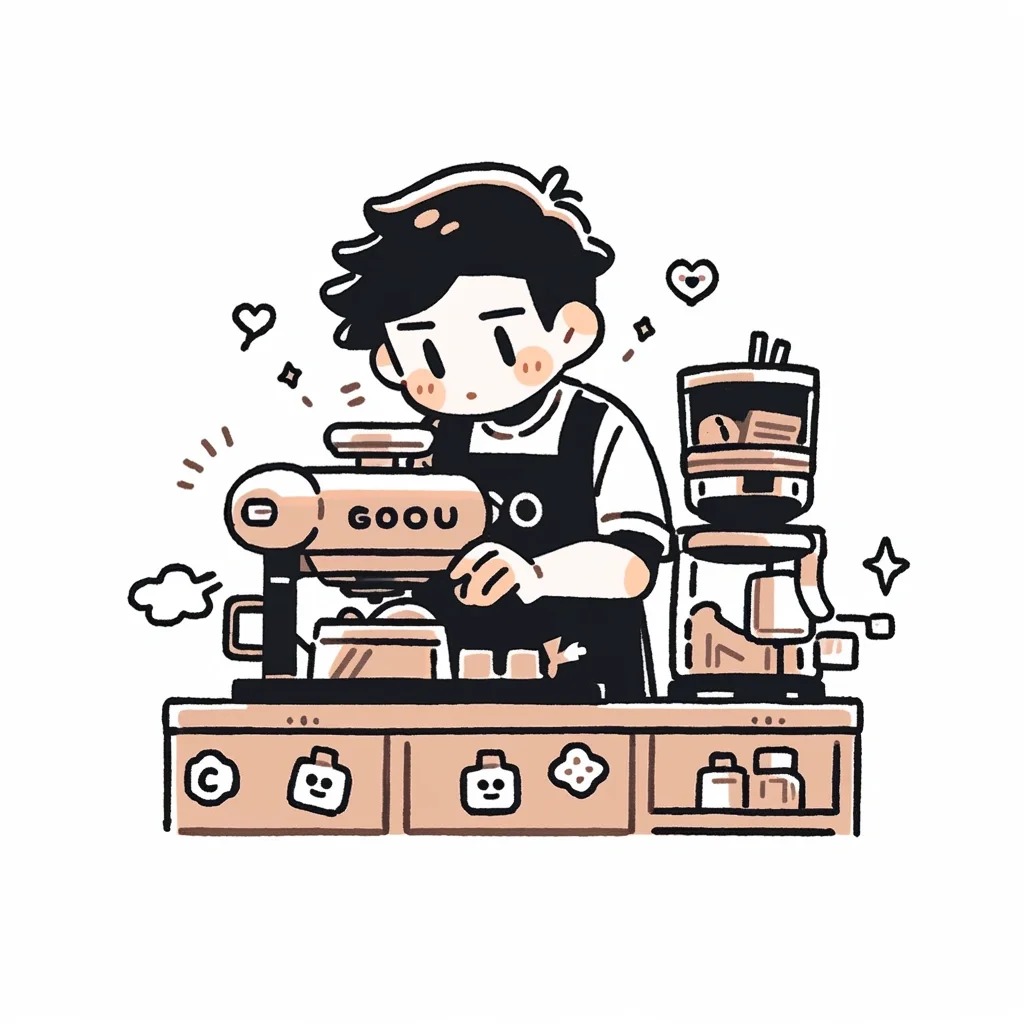
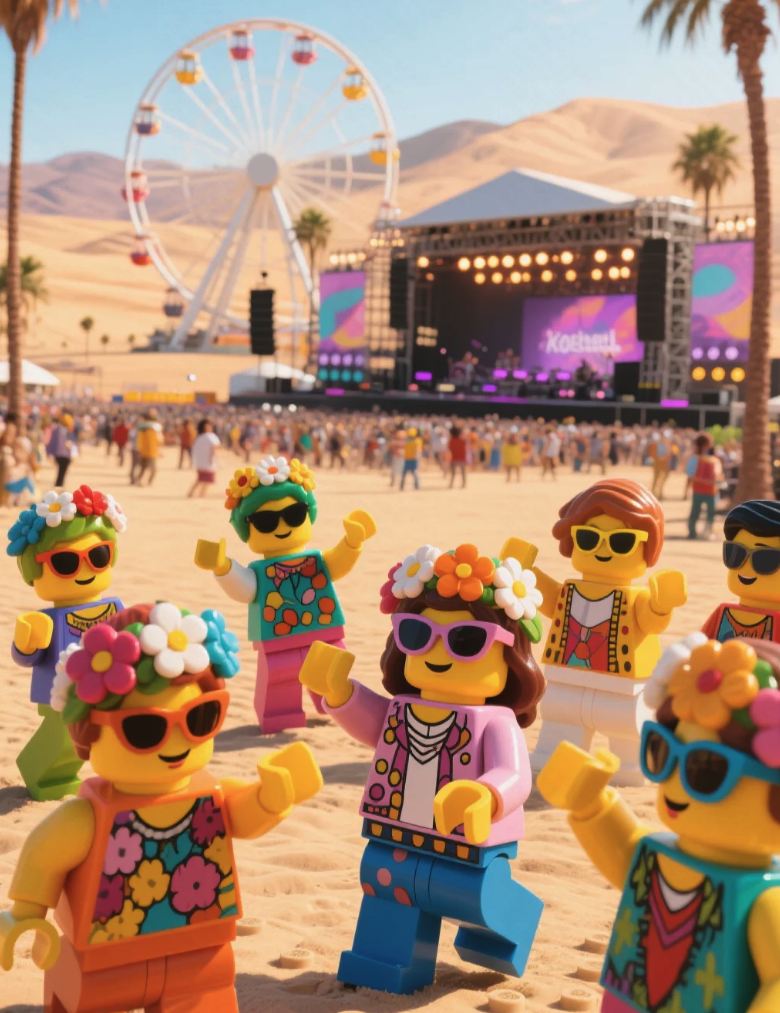
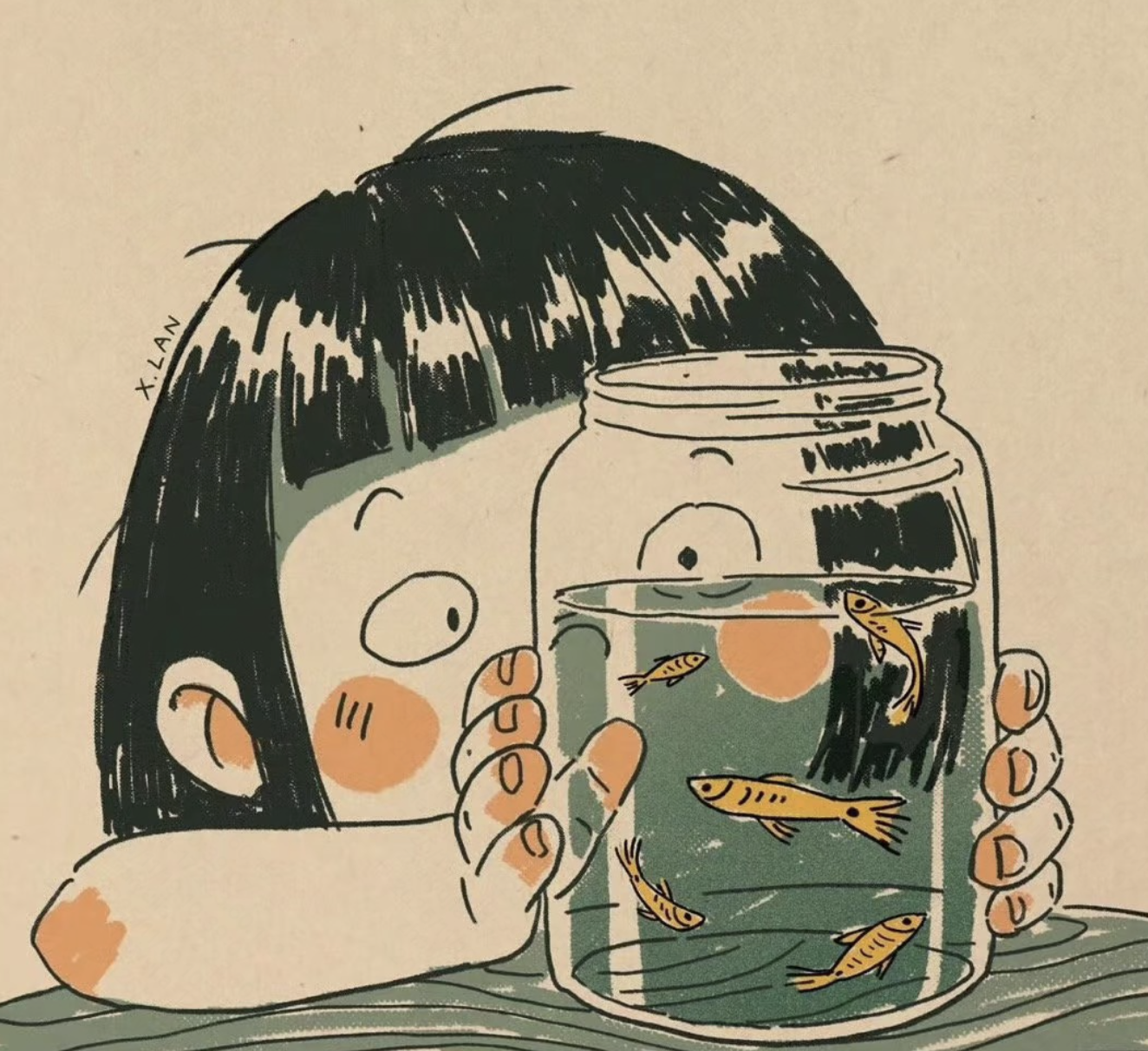
IMAGE 3.0 can deeply deconstruct the core style of reference images, precisely capturing the brush strokes, color combinations, and composition logic to achieve seamless restyling and natural blending of styles. Whether it’s felt, 3D figurines, or niche trends, the model can faithfully reproduce and meet various demands, such as brand visual consistency, cinematic scene design, artistic style transfer, and personalized creative expression.
Reference Image |
|
|
|
|
|
|
|
Change the style of Image 1 to that of Image 2 | Change the style of Image 1 to that of Image 2 | Change the style of Image 1 to that of Image 2 | Change the style of Image 1 to that of Image 2 | Change the style of Image 1 to that of Image 2 | Change the style of Image 1 to that of Image 2 | Change the style of Image 1 to that of Image 2 | |
|
|
|
|
|
|
| |
Change the style of Image 1 to that of Image 2 | Change the style of Image 1 to that of Image 2 | Change the style of Image 1 to that of Image 2 | Change the style of Image 1 to that of Image 2 | Change the style of Image 1 to that of Image 2 | Change the style of Image 1 to that of Image 2 | Change the style of Image 1 to that of Image 2 |

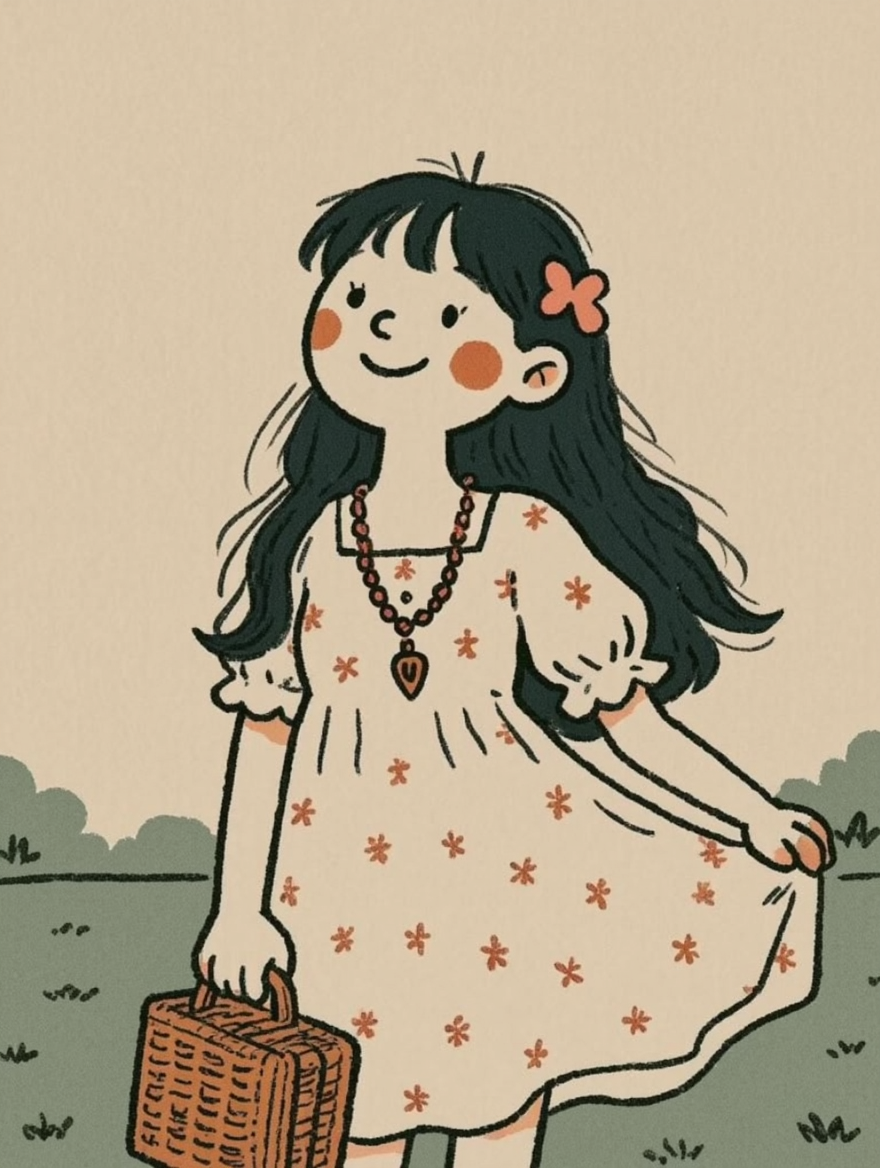
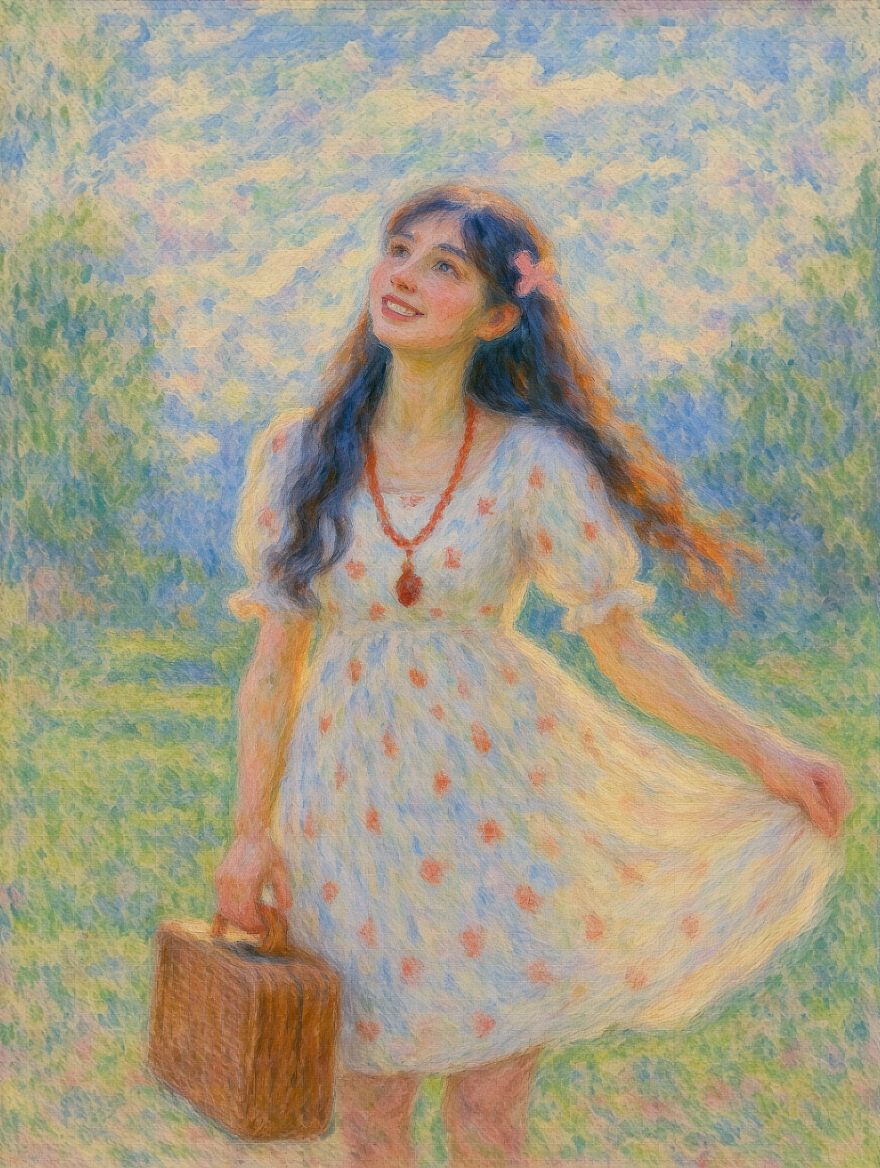
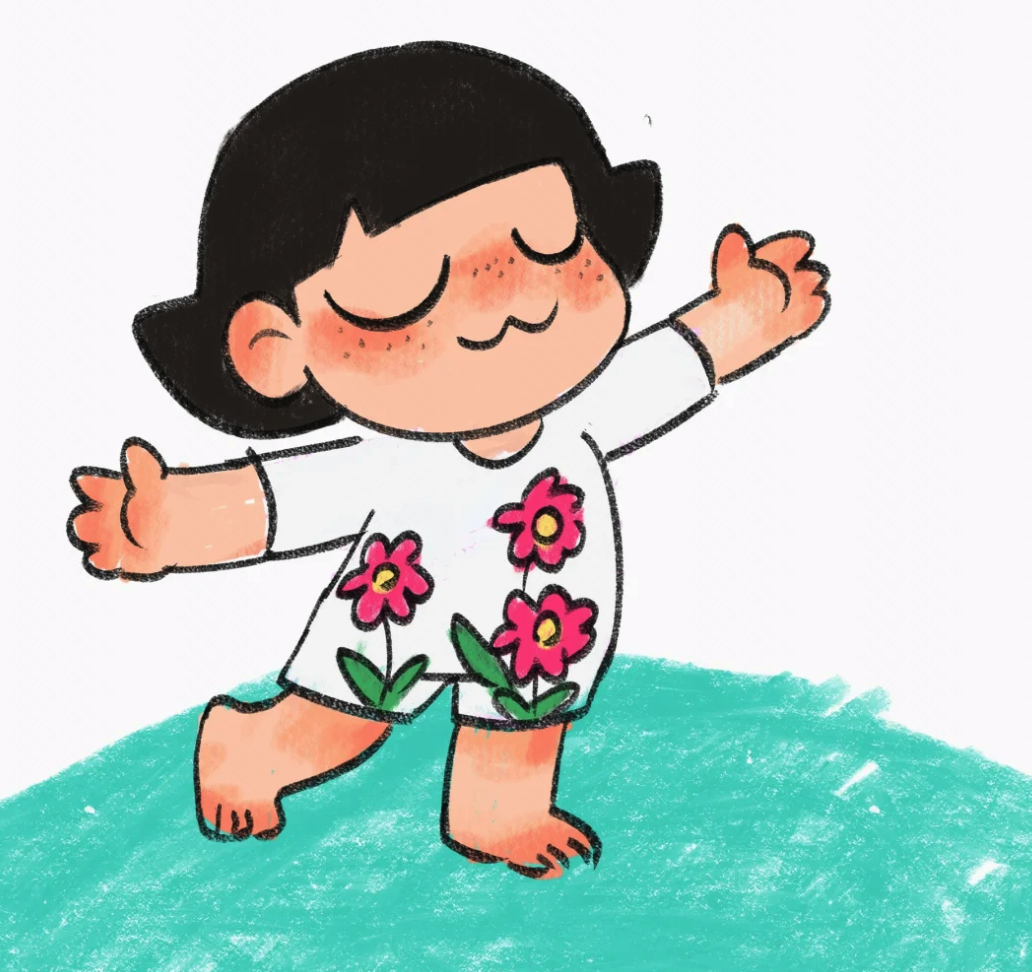
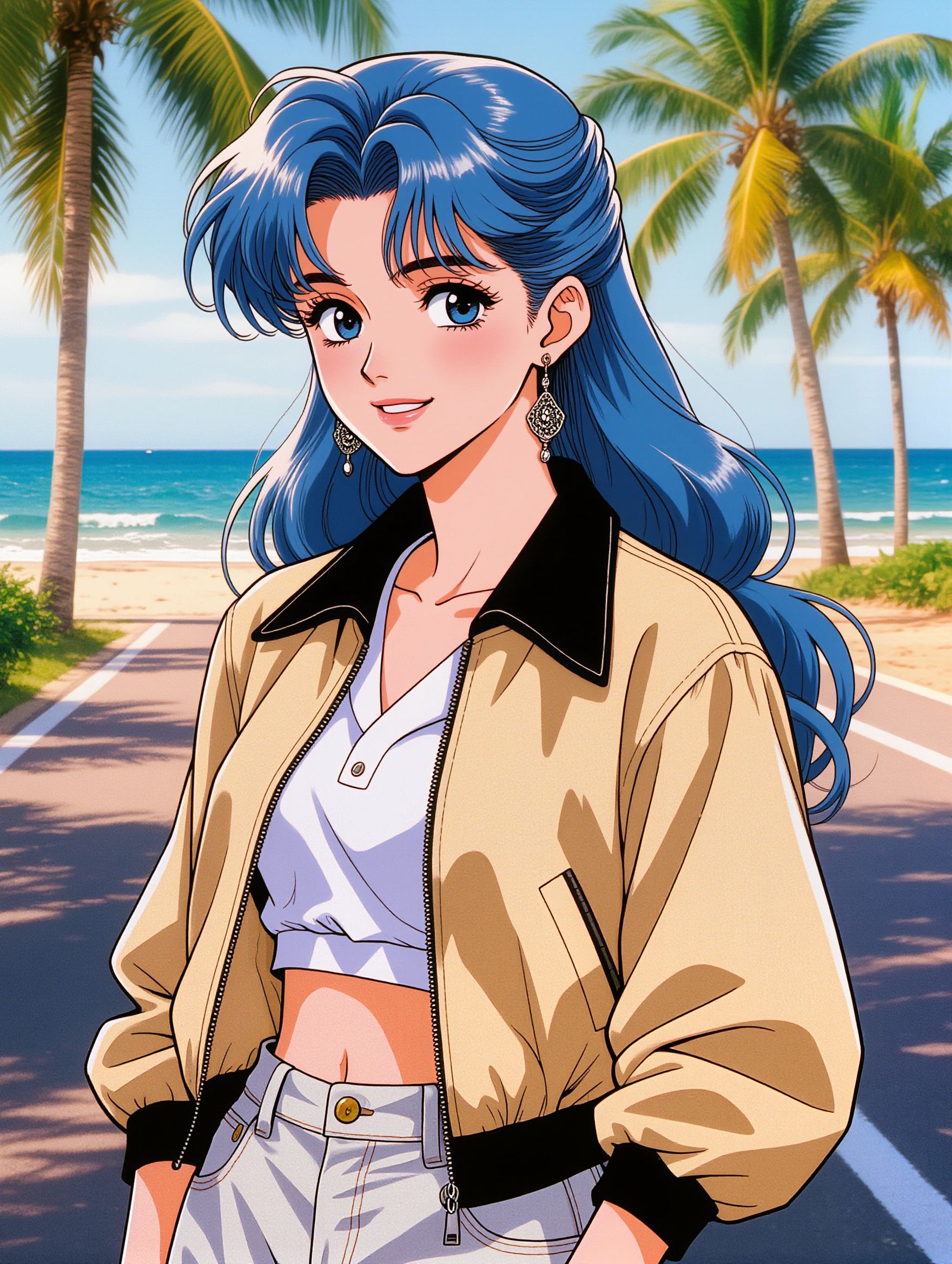
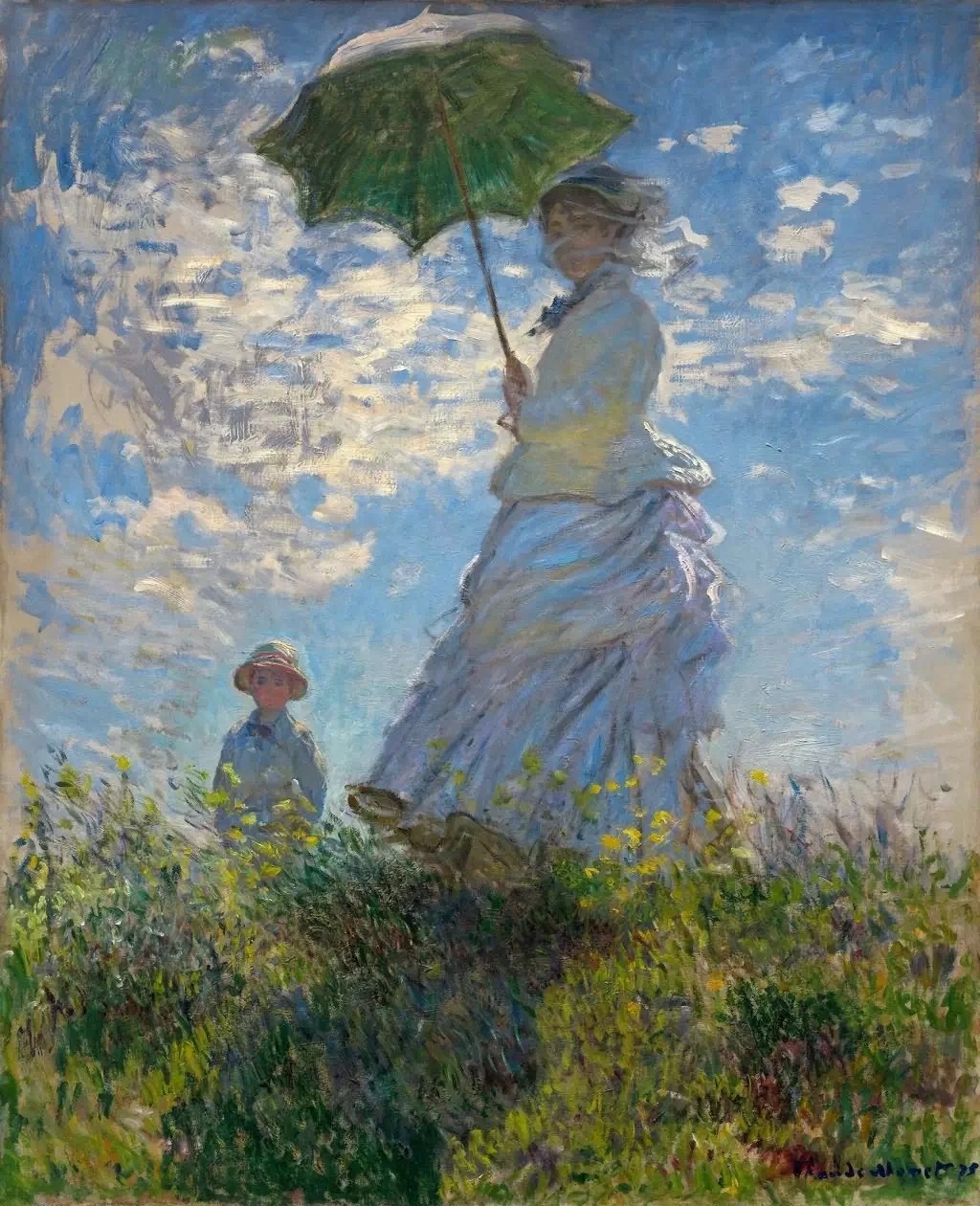
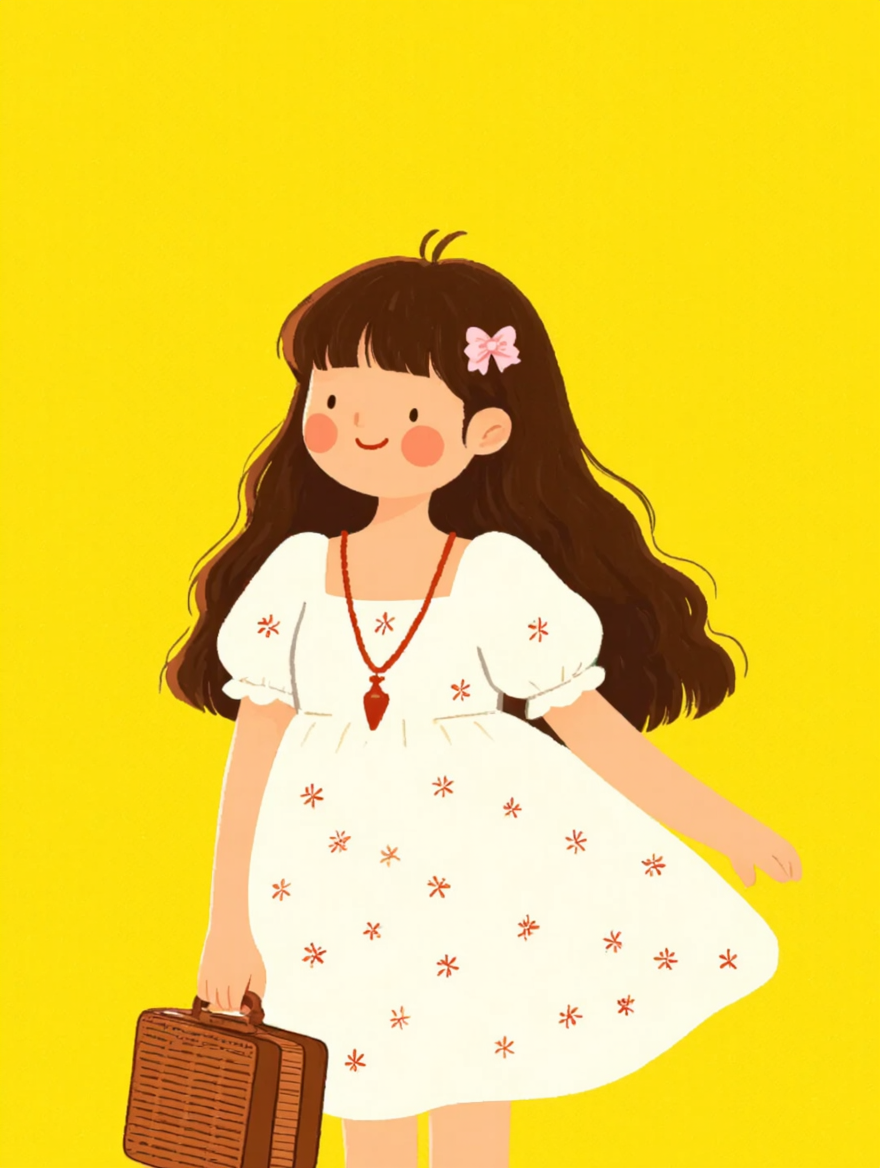
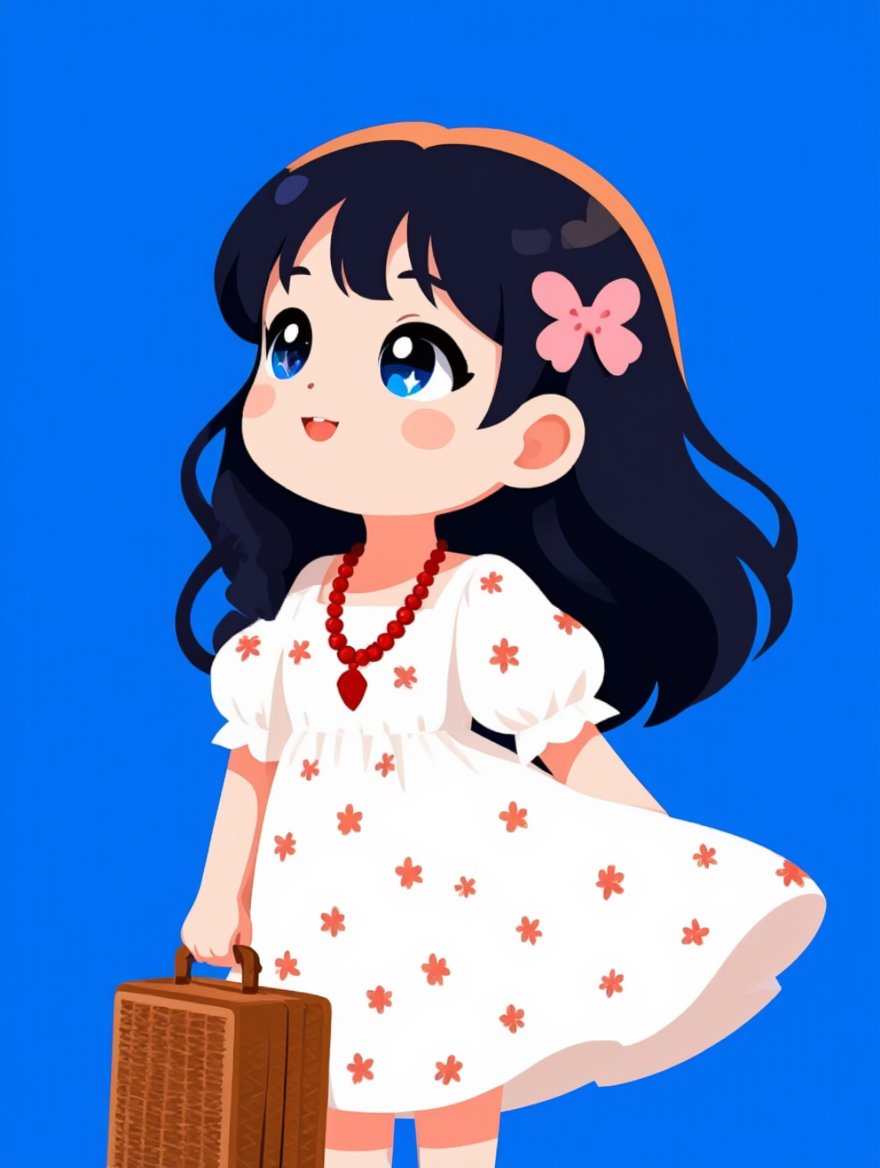
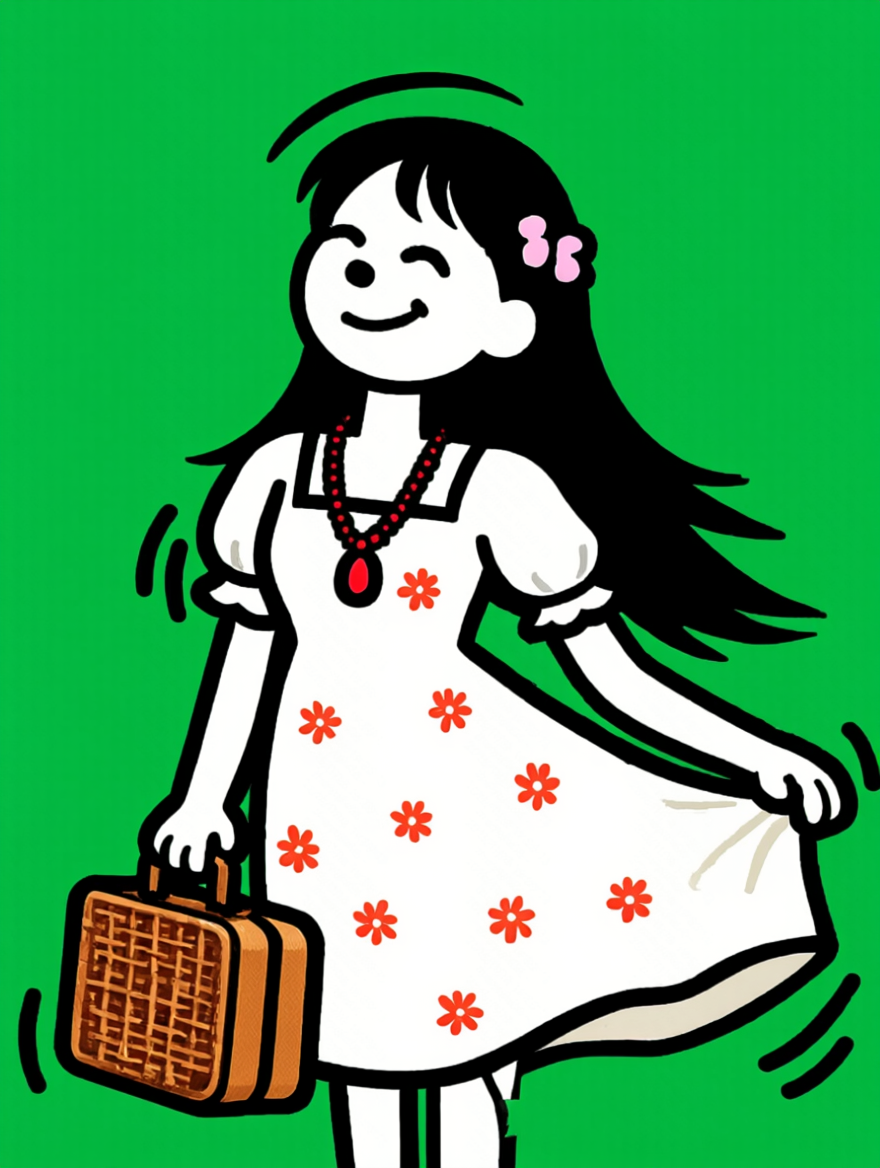
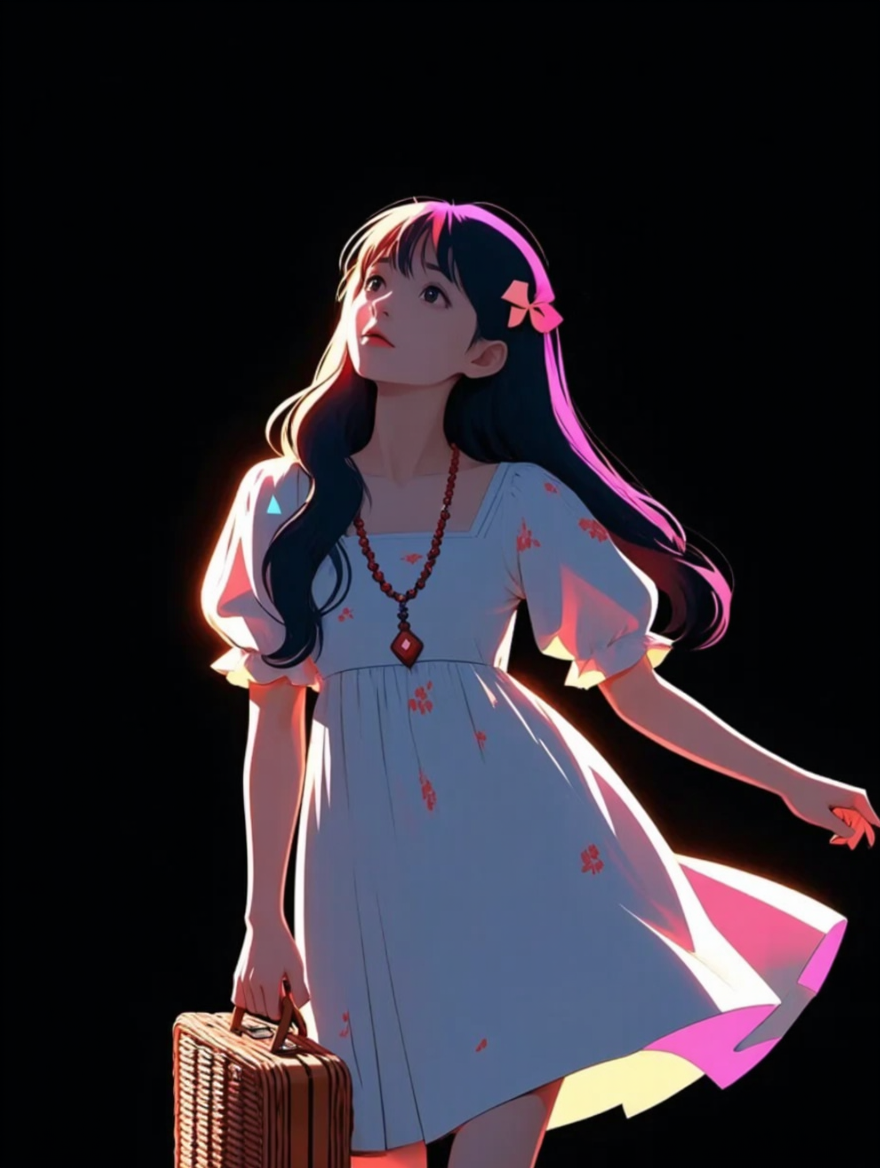
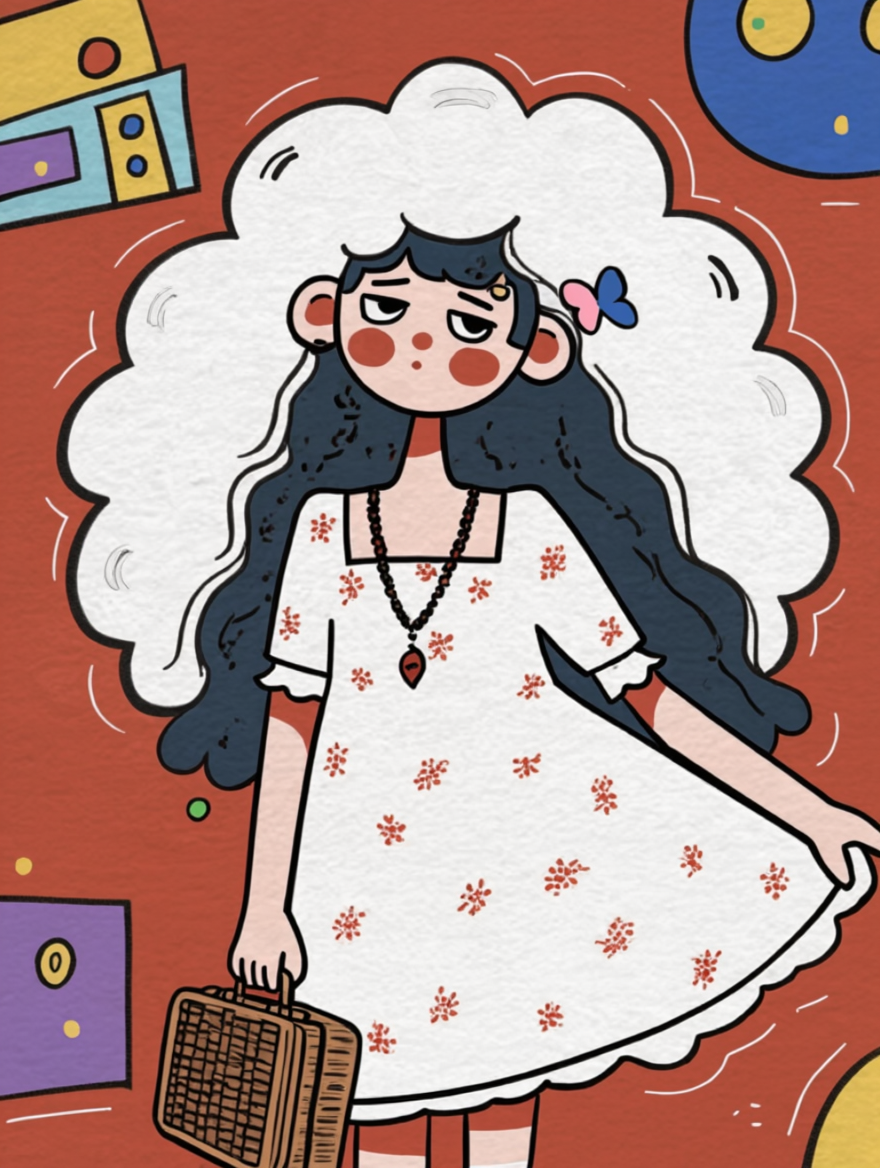
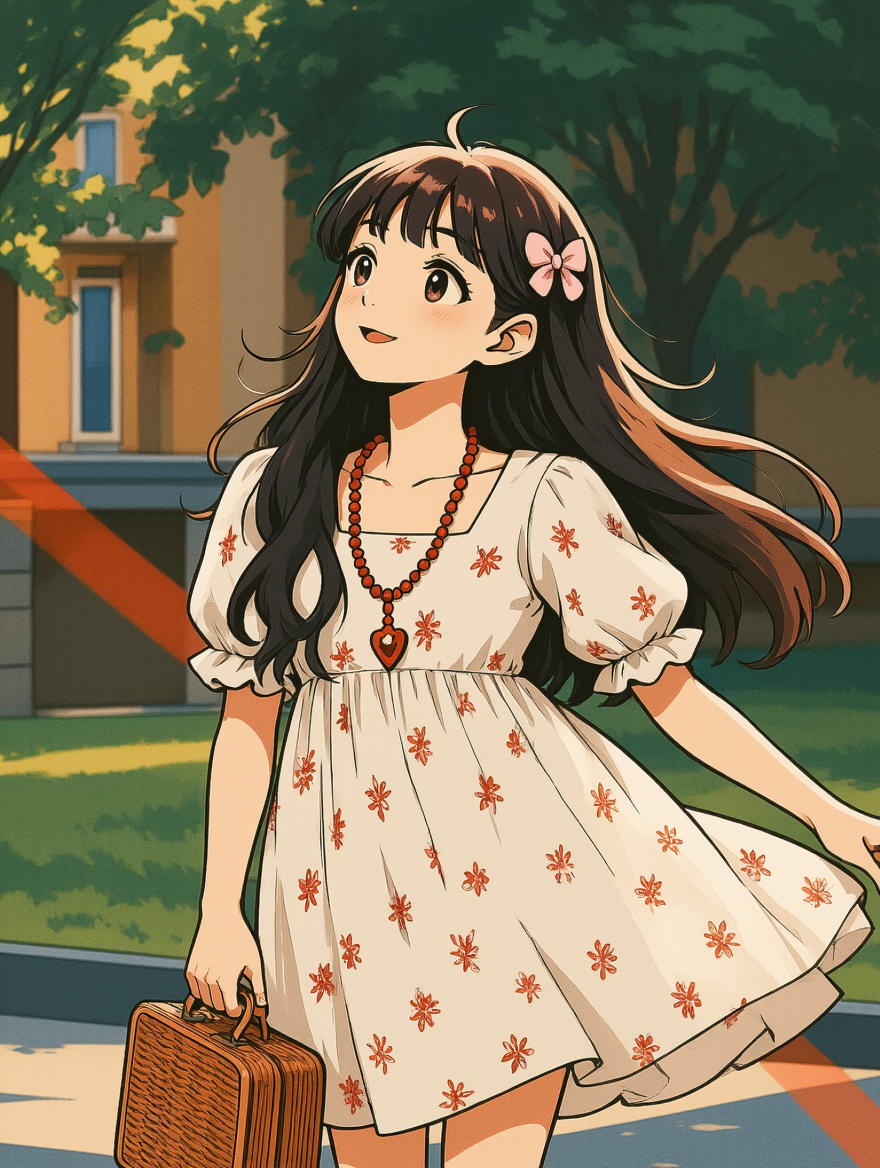
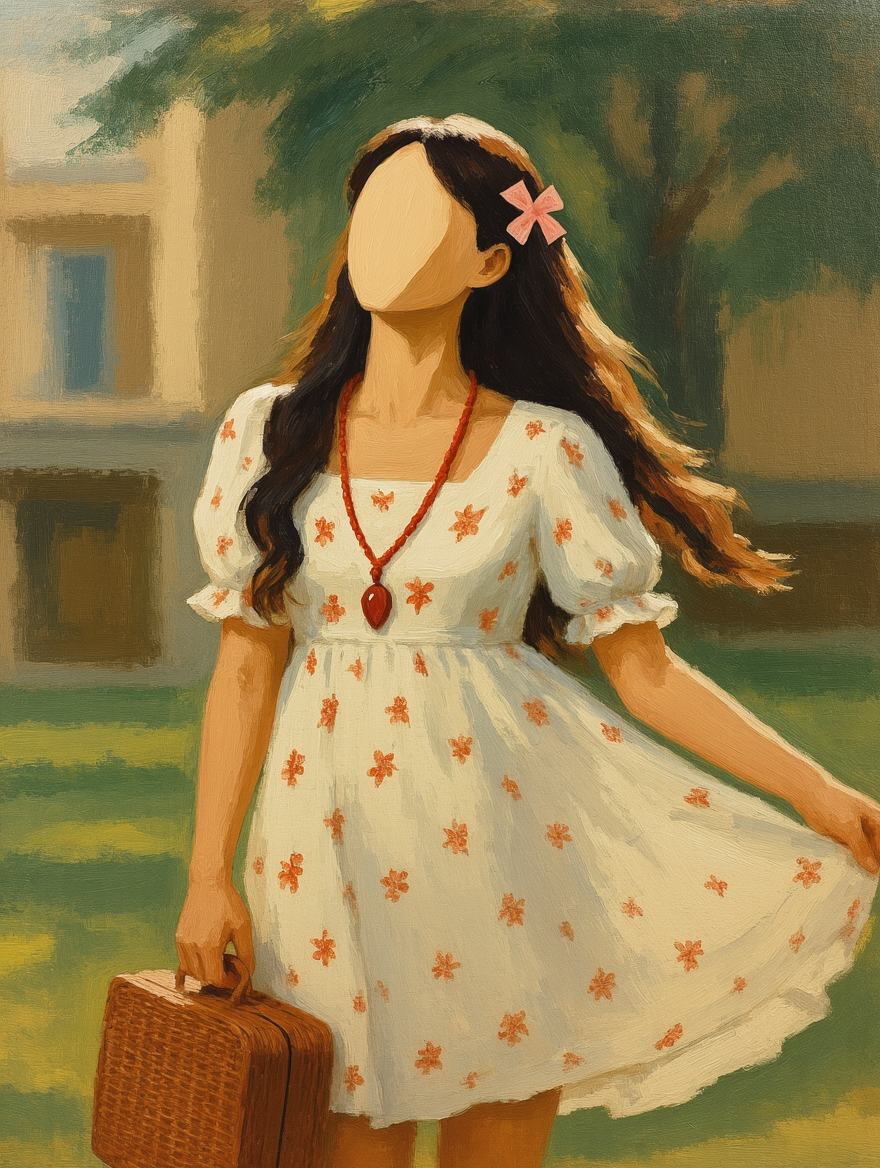
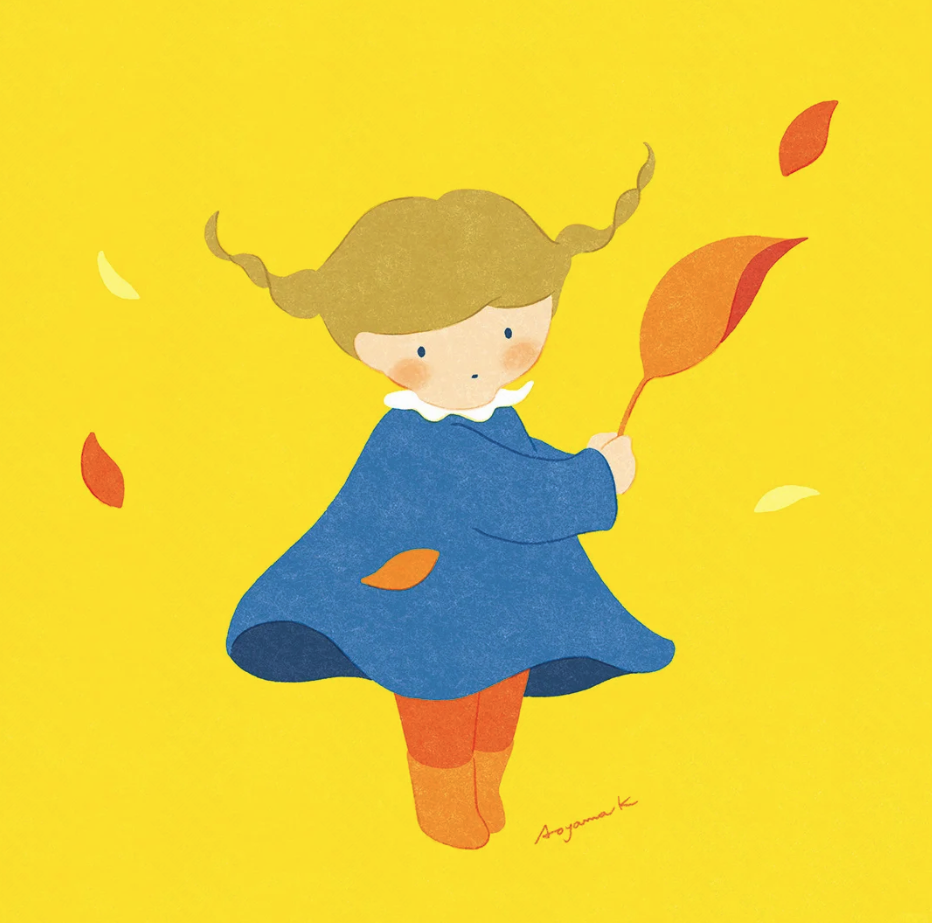

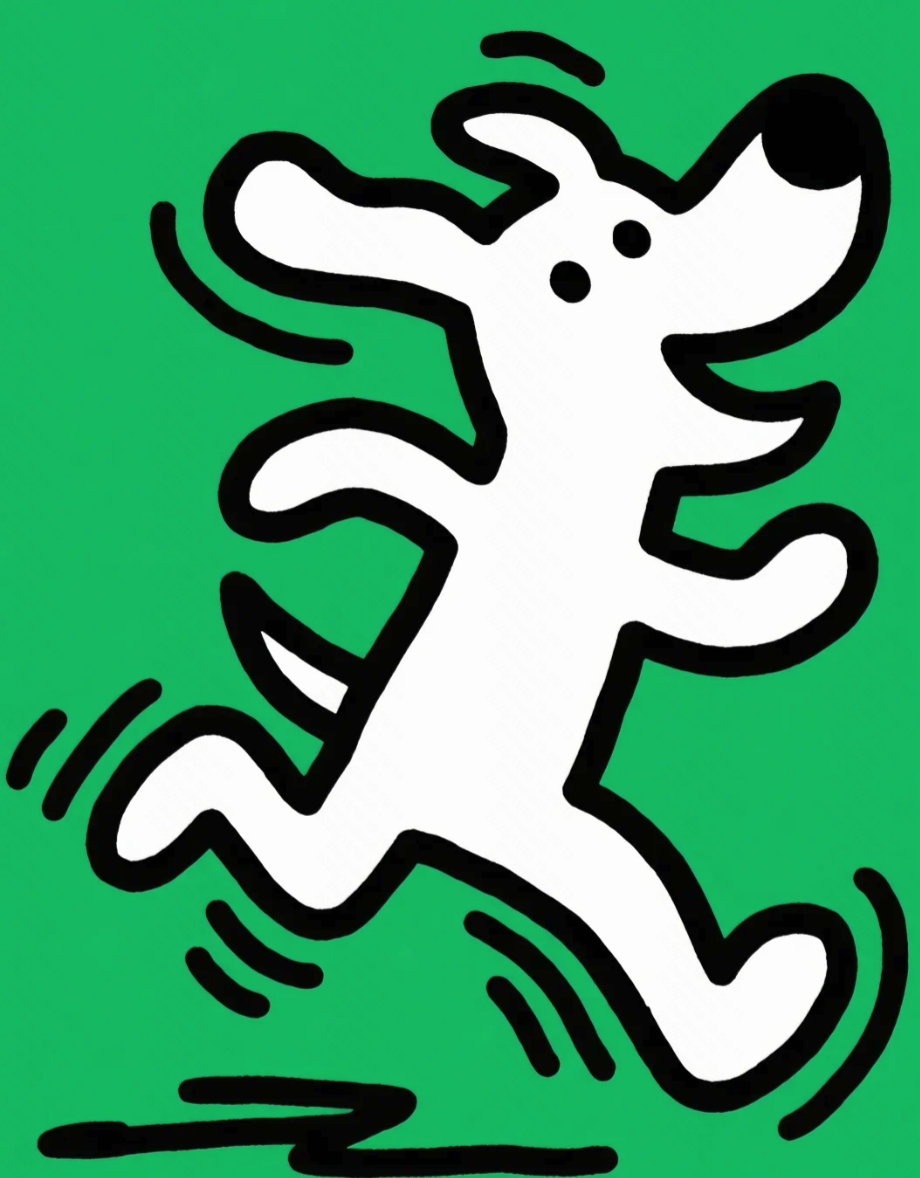
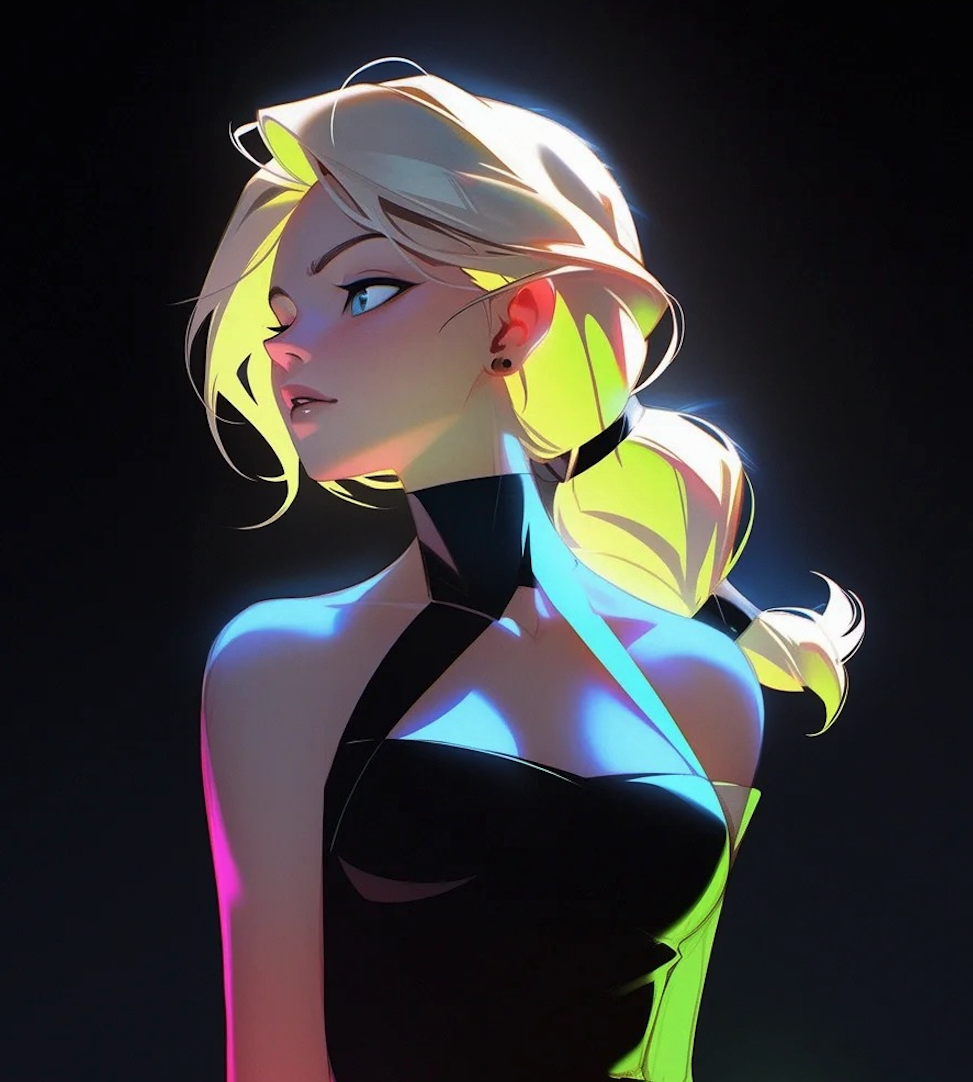
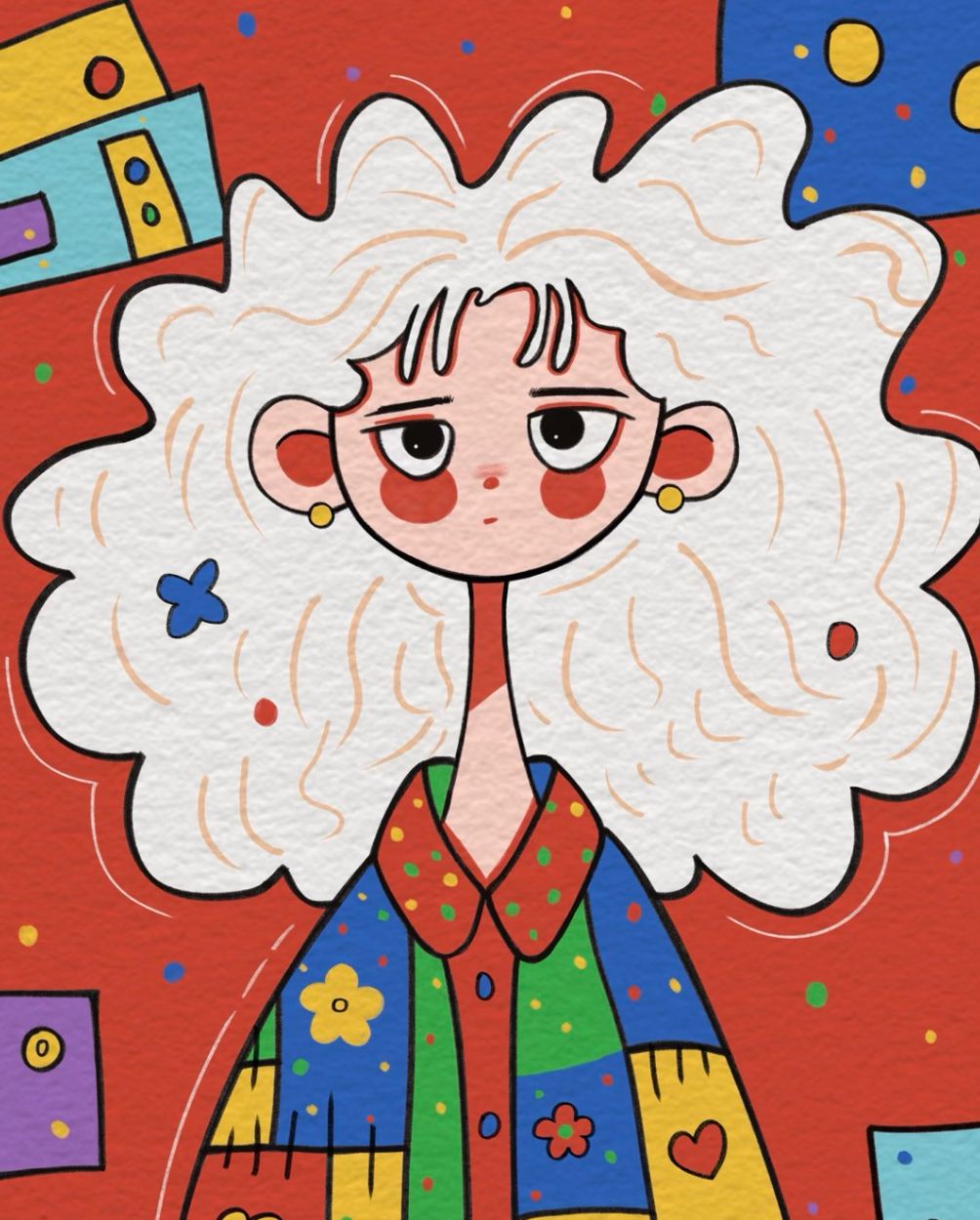
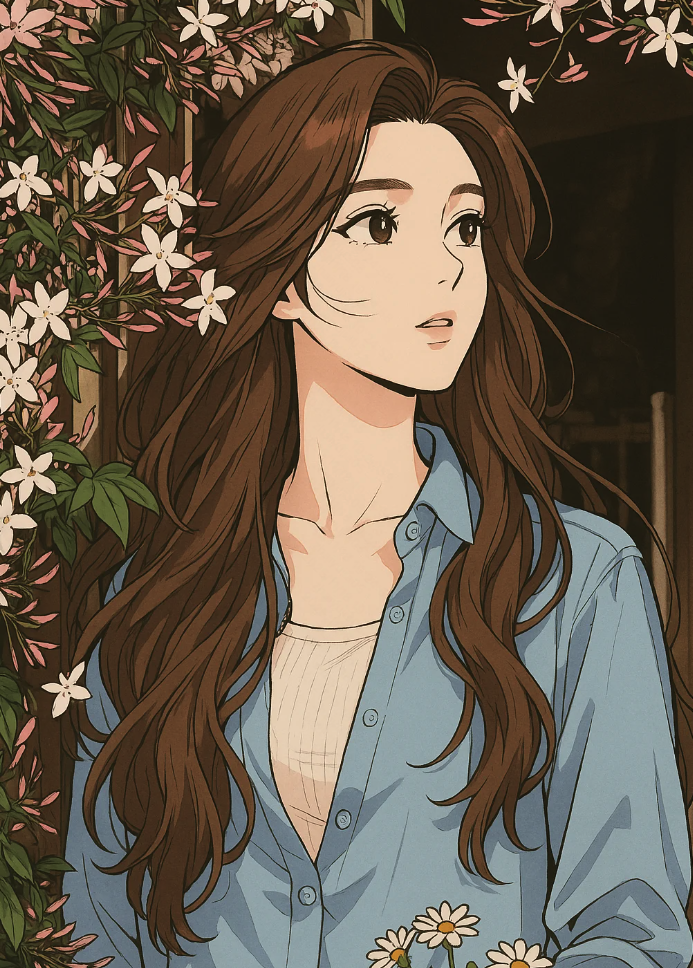
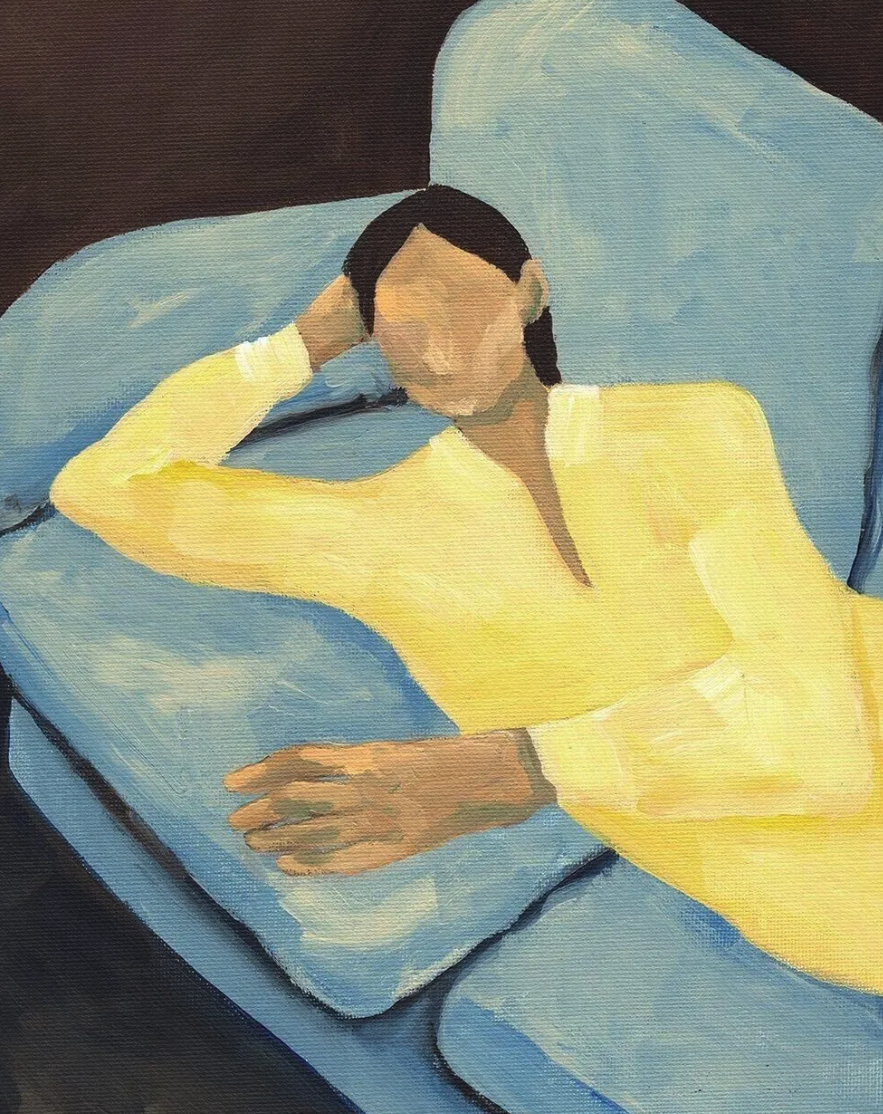
4. Rich Imagination
IMAGE 3.0 facilitates the natural and harmonious blending of reference images, supporting doodle editing and creative idea triggering via natural language commands. It accurately captures the core features of different reference subjects, preventing forced or awkward combinations, and presents seamless integration. The model supports creative concepts, even for complex ideas.
|
|
|
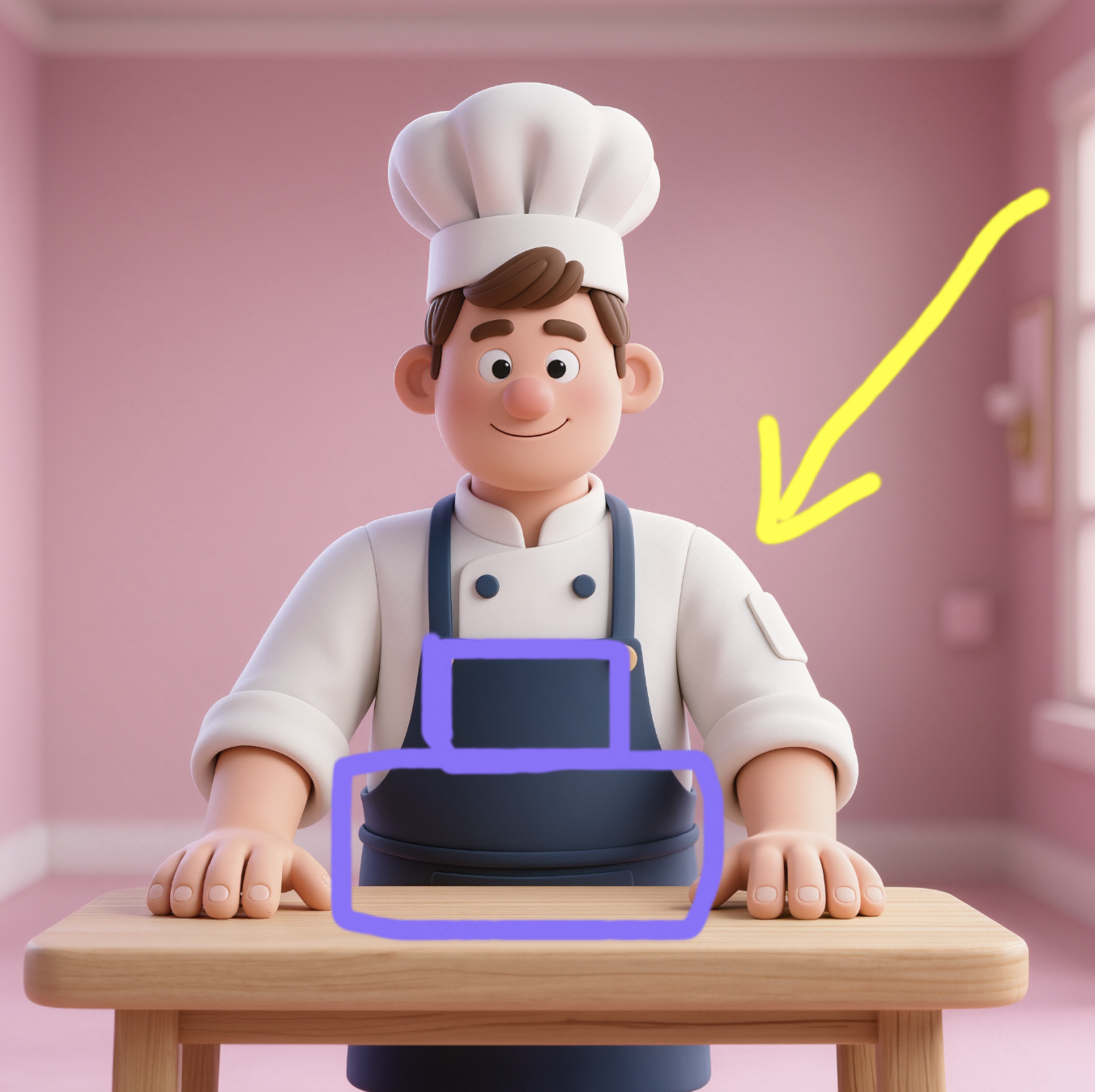
Convert a photo into an overhead view and mark the photographer's position. | Generate a picture from an arrow-pointed perspective with proper lighting and add a cake to the table. | Imagine what the girl will look like 10 years from now. |
|
|
|
Convert the anime-style character in the image into a realistic human portrait. | Generate a realistic 3D-style render/model. | Recreate the object based on the design details shown in the image. |
|
|
|
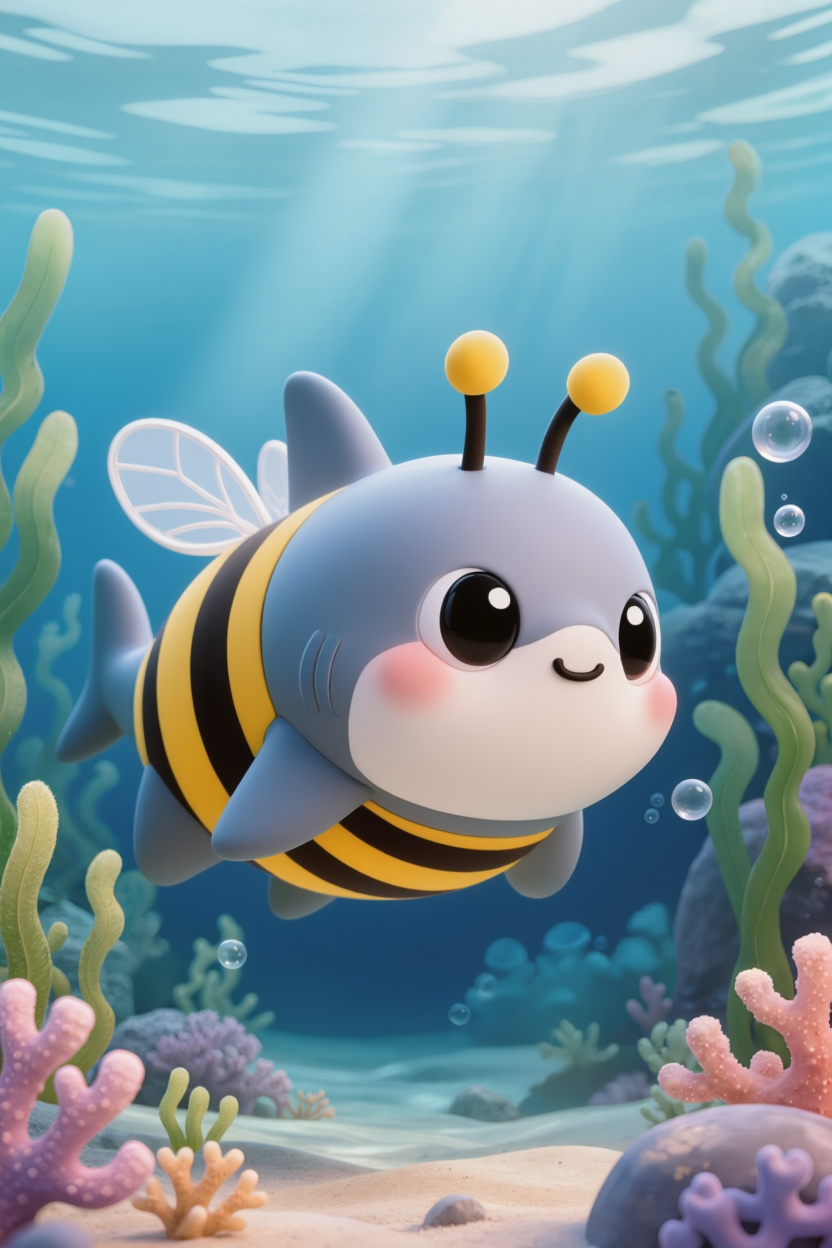
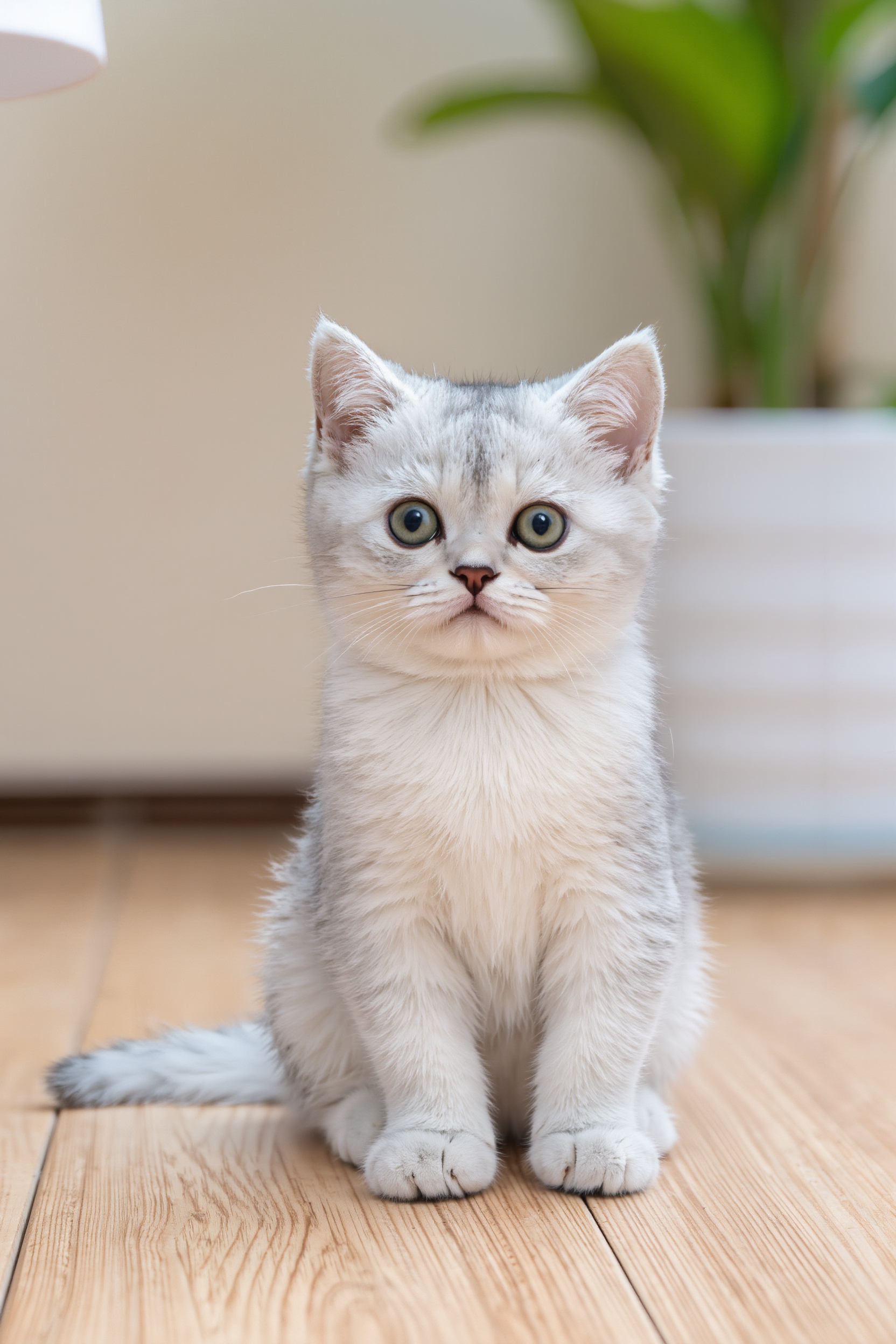
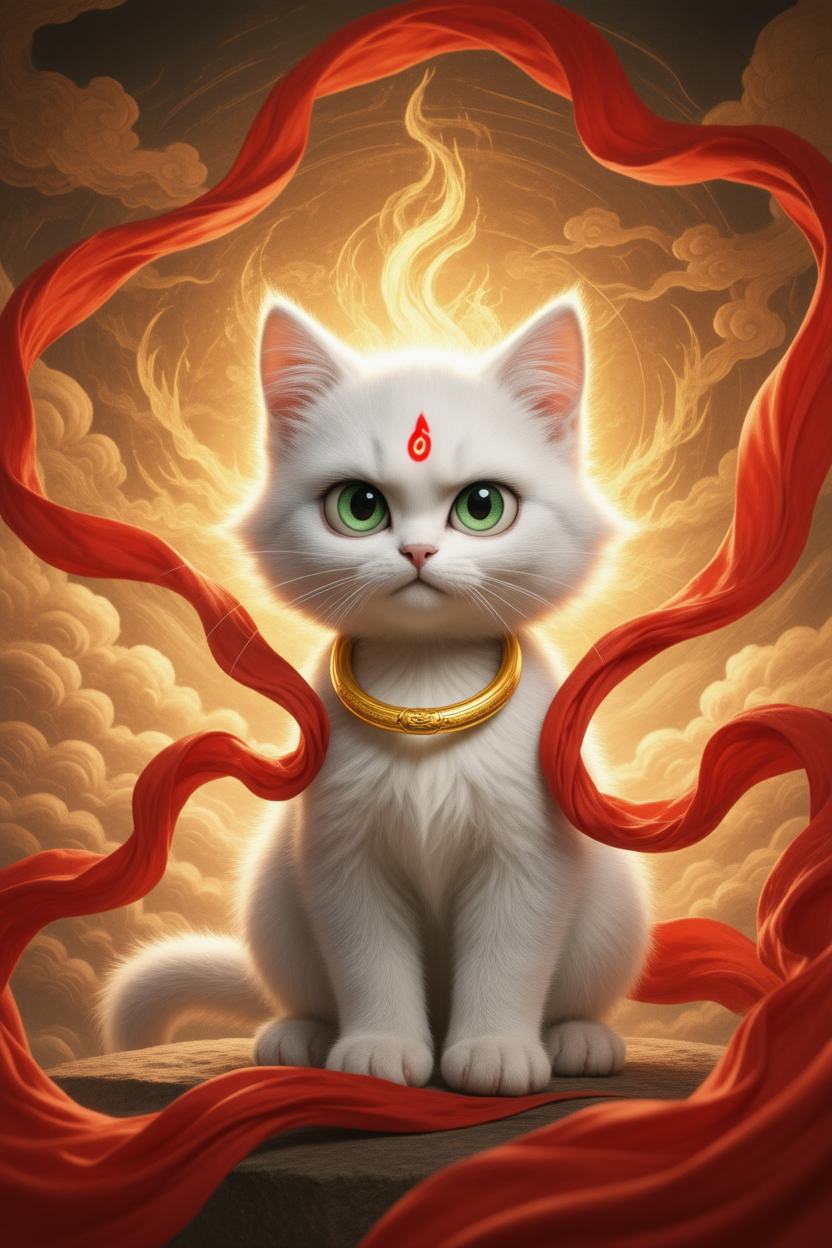
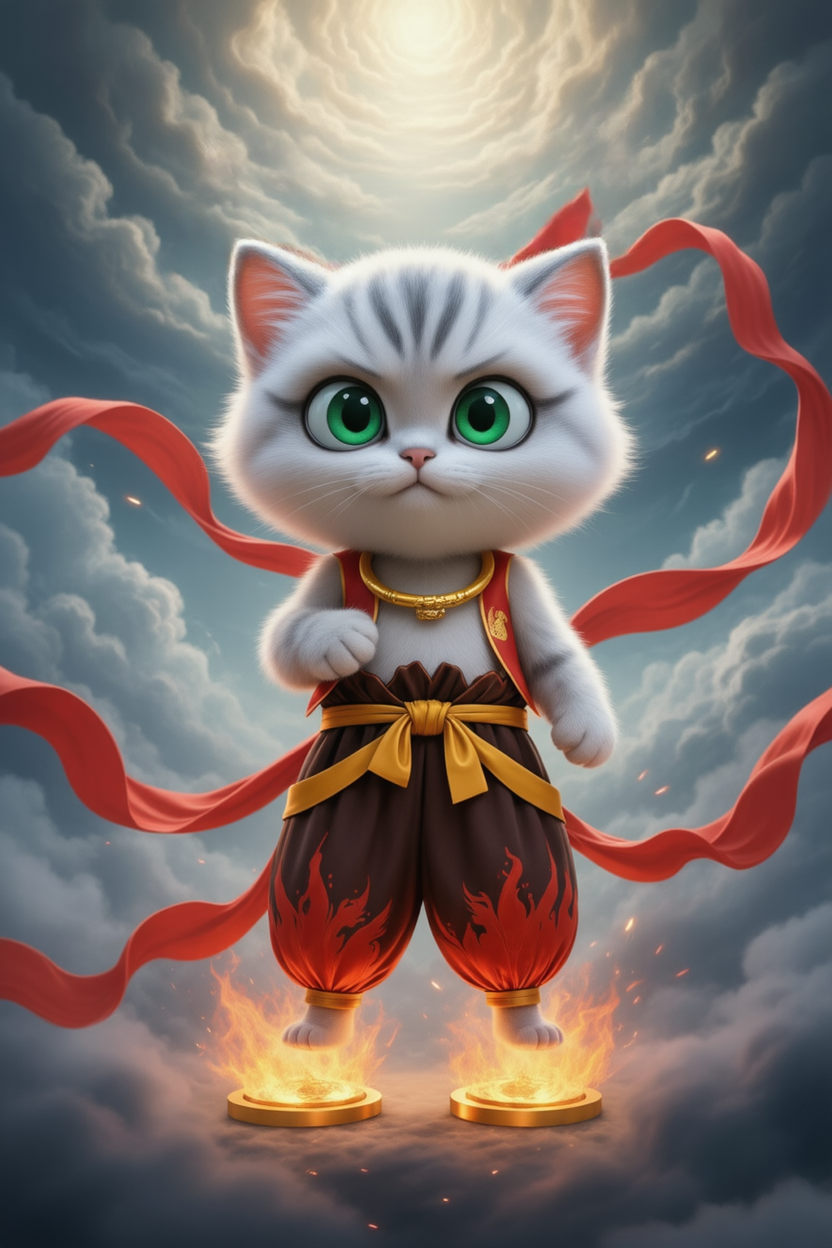
Merge the animals from image 1 and image 2. | Light the scene according to the color and direction of the arrow, then add a cake on the table. | Keep the cat's fur color and transform it into a character inspired by Nezha. |
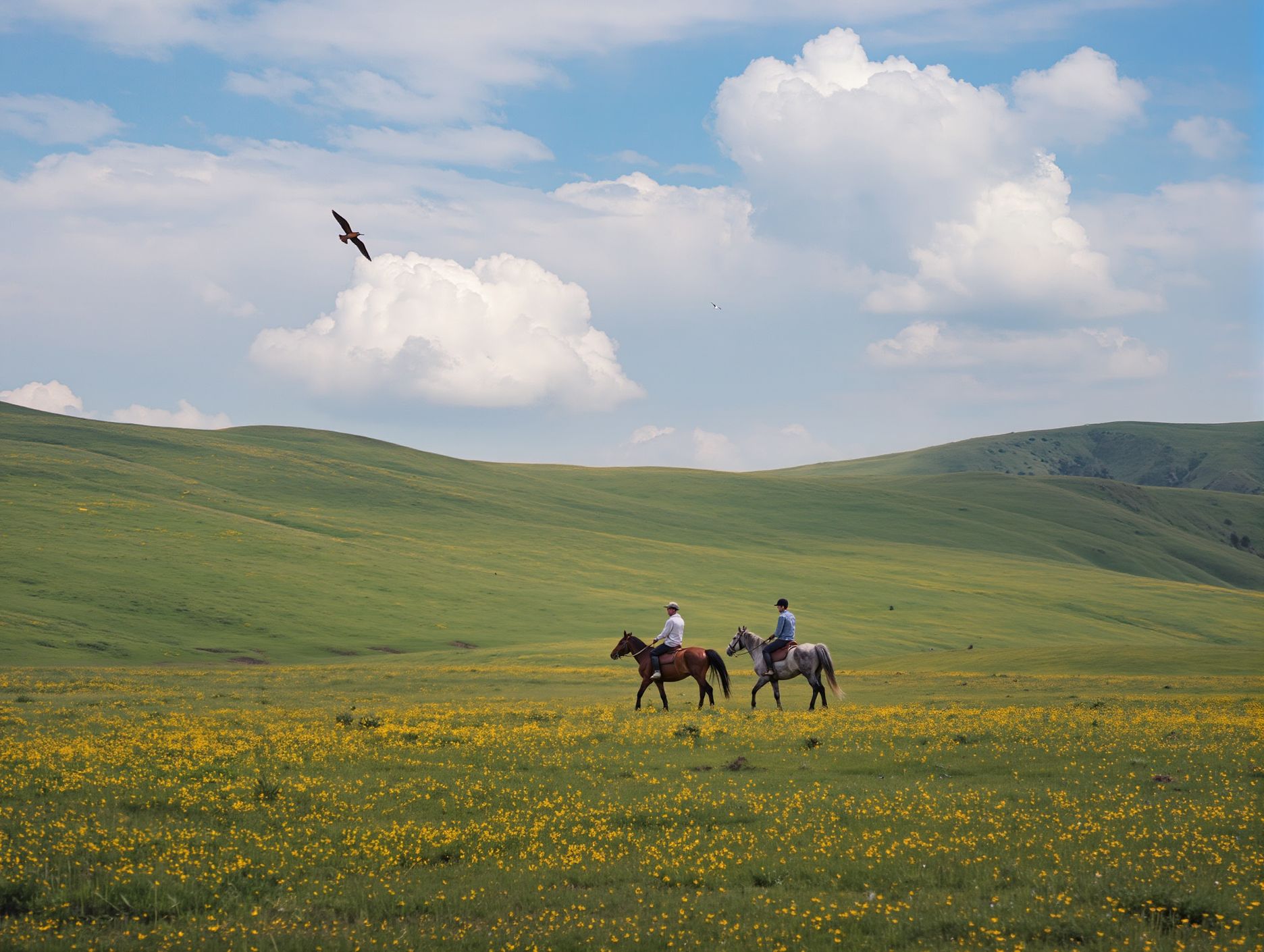
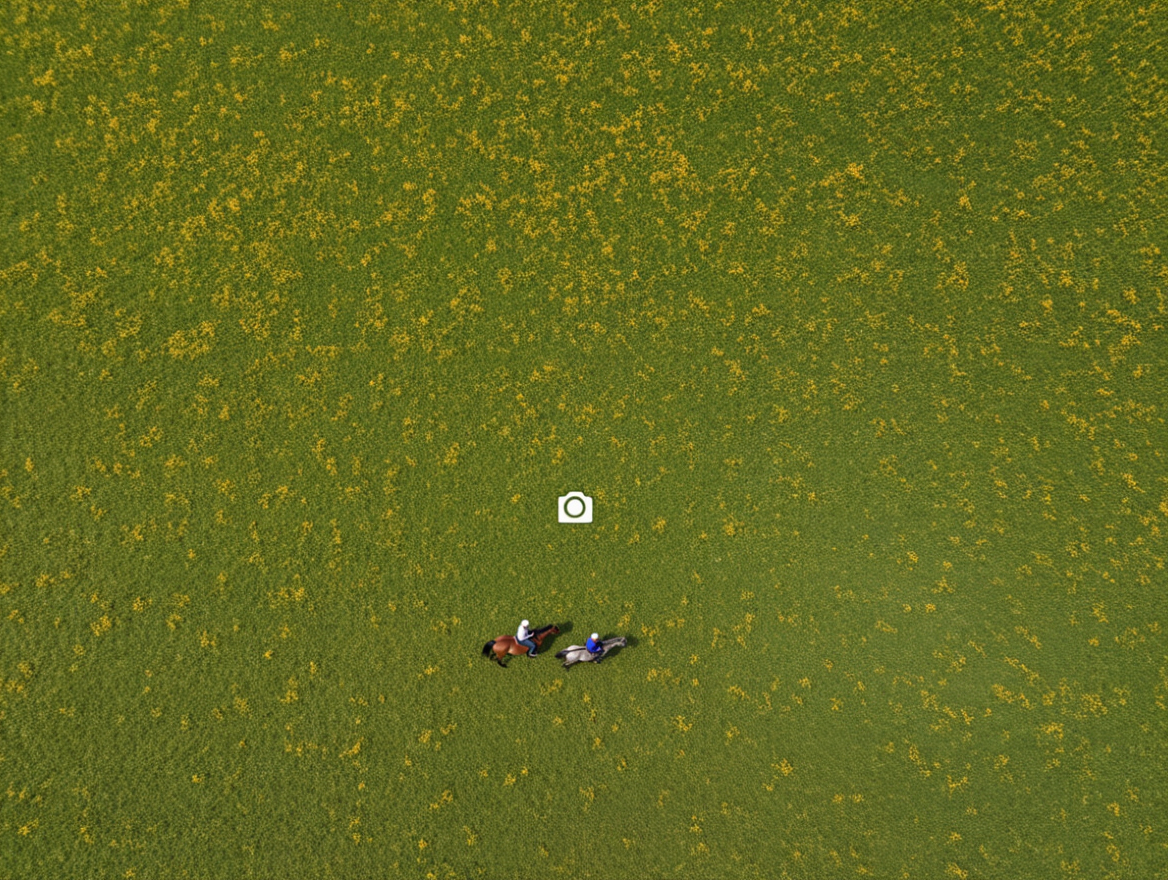
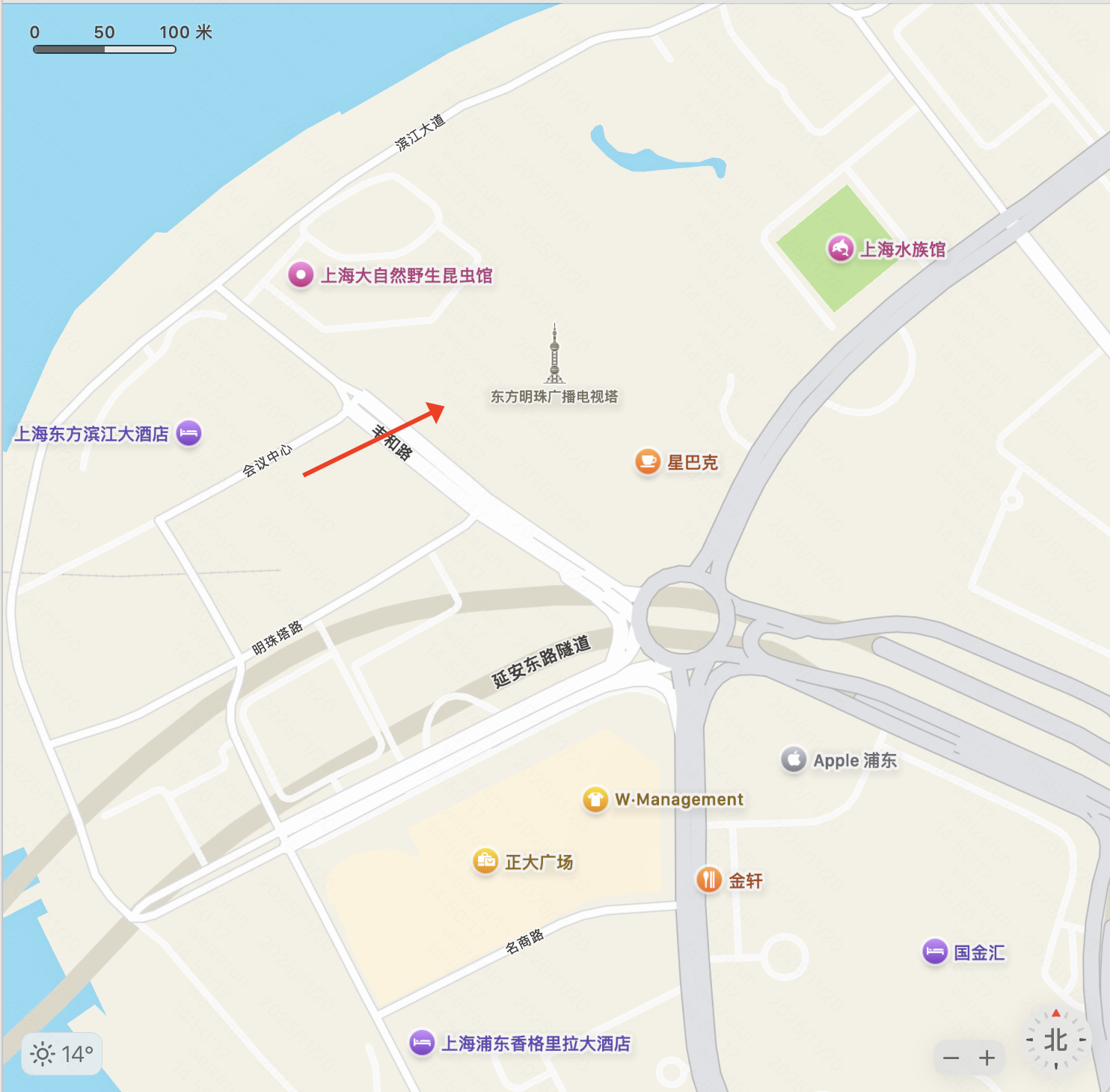
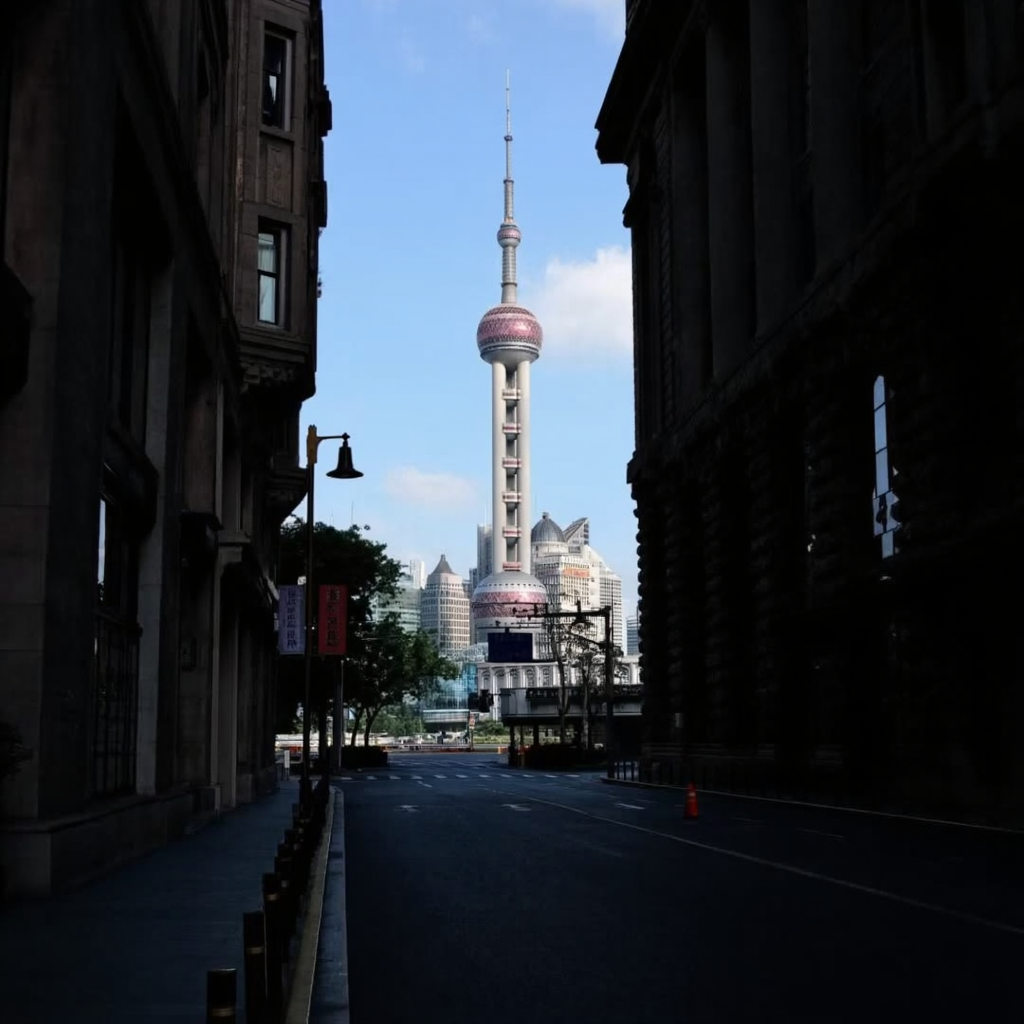
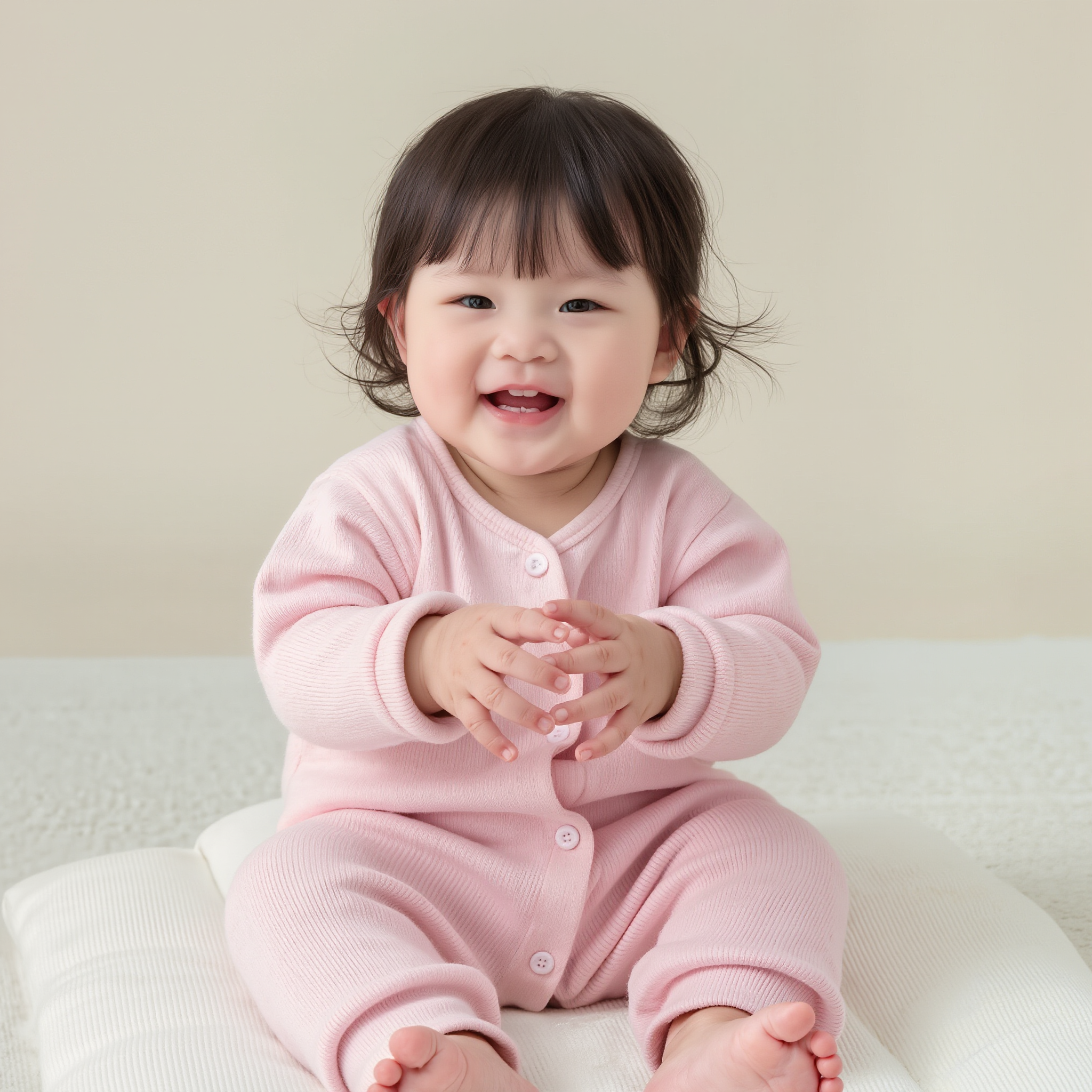
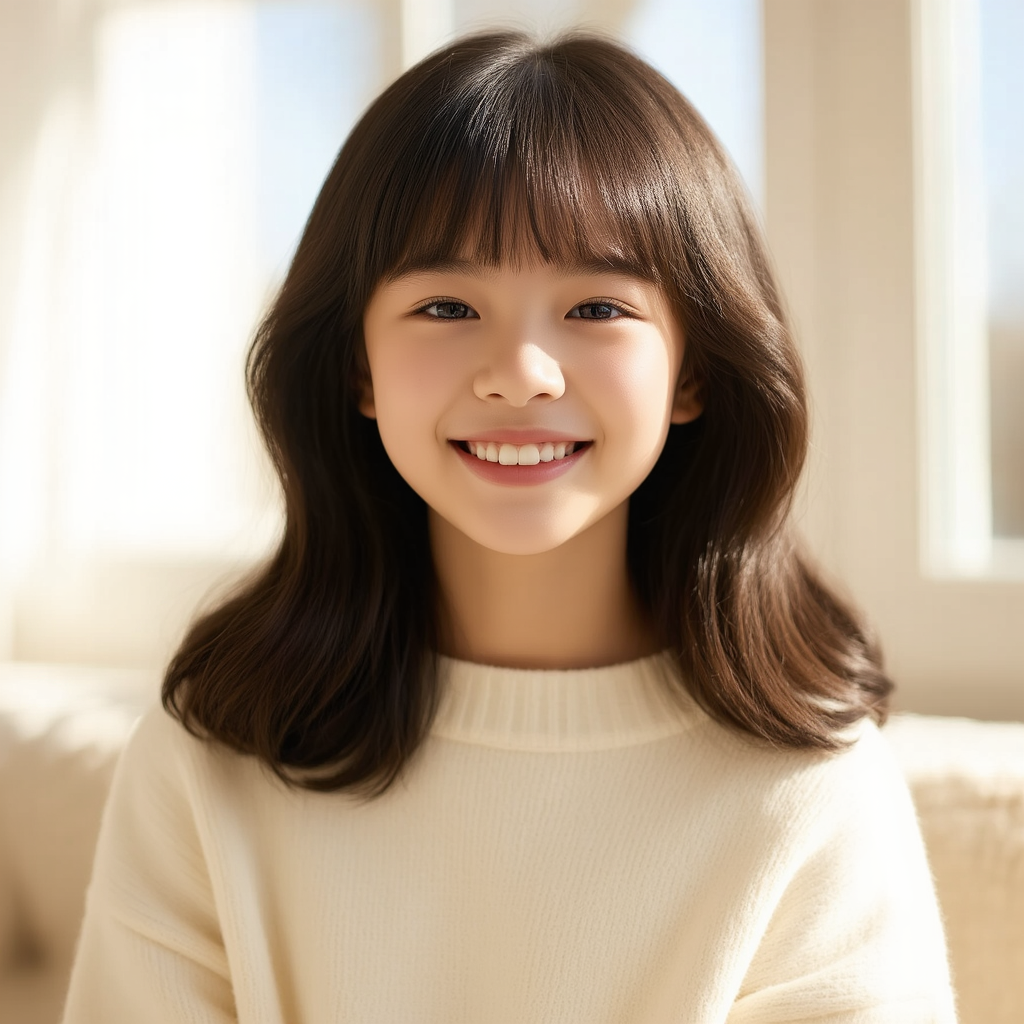
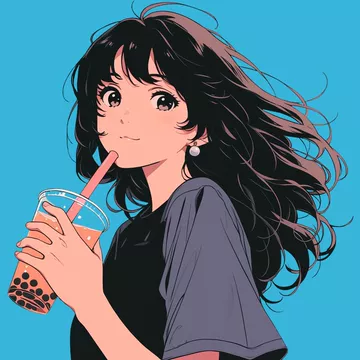
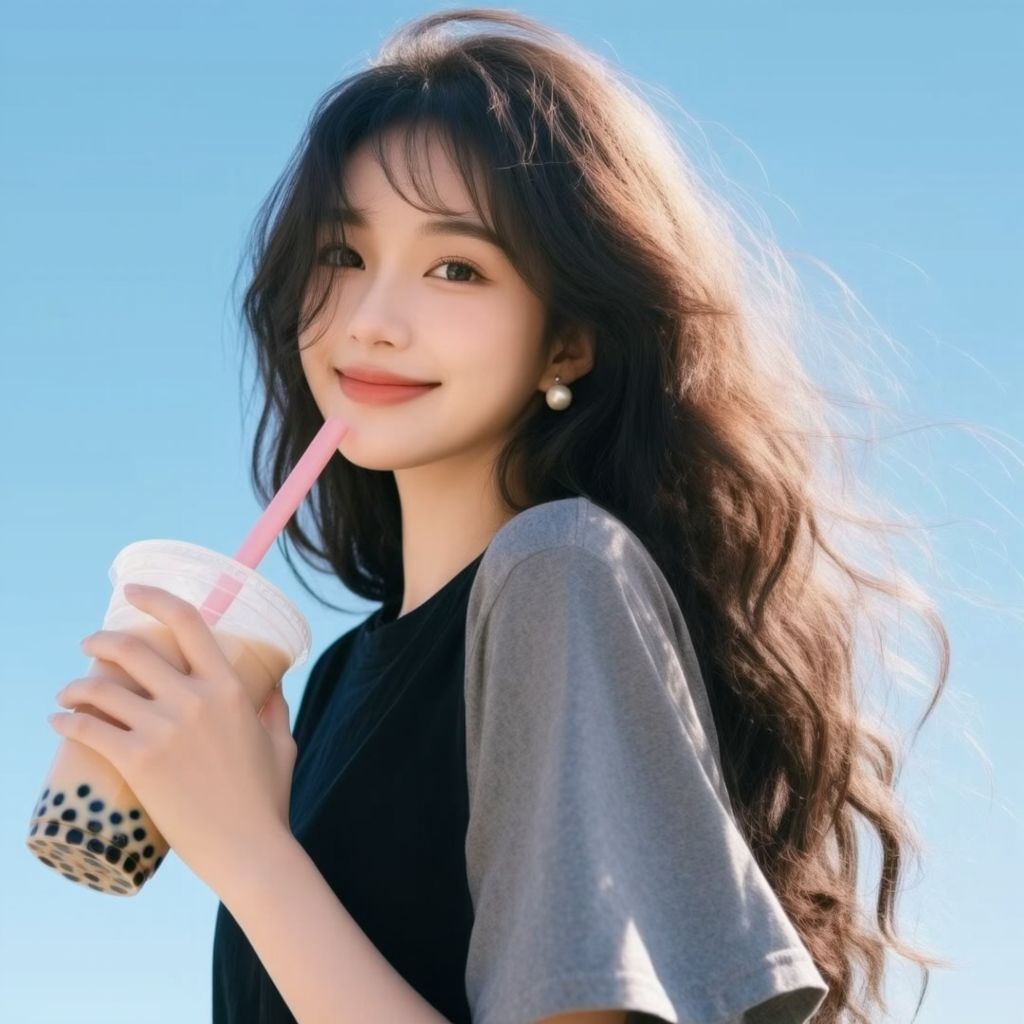
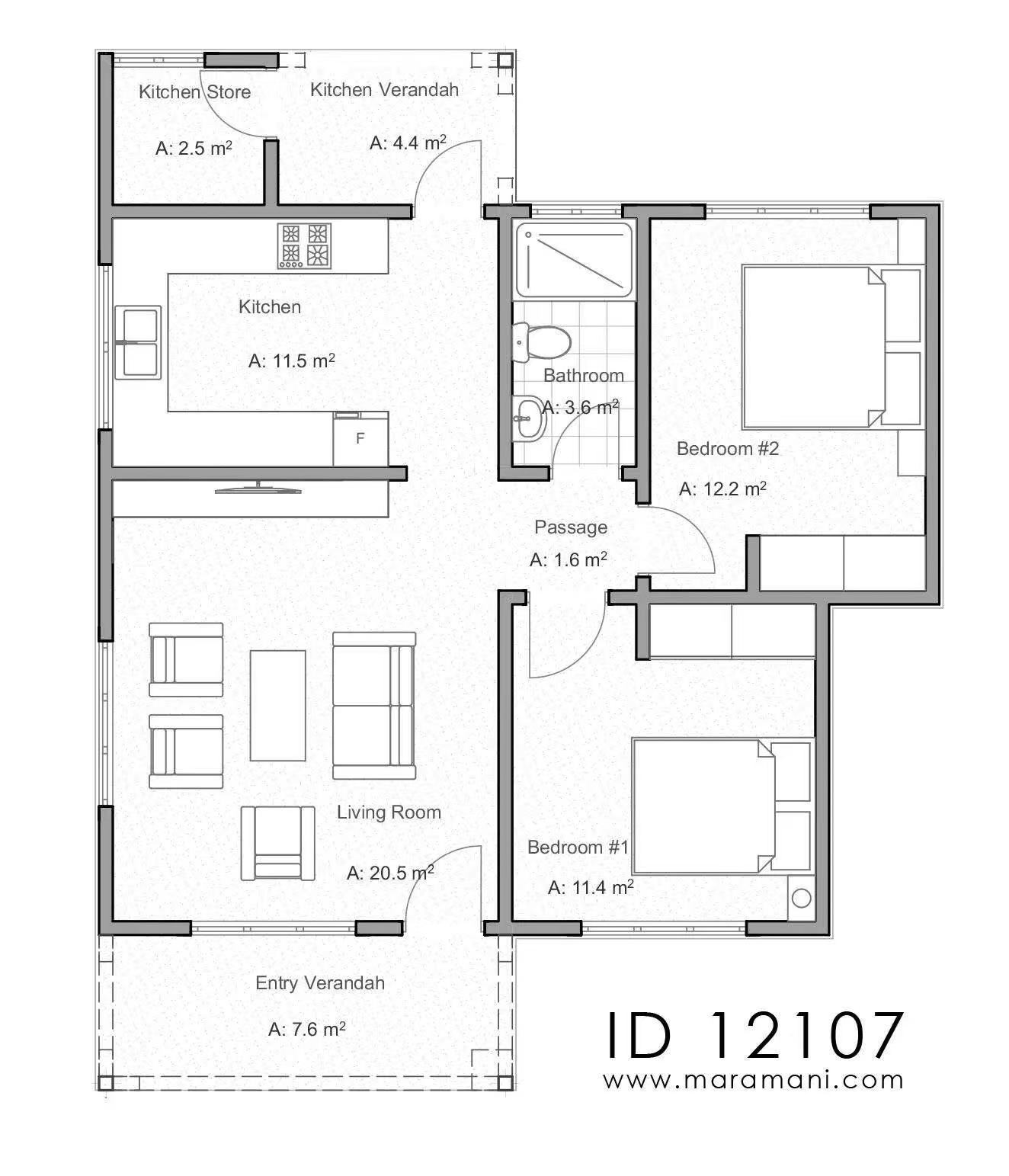
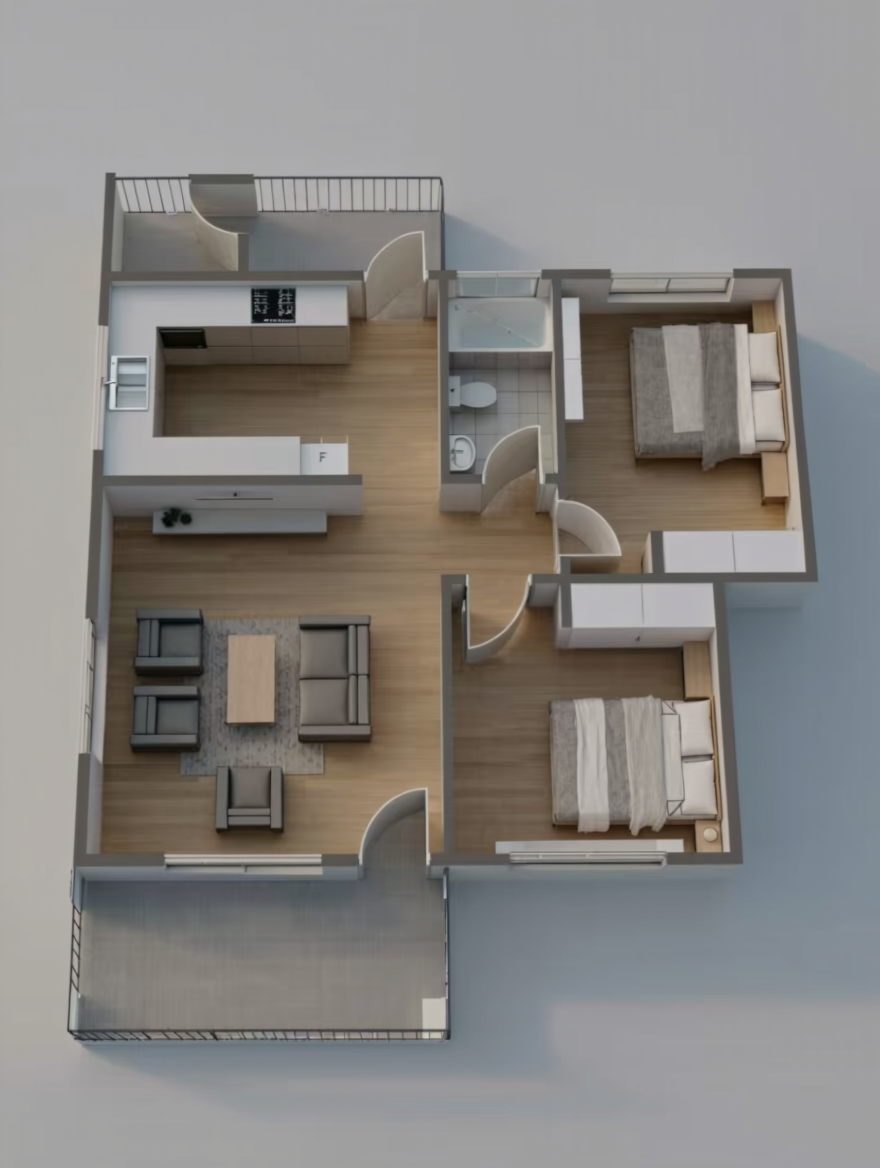

Usage Scenarios
1. Filmmaking
Multiple-angle Views of Characters
Reference Image |
Front View |
Side View |
Back View |
Low-angle view |
Diagonal Side Close-up |
Extreme low-angle view |
High-angle view |
Prompt: Generate [view] of the subject. | |||||||
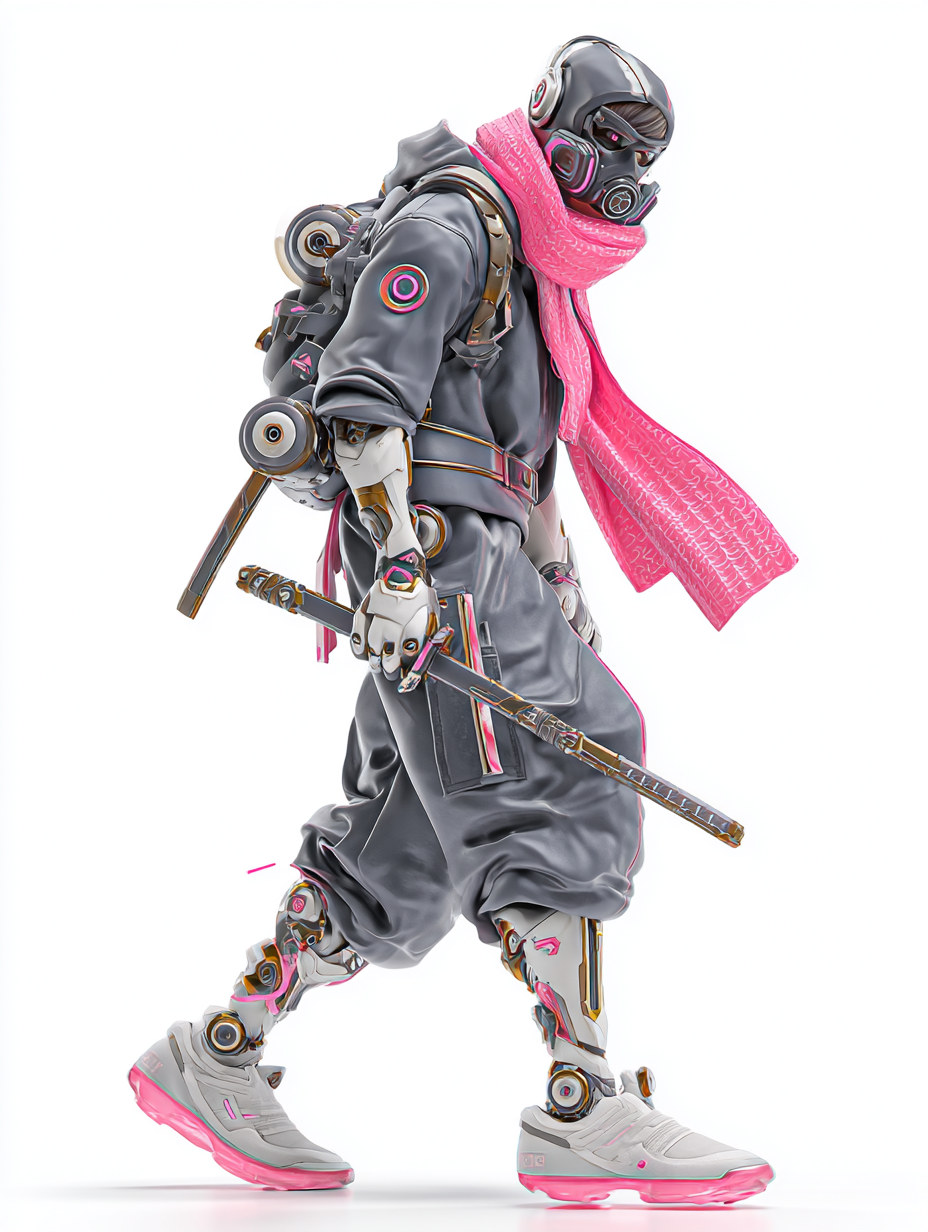
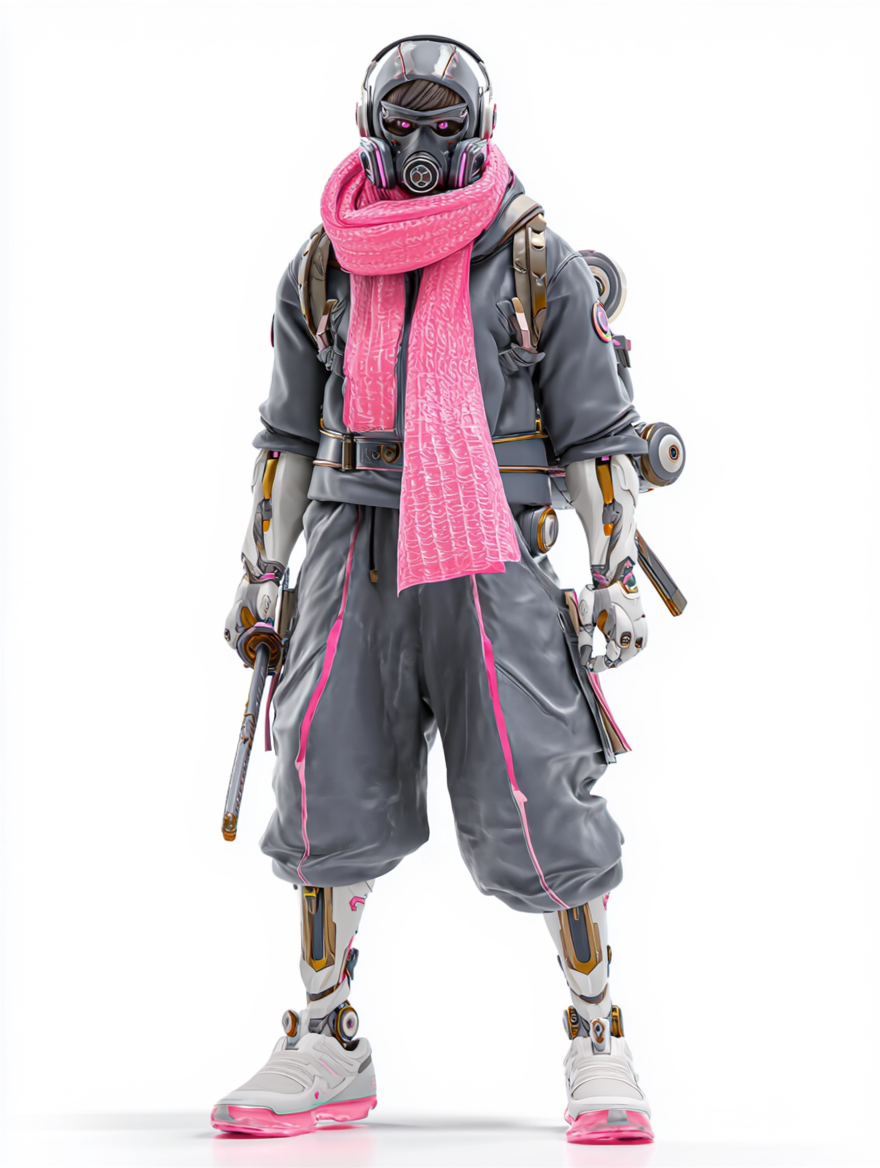
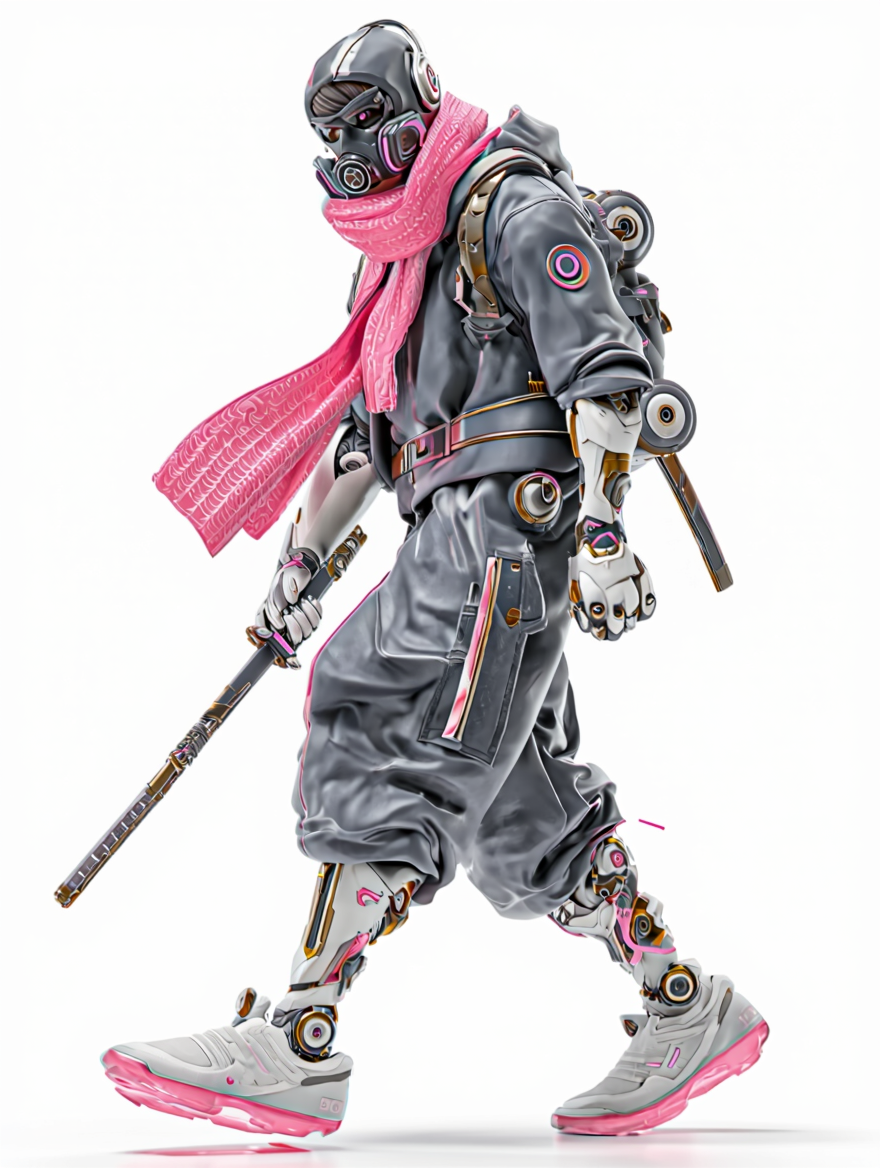
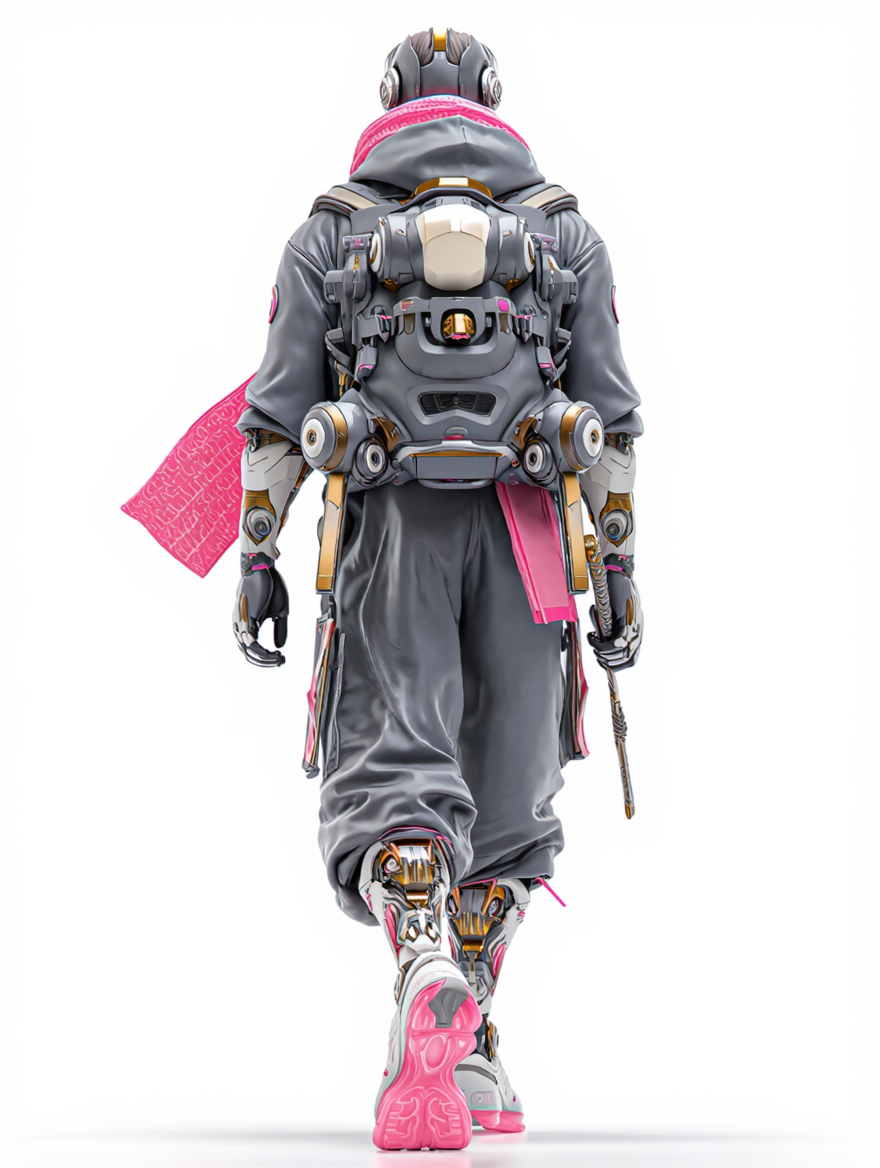
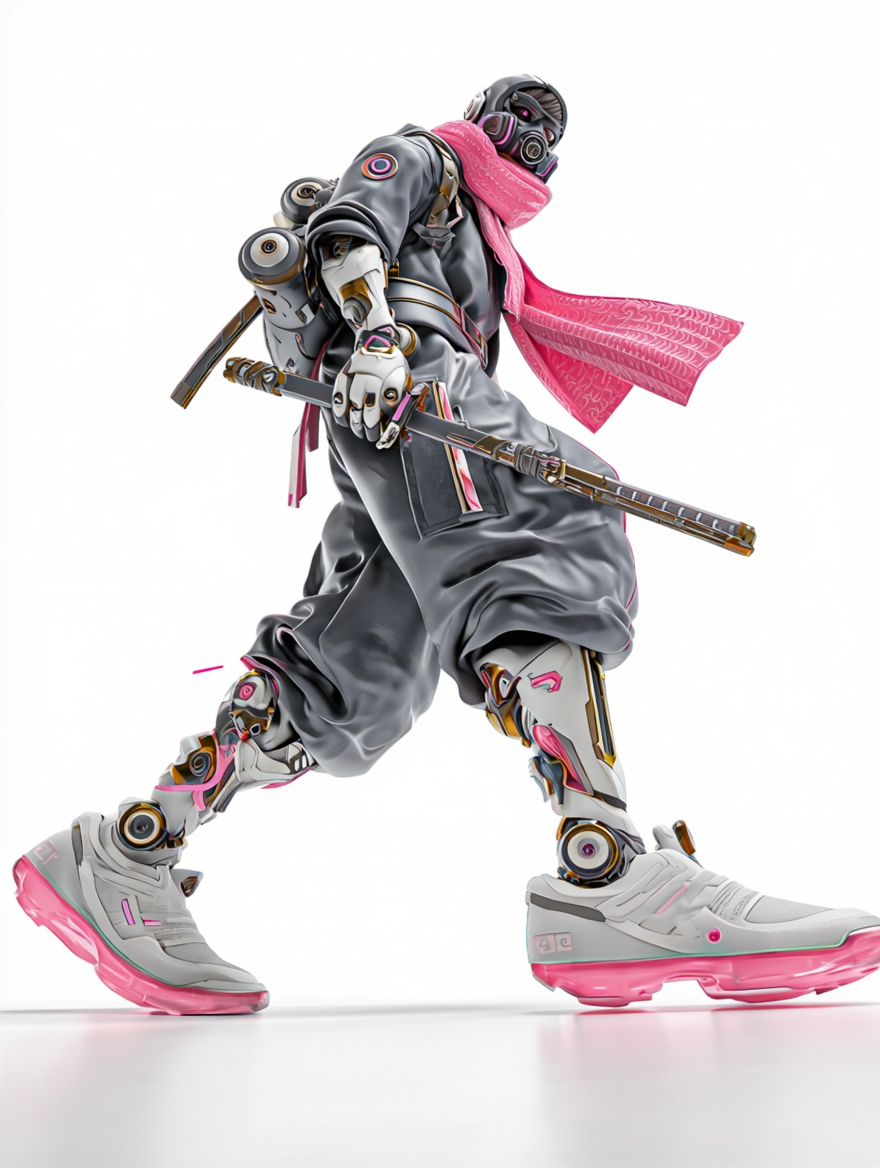
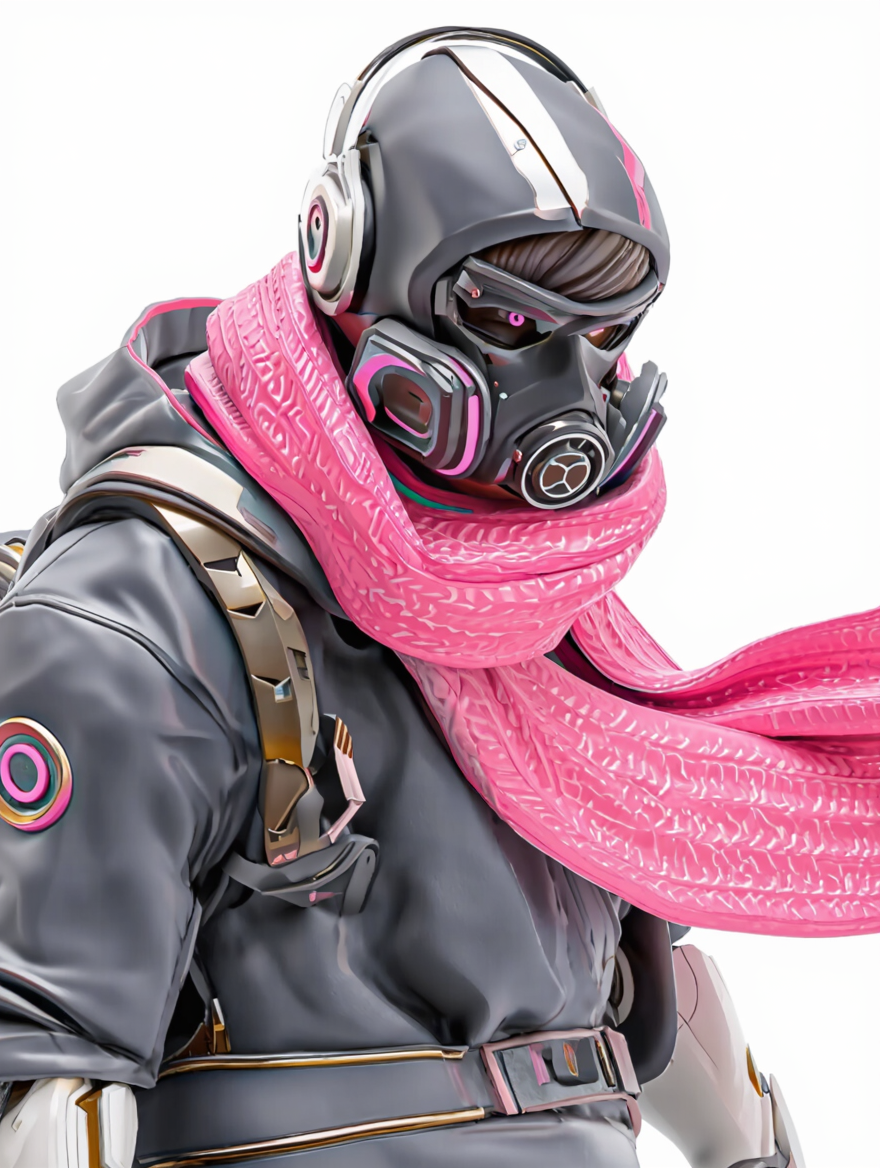
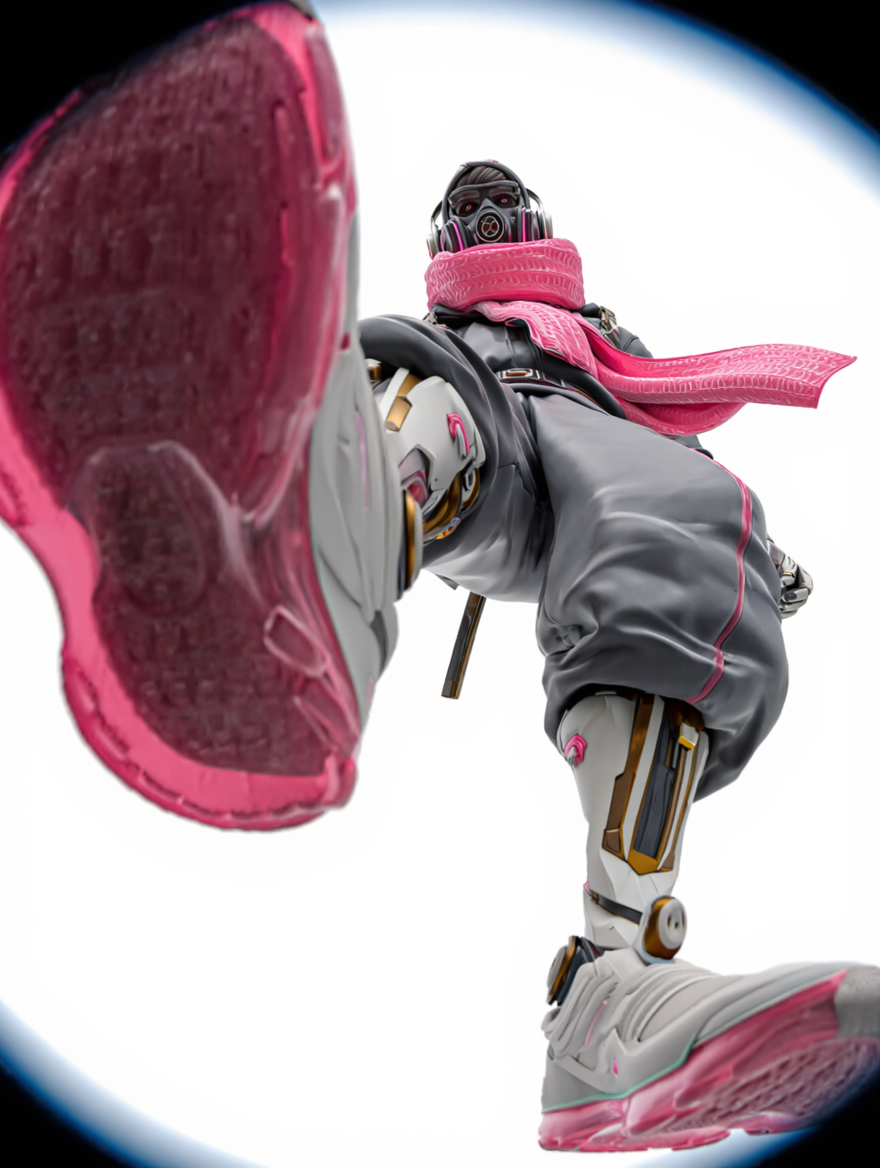
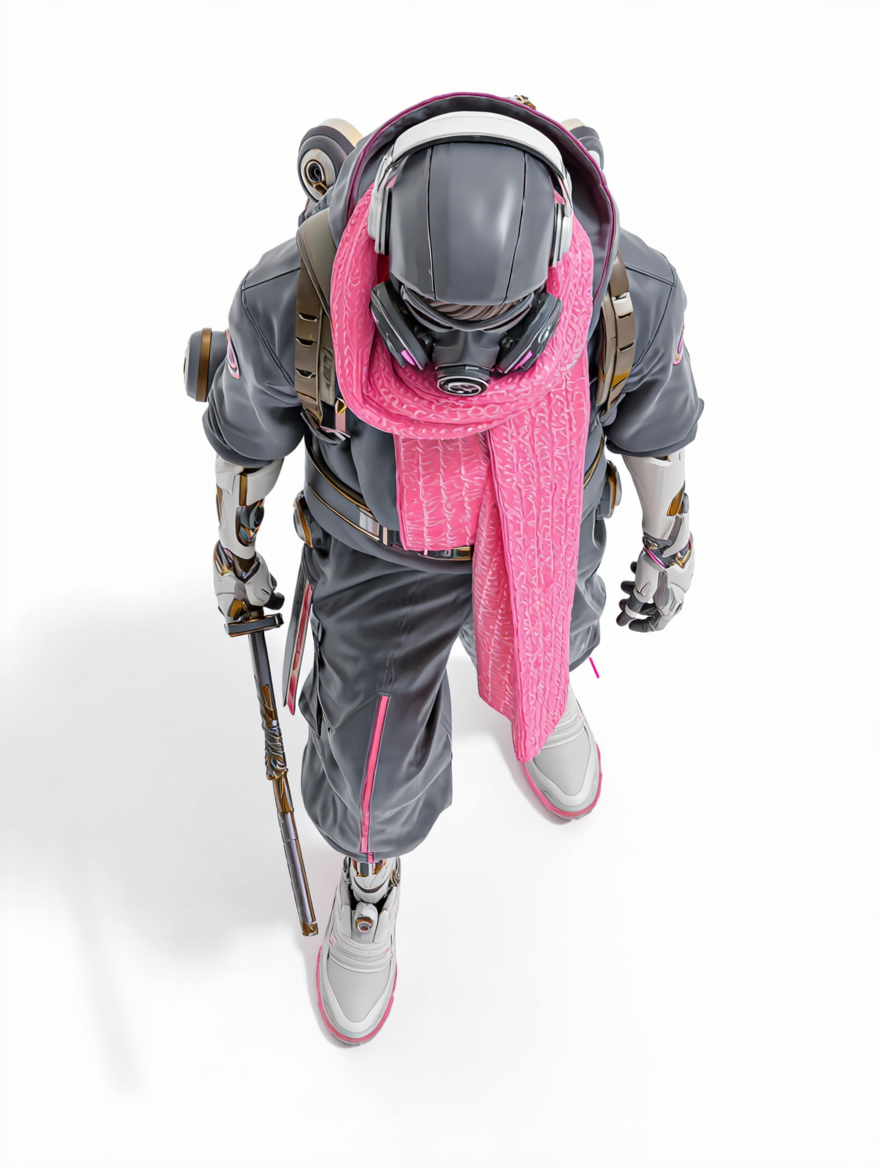
Reference Image |
Side View |
Back View |
Close-up |
Extreme Close-up |
Left Diagonal Side |
Right Diagonal Side |
High-angle view |
Prompt: Generate [view] of the subject. | |||||||
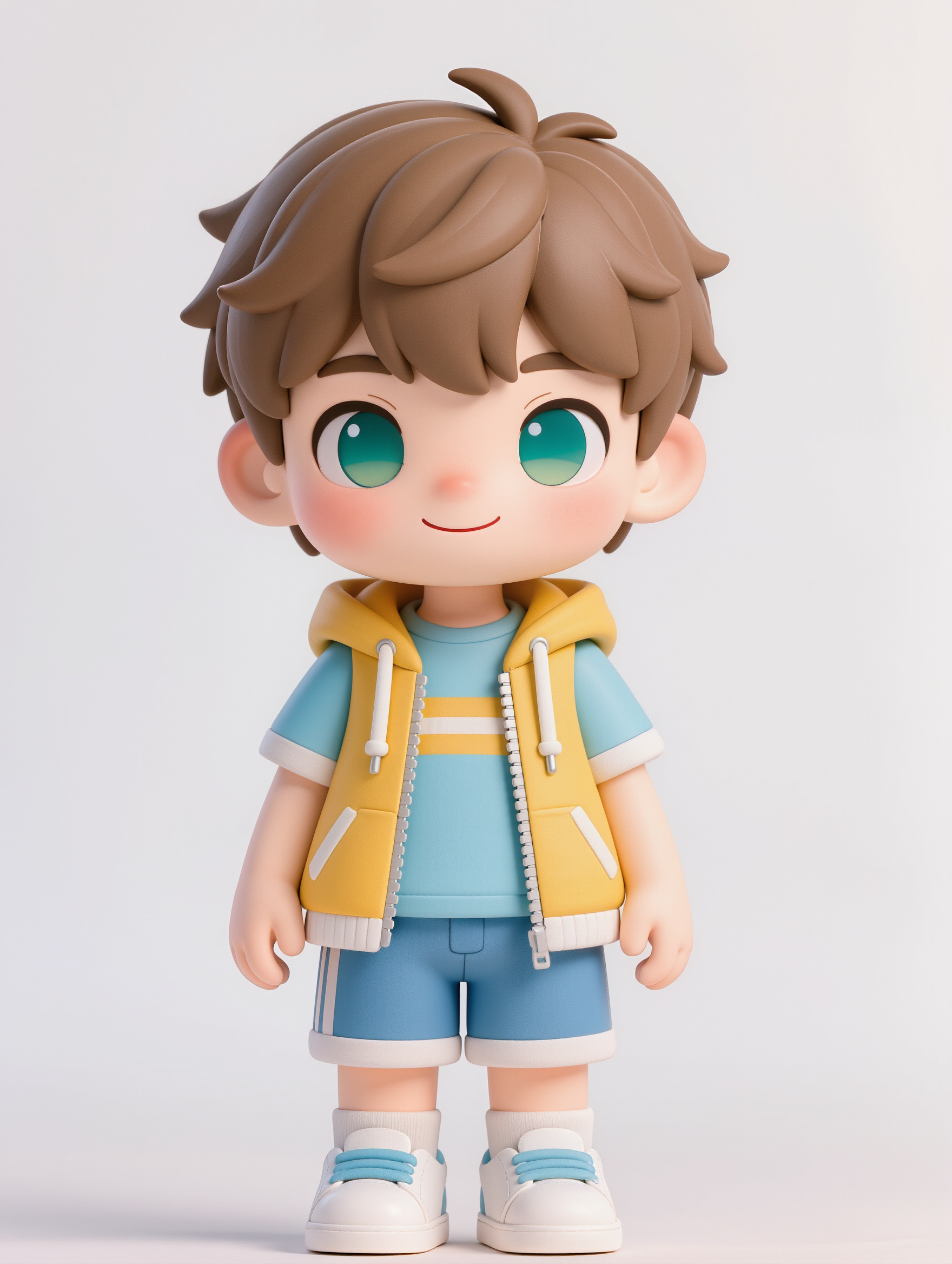
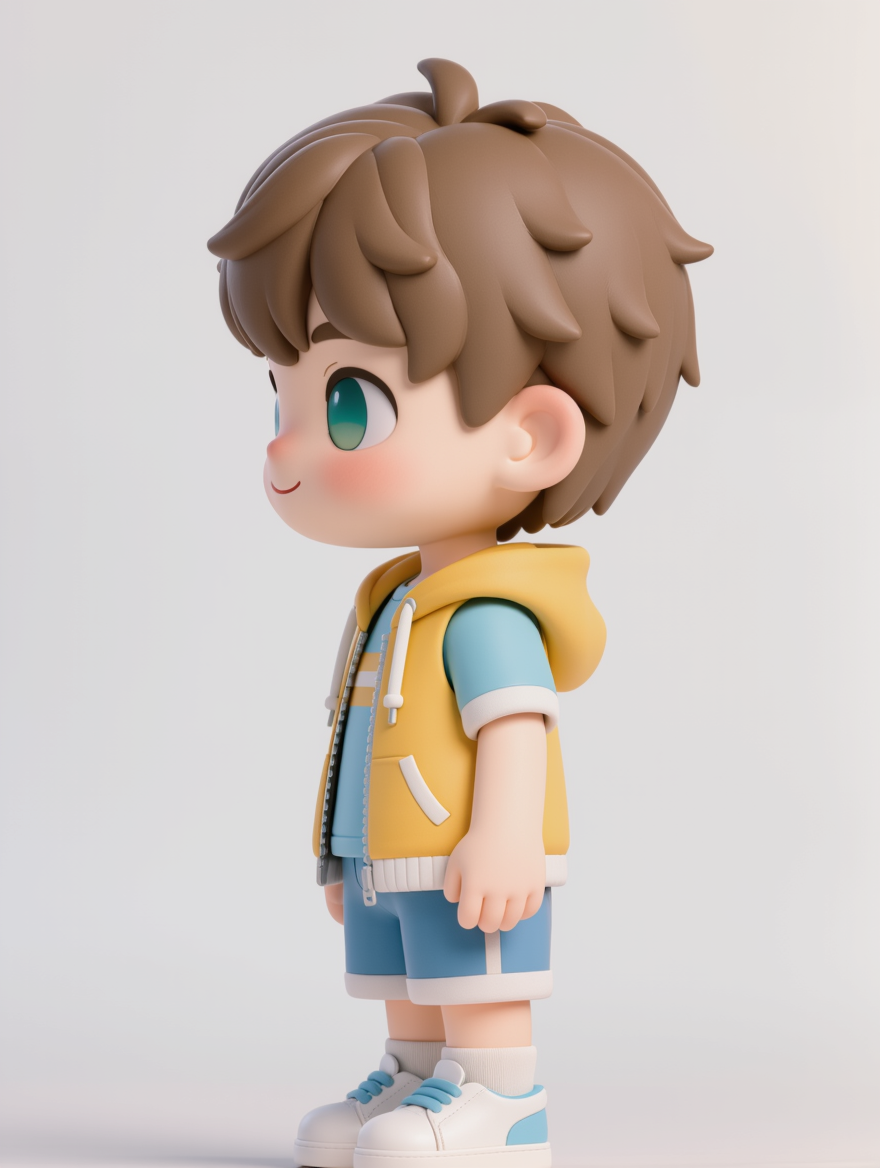
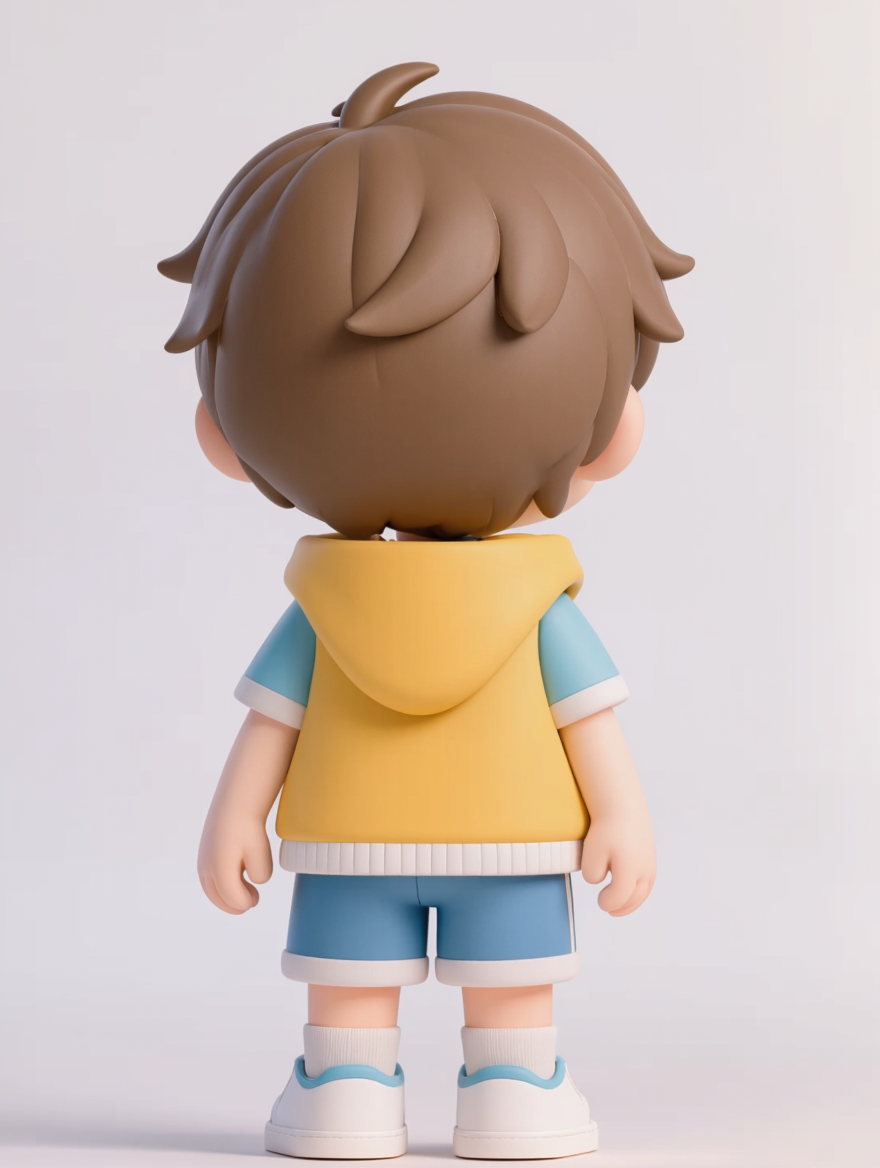
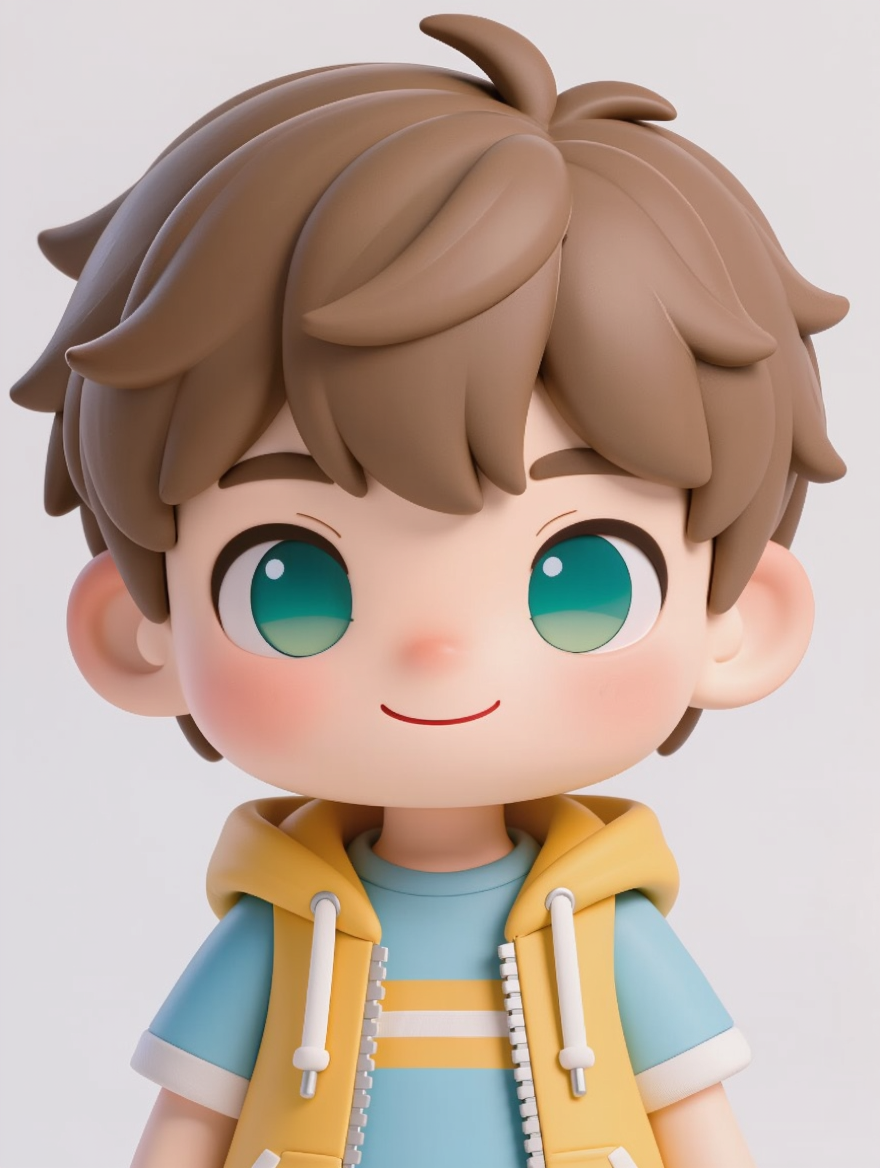
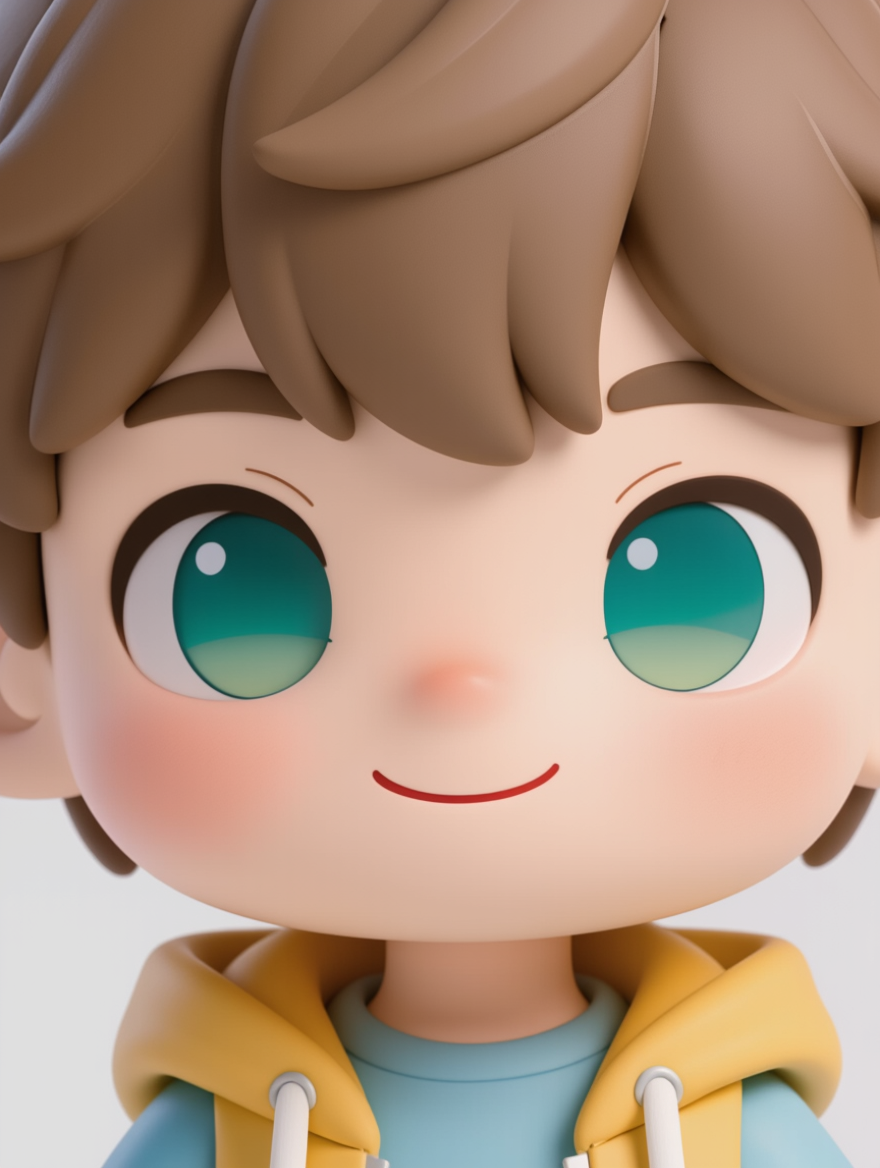
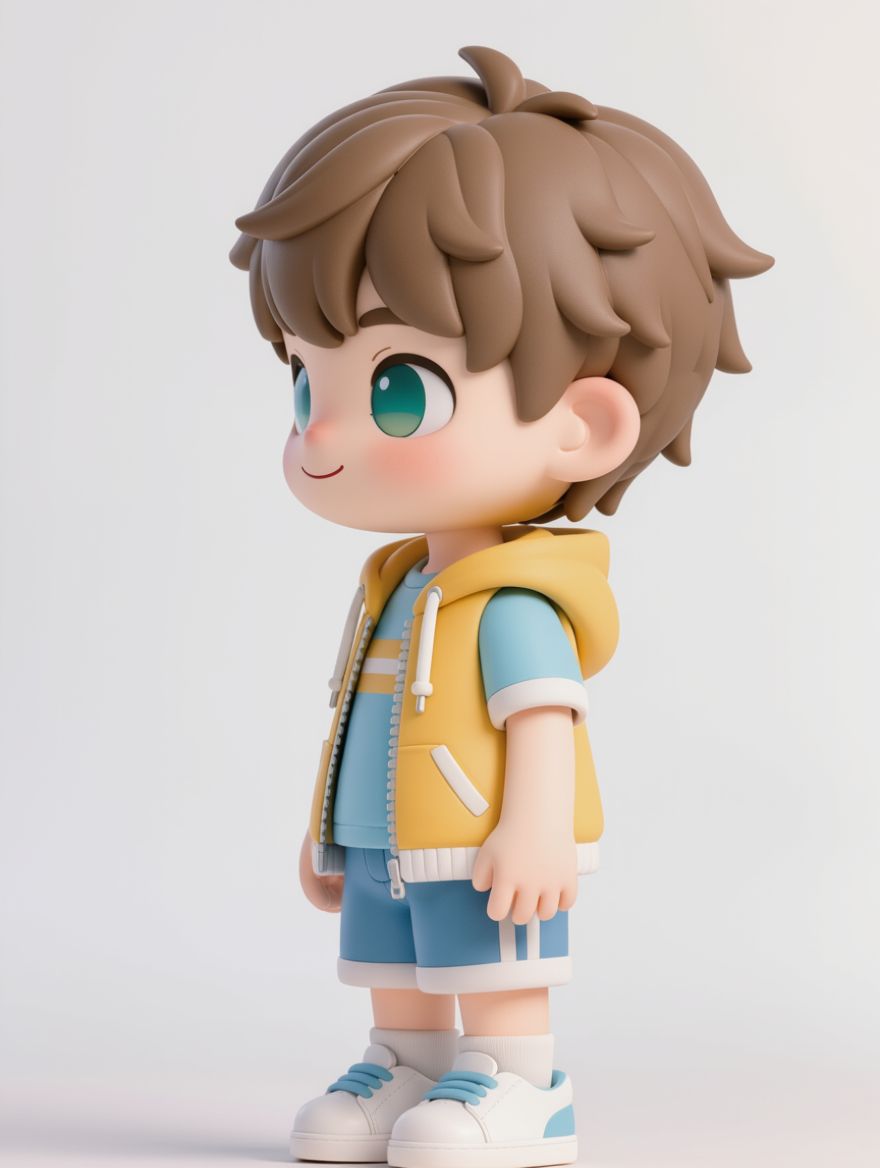
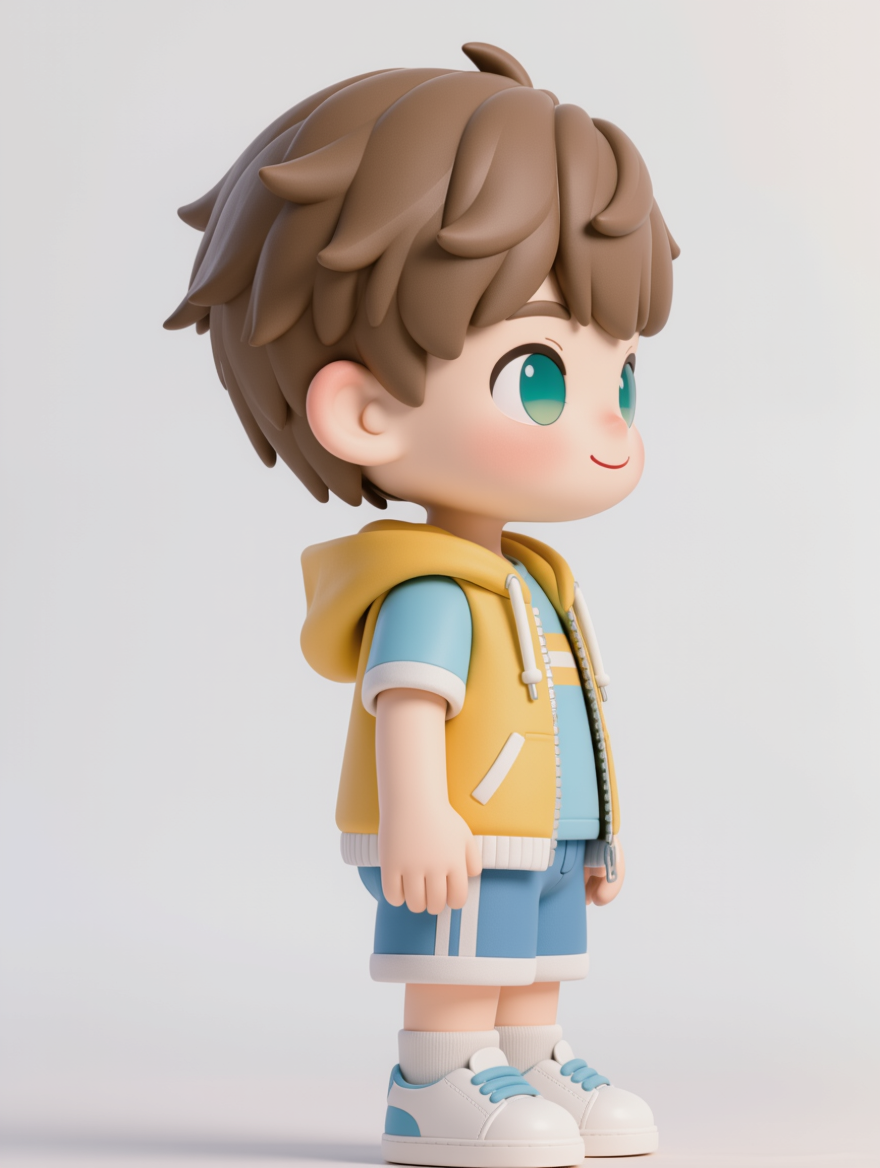
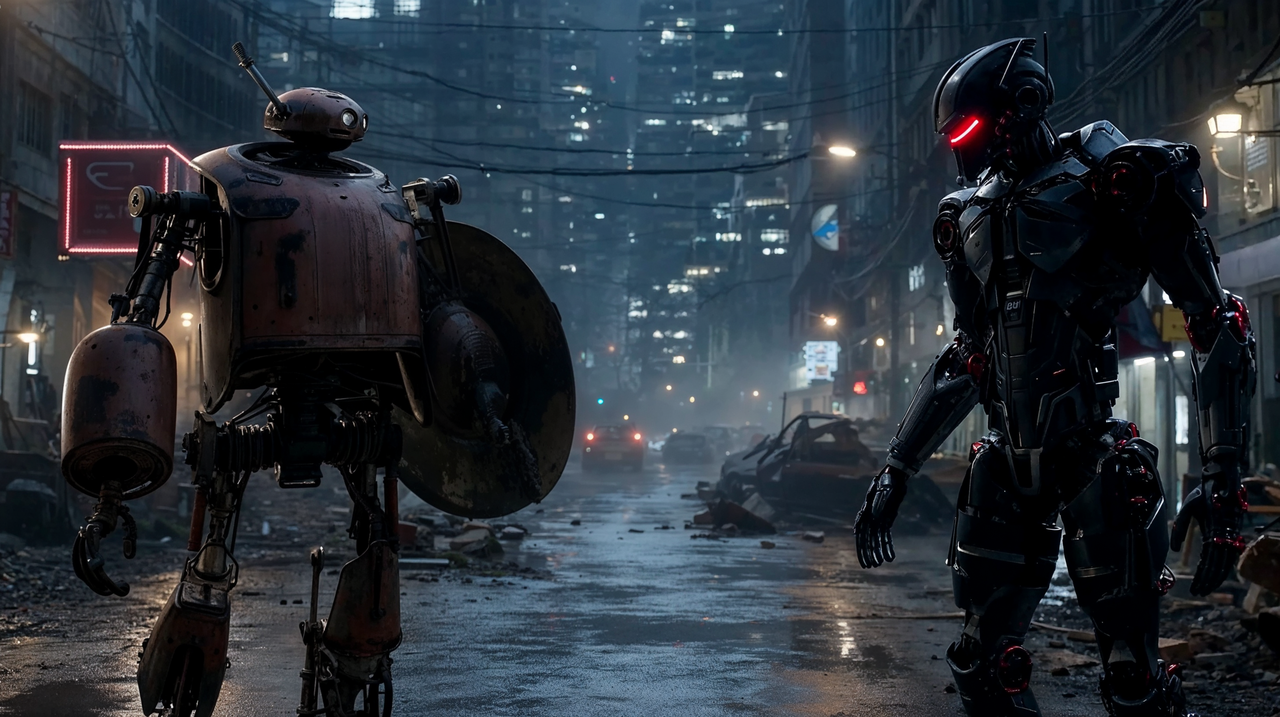
Camera angle/height Modifications
Angle Modifications |
Reference Image |
|
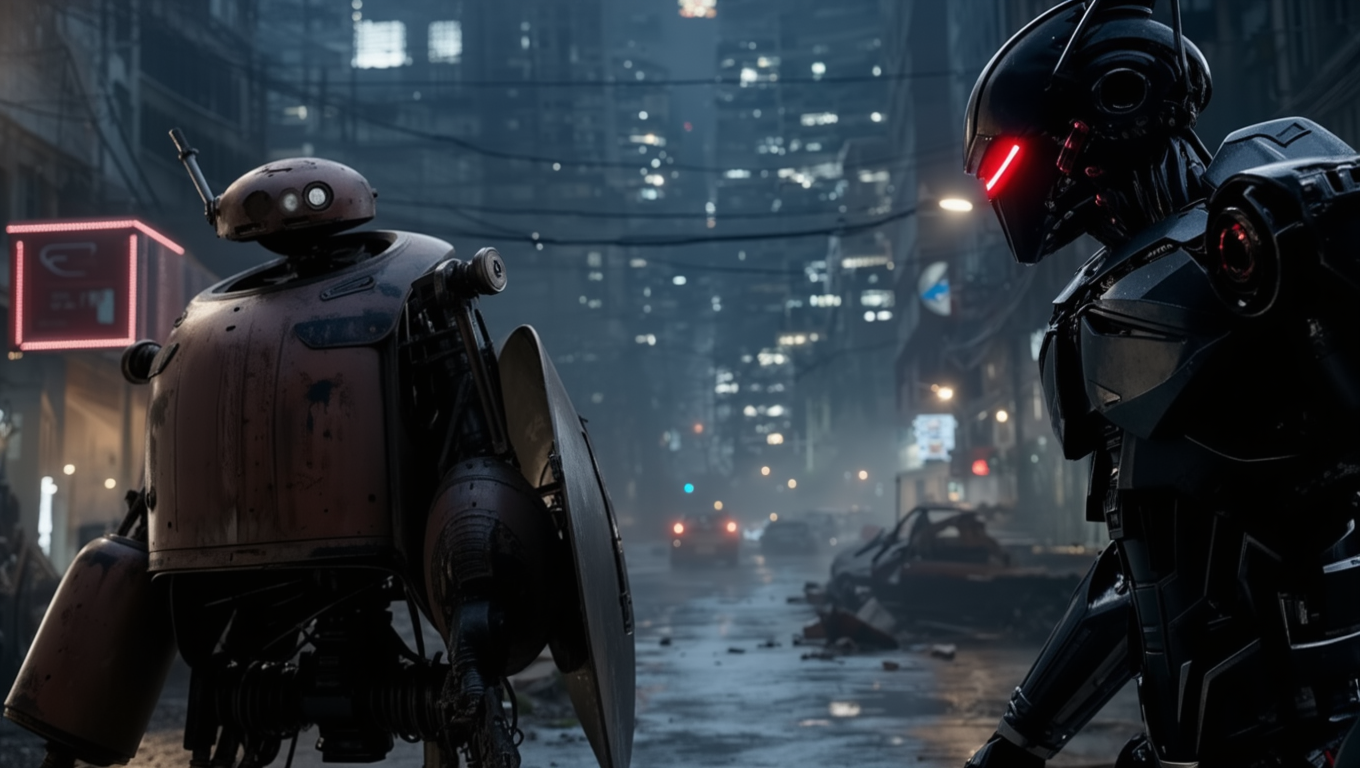
Over the shoulder shot of the black robot, filming the robot holding the shield |
Front-side diagonal shot
|
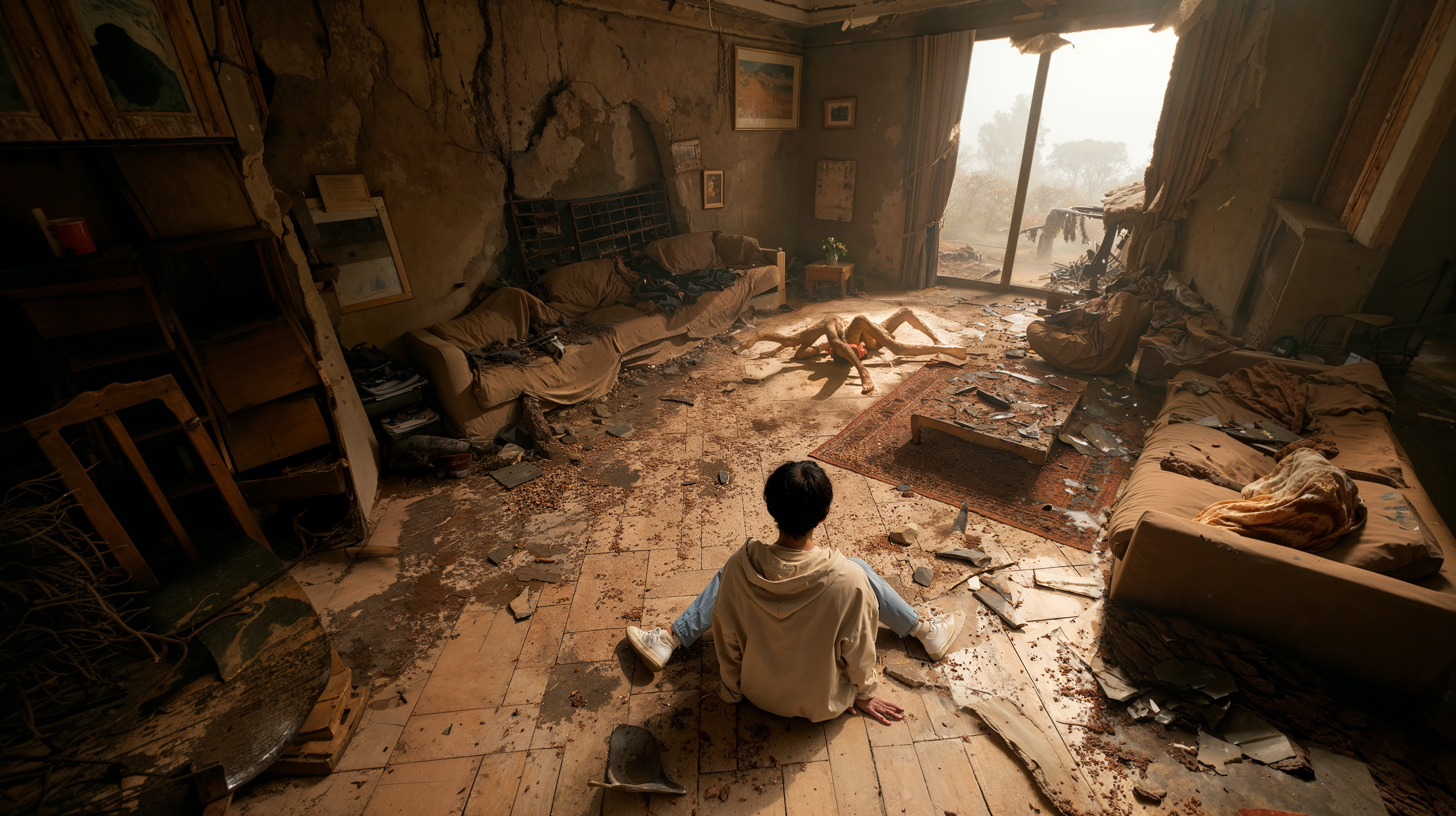
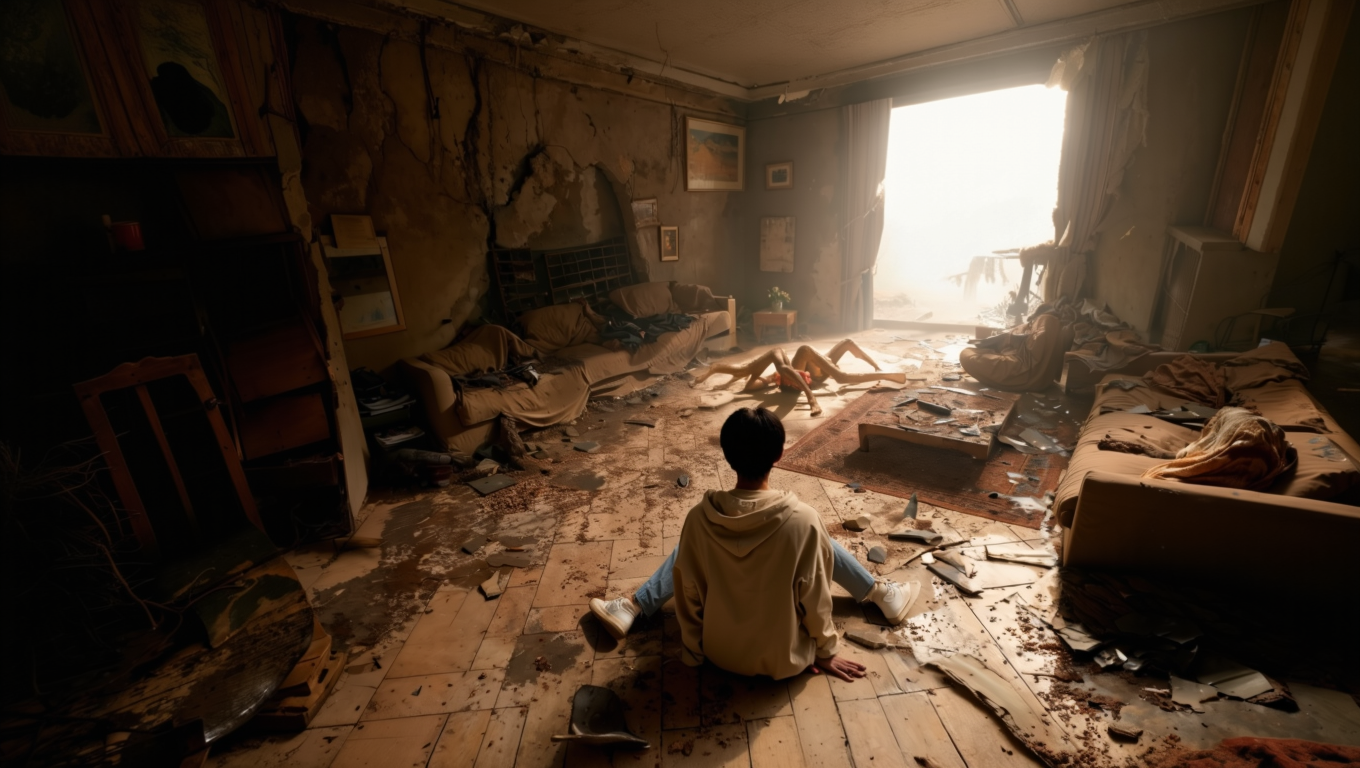
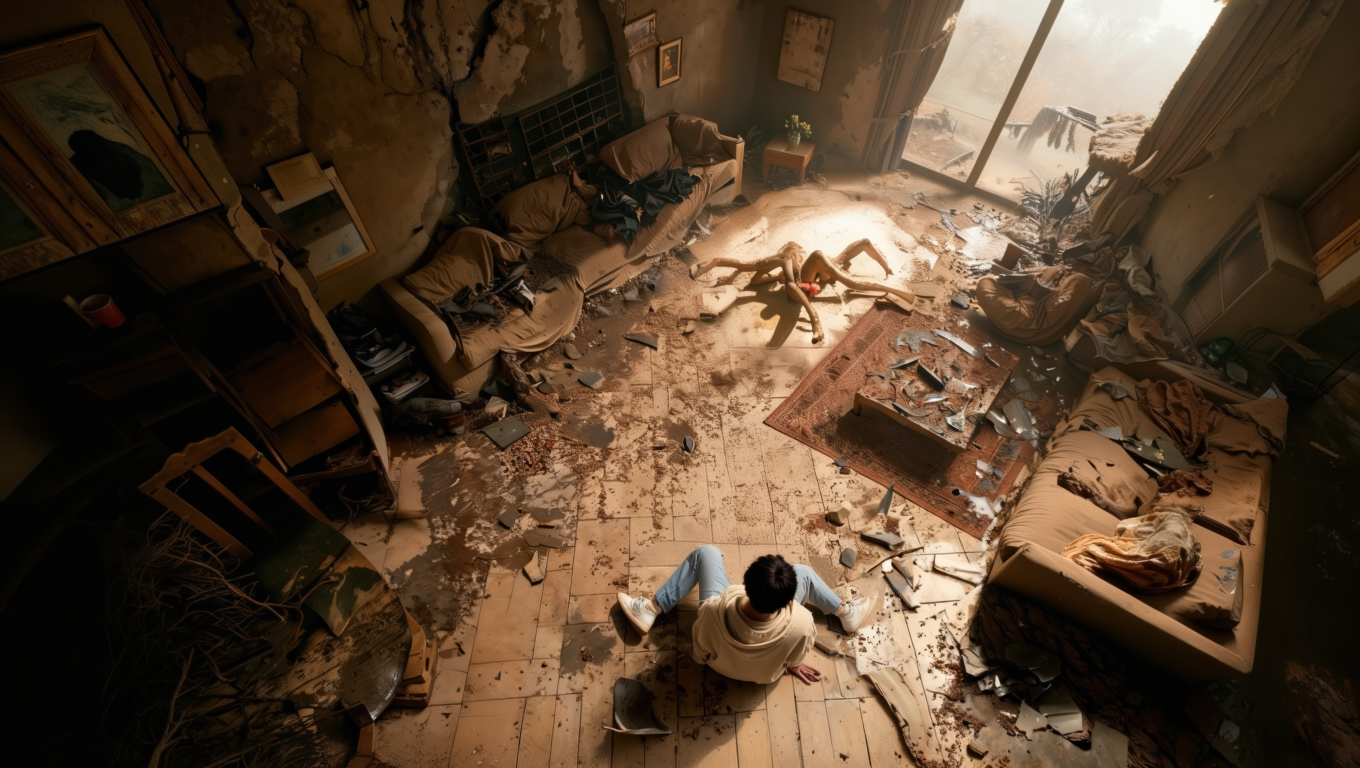
Prompt: Change the shooting angle to [ ] | ||||
Height Modifications |
Reference Image |
Eye-level shot |
High-angle shot |
Low-angle shot |
Prompt: Change the shooting height to [ ] | ||||
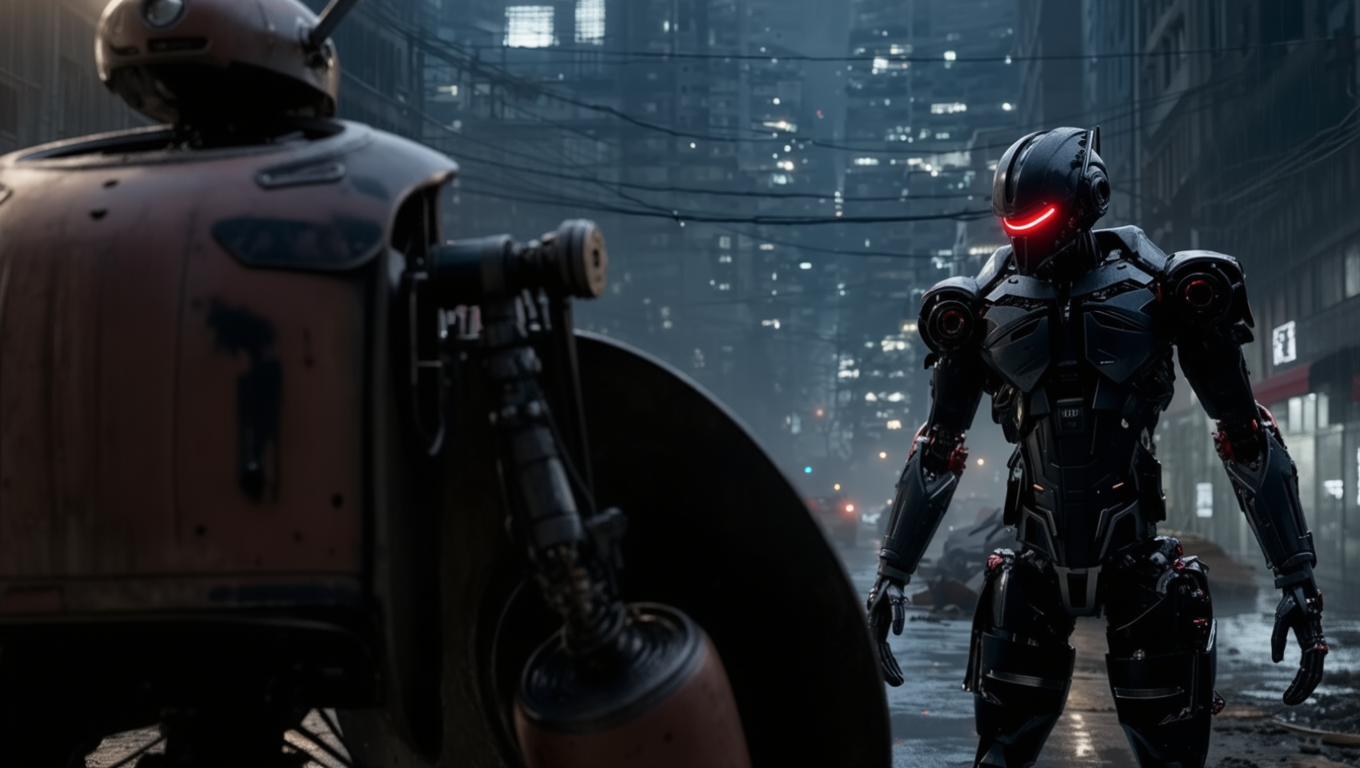 Over the shoulder shot of the shield-bearing robot, filming the robot holding the black robot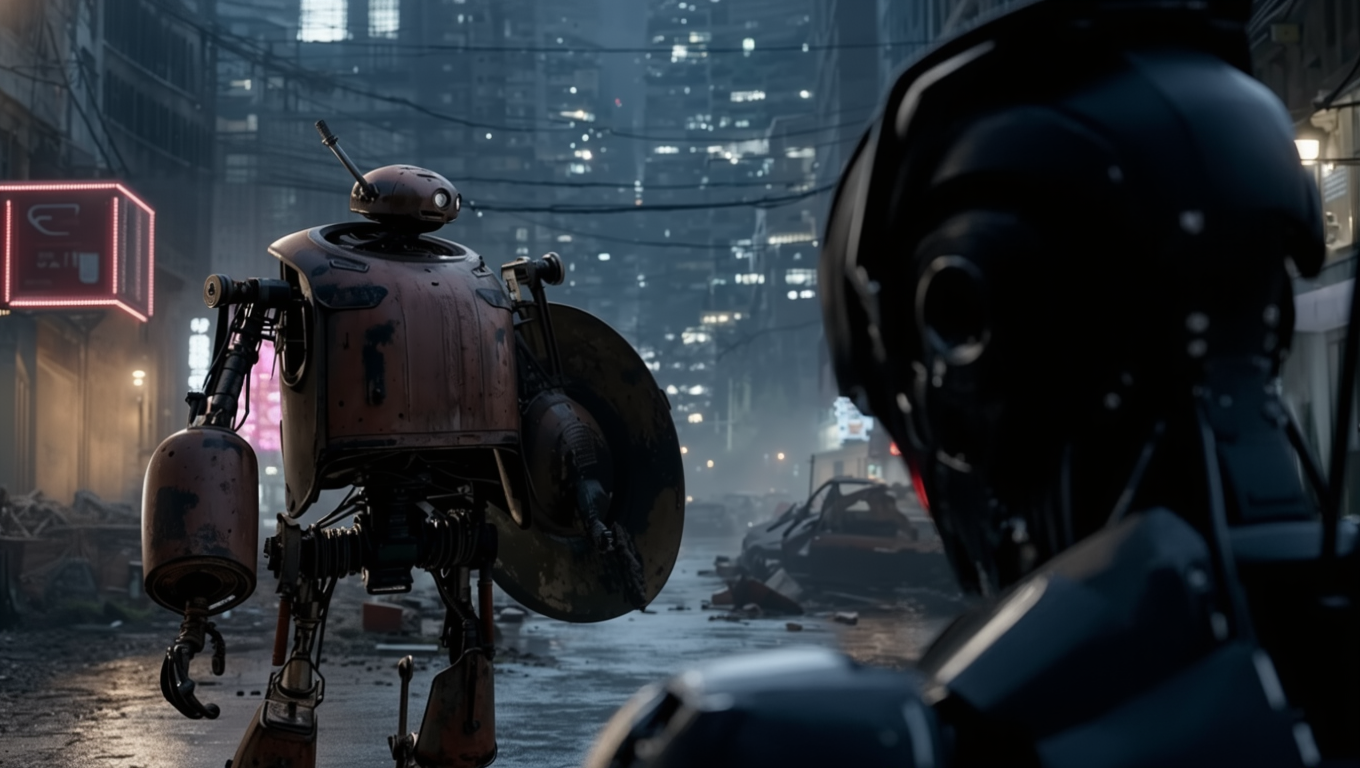
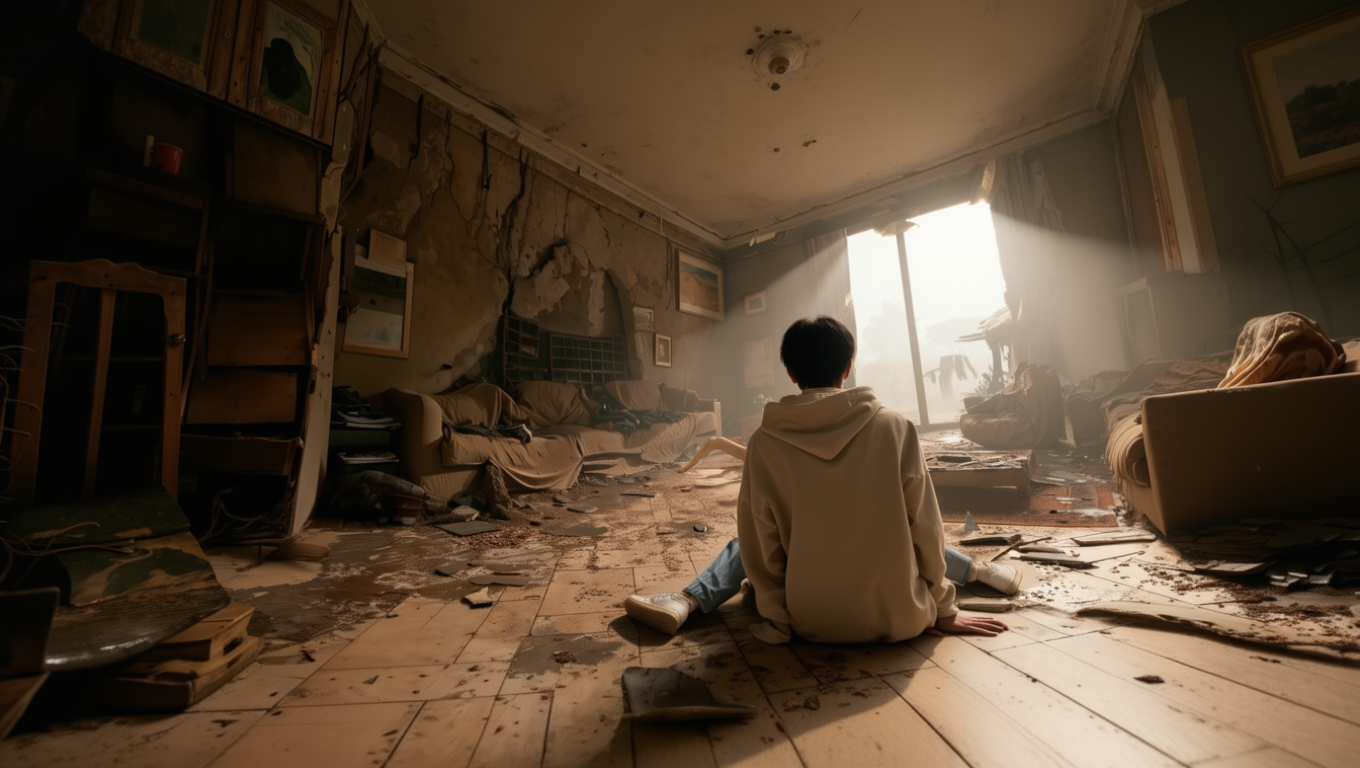
Shot Size Modifications
Reference Image |
Establishing Shot |
Long Shot |
Medium Long Shot |
Medium Shot |
Close-up |
Facial Close-up |
Extreme Close-Up |
Extreme Close-Up of Open Eyes | |
Prompt: Change the shot size to [ ] | ||||
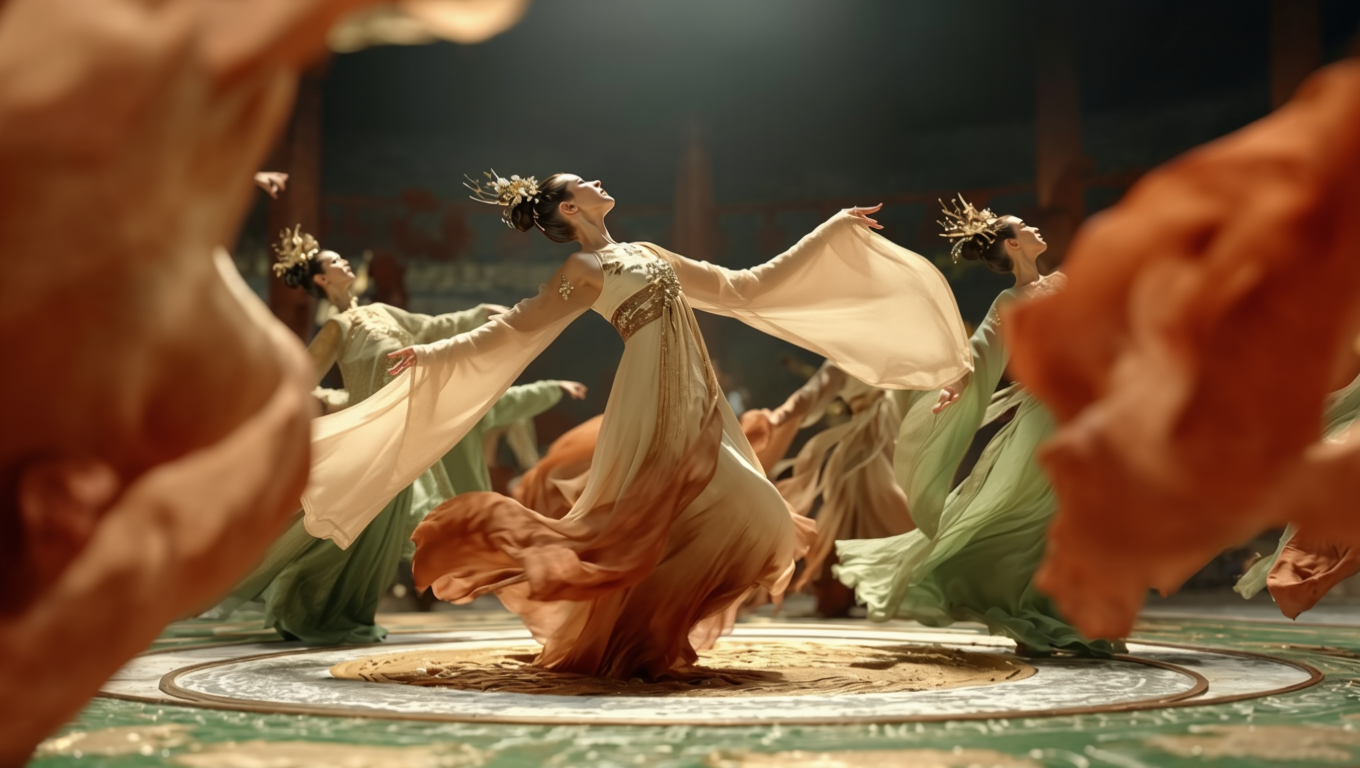
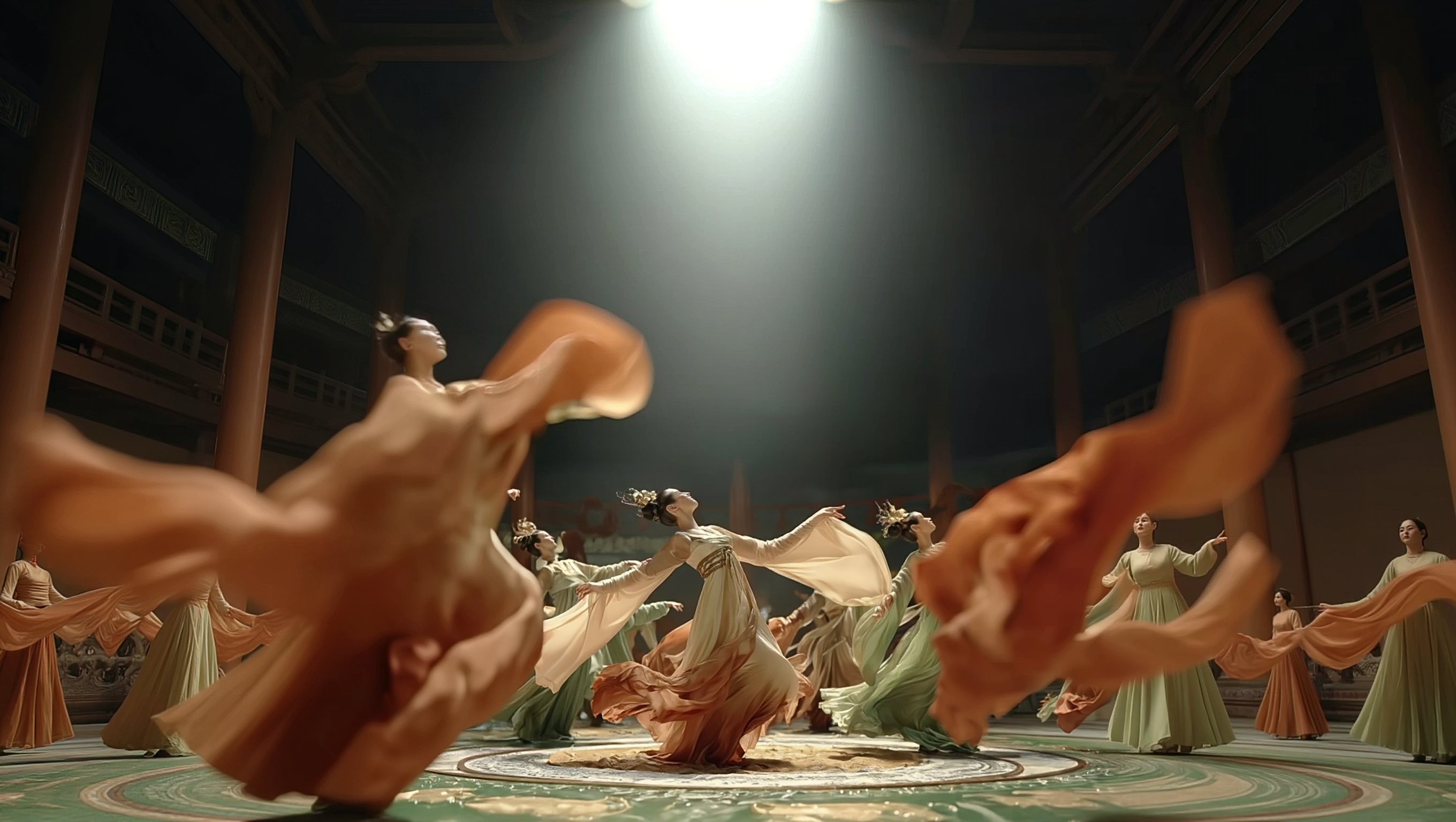
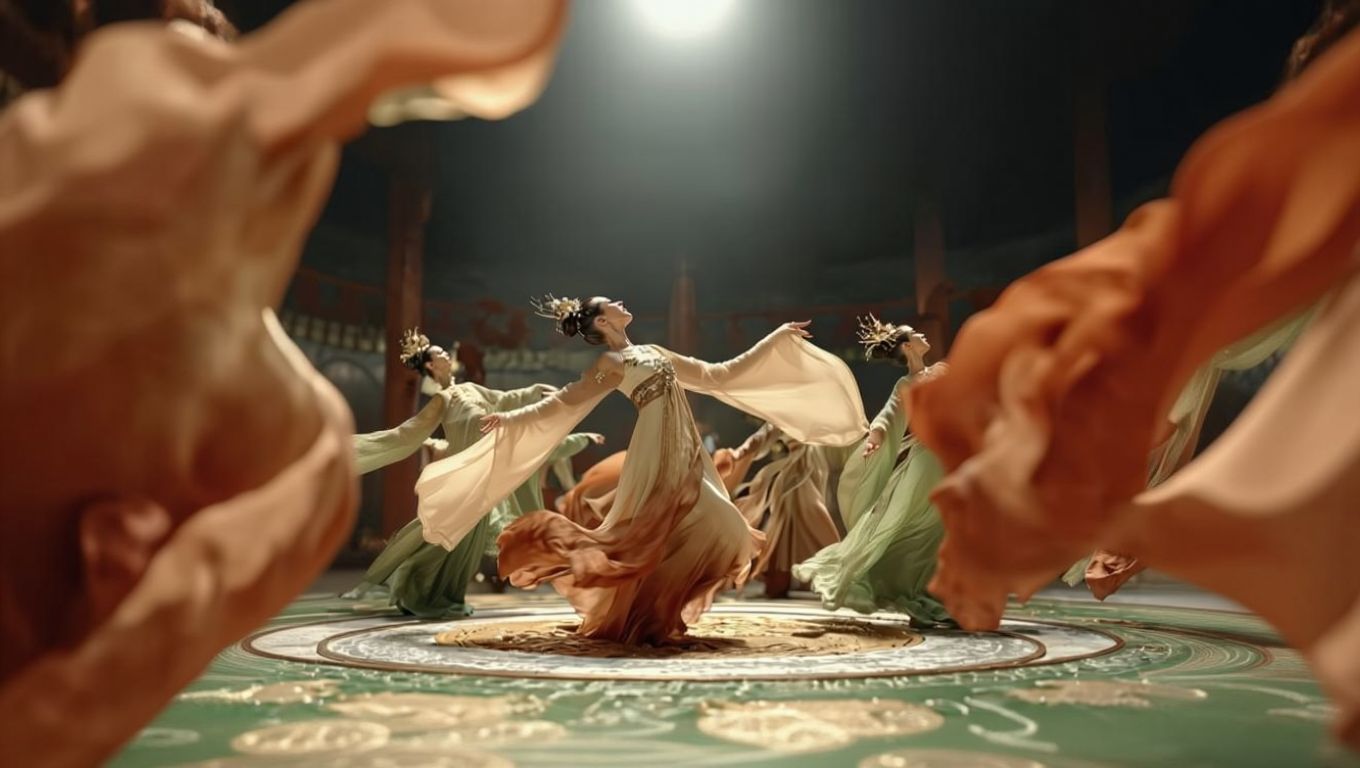
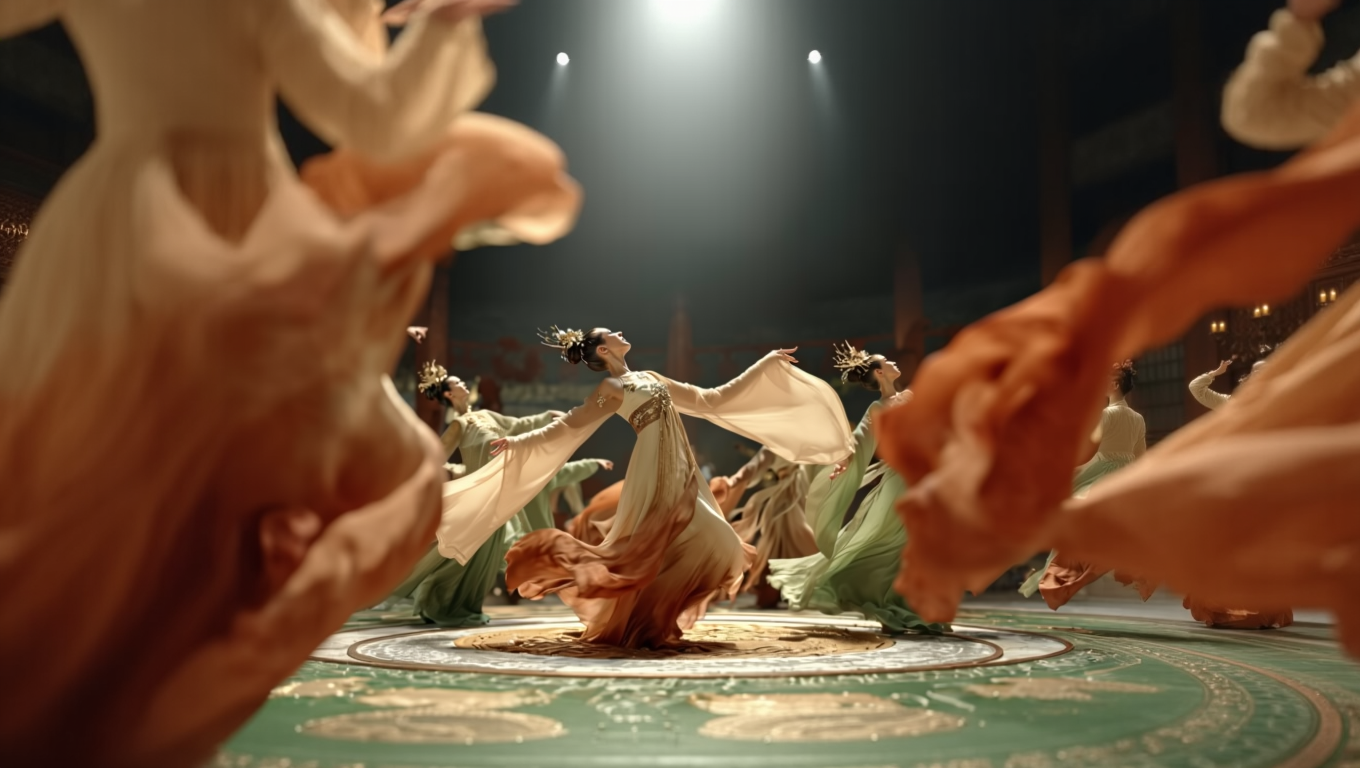
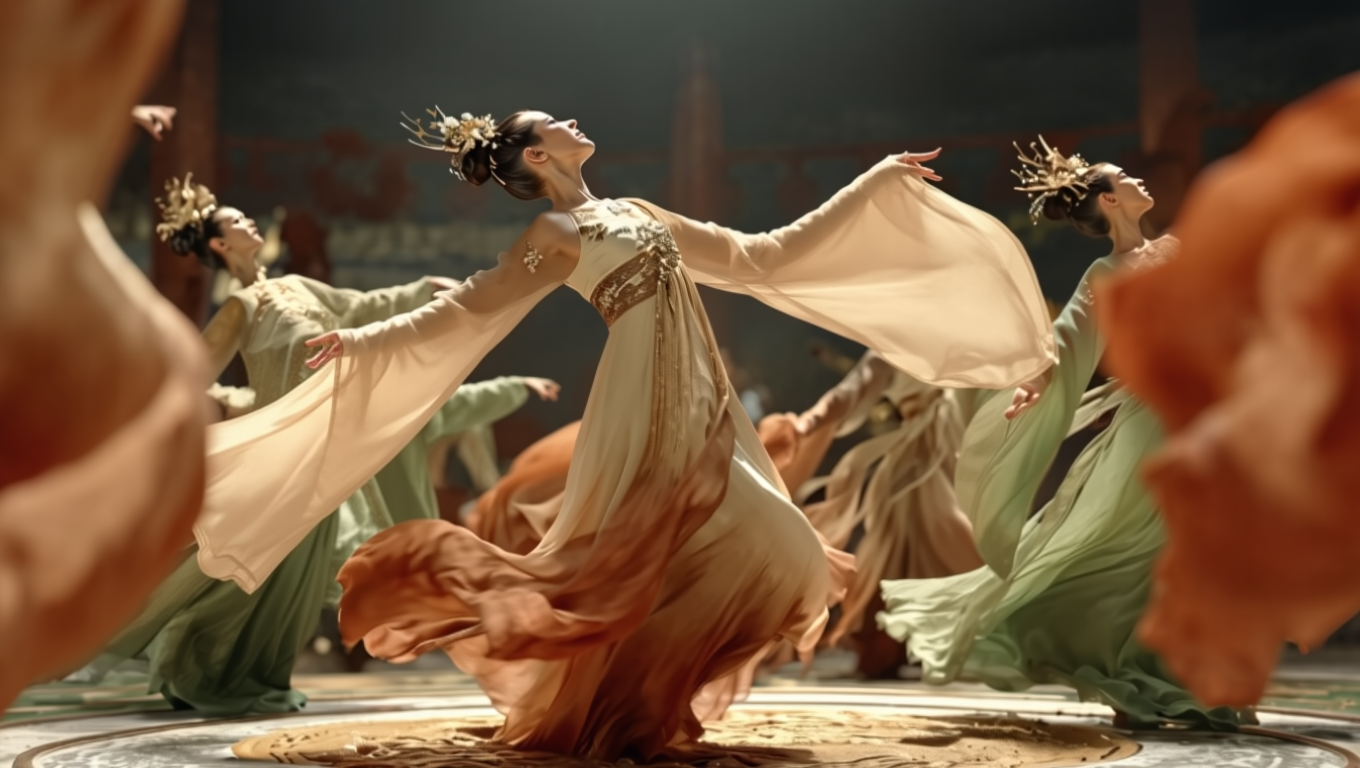
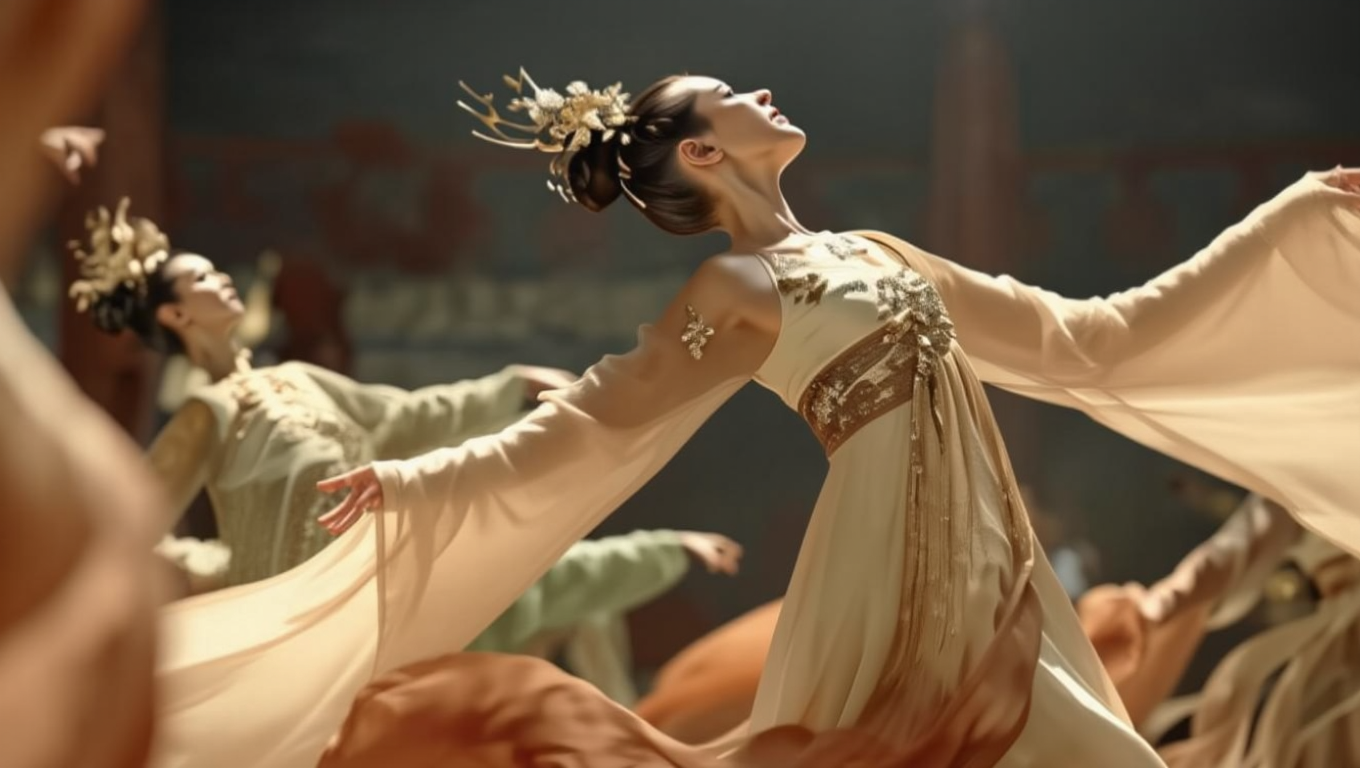
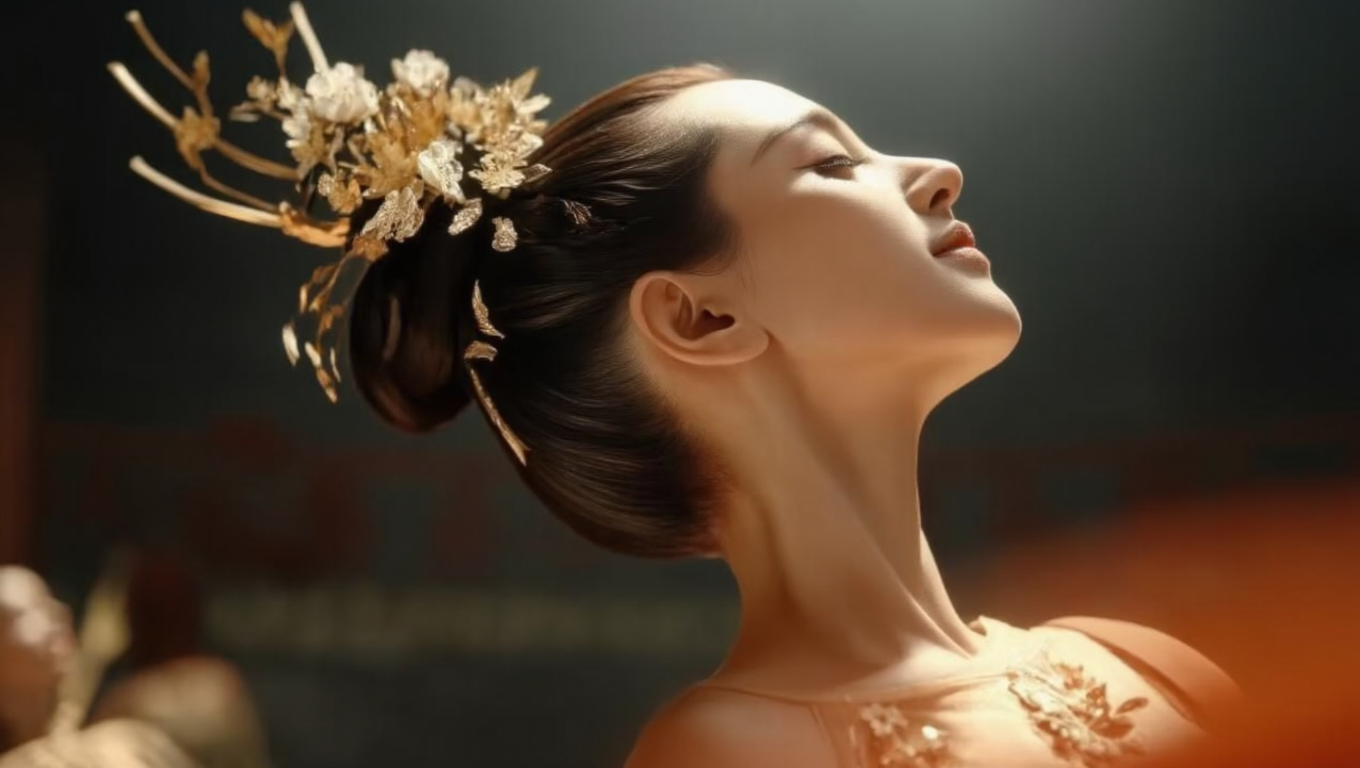
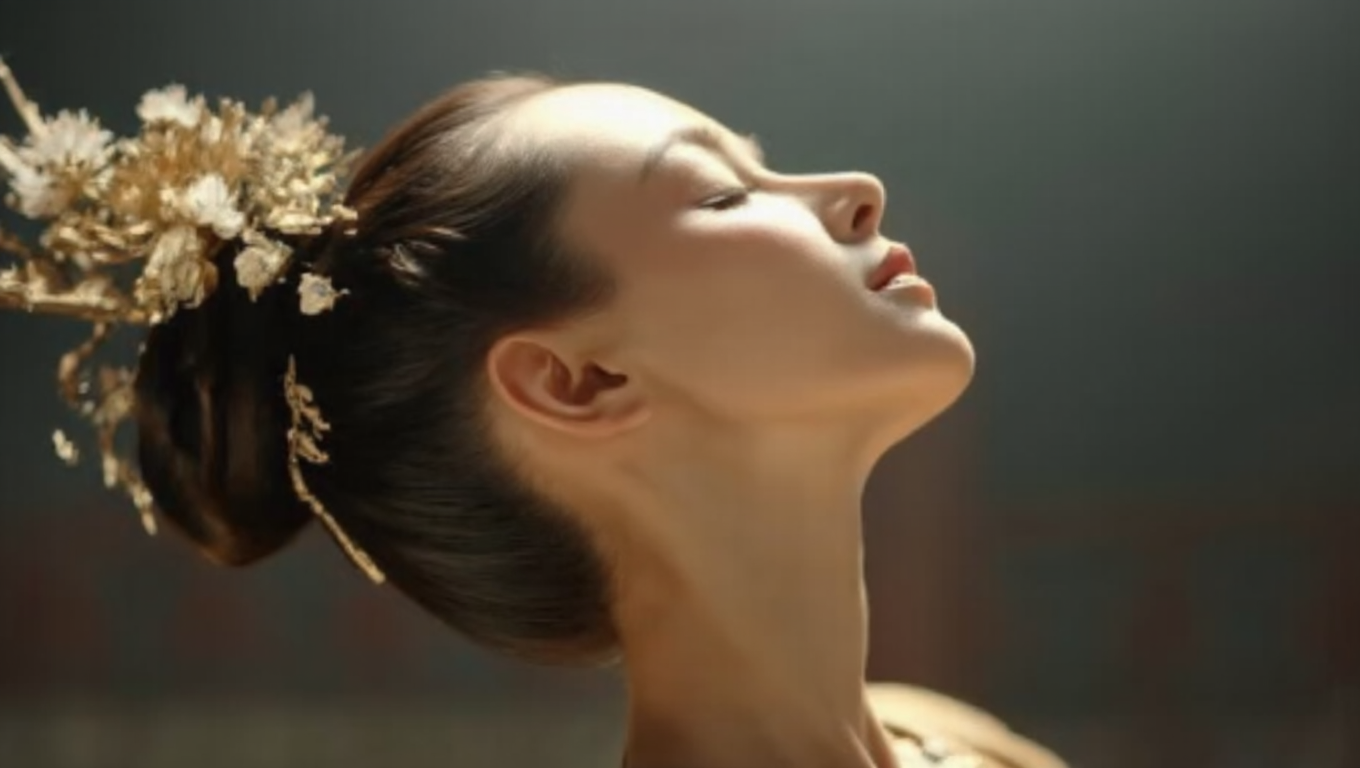
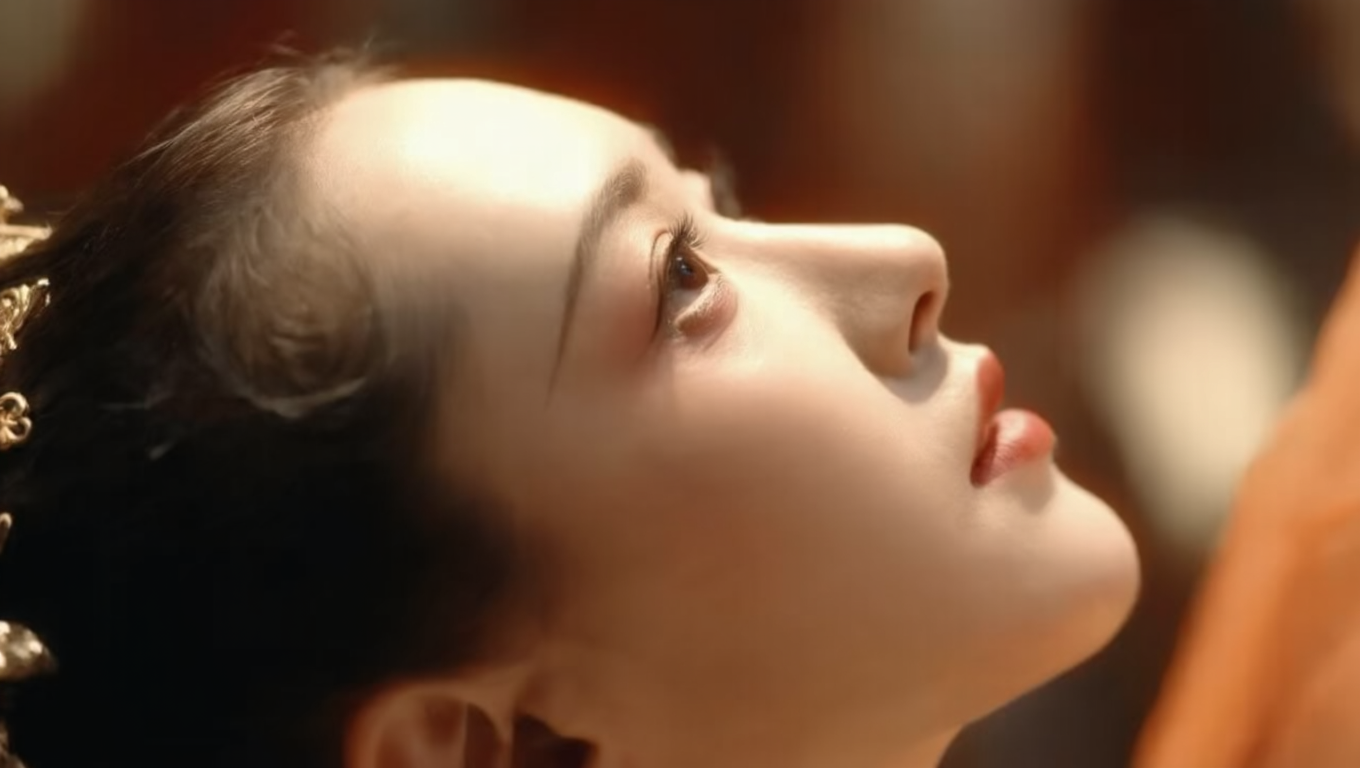
Expression Modifications
Reference Image |
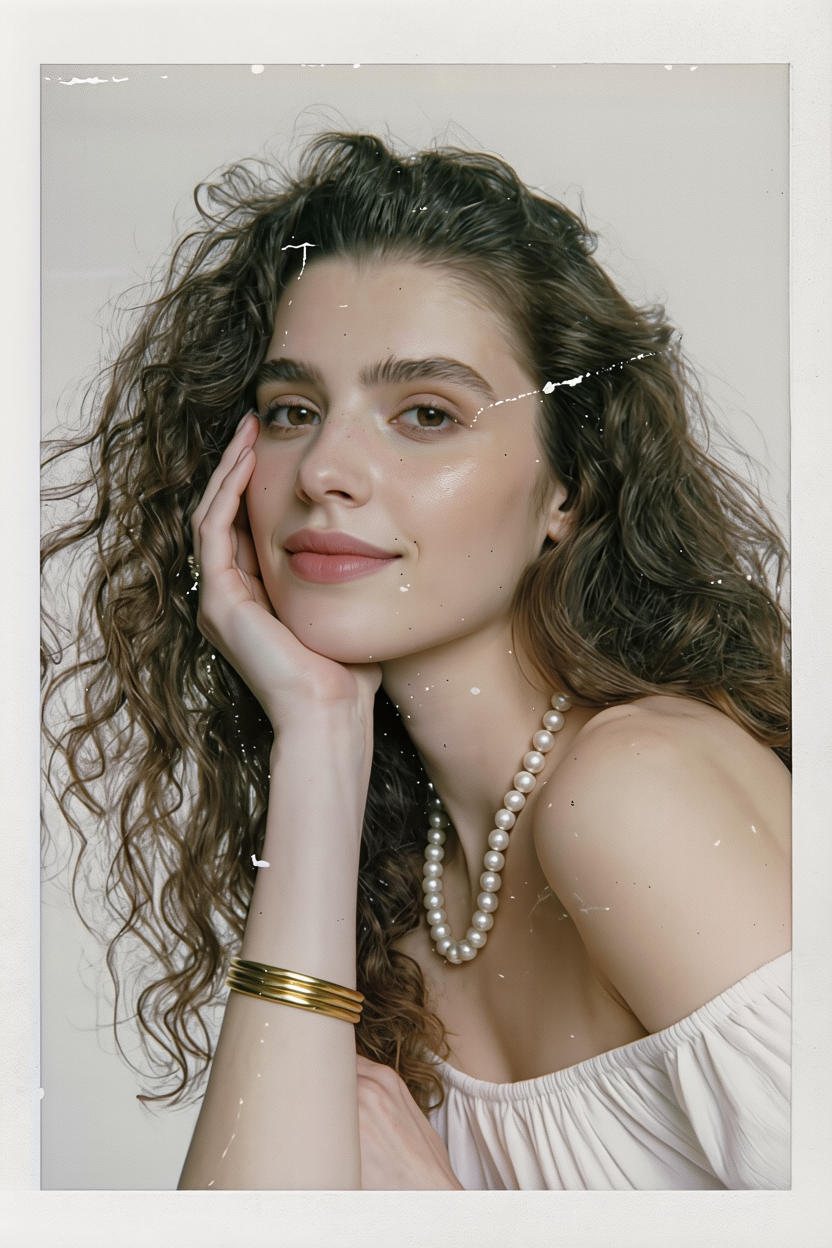
Smile |
Glaring |
Fear |
Laugh |
Mischievous |
Sad |
Proud |
Contempt |
Prompt: Change the expression to [ ] | ||||||||
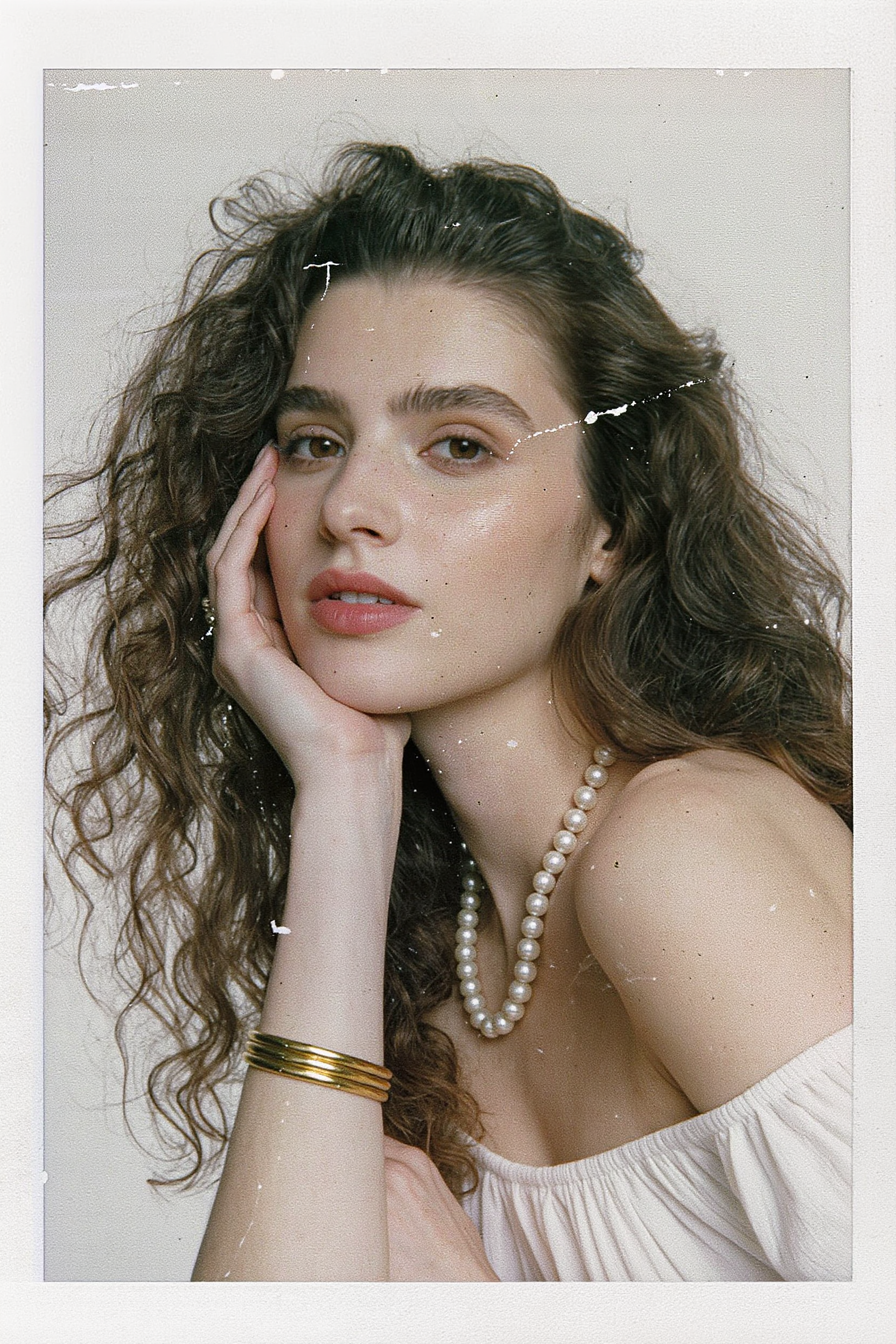
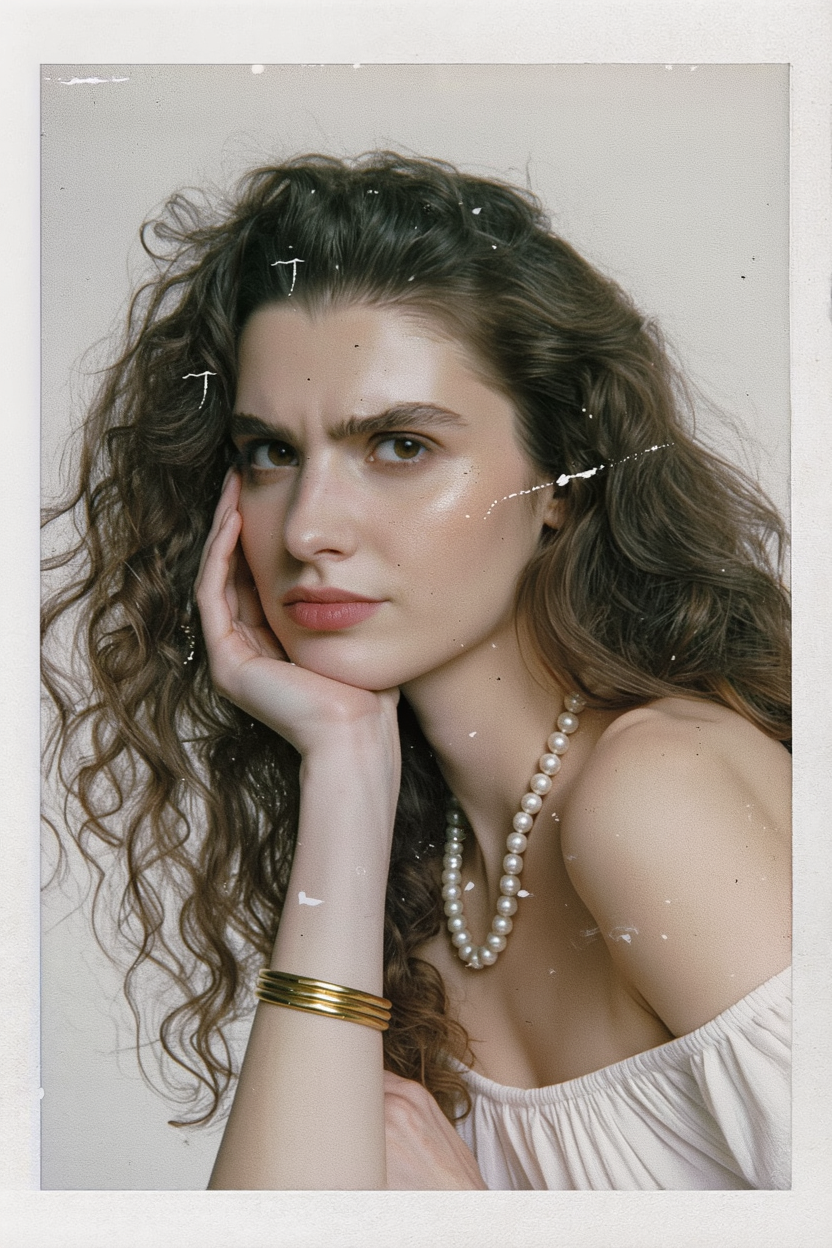
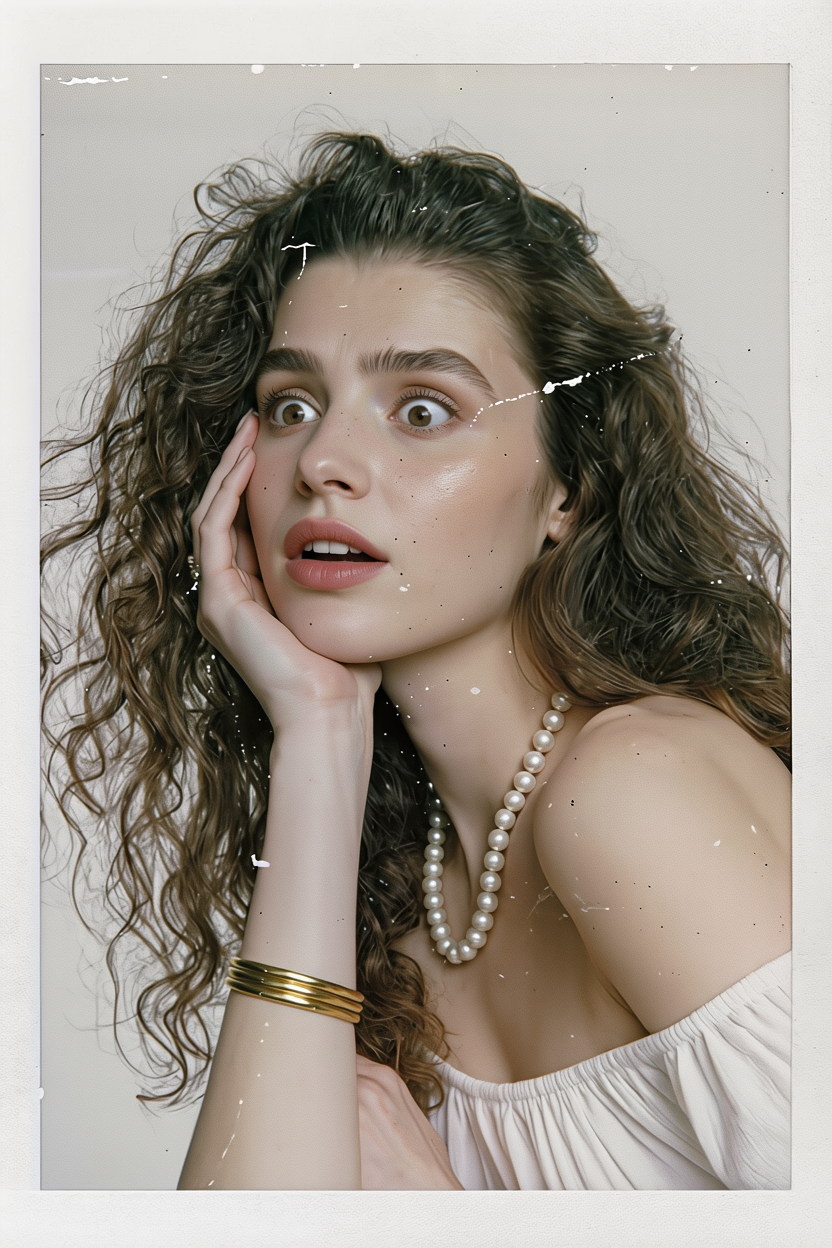
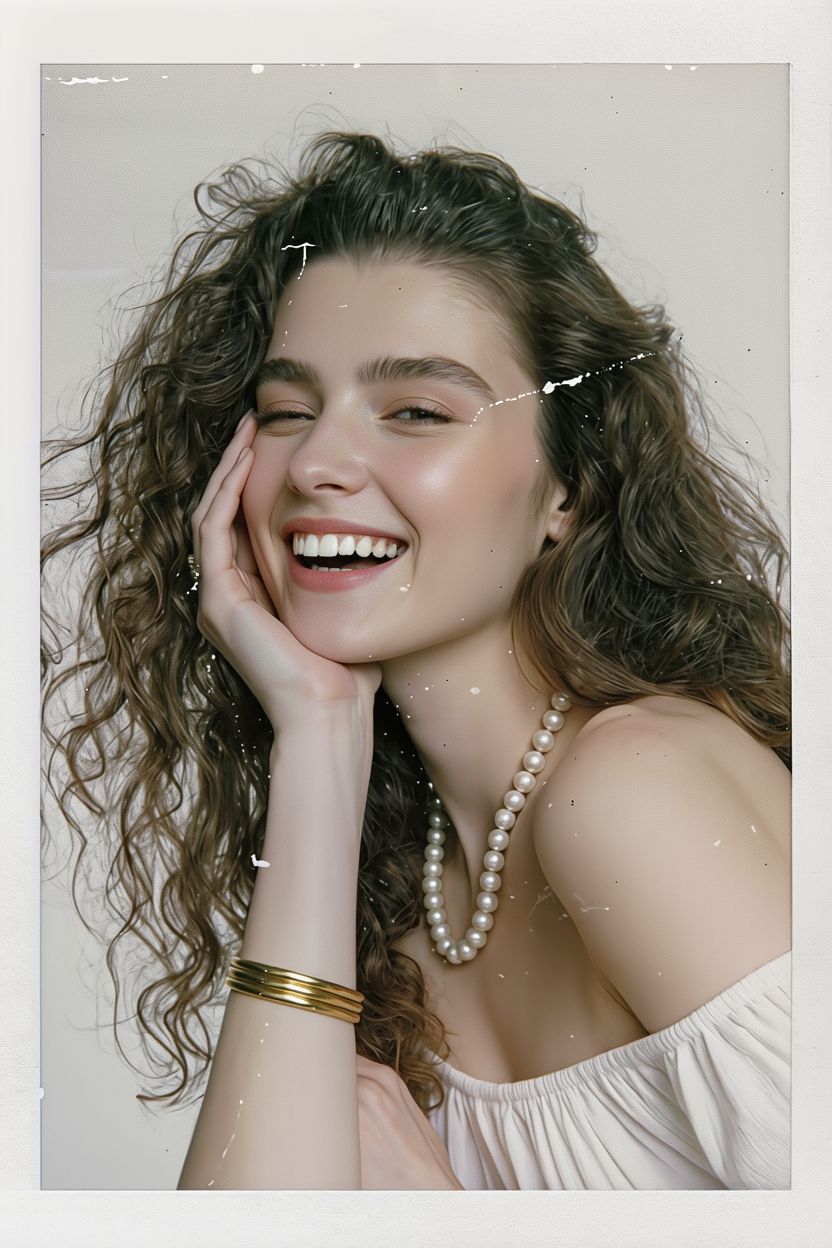
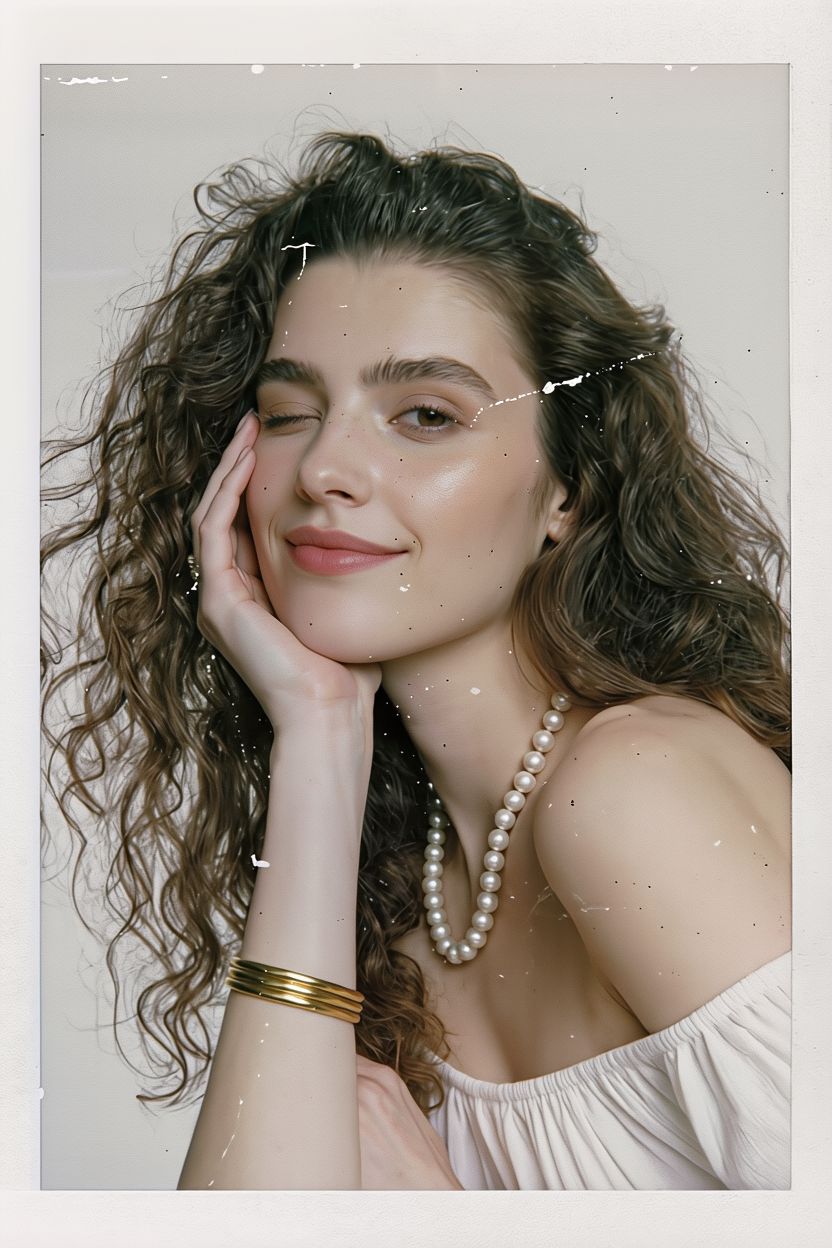
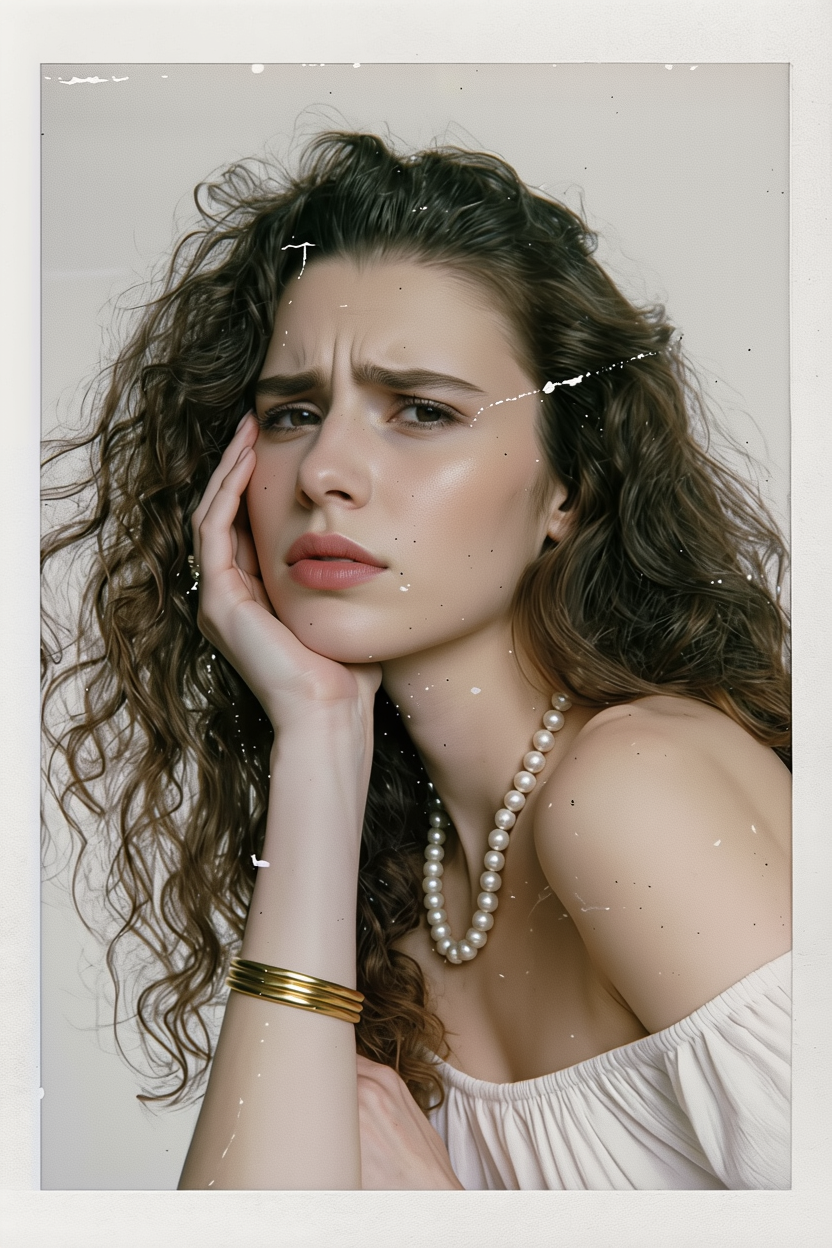
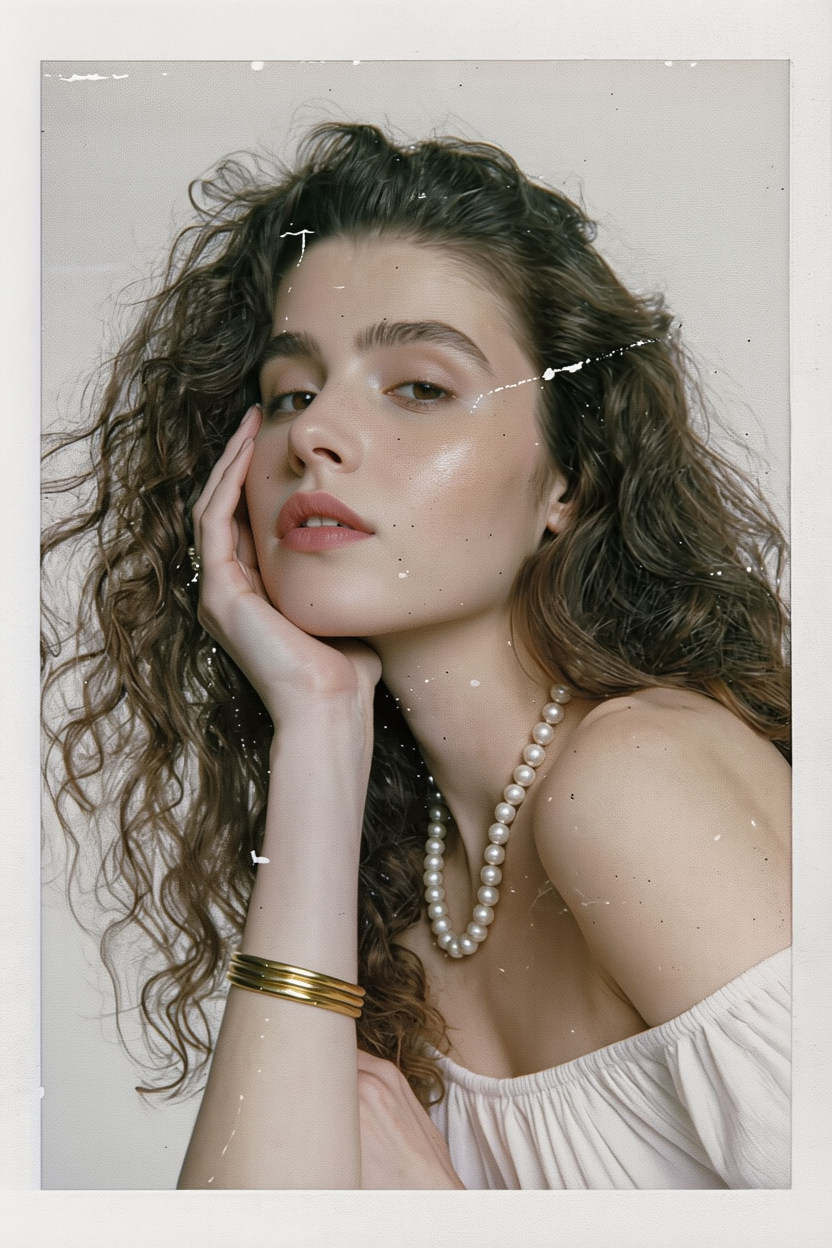
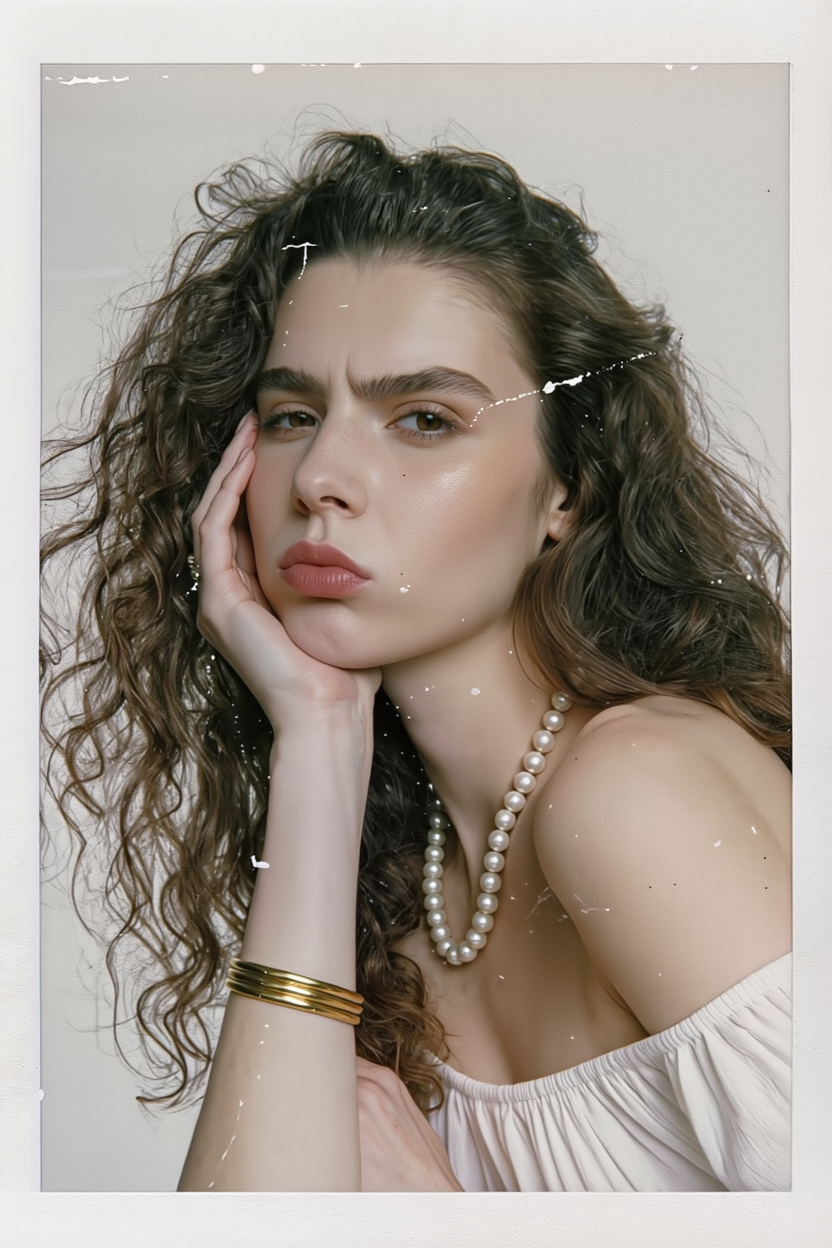
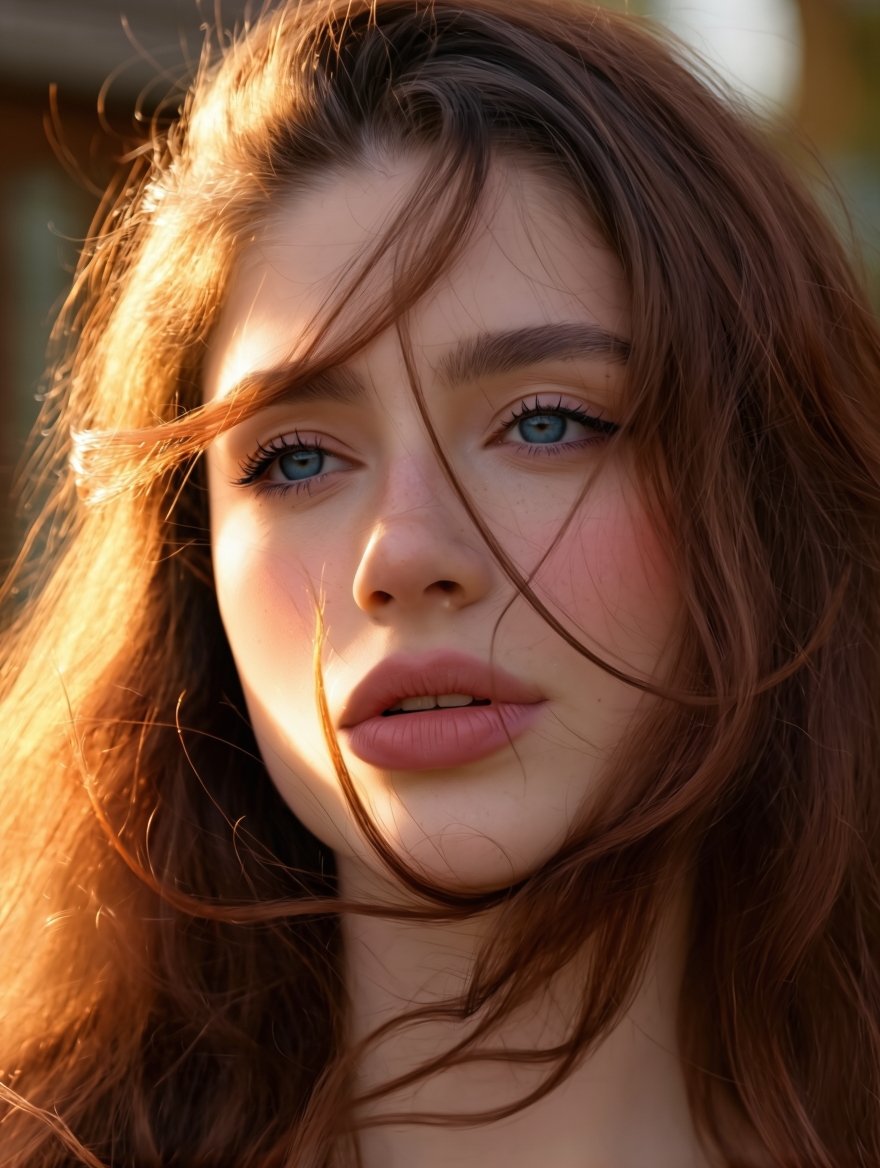
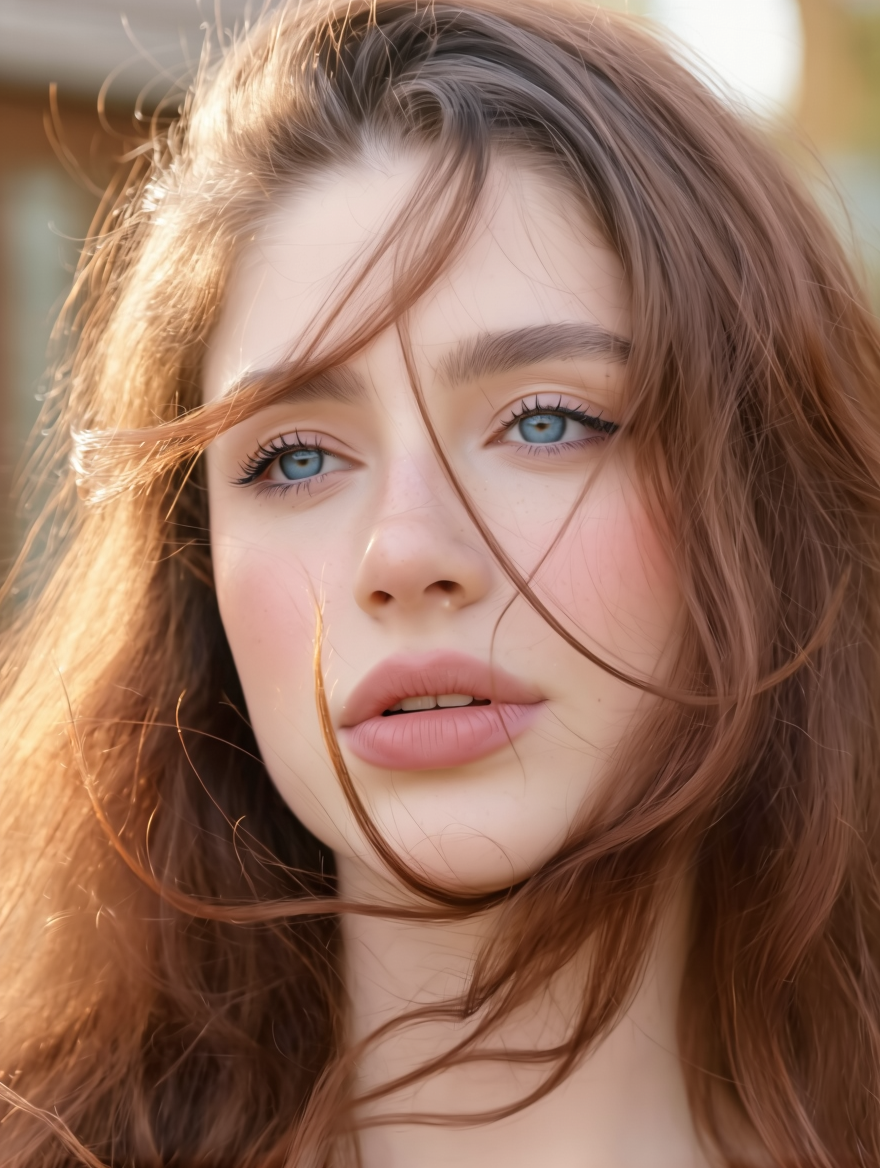
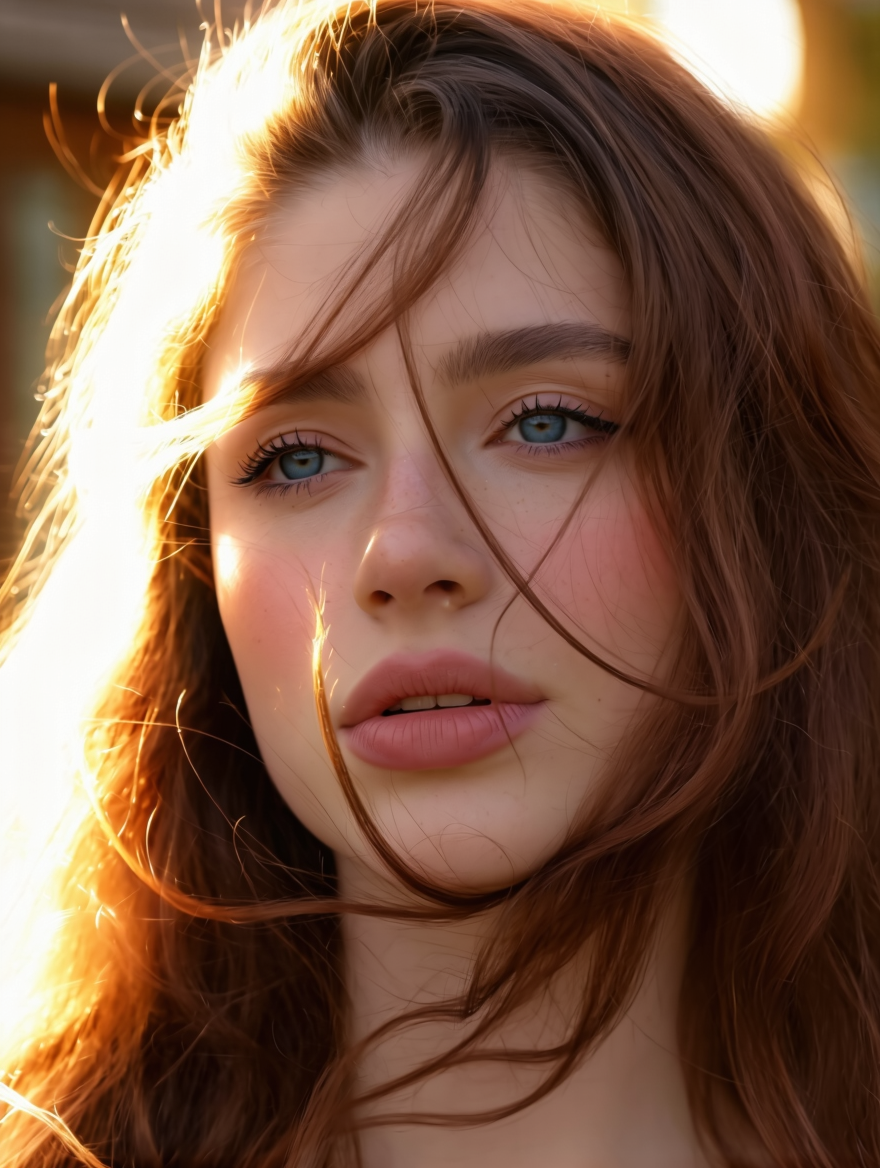
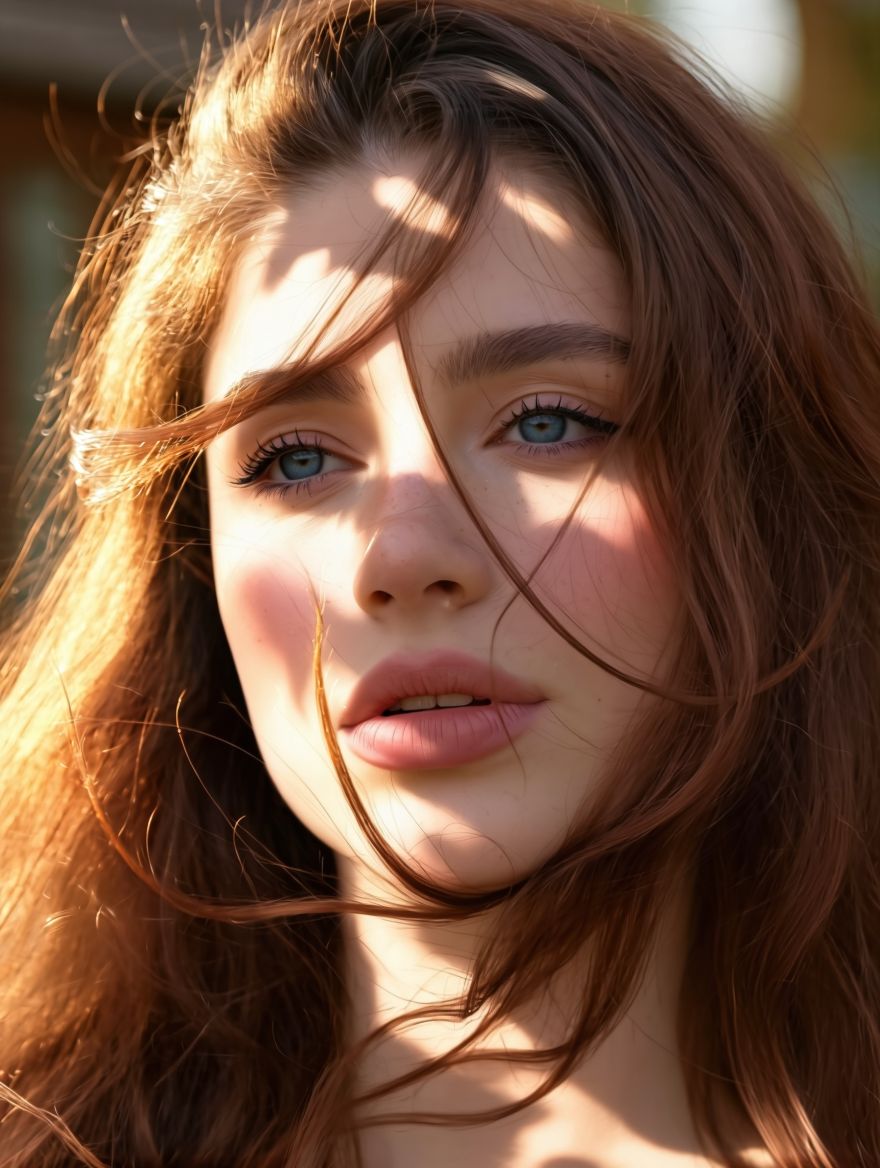
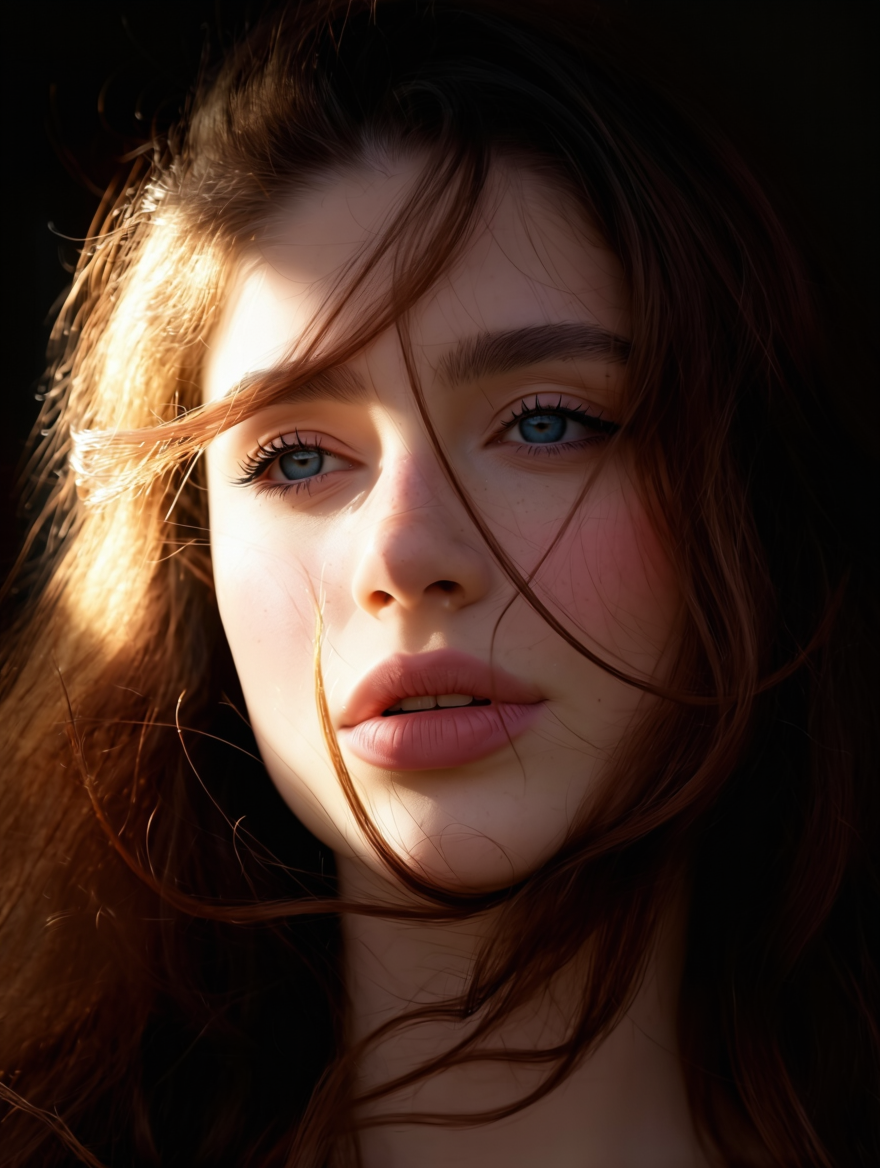
Lighting and Shadow Modification
Reference Image |
Side Lighting |
Soft Light |
Backlight |
Colorful Lighting |
Stage Lighting |
Front Lighting |
Cool-toned Lighting |
Prompt: Change the lighting and shadow to [ ] | |||||||
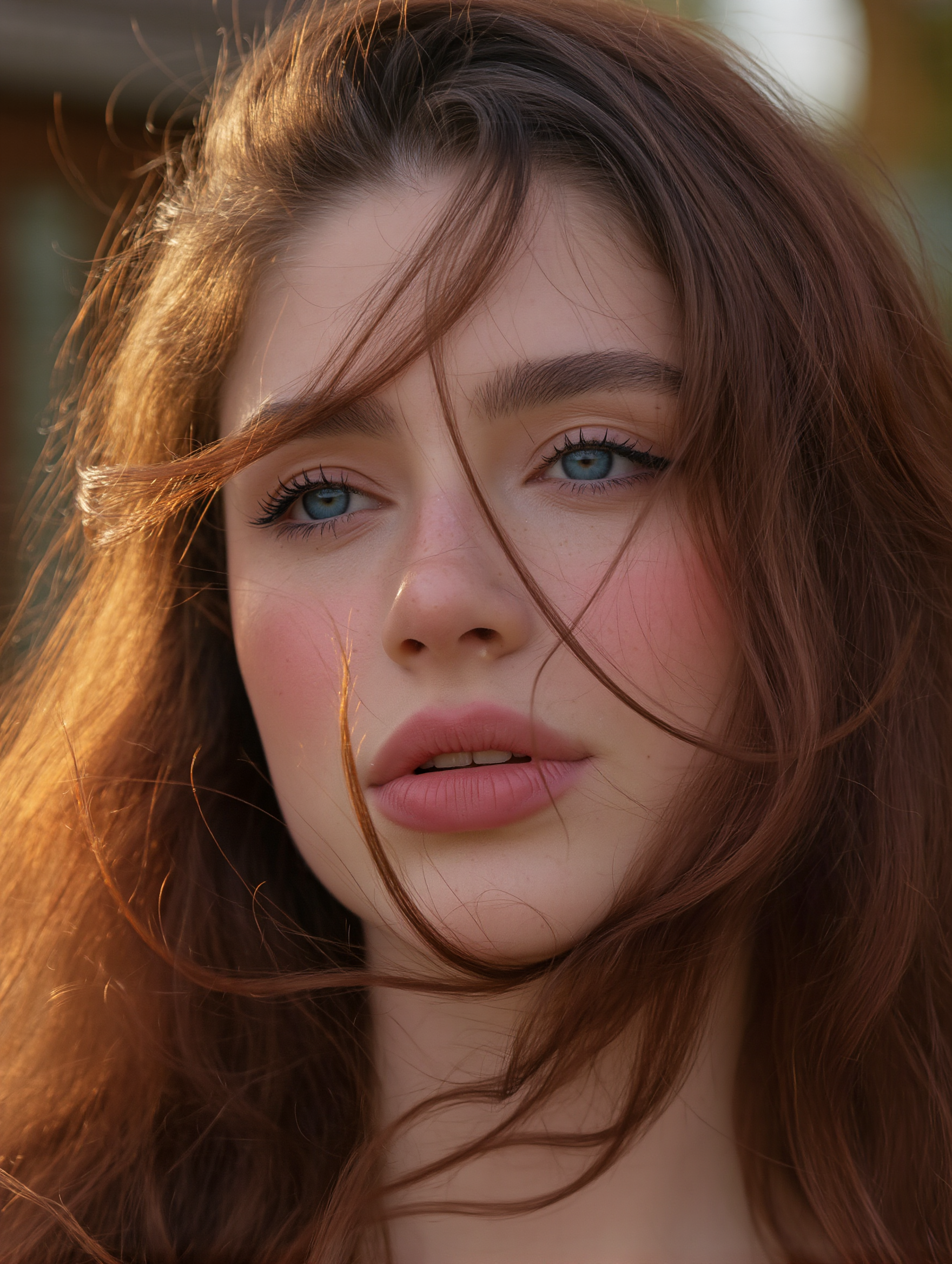
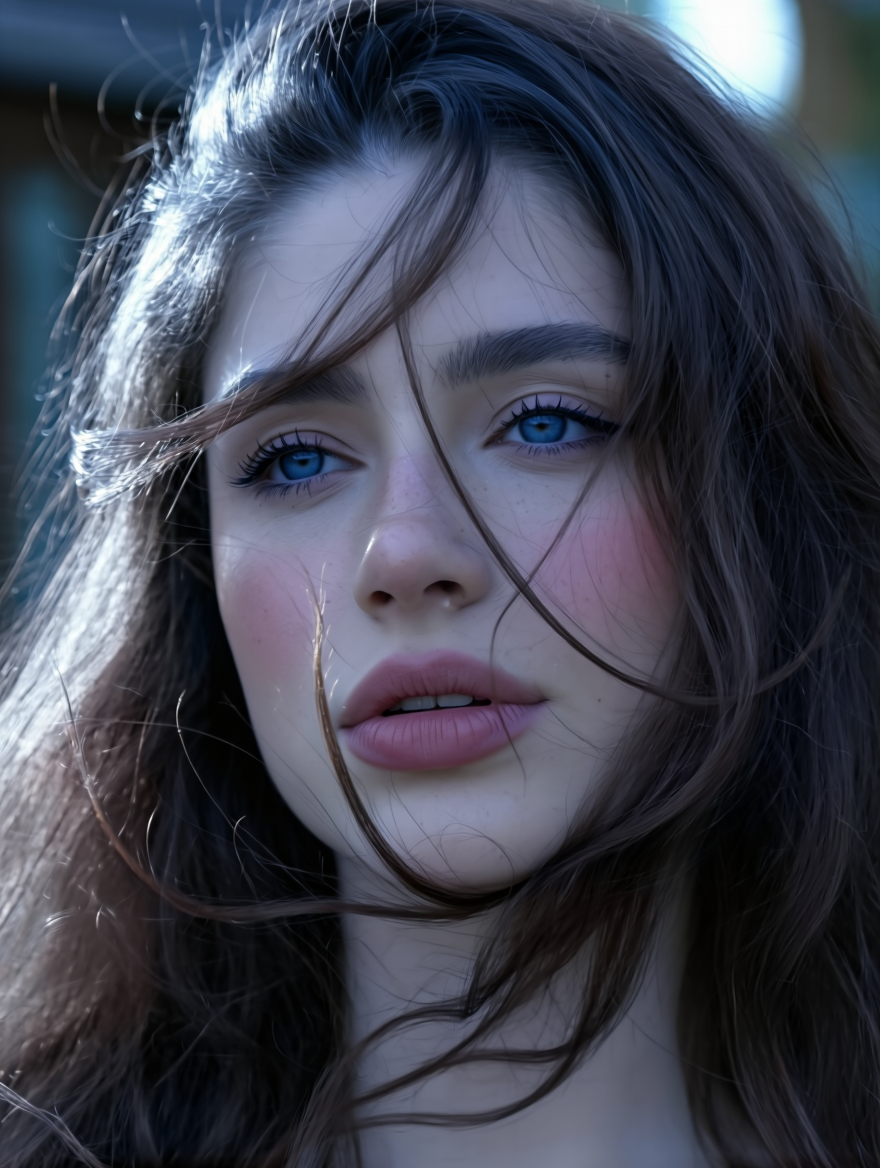
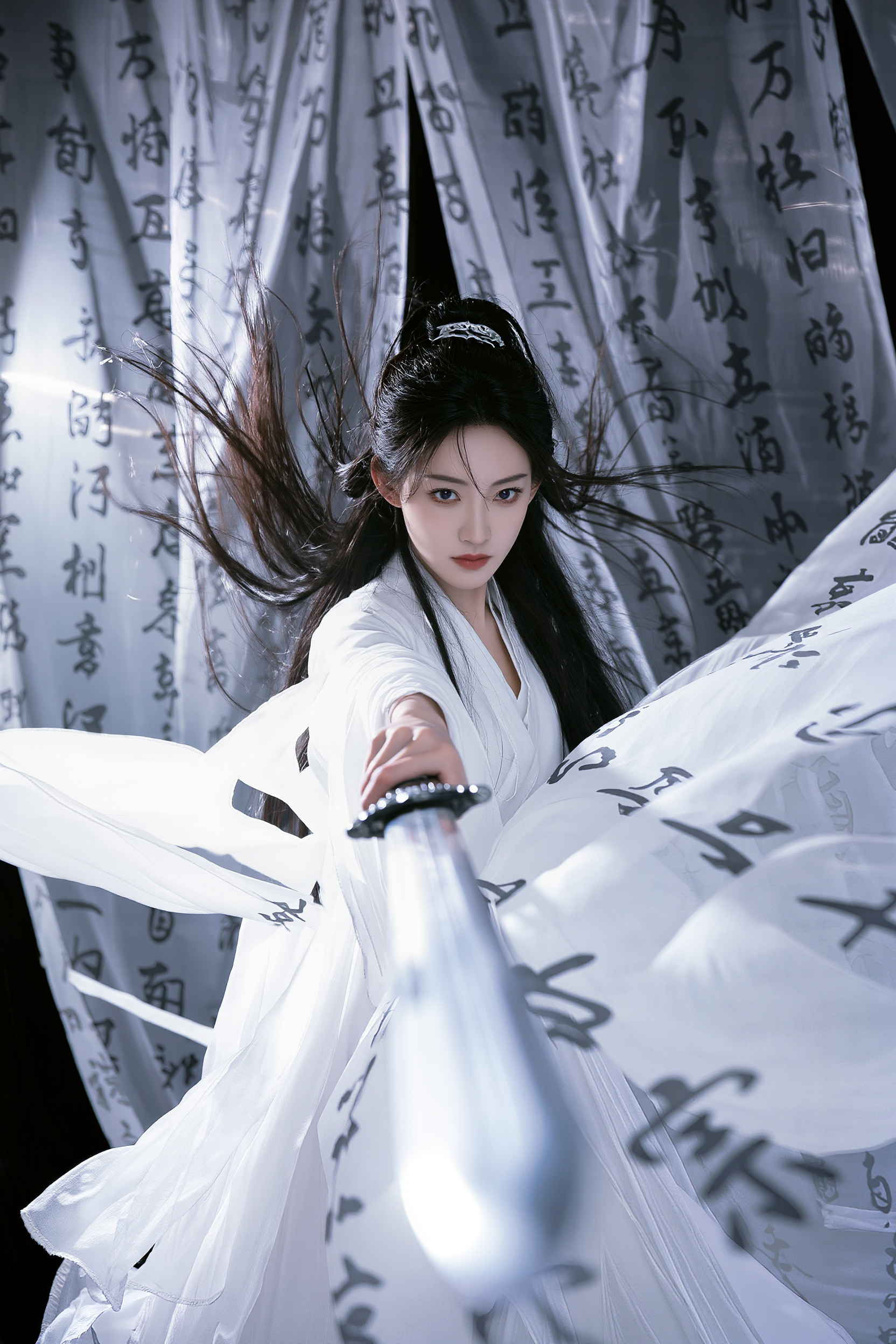
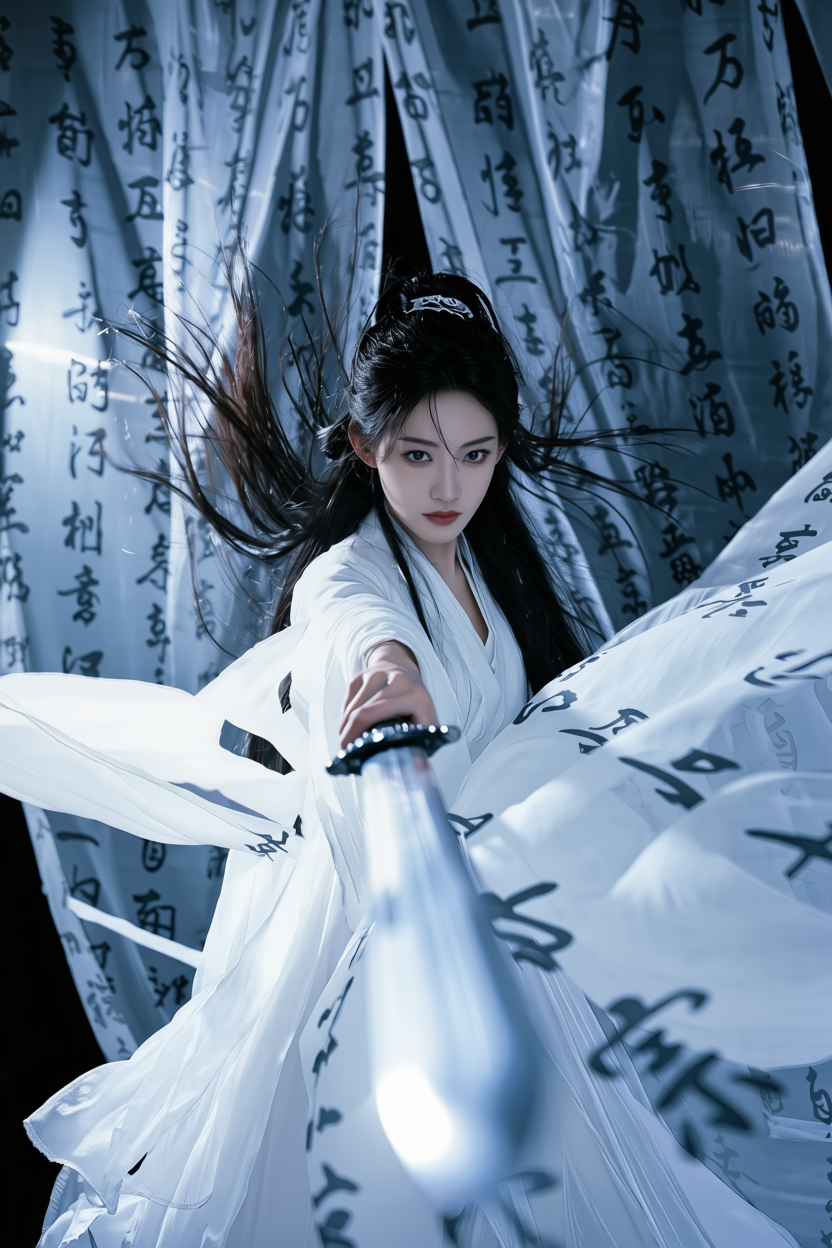
Color Tone Modification
Reference Image |
Cool Tone |
Warm Tone |
Bright Tone |
Dark Tone |
Low Contrast |
High Contrast |
High Saturation |
Black & White |
Prompt: Change the color tone to [ ] | ||||||||
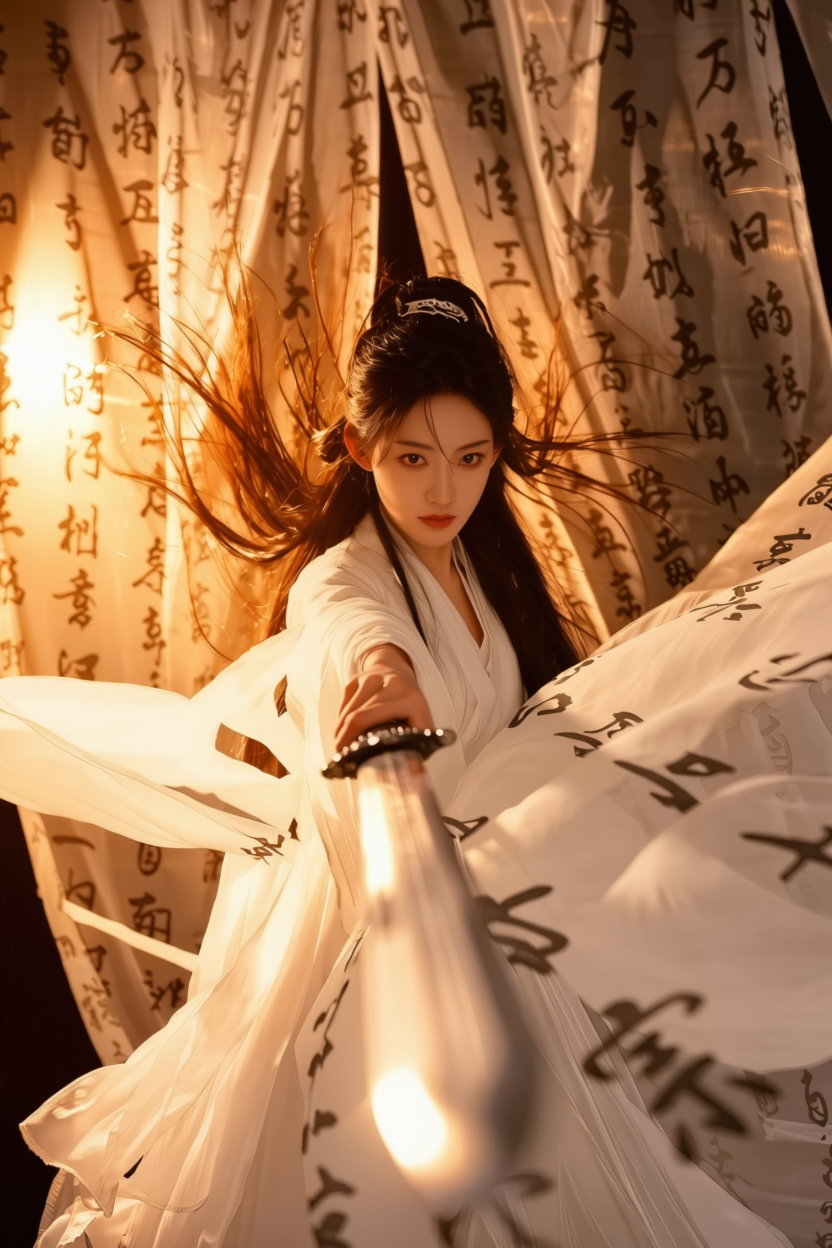
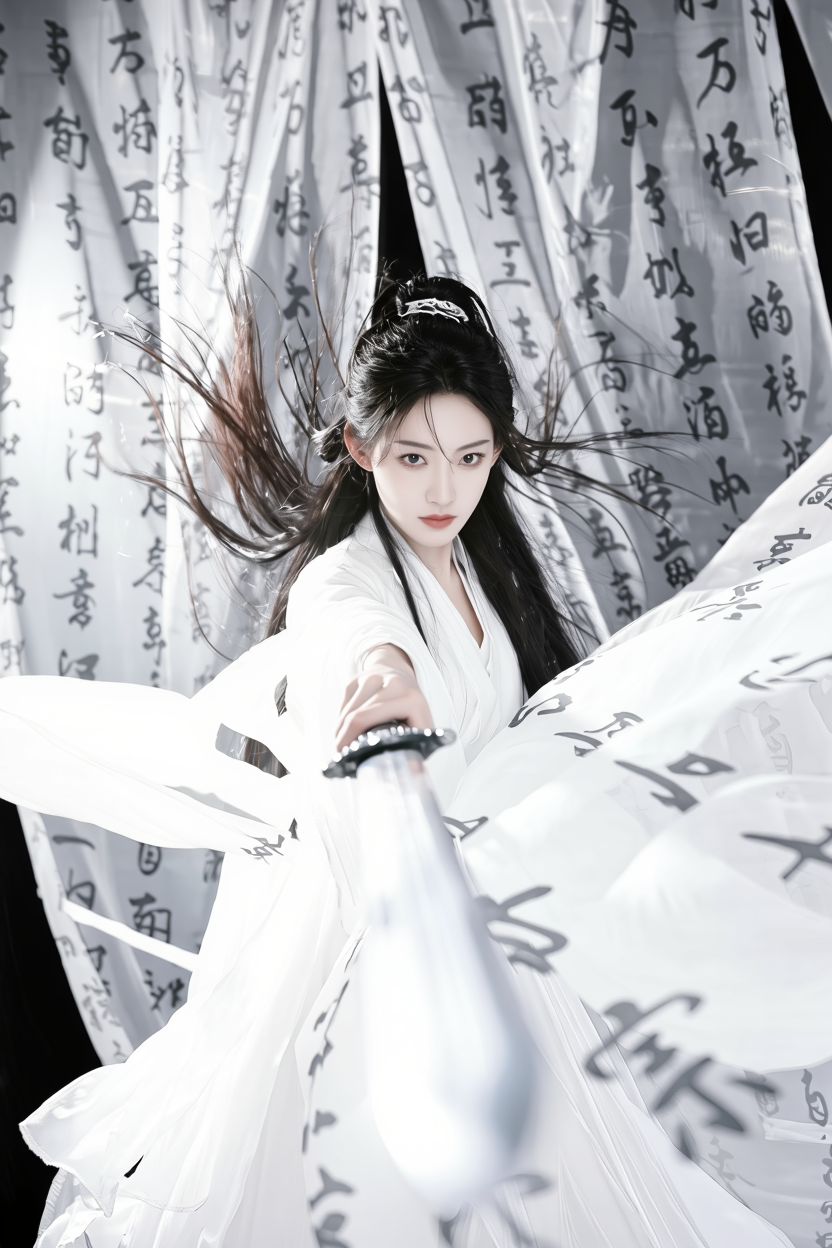
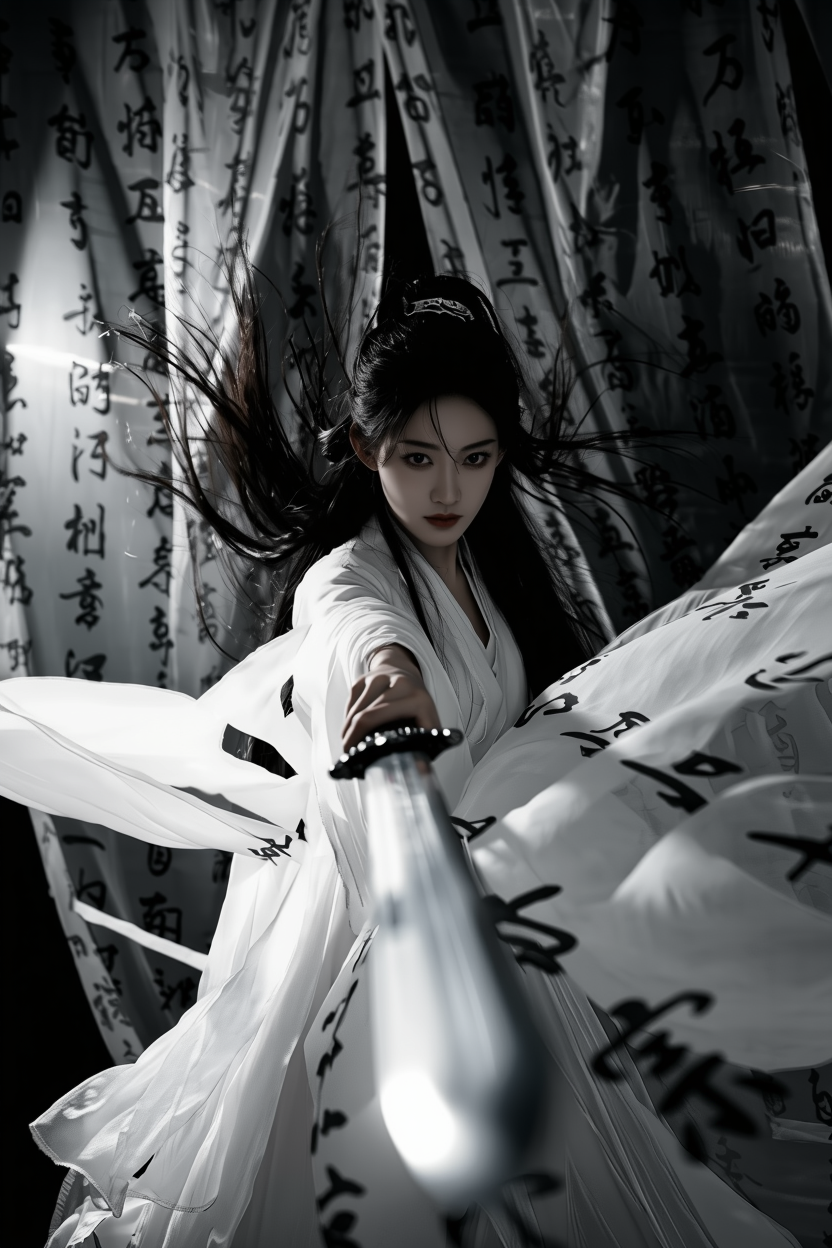
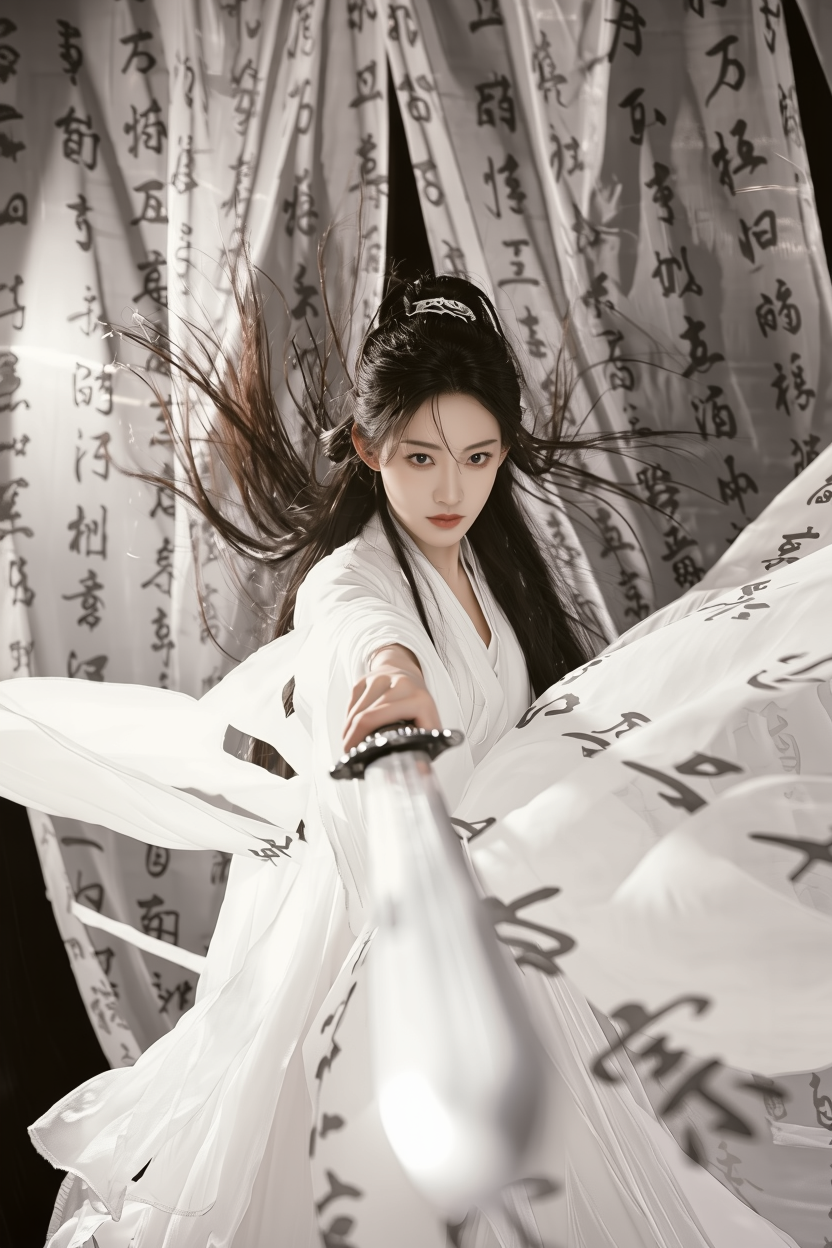
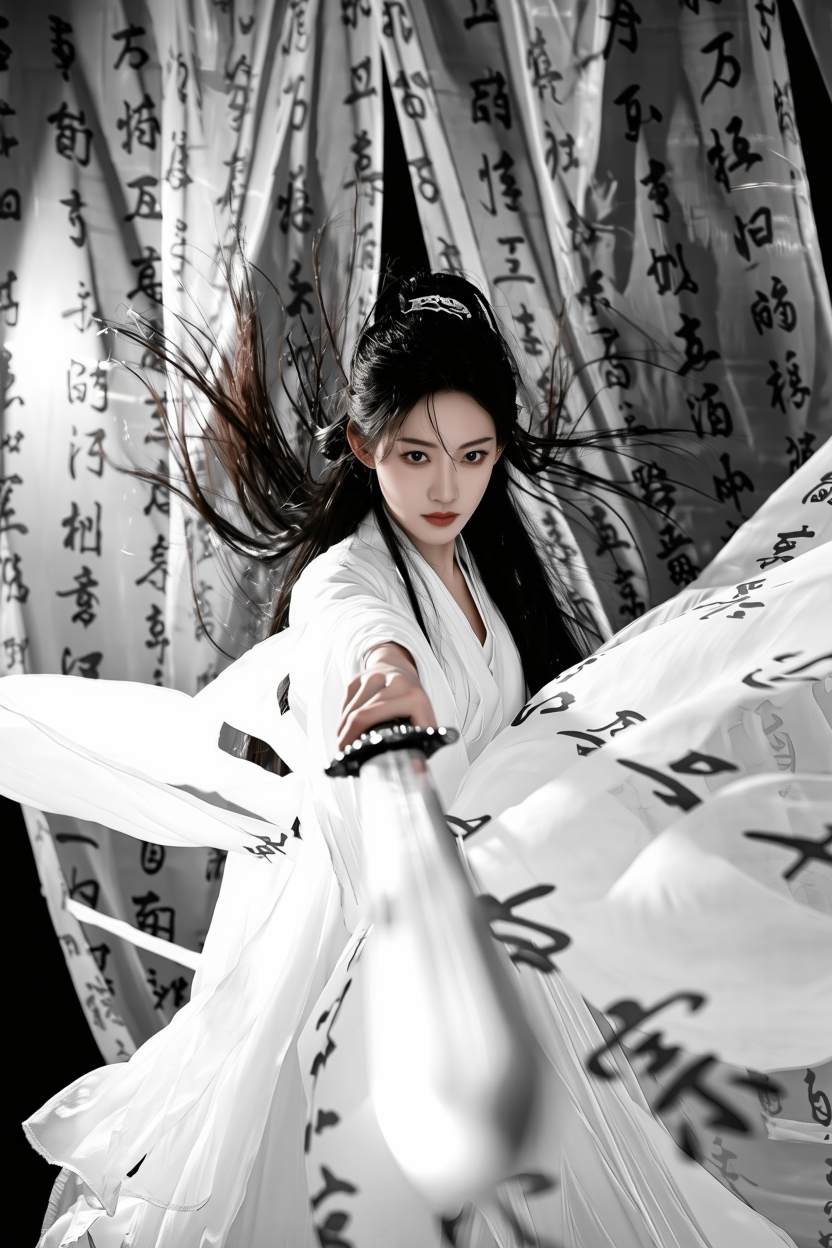
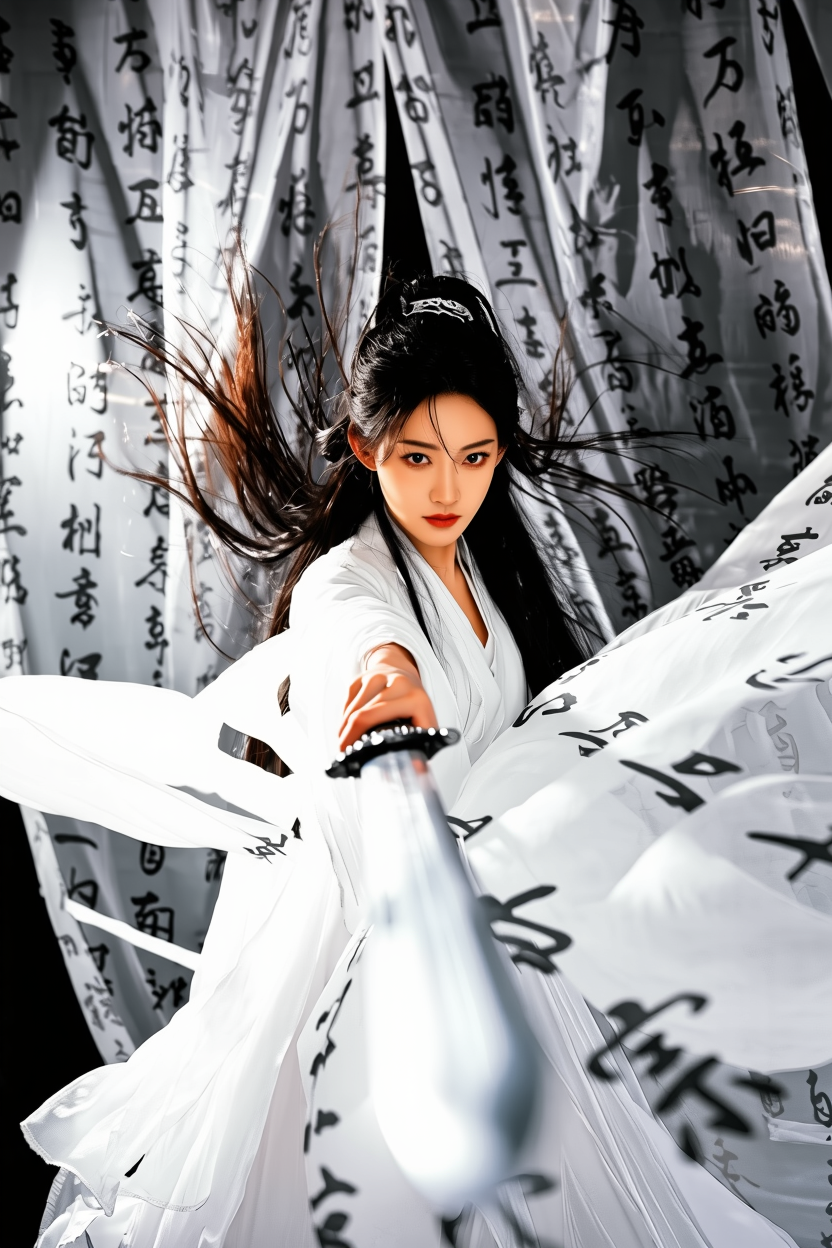
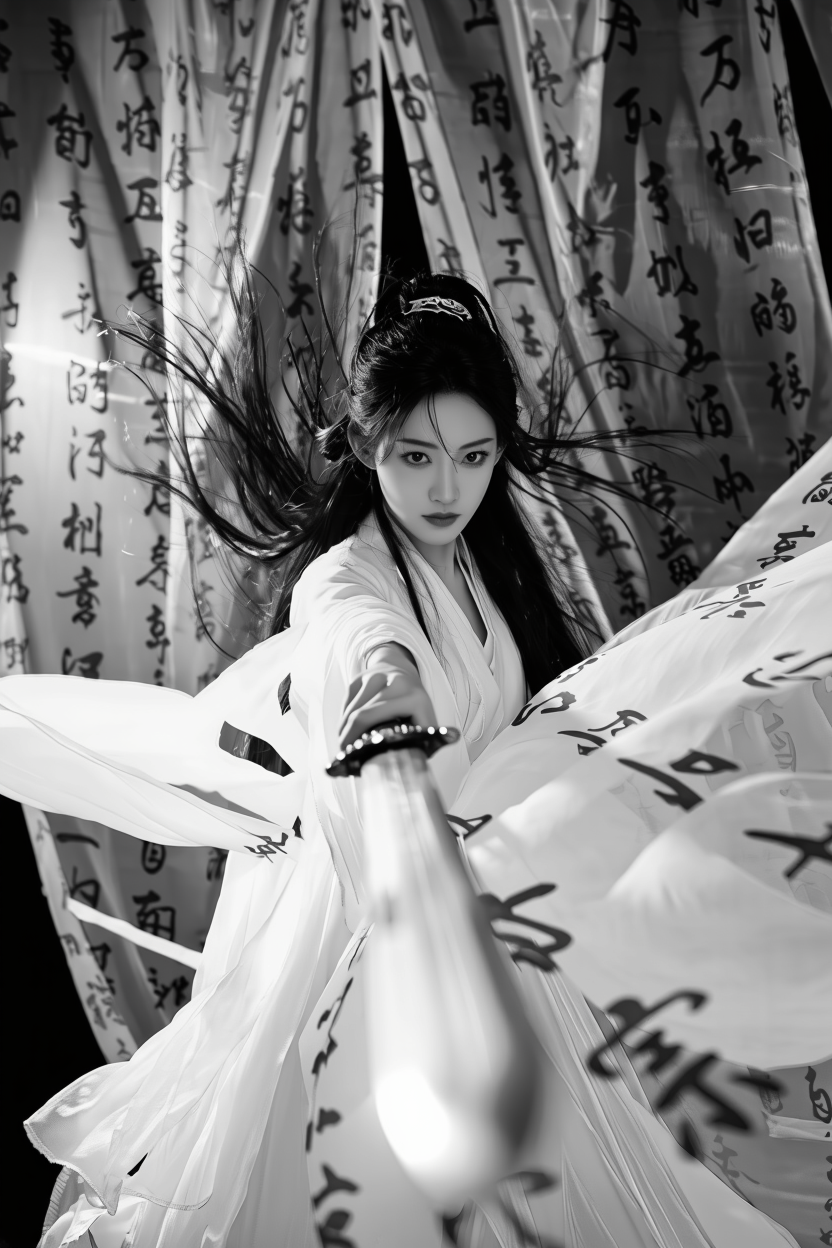
2. Portrait processing & stylization
ID/Portrait photo
Reference Image |
|
|
|
|
|
American-style professional headshot (executive photography style), half-body shot with a blue textured background. Soft natural lighting from a studio, clean and elegant composition. Wears a sleeveless dark blue turtleneck sweater, sharp focus on the subject, background naturally blurred, overall effect professional, refined, and clean. | The woman wears simple pearl earrings and a white sleeveless fitted dress. The background is a soft gray gradient, in the style of clean and minimalist ID portrait photography. The lighting is soft and even, with a natural, subtle makeup look. The texture of the image is fine and realistic, highlighting the subject's gentle and competent aura. High-definition, head and shoulder composition. | The woman has exposed shoulders and wears pink flower-shaped earrings. Her expression is playful and cute. Replace the background with a subtle textured teal-gray wall. Adjust the composition to a half-body shot, with her hair dynamically moving as if blown by the wind, creating a relaxed atmosphere. The photo has a grainy texture. | ID photo, frontal half-body shot, wearing a light blue shirt with a bow tie on the collar, white background. | Keep the character’s appearance consistent. Short hair with straight bangs and airy bangs that fall just above the eyebrows. An “oxygen-like,” fresh aesthetic. A close-up shot showing the shoulders, with the character wearing a white tank top. She slightly lifts her gaze toward the camera. White background, soft and minimal “oxygen-style” look with delicate details. |
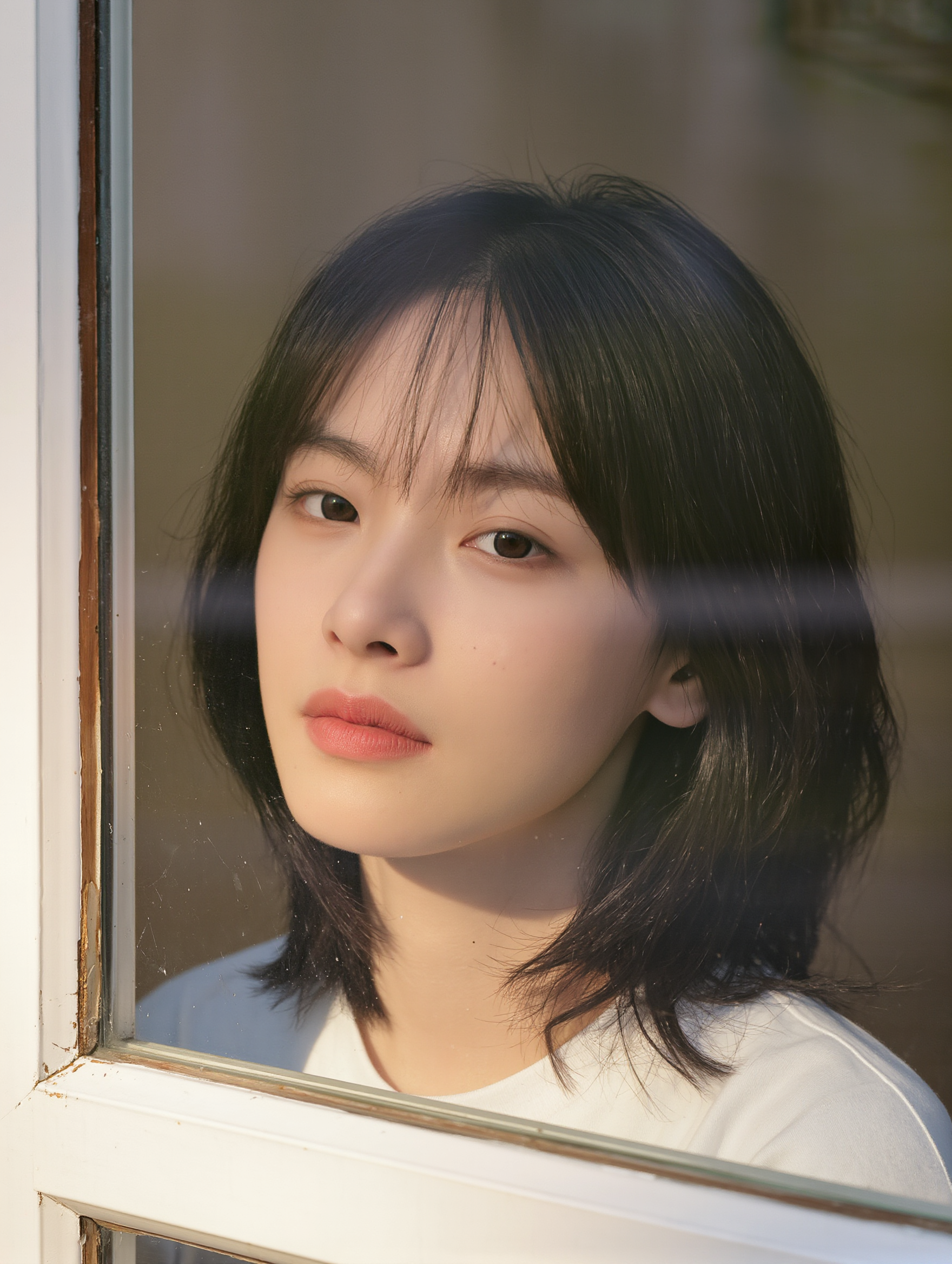
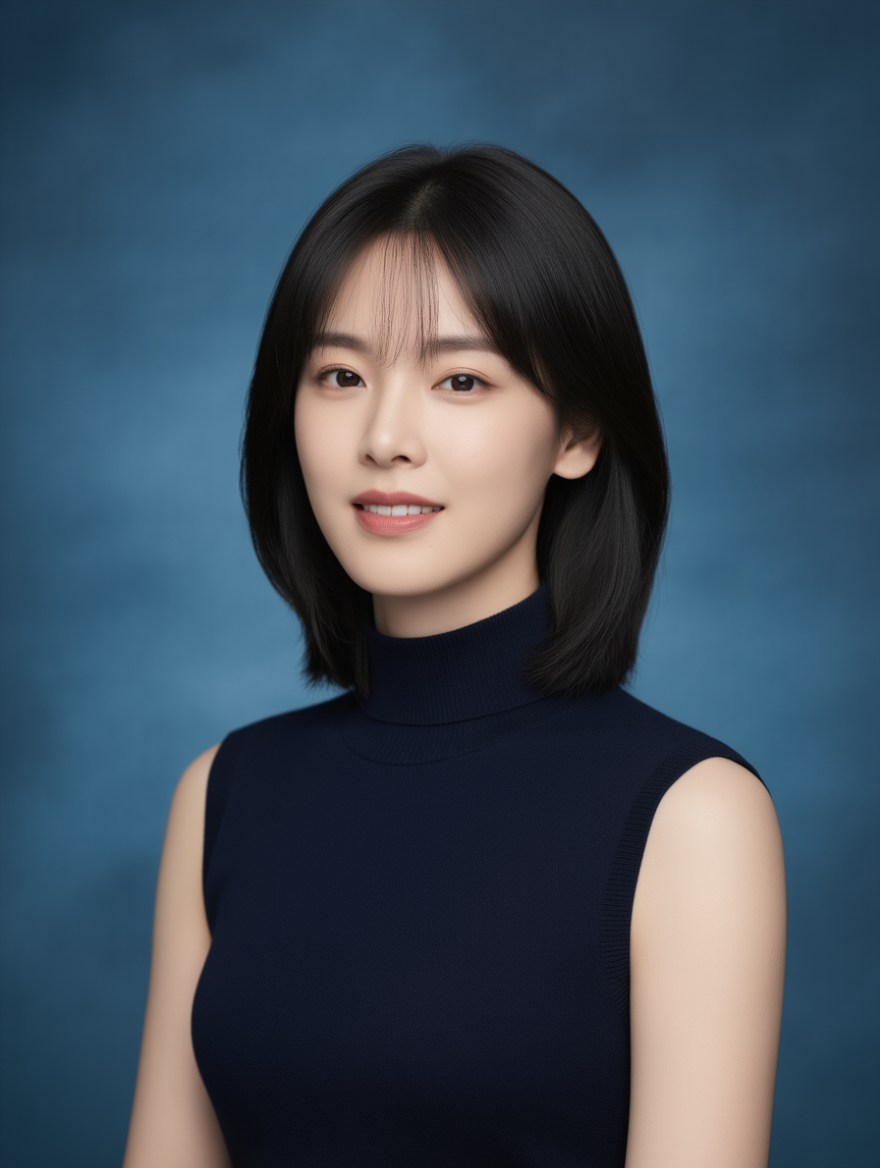
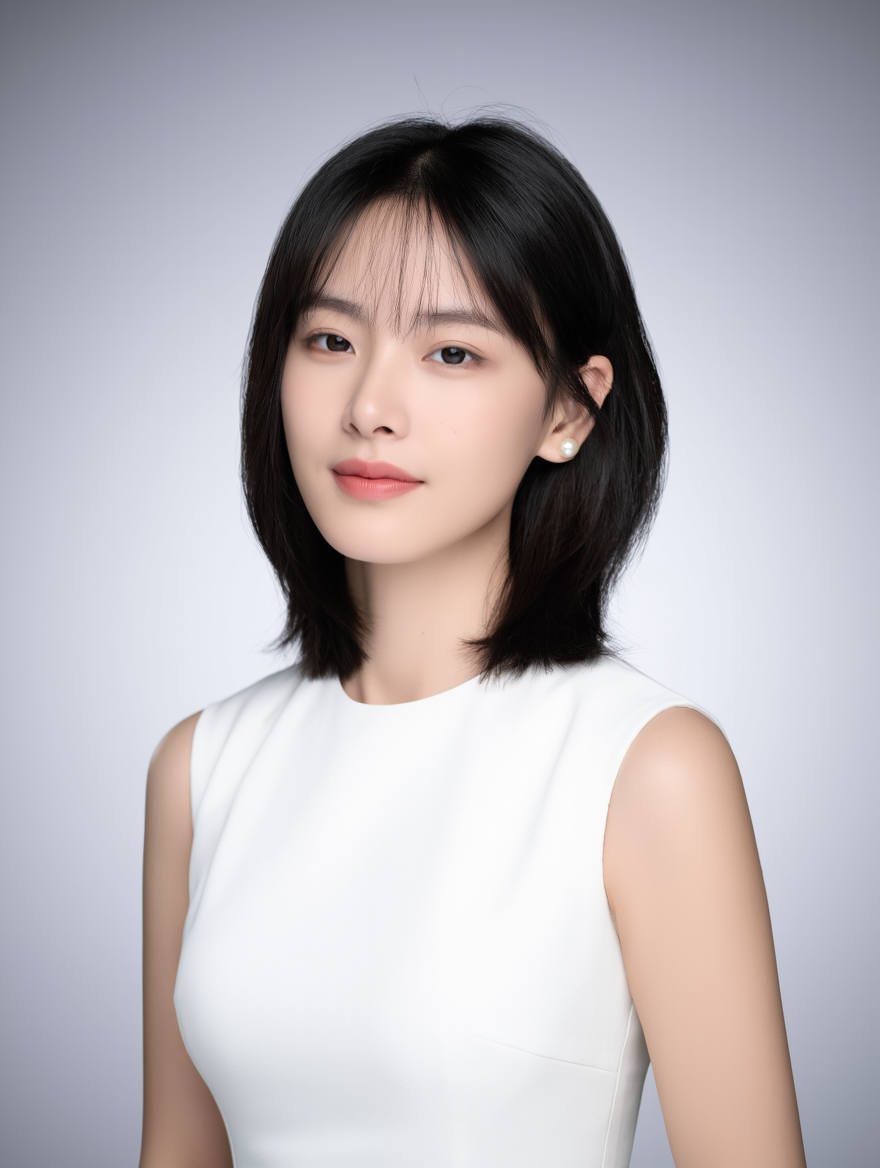
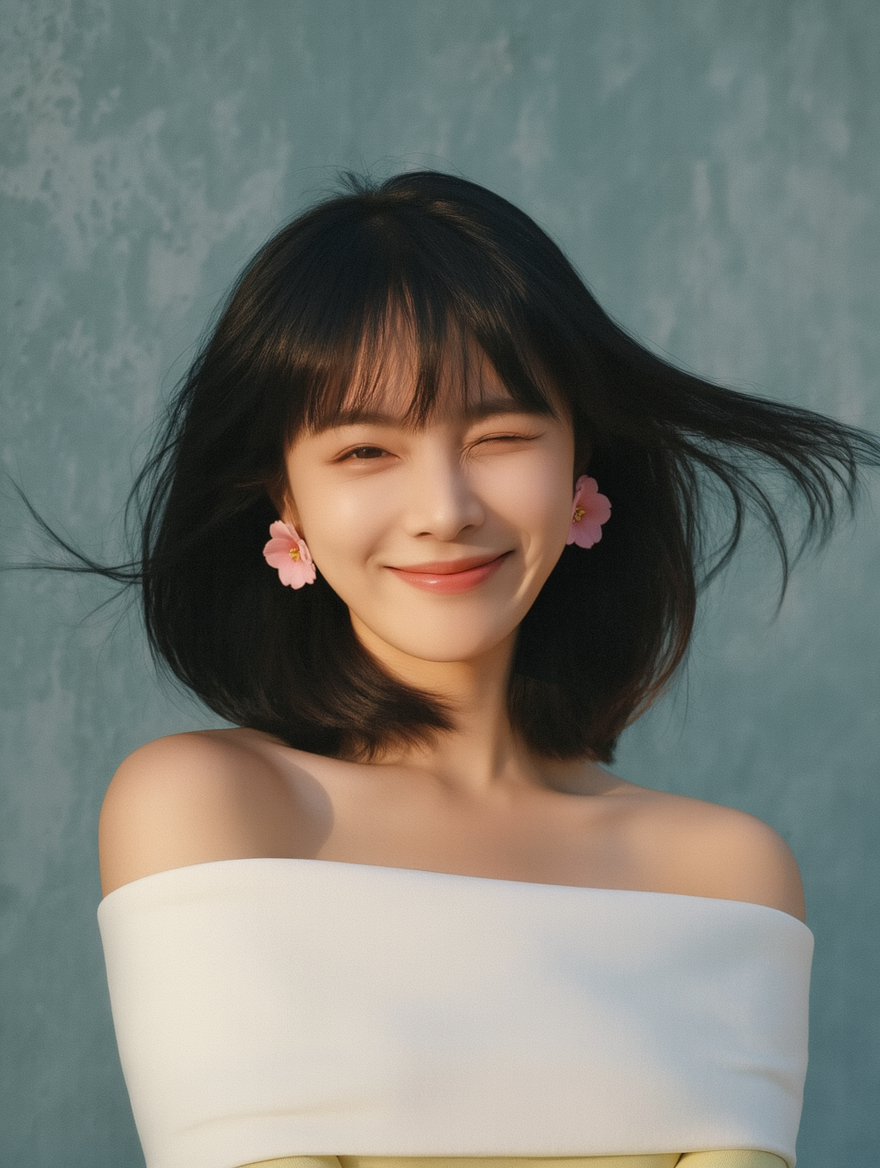
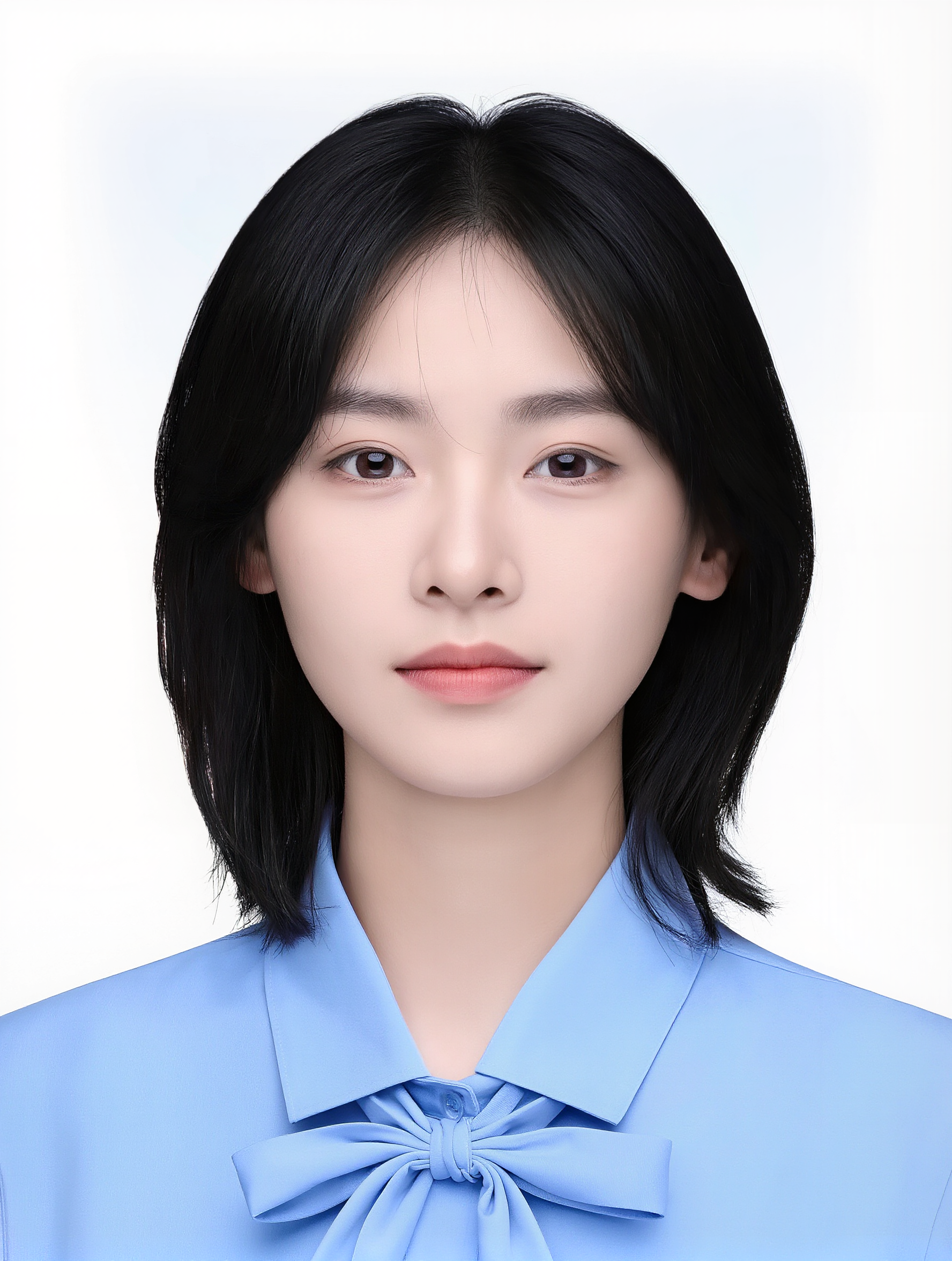
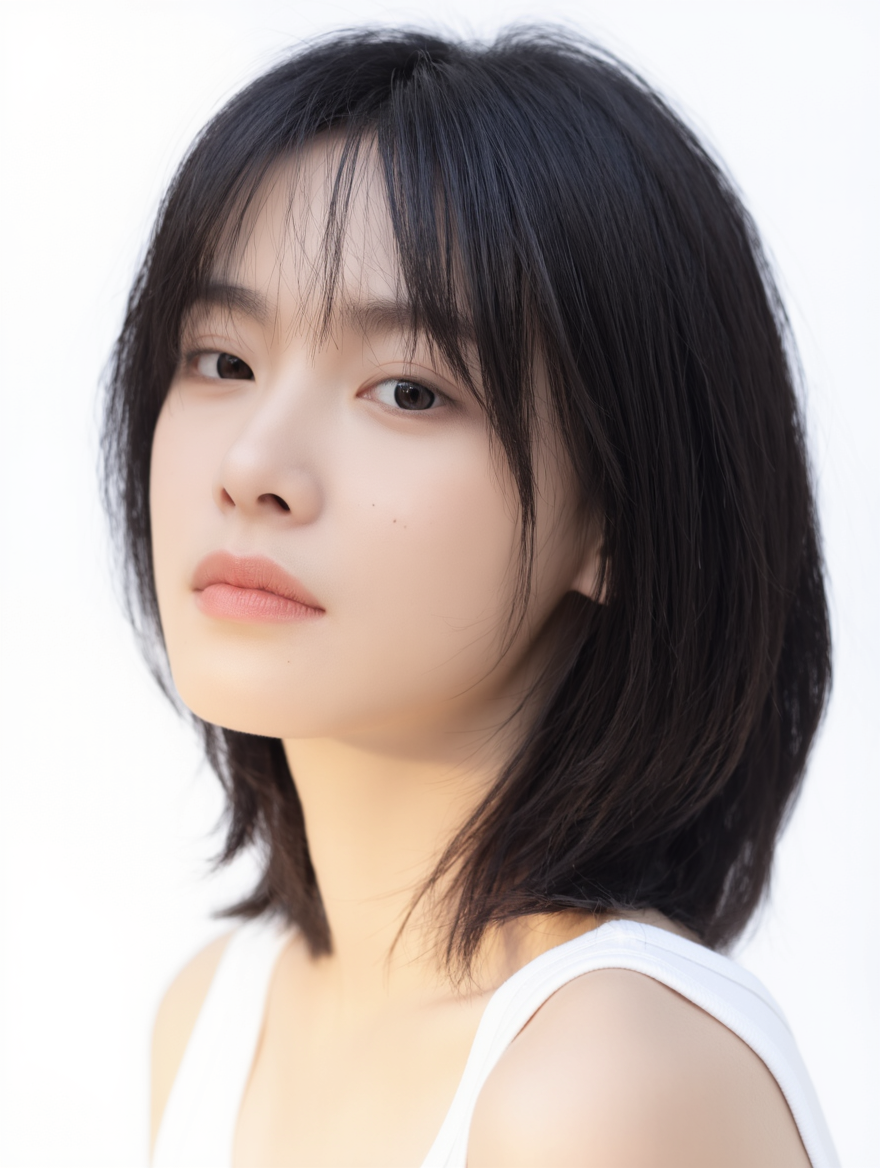
Portrait photoshoot
Reference Image |
|
|
|
|
|
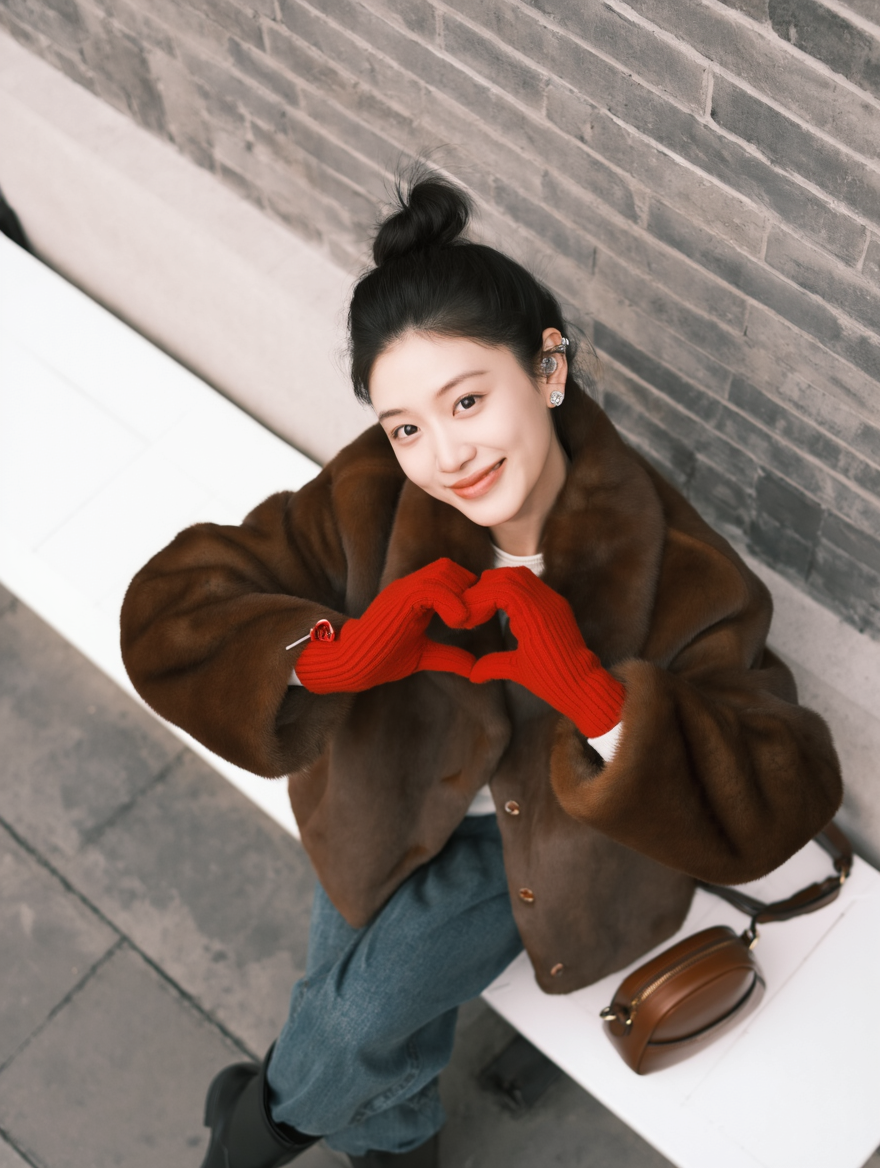
Keep the girl’s facial features consistent with Image 1. She holds a transparent umbrella decorated with snowflake patterns, wearing a thick vintage-patterned coat and a plaid scarf. The background is a black night sky filled with colorful, glowing star-like light dots, creating a dreamy and romantic atmosphere. Film texture, rich dreamy colors, hazy lighting, heavy grain, vintage aesthetic, facial lighting, CCD look, film grain. | A bun hairstyle, silver earrings, and a brown fur coat. Loose jeans, black boots, red knitted gloves, and a brown leather bag. The girl sits on a white bench against a gray brick wall, lifting her head and smiling happily at the camera. Shot from a top-down perspective, with casual and carefree posture.
| A bun hairstyle, silver earrings, and a brown fur coat. Loose jeans, black boots, red knitted gloves, and a brown leather bag. The girl sits on a white bench against a gray brick wall, lifting her head and smiling happily at the camera. Shot from a top-down perspective, with casual and carefree posture.
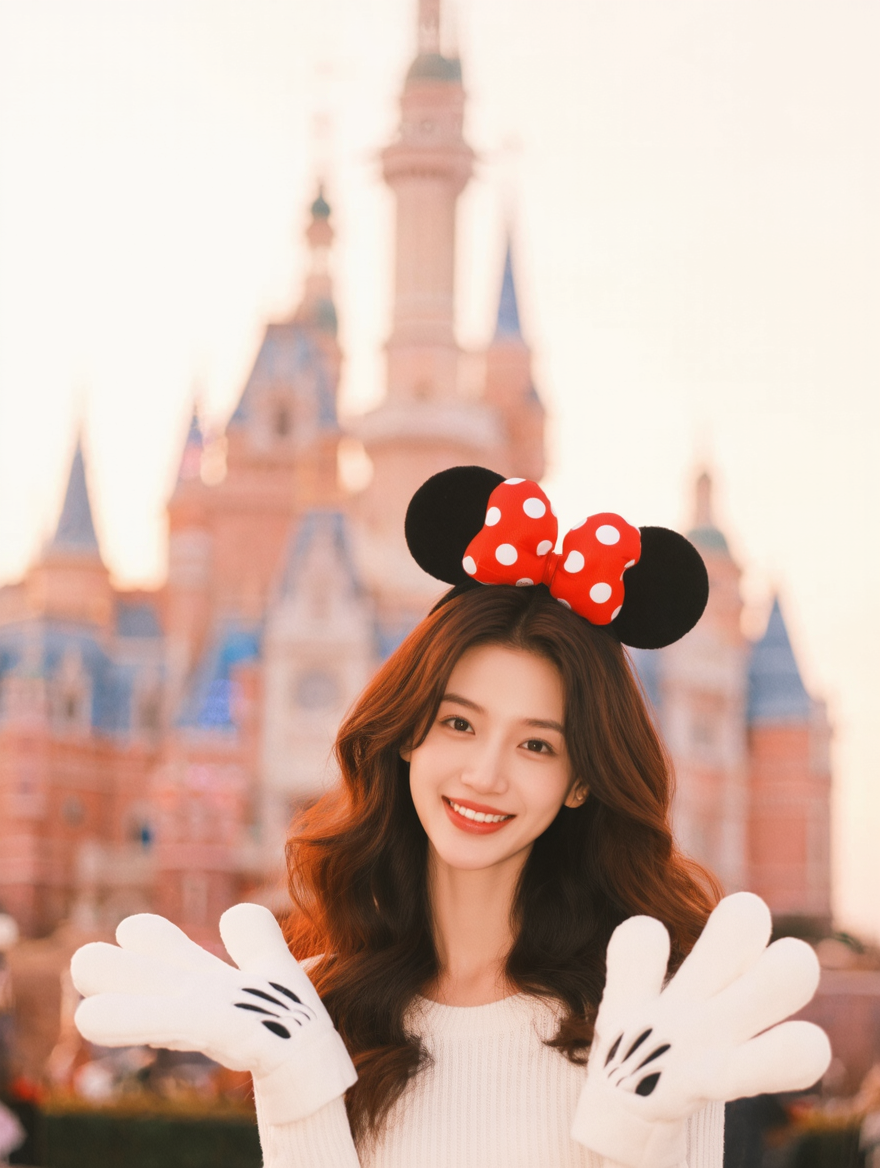
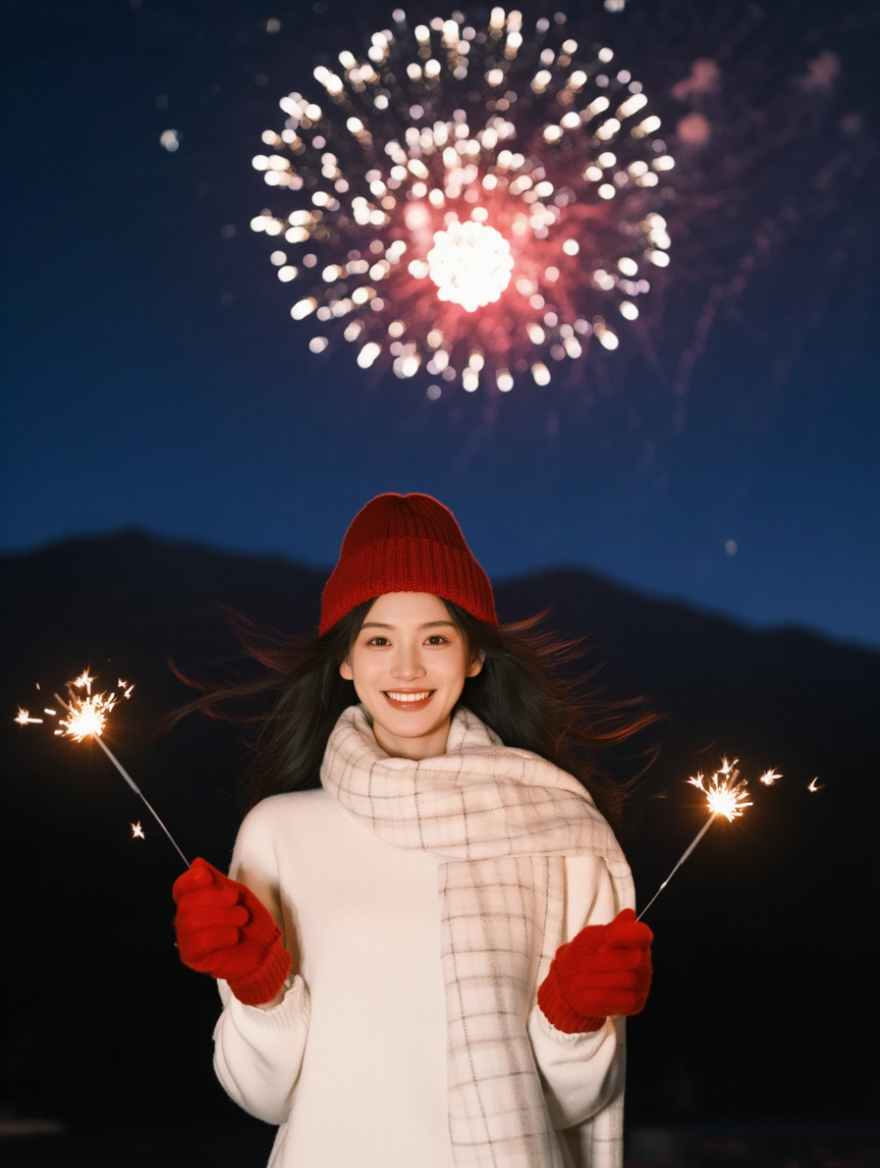
| Real-person photoshoot, keeping the character’s facial features unchanged, with various poses and expressions in realistic photography. Long deep-brown hair with loose, voluminous waves. Background: classic Disneyland scenes such as in front of the castle, beside the carousel, or Mickey Avenue. Bright colors, fairytale atmosphere, blurred background to highlight the subject. Tone: vintage film style, warm and soft hues, slight grain. Half-body shot with the subject positioned in the lower-middle of the frame. Wearing a red-and-white polka-dot Minnie headband/hair clip and large plush Mickey gloves. | The girl wears a thick white sweater, a white checkered scarf, red gloves, and a red knitted hat. She holds a sparkler in each hand, standing at the foot of a mountain. Huge fireworks burst in the sky above her. A breeze blows past, moving her hair gently.
| |
|
|
|
|
| |
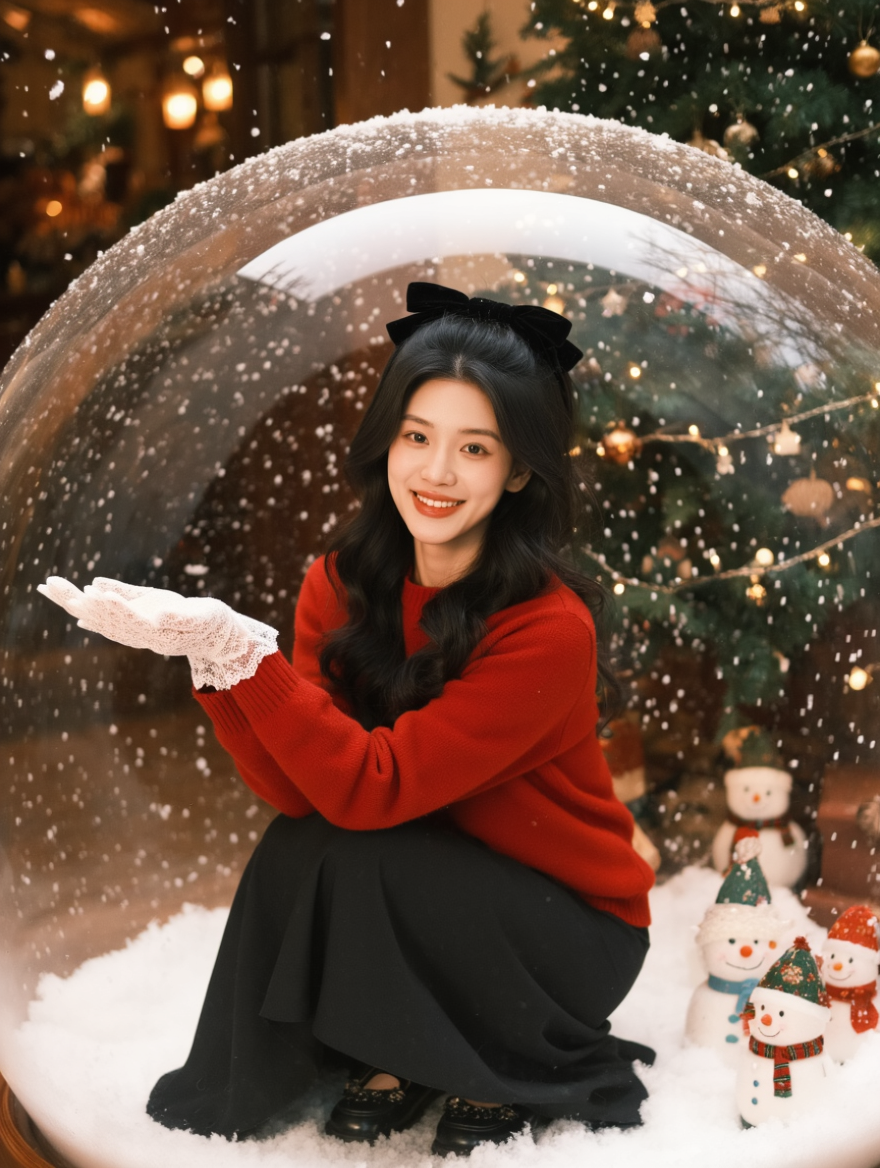
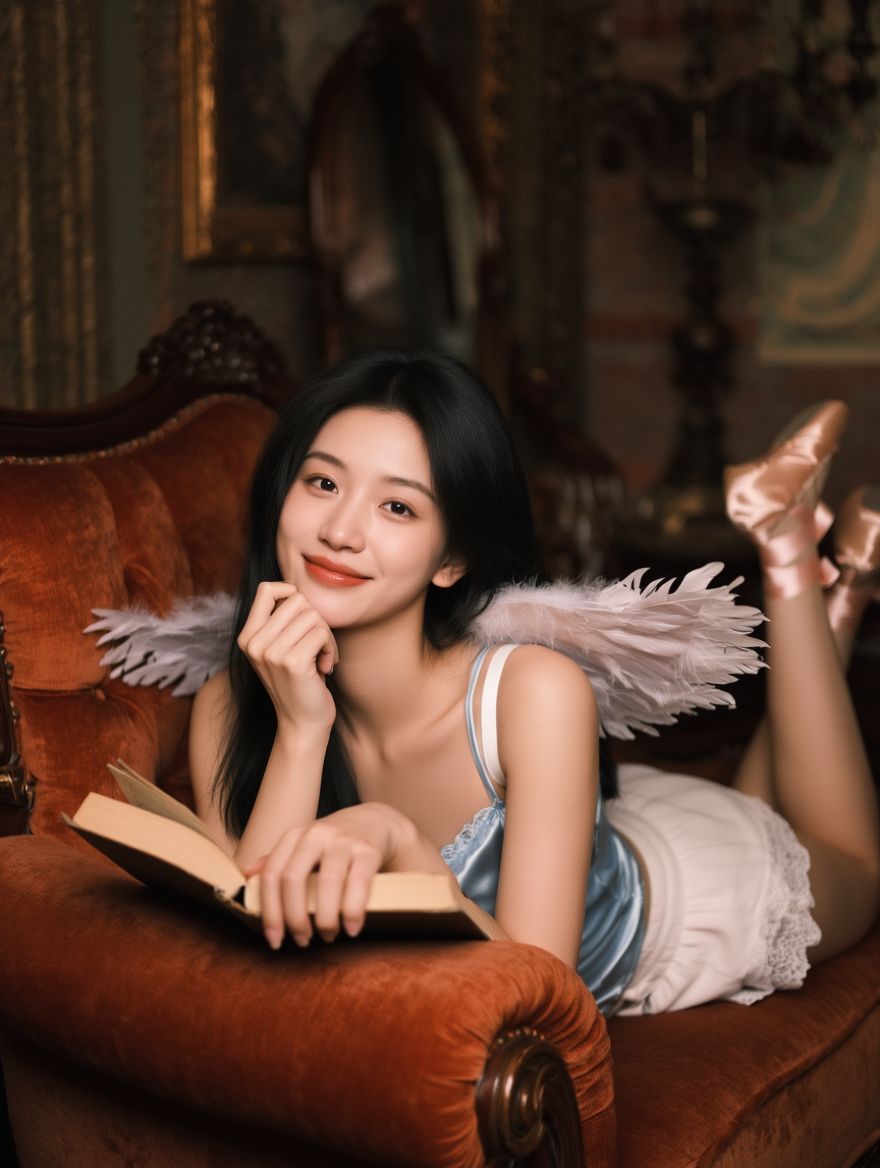
Warm winter atmosphere. The girl has long wavy hair with a black velvet bow on her head. She wears a red sweater, black skirt, black leather shoes, and white lace gloves. She slightly turns her body while crouching inside a giant crystal ball with snowflakes falling inside. The background includes a Christmas tree and small snowman decorations. Christmas atmosphere, realistic style, film-like texture, visible grain. | Long hairstyle, wearing a light-blue silk camisole and white lace shorts, with feathered wings on her back. She wears pink lace-up ballet shoes and lies on a reddish-brown velvet sofa, holding a book and resting her chin on one hand. Playful and relaxed. Vintage style with warm color tones.
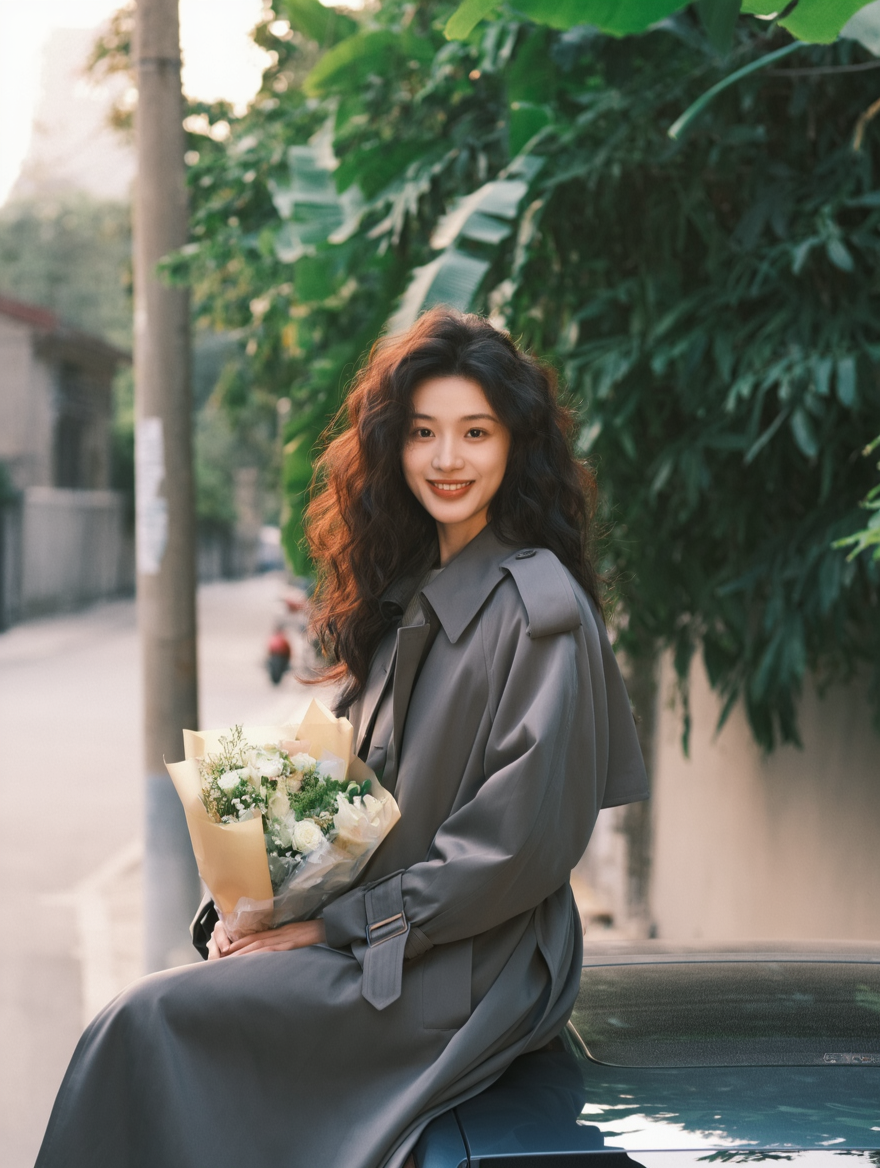
| A gray trench coat, long woolly curls, holding a bouquet of fresh flowers, sitting on top of a car. Green plants and a utility pole in the background. Korean photography style.
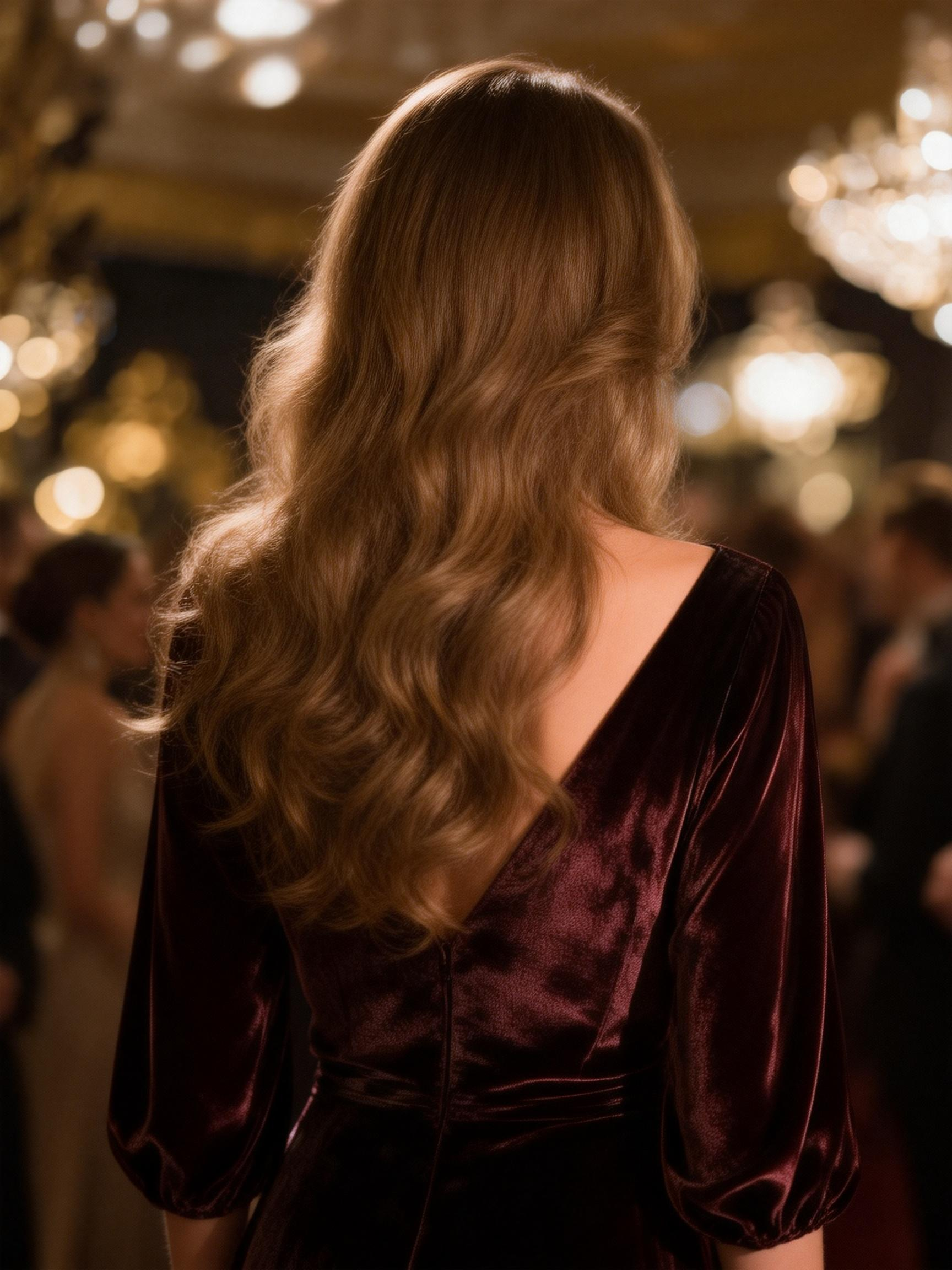
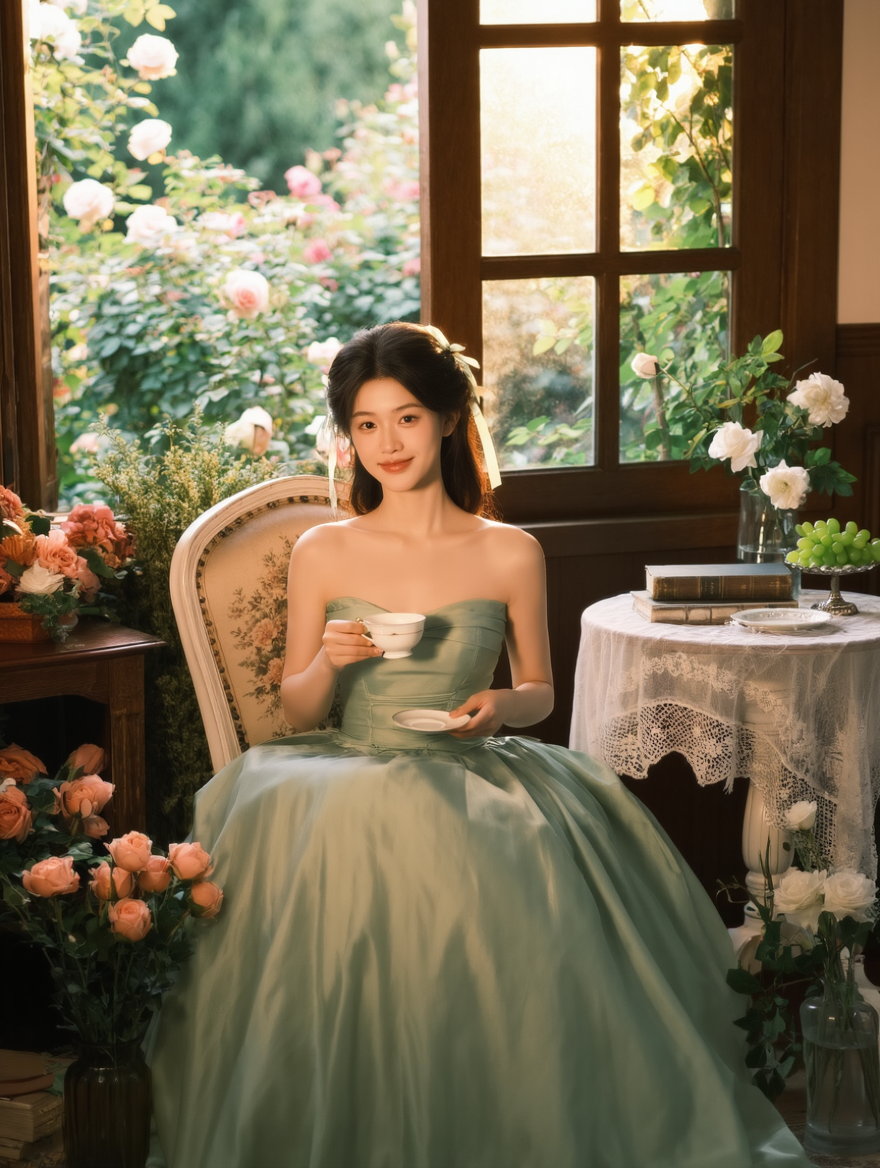
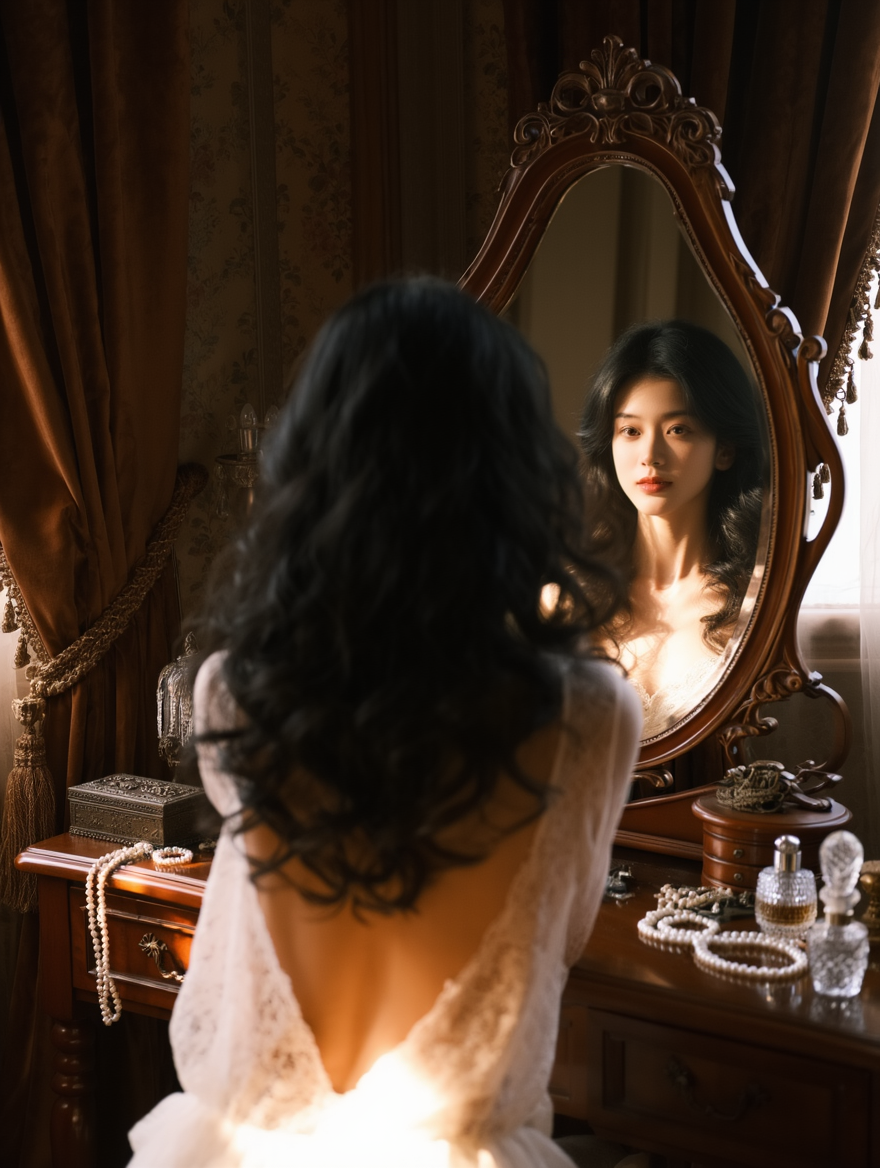
| Exquisite makeup with delicate skin texture, fair porcelain-like complexion. She looks into the camera with rosy cheeks and a soft ceramic glow. Her hair is braided and pinned back, decorated with light green ribbon bows. She sits elegantly on a vintage white floral chair, holding a glass vase with pink roses in her right hand. Outside the wooden window frame are lush white, pink, and multicolored rose bushes. Soft light falls on her face, body, and hair, making the strands glow. French vintage style with forest fairytale vibes, dreamy and romantic portrait photography, cinematic film texture. | The girl has long curly hair and faces away from the camera, wearing a backless lace dress. She looks into a vintage vanity mirror, and her face is visible through the reflection as she gets ready. Sunlight shines onto her back, highlighting her smooth skin. Vintage decorations hang above the dressing table. European-style retro bedroom setting. |
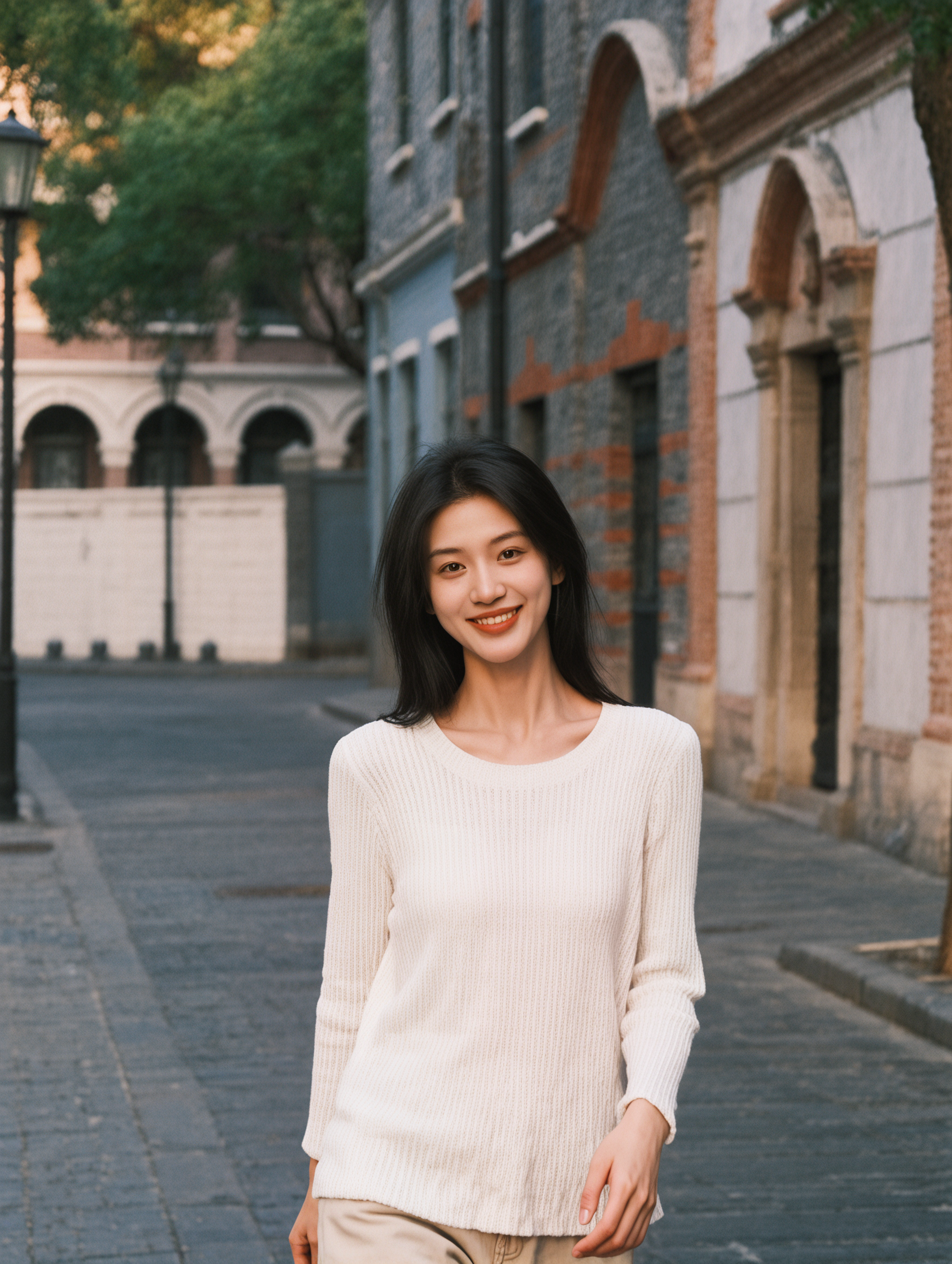
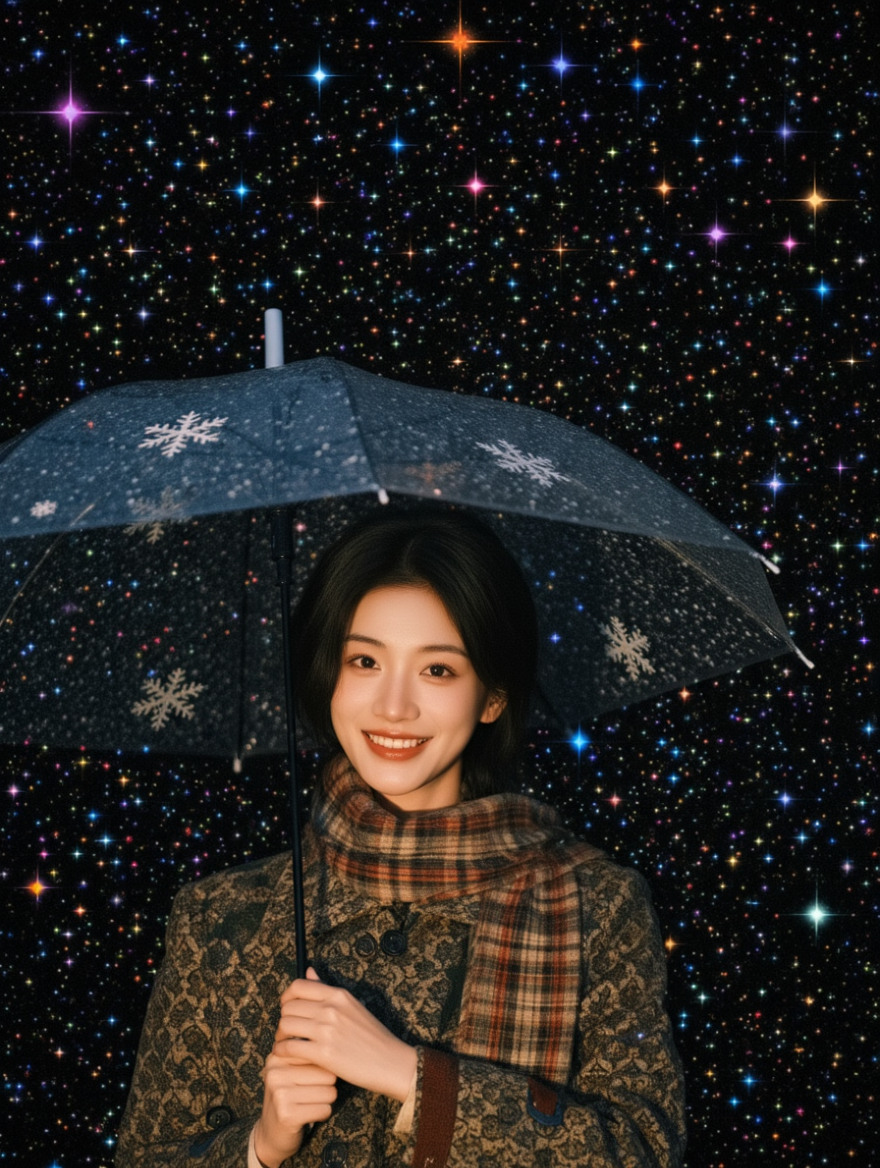
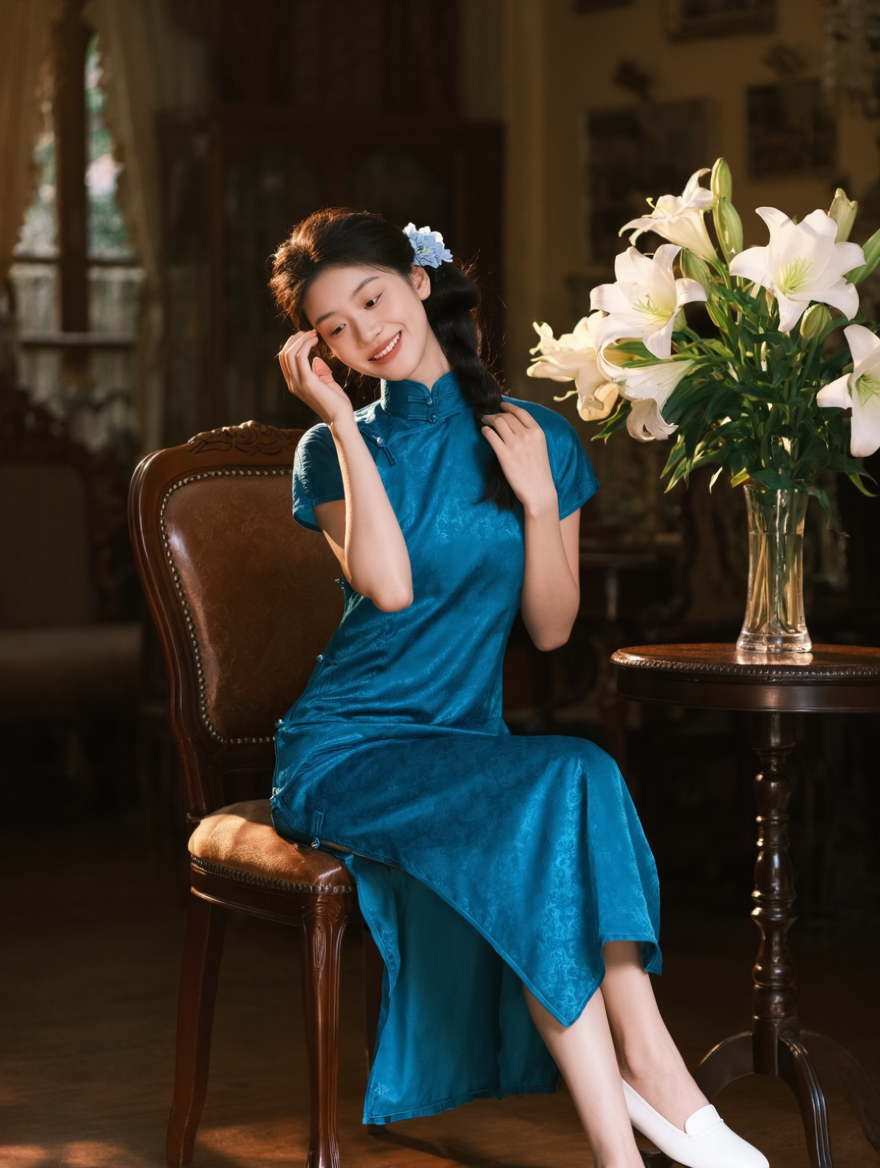
Multiple characters/group portrait
Reference Image |
|
Reference Image |
|
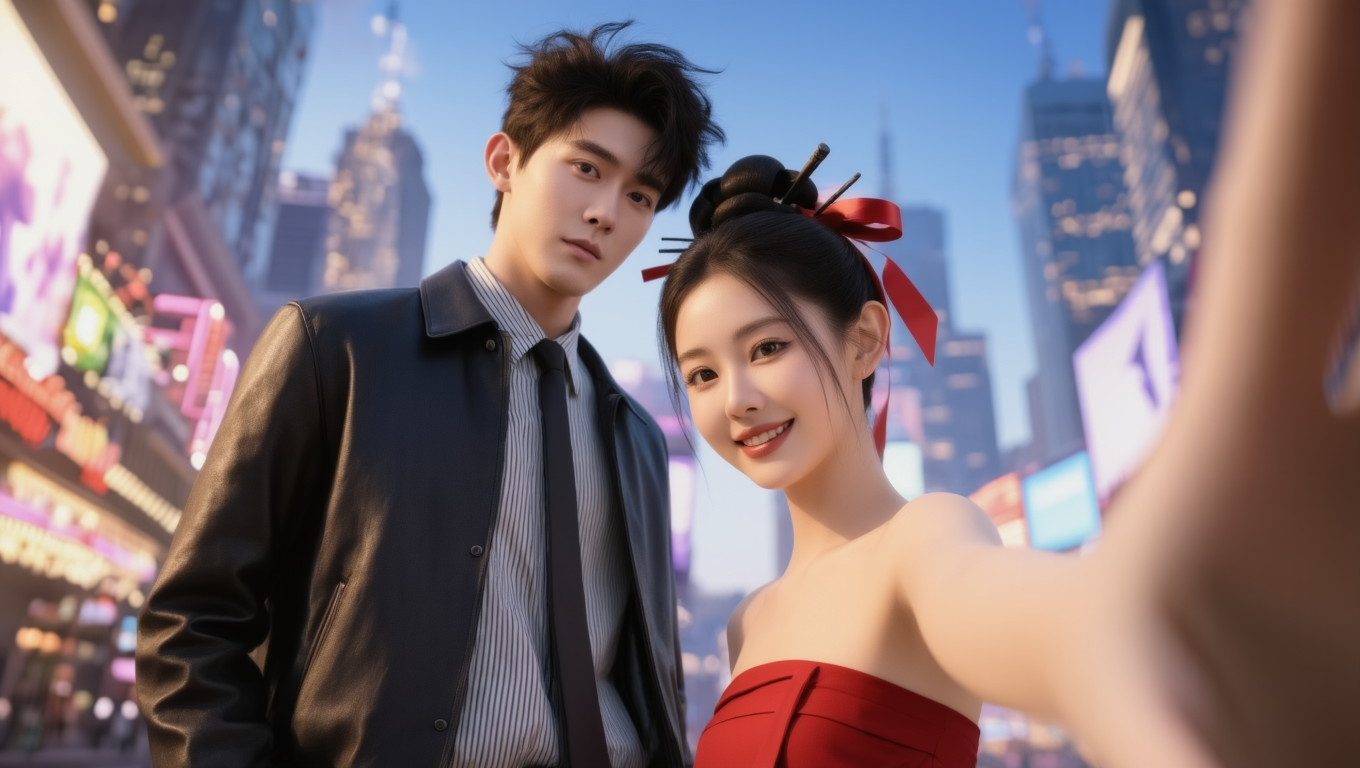
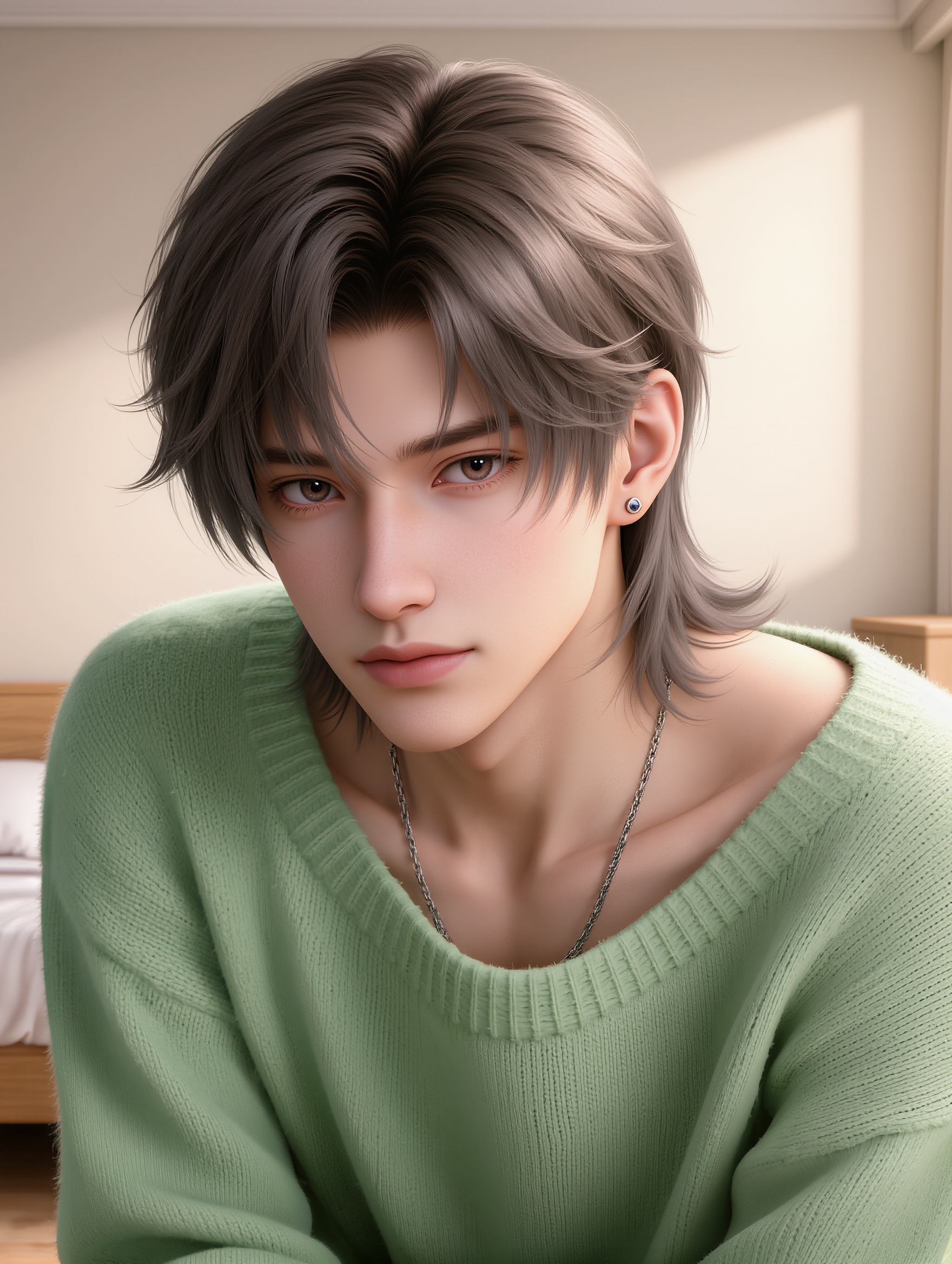
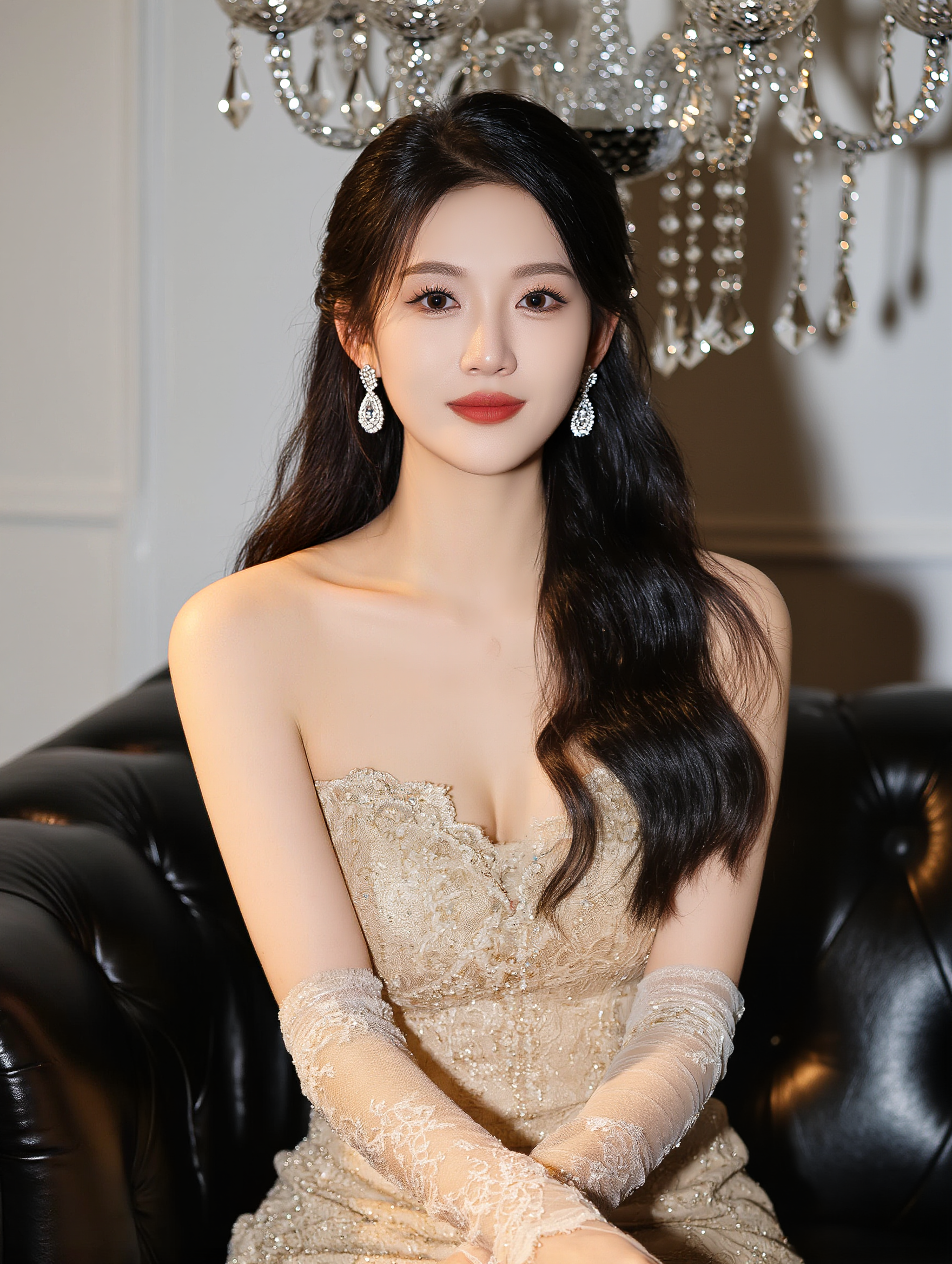
Merge Image 1 and Image 2 into a single overhead selfie of two people. The composition should be tight, with the two subjects close together. Their heads are slightly tilted upward, eyes looking directly at the camera, creating a strong visual impact. The person on the left stands slightly forward, keeping the character design and features from Image 1 unchanged, maintaining facial similarity. The person on the right follows the character design and features from Image 2, keeping facial similarity, with the body slightly inward. High-angle overhead shot, exaggerating the head proportions, typical of Japanese/Korean selfie style. Background is pure white, simple and clean, emphasizing the subjects. Overall style leans toward Japanese visual style, high image clarity, shot with iPhone front camera, producing a refined, fashionable, slightly stylized group photo effect. Ensure seamless integration of both subjects, natural visual transition, and bright, even lighting across the entire image. |
The boy from Image 1 imitates the fox pose from Image 3, and the girl from Image 2 imitates the rabbit pose from Image 3. | ||
Reference Image |
|
Reference Image |
|
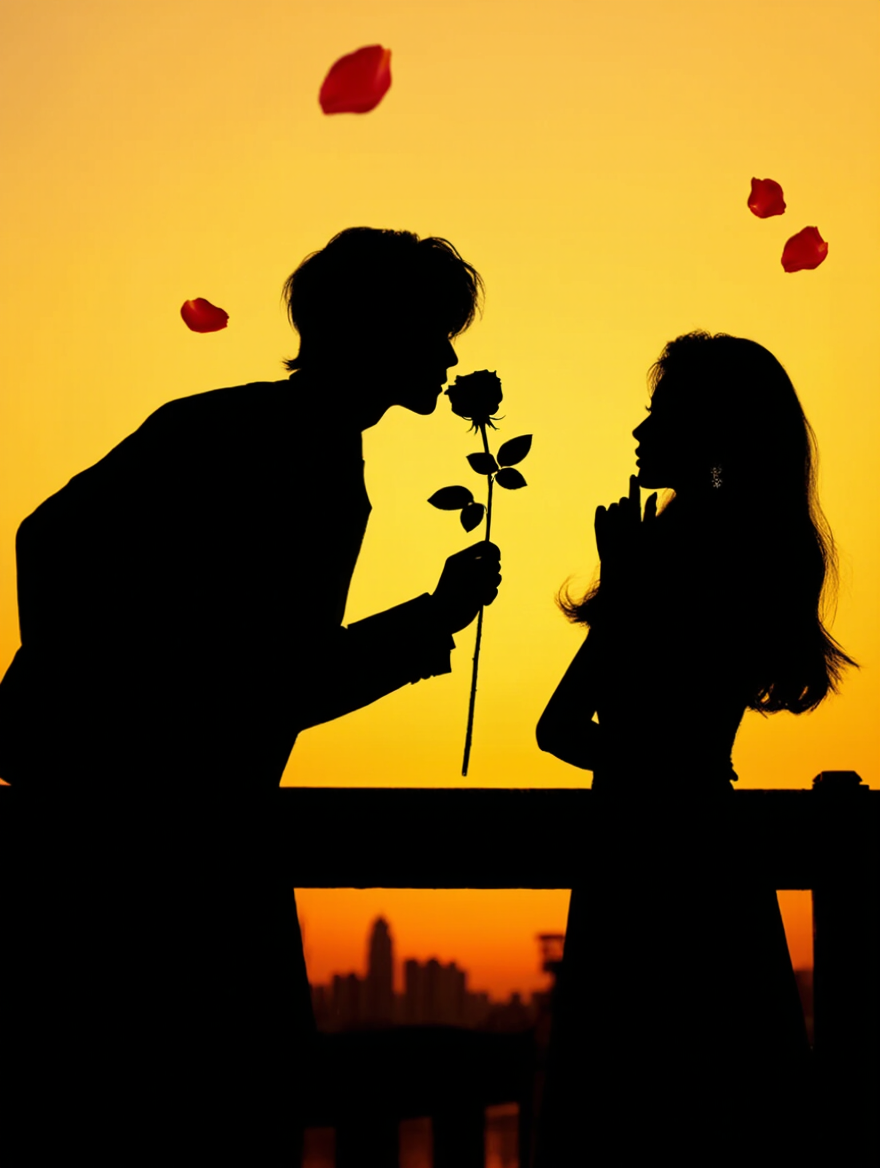
Elegant posture, standing next to a railing. One hand wraps around the waist, while the fingers of the other hand point toward the chin. Romantic bridge atmosphere, silhouette effect. | Use a fisheye lens. Create a selfie-style group shot of the subjects from Image 1 and Image 2, with a city background featuring a festive New Year atmosphere. | ||
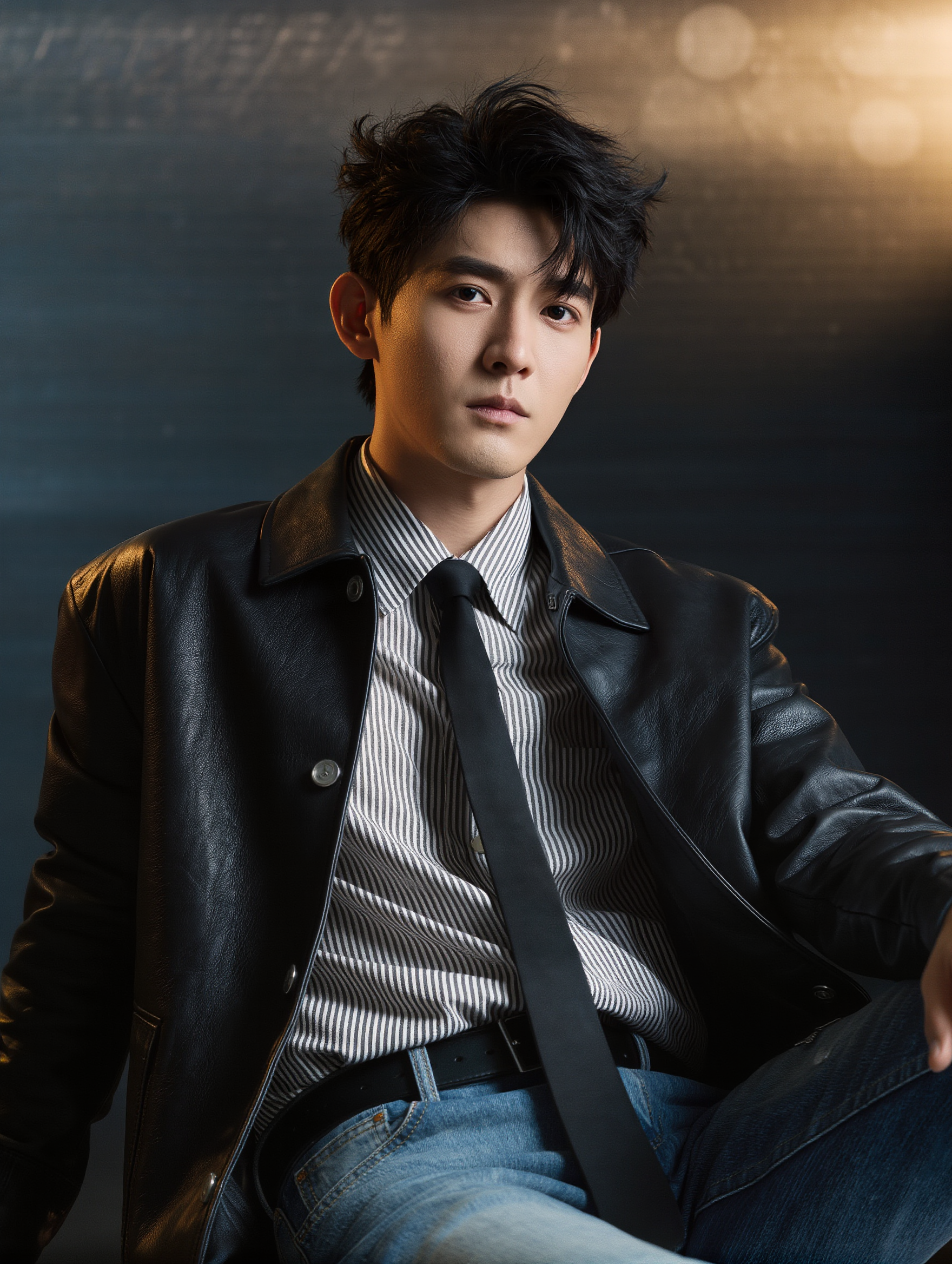
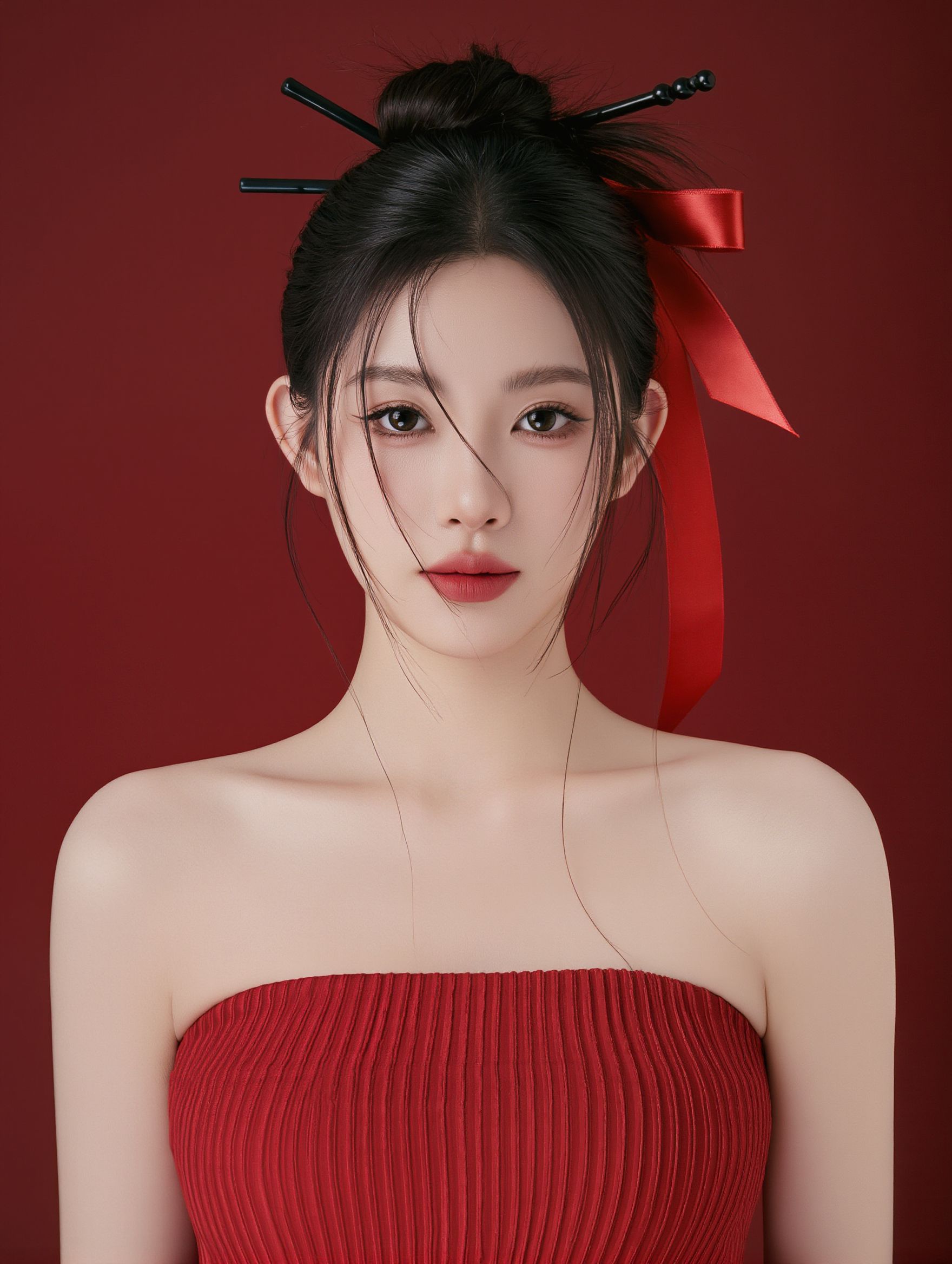
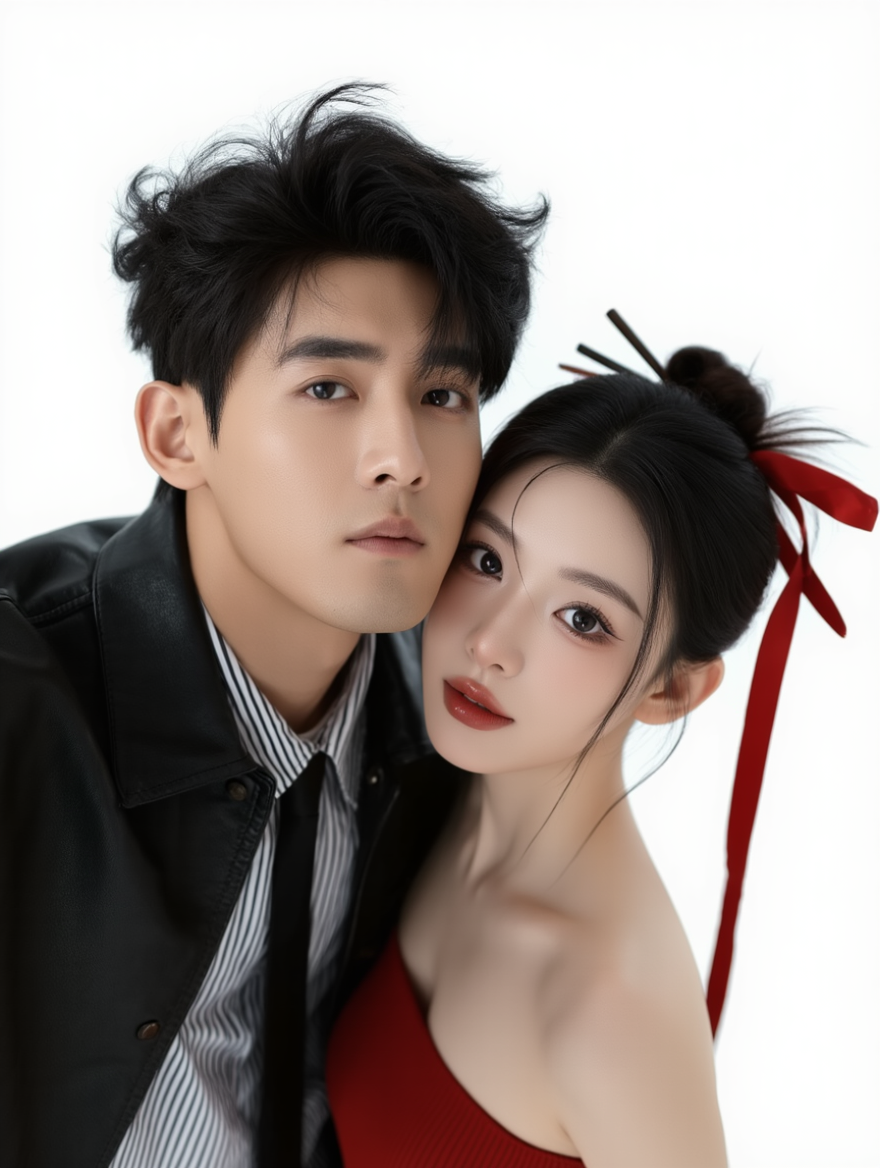
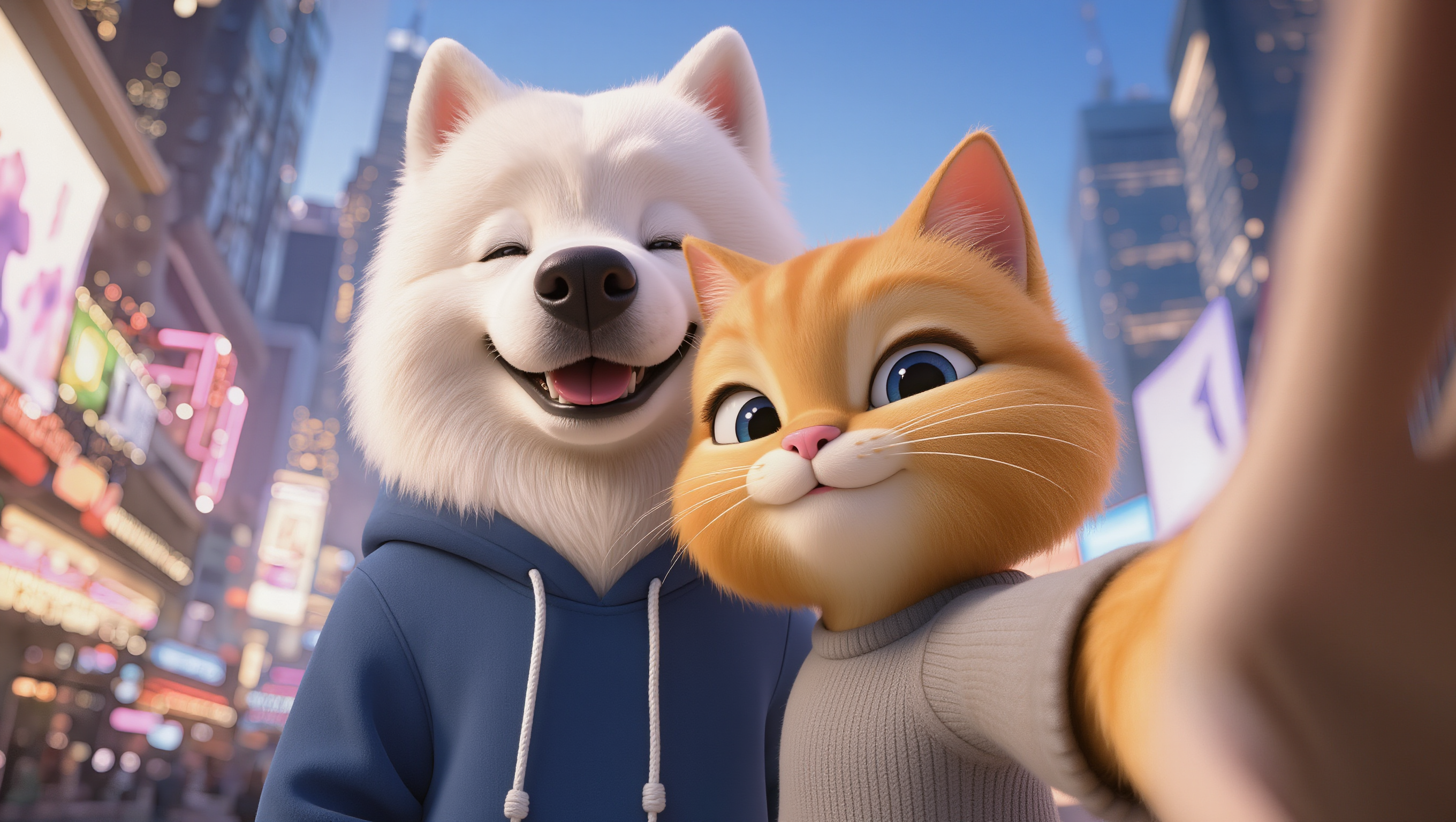

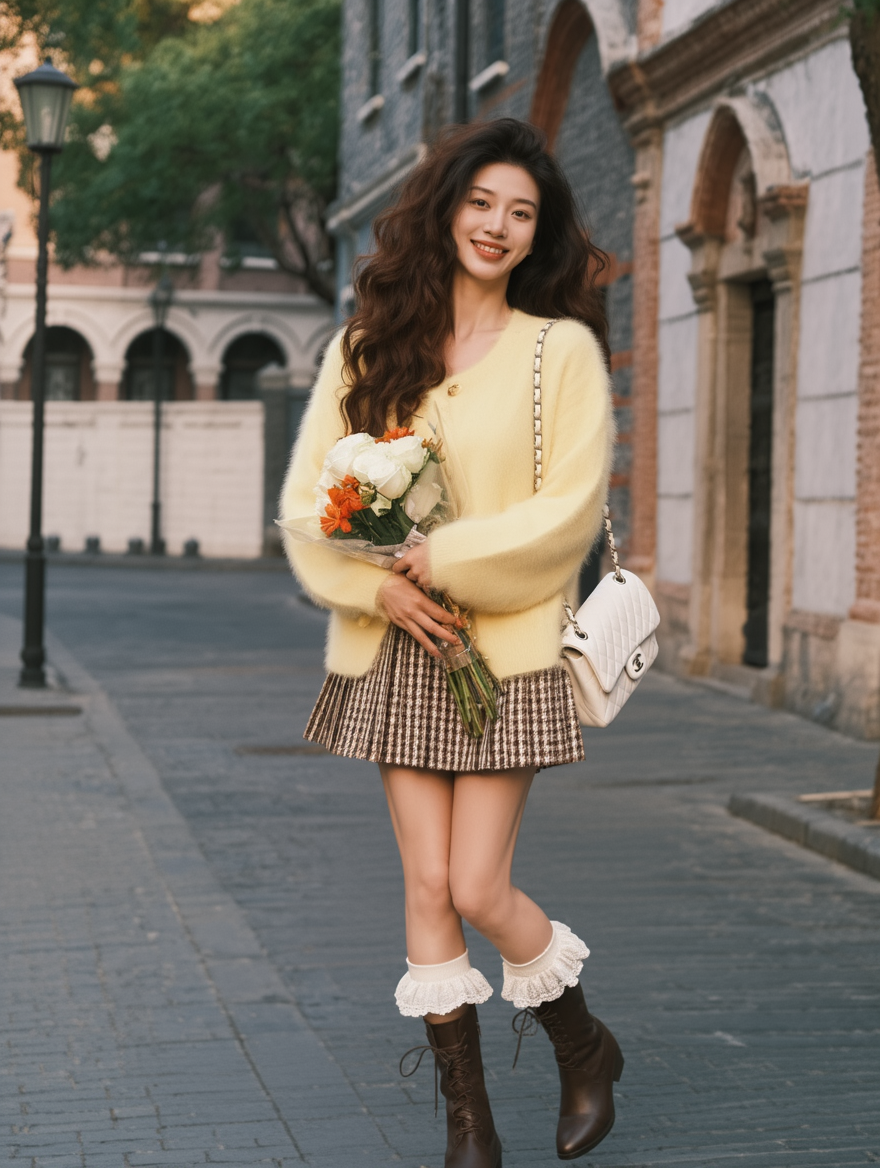
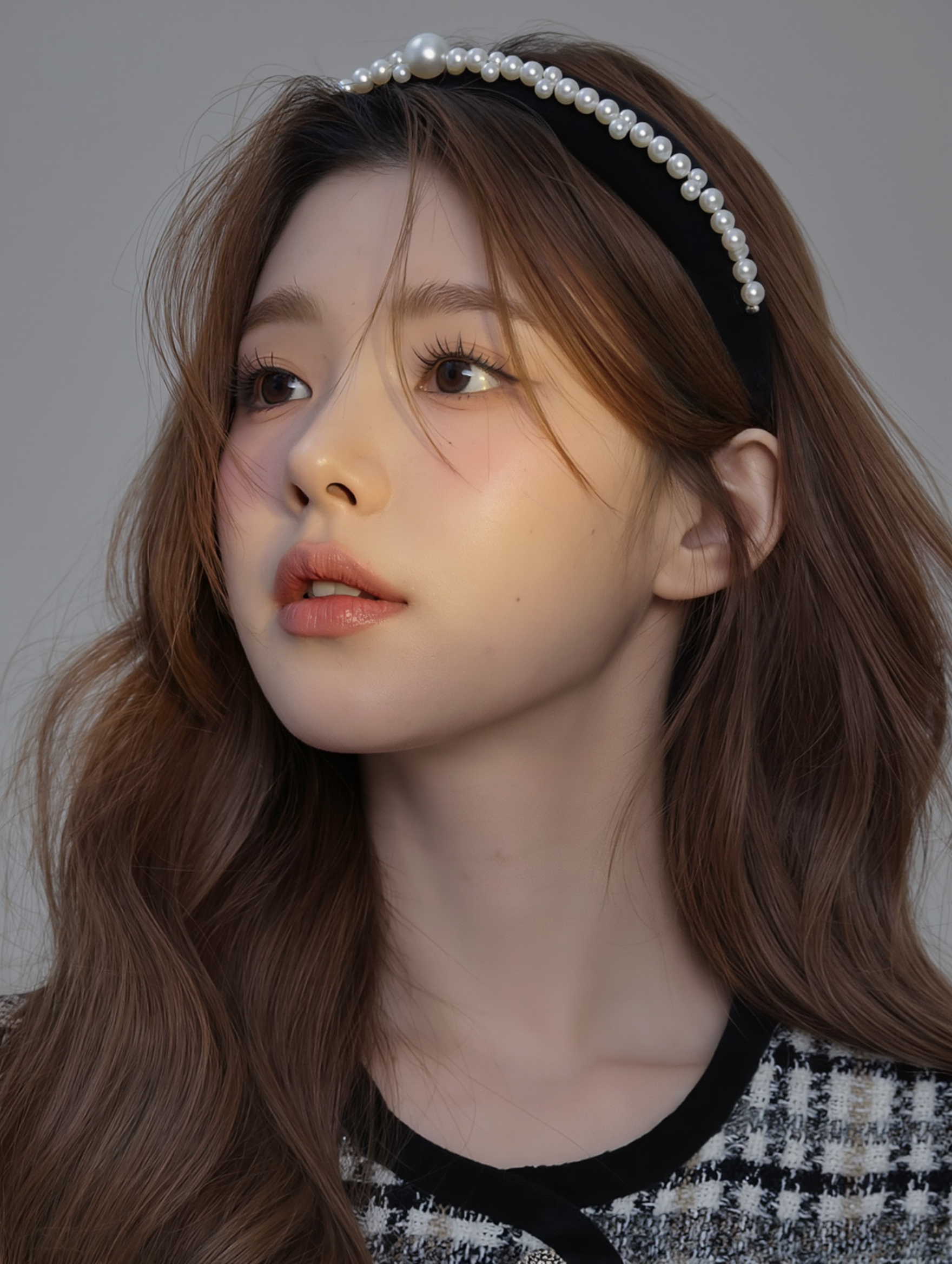
Avatar stylization
Reference Image
|
|
|
|
|
|
|
|
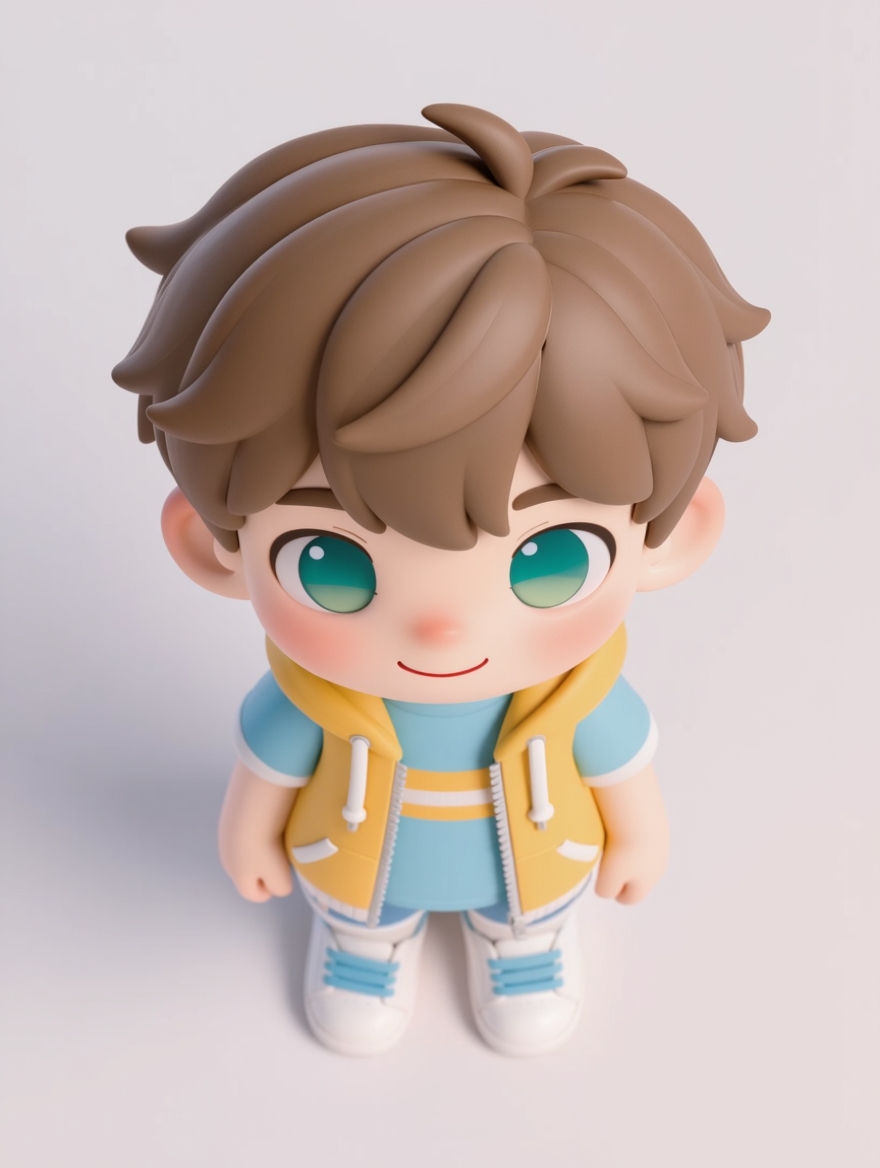
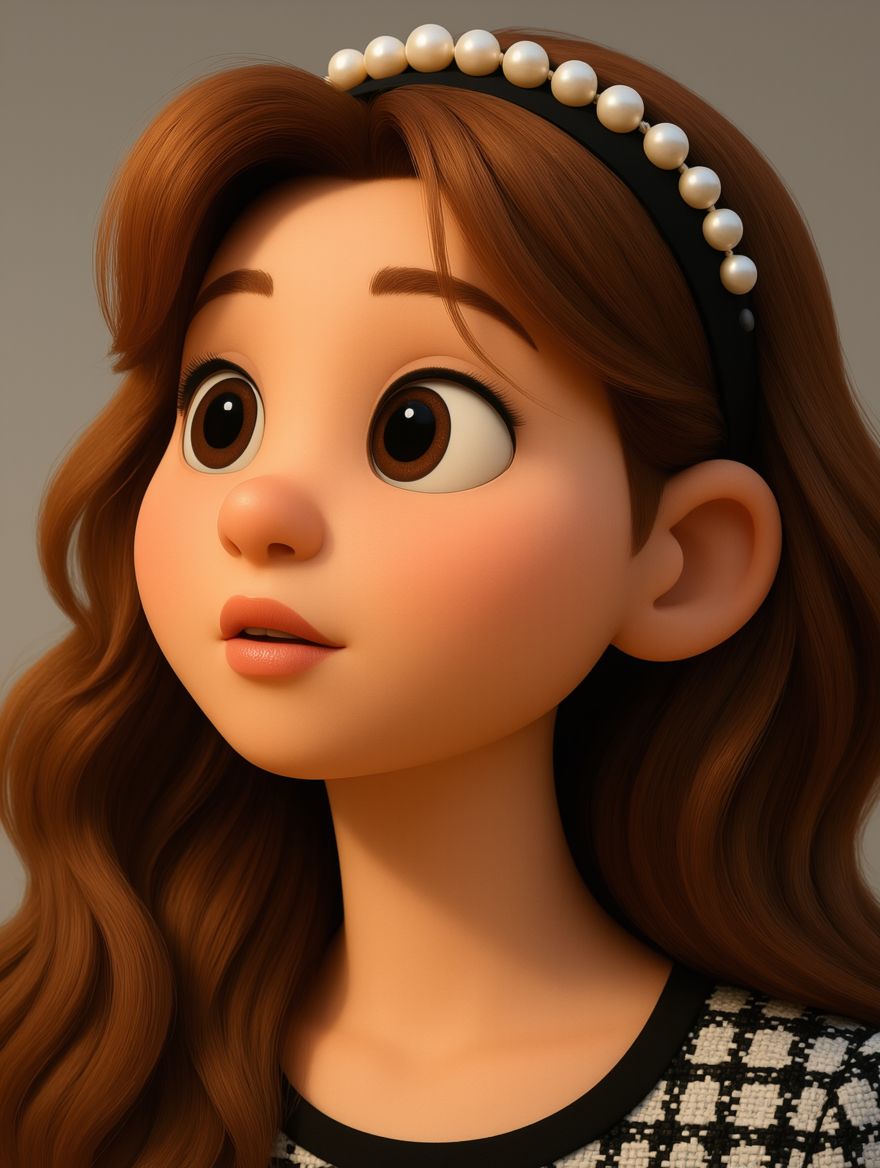
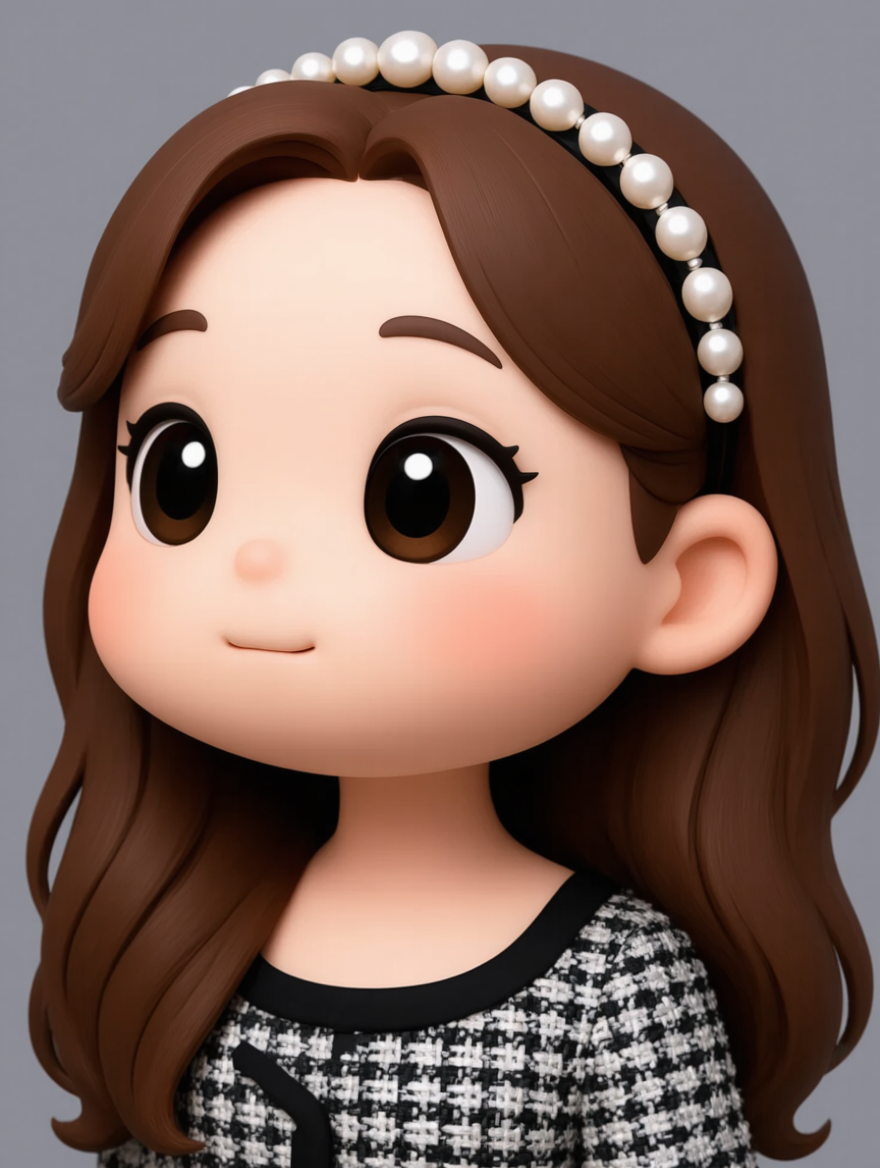
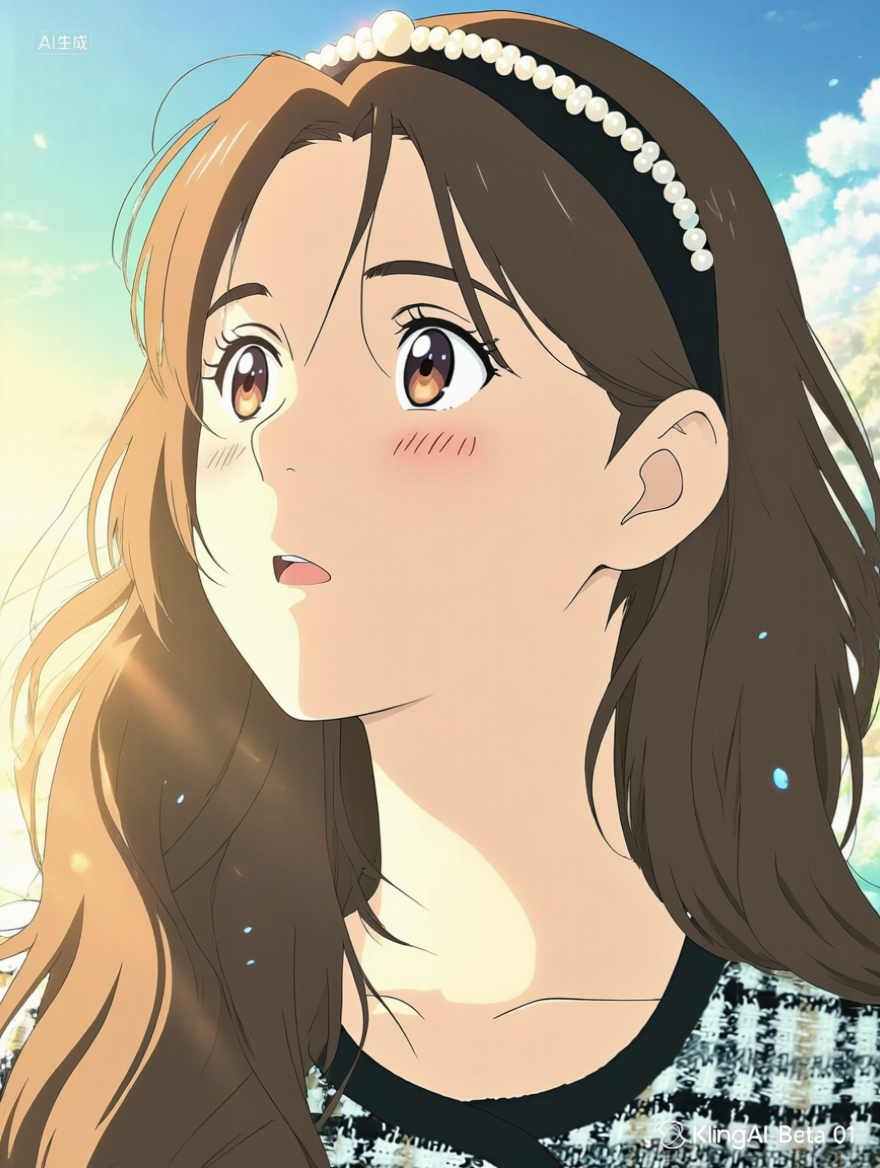
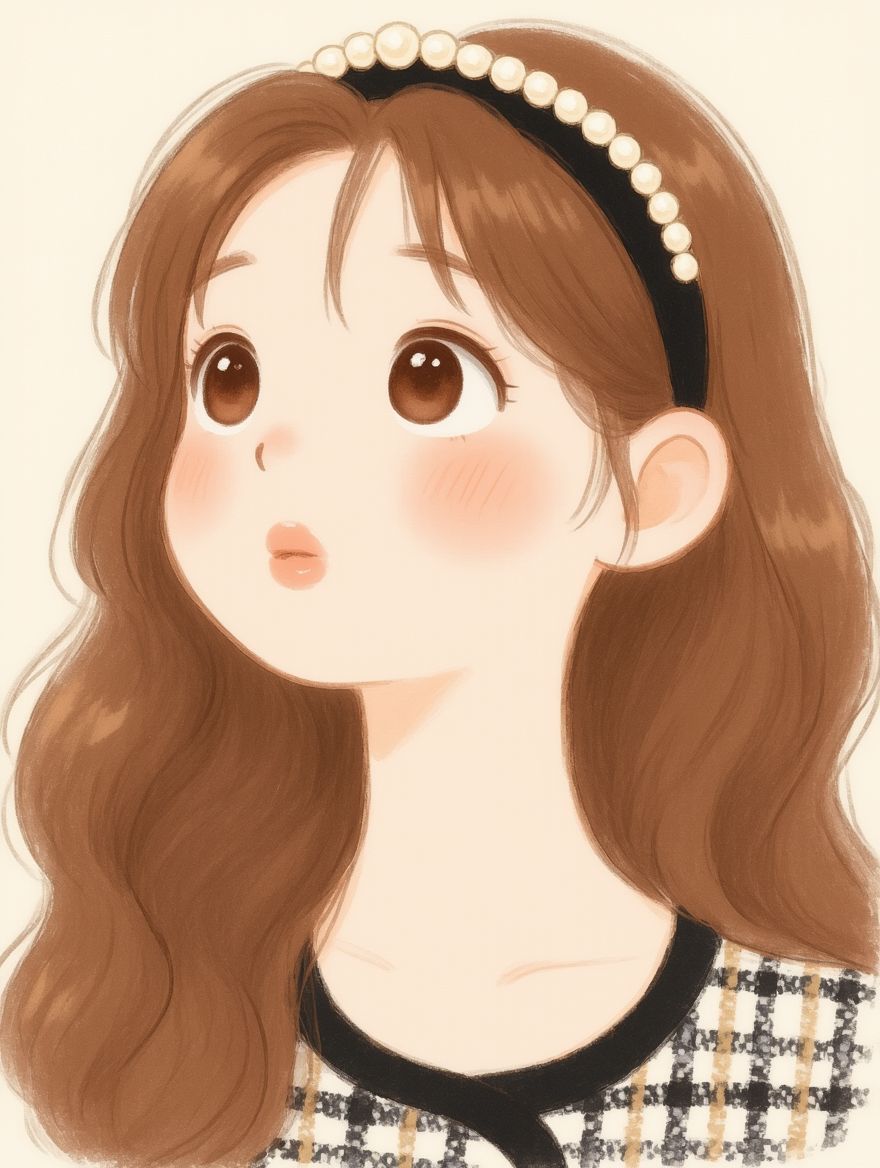
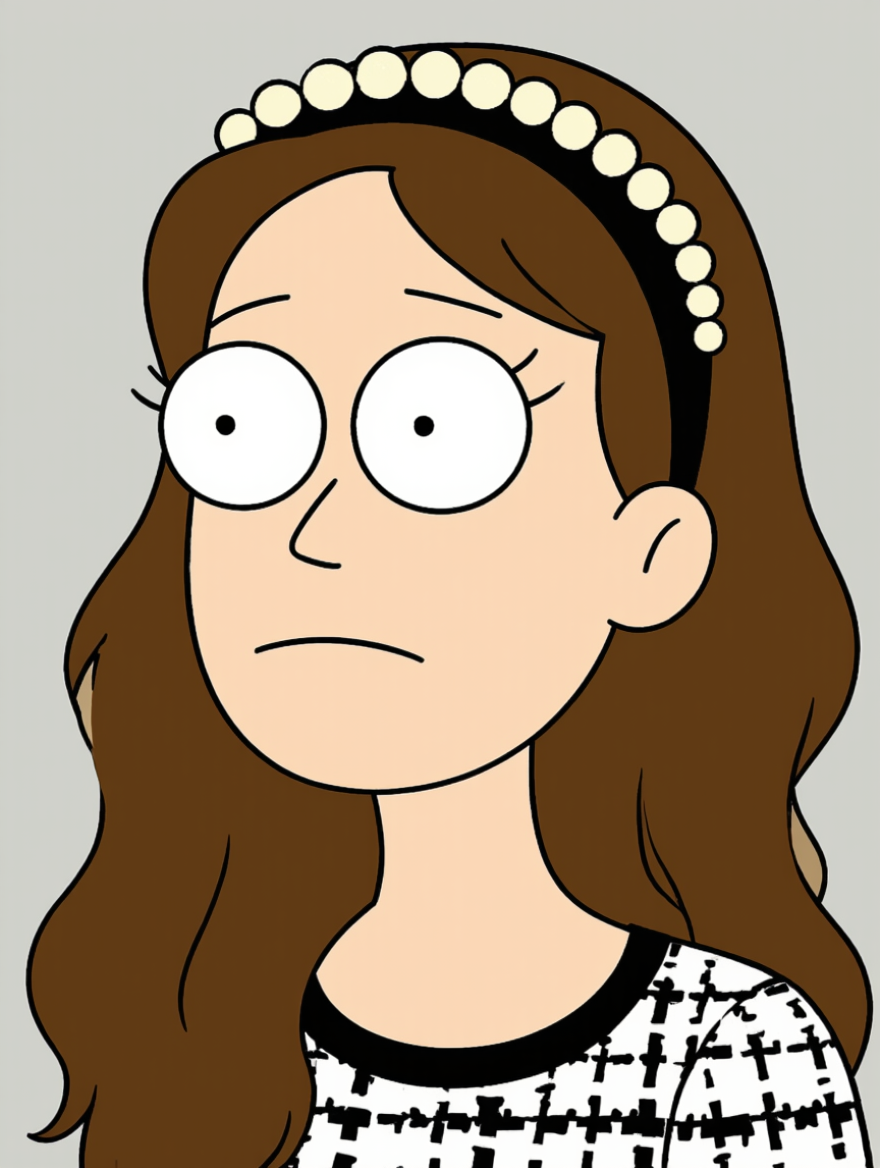
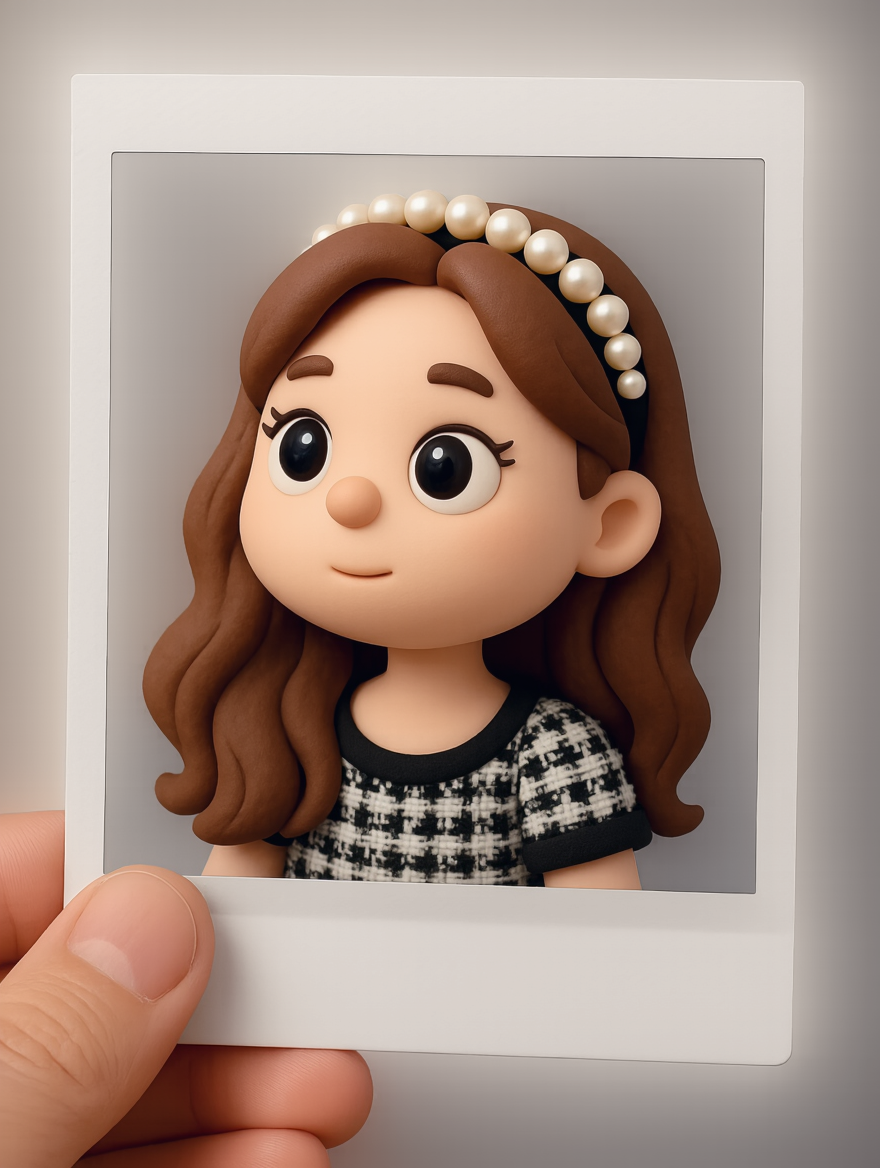
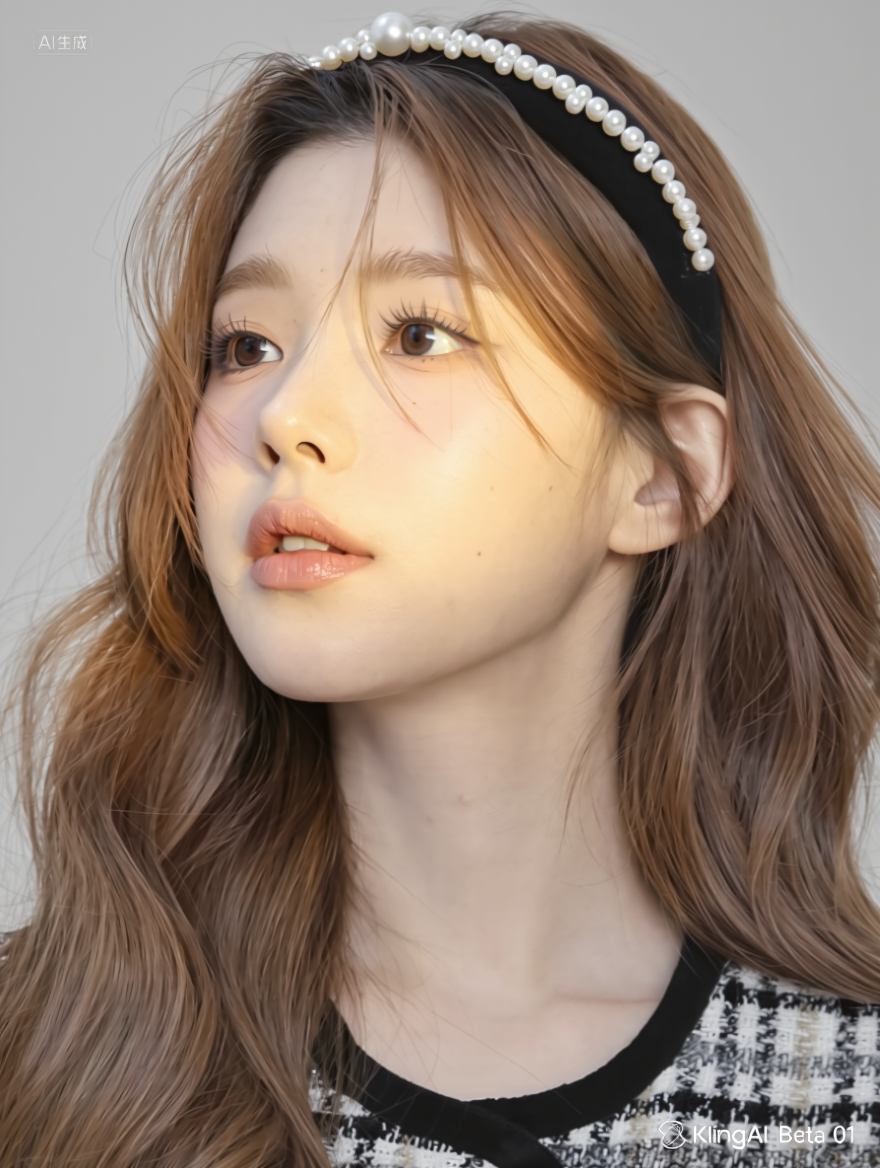
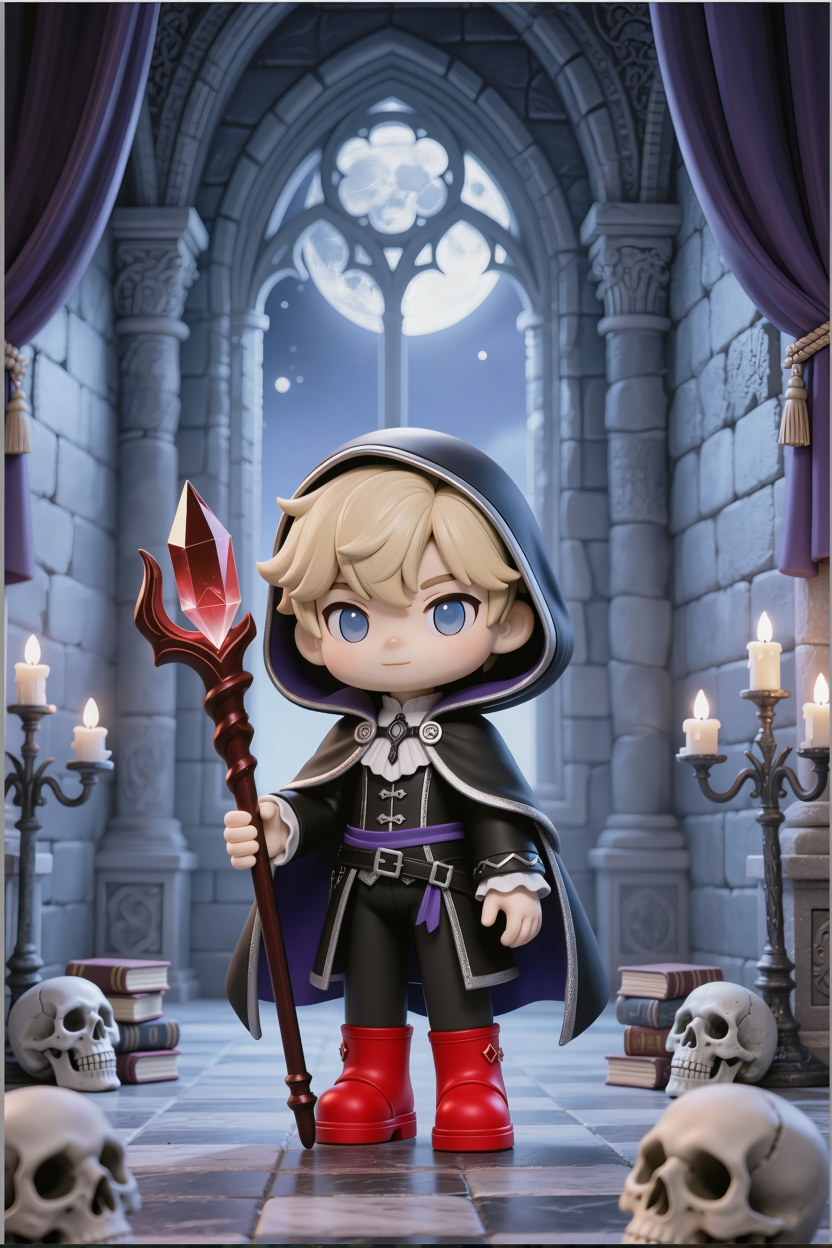
Convert image to Pixar style | Convert image to chibi 3D style | Convert image to 2D chibi style | Convert image to anime style | Convert image to doodle/naive sketch style | Convert image to star-princess style | Convert image to children’s illustration style | |
|
|
|
|
|
|
| |
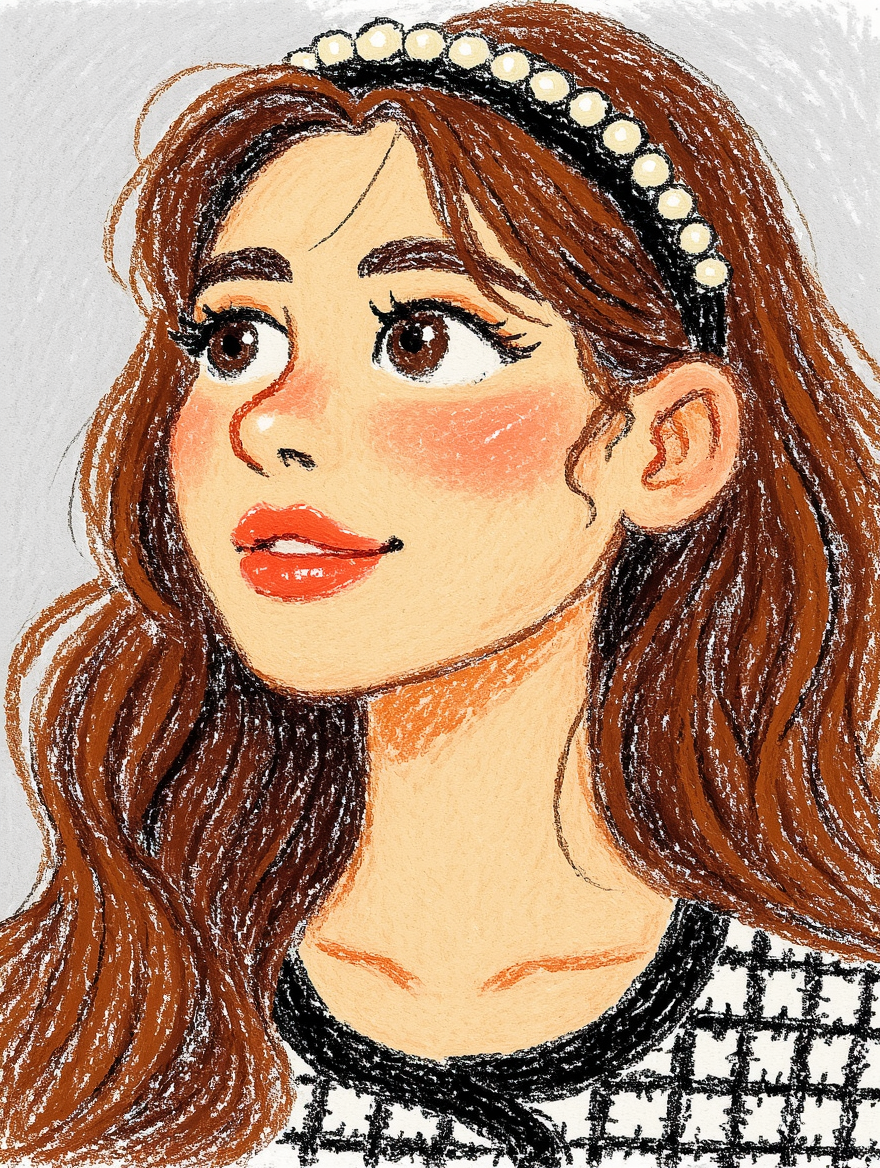
Convert image to plush toy style | Convert image to squishy-in-a-clear-bag style | Convert image to snow globe/crystal globe style | Convert image to acrylic keychain/badge style | Convert image to realistic illustration style | Convert image to colored pencil illustration style | Convert image to vintage manga style
| |
|
|
|
|
|
|
| |
Convert image to full-body figure/collectible figure style | Convert image to fisheye kiss style
| Convert image to JoJo-style illustration
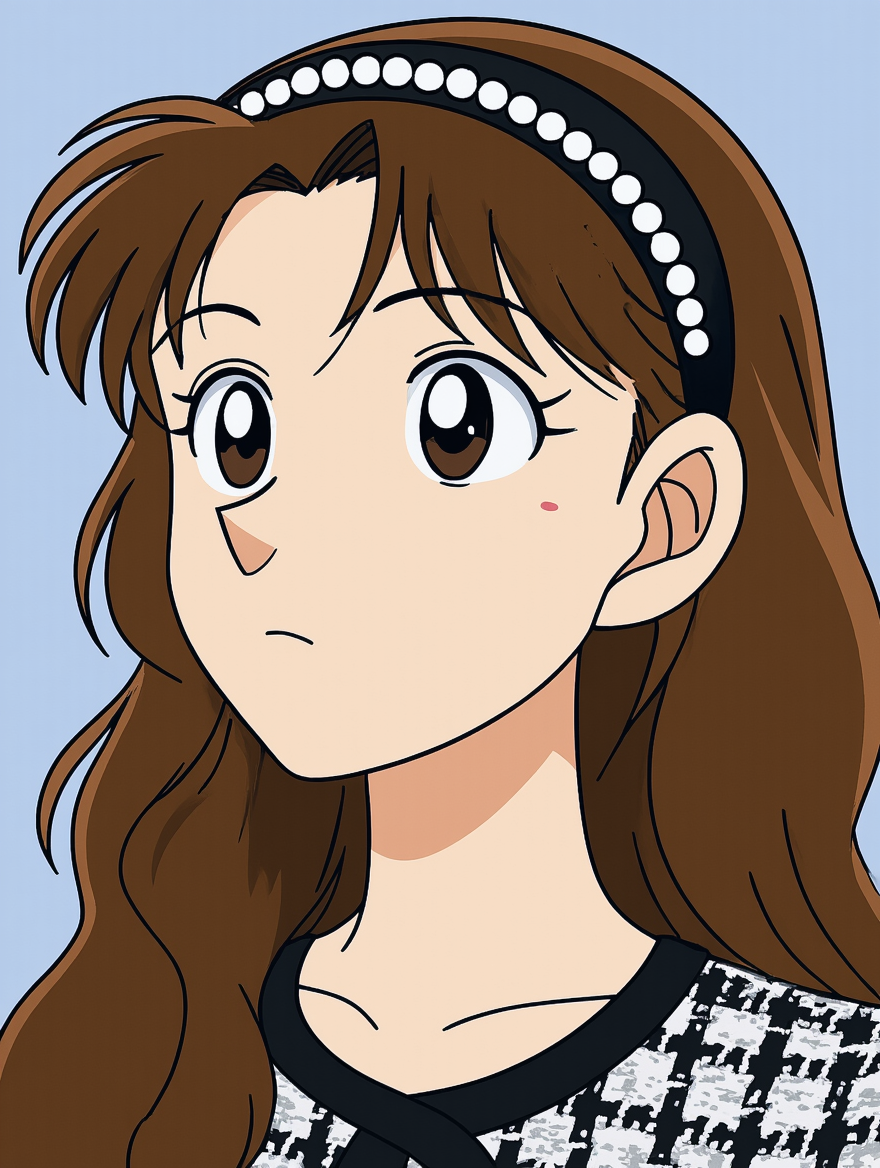
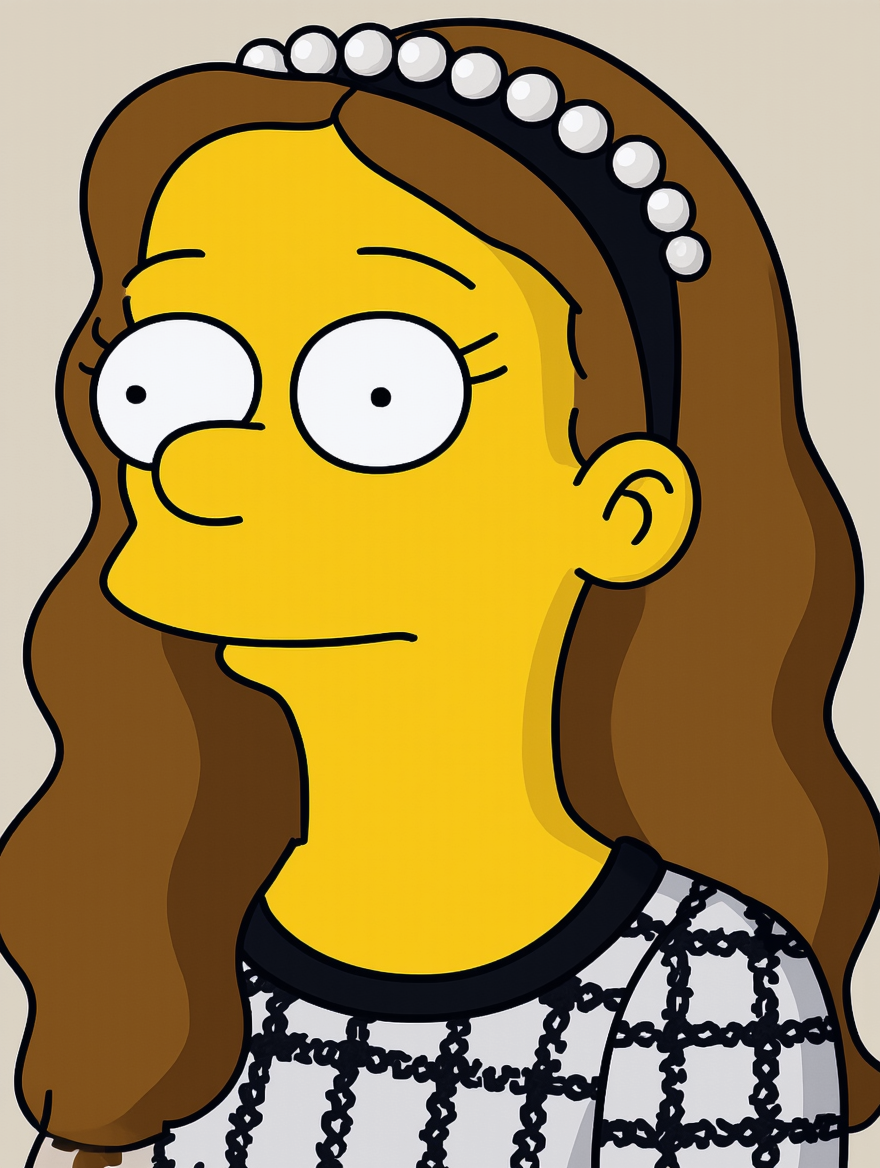
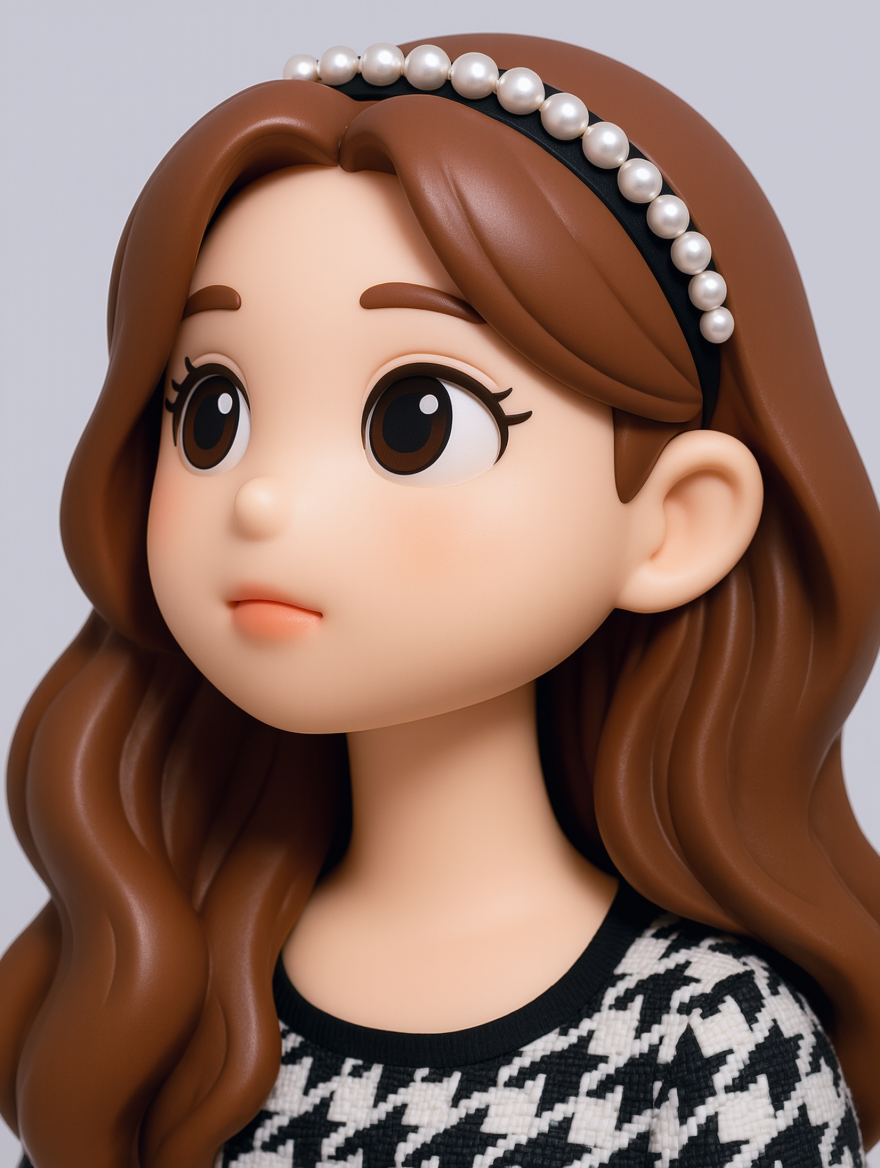
| Convert image to lacquer painting style | Convert image to detective anime style | Convert image to Simpsons style | Convert image to figure/collectible figurine style
| |
|
|
|
|
|
|
| |
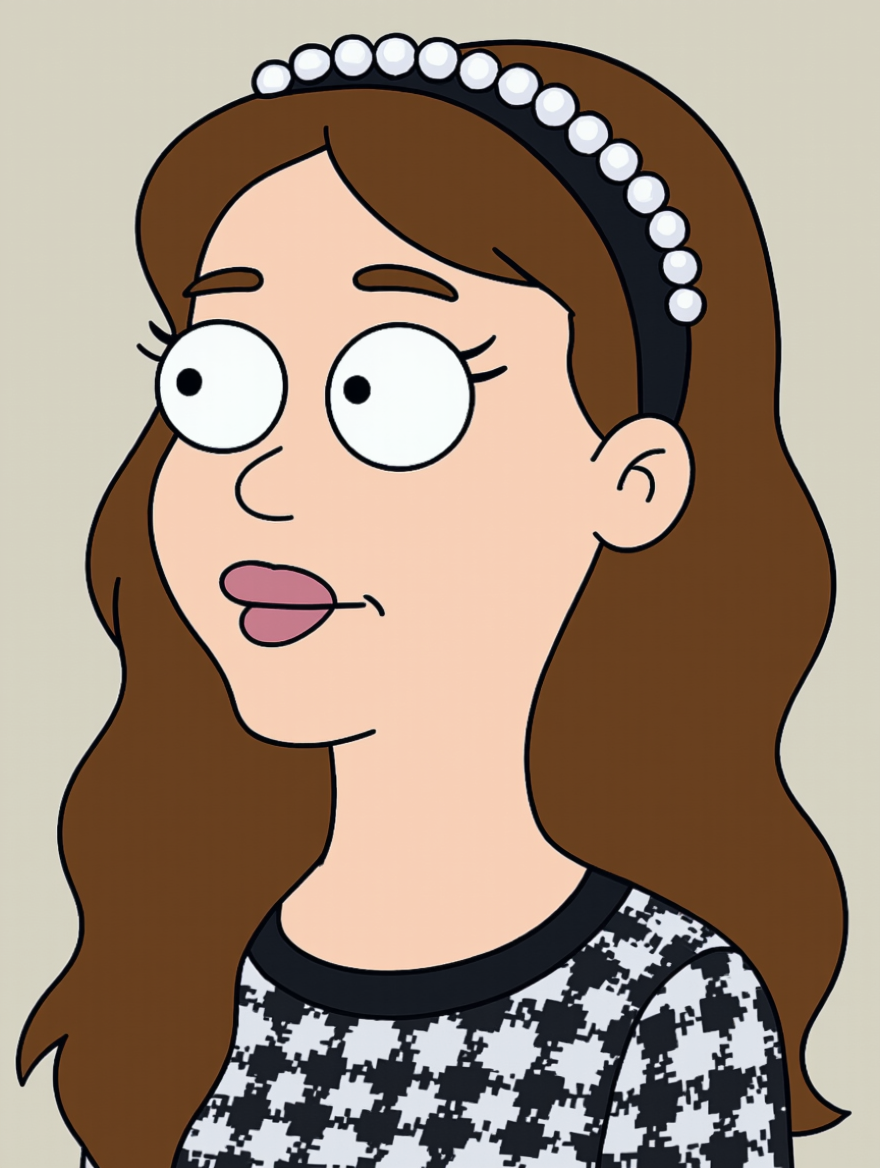
Convert image to parody American comic style | Convert image to chibi anime 3D style | Convert image to My Little Pony–style | Convert image to sketch style | Convert image to Ghibli-style animation | Convert image to wholesome/healing anime style | Convert image to children’s picture book style
| |
|
|
|
|
|
|
| |
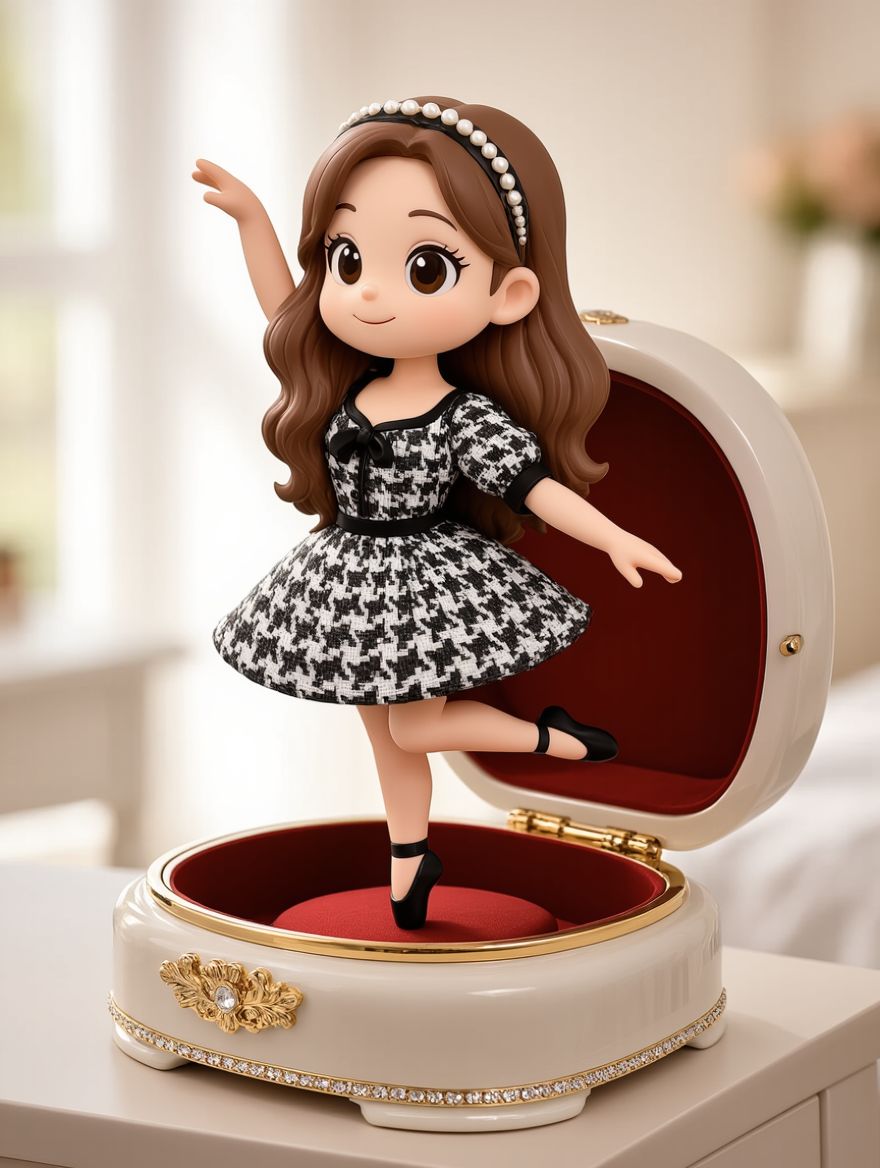
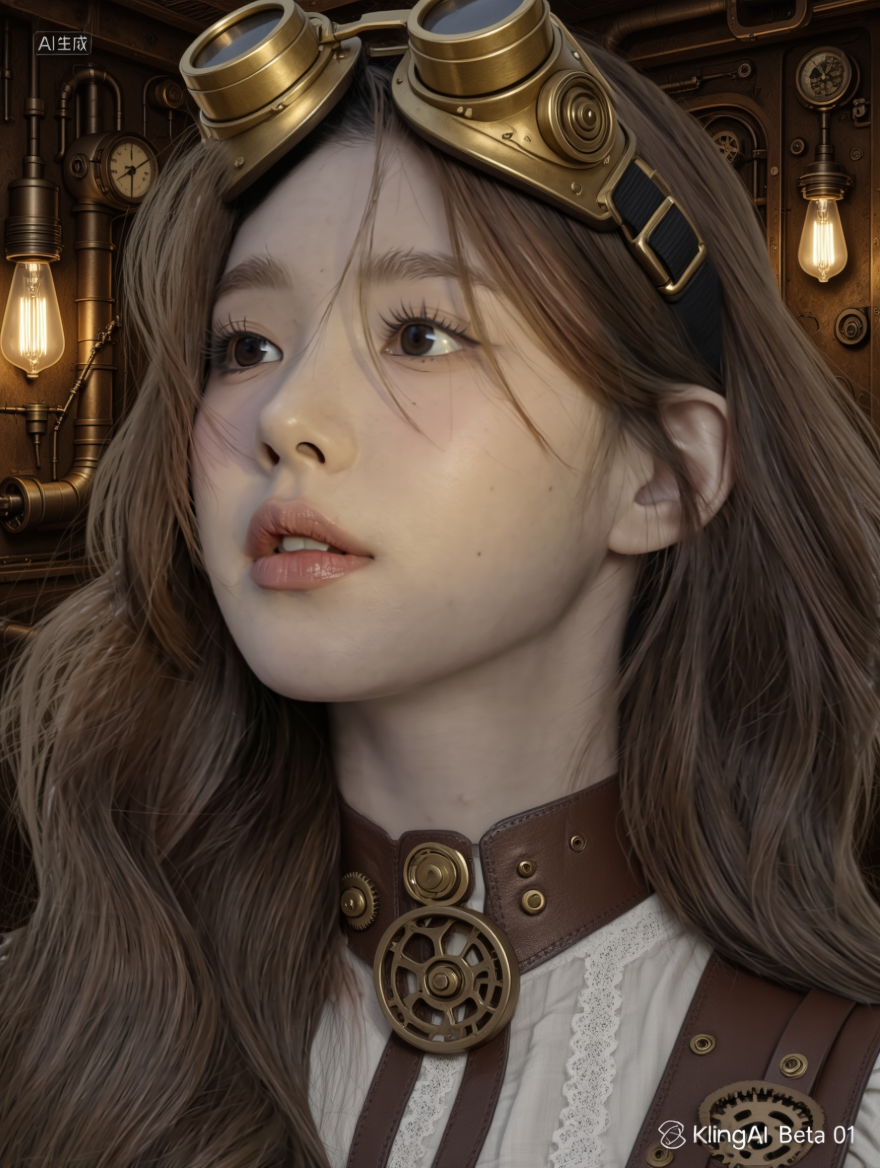
Convert image to jewelry box style | Convert image to steampunk style | Convert image to post-apocalyptic sci-fi style | Convert image to hero concept art style | Convert image to soulslike game style | Convert image to futuristic sci-fi style | Convert image to mecha style
| |
|
|
|
|
|
|
| |
Convert image to cotton doll style | Convert image to Marvel comic style
| Convert image to calendar poster style | Convert image to American comic style | Convert image to Barbie doll style | Convert image to vintage propaganda poster style | Convert image to crayon drawing style | |
|
|
|
|
|
|
| |
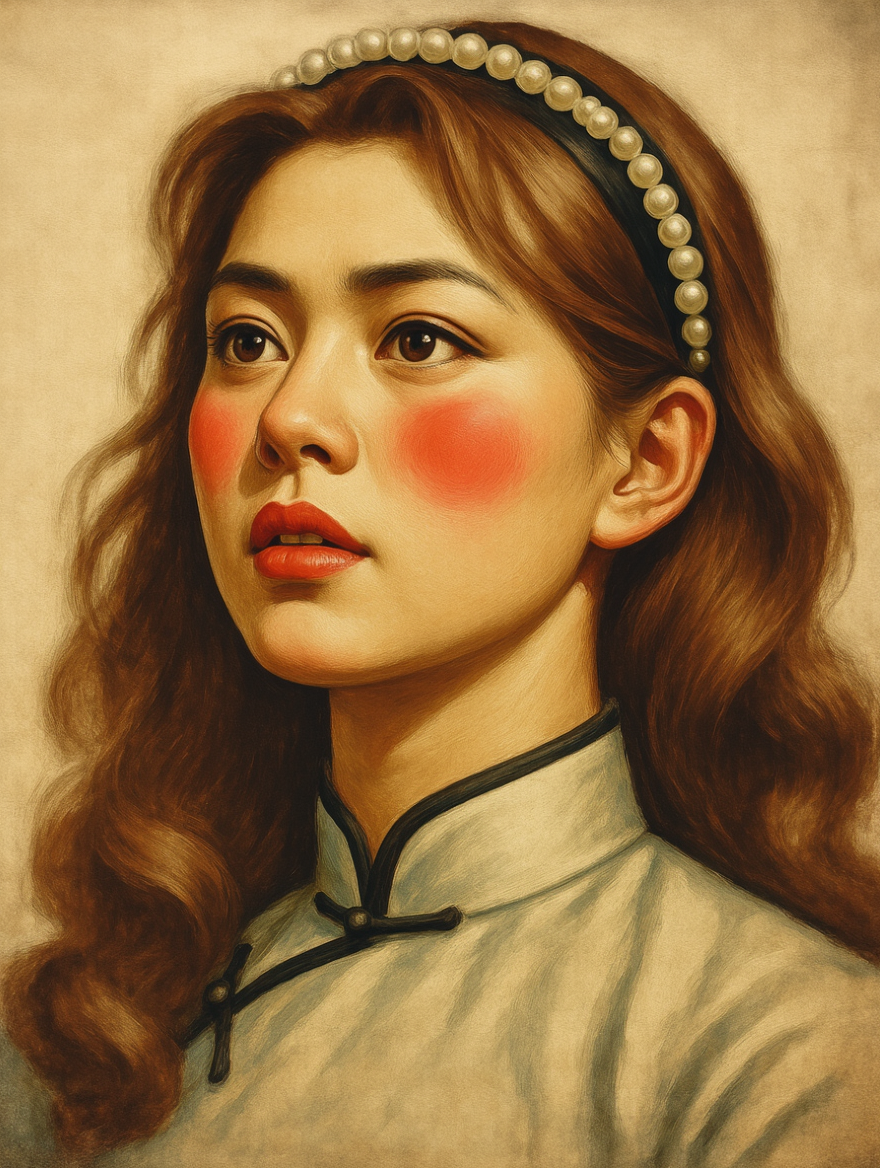
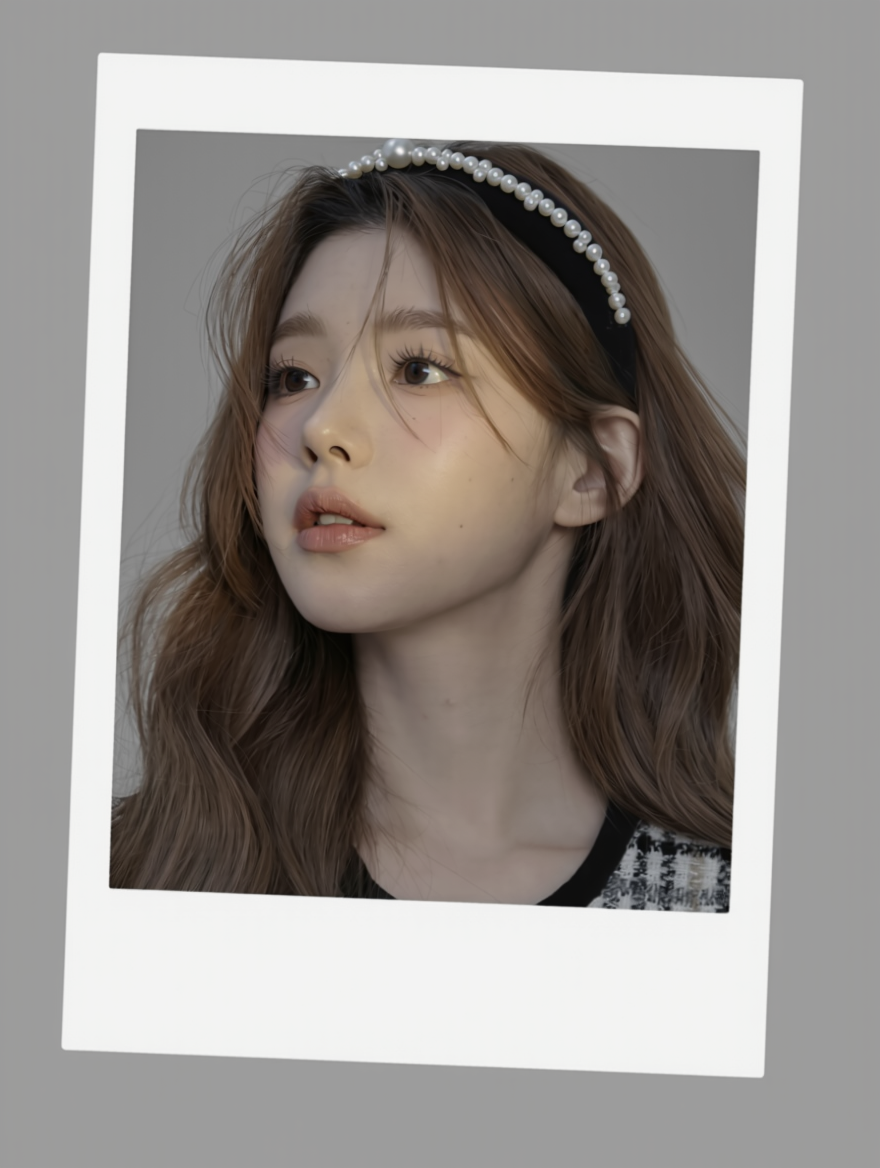
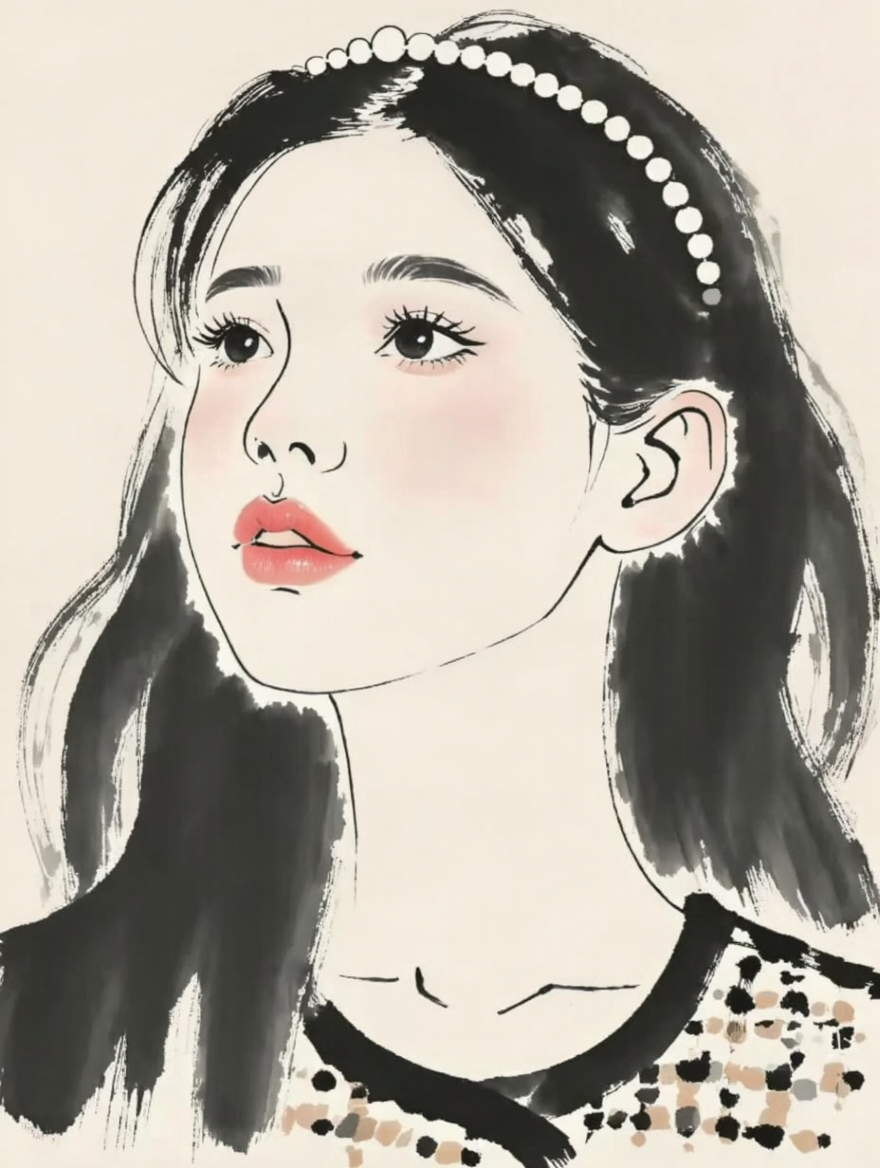
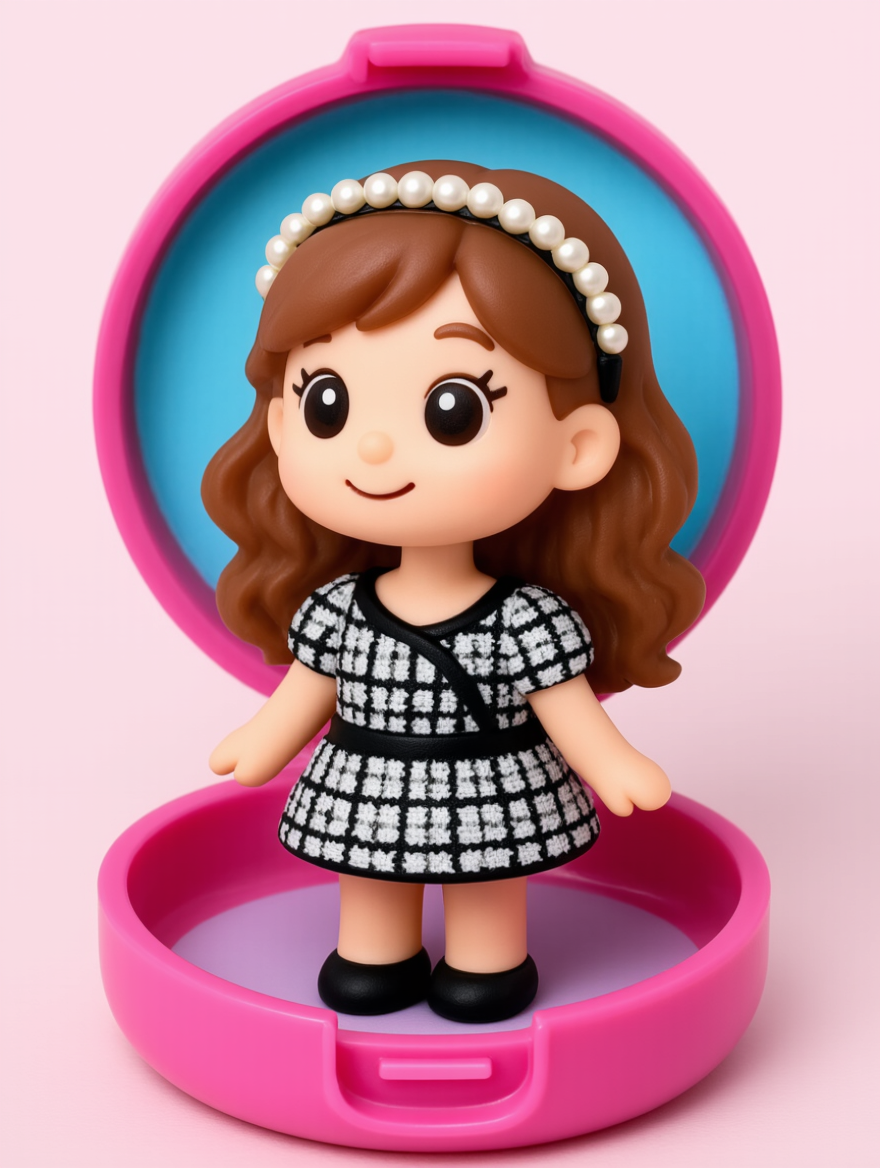
Convert image to 3D Polaroid style | Convert image to 3D clay Polaroid style | Convert image to Wu Guanzhong–style painting | Convert image to pocket box full-body style | Convert image to soft light filter style | Convert image to building block/lego-style illustration | Convert image to Powerpuff Girls style | |
|
|
|
|
|
|
| |
Convert image to horror style | Convert image to ultra flat style | Convert image to retro comic style | Convert image to watercolor illustration style | Convert image to perler bead style | Convert image to pixel art style | Convert image to gongbi painting style |
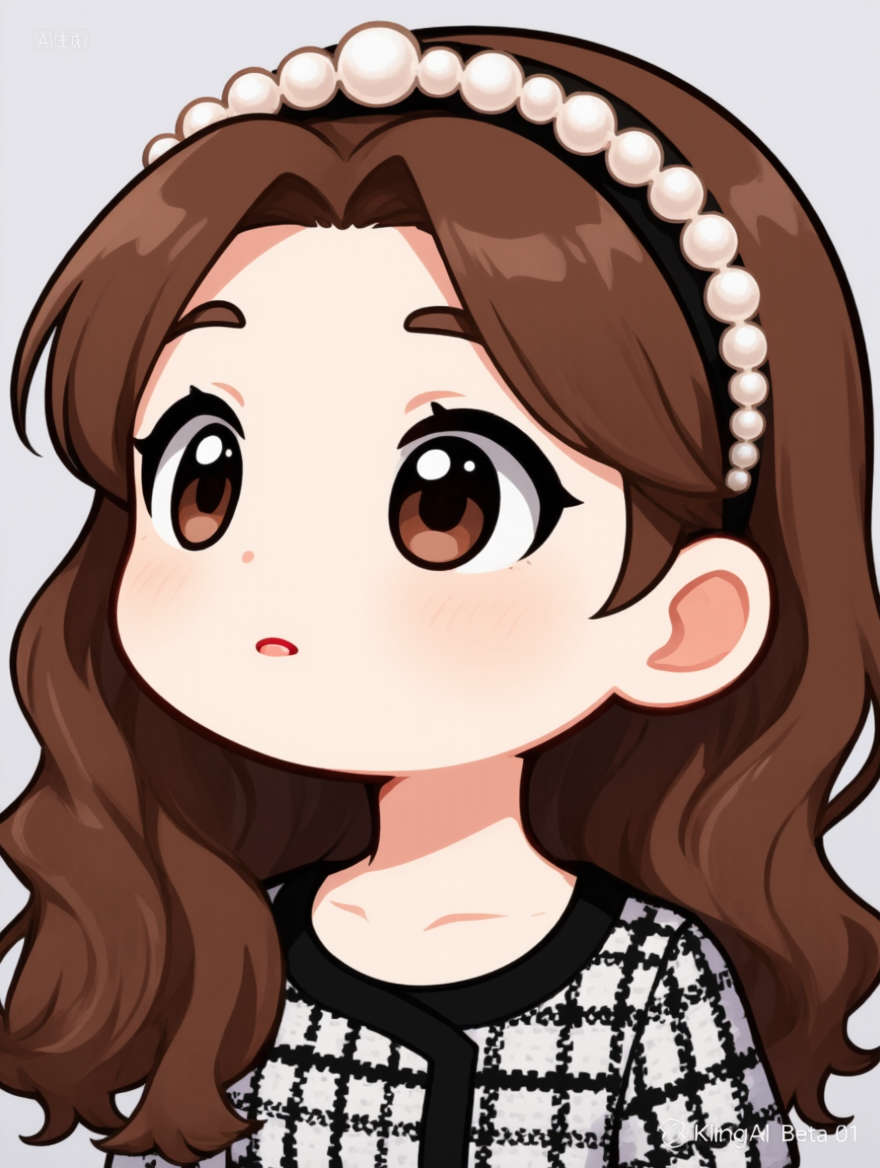
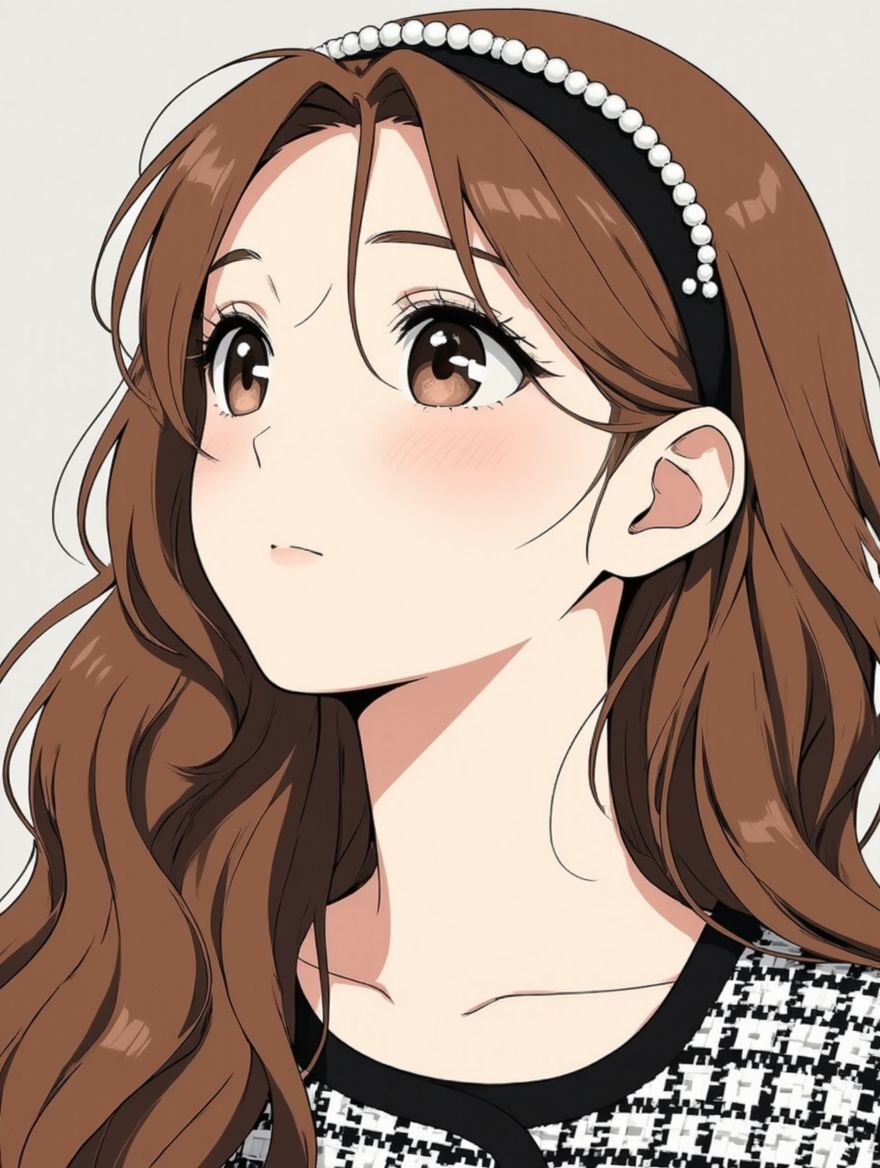
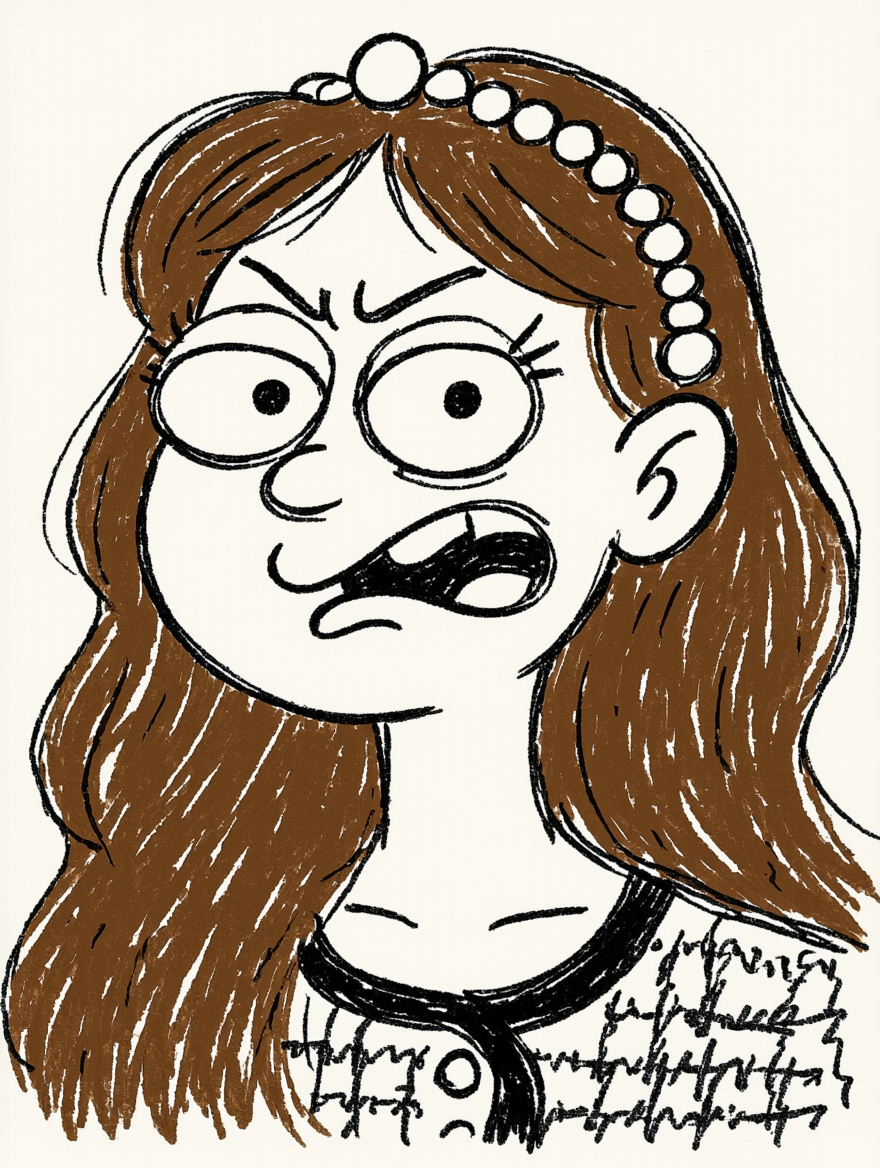
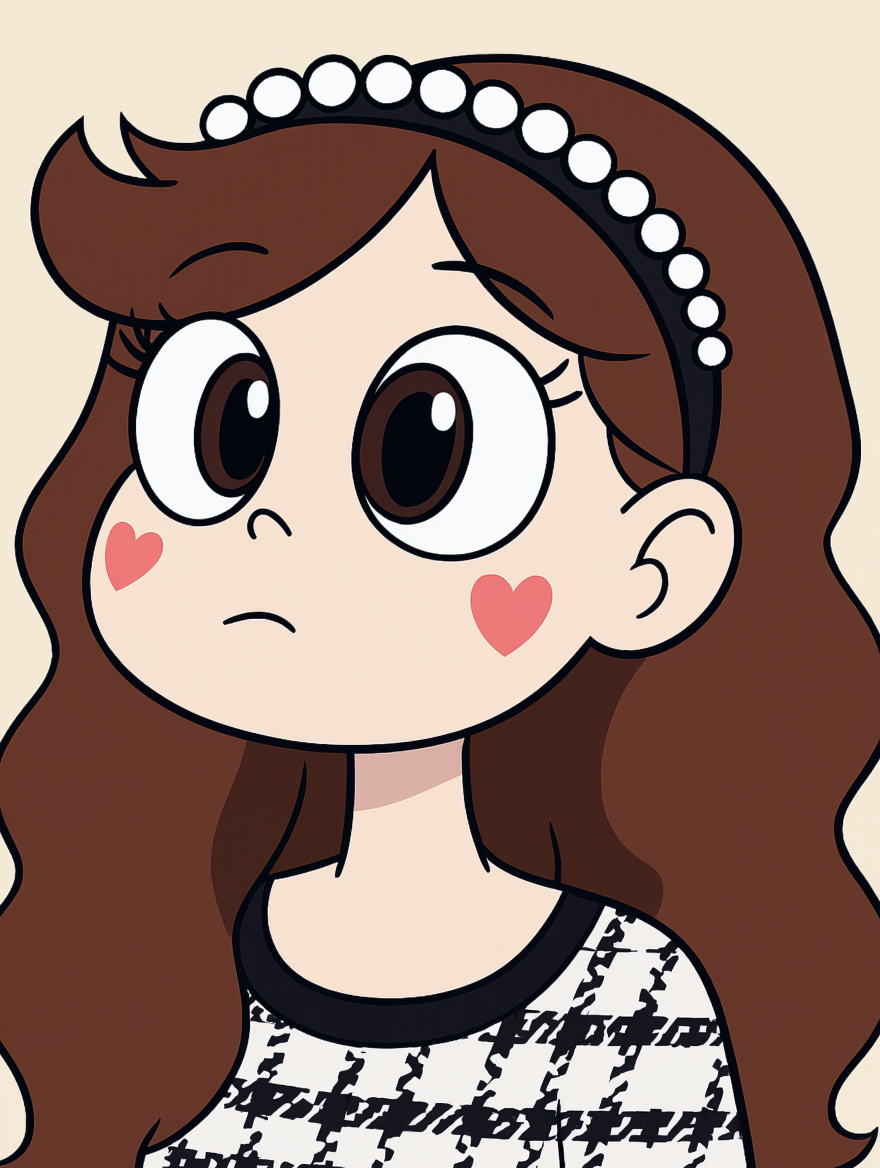
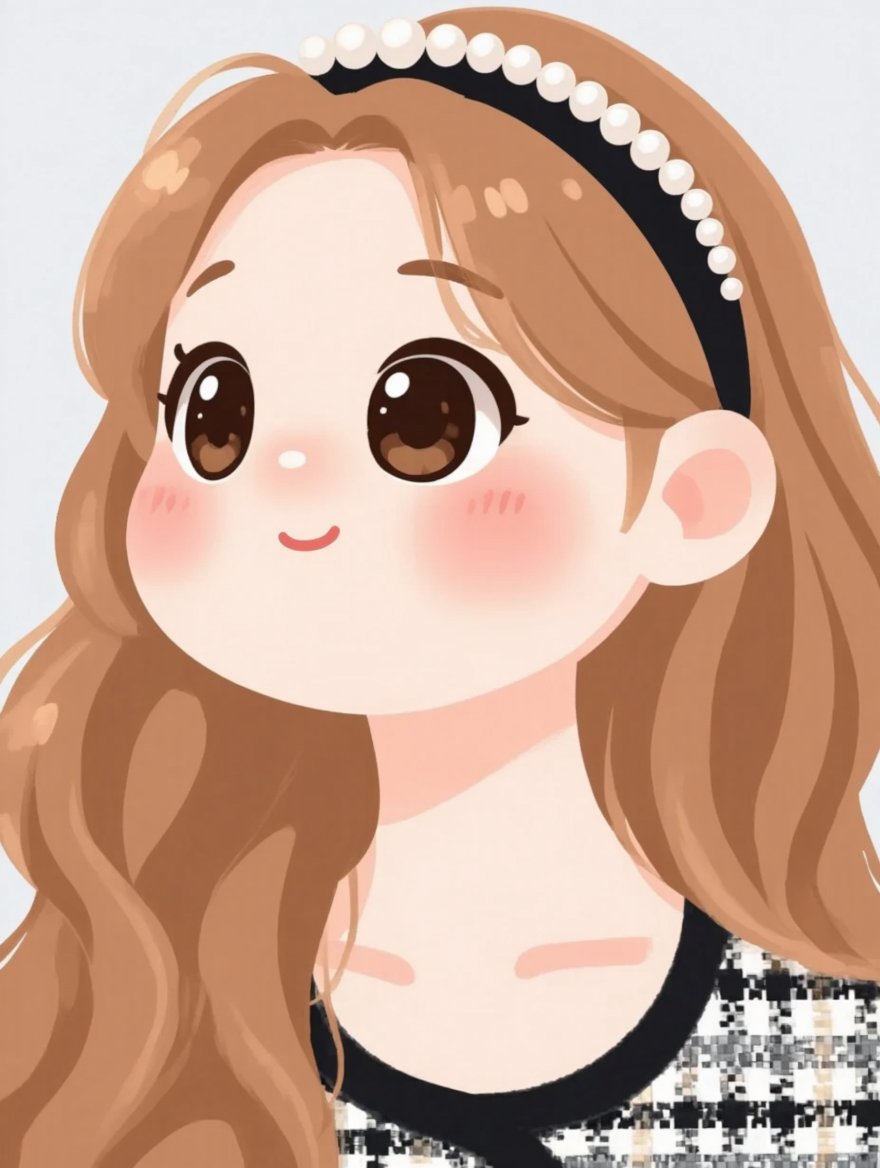
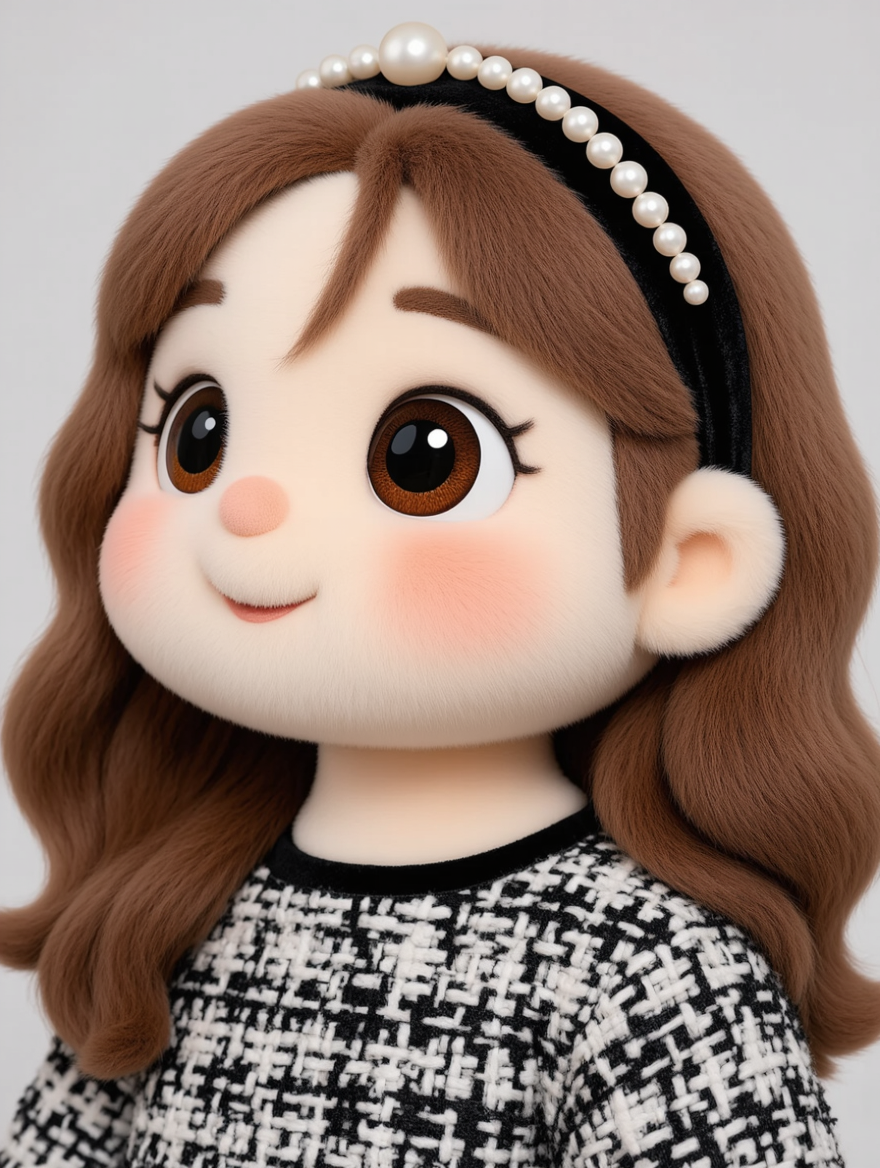
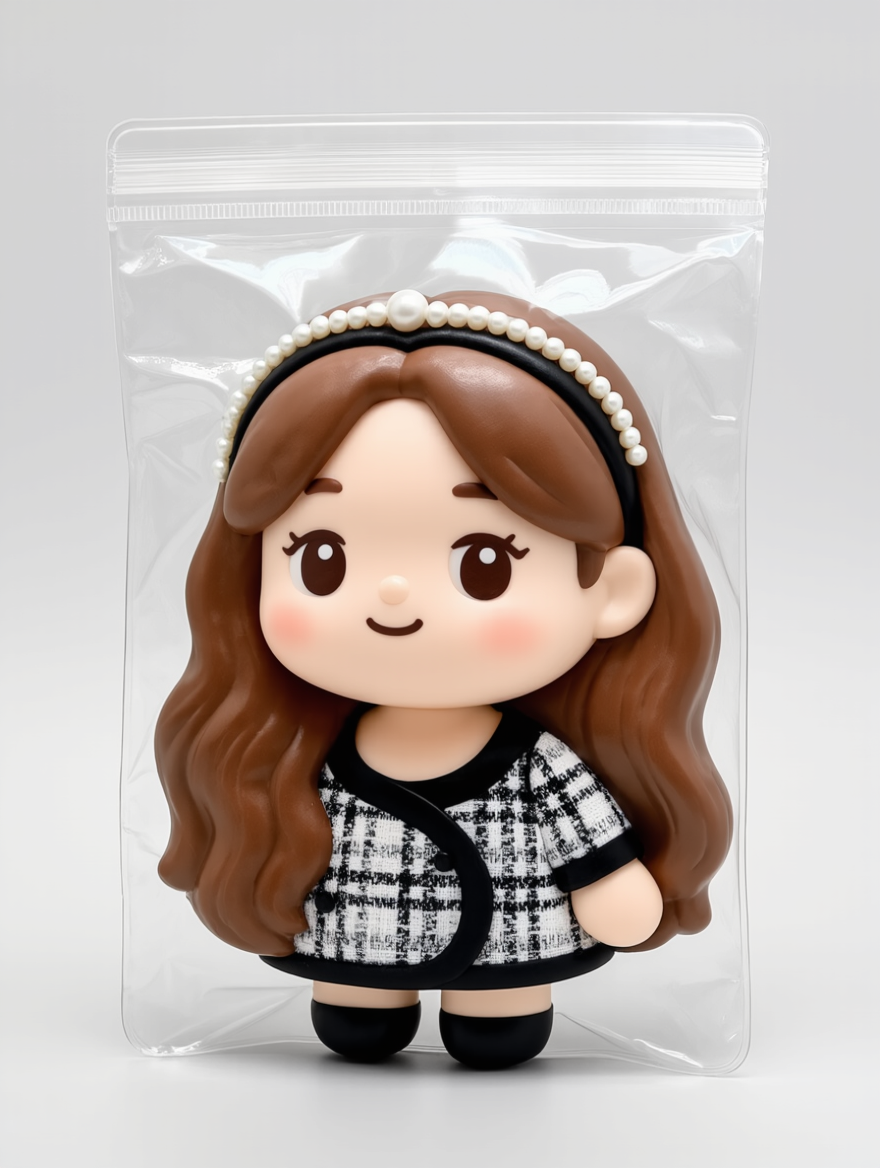
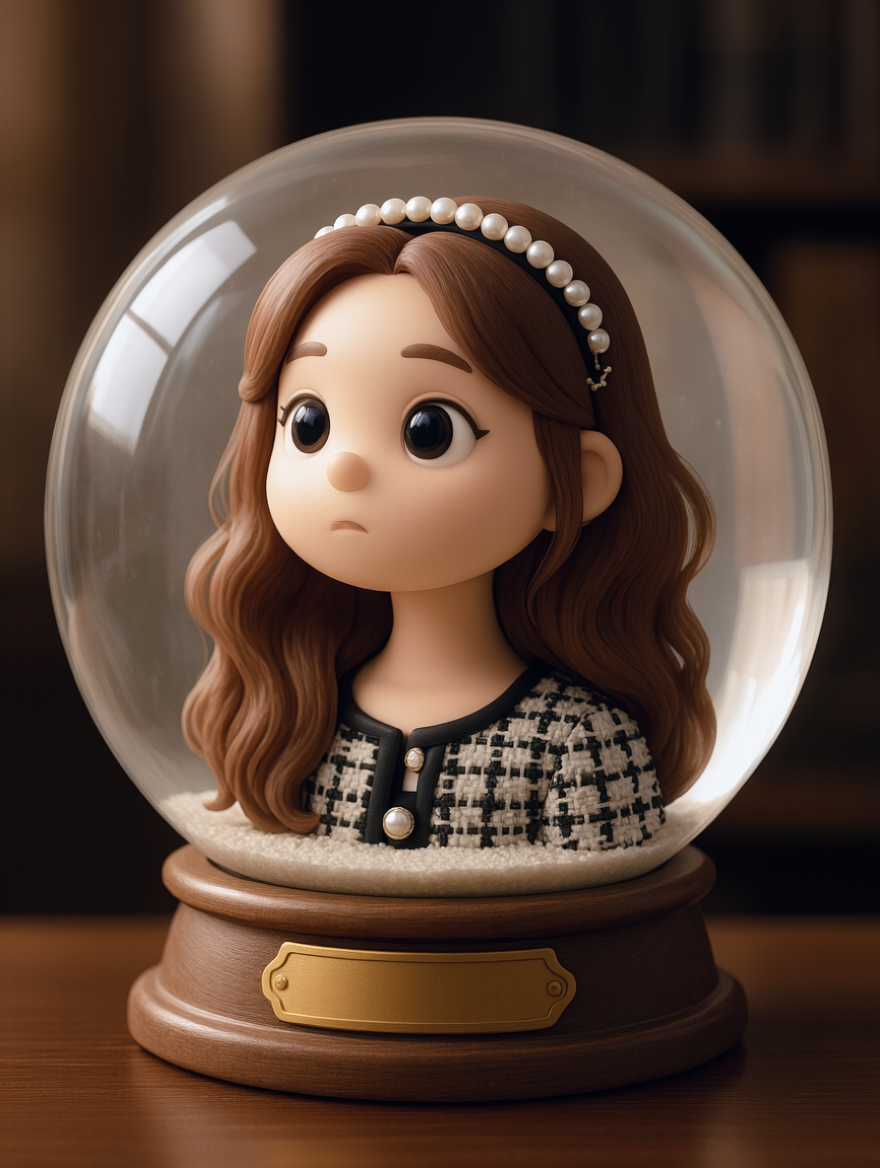
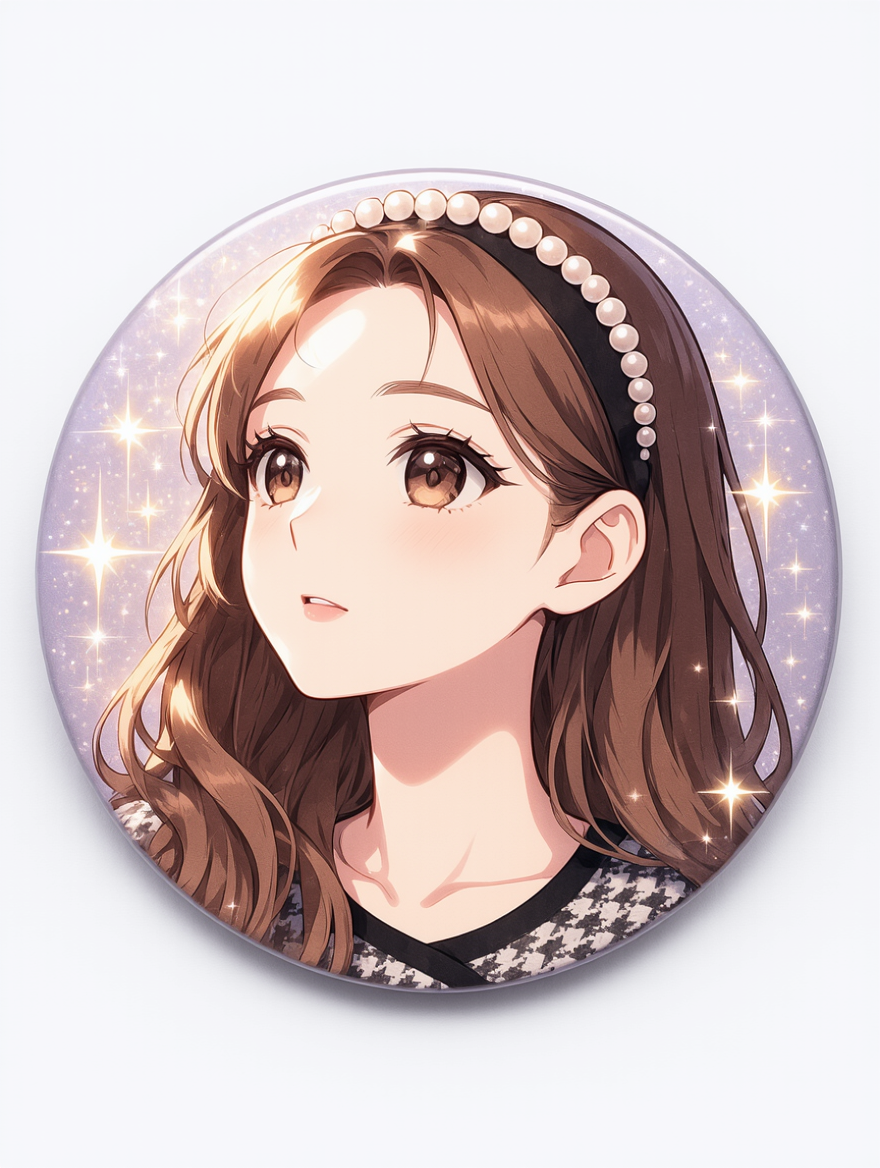
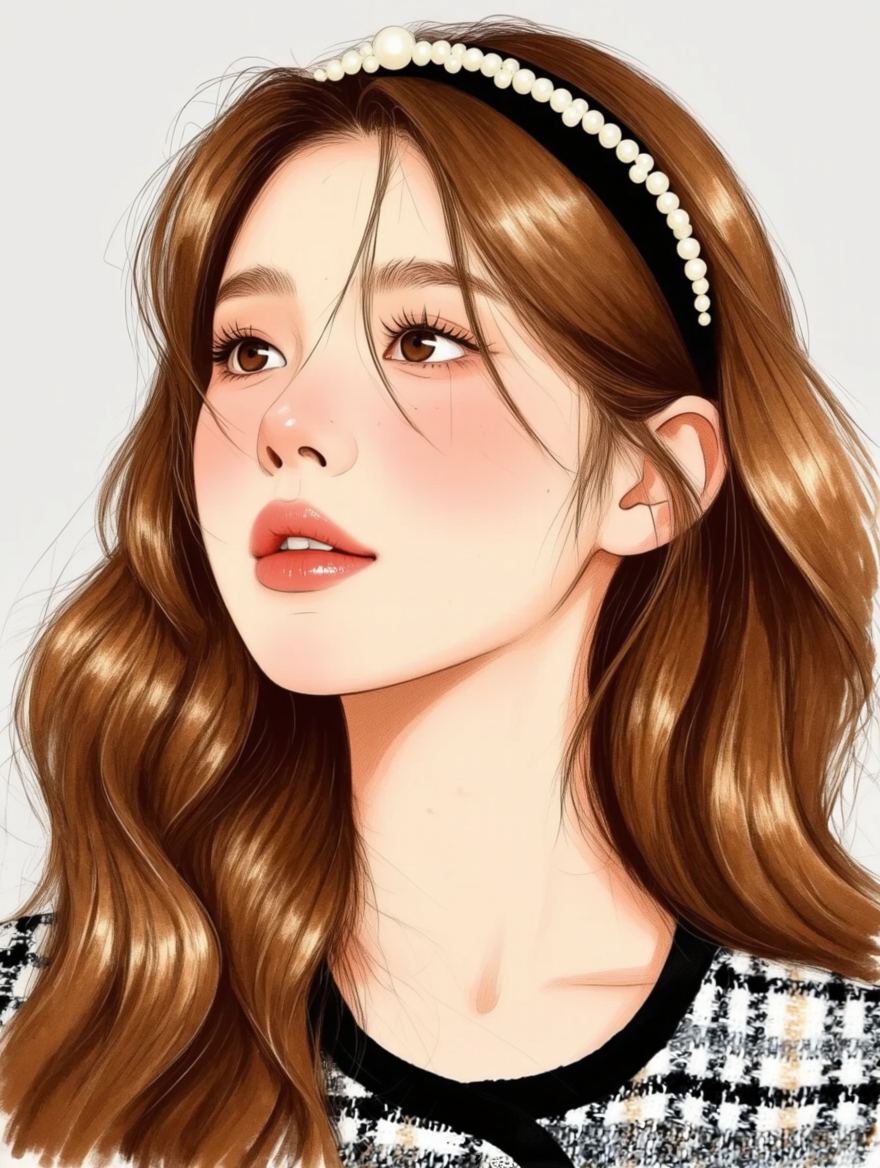
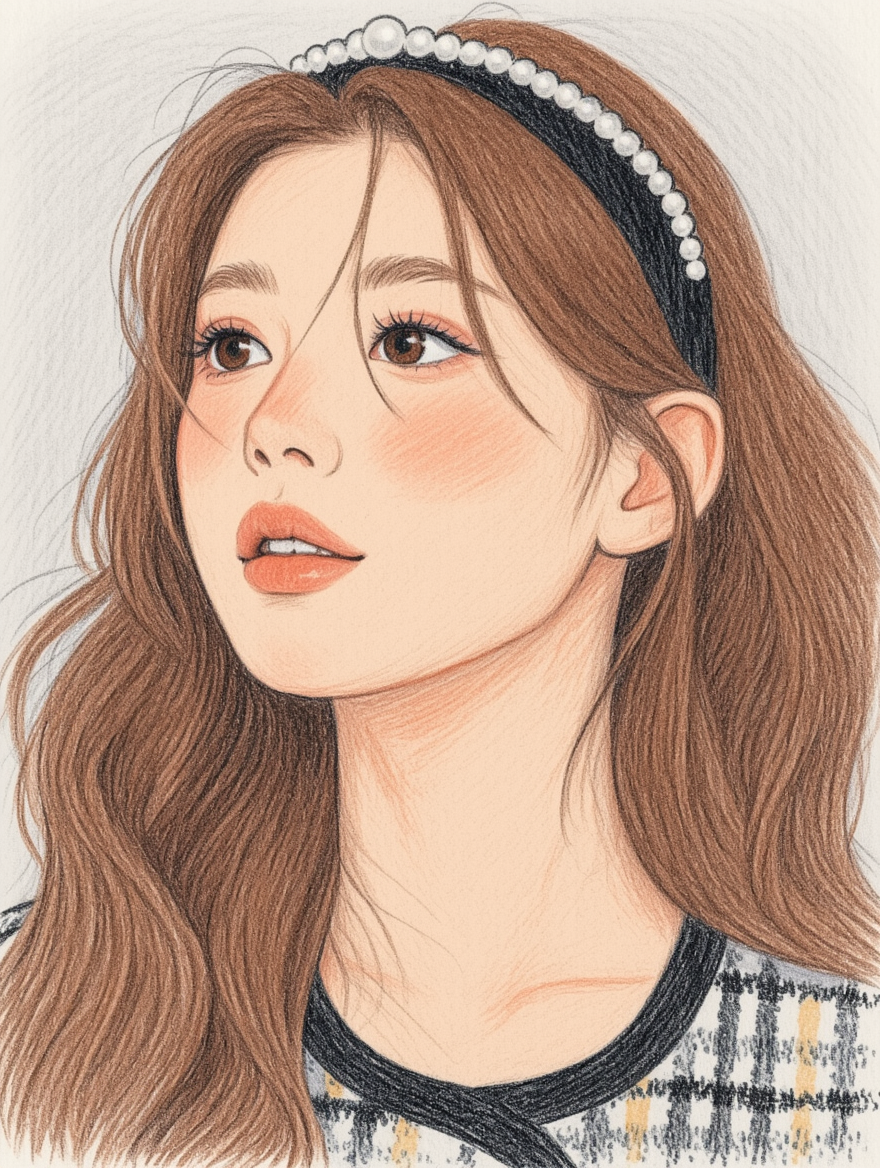
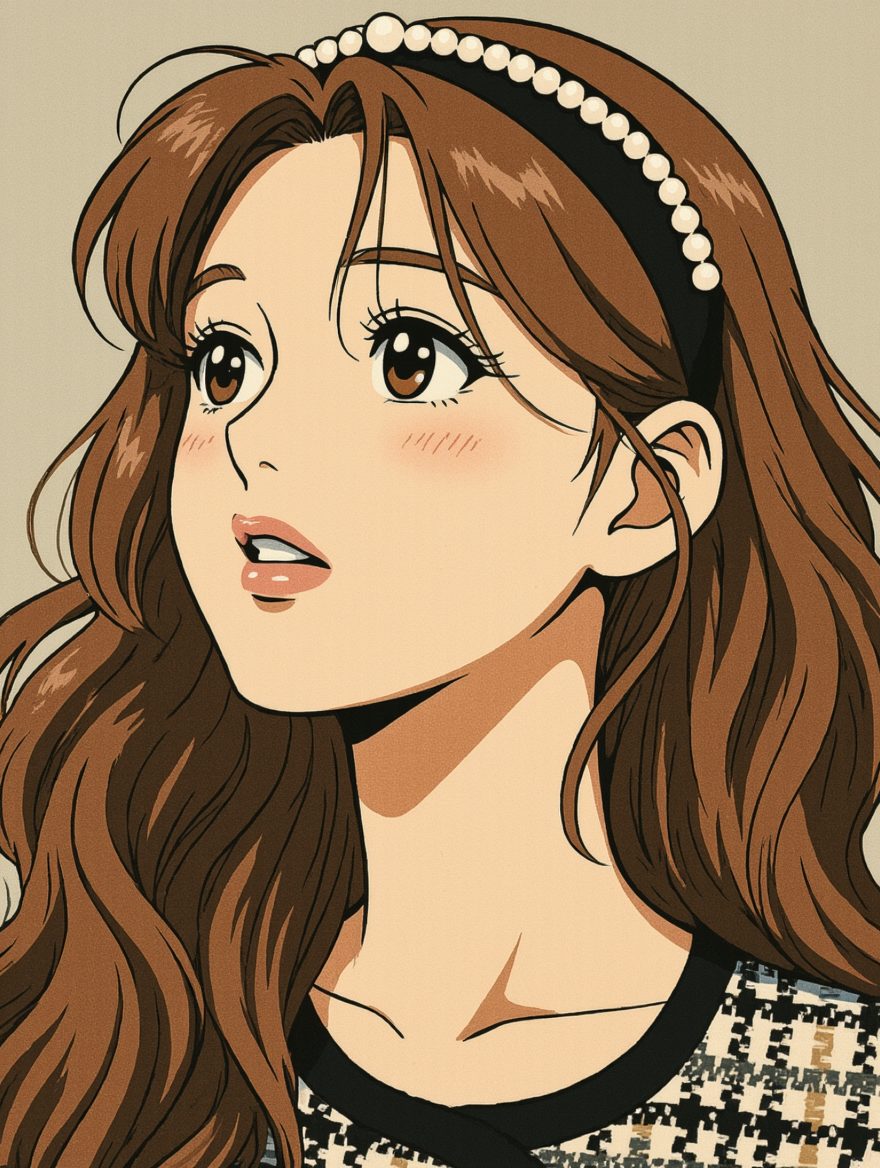
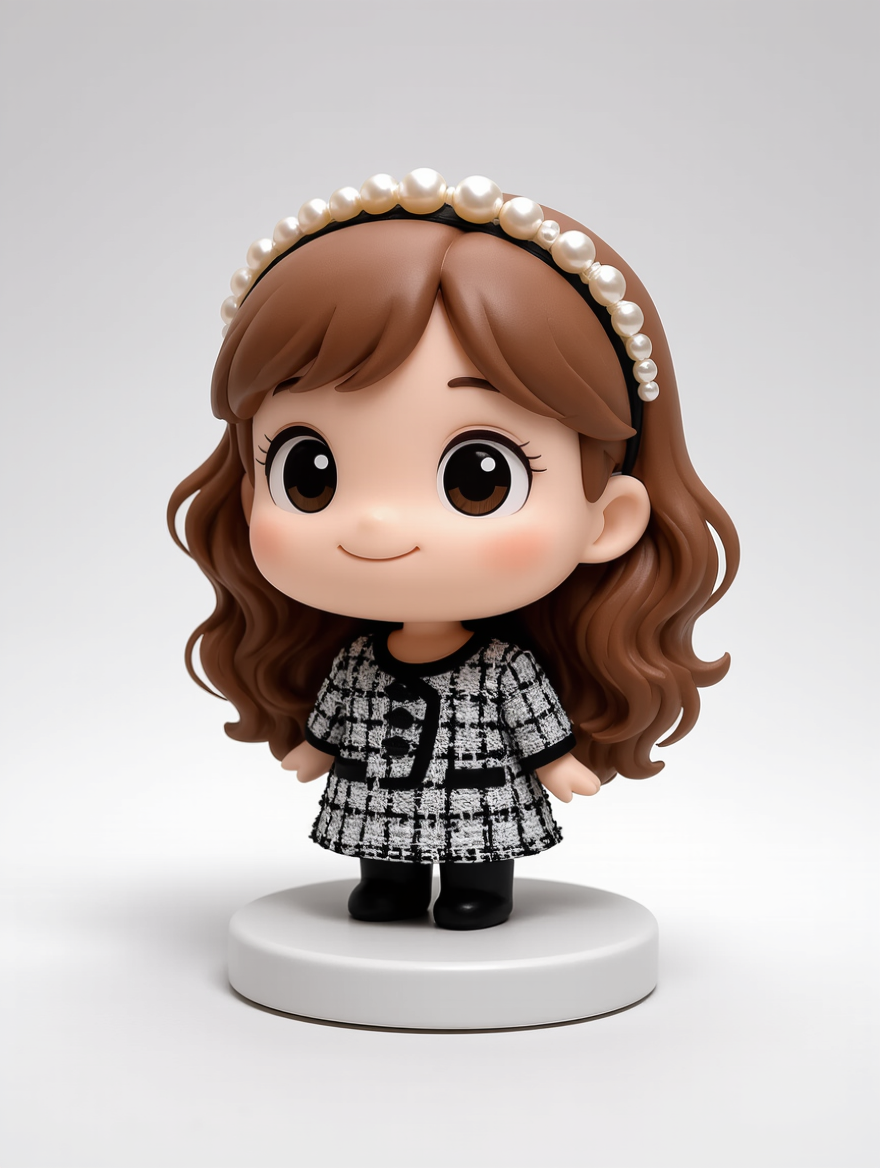
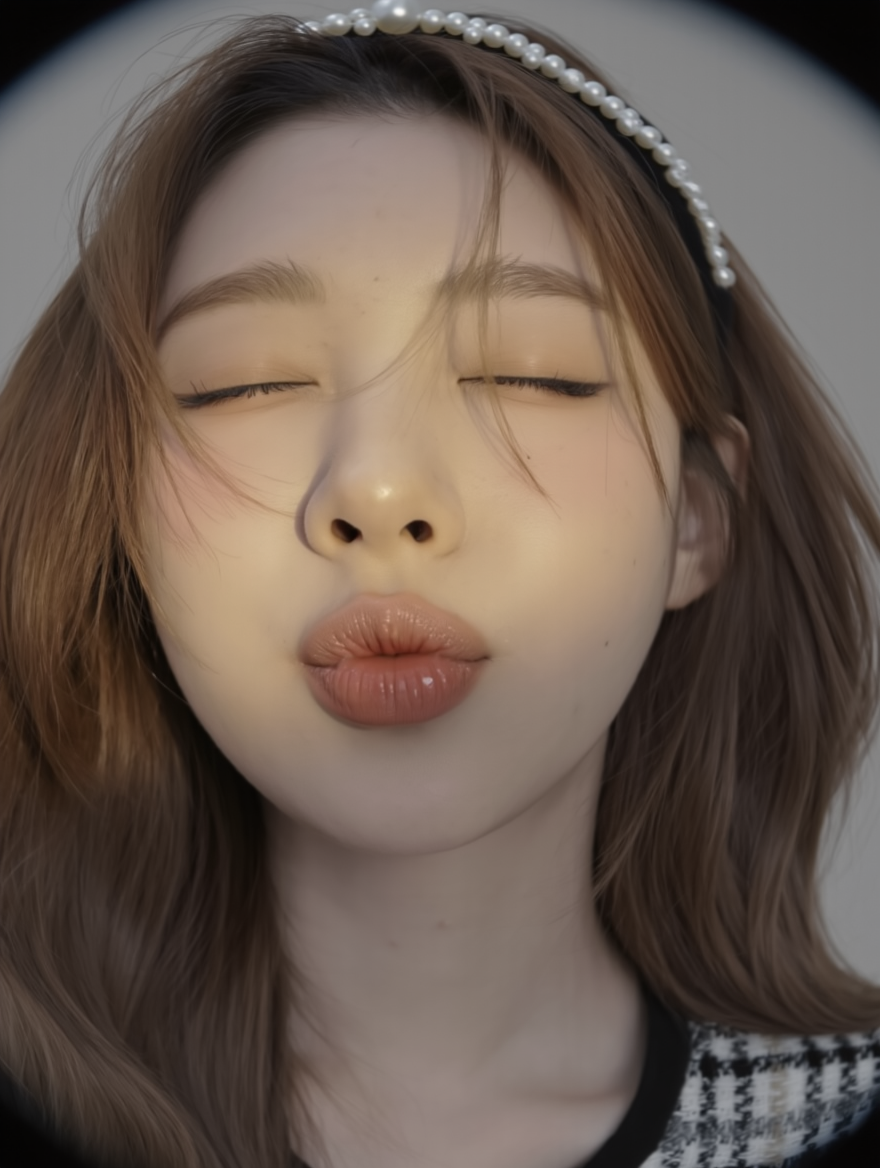
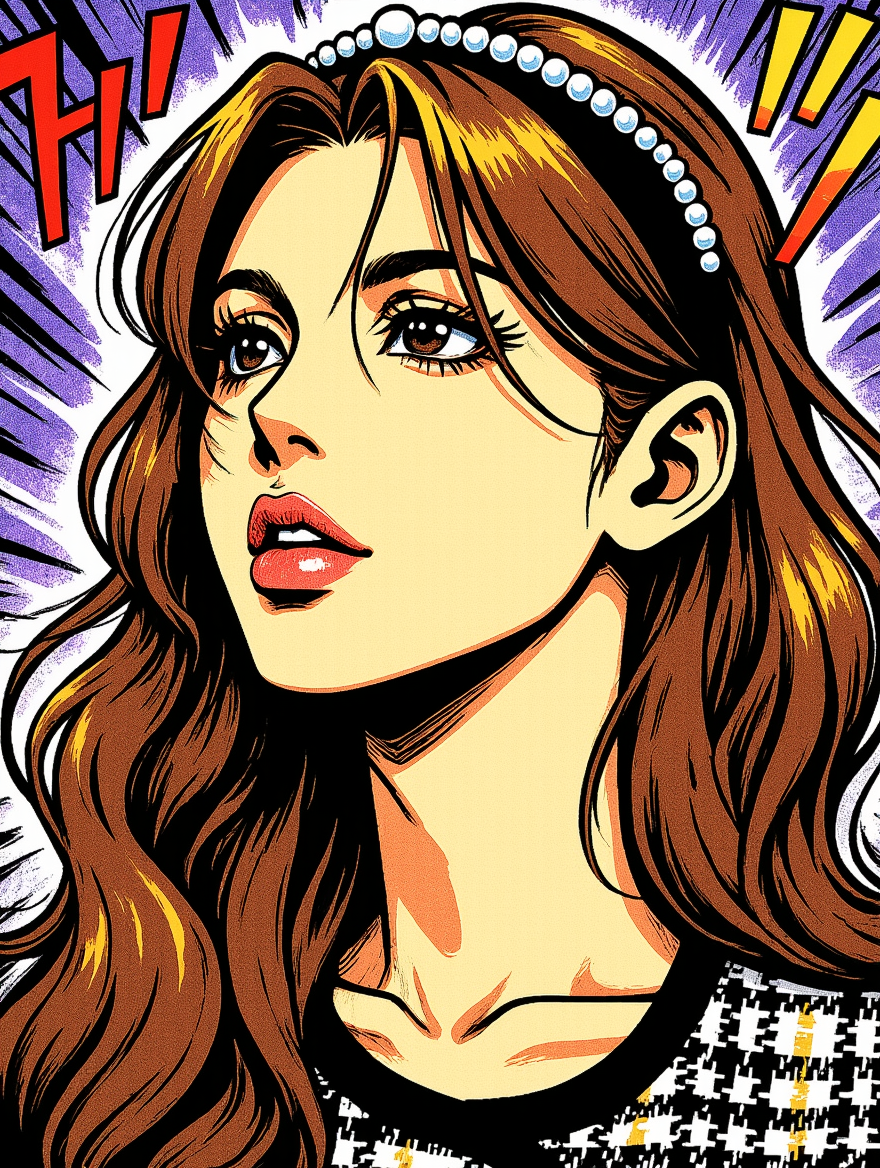
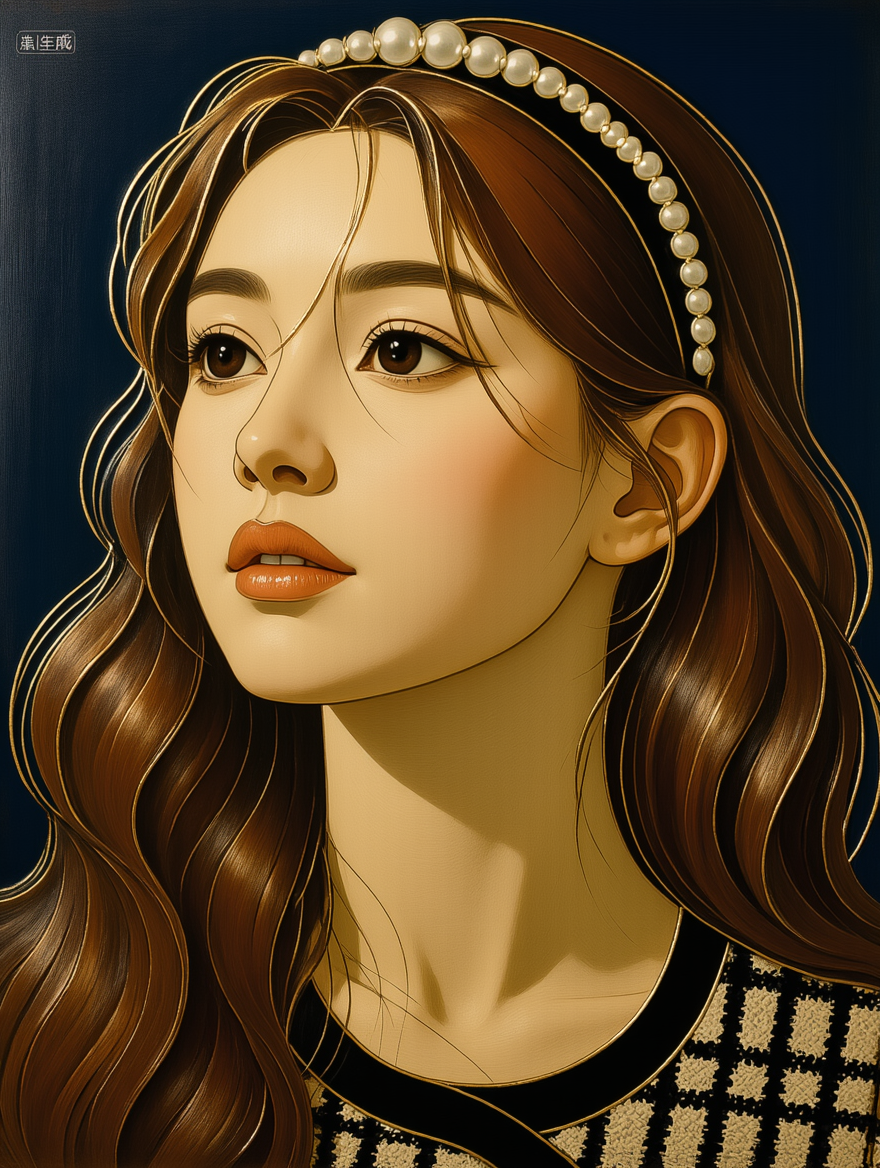
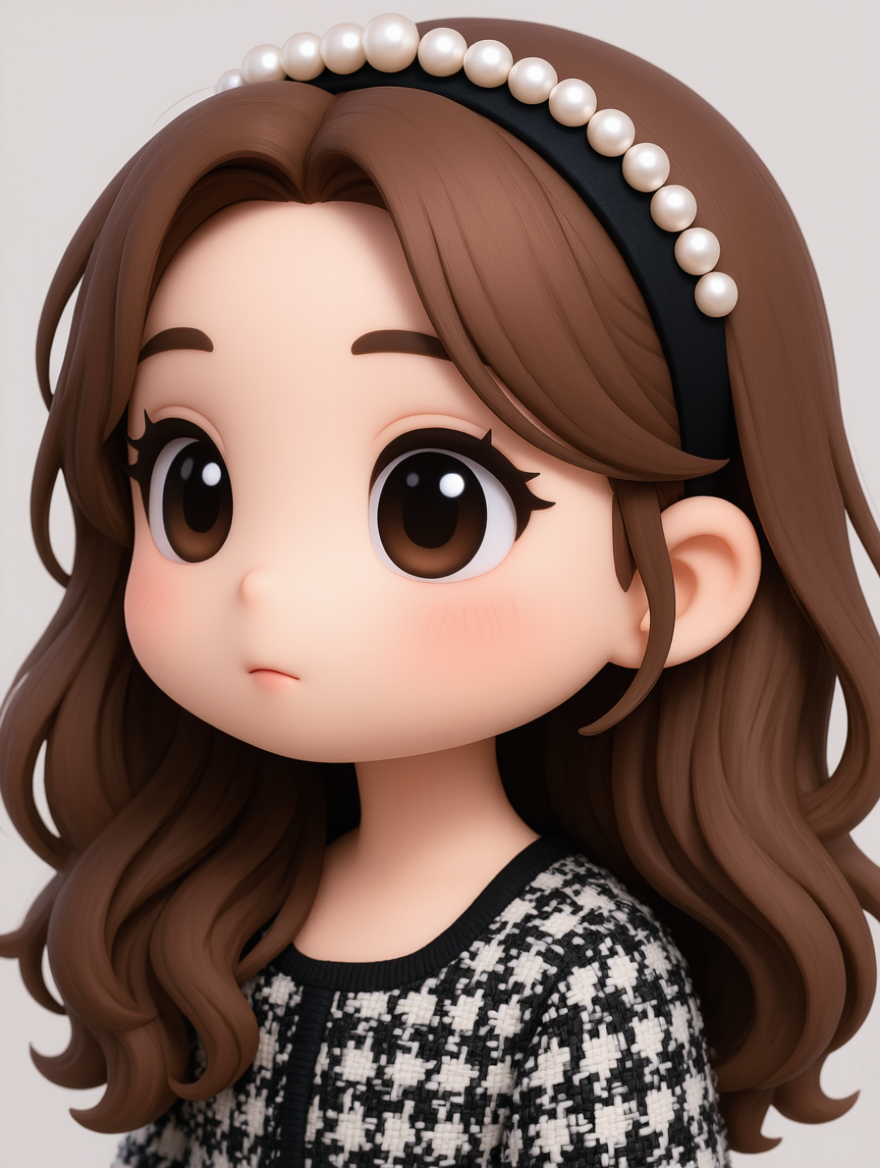
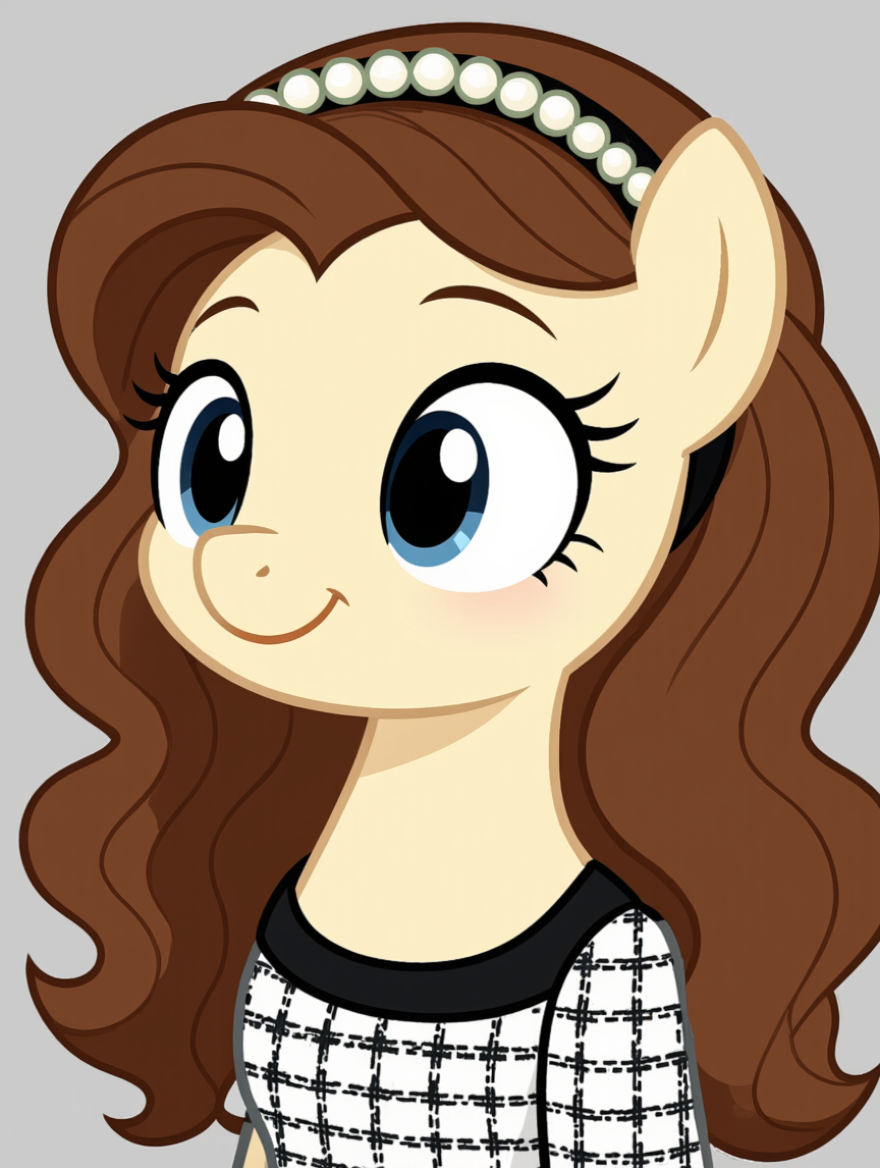
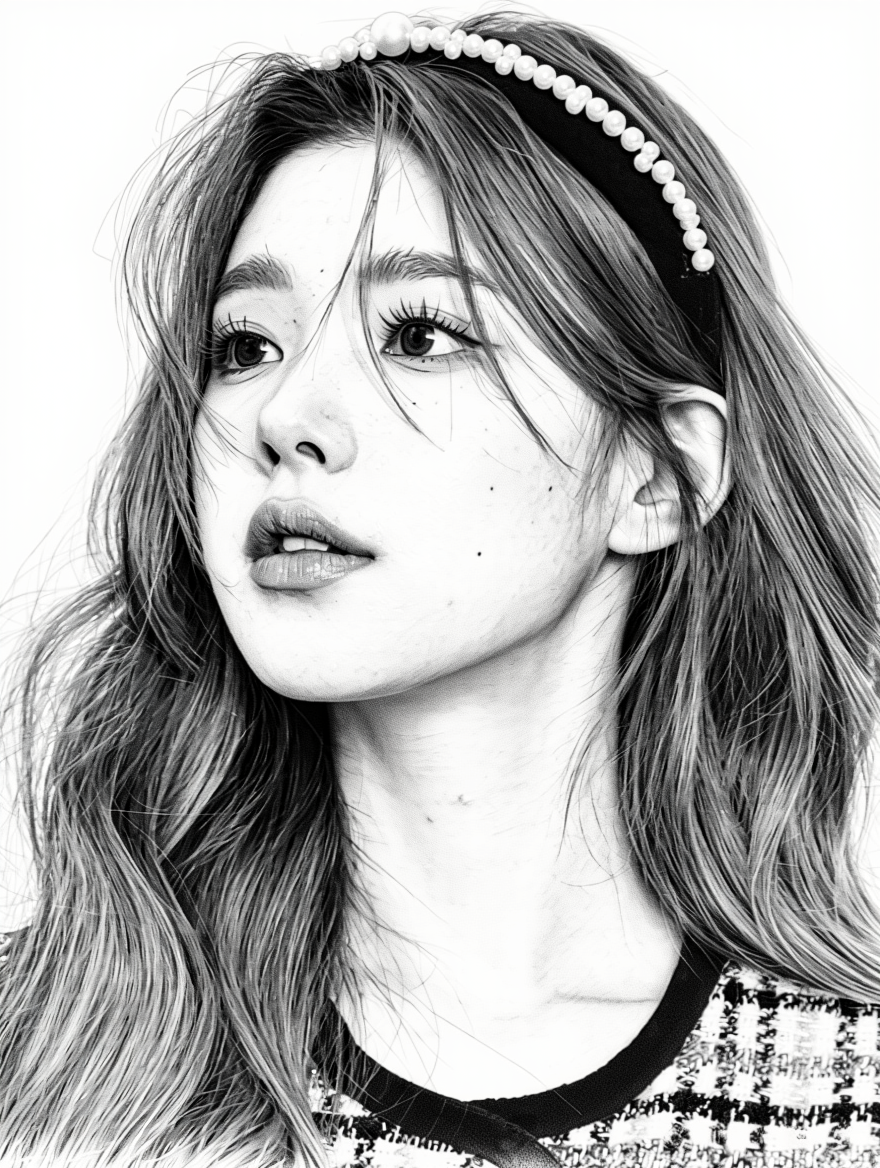
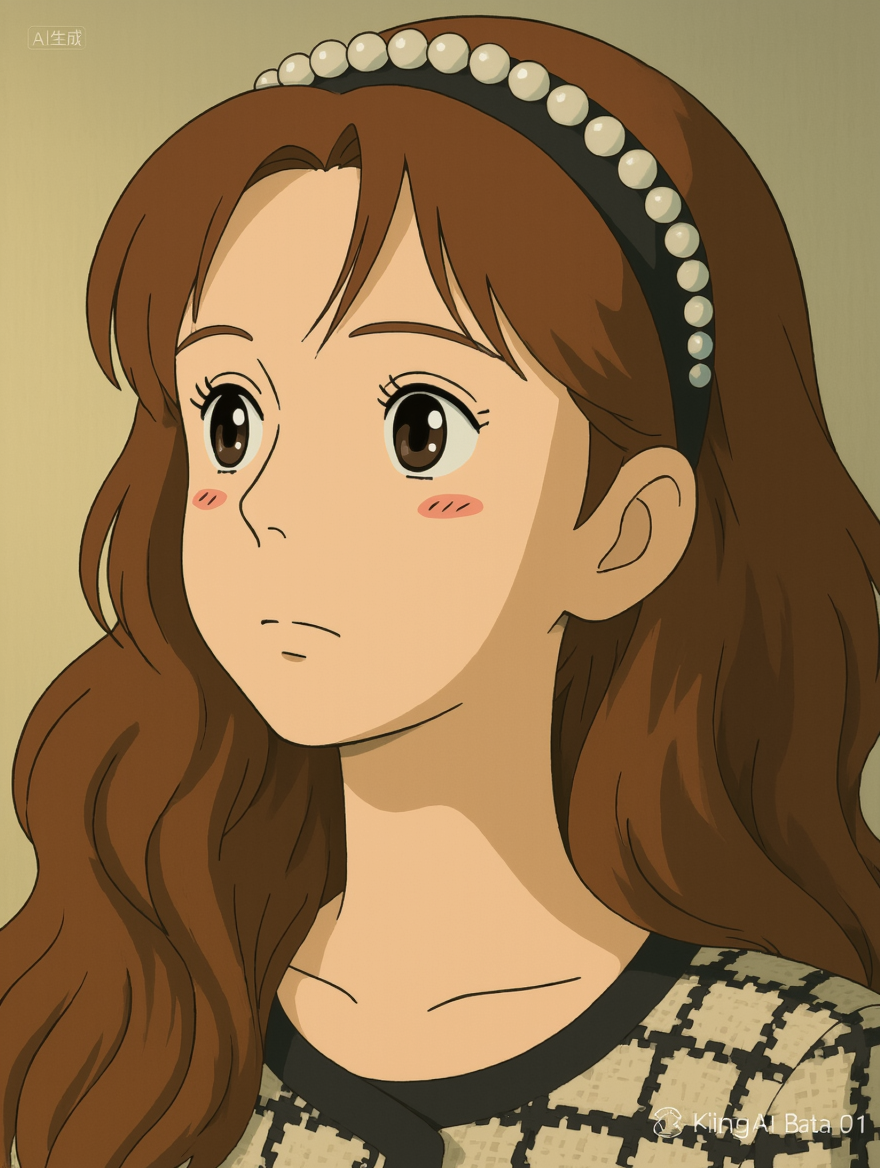
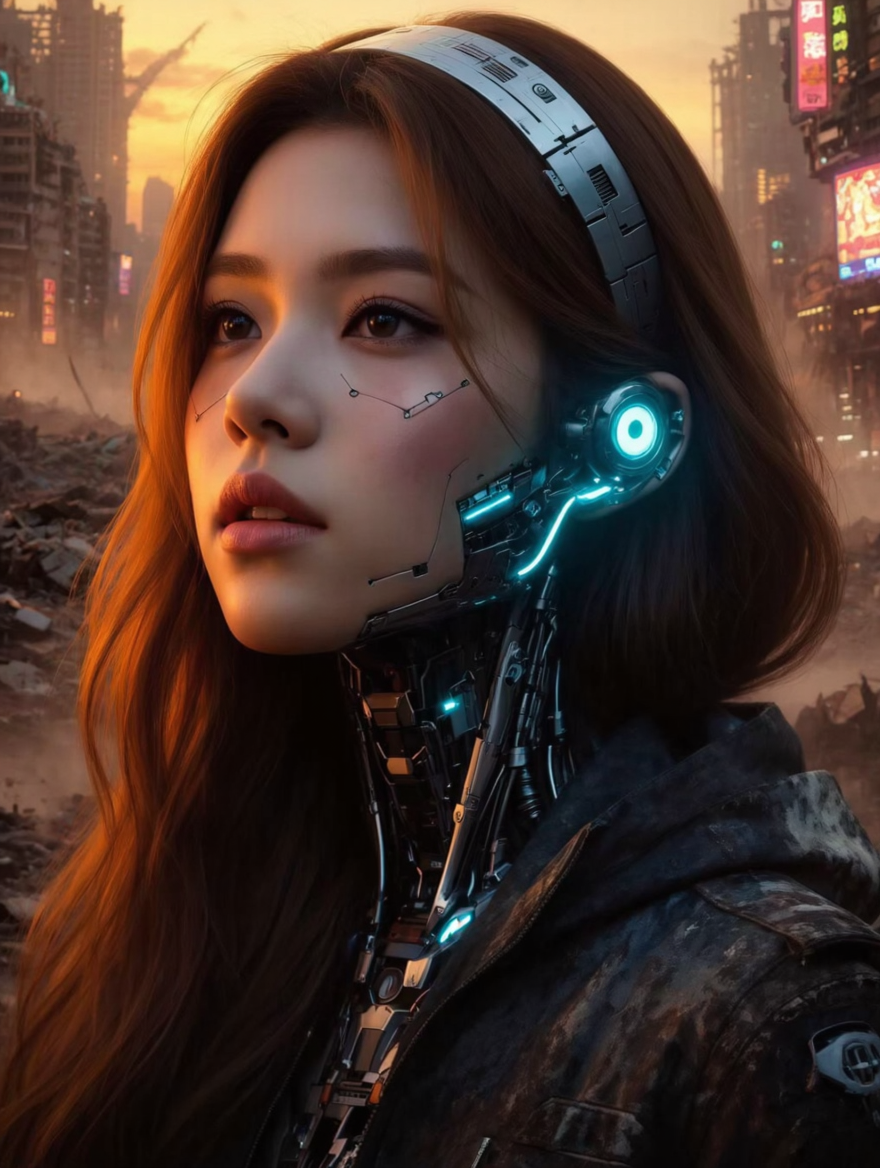
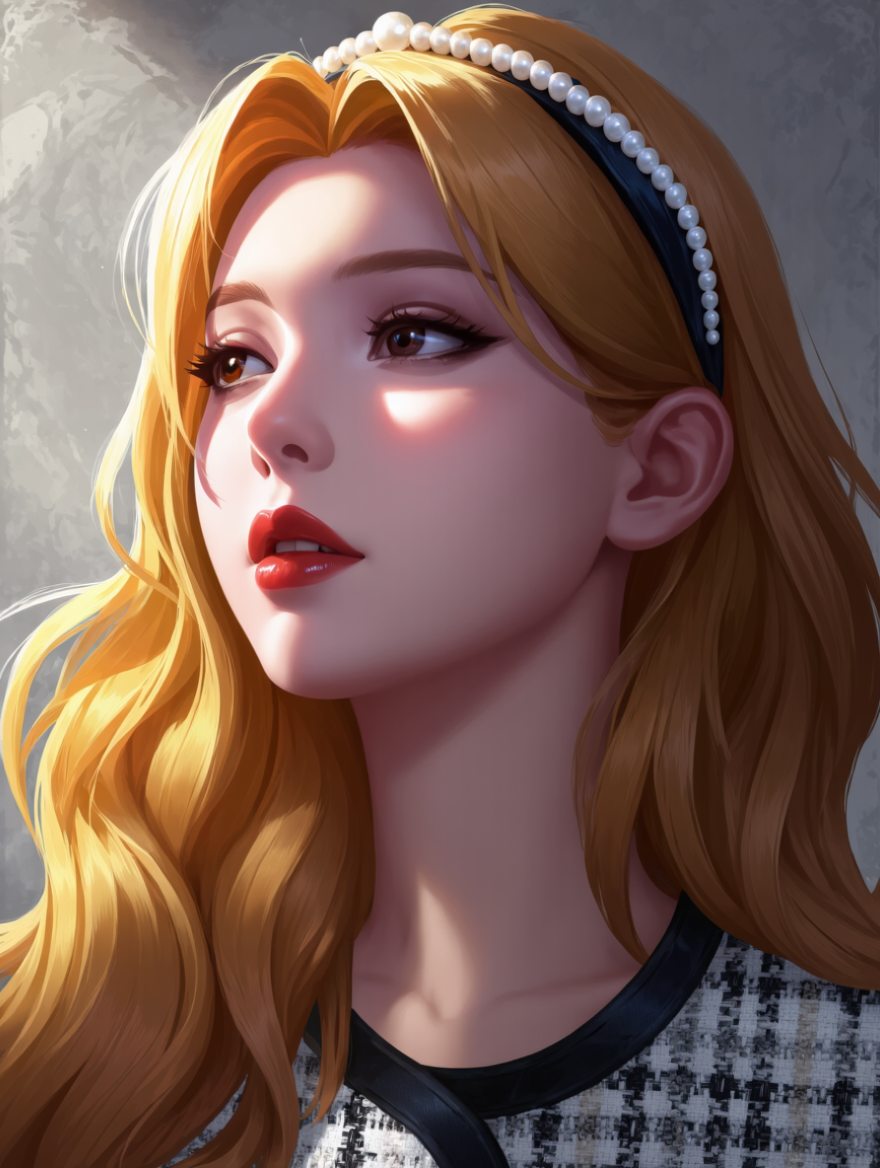
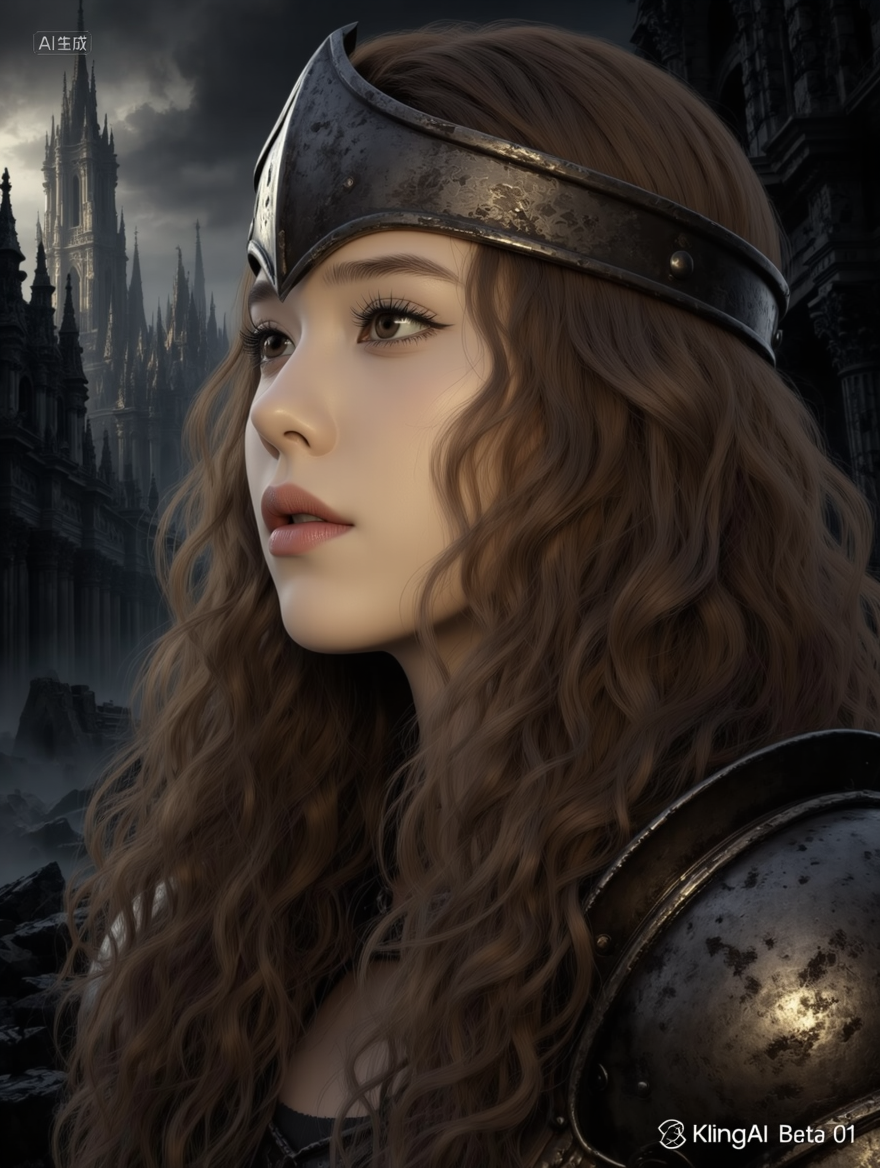
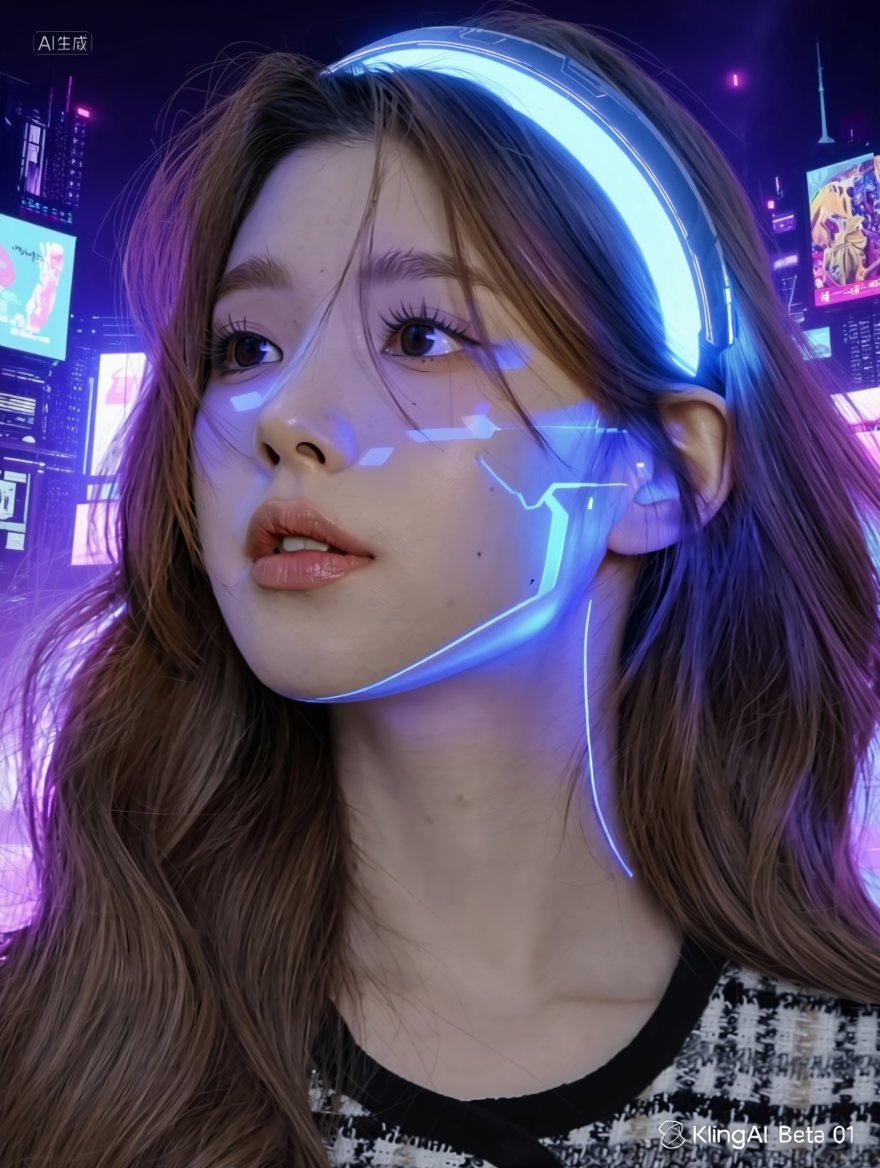
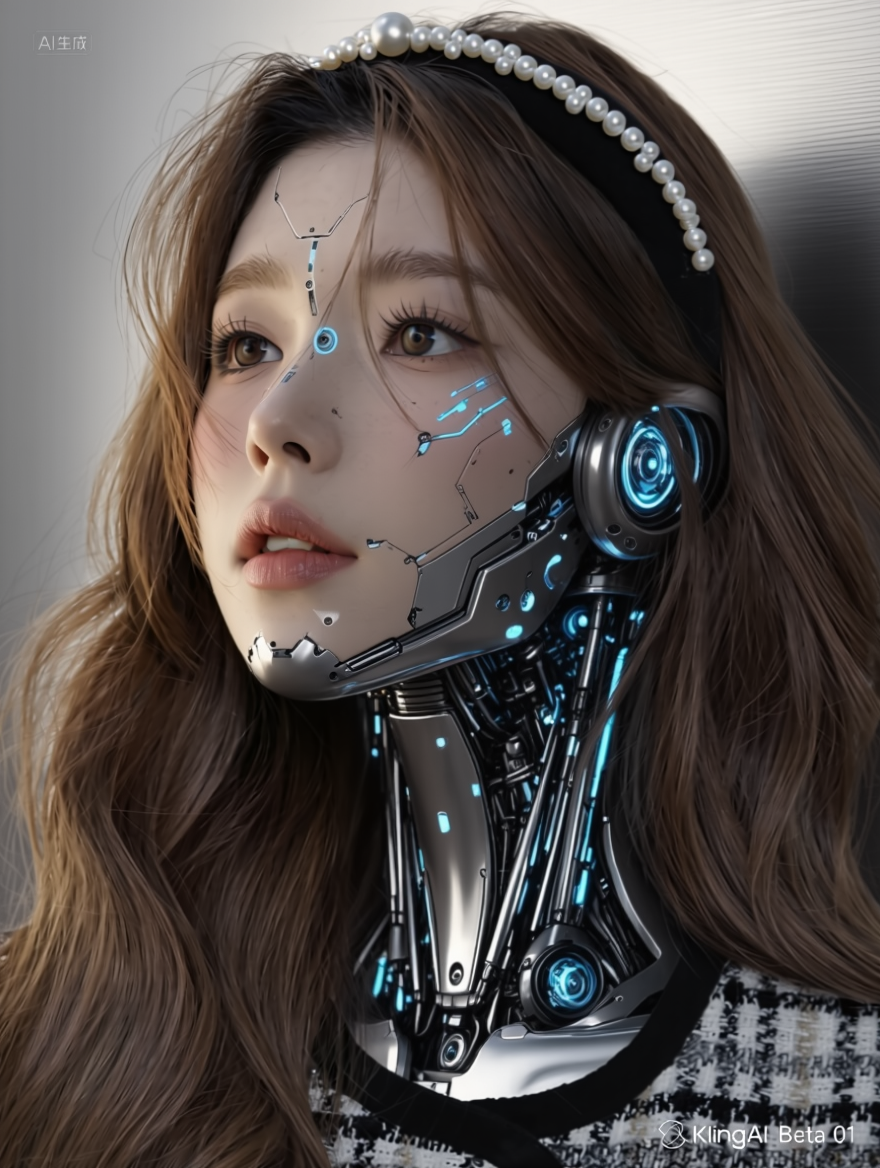
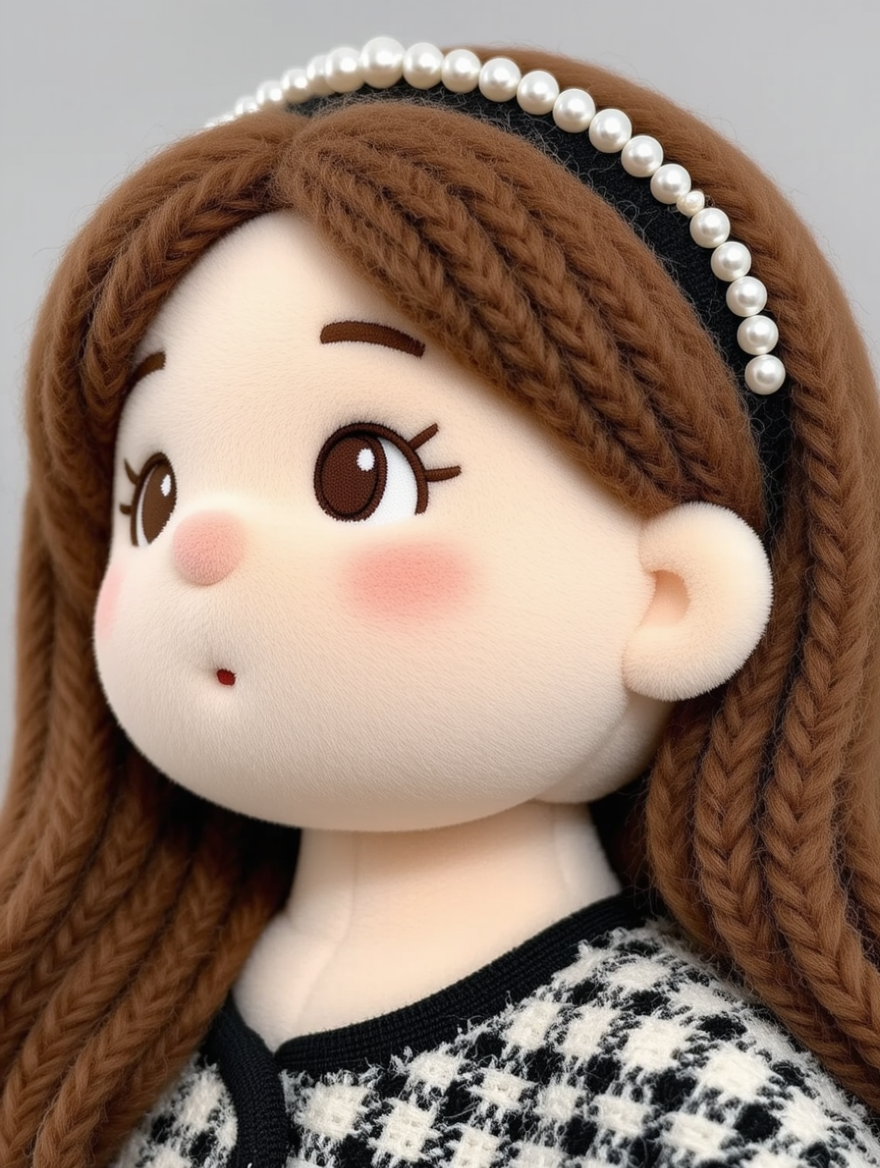
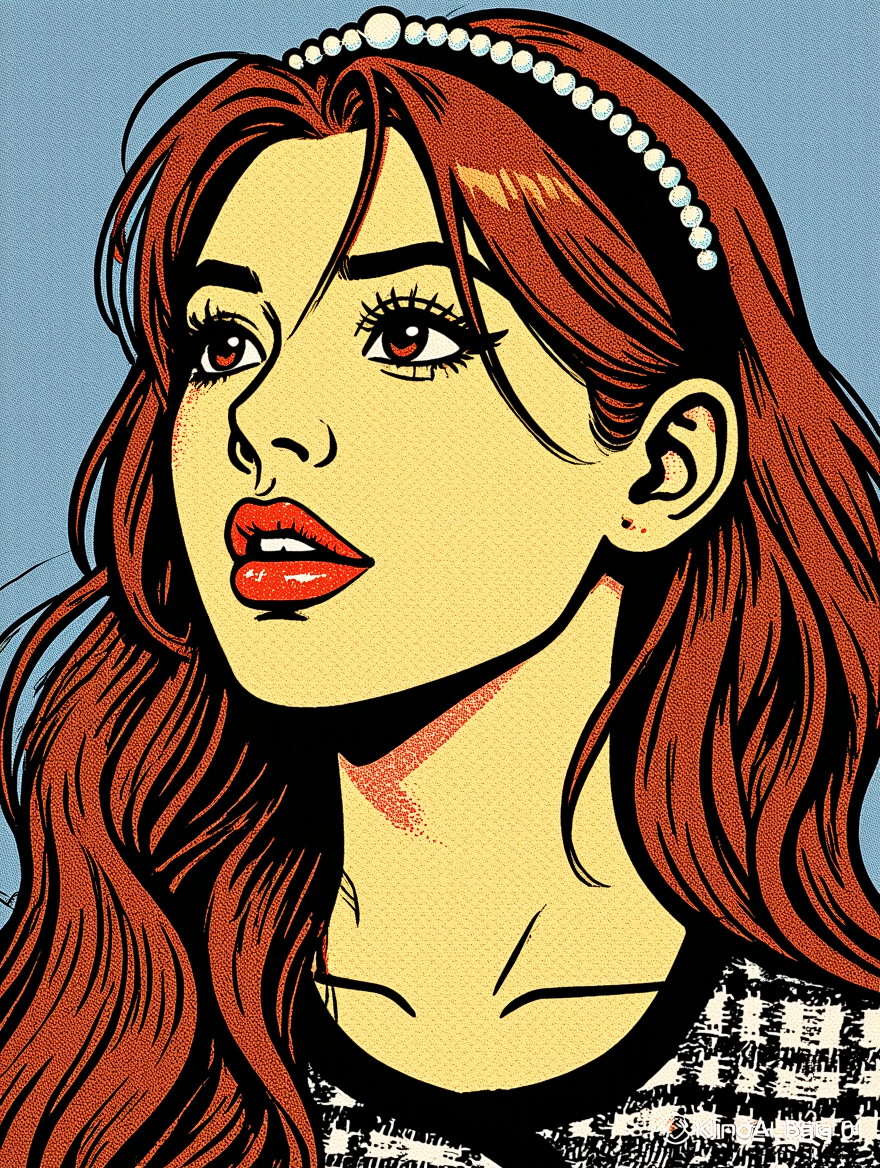
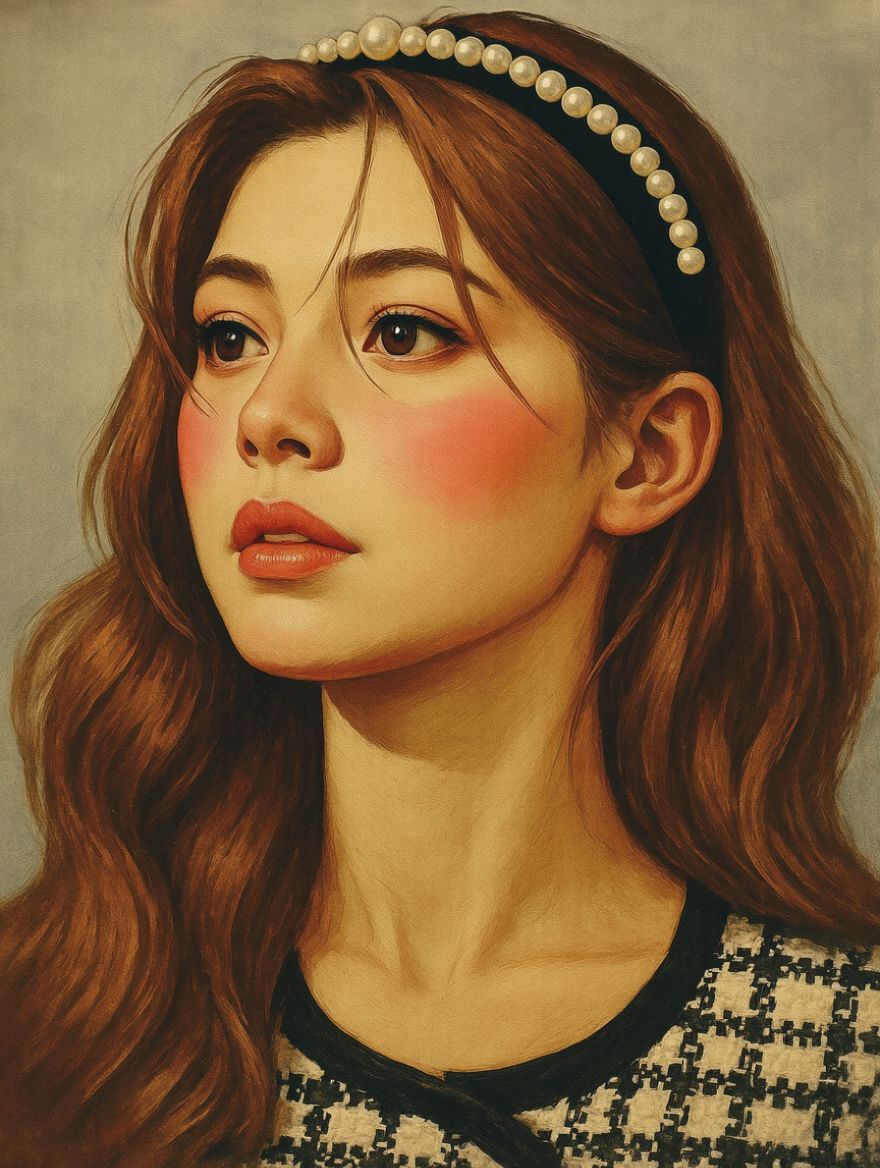
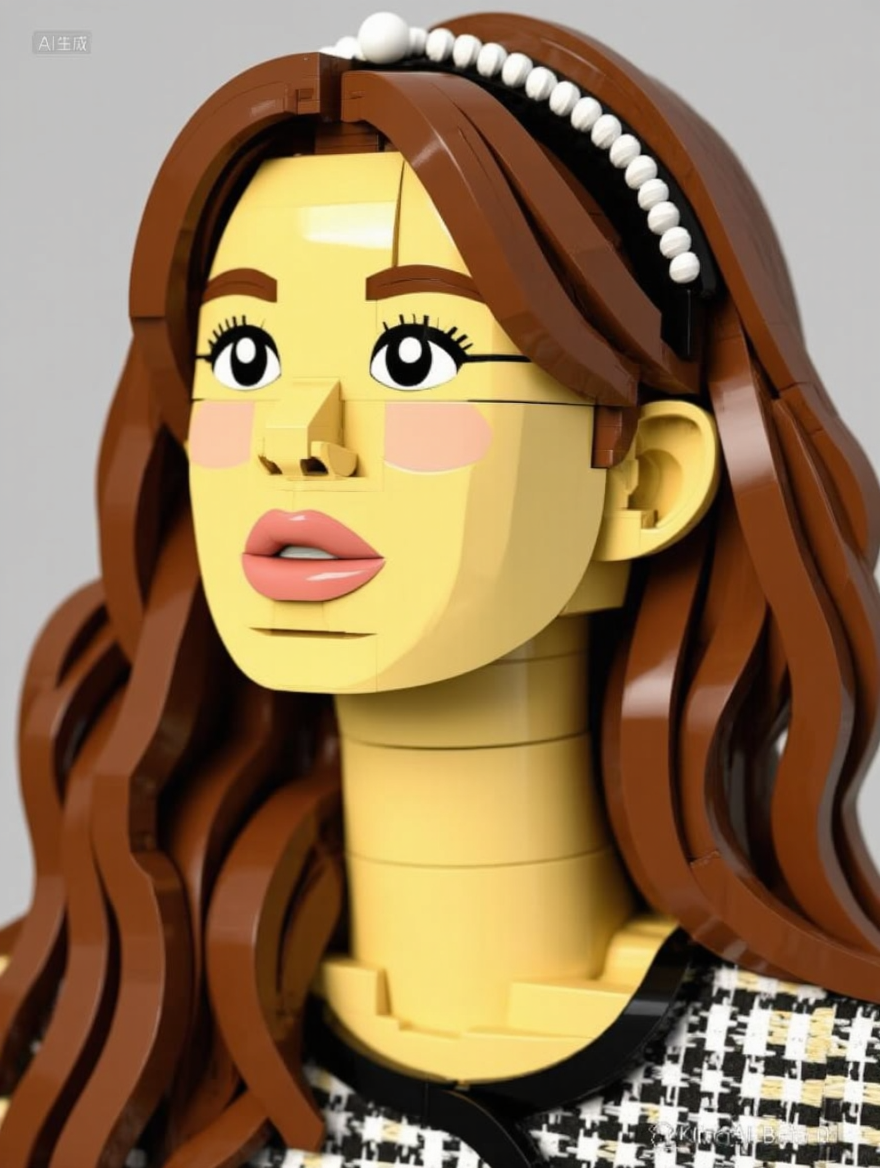

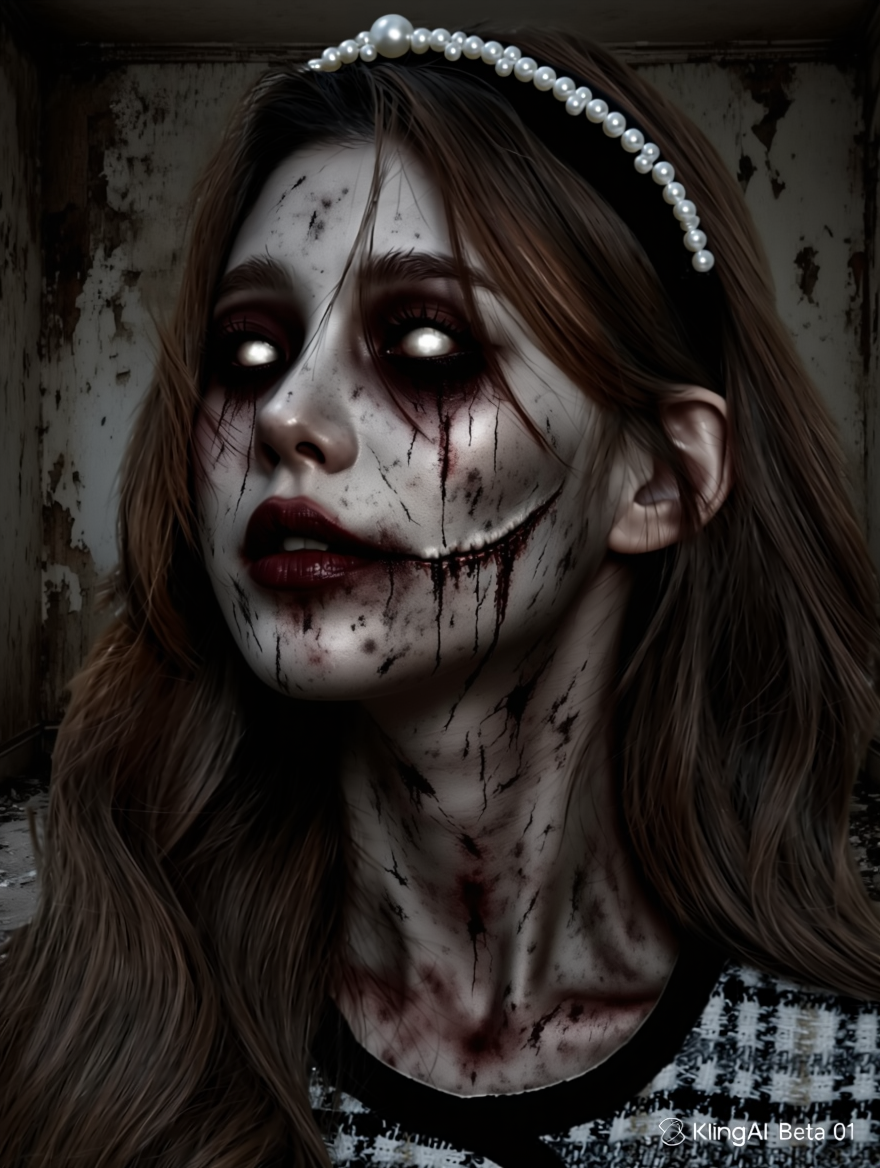
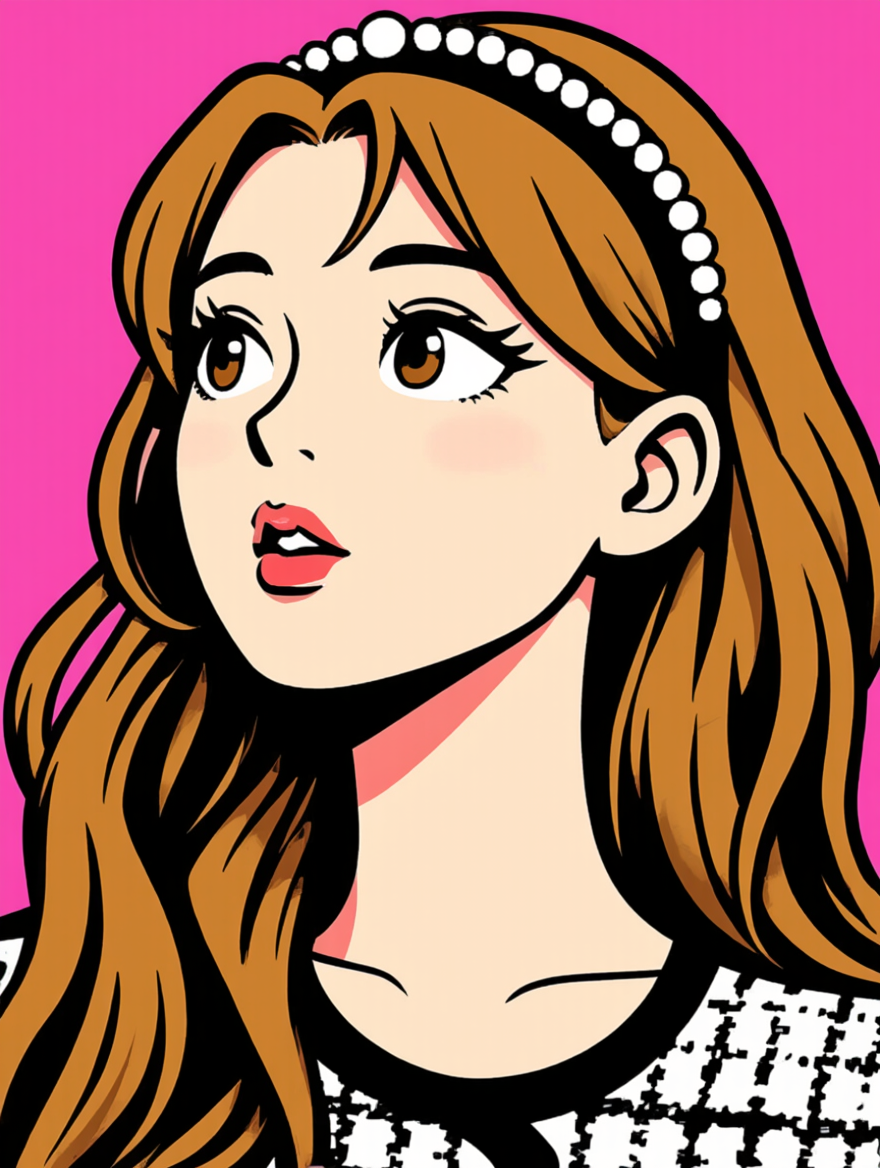
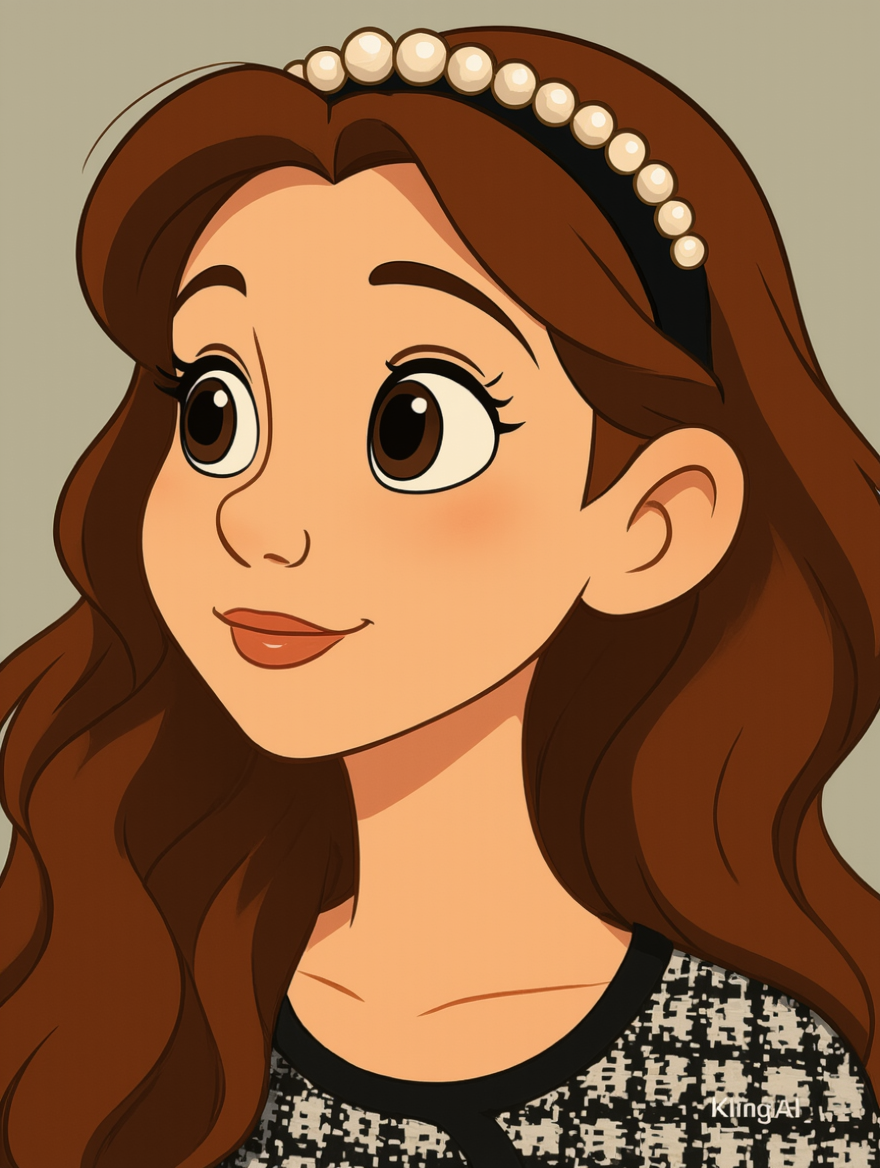
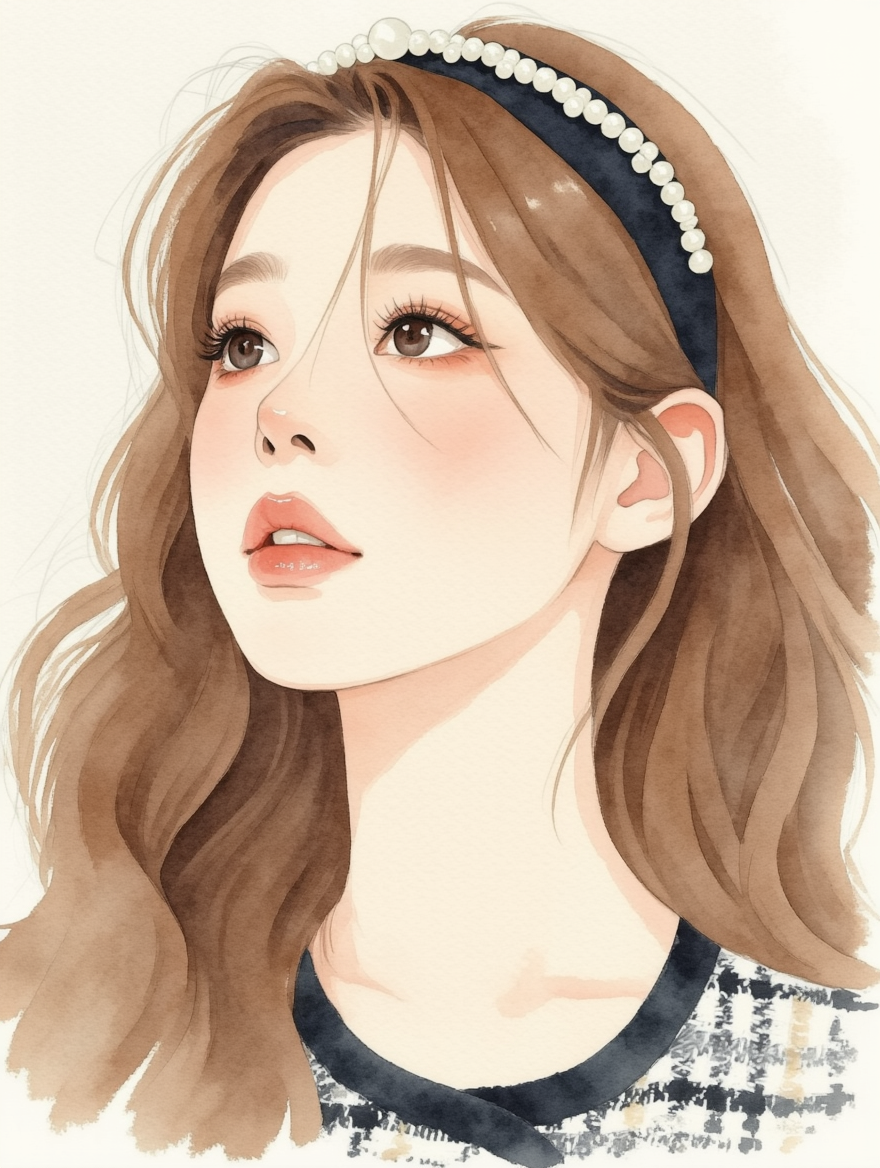
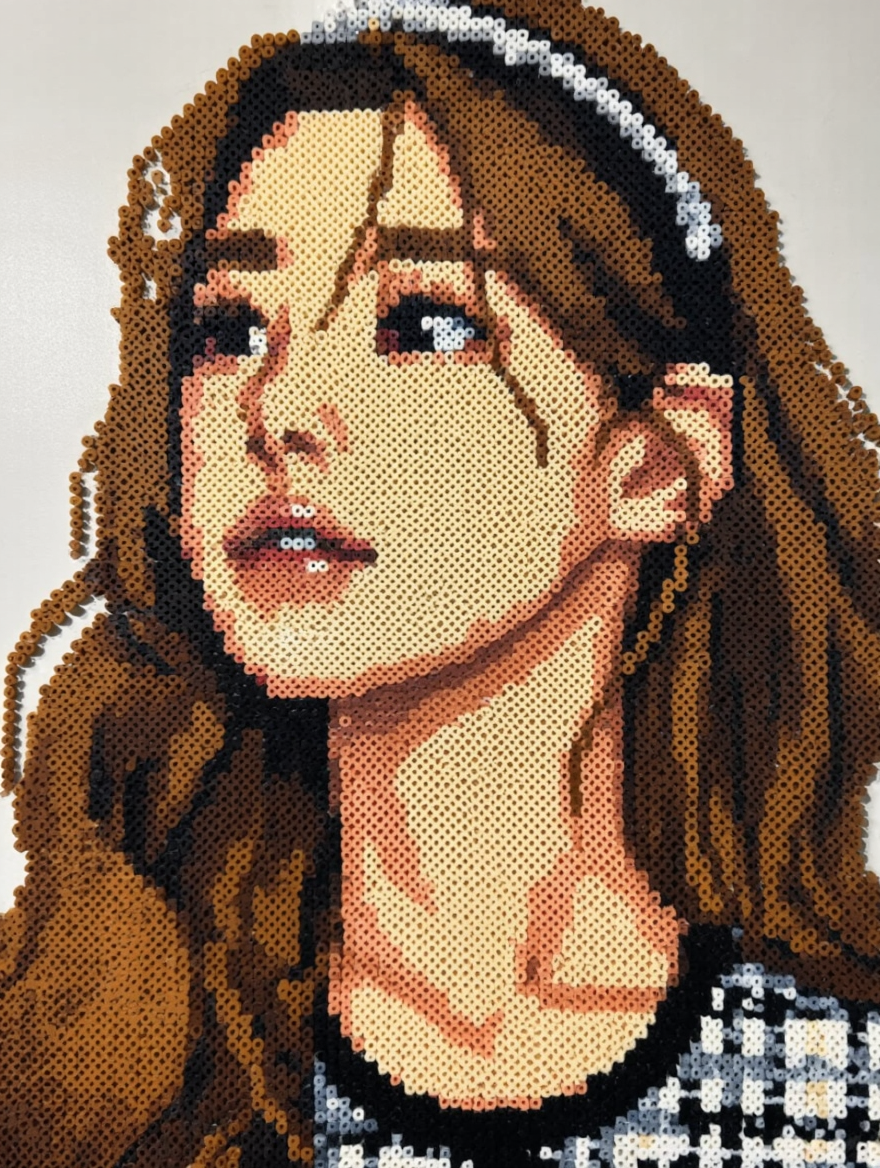
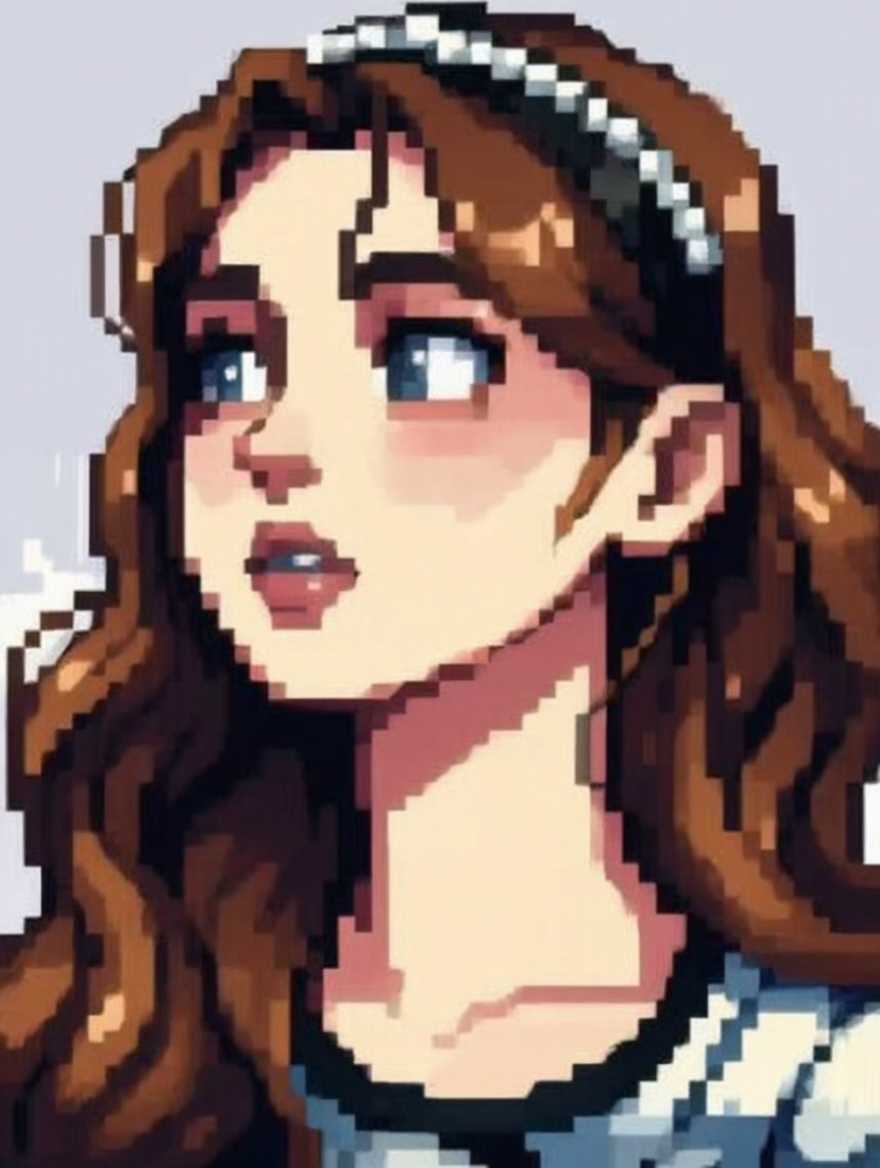
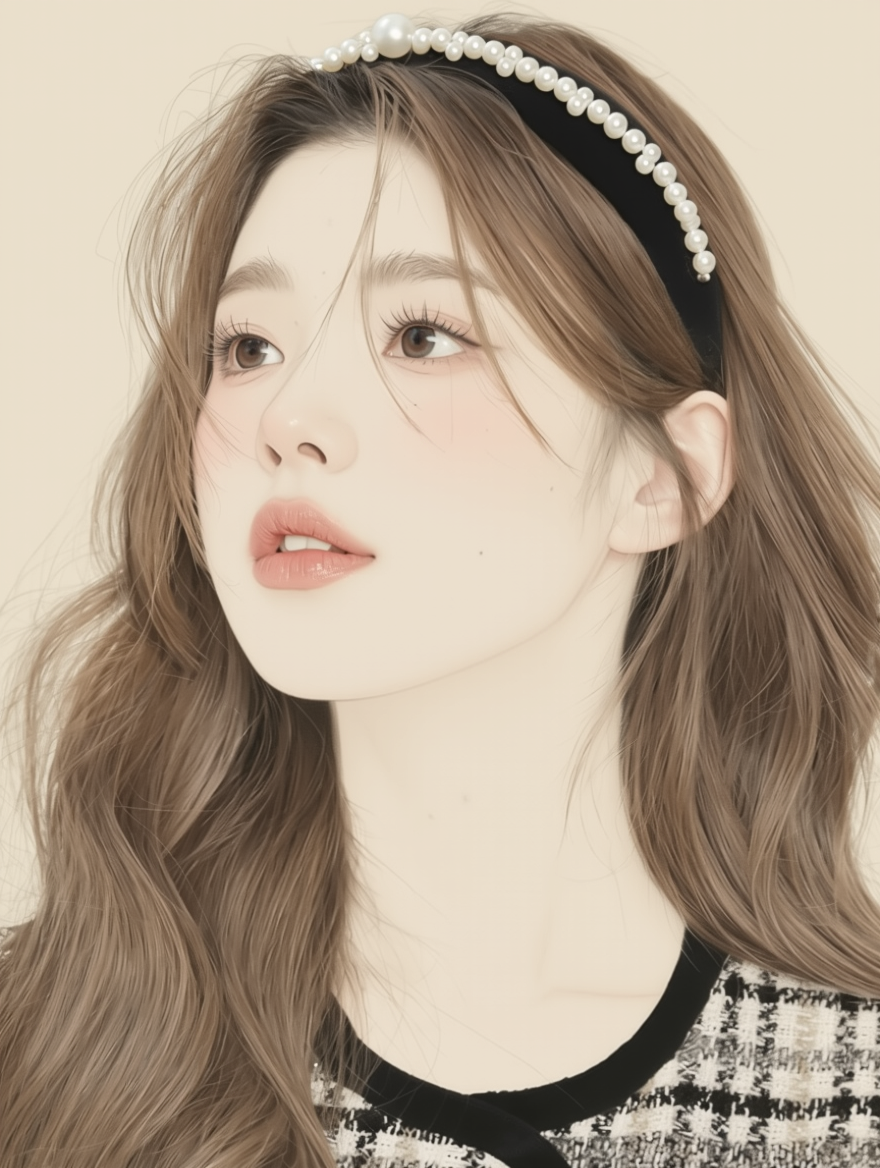
3. E-commerce content production
Product display
|
|
|
|
|
|
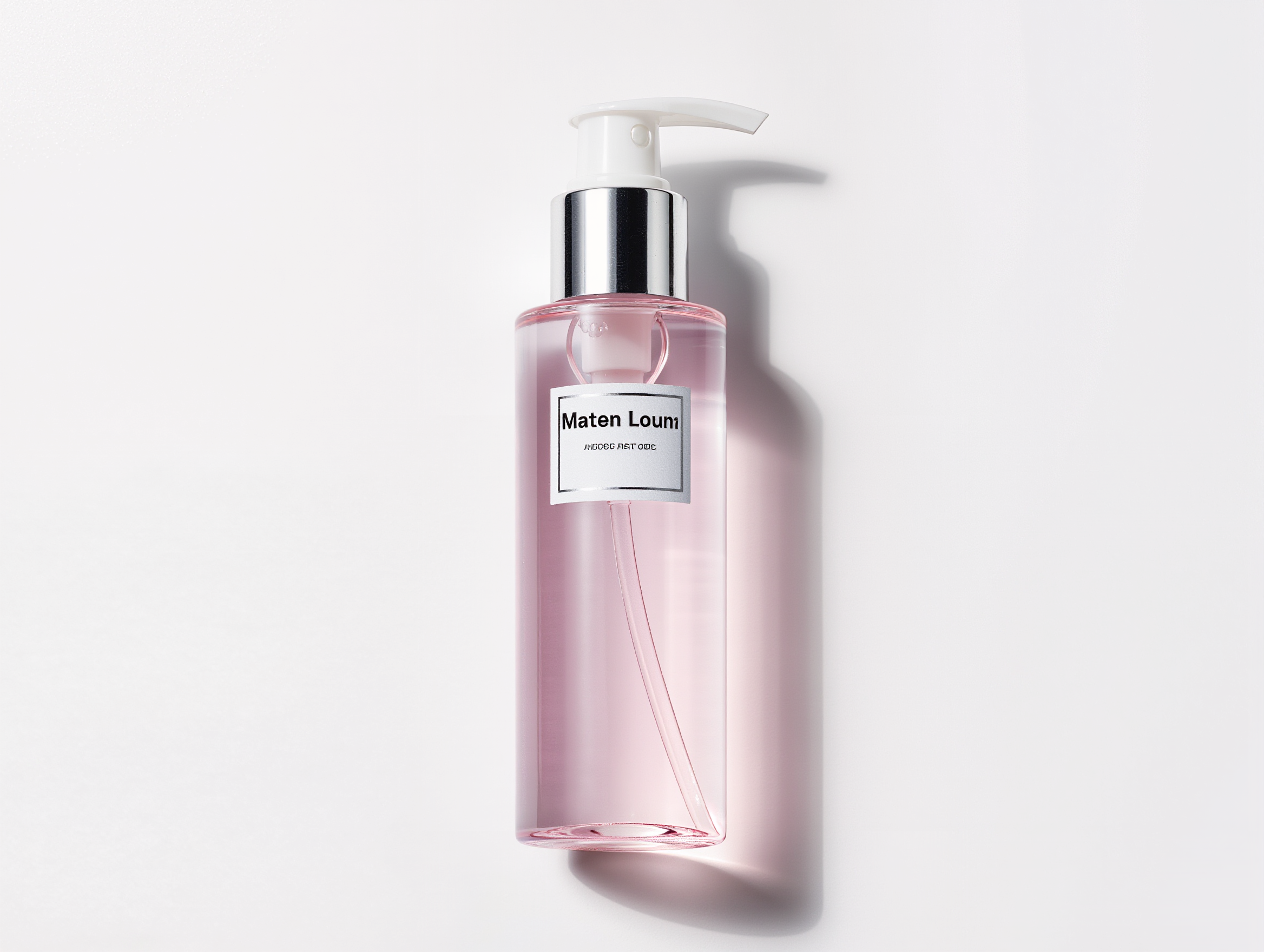
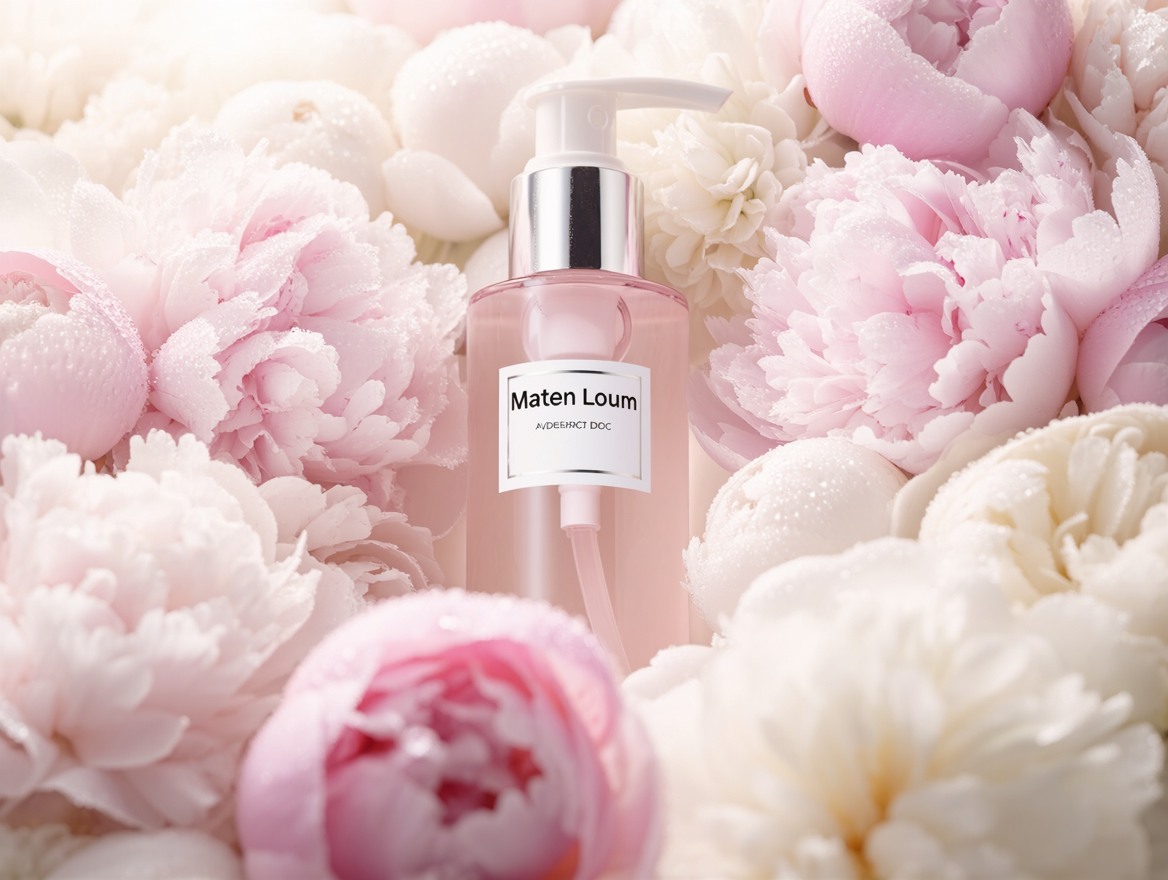
The skincare product in Image 1, surrounded by delicate pink and white flowers that fill the entire frame, presenting a soft glossy effect. The overall composition is simple and elegant, creating a tranquil and luxurious atmosphere. This scene captures the essence of high-end skincare products.
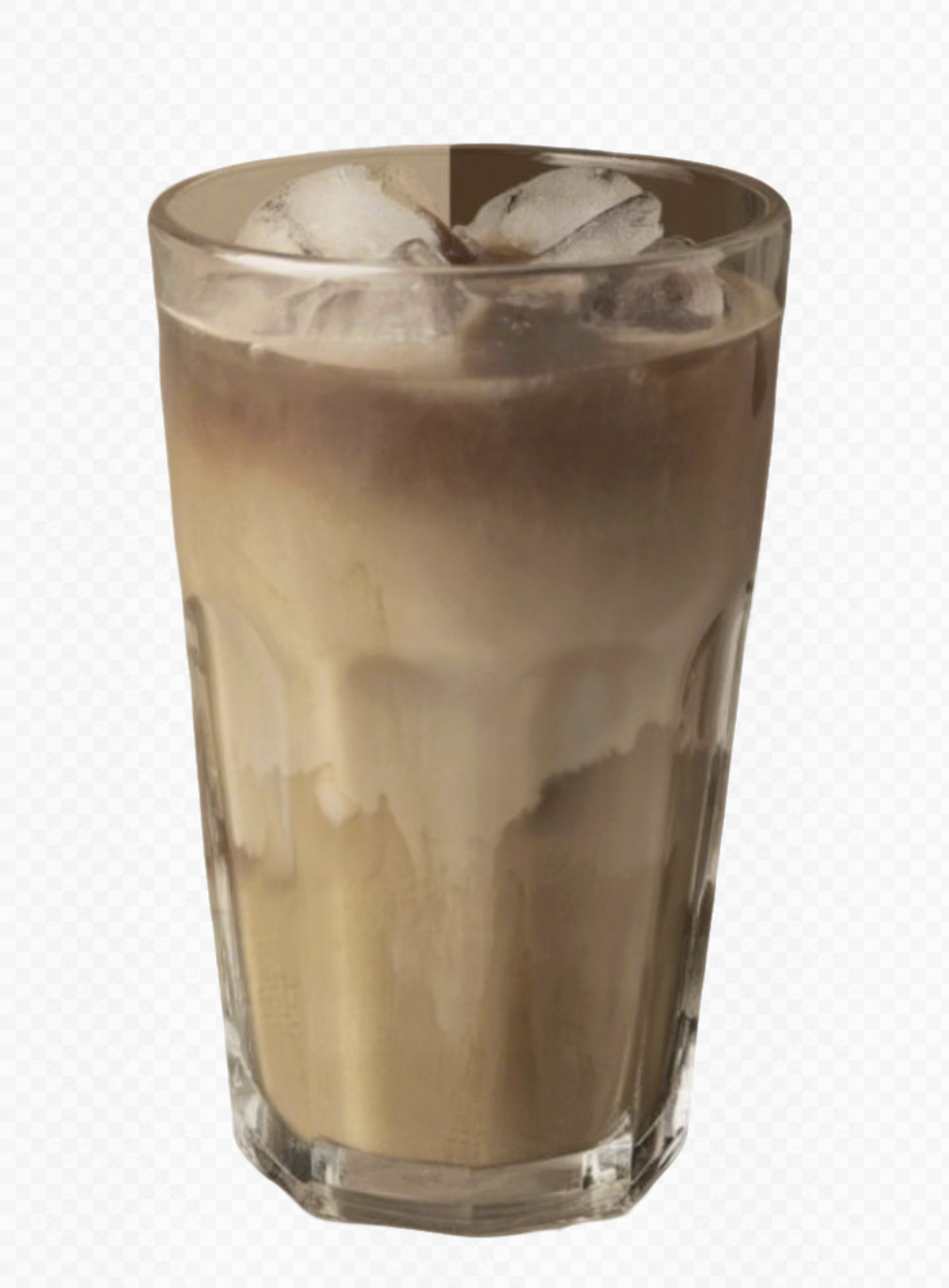
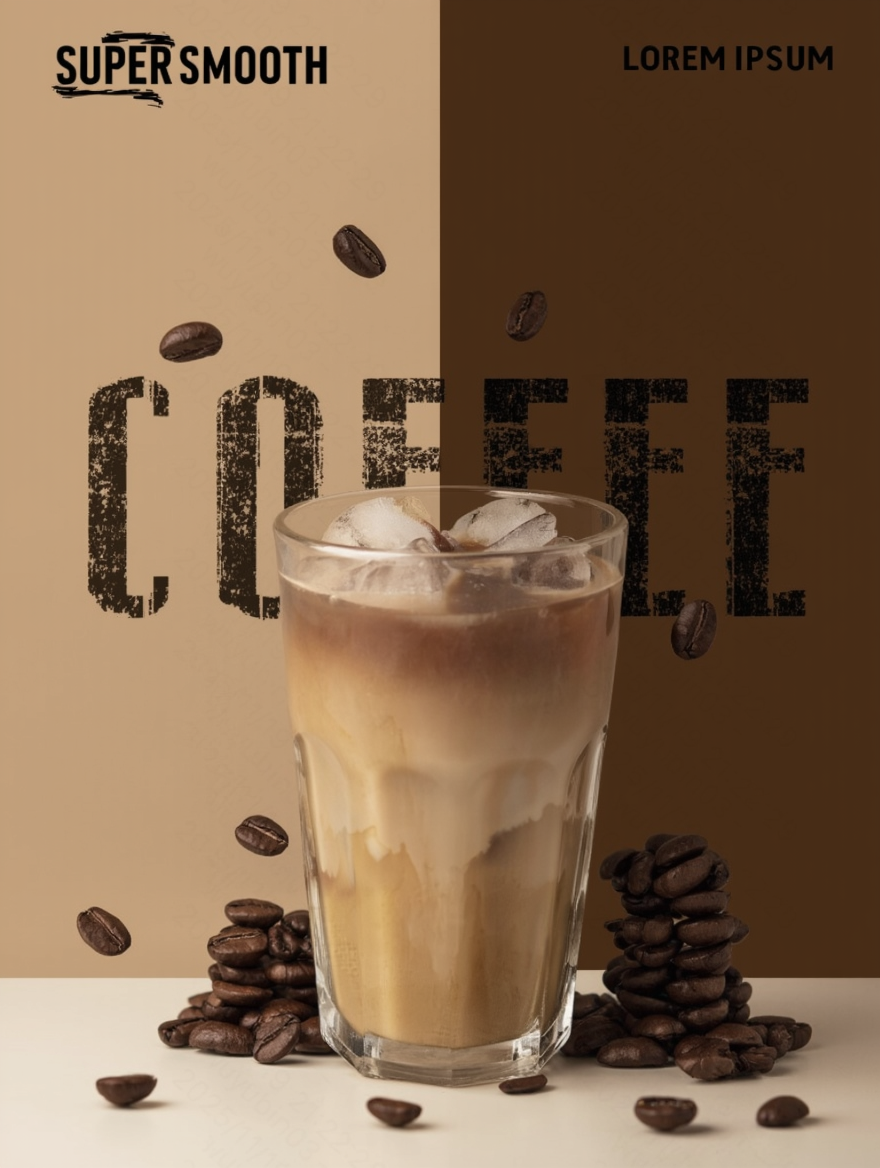
| Use the coffee in the image as the main subject, restoring the details and texture. Generate a coffee promotional poster in a high-quality commercial advertising style. The background features a left-right split gradient of light brown and dark brown. The composition focuses on the center, with a flat perspective to highlight the main beverage.
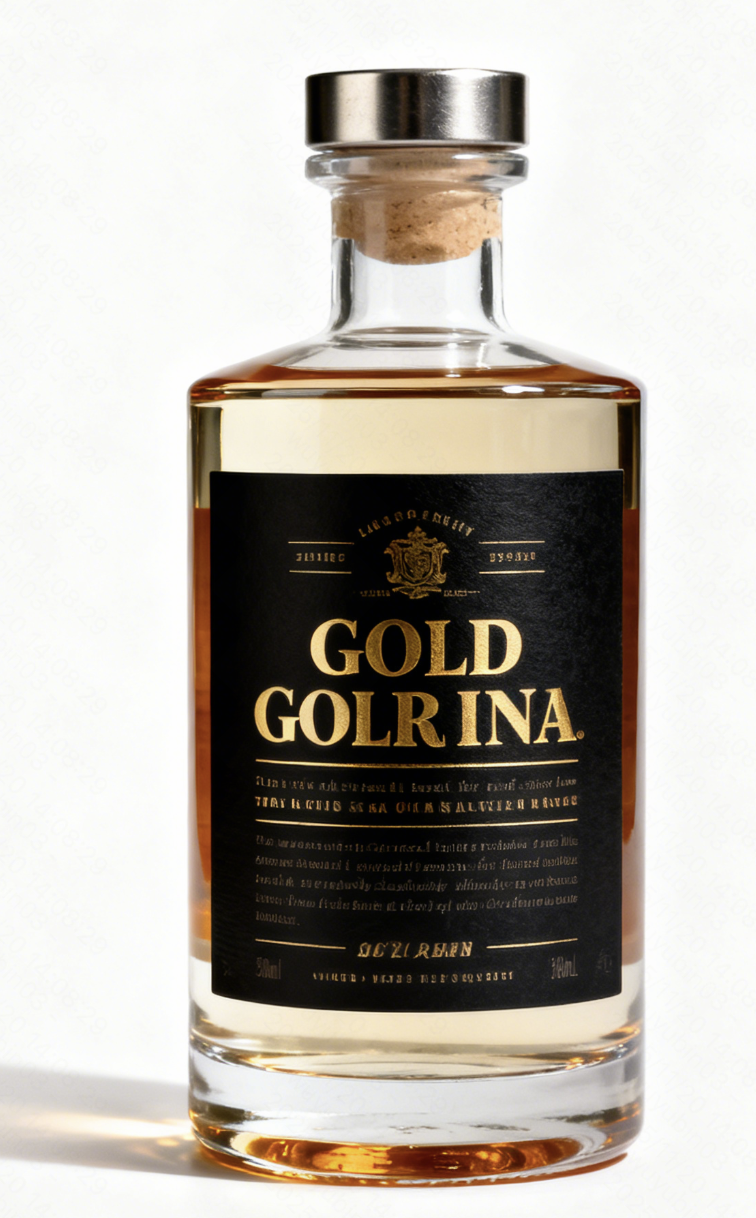
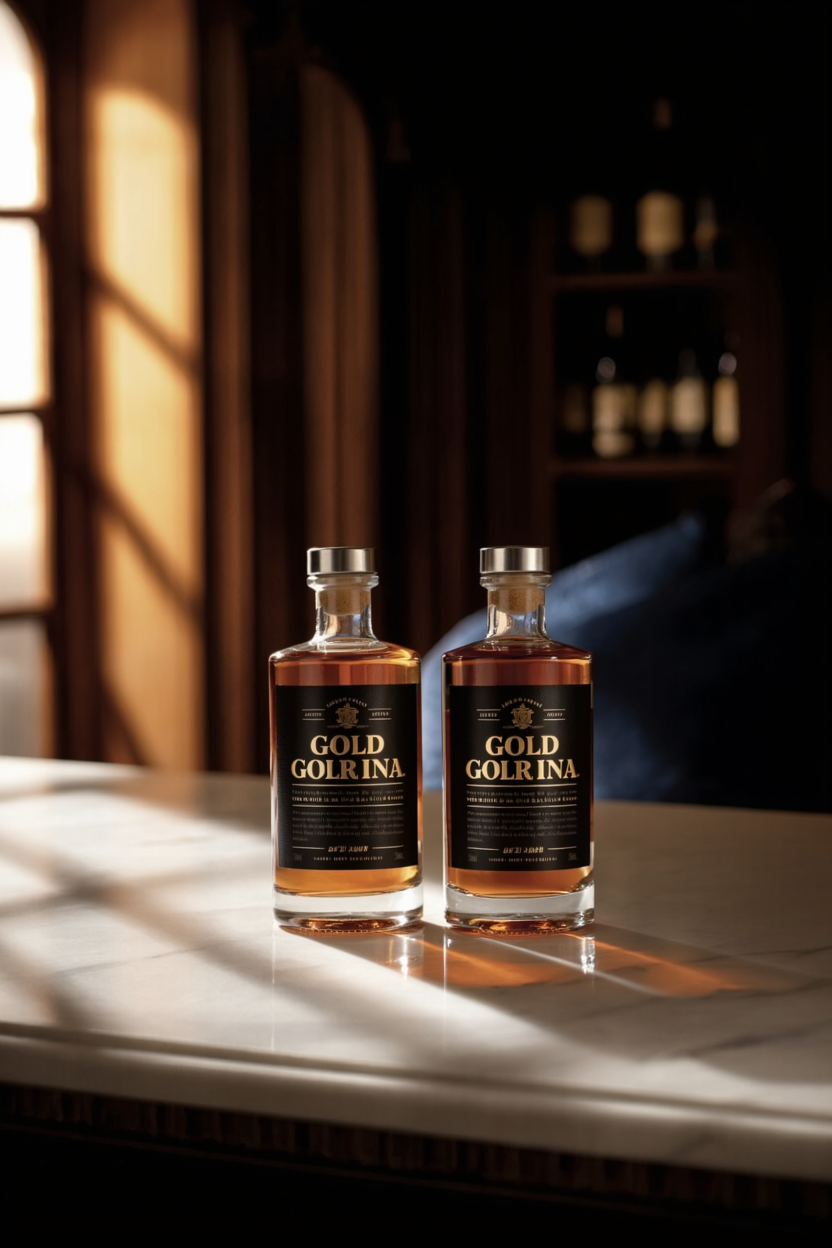
| High-end product photography, vertical composition, 45-degree overhead oblique shot. Two identical bottles of liquor from Image 1 are placed side by side at the center of a marble countertop. Background features a warm indoor environment, with soft light creating light spots through a window on the left, and a blurred dark wooden wine cabinet with other bottle silhouettes visible on the right. Overall color palette includes amber gold, deep blue, and natural wood tones. Side softbox lighting emphasizes the glass transparency of the bottles and the rich texture of the liquid. Sharp focus on the bottles with natural background bokeh, soft shadow transitions, and clear marble texture, creating a luxurious and calm atmosphere. | |||
Virtual try-on
|
|
|
|
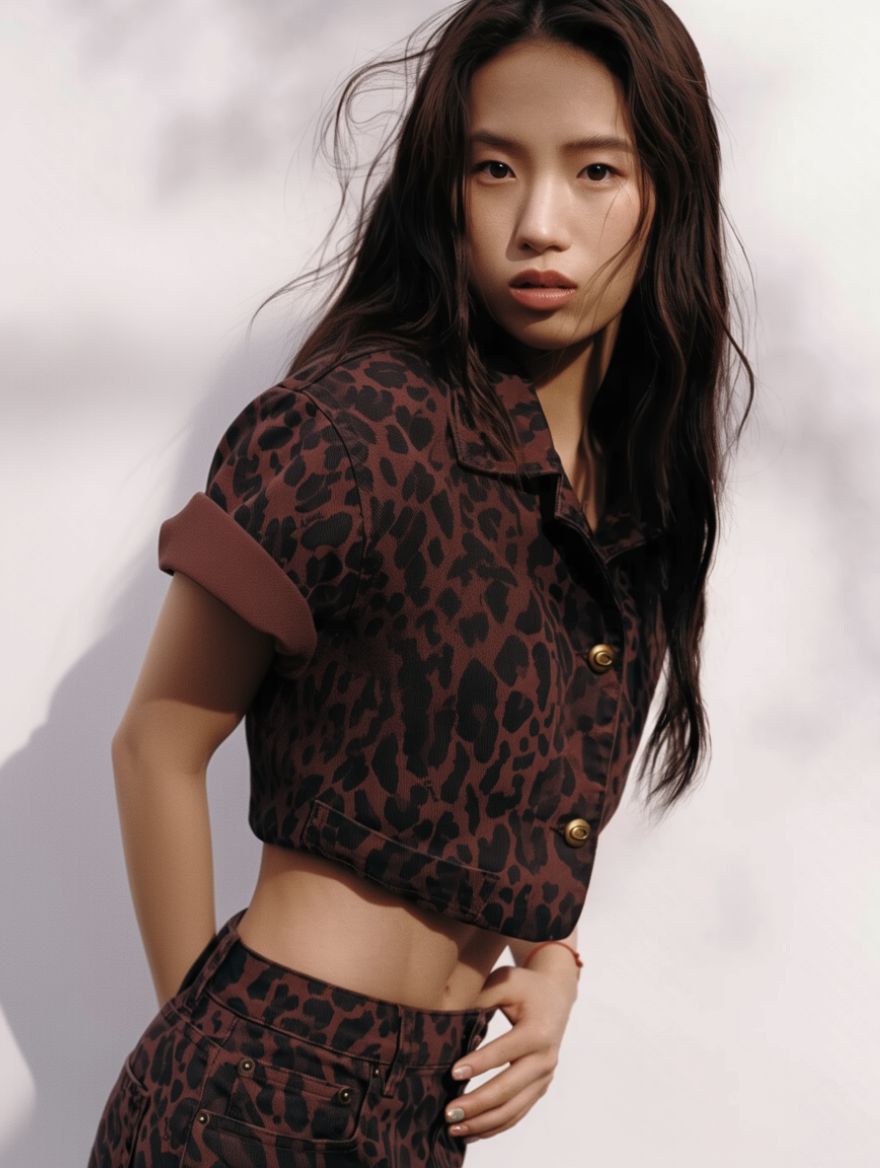
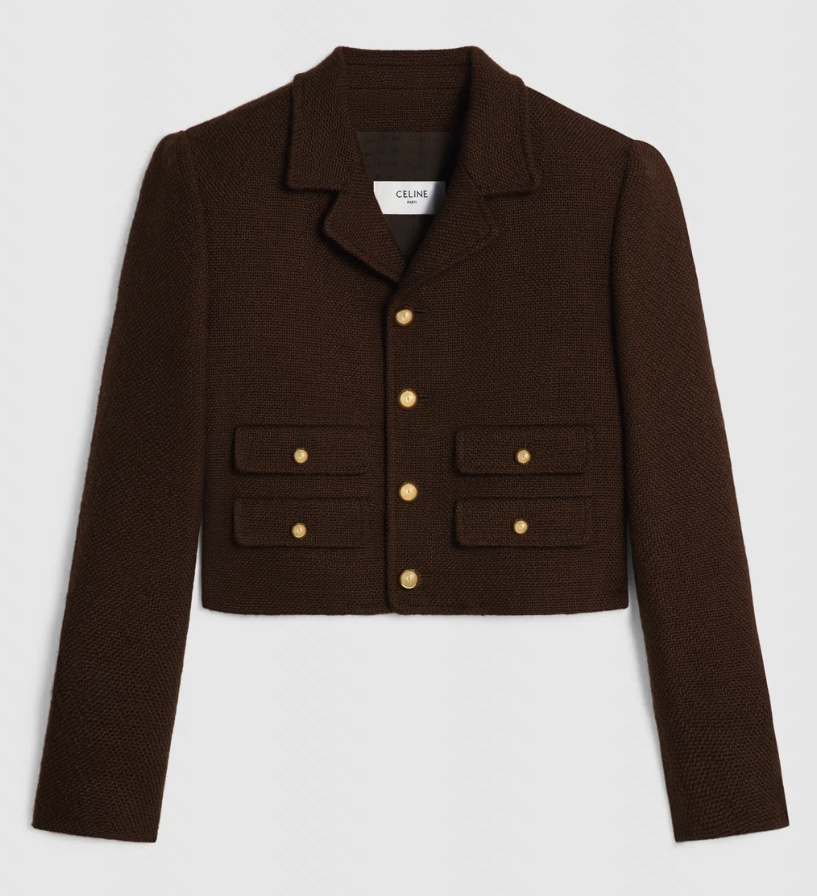
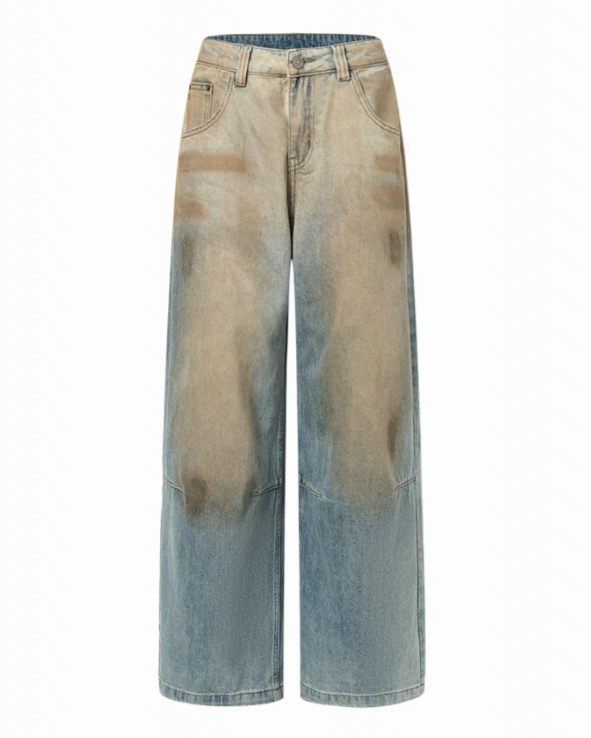
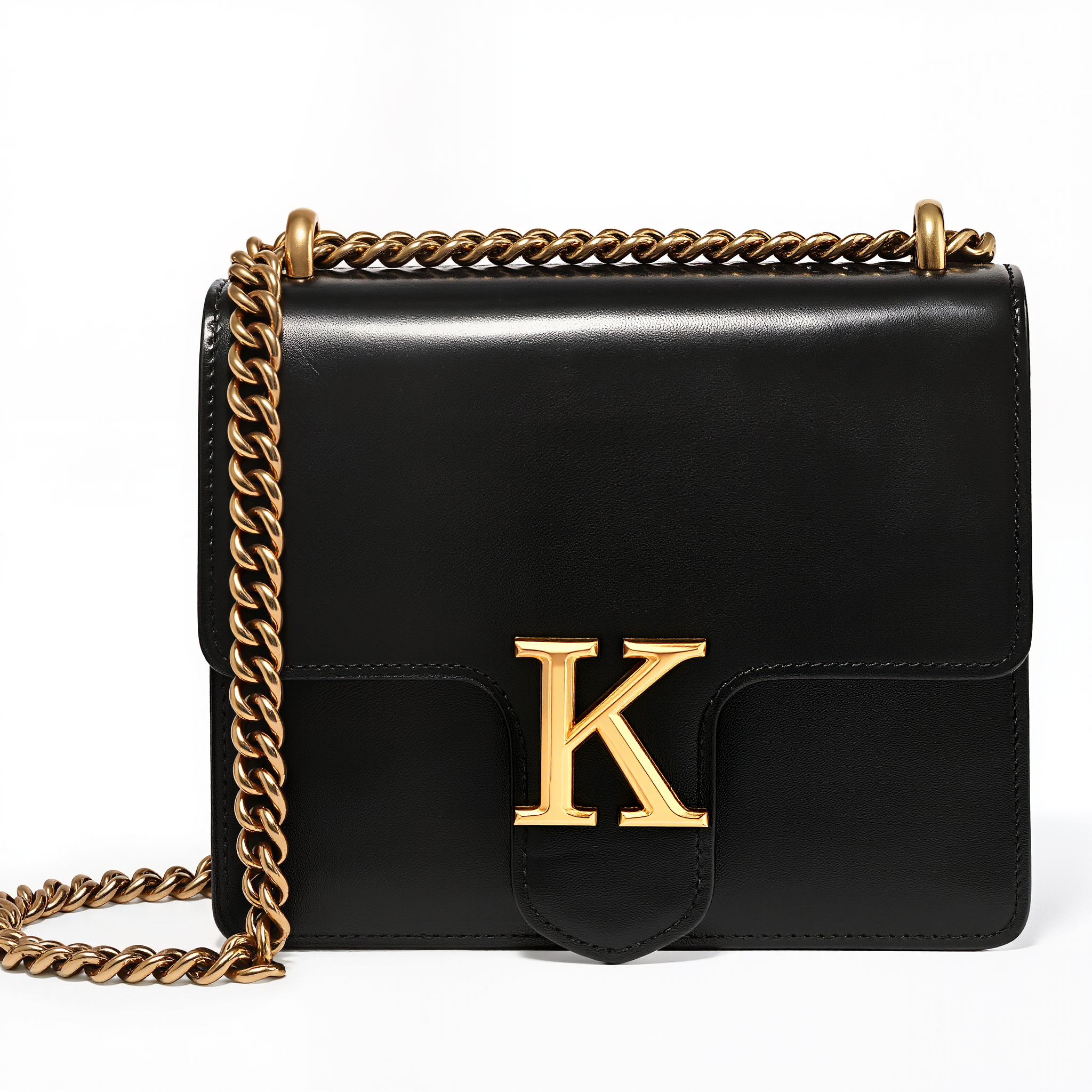
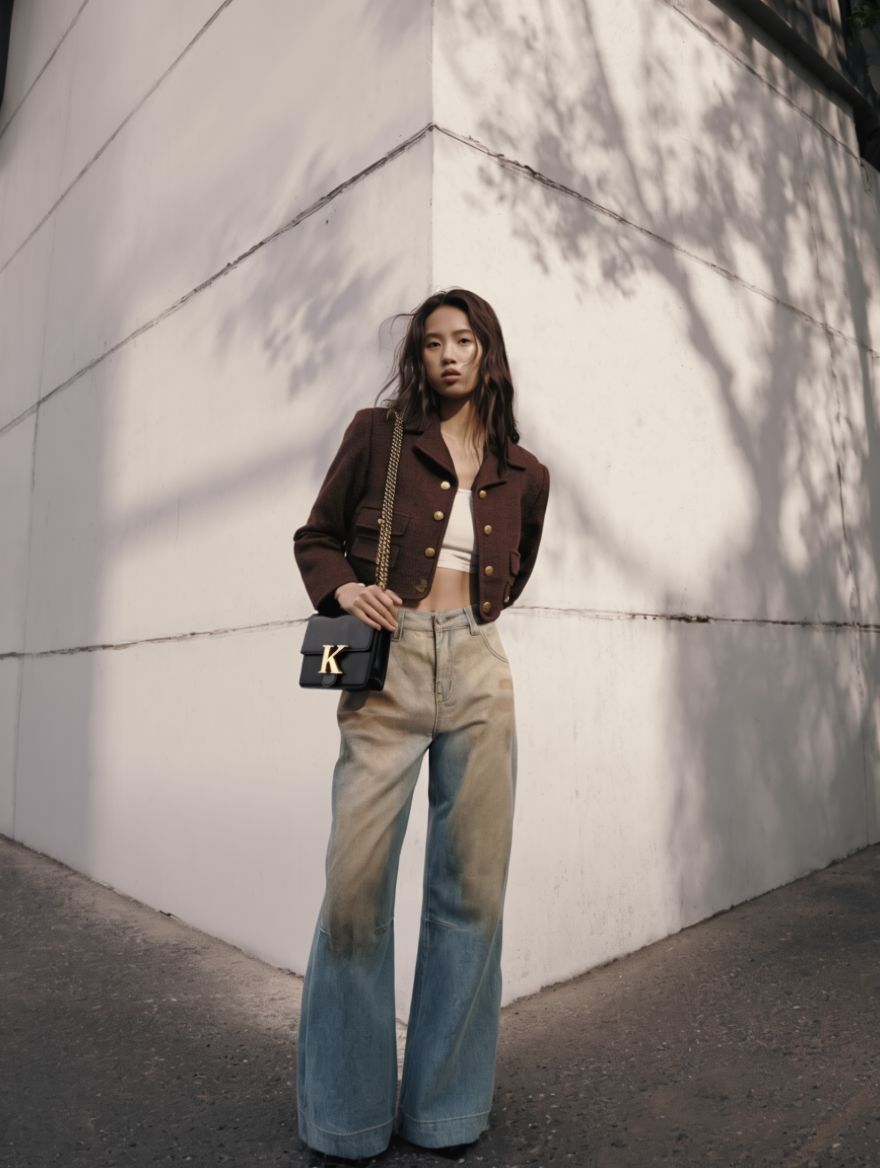
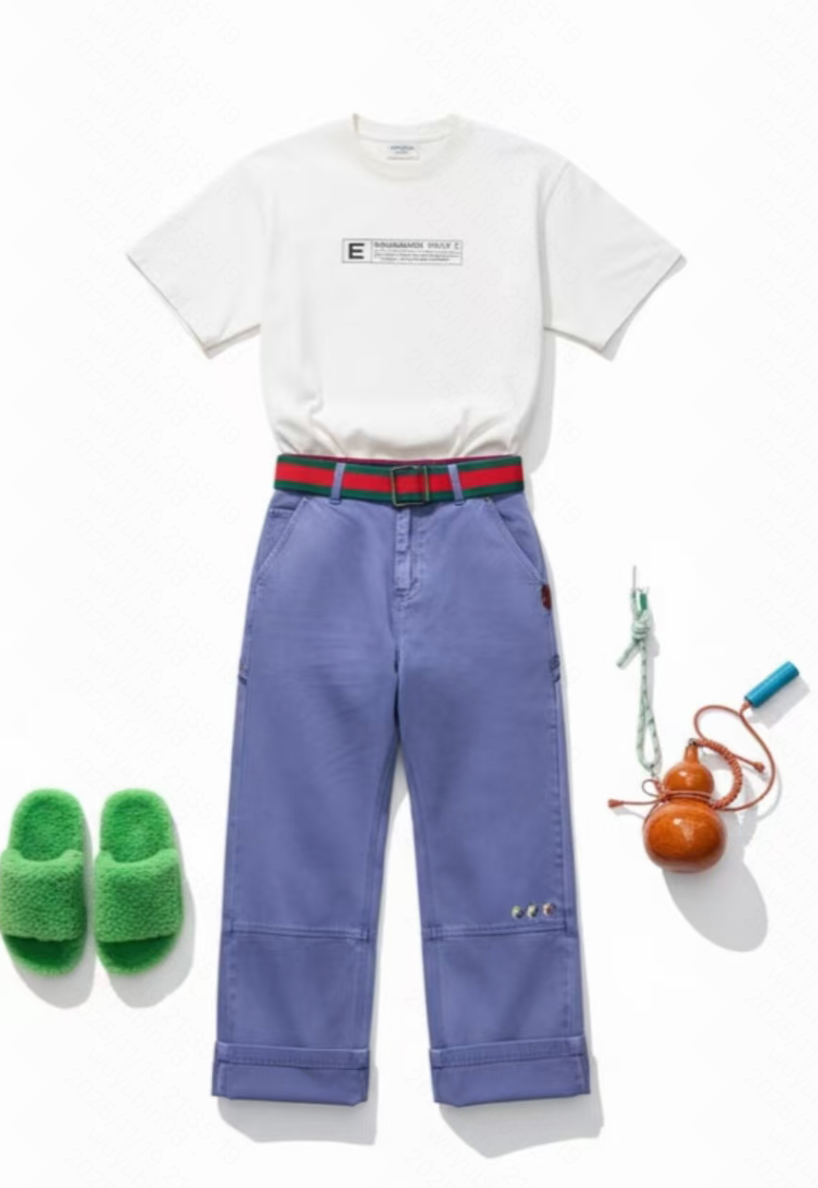
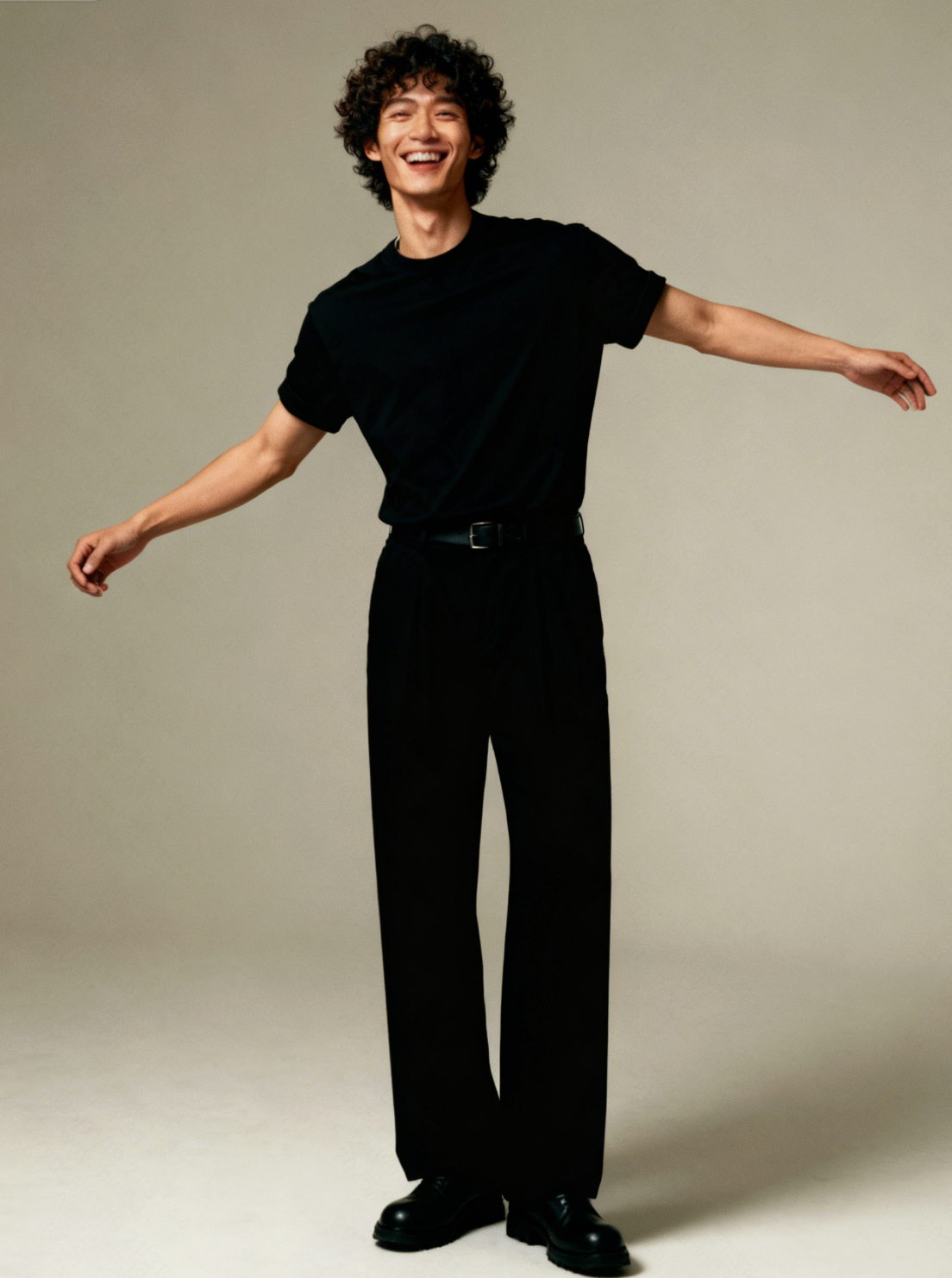
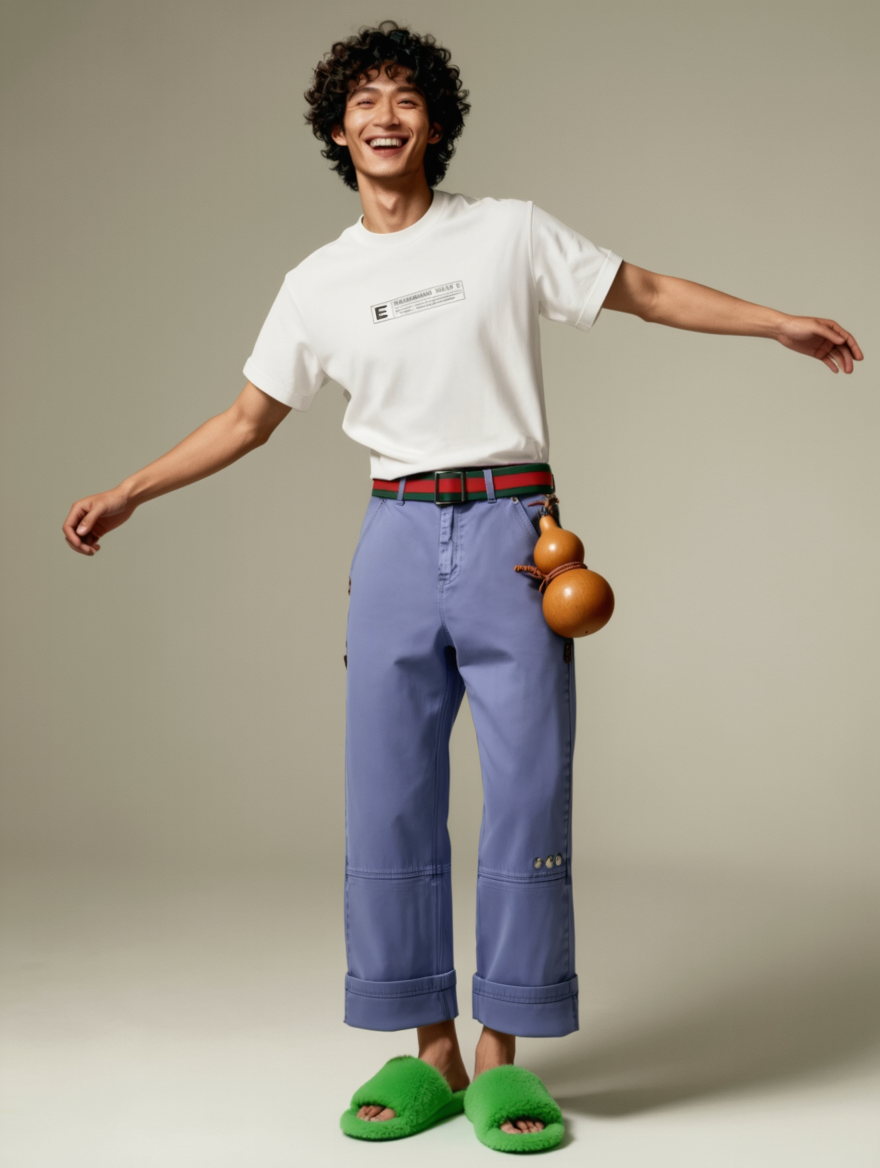
A woman wearing a Chanel-style jacket and jeans, carrying a black leather bag. | Dress the model from Image 2 with the shoes and pants from Image 1. Keep the clothes and accessories from Image 2. Preserve all details of pants, shoes, and clothes, including zippers, patterns, and styles. | ||
|
|
|
|
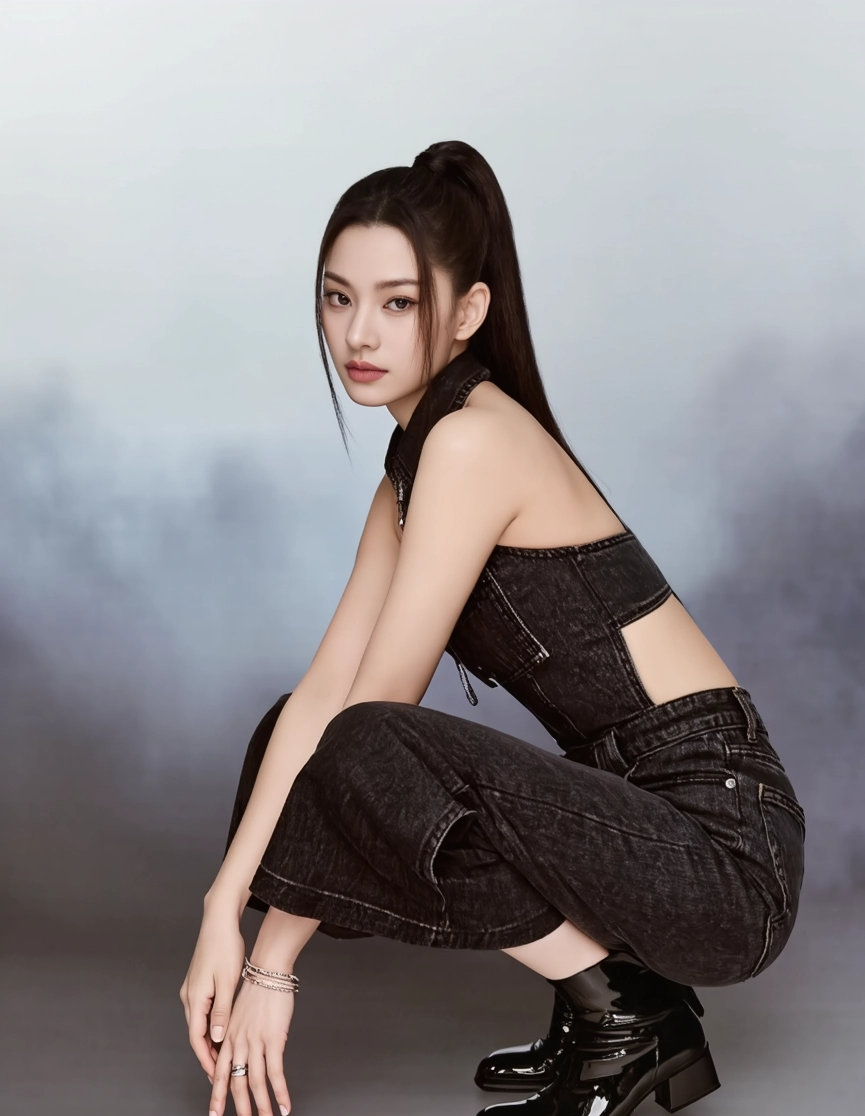
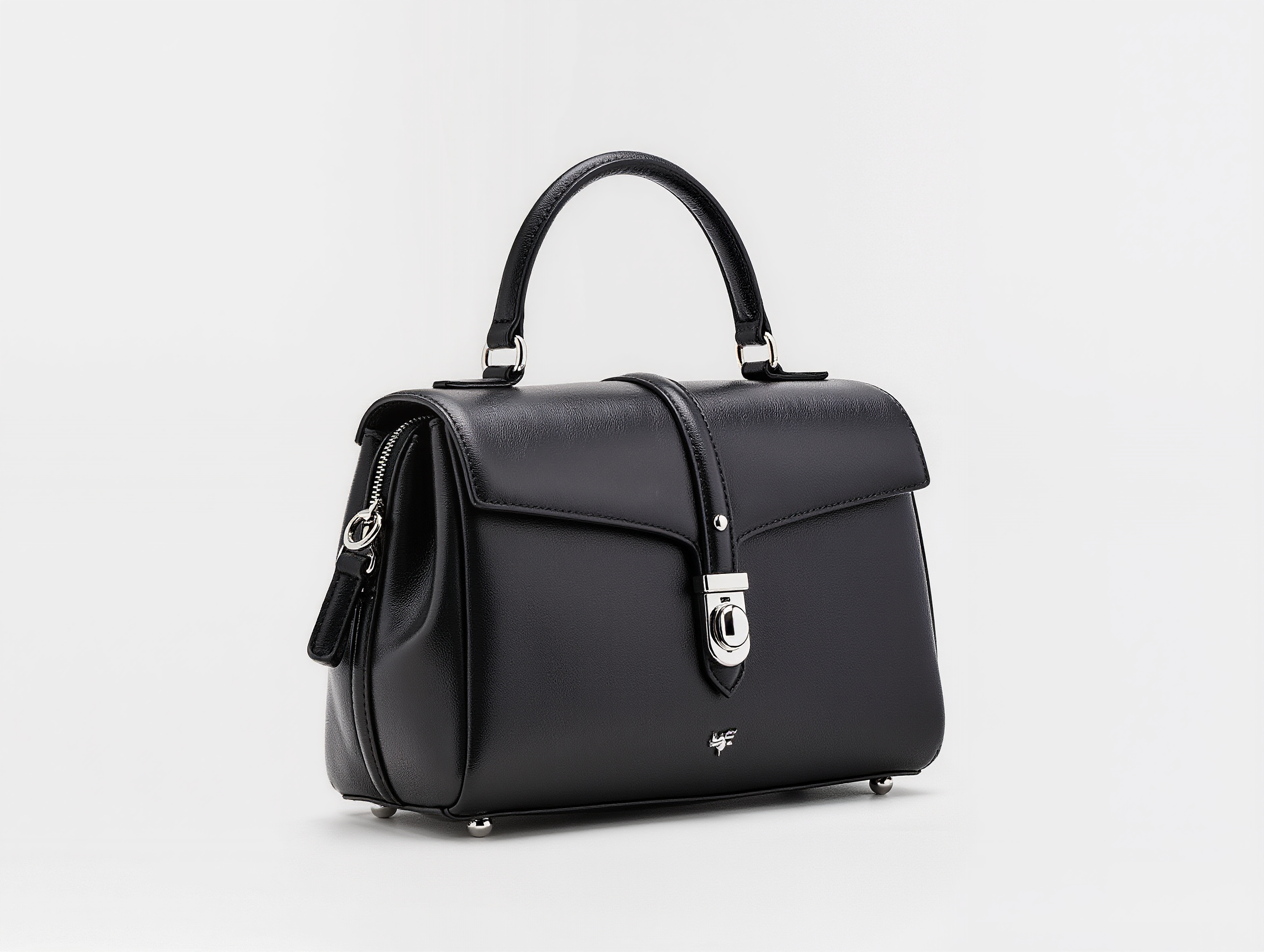
Keep the female figure in Image 1 along with her clothing and hairstyle, standing half-body back view, looking at the camera, with the black leather handbag from Image 2 on her shoulder. Ensure all details of the bag—including structure, leather texture, silver metal clasp, and top handle—are clearly displayed and preserved in its original design.|
| A beautiful young East Asian woman in Image 1, side-profile close-up, holding the smartphone from Image 2 in front of her. The smartphone must be identical to Image 2’s. The scene is styled in minimalist professional commercial photography, with skillful lighting, creating a fashionable, confident, and elegant atmosphere. | ||
|
|
|
|
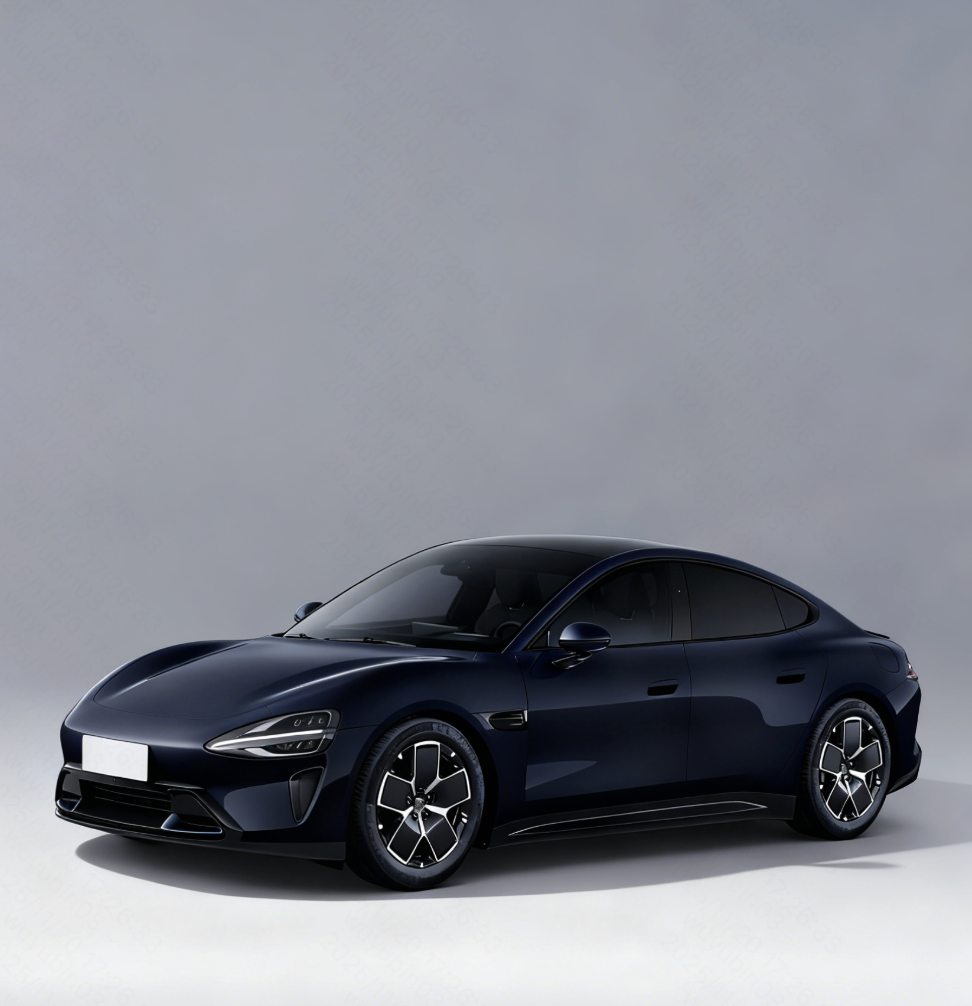
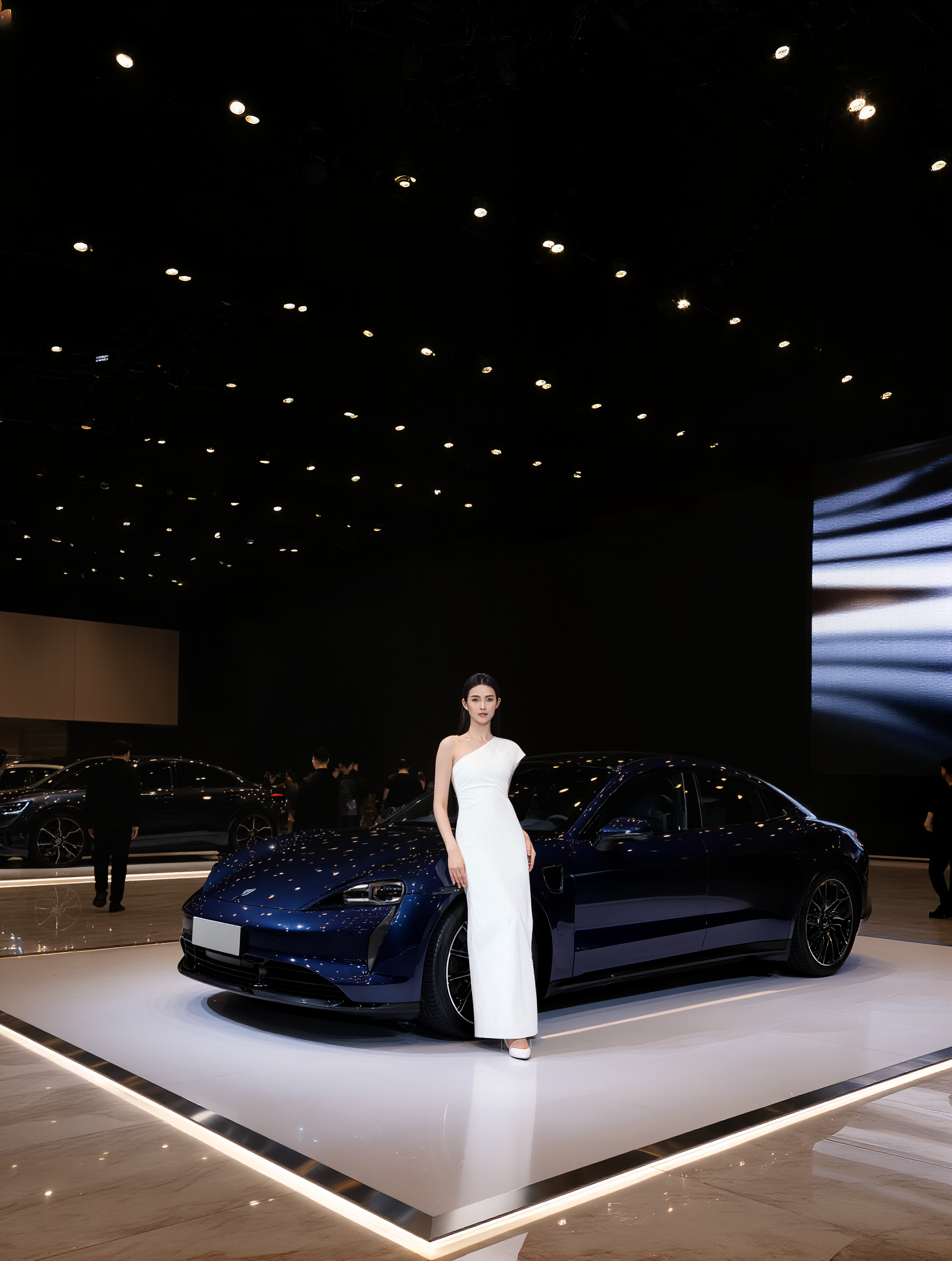
Dress the model in Image 2 with the shoes and pants from Image 1, including clothes and accessories. Keep all details of the pants, shoes, and clothes—such as zippers, patterns, and styles—unchanged. | Modern tech-style auto show promotional scene, 45-degree angled shot, golden ratio composition. The main subject is the male from Image 2, leaning on the left side of the hood of the car in Image 1, body slightly turned to the right, left hand resting naturally on the hood edge, right hand in pants pocket, relaxed posture. The car is parked at a 30-degree angle on a white matte display stand, hood facing front-left. Scene: a large modern auto show hall, left background with staggered outlines of other brand vehicles, right side hanging a giant LED screen. Ceiling with matrix soft lights emitting warm white light, floor polished light gray marble. Sparse moving crowd in the distance, silver metal lines on display edges, matte stand surface without strong reflection. Overall colors: white, light gray, silver, tech blue; bright, high saturation, smooth shadow transitions, creating a tech-savvy, energetic auto show atmosphere. | ||
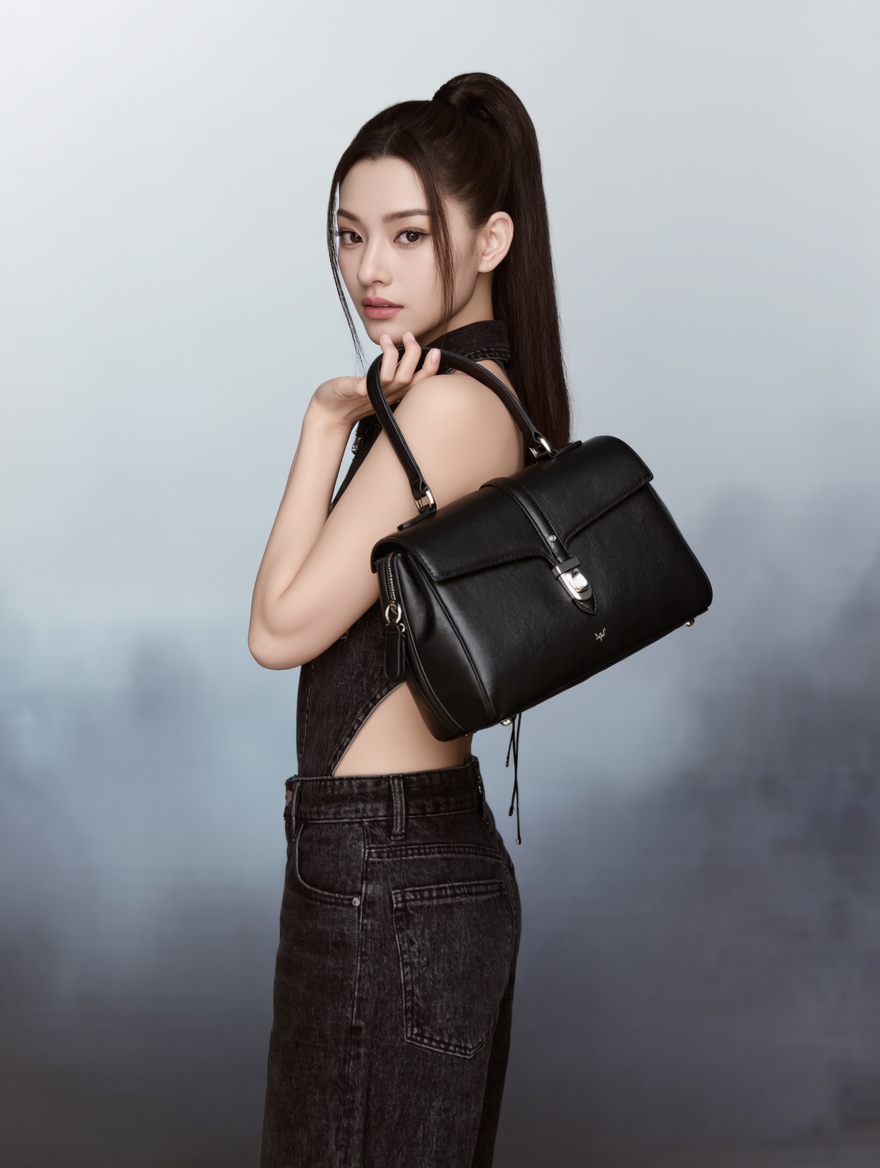
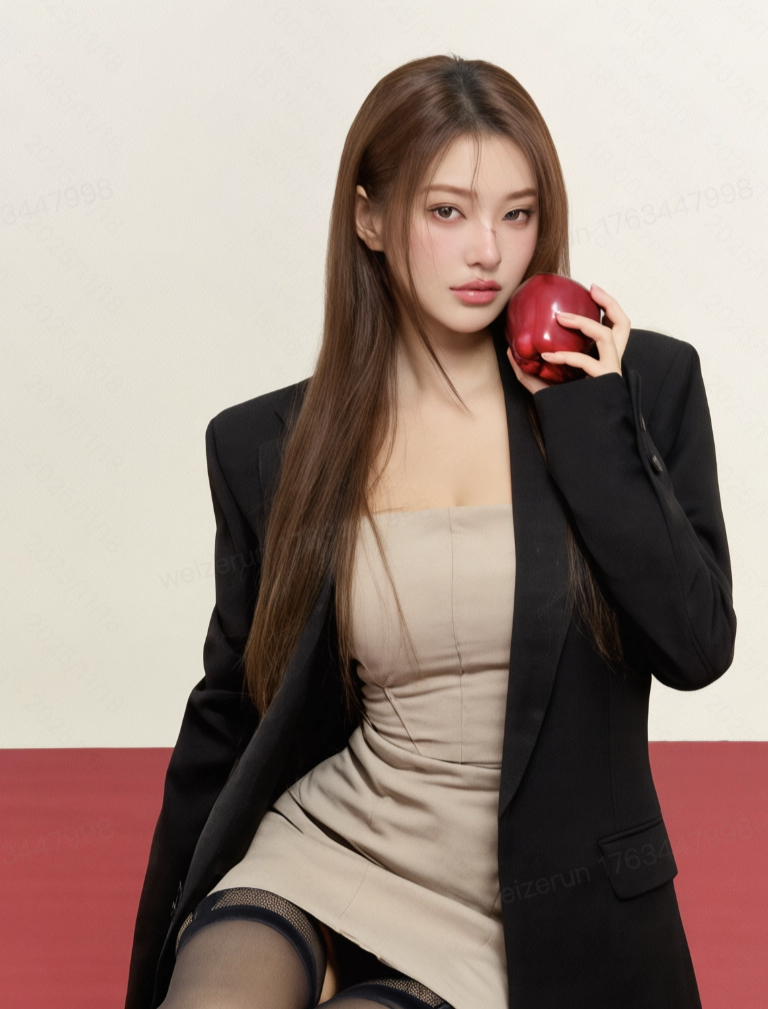
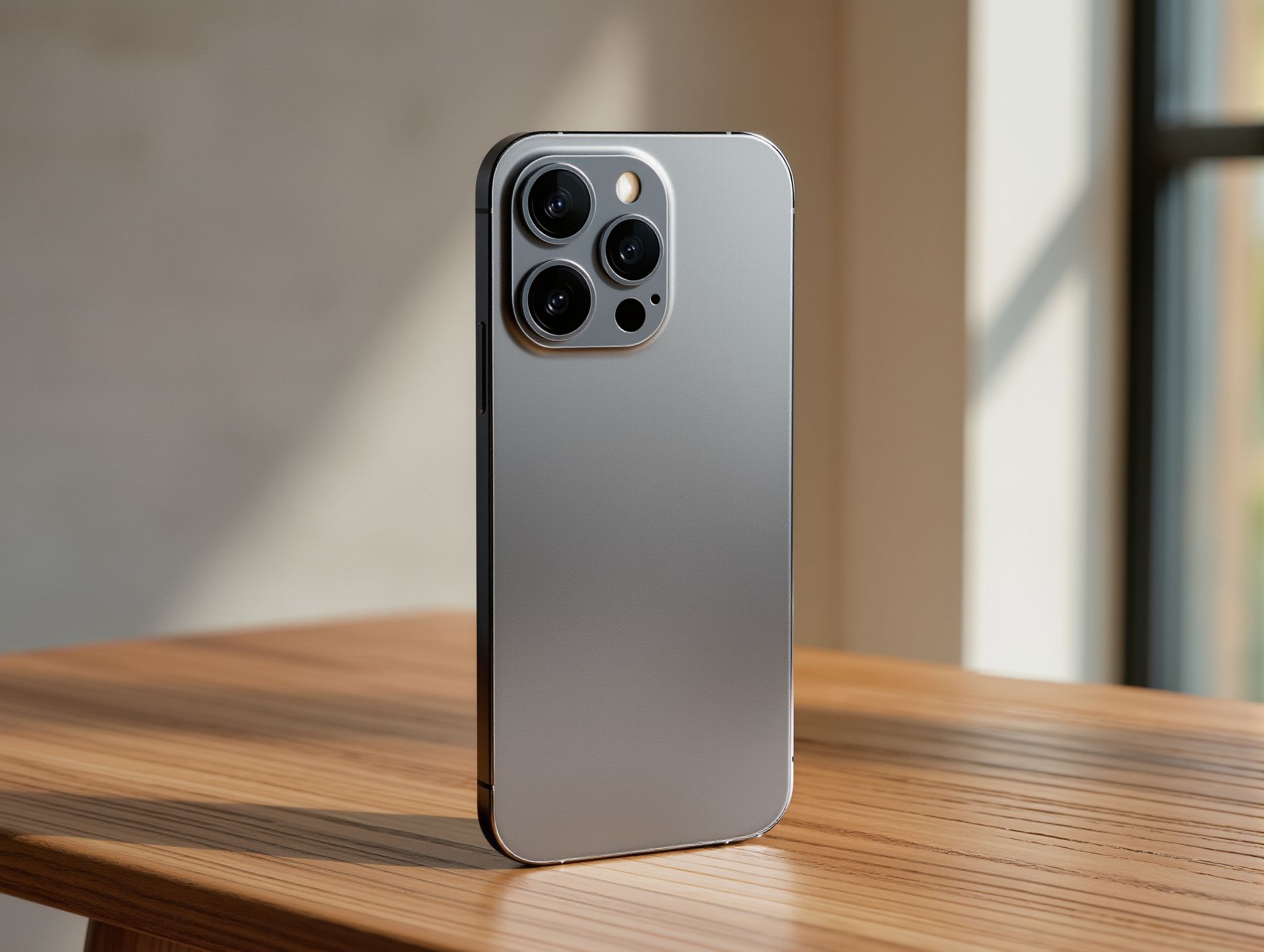
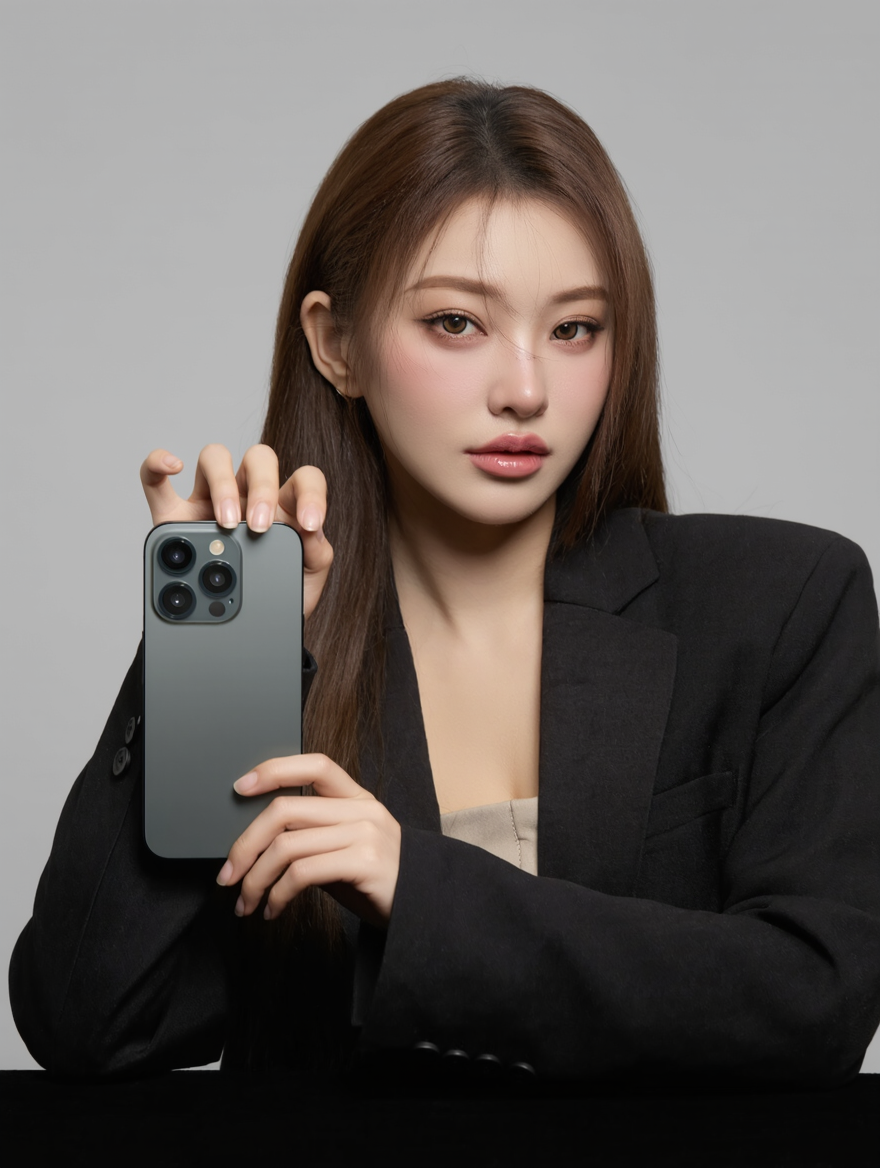
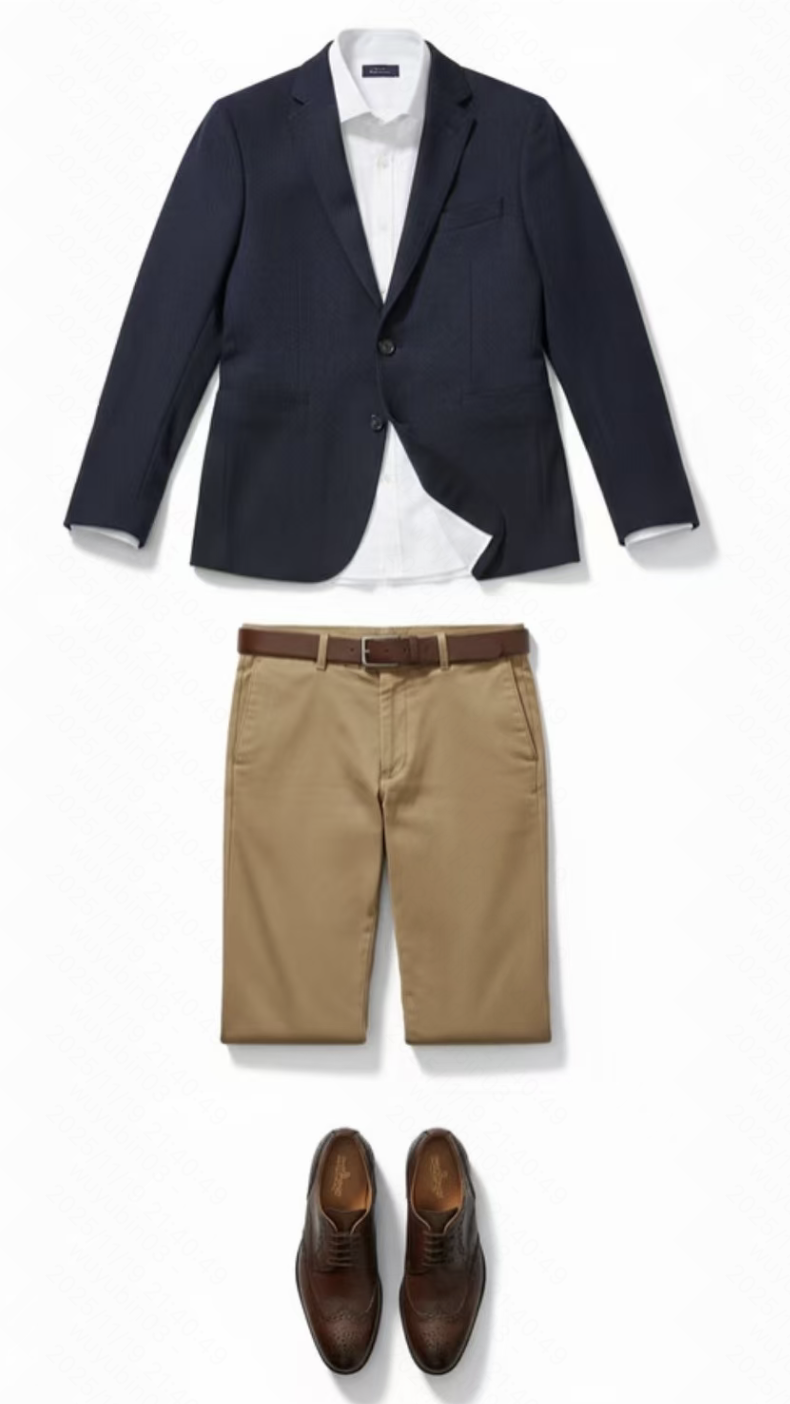
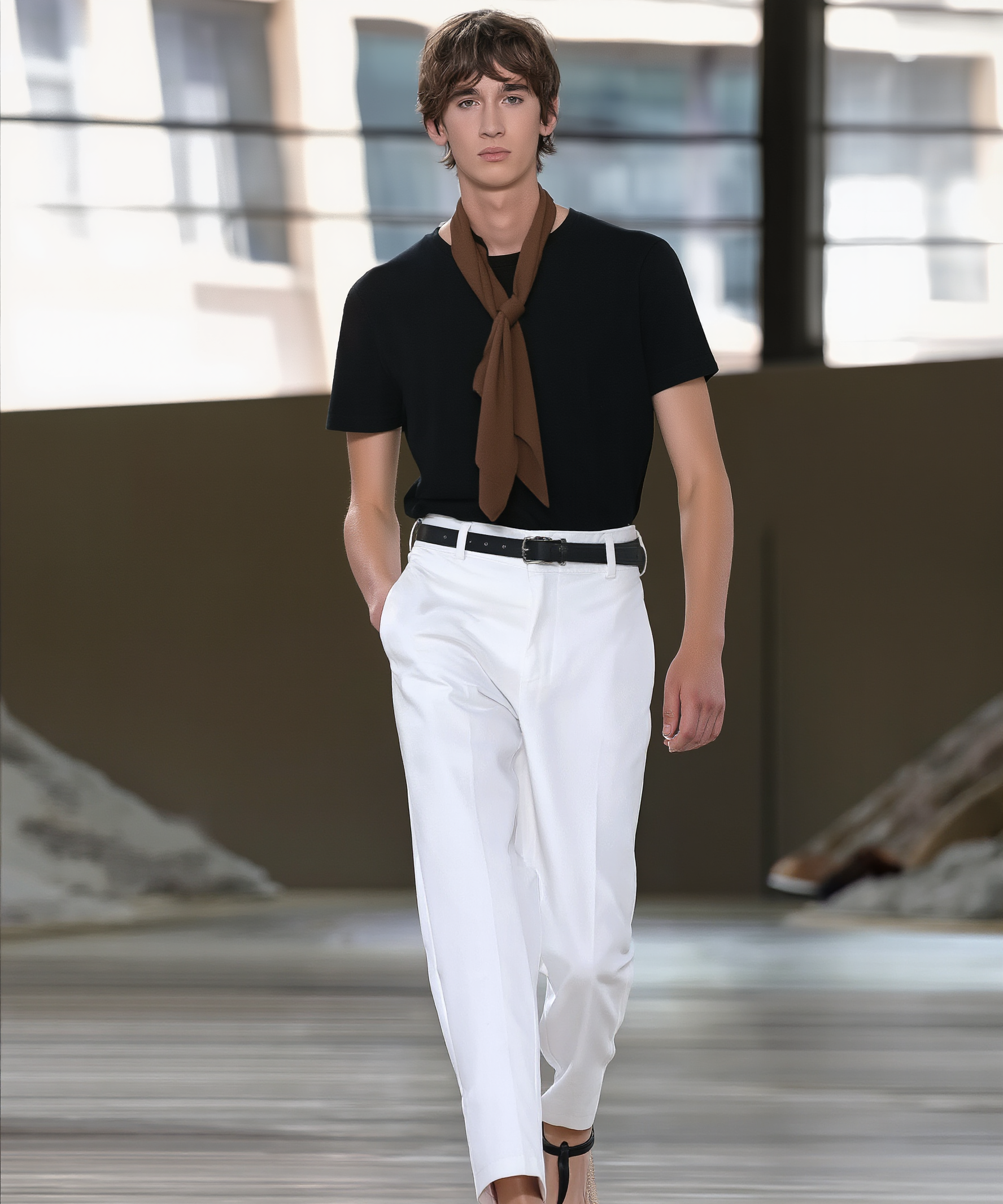
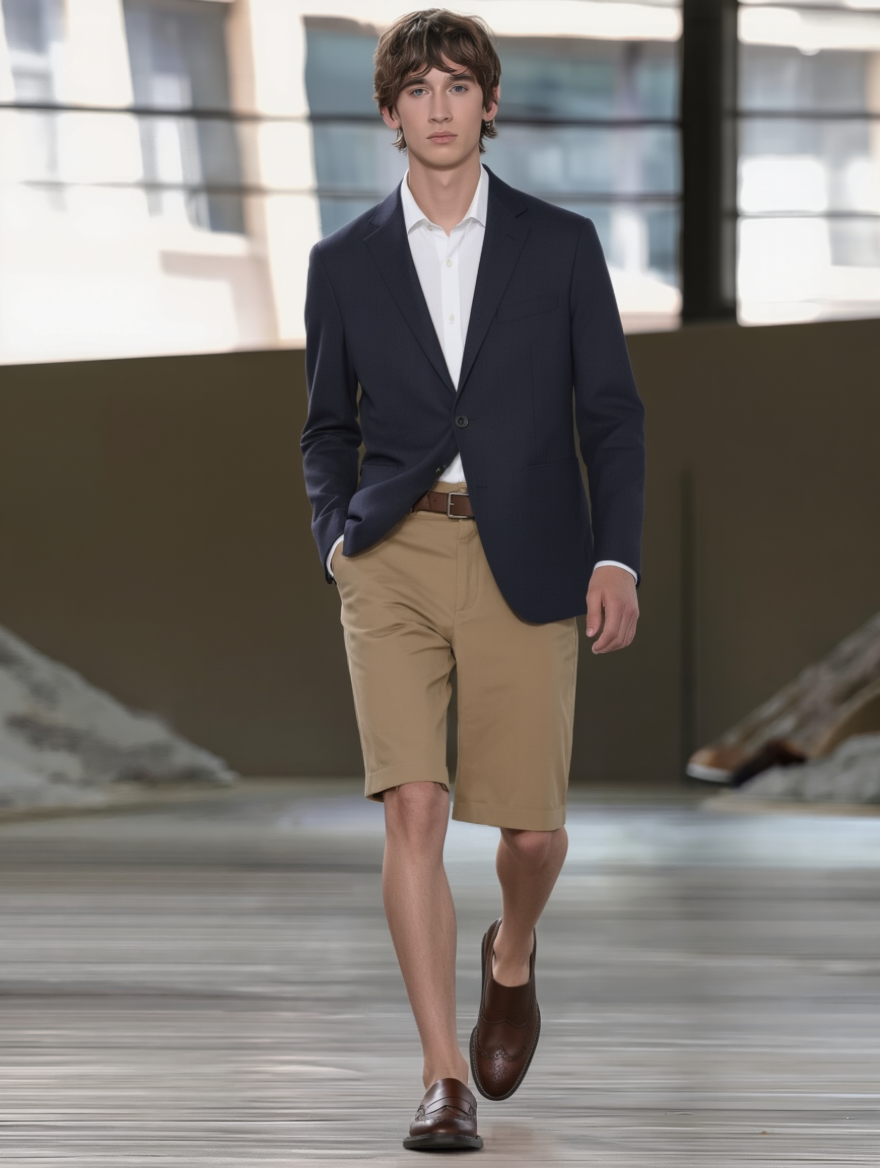
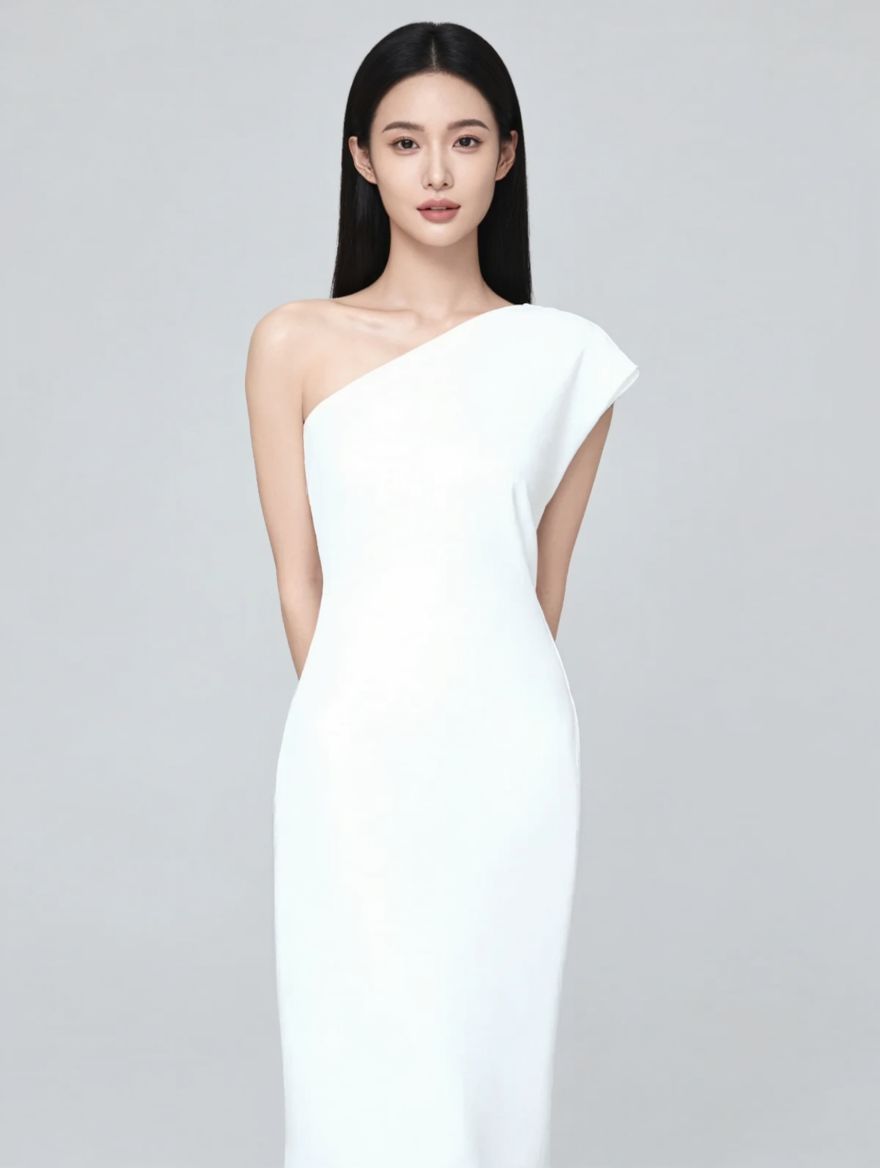
4. Other Creative Uses
|
|
|
|
|
|
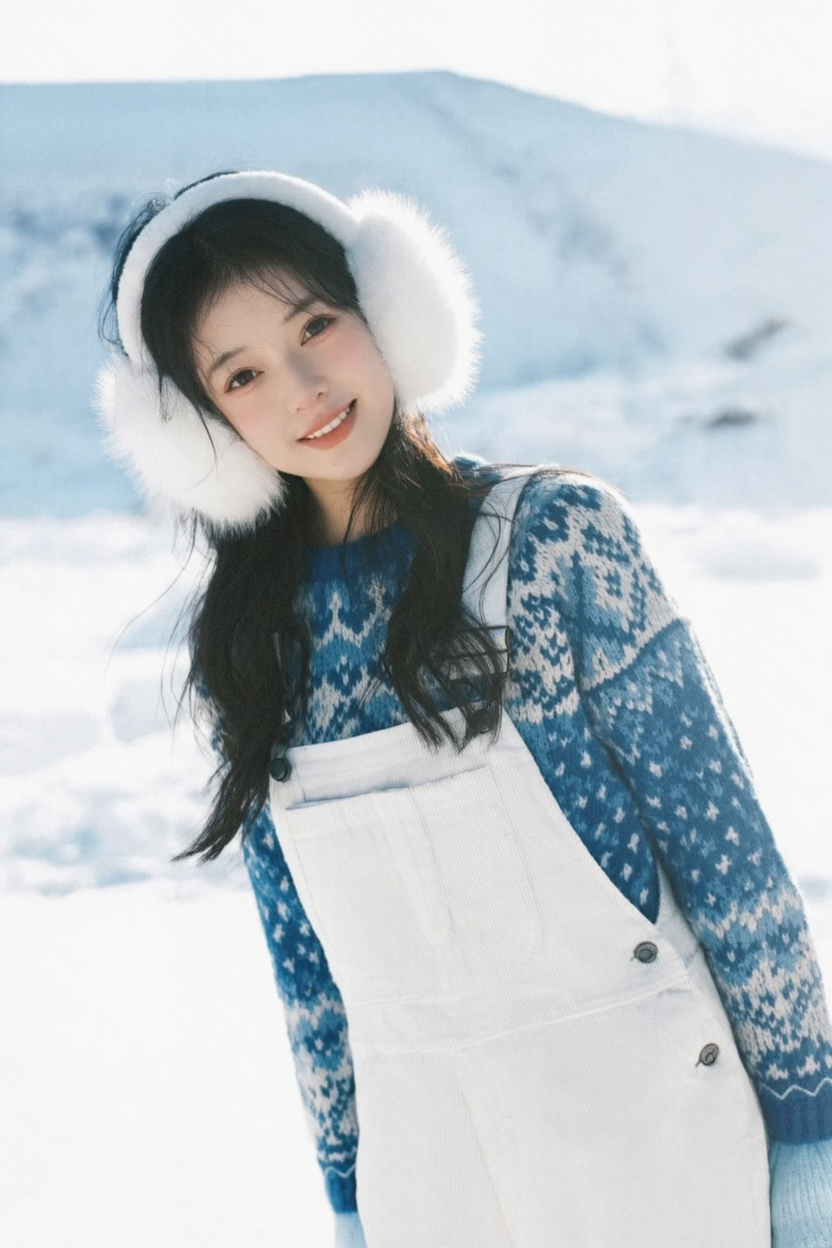
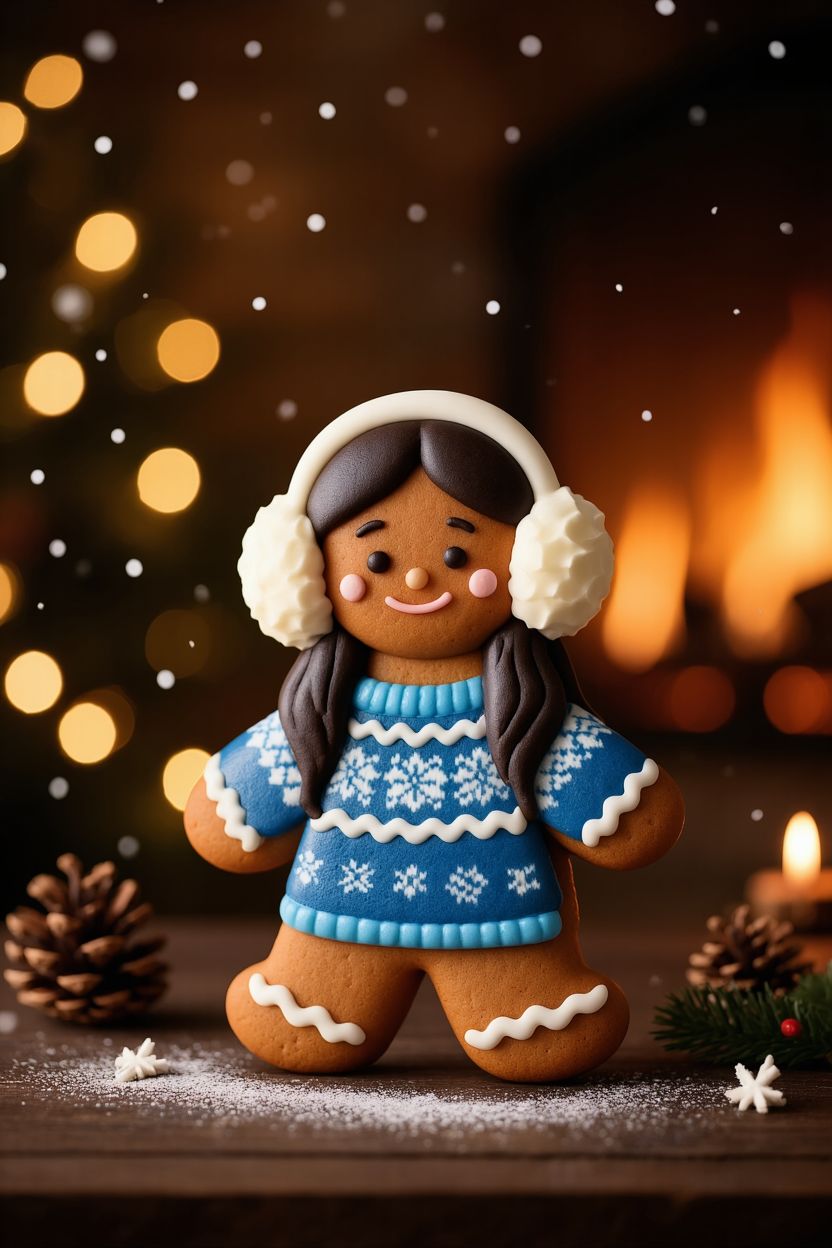
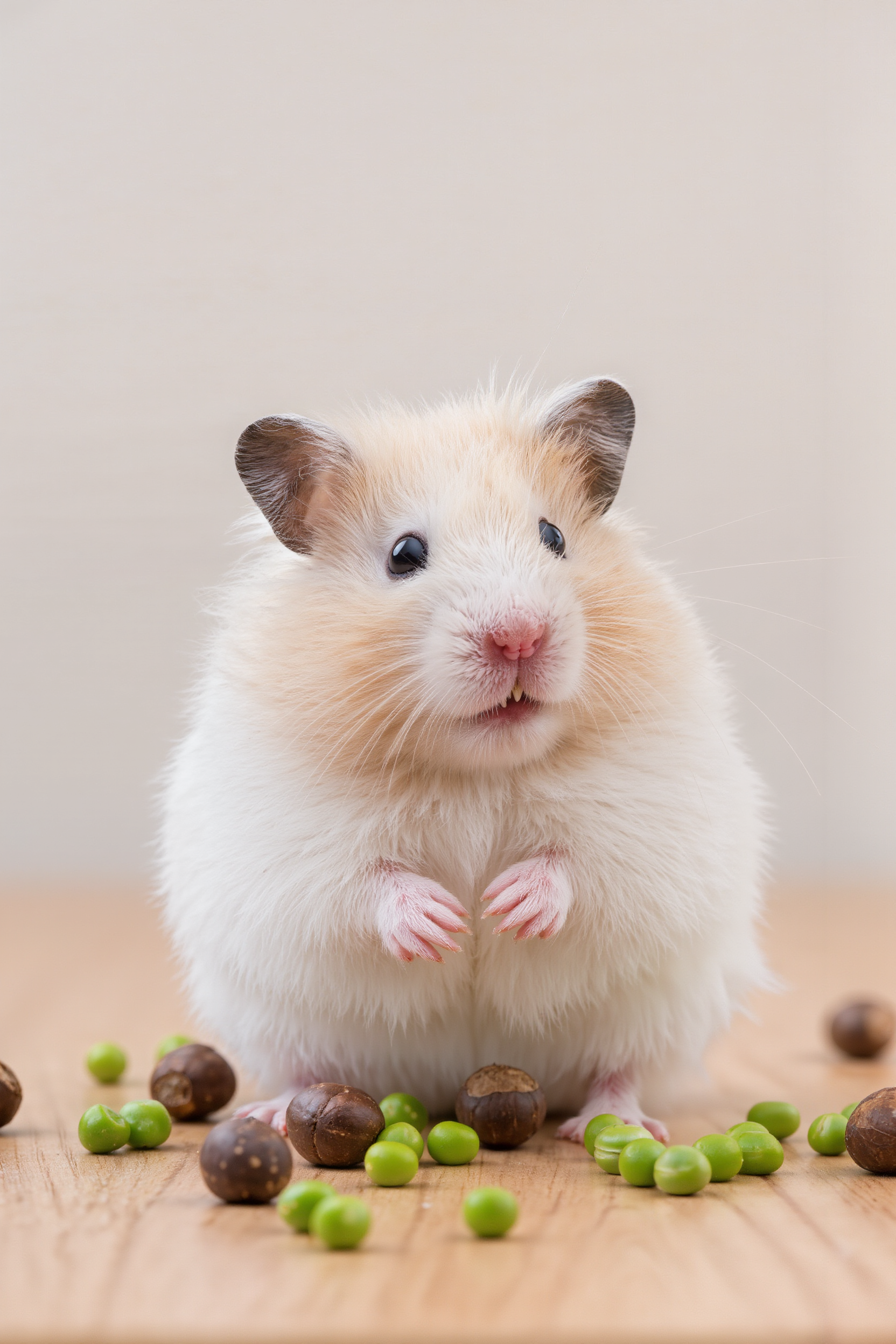
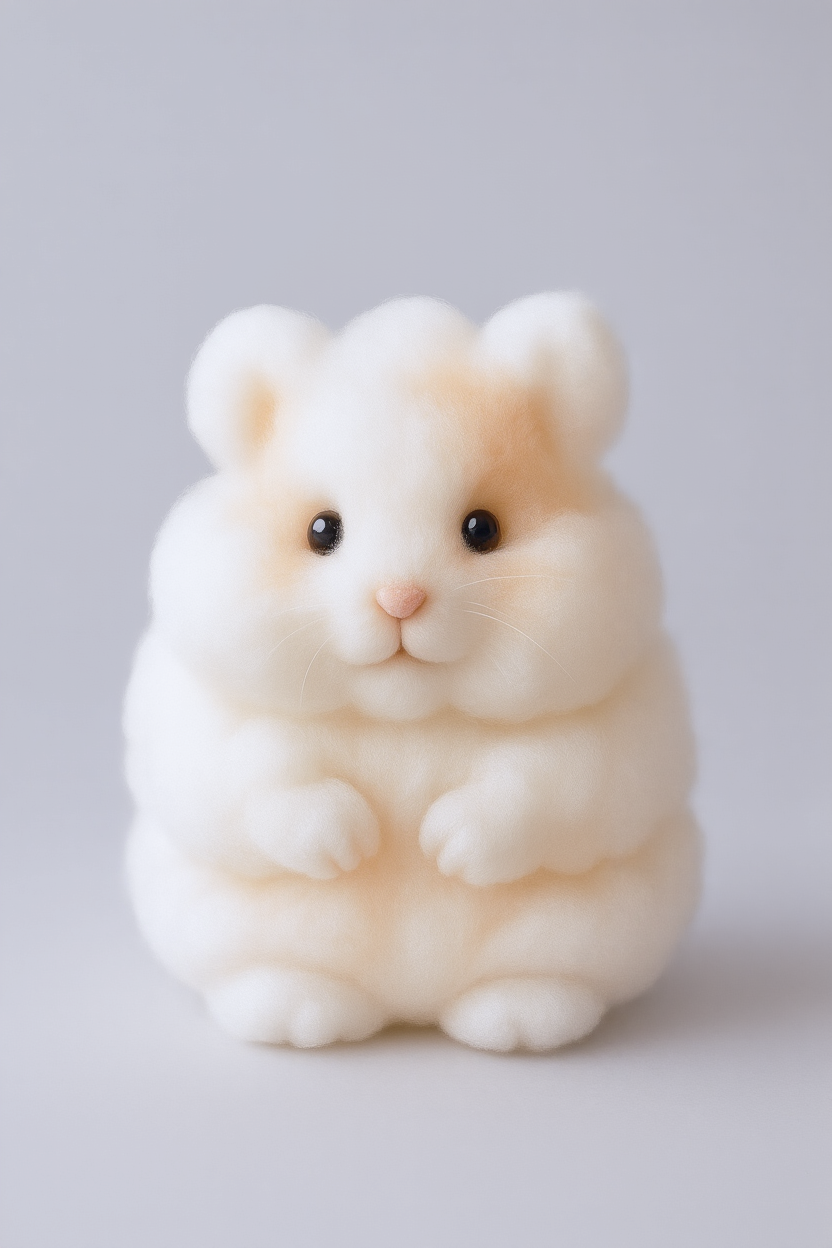
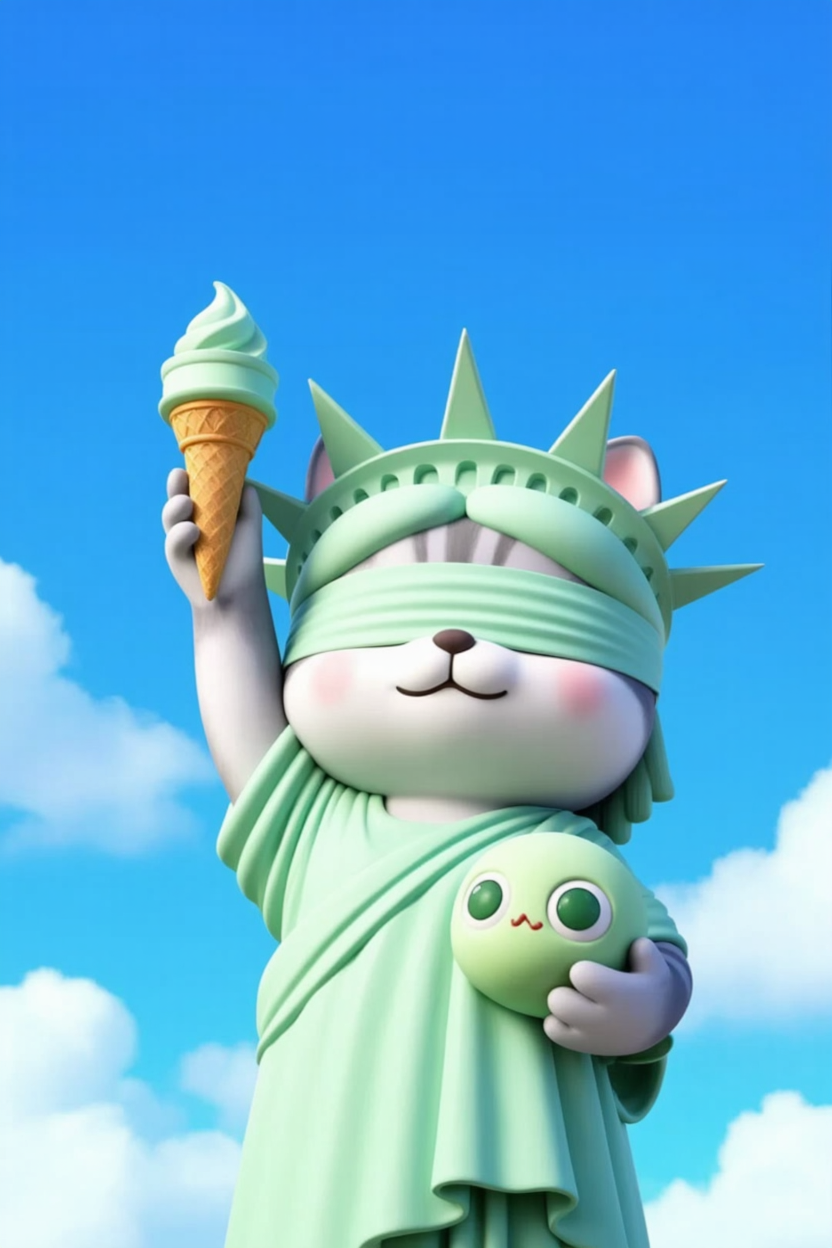
Preserve the character’s traits and transform it into a gingerbread figure on a table, with pinecones in the background, creating a Christmas atmosphere | Keep the animal’s traits and generate a marshmallow with the same fur color characteristics | A chibi anthropomorphic cat from the image, referencing its fur and features, posing as the Statue of Liberty, wearing a light green robe, crown with spikes, eyes covered with a light green cloth. Right paw holds a mint ice cream cone high, left paw hugs a green cartoon fish. Expression satisfied, background bright blue sky, medium shot. | |||
|
|
|
|
|
|
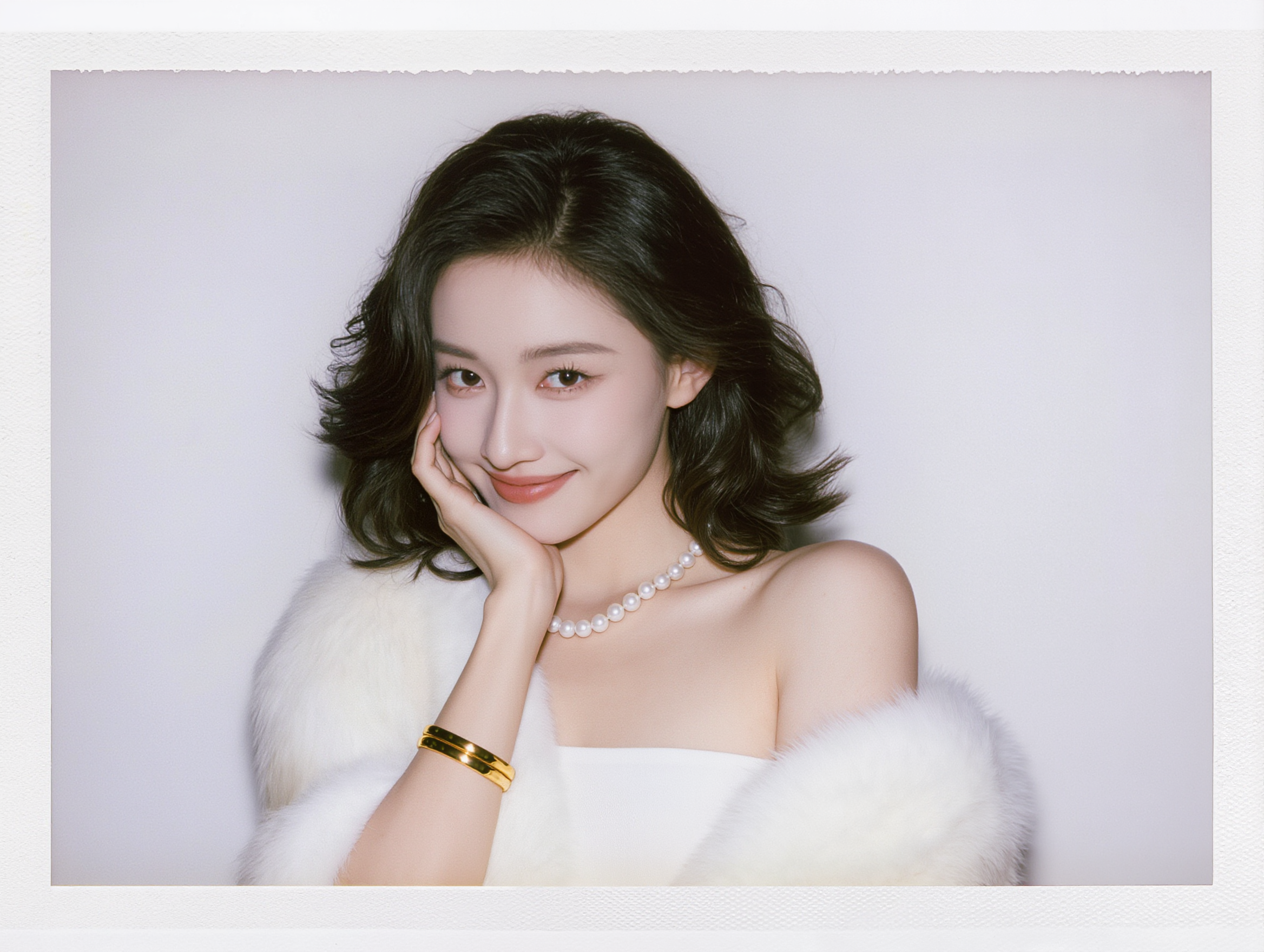
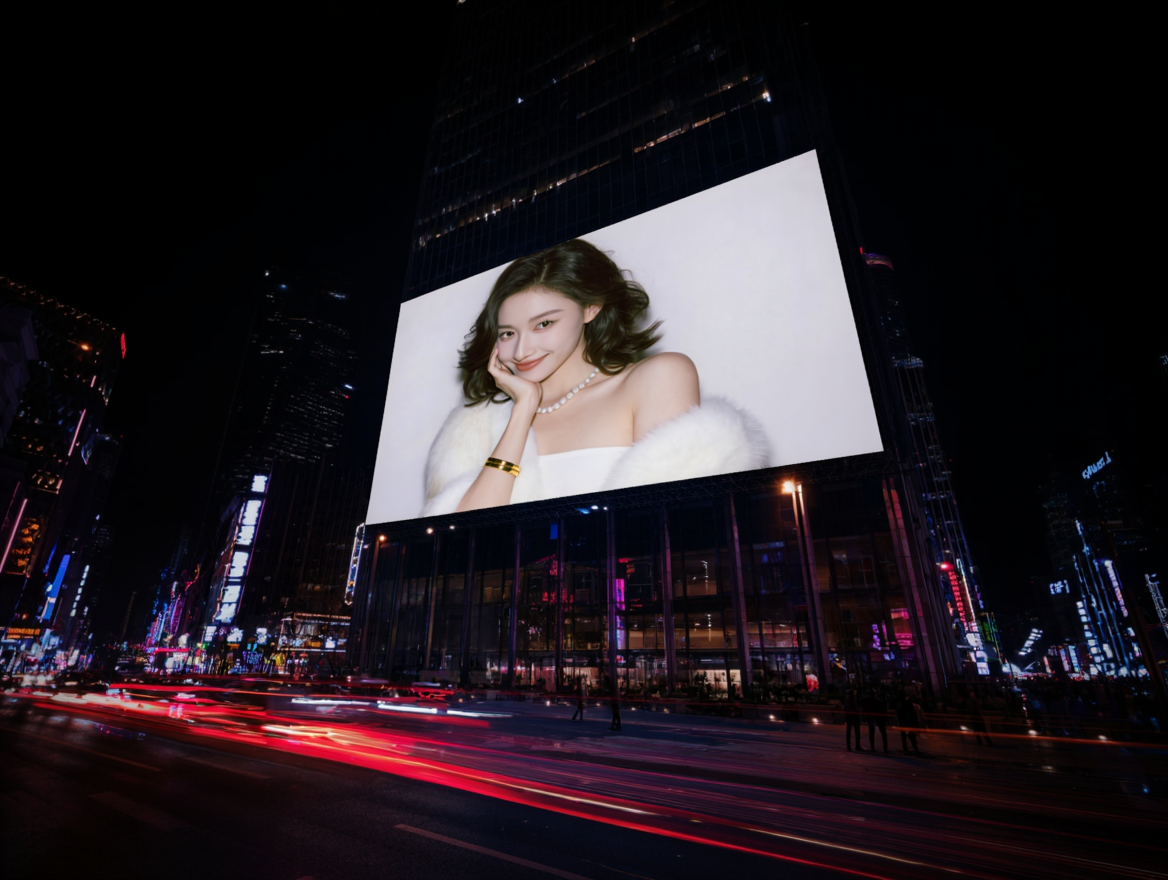
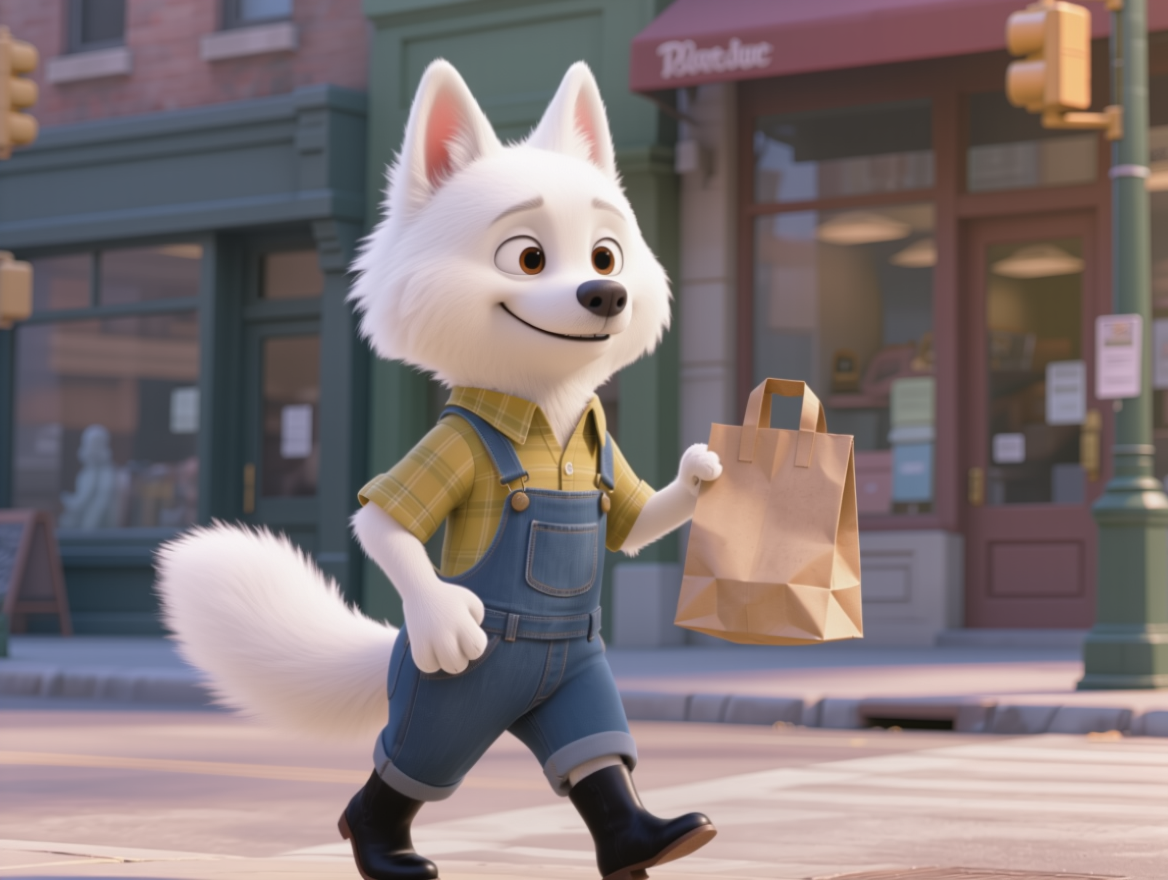
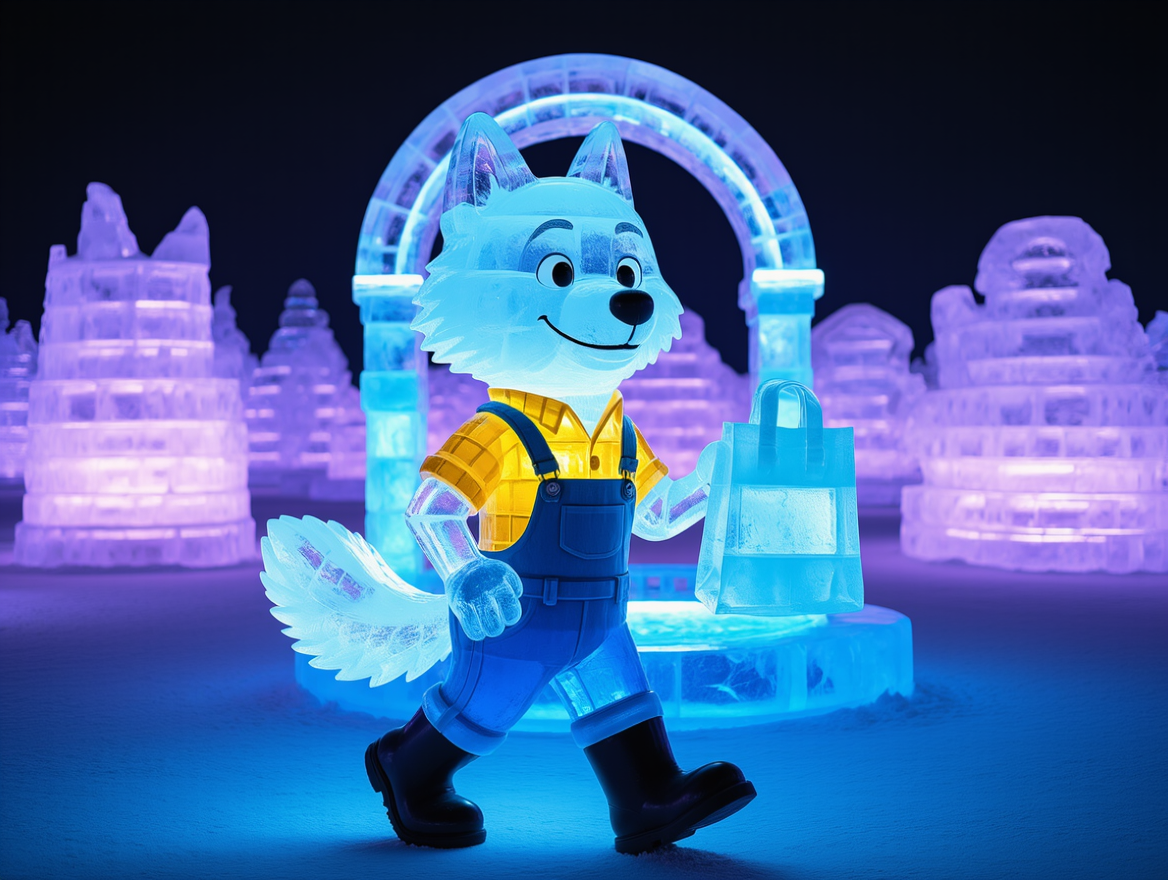
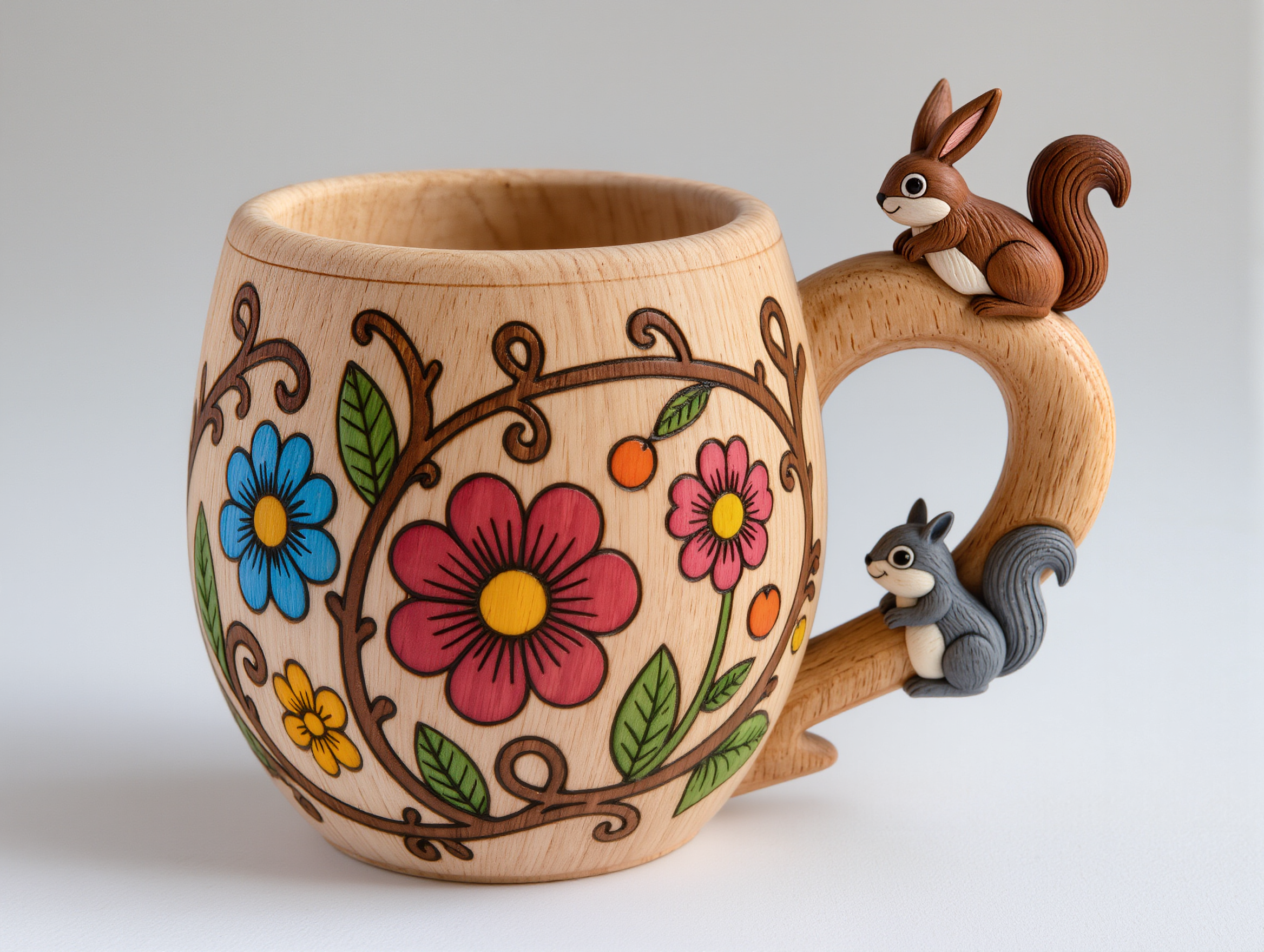
Giant horizontal digital billboard on a busy city street, displaying a female model from the image, posed elegantly. Billboard installed on a high-rise exterior wall, below are pedestrians, vehicles, and city infrastructure. Scene depicts a nighttime street. | Merge the animals from Image 1 and Image 2 | Preserve the character's traits and color, generating an ice sculpture at an ice sculpture exhibition | |||
Prompt Handbook
1. Prompt Writing Techniques
Image Editing – Prompt Tips
Formula: Keep everything else unchanged, modify [ ] to [ ].
Example: Keep everything else unchanged, change the cat into a dog.
Editing Target: Specify the object to be edited, e.g., subject, background, angle, color, etc.
Change:Describe the desired effect after editing, e.g., delete, add, make it smile, etc.
Example | |
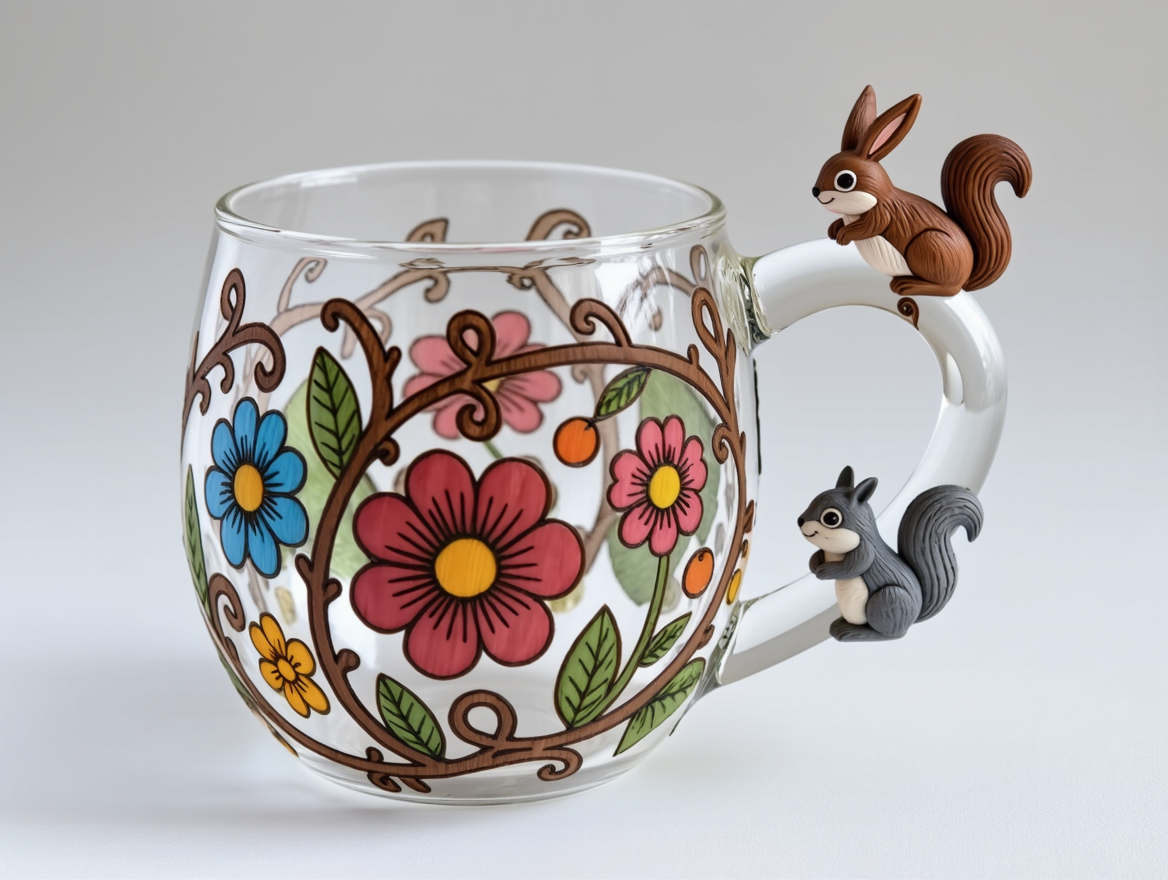
Keep everything else unchanged, change [cup material] to [glass material] | |
|
|
Face Reference – Prompt Tips
Formula: Keep []’s facial features, character has [] hairstyle, wearing [] clothing, performing [] action, background is [], with [] lighting, and [] atmosphere.
Example: | |
Keep the person’s facial features, character has long hair, wearing a red coat, waving, background is a snowy street, with soft evening light, and a cozy atmosphere. | |
|
|
Position Reference - Prompt Tips
Example: | |
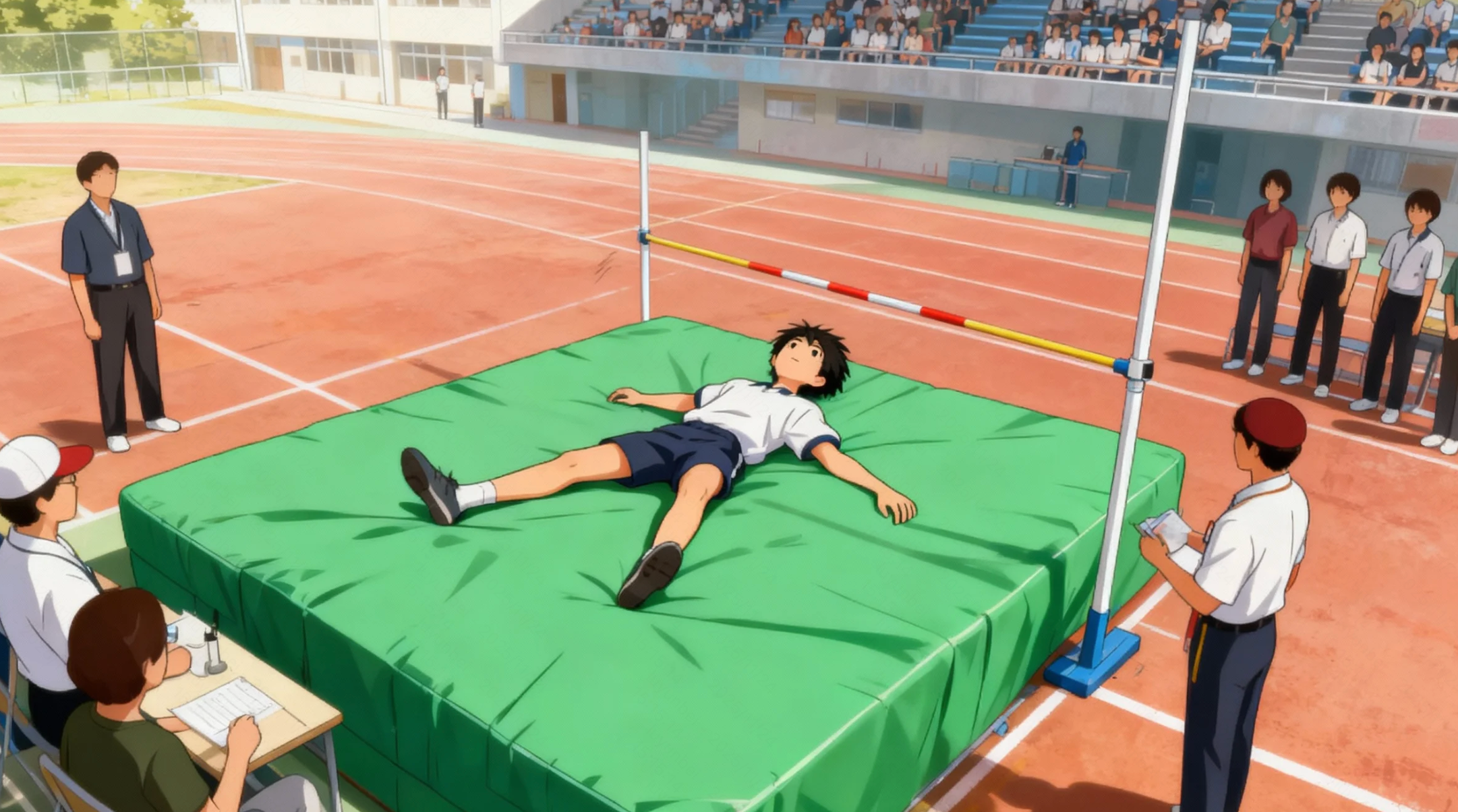
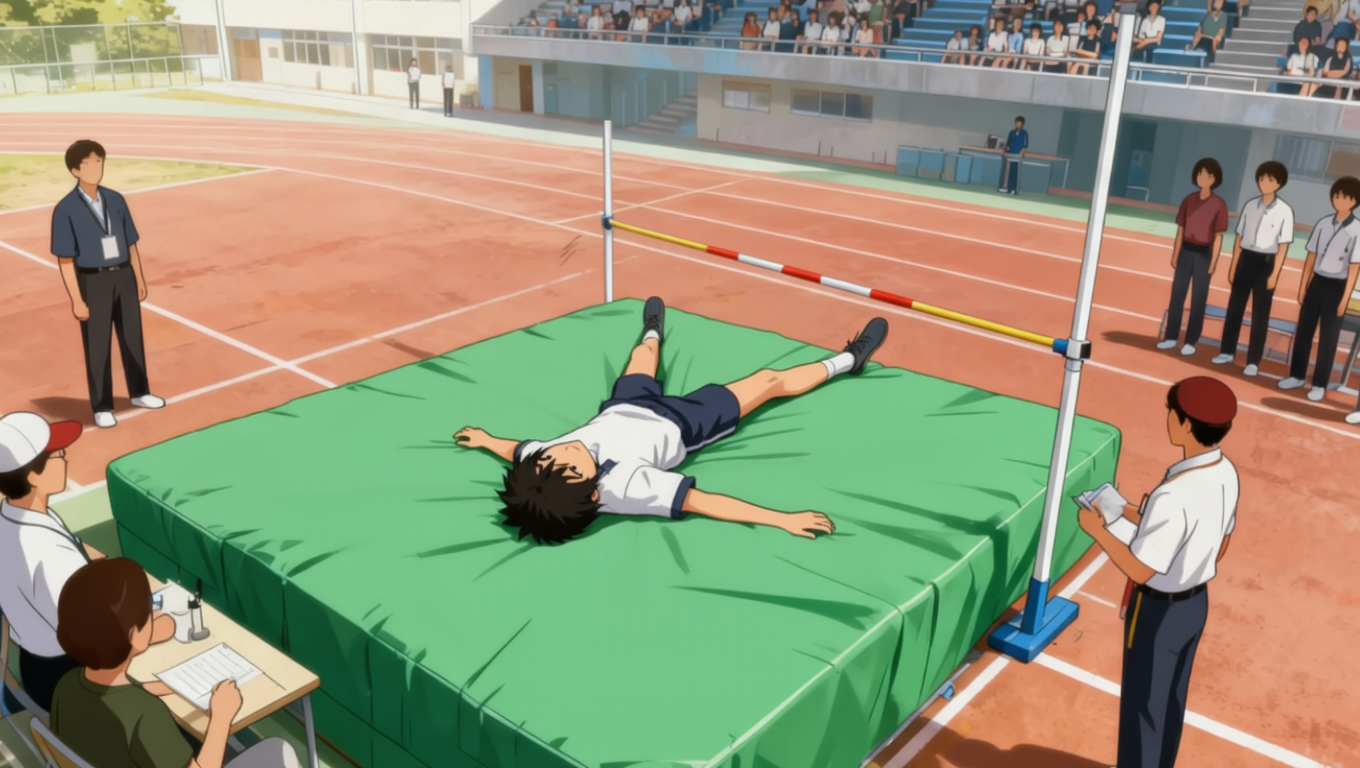
Clear directional instructions are required. Avoid vague wording and directly specify what needs to be changed. | |
|
|
Negative Example: Switch the boy's head and feet direction. {The instruction is unclear, leading to a high chance of incorrect output.} | Positive Example: Rotate the boy in the image so that his head is facing downward. |
2. Vocabulary Table Example – Portrait Editing
Beauty Enhancements
Input Image |
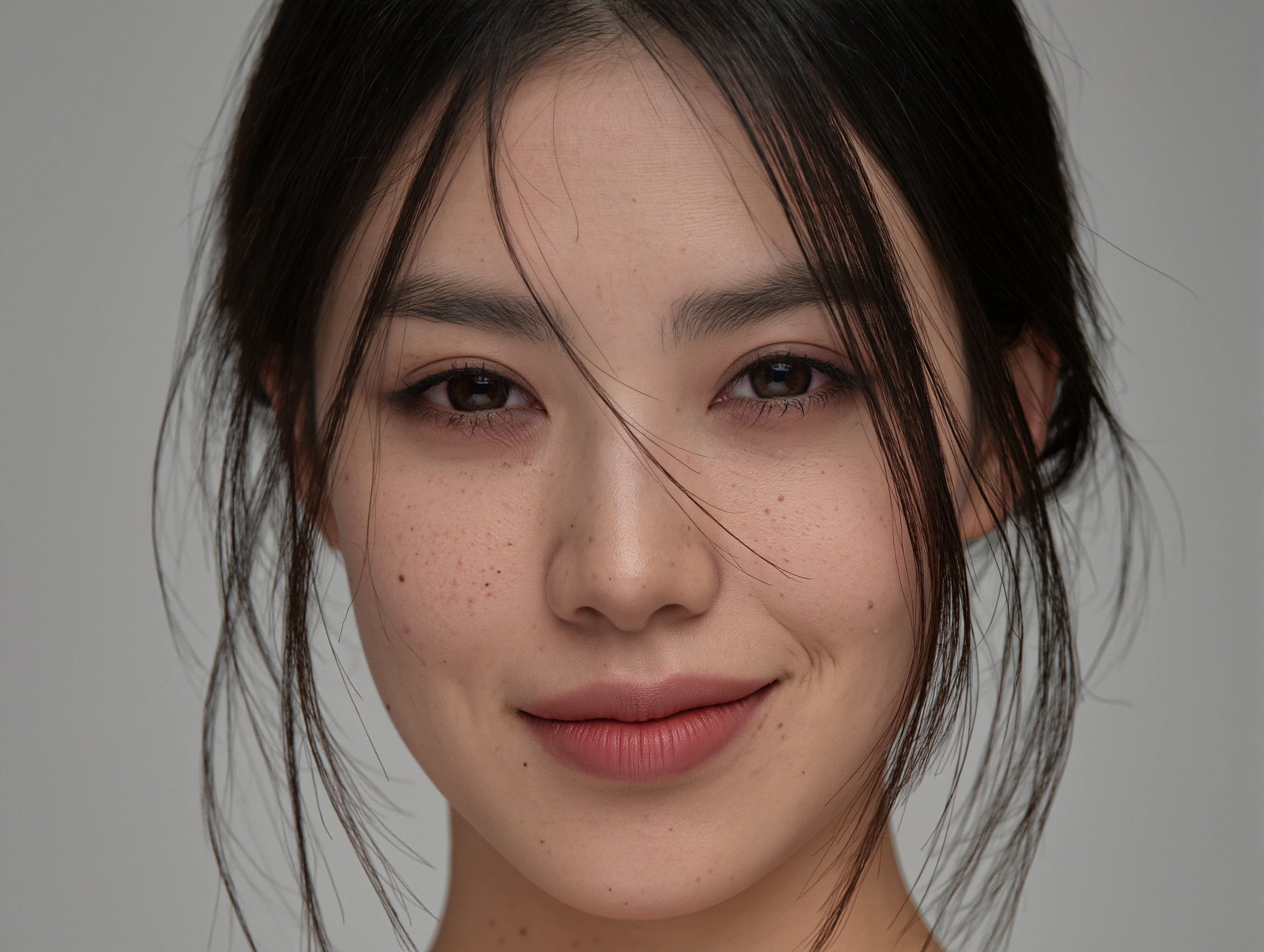
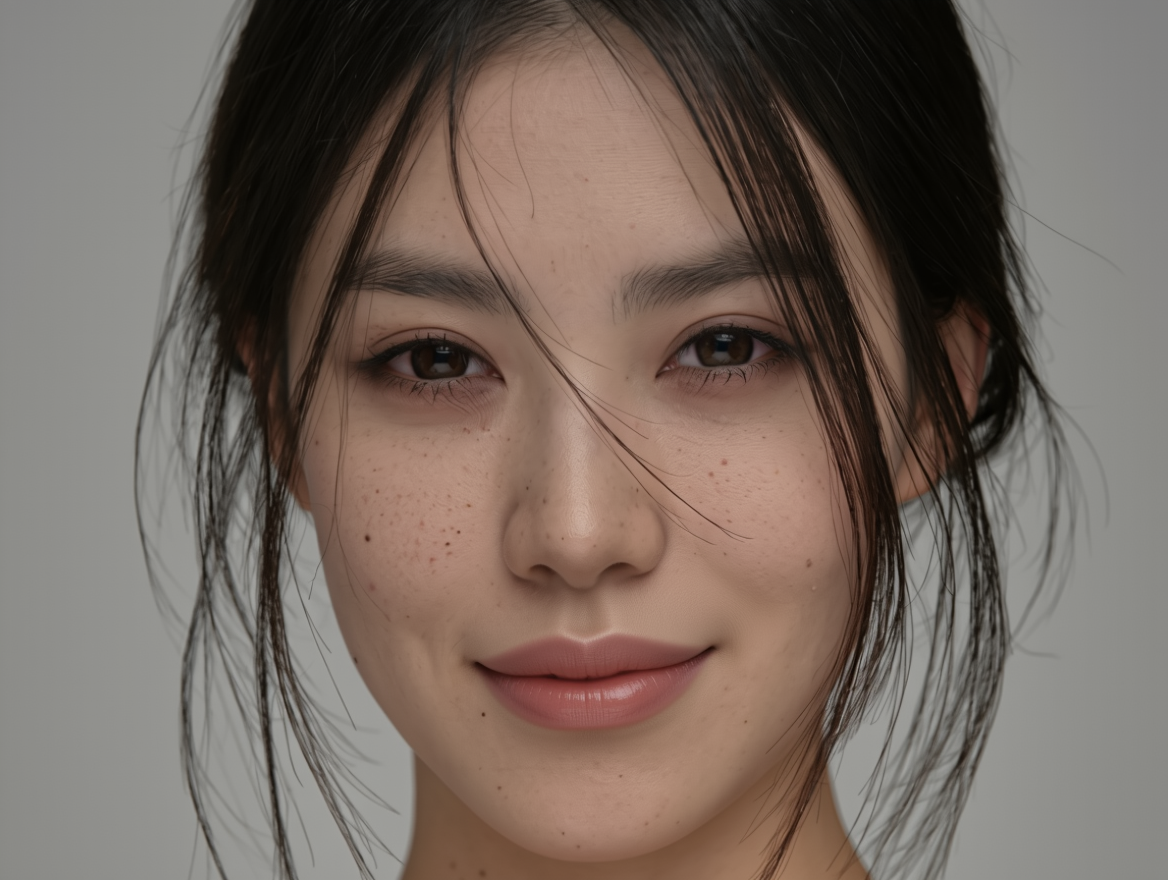
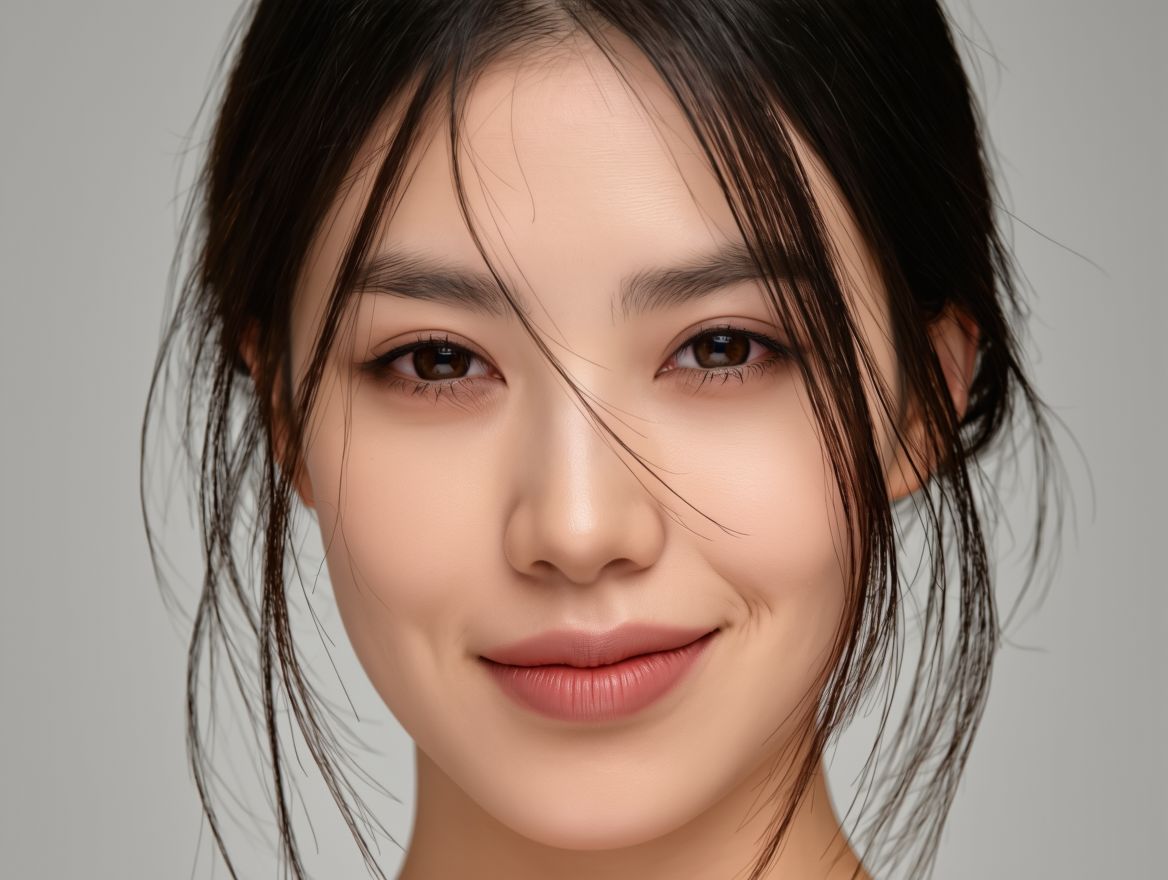
Skin smoothing |
Remove Spots |
Whitening |
Enlarge Eyes |
Remove Lip Lines |
Overall Beautification |
Prompt: Apply to the person in the image | ||||||
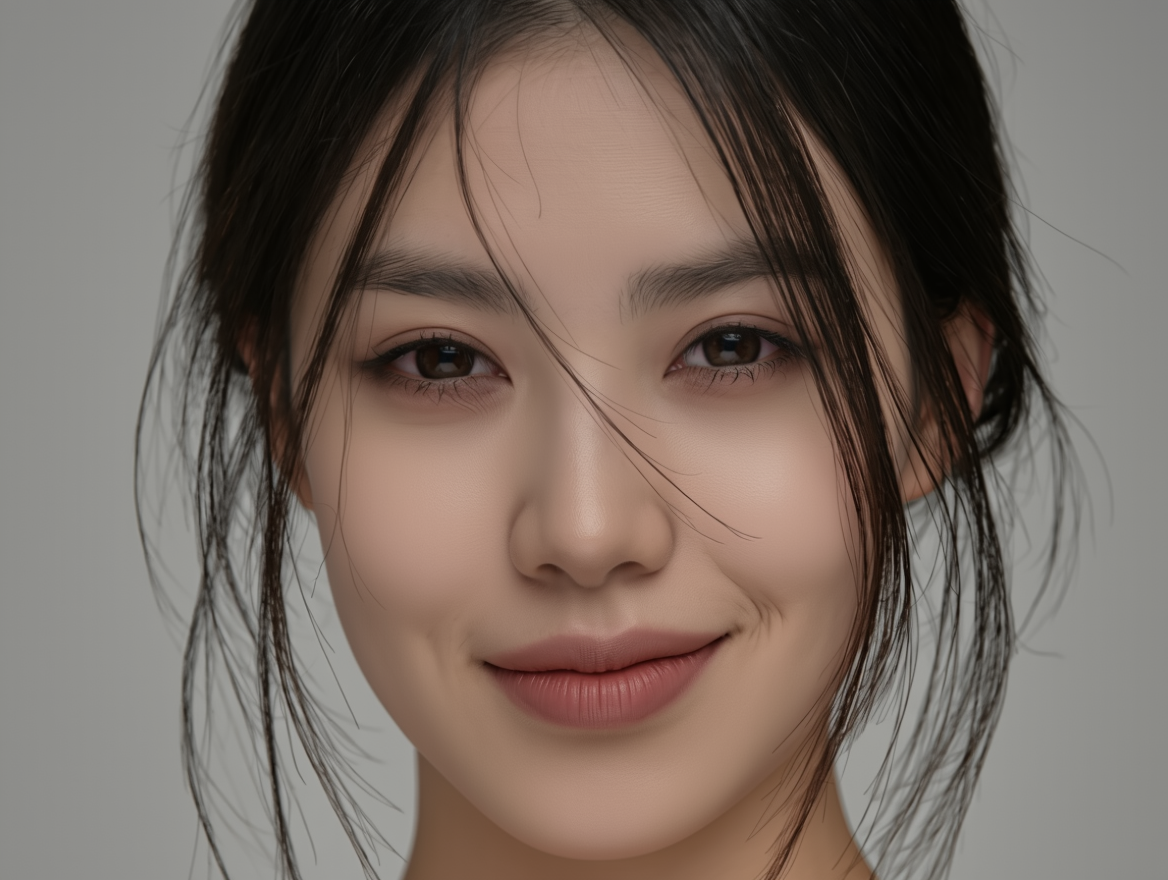
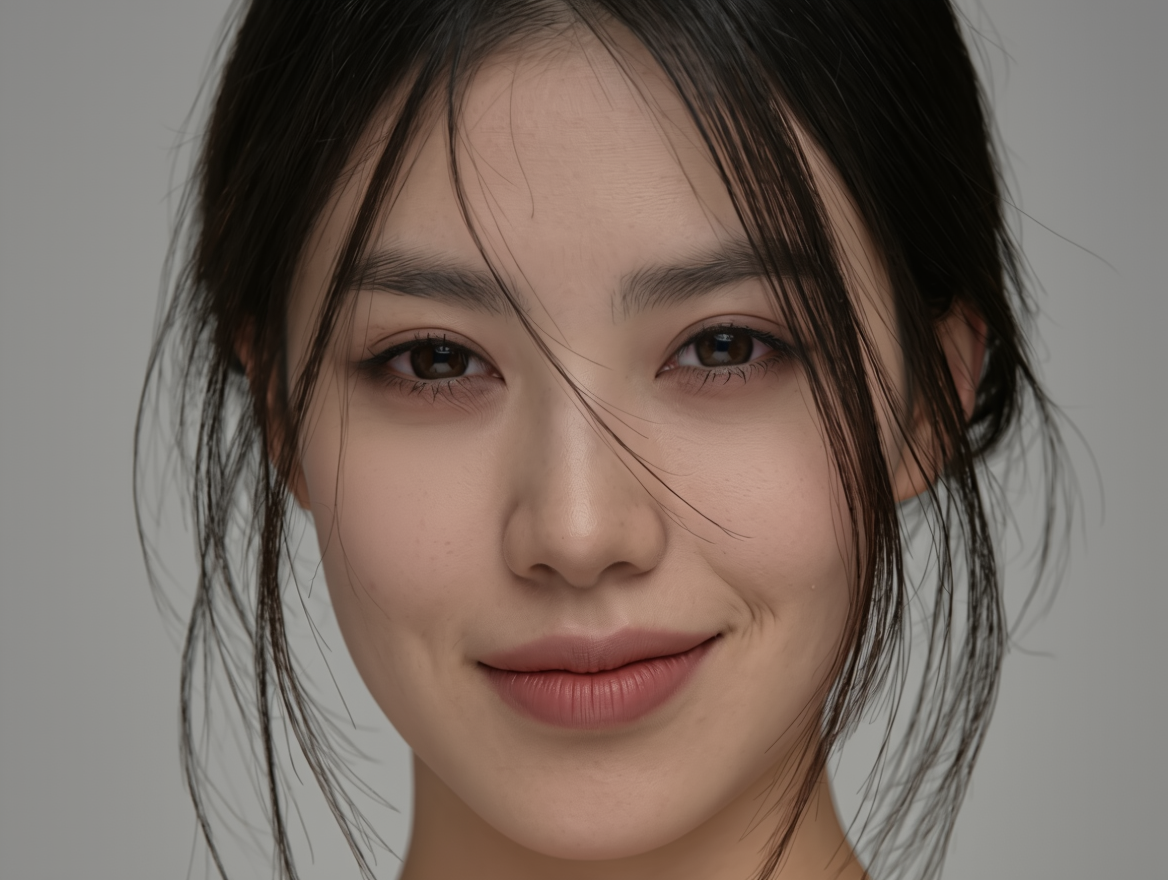
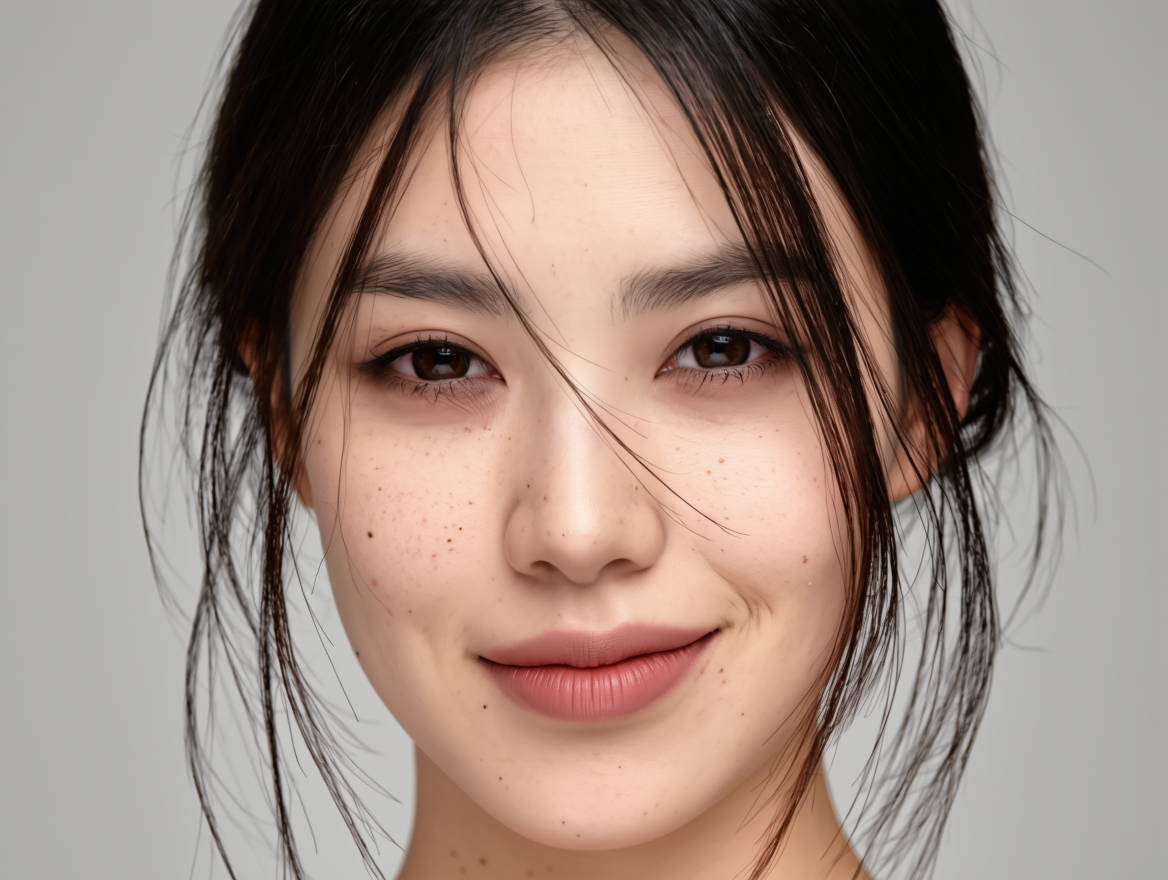
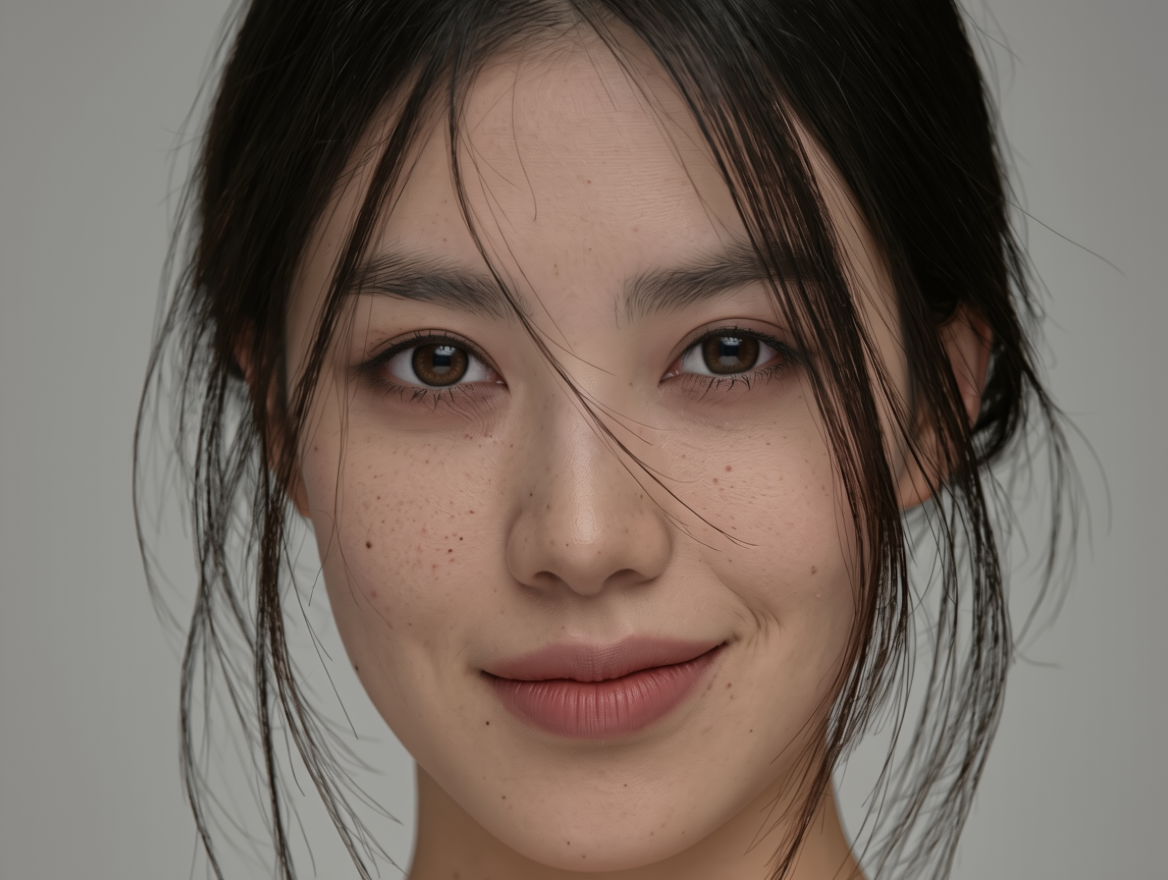
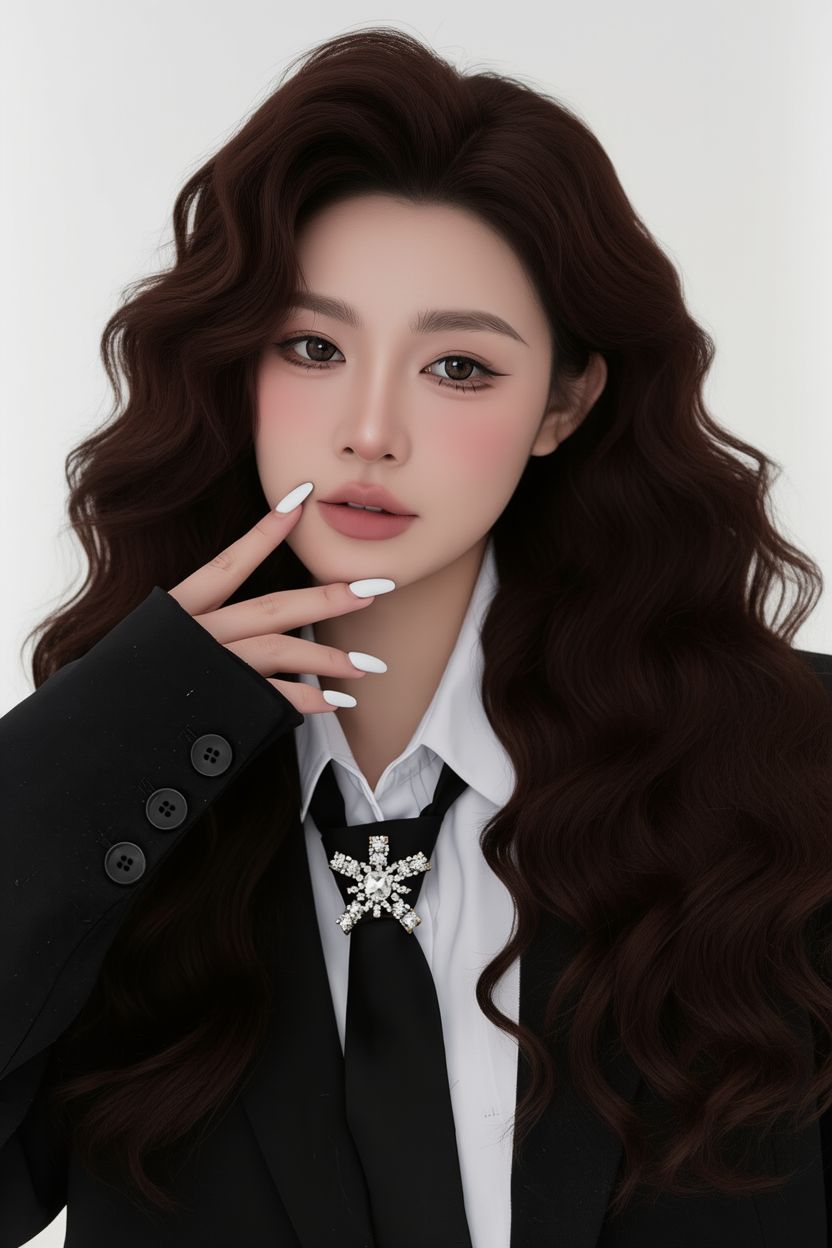
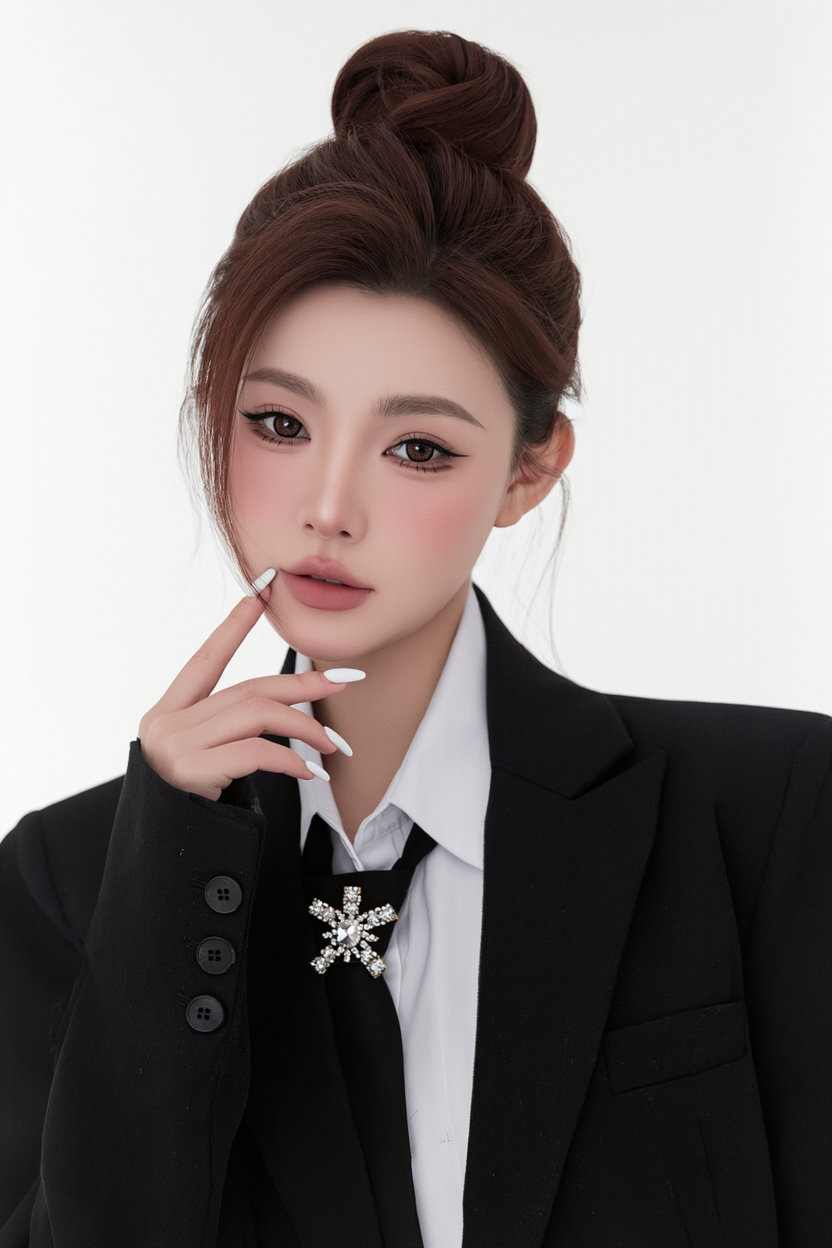
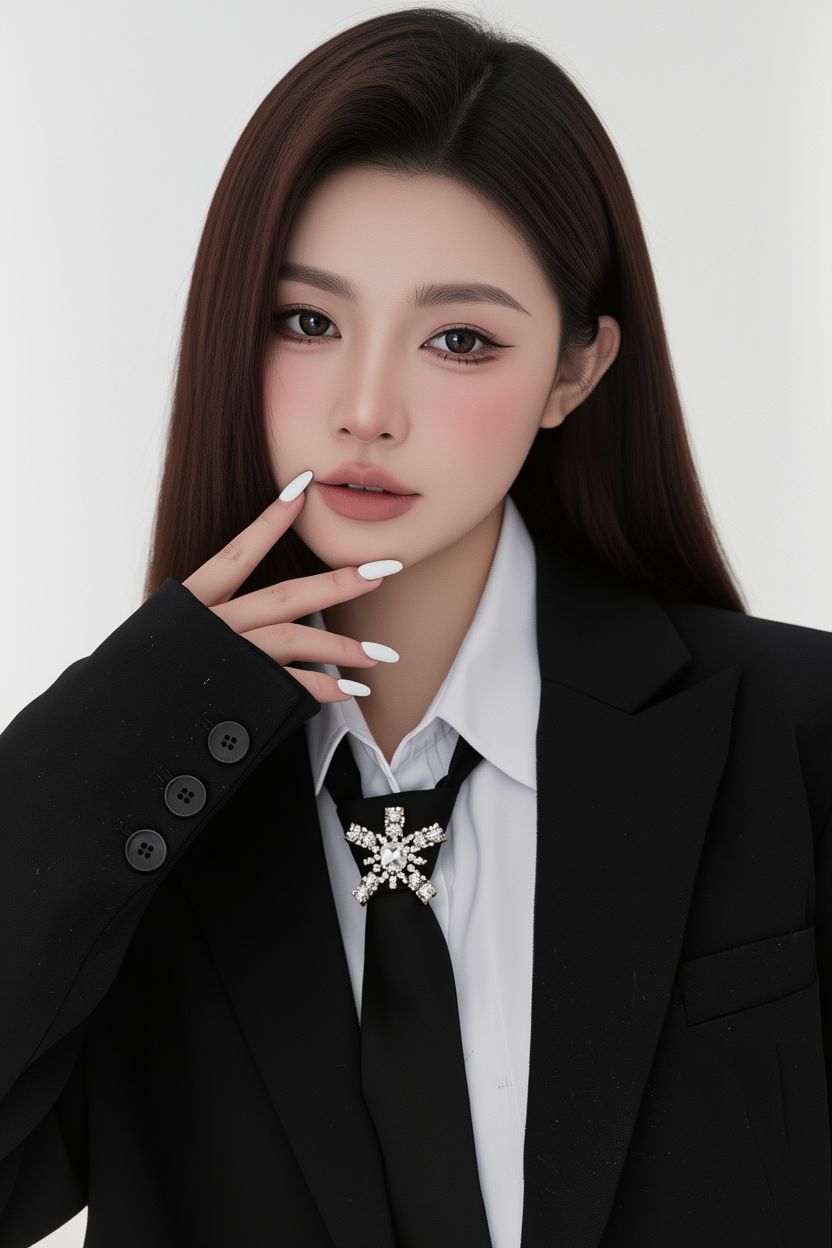
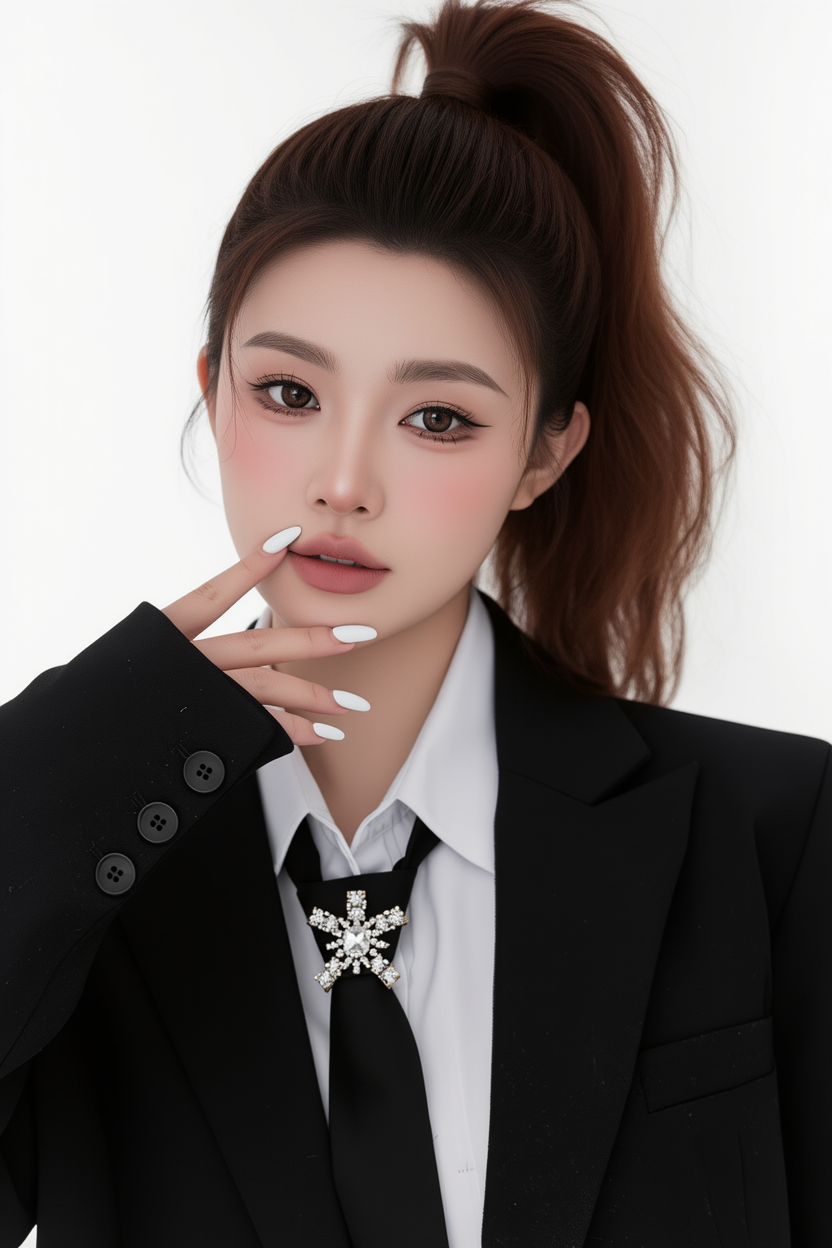
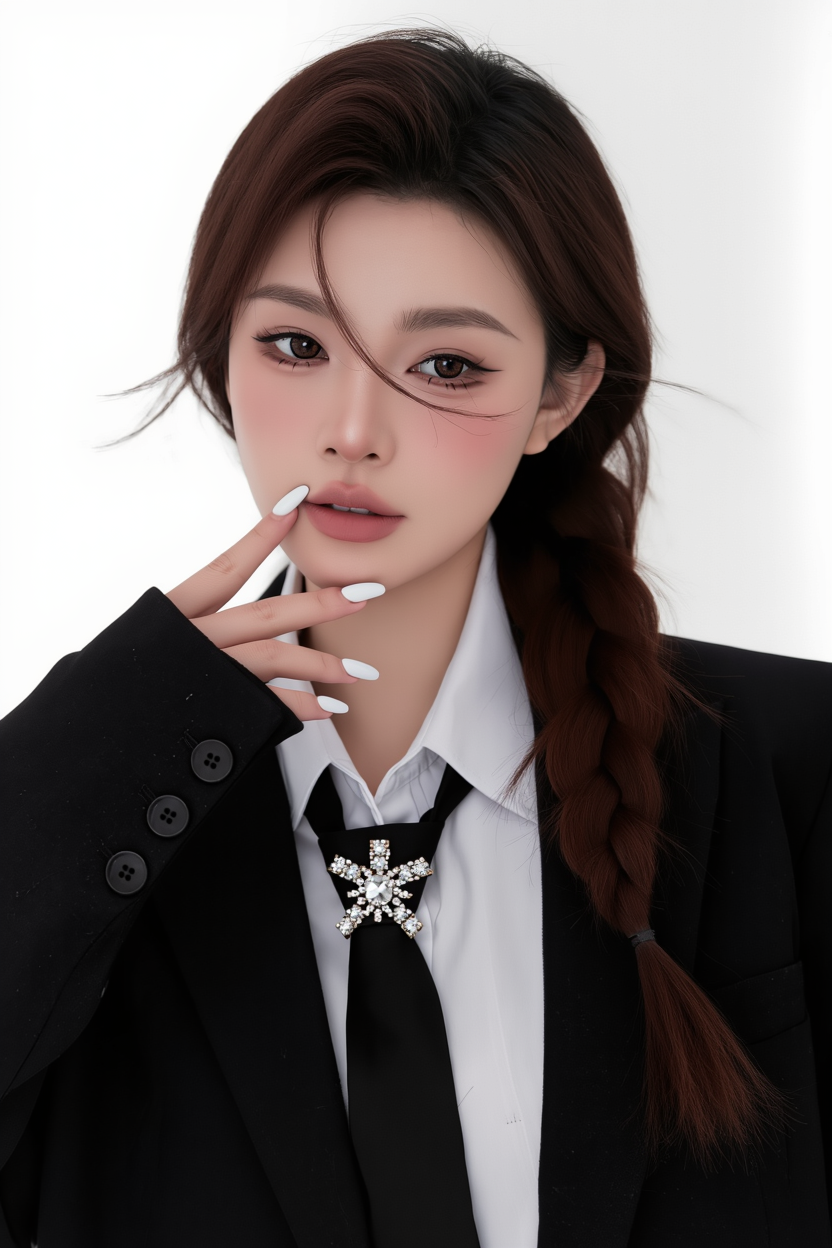
Hairstyle:
Input Image |
Short Hair |
Curly Hair |
Bun |
Long Straight Hair |
High Ponytail |
Low Ponytail |
Braided Hair |
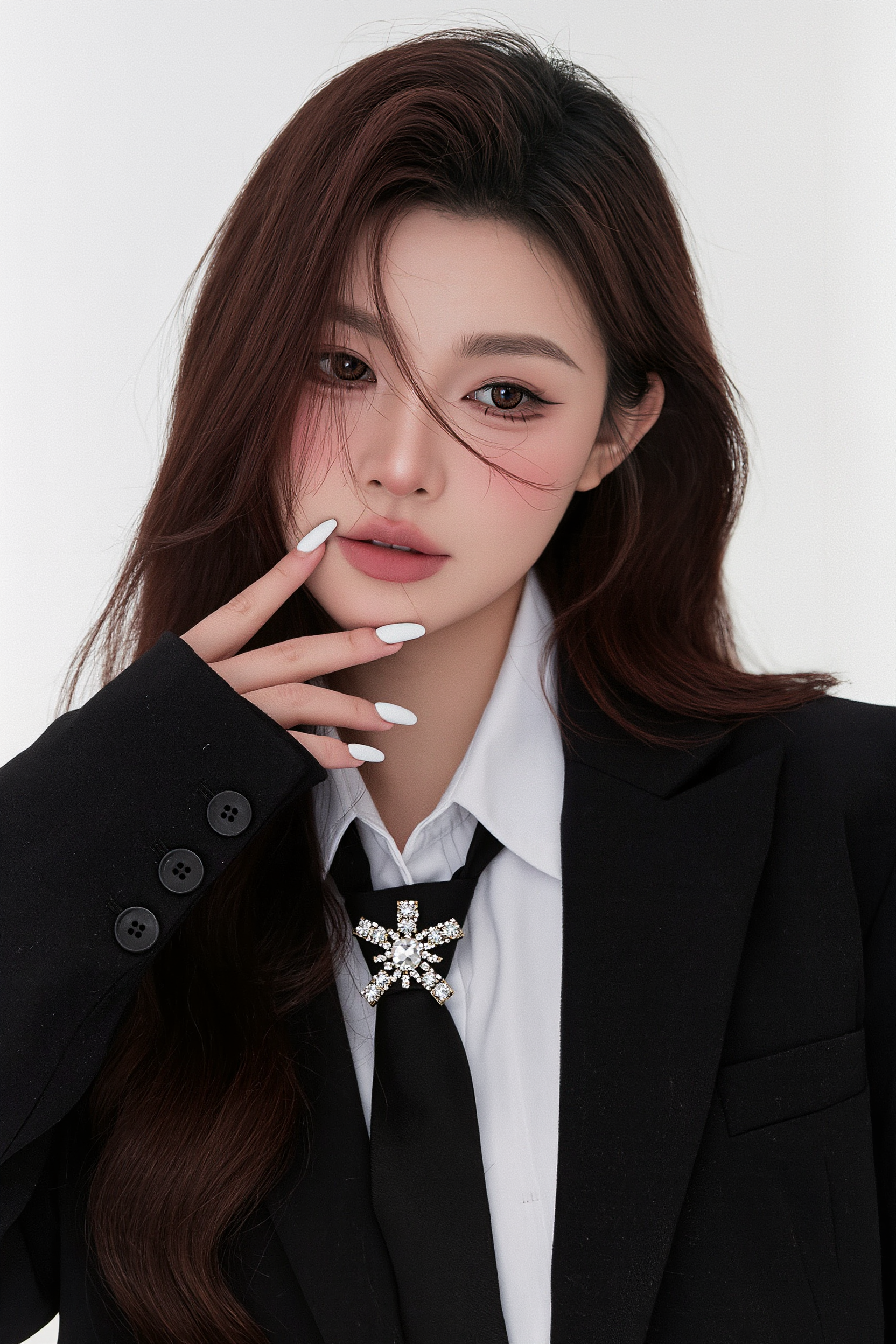
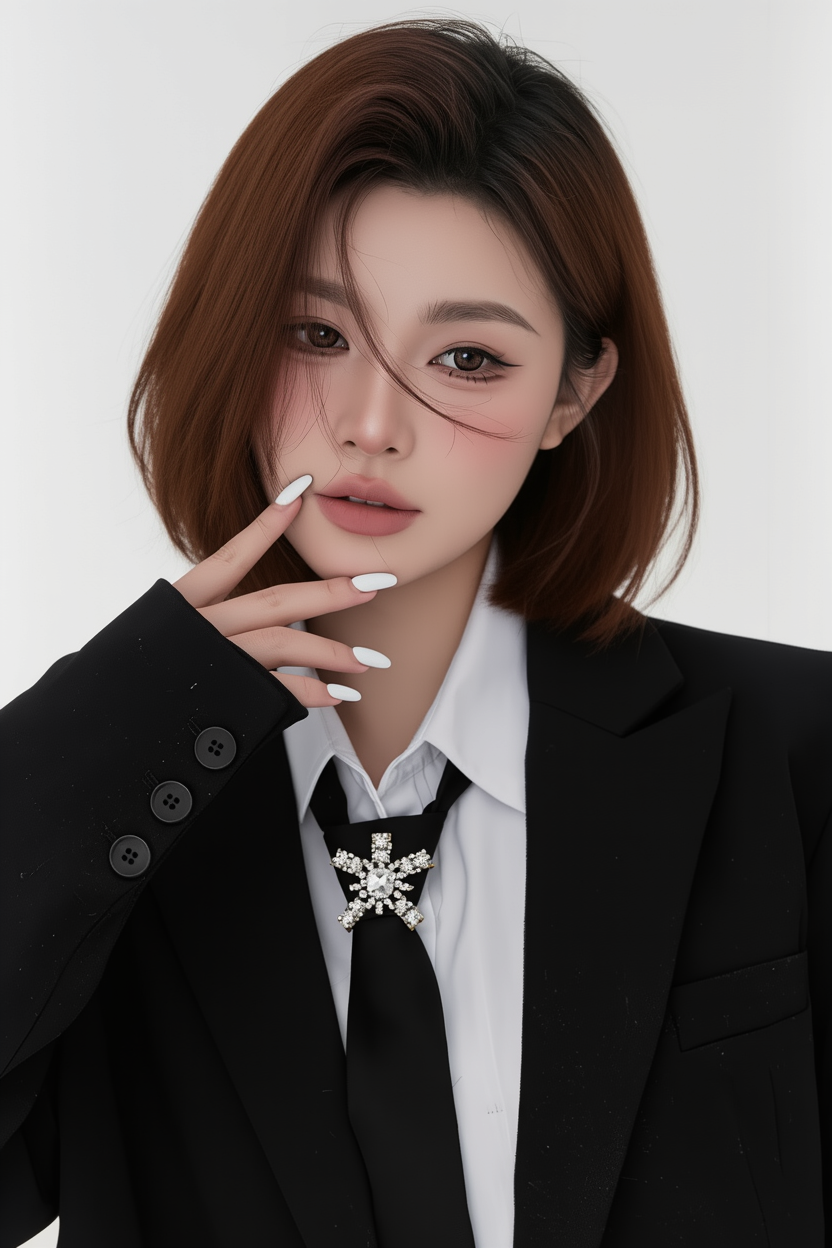
Prompt: Change hairstyle to [] | |||||||
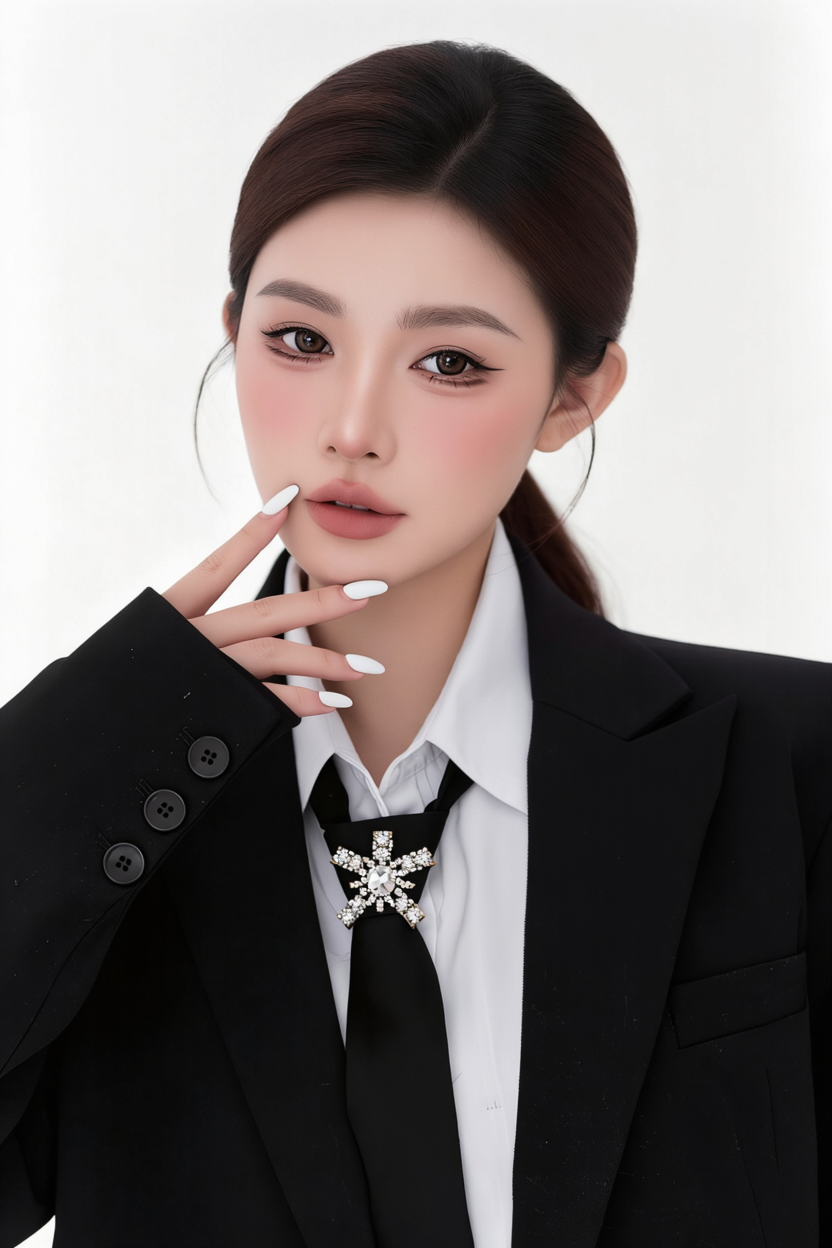
Actions:
Reference |
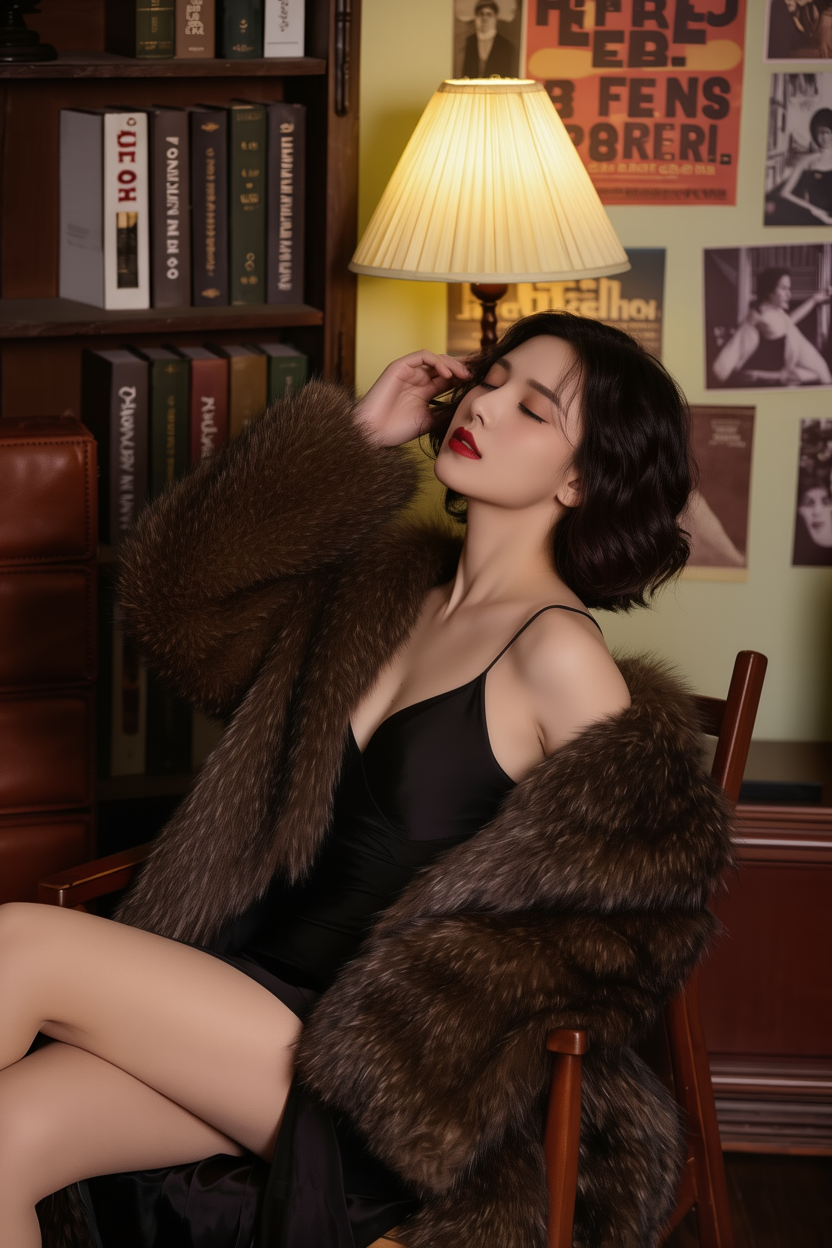
Touching hair |
Looking at the camera |
Kneeling on the ground |
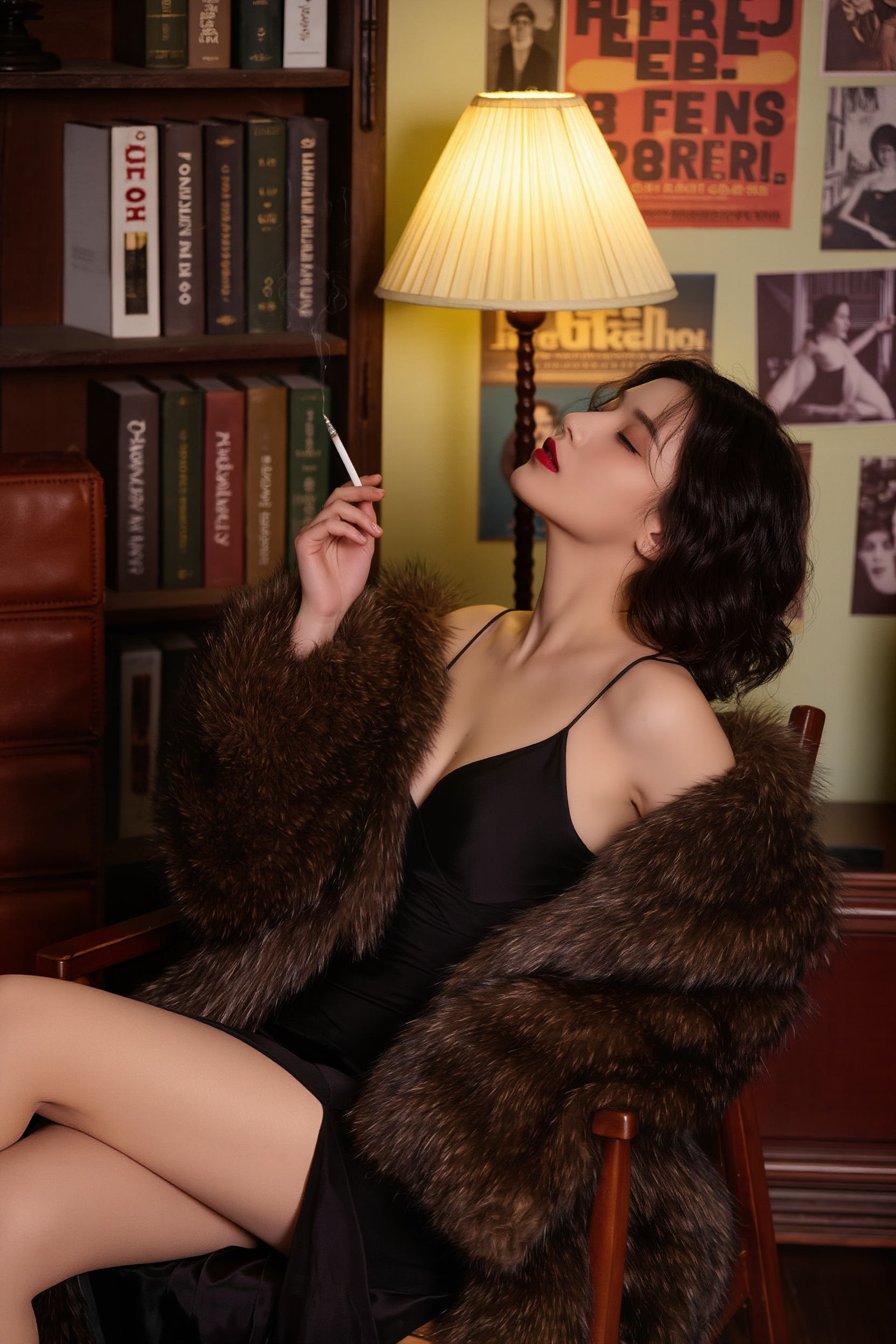
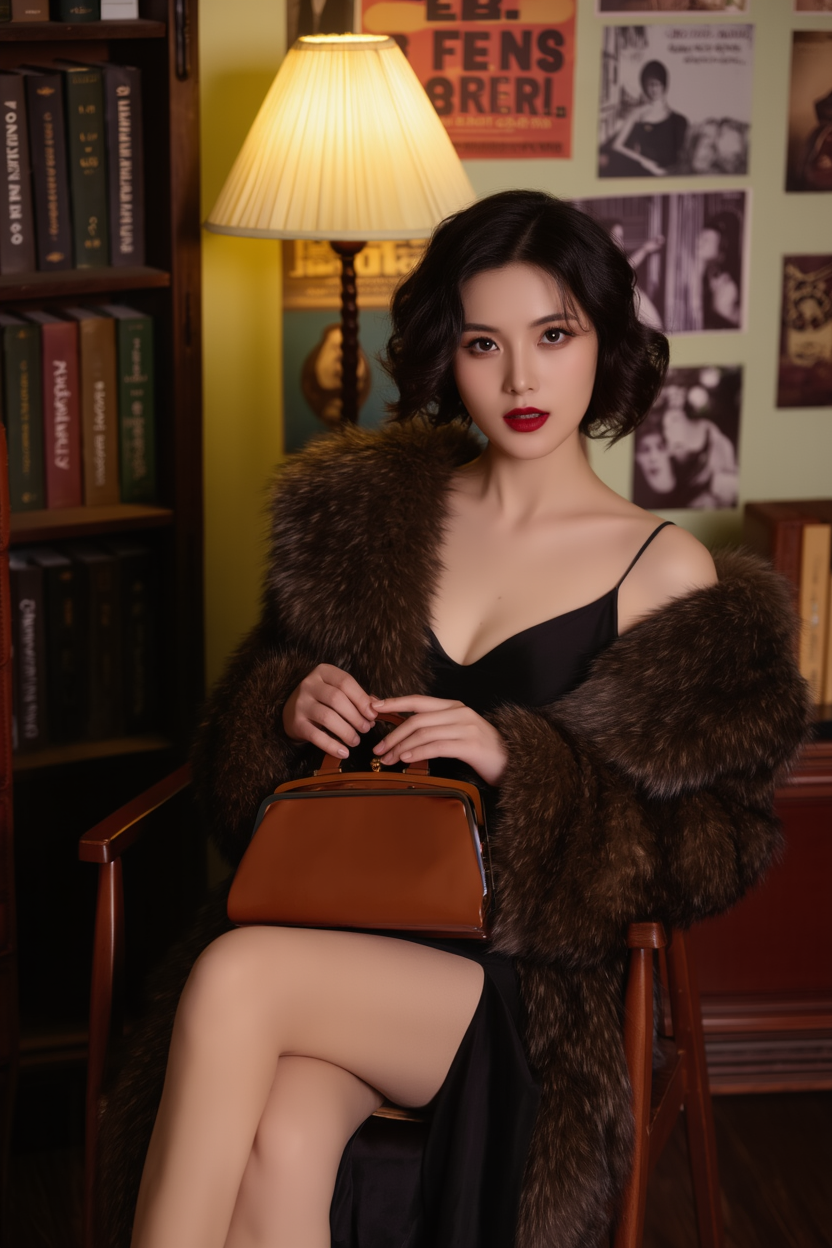
Standing with arms crossed, holding a cigarette in one hand |
Standing while holding a book, leaning against a bookshelf |
Looking at the camera while holding a bag |
Prompt: Change pose to [] | ||||||
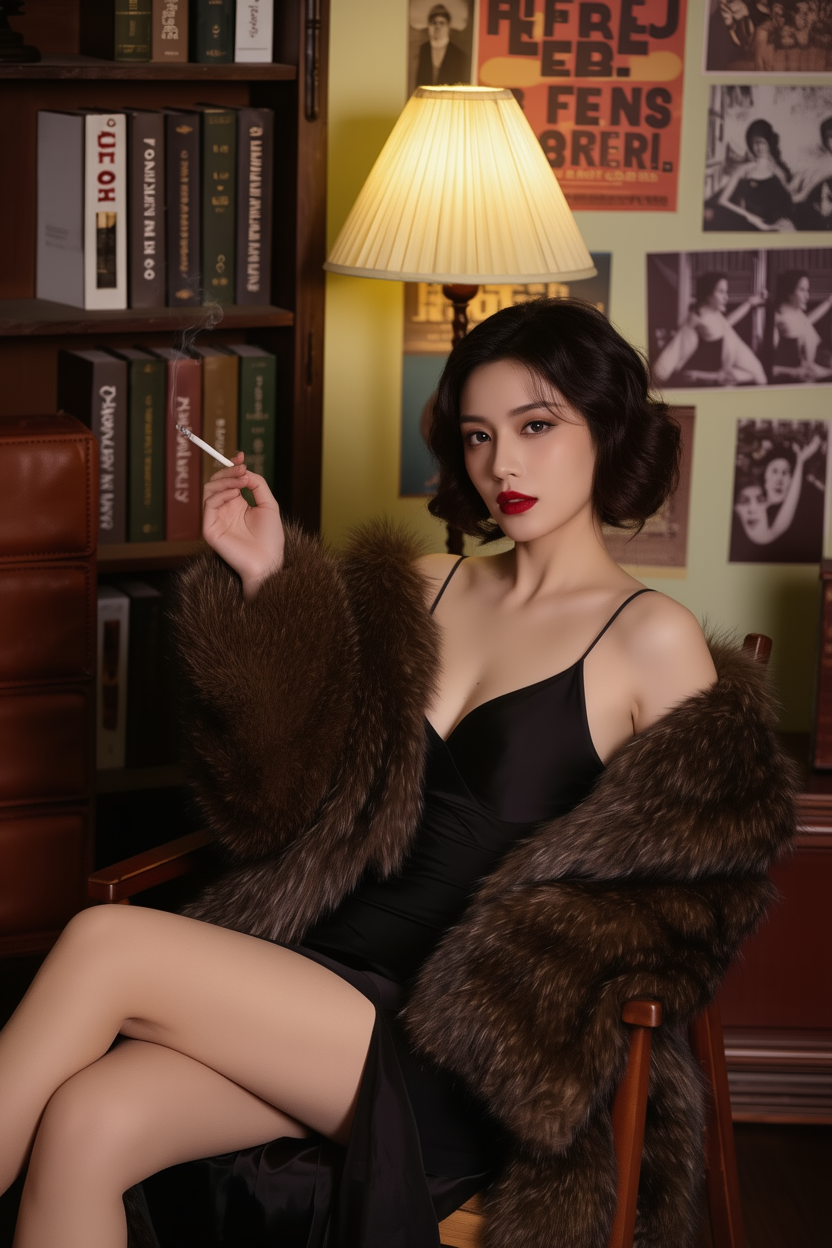
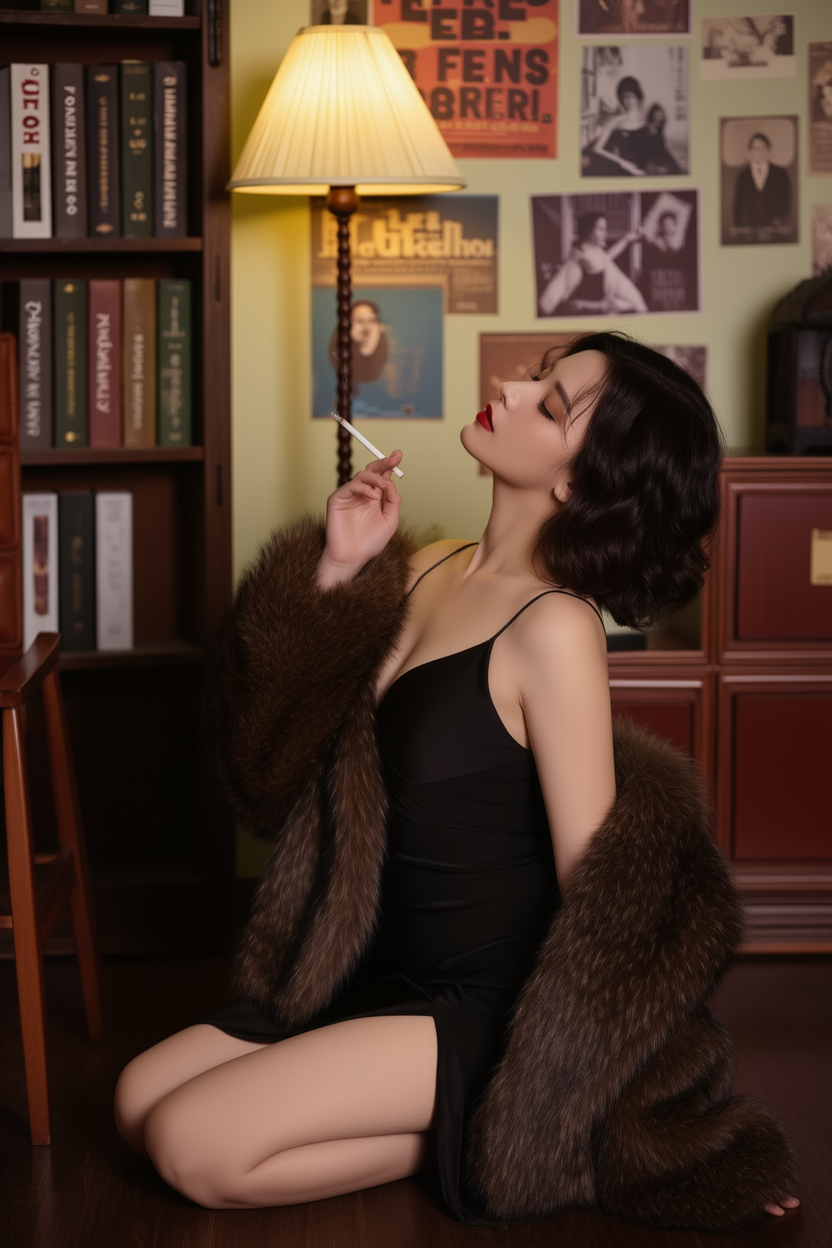
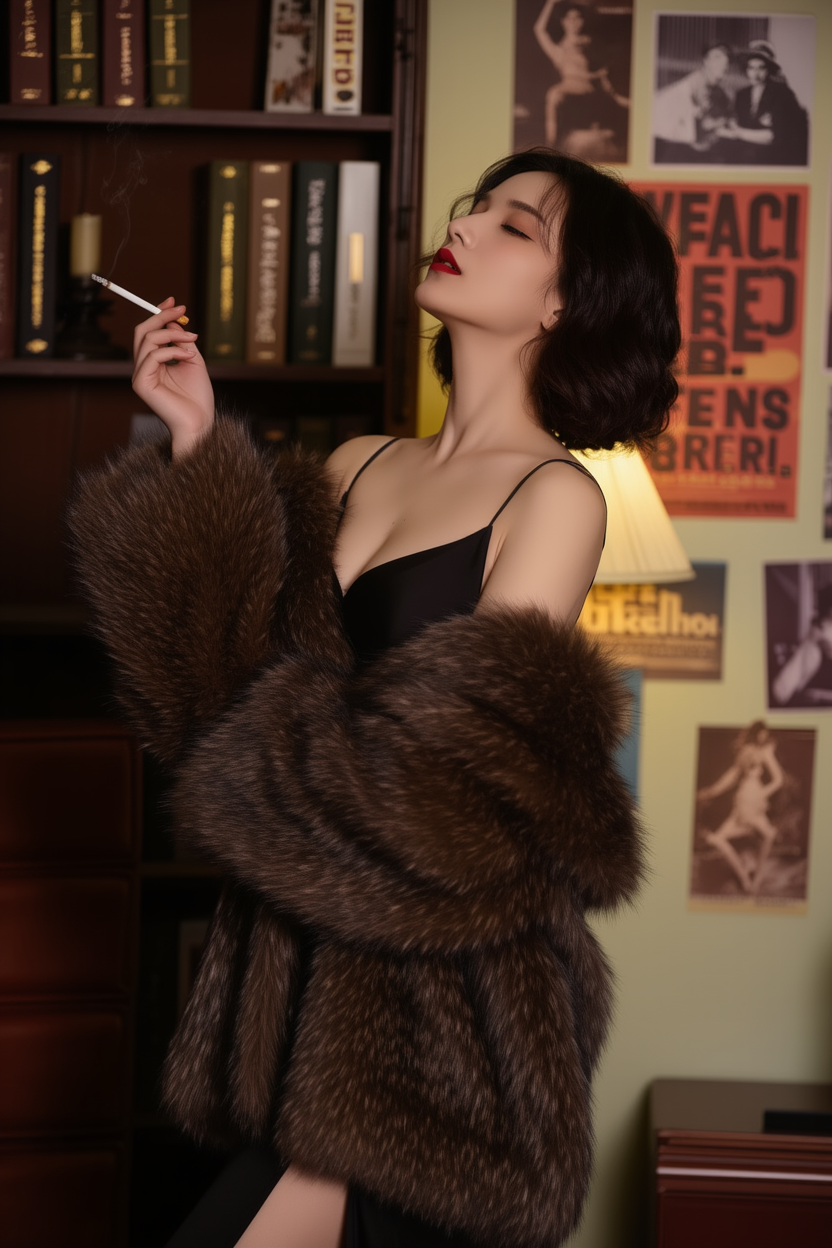
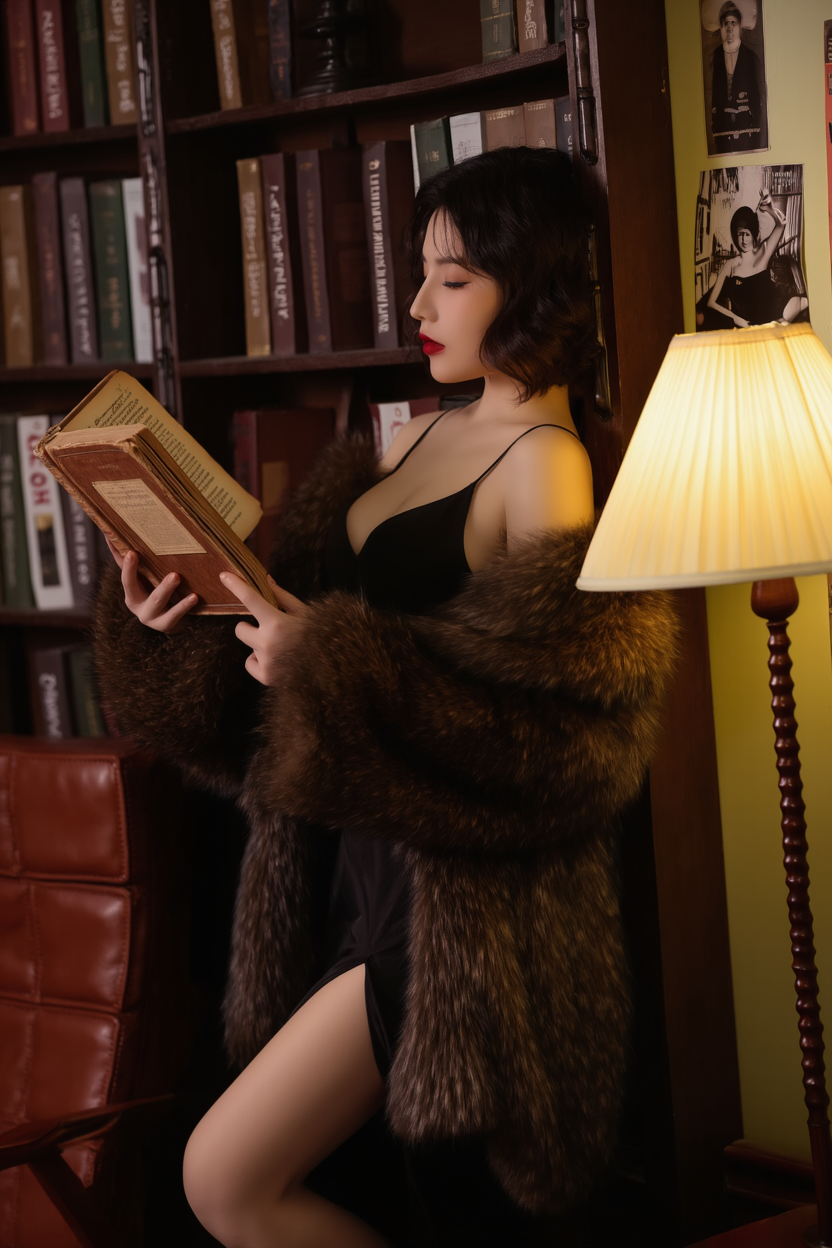
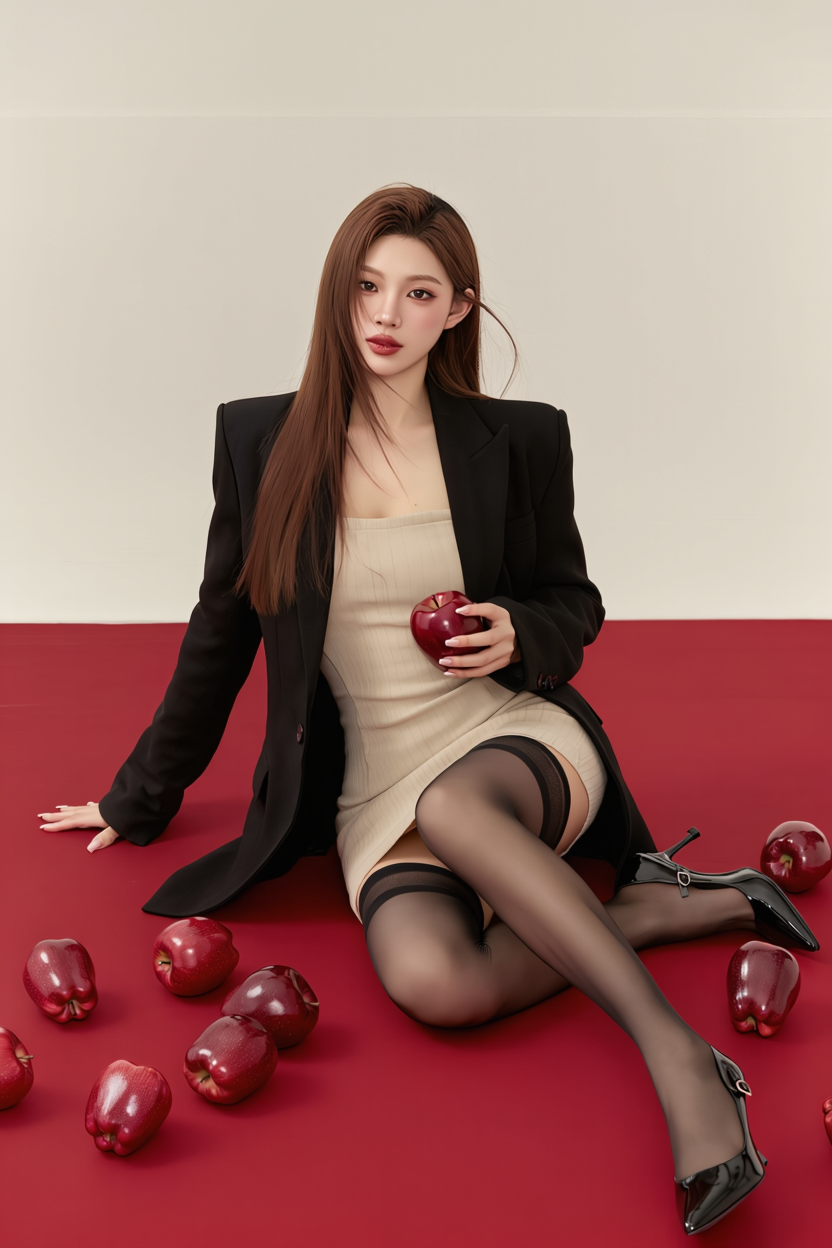
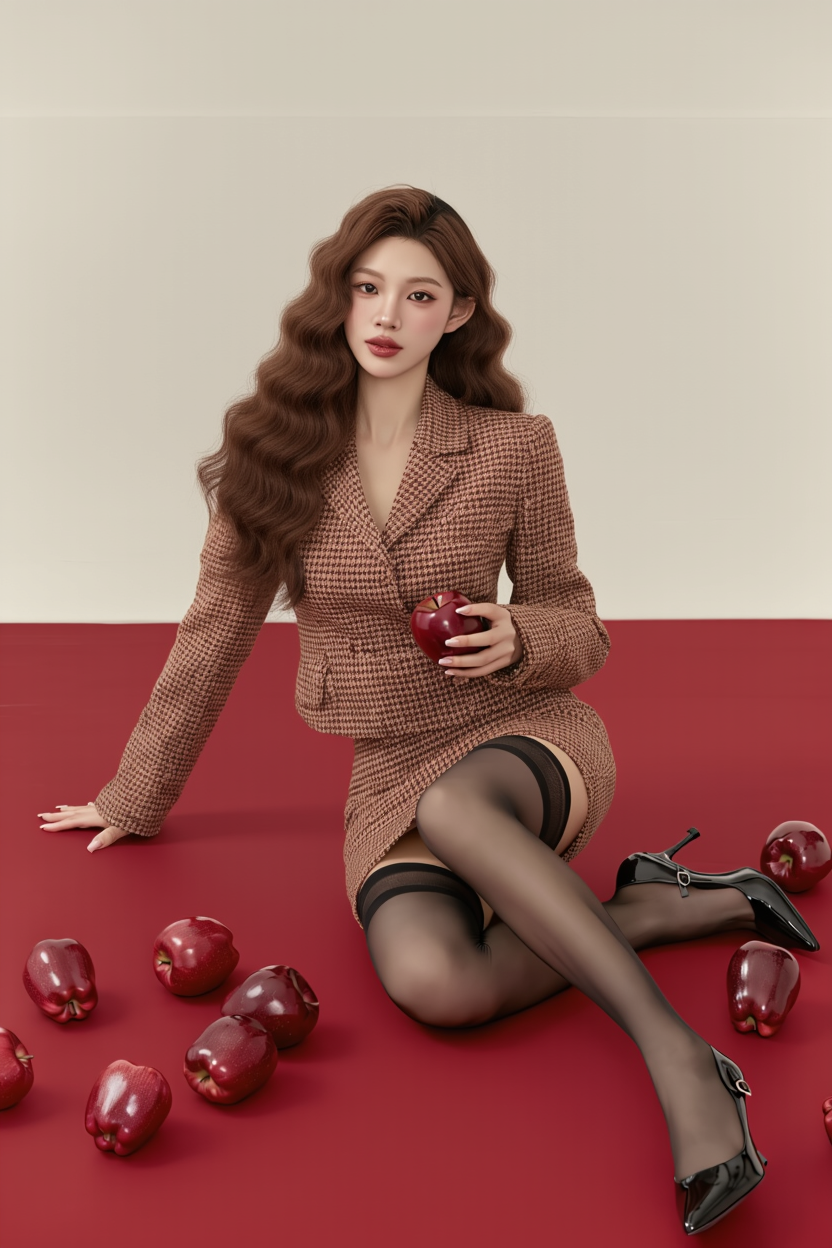
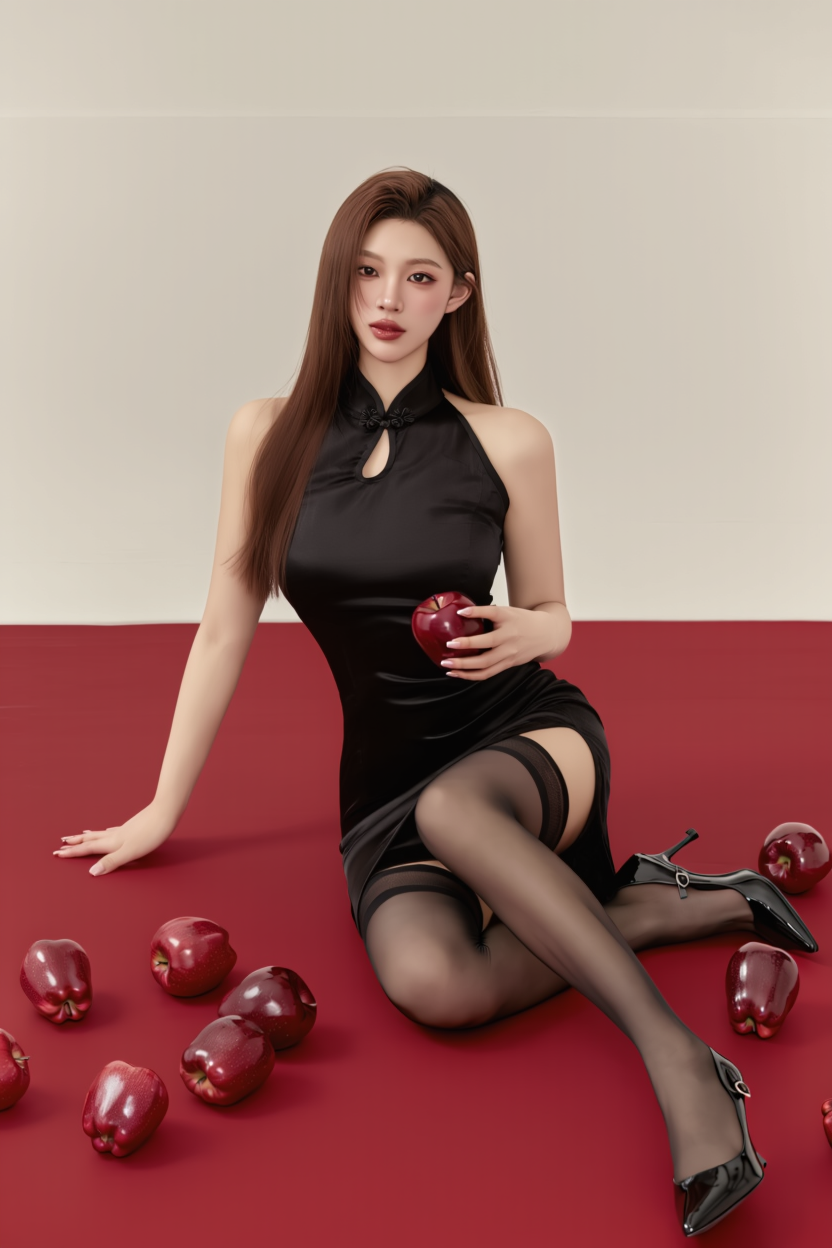
Outfit:
Input Image |
Vintage American Style |
Qipao |
Trendy Style |
Black Wedding Dress |
JK |
Prompt:Change clothing to [] | |||||
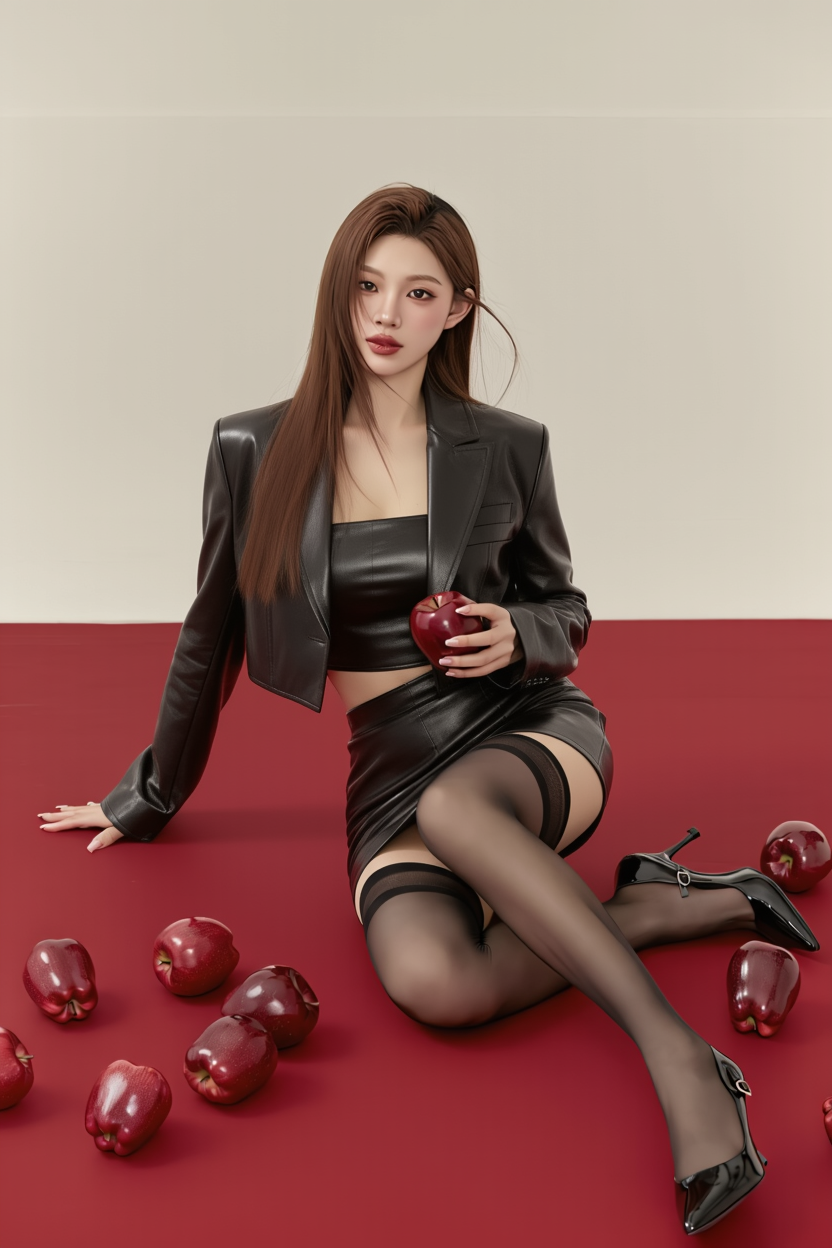
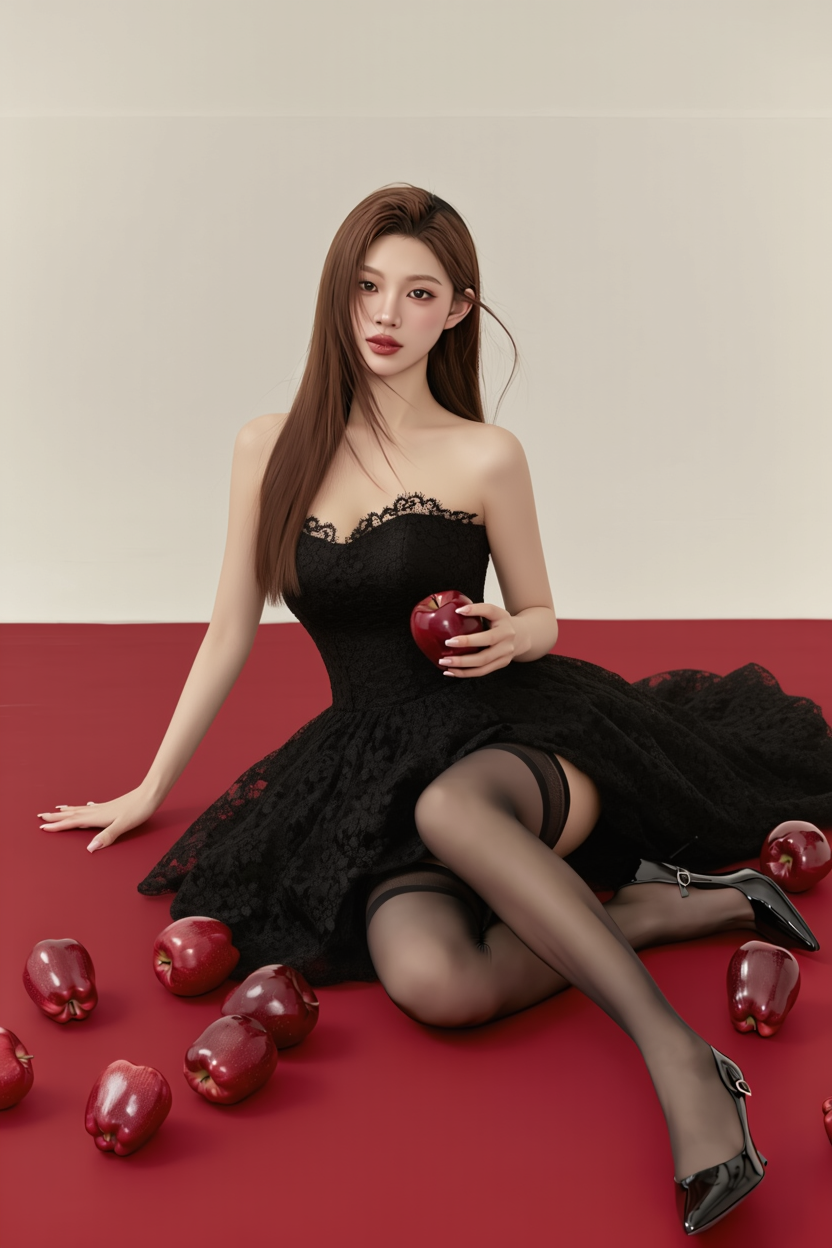
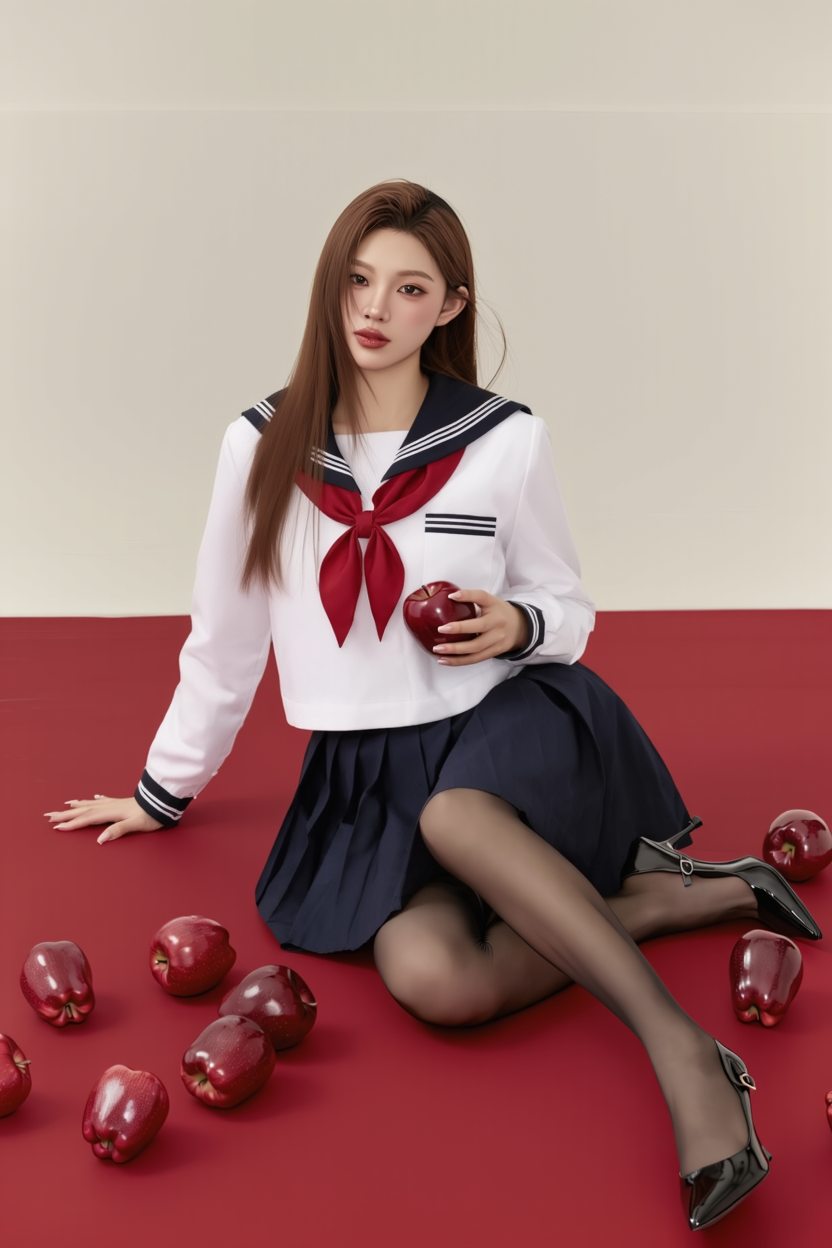
Element Editing
Add
Input Image |
Glasses |
Scarf |
|
Bag |
Tree |
Hat |
Prompt: Add [] in the image | ||||||
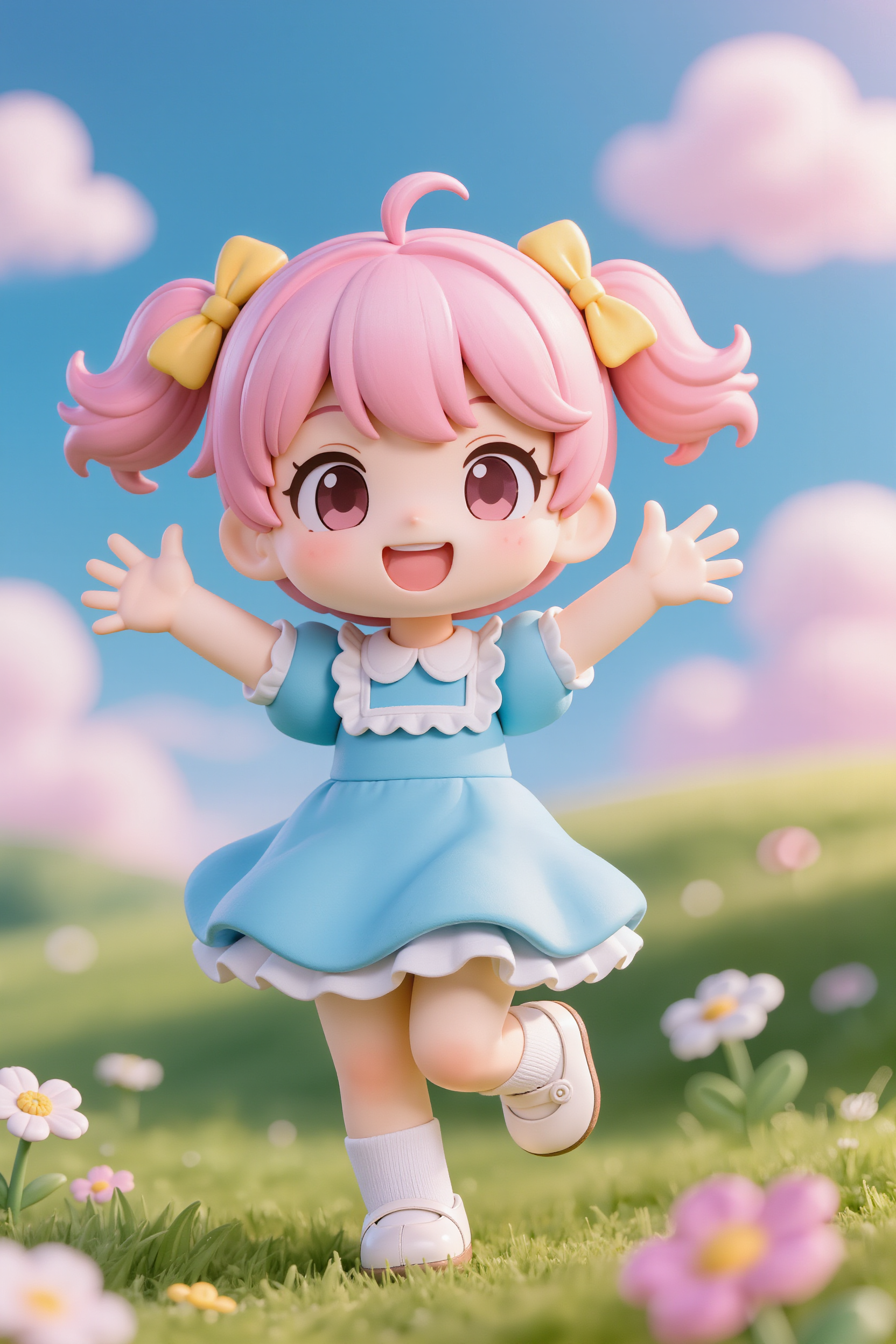
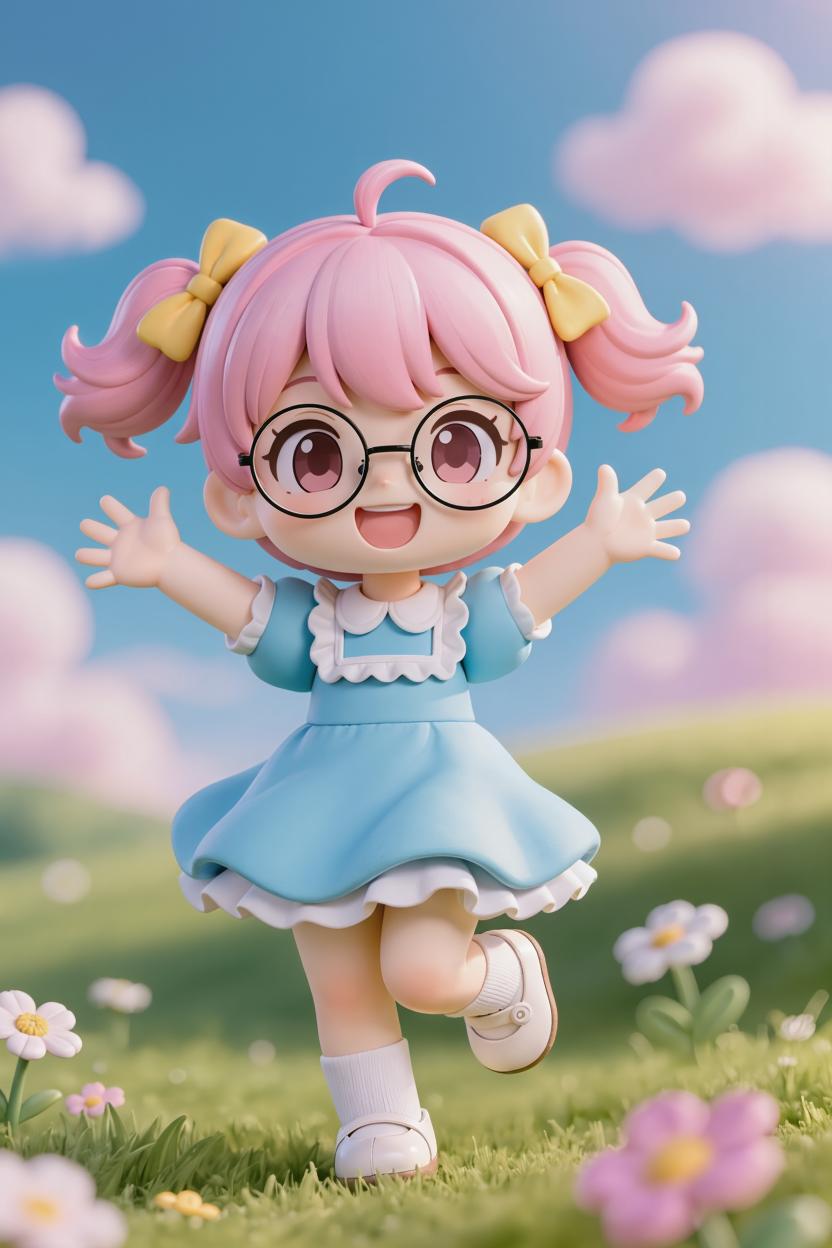
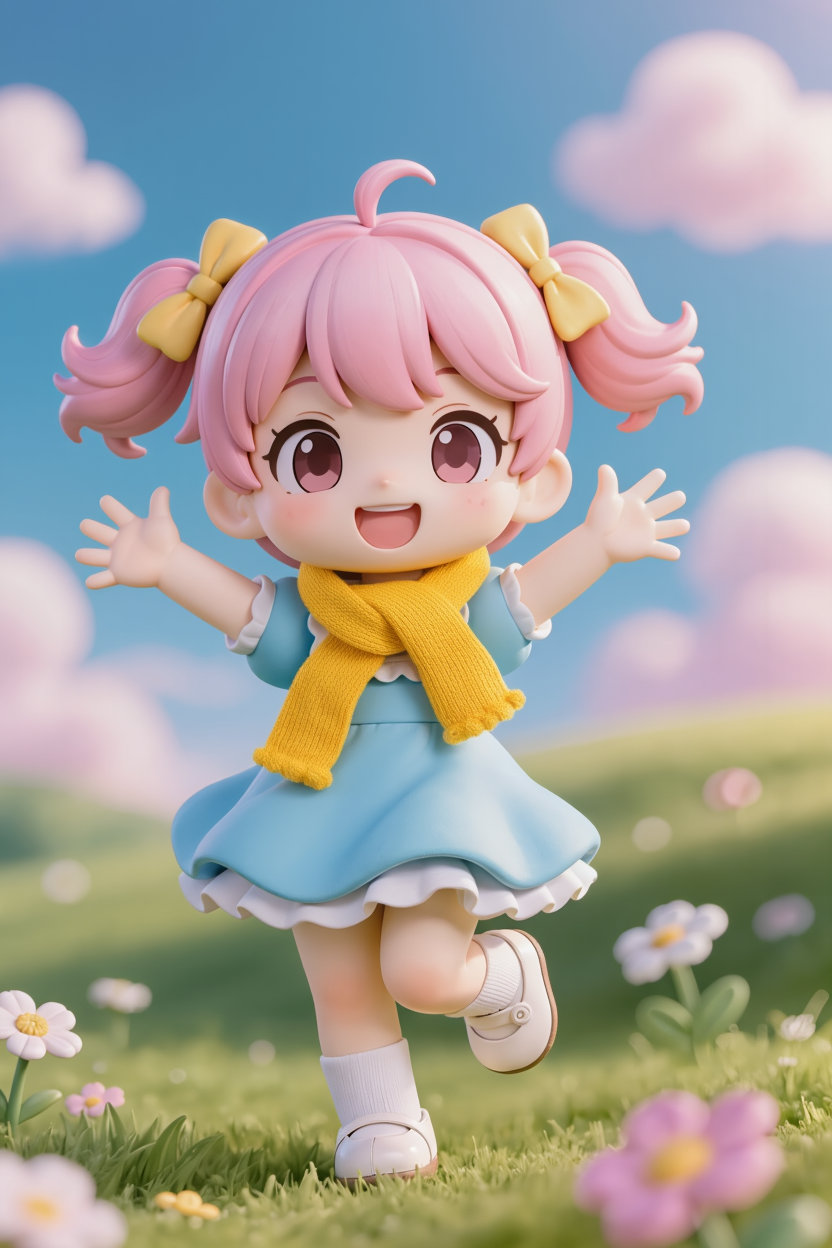
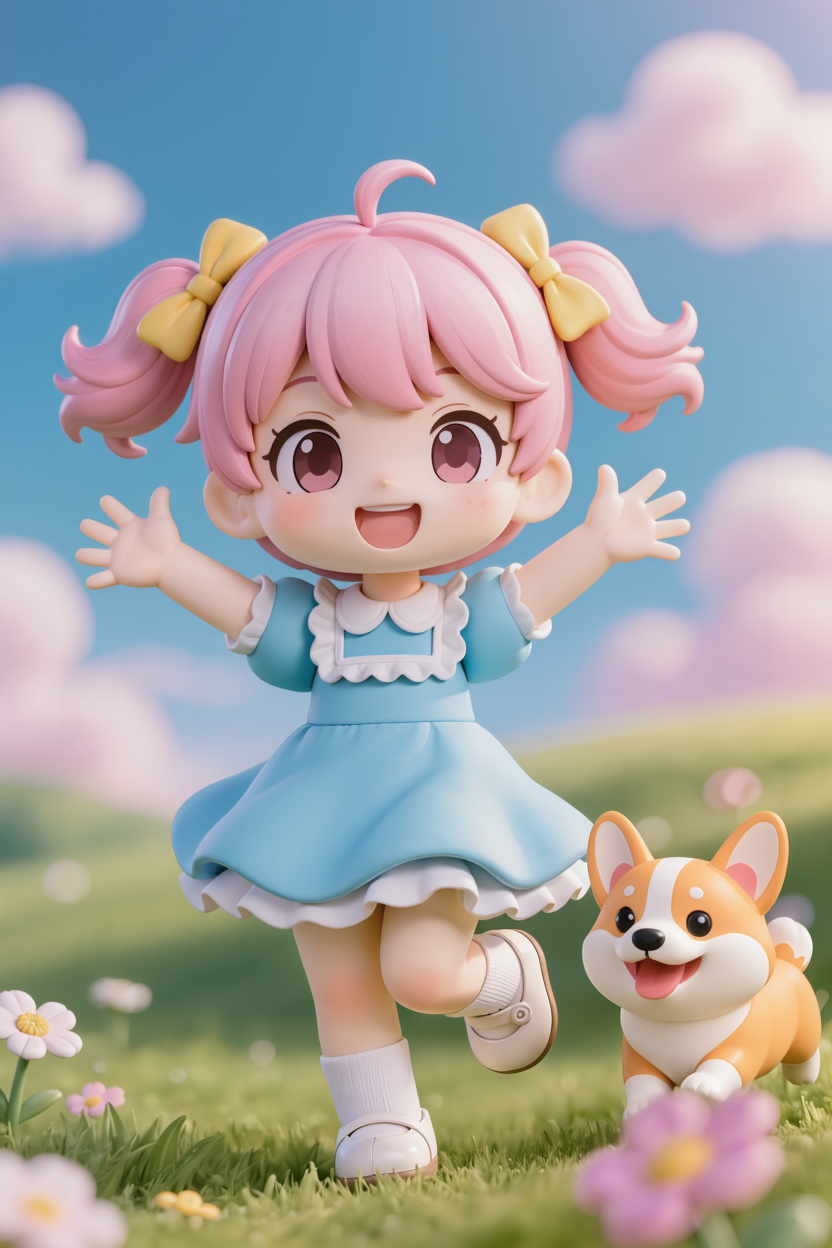 Puppy
Puppy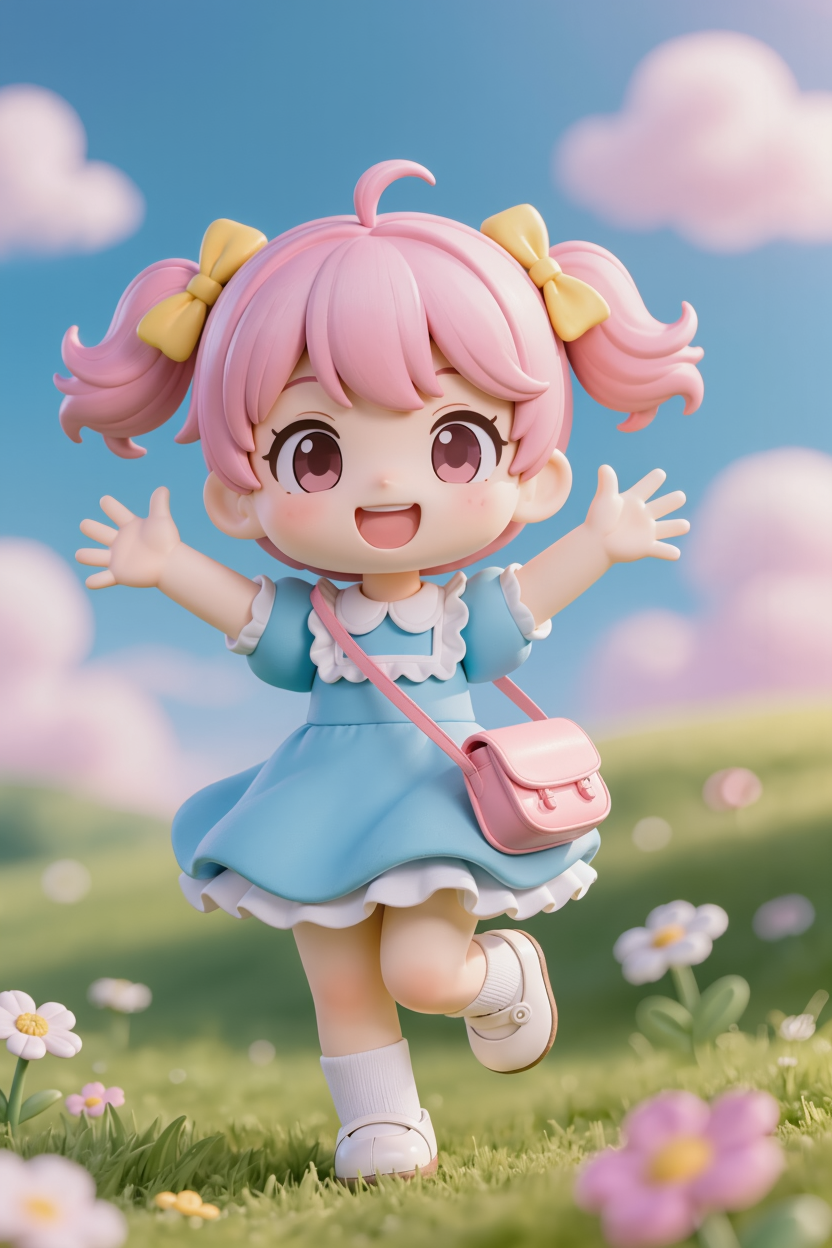
Remove
Input Image |
Cloud |
Collar |
Socks |
Flower |
Hair Accessory |
Shoes |
Prompt: Remove [] from the image | ||||||
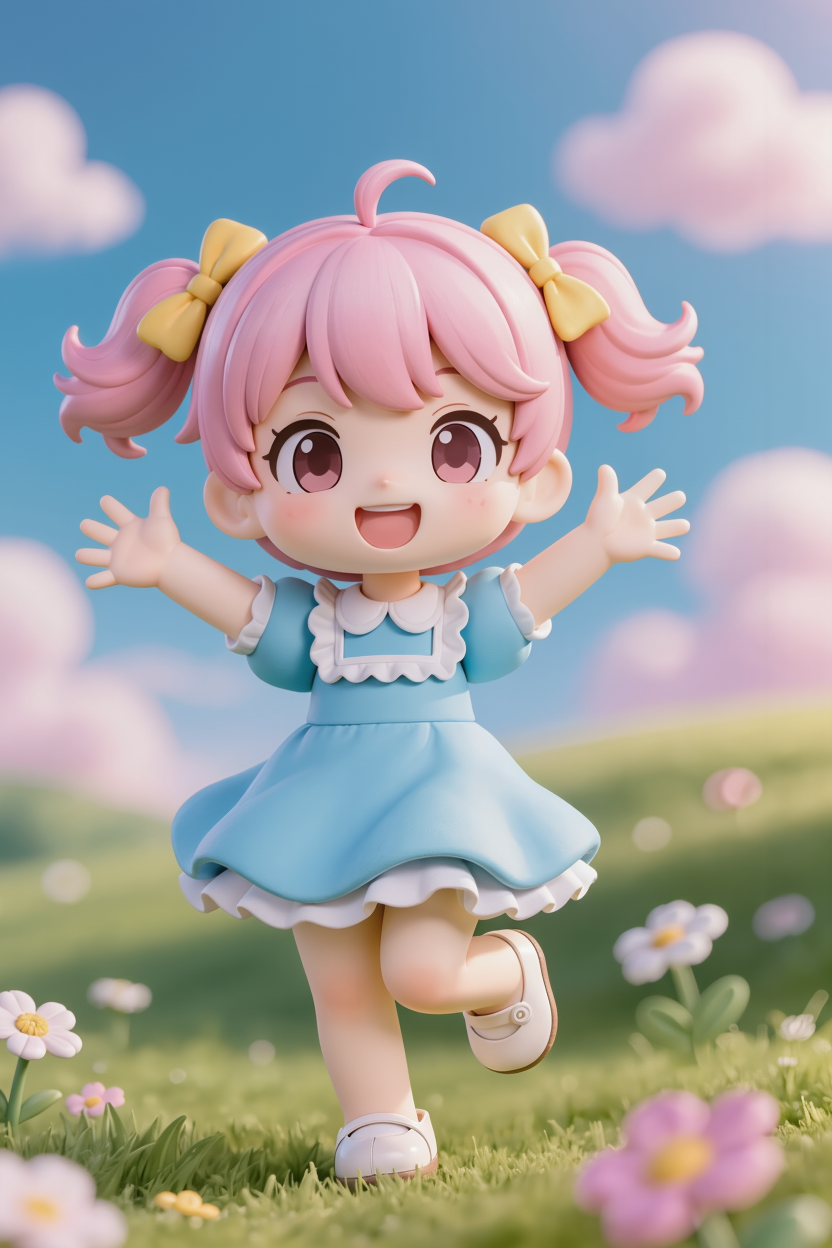
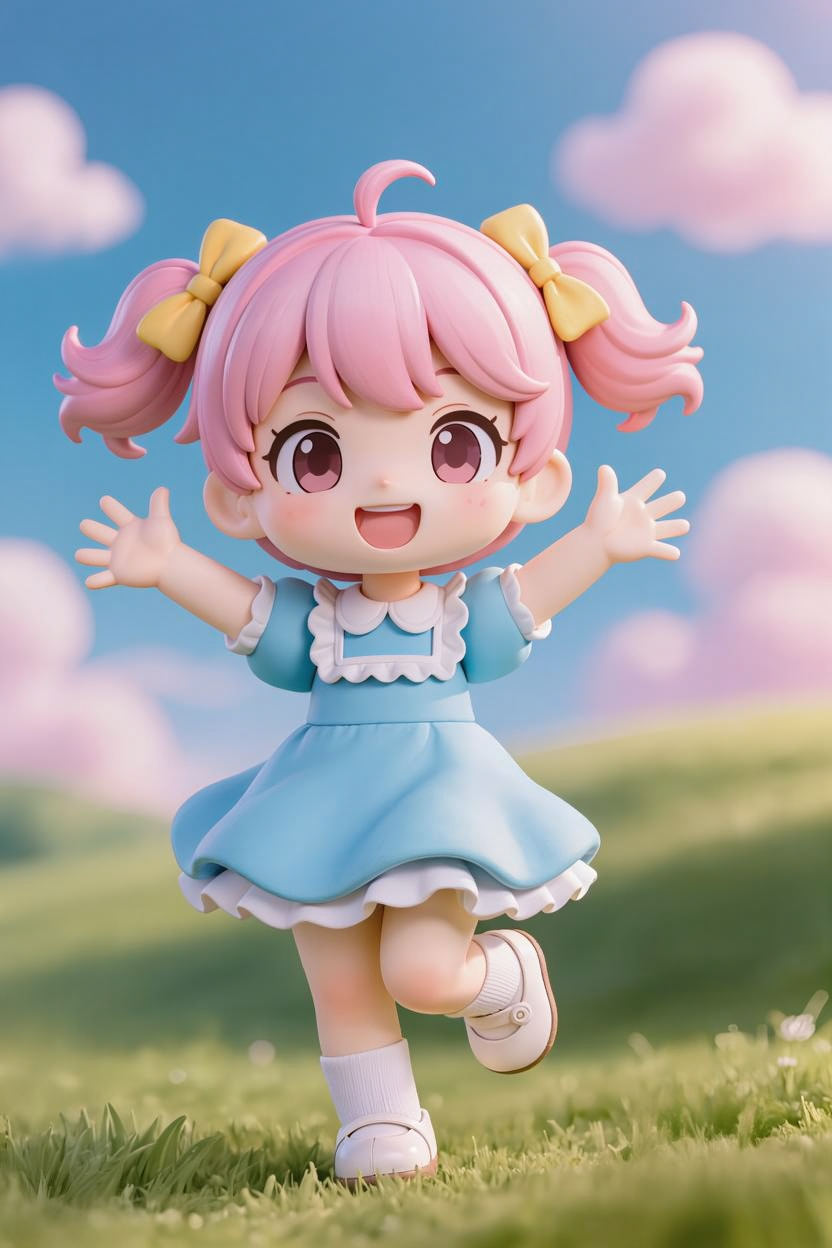
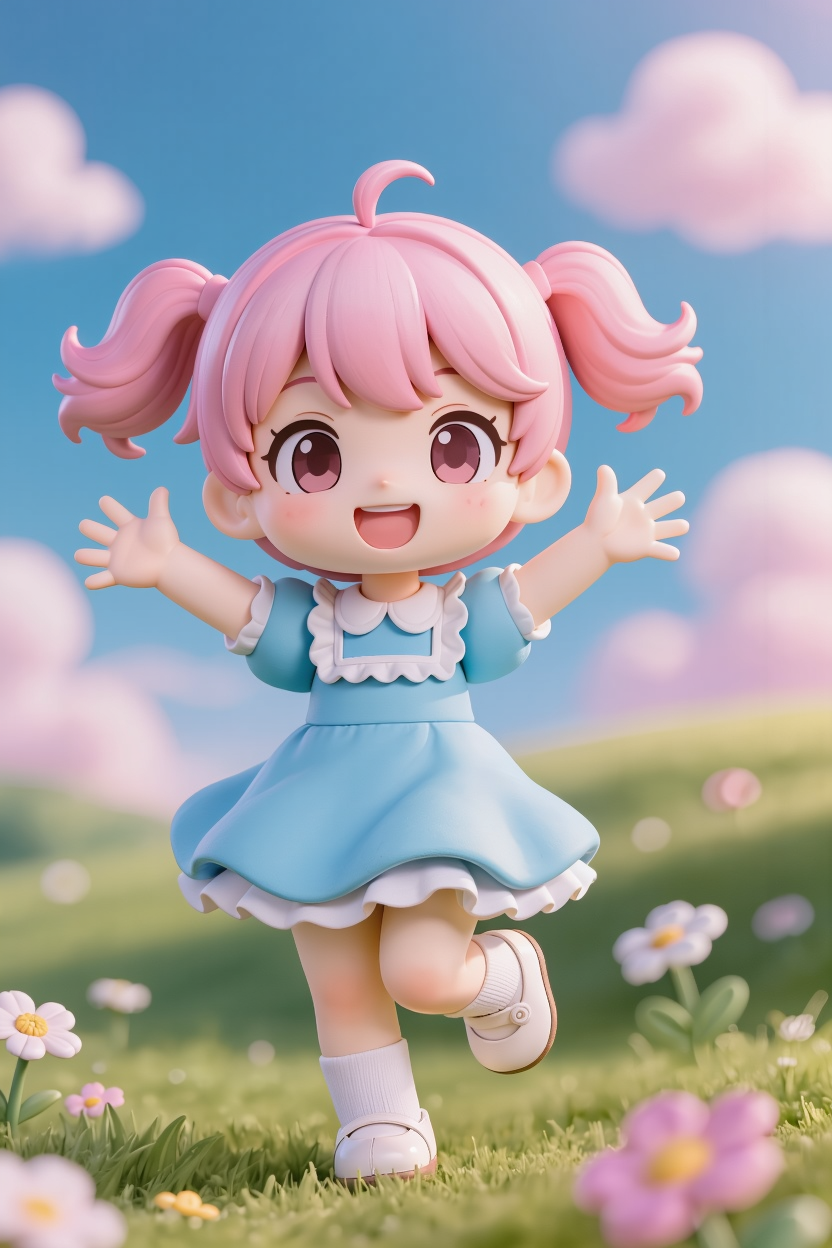
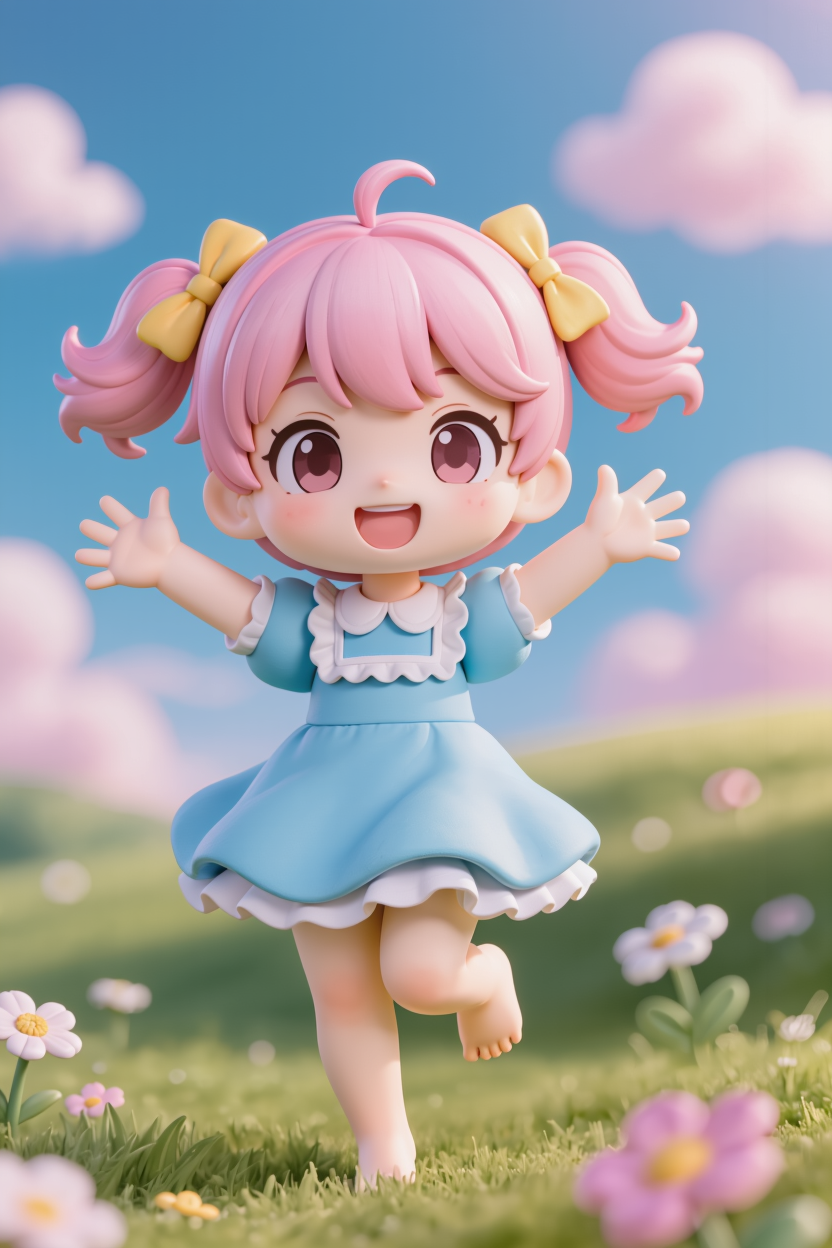
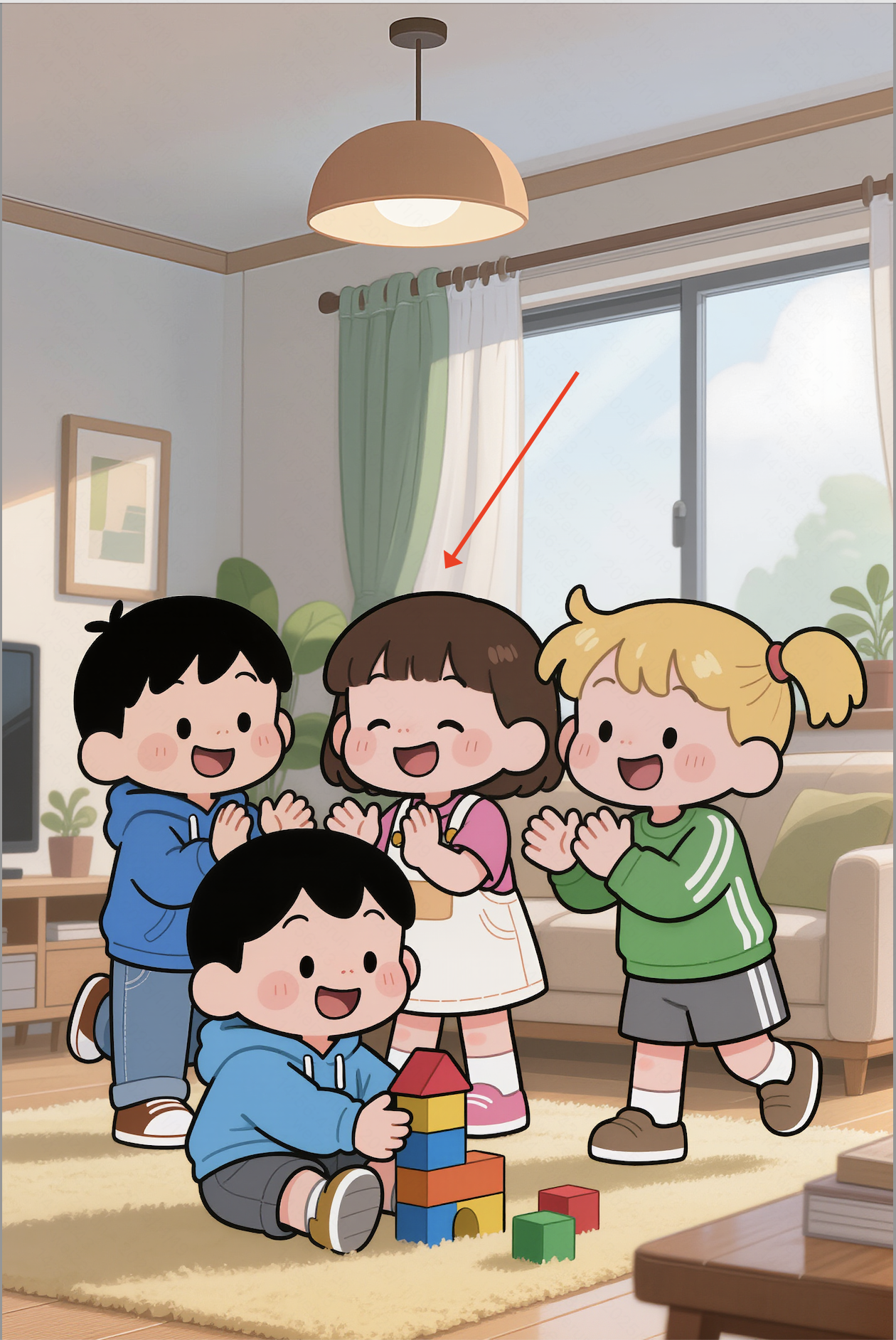
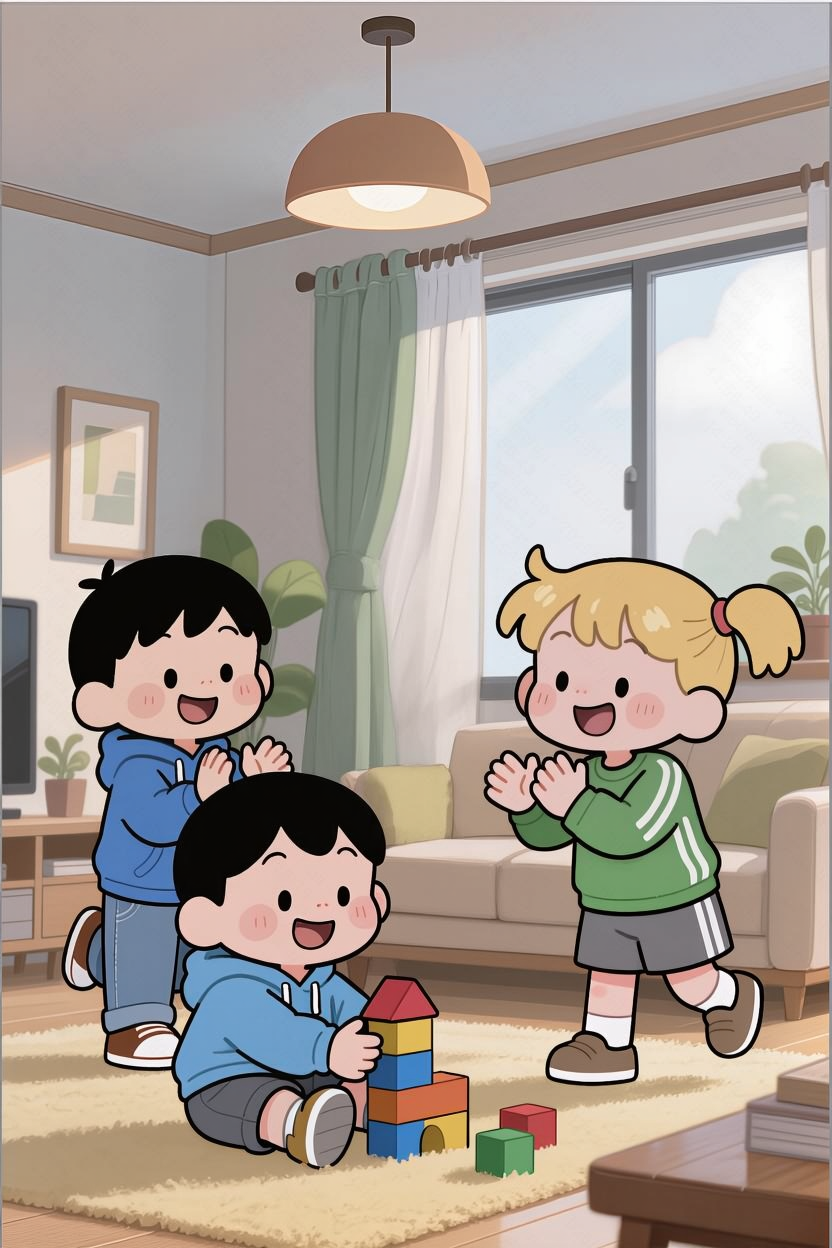
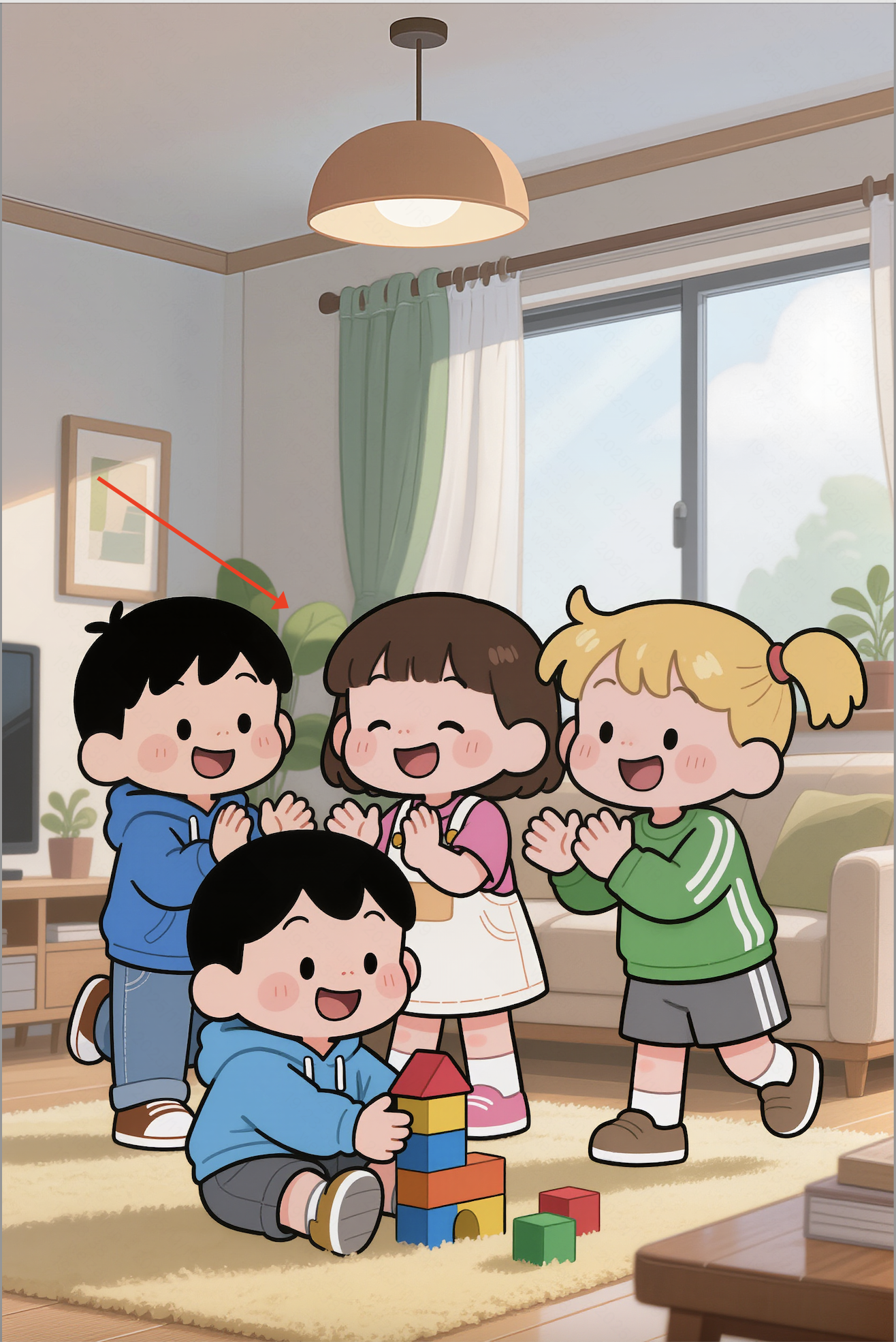
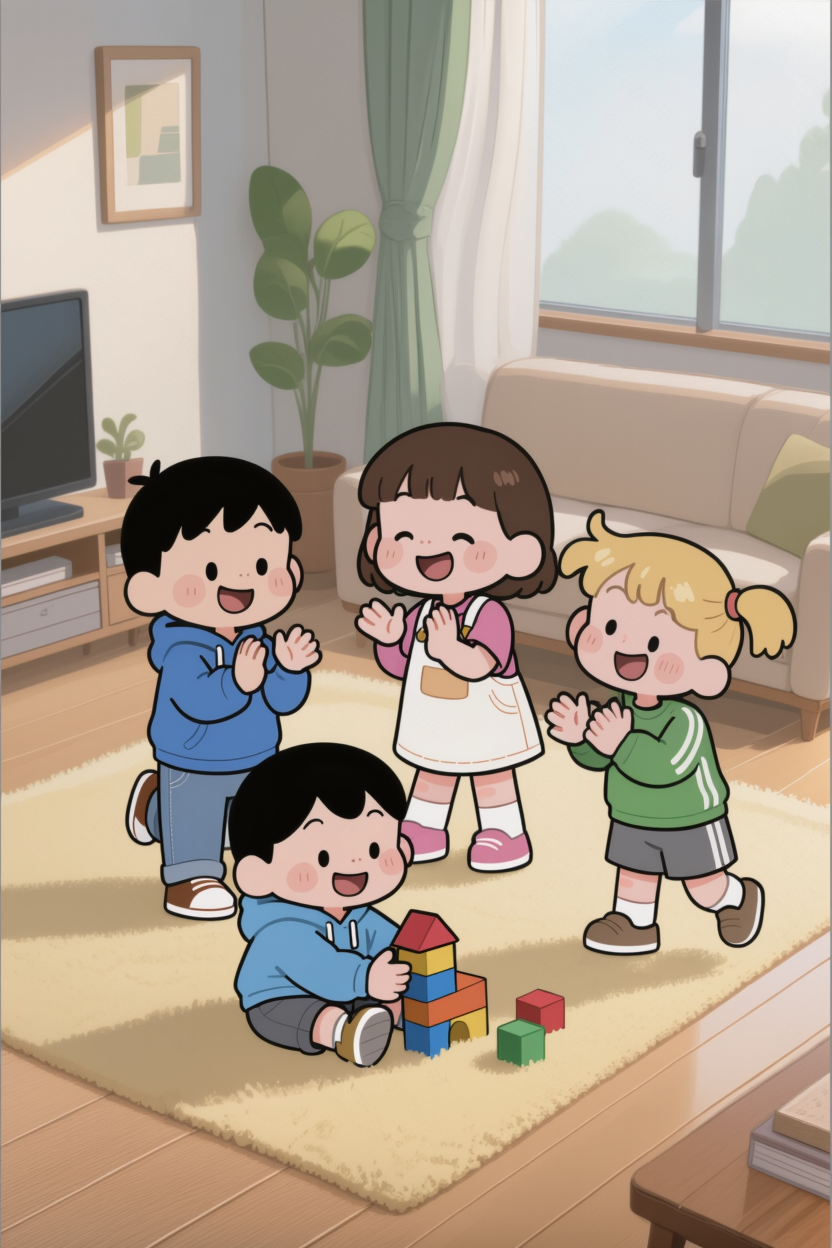
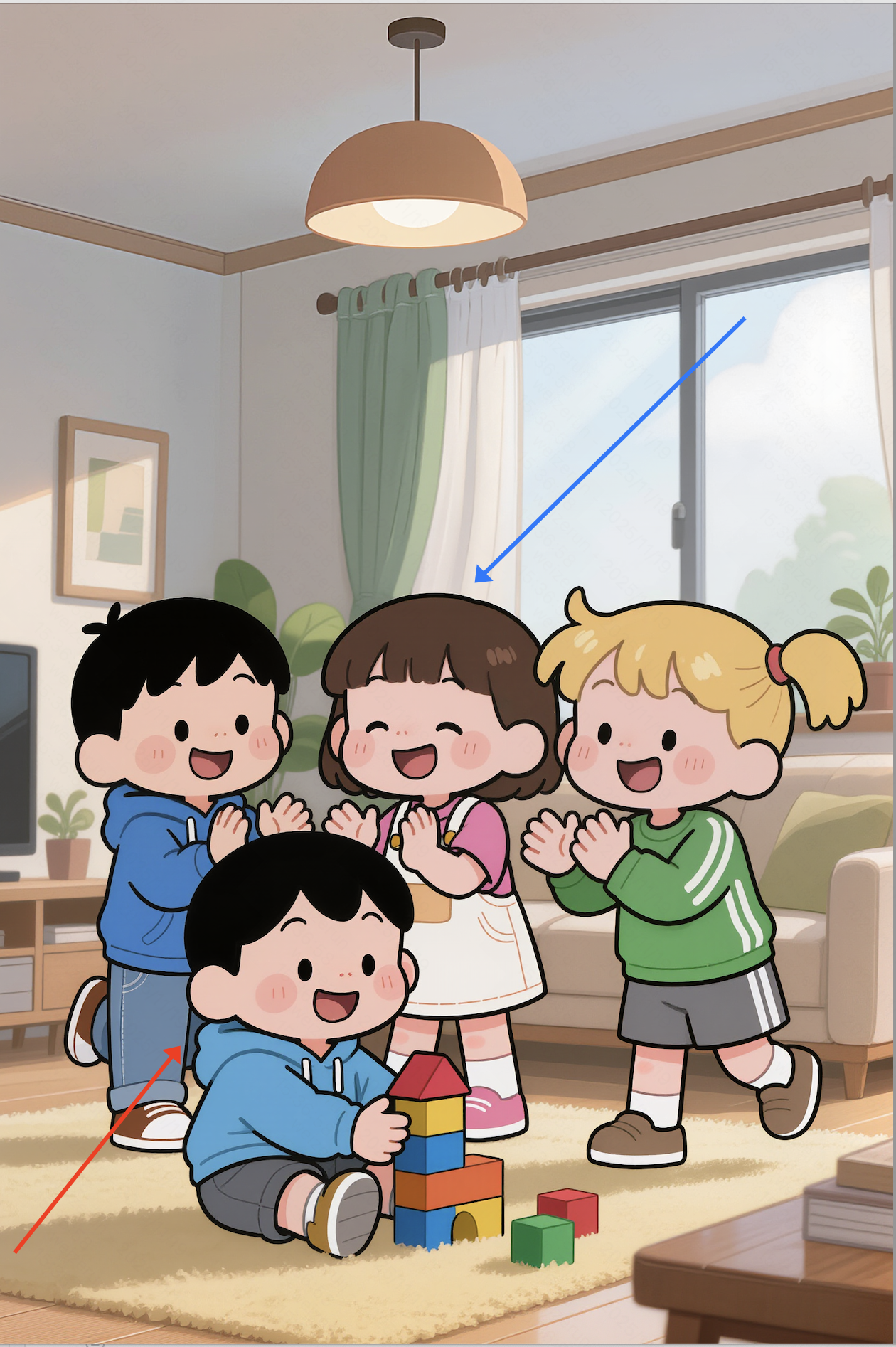
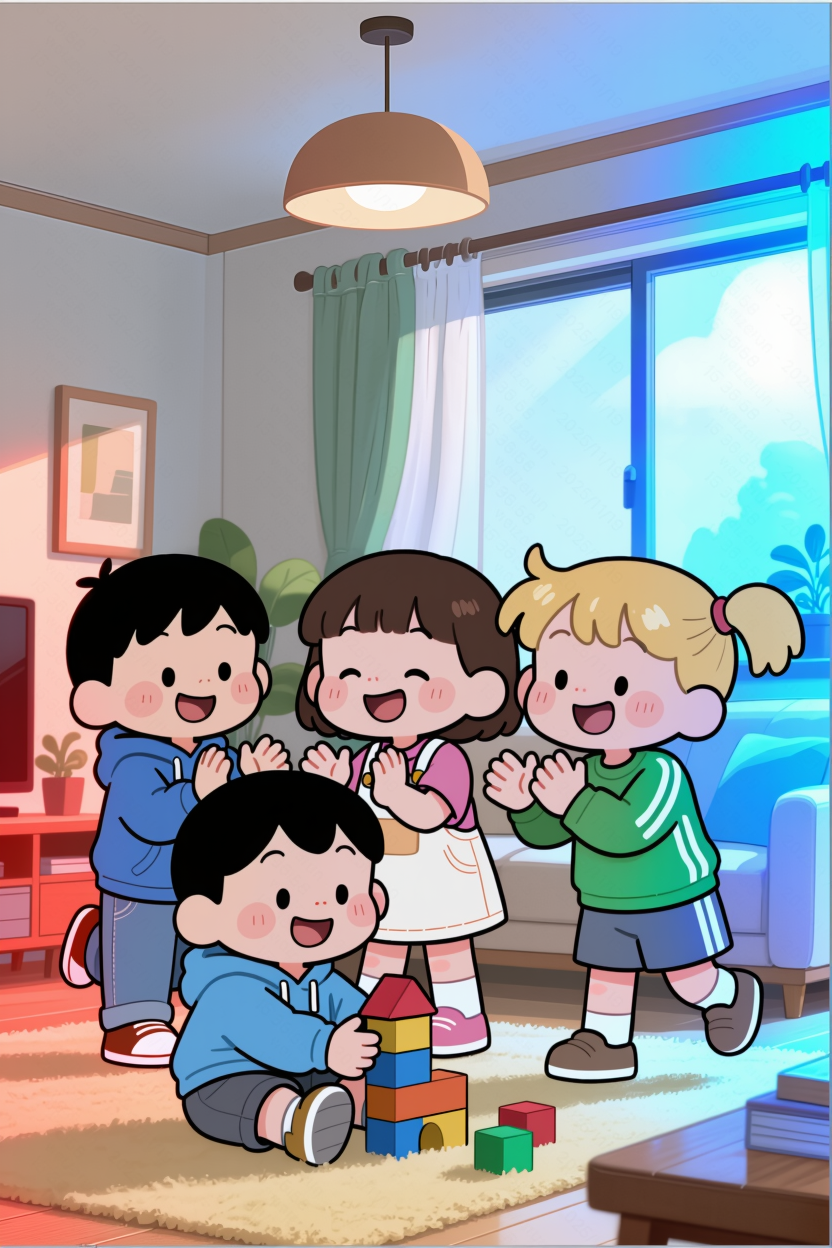
Arrow / Selection / Doodle Editing
Arrow Editing |
|
|
|
|
|
|
Delete the person pointed by the arrow | Shoot according to arrow perspective | Light according to the arrow’s color and direction | ||||
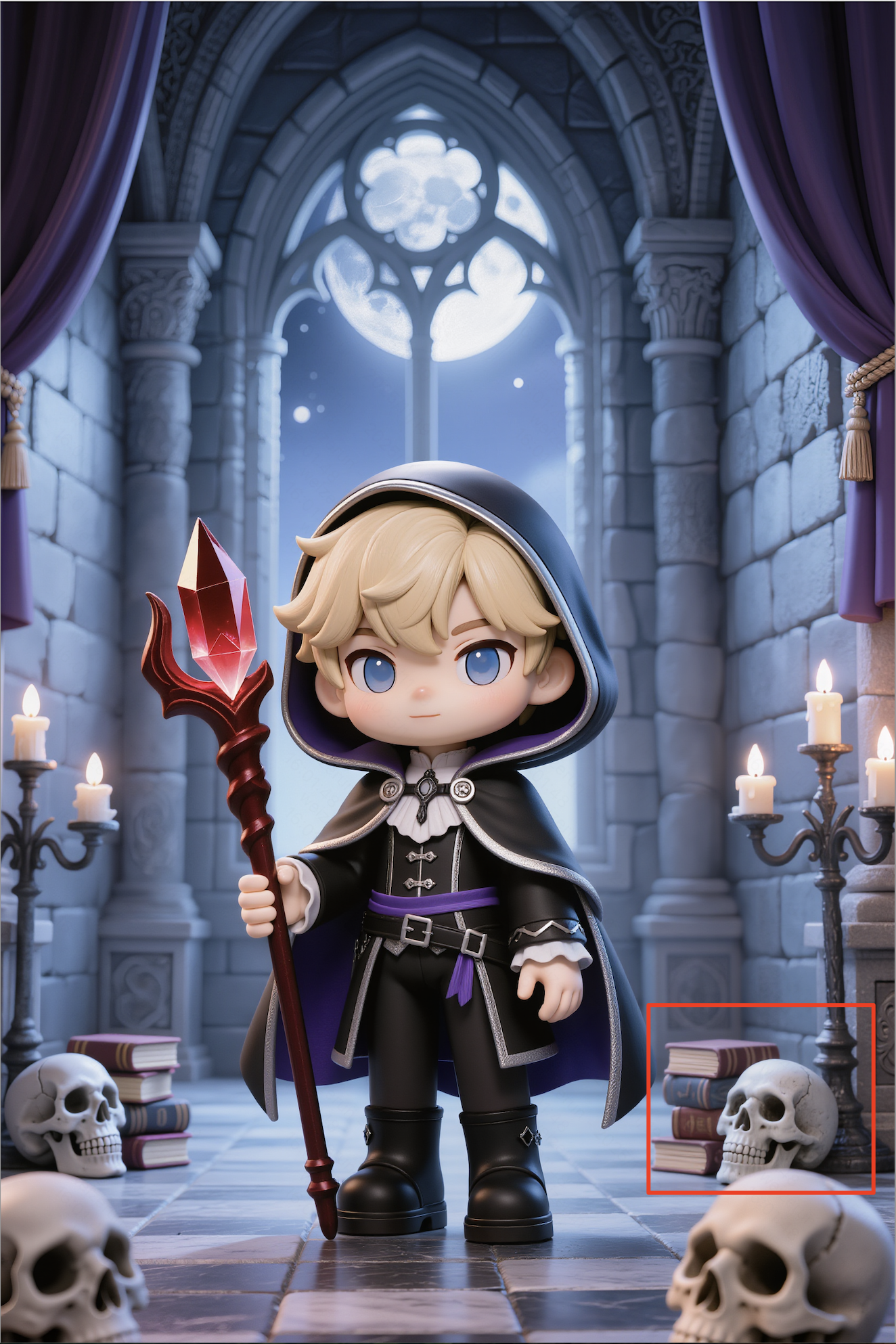
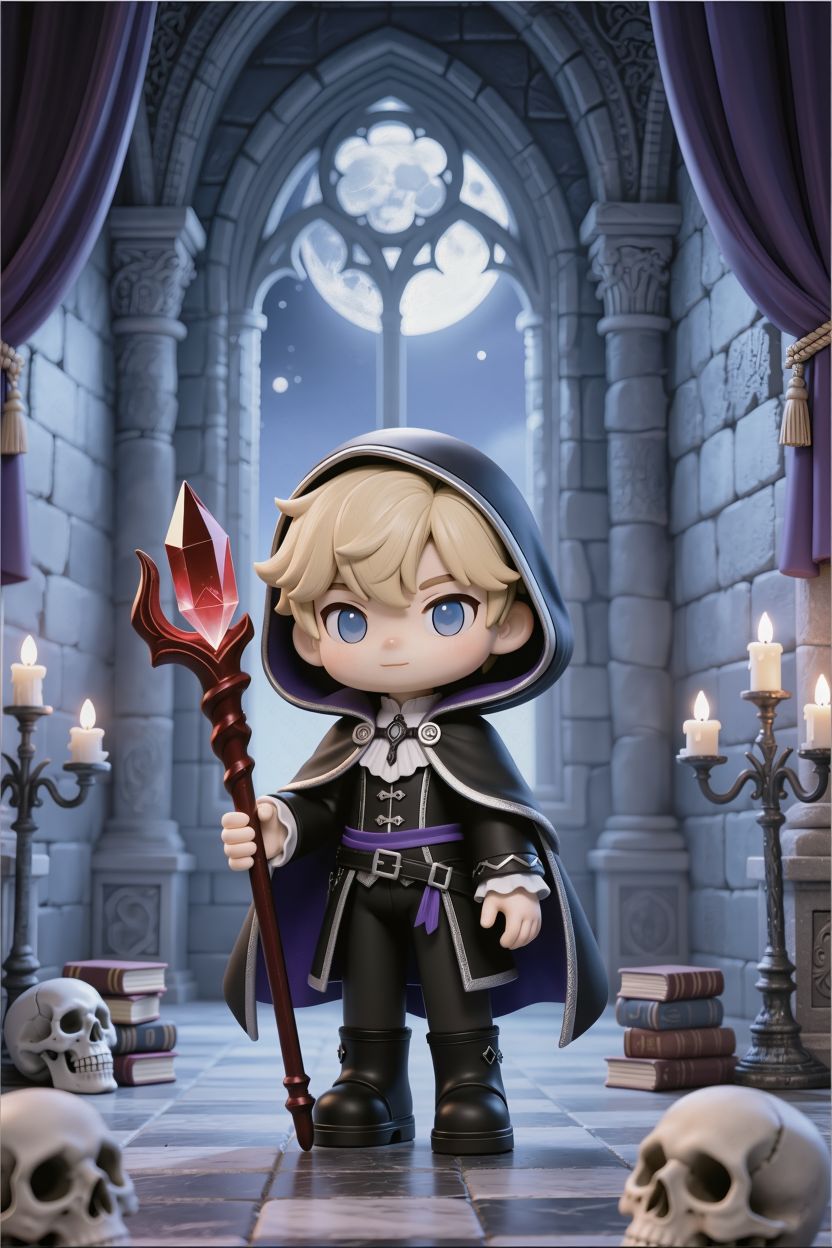
Selection Editing |
|
|
|
|
|
|
Delete the selected objects | Add flowers from Image 2 to all selected areas | Change clothing in selected area to red | ||||
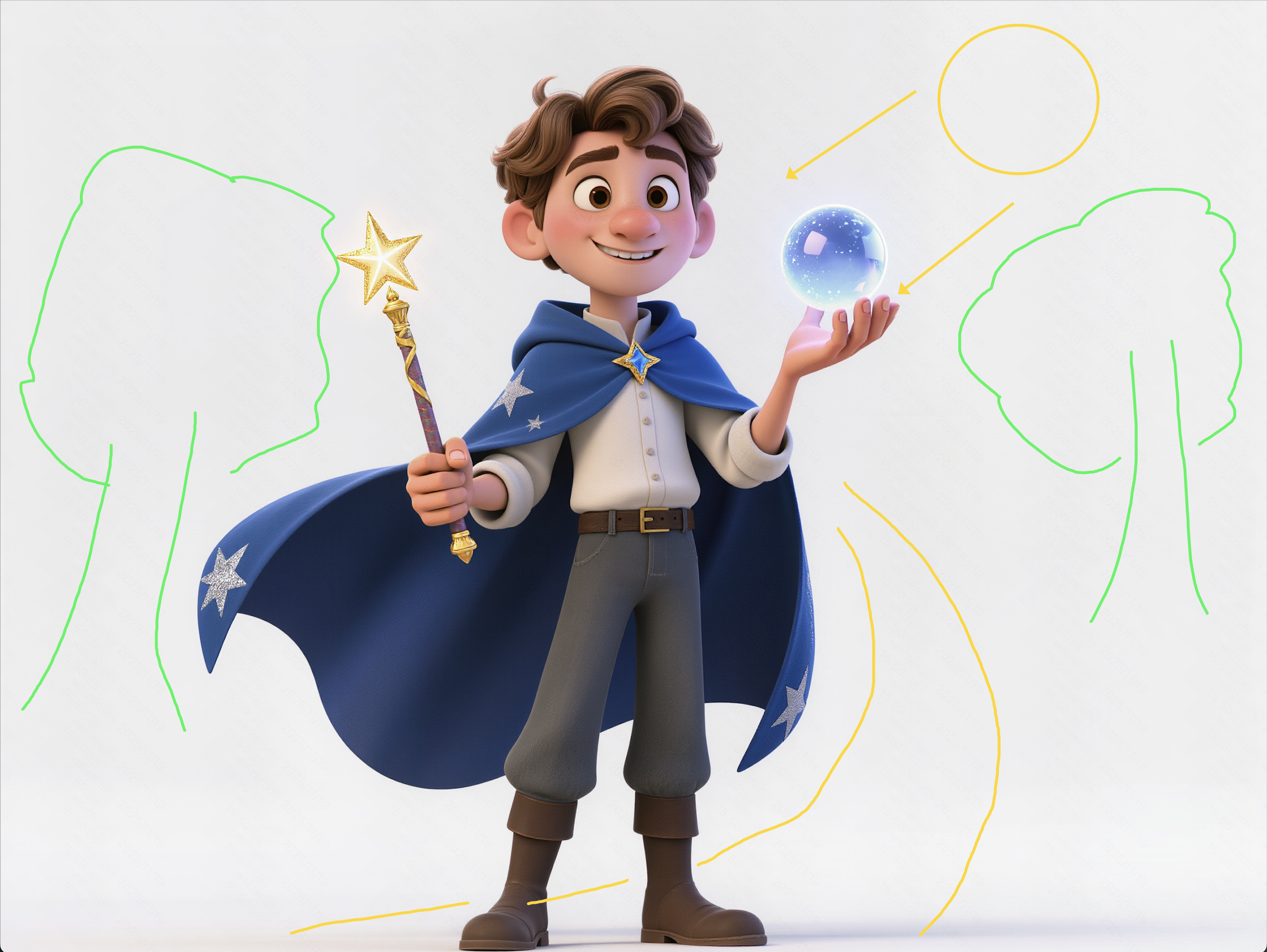
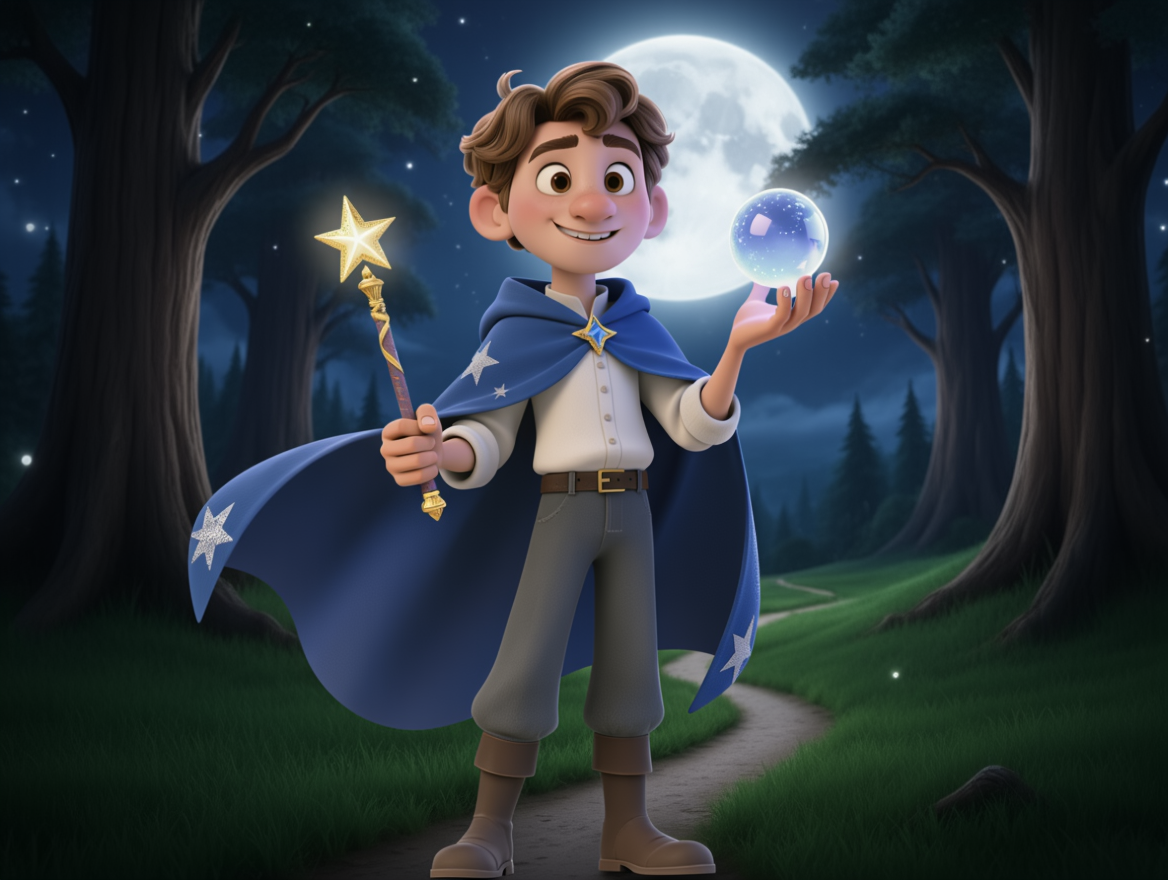
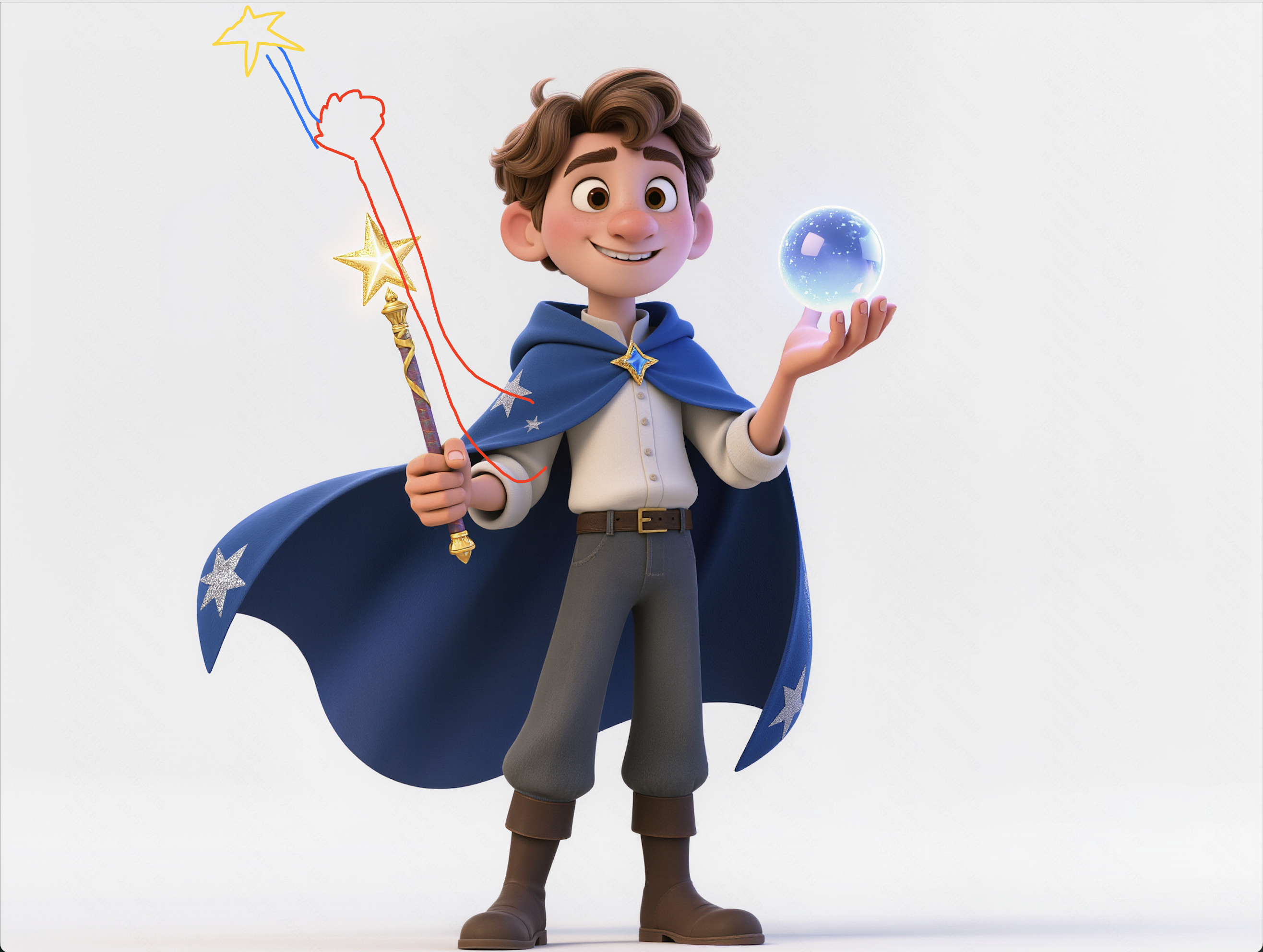
Doodle Editing |
|
|
|
|
|
|
Generate a background according to the doodle | Change pose according to the doodle | Add a hat according to the doodle | ||||
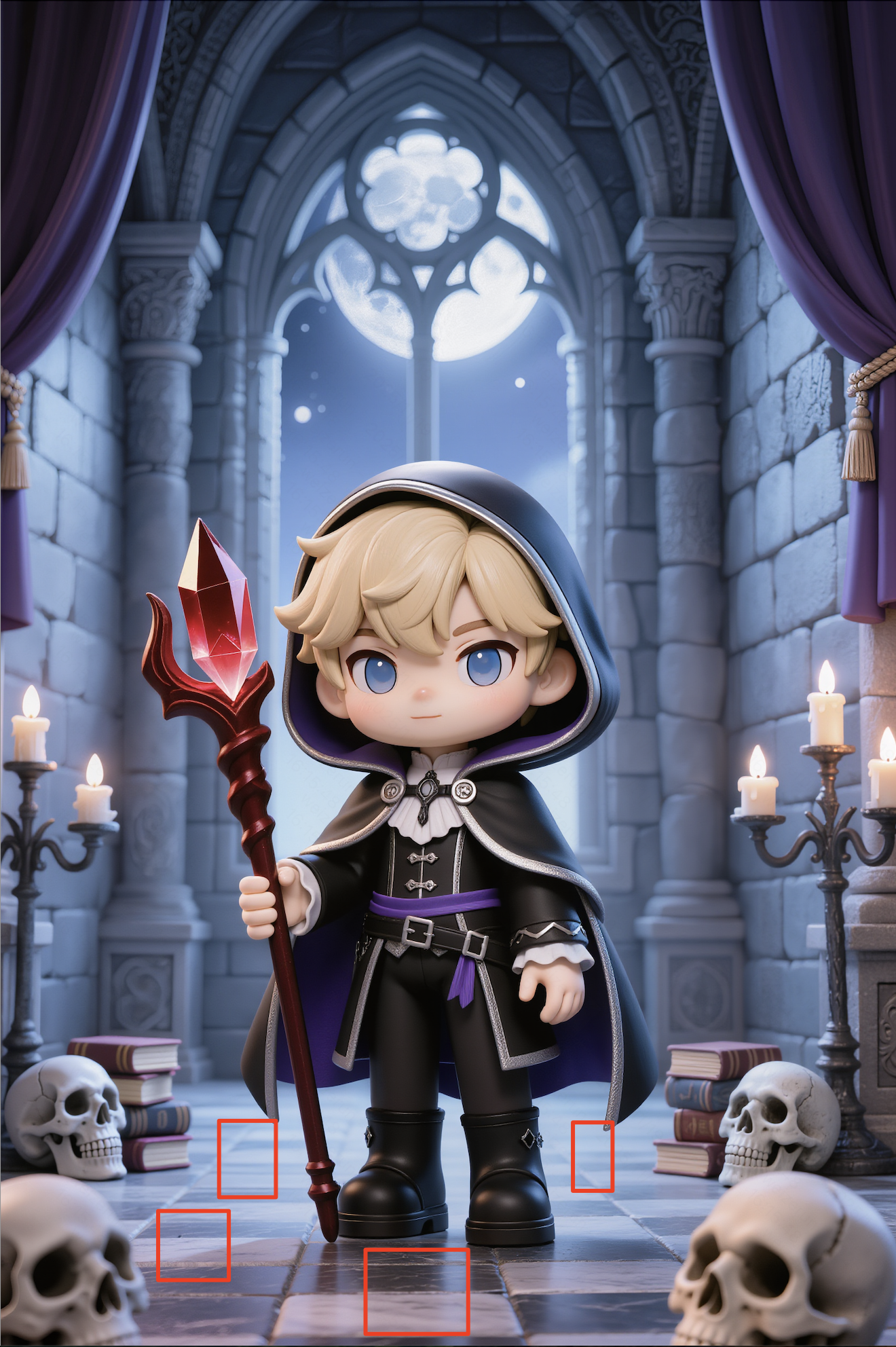
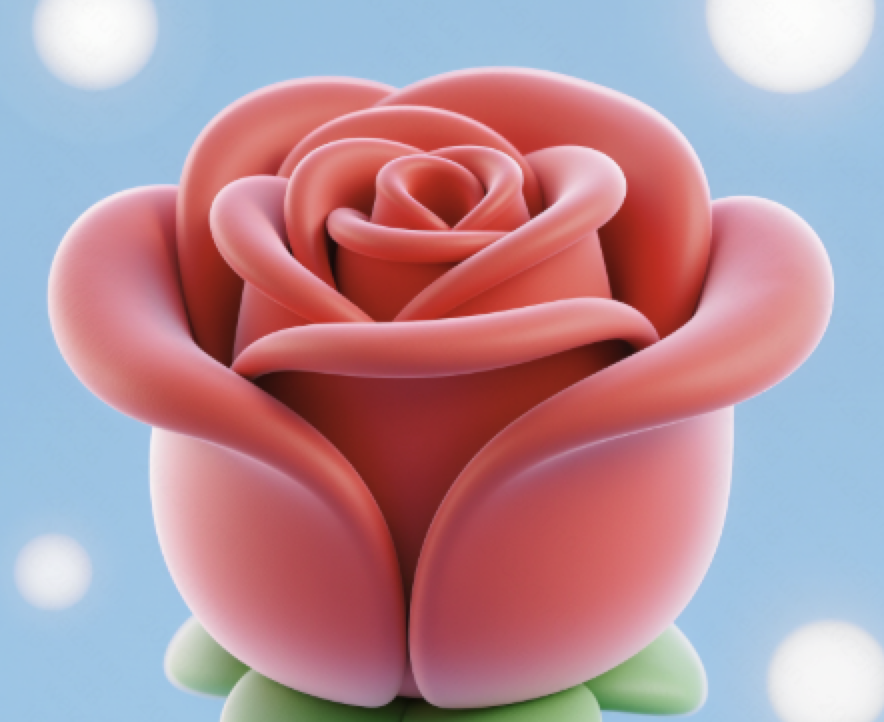
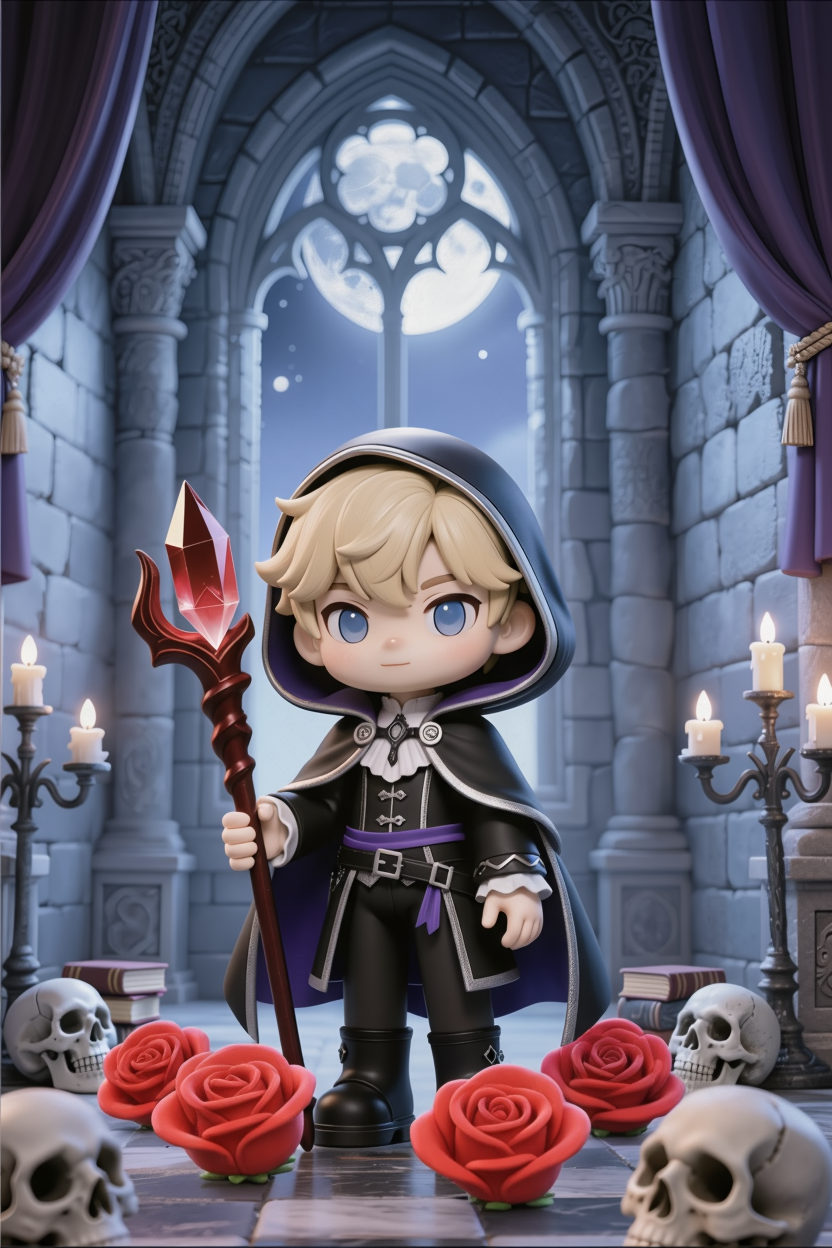
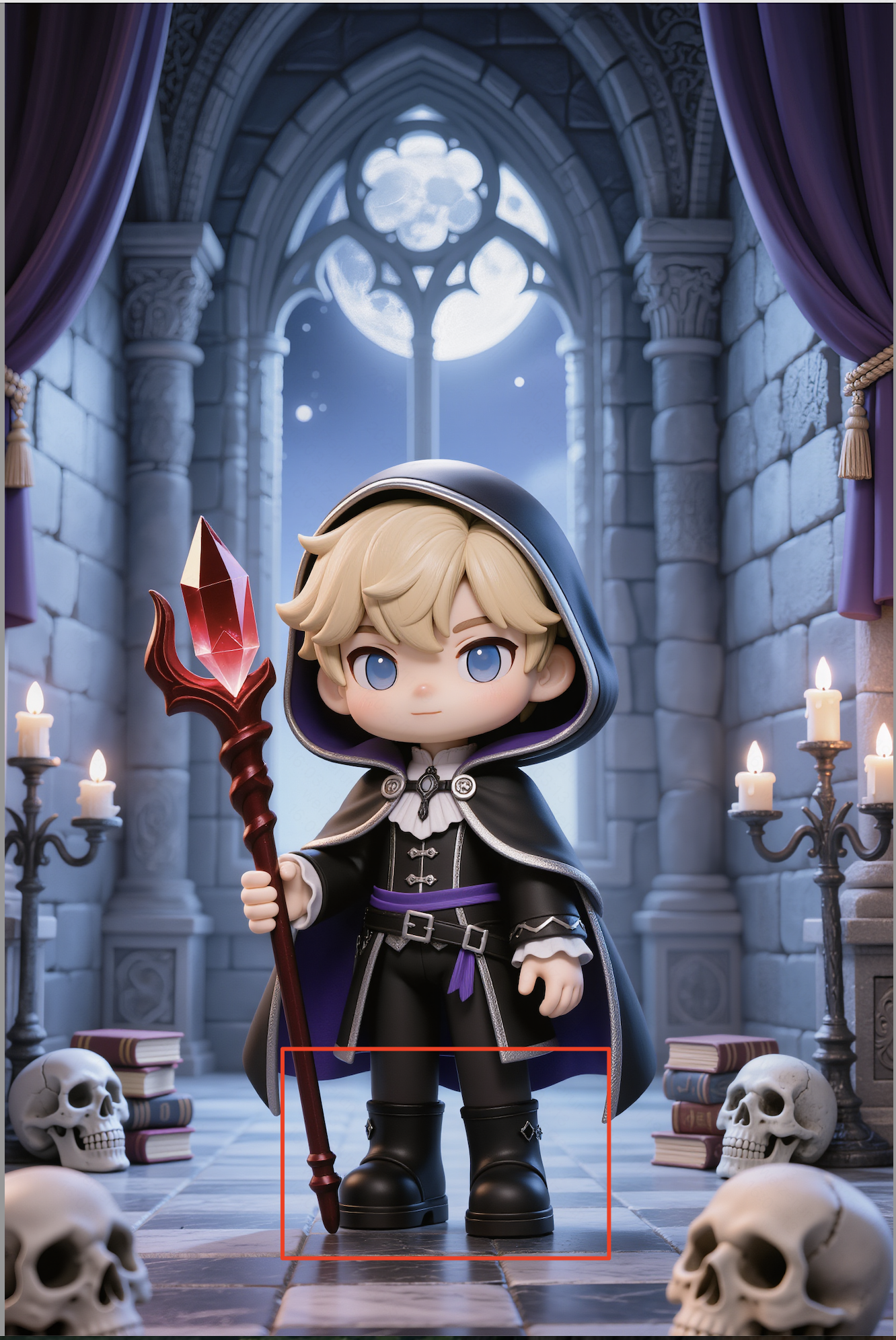
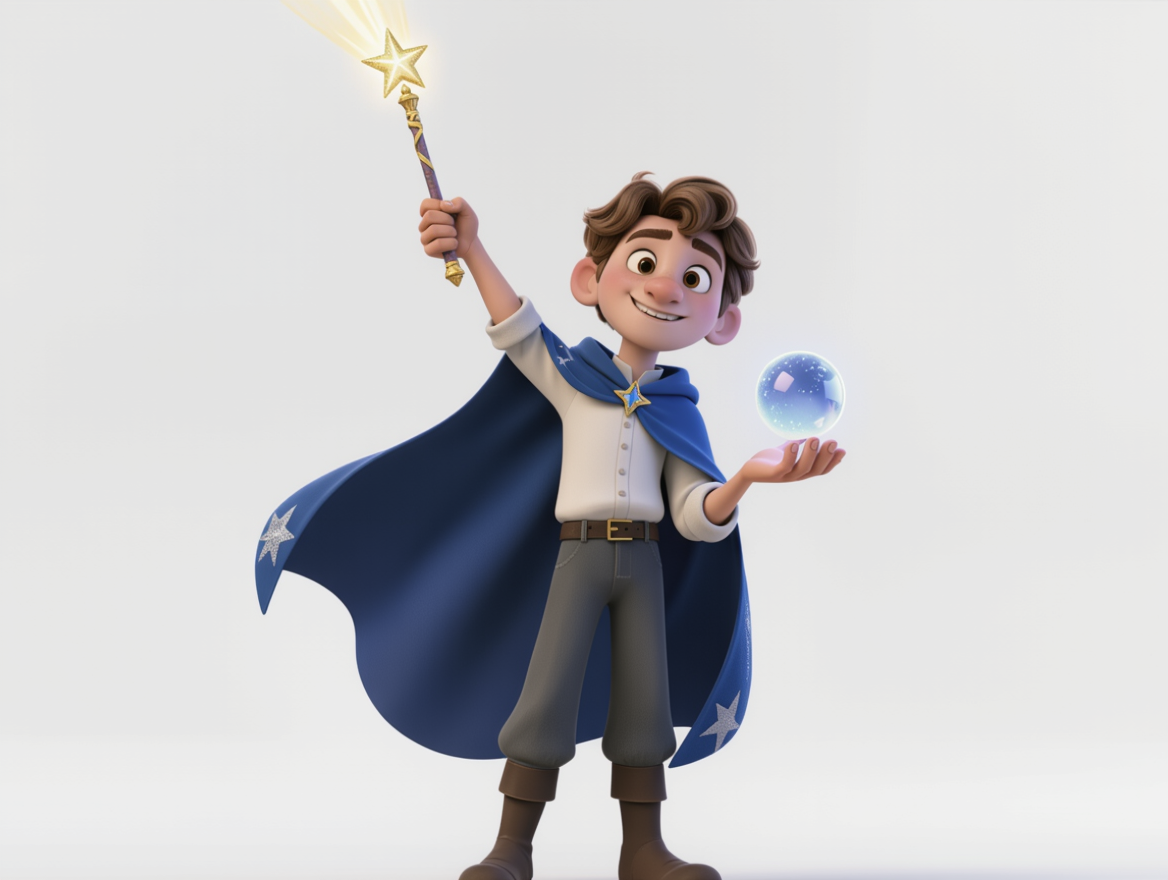
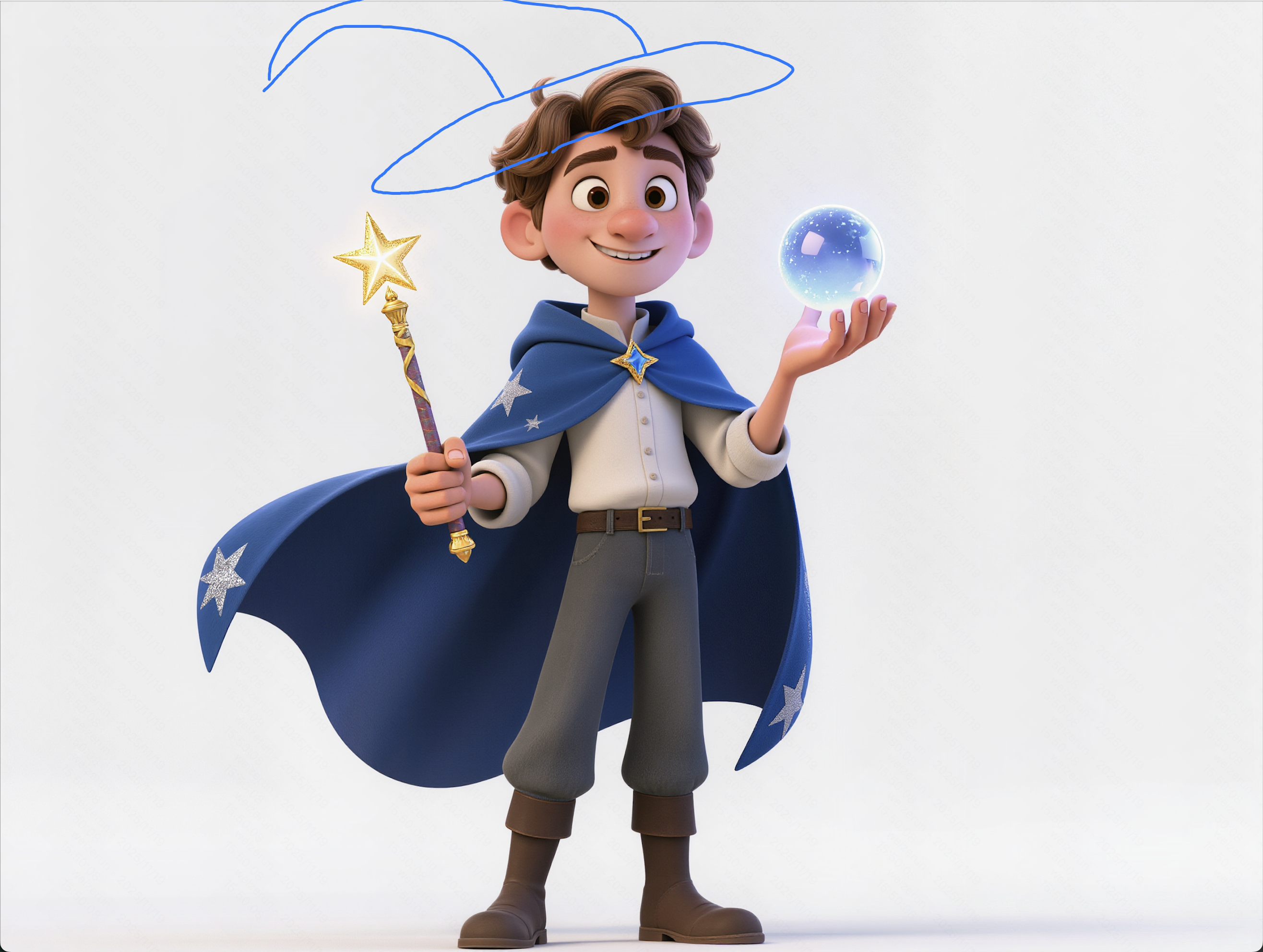
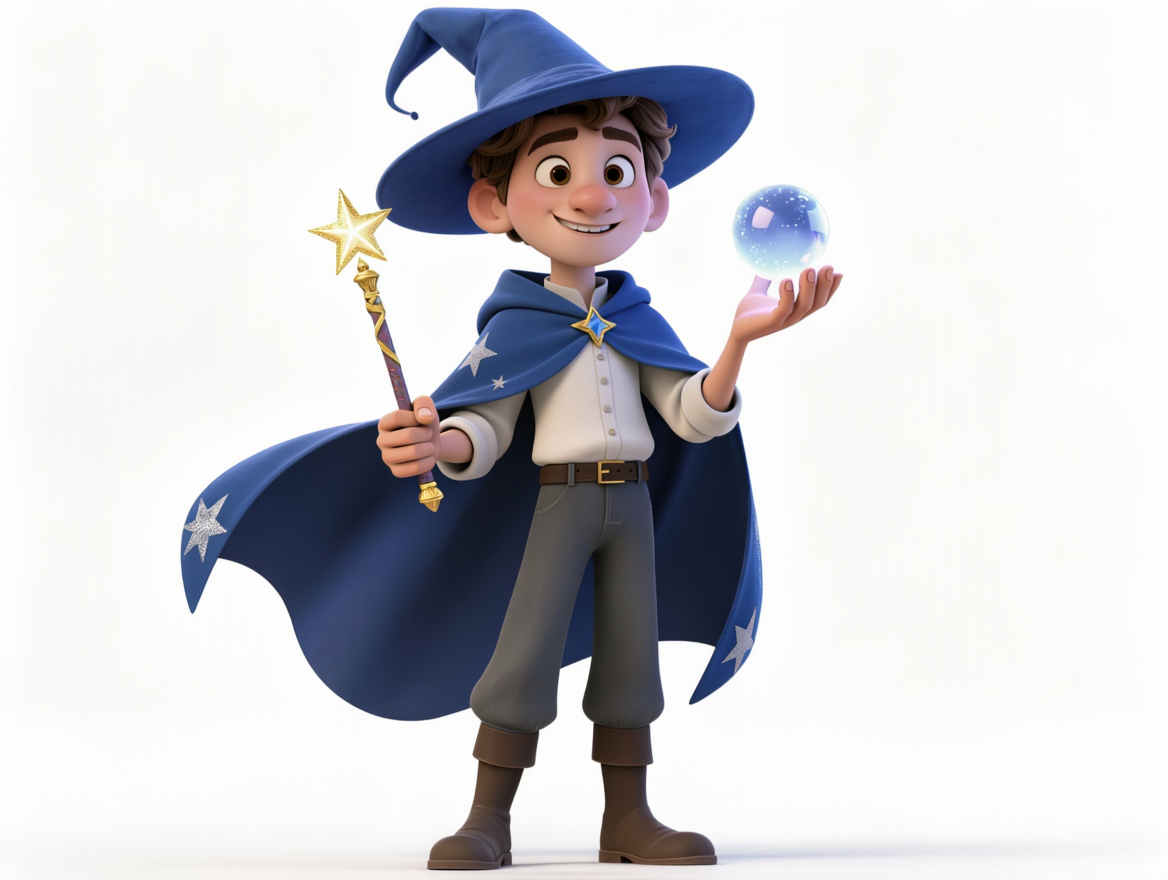
Change Background
Input Image |
Outdoor with Sunset |
Clear Seaside |
Bedroom |
Arcade |
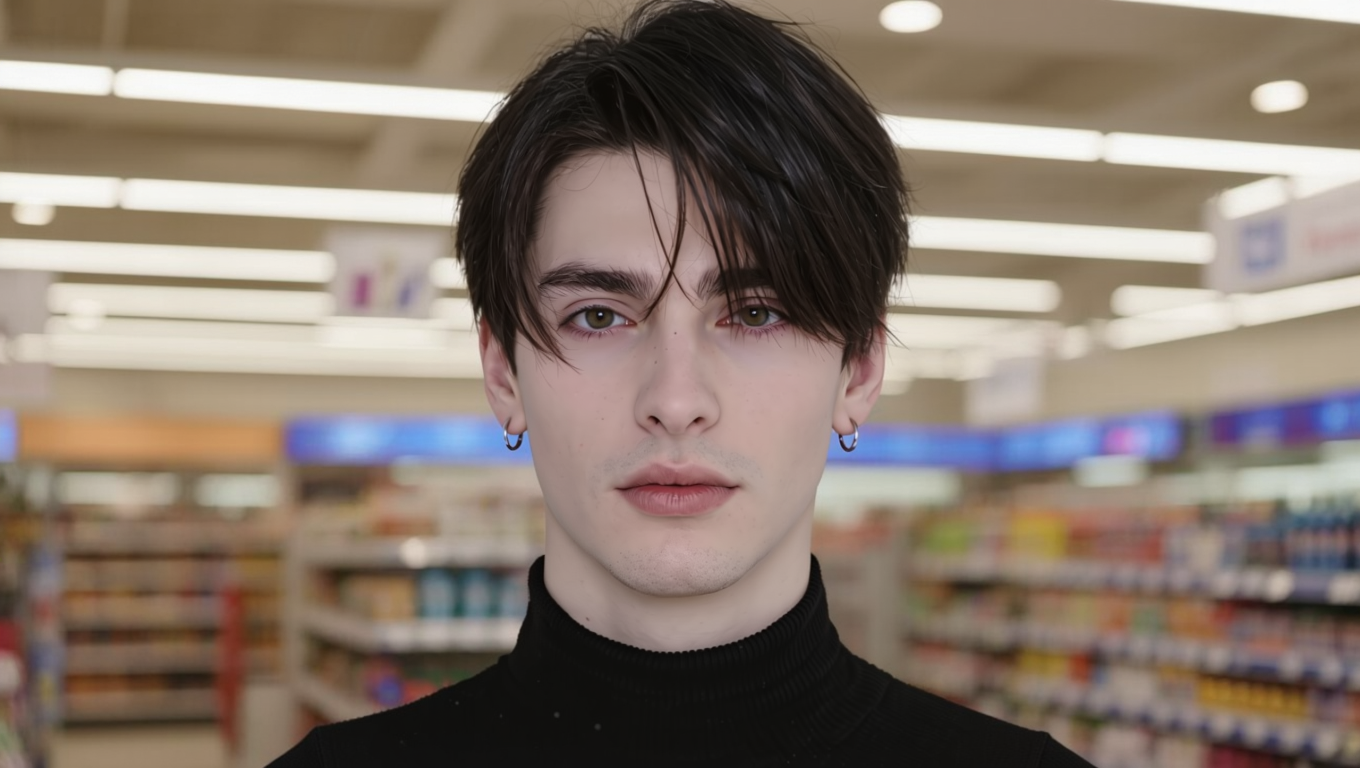
Supermarket |
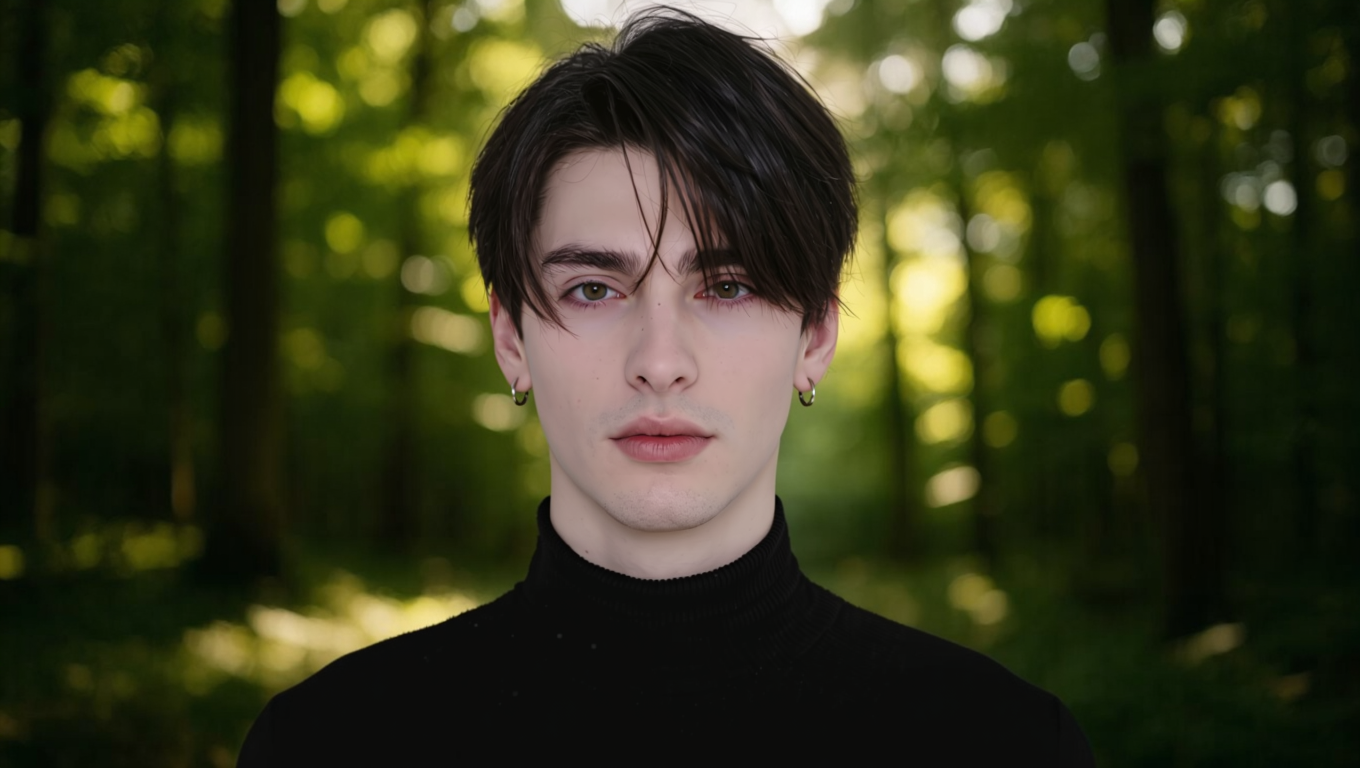
Forest |
Prompt: Change the background to [] | ||||||
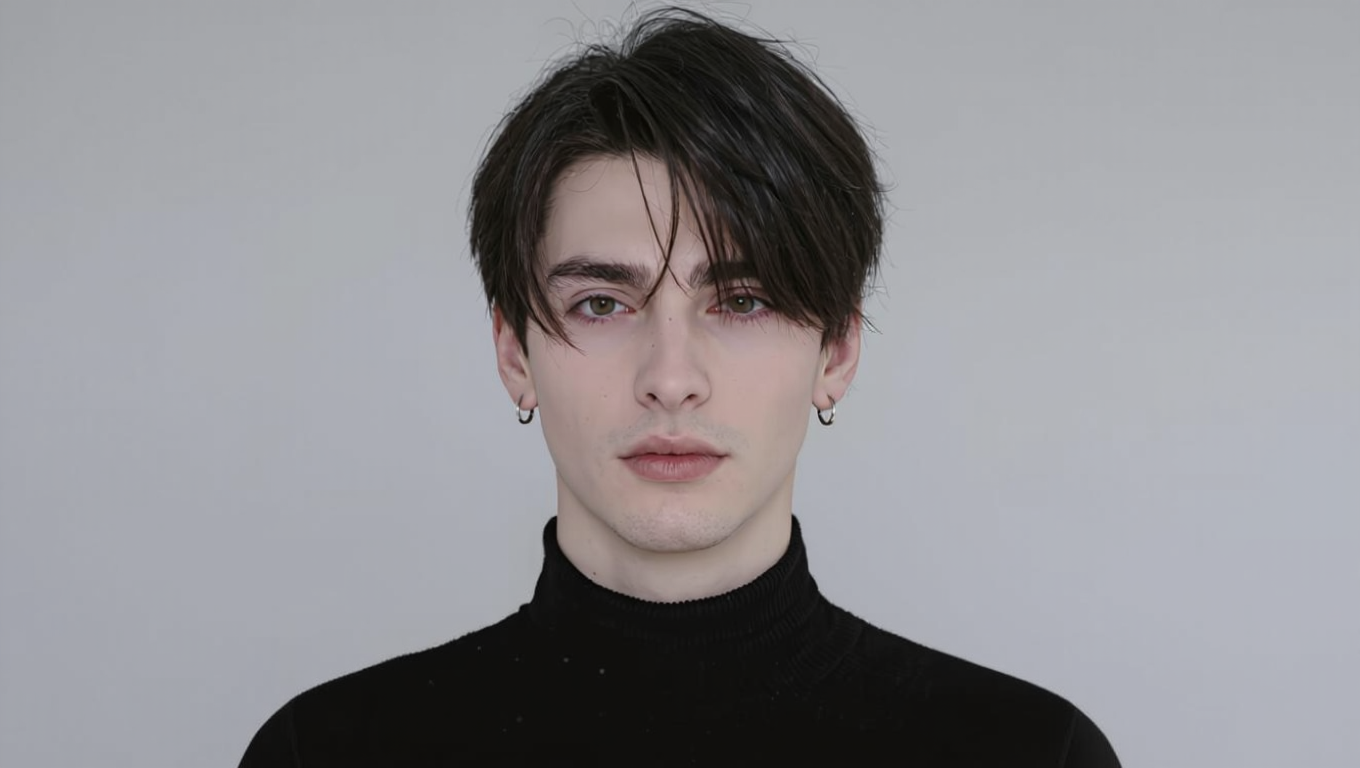
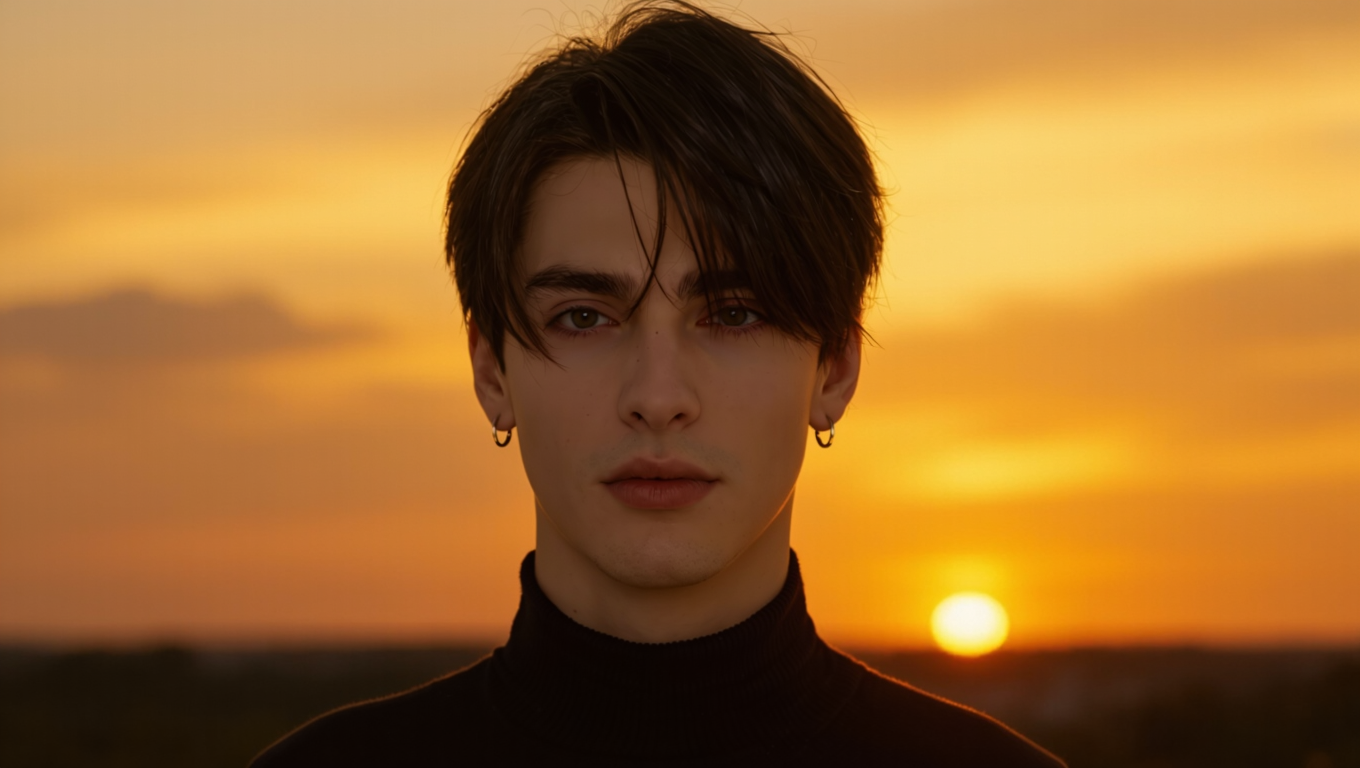
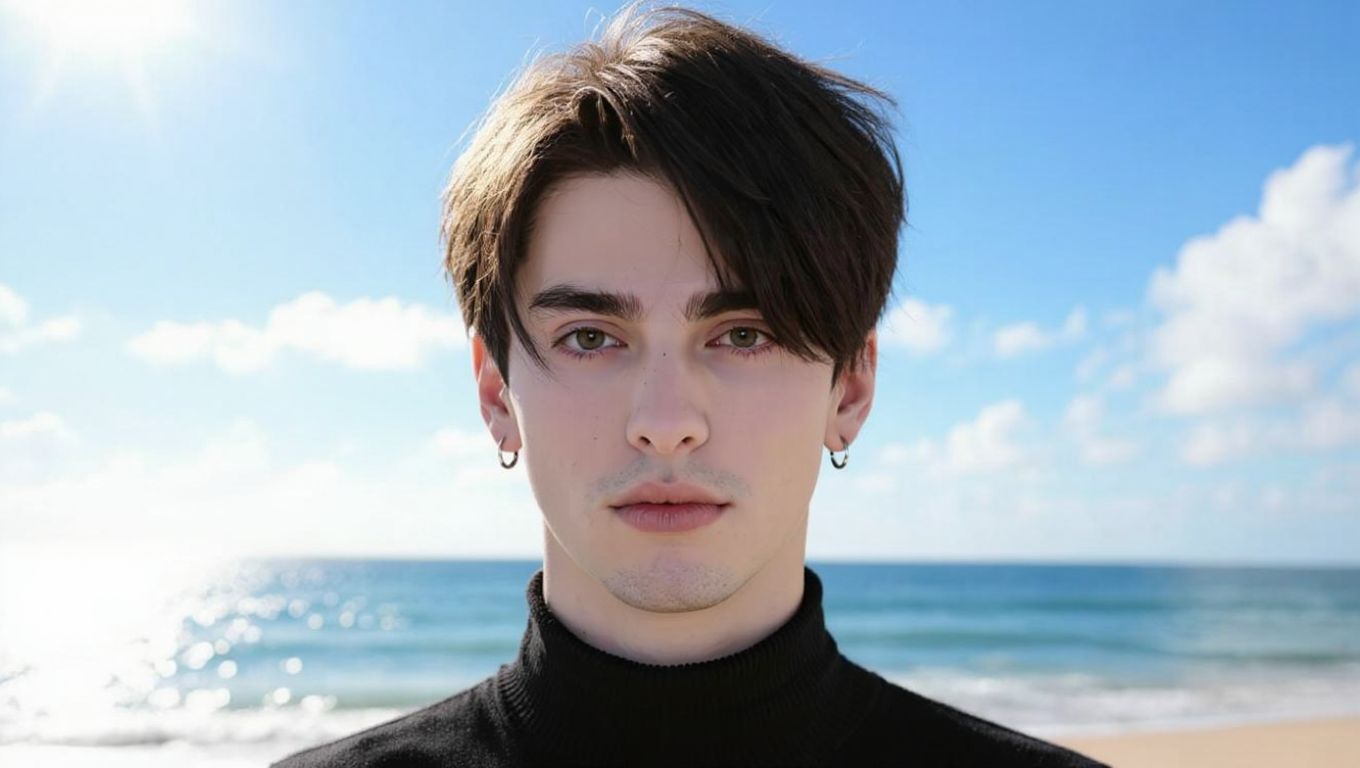
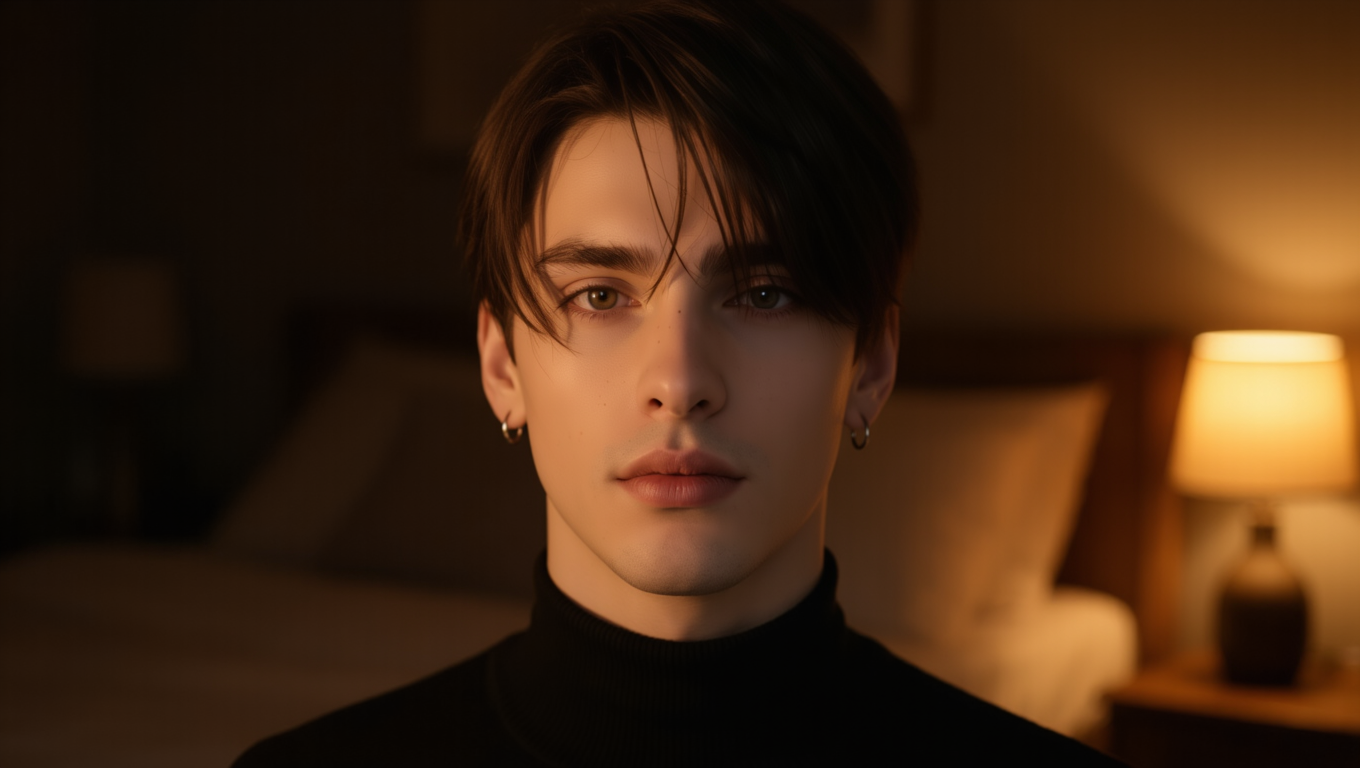
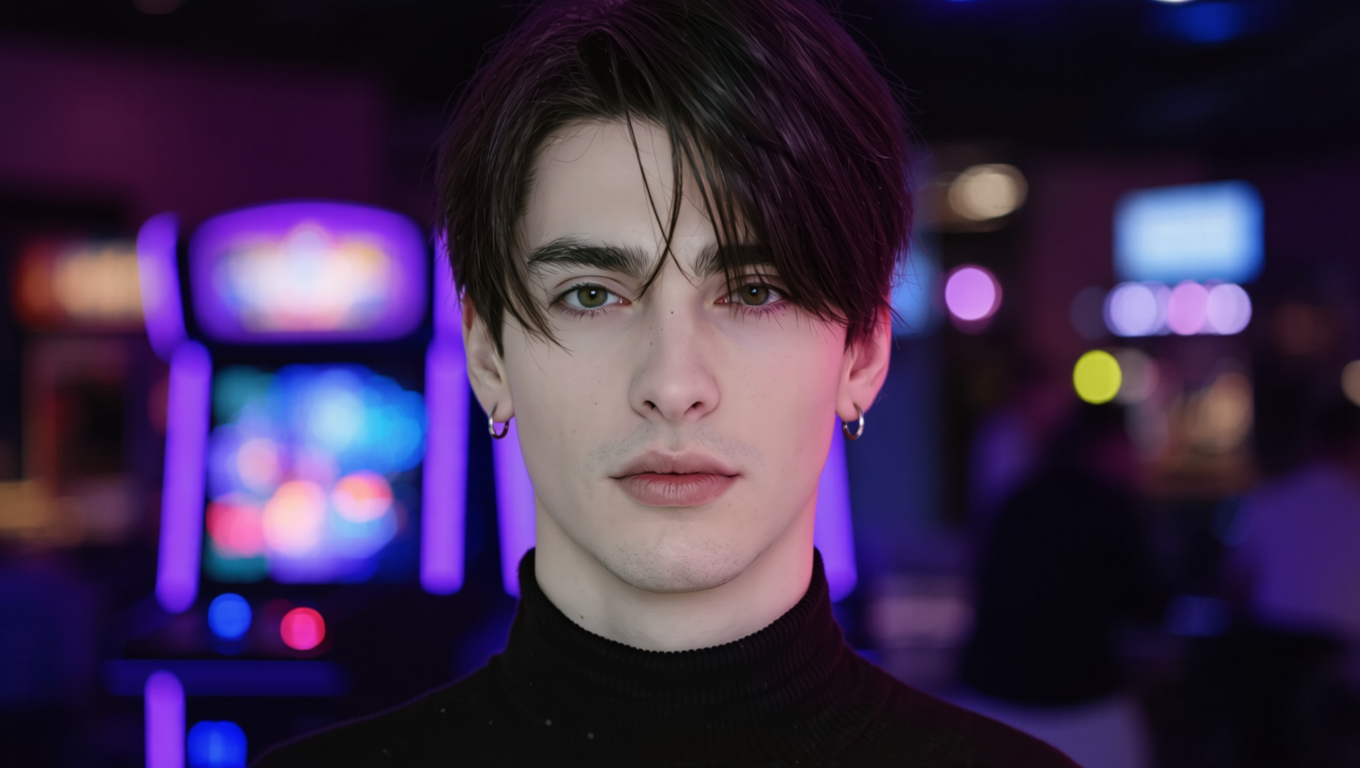
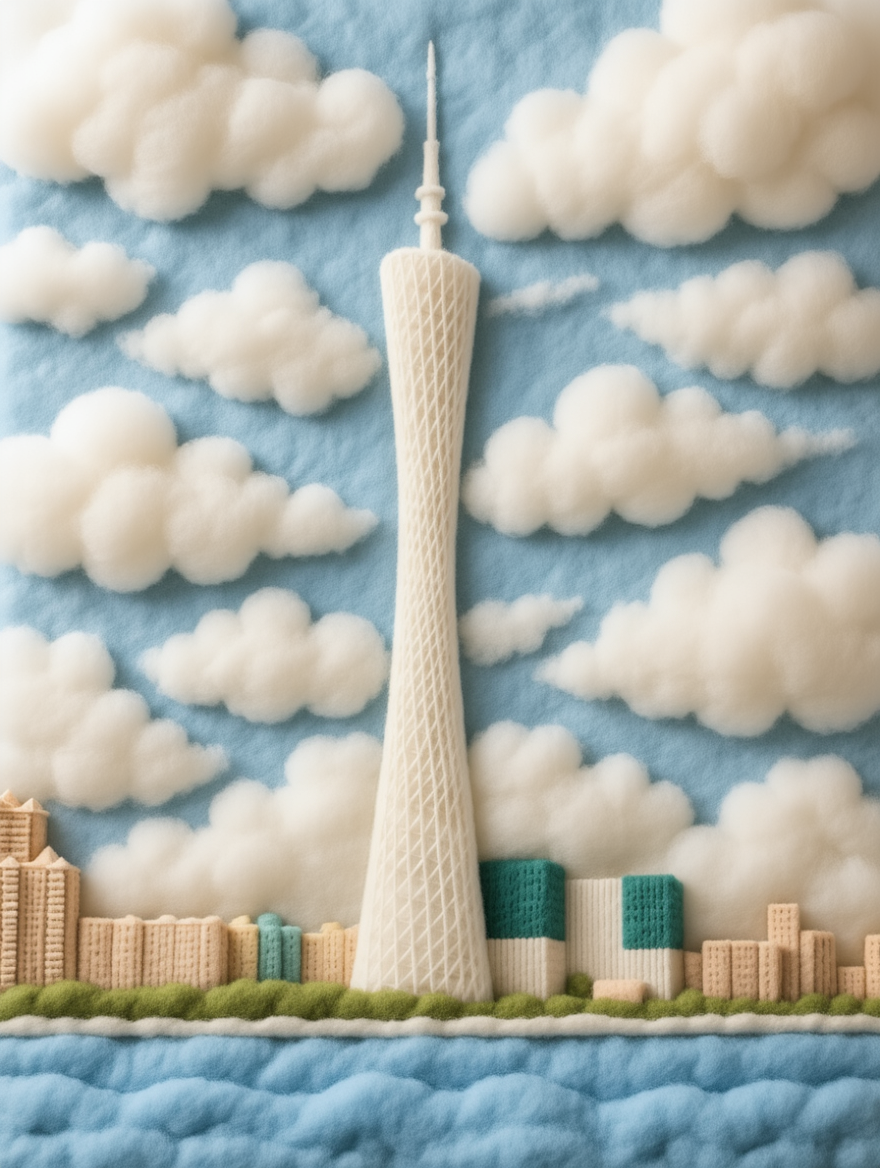
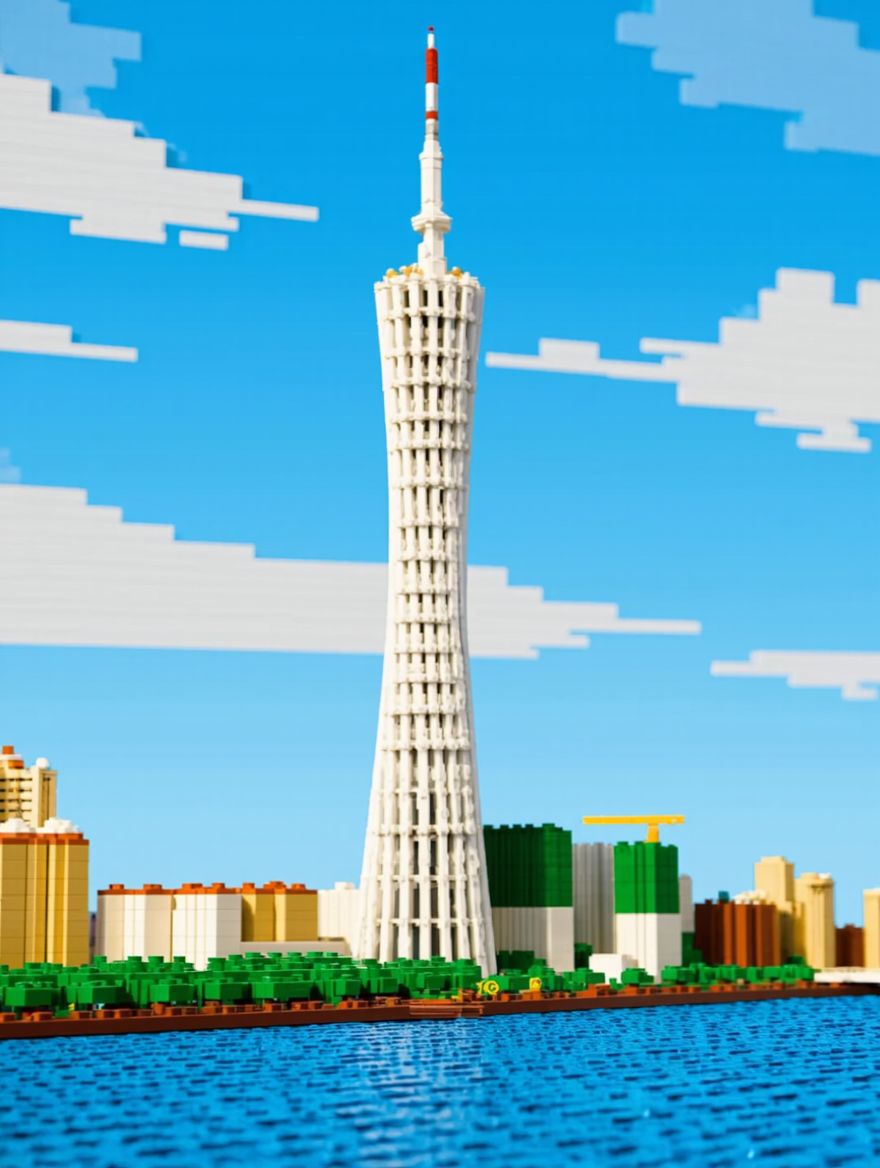
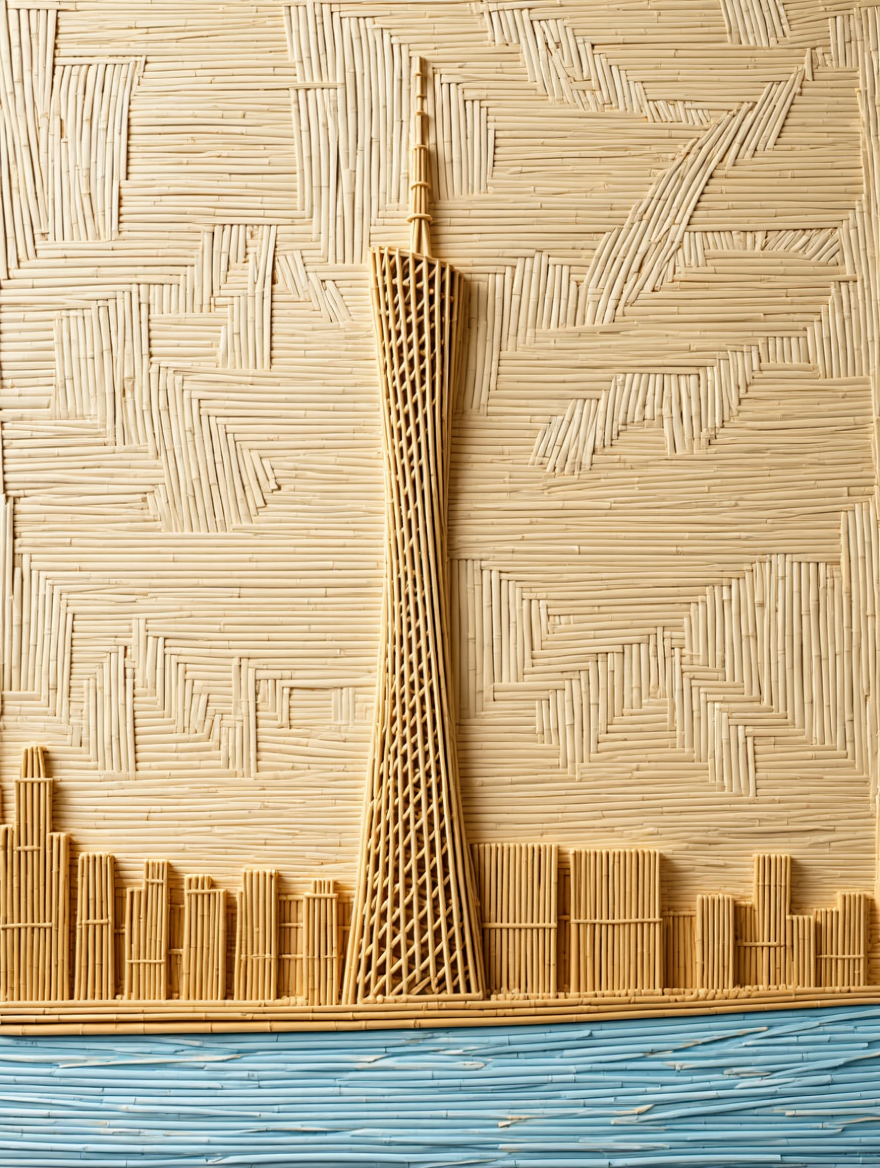
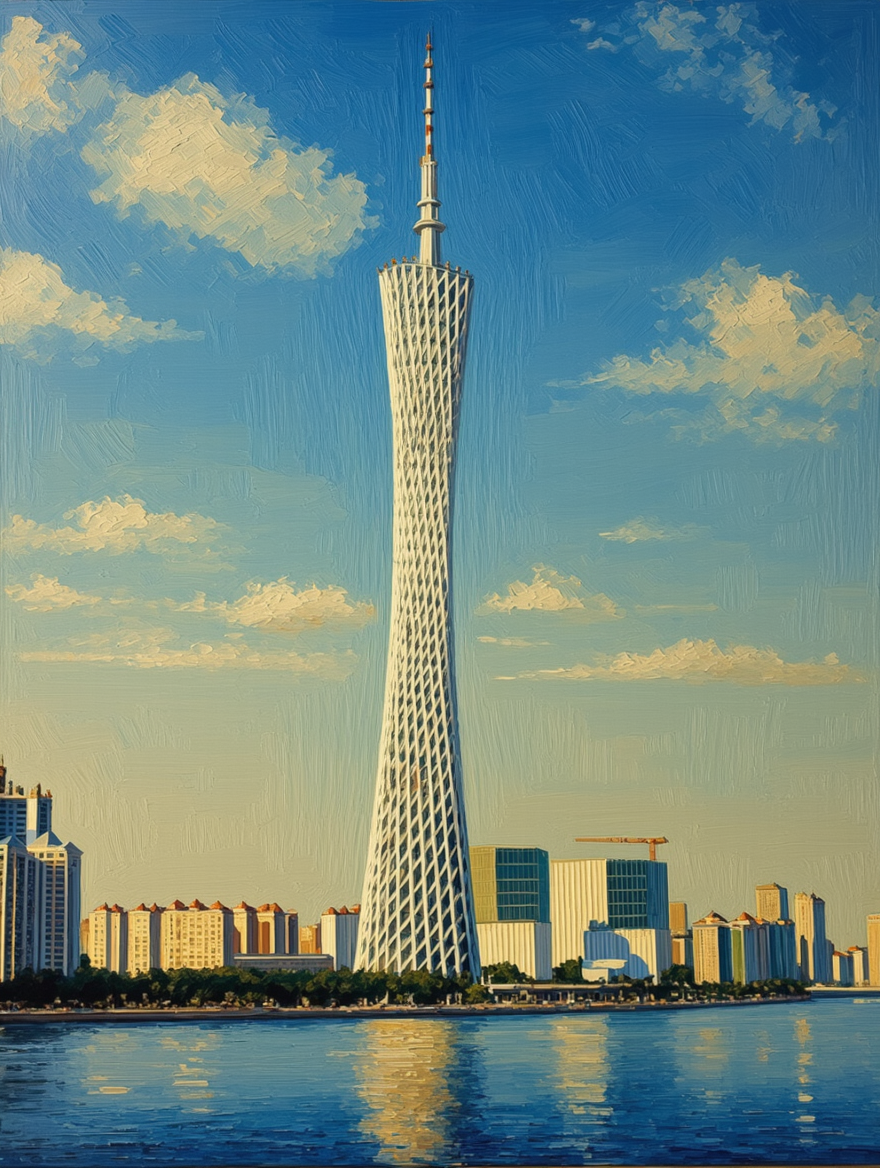
Material Modification
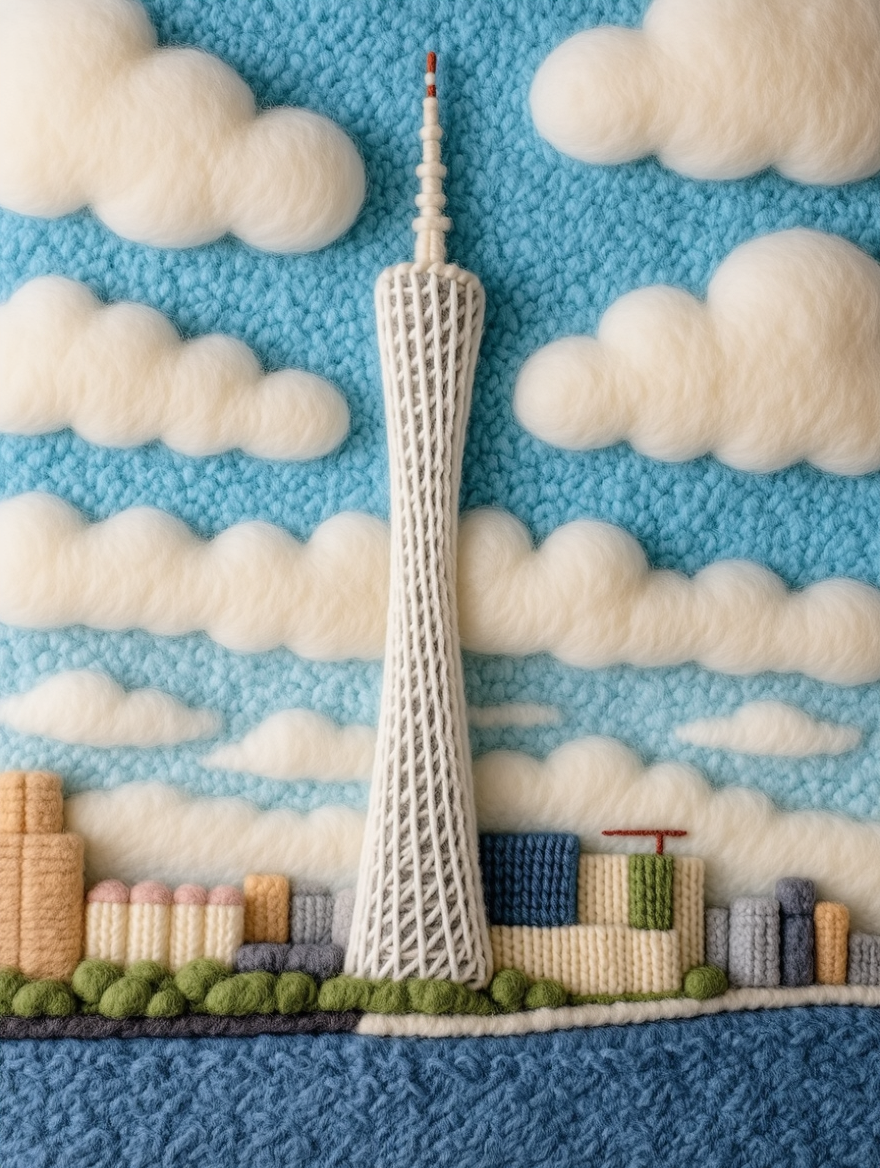
Input Image |
|
|
|
|
|
|
|
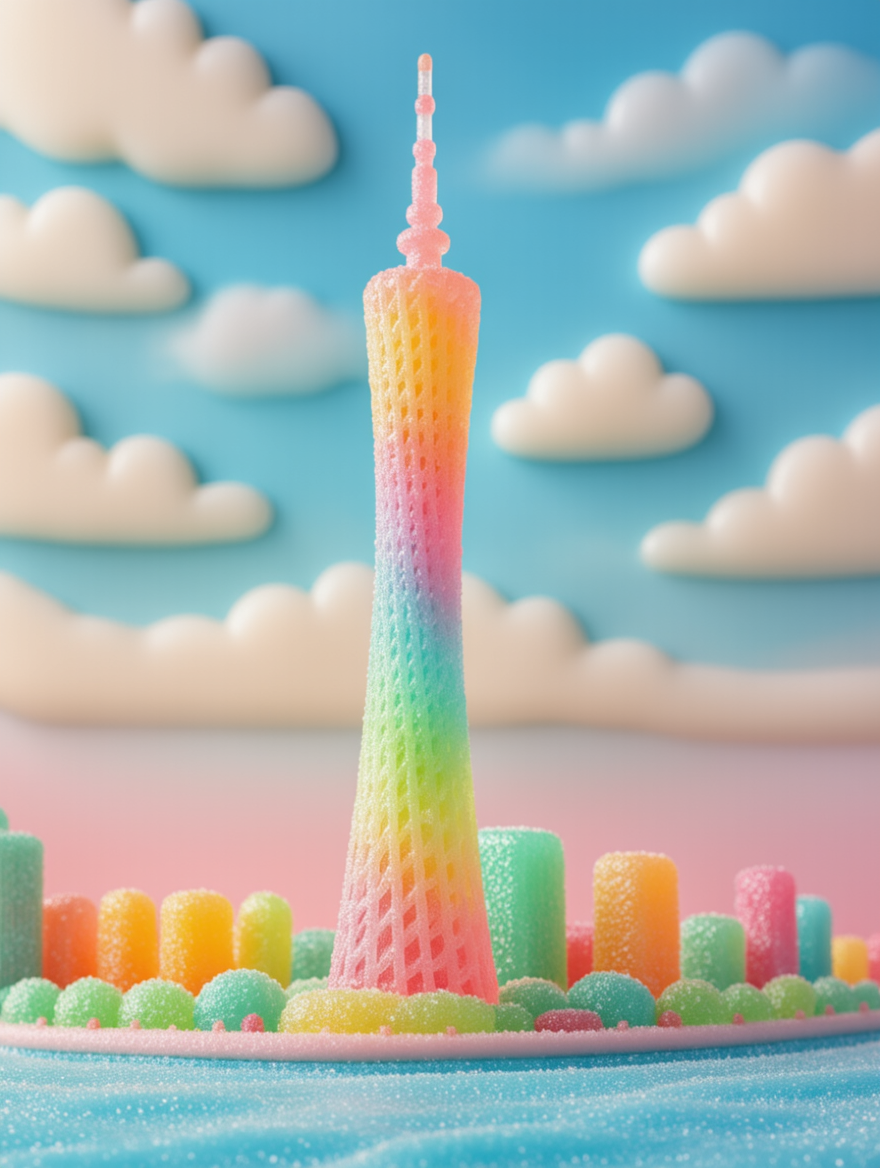
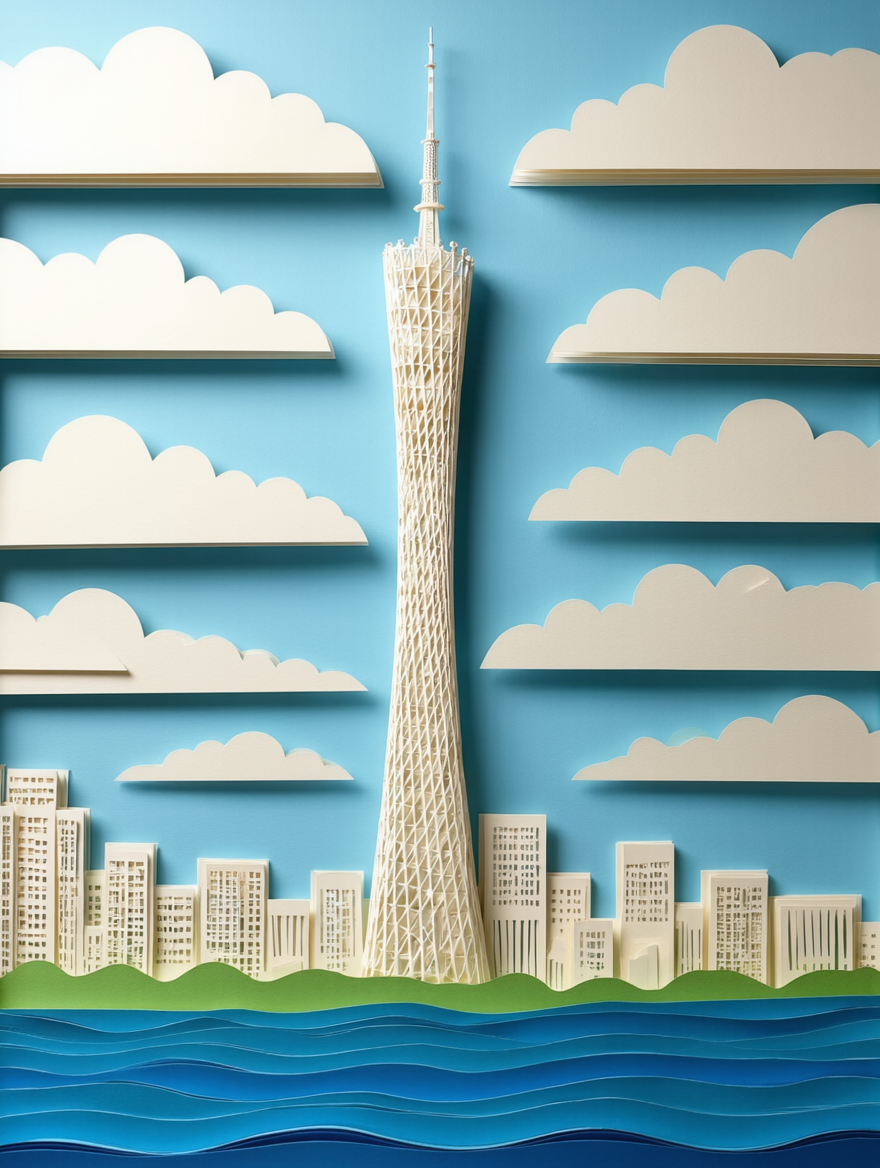
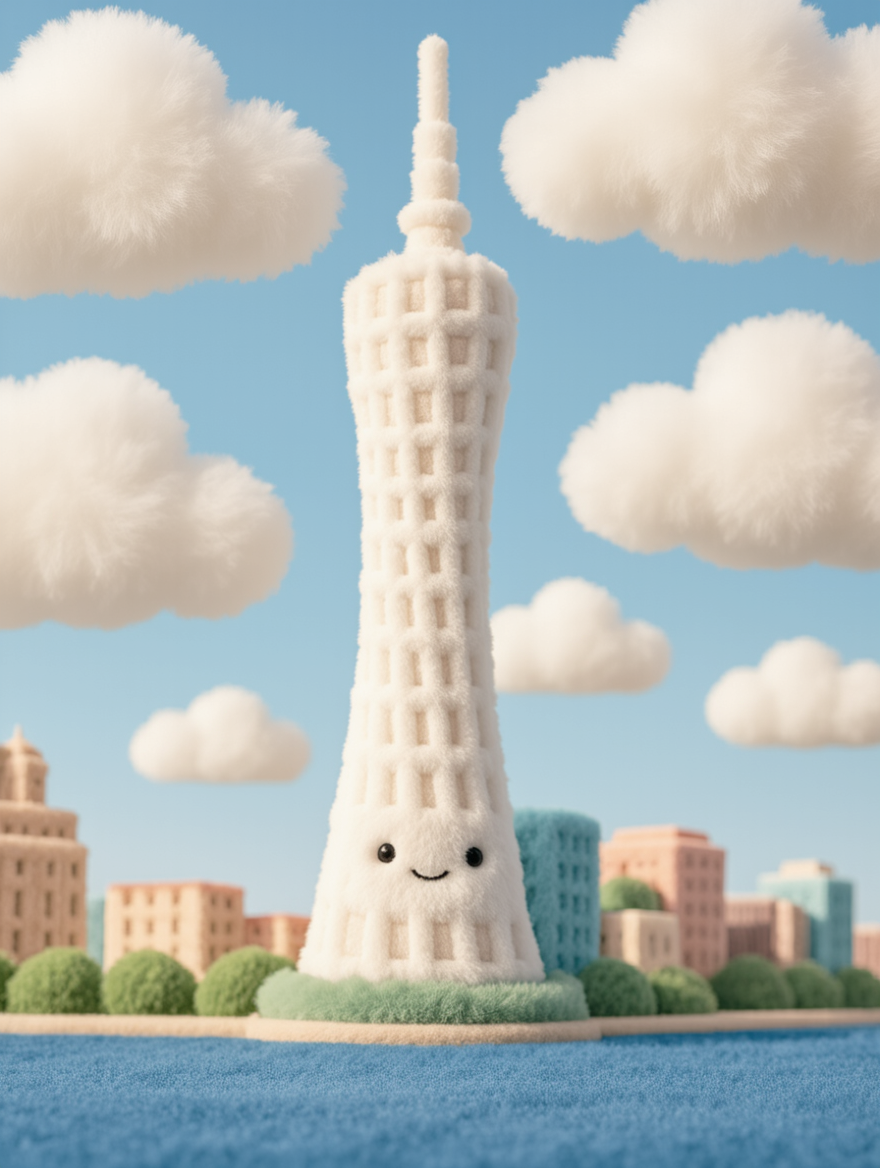
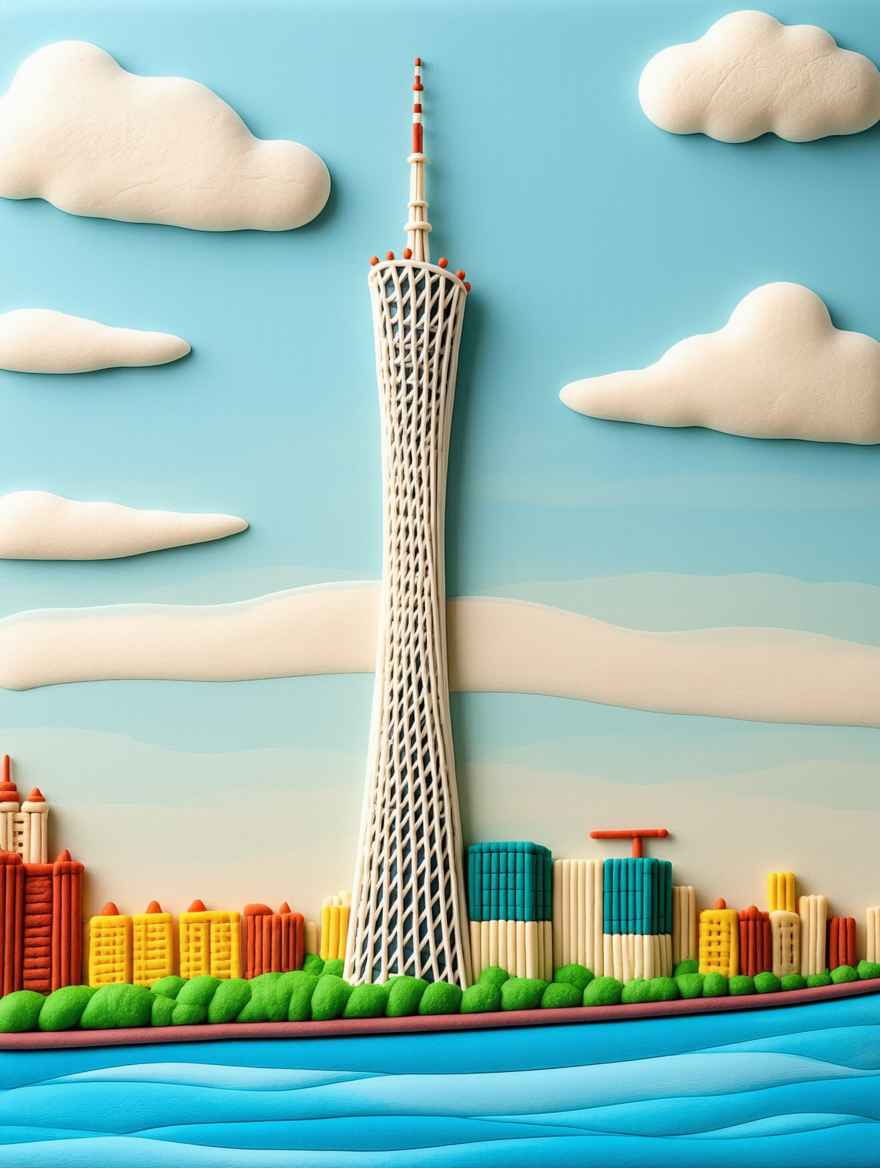
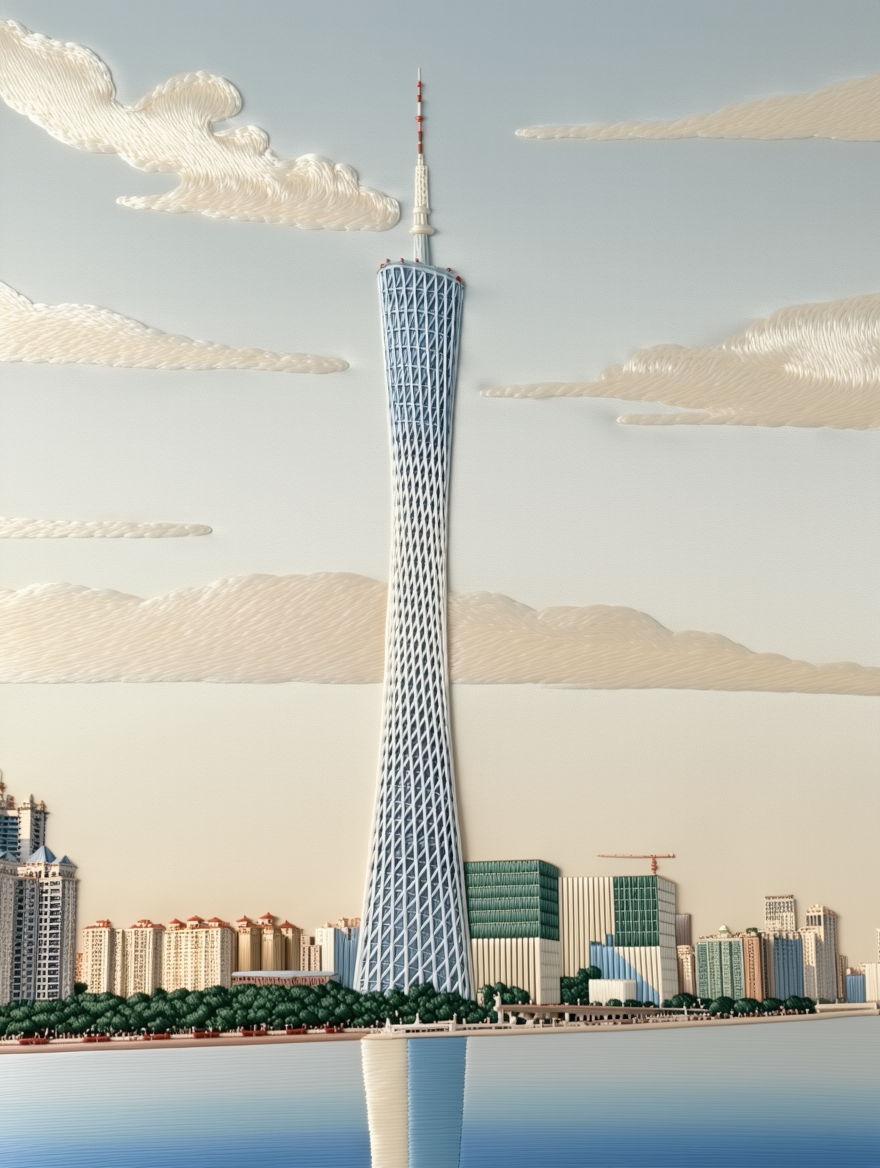
Change image to embroidery style | Change image to yarn texture | Change image to gummy texture | Change lighting/shadows to paper-cut texture | Change image to plush material | Change image to ultra-light clay texture | Change image to linen texture | |
|
|
|
|
|
|
| |
Change image to glass material | Change image to denim texture | Change image to wood texture | Change image to cotton material | Change image to building block texture | Change image to bamboo weaving style | Change image to oil painting style | |
|
|
|
|
|
|
| |
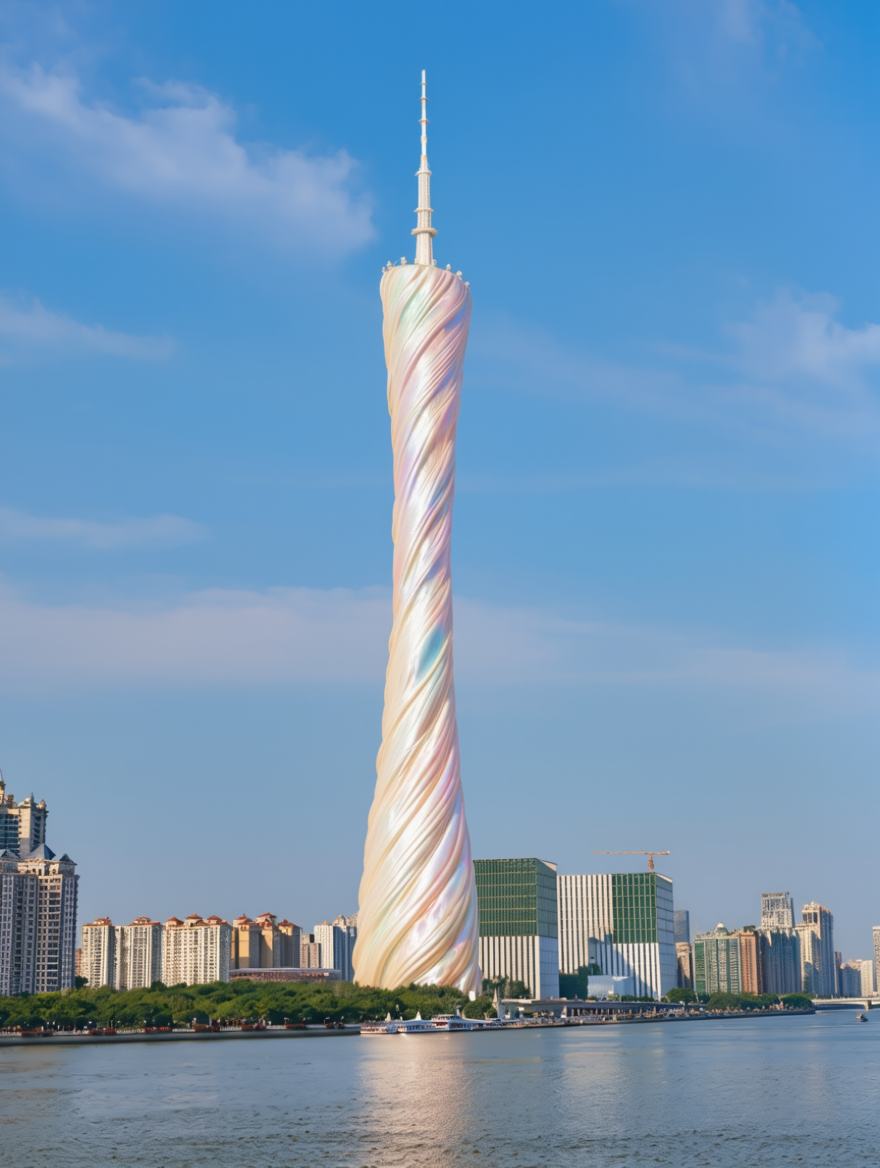
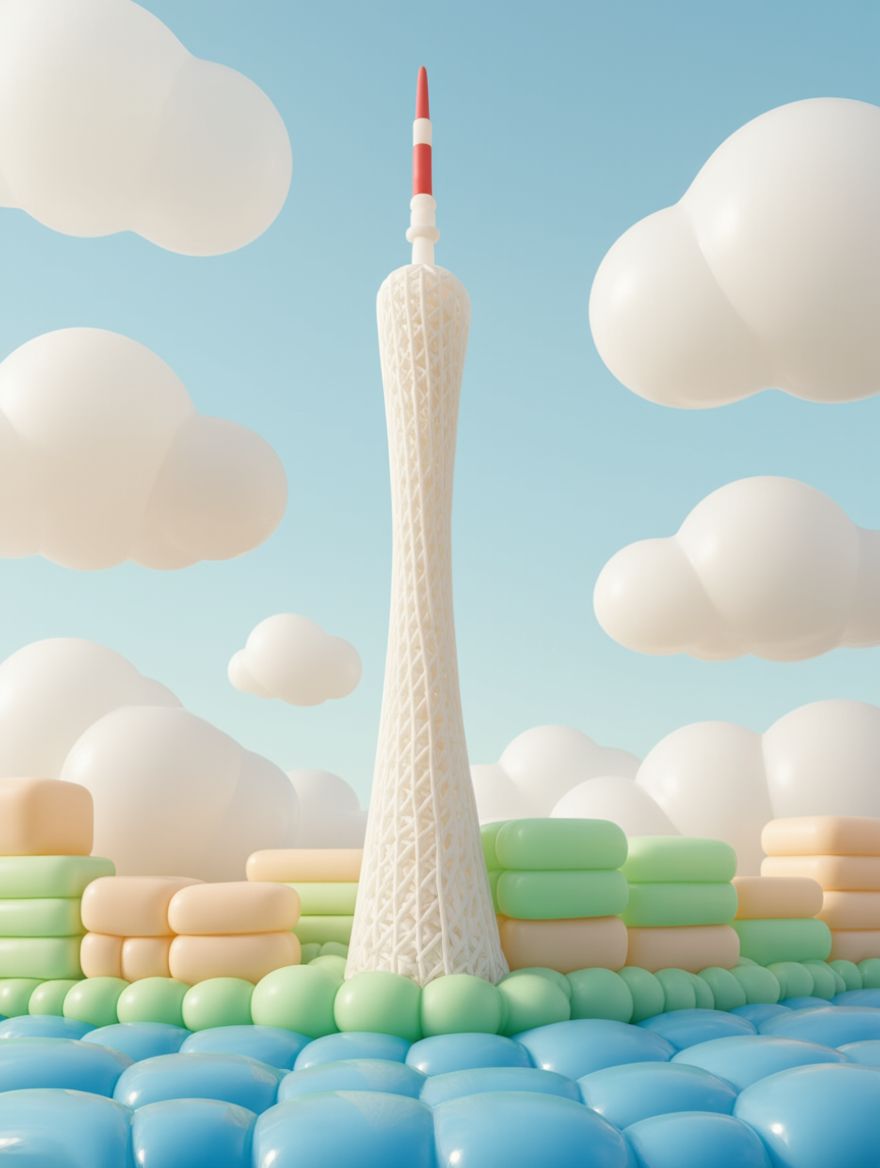
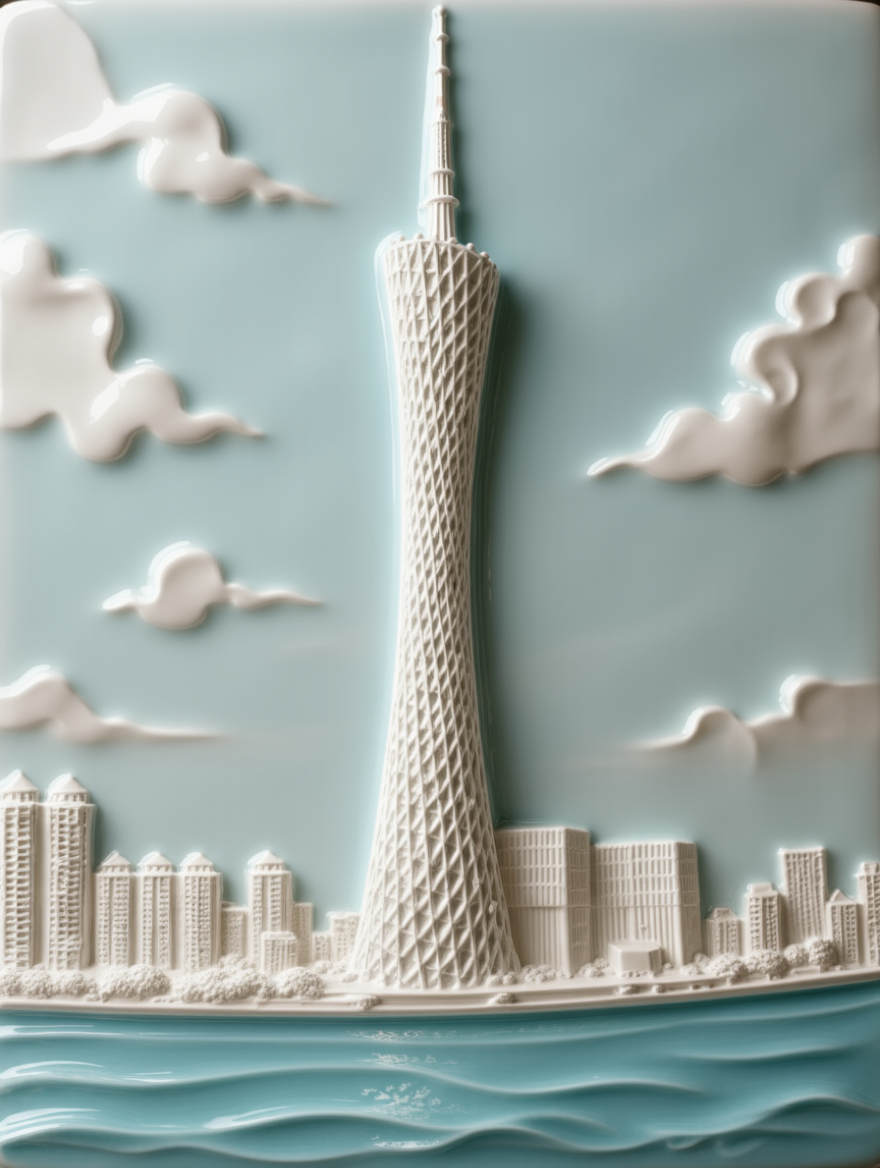
Change image to pearl shell texture | Change image to lace material | Change image to silk material | Change image to balloon material | Change image to ceramic material | Change image to plaster material | Change image to down jacket texture |
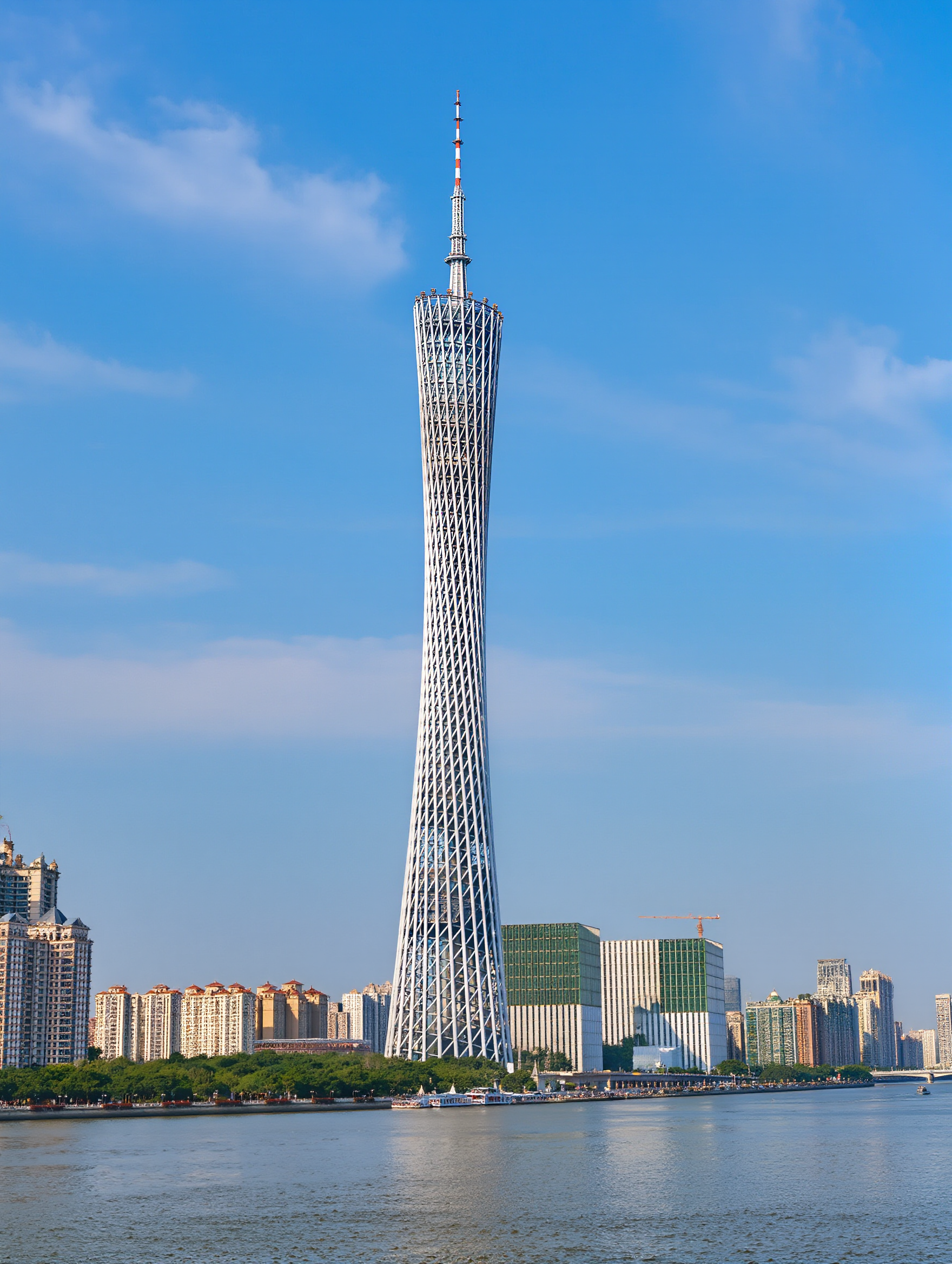
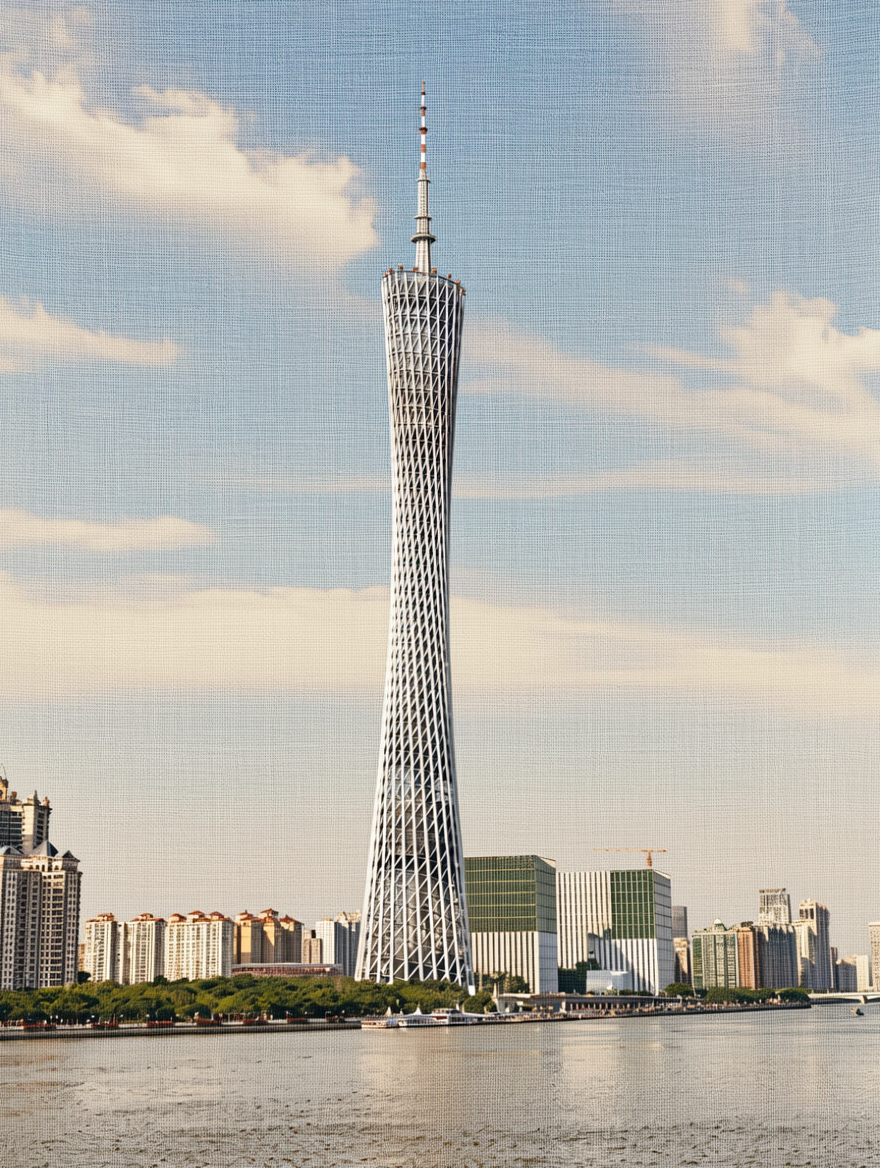
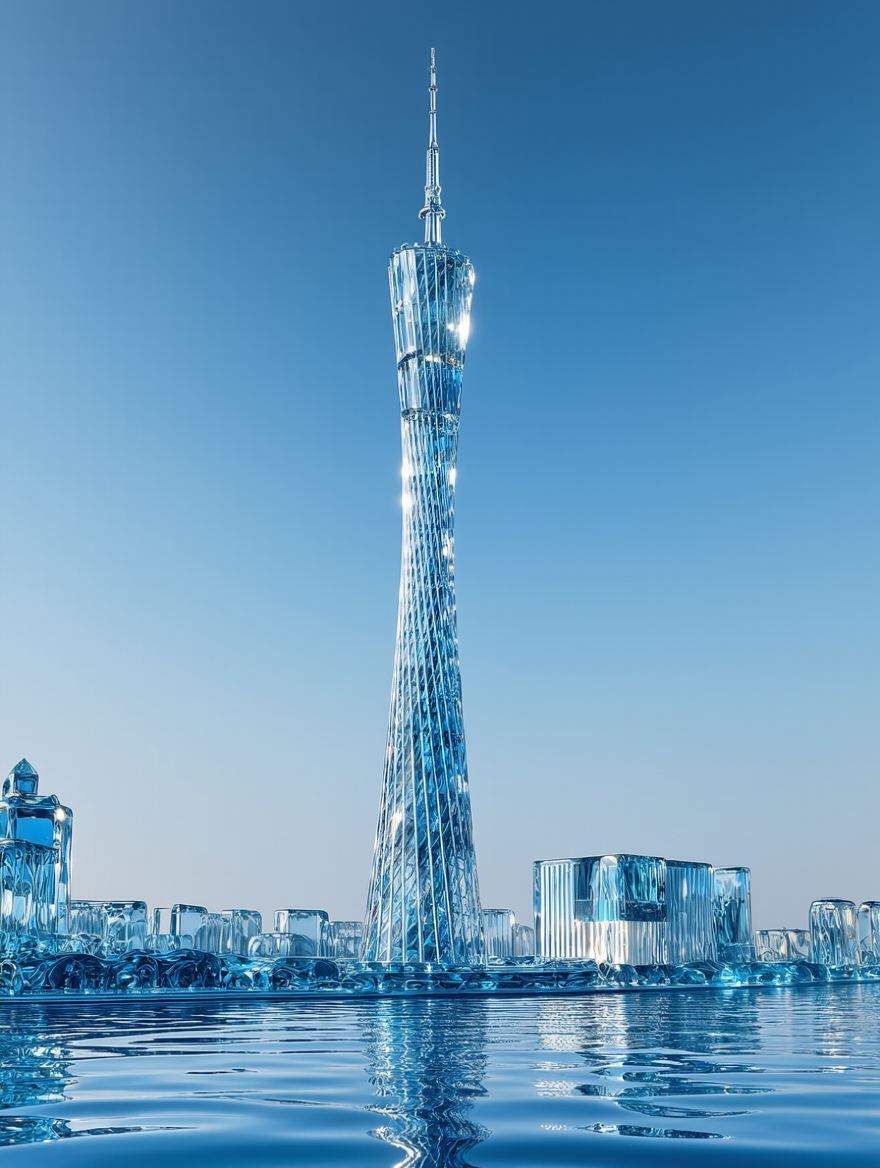
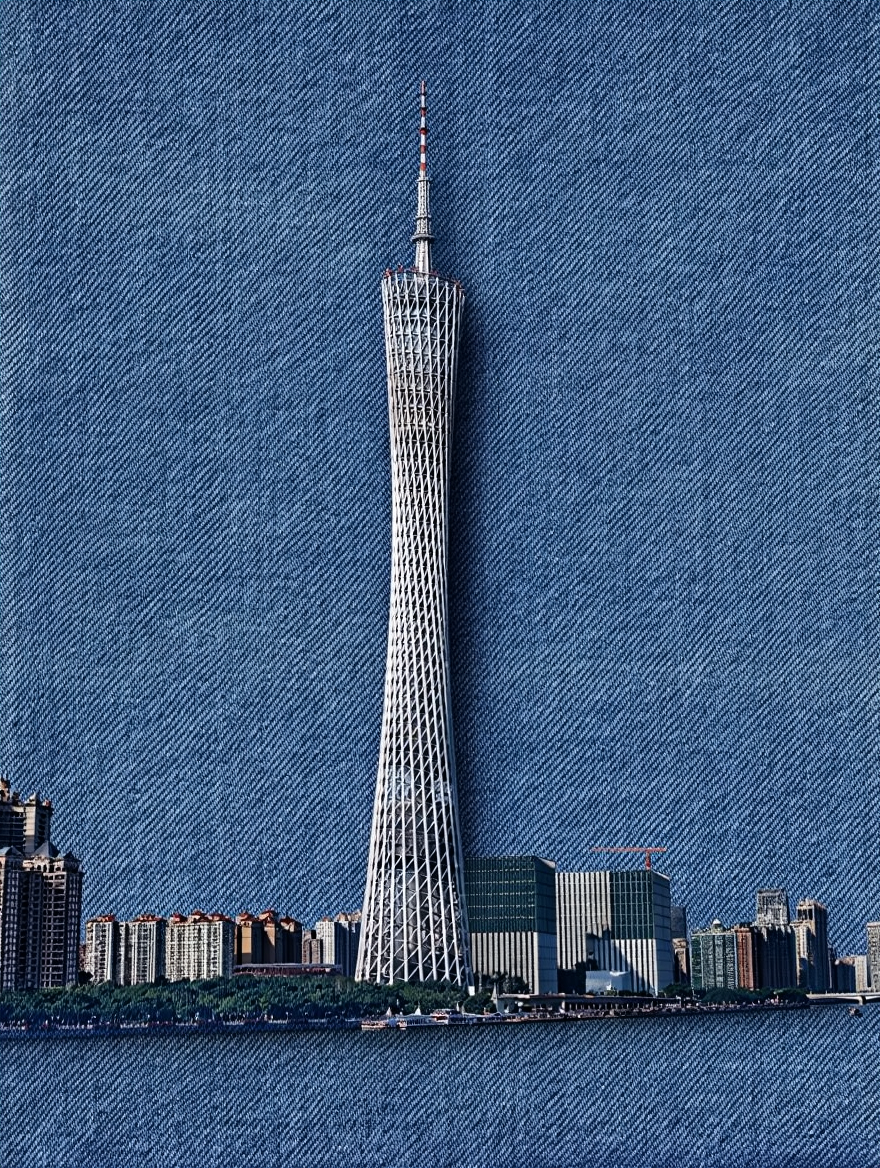
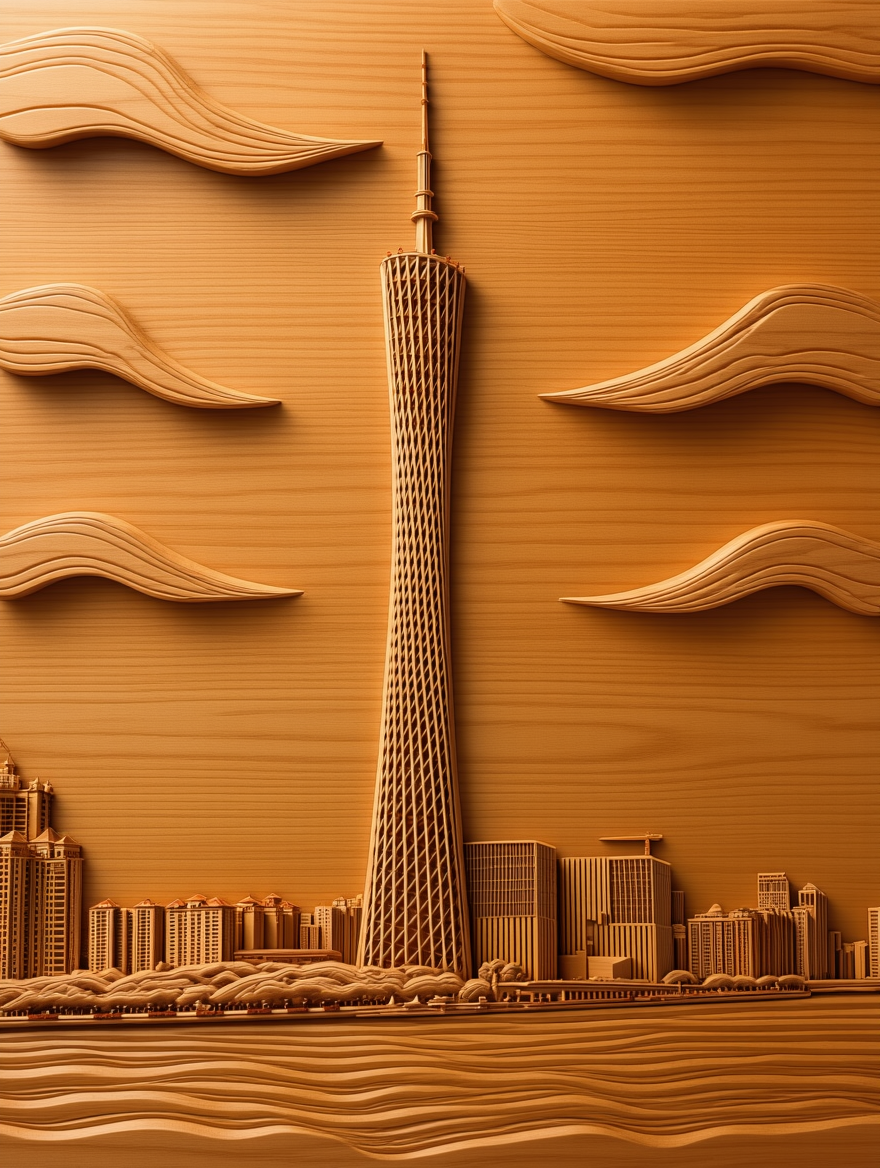
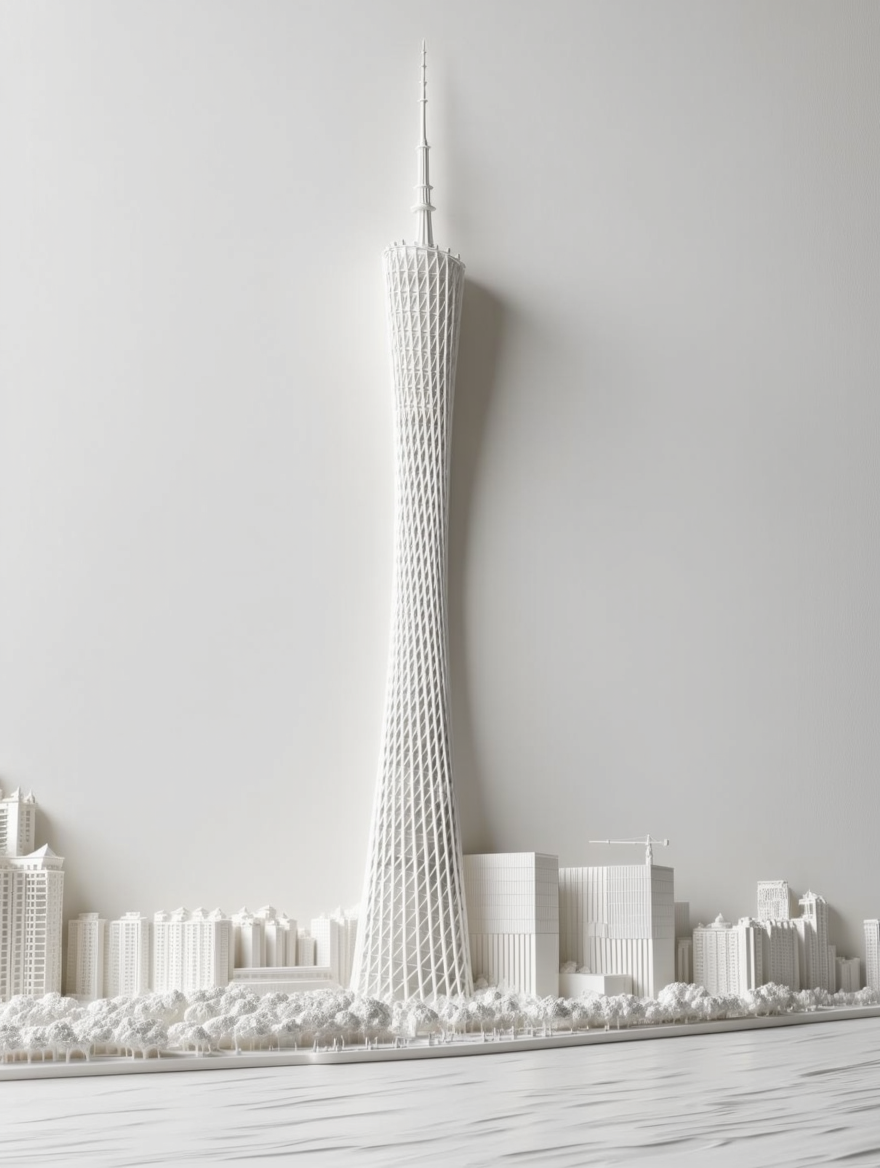
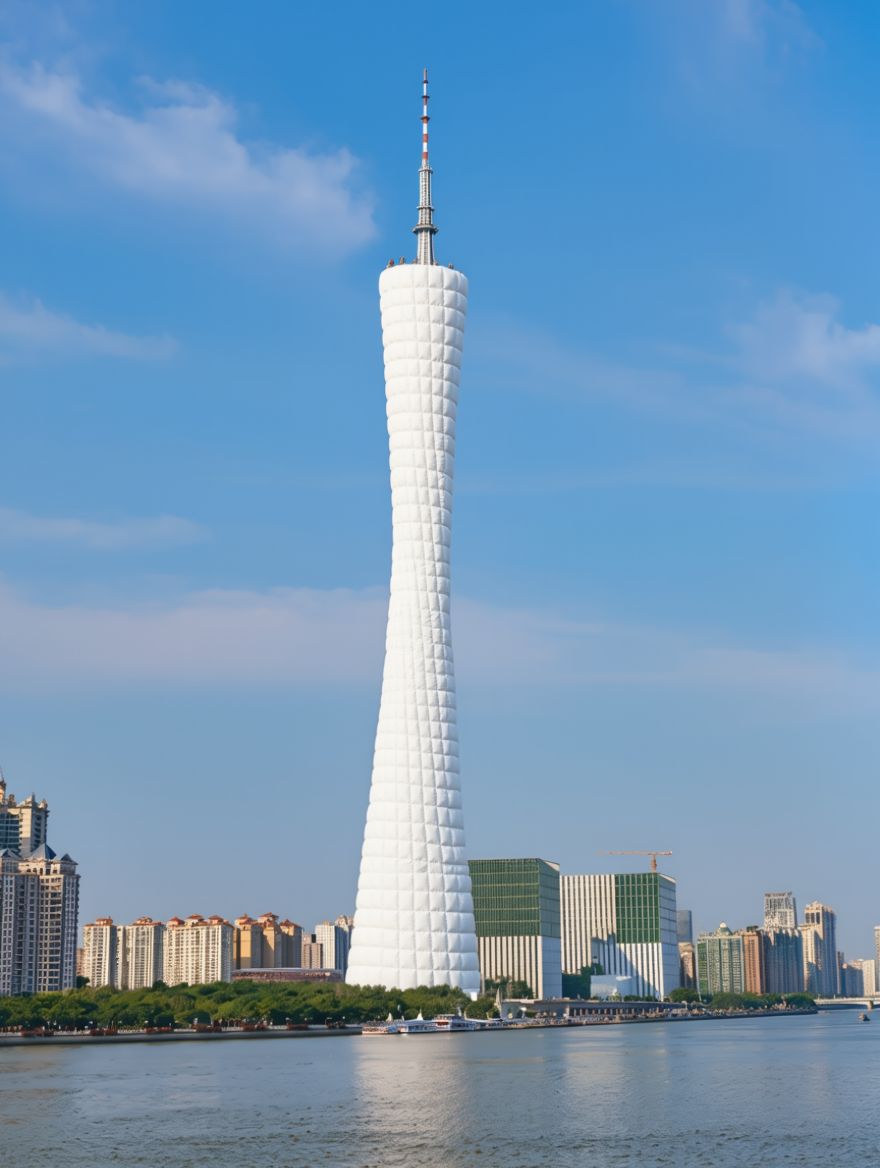
HD Restoration
|
|
|
|
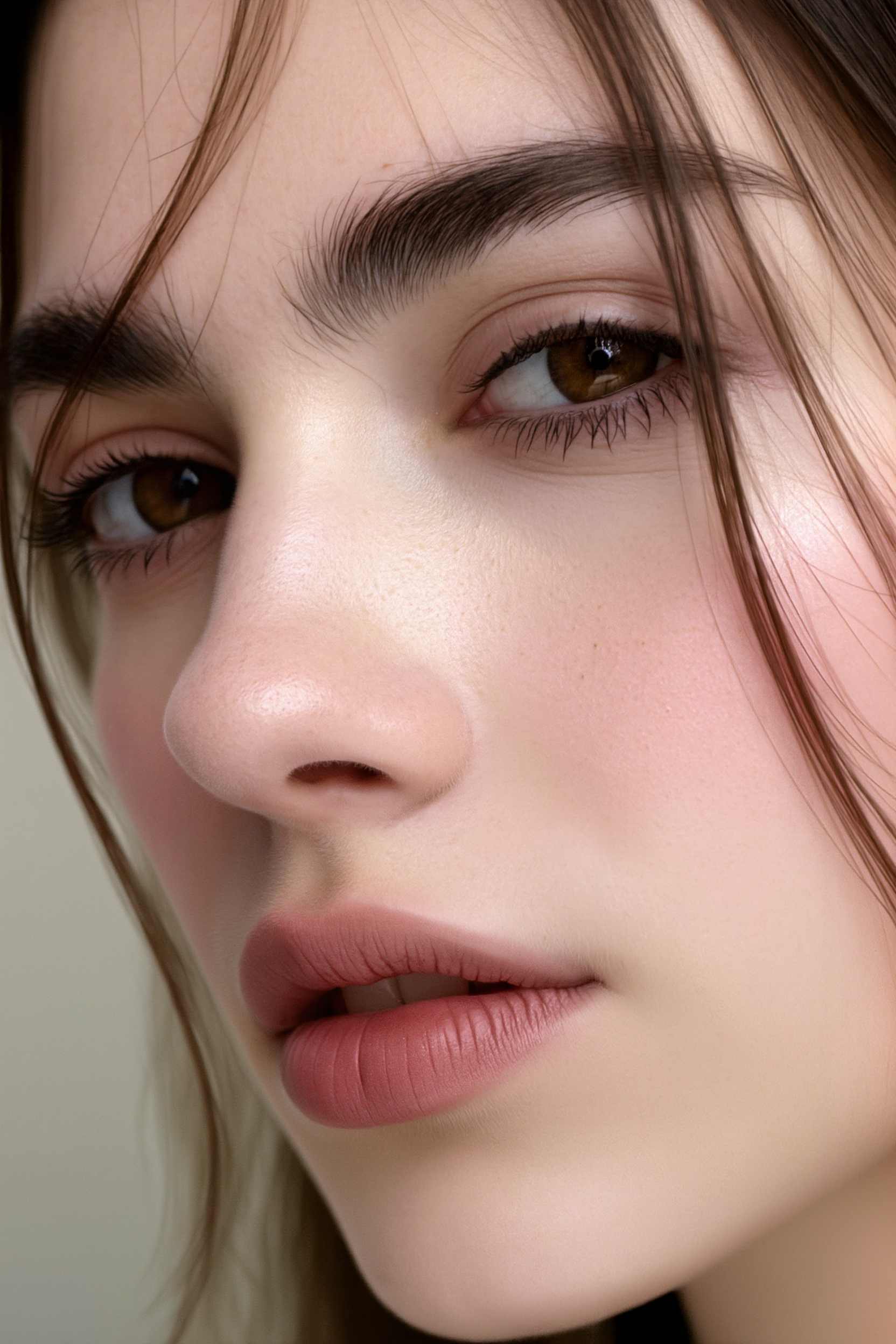
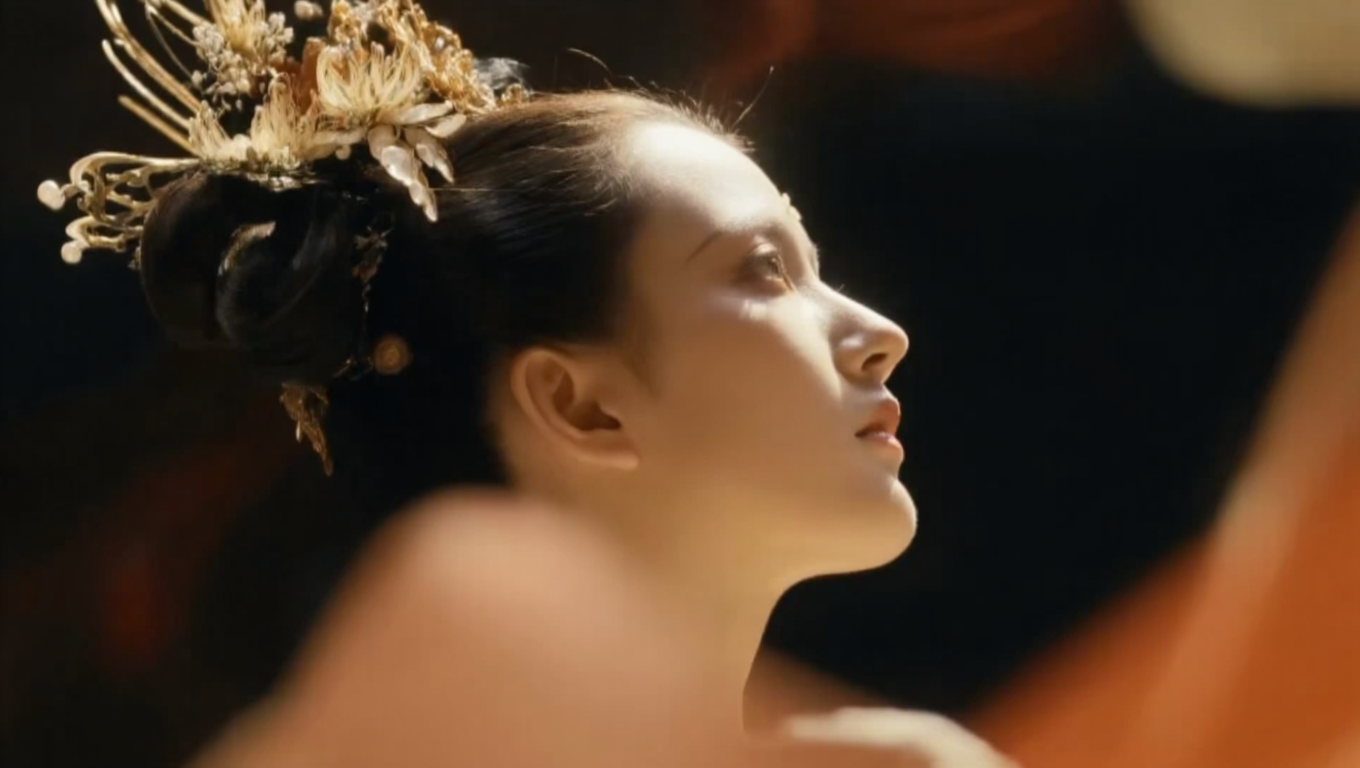
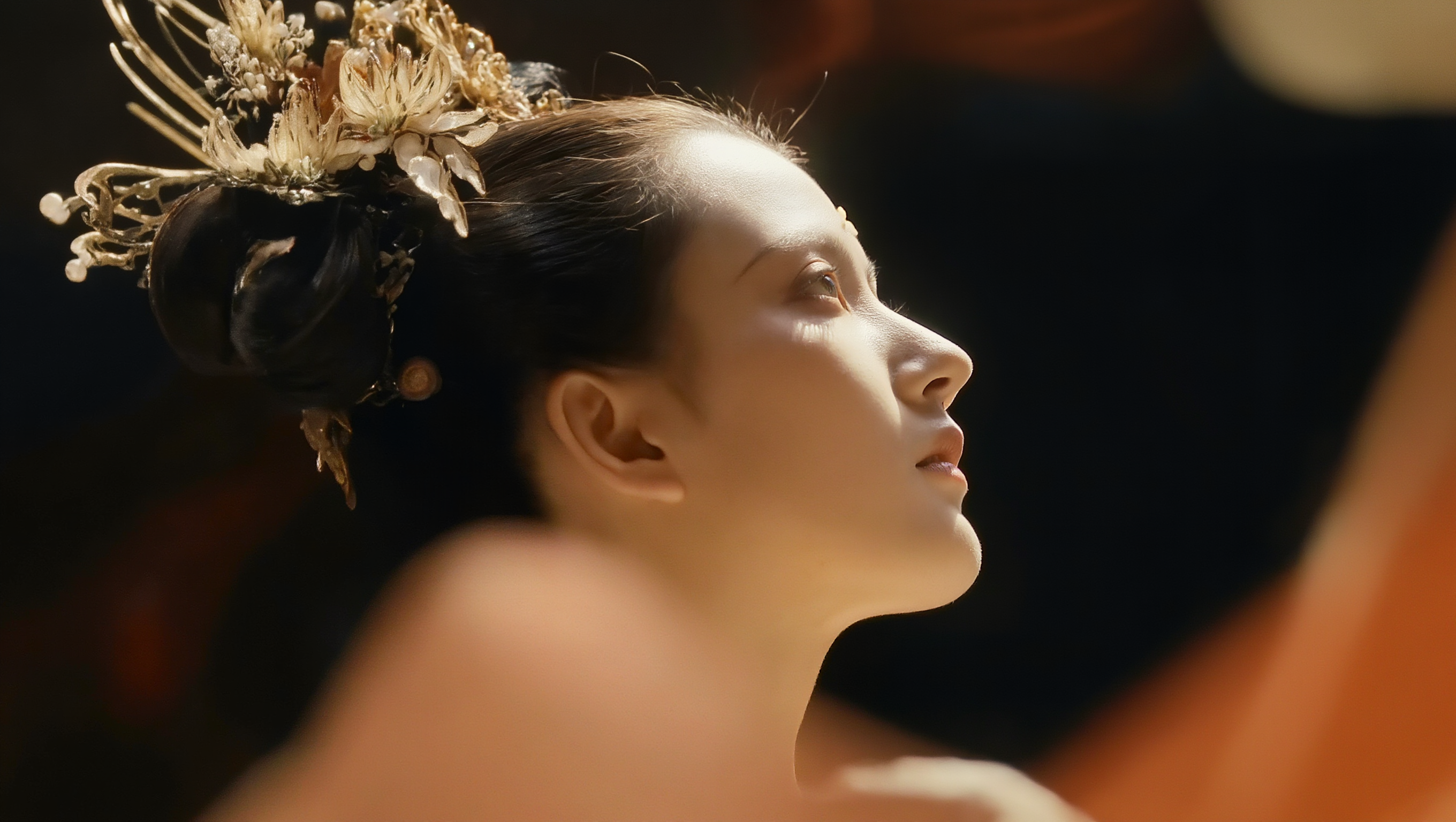
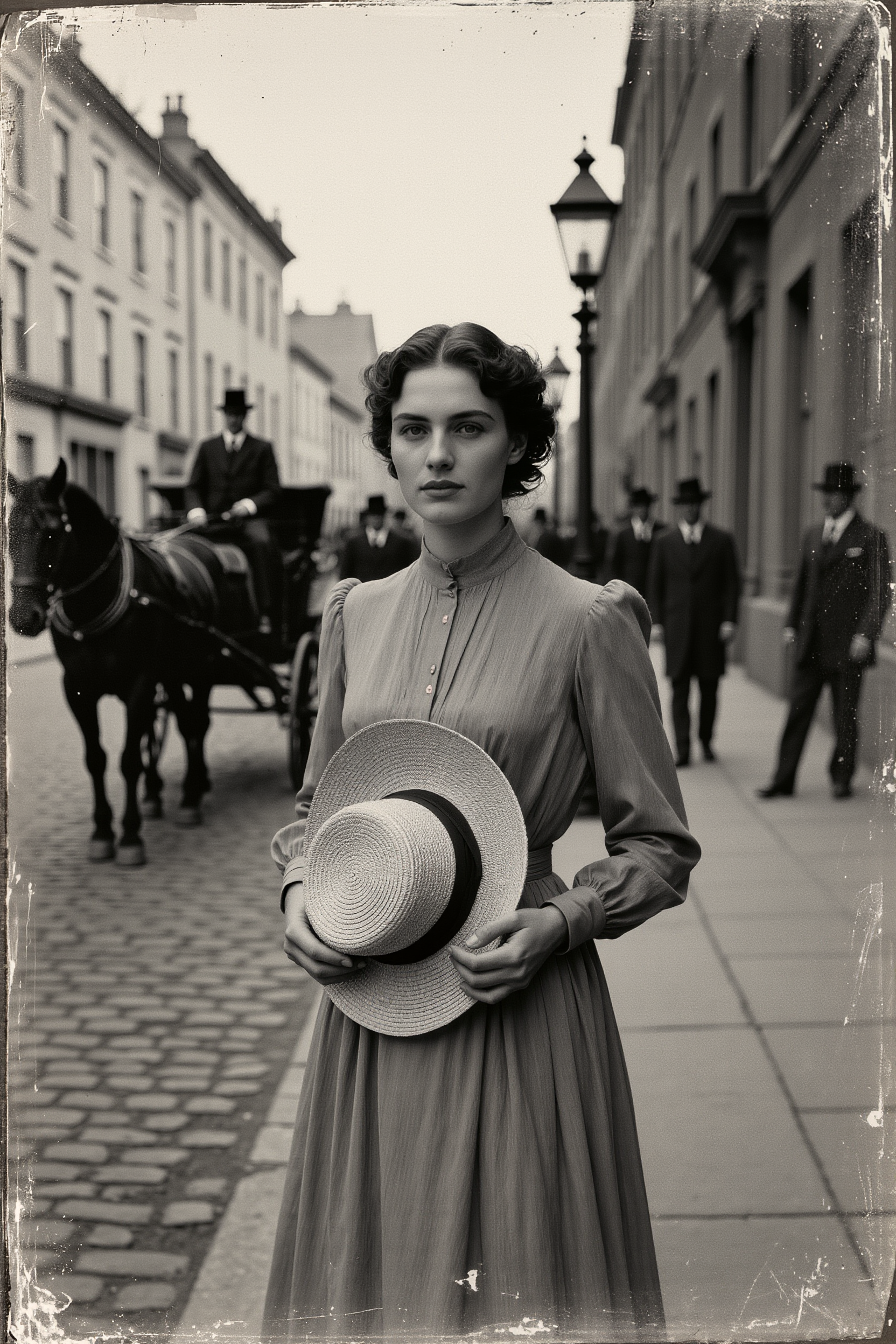
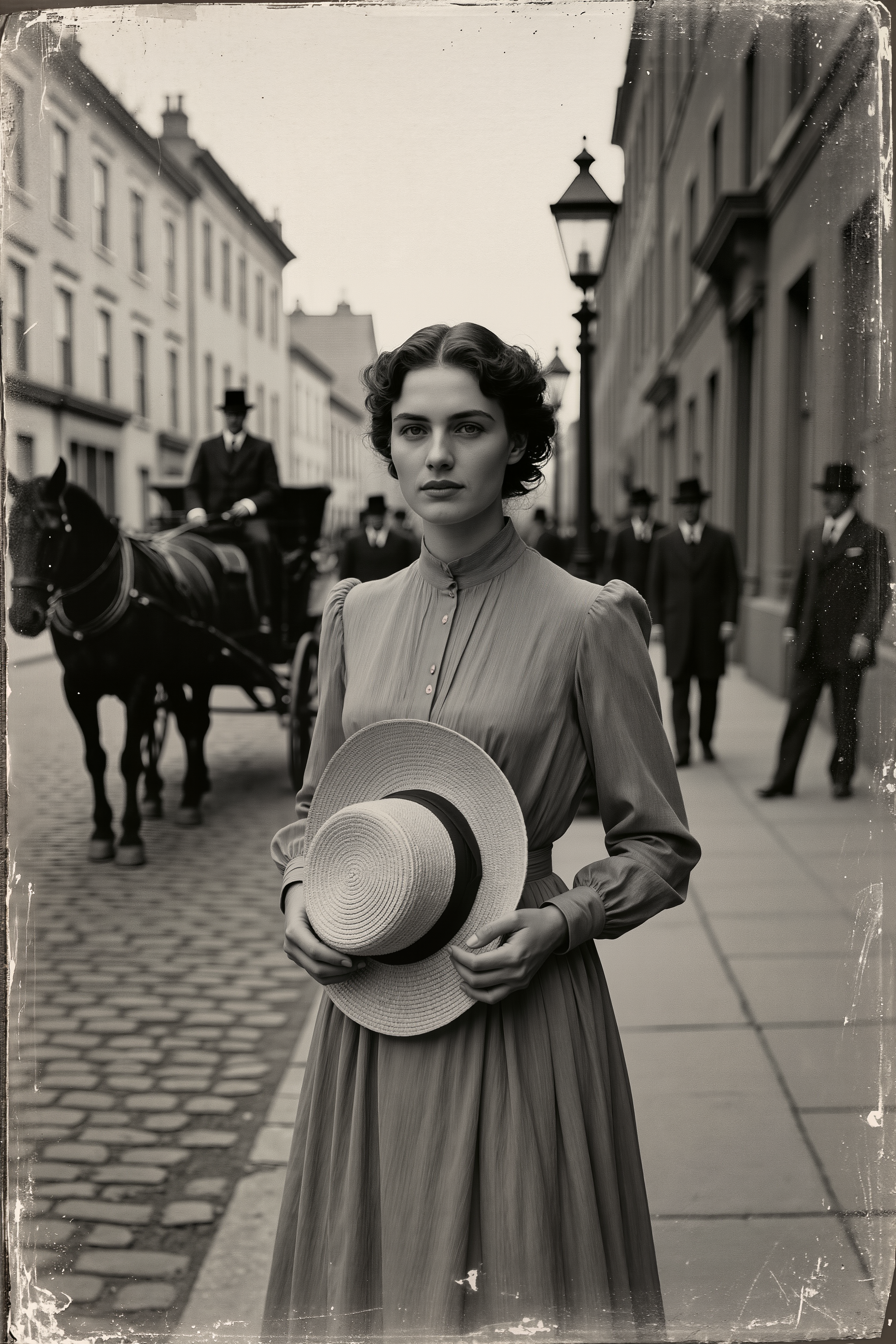
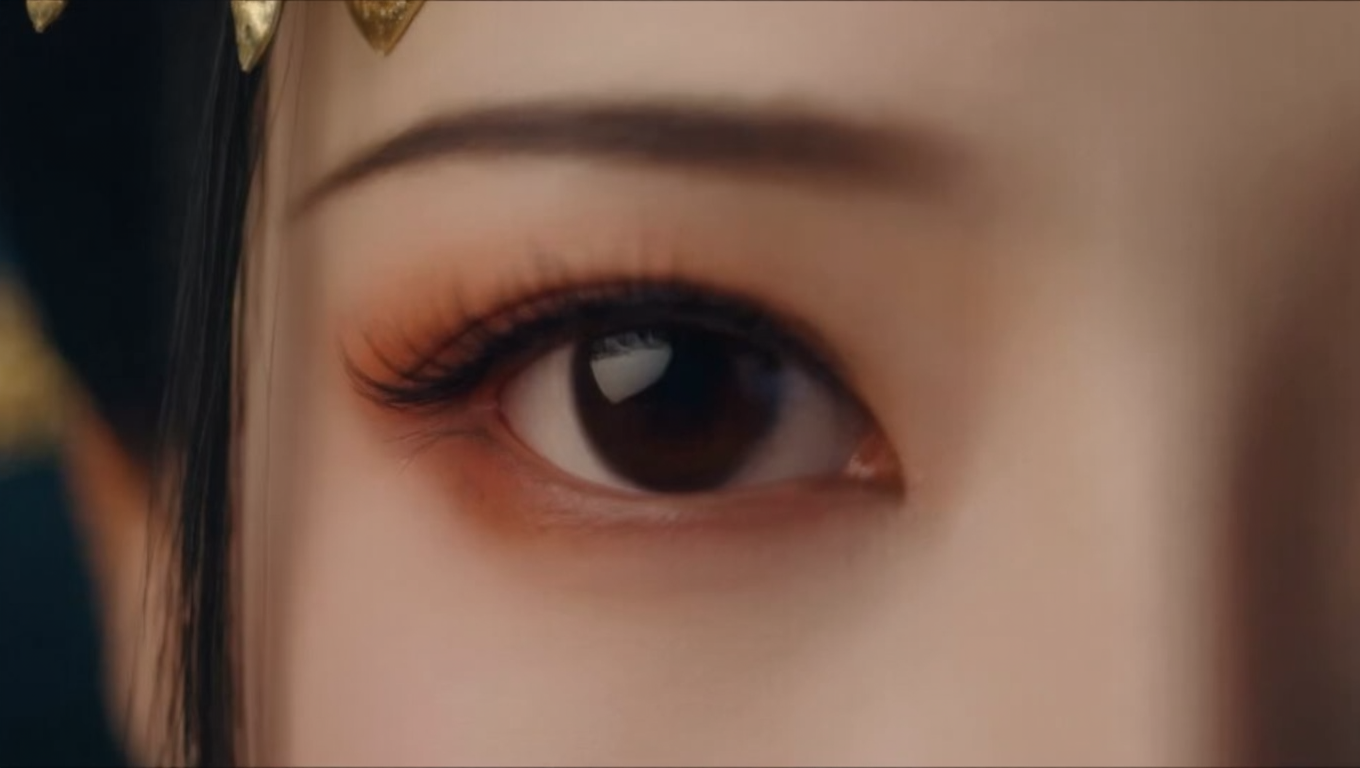
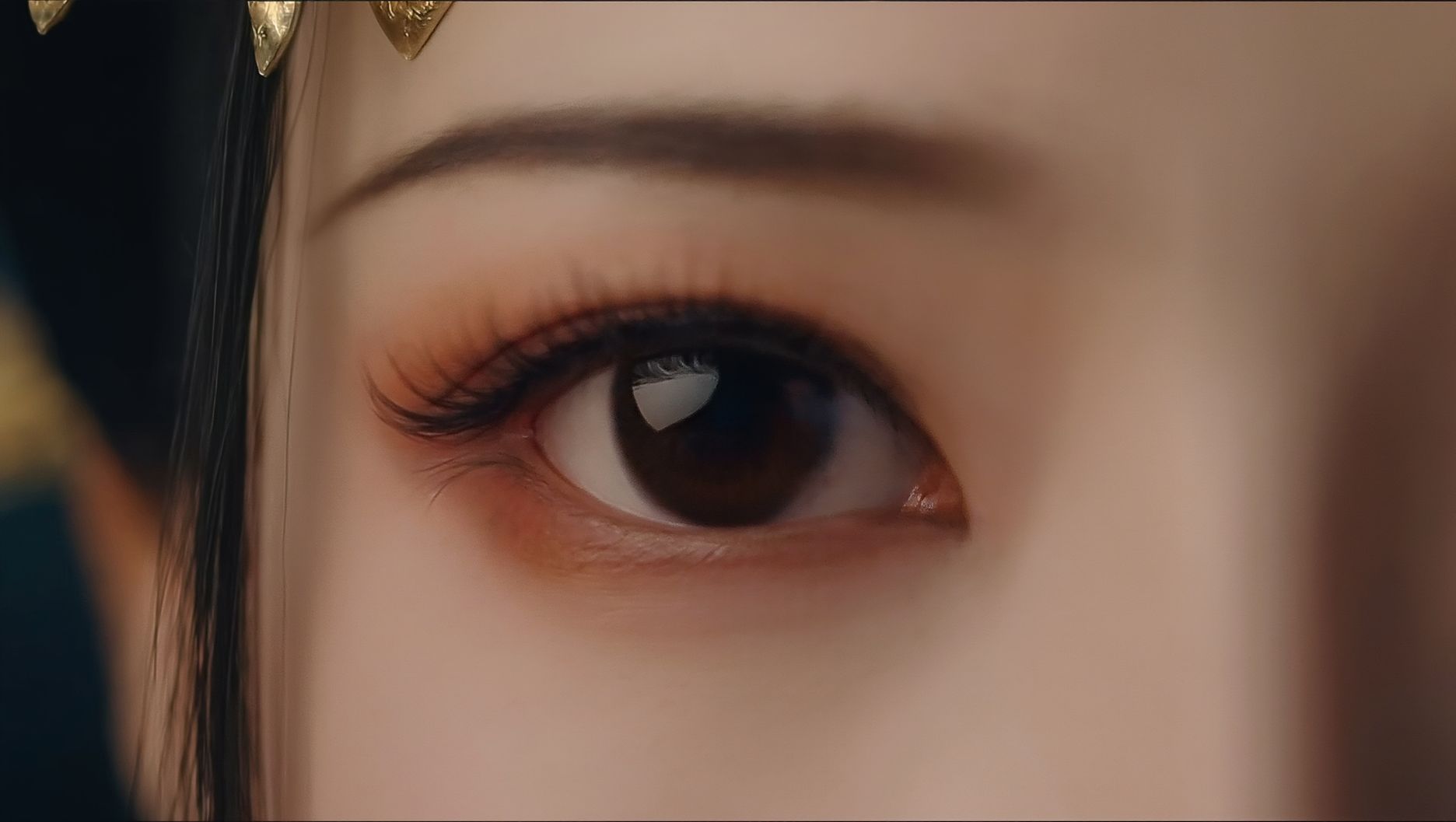
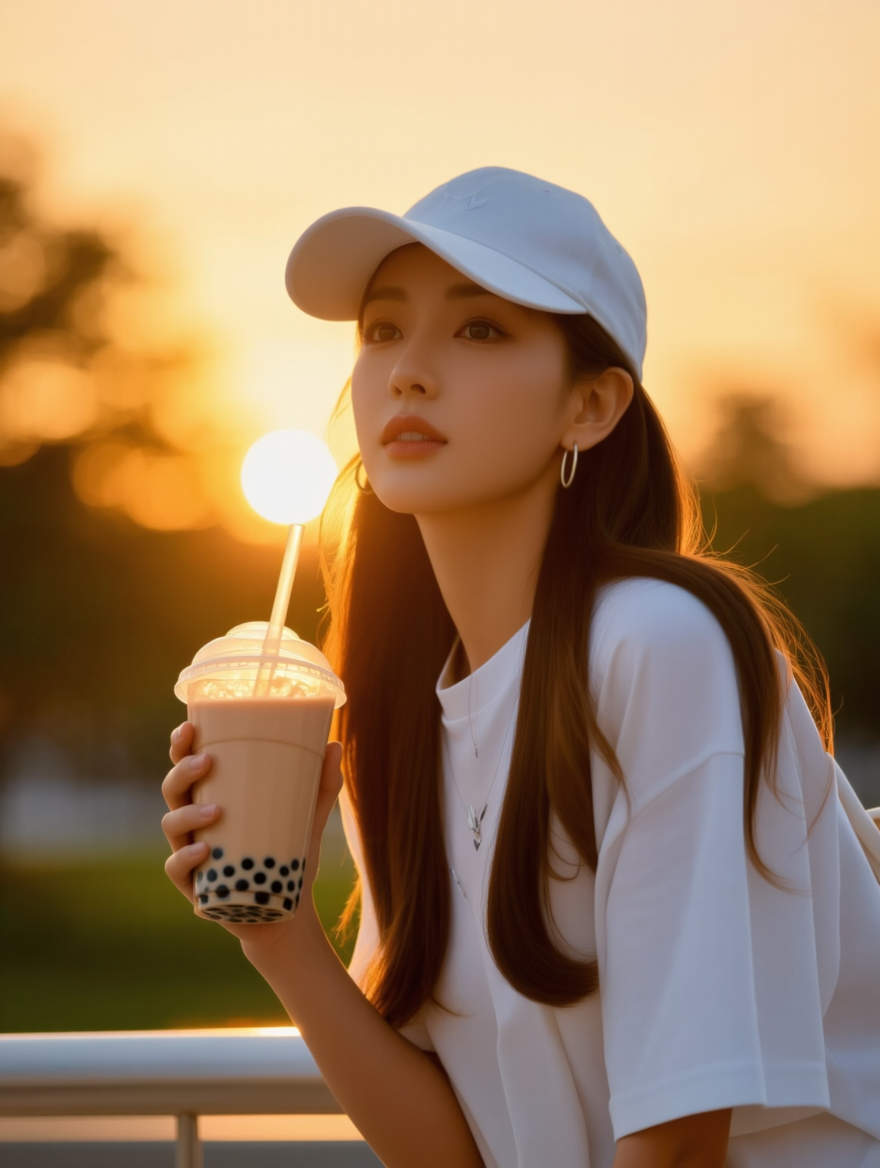
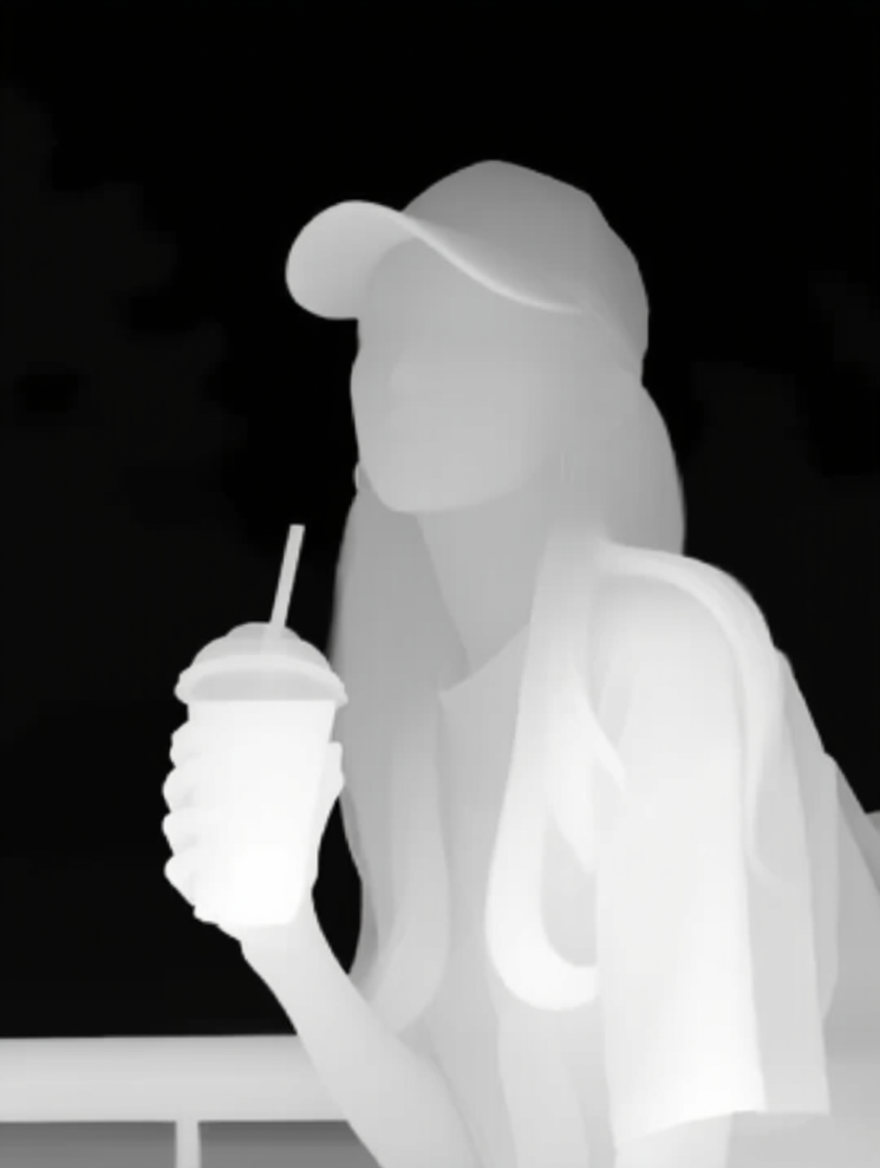
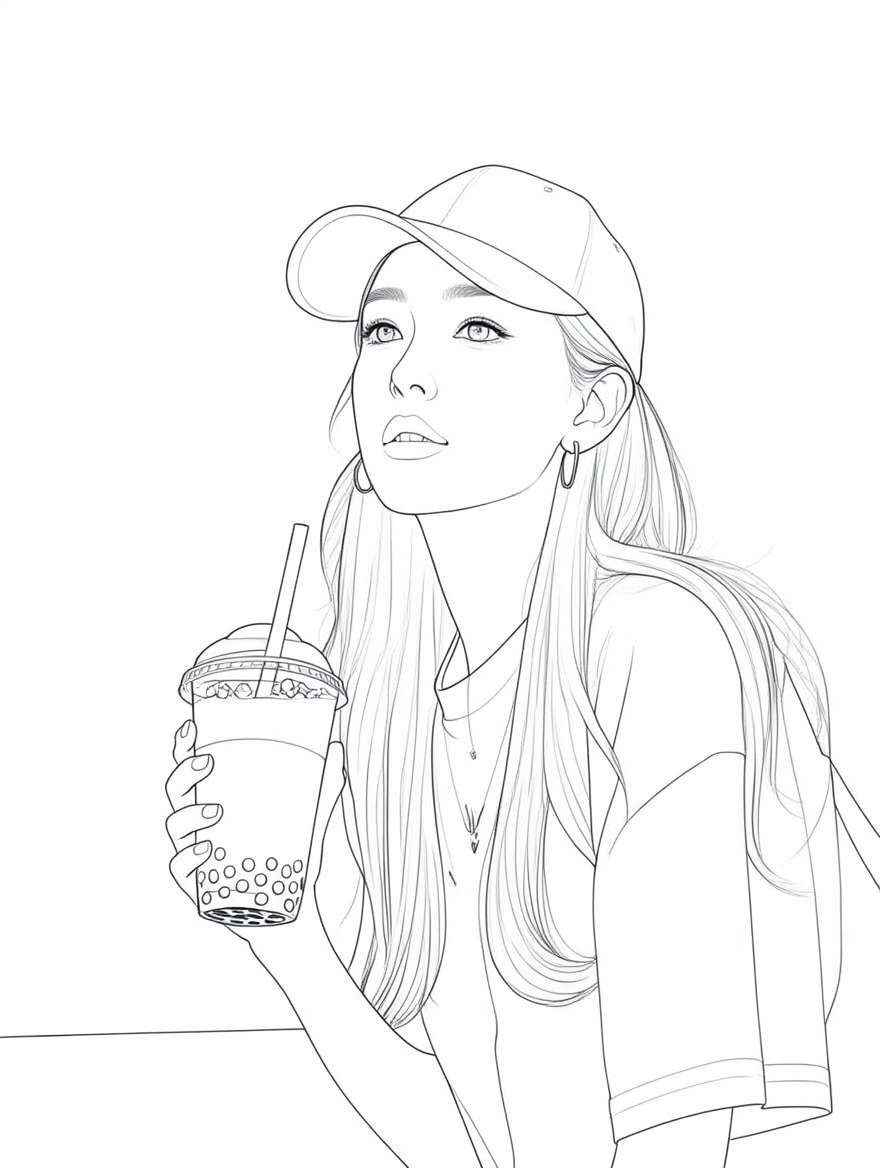
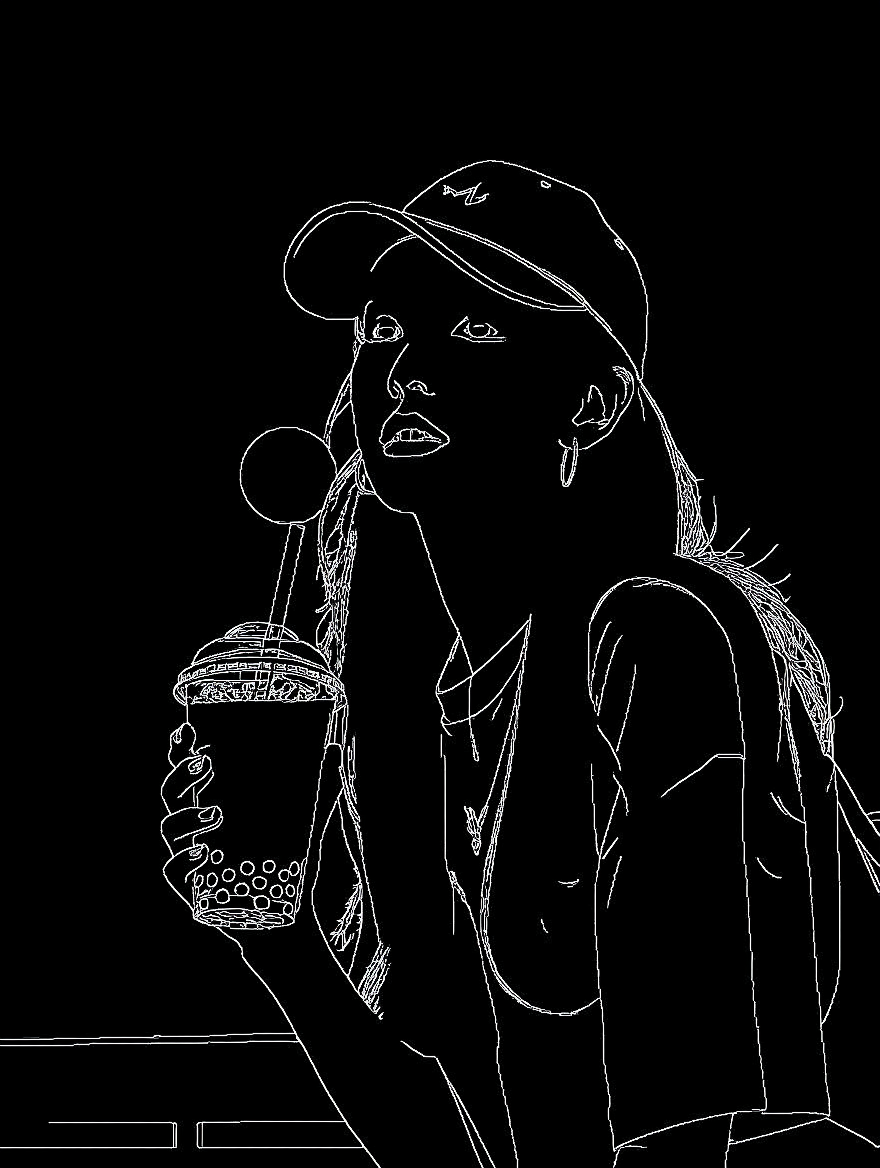
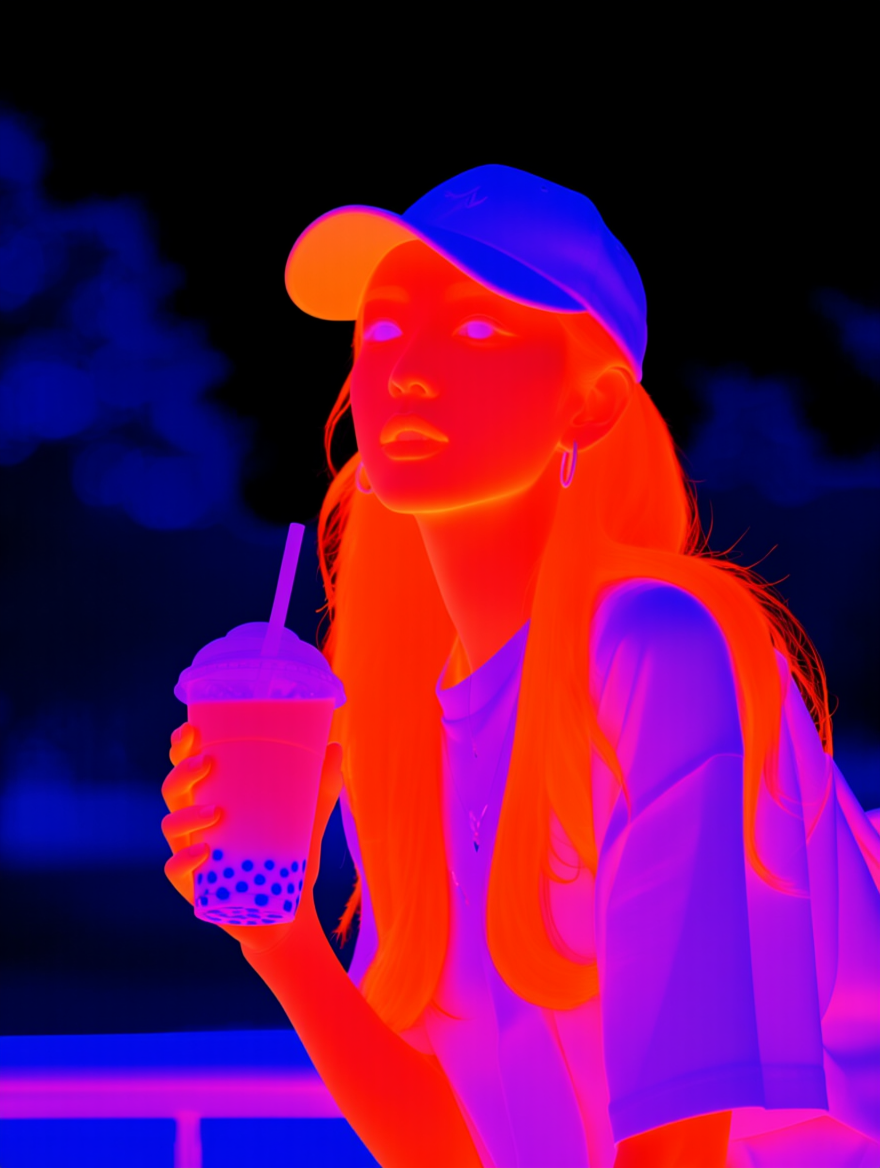
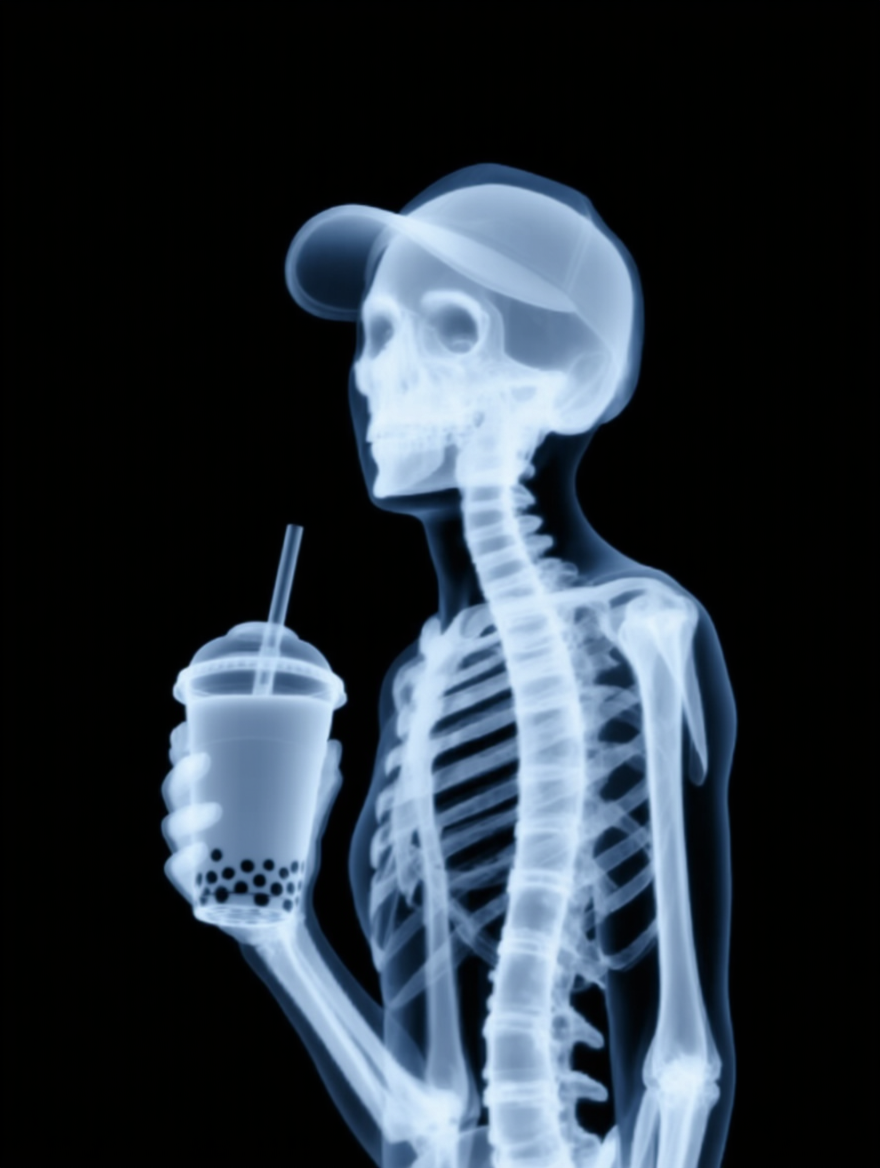
Reverse Mapping
Input Image |
Spatial Map |
Line Art |
Contour Map |
Thermal Imaging |
X-ray Image |
Prompt: Generate [] based on this image | |||||
Other Modifications
Photo colorization | Vintage effect | Remove watermark | Add graffiti | Body shape adjustment |
To be explored …
|
|
|
|
|
|