 Android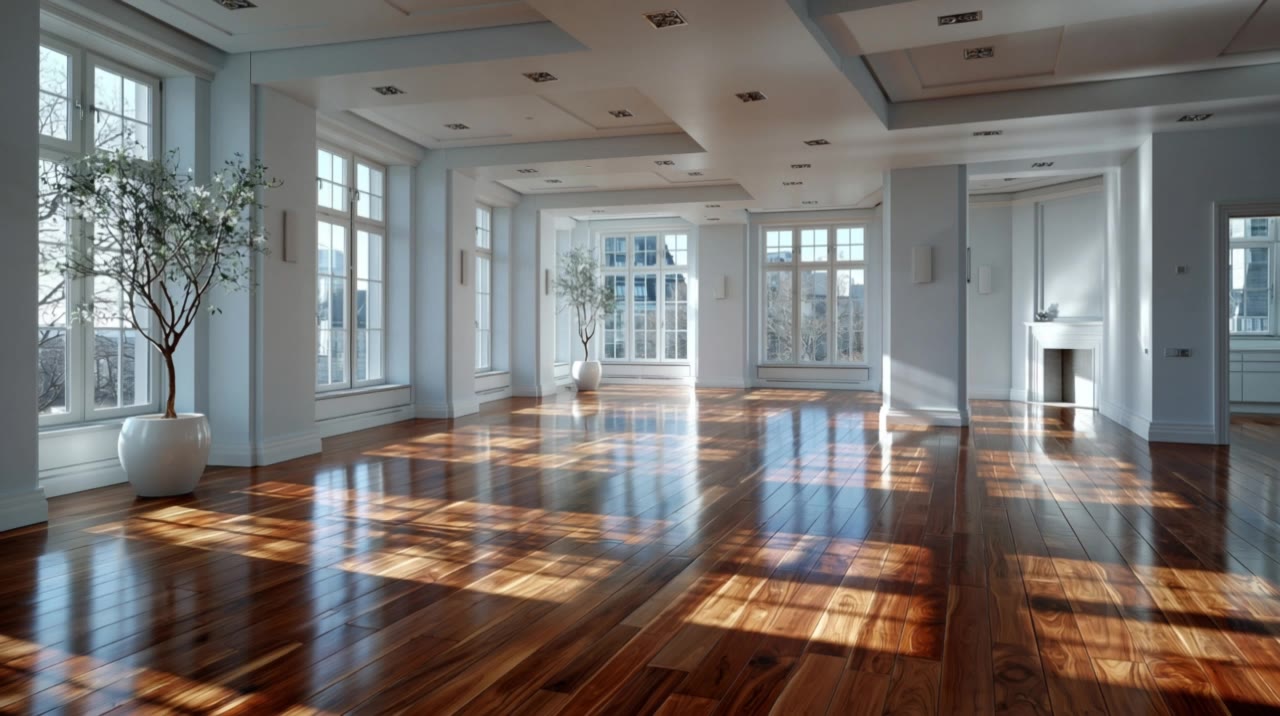

DUGAAG STUDIO
124

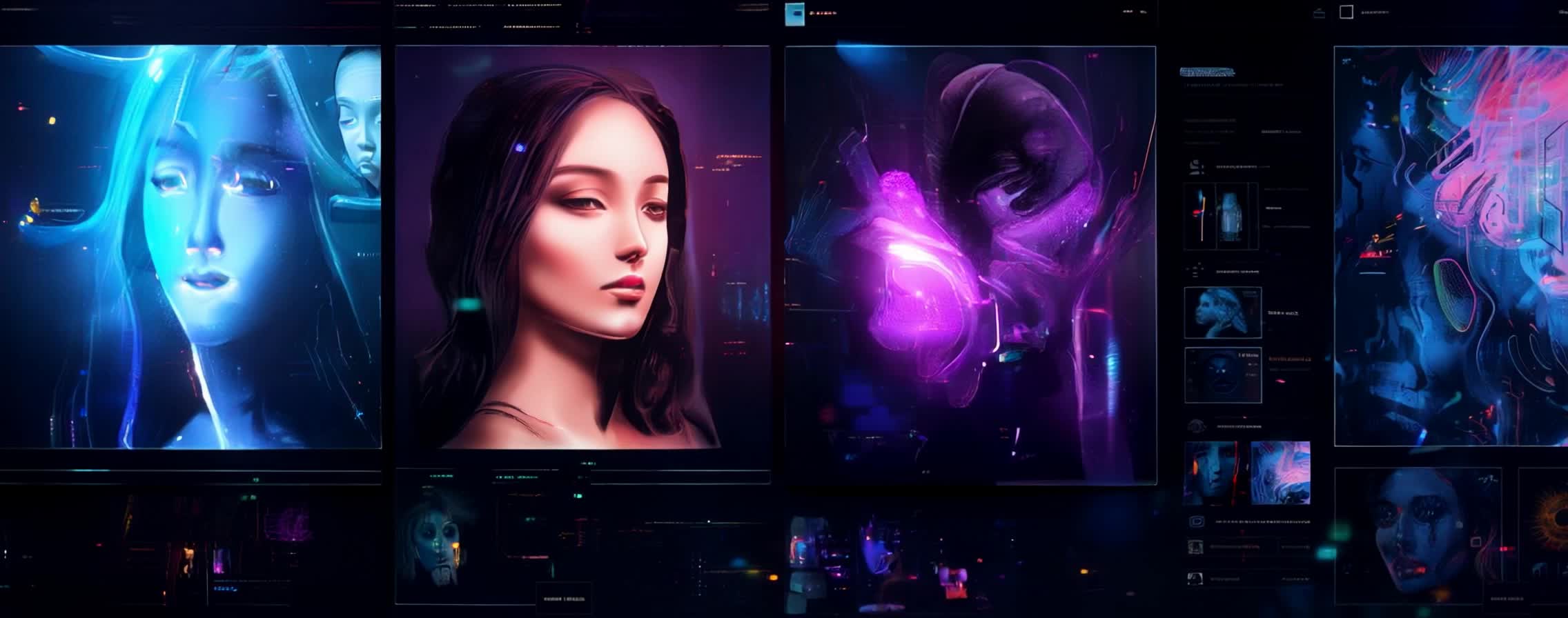
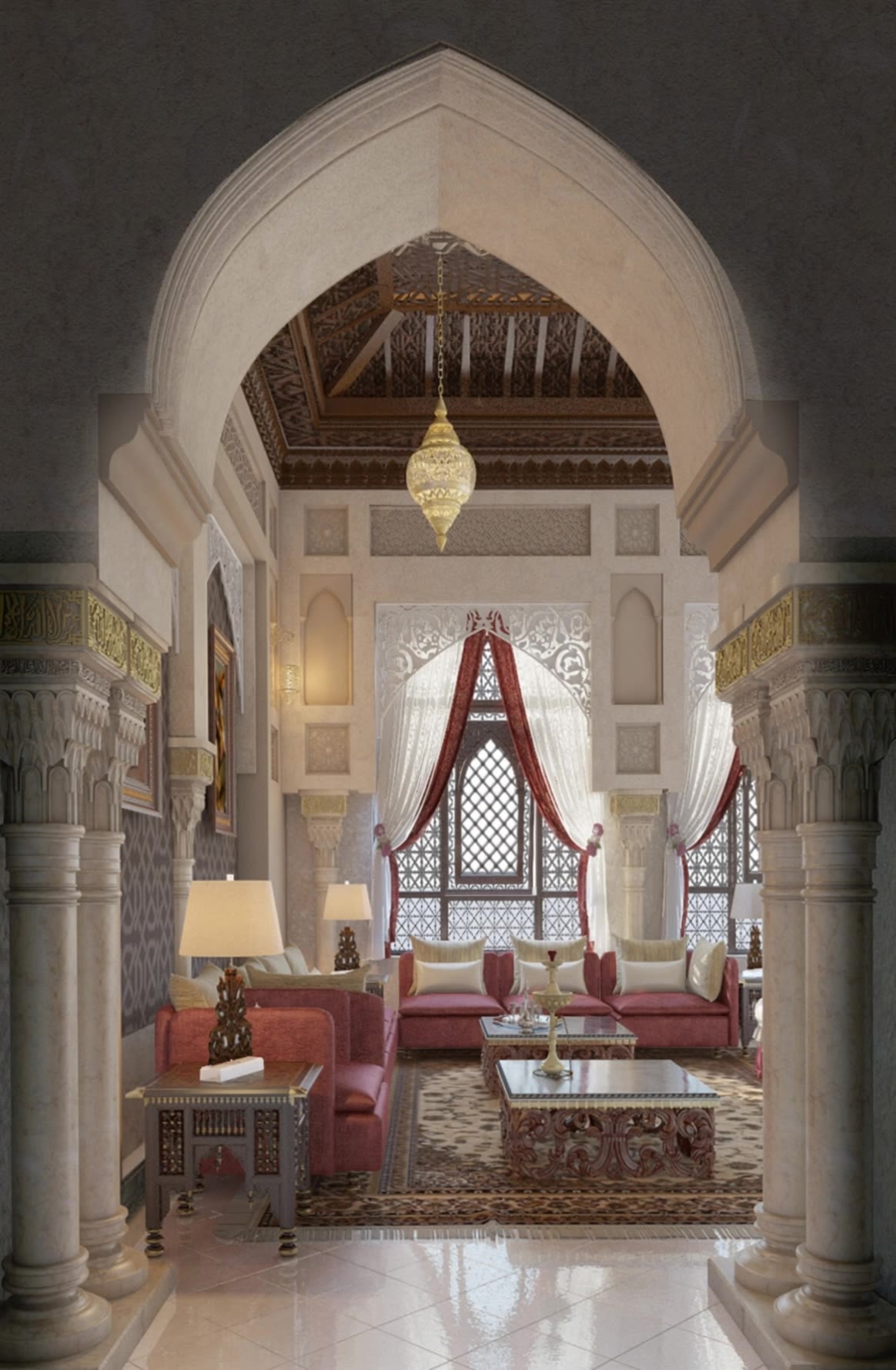
Find AD banner design ideas. These AI-generated inspirations are perfect for creating eye-catching and effective banner designs quickly.





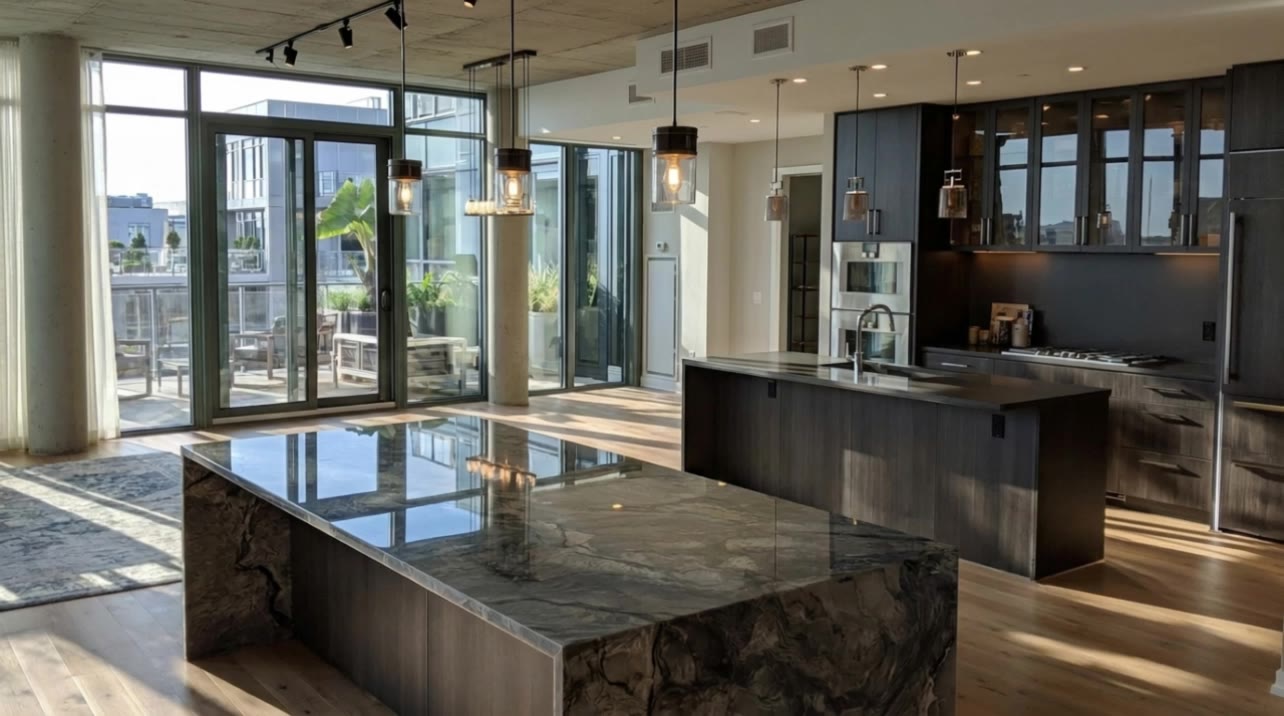


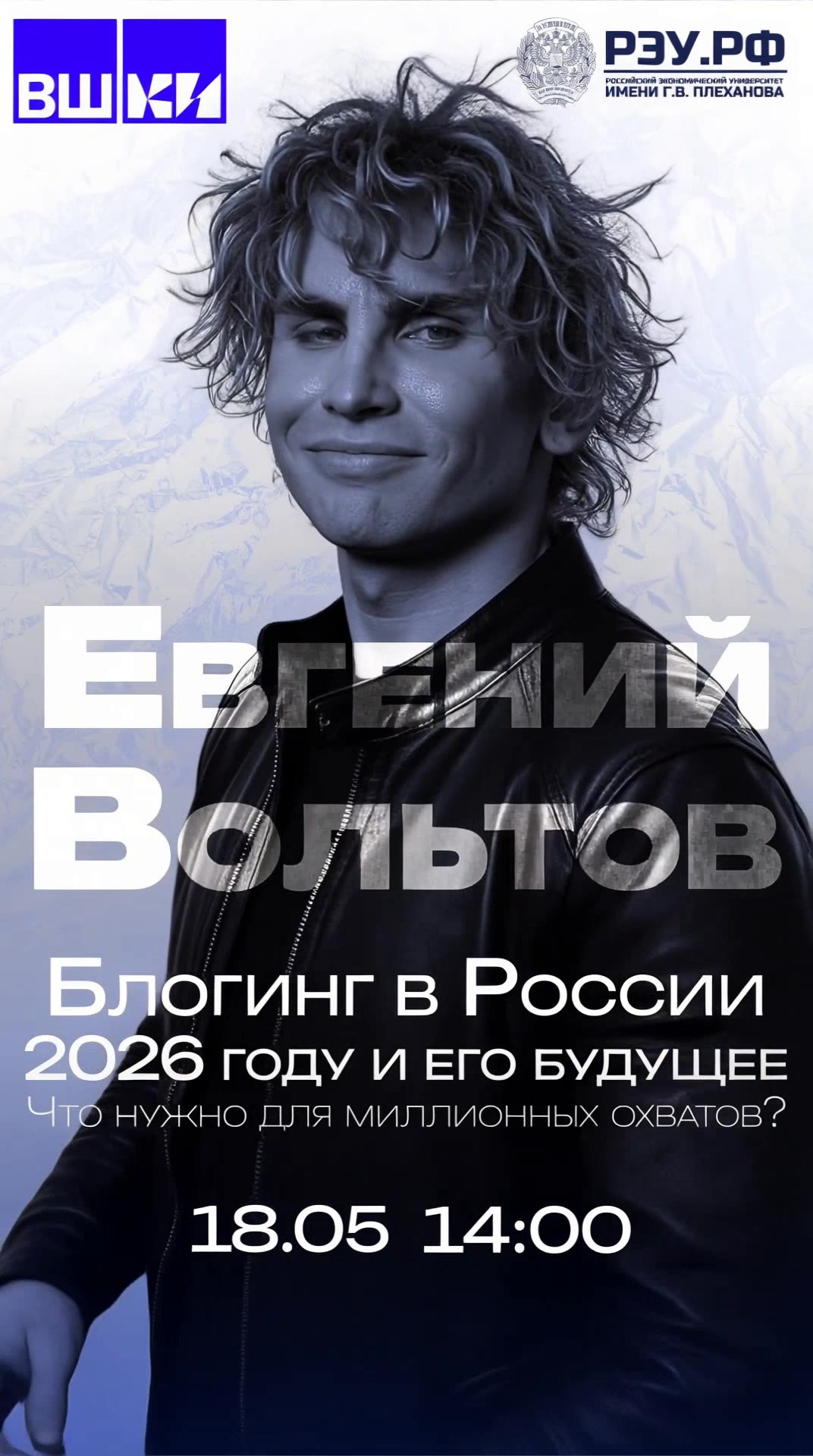


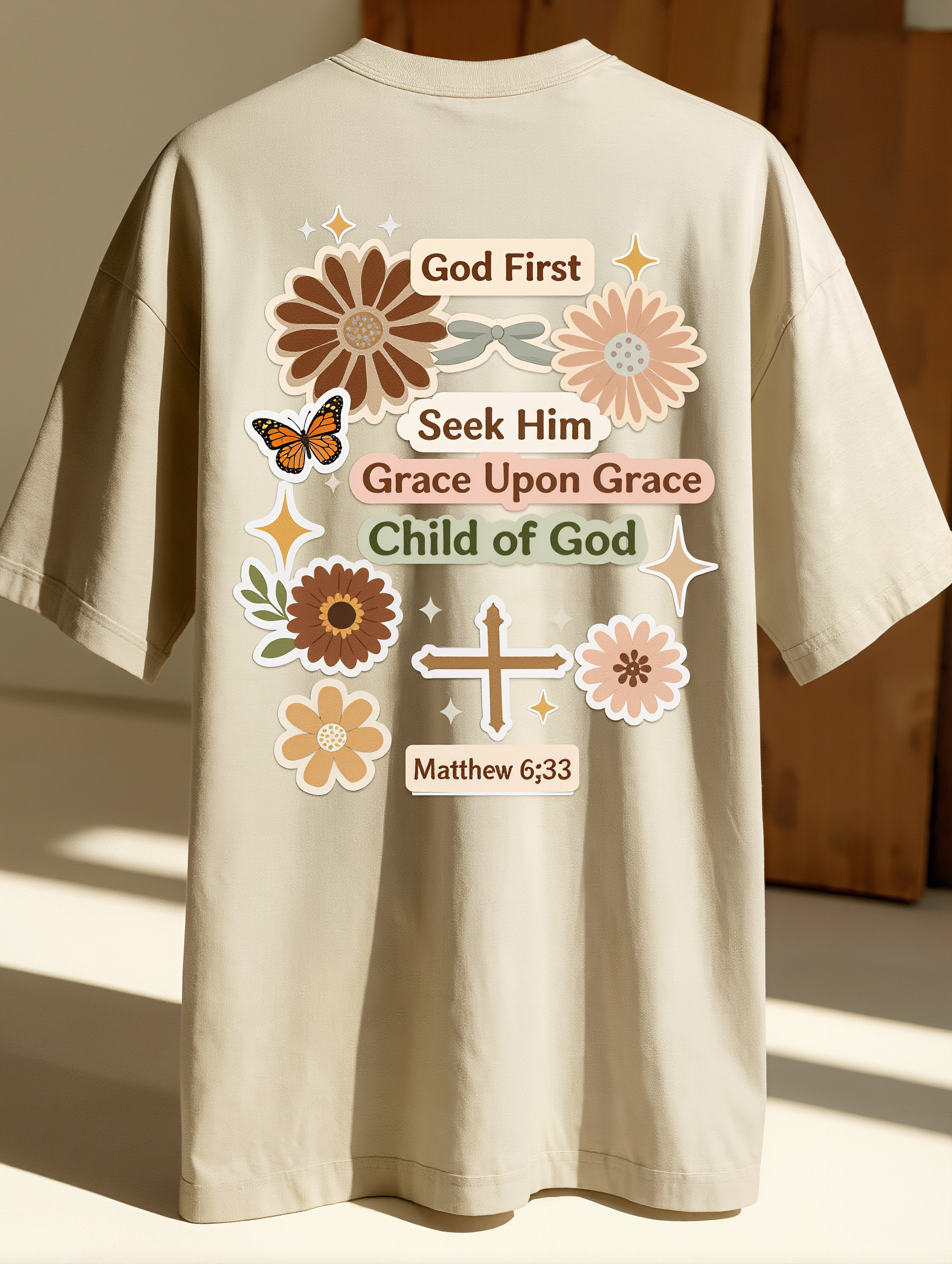







Unlike standard tools that distort faces when moving, Kling Video 3.0 lets you strictly lock a character’s appearance. Upload a single photo, or use a short video/multiple angles as a reference to completely eliminate the “AI morphing” effect.

Your image doesn’t just move; it speaks. Generate perfectly matched voices and realistic lip movements in multiple languages or regional accents. Even in multi-character scenes, you can precisely assign who speaks—no third-party tools required.

Go beyond simple loops with up to 15 seconds of smooth narrative. Use advanced Motion Control to direct camera pans, tilts, and zooms, or define exact transitions with start and end frame references.

















I’ve been using Kling AI since its initial release, and it’s remained one of the leading AI media generators ever since. With Kling AI, I’ve created hundreds of videos, collectively amassing millions of views.

I use Kling AI every day. It's amazing to see the almost daily progress it makes. I used AI for fun at first, and I now find that Kling AI's animations allow me to gain professional visibility, with three times more views on my animated posts than on my static posts.

Kling AI has made it easy for us to generate world class visuals for Fortune 500 companies, TV shows and music for big artists. We love the easy of use of the platform and the quality of the generations. My first time using Kling AI, I got 22 million views on just one video. It's that good.
Create cinematic, multi-shot videos with native audio and precise control—all in one generation.
Native audio | Multi-shot control | Up to 15s continuous output