Creative Studio
API
Resources
About Us
Download

add image to video - product advert & action figure animation

Unleash creativity with dynamic motion videos and lifelike animations. Transform static images into captivating cinematic experiences. Start exploring add image to video ideas and generate your own content with AI.

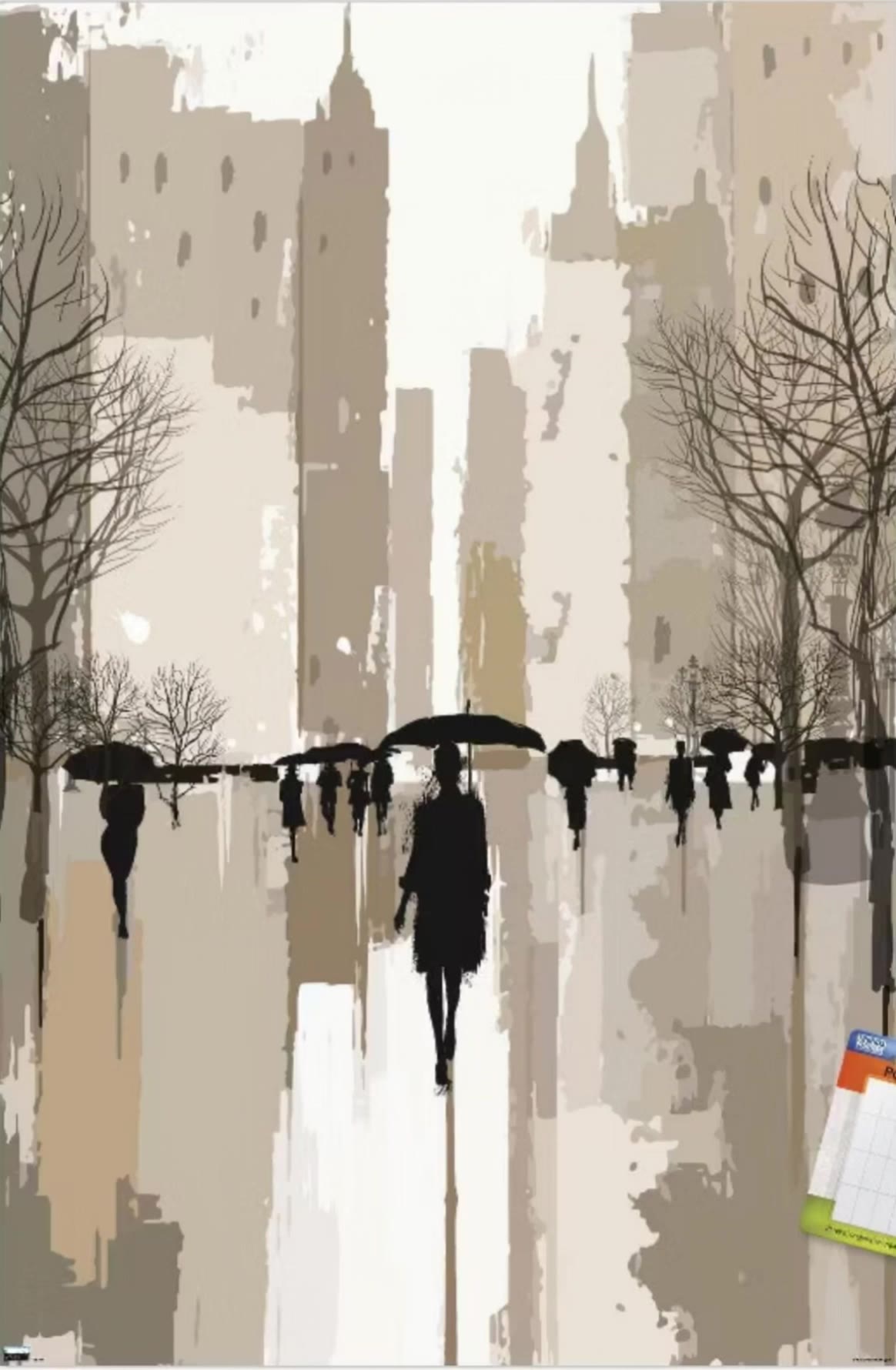
add image to video - product advert & action figure animation

Recommended

Kling AI work 309064756522098 - add image to video AI video
JZgOxDek avatar
JZgOxDek
Image to video - add image to video AI video
SaBiChi avatar
SaBiChi
image to video test - add image to video AI video
tfnwwfvx avatar
tfnwwfvx
Kling AI work 312132963522140 - add image to video AI video
Pttbctya avatar
Pttbctya
Image to Video - add image to video AI video
ToshDaveProductions avatar
ToshDaveProductions
image video - add image to video AI video
sinon | AI_video avatar
sinon | AI_video
Kling AI work 308802647615865 - add image to video AI video
UbGwJzsA avatar
UbGwJzsA
Kling AI work 309835243613471 - add image to video AI video
vmYtsLxY avatar
vmYtsLxY
Text to image to video - add image to video AI video
UVhOXMzl avatar
UVhOXMzl
New image here - add image to video AI image
hQWtJMPM avatar
hQWtJMPM
Kling AI work 308590551663142 - add image to video AI video
LHWFYqYi avatar
LHWFYqYi
Kling AI work 310566058610539 - add image to video AI video
uVYsEalc avatar
uVYsEalc
Image To Video - add image to video AI video
JmOAUMiZ avatar
JmOAUMiZ
From Image to Video ! - add image to video AI video
gFyWaJRf avatar
gFyWaJRf
Kling AI work 313766137615984 - add image to video AI video
crtfcxzs avatar
crtfcxzs
Kling AI work 310016629505809 - add image to video AI video
bvADVkoH avatar
bvADVkoH
Rookie Video - add image to video AI video
Project Ascend avatar
Project Ascend
image to video test - add image to video AI video
tfnwwfvx avatar
tfnwwfvx
Kling AI work 315879973667886 - add image to video AI video
bQFIDiLI avatar
bQFIDiLI

How to Create Cinematic AI Videos with Kling

Upload or Describe Your Vision

Upload or Describe Your Vision

Start by uploading a reference photo or entering a text prompt to define your character, style, and scene.

Adjust Settings & Motion

Adjust Settings & Motion

Refine your video by locking character consistency, adjusting motion intensity, or adding native AI audio and lip-sync.

Generate & Export in 4K

Generate & Export in 4K

Click generate to produce your high-fidelity video. Preview the results and export your masterpiece in stunning 4K resolution.

What’s New in Video 3.0

Cinematic Audiovisual Synergy

Cinematic Audiovisual Synergy

Cinematic AI Video Generator with Native Audio Create multi-shot cinematic sequences with native audio and precise character-level lip-sync in one seamless automated content creation output. This next-generation AI video production model ensures perfect audio-visual alignment for professional storytelling.
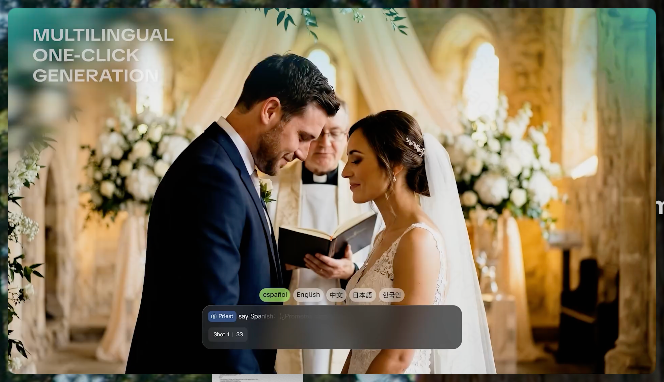
Ultimate Element & Character Consistency

Ultimate Element & Character Consistency

Stable Character Consistency for Professional Filmmaking Maintain perfect character consistency and object stability across frames, ensuring a reliable visual identity even with complex camera movements. Our AI video model locks subjects to prevent flickering, delivering high-fidelity results for advanced video generation.
Professional Commercial Rendering

Professional Commercial Rendering

High-Fidelity 15s Sequences and Native Text Rendering Produce up to 15 seconds of uninterrupted video featuring clear, readable native text rendering—perfect for professional ads, product demos, and commercial content. This feature optimizes commercial video production by preserving brand elements directly within the AI-generated video.

Apps

Image to Video
Image to Video

Image to Video

Text to Video
Text to Video

Text to Video

Omni
Omni

Omni

Digital Human
Digital Human

Digital Human

Restyle
Restyle

Restyle

Text to Image
Text to Image

Text to Image

60M+
60M+
Users
600M+
600M+
AI Videos Generated
4.7 ★
4.7 ★
App Store
Industry-Leading
Industry-Leading
Cinematic 4K

Reviews

Samuele Poggi (@visualsk2)

Samuele Poggi (@visualsk2)

★★★★★

I use Kling AI daily to push the limits of AI filmmaking. It allows me to create highly cinematic content, blending AI and VFX to develop innovative projects. It has significantly impacted my creative process, enabling me to achieve complex animations that would otherwise require high production budgets.

KakuDrop

KakuDrop

★★★★★

I have successfully collaborated with world-renowned artists and well-known companies that are recognized globally

Huang Lu (Elson)

Huang Lu (Elson)

★★★★★

I’ve been using Kling AI since its initial release, and it’s remained one of the leading AI media generators ever since. With Kling AI, I’ve created hundreds of videos, collectively amassing millions of views.

FAQ

Q1How do I keep the face from changing or distorting?
Q2What makes a good reference video for Motion Control?
Q3What happens if the reference motion and image don’t match?

Start Controlling Character Motion

Stop accepting distorted AI movements. Upload your reference and let Kling replicate it precisely.

Works on humans, anime & 3D | High-precision motion | Zero distortion