Creative Studio
API
Resources
About Us
Download

camera moves - Grinch interactions & wildlife detail

Capture the essence of dynamic motion and cinematic intensity with detailed camera moves showcasing wildlife micro-jerks and high-speed car chases. Start exploring camera moves ideas and generate your own content with AI.

camera moves - Grinch interactions & wildlife detail

Recommended

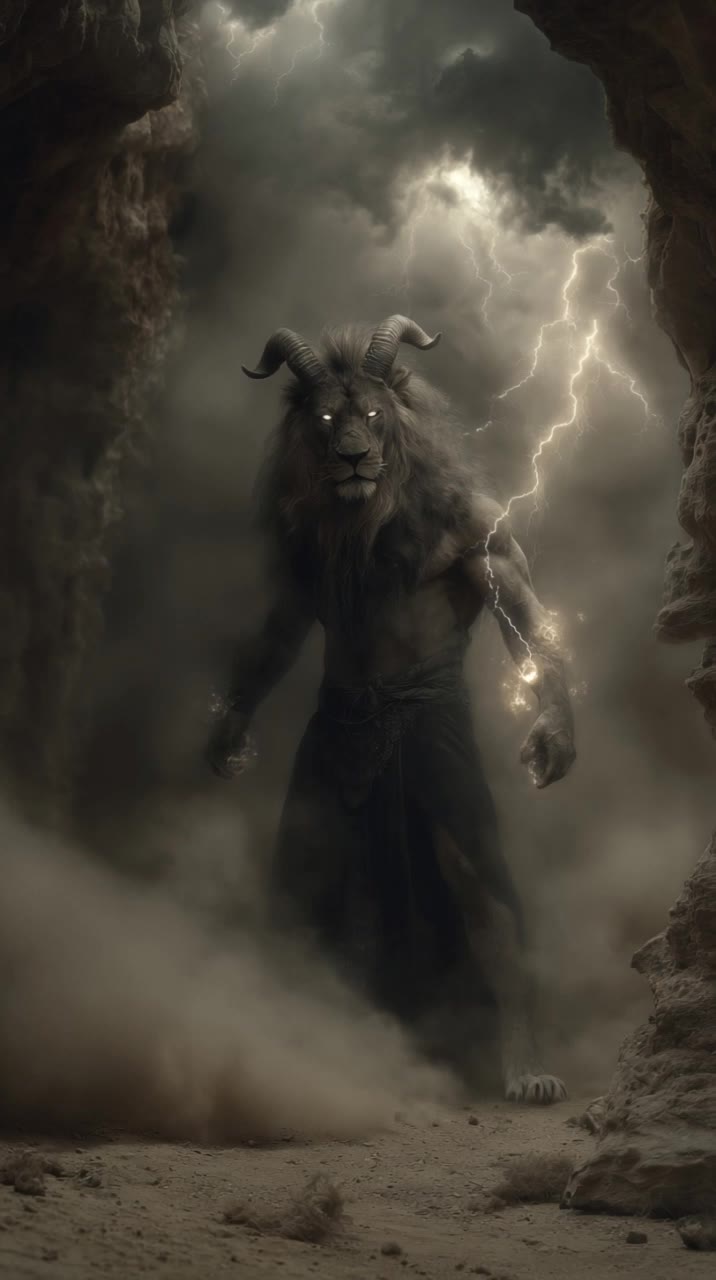
beast walk towards camera - camera moves AI video
Maks_AI_Creator avatar
Maks_AI_Creator
Elite Creator
seamless backward camera movemen - camera moves AI video
tufi_latte avatar
tufi_latte
Spooky camera - camera moves AI video
UcVcFGLN avatar
UcVcFGLN
snail moves downward - camera moves AI video
Karly avatar
Karly
grinch, camera moves around - camera moves AI video
Maks_AI_Creator avatar
Maks_AI_Creator
Elite Creator
grinch, camera moves around - camera moves AI video
Maks_AI_Creator avatar
Maks_AI_Creator
Elite Creator
the camera moves from left to ri - camera moves AI video
Soesy avatar
Soesy
Kling AI work 294595293524376 - camera moves AI video
mFzswxOy avatar
mFzswxOy
forward camera movement - camera moves AI video
tufi_latte avatar
tufi_latte
The horse moves - camera moves AI video
Wwsvpnop avatar
Wwsvpnop
Kling AI work 304074120508879 - camera moves AI video
doma_vdome avatar
doma_vdome
still camera, human weight - camera moves AI video
cUzKMAYn avatar
cUzKMAYn
grinch, camera moves around - camera moves AI video
Maks_AI_Creator avatar
Maks_AI_Creator
Elite Creator
the camera moves closer - camera moves AI video
AnnAI avatar
AnnAI
Dance moves by Commander - camera moves AI video
LWdpGeBE avatar
LWdpGeBE
Kling AI work 306010676618916 - camera moves AI video
OlgaX avatar
OlgaX
Cute dance moves - camera moves AI video
N7K-08 avatar
N7K-08
elevated train moves along - camera moves AI video
BladeBaa avatar
BladeBaa
Pumpkin - camera moves AI video
FARUTXO2278 avatar
FARUTXO2278

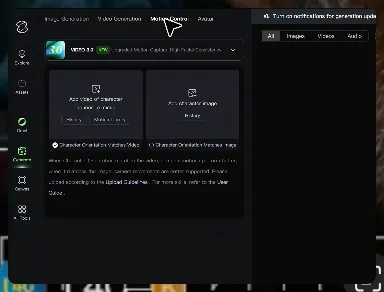
How to Master AI Motion Control in 3 Steps

Upload Your Assets

Upload Your Assets

Provide a static character image and a motion reference video showing the exact expressions you want to replicate.

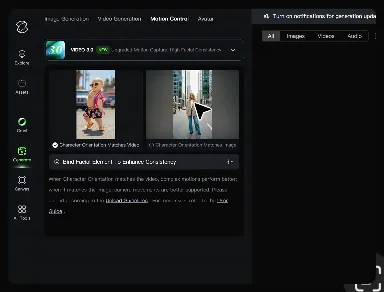
Bind Face Subject

Bind Face Subject

Enable this feature to lock facial consistency. Upload multi-angle photos to create a precise facial reference map.

Generate & Export

Generate & Export

Process your motion-controlled video and download the final render in high resolution.

Key Features of Kling AI Text-to-Image Generator

Create Detailed Images From Text Prompts

Create Detailed Images From Text Prompts

Turn your text descriptions into detailed images with Kling AI. Describe the subject, scene, style, and composition you want, and the model transforms your prompt into visuals that match your creative direction. Create realistic portraits, cinematic scenes, product visuals, and artistic images directly from text.

Keep Characters And Visual Elements Consistent

Keep Characters And Visual Elements Consistent

Create characters and visual concepts that remain consistent across different images. Kling IMAGE 3.0 uses reference images to preserve important details, including appearance, clothing, objects, and overall style. This makes it easier to create character designs, brand visuals, and image series with a consistent look.

Explore Different Styles And Variations

Explore Different Styles And Variations

Explore different visual directions with prompts and reference images. Adjust composition, perspective, lighting, and style to create new variations while keeping the main concept consistent. This helps you test different ideas and develop visuals for artwork, marketing materials, and creative projects.

Apps

Image to Video
Image to Video

Image to Video

Text to Video
Text to Video

Text to Video

Omni
Omni

Omni

Digital Human
Digital Human

Digital Human

Restyle
Restyle

Restyle

Text to Image
Text to Image

Text to Image

60M+
60M+
Users
600M+
600M+
AI Videos Generated
4.7 ★
4.7 ★
App Store
Industry-Leading
Industry-Leading
Cinematic 4K

Reviews

Déborah

Déborah

★★★★★

I use Kling AI every day. It's amazing to see the almost daily progress it makes. I used AI for fun at first, and I now find that Kling AI's animations allow me to gain professional visibility, with three times more views on my animated posts than on my static posts.

Huang Lu (Elson)

Huang Lu (Elson)

★★★★★

I’ve been using Kling AI since its initial release, and it’s remained one of the leading AI media generators ever since. With Kling AI, I’ve created hundreds of videos, collectively amassing millions of views.

Ozan Sihay

Ozan Sihay

★★★★★

Kling AI allows me to rapidly prototype ideas, refine storytelling elements, and produce visually compelling content efficiently. It has not only accelerated my creative processes, but also deepened my understanding of how AI can enrich visual storytelling.

FAQ

Q1What’s the difference between Video 2.6 and 3.0?
Q2What is Kling Video 3.0?
Q3How long can videos be in Video 3.0?

Experience Video 3.0 on Kling

Create cinematic, multi-shot videos with native audio and precise control—all in one generation.

Native audio | Multi-shot control | Up to 15s continuous output