Creative Studio
API
Resources
About Us
Download

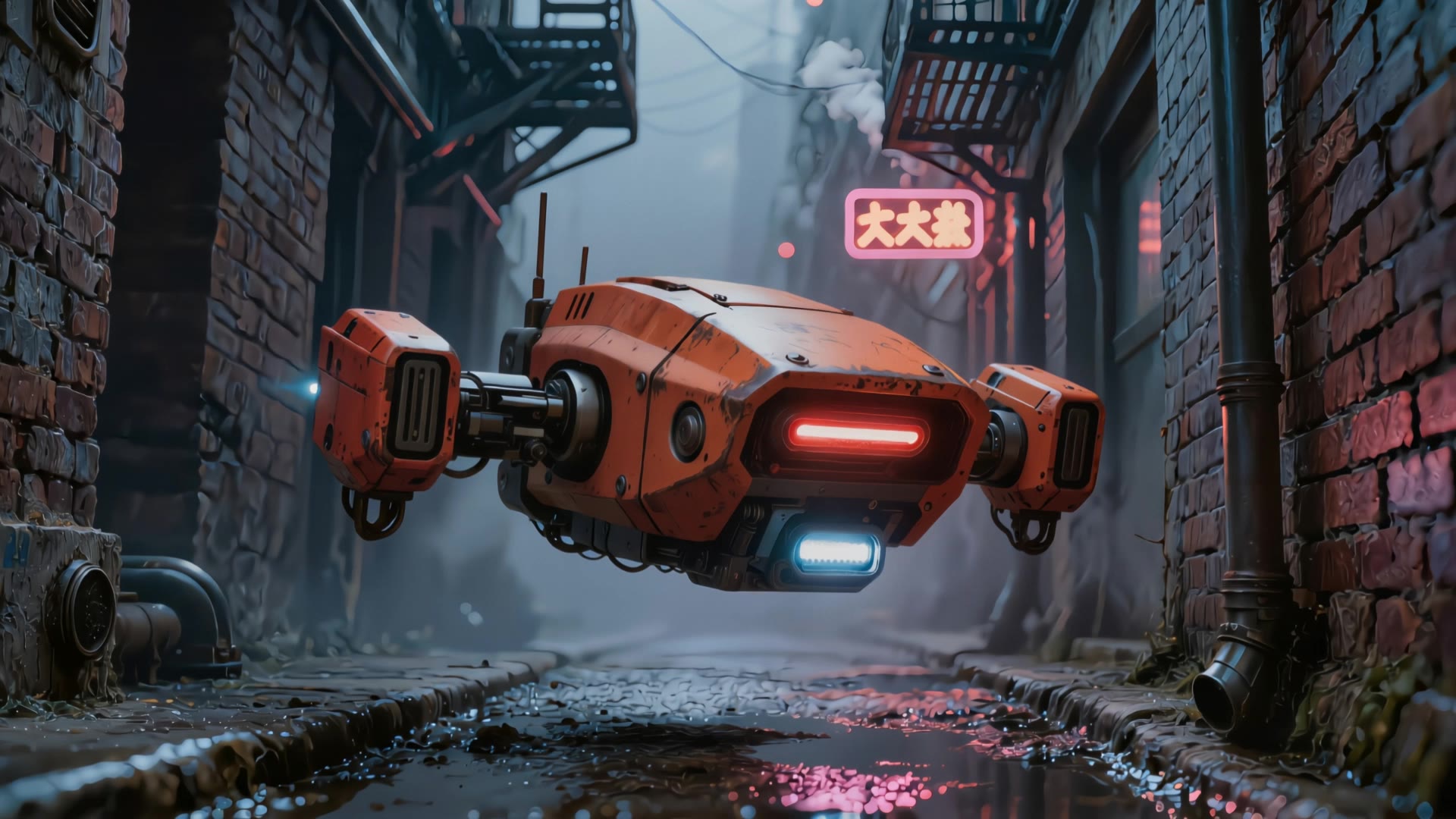
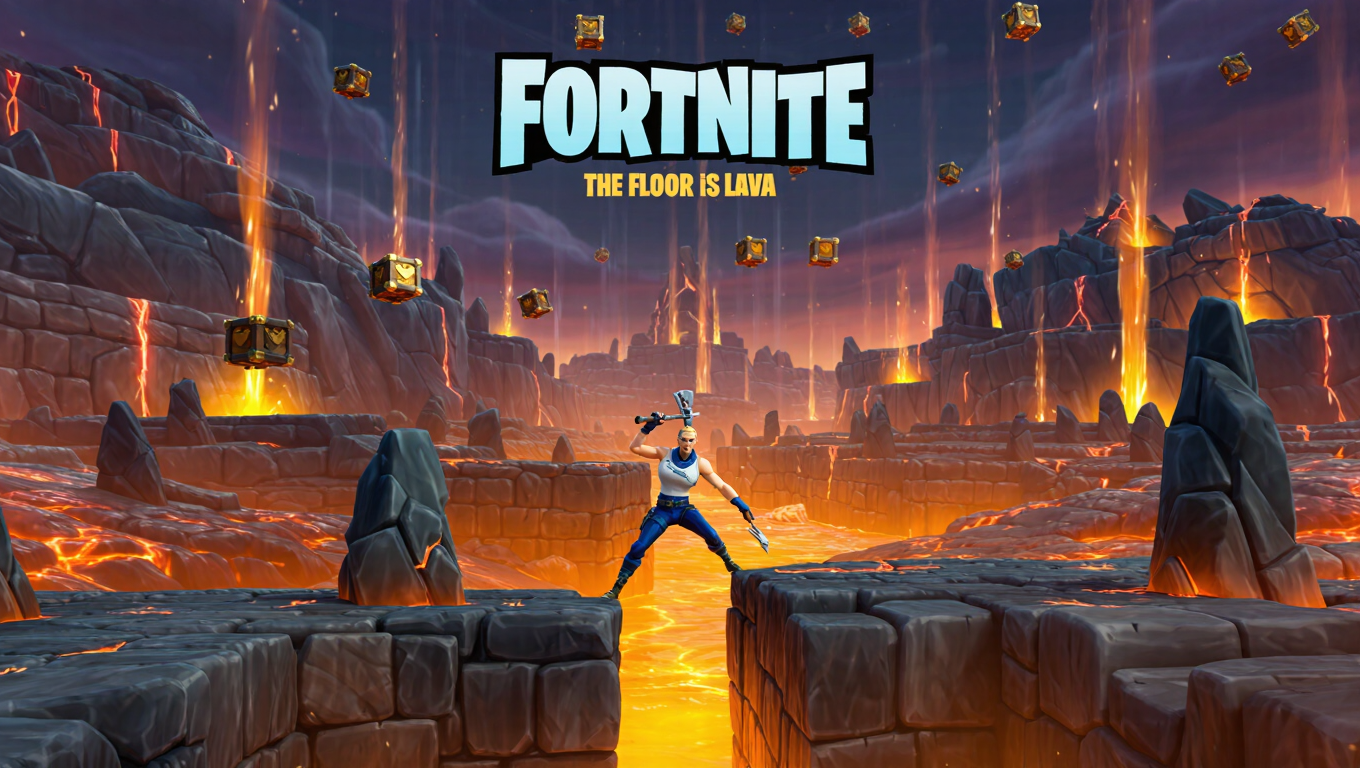
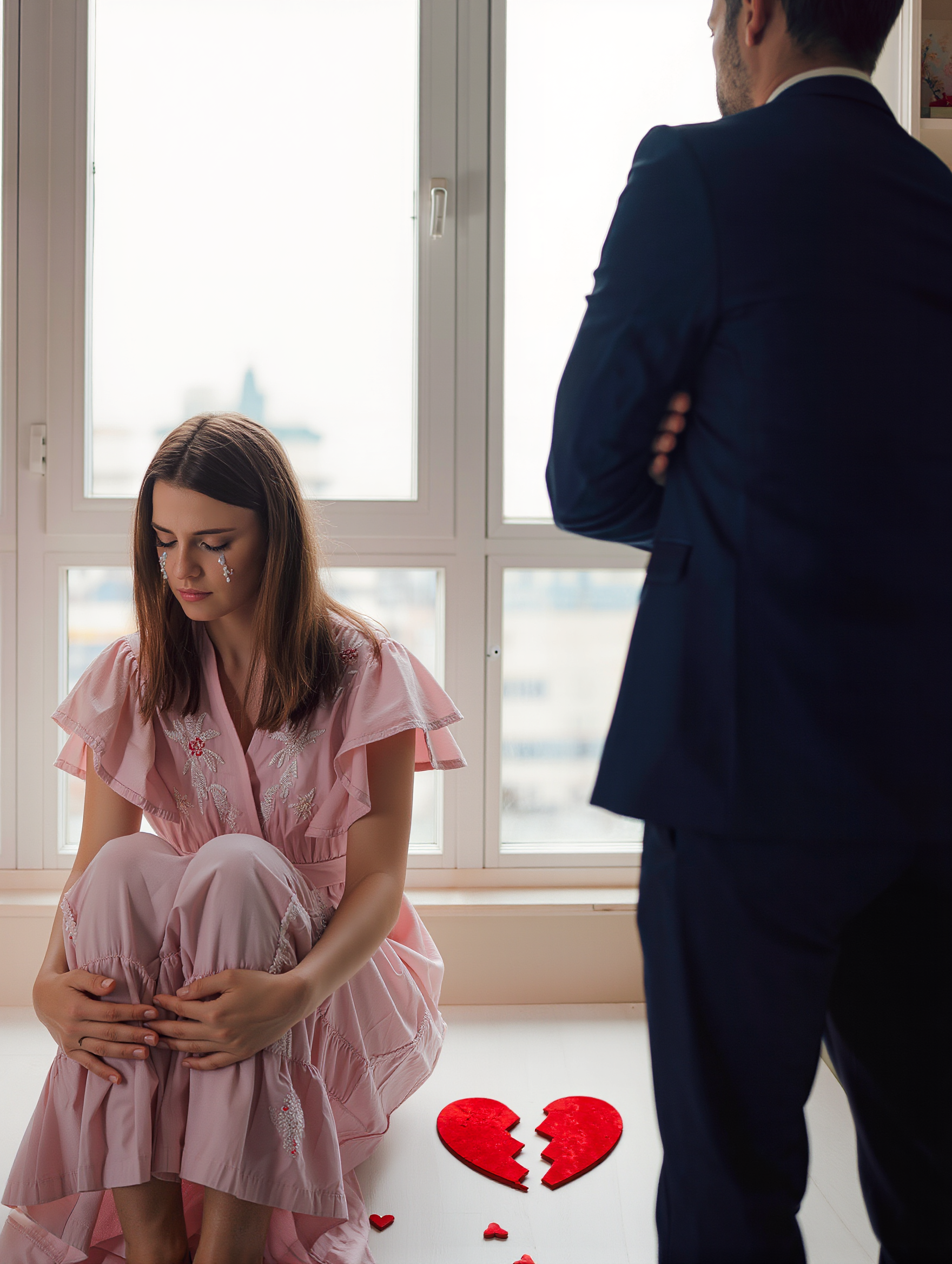
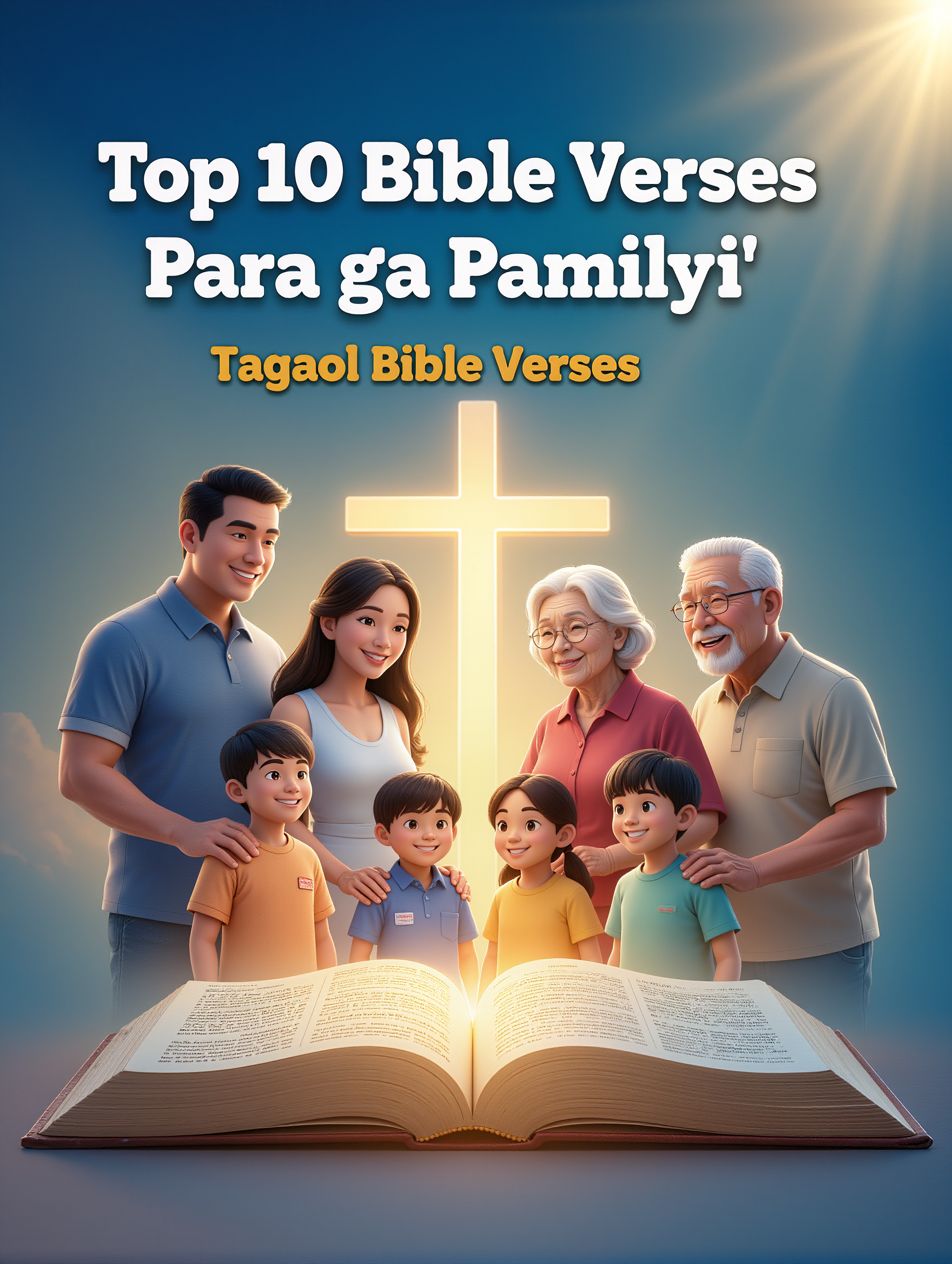
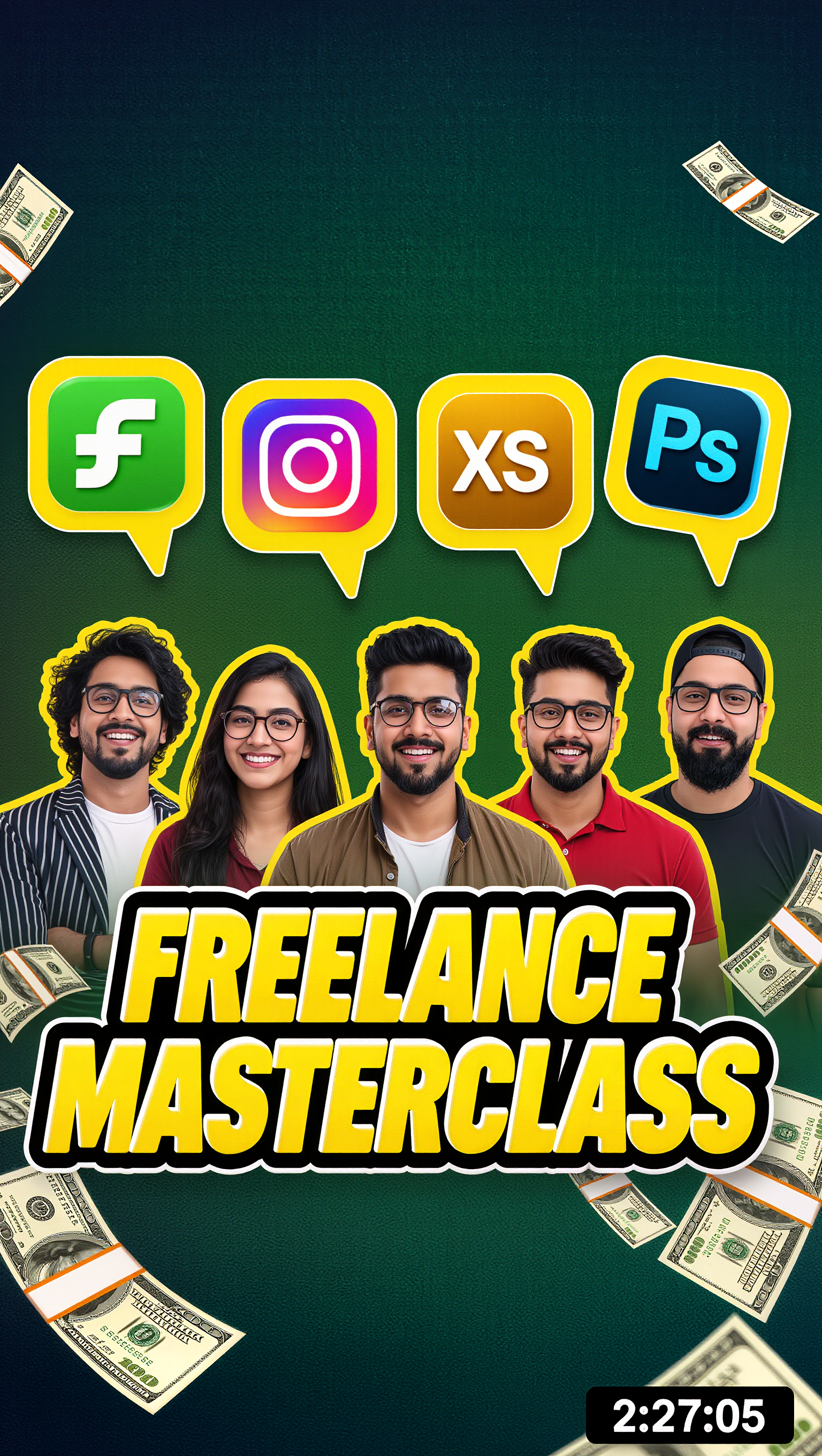
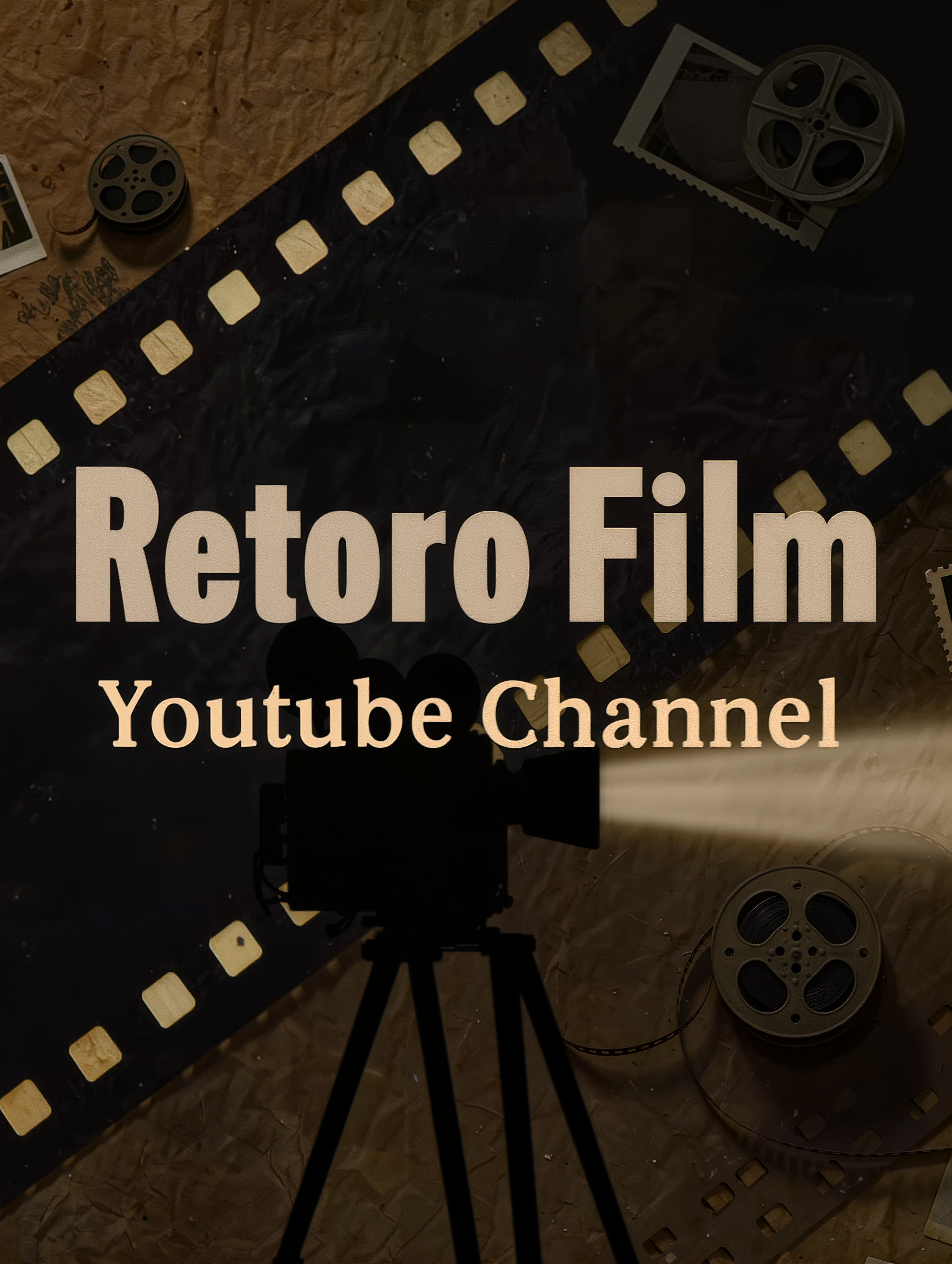
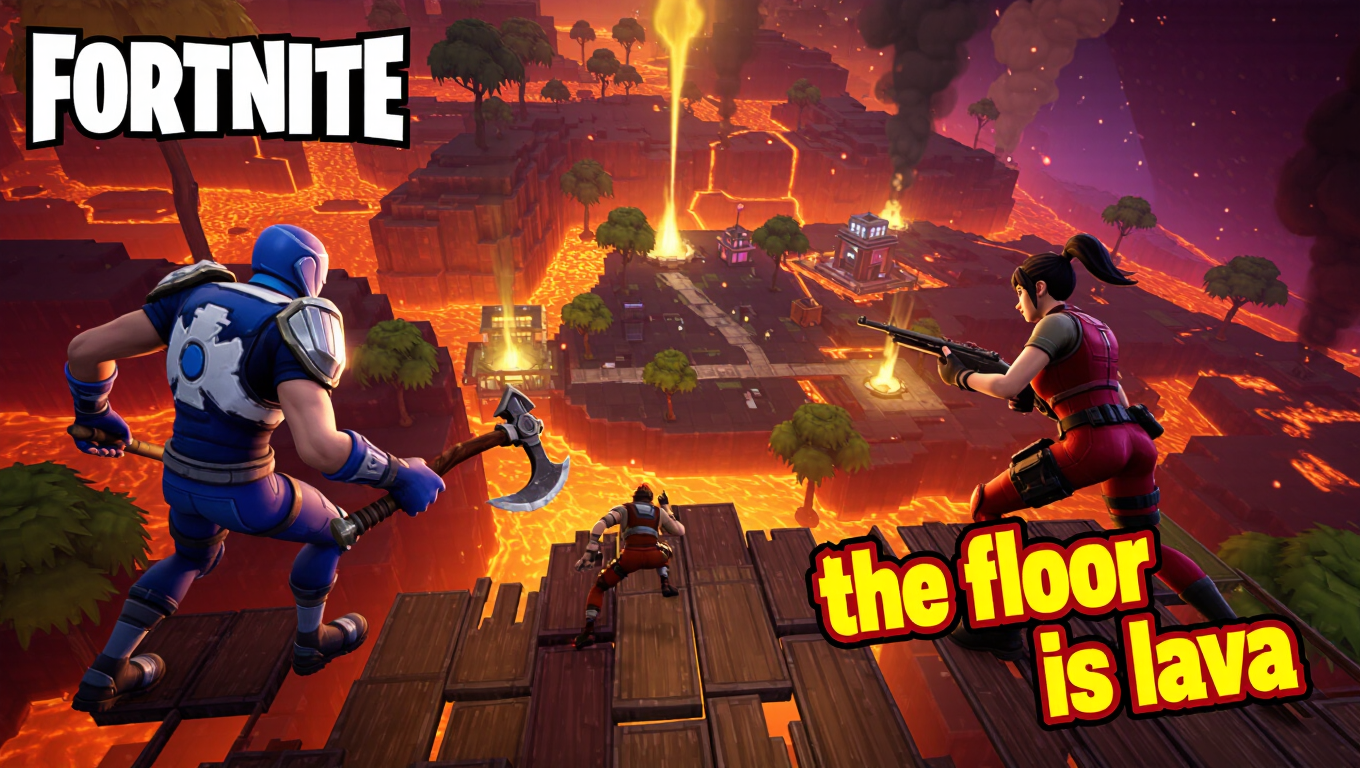
Drone YouTube Thumbnail – AI-Generated Design

Get AI-generated design ideas for drone-themed YouTube thumbnails. These AI-made visuals offer quick and customizable solutions for technology and adventure-themed thumbnails, perfect for your YouTube channel.

Drone YouTube Thumbnail – AI-Generated Design

Recommended

drone shot - drone youtube thumbnail AI video
bkNNRFVN avatar
bkNNRFVN
Kling AI work 295928400665397 - drone youtube thumbnail AI image
ZOuoRULY avatar
ZOuoRULY
Kling AI work 310444814613973 - drone youtube thumbnail AI image
gera avatar
gera
Kling AI work 315432980666691 - drone youtube thumbnail AI image
wYbOhmtE avatar
wYbOhmtE
Fururistic drone - drone youtube thumbnail AI video
Vransdani avatar
Vransdani
Elite Creator
Kling AI work 295794815507852 - drone youtube thumbnail AI image
jubayer Edits avatar
jubayer Edits
Kling AI work 306505228664217 - drone youtube thumbnail AI image
nIyPZjBV avatar
nIyPZjBV
Kling AI work 310161492610980 - drone youtube thumbnail AI image
hWVVpPWi avatar
hWVVpPWi
drone - drone youtube thumbnail AI video
KLING6869 avatar
KLING6869
Kling AI work 295928400615399 - drone youtube thumbnail AI image
ZOuoRULY avatar
ZOuoRULY
Kling AI work 306278672617347 - drone youtube thumbnail AI image
dBeLTpTE avatar
dBeLTpTE
Kling AI work 316890638501760 - drone youtube thumbnail AI image
NyFgtKwn avatar
NyFgtKwn
Kling AI work 304494603534417 - drone youtube thumbnail AI image
rptFEbcV avatar
rptFEbcV
Kling AI work 315532622508979 - drone youtube thumbnail AI image
keezounlocked avatar
keezounlocked
Kling AI work 297097697523460 - drone youtube thumbnail AI image
egfTPZDz avatar
egfTPZDz
Kling AI work 306073997617066 - drone youtube thumbnail AI image
sZjMZxIX avatar
sZjMZxIX
Kling AI work 319486460503660 - drone youtube thumbnail AI image
oGKeudRN avatar
oGKeudRN
Drone - drone youtube thumbnail AI video
AashQNko avatar
AashQNko
Kling AI work 314924693665020 - drone youtube thumbnail AI video
DZVdkgdz avatar
DZVdkgdz

How to Remove Backgrounds with Kling AI

Remove BG in HD

Remove BG in HD

Upload your image and tell Kling what to keep and what to remove. You can also add a transparent reference image to guide the cutout. Keep the background transparent and export in 2K or 4K with IMAGE 3.0 Omni when you need more detail.

Change Photo Backgrounds Directly

Change Photo Backgrounds Directly

If your end goal is a new background, skip the transparent cutout altogether. Describe the scene you want or add a reference image, and Kling can replace the original background while keeping the subject in place.

Remove Video Backgrounds

Remove Video Backgrounds

Upload your clip, tell Kling which subject to keep, and describe the background you want removed or changed. VIDEO 3.0 Omni works with existing footage, so you can update the setting without reshooting or filming against a green screen.

Edit the Parts That Matter

Change Subjects, Backgrounds, and Style

Change Subjects, Backgrounds, and Style

Keep what works and change what does not. Replace a character or product, update an outfit, remove a distraction, or move the action into a different setting. You can also change the weather, lighting, time of day, or overall look. With Kling VIDEO 3.0 Omni, you can start with a prompt and add a reference image when a face, product, or branded detail needs a closer match.

Reframe the Shot

Reframe the Shot

Keep the original action, then change how the moment is framed. Move in for a close-up, open to a wider view, shift the angle, or rebalance the composition around the subject. The source footage keeps the motion and scene context in place while your prompt sets the new framing.

Extend the Video

Extend the Video

Continue a clip beyond its current ending without building the next scene from scratch. Kling carries the subject, motion, and setting into the new footage; add a prompt when you want to steer what happens next. Use Video Extension when a clip ends too soon, an action needs more time, or the next beat is still missing.

Apps

Image to Video
Image to Video

Image to Video

Text to Video
Text to Video

Text to Video

Omni
Omni

Omni

Digital Human
Digital Human

Digital Human

Restyle
Restyle

Restyle

Text to Image
Text to Image

Text to Image

60M+
60M+
Users
600M+
600M+
AI Videos Generated
4.7 ★
4.7 ★
App Store
Industry-Leading
Industry-Leading
Cinematic 4K

Reviews

KakuDrop

KakuDrop

★★★★★

I have successfully collaborated with world-renowned artists and well-known companies that are recognized globally

Vincent Smadja

Vincent Smadja

★★★★★

Kling AI seamlessly integrates into my creative workflow, playing a key role in transforming my images. After generating and upscaling an image, Kling becomes a crucial element, bringing my creations to life with movement and depth.

Maria Rubtsova

Maria Rubtsova

★★★★★

I’m Maria Rubtsova, an AIGC digital artist passionate about creating stunning visuals in the worlds of fashion, aesthetics, and fantasy. I use KlingAi to bring imagination to life through video. My work is all about exploring beauty, emotion, and the limitless possibilities of digital art.

FAQ

Q1How do I generate an AI video?
Q2Does Kling support audio and talking characters?
Q3Can I create AI videos from images?

Start Creating AI Videos with Kling

Turn your text or images into a stunning, high-quality video in seconds. No watermarks, No complicated setup.

Free tier includes watermark (Memberships are watermark-free) | 1080p export (Pro unlocks 4K) | Instant results