Creative Studio
API
Resources
About Us
Download

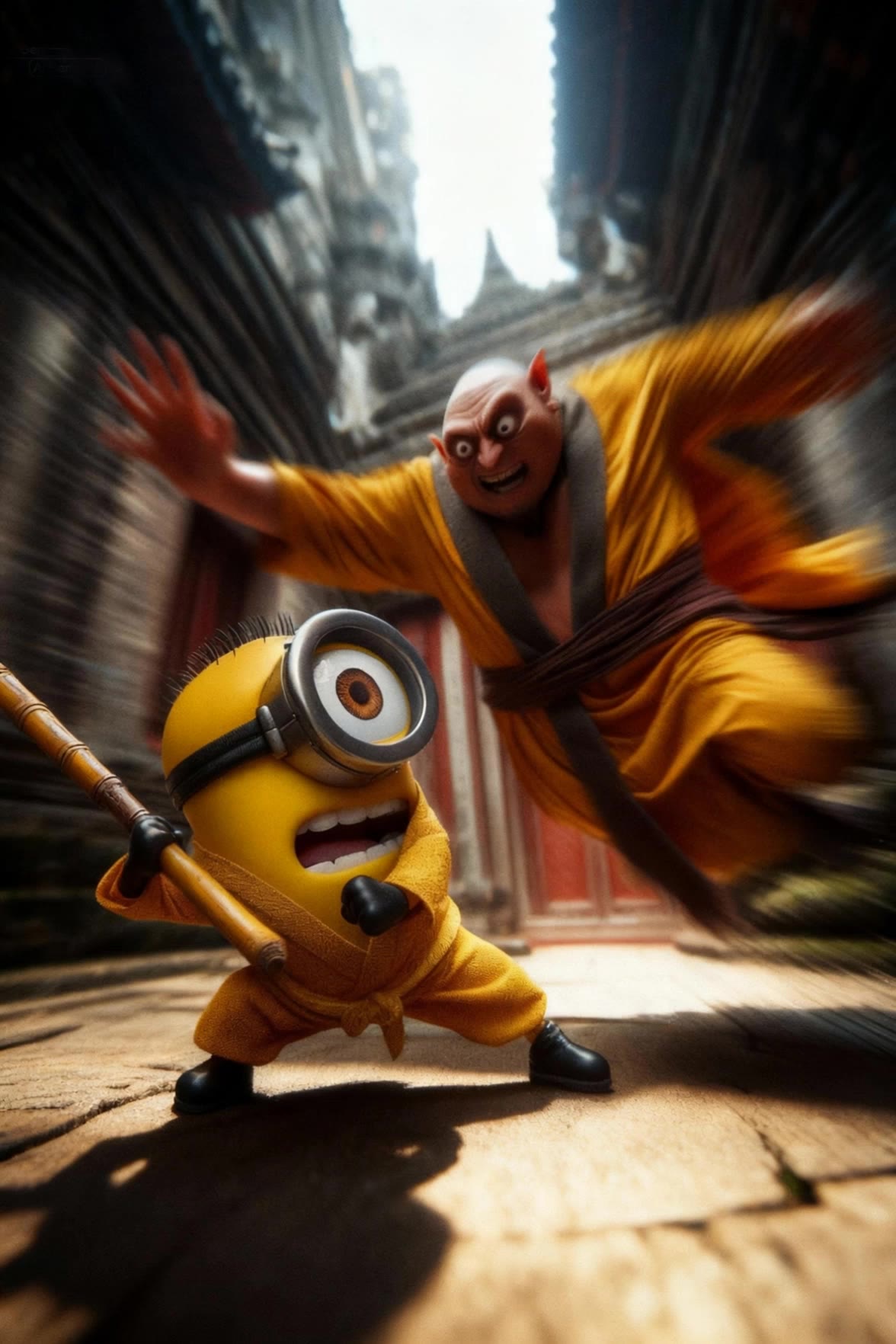
easy drawing of a minion - 3D drawing & Mario minion

Unleash your creativity with fun and imaginative minion-themed drawings inspired by unique themes like Jedi Minions and Minion Vs Gru scenarios. Dive into easy, step-by-step tutorials that bring your favorite characters to life. Start exploring easy drawing of a minion ideas and generate your own content with AI.

easy drawing of a minion - 3D drawing & Mario minion

Recommended

Minion Vs Gru - easy drawing of a minion AI video
KUCING GARONG avatar
KUCING GARONG
Drawing in pen - easy drawing of a minion AI image
7A7PI avatar
7A7PI
Elite Creator
Kling AI work 294198648618023 - easy drawing of a minion AI video
FftvfYto avatar
FftvfYto
Kling AI work 309934028615499 - easy drawing of a minion AI video
PySlChlK avatar
PySlChlK
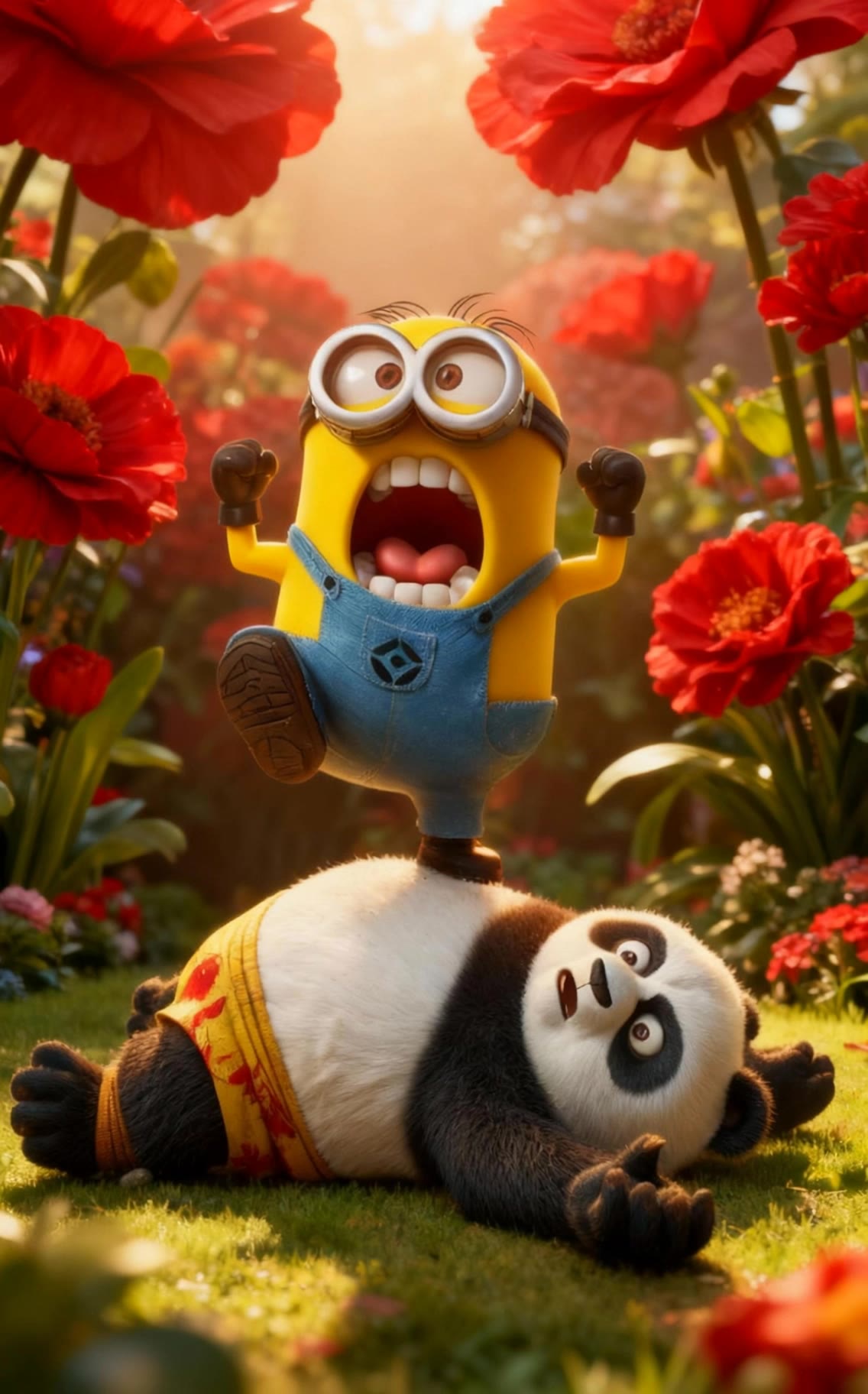
Panda fights Minion - easy drawing of a minion AI video
KUCING GARONG avatar
KUCING GARONG
Kling AI work 303970158655745 - easy drawing of a minion AI image
Spruew avatar
Spruew
Kling AI work 315108494507875 - easy drawing of a minion AI video
Valery avatar
Valery
drawing the sword - easy drawing of a minion AI video
RamZ avatar
RamZ
Elite Creator
Drawing a seahorse - easy drawing of a minion AI video
7A7PI avatar
7A7PI
Elite Creator
Drawing in pen - easy drawing of a minion AI image
7A7PI avatar
7A7PI
Elite Creator
drawing test - easy drawing of a minion AI video
Roginski Edits avatar
Roginski Edits
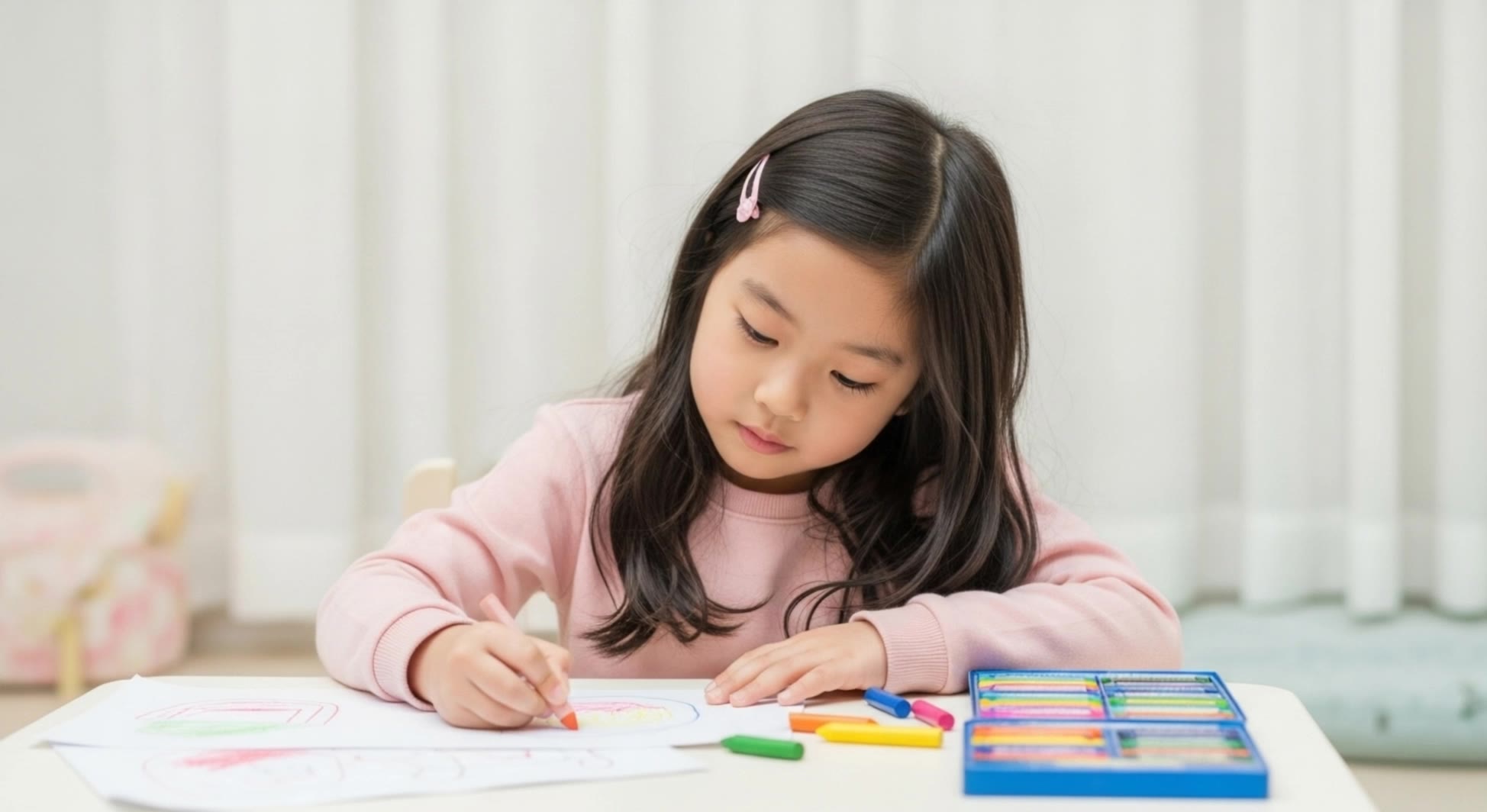
drawing girl - easy drawing of a minion AI video
yjwoo avatar
yjwoo
3D drawing - easy drawing of a minion AI image
artisticvideo avatar
artisticvideo
Elite Creator
ballerina drawing - easy drawing of a minion AI video
wRvyFpEK avatar
wRvyFpEK
Kling AI work 301516928503456 - easy drawing of a minion AI image
nbglfRIL avatar
nbglfRIL
so easy.... - easy drawing of a minion AI video
Be Direct Ai avatar
Be Direct Ai
Elite Creator
minion light - easy drawing of a minion AI video
Dartharn avatar
Dartharn
Studio drawing - easy drawing of a minion AI video
afOPVpVK avatar
afOPVpVK
Kling AI work 310020348506549 - easy drawing of a minion AI video
PySlChlK avatar
PySlChlK

How To Create AI Video From Text

Write Your Prompt

Write Your Prompt

Choose a model and describe the video you want to create in natural language. You can include scenes, characters, actions, or style references.

Customize Your Video

Customize Your Video

Use prompts to guide multiple scenes, actions, and styles within a single generation. Kling AI also supports native multilingual voiceovers and sound effects, so you can shape dialogue and audio direction directly through your prompt.

Generate & Export

Generate & Export

Select your format, including resolution (720p, 1080p, or 4K), duration (3 - 15 seconds), and aspect ratio (16:9, 9:16, or 1:1). Then download your video or keep iterating with new variations for your project.

Key Features of Kling AI Text-to-Video Generator

Precise Text-to-video Generation

Precise Text-to-video Generation

Turn your ideas into videos that closely match your prompt. Kling AI understands detailed descriptions and keeps recurring characters consistent across scenes, preserving their appearance, expressions, and movement throughout the video. Videos support up to 4K resolution, 15 seconds in length, and 60fps playback, depending on your plan.
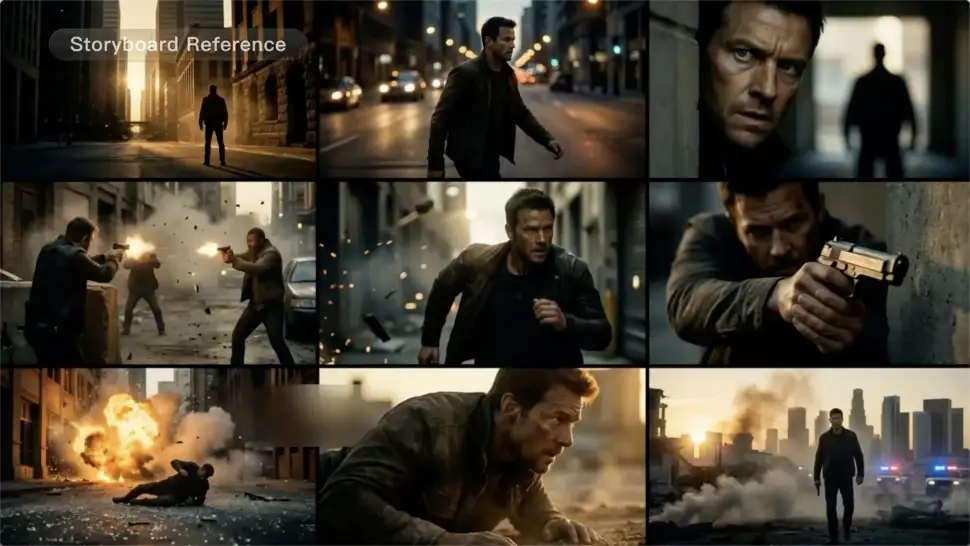
Multi-shot Storyboarding

Multi-shot Storyboarding

Create more complete stories from a single prompt. When your prompt includes multiple scenes, Kling 3.0 can organize them into up to five connected shots with smooth scene transitions, reducing the need for manual editing.
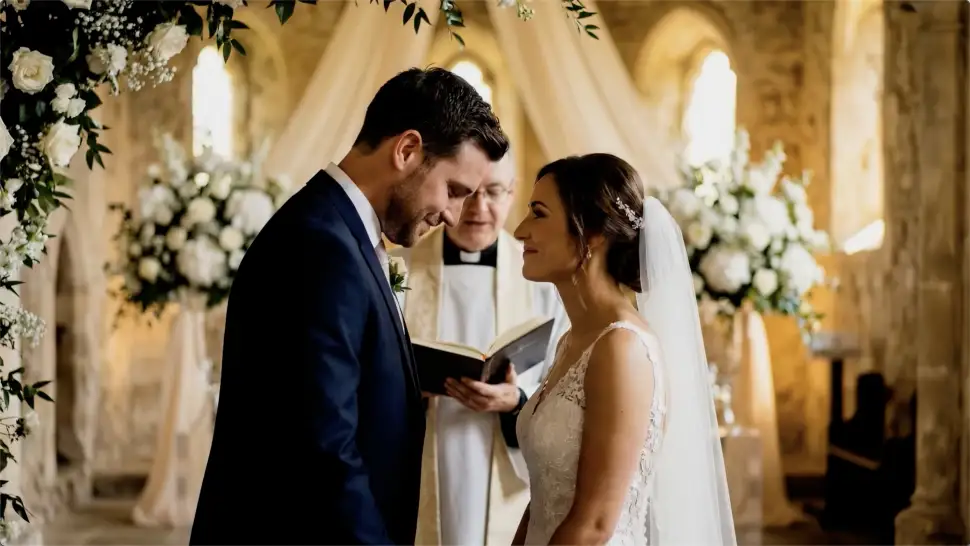
Native Multilingual Audio

Native Multilingual Audio

Create videos with built-in dialogue, sound effects, and ambient audio in five languages: English, Chinese, Japanese, Korean, and Spanish. Regional accent variations are also available, including American, British, and Indian English, to make voices sound more natural.

Apps

Image to Video
Image to Video

Image to Video

Text to Video
Text to Video

Text to Video

Omni
Omni

Omni

Digital Human
Digital Human

Digital Human

Restyle
Restyle

Restyle

Text to Image
Text to Image

Text to Image

60M+
60M+
Users
600M+
600M+
AI Videos Generated
4.7 ★
4.7 ★
App Store
Industry-Leading
Industry-Leading
Cinematic 4K

Reviews

James Phillips

James Phillips

★★★★★

Kling AI has transformed my workflow by collapsing timelines and democratizing production. It’s shifted my mindset from resource-dependent filmmaking to a boundless creative sandbox, where experimentation yields unexpected beauty.

Jyo John Mulloor

Jyo John Mulloor

★★★★★

Kling AI has been instrumental in transforming my creative workflow, unlocking new dimensions of artistic expression that were once unimaginable. I use Kling AI extensively to develop high-concept visuals, animate surreal dreamscapes, and create AI-assisted films that blur the line between reality and fantasy. Kling AI’s deep learning capabilities have not only enhanced my creative efficiency but also inspired me to explore storytelling in ways I never thought possible.

Huang Lu (Elson)

Huang Lu (Elson)

★★★★★

I’ve been using Kling AI since its initial release, and it’s remained one of the leading AI media generators ever since. With Kling AI, I’ve created hundreds of videos, collectively amassing millions of views.

FAQ

Q1Can I use the audio from the reference video?
Q2What kind of images work best for Motion Control?
Q3How do I keep the face from changing or distorting?

Start Controlling Character Motion

Stop accepting distorted AI movements. Upload your reference and let Kling replicate it precisely.

Works on humans, anime & 3D | High-precision motion | Zero distortion