Creative Studio
API
Resources
About Us
Download

Face Style Ideas – AI-Generated Concepts

Explore AI-generated face style ideas. Quickly find inspiration and customize these concepts to create unique and creative designs.

Face Style Ideas – AI-Generated Concepts

Recommended

Halloween style - face style AI video
YarkAIa avatar
YarkAIa
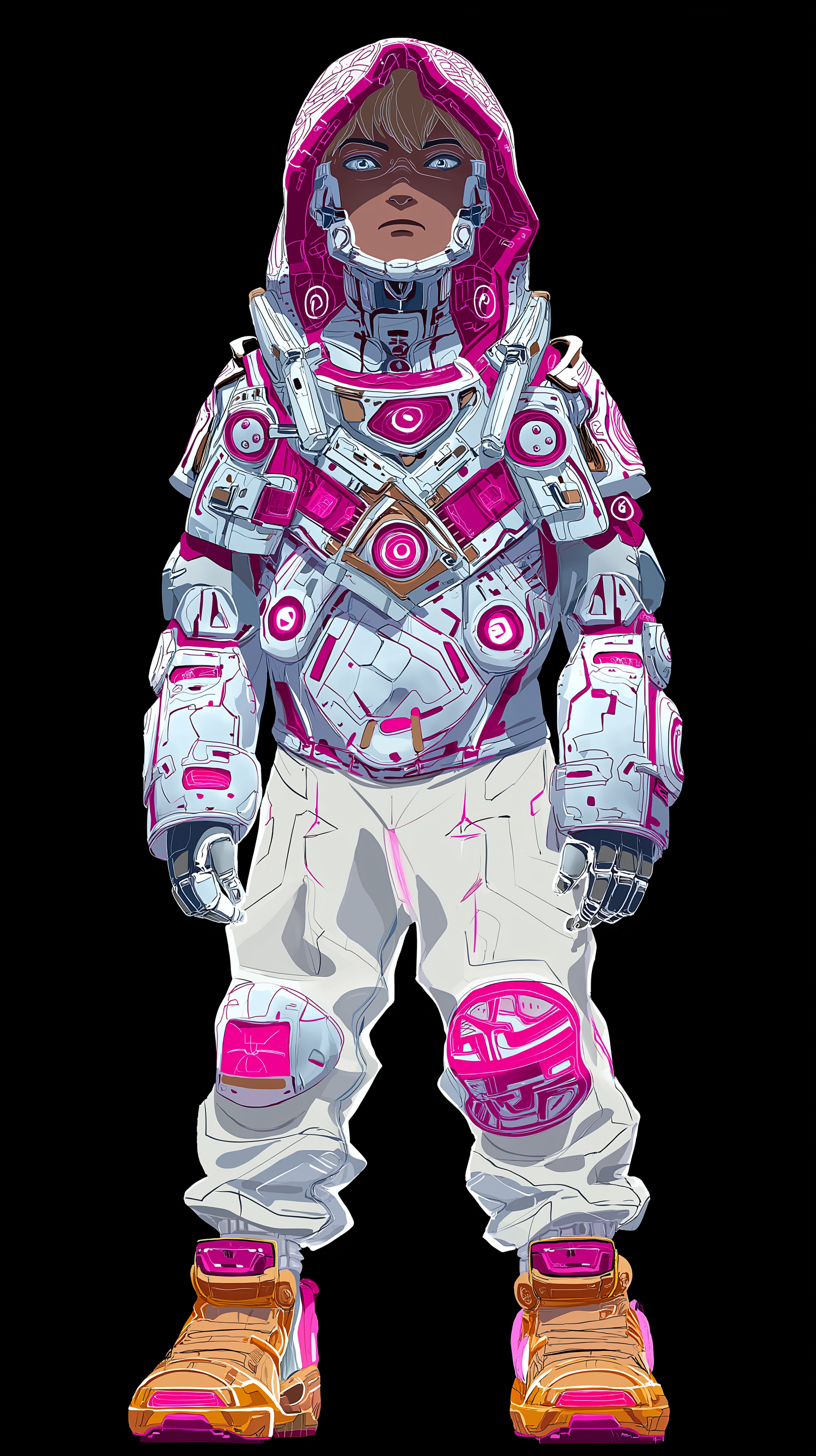
Anim style - Boy - face style AI image
Sơn Trần avatar
Sơn Trần
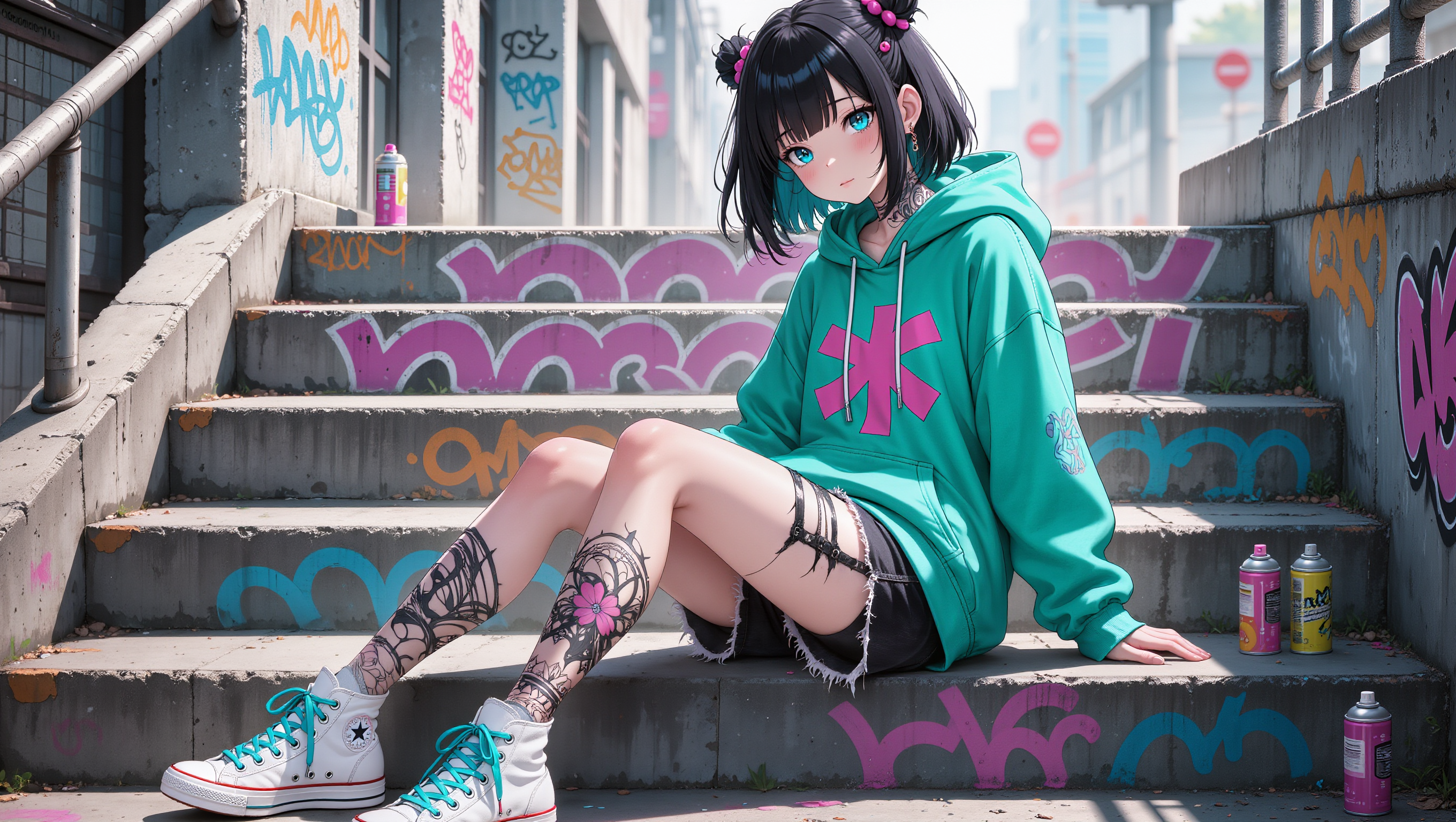
Urban style and a sweet look! - face style AI image
Loranca_AI avatar
Loranca_AI
free style biker - face style AI video
quEaSLhH avatar
quEaSLhH
Speed and Style - face style AI video
00:23
Deniz Akkabak avatar
Deniz Akkabak
Creative Partner
Halloween style - face style AI video
YarkAIa avatar
YarkAIa
chinese gothic paper style - face style AI image
Eman Daman avatar
Eman Daman
style portrait - face style AI image
MOMO -KLING avatar
MOMO -KLING
pixar style animated - face style AI video
01:14
berna avatar
berna
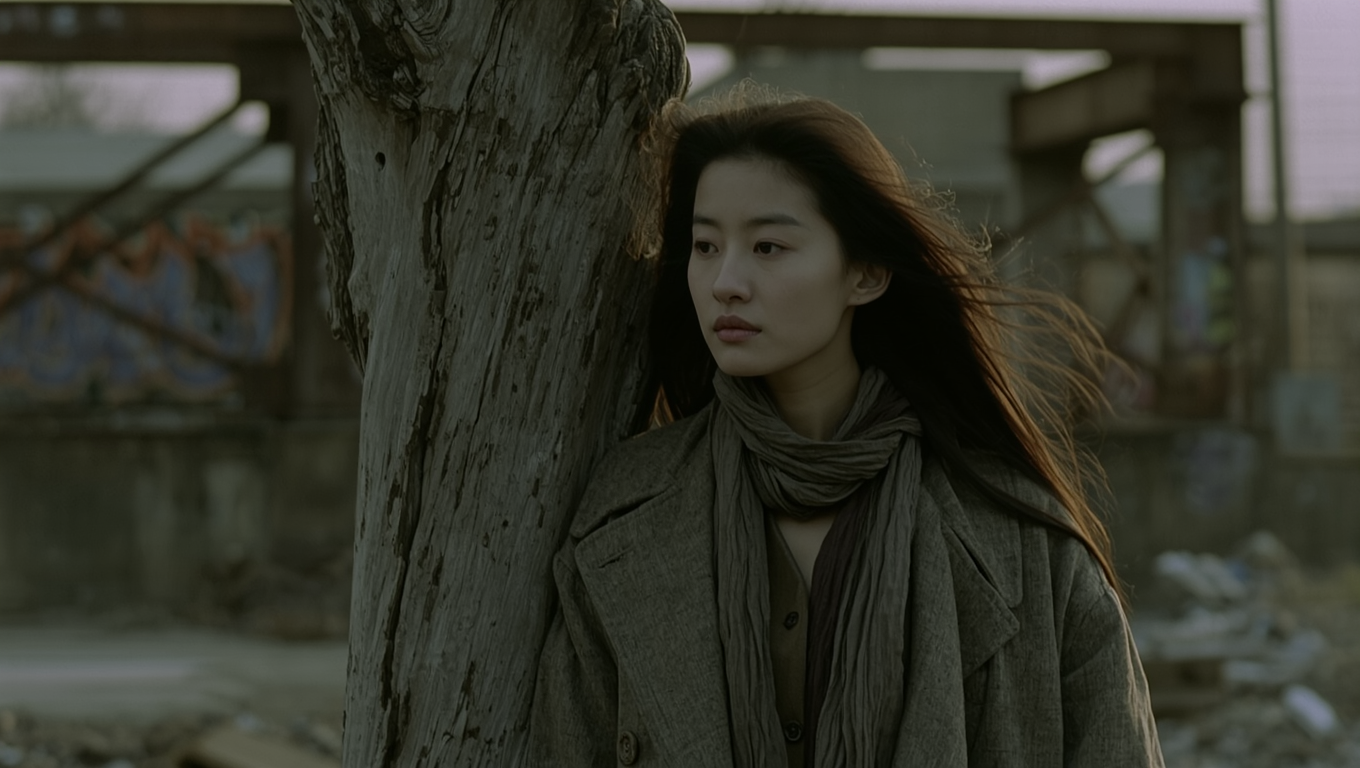
movie style - face style AI image
FWoqsFLd avatar
FWoqsFLd
movie style - face style AI image
FWoqsFLd avatar
FWoqsFLd
Cyberpunk style - face style AI image
Shine by nous avatar
Shine by nous
Creative Partner
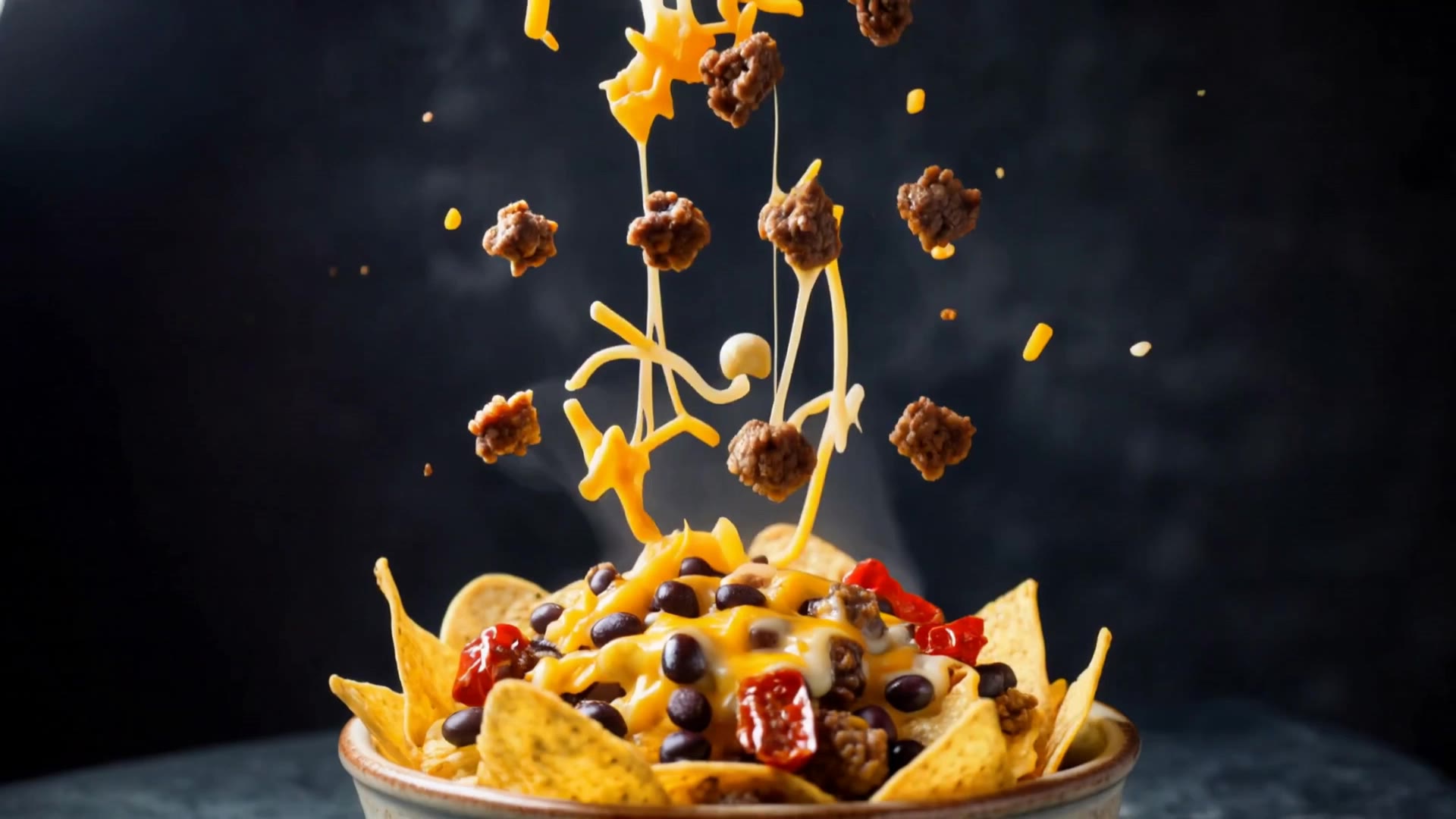
Nachos in style - face style AI video
HETjCpmO avatar
HETjCpmO
Korean style. - face style AI video
00:30
AI artist GONY avatar
AI artist GONY
Elite Creator
Her style is unique - face style AI video
taty.inspire.ai avatar
taty.inspire.ai
Elite Creator
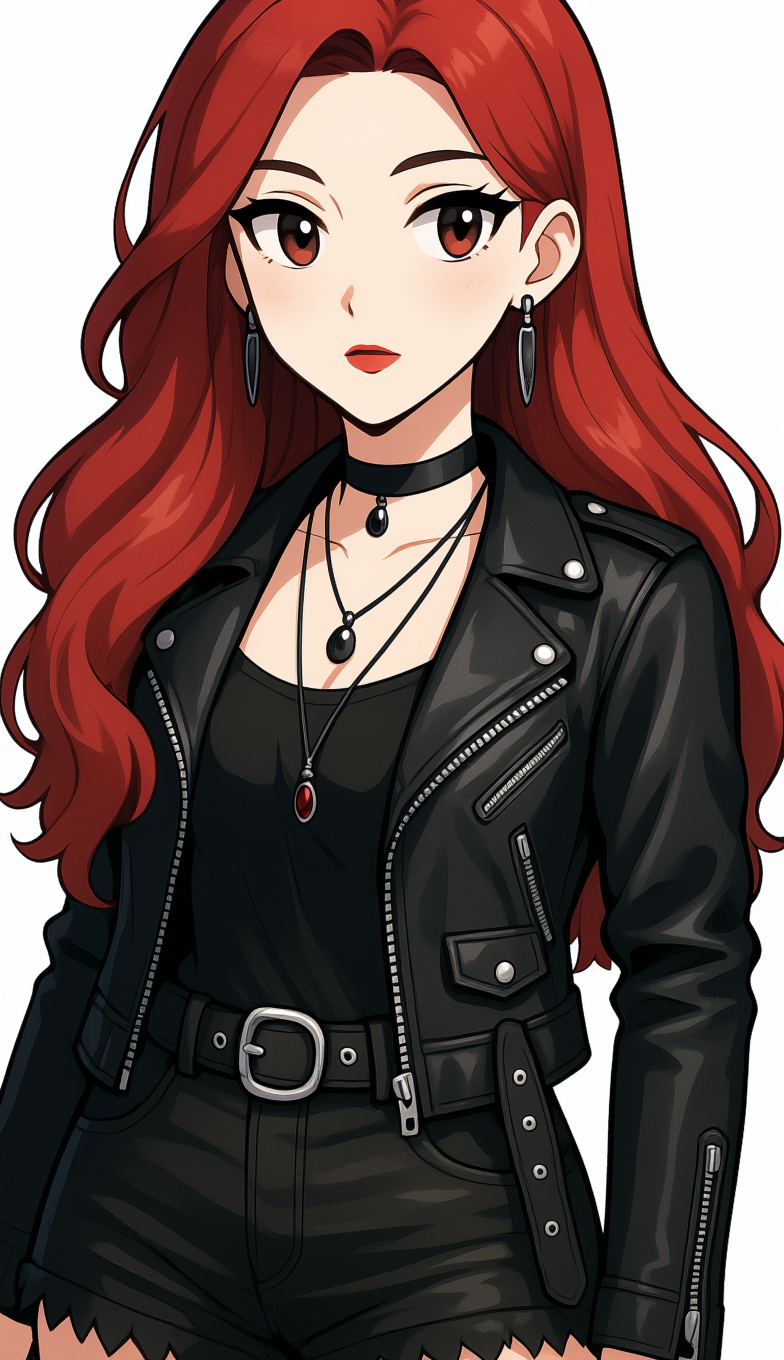
anime girl rock n roll style - face style AI image
DantMT120 avatar
DantMT120
FASHION STYLE - face style AI video
GHuTXeFq avatar
GHuTXeFq
Voxel style - face style AI video
Rafalors avatar
Rafalors
Elite Creator

How To Create AI Video From Text

Write Your Prompt

Write Your Prompt

Choose a model and describe the video you want to create in natural language. You can include scenes, characters, actions, or style references.

Customize Your Video

Customize Your Video

Use prompts to guide multiple scenes, actions, and styles within a single generation. Kling AI also supports native multilingual voiceovers and sound effects, so you can shape dialogue and audio direction directly through your prompt.

Generate & Export

Generate & Export

Select your format, including resolution (720p, 1080p, or 4K), duration (3 - 15 seconds), and aspect ratio (16:9, 9:16, or 1:1). Then download your video or keep iterating with new variations for your project.

Why Kling Sets the Standard for Video Creation

Flawless Character Consistency for High-Quality Videos

Flawless Character Consistency for High-Quality Videos

Unlike standard tools that distort faces when moving, Kling Video 3.0 lets you strictly lock a character’s appearance. Upload a single photo, or use a short video/multiple angles as a reference to completely eliminate the “AI morphing” effect.

All-in-One Native Audio & Lip-Sync

All-in-One Native Audio & Lip-Sync

Your video isn’t just silent footage; it speaks. Generate perfectly matched voices and realistic lip movements in multiple languages or regional accents. Even in multi-character scenes, you can precisely assign who speaks—no third-party tools required.

Up to 15s Multi-Shot Cinematic Output

Up to 15s Multi-Shot Cinematic Output

Go beyond a basic 3-second clip. Kling 3.0 extends generation to 15 seconds of smooth, uninterrupted narrative. You can even use native storyboard controls to direct multi-shot sequences in a single click—outputting in crystal-clear 4K for professional use.

Apps

Image to Video
Image to Video

Image to Video

Text to Video
Text to Video

Text to Video

Omni
Omni

Omni

Digital Human
Digital Human

Digital Human

Restyle
Restyle

Restyle

Text to Image
Text to Image

Text to Image

60M+
60M+
Users
600M+
600M+
AI Videos Generated
4.7 ★
4.7 ★
App Store
Industry-Leading
Industry-Leading
Cinematic 4K

Reviews

James Phillips

James Phillips

★★★★★

Kling AI has transformed my workflow by collapsing timelines and democratizing production. It’s shifted my mindset from resource-dependent filmmaking to a boundless creative sandbox, where experimentation yields unexpected beauty.

Samuele Poggi (@visualsk2)

Samuele Poggi (@visualsk2)

★★★★★

I use Kling AI daily to push the limits of AI filmmaking. It allows me to create highly cinematic content, blending AI and VFX to develop innovative projects. It has significantly impacted my creative process, enabling me to achieve complex animations that would otherwise require high production budgets.

Maria Rubtsova

Maria Rubtsova

★★★★★

I’m Maria Rubtsova, an AIGC digital artist passionate about creating stunning visuals in the worlds of fashion, aesthetics, and fantasy. I use KlingAi to bring imagination to life through video. My work is all about exploring beauty, emotion, and the limitless possibilities of digital art.

FAQ

Q1What is the best AI to turn an image into a video?
Q2Can I use these generated videos for my e-commerce store or social media ads?
Q3Can I make the character in my image speak?

Start Creating AI Videos with Kling

Turn your image into a talking, high-quality video in seconds. No watermarks, no complicated setup.

Free tier available (Memberships are watermark-free) | 1080p export (Memberships unlock 4K) | Instant results