Creative Studio
API
Resources
About Us
Download

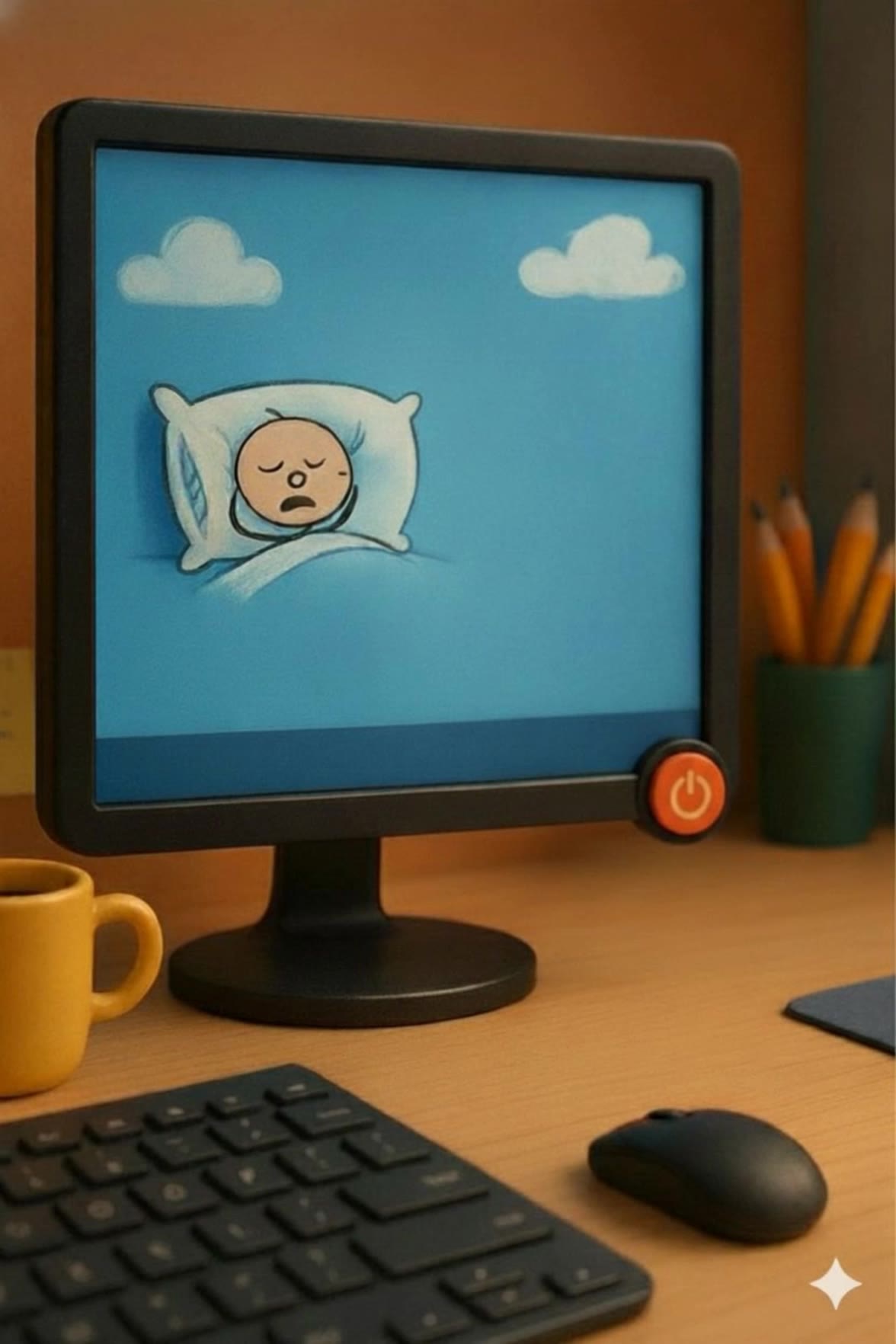
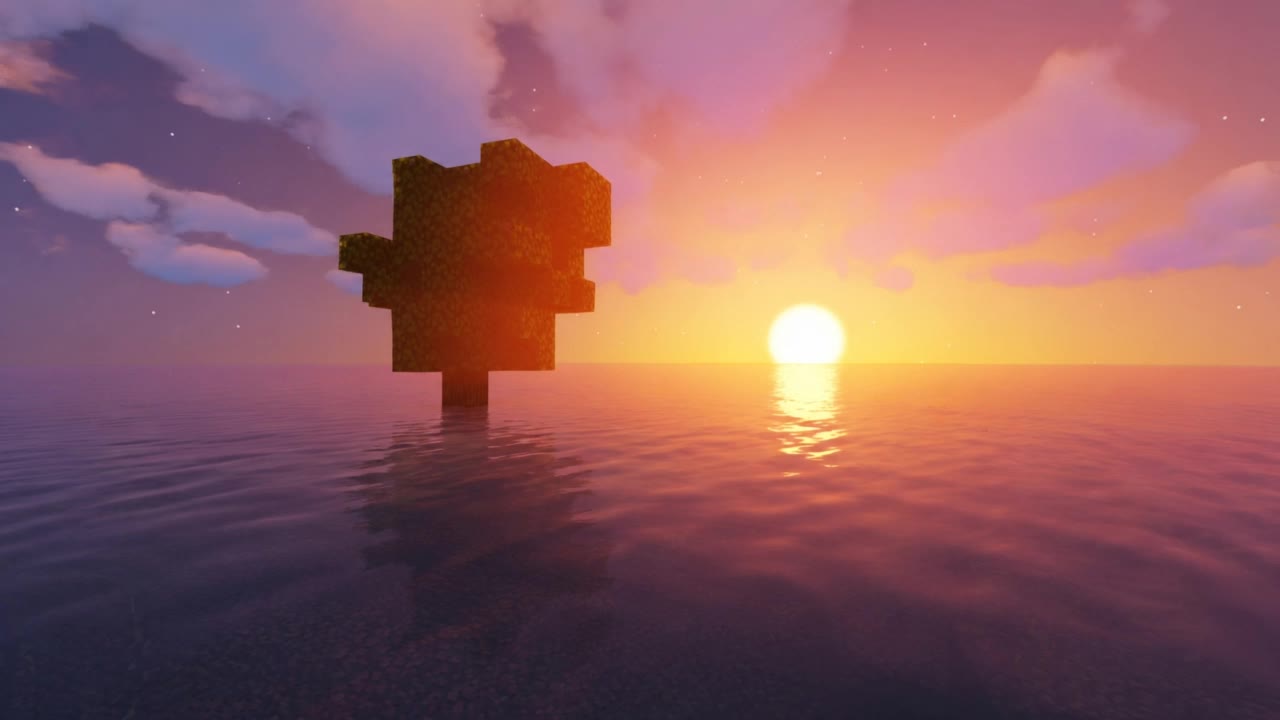
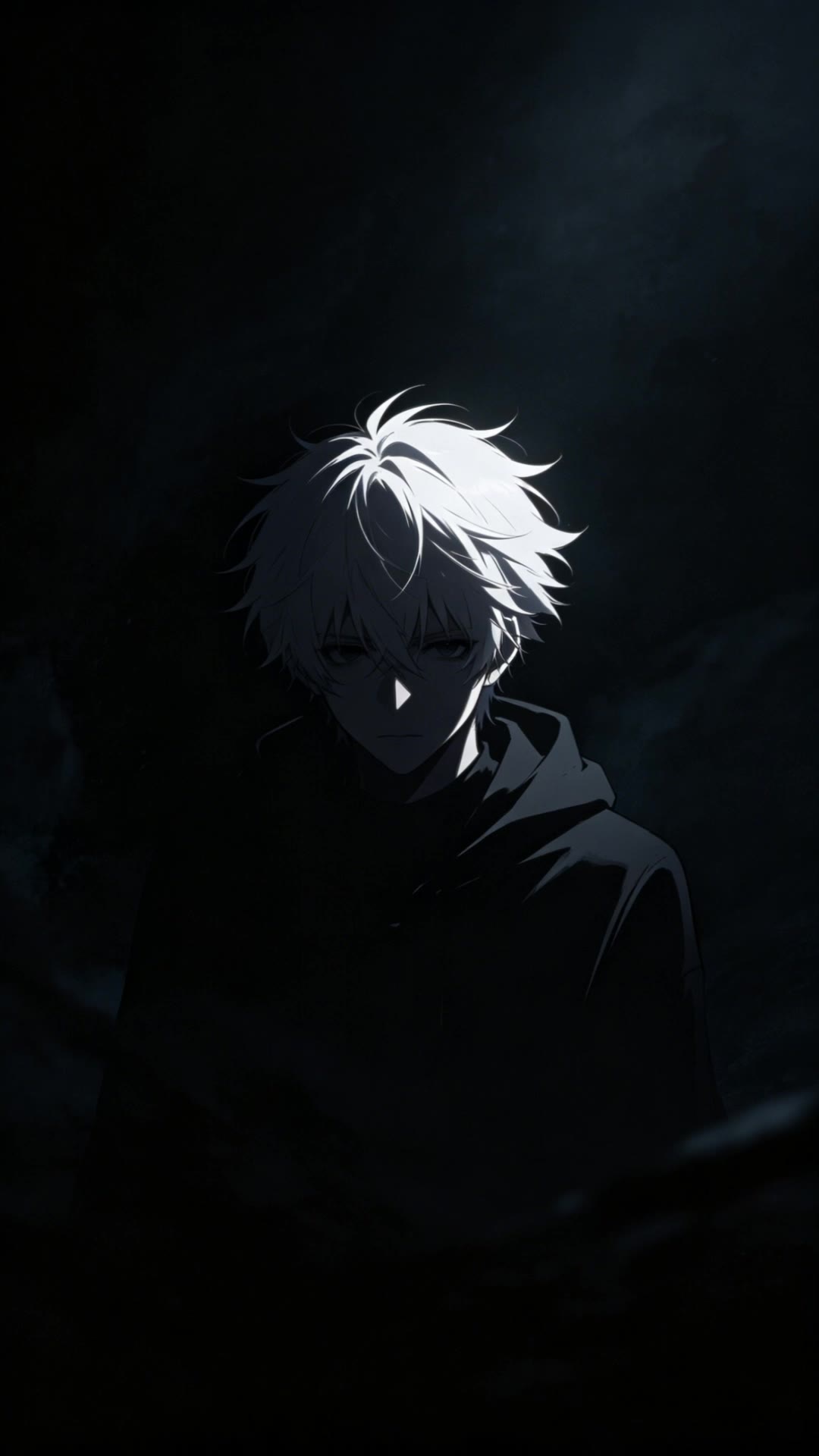
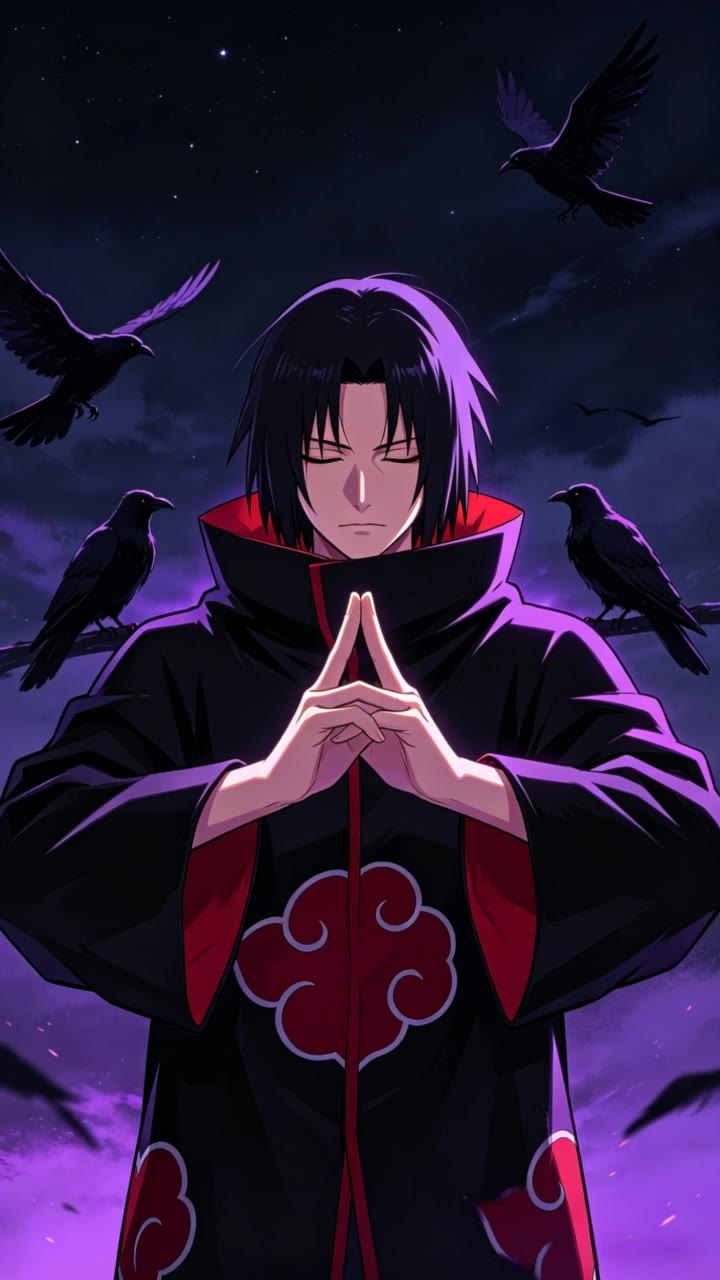
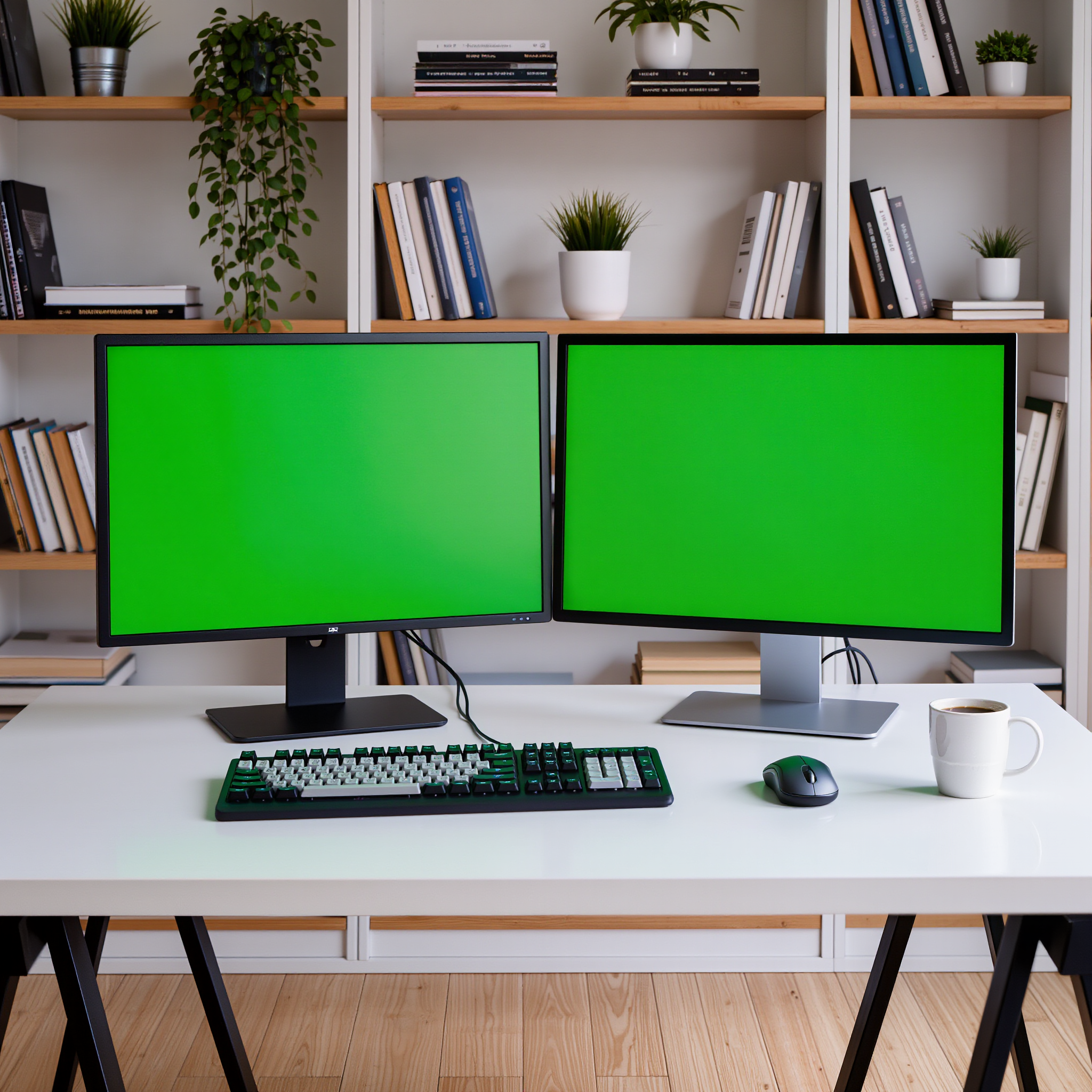
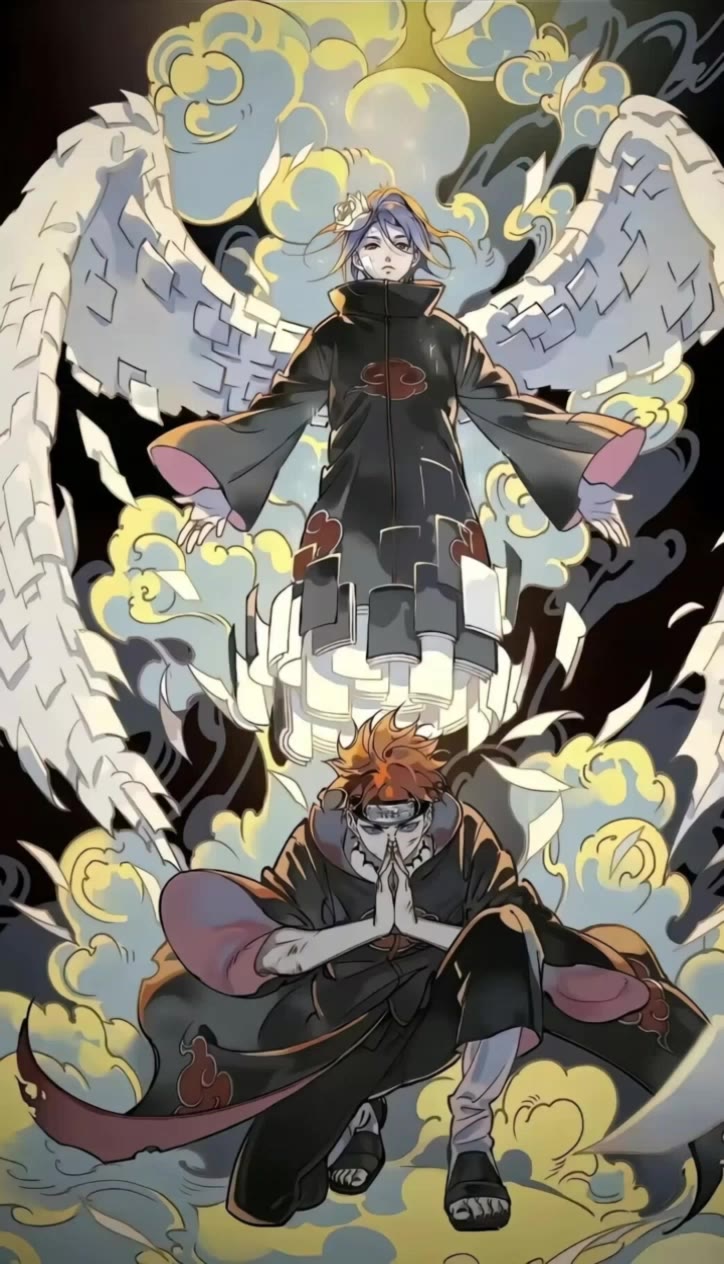
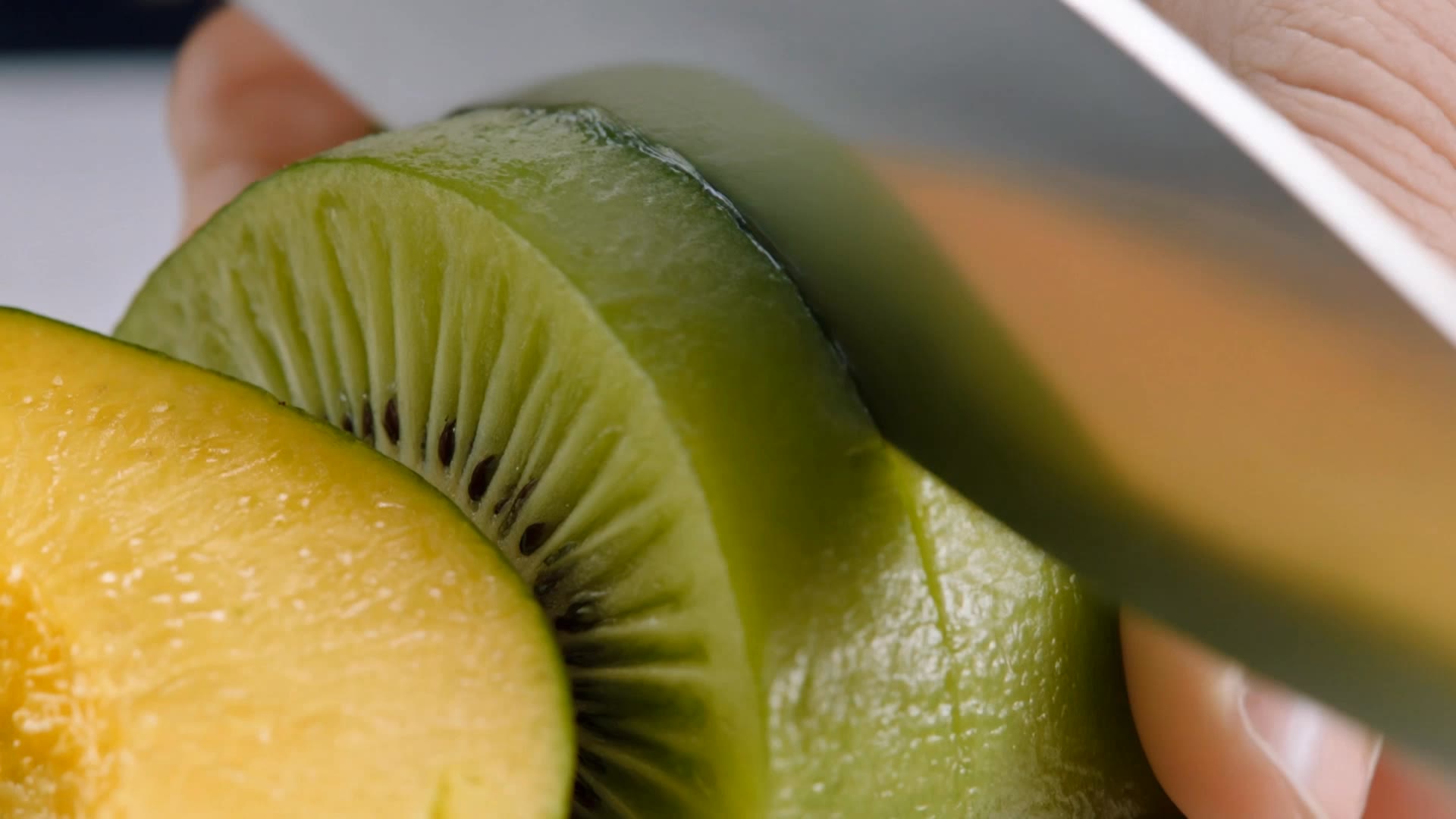
Fruit Desktop Wallpaper – AI Image Generator

Explore AI-generated fruit desktop wallpapers. Get inspired by multiple designs created with AI. Customize these AI-made visuals to match your fruity theme.

Fruit Desktop Wallpaper – AI Image Generator

Recommended

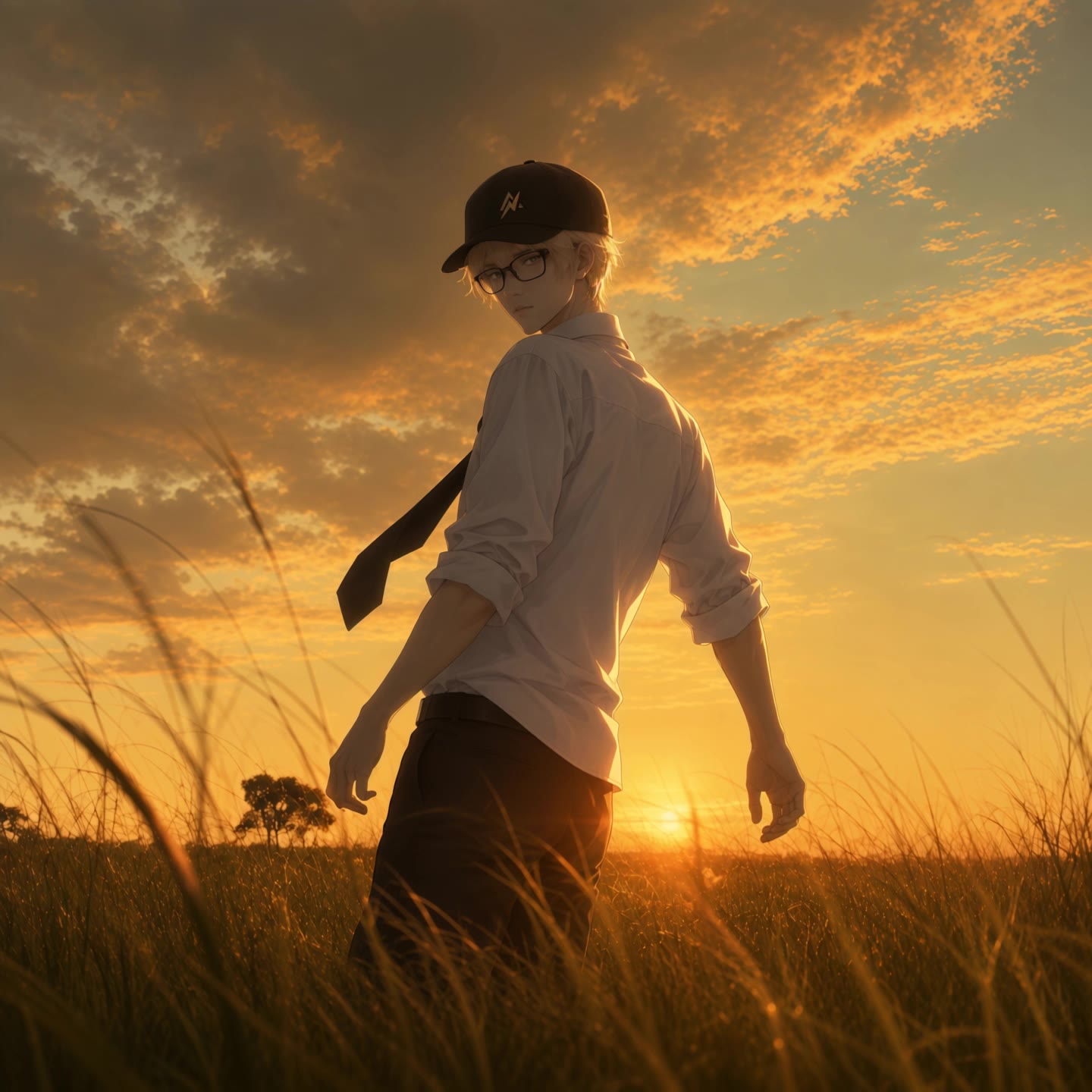
wallpaper - fruit desktop wallpaper AI video
EDCxWRhK avatar
EDCxWRhK
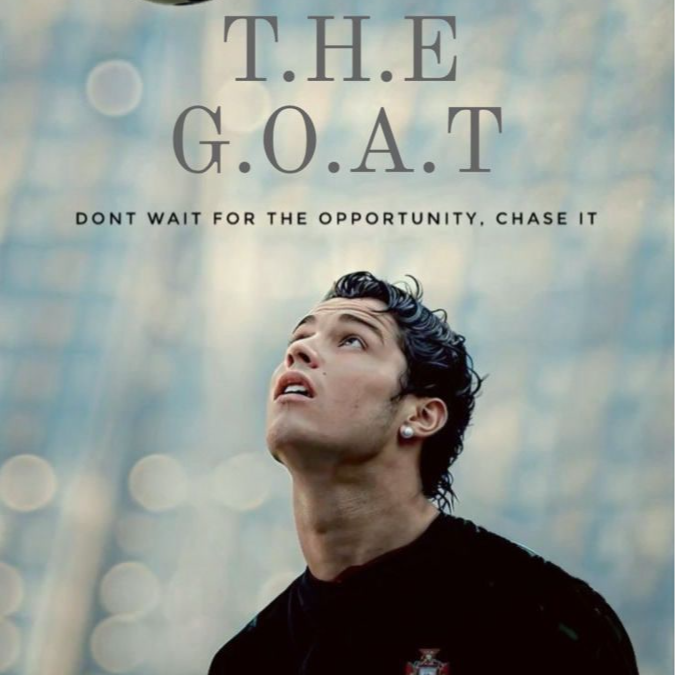
wallpaper - fruit desktop wallpaper AI video
EDCxWRhK avatar
EDCxWRhK
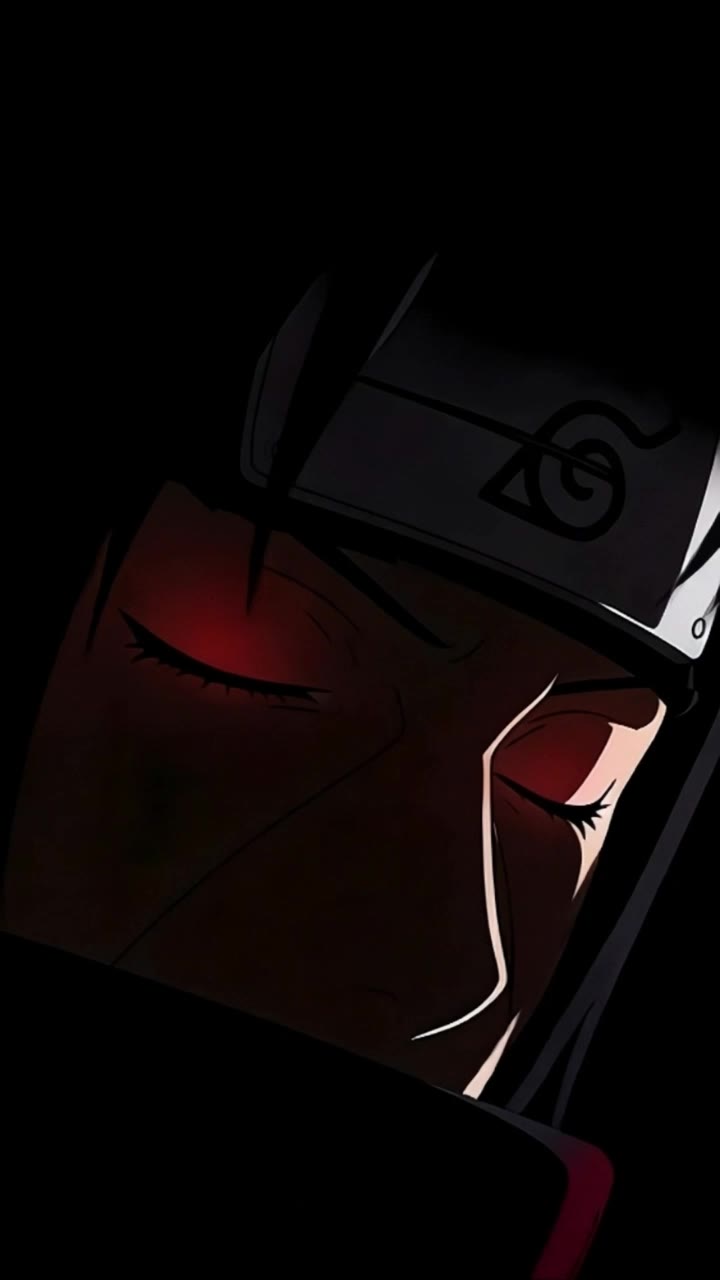
wallpaper - fruit desktop wallpaper AI video
EDCxWRhK avatar
EDCxWRhK
live wallpaper  - fruit desktop wallpaper AI video
DFaoTDfW avatar
DFaoTDfW
wallpaper - fruit desktop wallpaper AI video
EDCxWRhK avatar
EDCxWRhK
wallpaper - fruit desktop wallpaper AI video
EDCxWRhK avatar
EDCxWRhK
Kling AI work 296421693613868 - fruit desktop wallpaper AI video
RXizAqSO avatar
RXizAqSO
wallpaper minecraft shaders - fruit desktop wallpaper AI video
VQarmEaf avatar
VQarmEaf
wallpaper - fruit desktop wallpaper AI video
EDCxWRhK avatar
EDCxWRhK
wallpaper - fruit desktop wallpaper AI video
EDCxWRhK avatar
EDCxWRhK
live wallpaper  - fruit desktop wallpaper AI video
shjwbrOl avatar
shjwbrOl
Kling AI work 314265054527114 - fruit desktop wallpaper AI video
Buyo avatar
Buyo
Best wallpaper - fruit desktop wallpaper AI image
SlBDeJKb avatar
SlBDeJKb
wallpaper - fruit desktop wallpaper AI video
EDCxWRhK avatar
EDCxWRhK
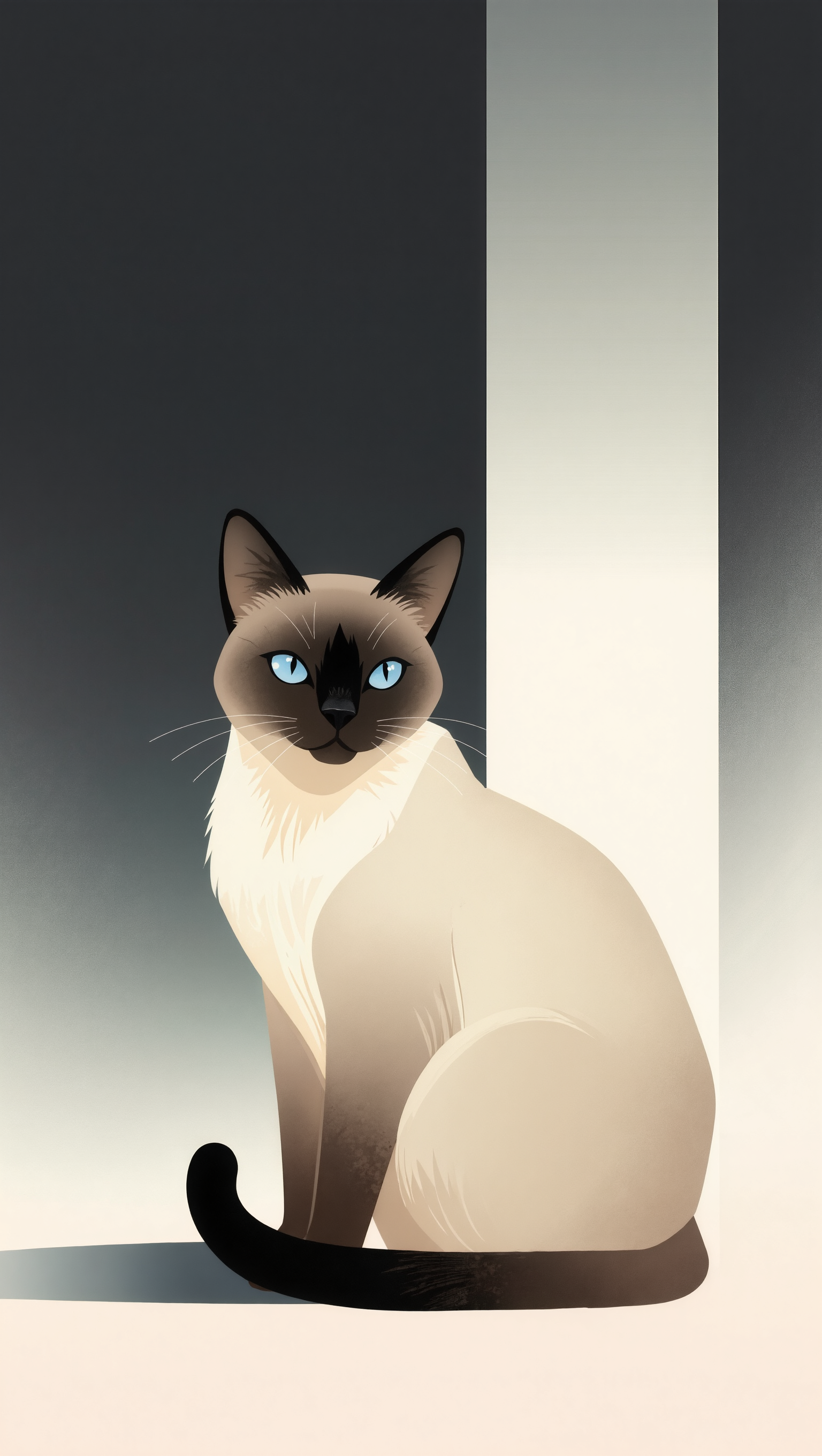
Cat Wallpaper - fruit desktop wallpaper AI image
aBgQkBke avatar
aBgQkBke
Desktop Wallpaper Mockup - fruit desktop wallpaper AI image
Dev avatar
Dev
Creative Partner
wallpaper - fruit desktop wallpaper AI video
EDCxWRhK avatar
EDCxWRhK
wallpaper - fruit desktop wallpaper AI video
EDCxWRhK avatar
EDCxWRhK
# Fruit Al  - fruit desktop wallpaper AI video
Echo AI avatar
Echo AI

How to Create an AI Avatar Video

Create an Avatar

Create an Avatar

Pick a ready-made character from the Avatar Library, return to a saved avatar, upload an image from your device or Assets, or generate someone new with AI Image. The selected image becomes the visual starting point for the video.

Add the Voice

Add the Voice

Upload a finished recording, or enter the lines you want the character to deliver. With text to speech, select a voice and adjust its speed and emotional tone. Use punctuation to place pauses where they naturally belong, especially in longer passages.

Shape the Performance

Shape the Performance

Describe how the character should feel, react, and move while speaking. You can write the direction yourself or begin with one of the performance options Kling AI suggests for the selected character. Generate the video and review the delivery.

One Image-to-Image Generator, More Ways to Create

Refine With Precision

Refine With Precision

Bring in up to 10 reference images to keep the subject, color, shape, and visual details that matter, then update only what needs to change. Whether you’re reworking a background, adjusting lighting, or refining a product or character, IMAGE 3.0 helps the new image stay true to the original while making the edit feel clean, natural, and intentional.

Restyle With Freedom

Restyle With Freedom

Give any image a fresh look in more than one way. Start with the built-in style library to recreate a look in one click, or upload your original image with a reference to follow a specific visual direction. Kling AI image-to-image model carries over the qualities that define the style while keeping the subject clear and the composition intact.

Generate Image Series in 4K

Generate Image Series in 4K

Start with one image or several references and generate a connected set in one pass. IMAGE 3.0 Omni keeps characters, products, style, and tone consistent from image to image, while still allowing new actions, framing, camera angles, and shot types. Native 4K output makes it well suited to cinematic multi-shot storyboards, product image sets, and character design.

Apps

Image to Video
Image to Video

Image to Video

Text to Video
Text to Video

Text to Video

Omni
Omni

Omni

Digital Human
Digital Human

Digital Human

Restyle
Restyle

Restyle

Text to Image
Text to Image

Text to Image

60M+
60M+
Users
600M+
600M+
AI Videos Generated
4.7 ★
4.7 ★
App Store
Industry-Leading
Industry-Leading
Cinematic 4K

Reviews

Huang Lu (Elson)

Huang Lu (Elson)

★★★★★

I’ve been using Kling AI since its initial release, and it’s remained one of the leading AI media generators ever since. With Kling AI, I’ve created hundreds of videos, collectively amassing millions of views.

Vincent Smadja

Vincent Smadja

★★★★★

Kling AI seamlessly integrates into my creative workflow, playing a key role in transforming my images. After generating and upscaling an image, Kling becomes a crucial element, bringing my creations to life with movement and depth.

PJ Ace

PJ Ace

★★★★★

Kling AI has made it easy for us to generate world class visuals for Fortune 500 companies, TV shows and music for big artists. We love the easy of use of the platform and the quality of the generations. My first time using Kling AI, I got 22 million views on just one video. It's that good.

FAQ

Q1How do I keep the face from changing or morphing in my video?
Q2Can I use these generated videos for my e-commerce store or social media ads?
Q3Can I make the character in my image speak?

Your Next Visual Starts Here

Start with a sentence, a sketch, or a reference photo. Shape the composition, dial in the details, and keep iterating in Kling AI.

Free tier available | Text-to-image | Image-to-image | Fast generation