Creative Studio
API
Resources
About Us
Download

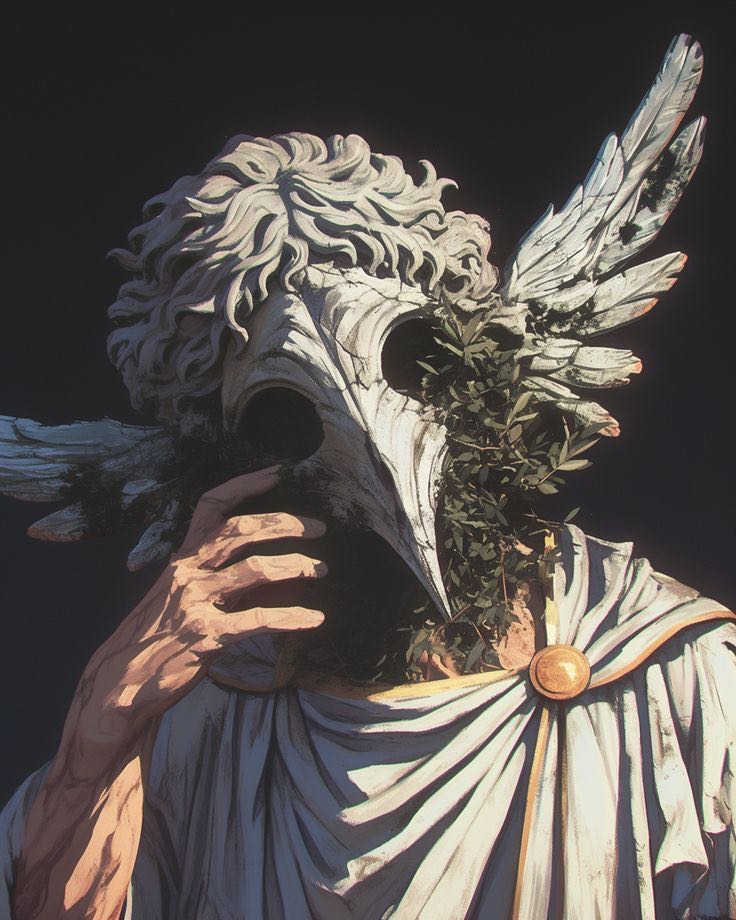
Funny Wallpaper Ideas – AI-Generated Humorous Designs

Discover AI-generated funny wallpaper ideas. Create humorous designs quickly with AI help.

Funny Wallpaper Ideas – AI-Generated Humorous Designs

Recommended

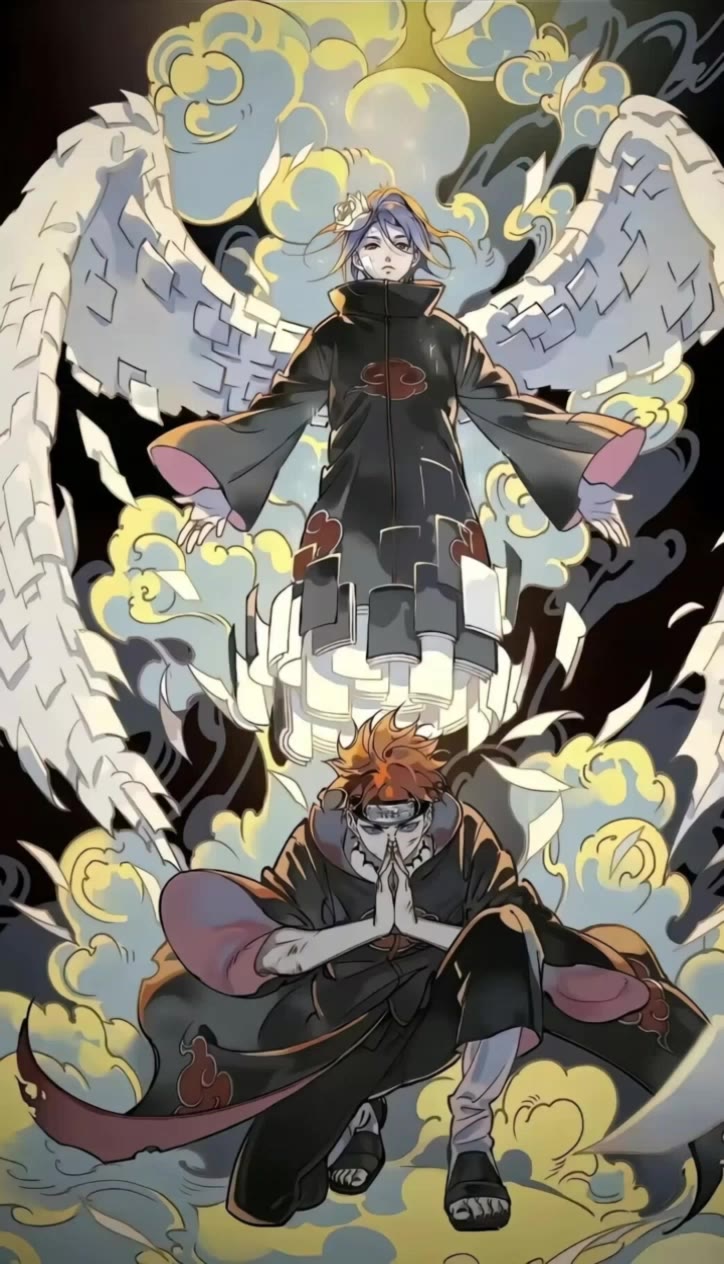
wallpaper - funny wallpaper AI video
EDCxWRhK avatar
EDCxWRhK
wallpaper - funny wallpaper AI video
EDCxWRhK avatar
EDCxWRhK
wallpaper - funny wallpaper AI video
EDCxWRhK avatar
EDCxWRhK
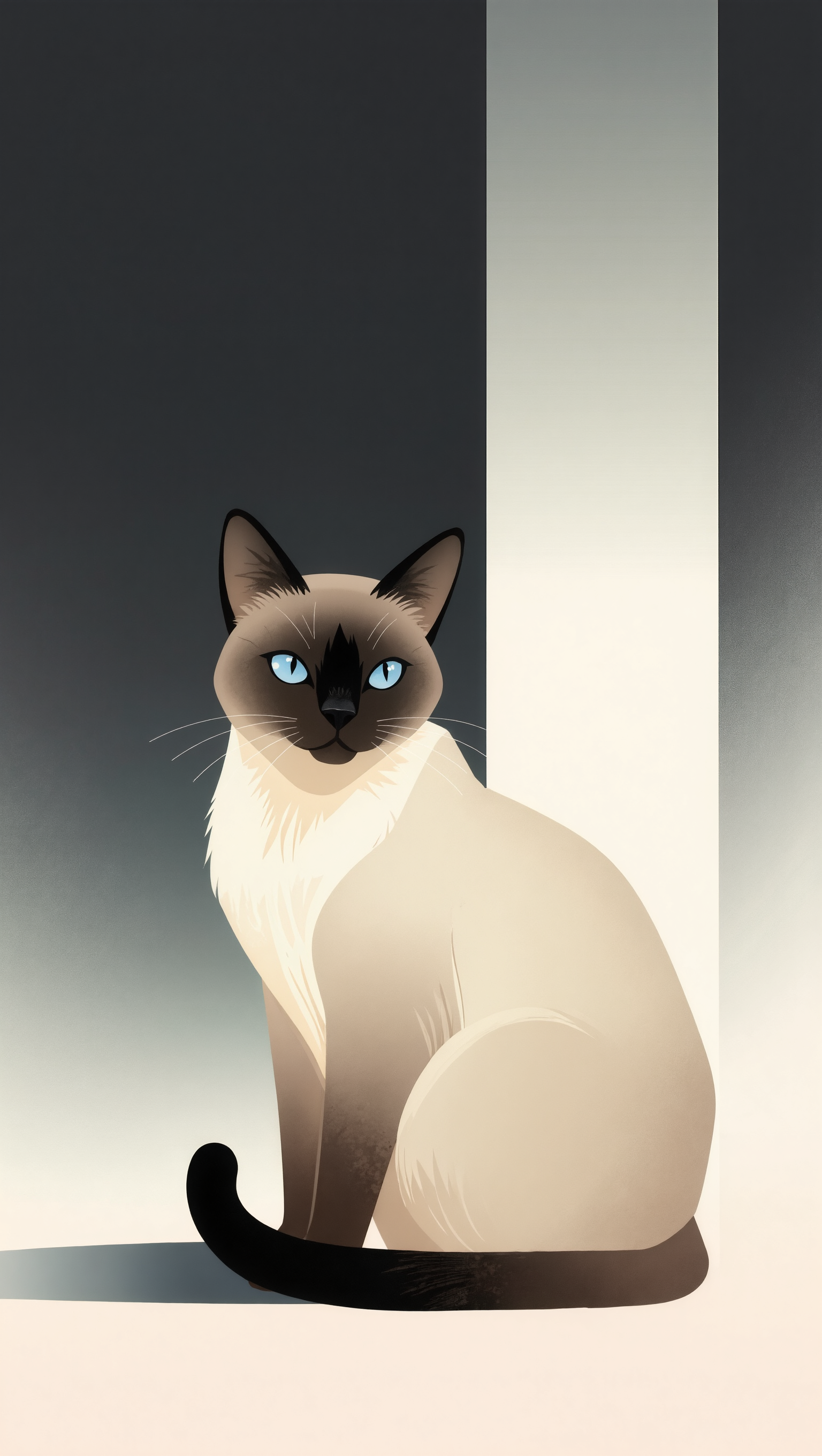
Cat Wallpaper - funny wallpaper AI image
aBgQkBke avatar
aBgQkBke
wallpaper - funny wallpaper AI video
EDCxWRhK avatar
EDCxWRhK
wallpaper - funny wallpaper AI video
EDCxWRhK avatar
EDCxWRhK
wallpaper - funny wallpaper AI video
EDCxWRhK avatar
EDCxWRhK
Funny creature - funny wallpaper AI image
PzTKKeyO avatar
PzTKKeyO
wallpaper - funny wallpaper AI video
EDCxWRhK avatar
EDCxWRhK
knight wallpaper - funny wallpaper AI video
cristian prado avatar
cristian prado
Funny Puppy - funny wallpaper AI video
eYrYYTUN avatar
eYrYYTUN
live wallpaper  - funny wallpaper AI video
DFaoTDfW avatar
DFaoTDfW
Best wallpaper - funny wallpaper AI image
SlBDeJKb avatar
SlBDeJKb
wallpaper - funny wallpaper AI video
EDCxWRhK avatar
EDCxWRhK
Funny creature - funny wallpaper AI image
PzTKKeyO avatar
PzTKKeyO
Another funny creature - funny wallpaper AI image
PzTKKeyO avatar
PzTKKeyO
wallpaper - funny wallpaper AI video
EDCxWRhK avatar
EDCxWRhK
wallpaper - funny wallpaper AI video
EDCxWRhK avatar
EDCxWRhK
live wallpaper  - funny wallpaper AI video
shjwbrOl avatar
shjwbrOl

How to Animate an Image

Upload Your Image

Upload Your Image

Upload any image—drag and drop a portrait, product photo, or illustration. Kling supports various formats and brings images to life while maintaining consistent, high-quality results.

Describe the Motion

Describe the Motion

Type what you want to see, like “she turns, smiles, and starts talking to the camera.” For advanced control, you can also upload a start and end frame to define the exact transition.

Generate & Export

Generate & Export

Hit generate, wait a few seconds, and download your animated video. Free image to video generation is available in 1080p, while Pro users can unlock stunning native 4K resolution.

From Clean Cutouts to Completely New Backgrounds

Clean Cutouts, Ready to Use

Clean Cutouts, Ready to Use

Clear away a distracting background without tracing around the subject by hand. Create transparent product shots, portraits, logos, and graphics for listings, profile images, presentations, and design work. When you need a higher-resolution de-priming effect, IMAGE 3.0 Omni also supports 2K and 4K output.

Go Straight to the Background You Want

Go Straight to the Background You Want

Already know what belongs behind the subject? Skip the extra editing and go straight to the final look. Describe a new setting or add a reference image to guide it, whether you're refreshing a product shot, portrait, social graphic, or campaign visual.

Refresh Video Footage Without Reshooting

Refresh Video Footage Without Reshooting

Keep the clip you already have and change the setting around it. With VIDEO 3.0 Omni, use a prompt or reference image to update backgrounds for ads, product videos, presenter clips, and social content—without another shoot or a green screen.

Apps

Image to Video
Image to Video

Image to Video

Text to Video
Text to Video

Text to Video

Omni
Omni

Omni

Digital Human
Digital Human

Digital Human

Restyle
Restyle

Restyle

Text to Image
Text to Image

Text to Image

60M+
60M+
Users
600M+
600M+
AI Videos Generated
4.7 ★
4.7 ★
App Store
Industry-Leading
Industry-Leading
Cinematic 4K

Reviews

Maria Rubtsova

Maria Rubtsova

★★★★★

I’m Maria Rubtsova, an AIGC digital artist passionate about creating stunning visuals in the worlds of fashion, aesthetics, and fantasy. I use KlingAi to bring imagination to life through video. My work is all about exploring beauty, emotion, and the limitless possibilities of digital art.

Huang Lu (Elson)

Huang Lu (Elson)

★★★★★

I’ve been using Kling AI since its initial release, and it’s remained one of the leading AI media generators ever since. With Kling AI, I’ve created hundreds of videos, collectively amassing millions of views.

James Phillips

James Phillips

★★★★★

Kling AI has transformed my workflow by collapsing timelines and democratizing production. It’s shifted my mindset from resource-dependent filmmaking to a boundless creative sandbox, where experimentation yields unexpected beauty.

FAQ

Q1Can I edit a video with AI using text?
Q2Is Kling AI Video Editor free?
Q3What Is an AI Video Editor?

Change the Shot Without Reshooting It

Upload your footage, describe the result, and let Kling rebuild the scene around your direction.

Free tier available | Simple prompt editing | Up to 4K output | Fast generation