Creative Studio
API
Resources
About Us
Download

Kling AI Benefit: Enjoy AI Advantages

Enjoy the benefits of AI with Kling AI. Quickly generate and adapt AI-generated content to enhance your projects.

Kling AI Benefit: Enjoy AI Advantages

Recommended

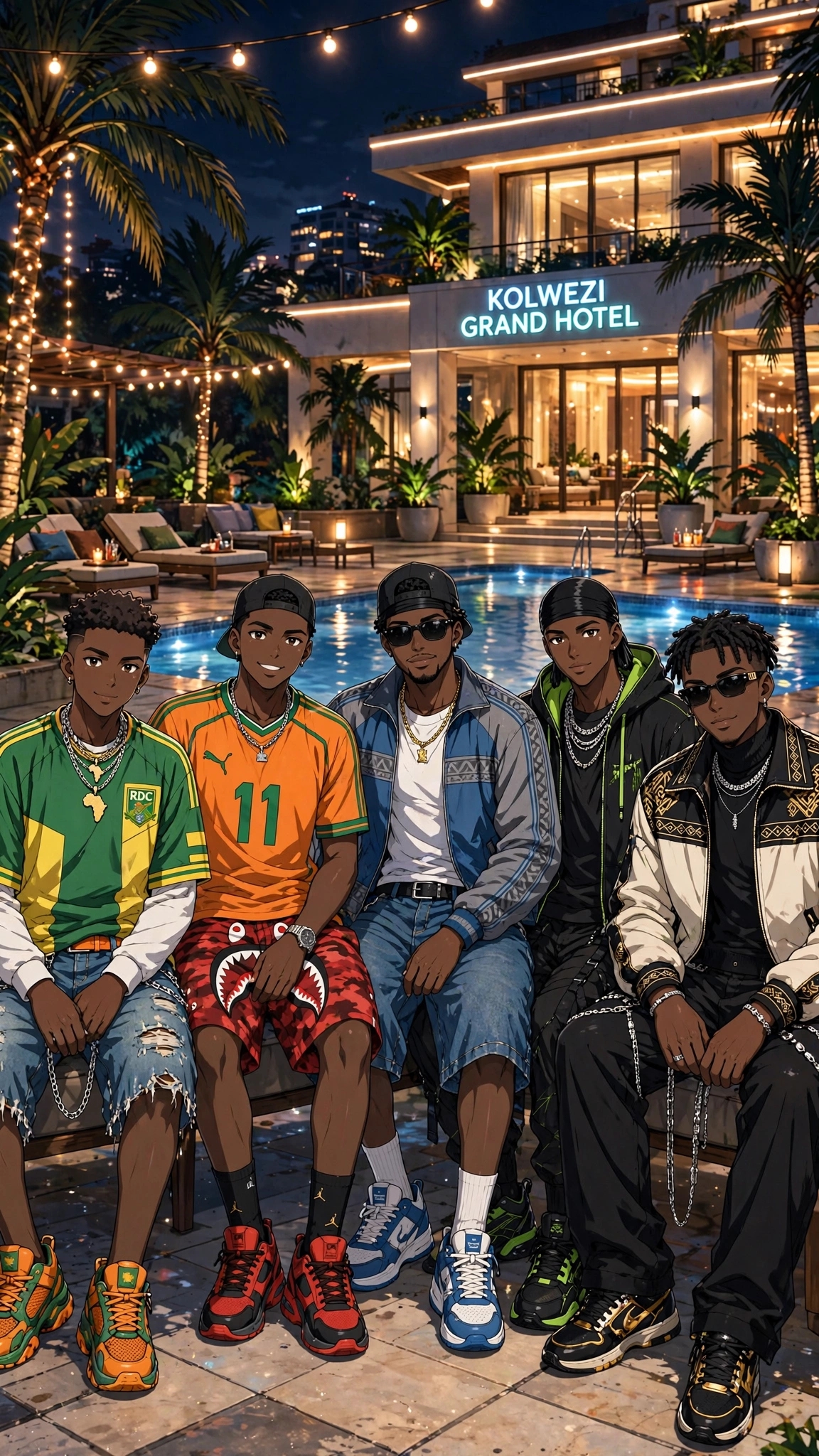
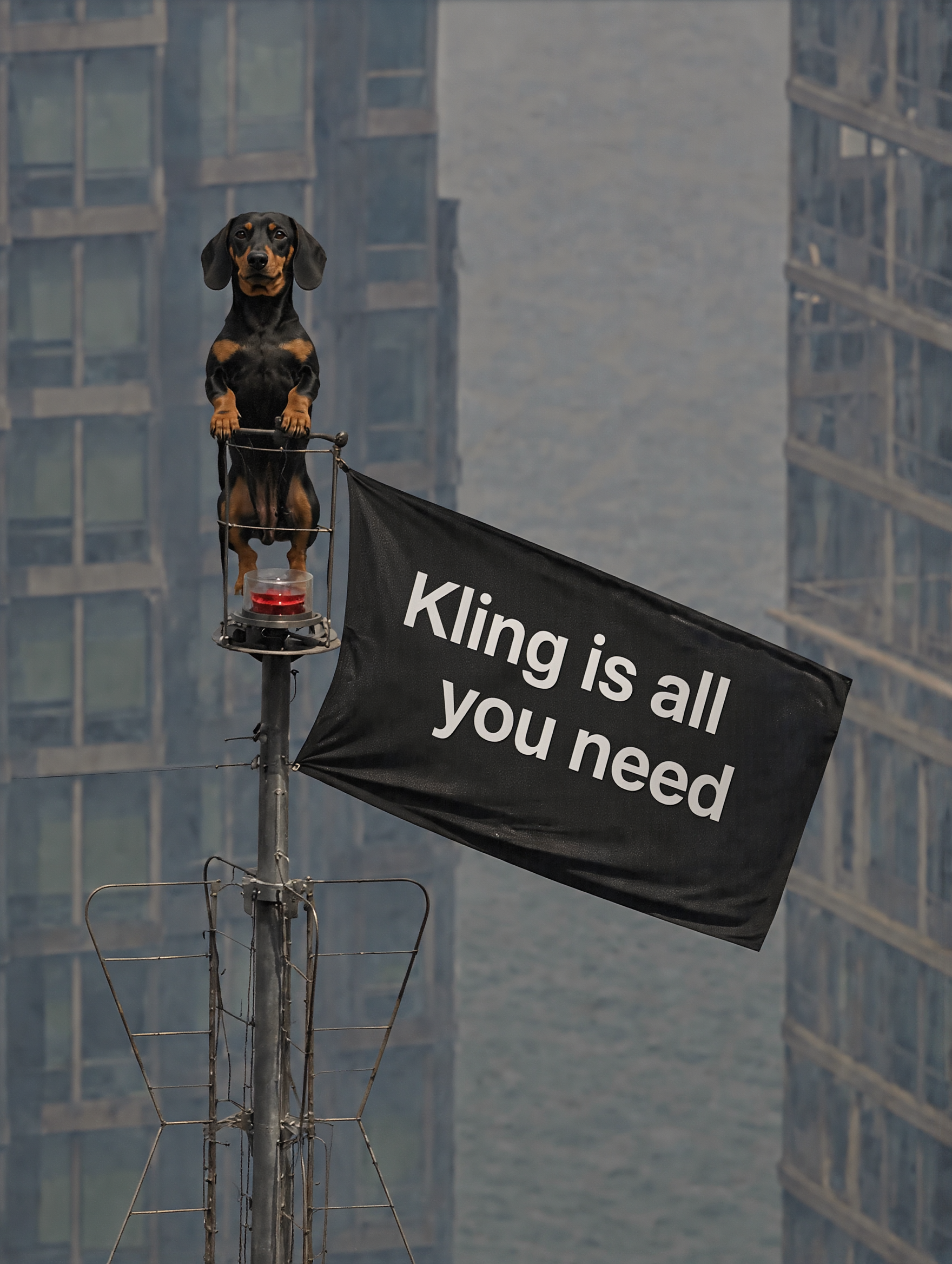
Kling is all you need - kling ai benefit AI image
susu avatar
susu
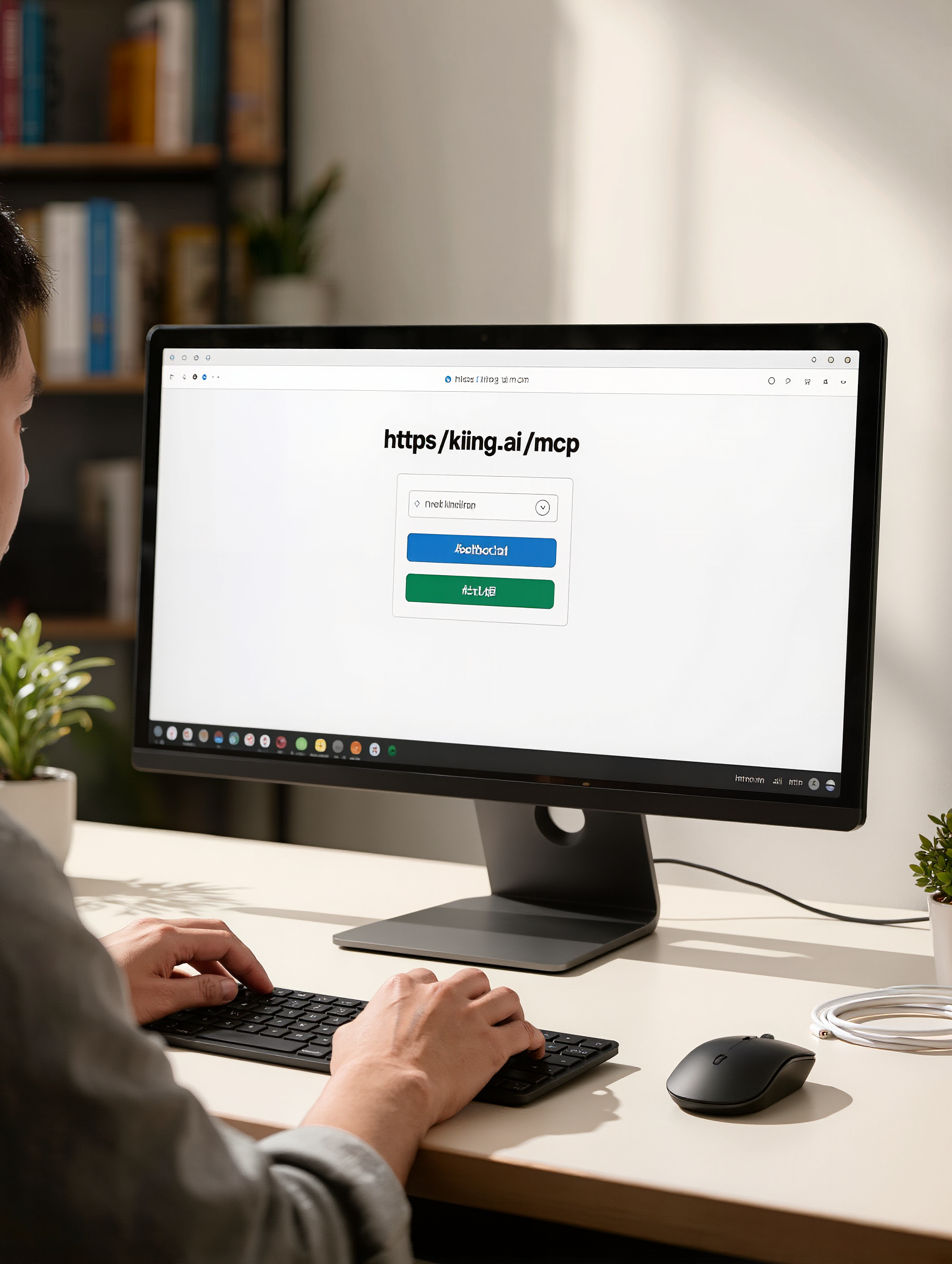
Kling MCP - kling ai benefit AI image
KIGOLD89 avatar
KIGOLD89
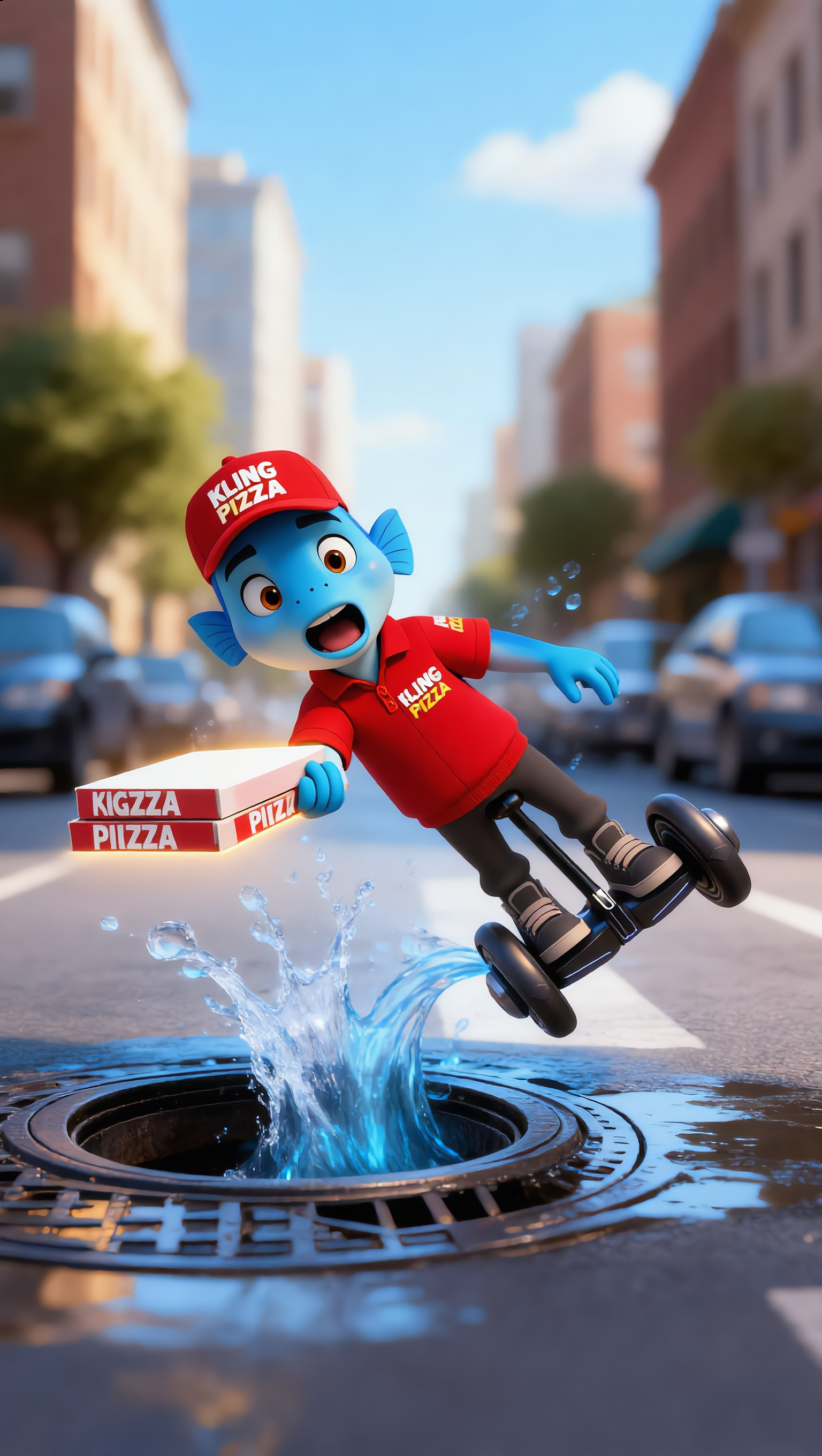
Kling AI work 309266415666852 - kling ai benefit AI video
cPBAUKLL avatar
cPBAUKLL
Kling AI work 318533926502985 - kling ai benefit AI image
PoZcNqVr avatar
PoZcNqVr
Thank you, Kling AI! - kling ai benefit AI video
Alla_nov avatar
Alla_nov
Elite Creator
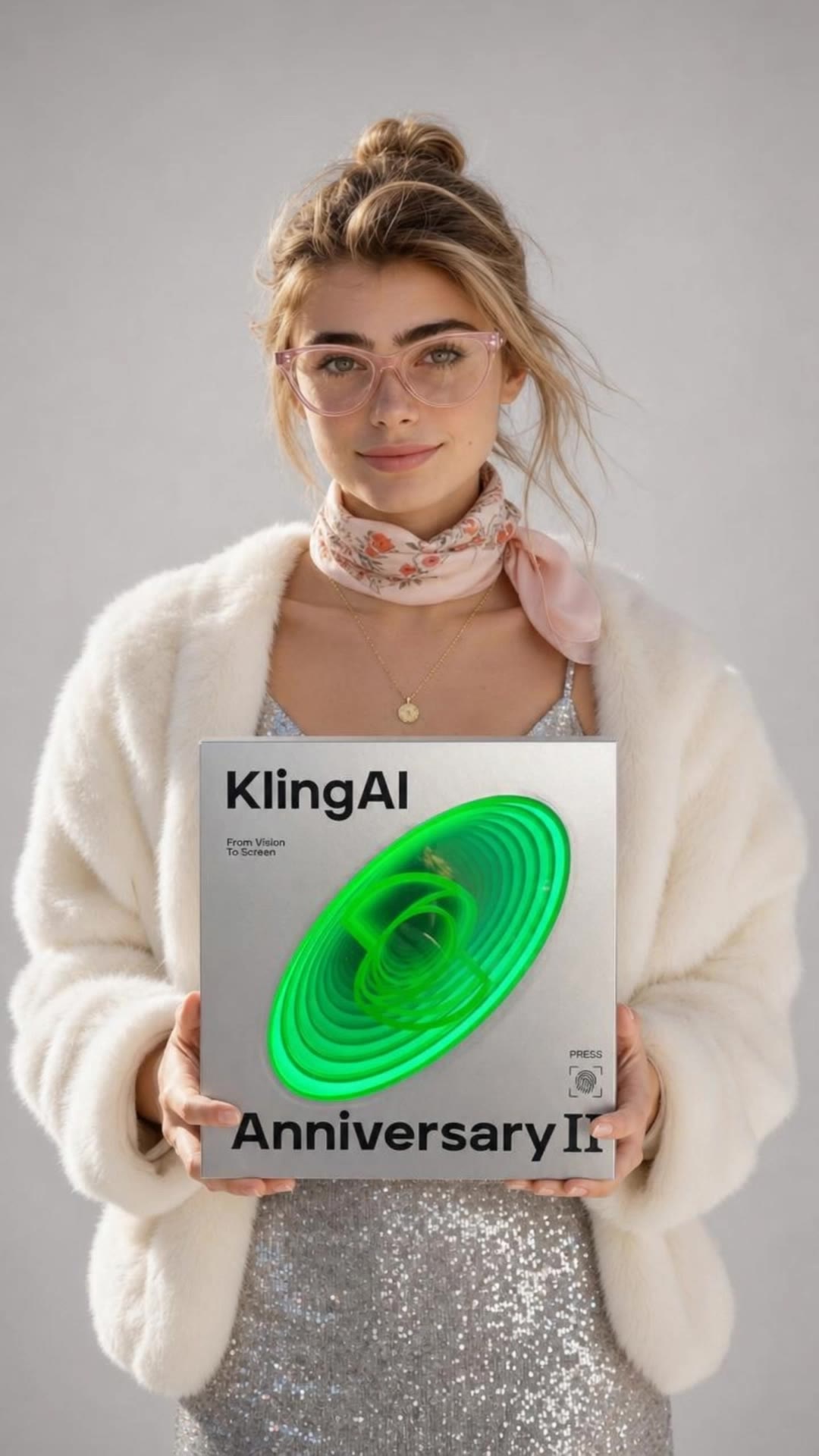
Kling Anniversary Character - kling ai benefit AI image
BoldlyWithAi avatar
BoldlyWithAi
Elite Creator
Kling AI work 309265858526925 - kling ai benefit AI video
cPBAUKLL avatar
cPBAUKLL
Kling AI work 309356476527645 - kling ai benefit AI video
rubrMaWR avatar
rubrMaWR
Kling AI Can - kling ai benefit AI image
UN_RE_AI_vision avatar
UN_RE_AI_vision
Kling AI work 317138364327912 - kling ai benefit AI video
Legacy avatar
Legacy
SC SNAP BENEFIT - kling ai benefit AI video
mVQFFfol avatar
mVQFFfol
EVEN THIS KLING CAN'T CREATE !!! - kling ai benefit AI video
KLINGS_CKS avatar
KLINGS_CKS
kling AI Turn 2 - kling ai benefit AI video
RamZ avatar
RamZ
Elite Creator
Kling Anniversary Character - kling ai benefit AI image
BoldlyWithAi avatar
BoldlyWithAi
Elite Creator
Kling AI work 309266506524358 - kling ai benefit AI video
cPBAUKLL avatar
cPBAUKLL
KLING Man  - kling ai benefit AI video
KENZO avatar
KENZO
Kling Anniversary Character - kling ai benefit AI image
BoldlyWithAi avatar
BoldlyWithAi
Elite Creator
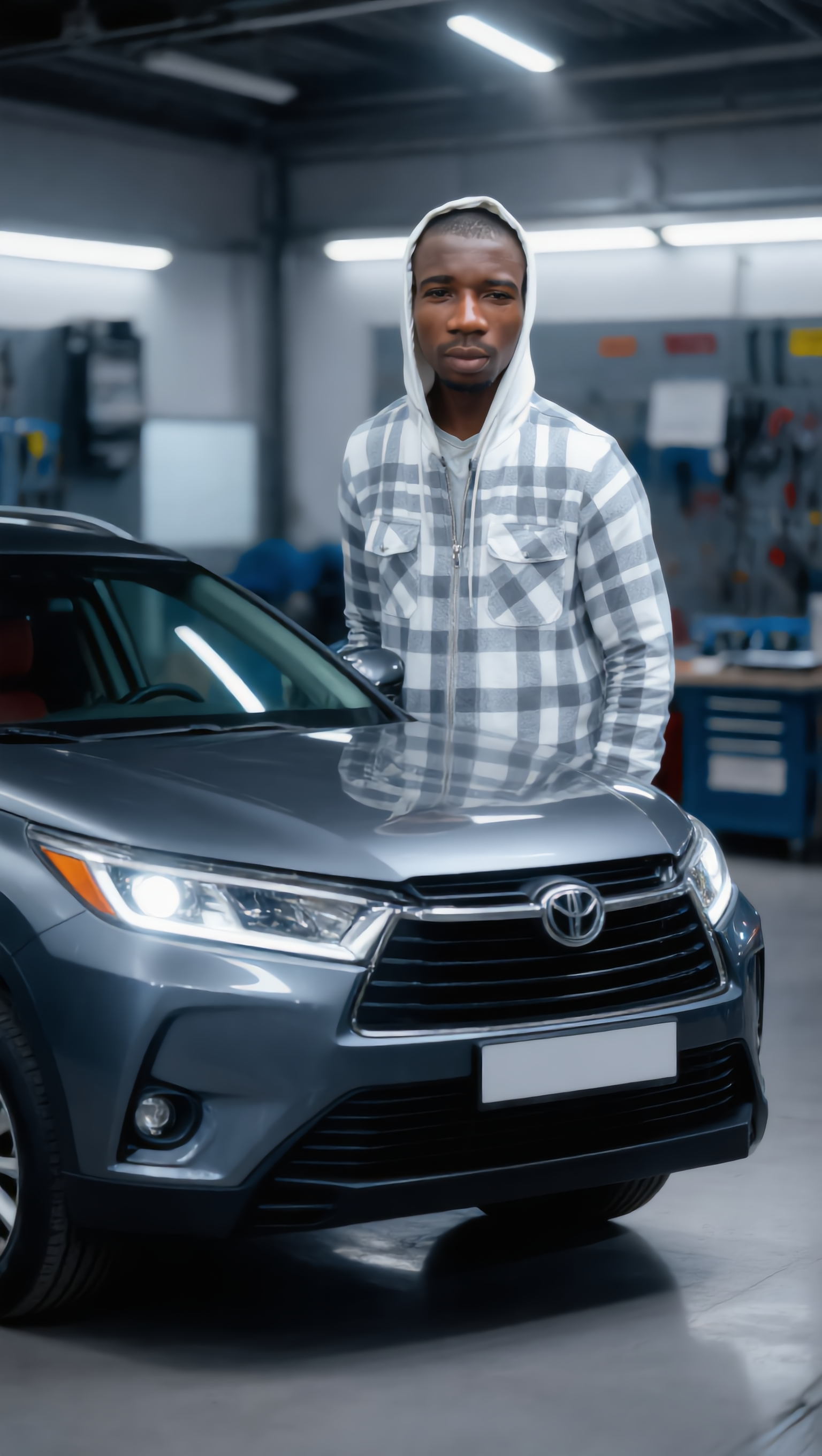
automobile engineering servicing - kling ai benefit AI image
gBBPvxRu avatar
gBBPvxRu
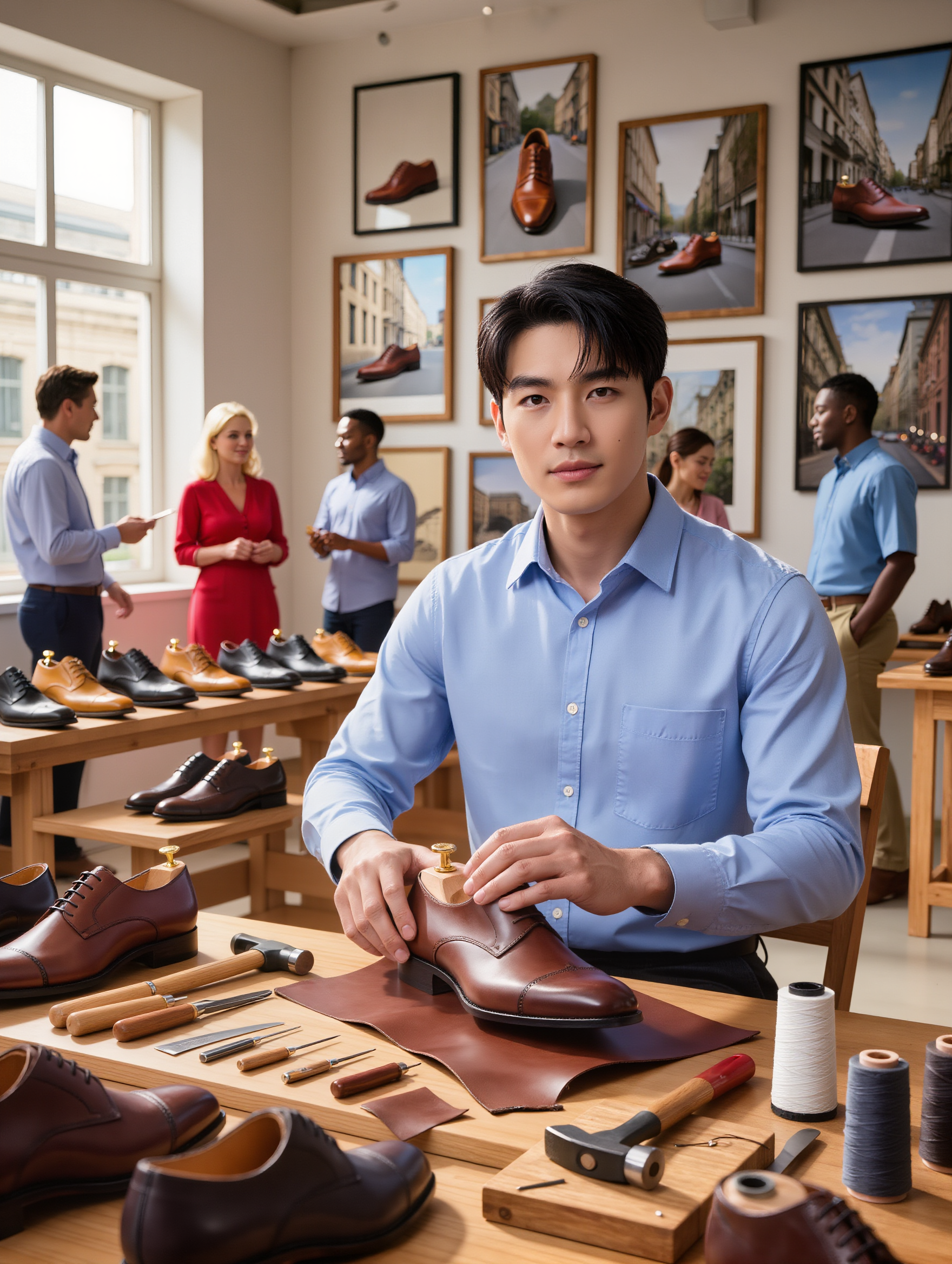
Kling AI work 316565233523911 - kling ai benefit AI image
ZZPsLmgS avatar
ZZPsLmgS

How to Create an AI Avatar Video

Create an Avatar

Create an Avatar

Pick a ready-made character from the Avatar Library, return to a saved avatar, upload an image from your device or Assets, or generate someone new with AI Image. The selected image becomes the visual starting point for the video.

Add the Voice

Add the Voice

Upload a finished recording, or enter the lines you want the character to deliver. With text to speech, select a voice and adjust its speed and emotional tone. Use punctuation to place pauses where they naturally belong, especially in longer passages.

Shape the Performance

Shape the Performance

Describe how the character should feel, react, and move while speaking. You can write the direction yourself or begin with one of the performance options Kling AI suggests for the selected character. Generate the video and review the delivery.

One Image-to-Image Generator, More Ways to Create

Refine With Precision

Refine With Precision

Bring in up to 10 reference images to keep the subject, color, shape, and visual details that matter, then update only what needs to change. Whether you’re reworking a background, adjusting lighting, or refining a product or character, IMAGE 3.0 helps the new image stay true to the original while making the edit feel clean, natural, and intentional.

Restyle With Freedom

Restyle With Freedom

Give any image a fresh look in more than one way. Start with the built-in style library to recreate a look in one click, or upload your original image with a reference to follow a specific visual direction. Kling AI image-to-image model carries over the qualities that define the style while keeping the subject clear and the composition intact.

Generate Image Series in 4K

Generate Image Series in 4K

Start with one image or several references and generate a connected set in one pass. IMAGE 3.0 Omni keeps characters, products, style, and tone consistent from image to image, while still allowing new actions, framing, camera angles, and shot types. Native 4K output makes it well suited to cinematic multi-shot storyboards, product image sets, and character design.

Apps

Image to Video
Image to Video

Image to Video

Text to Video
Text to Video

Text to Video

Omni
Omni

Omni

Digital Human
Digital Human

Digital Human

Restyle
Restyle

Restyle

Text to Image
Text to Image

Text to Image

60M+
60M+
Users
600M+
600M+
AI Videos Generated
4.7 ★
4.7 ★
App Store
Industry-Leading
Industry-Leading
Cinematic 4K

Reviews

Samuele Poggi (@visualsk2)

Samuele Poggi (@visualsk2)

★★★★★

I use Kling AI daily to push the limits of AI filmmaking. It allows me to create highly cinematic content, blending AI and VFX to develop innovative projects. It has significantly impacted my creative process, enabling me to achieve complex animations that would otherwise require high production budgets.

Ozan Sihay

Ozan Sihay

★★★★★

Kling AI allows me to rapidly prototype ideas, refine storytelling elements, and produce visually compelling content efficiently. It has not only accelerated my creative processes, but also deepened my understanding of how AI can enrich visual storytelling.

KakuDrop

KakuDrop

★★★★★

I have successfully collaborated with world-renowned artists and well-known companies that are recognized globally

FAQ

Q1Is this image to video AI free to use?
Q2Can I use these generated videos for my e-commerce store or social media ads?
Q3Can I make the character in my image speak?

Your Next Visual Starts Here

Start with a sentence, a sketch, or a reference photo. Shape the composition, dial in the details, and keep iterating in Kling AI.

Free tier available | Text-to-image | Image-to-image | Fast generation