Creative Studio
API
Resources
About Us
Download

AI-generated party lip sync ideas – Explore festive concepts

Party lip sync ideas created with AI. Quickly find festive concepts tailored to your theme. Customize prompts for personalized results. No design skills needed – use pre-made templates.

AI-generated party lip sync ideas – Explore festive concepts

Recommended

sync dance - party lip sync AI video
DogukanYYY avatar
DogukanYYY
Pool party - party lip sync AI video
Viktor_Fox avatar
Viktor_Fox
Kling AI work 315192596522806 - party lip sync AI video
RadiantKreations avatar
RadiantKreations
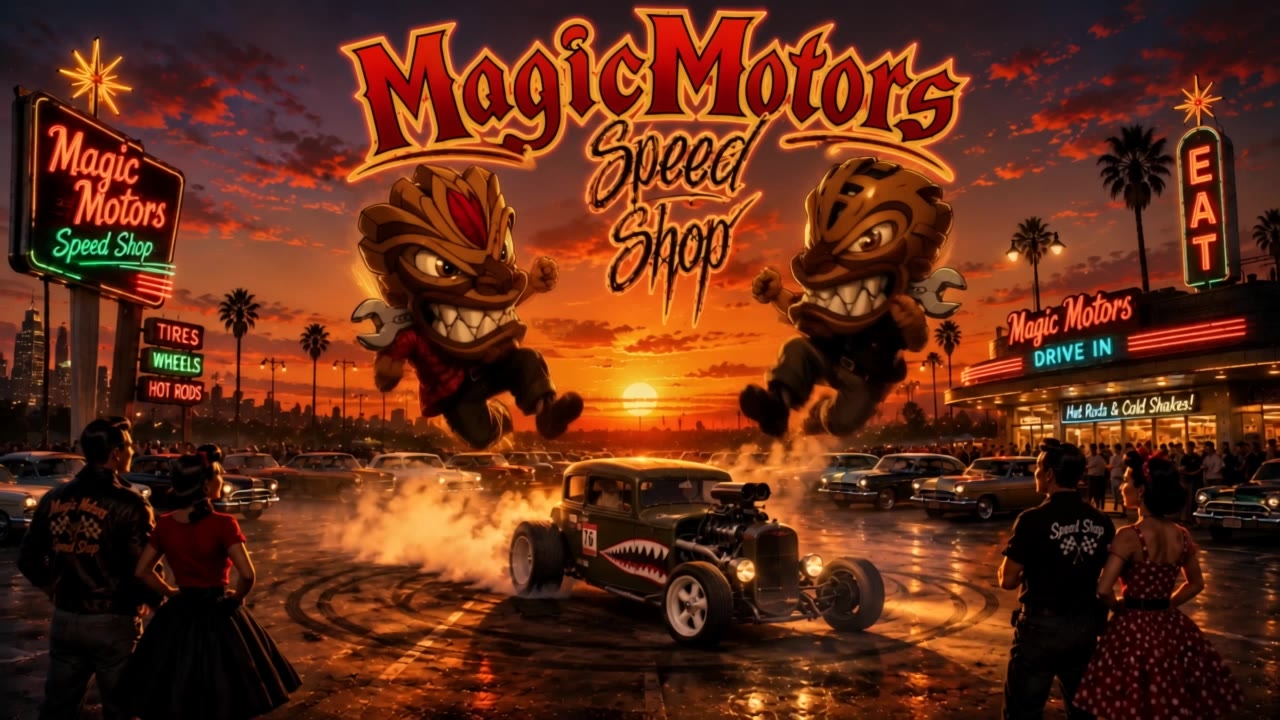
Magic Motors - Dtrift Party - party lip sync AI video
The Finger avatar
The Finger
End of Party - party lip sync AI video
7A7PI avatar
7A7PI
Elite Creator
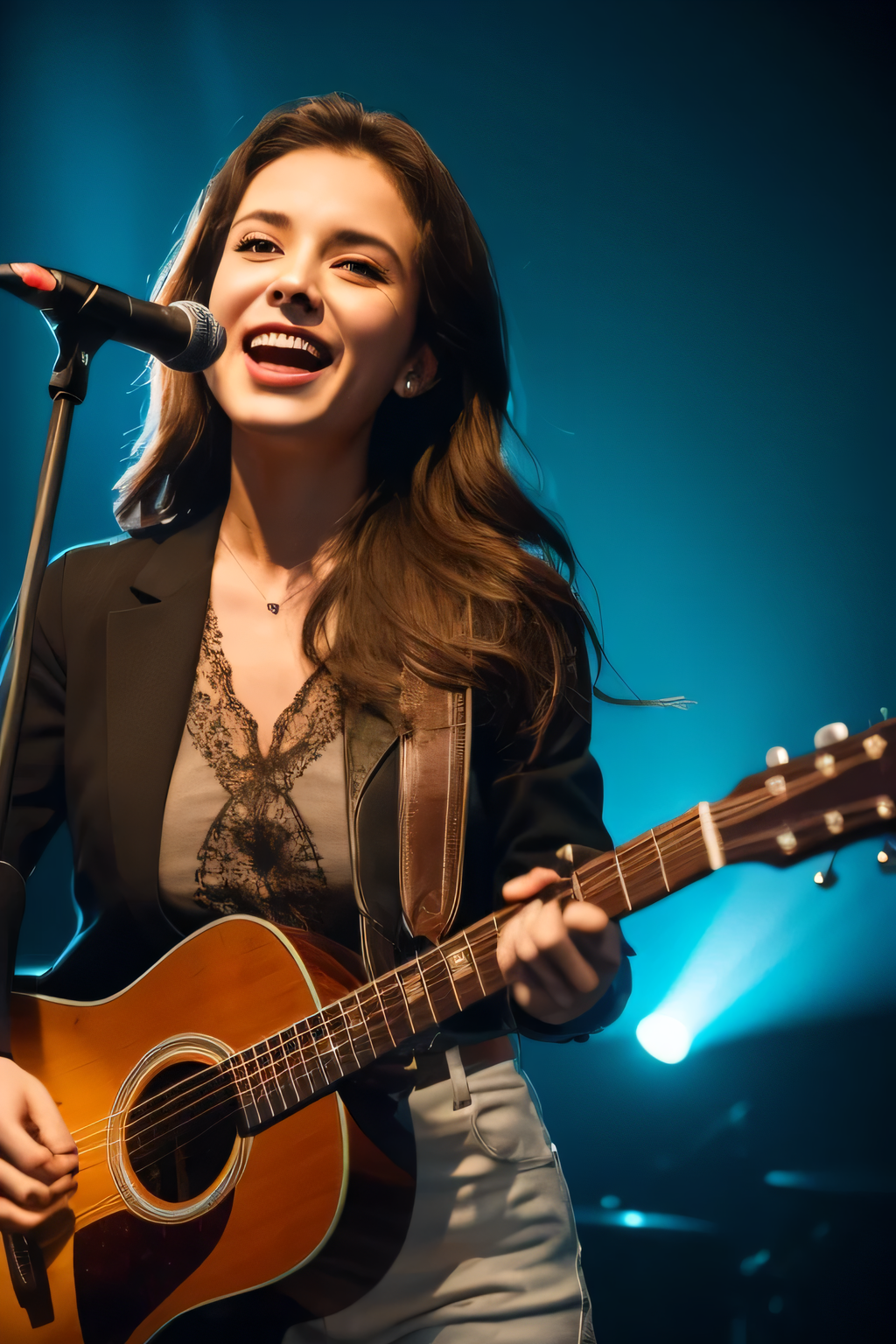
Guitar and lip sync - party lip sync AI video
01:00
KLING6167 avatar
KLING6167
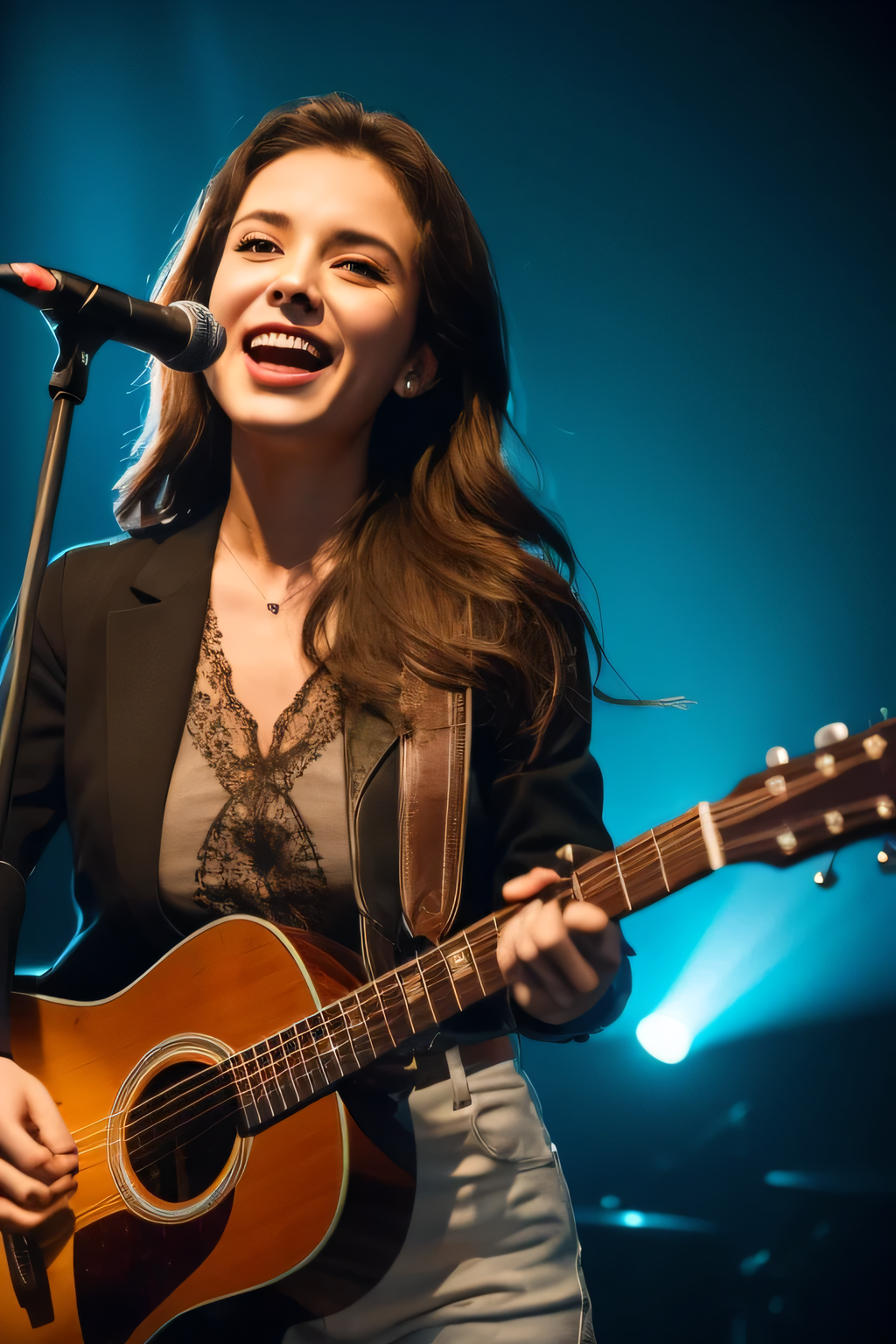
Guitar and lip sync - party lip sync AI video
01:00
KLING6167 avatar
KLING6167
lip sync - party lip sync AI video
POPONE avatar
POPONE
Elite Creator
Kling AI work 316364178508642 - party lip sync AI image
mBZPDRIo avatar
mBZPDRIo
Kling AI work 313882742665778 - party lip sync AI video
HIugFgfQ avatar
HIugFgfQ
Kling AI work 314142093523405 - party lip sync AI video
CFCTVrmE avatar
CFCTVrmE
Kling AI work 315193859528610 - party lip sync AI video
RadiantKreations avatar
RadiantKreations
Guitar and lip sync - party lip sync AI video
01:00
KLING6167 avatar
KLING6167
Lip sync - party lip sync AI video
00:25
CKNazrIw avatar
CKNazrIw
lip sync - party lip sync AI video
POPONE avatar
POPONE
Elite Creator
lip sync - party lip sync AI video
XzlxzVkf avatar
XzlxzVkf
Corgi Birthday party - party lip sync AI video
KLING6549 avatar
KLING6549
Kling AI work 304822025655655 - party lip sync AI video
kPqGilXI avatar
kPqGilXI
Lip sync test - party lip sync AI video
oXNHFyaz avatar
oXNHFyaz

How to Use Kling AI Image to Image

Upload Your Images

Upload Your Images

Open Image Generation, select IMAGE 3.0 Omni, and upload the image you want to transform and add reference images to carry into the result.

Set the Creative Direction

Set the Creative Direction

You can combine elements from several references, change the style, adjust the camera angle, or enable Image Series mode to create multiple connected visuals in one generation.

Generate and Create More

Generate and Create More

Select the aspect ratio, number of images, and 2K or 4K resolution, then generate and review your results. Download or share the finished image, or use it for your new AI video.

One Image-to-Image Generator, More Ways to Create

Refine With Precision

Refine With Precision

Bring in up to 10 reference images to keep the subject, color, shape, and visual details that matter, then update only what needs to change. Whether you’re reworking a background, adjusting lighting, or refining a product or character, IMAGE 3.0 helps the new image stay true to the original while making the edit feel clean, natural, and intentional.

Restyle With Freedom

Restyle With Freedom

Give any image a fresh look in more than one way. Start with the built-in style library to recreate a look in one click, or upload your original image with a reference to follow a specific visual direction. Kling AI image-to-image model carries over the qualities that define the style while keeping the subject clear and the composition intact.

Generate Image Series in 4K

Generate Image Series in 4K

Start with one image or several references and generate a connected set in one pass. IMAGE 3.0 Omni keeps characters, products, style, and tone consistent from image to image, while still allowing new actions, framing, camera angles, and shot types. Native 4K output makes it well suited to cinematic multi-shot storyboards, product image sets, and character design.

Apps

Image to Video
Image to Video

Image to Video

Text to Video
Text to Video

Text to Video

Omni
Omni

Omni

Digital Human
Digital Human

Digital Human

Restyle
Restyle

Restyle

Text to Image
Text to Image

Text to Image

60M+
60M+
Users
600M+
600M+
AI Videos Generated
4.7 ★
4.7 ★
App Store
Industry-Leading
Industry-Leading
Cinematic 4K

Reviews

Maria Rubtsova

Maria Rubtsova

★★★★★

I’m Maria Rubtsova, an AIGC digital artist passionate about creating stunning visuals in the worlds of fashion, aesthetics, and fantasy. I use KlingAi to bring imagination to life through video. My work is all about exploring beauty, emotion, and the limitless possibilities of digital art.

PJ Ace

PJ Ace

★★★★★

Kling AI has made it easy for us to generate world class visuals for Fortune 500 companies, TV shows and music for big artists. We love the easy of use of the platform and the quality of the generations. My first time using Kling AI, I got 22 million views on just one video. It's that good.

Halim Alrasihi

Halim Alrasihi

★★★★★

I use AI daily and Kling AI is a crucial part of my workflow, whether for client work or personal projects. What I love most about using Kling AI is that it provides all the tools I need in one place, from keyframes to character references, elements and special effects.

FAQ

Q1What is text-to-image AI?
Q2Is Kling AI text-to-image free to use?
Q3Can I use Kling AI-generated images commercially?

Your Next Visual Starts Here

Start with a sentence, a sketch, or a reference photo. Shape the composition, dial in the details, and keep iterating in Kling AI.

Free tier available | Text-to-image | Image-to-image | Fast generation