Creative Studio
API Platform
Resources
About Us

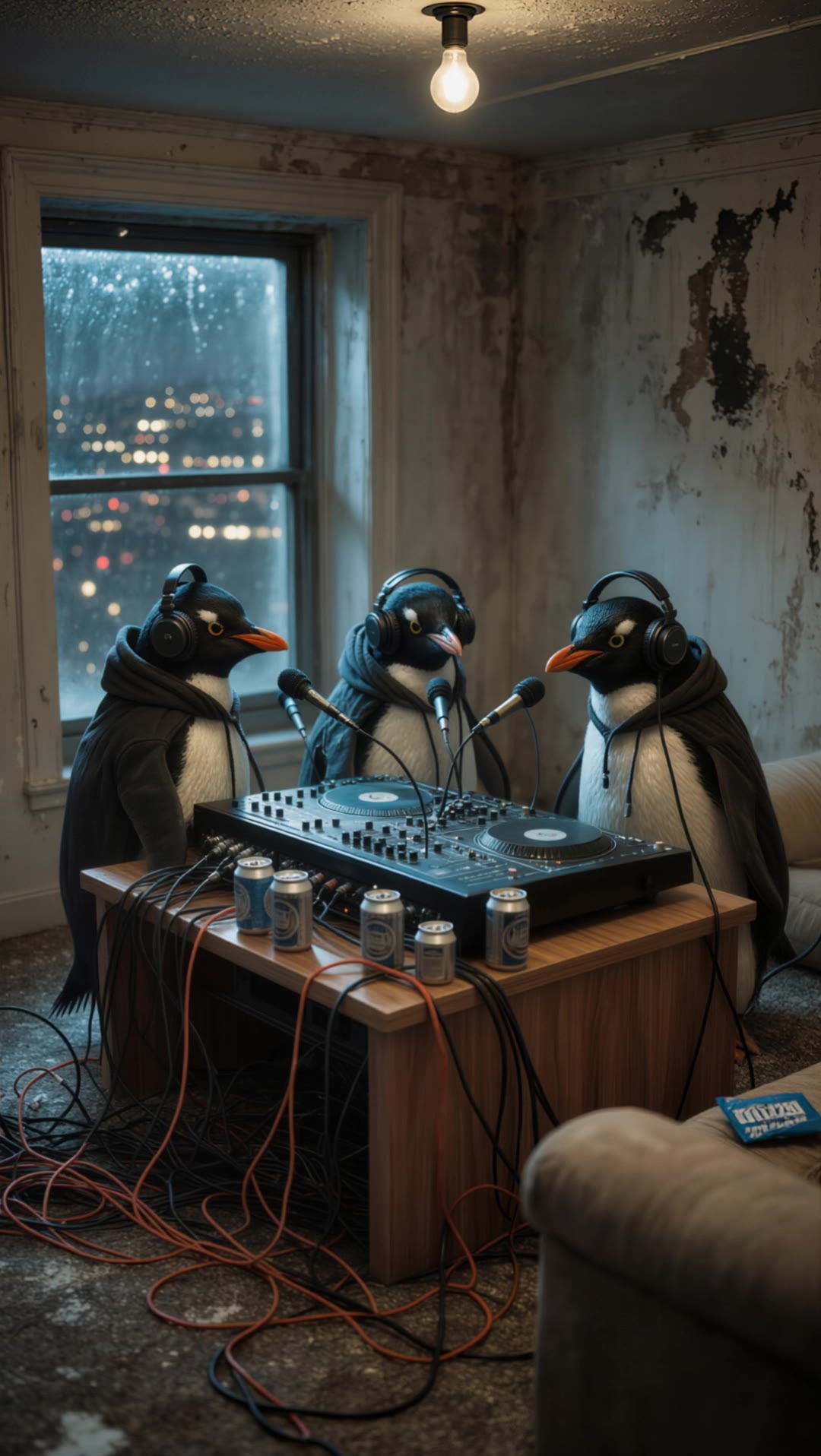
rap beat maker - PlatformDance & RunwayVibes

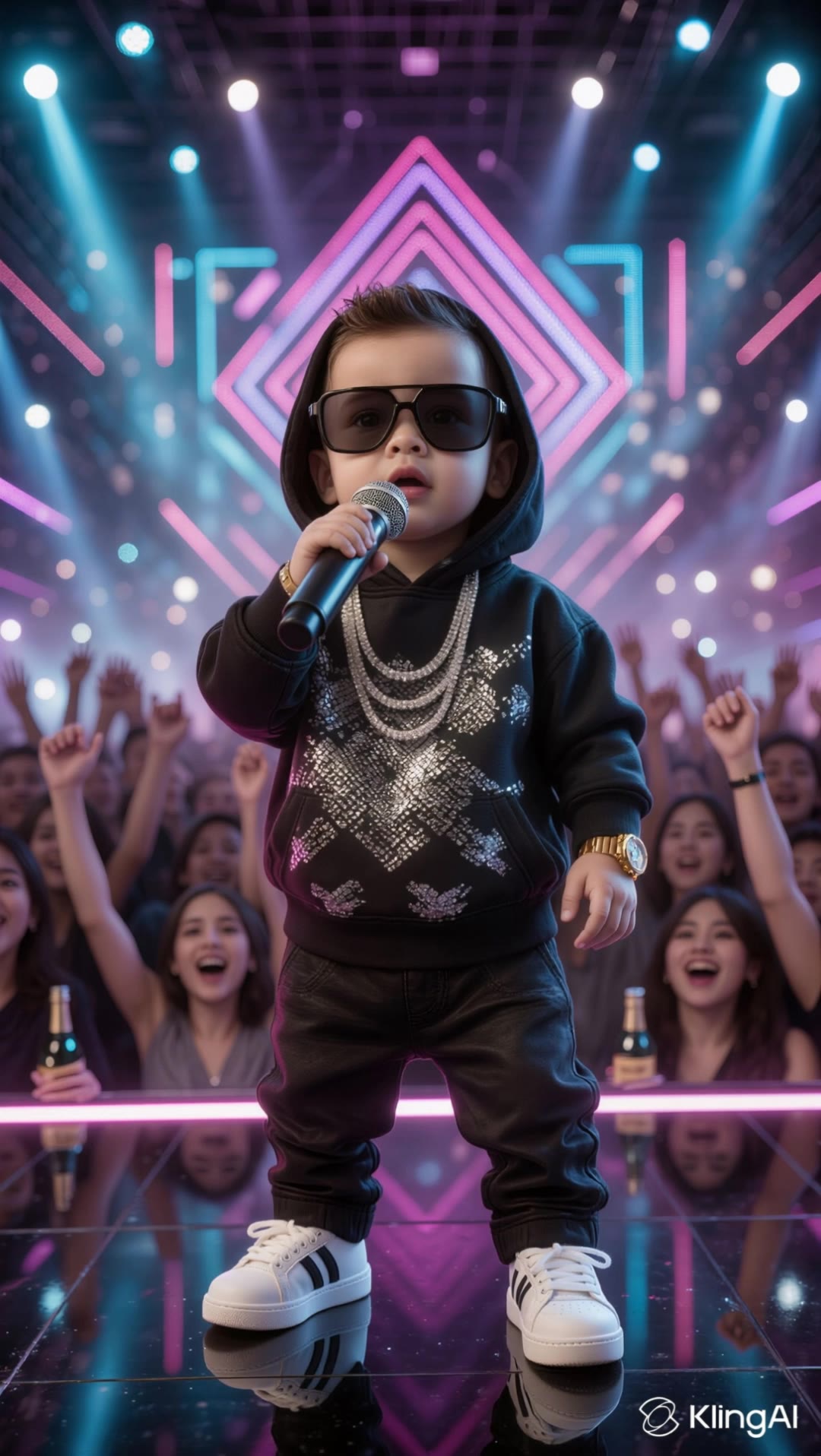
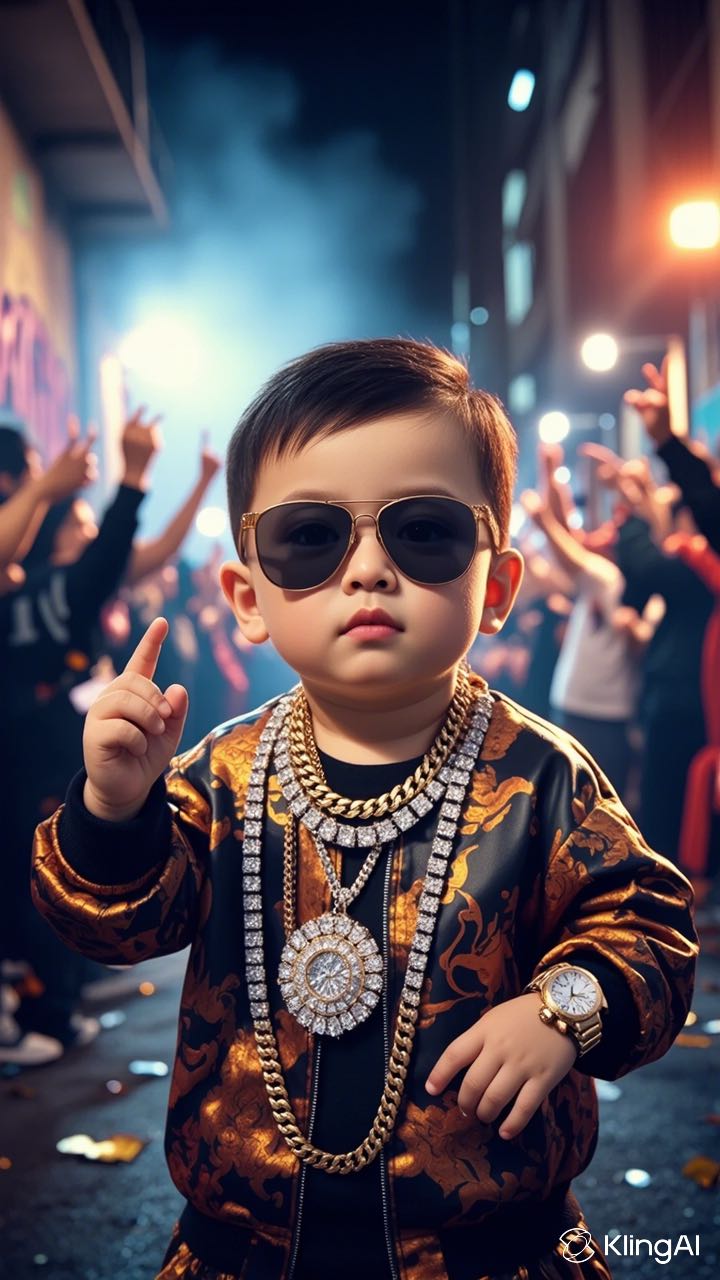
Unleash your creativity with vibrant platform dance visuals and seamless audio-video integration. Immerse in the rhythm as motion and joy synchronize to craft unique rap beats. Start exploring rap beat maker ideas and generate your own content with AI.

rap beat maker - PlatformDance & RunwayVibes

Recommended

work cover
video-play
BozzyBoy
work cover
video-play
Tarafying
work cover
video-play
Tarafying
work cover
video-play
gibCfEmy
work cover
video-play
Vladimir 𝗣𝗥𝗢
work cover
video-play
Tarafying
work cover
DJVD
work cover
video-play
LilIggsta
work cover
video-play
Flizzy
work cover
video-play
@Bros AI Studio
work cover
video-play
KLING6928
work cover
video-play
KLING2011
work cover
video-play
KLING6928
work cover
video-play
LVdPEPHN
work cover
Anji
work cover
video-play
tinta.artificial
work cover
video-play
Tarafying
work cover
video-play
KLING6928

How to Animate an Image

Upload Your Image

Upload Your Image

Upload any image—drag and drop a portrait, product photo, or illustration. Kling supports various formats and brings images to life while maintaining consistent, high-quality results.

Describe the Motion

Describe the Motion

Type what you want to see, like “she turns, smiles, and starts talking to the camera.” For advanced control, you can also upload a start and end frame to define the exact transition.

Generate & Export

Generate & Export

Hit generate, wait a few seconds, and download your animated video. Free image to video generation is available in 1080p, while Pro users can unlock stunning native 4K resolution.

Why Kling Sets the Standard for Video Creation

Flawless Character Consistency

Flawless Character Consistency

Unlike standard tools that distort faces when moving, Kling Video 3.0 lets you strictly lock a character’s appearance. Upload a single photo, or use a short video/multiple angles as a reference to completely eliminate the “AI morphing” effect.

Native Audio & Perfect Lip-Sync

Native Audio & Perfect Lip-Sync

Your image doesn’t just move; it speaks. Generate perfectly matched voices and realistic lip movements in multiple languages or regional accents. Even in multi-character scenes, you can precisely assign who speaks—no third-party tools required.

15s Duration & Motion Control

15s Duration & Motion Control

Go beyond simple loops with up to 15 seconds of smooth narrative. Use advanced Motion Control to direct camera pans, tilts, and zooms, or define exact transitions with start and end frame references.

Apps

Image to Video
Image to Video

Image to Video

Text to Video
Text to Video

Text to Video

Omni
Omni

Omni

Digital Human
Digital Human

Digital Human

Restyle
Restyle

Restyle

Text to Image
Text to Image

Text to Image

60M+
60M+
Users
600M+
600M+
AI Videos Generated
4.7 ★
4.7 ★
App Store
Industry-Leading
Industry-Leading
Cinematic 4K

Reviews

Huang Lu (Elson)

Huang Lu (Elson)

★★★★★

I’ve been using Kling AI since its initial release, and it’s remained one of the leading AI media generators ever since. With Kling AI, I’ve created hundreds of videos, collectively amassing millions of views.

Halim Alrasihi

Halim Alrasihi

★★★★★

I use AI daily and Kling AI is a crucial part of my workflow, whether for client work or personal projects. What I love most about using Kling AI is that it provides all the tools I need in one place, from keyframes to character references, elements and special effects.

KakuDrop

KakuDrop

★★★★★

I have successfully collaborated with world-renowned artists and well-known companies that are recognized globally

FAQ

Q1Is it suitable for product demo videos?
Q2What is Kling Video 3.0?
Q3Does Video 3.0 support multiple characters speaking?

Start Creating AI Videos with Kling

Turn your text or images into a stunning, high-quality video in seconds. No watermarks, No complicated setup.

Free tier includes watermark (Memberships are watermark-free) | 1080p export (Pro unlocks 4K) | Instant results