Creative Studio
API
Resources
About Us
Download

AI-generated star style ideas

Explore AI-made star style visuals. Quickly get inspired with customizable, AI-generated designs tailored to your theme and preferences.

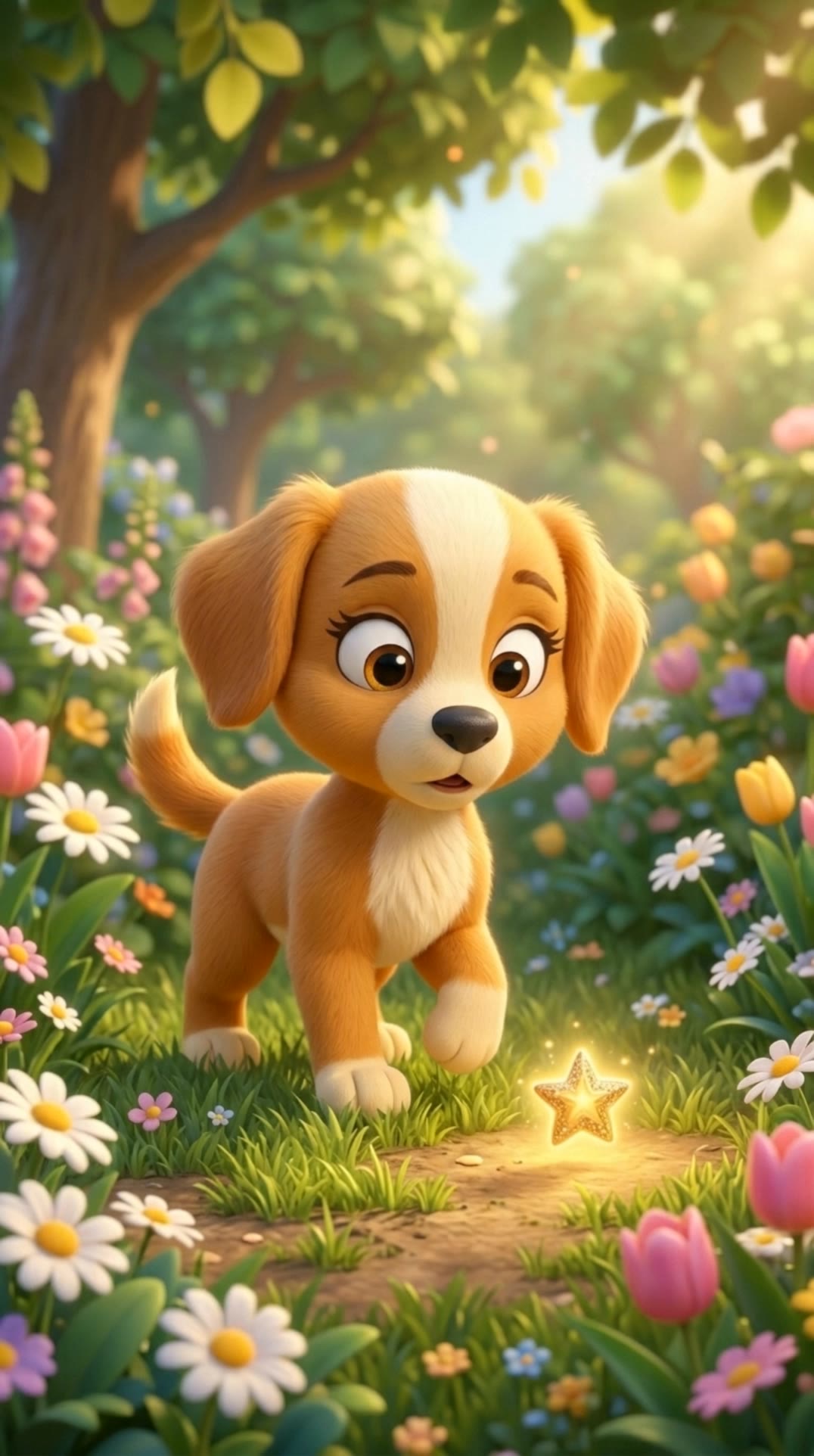
AI-generated star style ideas

Recommended

star - star style AI video
SILVER avatar
SILVER
Finding Lost Star  - star style AI video
BubblyTails avatar
BubblyTails
twinkle twinkle little star ✨ - star style AI video
sqURmrIb avatar
sqURmrIb
Aisha and the Little Star - star style AI video
phSLtWvD avatar
phSLtWvD
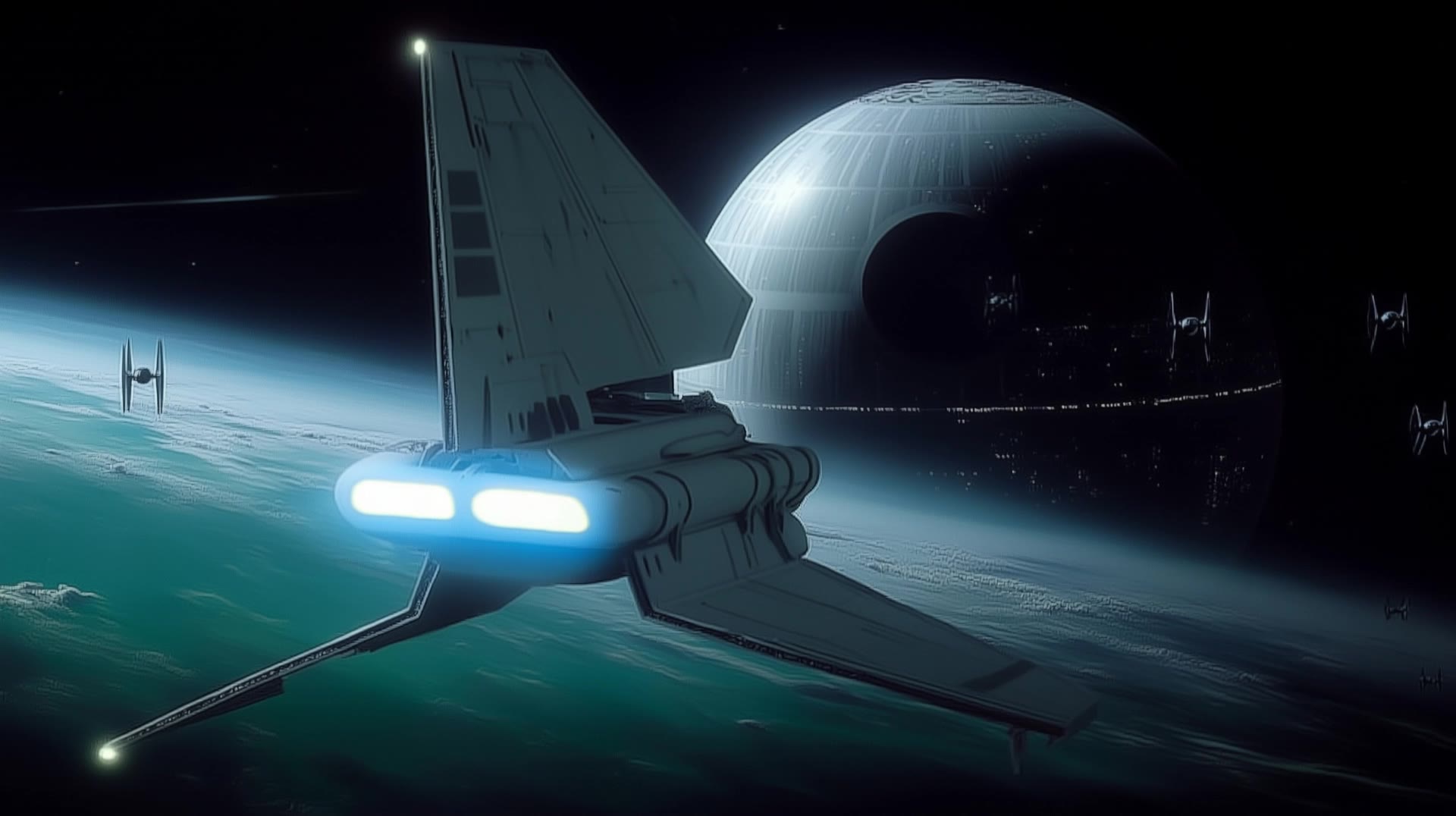
Death Star 3 - star style AI video
AiBite Studio avatar
AiBite Studio
Elite Creator
Twinkle twinkle little star ⭐️ - star style AI video
@nana-adwoa avatar
@nana-adwoa
Twinkle star - star style AI video
Lumi & Friends avatar
Lumi & Friends
Lonely Star! - star style AI video
Philip avatar
Philip
Death Star 1 - star style AI video
AiBite Studio avatar
AiBite Studio
Elite Creator
star sword - star style AI image
someone avatar
someone
Falling star - star style AI video
SqysklIC avatar
SqysklIC
ghibli style - star style AI video
artistdave avatar
artistdave
Death Star 2 - star style AI video
AiBite Studio avatar
AiBite Studio
Elite Creator
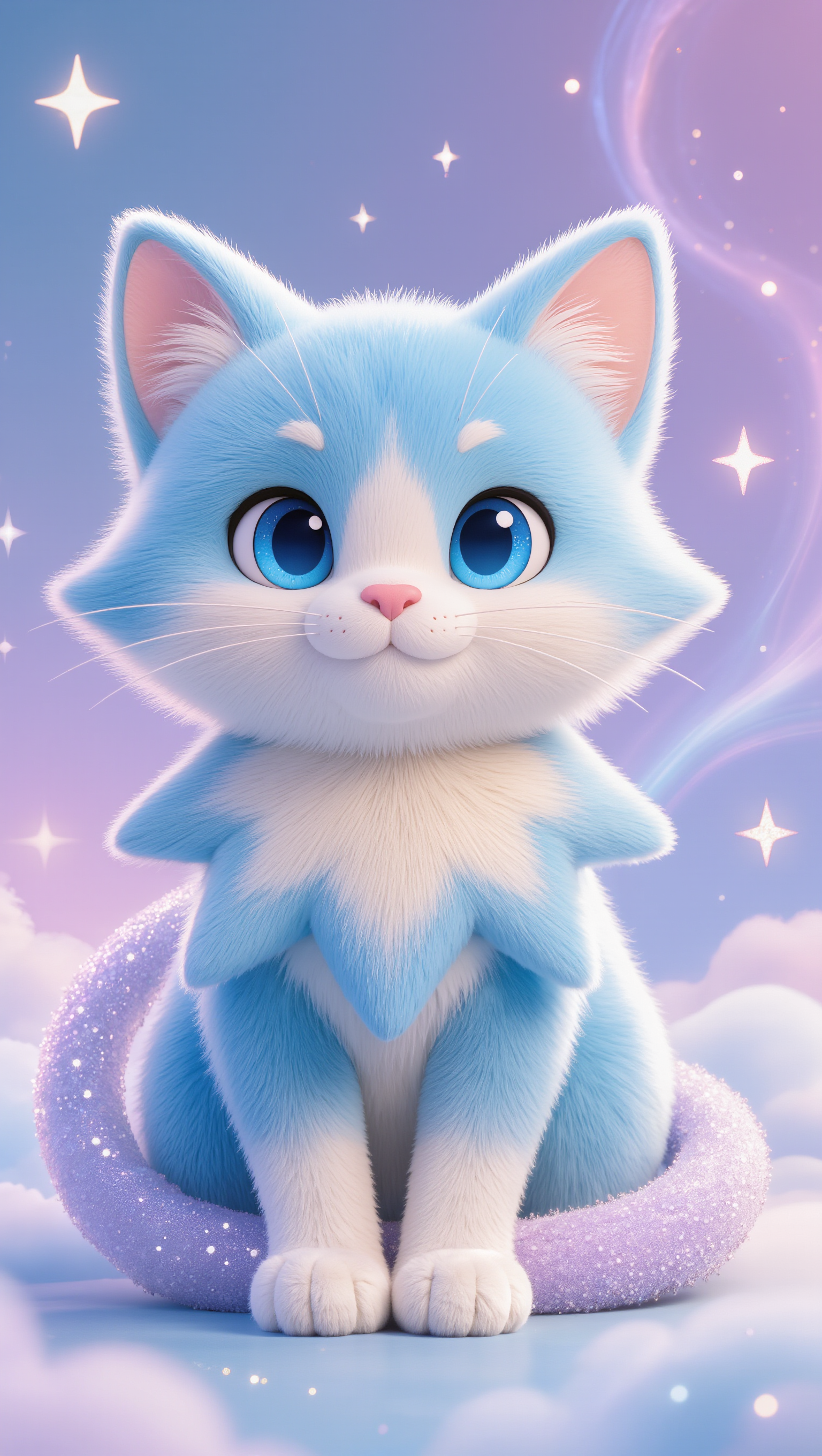
star cat - star style AI image
tYXqSdvJ avatar
tYXqSdvJ
Twinkle twinkle little Star 💫✨ - star style AI video
GgTpRNSb avatar
GgTpRNSb
Little Star - star style AI video
PEQIJRsQ avatar
PEQIJRsQ
The Little Star - star style AI video
HoQoQkpG avatar
HoQoQkpG
A shooting star - star style AI video
JPfwuJQS avatar
JPfwuJQS
shine Star  - star style AI video
YDDUXKTj avatar
YDDUXKTj

How to Create Images with Kling AI

Write Down You Ideas

Write Down You Ideas

Open the AI Image Generator and choose the model that fits your project. Describe the subject and scene, then add details such as lighting, color, and visual style to shape the result.

Add References Or Not

Add References Or Not

Upload reference images for a character, product, composition, or style. References are optional, but they give Kling AI a clearer visual foundation when specific features, colors, or design details need to carry into the final image.

Generate Your Image

Generate Your Image

Choose your preferred format and output settings, then hit Generate. Once the result is ready, download it directly or open it in the image-to-video workflow to bring it to life with motion.

Why Kling Motion Control Stands Out

Flawless Facial Consistency in Any Angle

Flawless Facial Consistency in Any Angle

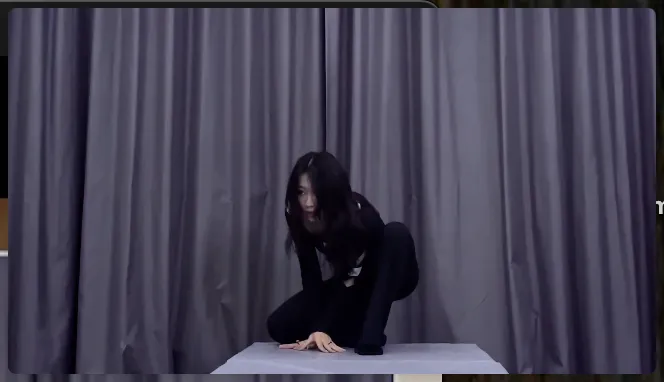
Unlike standard AI video generators that distort features during head turns, Kling locks your character’s identity for stable, recognizable results from any perspective.
Extreme Precision for Complex Emotions

Extreme Precision for Complex Emotions

Replicate micro-expressions and dramatic emotional transitions with elite motion transfer technology. Kling captures every subtle muscle movement from your reference.
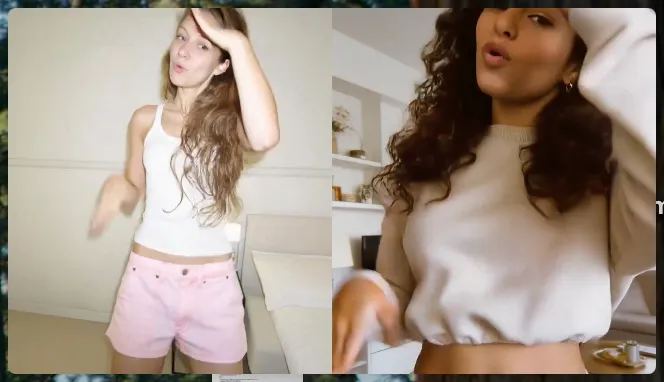
Stable Across Angles, Occlusion, and Distance

Stable Across Angles, Occlusion, and Distance

Maintain character consistency even when the subject is partially blocked or moves between close-up and long shots

Apps

Image to Video
Image to Video

Image to Video

Text to Video
Text to Video

Text to Video

Omni
Omni

Omni

Digital Human
Digital Human

Digital Human

Restyle
Restyle

Restyle

Text to Image
Text to Image

Text to Image

60M+
60M+
Users
600M+
600M+
AI Videos Generated
4.7 ★
4.7 ★
App Store
Industry-Leading
Industry-Leading
Cinematic 4K

Reviews

Vincent Smadja

Vincent Smadja

★★★★★

Kling AI seamlessly integrates into my creative workflow, playing a key role in transforming my images. After generating and upscaling an image, Kling becomes a crucial element, bringing my creations to life with movement and depth.

KakuDrop

KakuDrop

★★★★★

I have successfully collaborated with world-renowned artists and well-known companies that are recognized globally

Ozan Sihay

Ozan Sihay

★★★★★

Kling AI allows me to rapidly prototype ideas, refine storytelling elements, and produce visually compelling content efficiently. It has not only accelerated my creative processes, but also deepened my understanding of how AI can enrich visual storytelling.

FAQ

Q1Is Kling AI free to use online?
Q2What makes Kling 3.0 different from earlier versions?
Q3Why do AI-generated videos sometimes look inconsistent?

Put Your Character in Front of the Screen

Start with an image, add the voice, and shape the performance. Kling AI Avatar brings the pieces together for your next campaign, lesson, social post, or story.

Custom AI avatars | Voice or text input | Lip sync | Expression and gesture control