
Creative Studio
API
Resources
About Us
Download

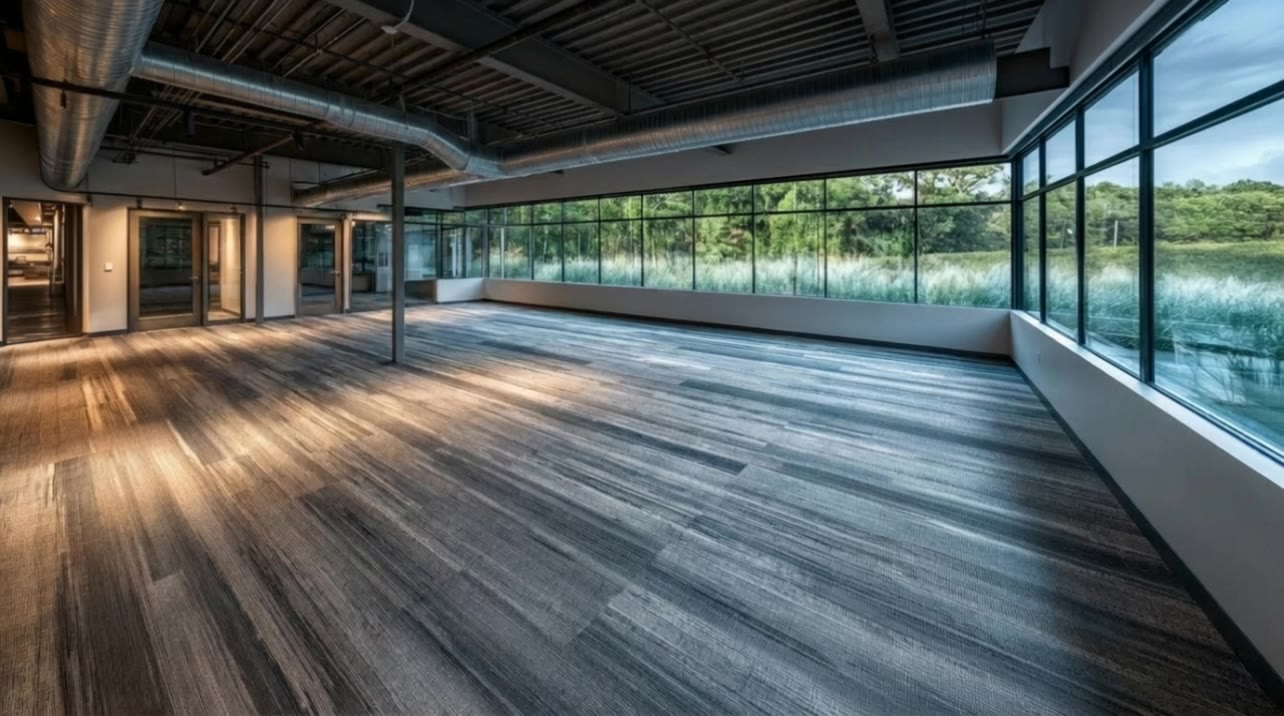
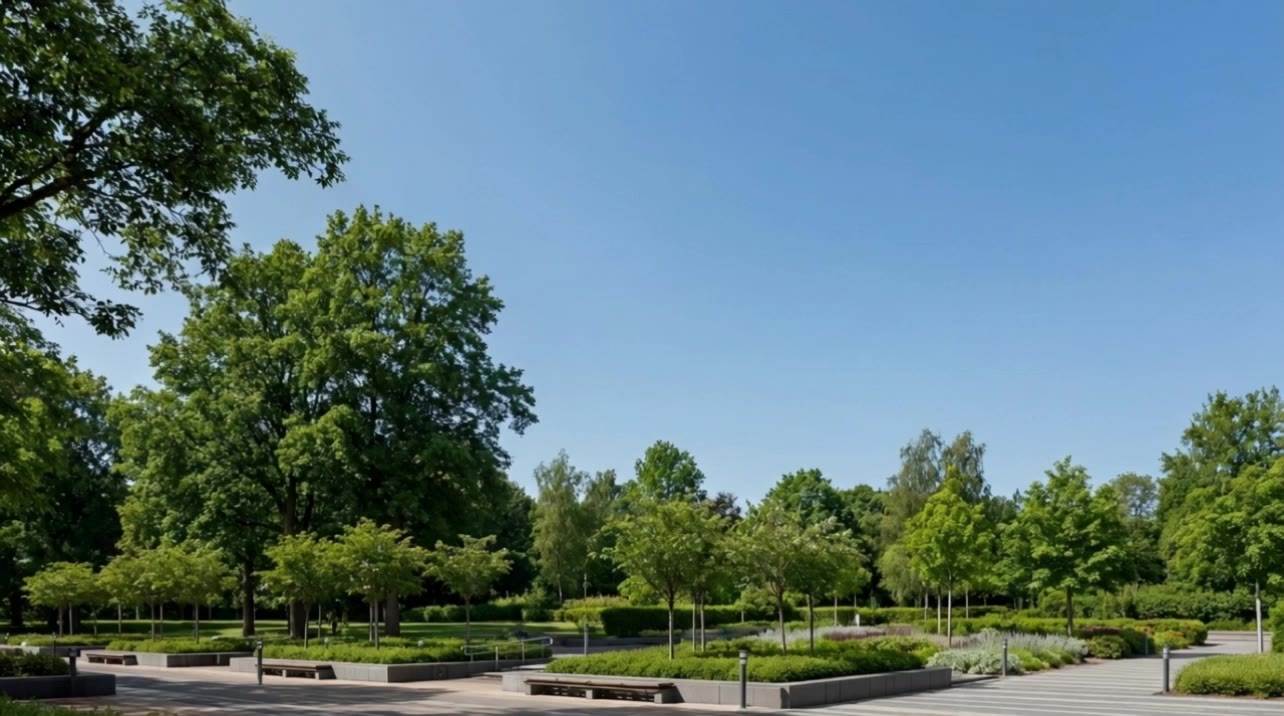
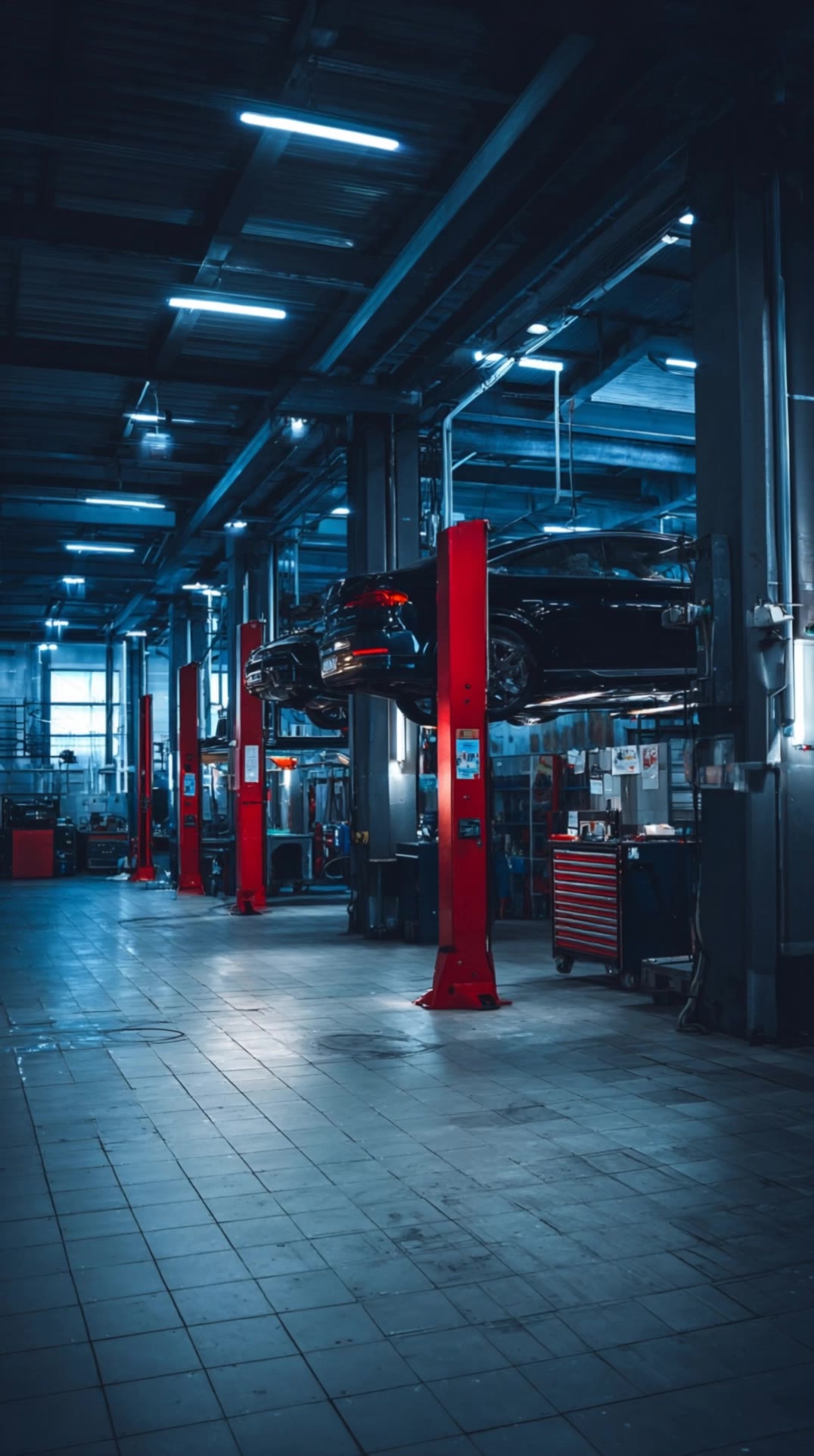
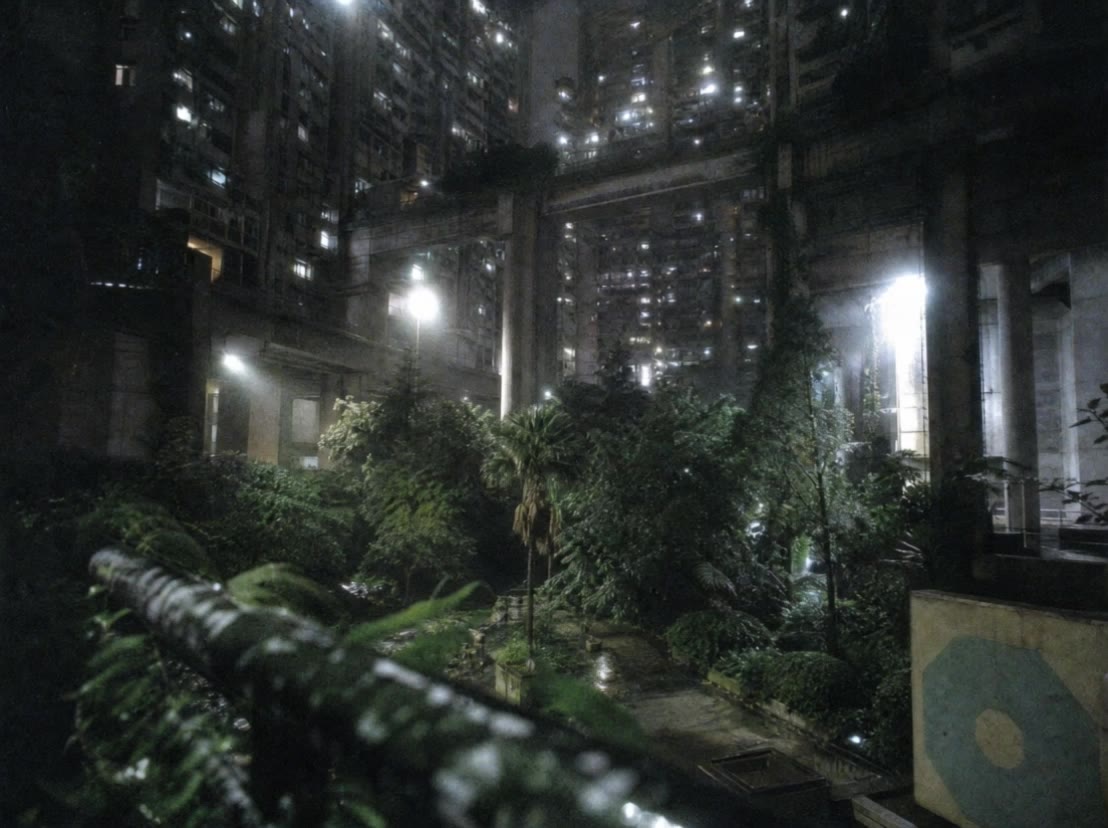
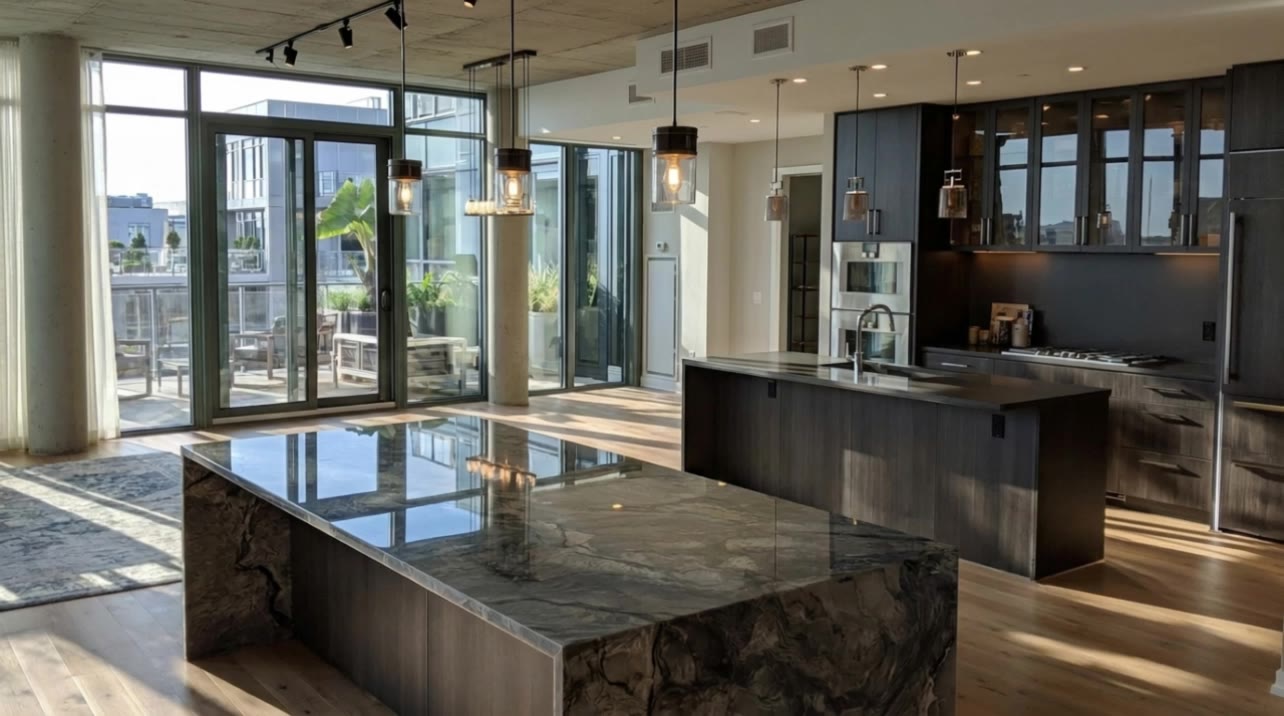
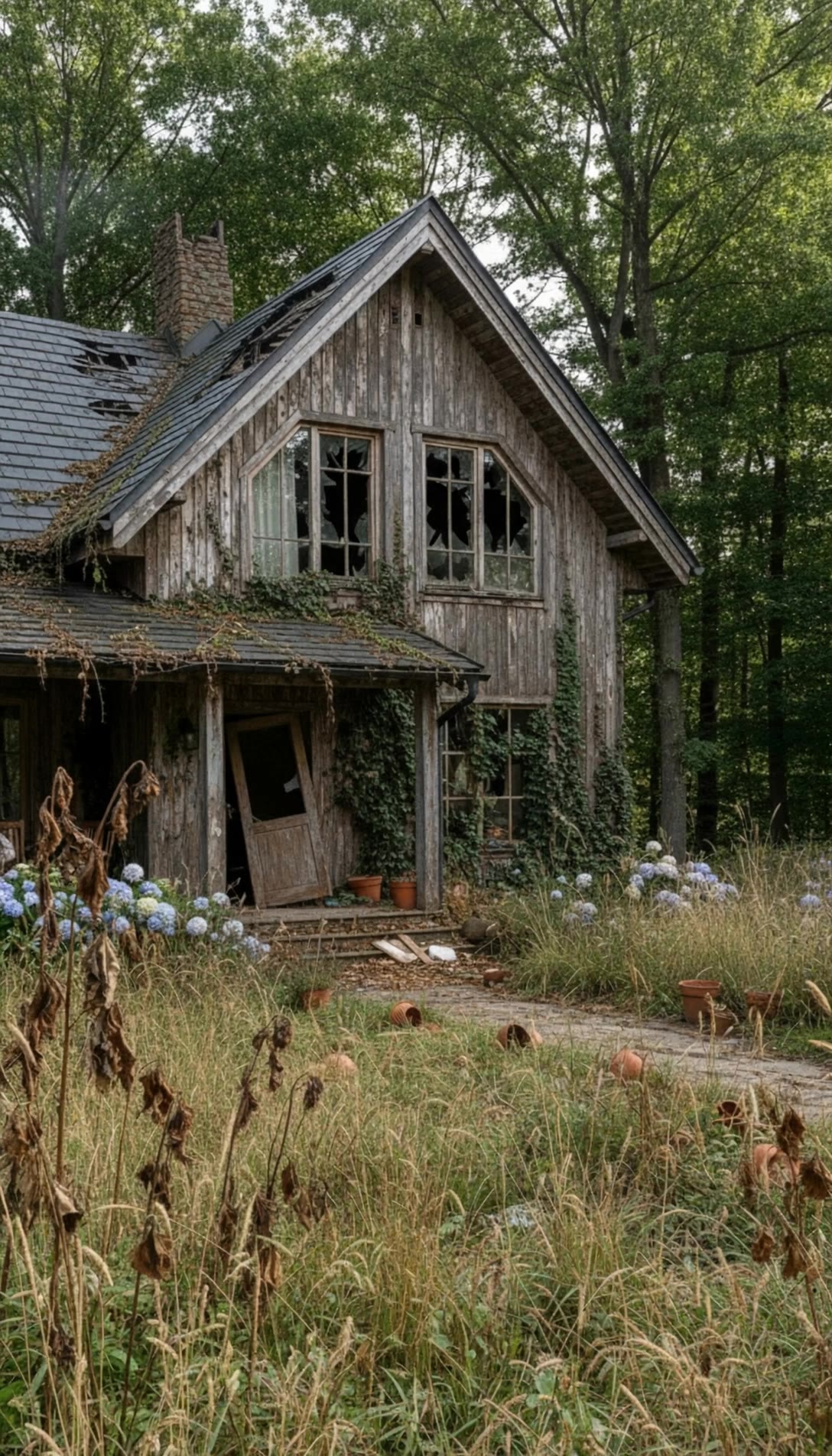
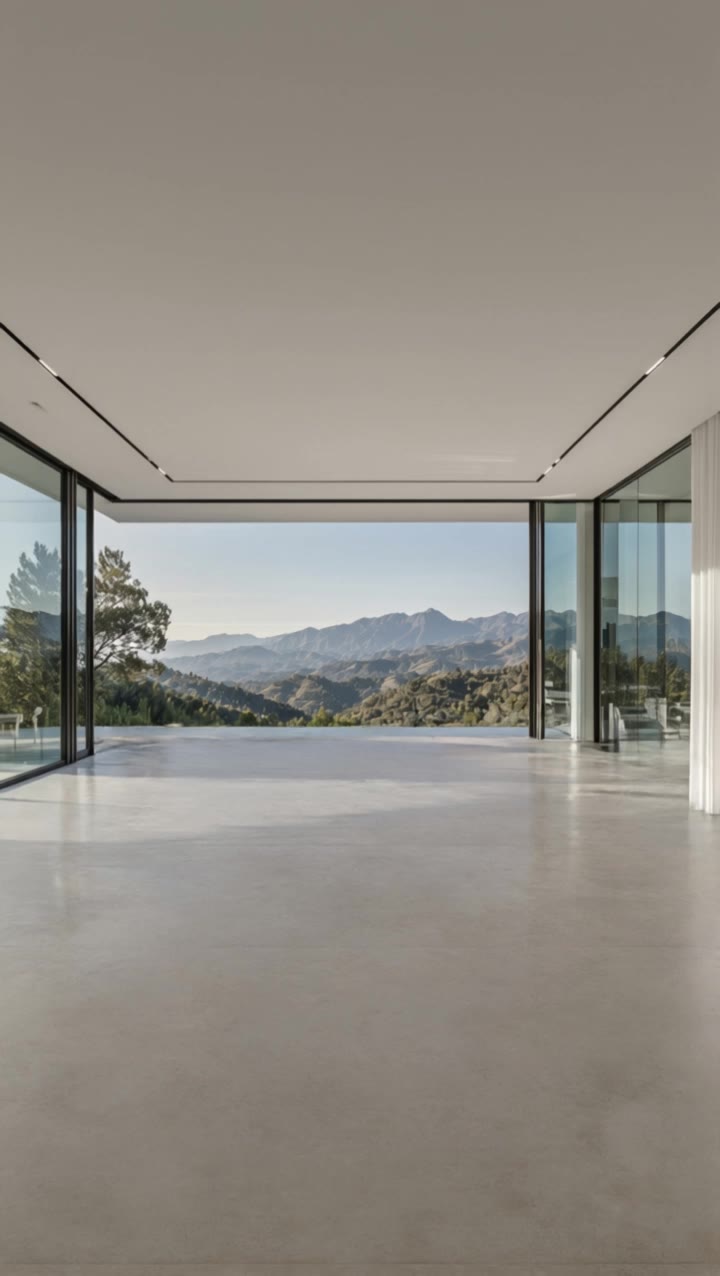
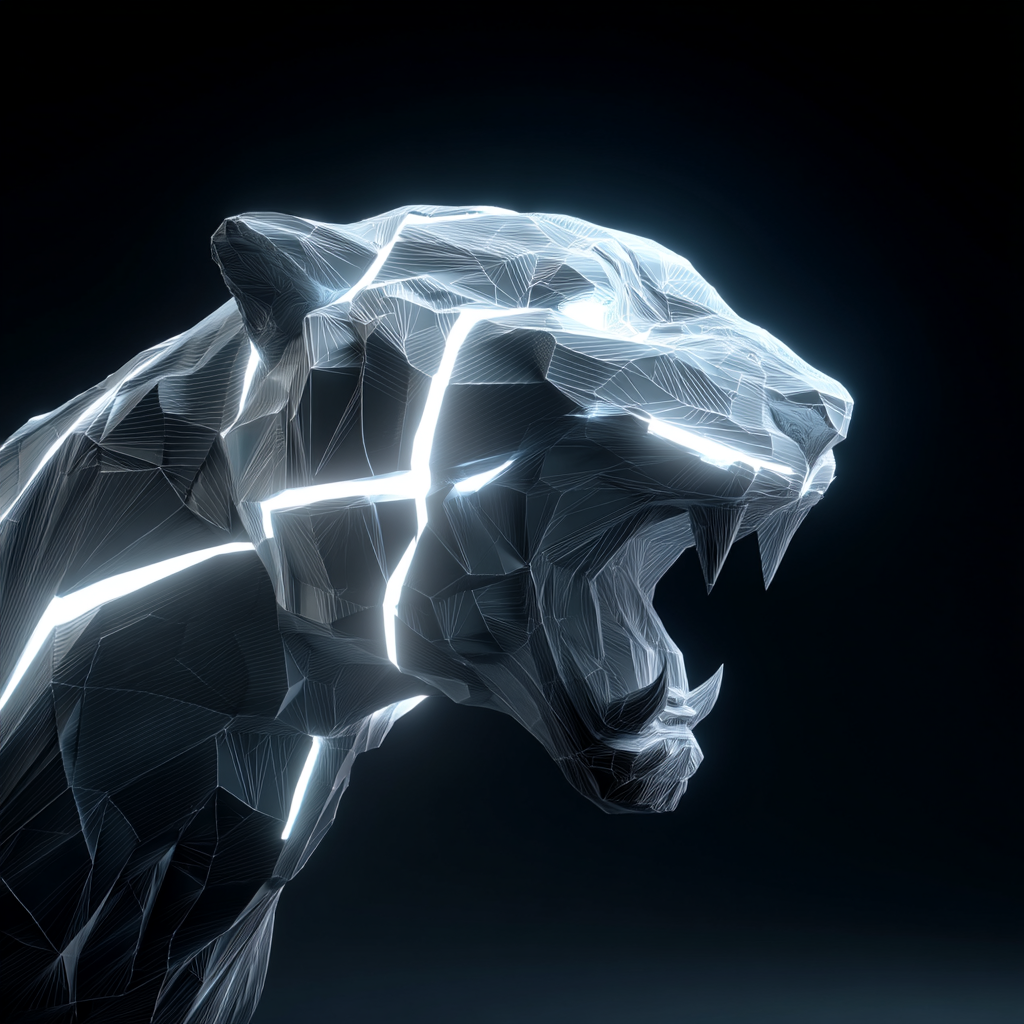
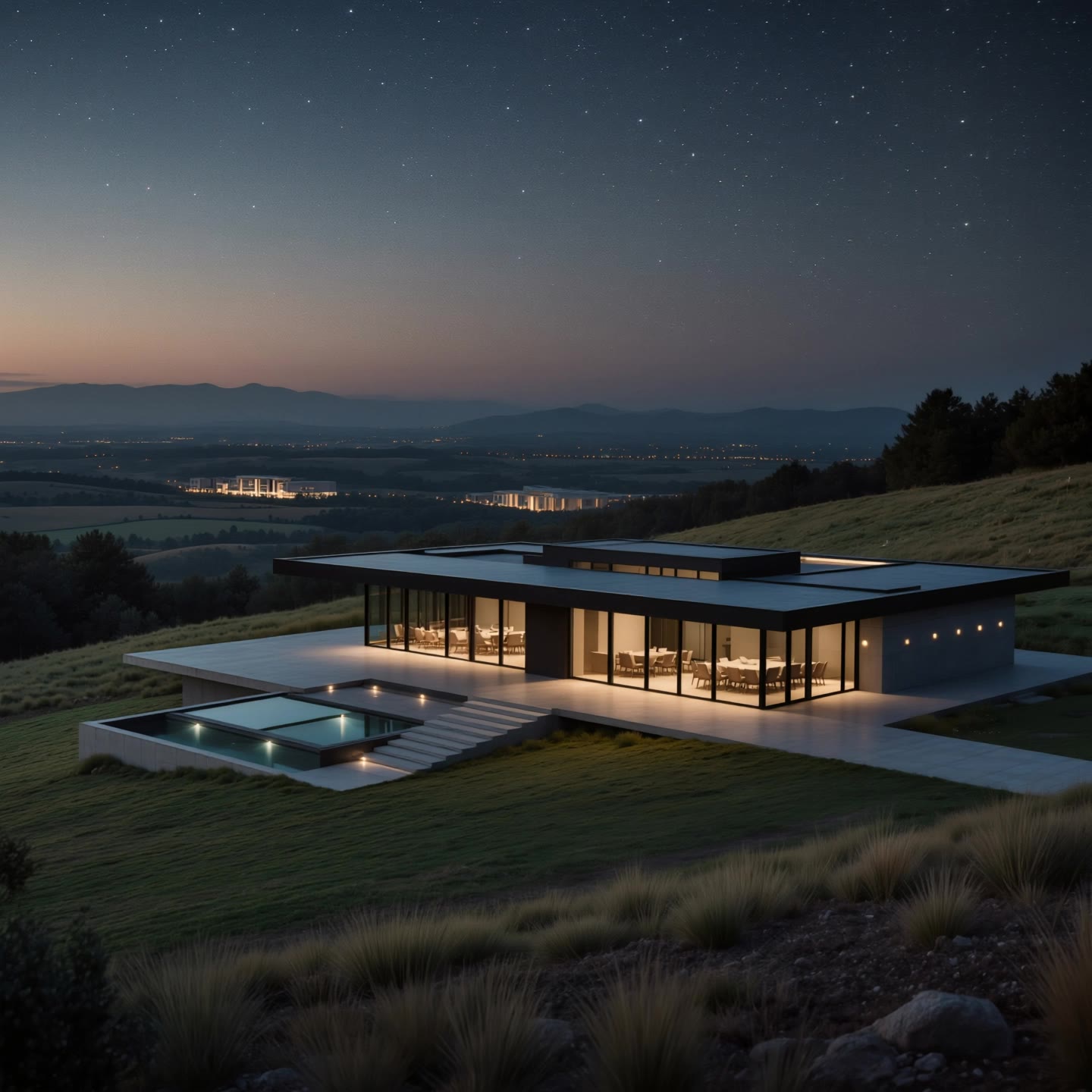
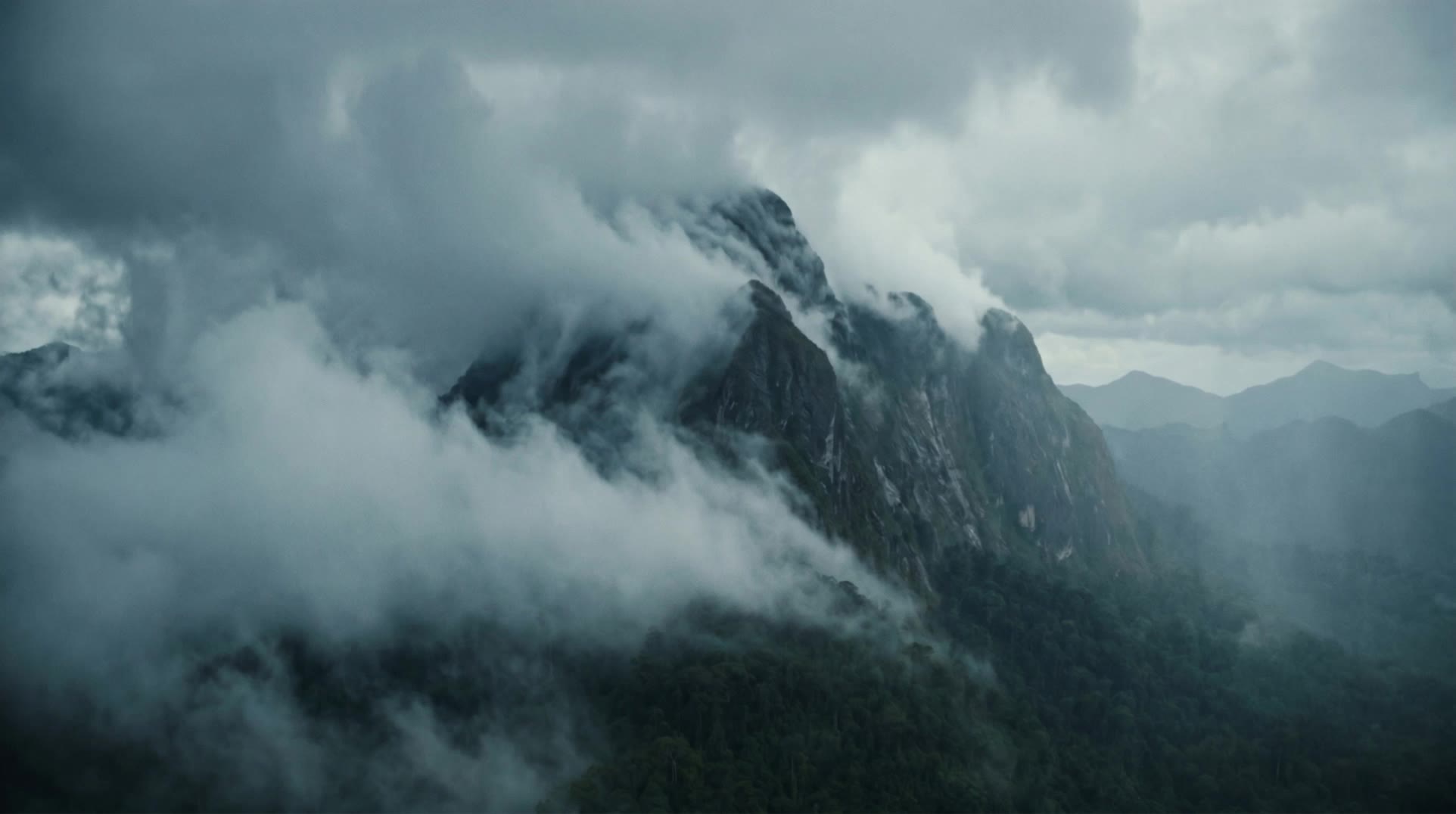
Timelapse Art by KlingAI – AI Image Concepts

Discover timelapse-themed art concepts generated by KlingAI. These AI-made visuals provide quick inspiration and can be tailored to your specific creative needs.

Timelapse Art by KlingAI – AI Image Concepts

Recommended

Modern house Timelapse - timelapse kling ai AI video
KLING4849 avatar
KLING4849
Timelapse - timelapse kling ai AI video
DIE.Ai.ART avatar
DIE.Ai.ART
Elite Creator
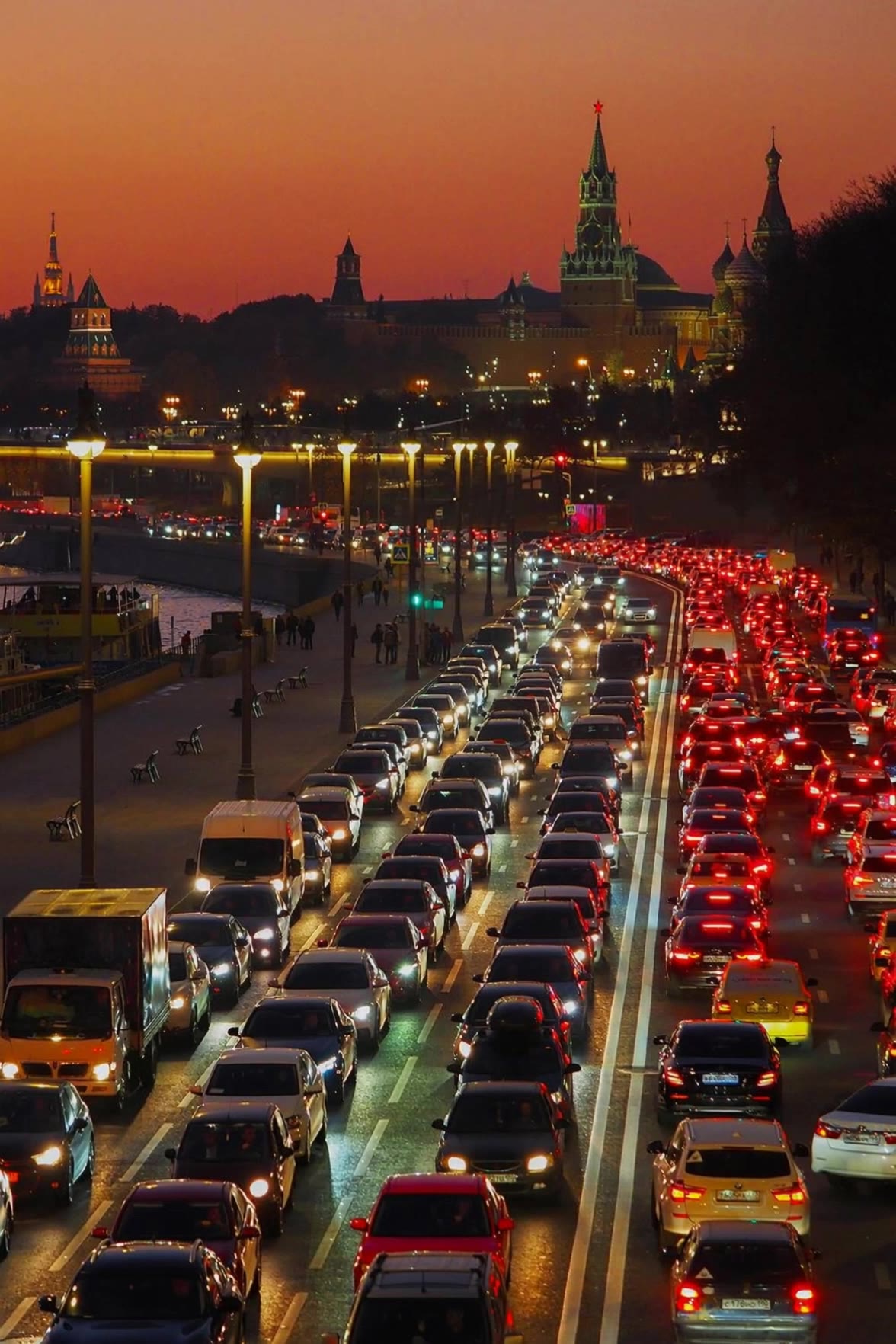
Moscow timelapse - timelapse kling ai AI video
Allex431 avatar
Allex431
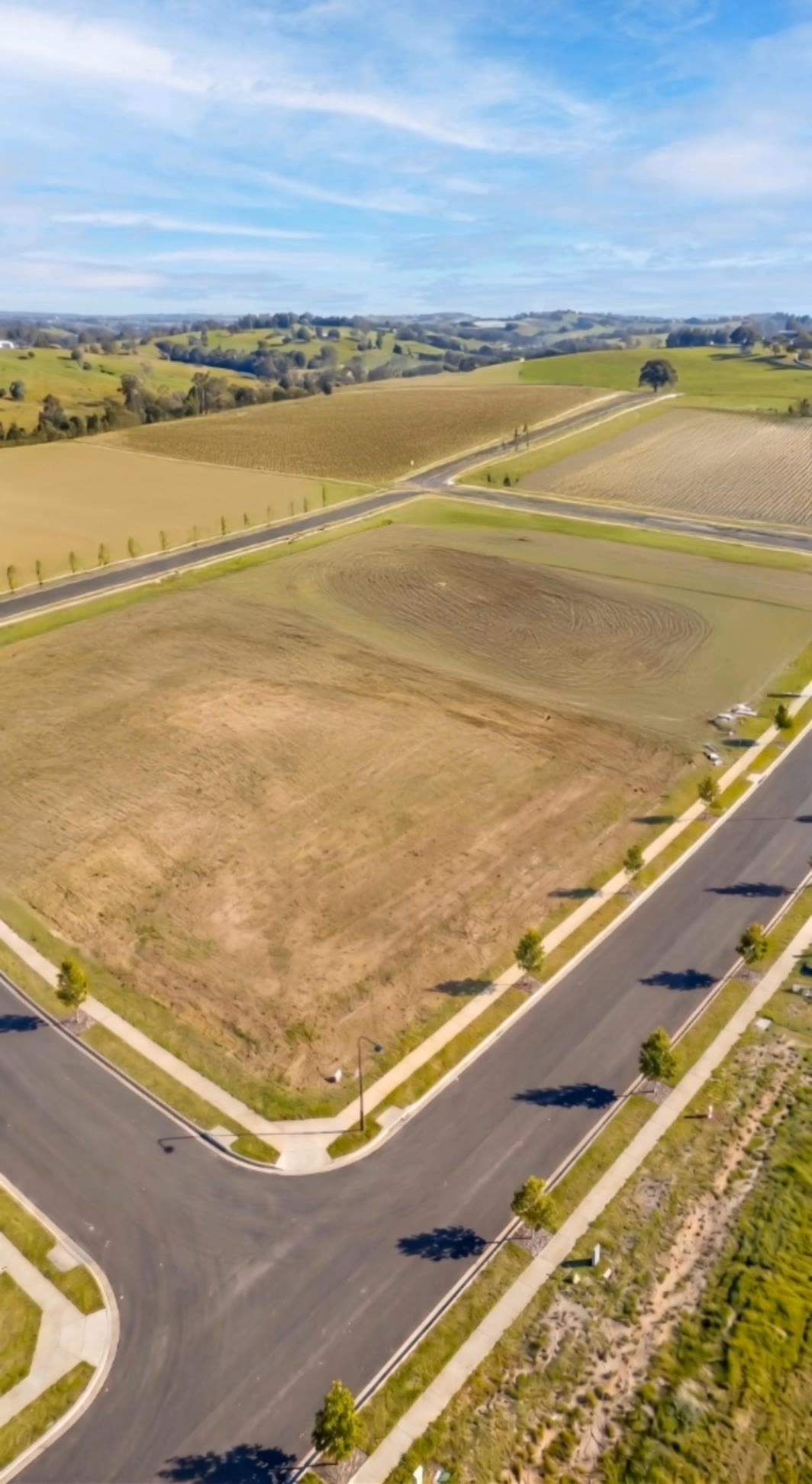
Timelapse construction - timelapse kling ai AI video
MNJZBIWu avatar
MNJZBIWu
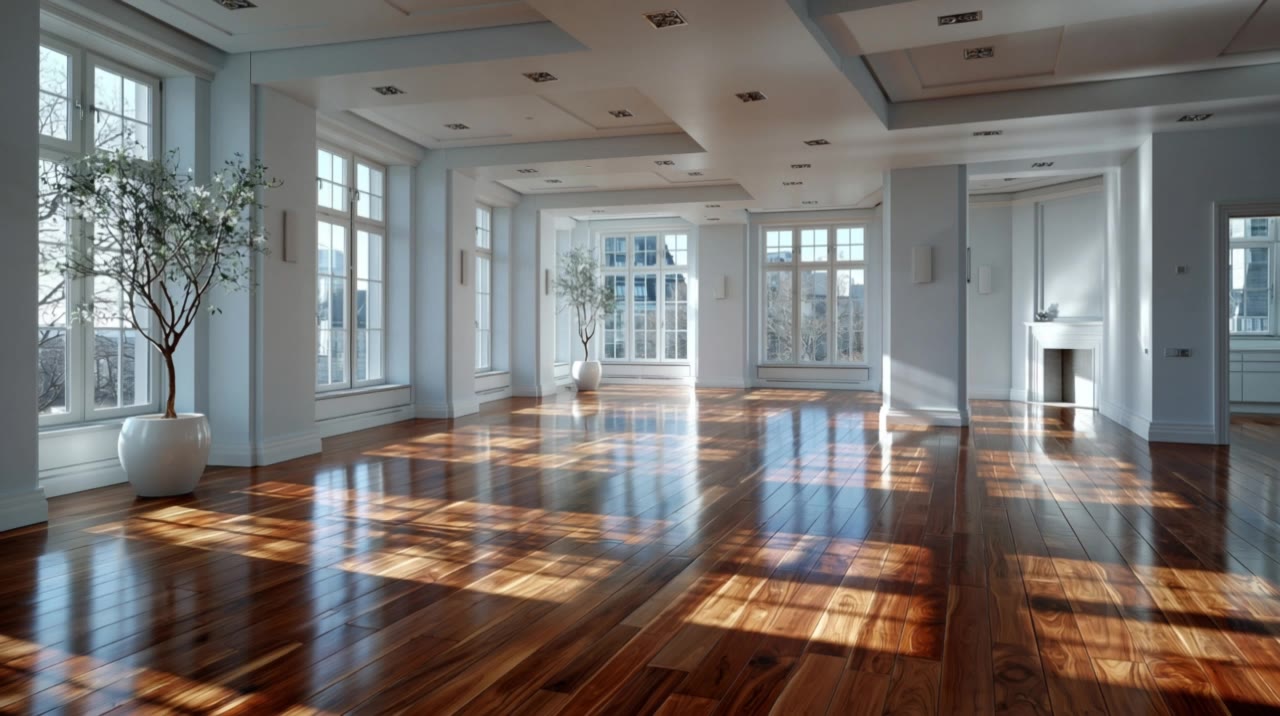
room interior design timelapse - timelapse kling ai AI video
DUGAAG STUDIO avatar
DUGAAG STUDIO
AI Construction Timelapse - timelapse kling ai AI video
masfebry avatar
masfebry
Timelapse - timelapse kling ai AI video
Mr. Migue avatar
Mr. Migue
Timelapse - timelapse kling ai AI video
nKdLsVLW avatar
nKdLsVLW
office timelapse of interior - timelapse kling ai AI video
DUGAAG STUDIO avatar
DUGAAG STUDIO
timelapse of building site - timelapse kling ai AI video
DUGAAG STUDIO avatar
DUGAAG STUDIO
timelapse - timelapse kling ai AI video
Roginski Edits avatar
Roginski Edits
TIMELAPSE - timelapse kling ai AI video
STERMANN avatar
STERMANN
timelapse of interior design - timelapse kling ai AI video
DUGAAG STUDIO avatar
DUGAAG STUDIO
House Renovation Timelapse - timelapse kling ai AI video
sJQxSiQU avatar
sJQxSiQU
Timelapse building - timelapse kling ai AI video
UN_RE_AI_vision avatar
UN_RE_AI_vision
timelapse building construction - timelapse kling ai AI video
DUGAAG STUDIO avatar
DUGAAG STUDIO
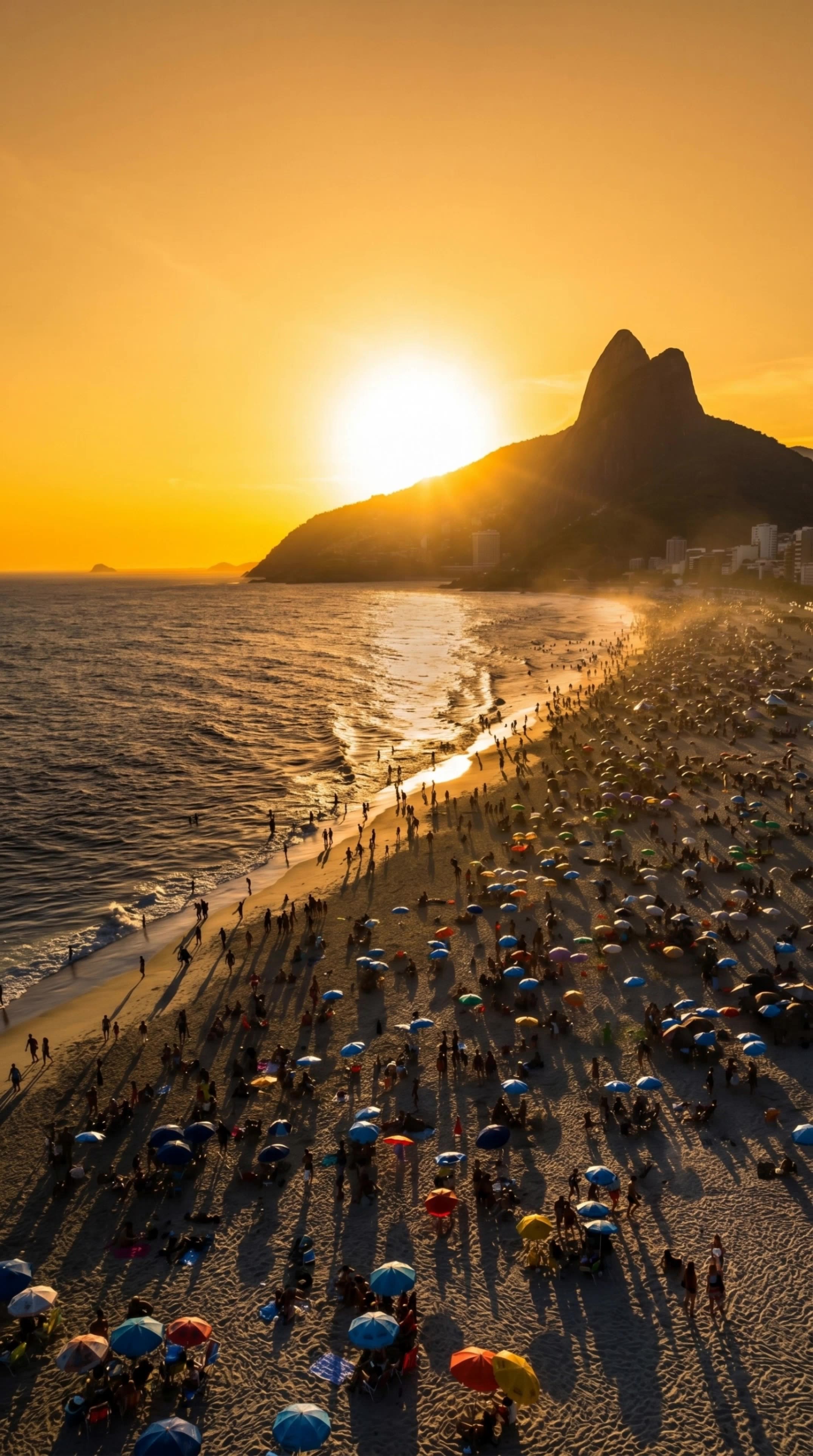
Timelapse Ipanema sunset - timelapse kling ai AI video
KLING8395 avatar
KLING8395
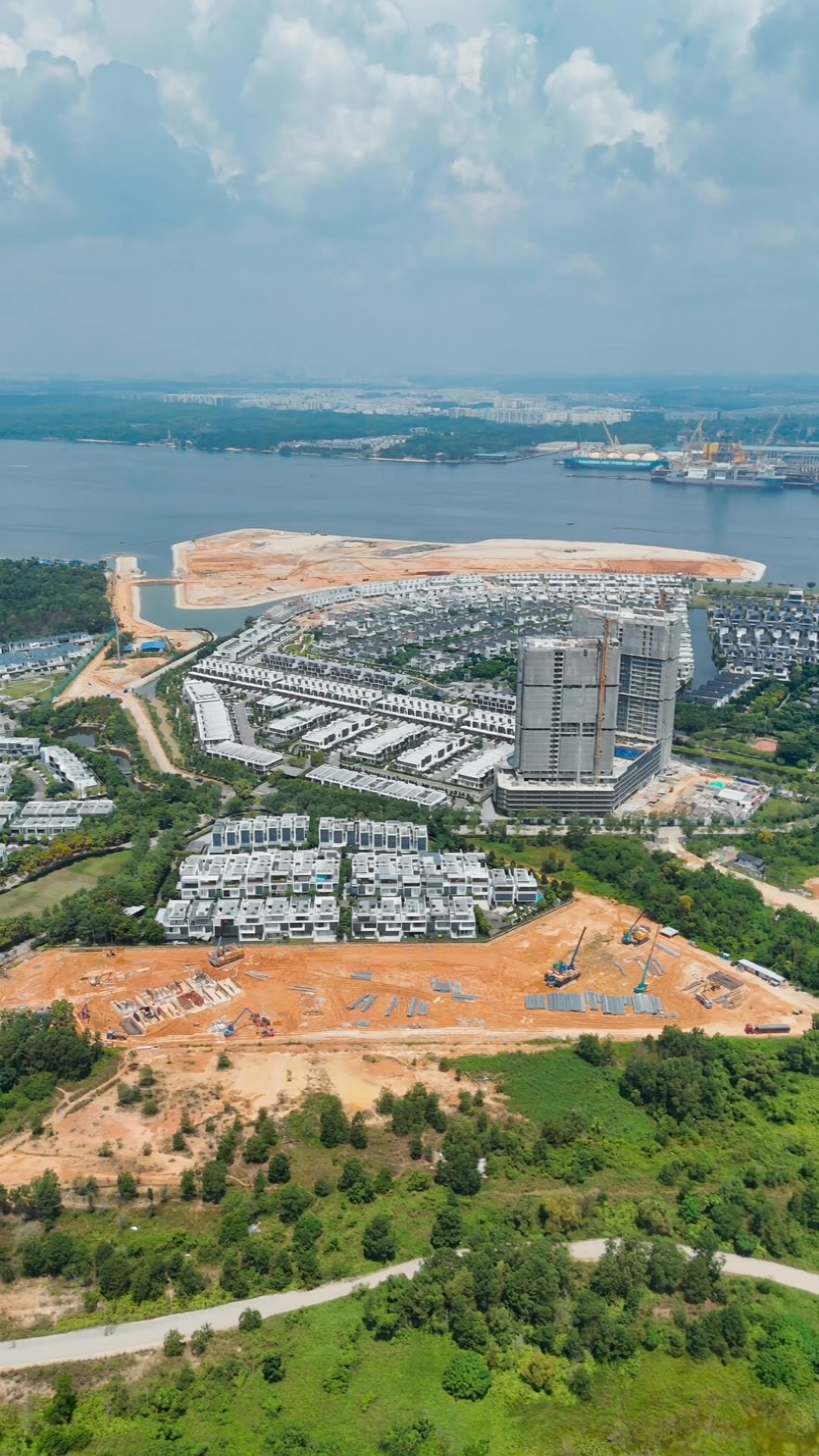
construction time-lapse - timelapse kling ai AI video
Thiện avatar
Thiện

How to Animate an Image

Upload Your Image

Upload Your Image

Upload any image—drag and drop a portrait, product photo, or illustration. Kling supports various formats and brings images to life while maintaining consistent, high-quality results.

Describe the Motion

Describe the Motion

Type what you want to see, like “she turns, smiles, and starts talking to the camera.” For advanced control, you can also upload a start and end frame to define the exact transition.

Generate & Export

Generate & Export

Hit generate, wait a few seconds, and download your animated video. Free image to video generation is available in 1080p, while Pro users can unlock stunning native 4K resolution.

Make Avatars Perform, Not Just Speak

More Choice, Without Losing Consistency

More Choice, Without Losing Consistency

Start with a preset avatar, select a character from your Kling AI Assets, upload an image of your own, or create someone new with AI Image. Use a polished presenter for a product demo, a creator-style host for an ad, or a more stylized character when the idea calls for it. For recurring content, save the character with the voice and performance settings you use most. The same on-screen identity is ready for the next script, without putting the setup together again.
Give Each Script the Right Delivery

Give Each Script the Right Delivery

Use a finished voiceover when the delivery is already in place, or start with written copy and choose a text-to-speech voice. Adjust the pace and emotional tone so a product pitch feels confident, a lesson stays clear, and social content can take on more energy. You can write your own performance direction or use one of Kling AI’s suggestions for the selected character. The same avatar can also deliver content in English, Chinese, Japanese, or Korean while keeping a familiar appearance on screen.
Let Movement Carry the Message

Let Movement Carry the Message

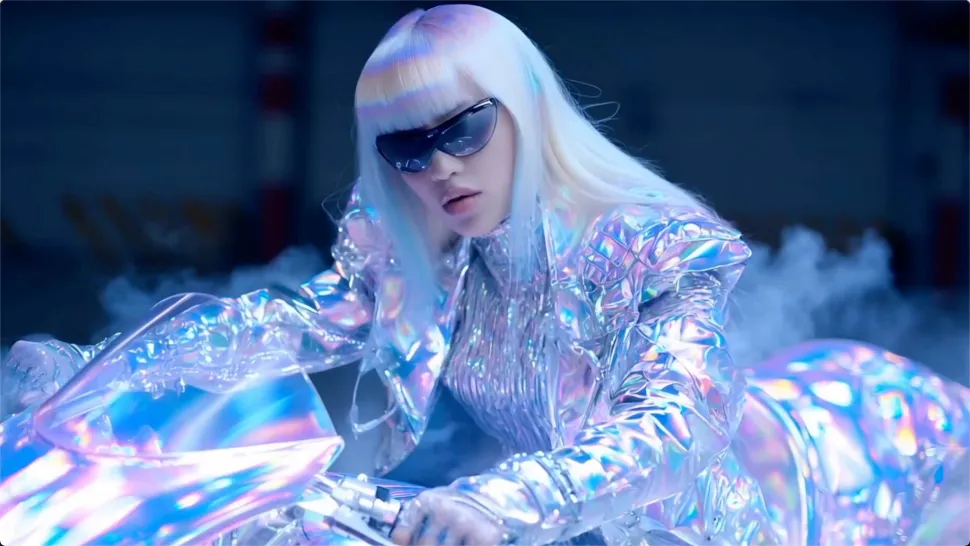
Natural lip sync is only part of the performance. An avatar can point to a product, handle an object, gesture through an explanation, react to the words, or move with the rhythm of a song. Avatar 2.0 improves hand stability and overall action quality, so the movement supports the scene instead of drawing attention away from it. Voice, expression, and body language come together as one performance—not a still image with audio layered over it.

Apps

Image to Video
Image to Video

Image to Video

Text to Video
Text to Video

Text to Video

Omni
Omni

Omni

Digital Human
Digital Human

Digital Human

Restyle
Restyle

Restyle

Text to Image
Text to Image

Text to Image

60M+
60M+
Users
600M+
600M+
AI Videos Generated
4.7 ★
4.7 ★
App Store
Industry-Leading
Industry-Leading
Cinematic 4K

Reviews

PJ Ace

PJ Ace

★★★★★

Kling AI has made it easy for us to generate world class visuals for Fortune 500 companies, TV shows and music for big artists. We love the easy of use of the platform and the quality of the generations. My first time using Kling AI, I got 22 million views on just one video. It's that good.

Vincent Smadja

Vincent Smadja

★★★★★

Kling AI seamlessly integrates into my creative workflow, playing a key role in transforming my images. After generating and upscaling an image, Kling becomes a crucial element, bringing my creations to life with movement and depth.

KakuDrop

KakuDrop

★★★★★

I have successfully collaborated with world-renowned artists and well-known companies that are recognized globally

FAQ

Q1What is the best AI art generator?
Q2Can I turn a sketch or reference image into AI art with Kling AI?
Q3What is an AI art generator?

Make Something Worth Keeping

Start with a sentence, a sketch, or a visual reference. Shape the idea until the style, composition, and details feel like yours.

Free tier available | Text to Art | Reference Images | Style Transfer