Creative Studio
API
Resources
About Us
Download

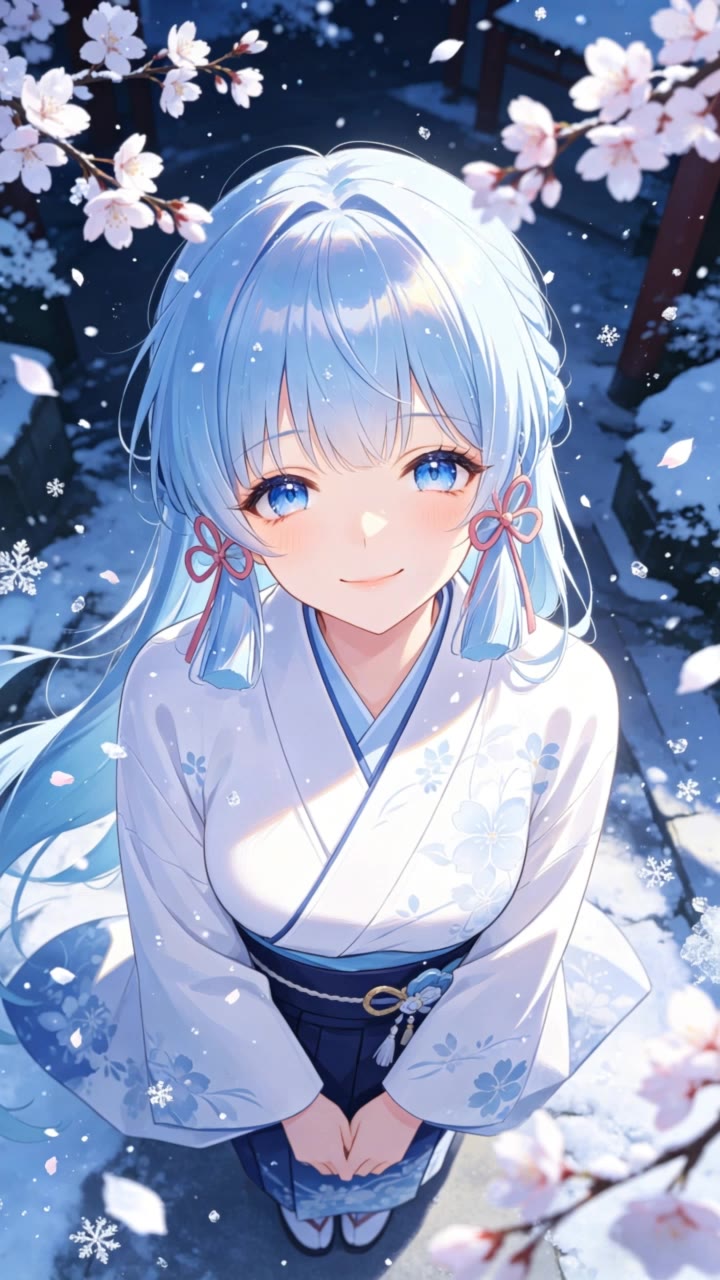
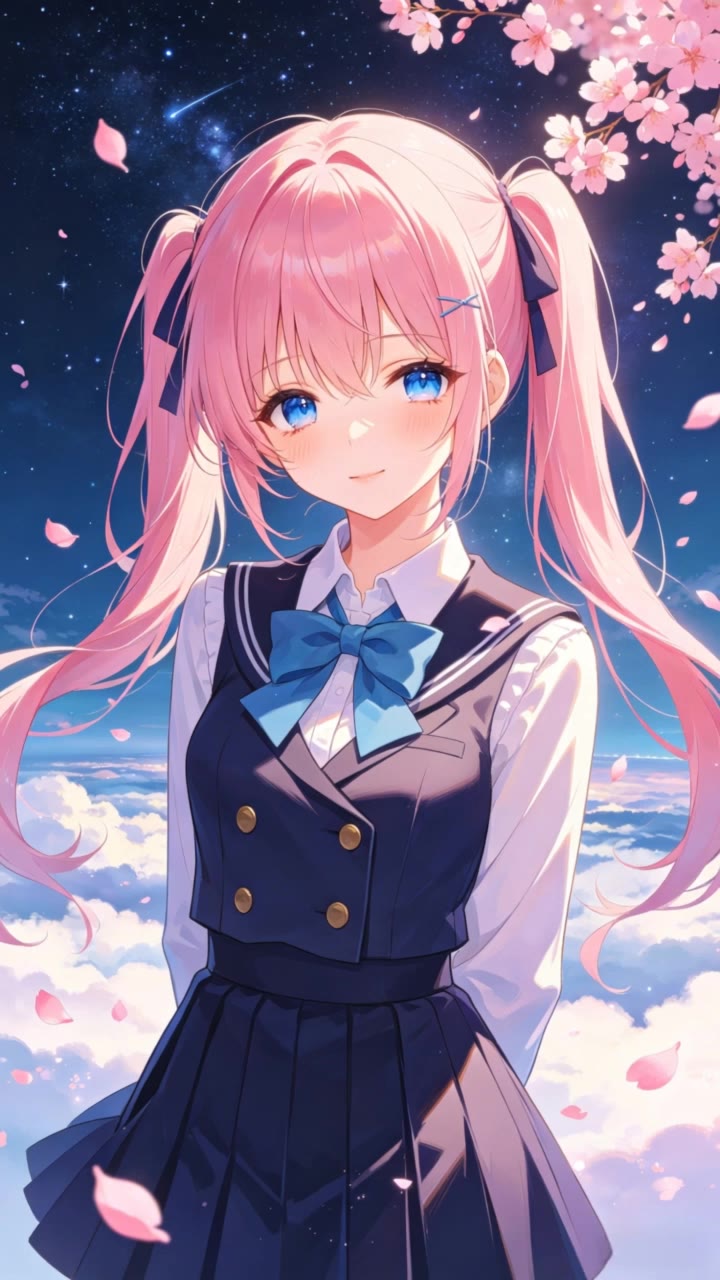
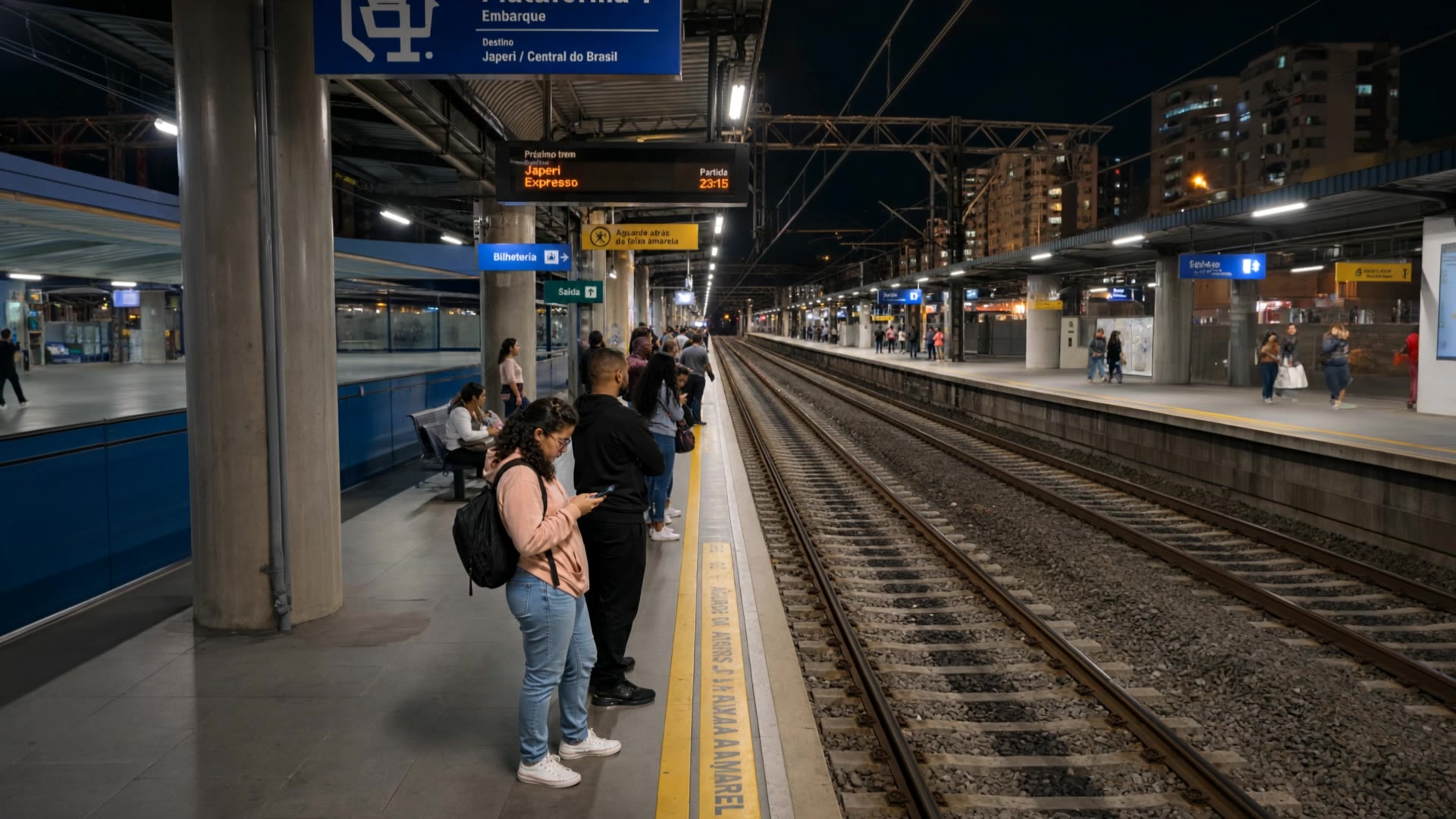
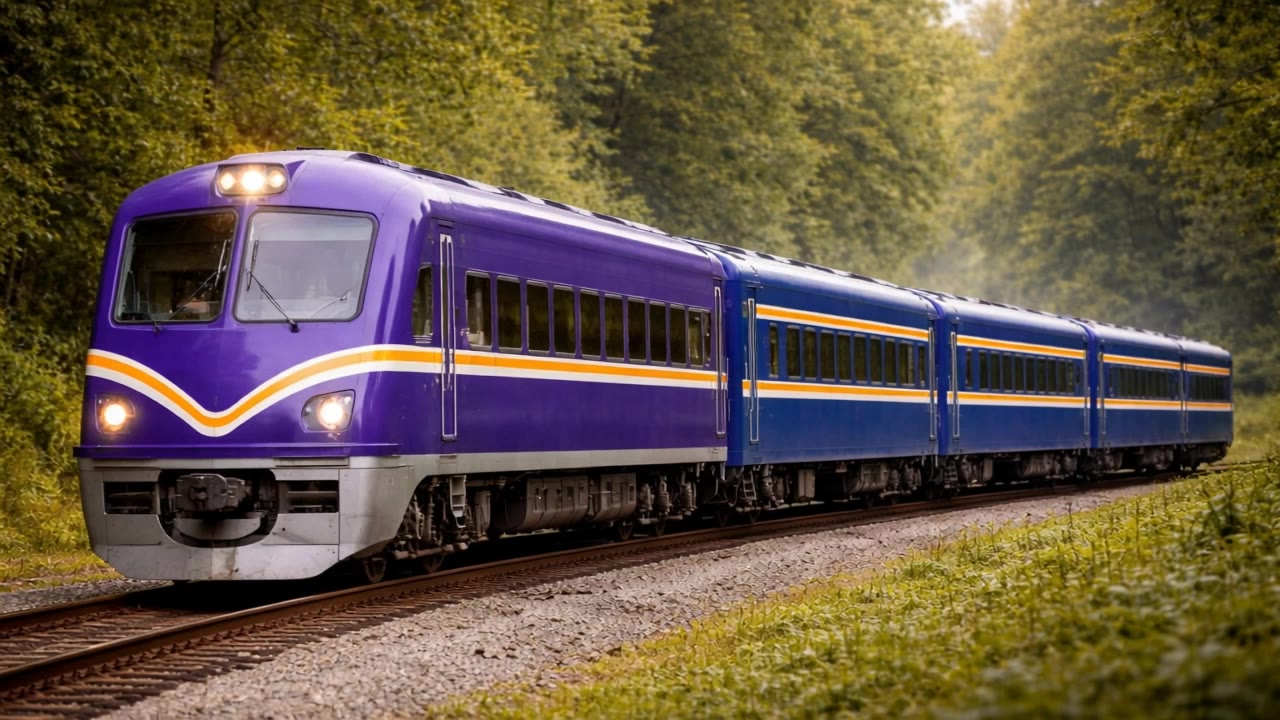
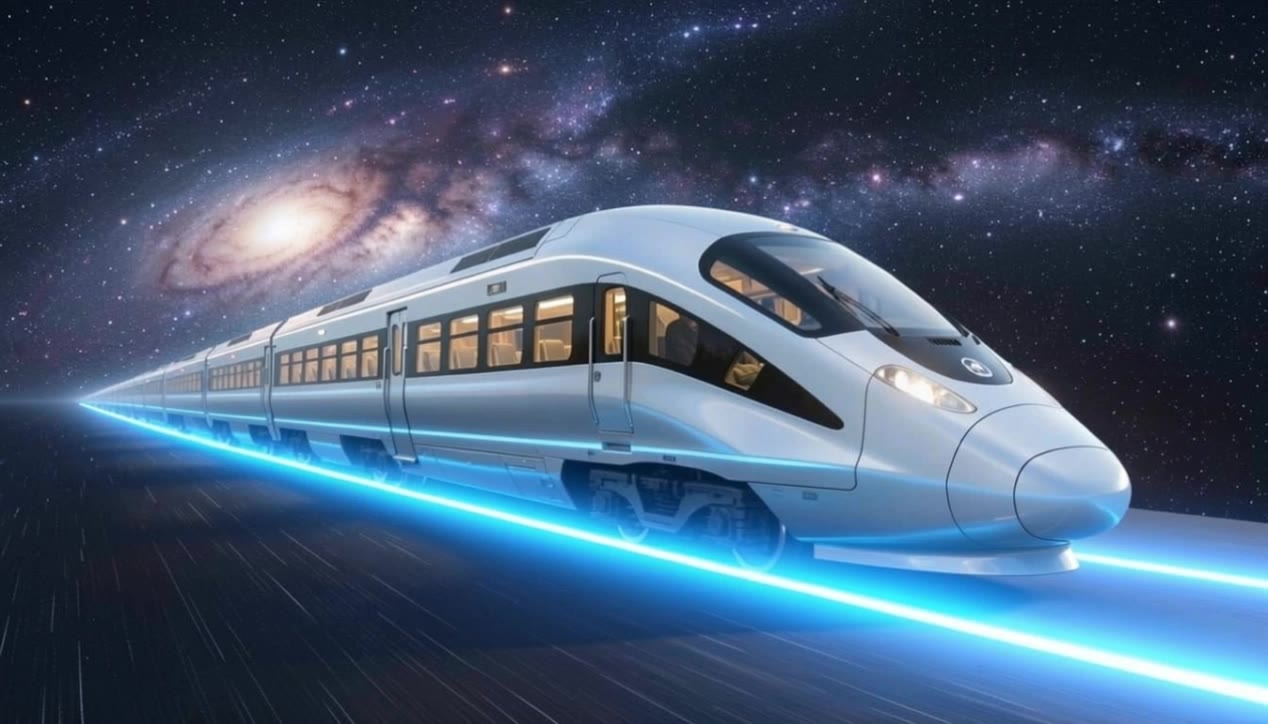
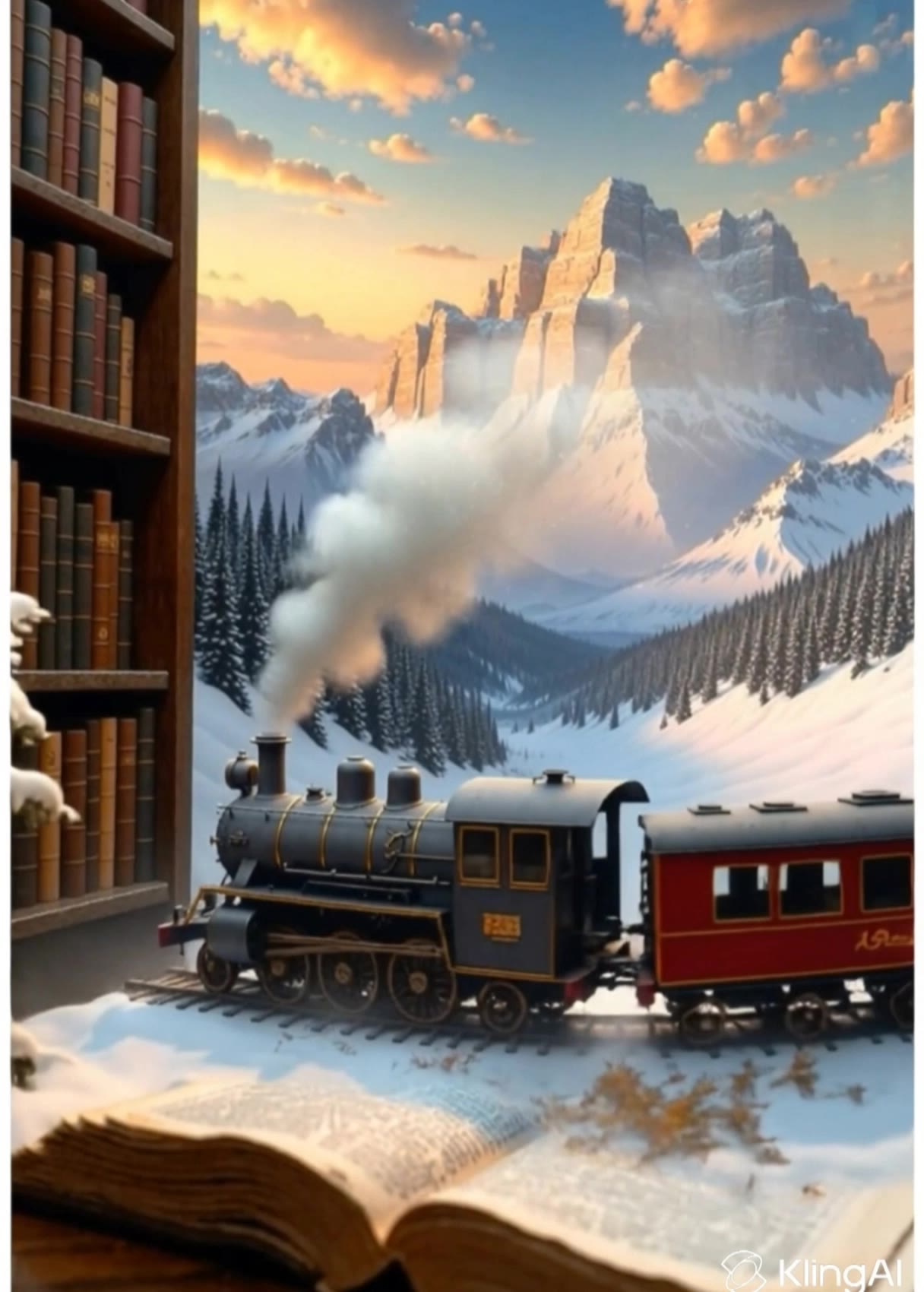
Train Wallpaper Ideas – AI-Generated Railway Designs

Find AI-generated train wallpaper ideas. Get railway designs quickly with AI-made visuals.

Train Wallpaper Ideas – AI-Generated Railway Designs

Recommended

wallpaper - train wallpaper AI video
EDCxWRhK avatar
EDCxWRhK
wallpaper - train wallpaper AI video
EDCxWRhK avatar
EDCxWRhK
wallpaper - train wallpaper AI video
EDCxWRhK avatar
EDCxWRhK
Bullet Train Arriving - train wallpaper AI video
BrianDesign avatar
BrianDesign
wallpaper - train wallpaper AI video
EDCxWRhK avatar
EDCxWRhK
wallpaper - train wallpaper AI video
EDCxWRhK avatar
EDCxWRhK
Old Train - train wallpaper AI video
TLsgxfXx avatar
TLsgxfXx
man in the train - train wallpaper AI image
FWoqsFLd avatar
FWoqsFLd
wallpaper - train wallpaper AI video
EDCxWRhK avatar
EDCxWRhK
wallpaper - train wallpaper AI video
EDCxWRhK avatar
EDCxWRhK
Train trip - train wallpaper AI video
KLING JARVIS 2025 avatar
KLING JARVIS 2025
The Space Train - train wallpaper AI video
Lukman Febrianto avatar
Lukman Febrianto
Best wallpaper - train wallpaper AI image
SlBDeJKb avatar
SlBDeJKb
wallpaper - train wallpaper AI video
EDCxWRhK avatar
EDCxWRhK
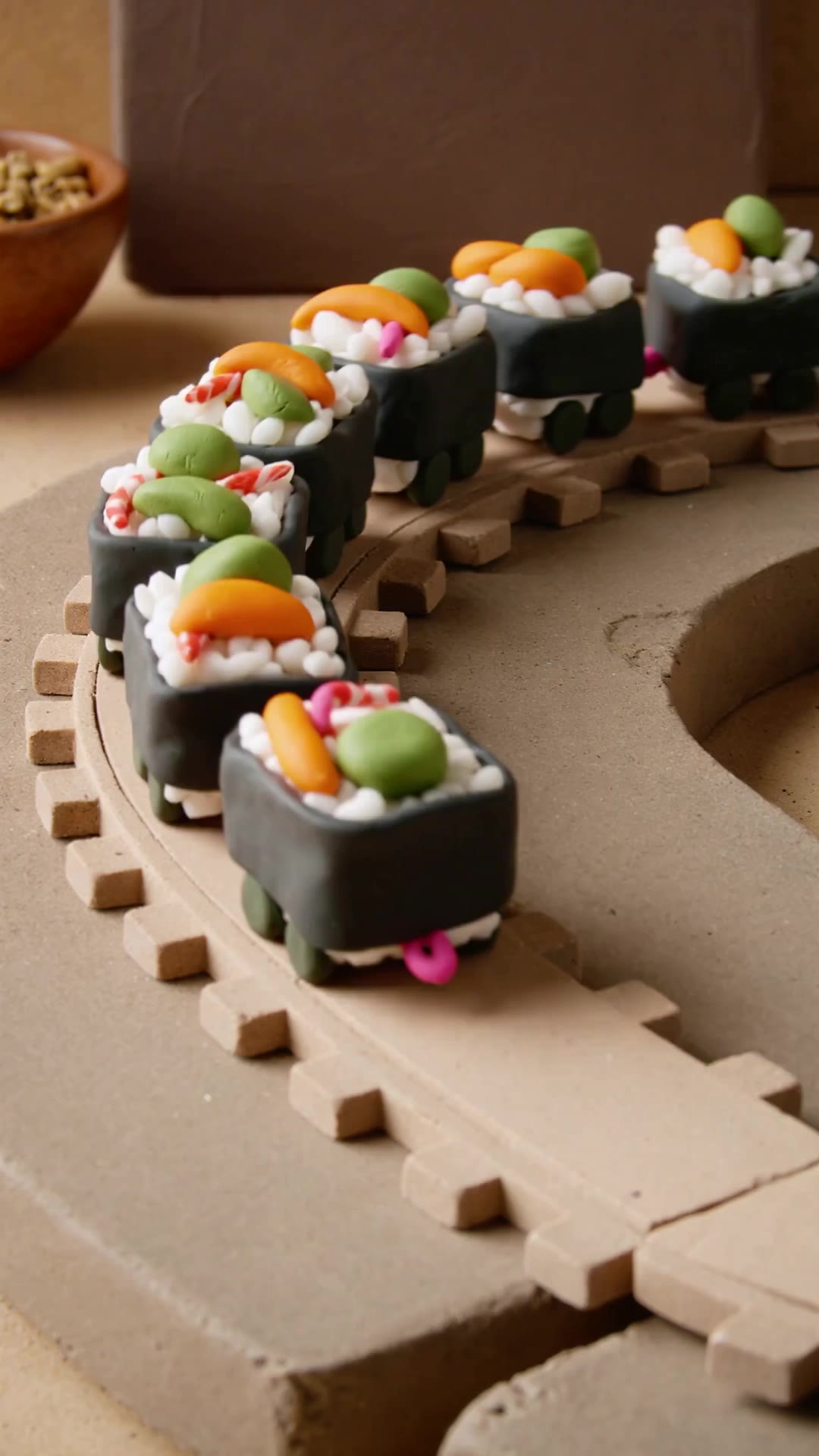
Sushi Train - train wallpaper AI video
editbay avatar
editbay
My character taking the train - train wallpaper AI video
bHGYXbhX avatar
bHGYXbhX
wallpaper - train wallpaper AI video
EDCxWRhK avatar
EDCxWRhK
wallpaper - train wallpaper AI video
EDCxWRhK avatar
EDCxWRhK
train follows - train wallpaper AI video
craftneed AI avatar
craftneed AI

How to Use Kling AI Image to Image

Upload Your Images

Upload Your Images

Open Image Generation, select IMAGE 3.0 Omni, and upload the image you want to transform and add reference images to carry into the result.

Set the Creative Direction

Set the Creative Direction

You can combine elements from several references, change the style, adjust the camera angle, or enable Image Series mode to create multiple connected visuals in one generation.

Generate and Create More

Generate and Create More

Select the aspect ratio, number of images, and 2K or 4K resolution, then generate and review your results. Download or share the finished image, or use it for your new AI video.

One Image-to-Image Generator, More Ways to Create

Refine With Precision

Refine With Precision

Bring in up to 10 reference images to keep the subject, color, shape, and visual details that matter, then update only what needs to change. Whether you’re reworking a background, adjusting lighting, or refining a product or character, IMAGE 3.0 helps the new image stay true to the original while making the edit feel clean, natural, and intentional.

Restyle With Freedom

Restyle With Freedom

Give any image a fresh look in more than one way. Start with the built-in style library to recreate a look in one click, or upload your original image with a reference to follow a specific visual direction. Kling AI image-to-image model carries over the qualities that define the style while keeping the subject clear and the composition intact.

Generate Image Series in 4K

Generate Image Series in 4K

Start with one image or several references and generate a connected set in one pass. IMAGE 3.0 Omni keeps characters, products, style, and tone consistent from image to image, while still allowing new actions, framing, camera angles, and shot types. Native 4K output makes it well suited to cinematic multi-shot storyboards, product image sets, and character design.

Apps

Image to Video
Image to Video

Image to Video

Text to Video
Text to Video

Text to Video

Omni
Omni

Omni

Digital Human
Digital Human

Digital Human

Restyle
Restyle

Restyle

Text to Image
Text to Image

Text to Image

60M+
60M+
Users
600M+
600M+
AI Videos Generated
4.7 ★
4.7 ★
App Store
Industry-Leading
Industry-Leading
Cinematic 4K

Reviews

James Phillips

James Phillips

★★★★★

Kling AI has transformed my workflow by collapsing timelines and democratizing production. It’s shifted my mindset from resource-dependent filmmaking to a boundless creative sandbox, where experimentation yields unexpected beauty.

Jyo John Mulloor

Jyo John Mulloor

★★★★★

Kling AI has been instrumental in transforming my creative workflow, unlocking new dimensions of artistic expression that were once unimaginable. I use Kling AI extensively to develop high-concept visuals, animate surreal dreamscapes, and create AI-assisted films that blur the line between reality and fantasy. Kling AI’s deep learning capabilities have not only enhanced my creative efficiency but also inspired me to explore storytelling in ways I never thought possible.

Déborah

Déborah

★★★★★

I use Kling AI every day. It's amazing to see the almost daily progress it makes. I used AI for fun at first, and I now find that Kling AI's animations allow me to gain professional visibility, with three times more views on my animated posts than on my static posts.

FAQ

Q1What is text-to-image AI?
Q2What makes Kling IMAGE 3.0 different from other text-to-image tools?
Q3Can Kling AI edit existing images?

Your Next Visual Starts Here

Start with a sentence, a sketch, or a reference photo. Shape the composition, dial in the details, and keep iterating in Kling AI.

Free tier available | Text-to-image | Image-to-image | Fast generation