Creative Studio
API
Resources
About Us
Download

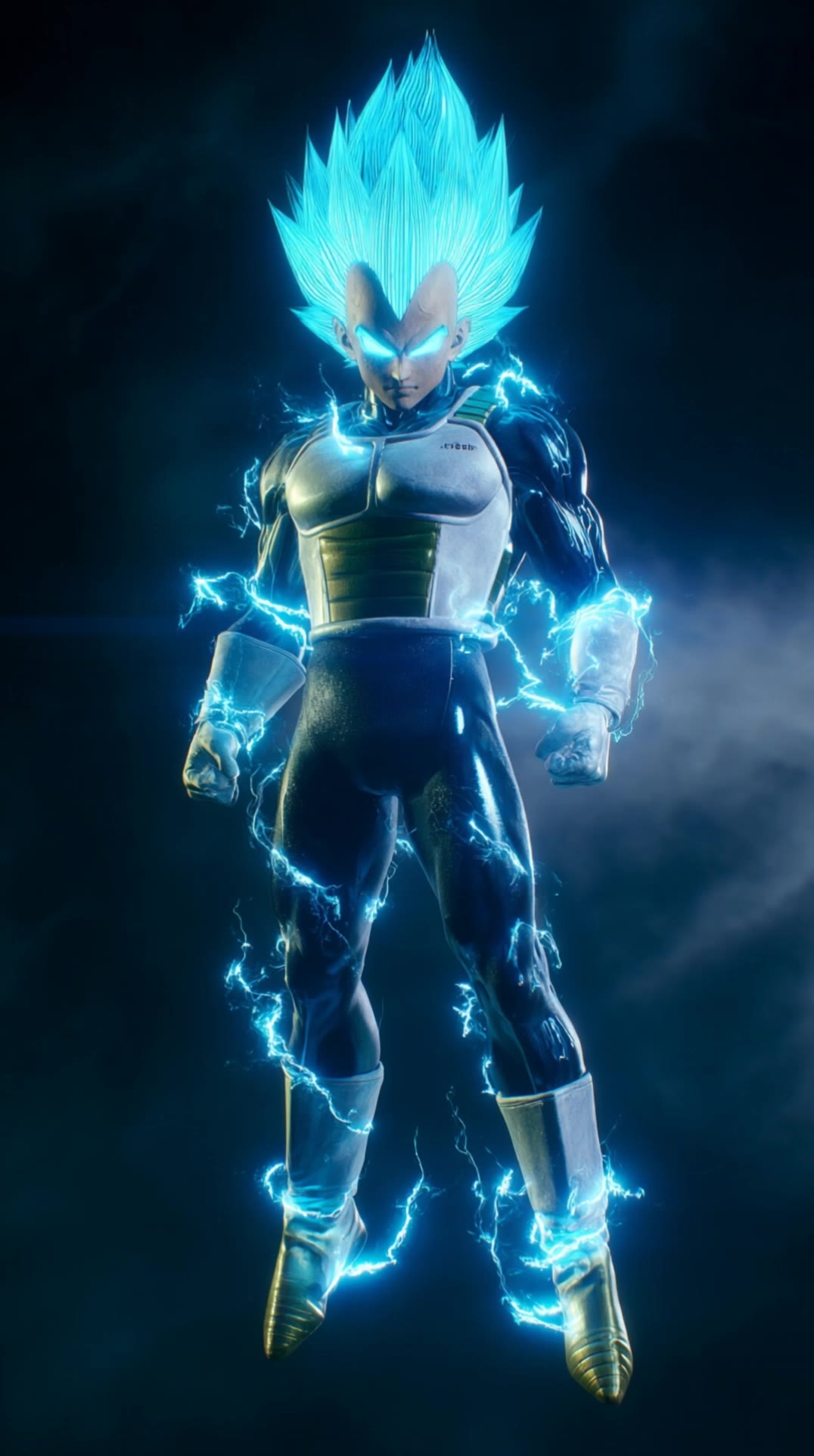
AI-generated Vegeta video ideas – Explore dynamic concepts

Discover AI-generated Vegeta video ideas. Quickly explore dynamic concepts and adapt them with AI assistance.

AI-generated Vegeta video ideas – Explore dynamic concepts

Recommended

Vegeta: Beyond Limits Part 1 - vegeta video AI video
Maks_AI_Creator avatar
Maks_AI_Creator
Elite Creator
Vegeta: Beyond Limits - Part 4 - vegeta video AI video
Maks_AI_Creator avatar
Maks_AI_Creator
Elite Creator
vegeta super saiyan - vegeta video AI video
ramsell avatar
ramsell
Kling AI work 291937237530446 - vegeta video AI video
nQPBhtLJ avatar
nQPBhtLJ
Kling AI work 308023930617943 - vegeta video AI video
NDTUibxE avatar
NDTUibxE
Kling AI work 306481332662951 - vegeta video AI image
mFruUlRc avatar
mFruUlRc
VEGETA - vegeta video AI image
bloompixies avatar
bloompixies
vegeta ultra ego - vegeta video AI video
Fantasycreation87 avatar
Fantasycreation87
Vegeta face shot - vegeta video AI image
DKeOHarg avatar
DKeOHarg
Kling AI work 285028084505830 - vegeta video AI image
AnimeLover avatar
AnimeLover
Vegeta: Beyond Limits - Part 3 - vegeta video AI video
Maks_AI_Creator avatar
Maks_AI_Creator
Elite Creator
vegeta - vegeta video AI video
Fantasycreation87 avatar
Fantasycreation87
Kling AI work 292275725618375 - vegeta video AI video
dathEBQw avatar
dathEBQw
Kling AI work 309815067617900 - vegeta video AI video
BSCnyetE avatar
BSCnyetE
ultra vegeta - vegeta video AI video
Fantasycreation87 avatar
Fantasycreation87
Kling AI work 314996301614968 - vegeta video AI video
QPjMyGrE avatar
QPjMyGrE

How to Generate Images with Kling AI

Write Your Prompt

Write Your Prompt

Describe your idea in natural language or start with recommended prompts. Add details about the subject, scene, and style to guide your image creation.

Add References And Generate

Add References And Generate

Upload reference images, select your aspect ratio and number of outputs, then generate visuals based on your creative direction.

Refine And Create More

Refine And Create More

Edit your results with tools for local changes, image expansion, and enhancement. You can also turn your images into videos and continue creating with Kling AI.

Why Kling Sets the Standard for Video Creation

Flawless Character Consistency

Flawless Character Consistency

Unlike standard tools that distort faces when moving, Kling Video 3.0 lets you strictly lock a character’s appearance. Upload a single photo, or use a short video/multiple angles as a reference to completely eliminate the “AI morphing” effect.

Native Audio & Perfect Lip-Sync

Native Audio & Perfect Lip-Sync

Your image doesn’t just move; it speaks. Generate perfectly matched voices and realistic lip movements in multiple languages or regional accents. Even in multi-character scenes, you can precisely assign who speaks—no third-party tools required.

15s Duration & Motion Control

15s Duration & Motion Control

Go beyond simple loops with up to 15 seconds of smooth narrative. Use advanced Motion Control to direct camera pans, tilts, and zooms, or define exact transitions with start and end frame references.

Apps

Image to Video
Image to Video

Image to Video

Text to Video
Text to Video

Text to Video

Omni
Omni

Omni

Digital Human
Digital Human

Digital Human

Restyle
Restyle

Restyle

Text to Image
Text to Image

Text to Image

60M+
60M+
Users
600M+
600M+
AI Videos Generated
4.7 ★
4.7 ★
App Store
Industry-Leading
Industry-Leading
Cinematic 4K

Reviews

Ozan Sihay

Ozan Sihay

★★★★★

Kling AI allows me to rapidly prototype ideas, refine storytelling elements, and produce visually compelling content efficiently. It has not only accelerated my creative processes, but also deepened my understanding of how AI can enrich visual storytelling.

Maria Rubtsova

Maria Rubtsova

★★★★★

I’m Maria Rubtsova, an AIGC digital artist passionate about creating stunning visuals in the worlds of fashion, aesthetics, and fantasy. I use KlingAi to bring imagination to life through video. My work is all about exploring beauty, emotion, and the limitless possibilities of digital art.

Huang Lu (Elson)

Huang Lu (Elson)

★★★★★

I’ve been using Kling AI since its initial release, and it’s remained one of the leading AI media generators ever since. With Kling AI, I’ve created hundreds of videos, collectively amassing millions of views.

FAQ

Q1Is it suitable for product demo videos?
Q2What is Kling Video 3.0?
Q3How long can videos be in Video 3.0?

Experience Video 3.0 on Kling

Create cinematic, multi-shot videos with native audio and precise control—all in one generation.

Native audio | Multi-shot control | Up to 15s continuous output