
Creative Studio
API Platform
Resources
About Us

Vegetta777 KlingAI: AI-Created Content

Explore AI-created content inspired by Vegetta777 with KlingAI. Get unique ideas and visuals generated by AI to enhance your projects.


Vegetta777 KlingAI: AI-Created Content

Recommended

work cover
video-play
Minuit
work cover
UN_RE_AI_vision
work cover
24601NotGuilty
work cover
24601NotGuilty
work cover
video-play
L4C
work cover
video-play
hivetechmedia
work cover
24601NotGuilty
work cover
video-play
Xzavier
work cover
video-play
Be Direct Ai
work cover
V. Dalmatina
work cover
AI-GMQ
work cover
YxIAgcaB
work cover
video-play
KS_V
work cover
UN_RE_AI_vision
work cover
video-play
YDLXWtqX
work cover
YxIAgcaB
work cover
video-play
Be Direct Ai
work cover
24601NotGuilty
work cover
video-play
MidGuruAI

How to Create Cinematic AI Videos with Kling

Upload or Describe Your Vision

Upload or Describe Your Vision

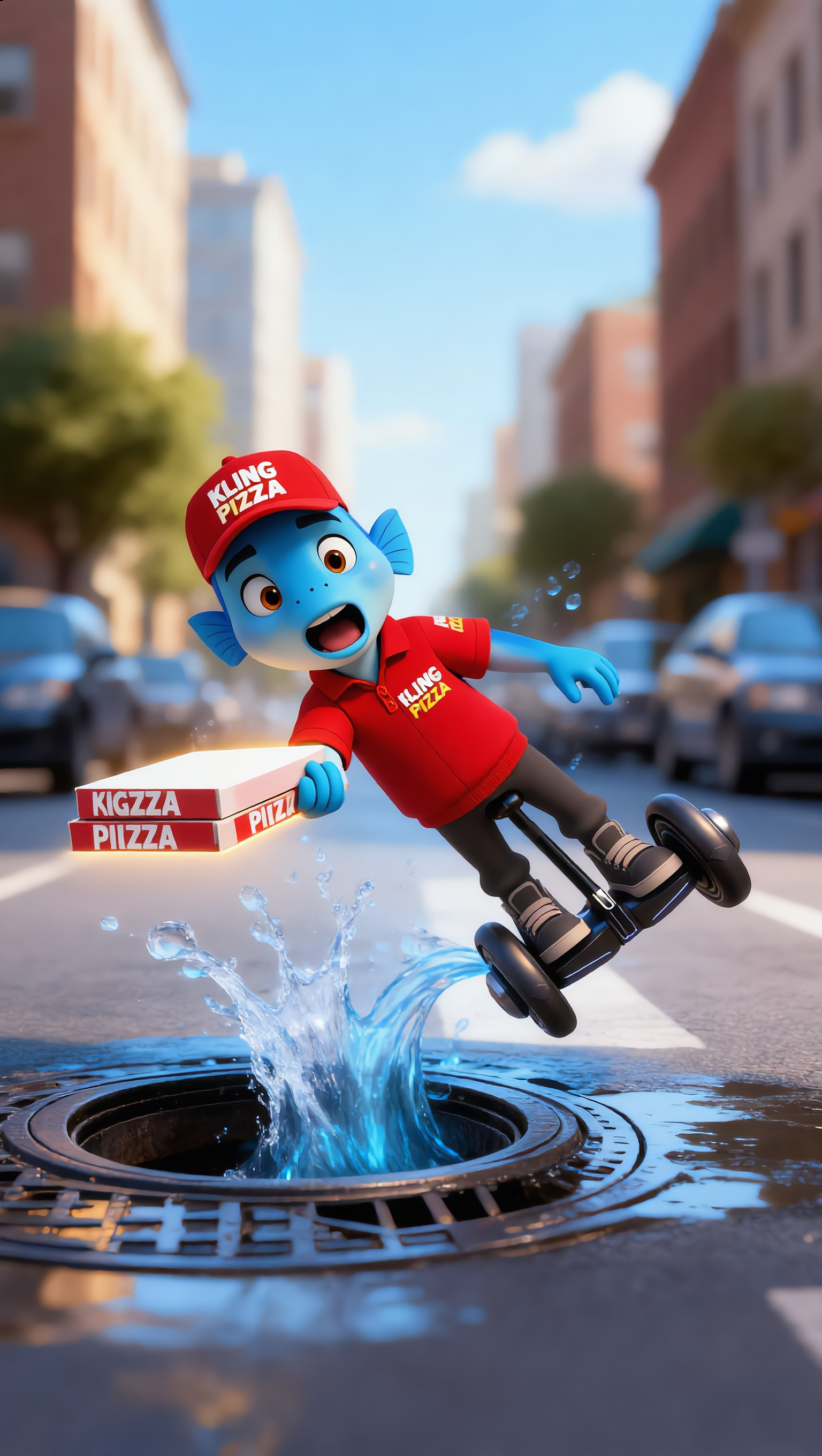
Start by uploading a reference photo or entering a text prompt to define your character, style, and scene.

Adjust Settings & Motion

Adjust Settings & Motion

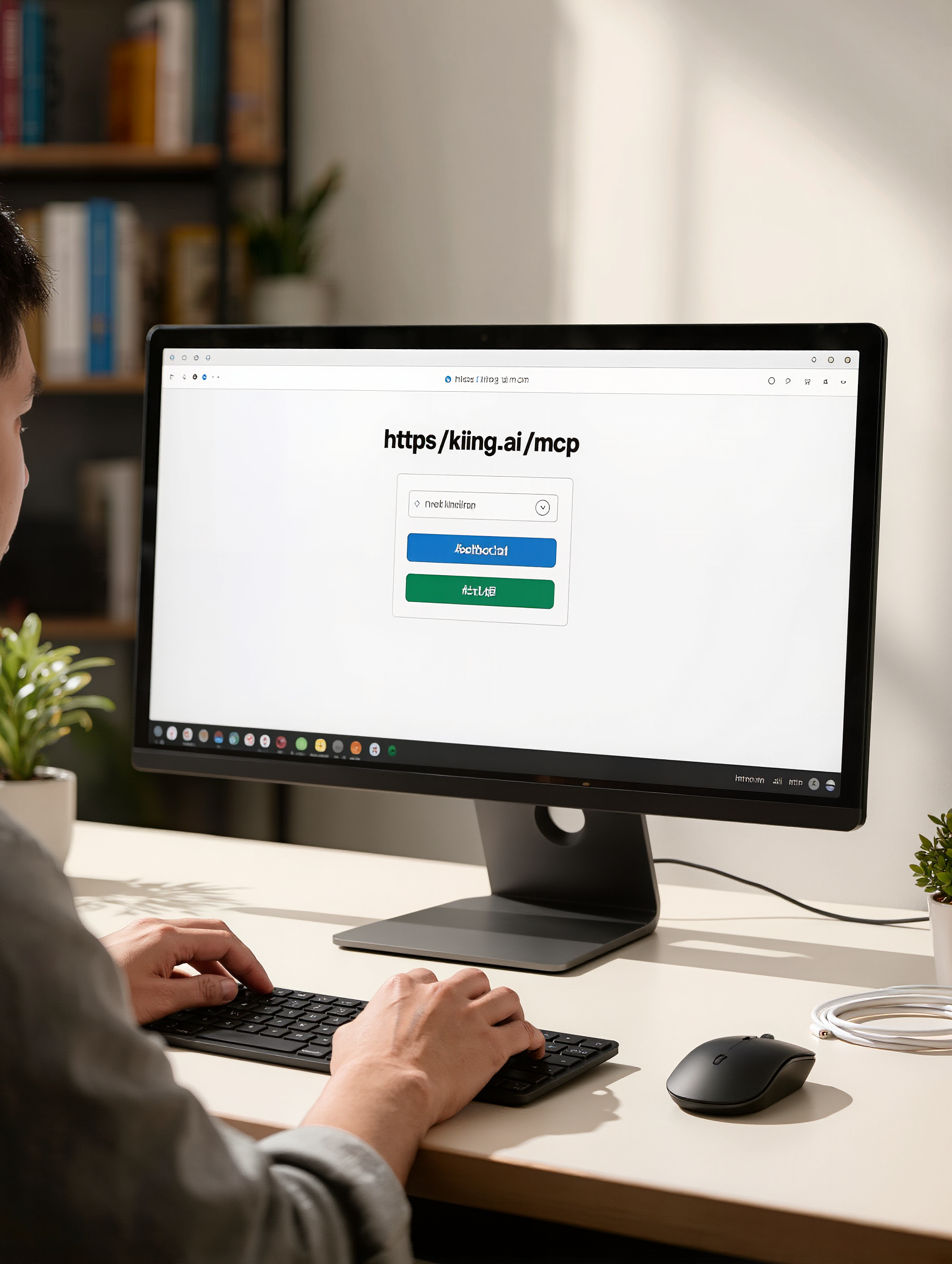
Refine your video by locking character consistency, adjusting motion intensity, or adding native AI audio and lip-sync.

Generate & Export in 4K

Generate & Export in 4K

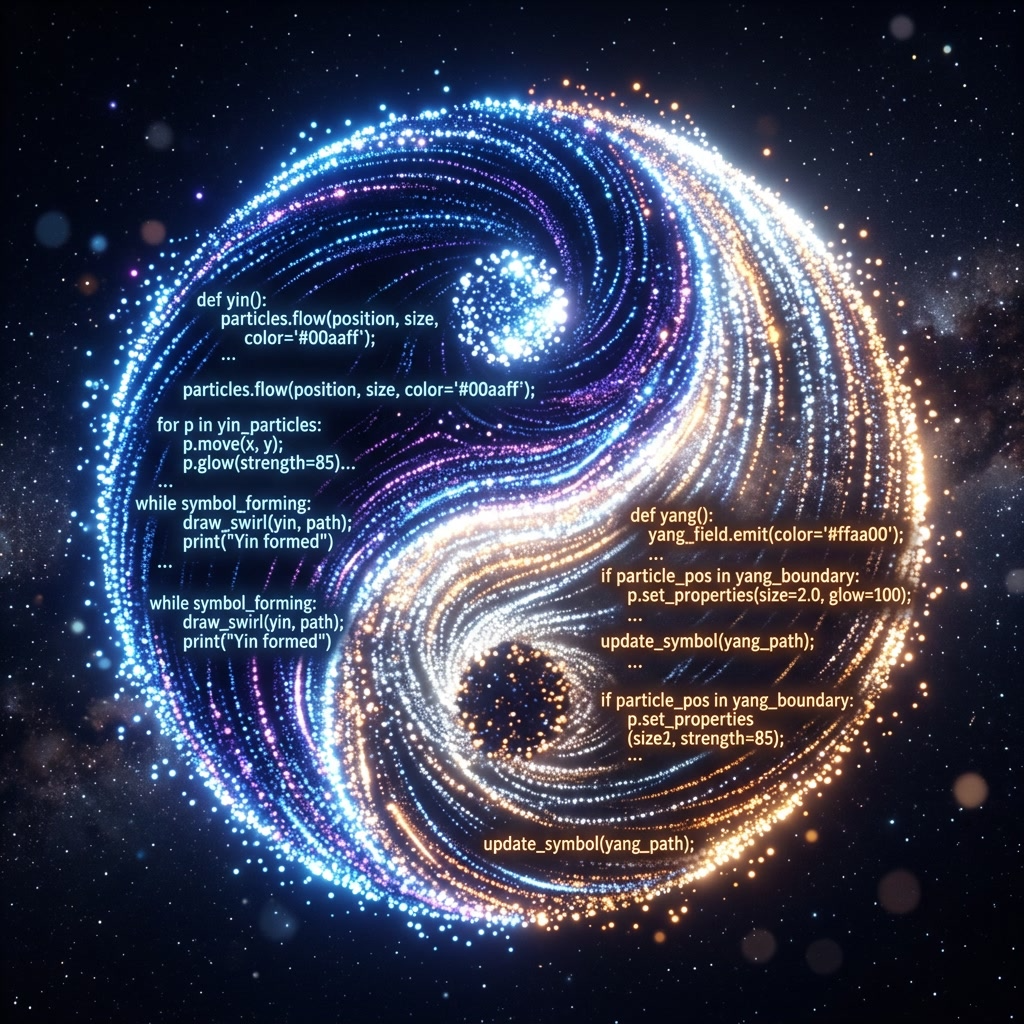
Click generate to produce your high-fidelity video. Preview the results and export your masterpiece in stunning 4K resolution.

Why Kling Sets the Standard for Video Creation

Flawless Character Consistency for High-Quality Videos

Flawless Character Consistency for High-Quality Videos

Unlike standard tools that distort faces when moving, Kling Video 3.0 lets you strictly lock a character’s appearance. Upload a single photo, or use a short video/multiple angles as a reference to completely eliminate the “AI morphing” effect.

All-in-One Native Audio & Lip-Sync

All-in-One Native Audio & Lip-Sync

Your video isn’t just silent footage; it speaks. Generate perfectly matched voices and realistic lip movements in multiple languages or regional accents. Even in multi-character scenes, you can precisely assign who speaks—no third-party tools required.

Up to 15s Multi-Shot Cinematic Output

Up to 15s Multi-Shot Cinematic Output

Go beyond a basic 3-second clip. Kling 3.0 extends generation to 15 seconds of smooth, uninterrupted narrative. You can even use native storyboard controls to direct multi-shot sequences in a single click—outputting in crystal-clear 4K for professional use.

Apps

Image to Video
Image to Video

Image to Video

Text to Video
Text to Video

Text to Video

Omni
Omni

Omni

Digital Human
Digital Human

Digital Human

Restyle
Restyle

Restyle

Text to Image
Text to Image

Text to Image

60M+
60M+
Users
600M+
600M+
AI Videos Generated
4.7 ★
4.7 ★
App Store
Industry-Leading
Industry-Leading
Cinematic 4K

Reviews

Ozan Sihay

Ozan Sihay

★★★★★

Kling AI allows me to rapidly prototype ideas, refine storytelling elements, and produce visually compelling content efficiently. It has not only accelerated my creative processes, but also deepened my understanding of how AI can enrich visual storytelling.

Huang Lu (Elson)

Huang Lu (Elson)

★★★★★

I’ve been using Kling AI since its initial release, and it’s remained one of the leading AI media generators ever since. With Kling AI, I’ve created hundreds of videos, collectively amassing millions of views.

Maria Rubtsova

Maria Rubtsova

★★★★★

I’m Maria Rubtsova, an AIGC digital artist passionate about creating stunning visuals in the worlds of fashion, aesthetics, and fantasy. I use KlingAi to bring imagination to life through video. My work is all about exploring beauty, emotion, and the limitless possibilities of digital art.

FAQ

Q1What happens if the reference motion and image don’t match?
Q2What makes a good reference video for Motion Control?
Q3Can I use this for anime or 3D characters?

Start Creating AI Videos with Kling

Turn your image into a talking, high-quality video in seconds. No watermarks, no complicated setup.

Free tier available (Memberships are watermark-free) | 1080p export (Memberships unlock 4K) | Instant results