 Android

AK Pictures ID
177

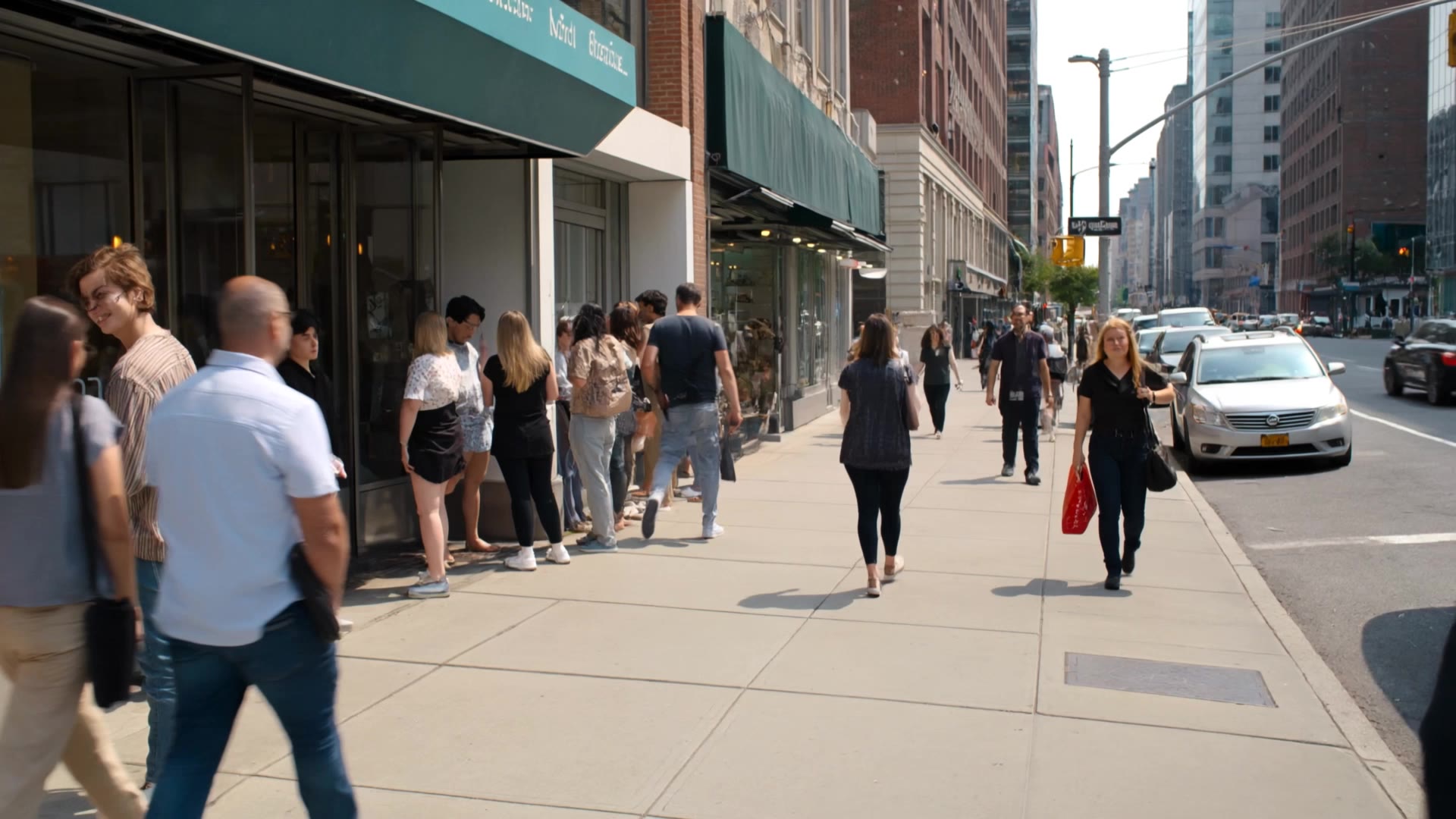
Immerse in the magic of NYC with unique visuals of Central Park's blooms and the mesmerizing phenomenon of Raining Money. Capture the essence of the city's vibrant streets and luminous skyline. Start exploring watermark nyc ideas and generate your own content with AI.










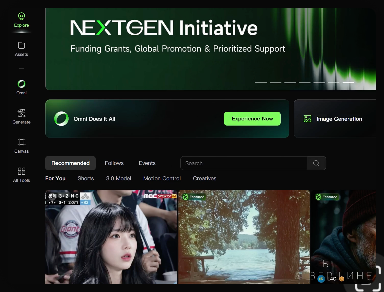
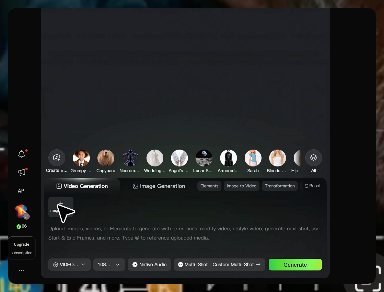
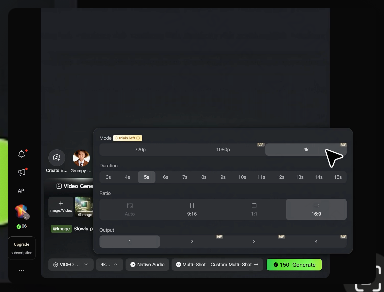
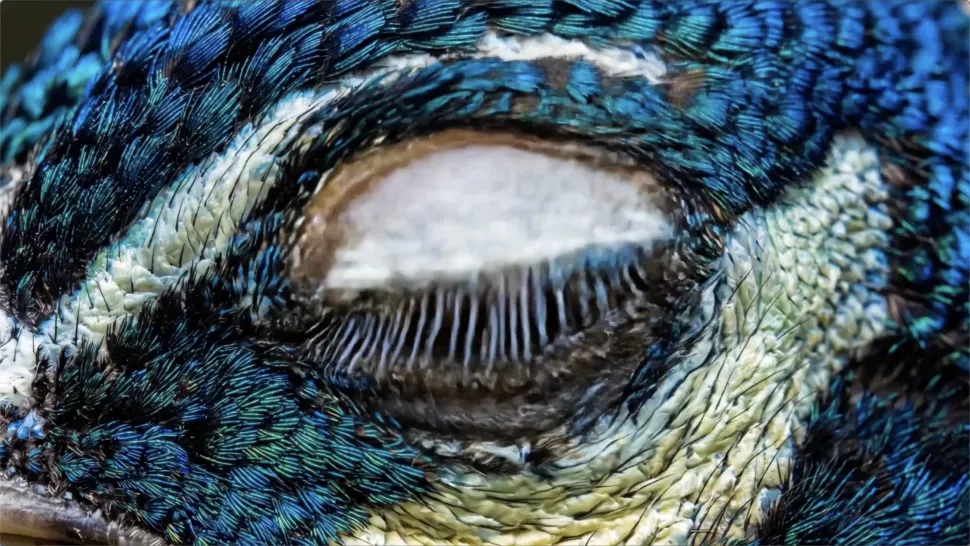
Turn your ideas into videos that closely match your prompt. Kling AI understands detailed descriptions and keeps recurring characters consistent across scenes, preserving their appearance, expressions, and movement throughout the video. Videos support up to 4K resolution, 15 seconds in length, and 60fps playback, depending on your plan.
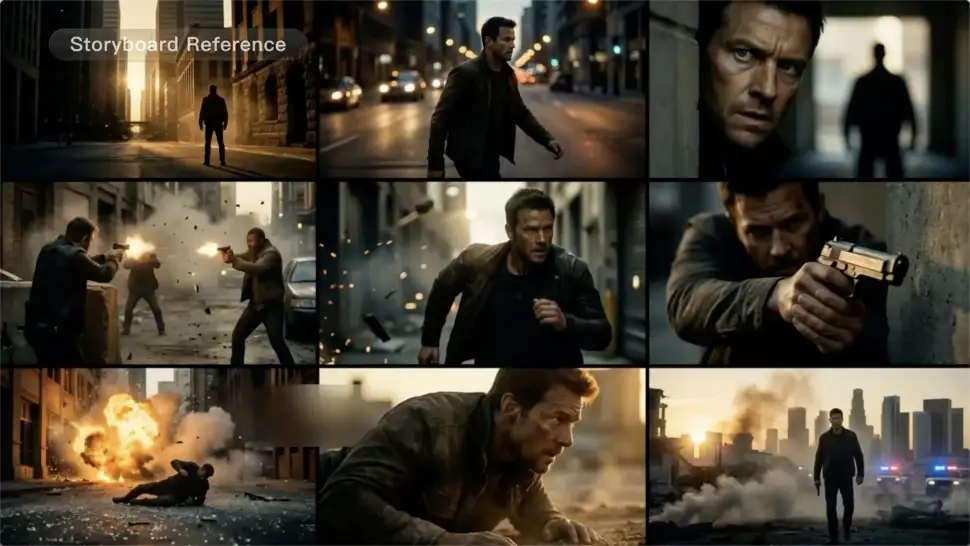
Create more complete stories from a single prompt. When your prompt includes multiple scenes, Kling 3.0 can organize them into up to five connected shots with smooth scene transitions, reducing the need for manual editing.
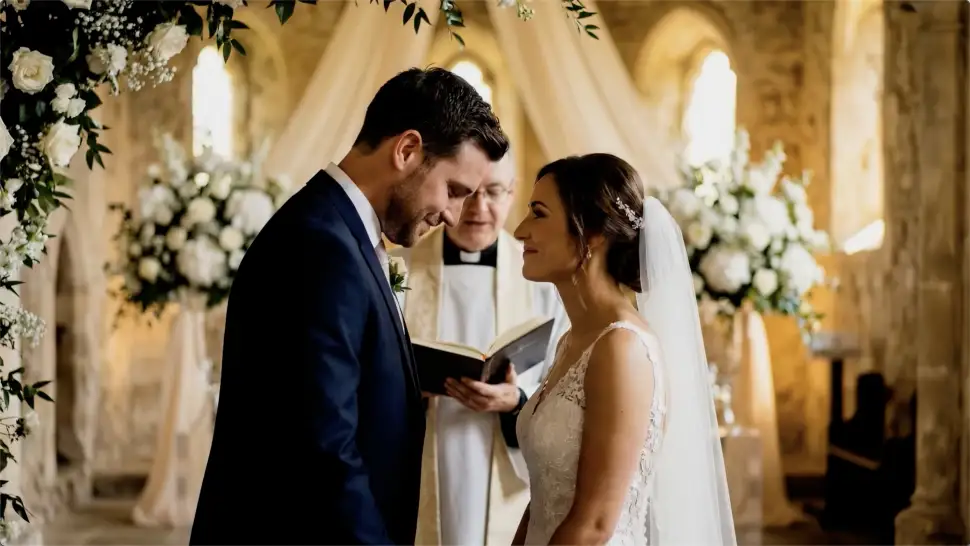
Create videos with built-in dialogue, sound effects, and ambient audio in five languages: English, Chinese, Japanese, Korean, and Spanish. Regional accent variations are also available, including American, British, and Indian English, to make voices sound more natural.

















Kling AI allows me to rapidly prototype ideas, refine storytelling elements, and produce visually compelling content efficiently. It has not only accelerated my creative processes, but also deepened my understanding of how AI can enrich visual storytelling.

I have successfully collaborated with world-renowned artists and well-known companies that are recognized globally

Kling AI has transformed my workflow by collapsing timelines and democratizing production. It’s shifted my mindset from resource-dependent filmmaking to a boundless creative sandbox, where experimentation yields unexpected beauty.
Turn your image into a talking, high-quality video in seconds. No watermarks, no complicated setup.
Free tier available (Memberships are watermark-free) | 1080p export (Memberships unlock 4K) | Instant results